12 best Webflow templates for designers
Twelve Webflow portfolio templates for UX, product, and freelance designers — light mode, dark mode, editorial, and minimal. Case study CMS built in. From free to $49.

14 min
Twelve Webflow portfolio templates for UX, product, and freelance designers — light mode, dark mode, editorial, and minimal. Case study CMS built in. From free to $49.
Picking a portfolio template when you know design is a strange position to be in. You understand why every decision matters. You notice the grid even after the content goes in. Which means the threshold for ‘good enough’ is higher — and the risk of never launching because nothing quite meets it is real.
These twelve Webflow templates clear that threshold. Light mode and dark, minimal and editorial, budget and premium. All portfolio-ready for UX designers, product designers, motion designers, and freelancers who need a site that holds case studies and a contact form without an afternoon of layout work before any of that begins.
Three things matter. A proper case study structure — CMS-backed project pages where you control the layout for long-form write-ups, not just a title and thumbnail. Typography that doesn’t fight the work — most portfolio failures are typography failures. And an honest aesthetic that matches the kind of design you do: a motion designer’s portfolio and a UX research consultant’s should look different.
Price range on this list runs from free to $49. The difference between $24 and $49 is usually page depth, animation quality, and how much the original designer thought through edge cases.
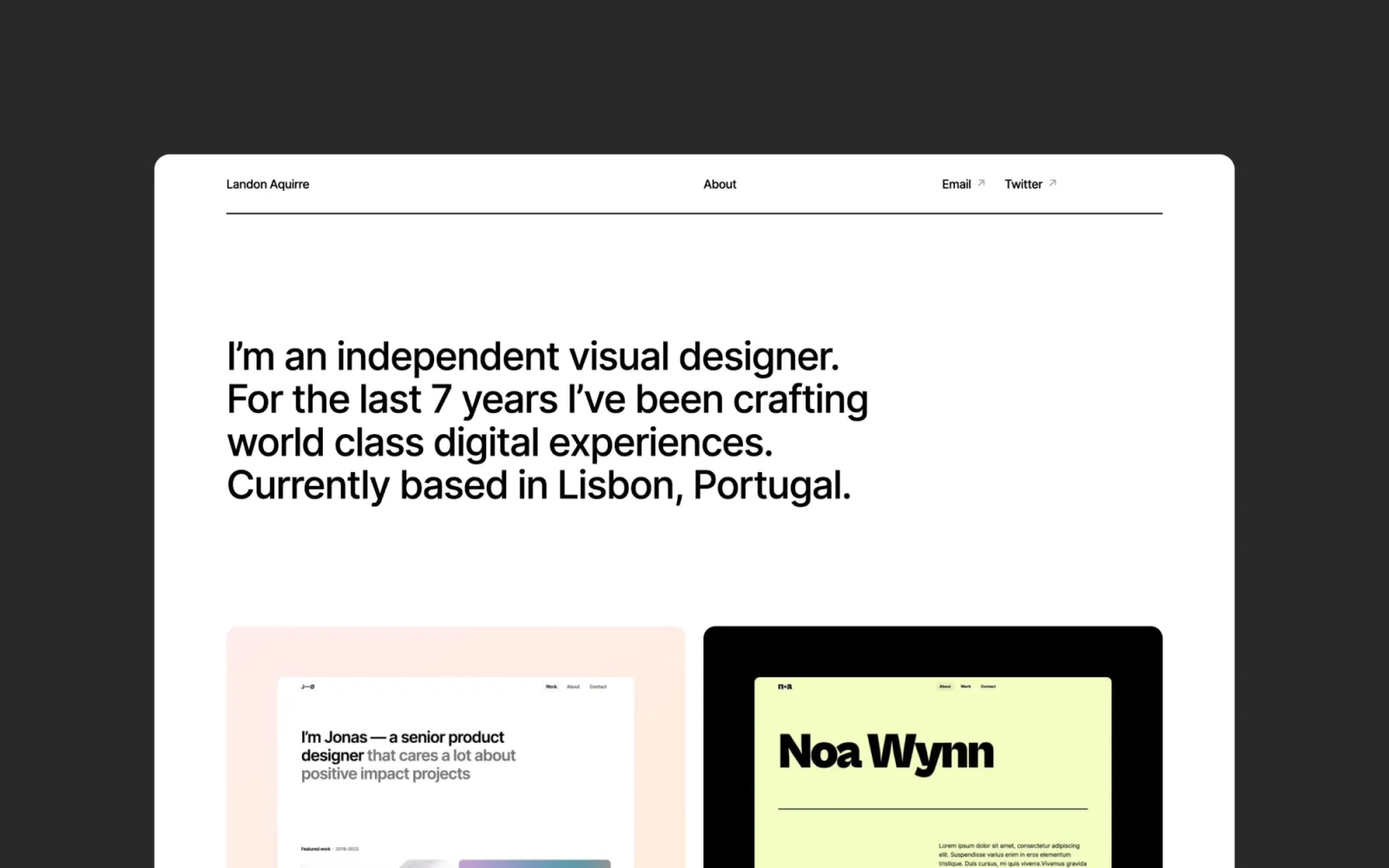
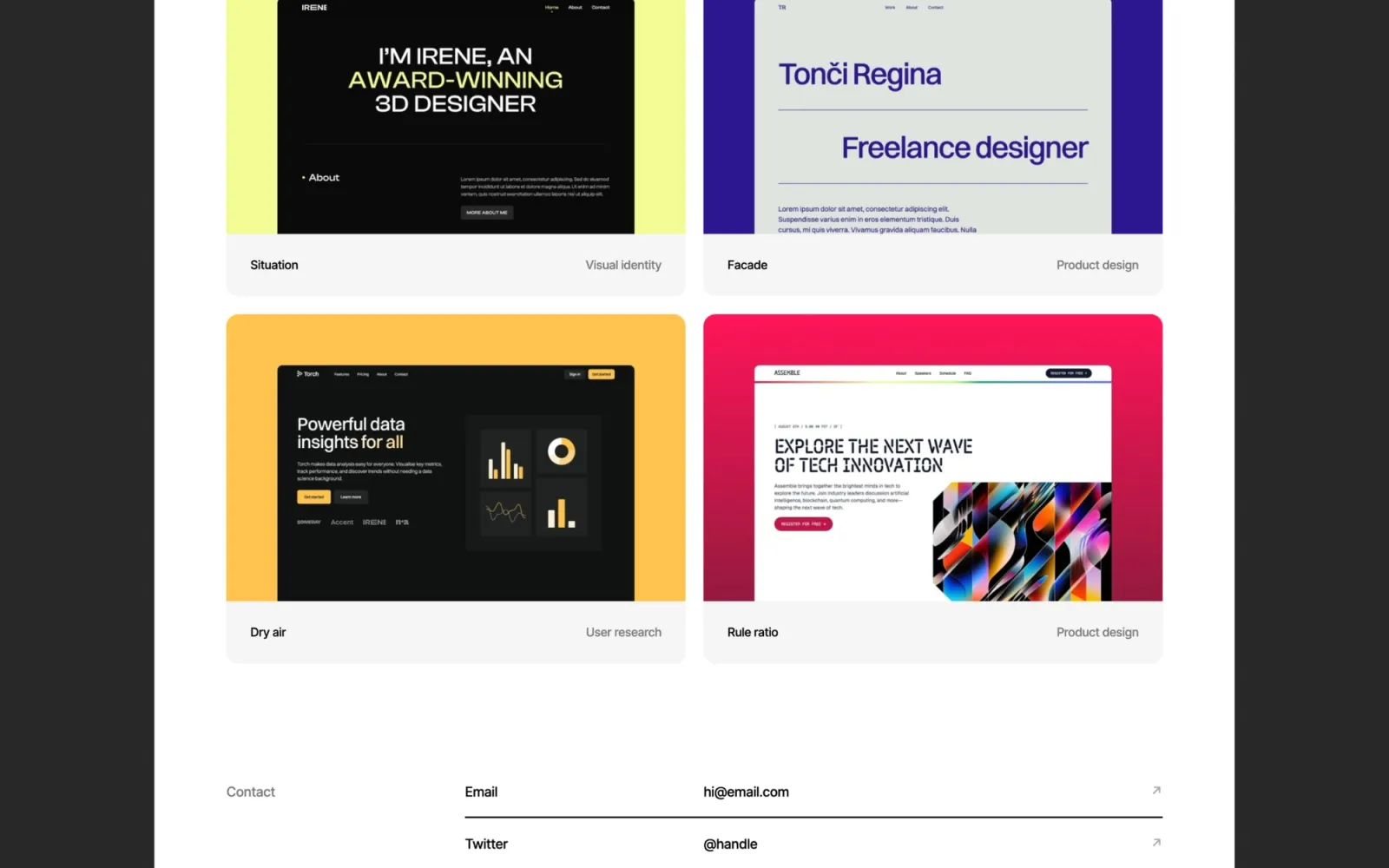
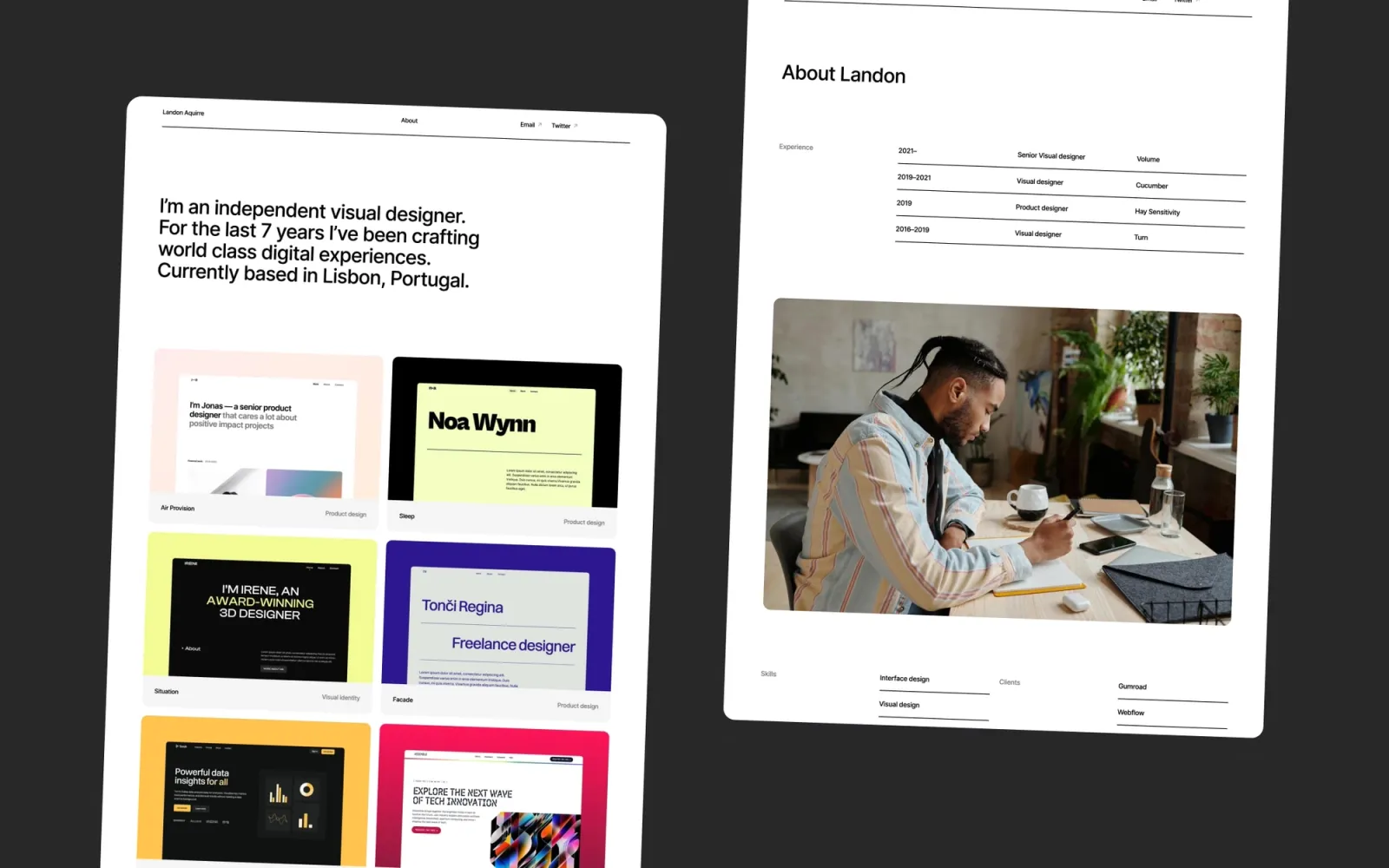
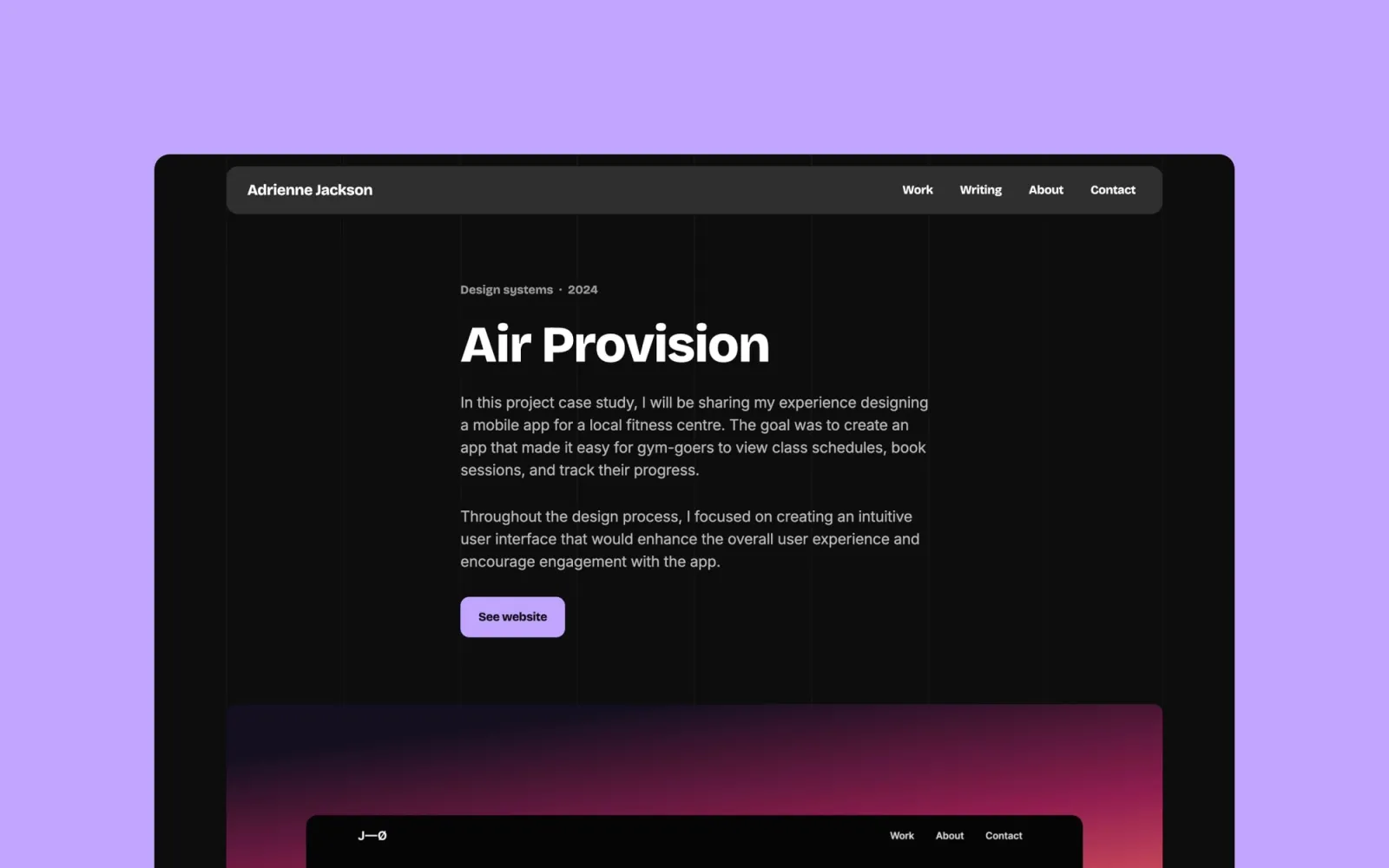
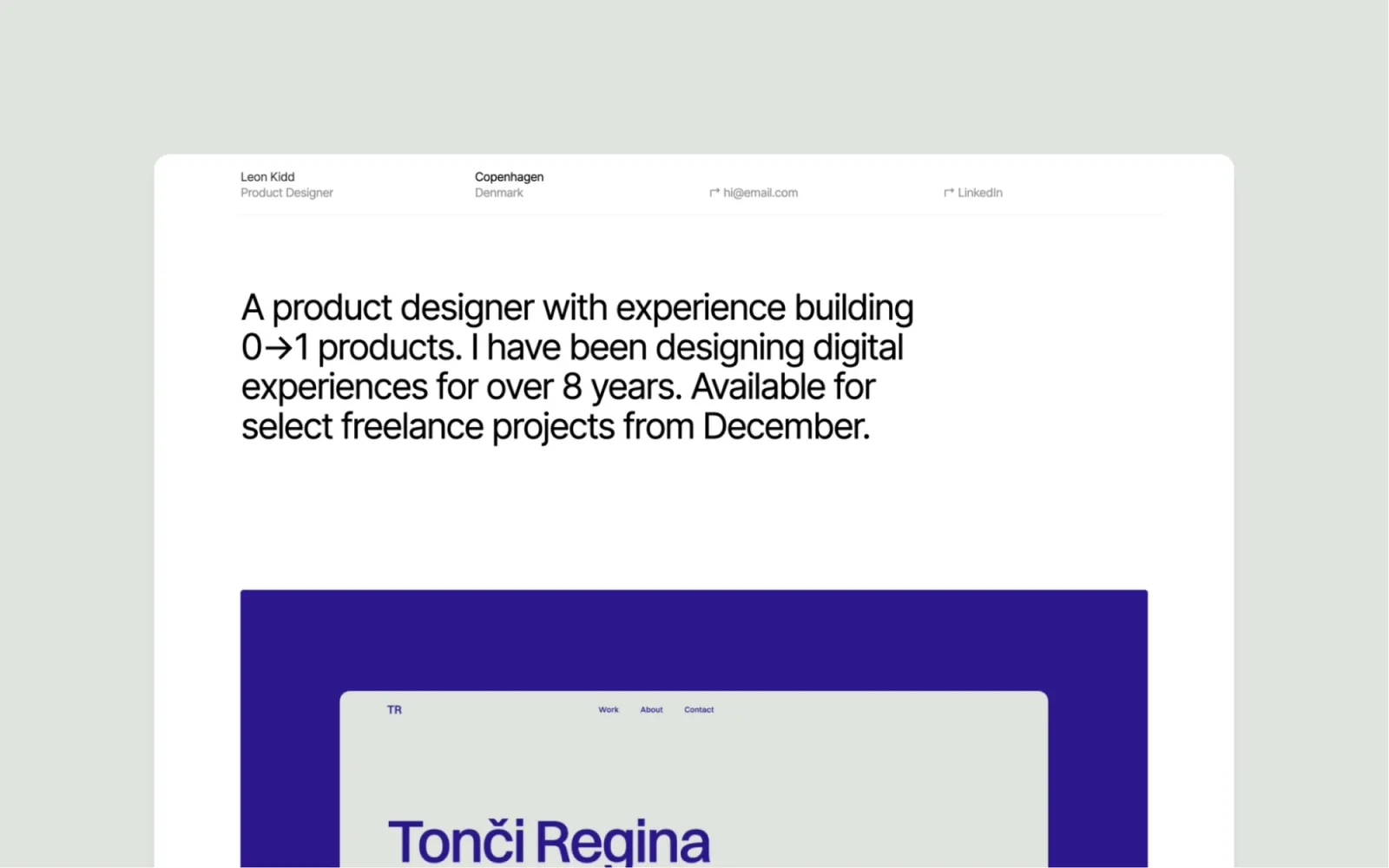
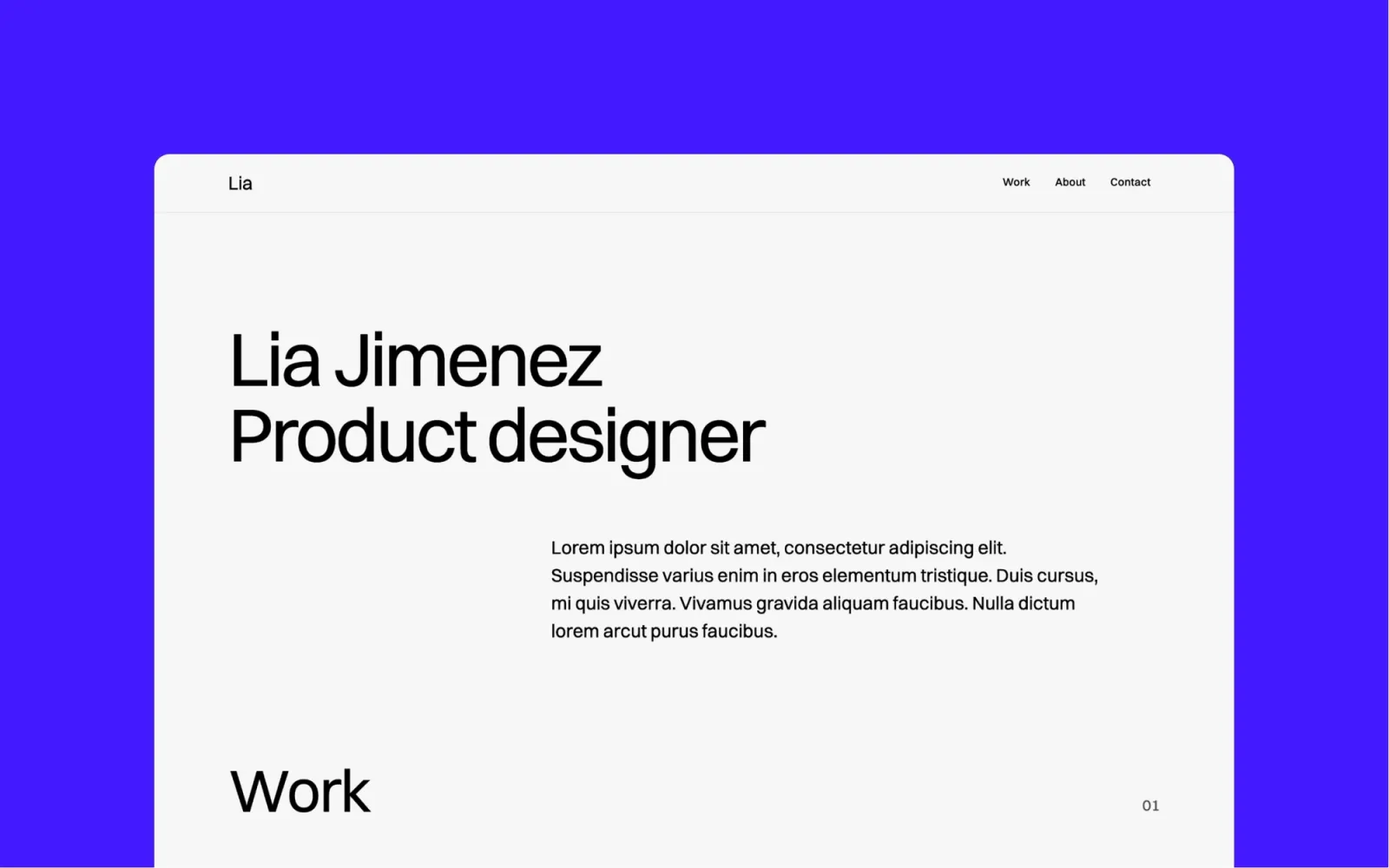
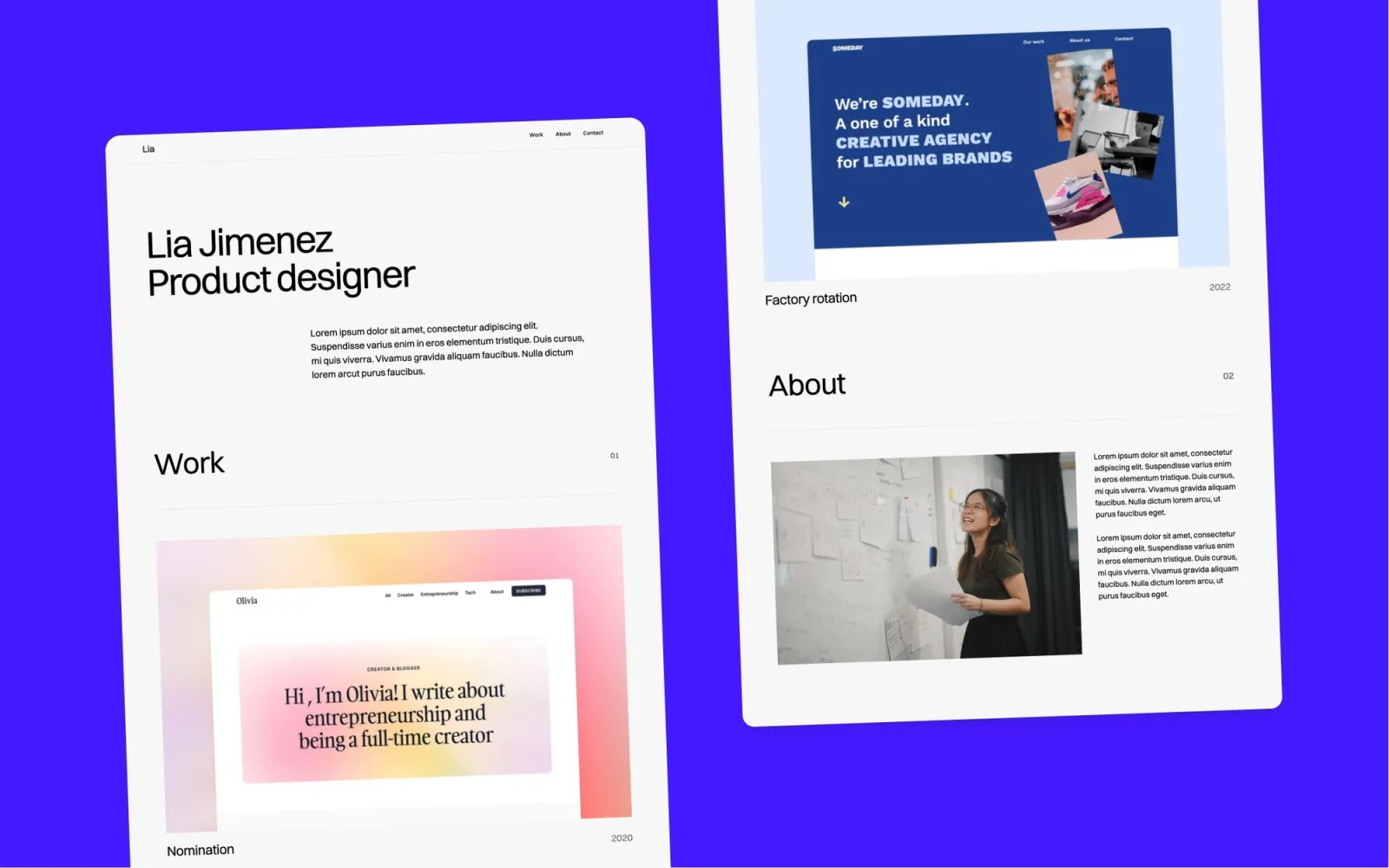
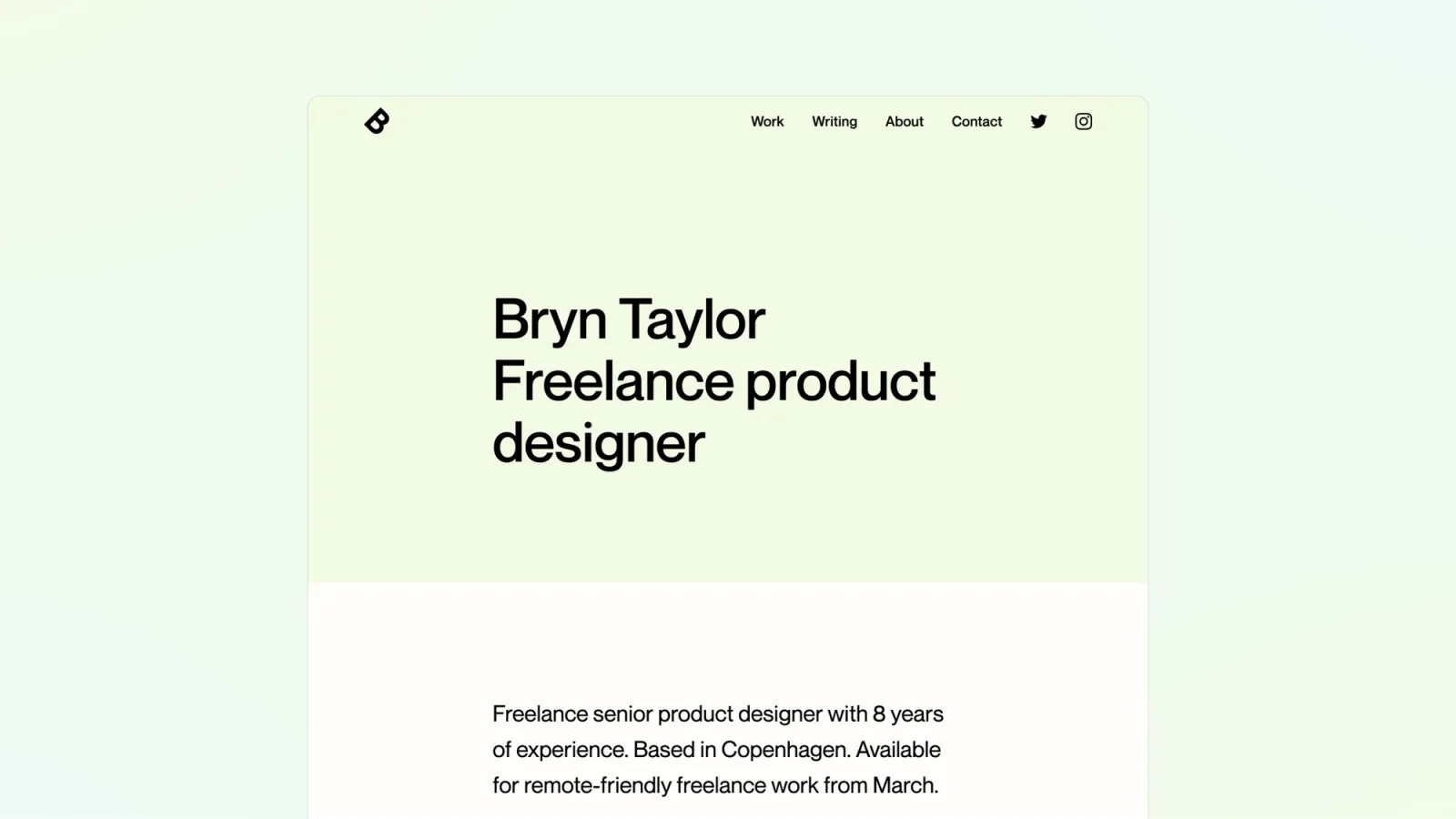
Landon is the minimal light-mode portfolio. Clean grid, generous whitespace, classic multi-page structure. CMS for case studies, nothing competing with the work. The one to pick if the audience is corporate or enterprise and a distinctive aesthetic would be the wrong call. It reads professional before it reads designed, which is exactly the point. No blog, no services page — if writing is part of the practice, Lucide handles that.
Product designers and UX leads who present to enterprise clients or hiring panels that expect a conservative aesthetic — where the work is the pitch and the template should step back.
$49 · Single site licence
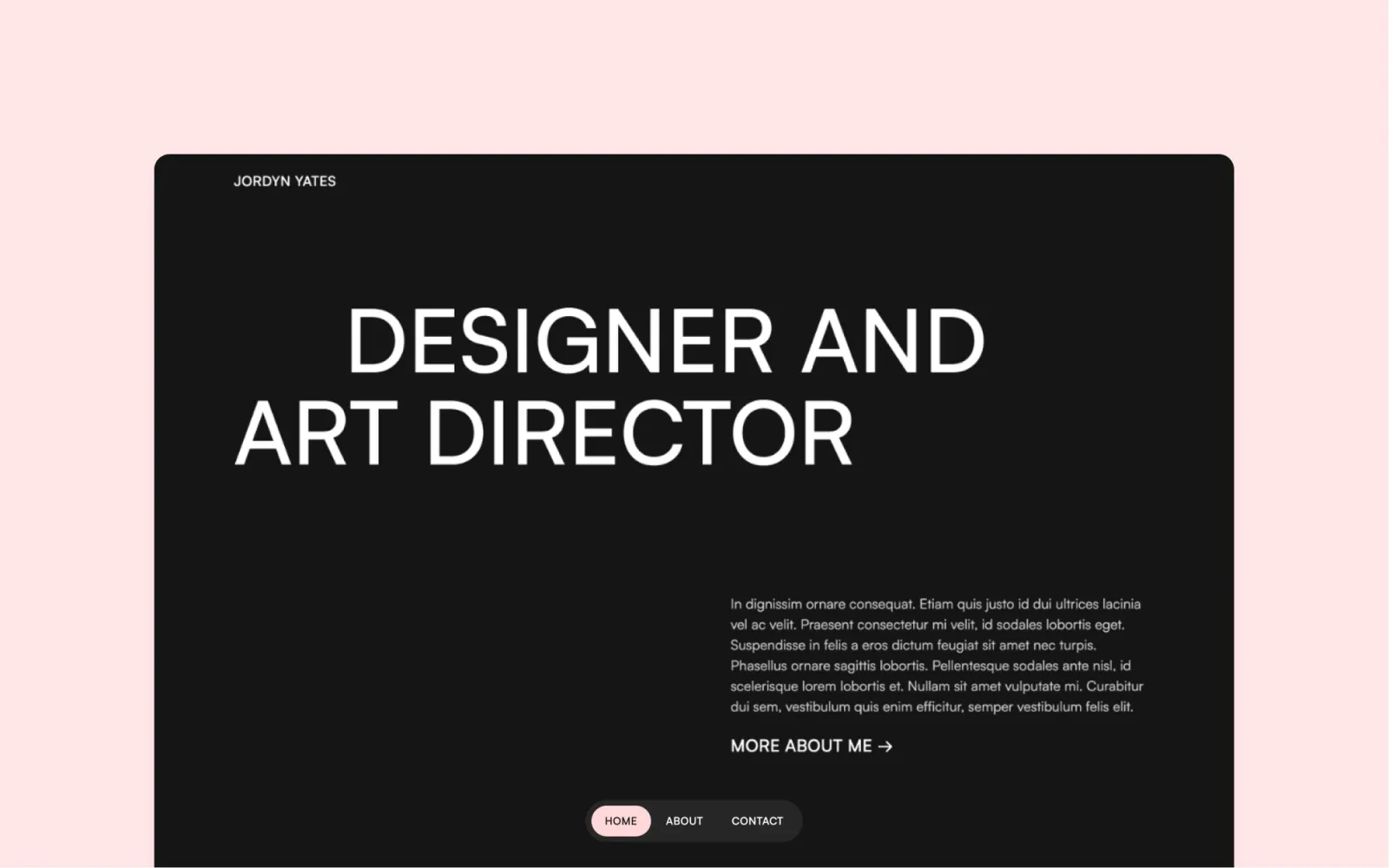
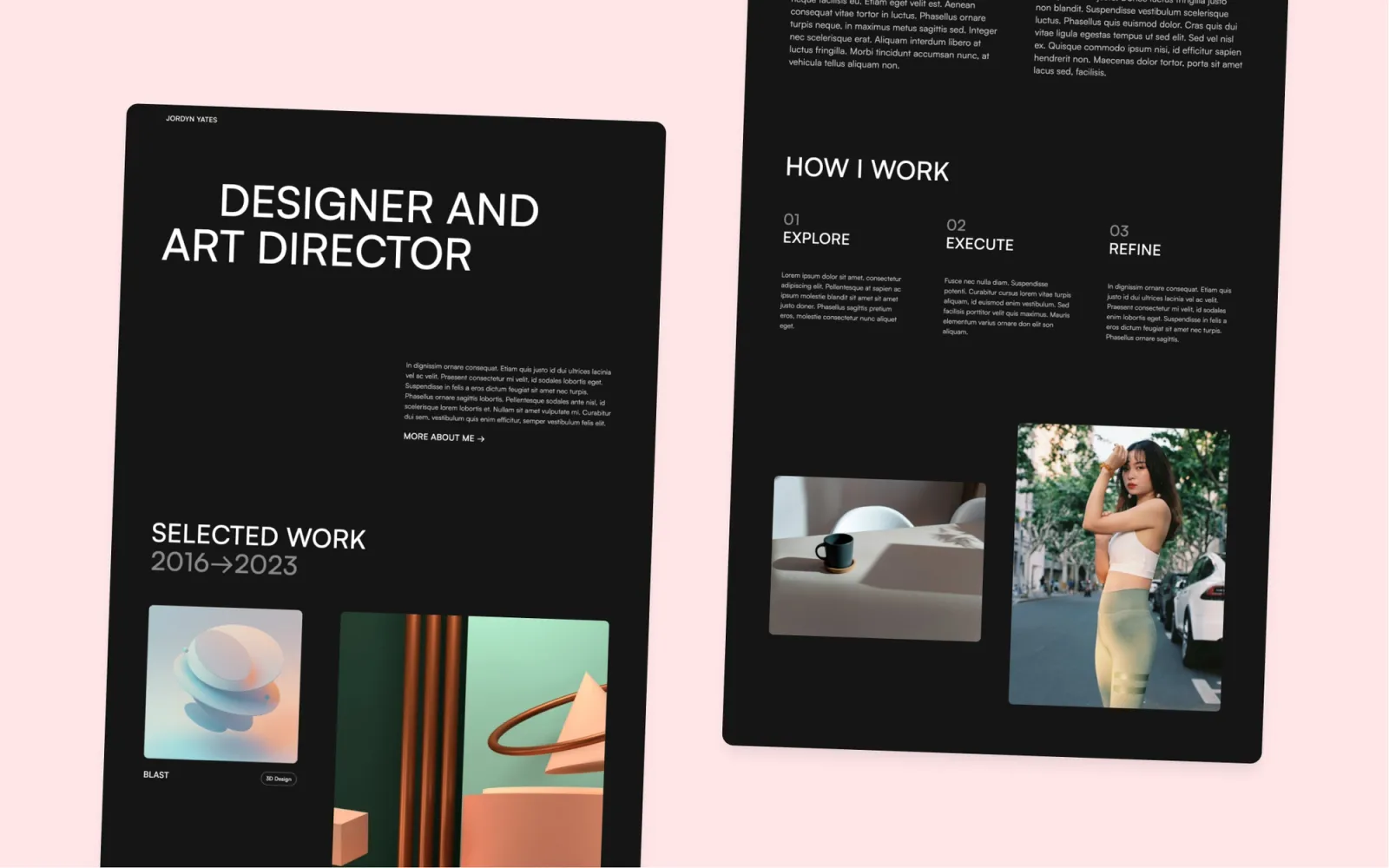
Darkfolio is the strongest visual statement on this list. High-contrast dark, bold variable-weight type, case study grid. The portfolio that signals the work matters before you’ve seen any of it. The limitation is straightforward: dark-mode-only isn’t neutral. Some clients expect light, and there’s no toggle. Worth the constraint if the work suits it — interaction designers and visual designers whose projects look best on a dark canvas tend to land here.
Motion designers, interaction designers, and visual designers whose work looks its best on dark backgrounds — and who want the site itself to make a statement before the case studies do.
$49 · Single site licence
Lucide has a blog built in alongside the portfolio pages. One Webflow editor handles case studies and writing — no Medium, no Ghost, no integration. Worth it if writing is already part of the practice: case study breakdowns, process posts, newsletter content. Light and dark mode. The setup takes longer than a single-CMS portfolio, but the result is one site that handles both instead of two that never quite feel coherent.
Designers who write — whether that’s a newsletter, process breakdowns, or SEO-led articles. Also works for senior UX professionals using thought leadership to attract work.
$49 · Single site licence
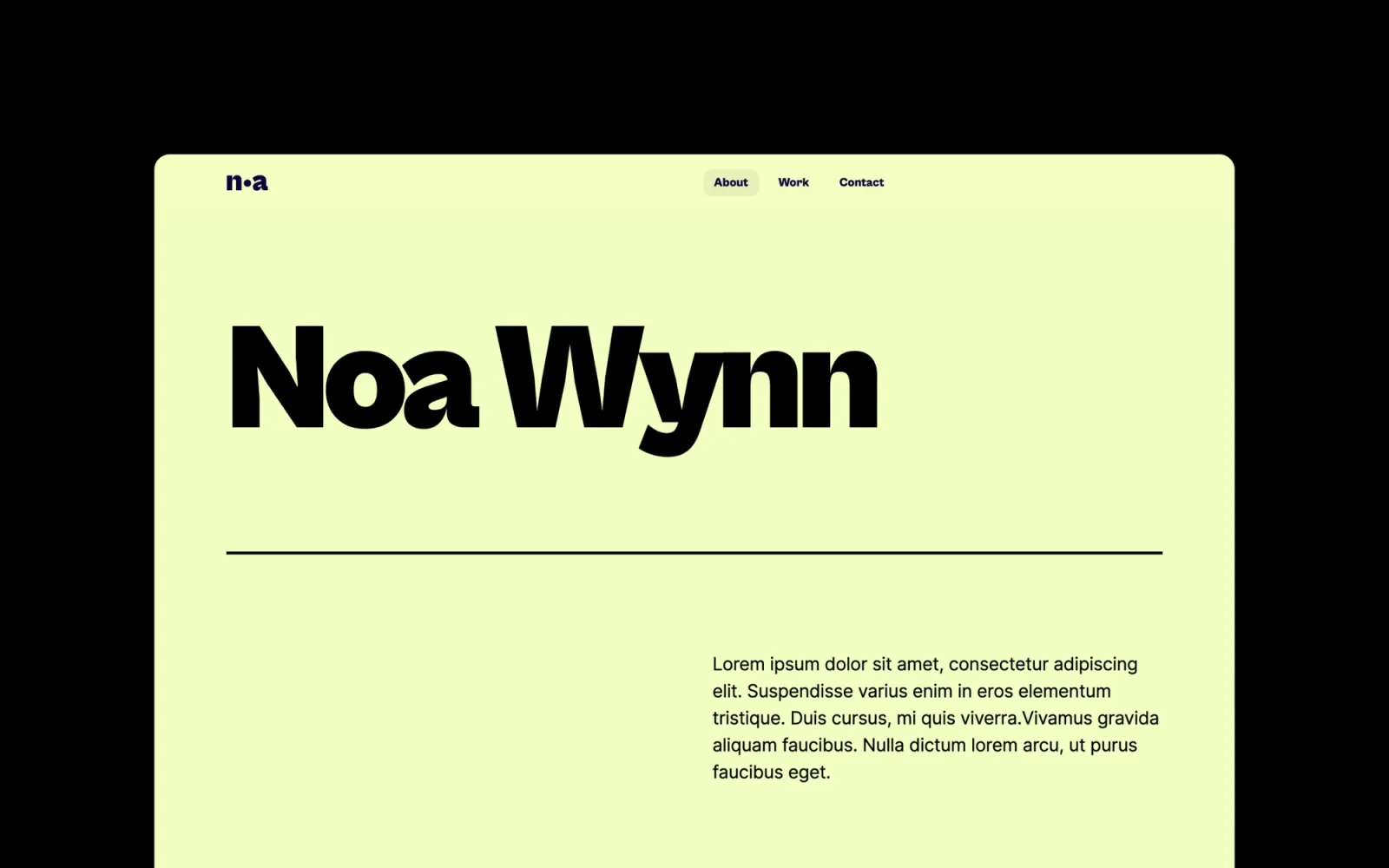
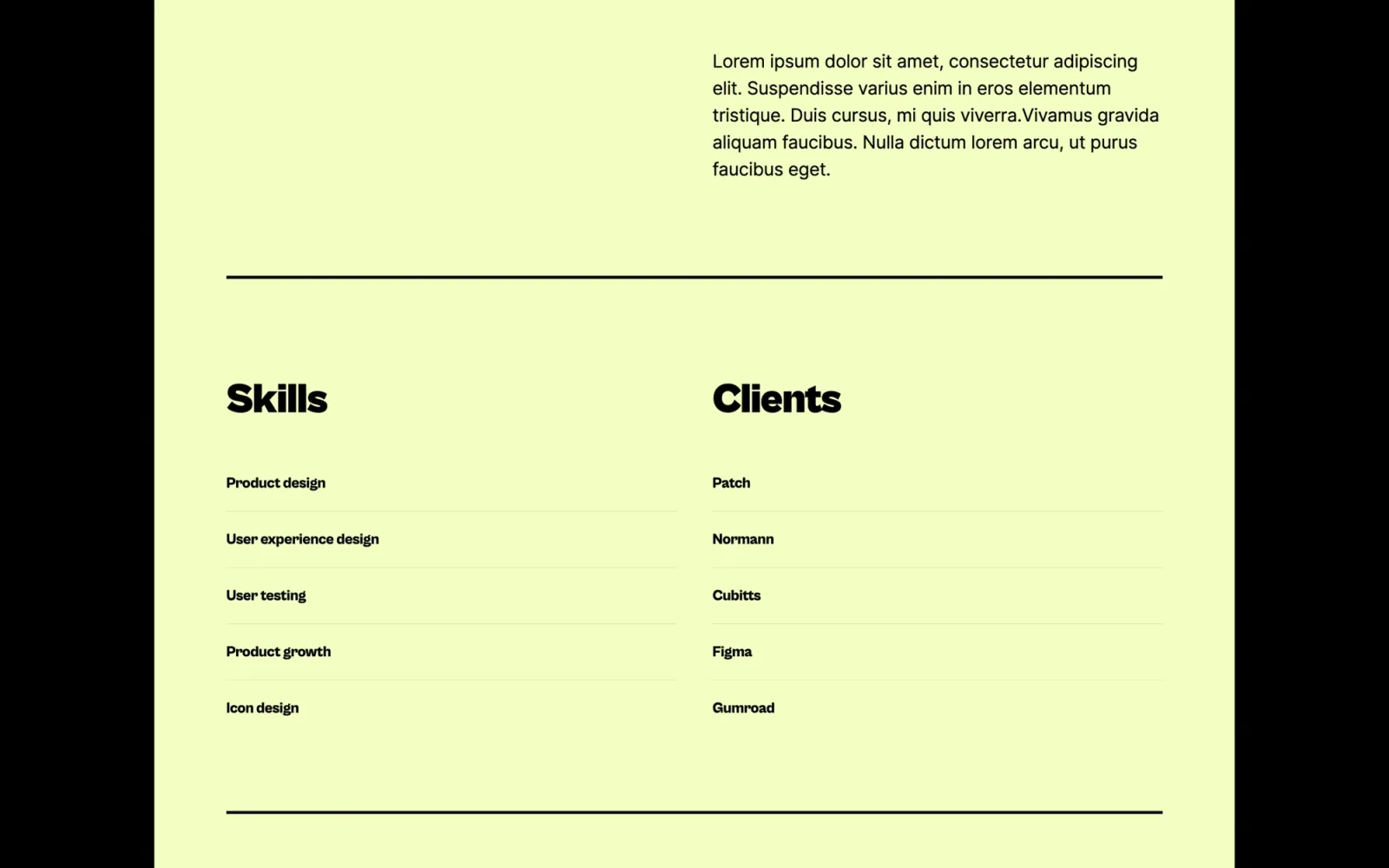
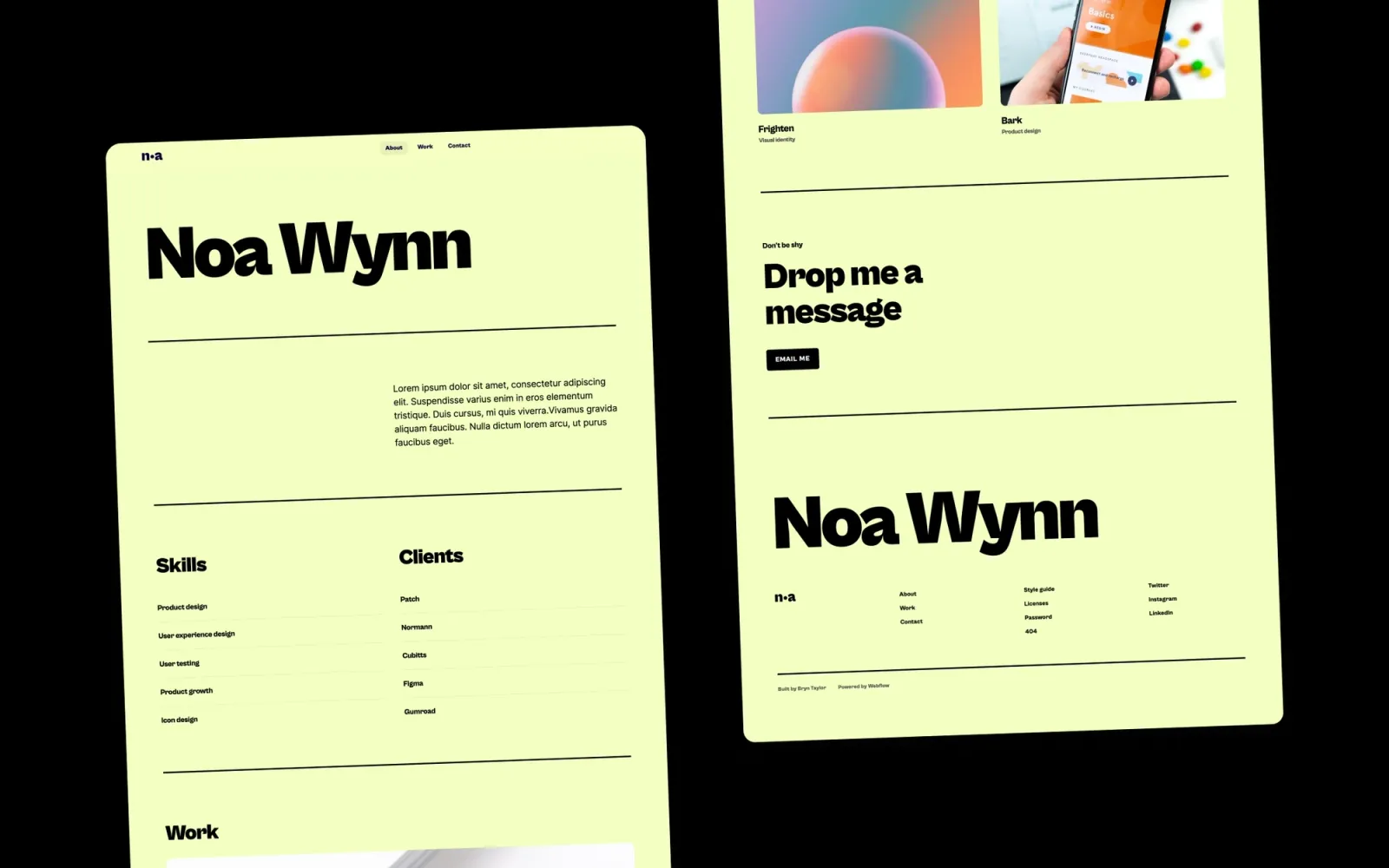
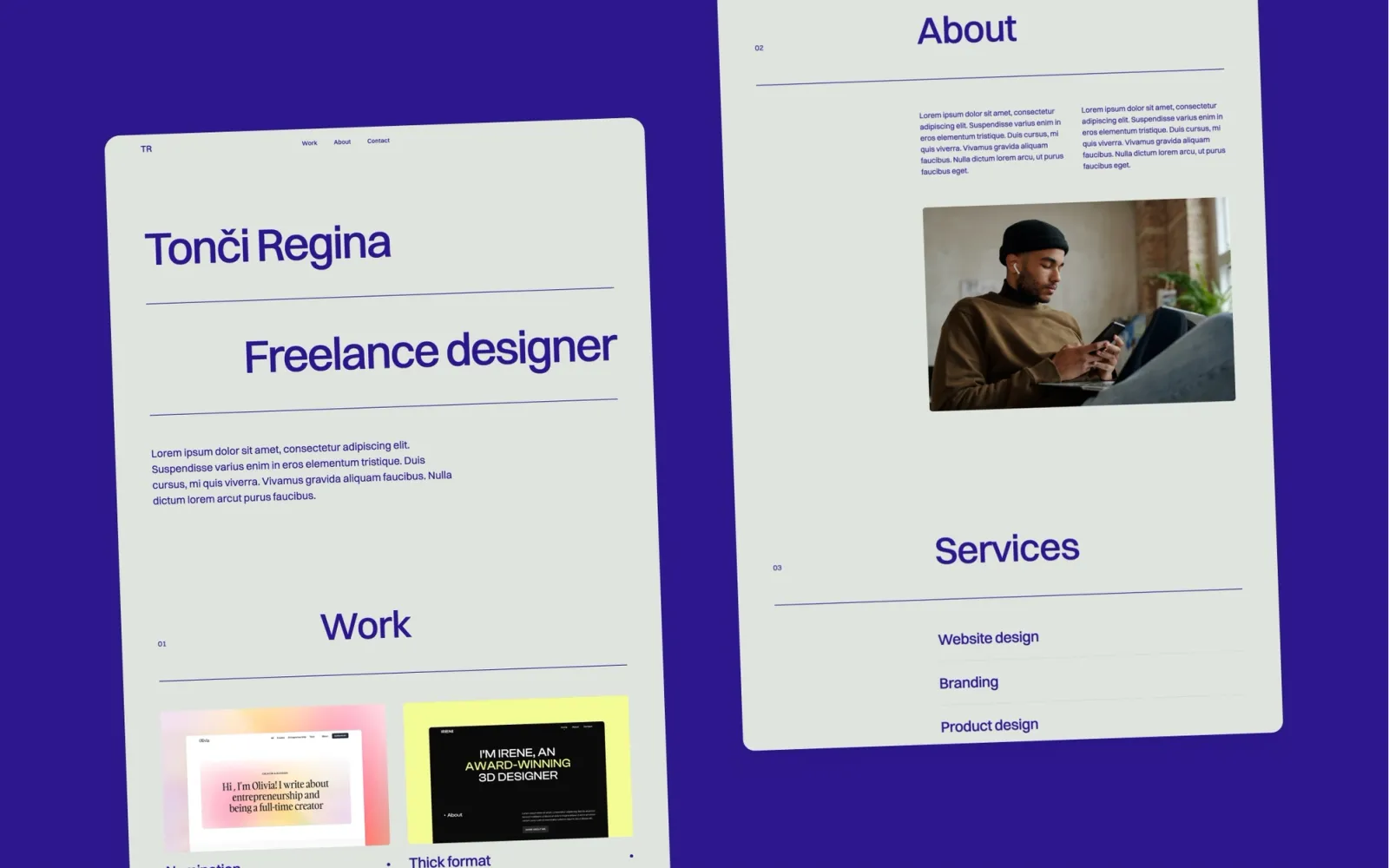
Noa is the clean mid-range pick at $29. Card layout, restrained type, work first. Not as distinctive as Darkfolio or as editorial as Lucide — but it looks solid and costs a third of what some templates here charge. Good for designers who want the portfolio updated and live by the end of the week without a complex setup process.
Freelance designers and junior-to-mid UX designers who want a professional, low-maintenance portfolio at a budget price point.
$29 · Single site licence
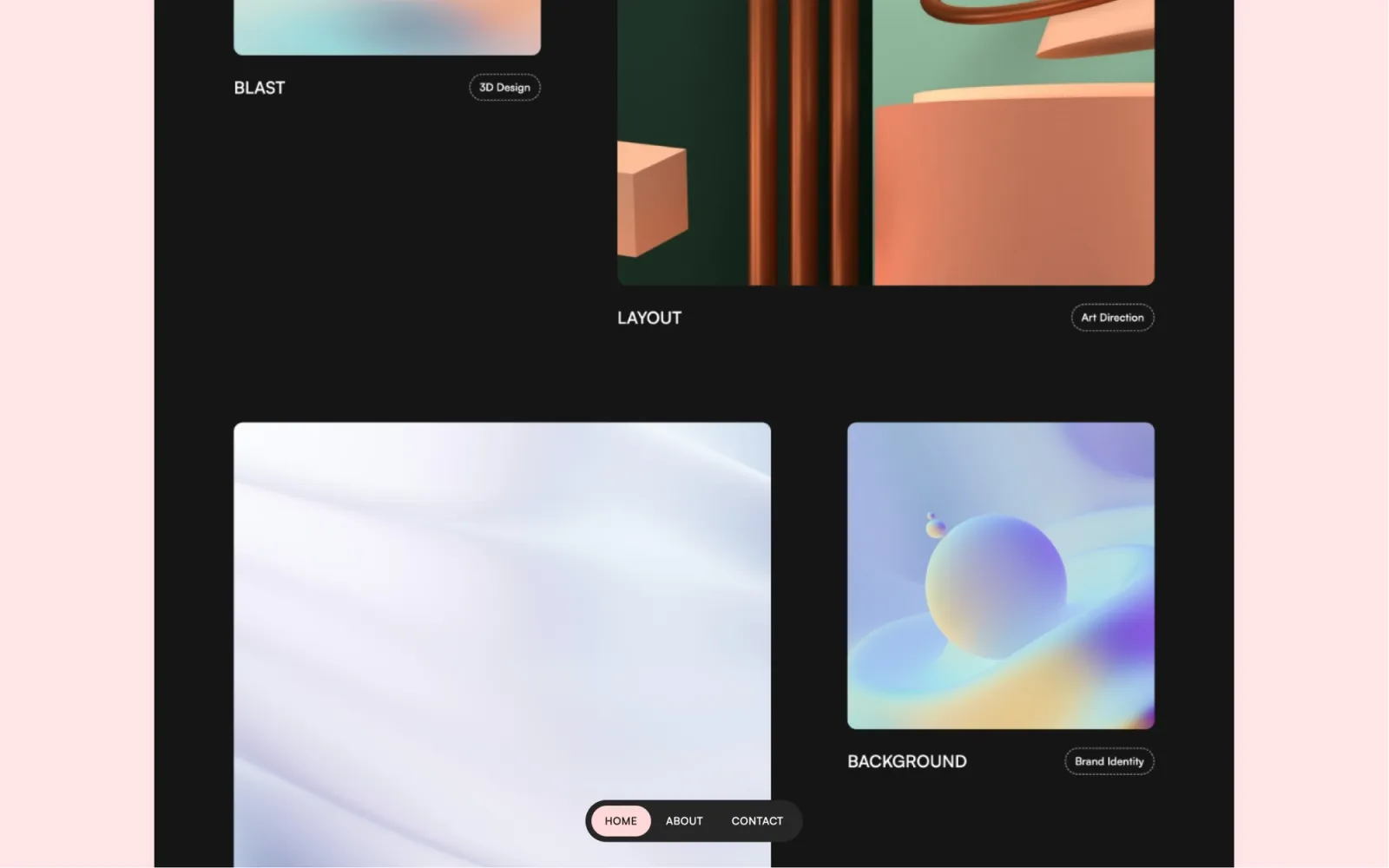
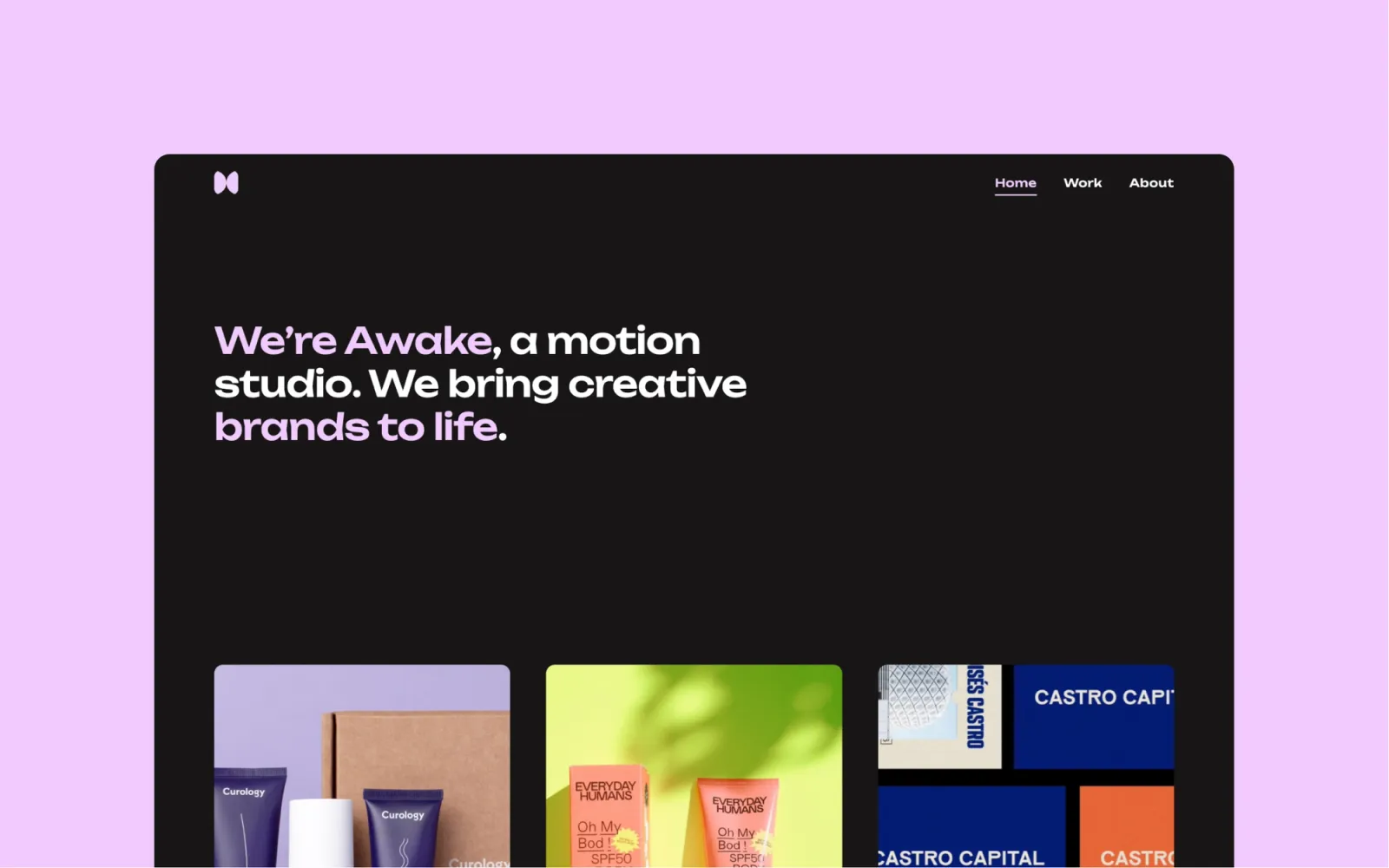
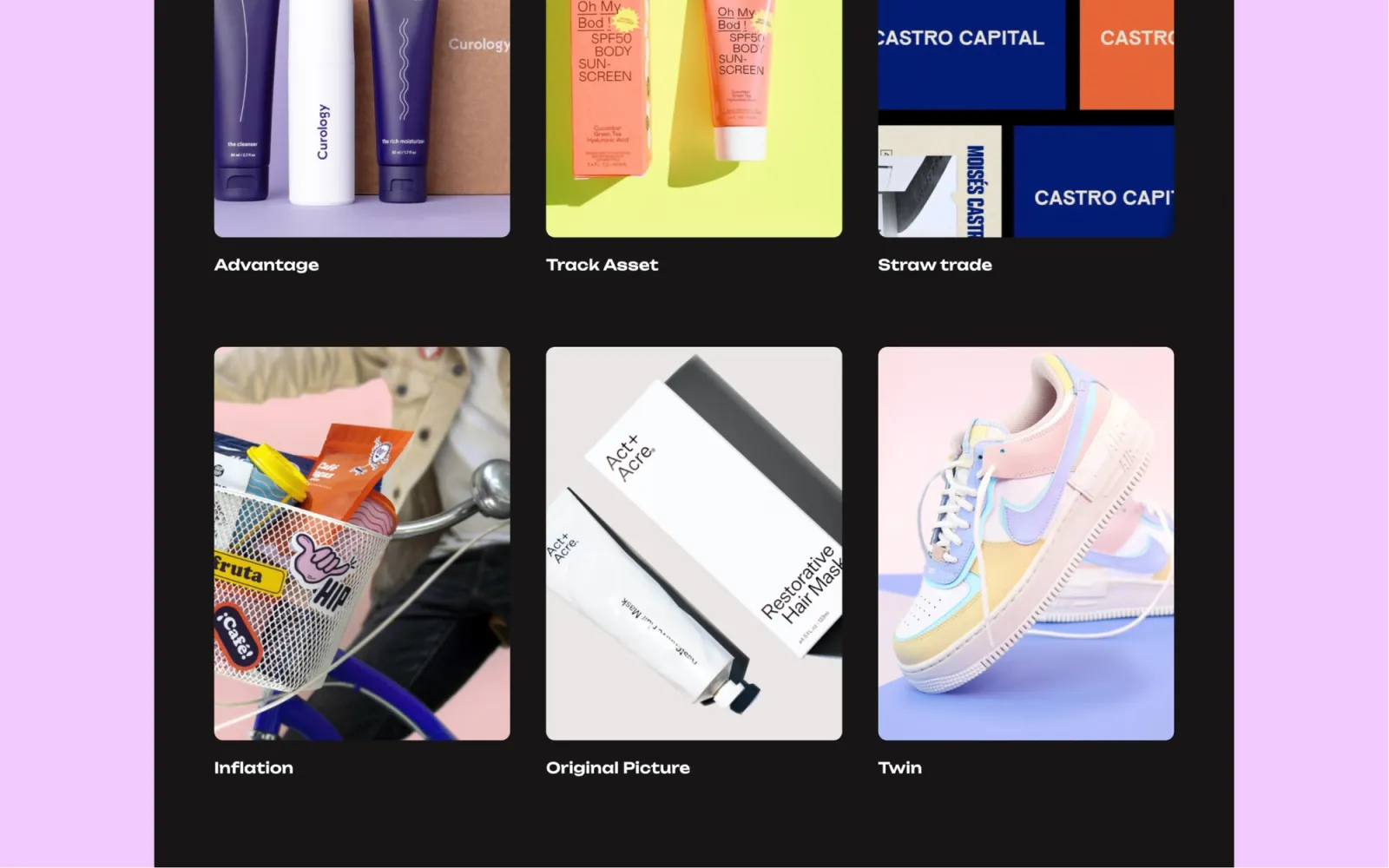
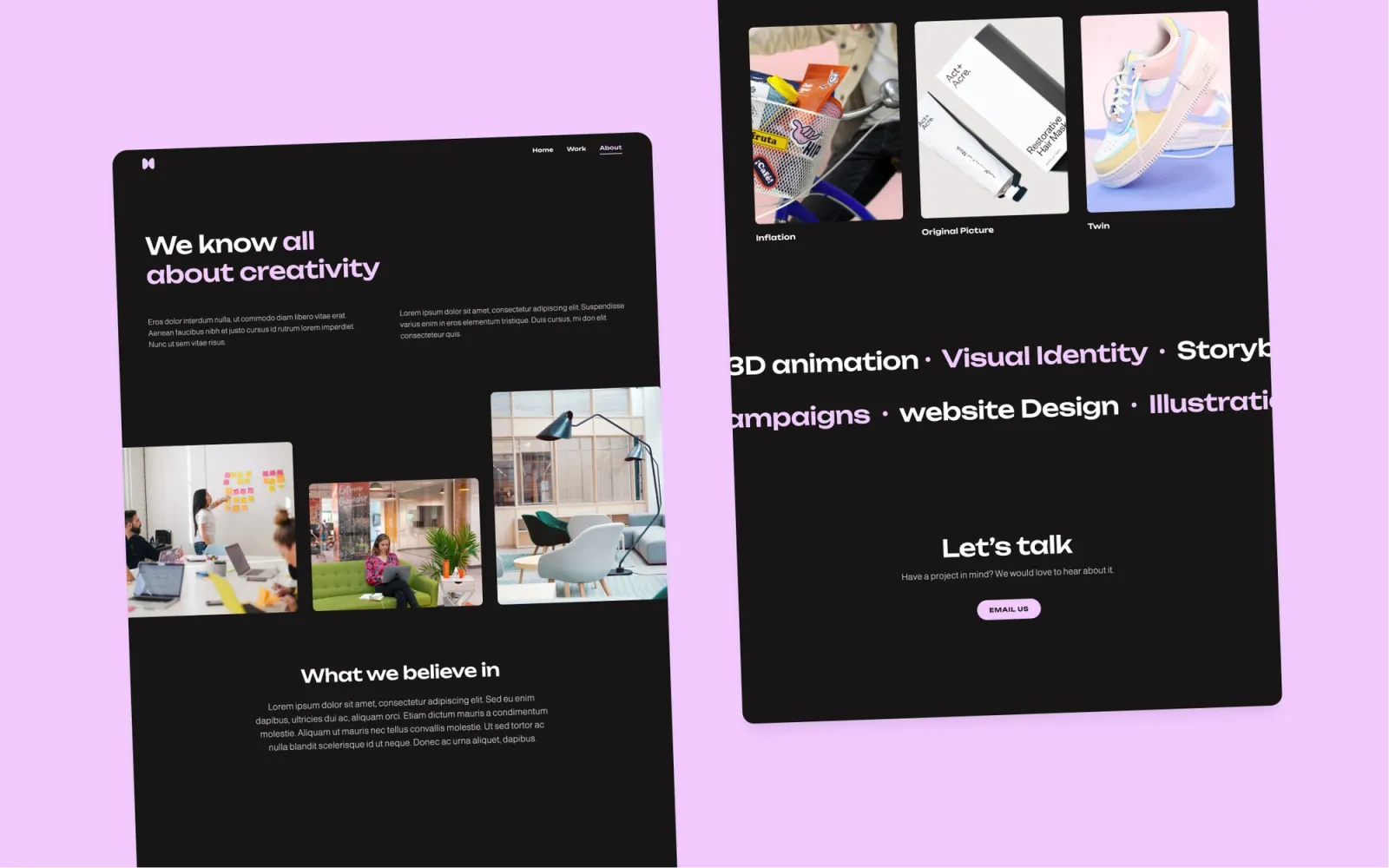
Awake is the dark template for designers who present work at studio or agency scale. Multi-page, full-bleed project pages, CMS for case studies. Warmer in feel than Darkfolio — less restrained, more atmosphere. The right choice if the portfolio needs to handle detailed case studies with a lot of imagery, and the work looks best on a dark background. More setup than the minimal picks, but the result reads as considered.
Senior designers, UX leads at agencies, and motion designers whose case studies run long and whose work looks strongest on dark backgrounds.
$49 · Single site licence
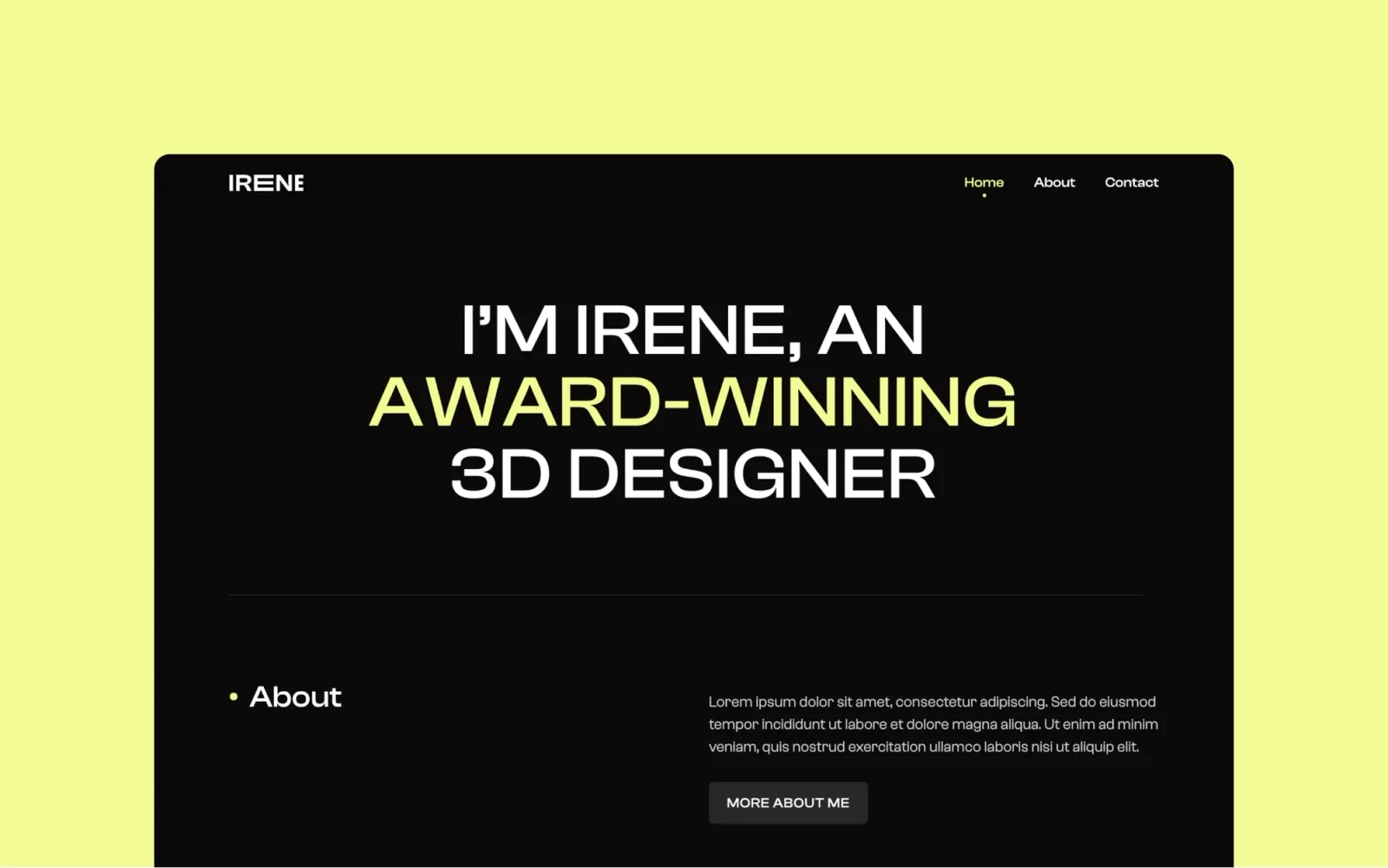
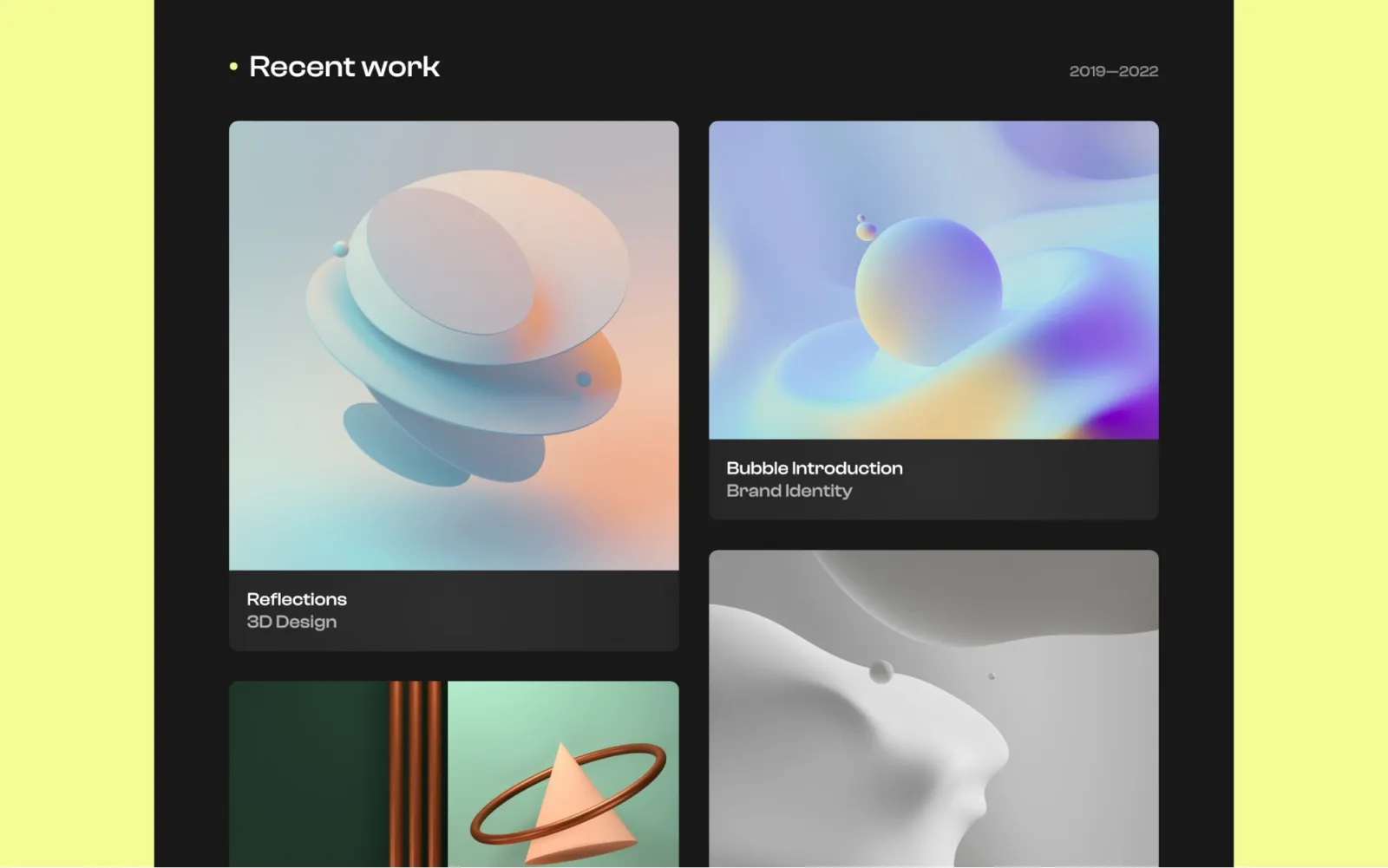
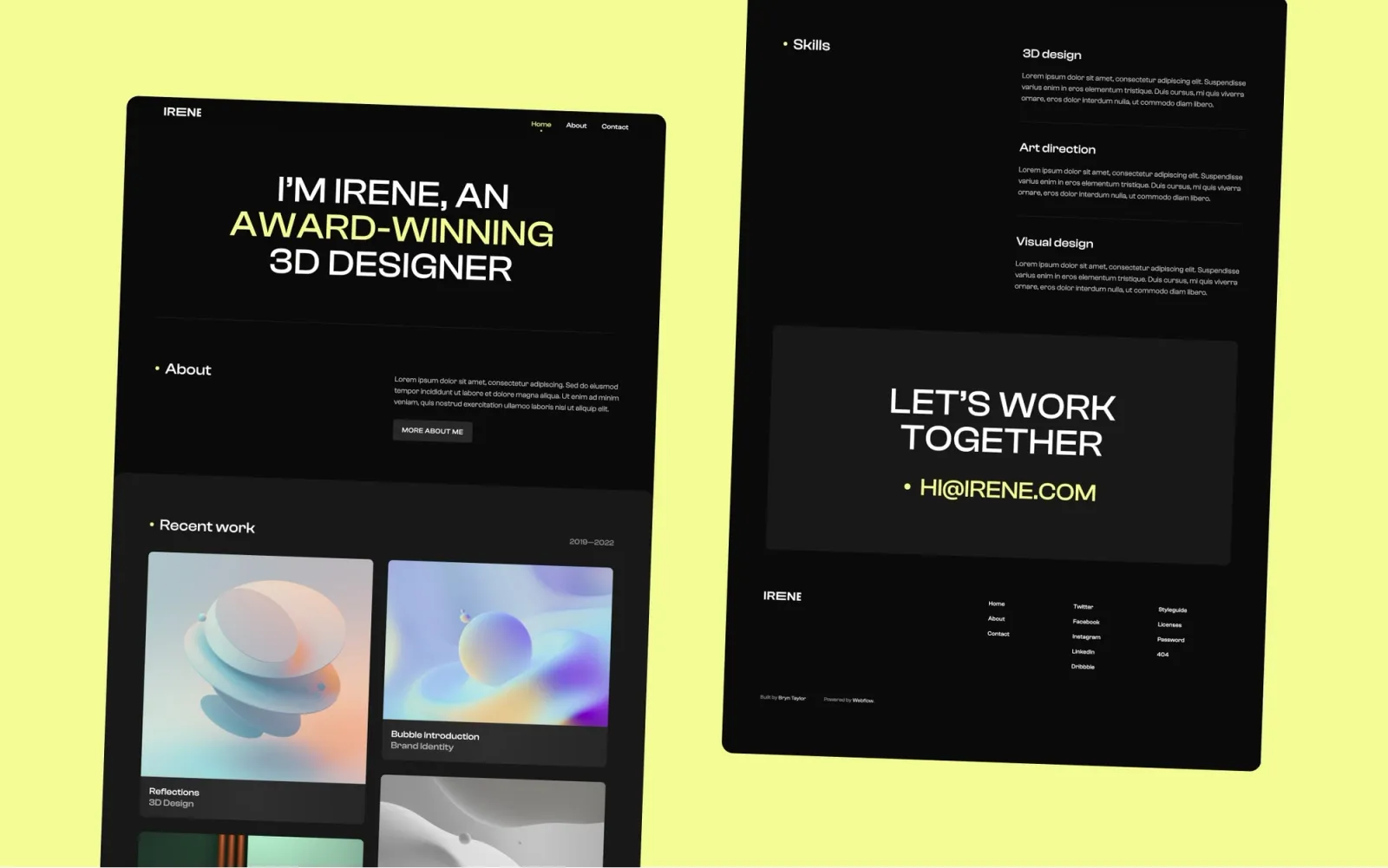
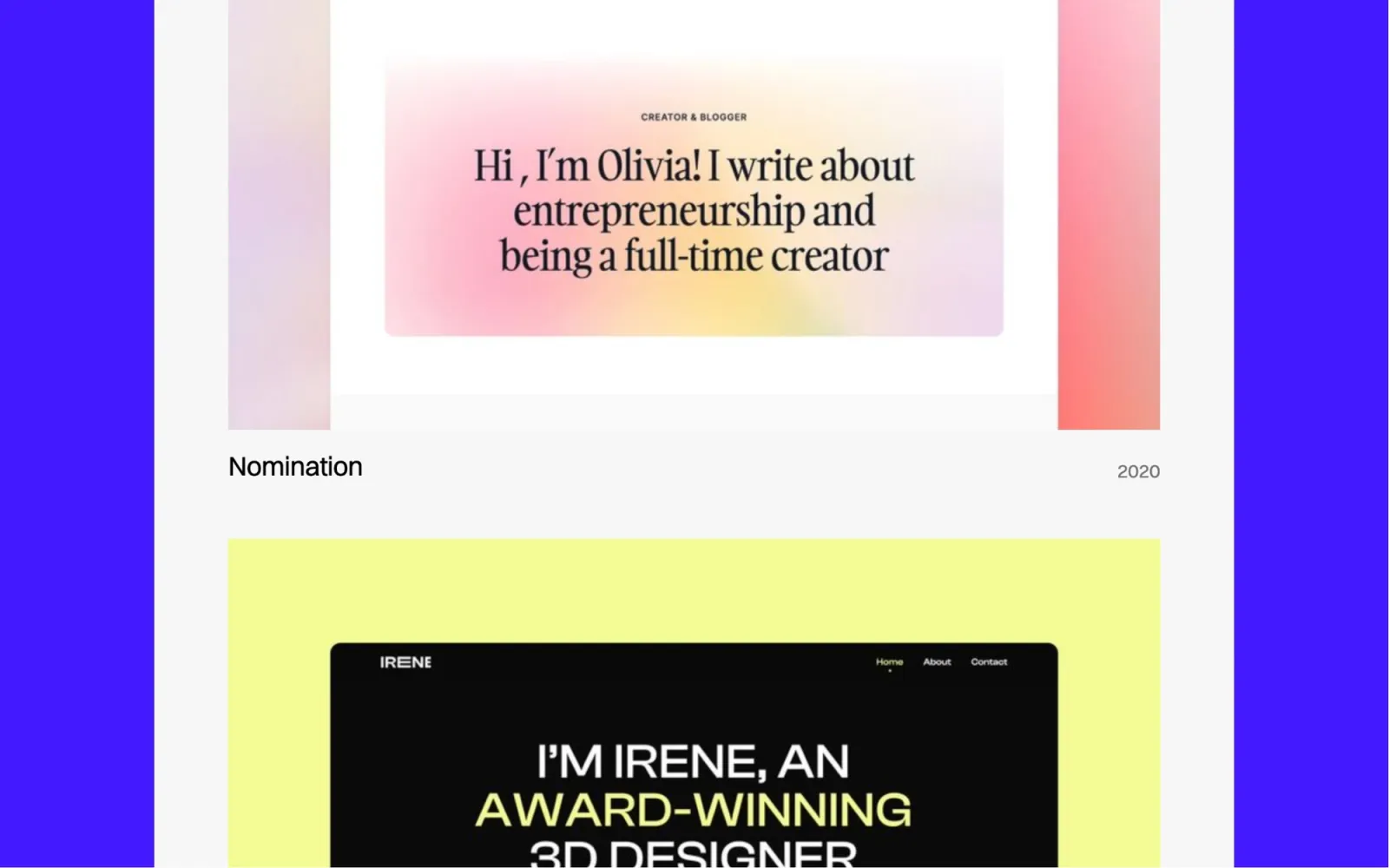
Irene is the simpler dark option. Same dark aesthetic as Awake and Darkfolio with a lighter page set and less to configure. Home, Work, About, Contact — CMS for project pages. The pick if a dark portfolio is the goal and neither of the heavier dark templates feels worth the setup time. Faster to launch, easier to maintain solo.
Independent designers who want a dark portfolio that’s quick to populate — fewer configuration decisions than Awake, cleaner structure than Darkfolio.
$49 · Single site licence
Accent has colour — a pastel or vivid accent that runs through the whole design. Less neutral than everything else on this list. Motion designers and brand designers often land here because the colour already signals a point of view. One-page structure with CMS for work items. The limitation is the single-page format: it works well for a curated portfolio of 6–8 projects, not a 30-case-study archive.
Motion designers, brand designers, and graphic designers who want the site itself to have a colour identity — rather than the standard neutral-with-screenshots approach.
$29 · Single site licence
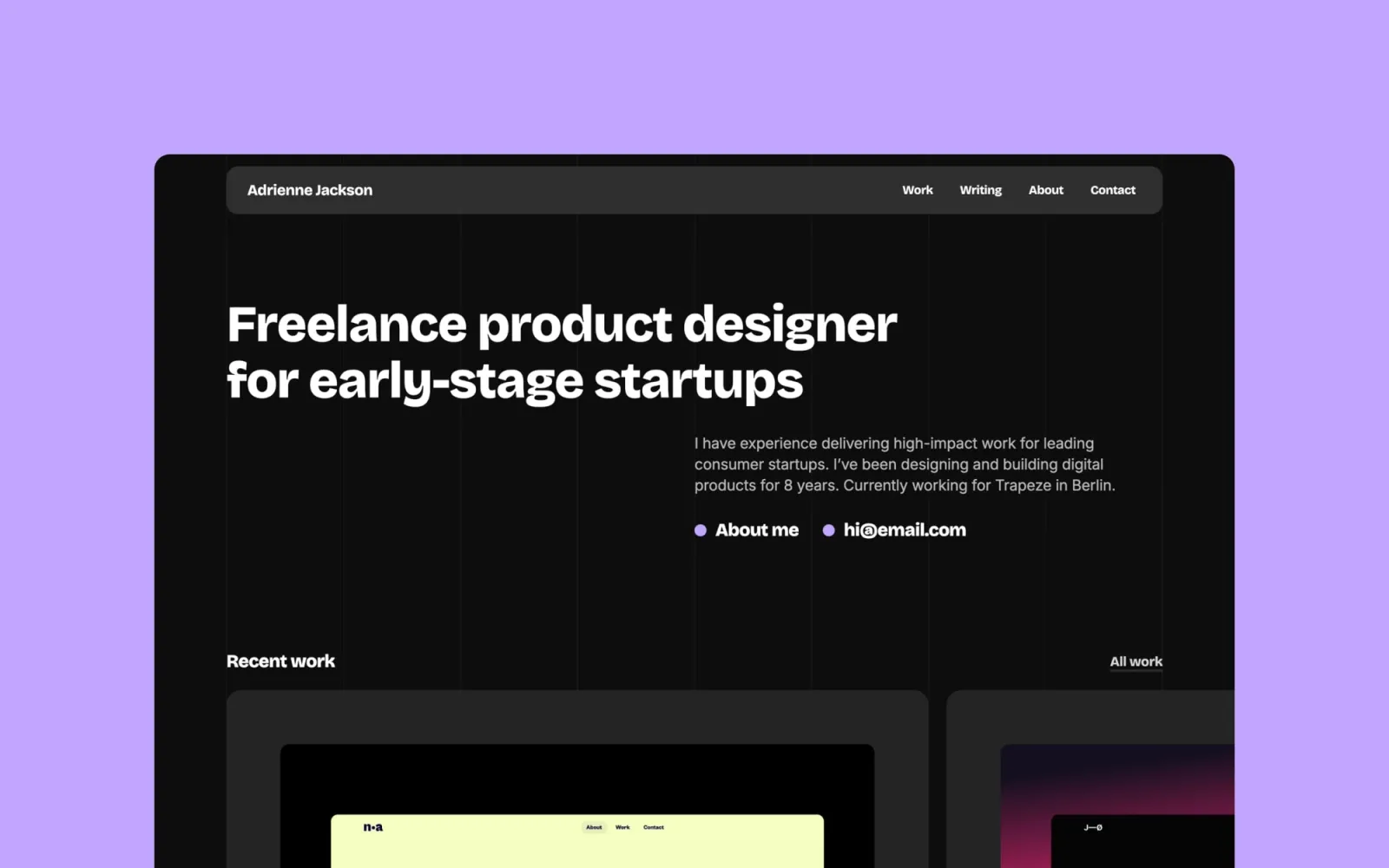
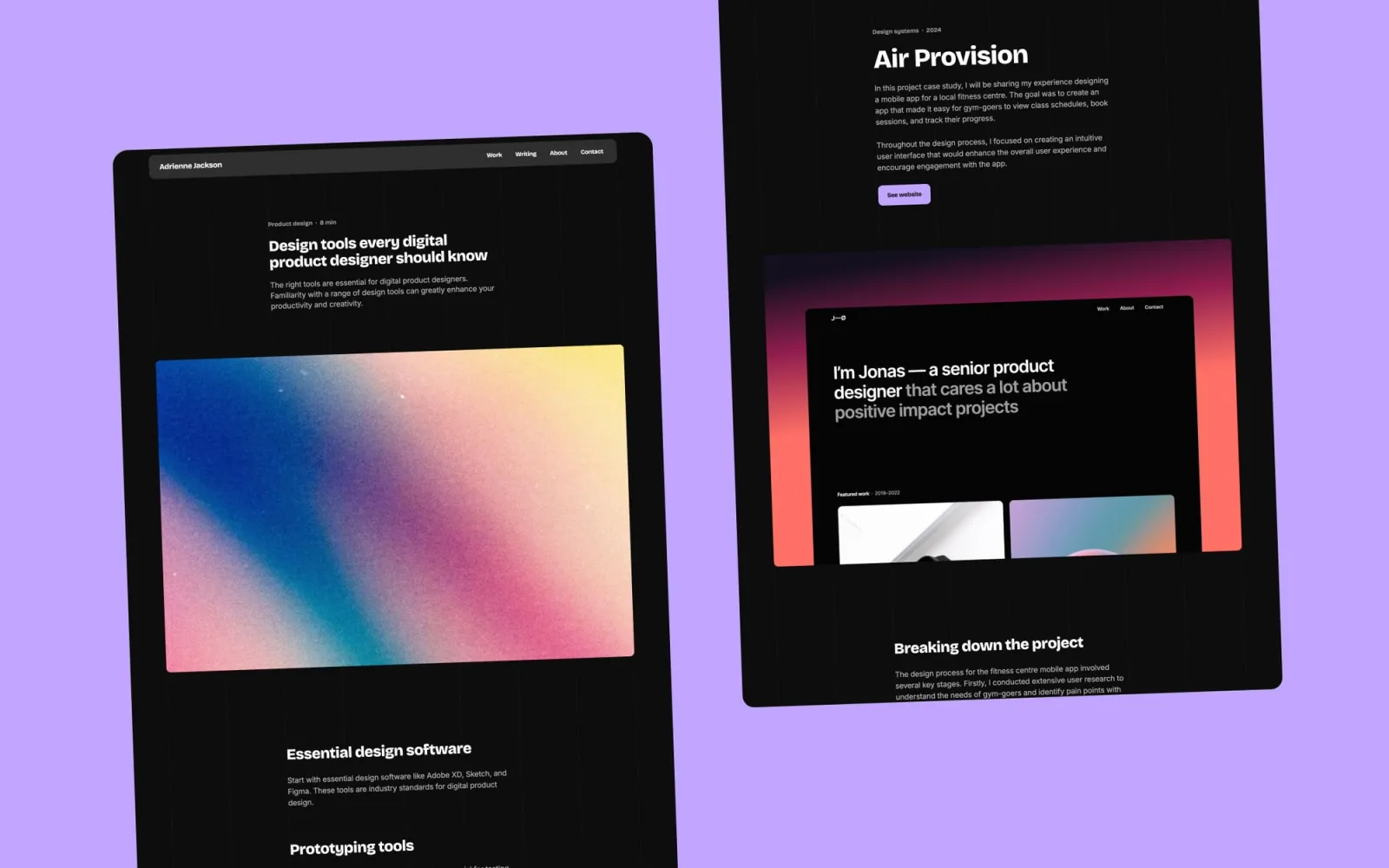
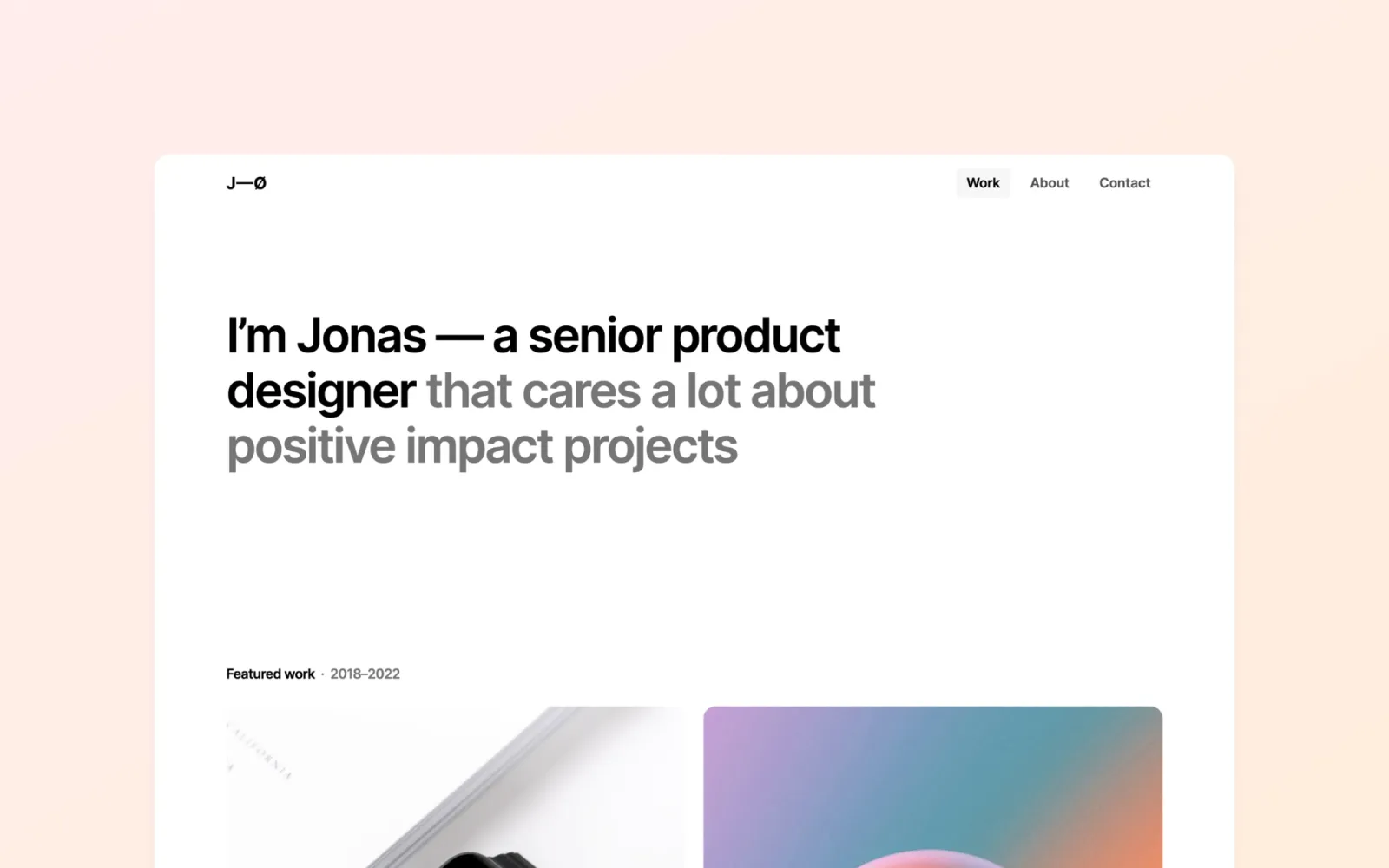
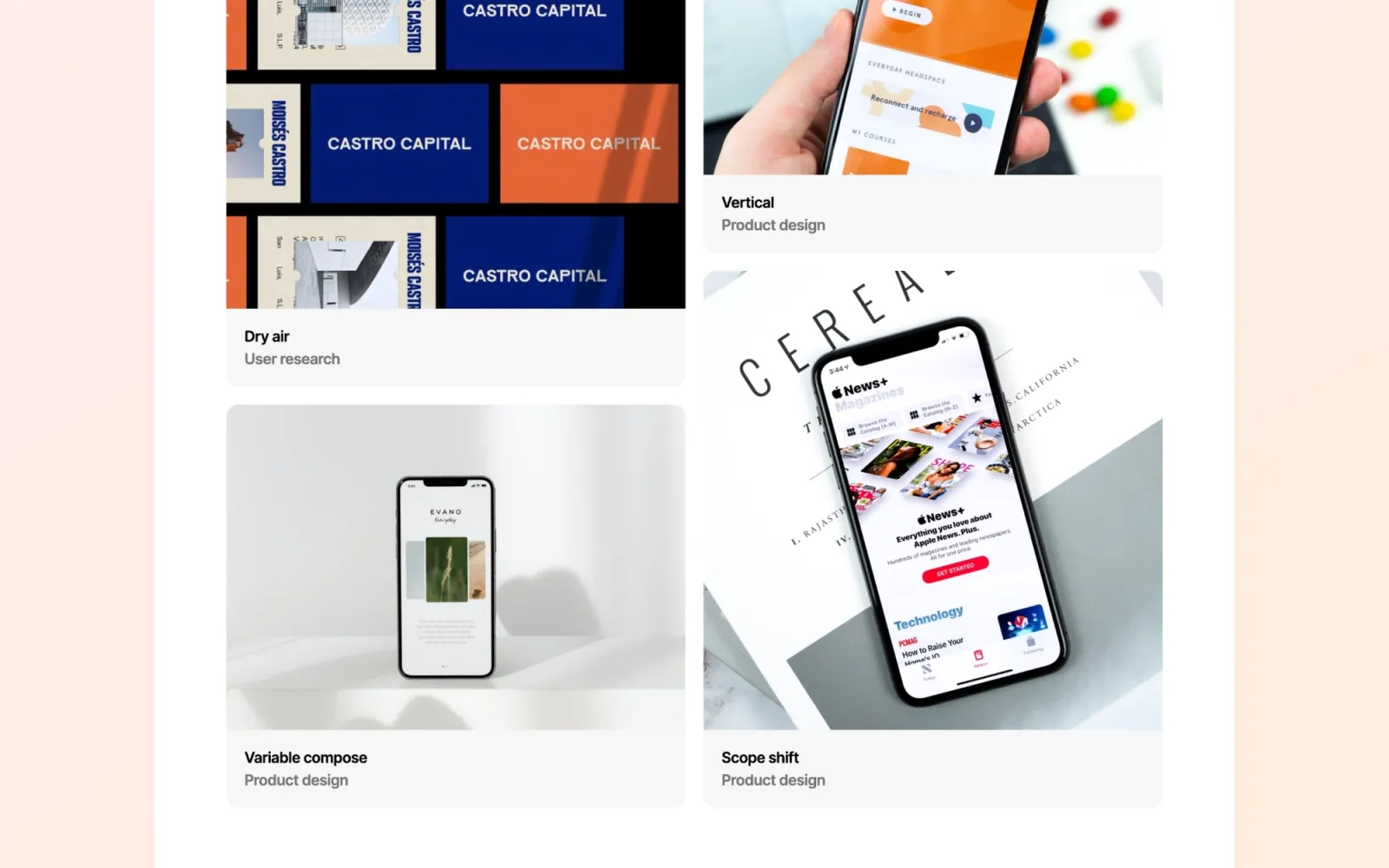
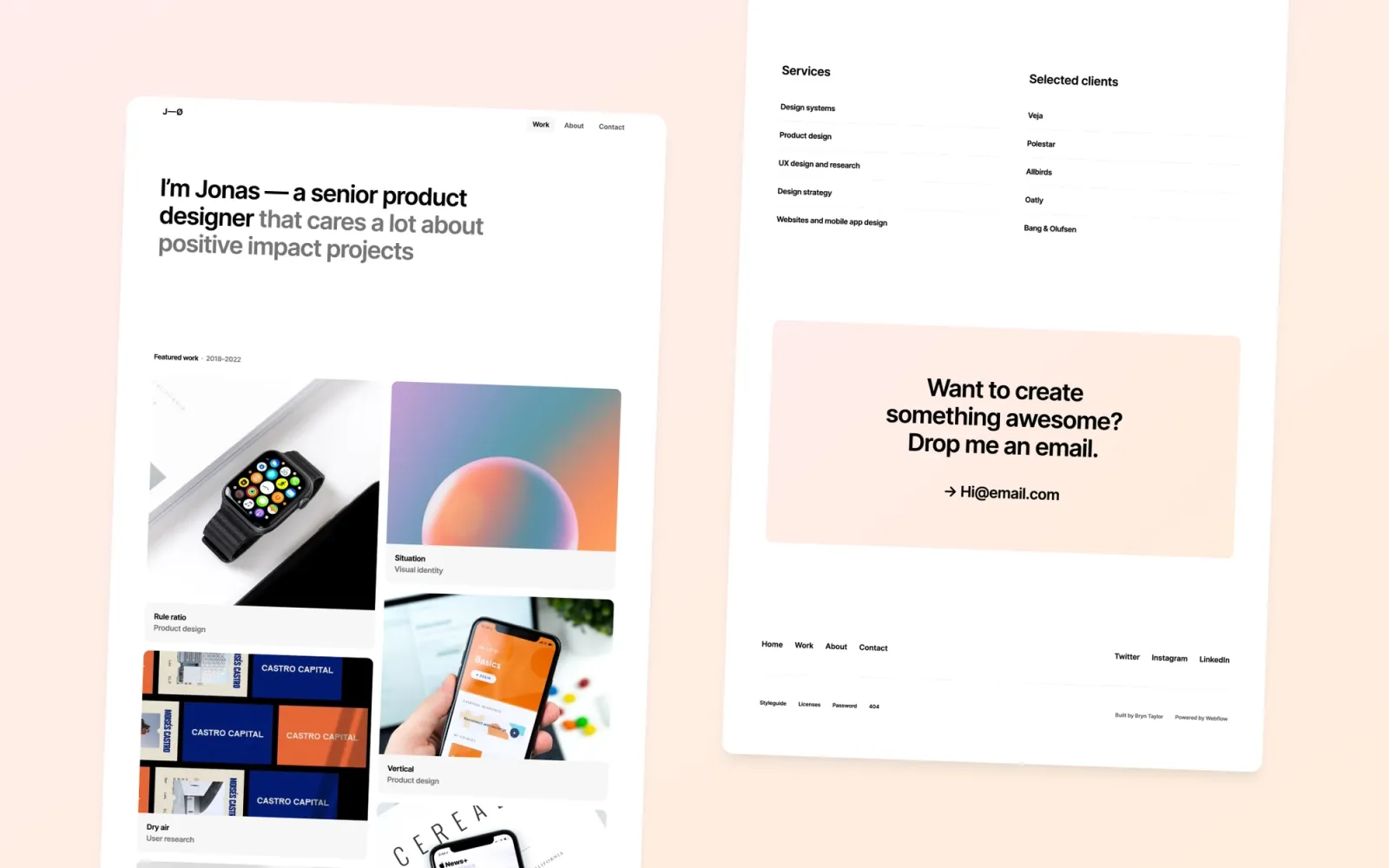
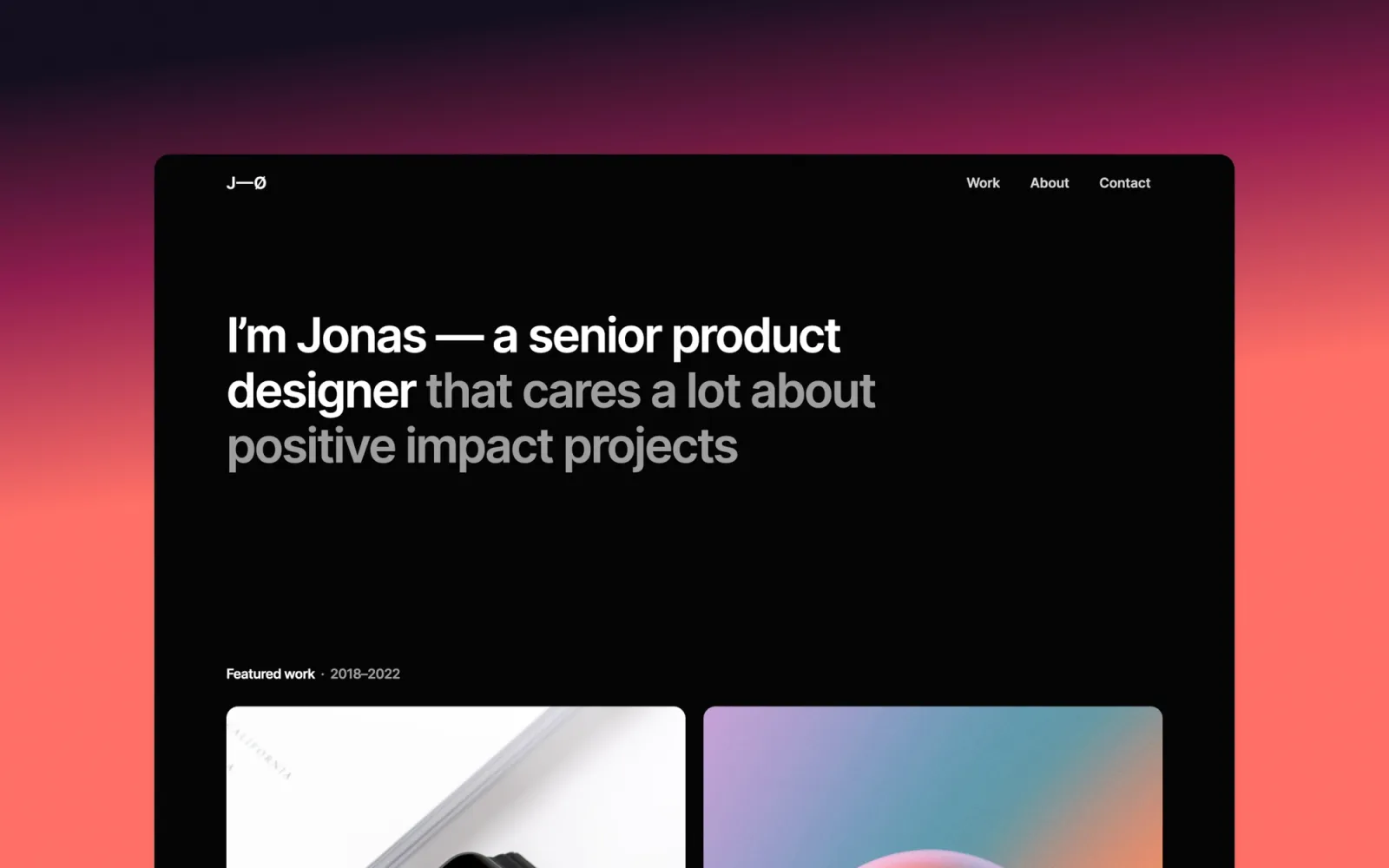
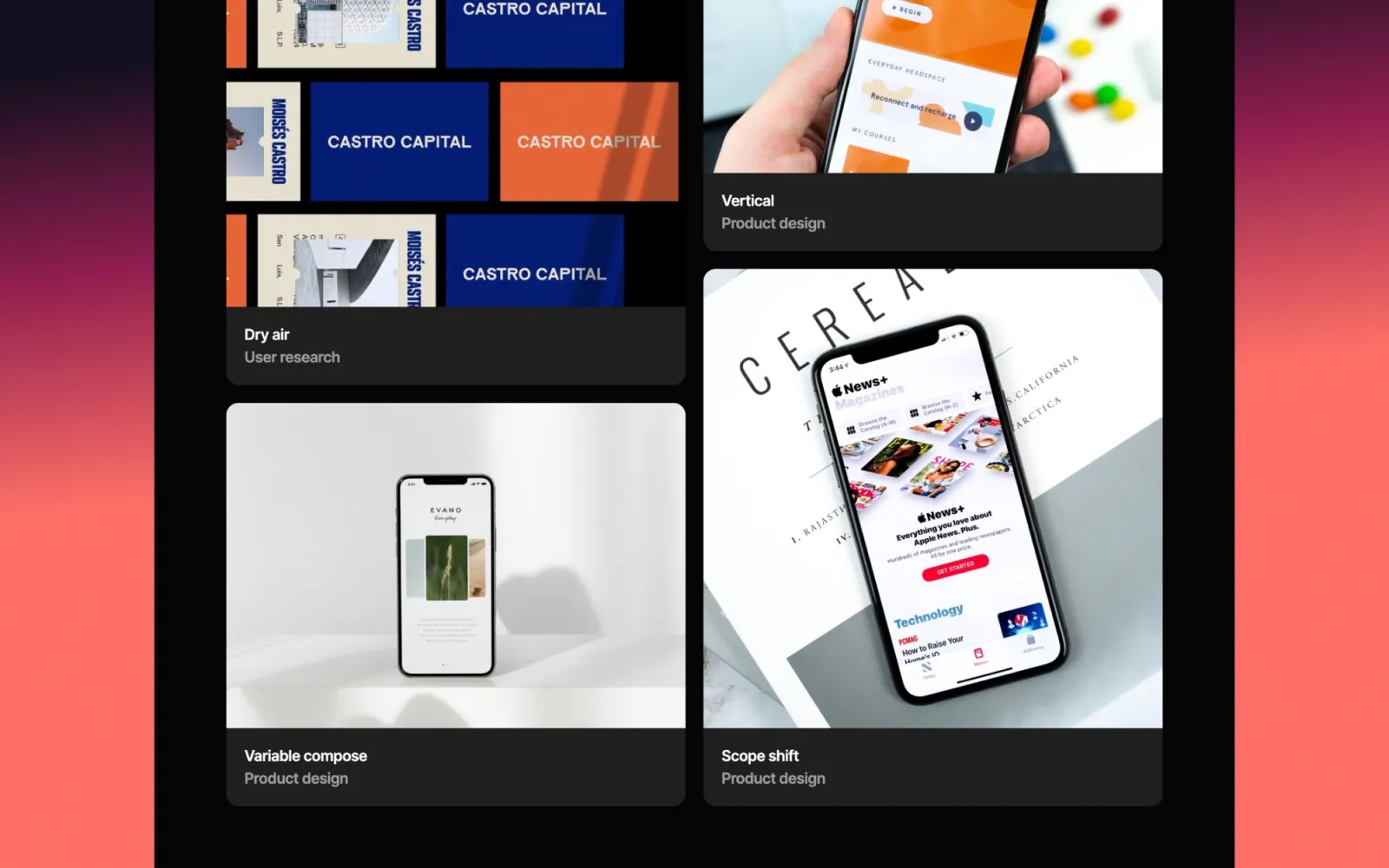
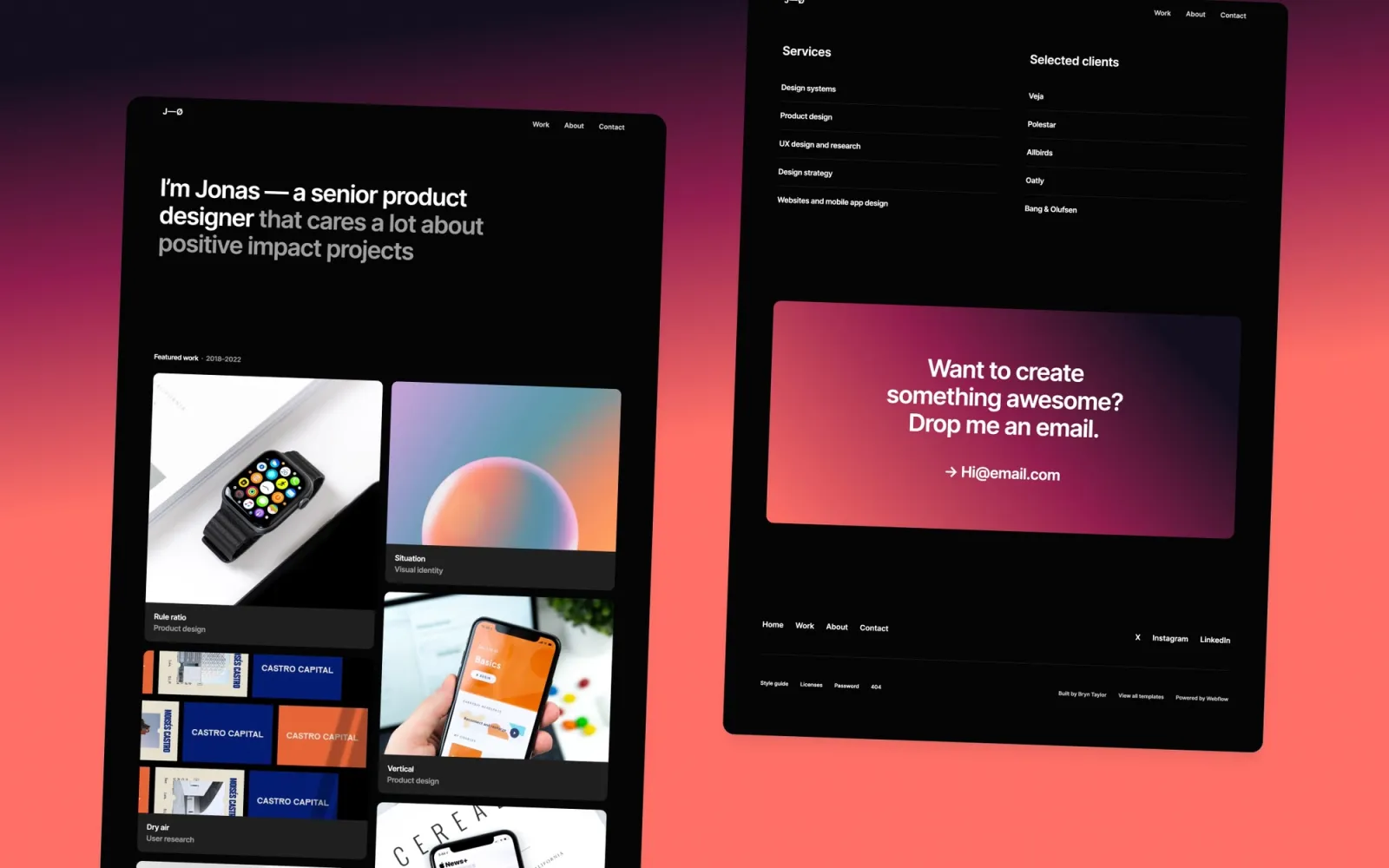
Jonas is the affordable light-mode portfolio. Clean card grid, standard structure, no distinctive character — which is also the point. For designers who want a reliable site that doesn’t get in the way of the work and doesn’t require an afternoon of layout decisions. Deploy it in a day.
Designers who want a reliable, low-cost portfolio they can update without thinking about the design — the template that just works.
$29 · Single site licence
The dark counterpart to Jonas — same card layout, same price, dark canvas. If Jonas is the light-mode default, Jonas Dark is the equivalent without the aesthetic toggle decision. Straightforward and reliable at $29. Good for designers who know they want dark and don’t want to pay $49 for it.
$29 · Single site licence
Simplefolio is the cheapest template on this list at $24. Minimal layout, clean type, quick to populate. No CMS complexity, no heavy feature set. Good for designers who need a portfolio live fast and want to spend the budget elsewhere.
$24 · Single site licence
Format is the bare-minimum light-mode starter. Card grid, no frills. Pick this if the portfolio update has been sitting unfinished because the template decision felt too involved — Format removes all the decisions and gets you to a live site in an afternoon.
$29 · Single site licence
The free cloneable. Simple layout, clean type, project grid, entirely free. Good for student designers or anyone who needs a portfolio live without any spend. Clone it and populate it.
Free · Single site licence
Landon for a professional light-mode portfolio where the audience is corporate — nothing competes with the case studies. Darkfolio for the strongest visual statement on a dark canvas. Lucide if writing is part of the practice and a blog needs to sit alongside the work. Noa for clean and affordable without over-designing. Awake for a dark portfolio that handles detailed, image-heavy case studies. Irene if Awake feels like too much setup. Accent if colour is a deliberate part of the identity. Jonas and Jonas Dark for the reliable budget picks in light and dark. Simplefolio and Format for the cheapest fast-launch options. The free cloneable if spend is the constraint.
Browse the full set on the Webflow designer templates page.
Quick setup checklist:
Landon for a minimal, professional feel that reads well to enterprise and product-company hiring panels. Lucide if writing case study breakdowns is part of the workflow. Darkfolio for a high-contrast dark portfolio that makes interaction design and motion work look deliberate. All three have CMS for case studies and a standard multi-page structure.
Every template on this list supports CMS. Webflow’s CMS lets you create a case study collection with whatever fields the work needs — role, tools, outcome, image gallery — and new projects go live without touching the layout. Lucide and Compose have two CMS collections (portfolio and blog). The rest have one.
Darkfolio, Awake, Irene, and Jonas Dark are dark-only. Lucide supports light and dark mode in the same build. Everything else on this list is light-mode by default. Darkfolio is the most distinctive dark pick; Awake is the most fully featured; Irene is the simplest; Jonas Dark is the most affordable.
The free cloneable is at the bottom. Simplefolio is $24. Noa, Jonas, Jonas Dark, Accent, and Format are $29. Landon, Darkfolio, Lucide, Awake, and Irene are $49. All are single site licences. The difference between $29 and $49 is usually CMS depth, animation quality, and how well the template handles long-form case studies.
Lucide ships with a blog built in. For the other templates, you can add a blog CMS collection in Webflow and build a basic list and post layout without touching the existing pages. It’s a two-to-three-hour addition on a standard Webflow plan. If publishing is a significant part of the practice, starting with Lucide is faster than adding a blog to a portfolio-only template later.
Selling your own Webflow templates alongside client work? How to sell Webflow templates covers pricing, delivery, and marketplace strategy.
Join 2,900+ designers · Unsubscribe at any time