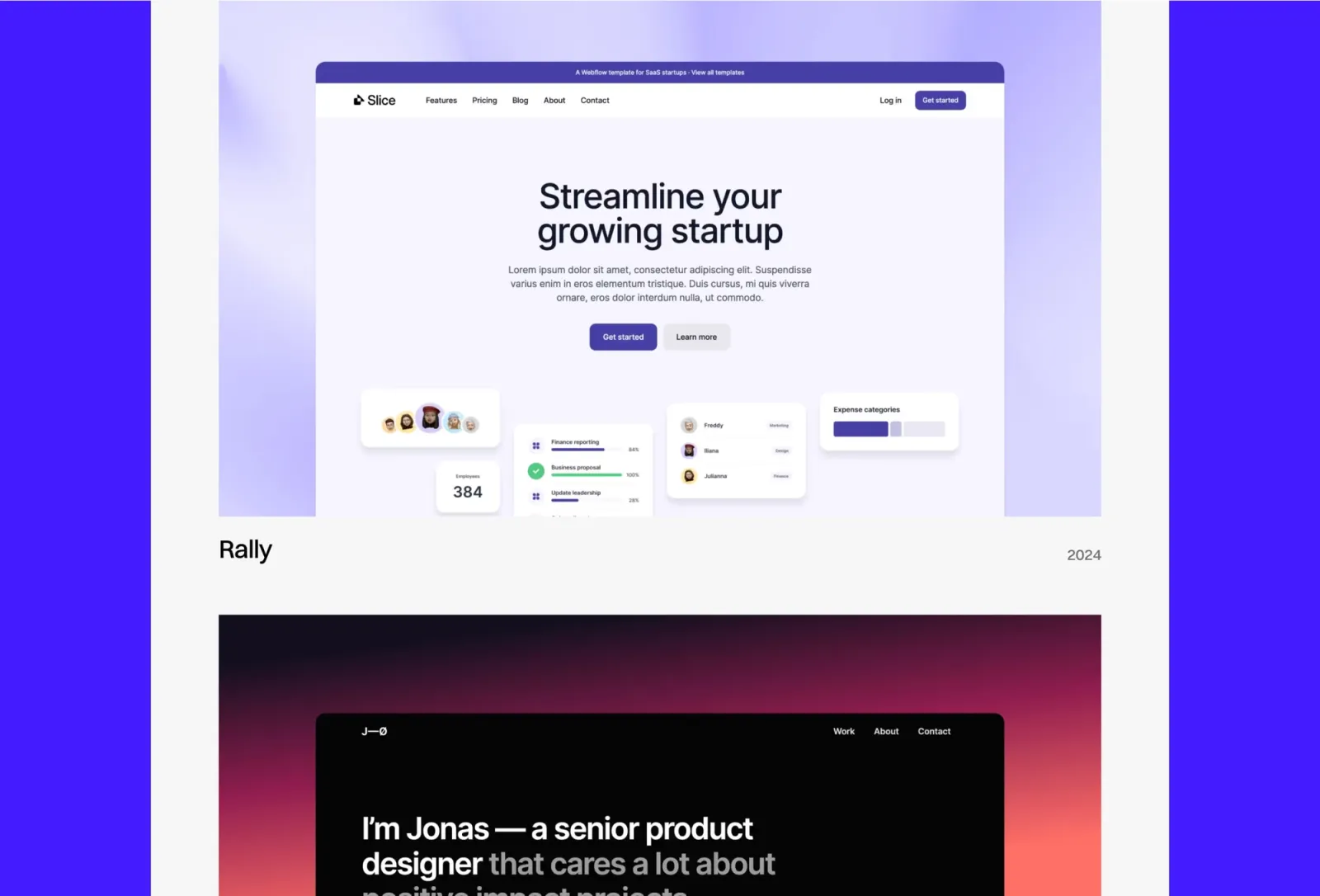
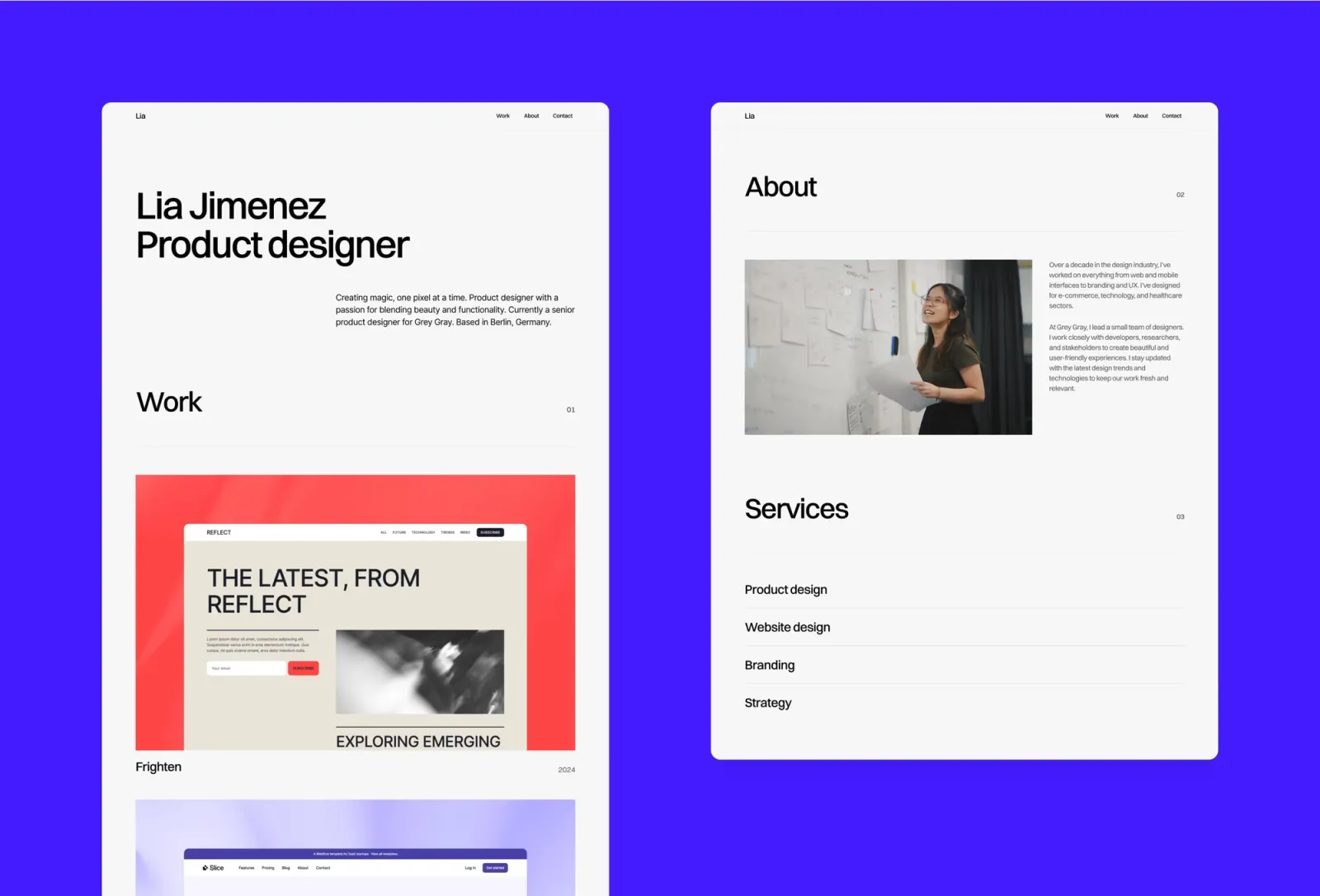
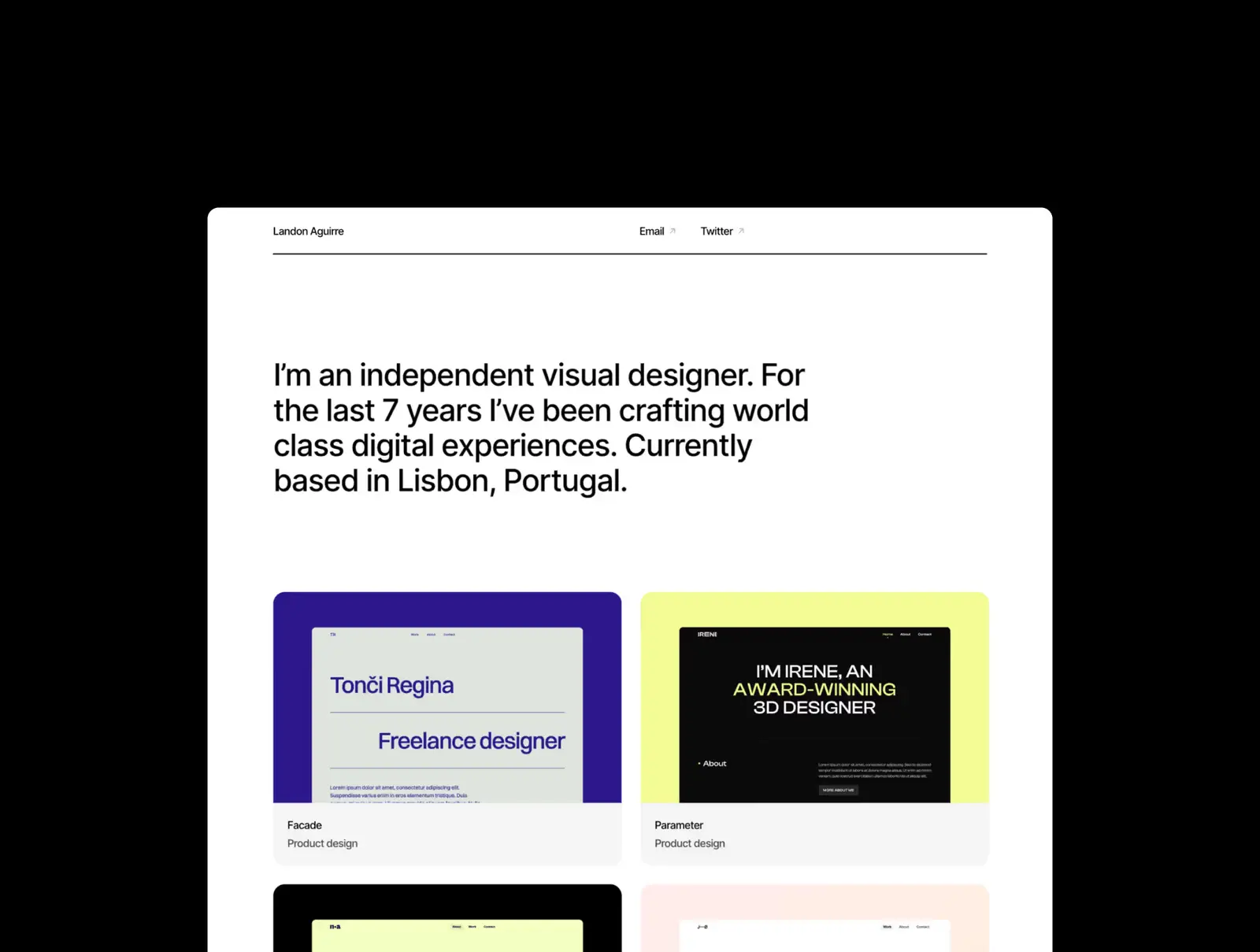
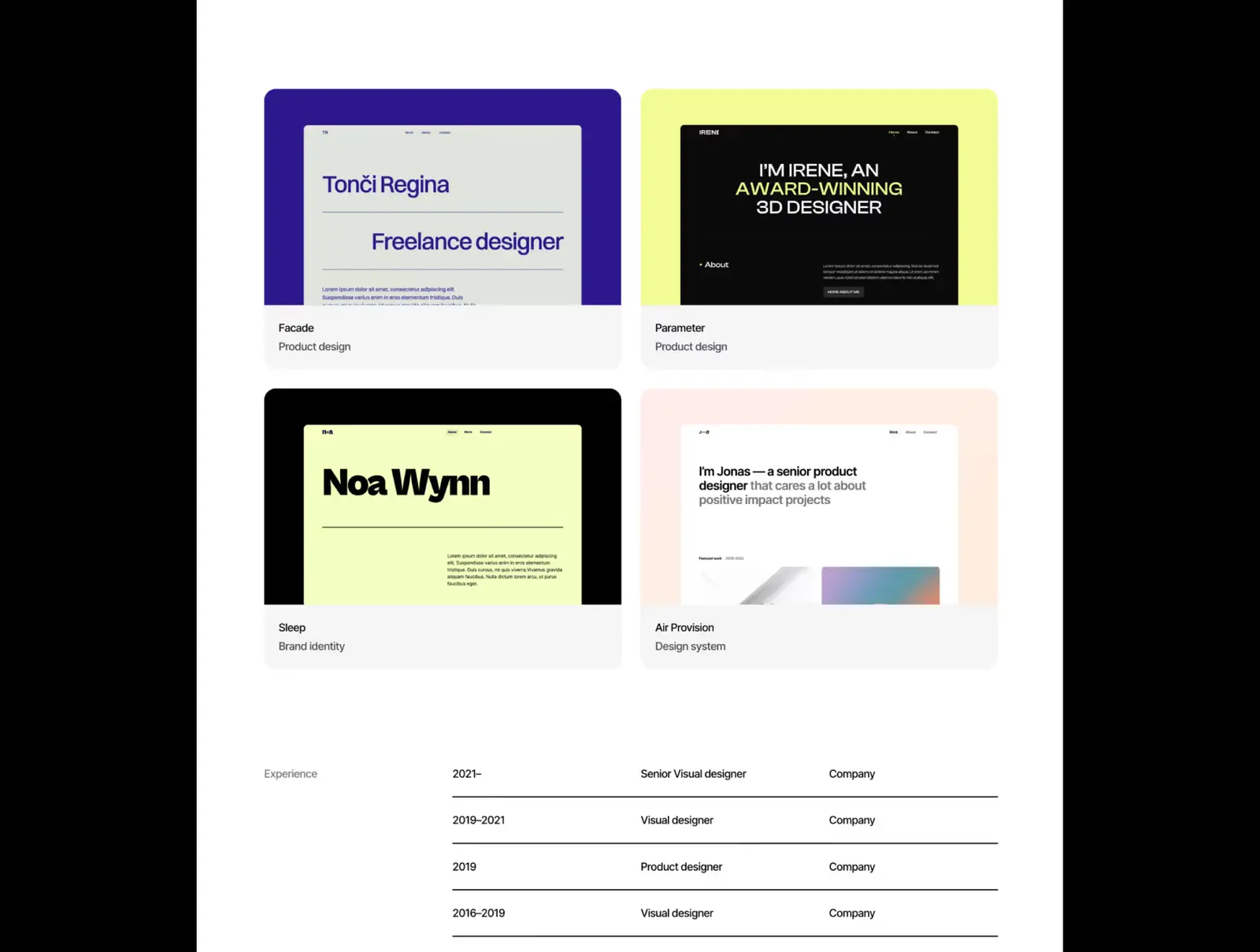
Twelve light mode Framer templates for portfolios, studios, agencies, and writing-first sites — from clean minimal portfolios to editorial builds. All have a considered light aesthetic, not just a white background.
·16 min
Introduction
Dark mode gets all the attention. Most Framer template showcases lead with black backgrounds and glowing accents. Meanwhile, most clients review portfolios at a desk, in a bright office, on a phone in daylight. A light template isn’t a safe choice — it’s a considered one.
White backgrounds aren’t the point. The best light mode Framer templates have enough typographic weight and deliberate spacing to stand next to the dark builds.
What makes a good light mode Framer template?
Three things. Typography that carries visual weight without a dark background to lean on — light templates are more dependent on type quality than dark ones. Whitespace that reads as deliberate rather than empty. And a colour palette that works: pure white can look clinical; a slight warm or cool base reads as designed.
Sharp is the editorial pick. Strong typographic system, deliberate spacing, pointed layout hierarchy. Light throughout, no dark option. More personality than a plain white portfolio without going bold — the type does the visual work. If you want something with typographic character without adding decoration, Sharp is the answer.
Key features
Editorial layout with strong typographic hierarchy
Multi-page portfolio with case study pages
CMS for project entries
Light mode throughout
Smooth transitions
Global styles for fast rebranding
Perfect for
Designers and studios who want a light portfolio with typographic character. Anyone for whom a completely neutral template would feel like a missed opportunity.
Price and licence
$149 · Single site licence
Benefits
Typographic hierarchy carries the design — less dependency on strong imagery
Editorial personality distinguishes it from the neutral portfolio templates
Light mode is consistent throughout — no dark contamination anywhere
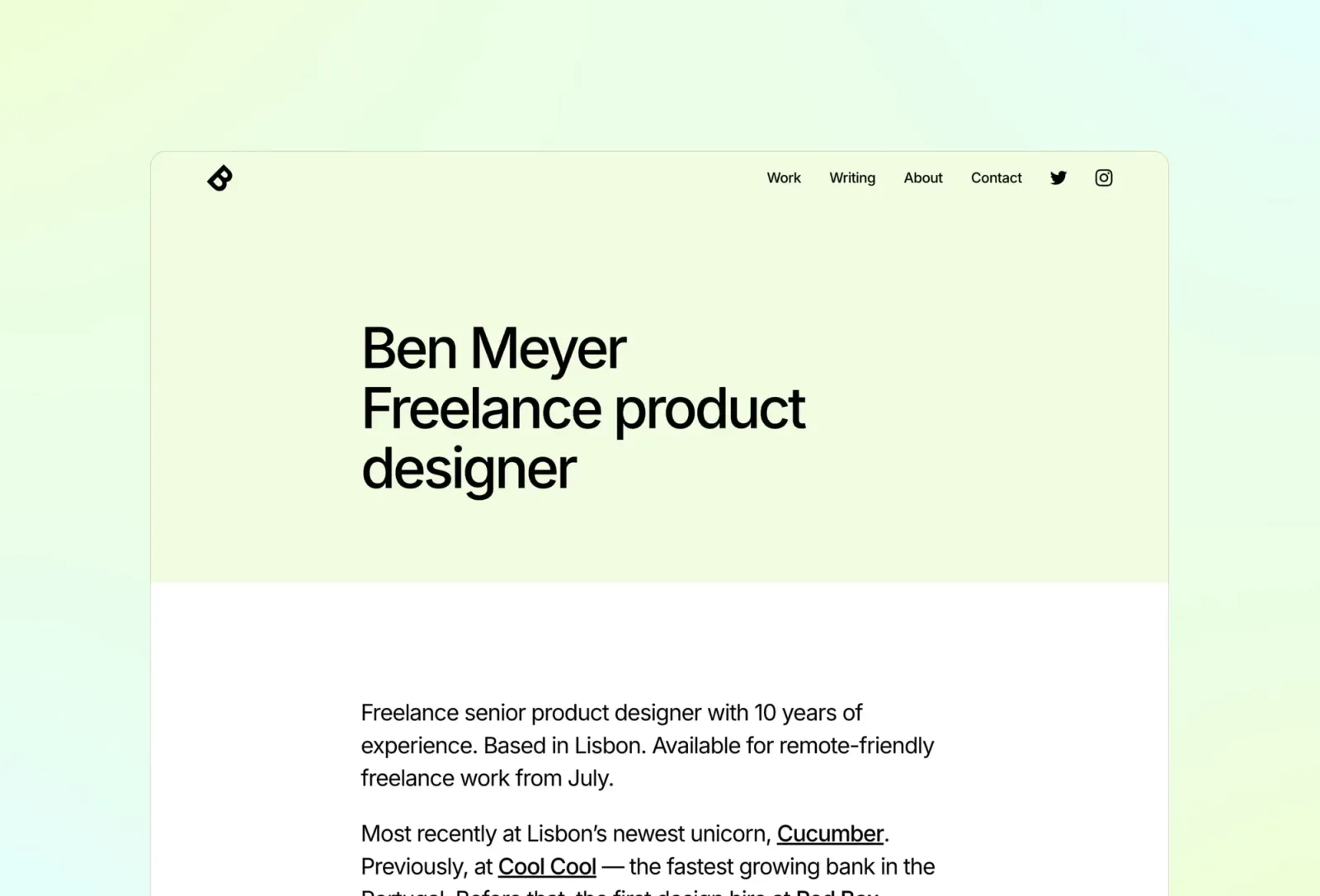
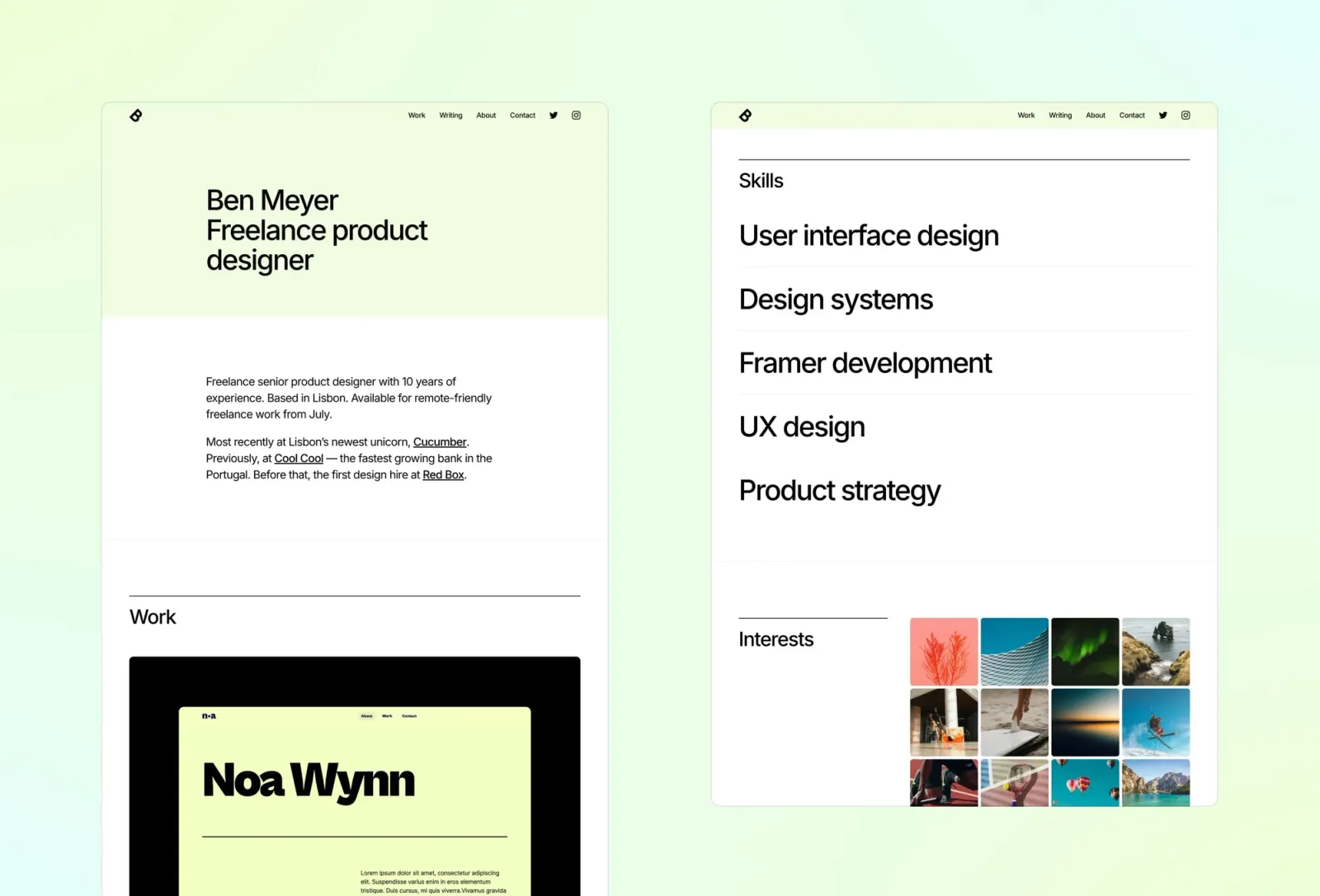
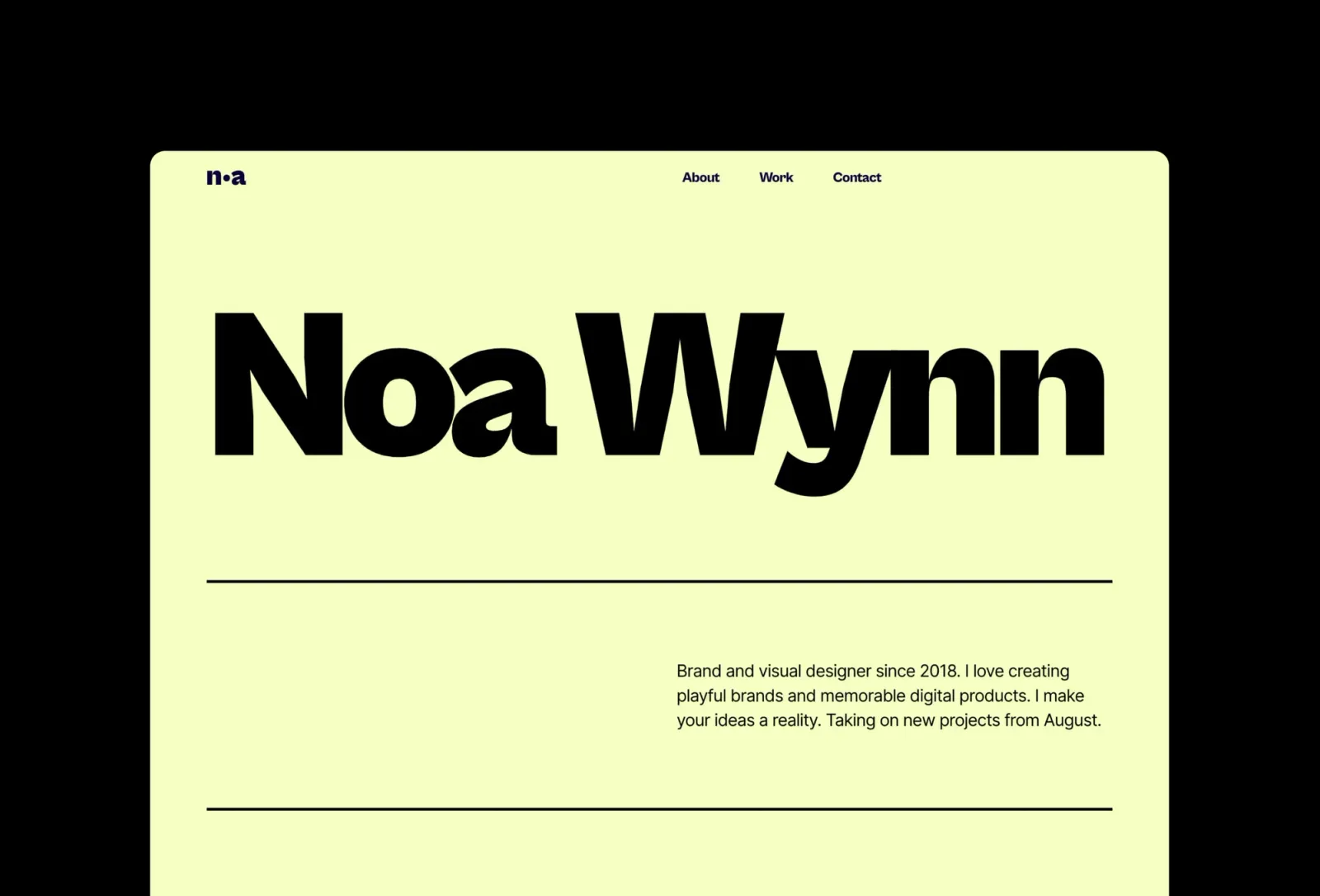
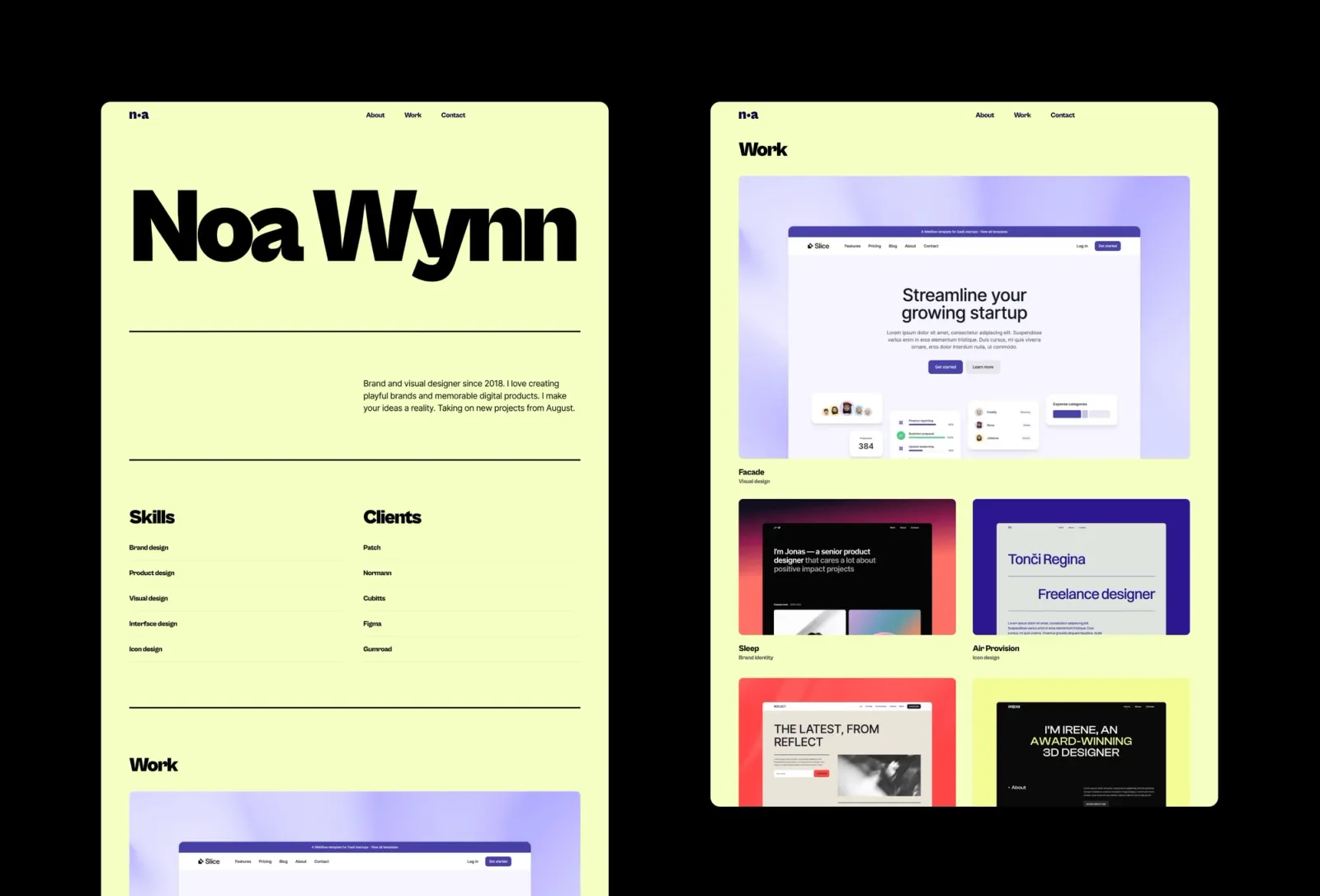
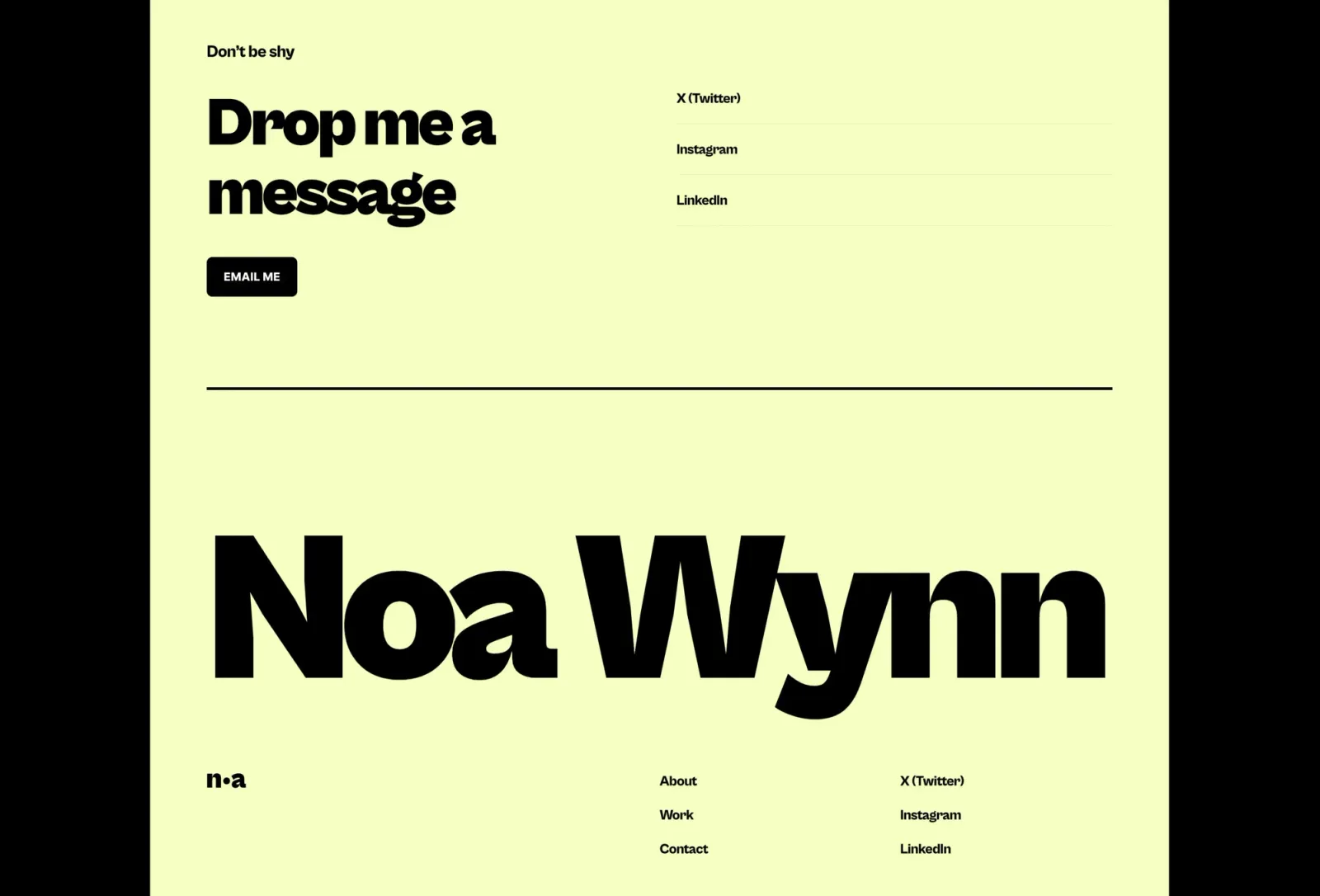
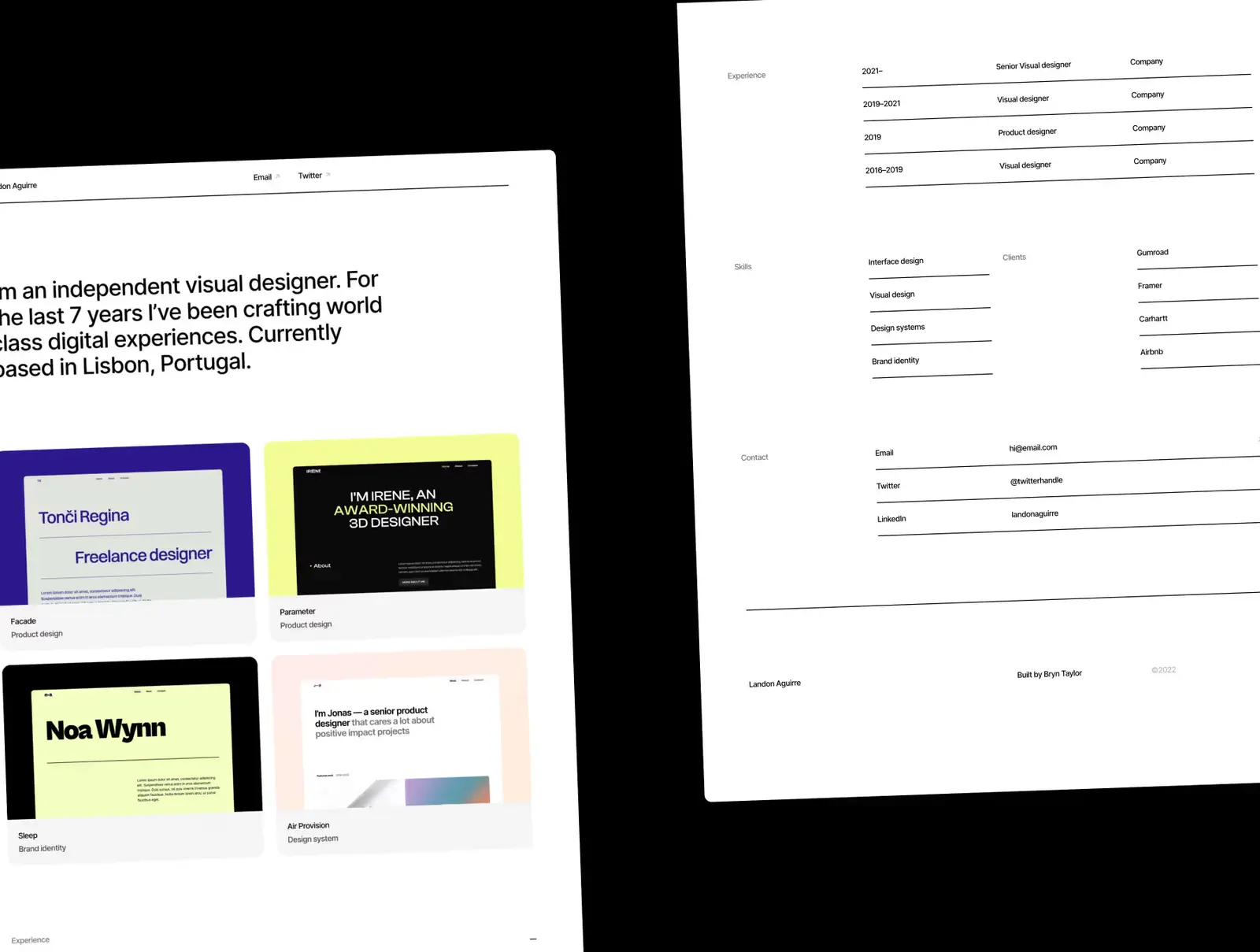
Wynn is the most elegant option here. Understated, whitespace-forward, strong typographic hierarchy — the type does the work. No decorative elements, no hover reveals worth noting. Multi-page with CMS for case studies. The pick when quiet and considered is the goal and nothing on this list should distract from the work.
Key features
Multi-page portfolio with case study pages
CMS for project entries
Whitespace-forward layout
Clean typographic hierarchy
Light mode throughout
Global styles
Perfect for
Designers and UX professionals who want the site to communicate restraint. Anyone whose work is strong enough that the template needs to step back entirely.
Price and licence
$149 · Single site licence
Benefits
Restraint reads as confidence — the template never competes with the work
Whitespace-forward layout works with any project type
CMS keeps the work current without touching the design
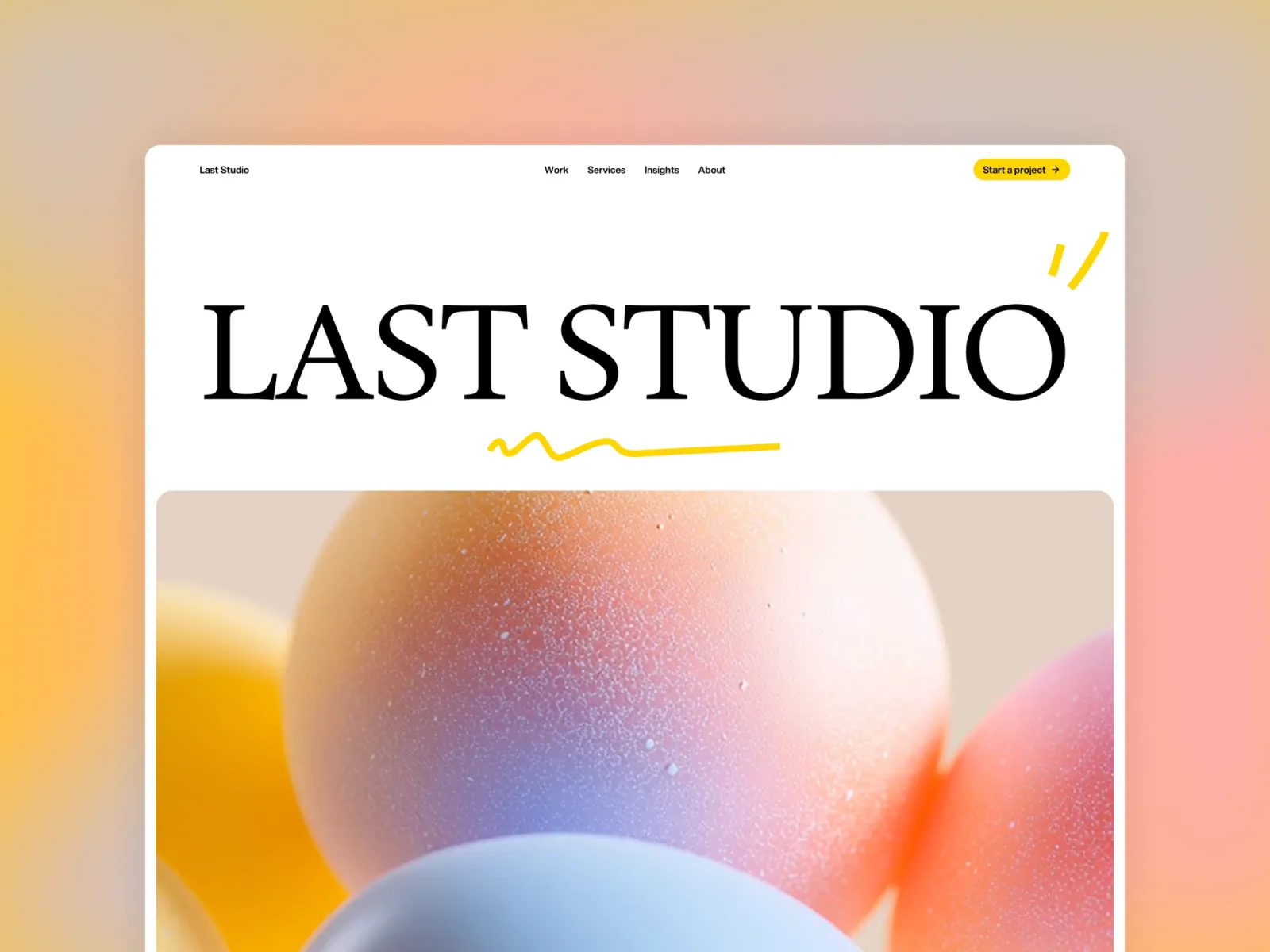
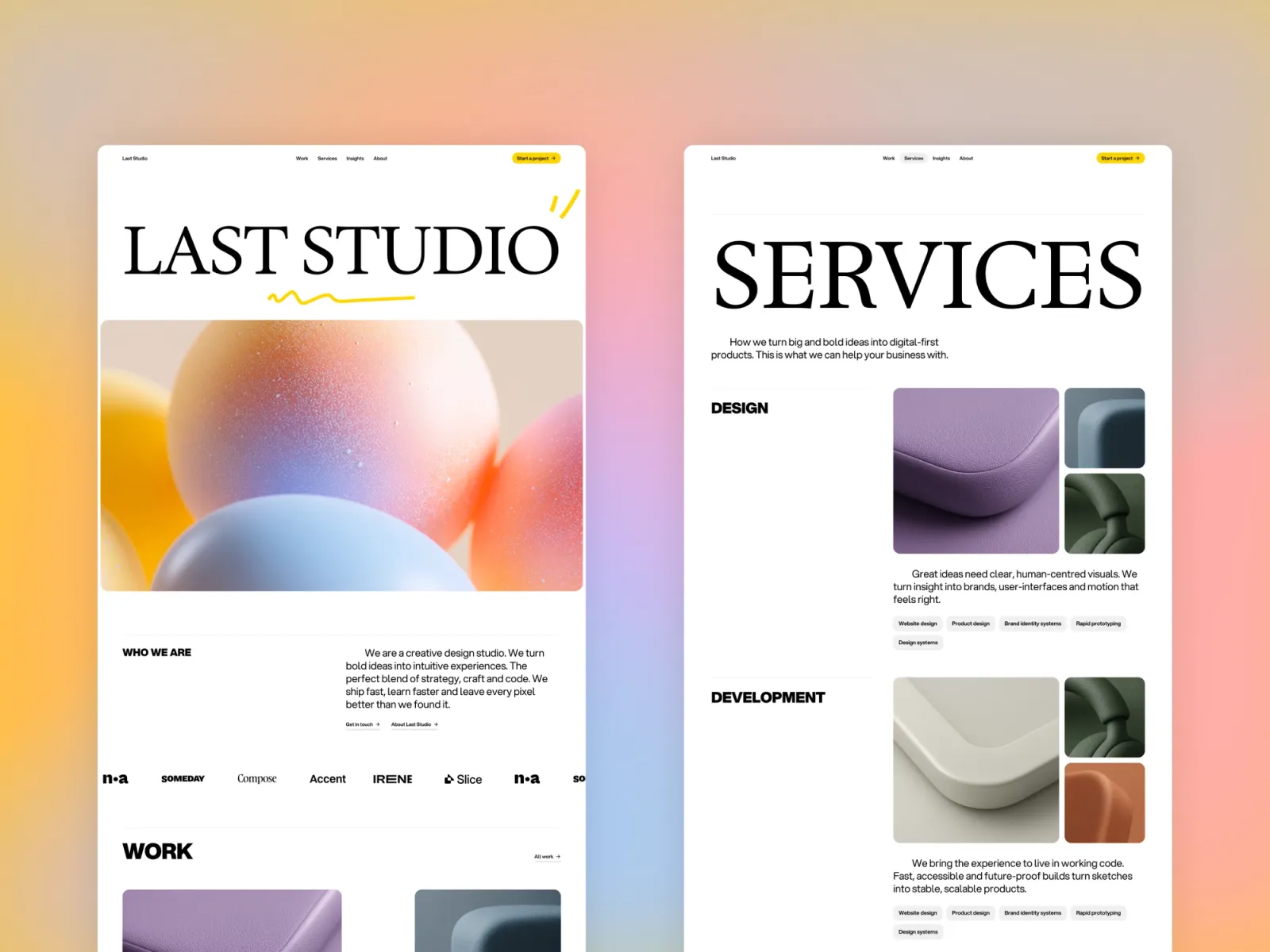
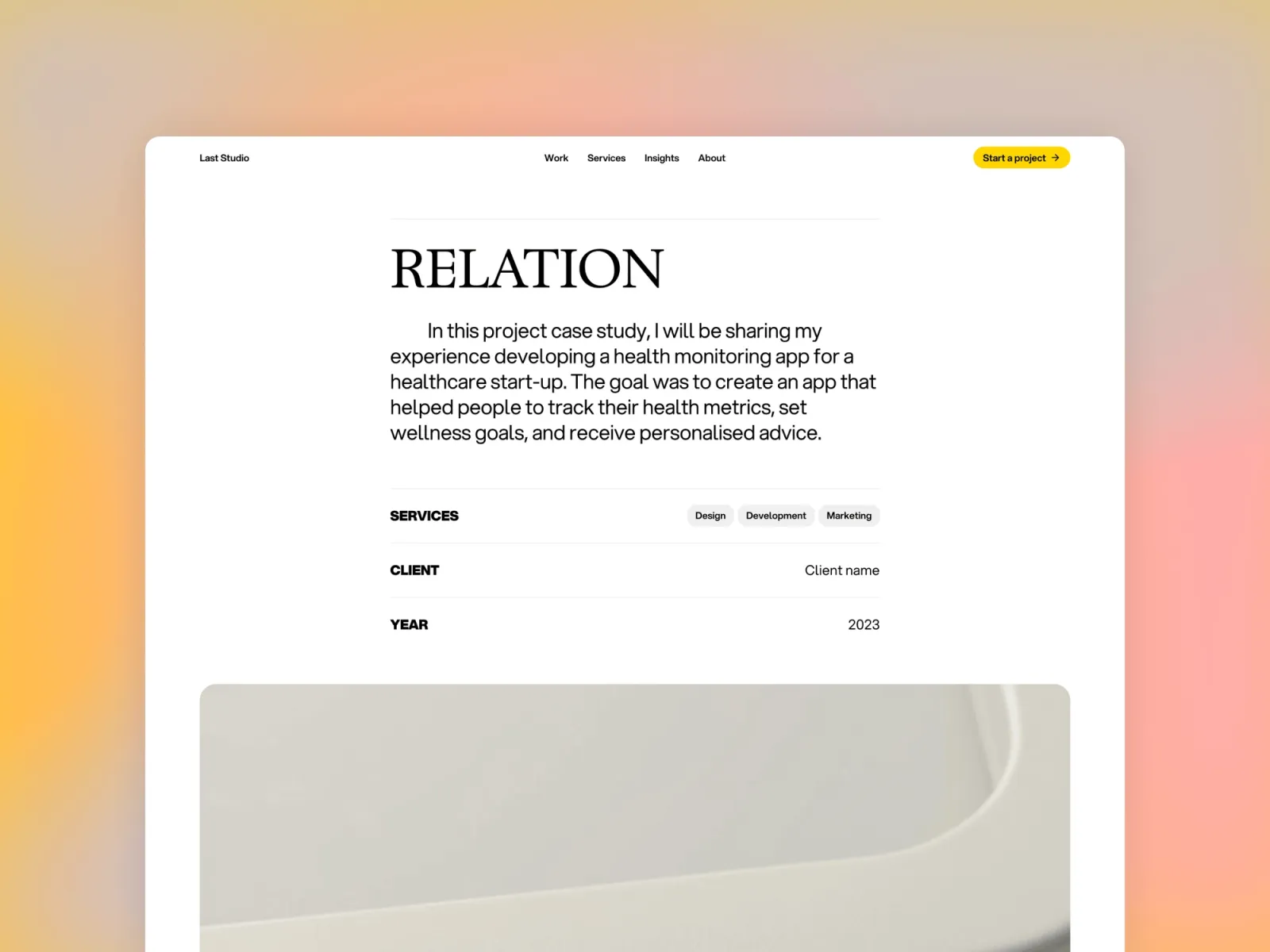
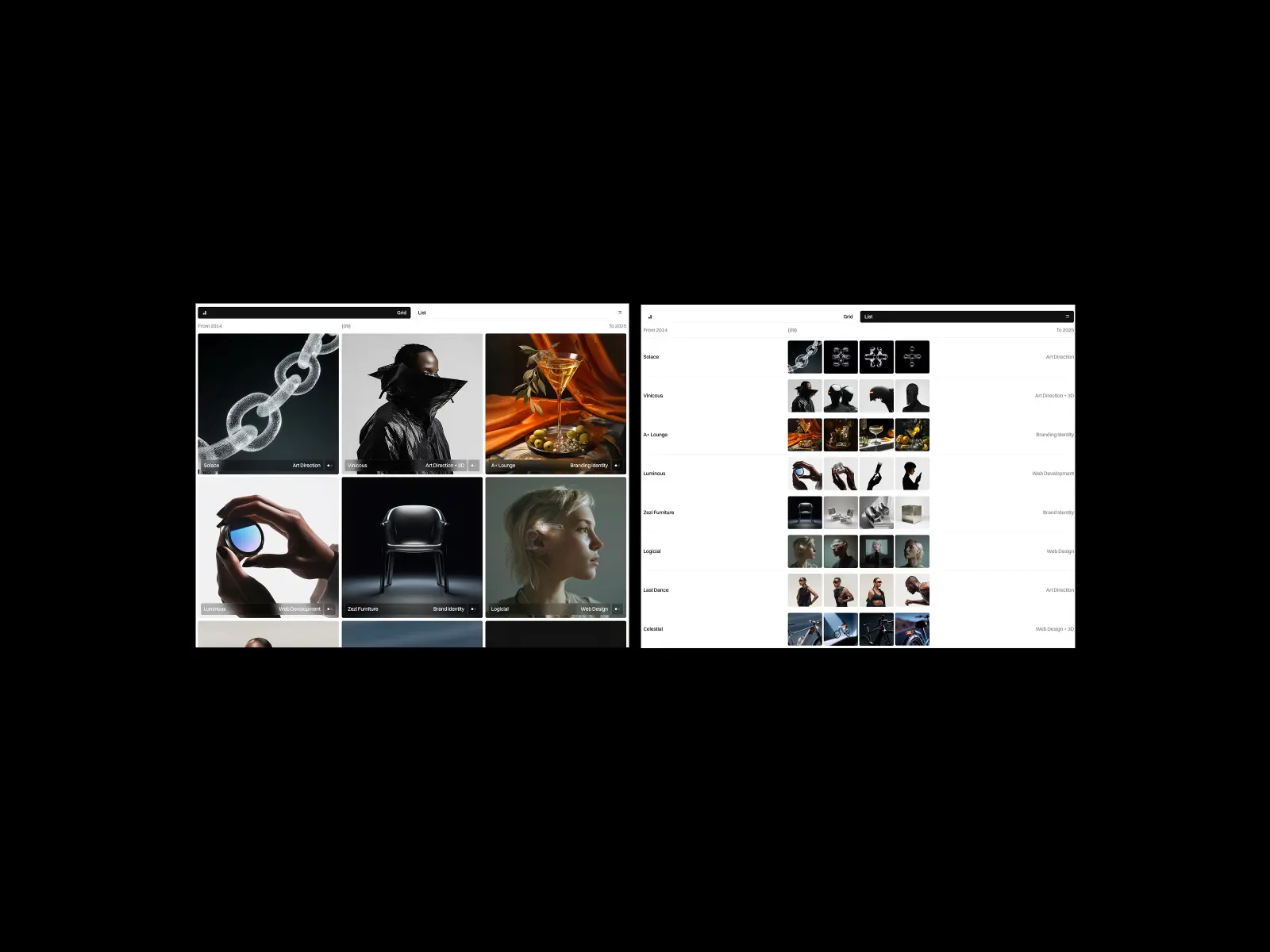
Last Studio reads as a designed object. The type scale has real weight — headers sit heavy, body type sits easy. Multi-page structure covers the agency pitch: work, about, contact, case studies. Light throughout, structured. The most considered studio template on this list — each page feels planned.
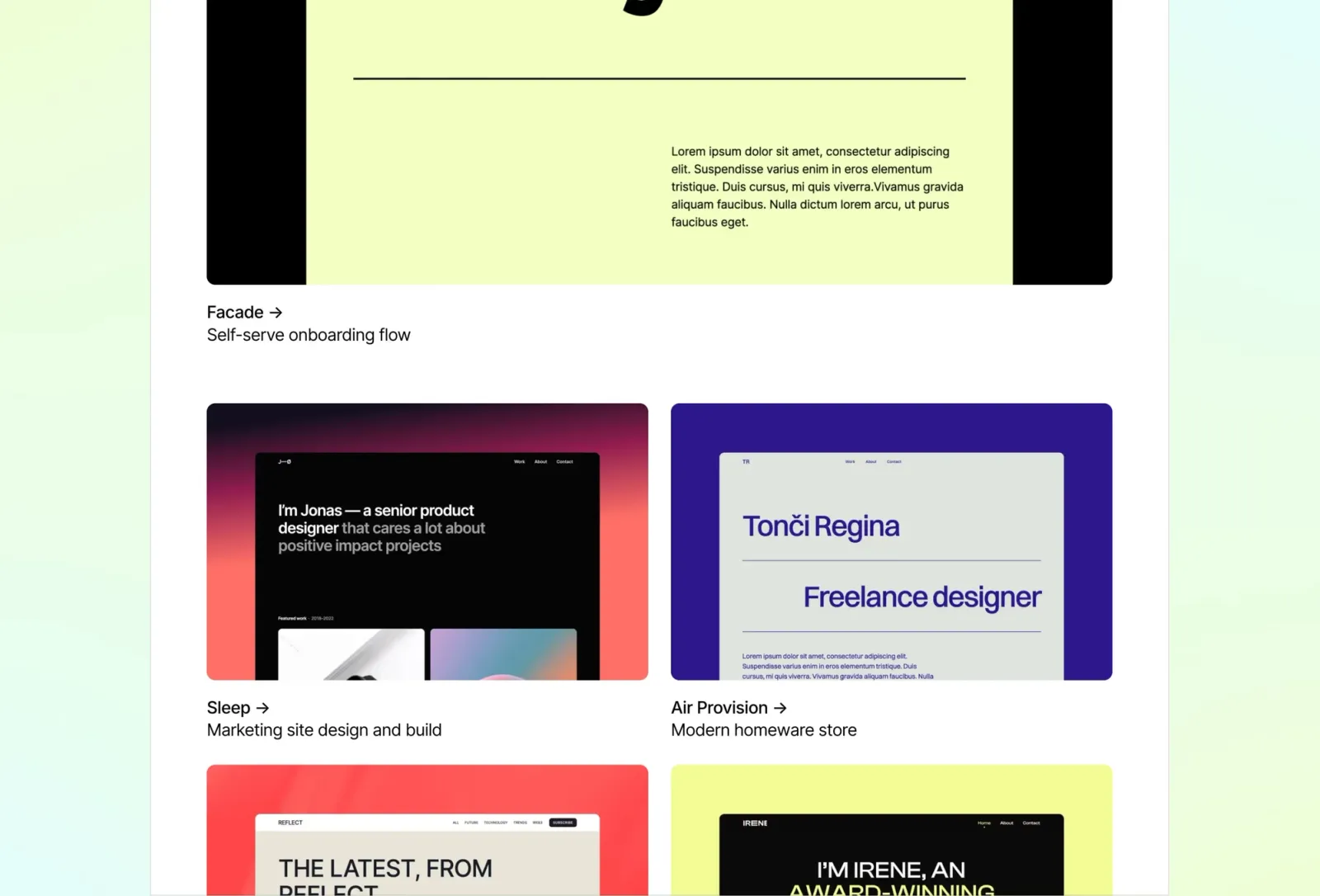
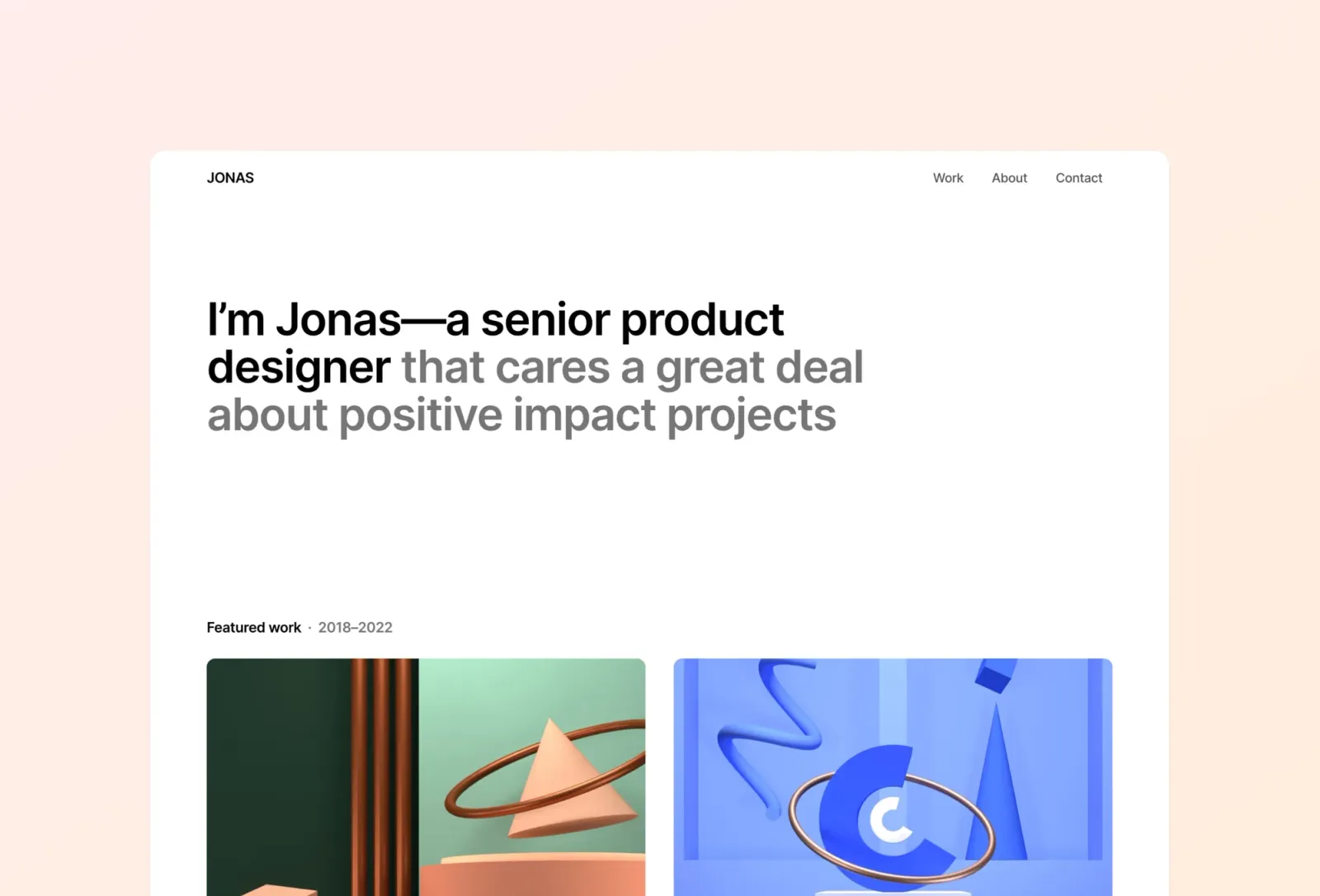
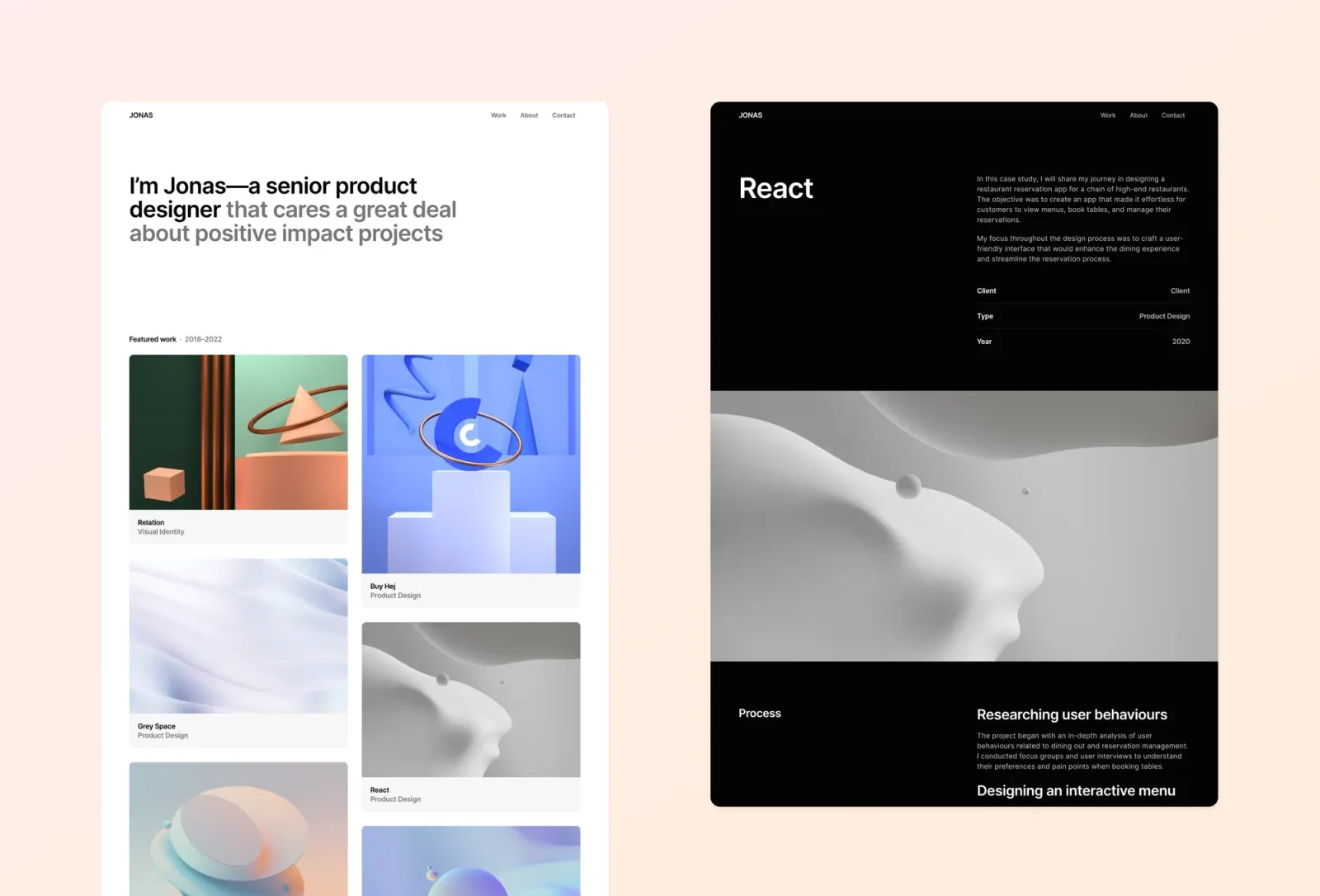
Jonas is a bento-grid one-pager. The whole site sits in a single organised scroll — work, bio, contact — on a warm off-white background that reads as considered rather than default. CMS for project entries. Light and dark mode both included, though the light version is the stronger of the two. Honest limitation: the bento grid aesthetic is very of-this-moment — if you want something more timeless, Format or Wynn are the safer starting points.
Key features
Bento-grid one-page layout
CMS for project entries
Warm off-white background
Light and dark mode included
Smooth animations
Mobile-optimised
Perfect for
Product designers and UX professionals who want a single-page portfolio with strong visual organisation. Anyone who finds a standard vertical scroll portfolio too conventional.
Price and licence
$149 · Single site licence
Benefits
Bento grid organises a lot of content without extra pages or navigation
Warm off-white background reads as more considered than plain white
Light and dark mode ships ready — test both before choosing
The most stripped-back option here. One-pager, minimal navigation, card grid. Nothing extra. The pick when a standard portfolio template still feels too styled — a neutral container for work rather than a designed object. Loads fast, customisable in an afternoon. Honest limitation: no multi-page structure and no CMS for case studies out of the box.
Key features
One-page layout with card grid
Clean minimal navigation
Light mode throughout
Fast loading — minimal animation scripts
Simple contact section
Straightforward typography
Perfect for
Designers who want to launch fast without template decisions getting in the way. Anyone who updates their portfolio a few times a year and doesn’t need a CMS.
Price and licence
$149 · Single site licence
Benefits
The simplest starting point on this list — genuinely customisable in an afternoon
No CMS to configure means launch is faster
Neutral container means the work carries the page, full stop
The most invisible template on this list. Pure white, two-column project grid, minimal navigation — name, about, email, social links. No structural statement, no bento grid, no horizontal scroll. The template genuinely disappears behind the work. If Format still feels too styled, this is the answer.
Key features
Pure white background
Two-column project grid
Minimal navigation
Individual project pages
CMS for project entries
Fast loading — no animation library
Perfect for
Visual designers, illustrators, and photographers whose work is strong enough that the container should disappear entirely. Anyone for whom even the minimal templates on this list feel too styled.
Price and licence
$149 · Single site licence
Benefits
The most invisible template on this list — nothing competes with the work
Pure white works with any project type or colour palette
No animation scripts means one of the fastest loads in this roundup
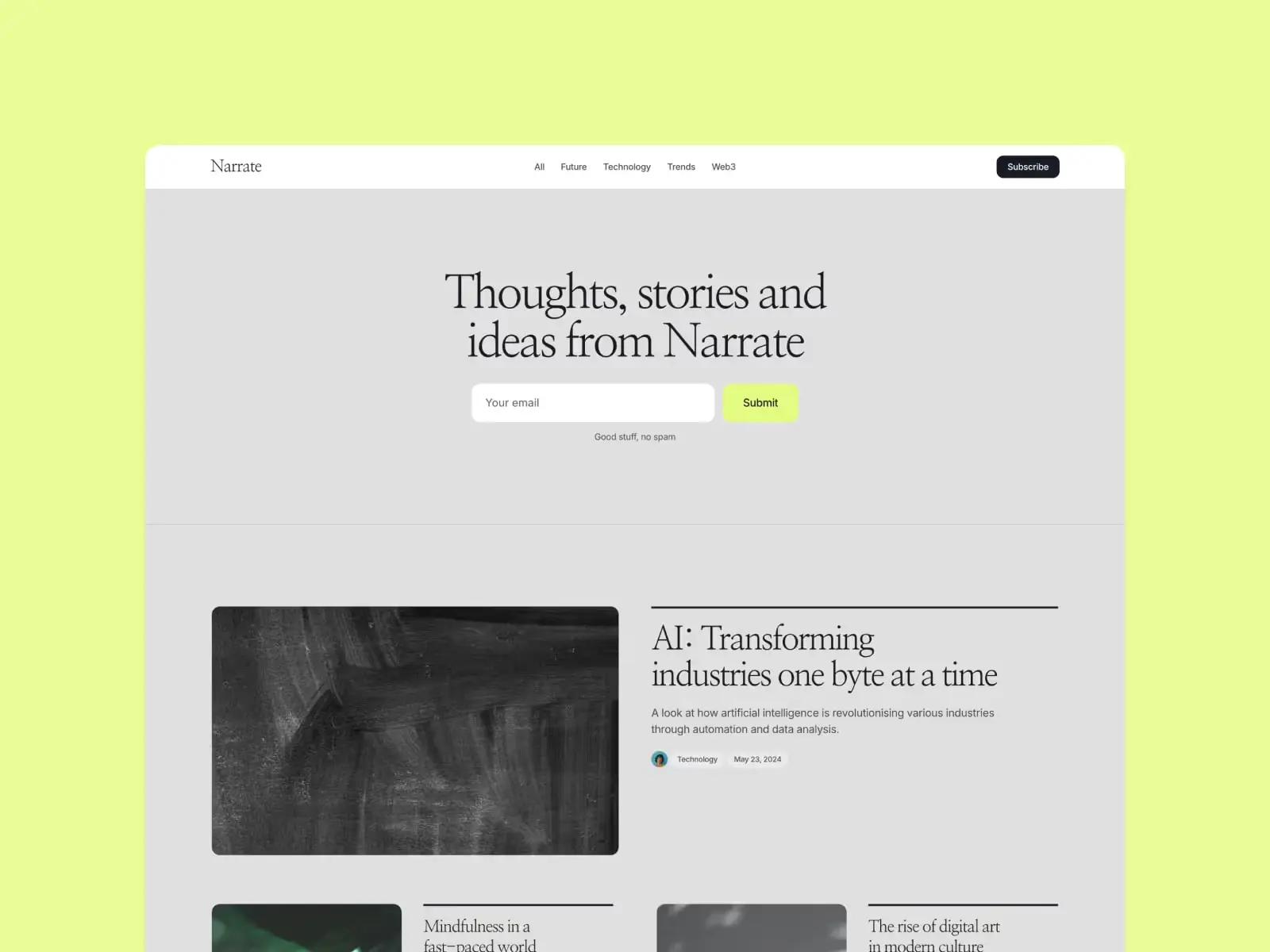
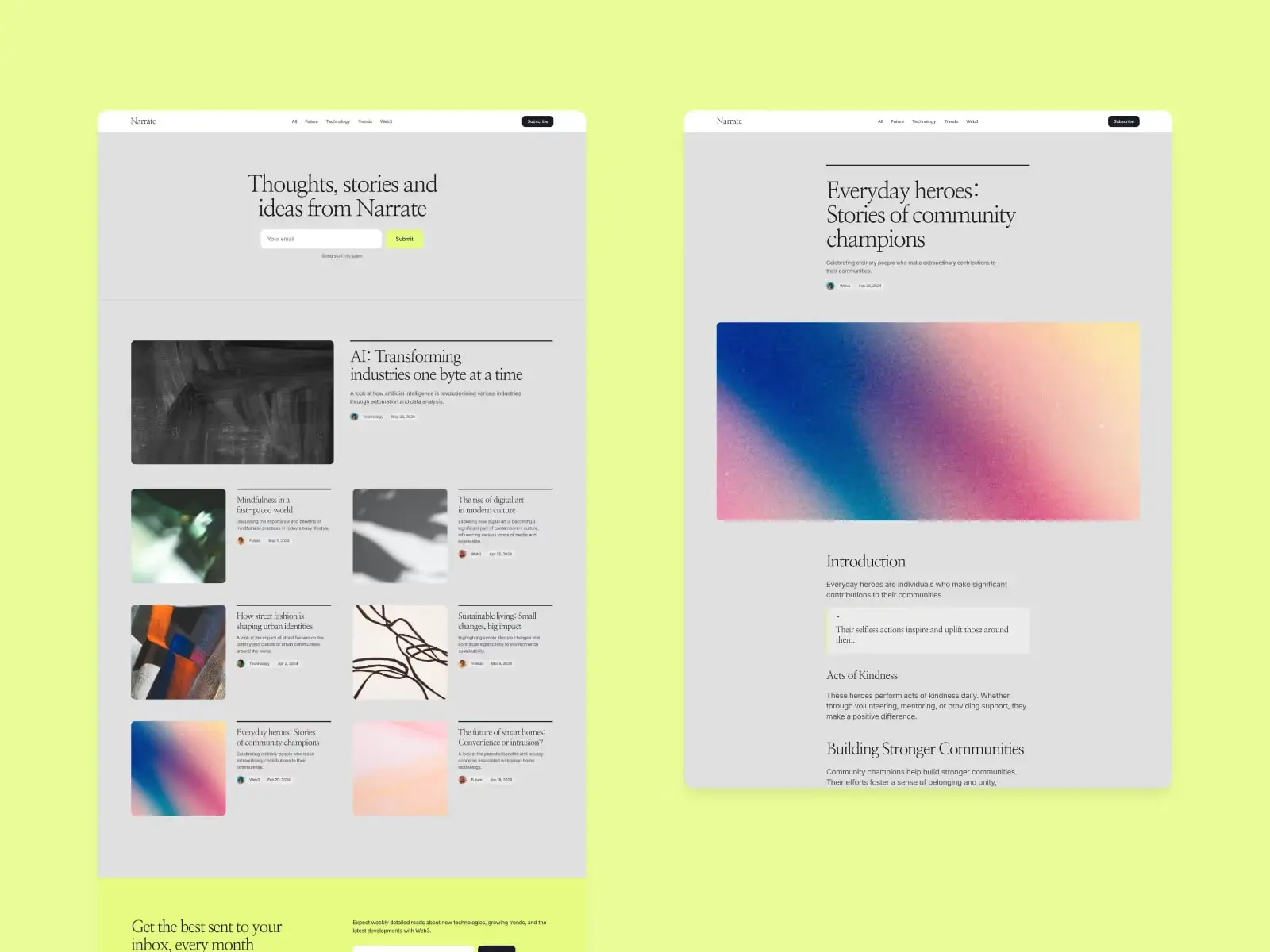
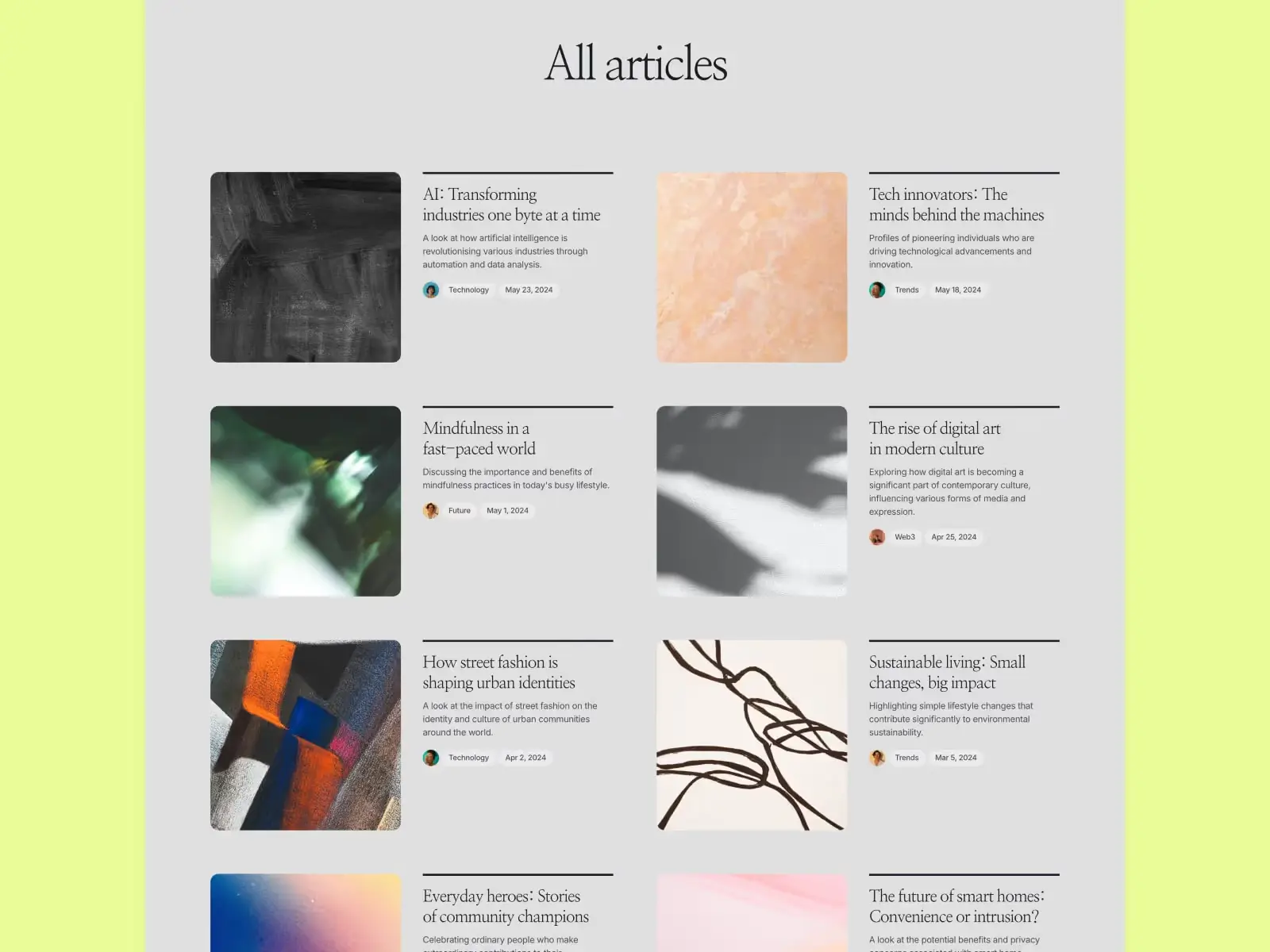
Built for a site where writing sits alongside the portfolio. Blog, case studies, and about in one layout where none of the three reads as an afterthought. Clean reading column, considered type. The right choice when publishing is part of the practice and the writing section should carry the same visual weight as the work.
Key features
Portfolio grid with project detail pages
CMS blog with reading column layout
Consistent grid across portfolio and blog
About and contact sections
Light mode throughout
Newsletter section
Perfect for
Designers and creatives who write regularly alongside client work. Anyone who wants portfolio and writing in one site without either section feeling bolted on.
Price and licence
$149 · Single site licence
Benefits
Writing and portfolio share the same grid — the two sections feel like one site
Reading column is designed for long-form, not just summaries
Light mode works equally well with editorial and portfolio content
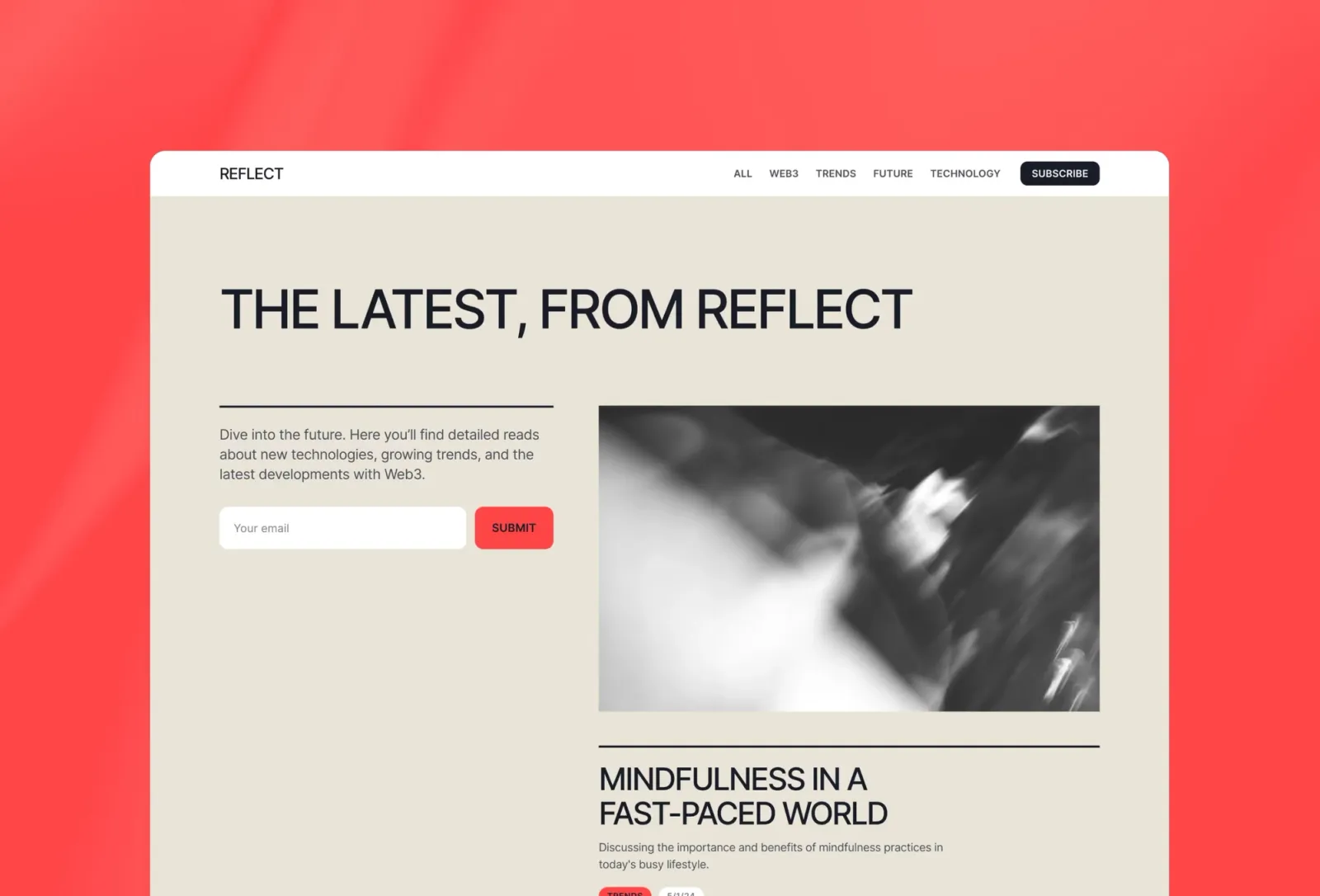
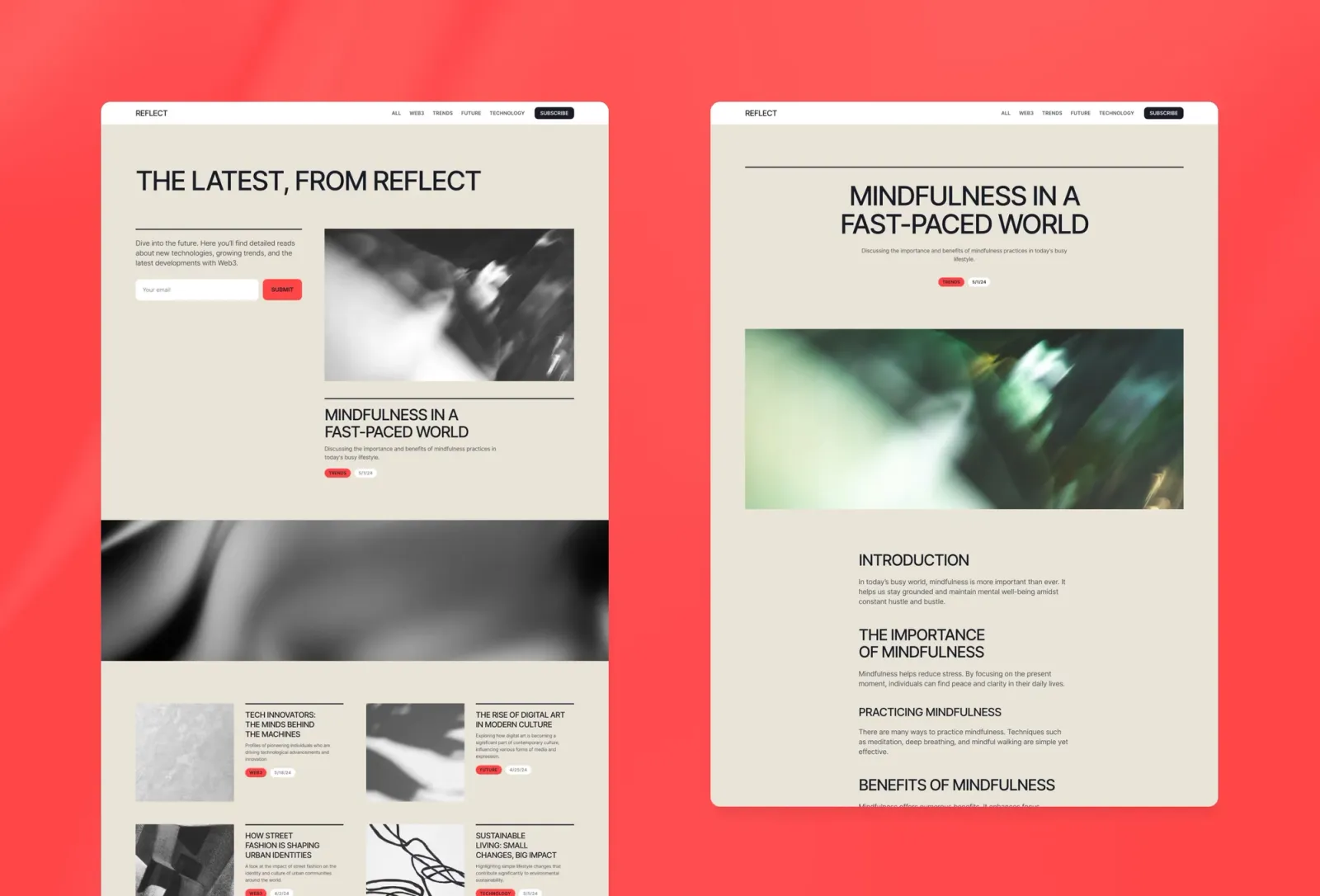
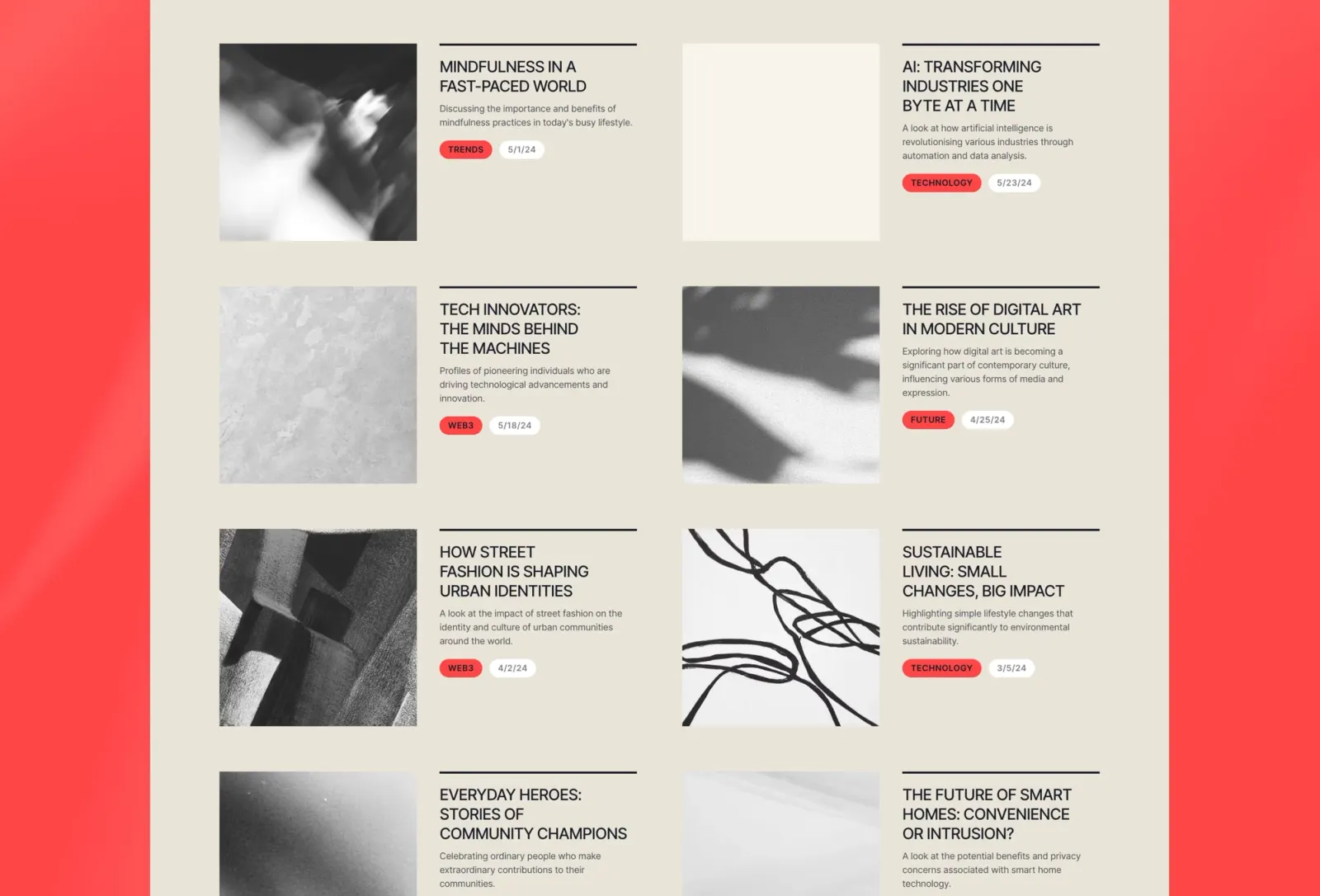
The personal-practice pick. Writing, portfolio, and about — none of the three reads as secondary. Quieter than Narrate: less editorial, more considered. If Narrate reads as ‘I publish often,’ Reflect reads as ‘writing is part of how I work.’ The most introspective layout here without tipping into precious.
Key features
Portfolio grid with project detail pages
CMS writing section
About and contact pages
Personal-brand layout
Minimal navigation
Light mode throughout
Perfect for
Designers and creatives for whom the practice matters as much as the output. Anyone who wants a site that positions a creative approach, not just a portfolio of results.
Price and licence
$149 · Single site licence
Benefits
Writing and portfolio carry the same visual weight — no obvious hierarchy between them
Personal-brand framing positions how you think, not just what you’ve done
CMS scales to a regular writing cadence without layout changes
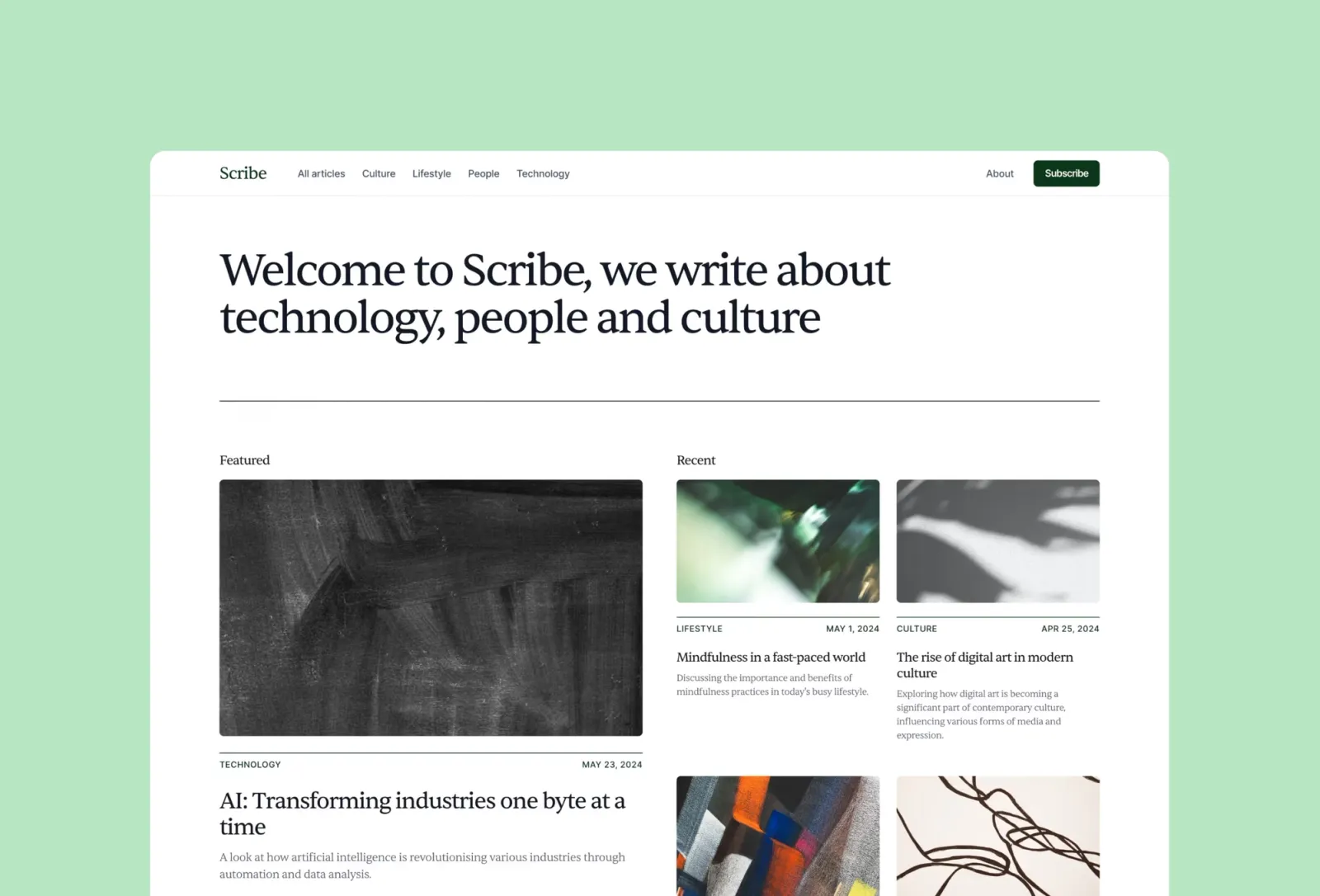
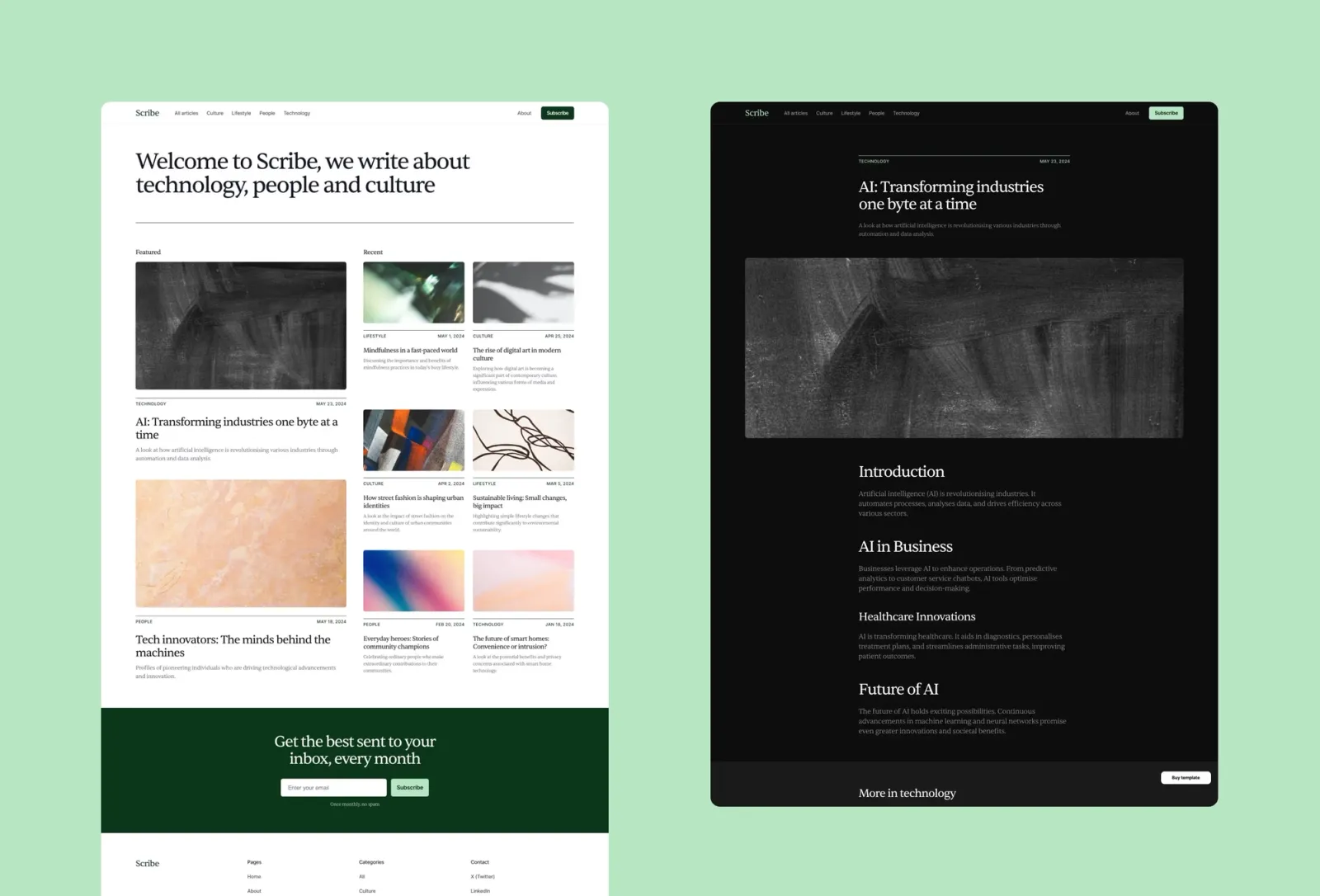
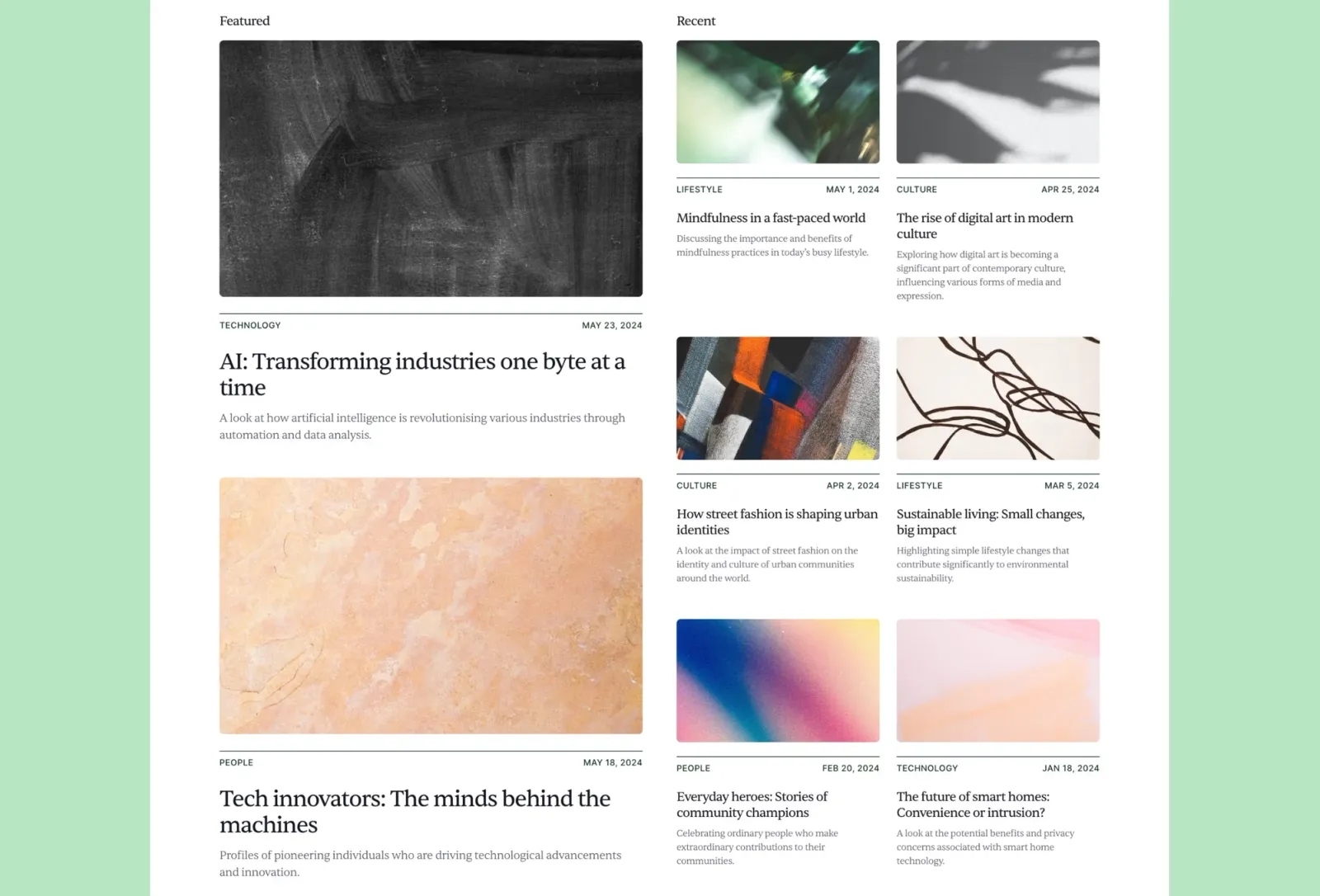
Writing-first with a clean editorial layout. White background, category system, featured post slot, serif type. Different from Narrate and Reflect: those sit portfolio and writing alongside each other. Scribe leads with the writing and doesn’t ask for project work at all. The blog is the site. No portfolio section — if you need to show work alongside writing, Narrate is the better starting point.
Key features
Writing-first layout with featured post slot
CMS for posts with category system
Serif type for a considered reading experience
Newsletter section
White background throughout
About page included
Perfect for
Writers, independent publishers, and designers who write consistently and want the site to be about the writing rather than the work. Anyone moving off Substack or Medium who wants a clean, owned home for their writing.
Price and licence
$149 · Single site licence
Benefits
Writing leads — no portfolio section competing for attention
Category system keeps the archive organised as it grows
Serif type gives longer posts the reading weight they need
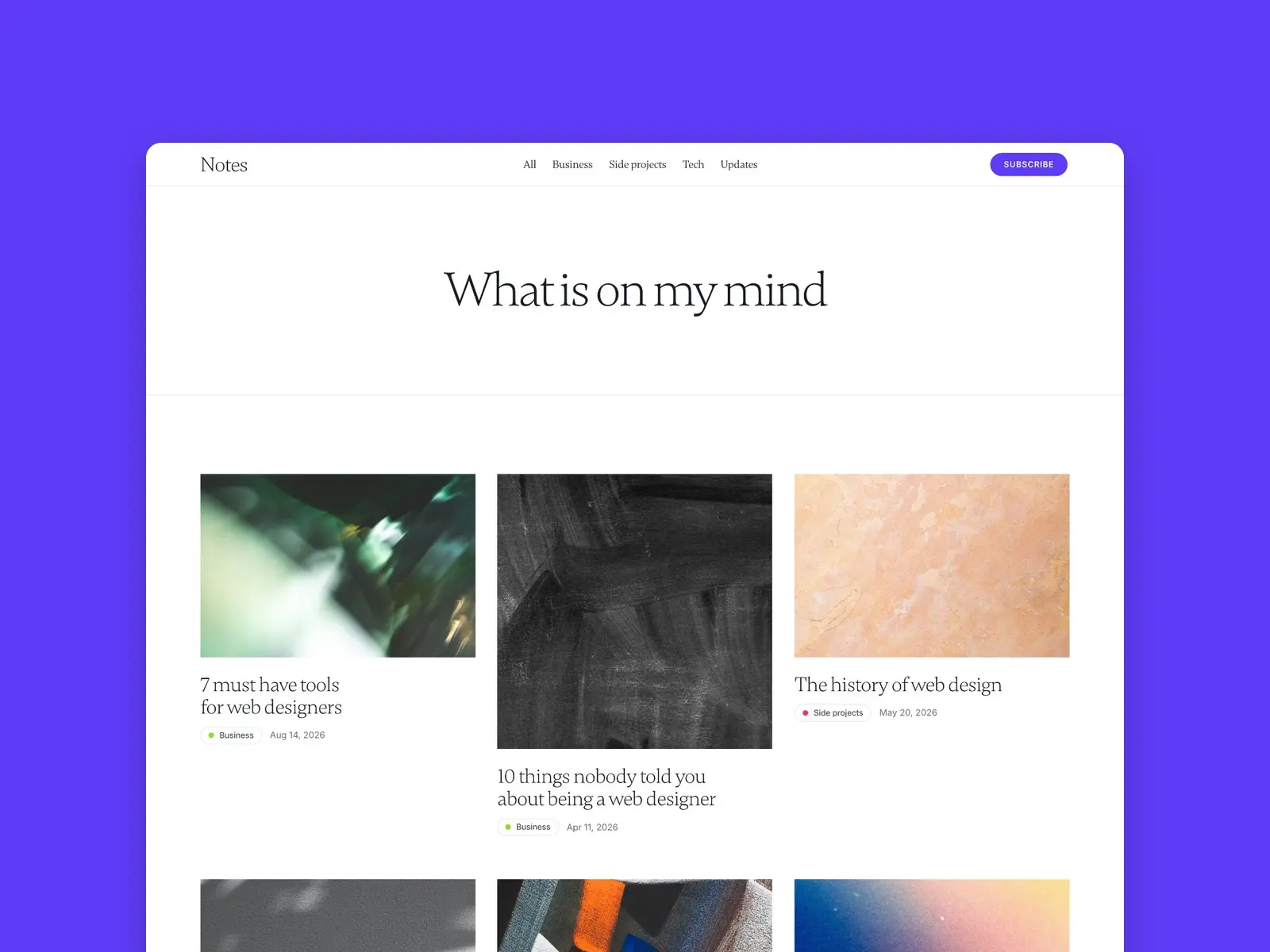
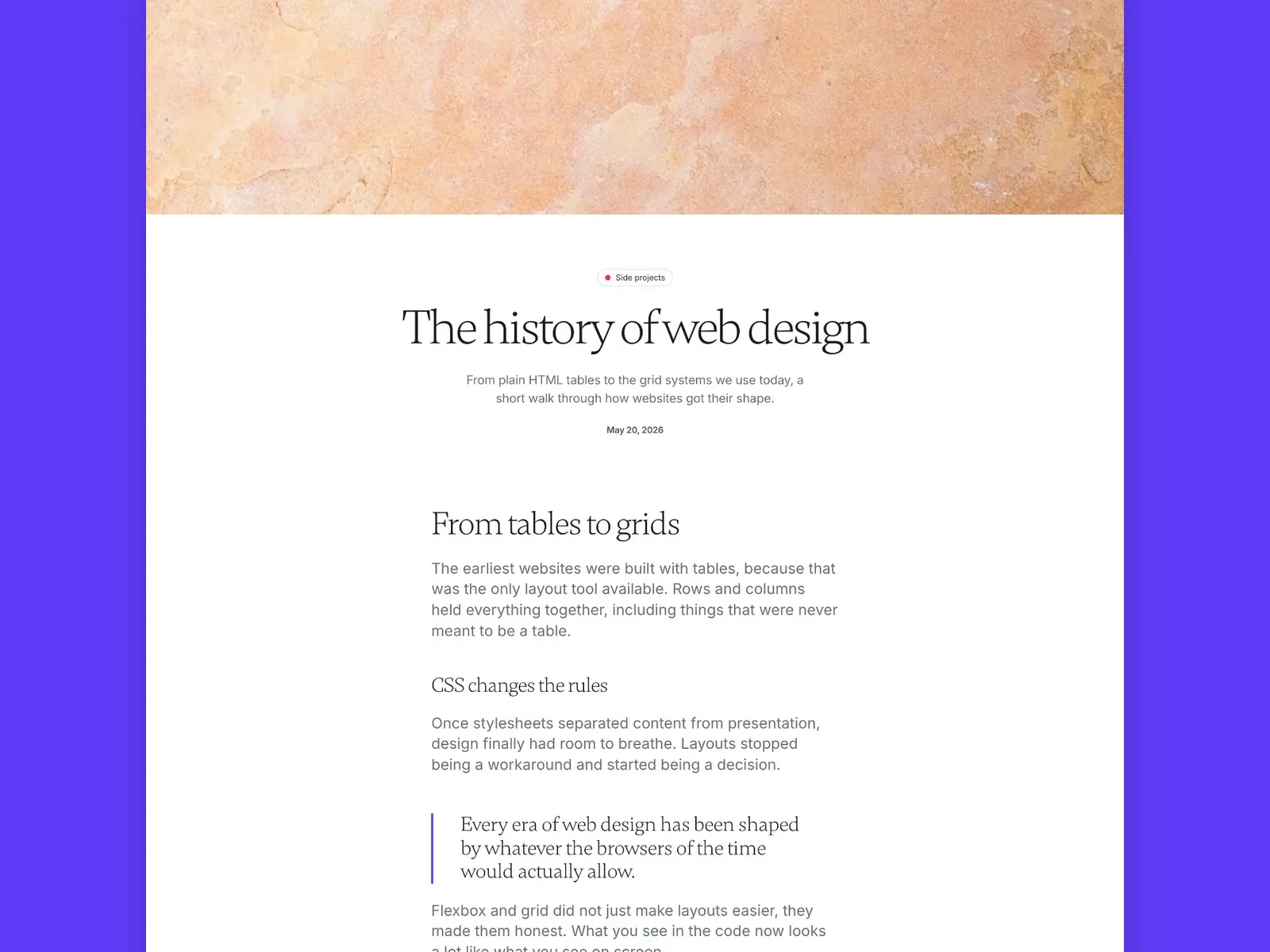
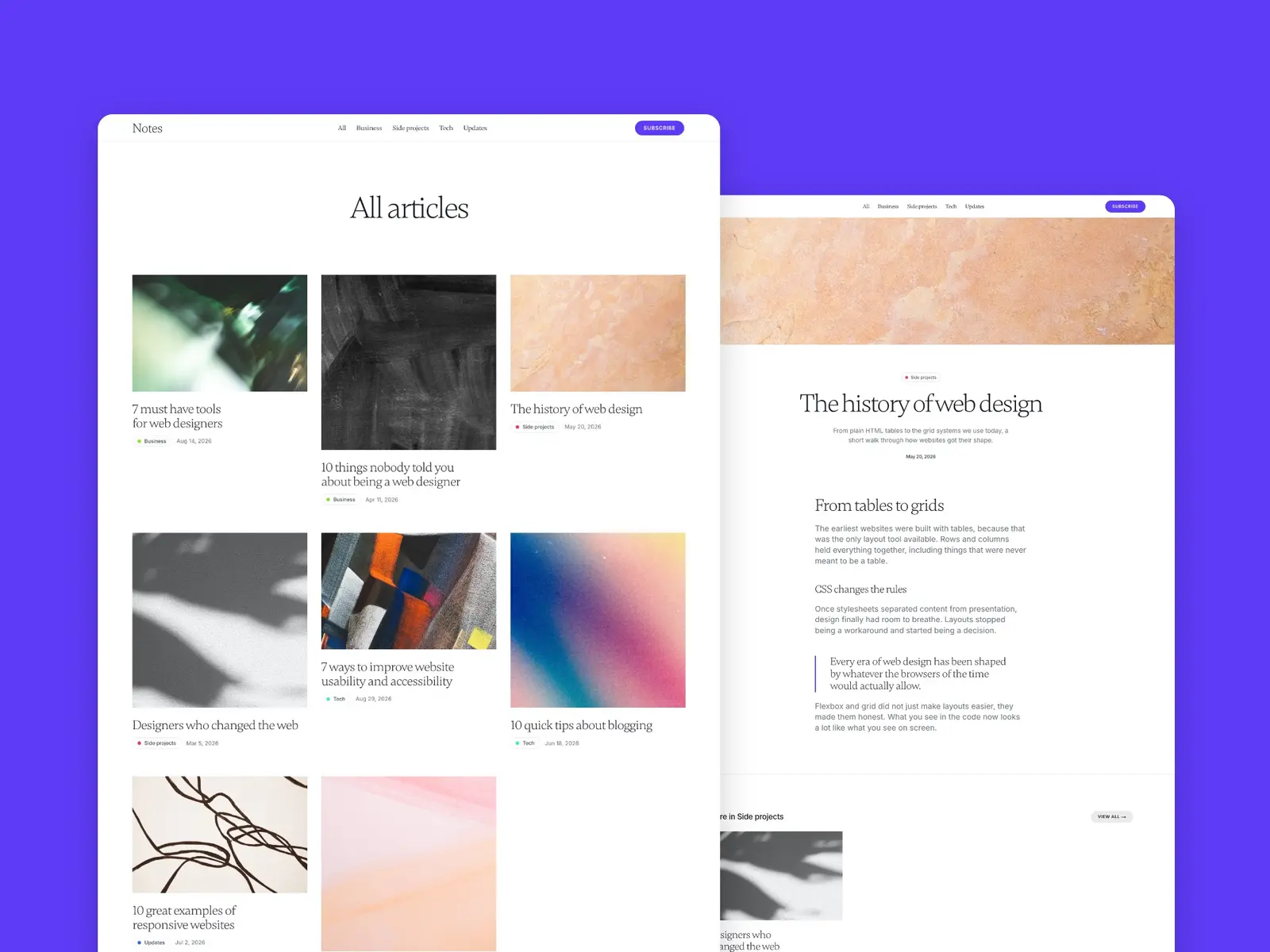
A personal blog with more colour than Scribe. Big Gambetta serif headlines sit on a white background, and a purple accent and colour-coded category tags do the rest. Each category gets its own page, and every post ends with related articles. No portfolio section — this one’s for people who write about a few different things.
Key features
Gambetta serif headlines
Colour-coded category tags
CMS for articles and categories, with a page per category
Related articles at the end of every post
Newsletter sign-up on every page
White background with a purple accent
Perfect for
Writers and creators who cover a few topics and want each one easy to browse. Anyone after a blog that feels light and personal rather than editorial.
Price and licence
$149 · Single site licence
Benefits
Category colours make a mixed archive easy to scan
One accent colour keeps the white pages from looking clinical
Related articles give readers somewhere to go after the last paragraph
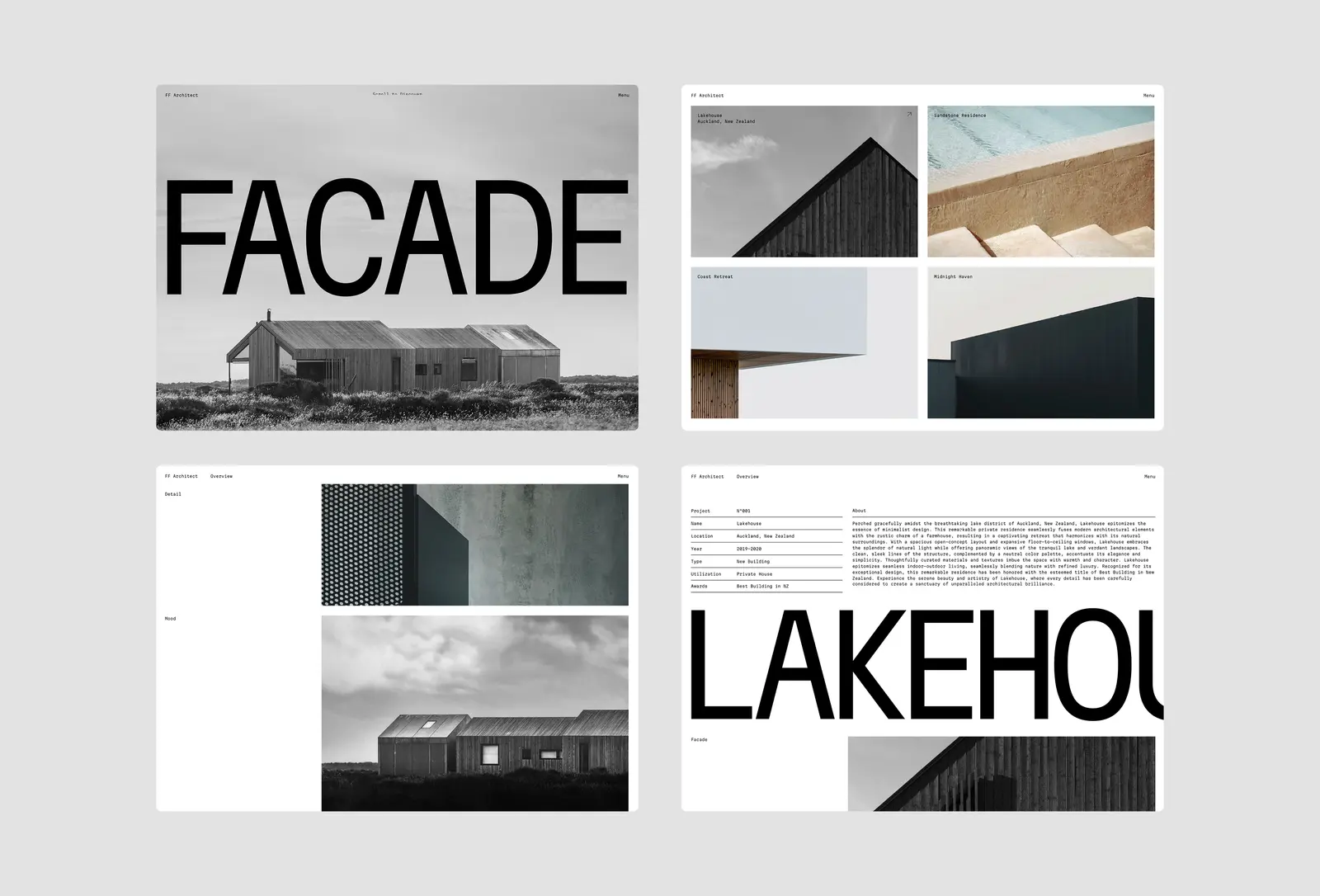
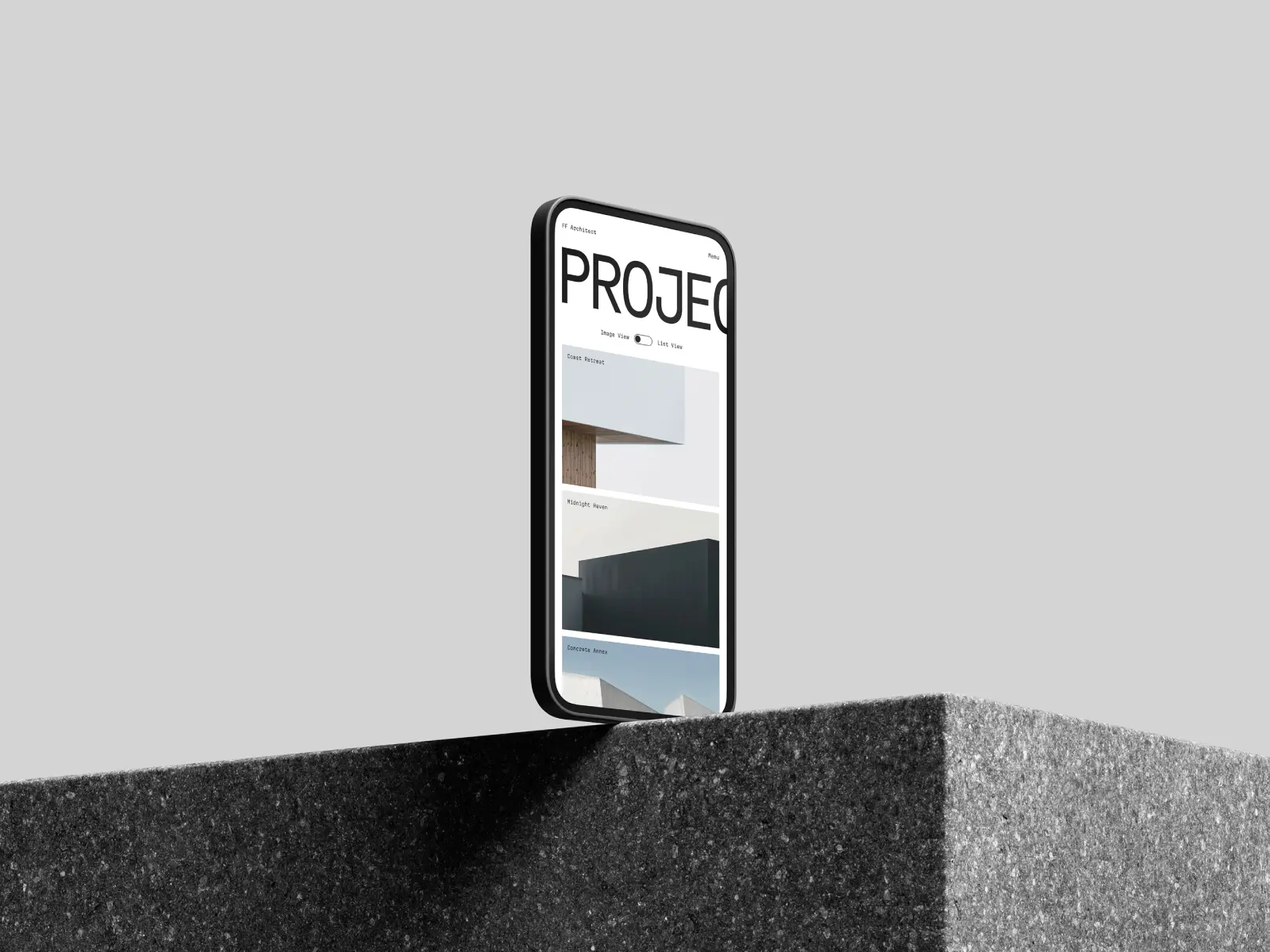
The most restrained template on this list. Ultra-minimal, nearly spartan. White background, sparse type, grid-based layout. No notable animations, no hover effects — just work presented with maximum space. The name is from the design duo Favorit × Frame — not a template for architects specifically, but a business template with an architectural aesthetic. Worth opening the live preview before deciding — the marketplace thumbnails show less than the template offers.
Key features
Ultra-minimal portfolio grid
Project detail pages
White background throughout
Sparse, considered typography
No decorative elements
Fast loading
Perfect for
Photographers, visual designers, and studios whose work is strong enough that the template should disappear entirely behind it.
Price and licence
$49 · Single site licence
Benefits
The most minimal layout on this list — practically invisible behind the work
White background and sparse type suit any project type without adjustment
No animation scripts means the fastest load time in this roundup
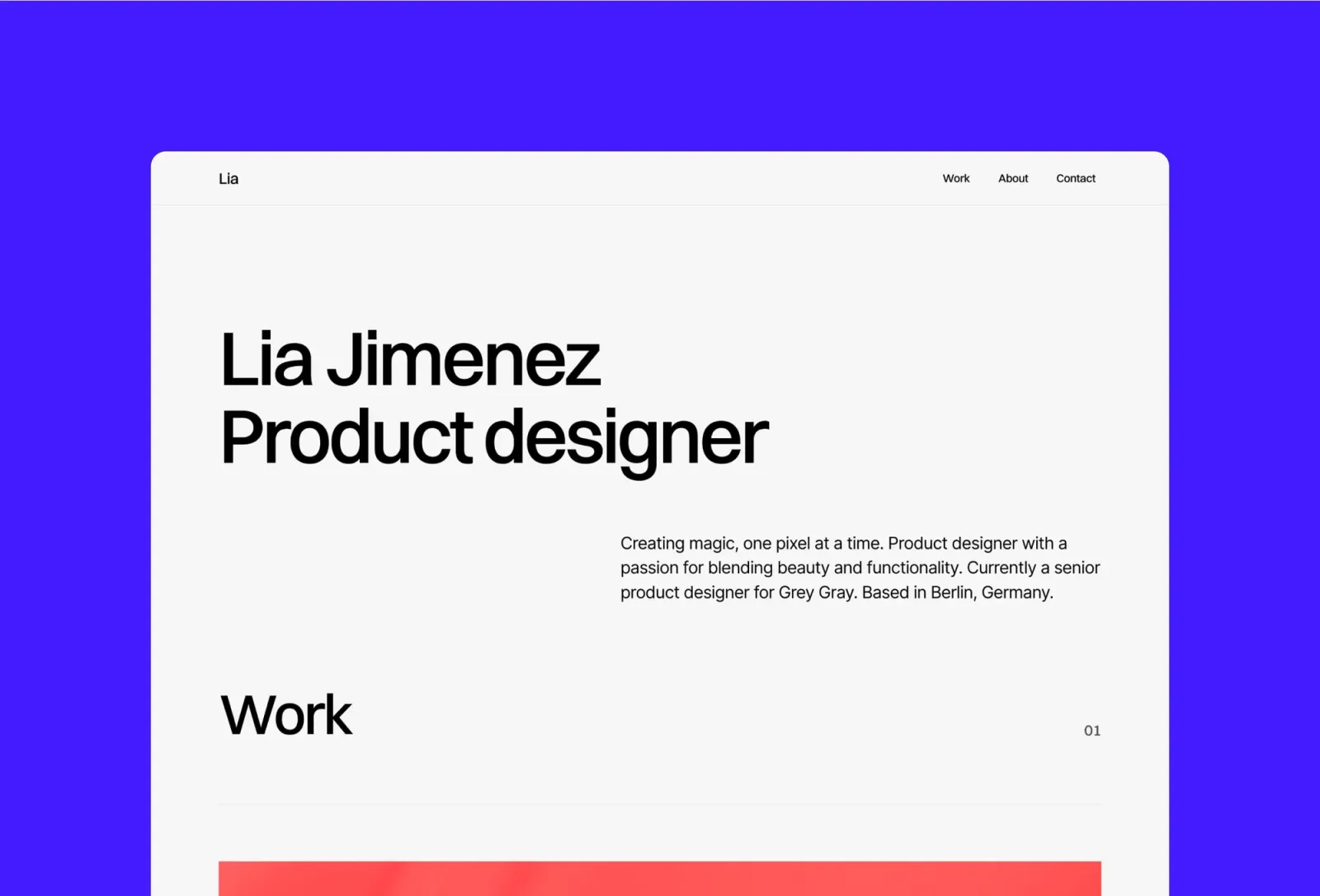
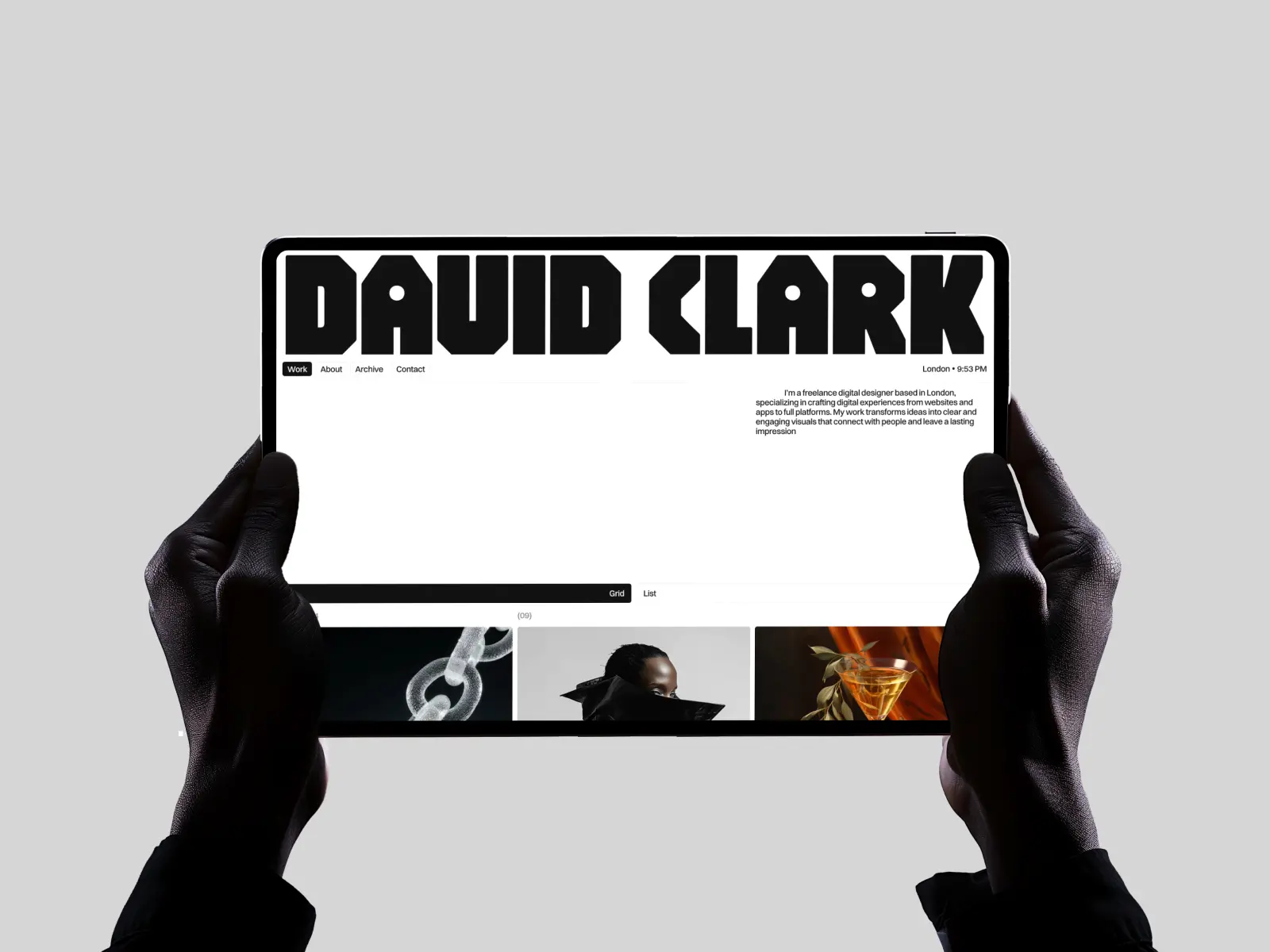
David Clark is a straightforward clean portfolio from the Framer marketplace. Light mode, multi-page, solid typography. Home, Work, Project, About, Contact — nothing missing, nothing extra. The most conventional pick on this list in structure, which isn’t a criticism. If the goal is a professional portfolio without template decisions slowing the launch down, David Clark gets there without distraction.
Which light mode Framer template should you choose?
For typographic character — Sharp. For maximum restraint — Wynn. For a studio or agency pitch — Last Studio. For a bento one-pager with a warm base — Jonas.
For the simplest possible launch — Format. For the most invisible template on the list — Minimal Portfolio. For a portfolio with writing alongside it — Narrate if you publish consistently, Reflect if it’s a personal practice. For writing as the main event — Scribe, or Notes Journal if you write across a few topics.
From the Framer marketplace: FF Architect for the most minimal layout here. David Clark if you want a clean light portfolio without making decisions.
Set your brand typeface and colours in Framer variables before touching anything else — they propagate across every page
Replace placeholder work with real projects before judging the design — light templates especially depend on the imagery
Check the template on a screen with high brightness before publishing — light backgrounds can look washed out in certain lighting
Pick a base colour that isn’t pure white (#FFFFFF) unless it genuinely suits the work — even a 1% warm or cool shift reads as more considered
Connect a custom domain in Framer before sharing — the .framer.website subdomain reads as a draft
Test on mobile before publishing — light templates often rely on spacing that compresses differently at smaller sizes
Frequently asked questions about light mode Framer templates
Are light mode Framer templates harder to customise than dark ones?
Not technically harder, but they’re less forgiving. On a dark template, modest imagery looks fine against a black background. On a light template, low-quality photography is immediately obvious — the white background gives it nowhere to hide. If the work is strong and the photography is decent, light templates are often easier because the background doesn’t fight the colours in the imagery.
Can I add a dark mode toggle to these templates?
Yes, Framer supports dark mode variables natively. You can set up colour variables with light and dark values and add a toggle that switches between them. Most templates don’t ship with this pre-configured — it’s a setup job that takes a few hours. If you need dark mode from day one without building it, the dark Framer templates are the faster starting point.
Which light mode Framer template is best for a portfolio with a blog?
Narrate or Reflect. Narrate is the better pick if you publish consistently and want the editorial structure to support a regular cadence. Reflect is better if writing is part of the practice rather than a main channel — quieter, more personal, less explicitly editorial. Scribe is writing-only — no portfolio section.
Do light mode templates rank better on Google than dark ones?
No. Google’s crawler doesn’t render CSS or register colour schemes. The template colour has no effect on SEO. What matters for SEO is structure, load speed, content quality, and schema markup — all of which these templates handle equally.
What’s the difference between a light mode template and a minimal template?
Minimal refers to the design density — few elements, generous whitespace, no decoration. Light mode refers to the colour scheme — bright backgrounds, dark text. The two often overlap, but not always. Sharp, for example, is light mode but has more typographic complexity than Minimal Portfolio, which is both minimal and light. The best dark Framer templates include minimal options too.
Want every current and future Framer template for one fee? Unlimited Access includes all of the templates above.
Get design articles like this straight to your inbox