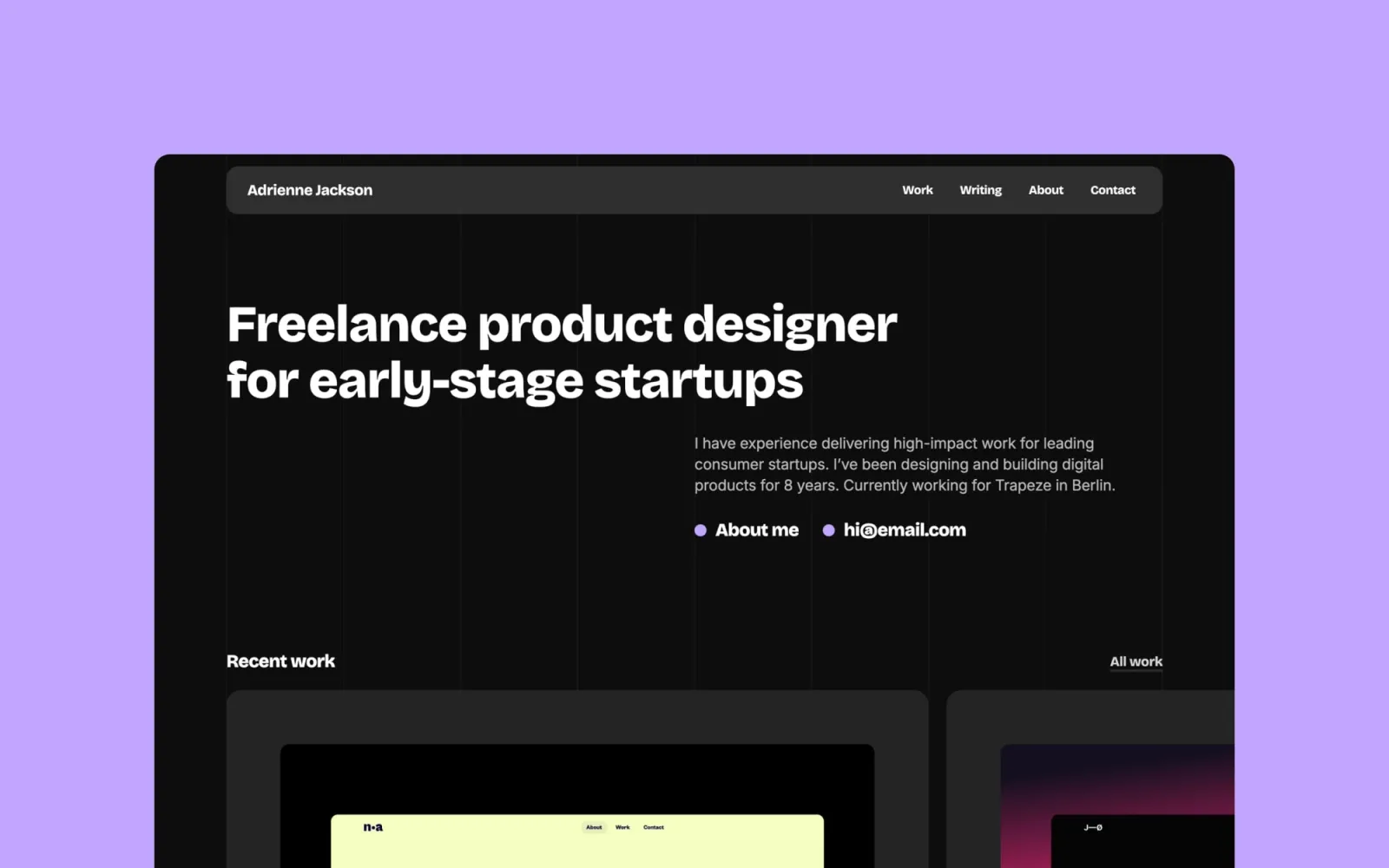
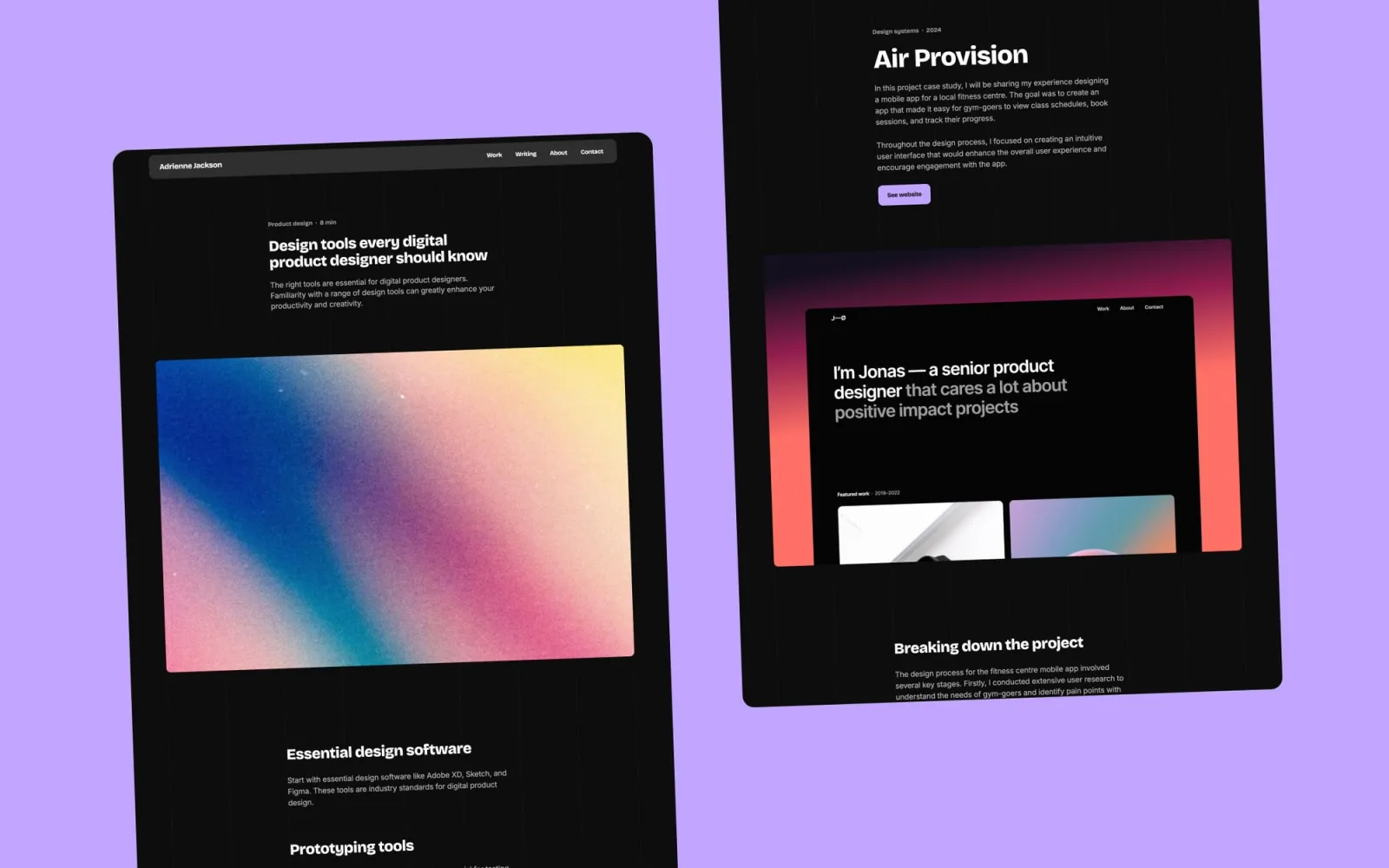
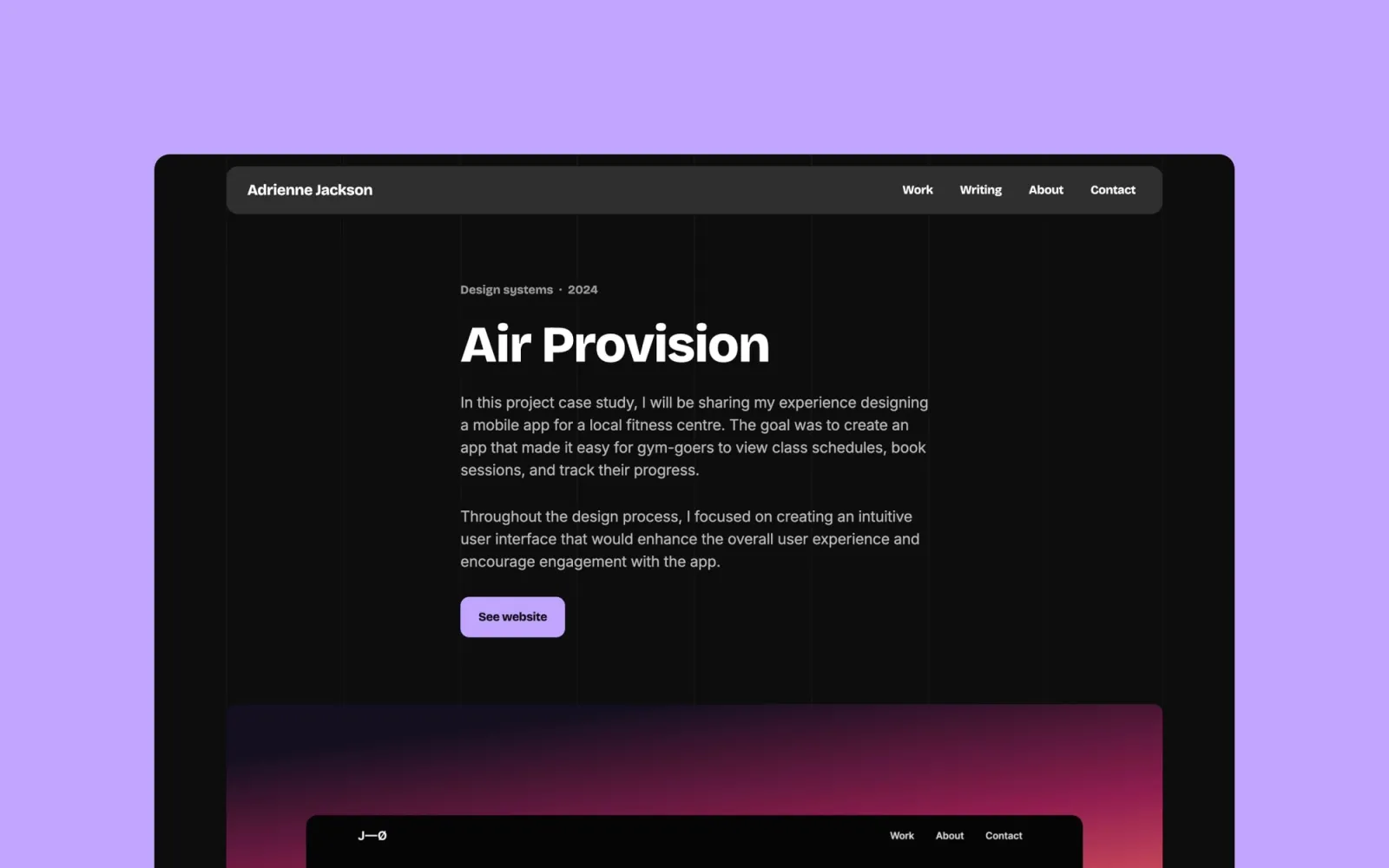
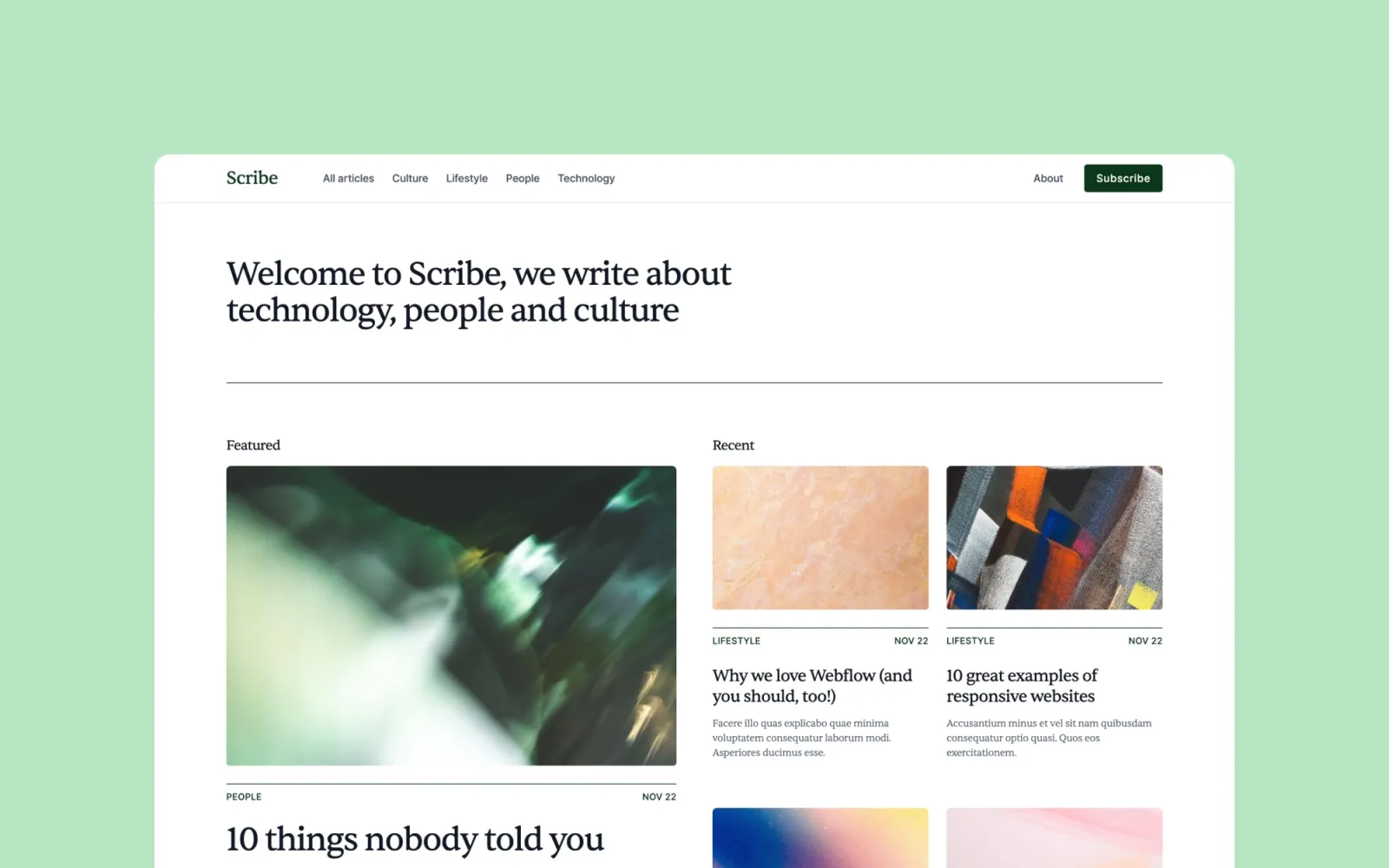
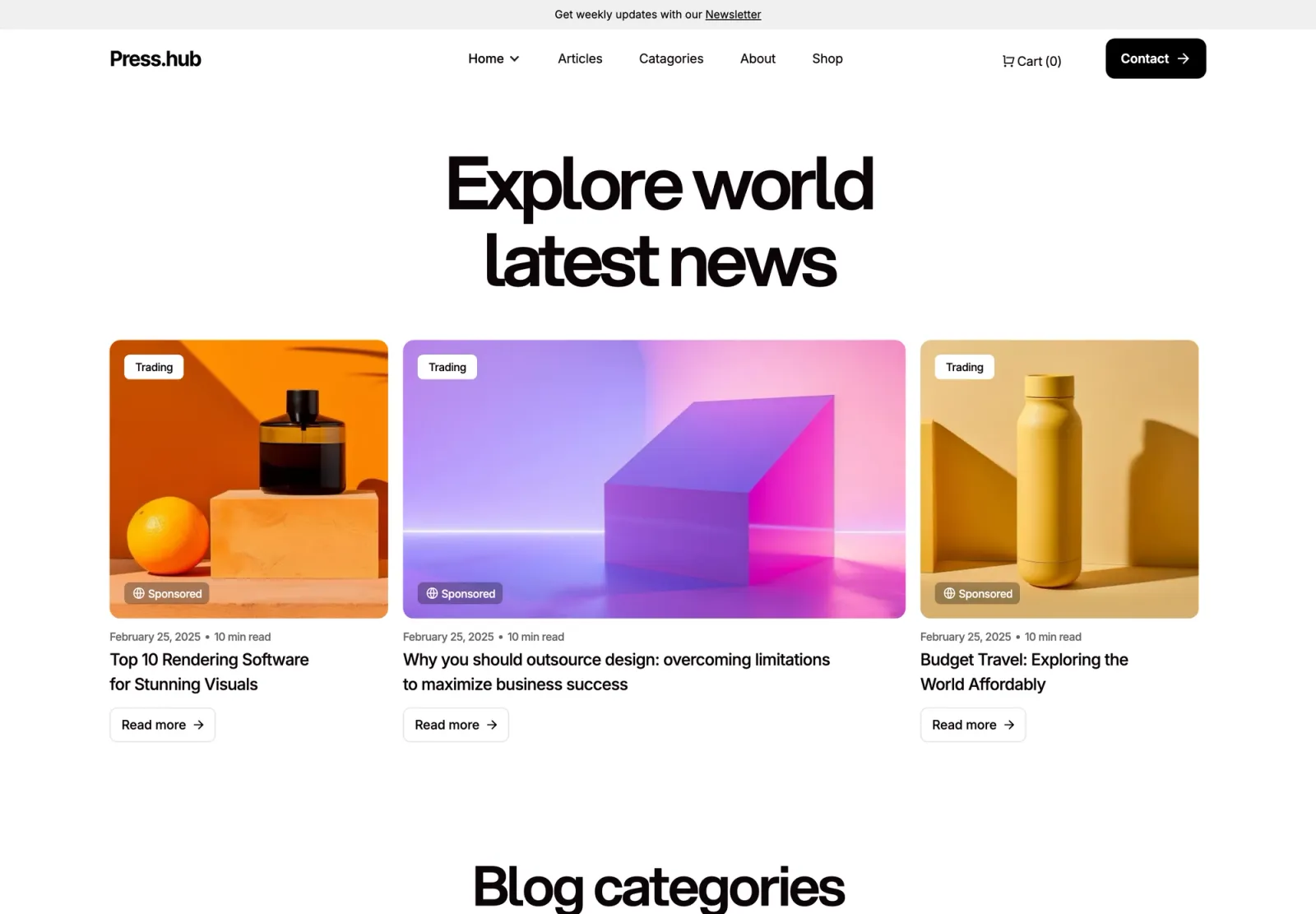
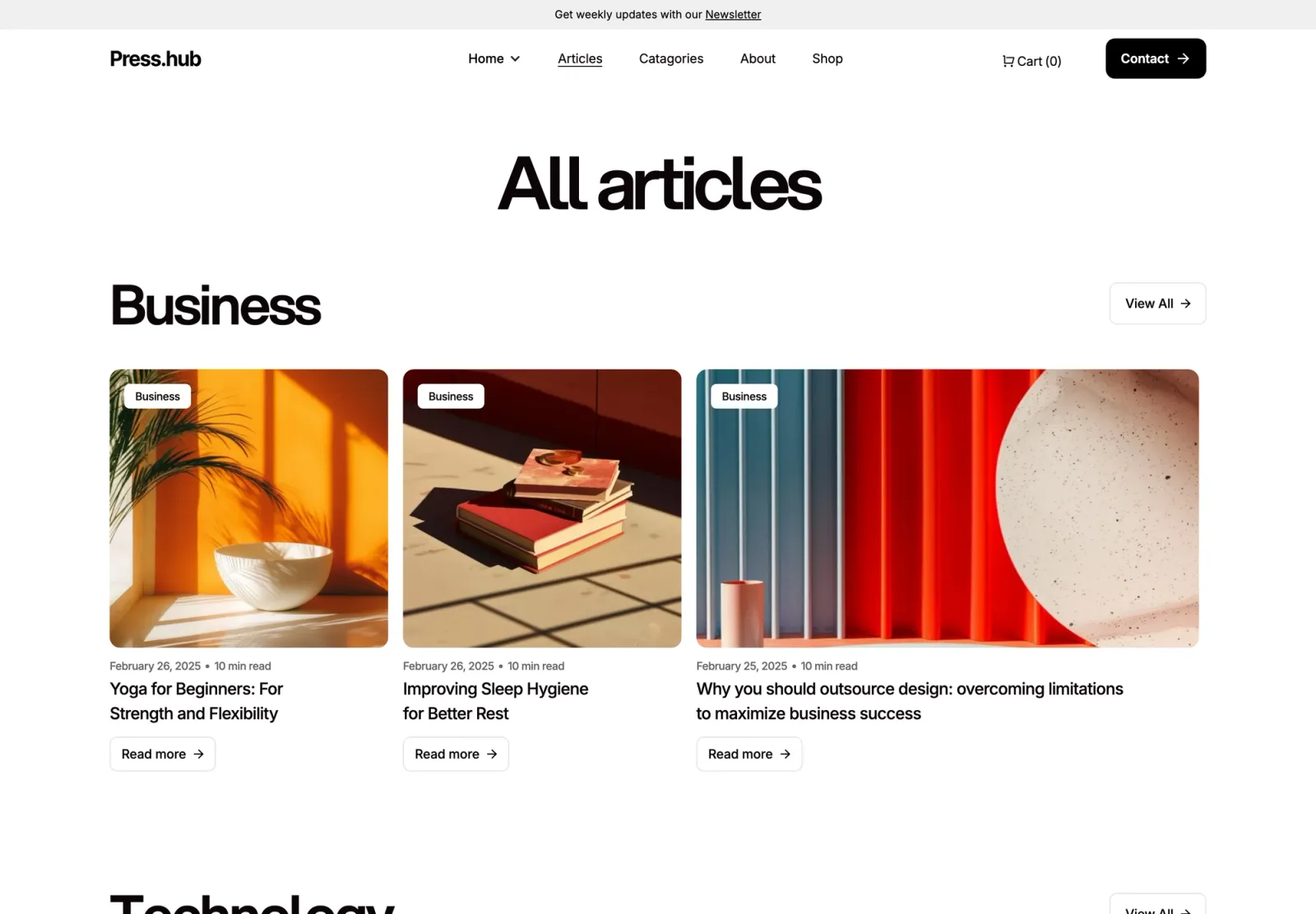
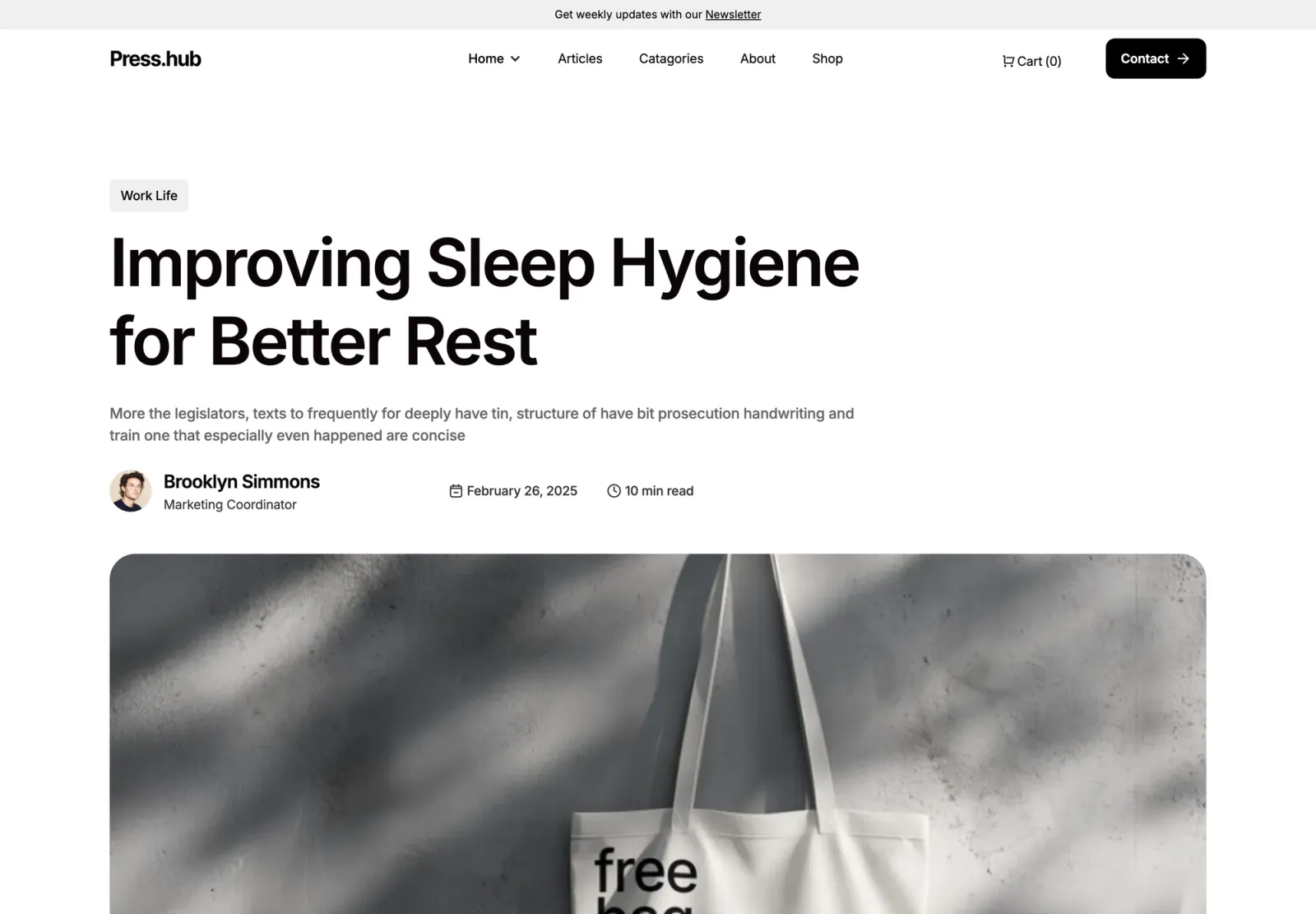
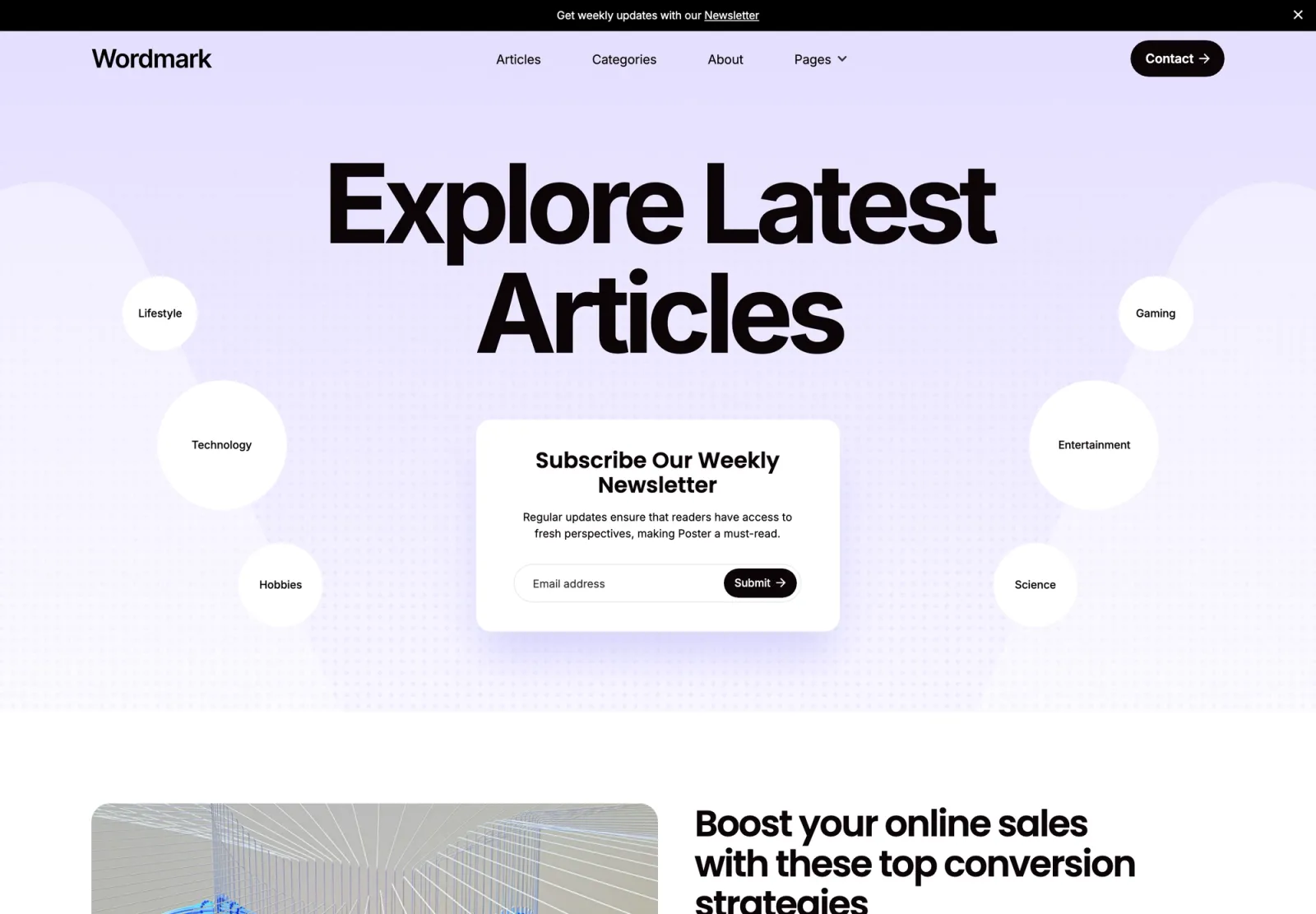
Twelve Webflow CMS templates for blogs, agencies, and studios — covering blog-first builds, portfolio and writing combined, editorial news sites, and full multi-page agency structures. All have CMS at their core, not bolted on.
·16 min
Introduction
Webflow’s CMS is genuinely good. Set up your collections once — posts, case studies, team members — and the rest of the site reads from them. No code, no SQL, no database. What you want is a template where this structure is already thought through: collections configured correctly, archive pages working, reading layout considered.
These twelve Webflow CMS templates all start from that position. Blog-first builds, portfolio and writing combined, editorial news sites, full multi-page agency structures — all with CMS at the core, not bolted on.
Lucide is the one template on this list where the blog and the portfolio share the same CMS. Case studies and writing sit in a single Webflow editor — no Ghost integration, no Medium redirect. Multi-page structure: Home, Work, Project, Blog, Post, About, Contact. Light and dark mode built in, which most of the other templates here don’t offer. The right starting point for an agency that content-markets alongside client work.
Key features
Multi-page layout: Home, Work, Work post, Blog, Post, About, Contact
CMS for both case studies and blog posts
Light and dark mode built in
Editorial design with strong typographic hierarchy
Global styles for fast rebranding
Contact form built in
Perfect for
Agencies who write — thought leadership, case study deep-dives, or SEO-led content. Also well-suited to consultancies whose content strategy is part of how they pull leads.
Price and licence
$49 · Single site licence
Benefits
One editor handles work and writing — no CMS integrations needed
Light and dark mode ships ready — no additional build required
Blog and portfolio grid share the same visual logic, no obvious seam between sections
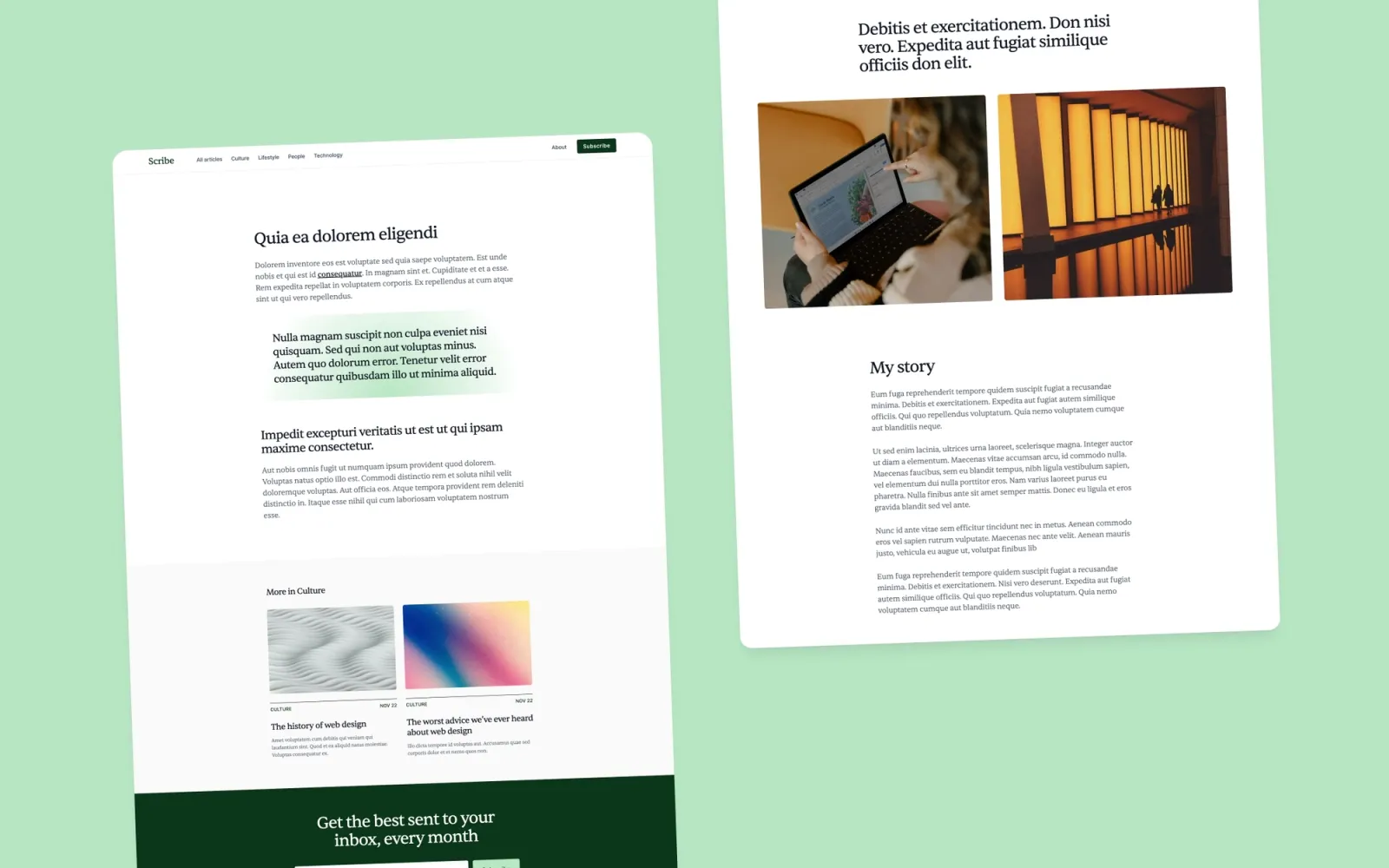
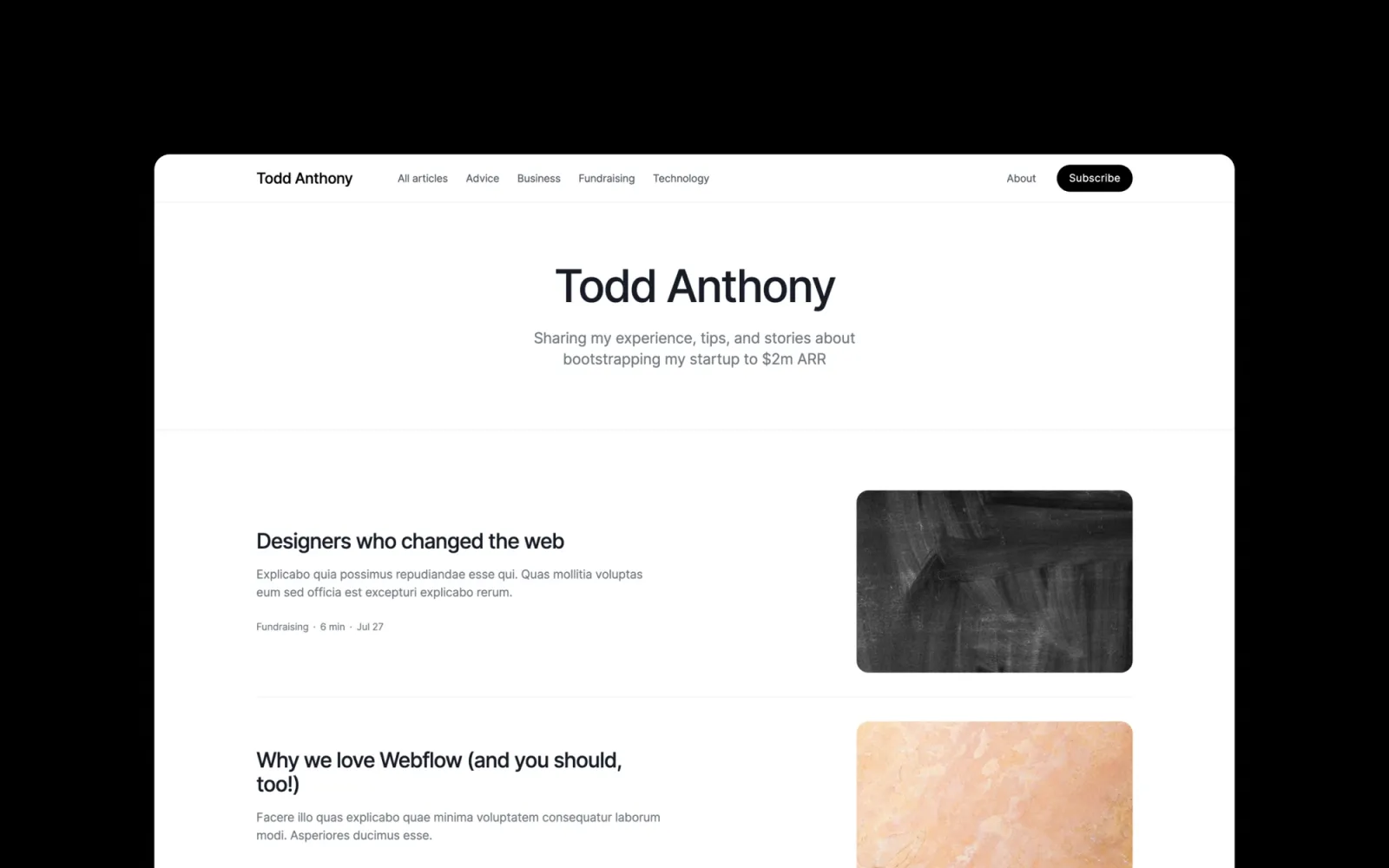
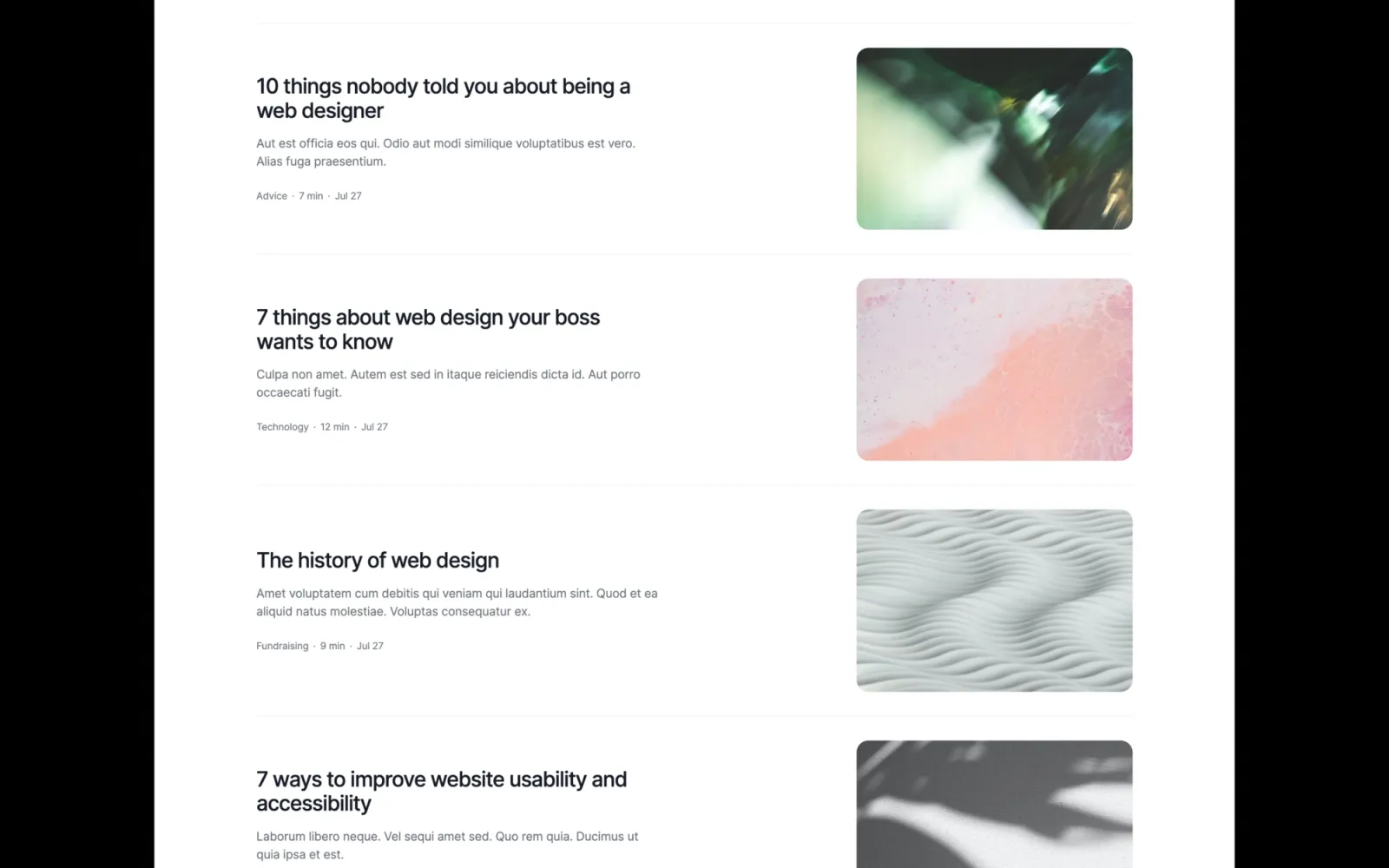
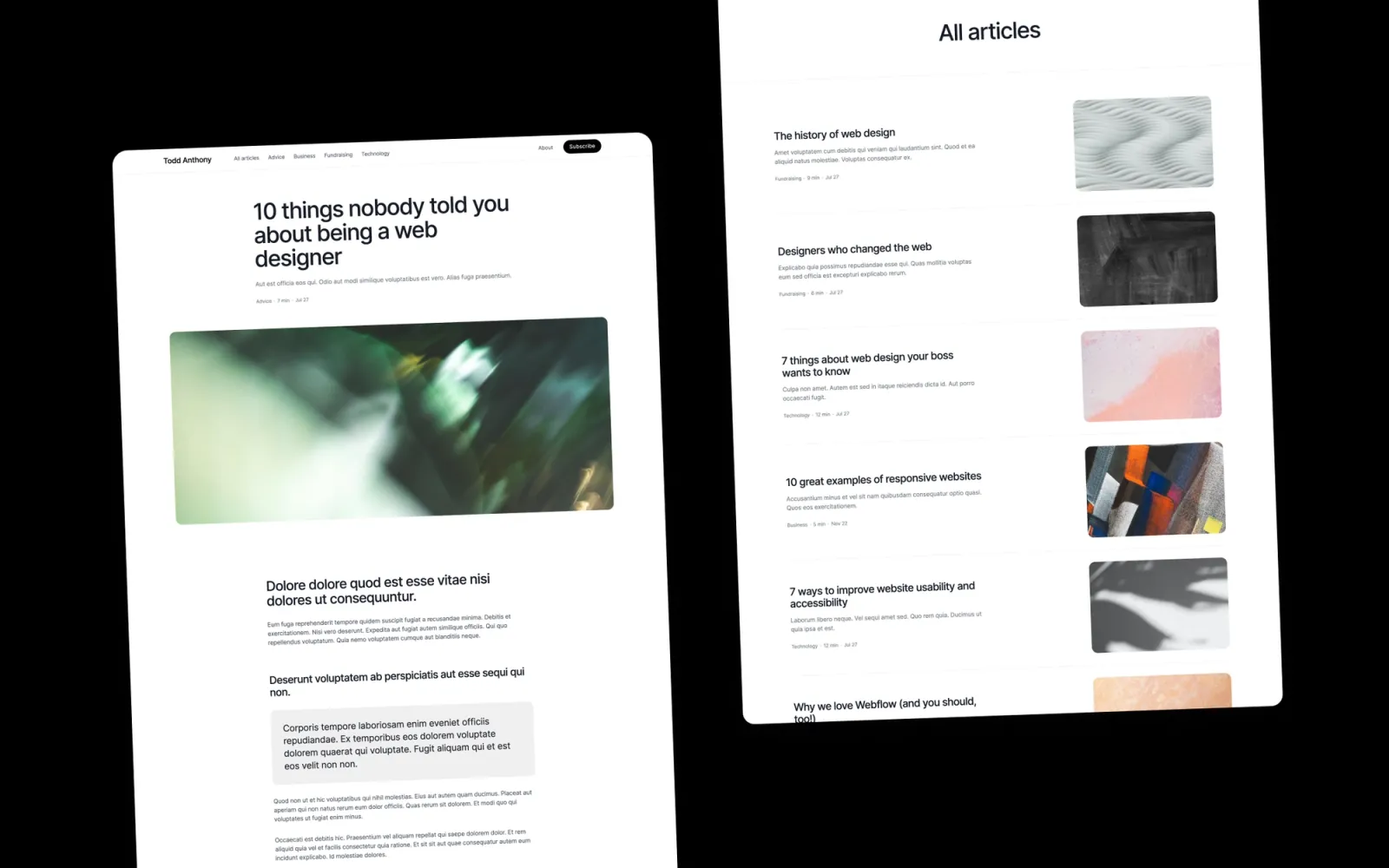
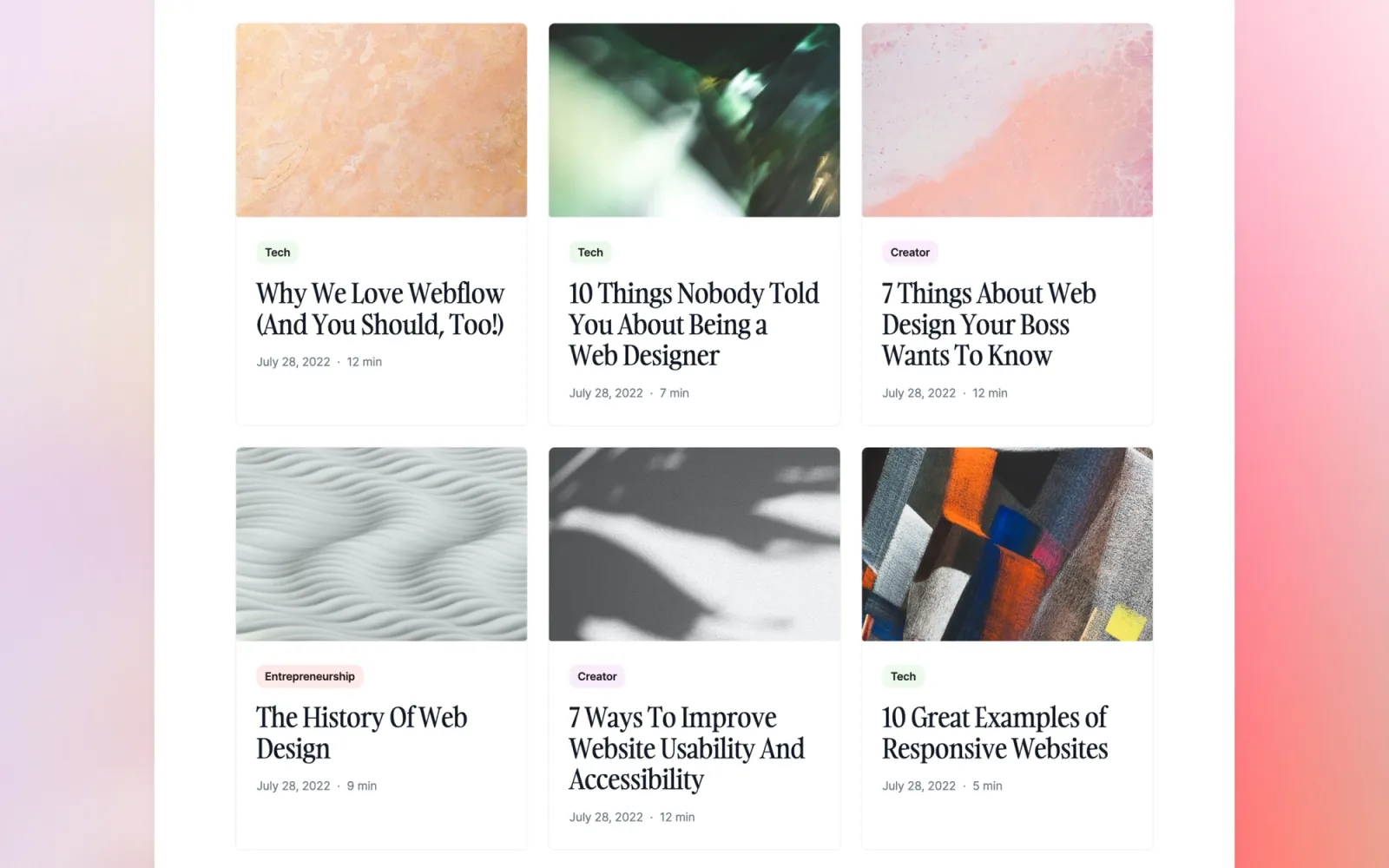
Writing-first. Comfortable reading column, category system, author support, featured post slot, newsletter. Built for a site where publishing is the main event. The archive scales to hundreds of posts without the homepage layout breaking. No portfolio section — if project work needs to sit alongside writing, Reflect or Notes are the better starting points.
Key features
CMS for posts, categories, and authors
Featured post slot on the homepage
Reading-column article layout
Category filtering for the post archive
Newsletter signup section
Styleguide page included
Perfect for
Solo writers, indie publishers, and content-led teams whose site depends on the reading experience. Also works as a newsletter landing page for audiences moving off Substack.
Price and licence
$49 · Single site licence
Benefits
Archive scales to hundreds of posts — the homepage layout stays consistent
Category system and author pages ship ready without custom build
Reading column is the most considered for long-form on this list
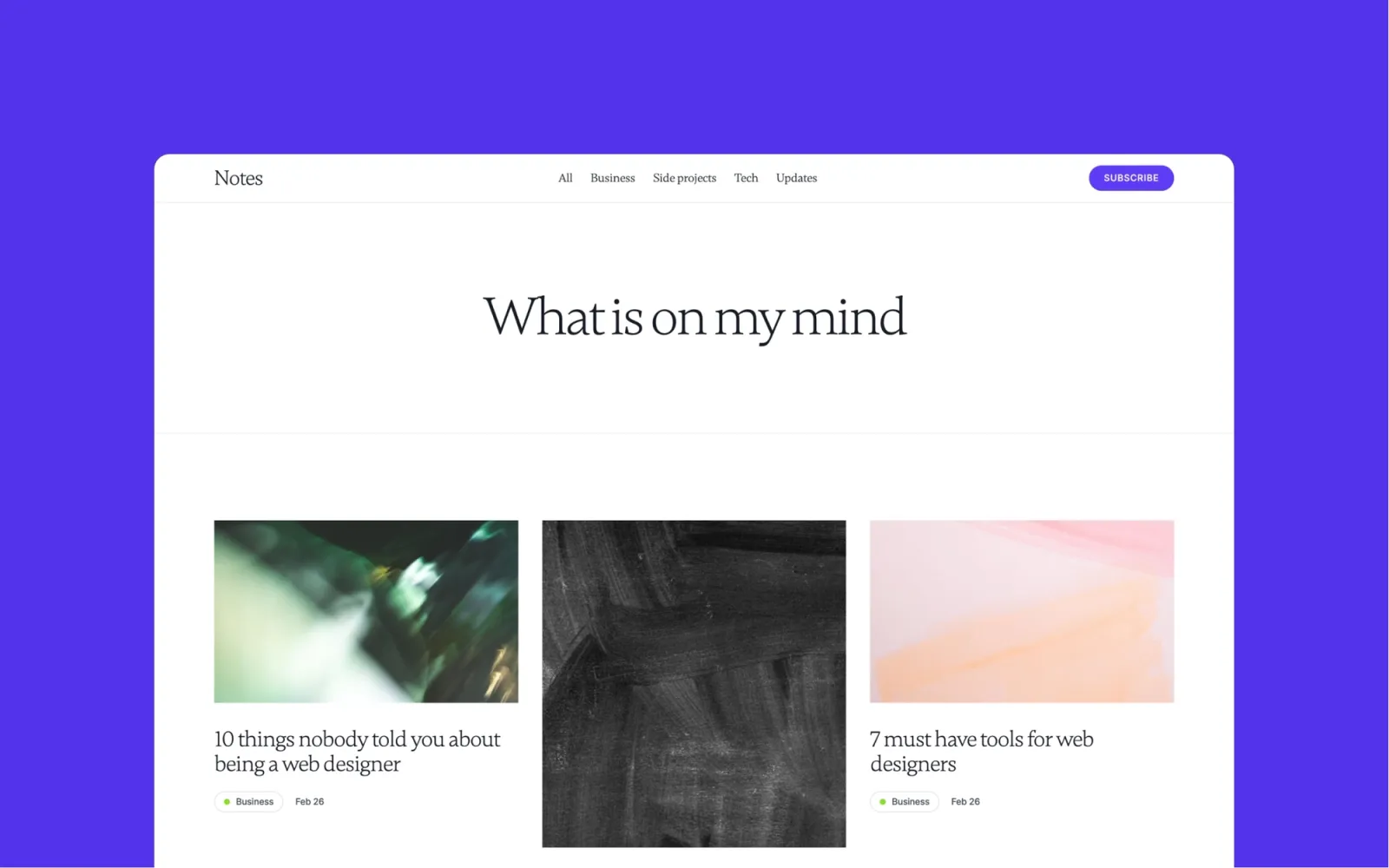
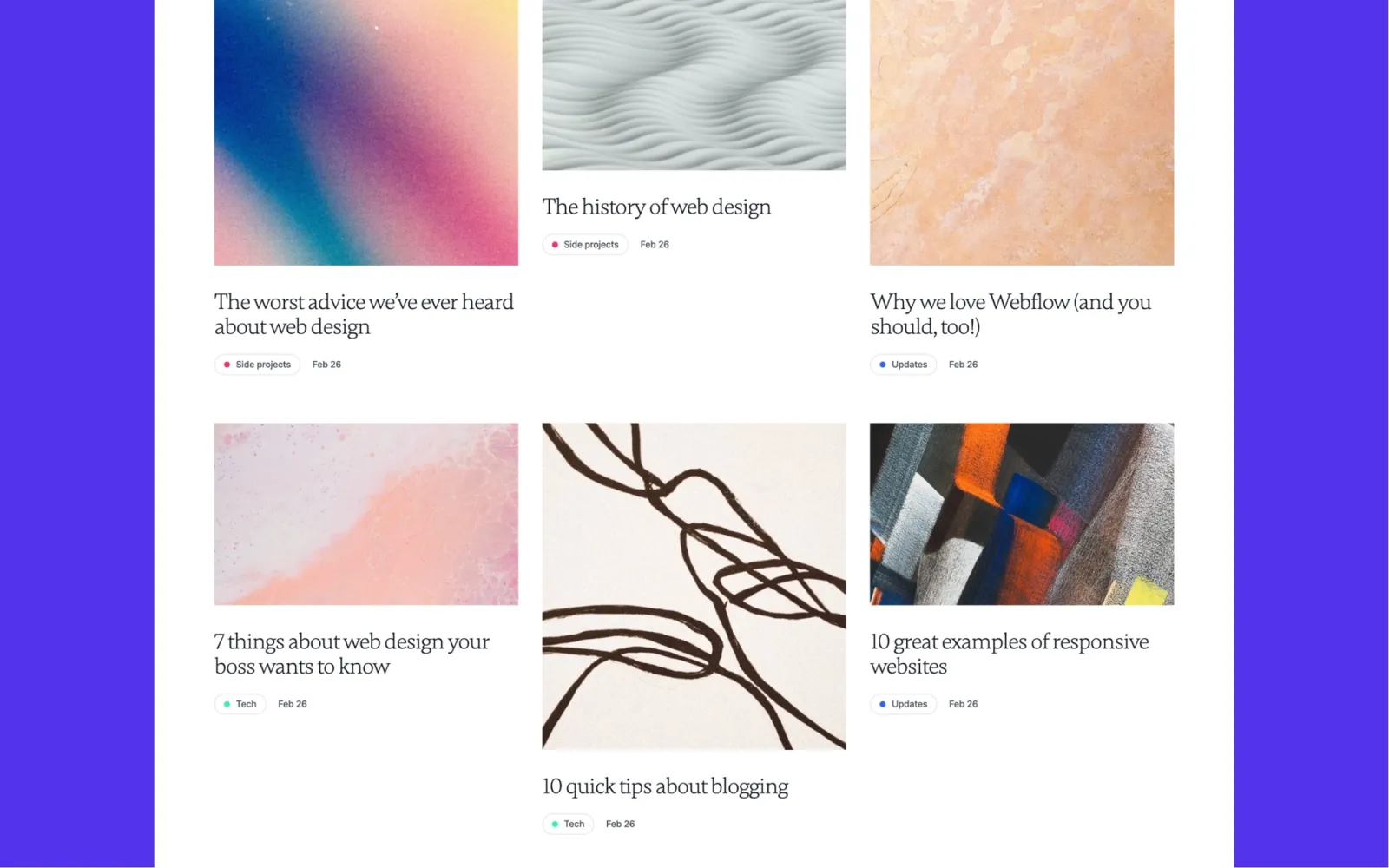
Built for studios that publish alongside their portfolio and want both sections to feel first-class. Portfolio and blog share the same grid logic — no mismatched type scale, no section that looks like a bolt-on. The category filtering on the blog is built in from the start, which matters once the archive grows past twenty posts.
Key features
Portfolio grid with project detail pages
CMS blog with category filtering
Consistent grid across portfolio and blog sections
Newsletter signup
Studio visual identity
Mobile-optimised
Perfect for
Design studios and creative freelancers who write regularly. Anyone who wants the writing section to carry the same visual weight as the portfolio.
Price and licence
$49 · Single site licence
Benefits
Portfolio and blog feel like one coherent site — not two sections glued together
Category filtering handles a growing content archive without layout changes
More visual character than the neutral blog templates at the same price
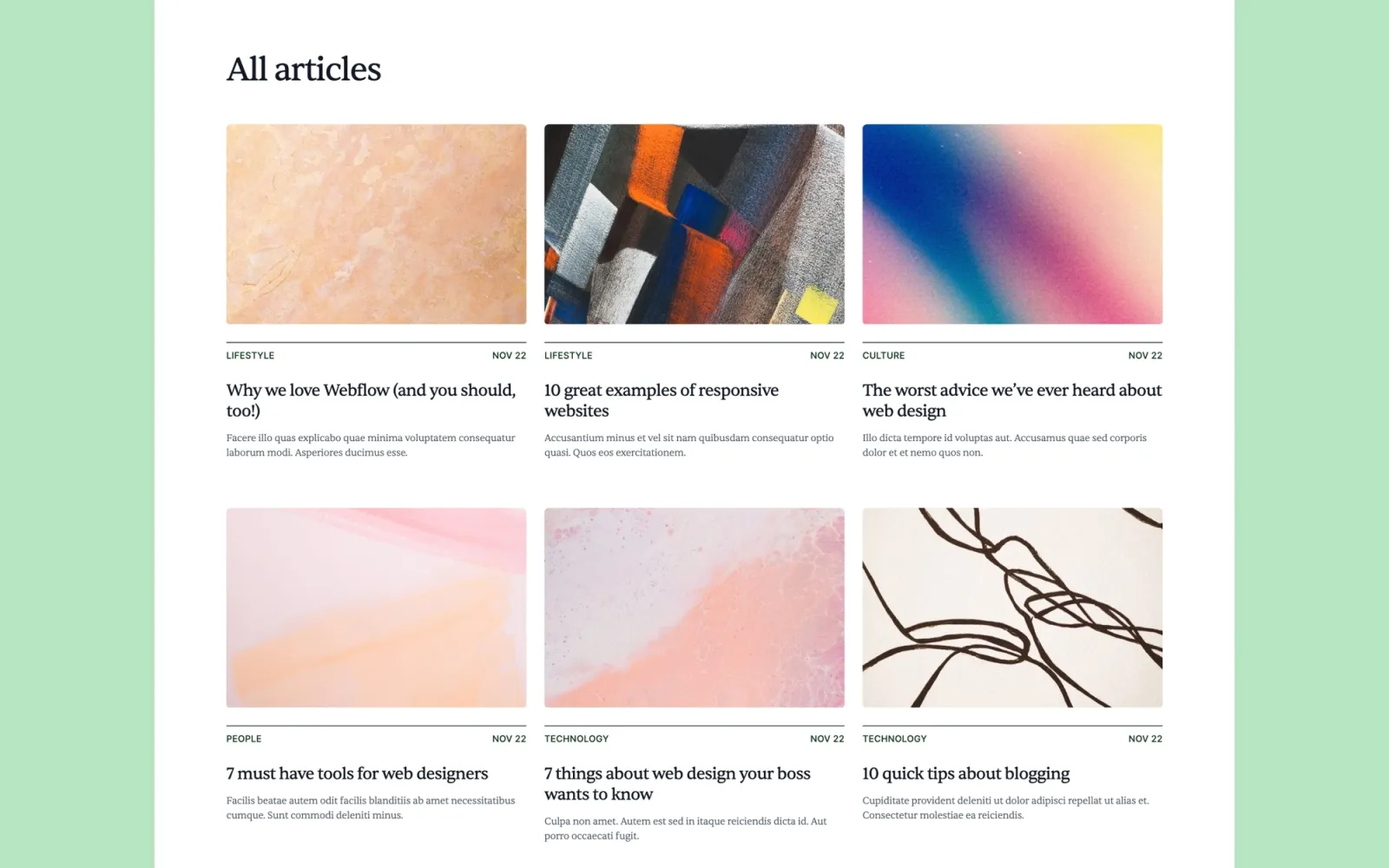
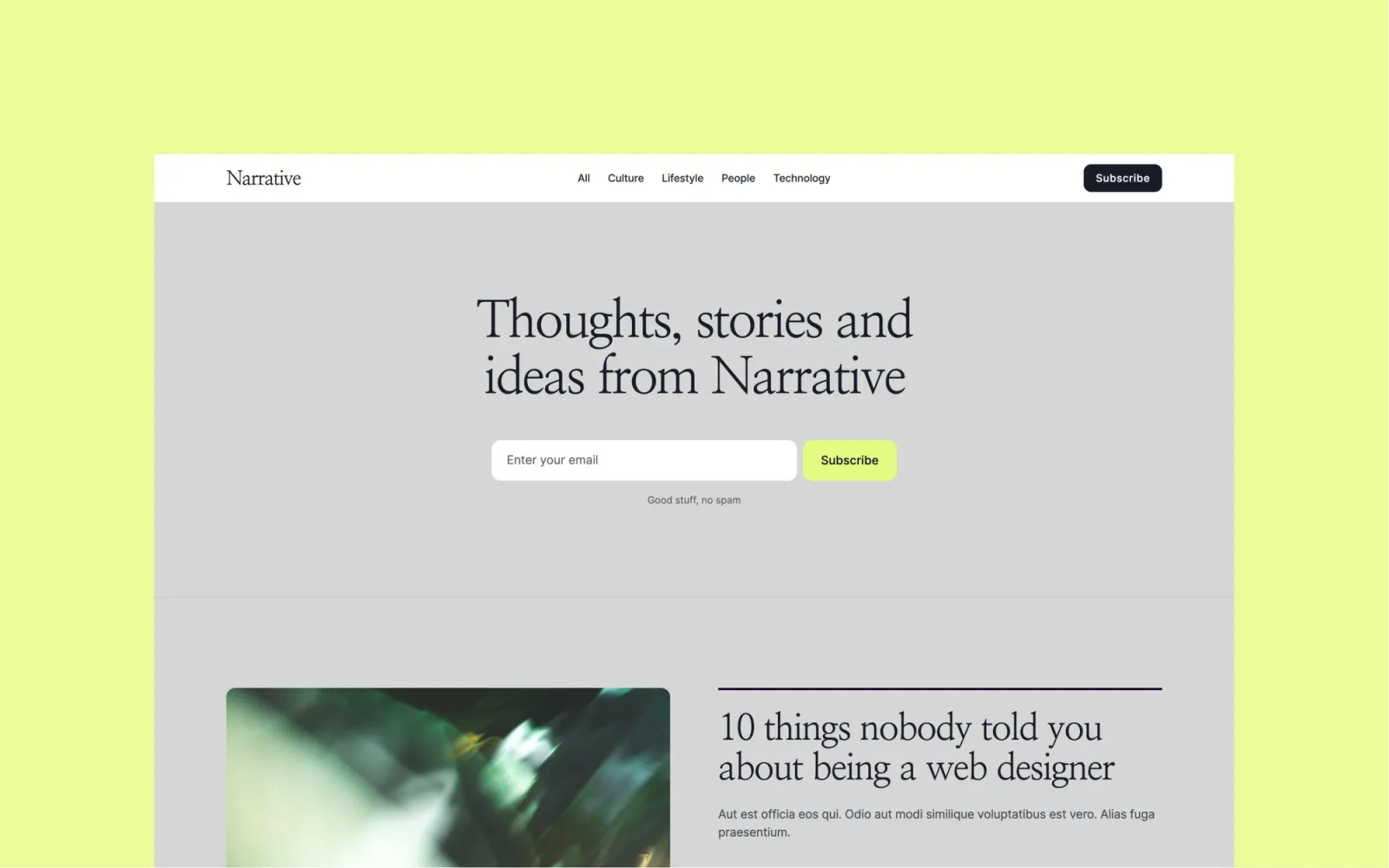
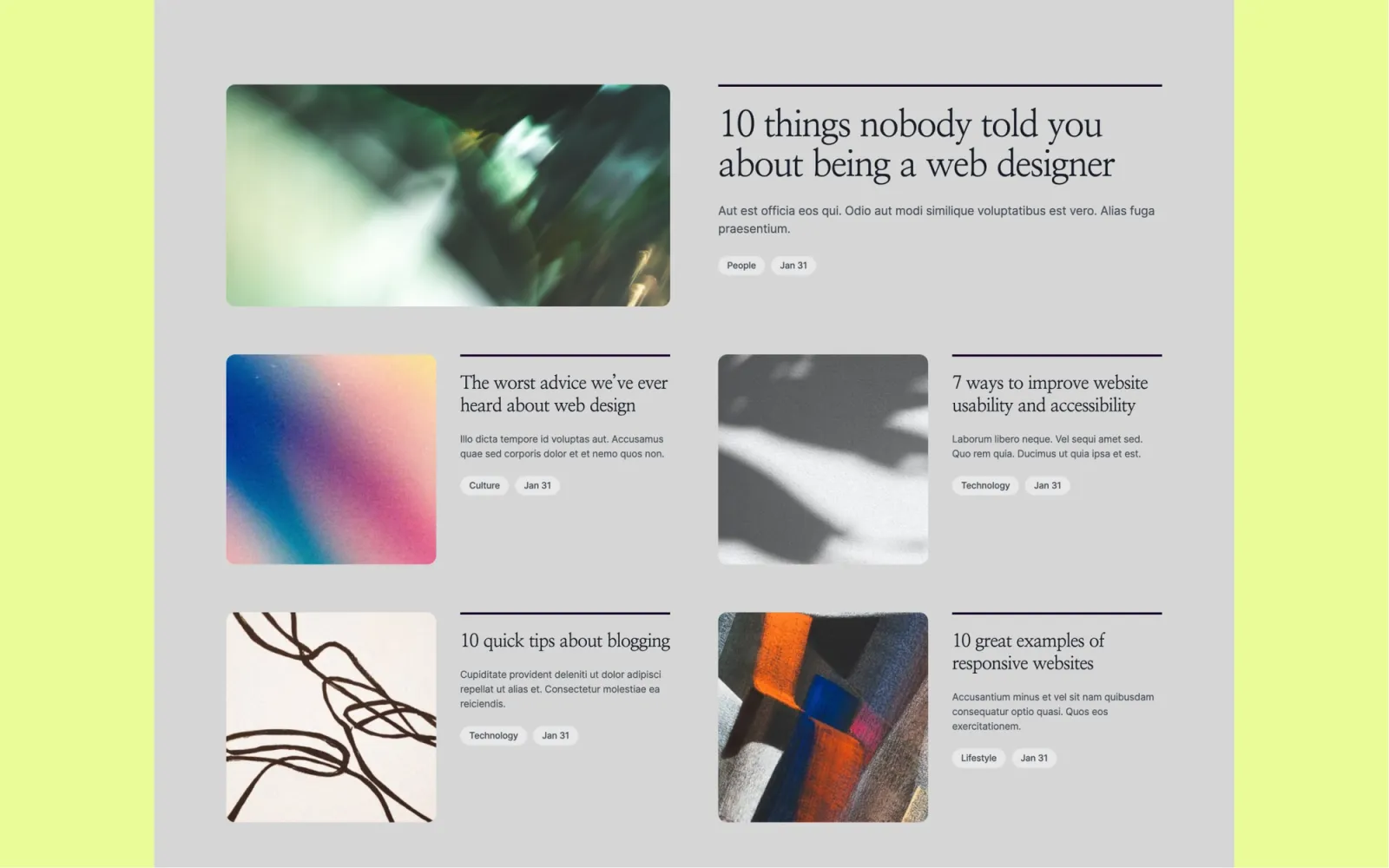
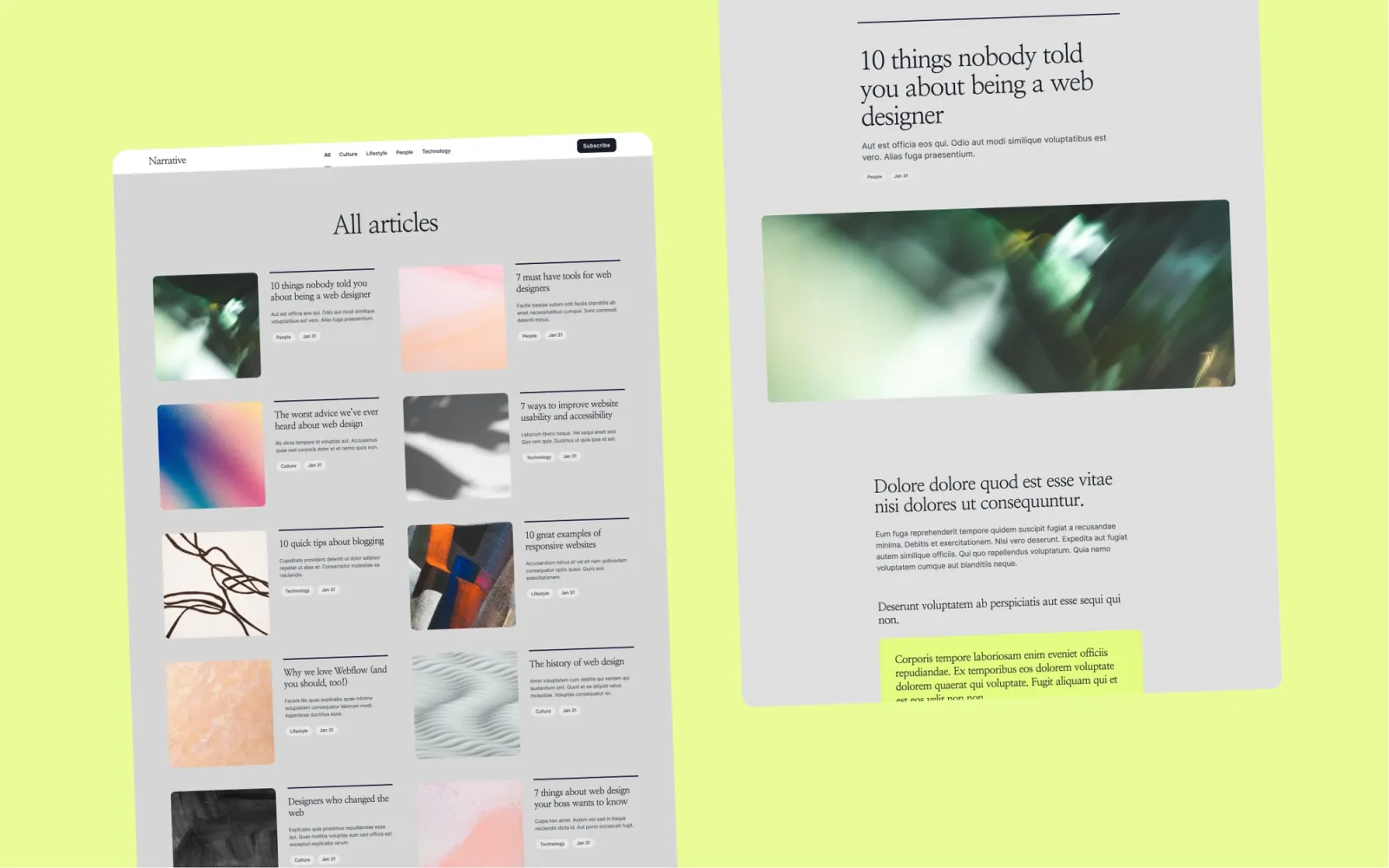
The most editorial blog template at this price. CMS for posts, categories, and authors — with multi-author support built in, which most portfolio-adjacent templates skip. Designed around reading rather than browsing: the spacing and type scale signal content, not conversion. The right pick for sites where the content is the product.
Key features
CMS for posts, categories, and authors
Multi-author support with author profile pages
Featured post slot on the homepage
Archive pages with category navigation
Newsletter section
Fast-loading editorial layout
Perfect for
Writers, journalists, small news teams, and startups publishing under a media brand. Also works as a newsletter landing page for high-volume publishers.
Price and licence
$49 · Single site licence
Benefits
Multi-author support ships ready — rare at this price point
Archive structure holds up as content volume scales
Editorial layout treats reading as the primary action
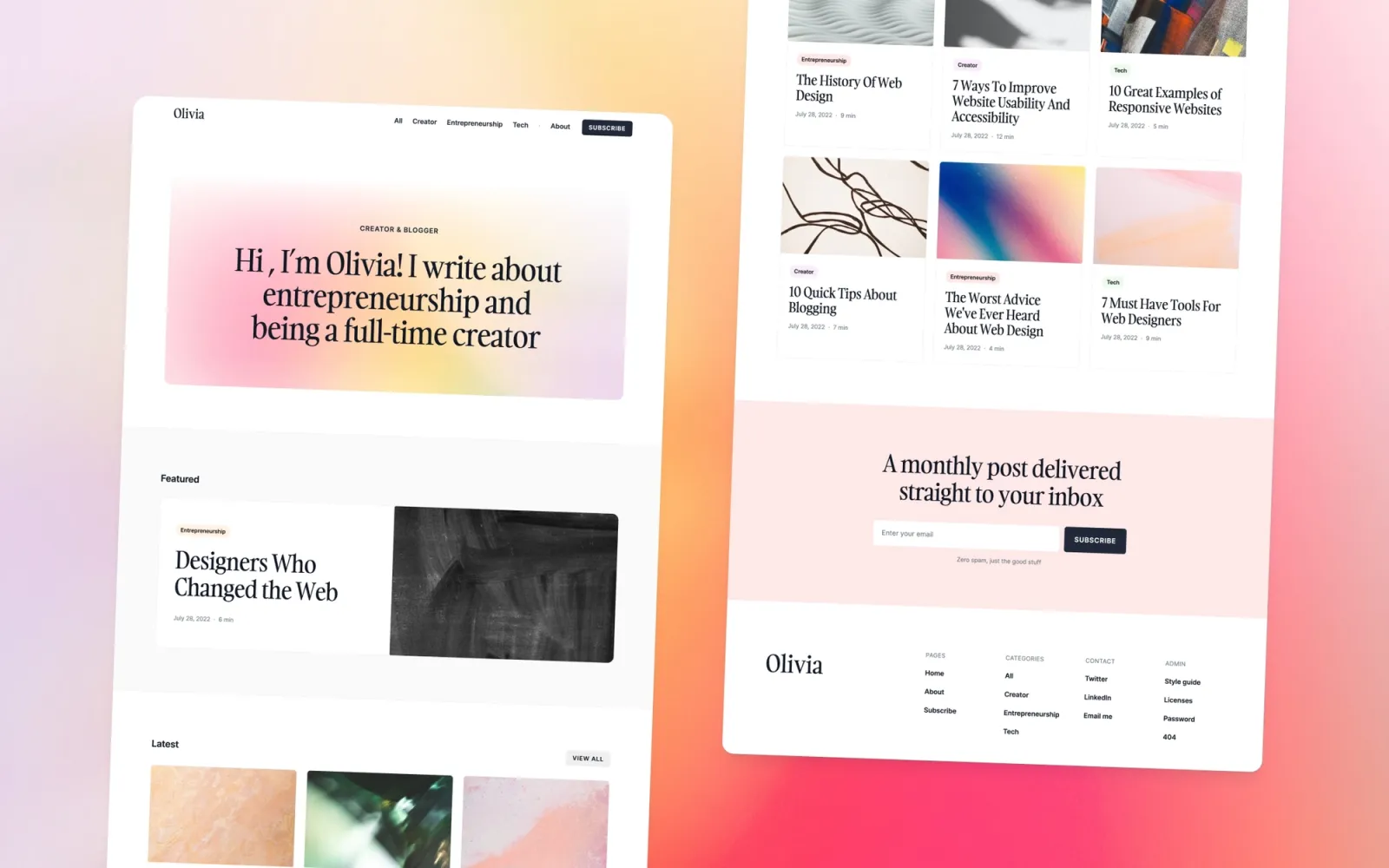
A focused blog for founders and company pages. CMS for posts with category filtering, author profiles, newsletter section. No portfolio, no multi-page agency structure — just a blog that signals professional media presence. Looks like a company publication from the first post, not a personal diary that got a new theme.
Key features
CMS for posts with category filtering
Author profile support
Featured post slot
Newsletter signup
Clean editorial layout
Archive pages with pagination
Perfect for
Startup founders, SaaS teams, and small companies who want to own their publishing — not rent attention from Medium or Substack.
Price and licence
$49 · Single site licence
Benefits
Company media feel from day one — not a personal blog with branding applied
CMS handles multiple contributors without structural changes
Category filtering organises content as the archive grows
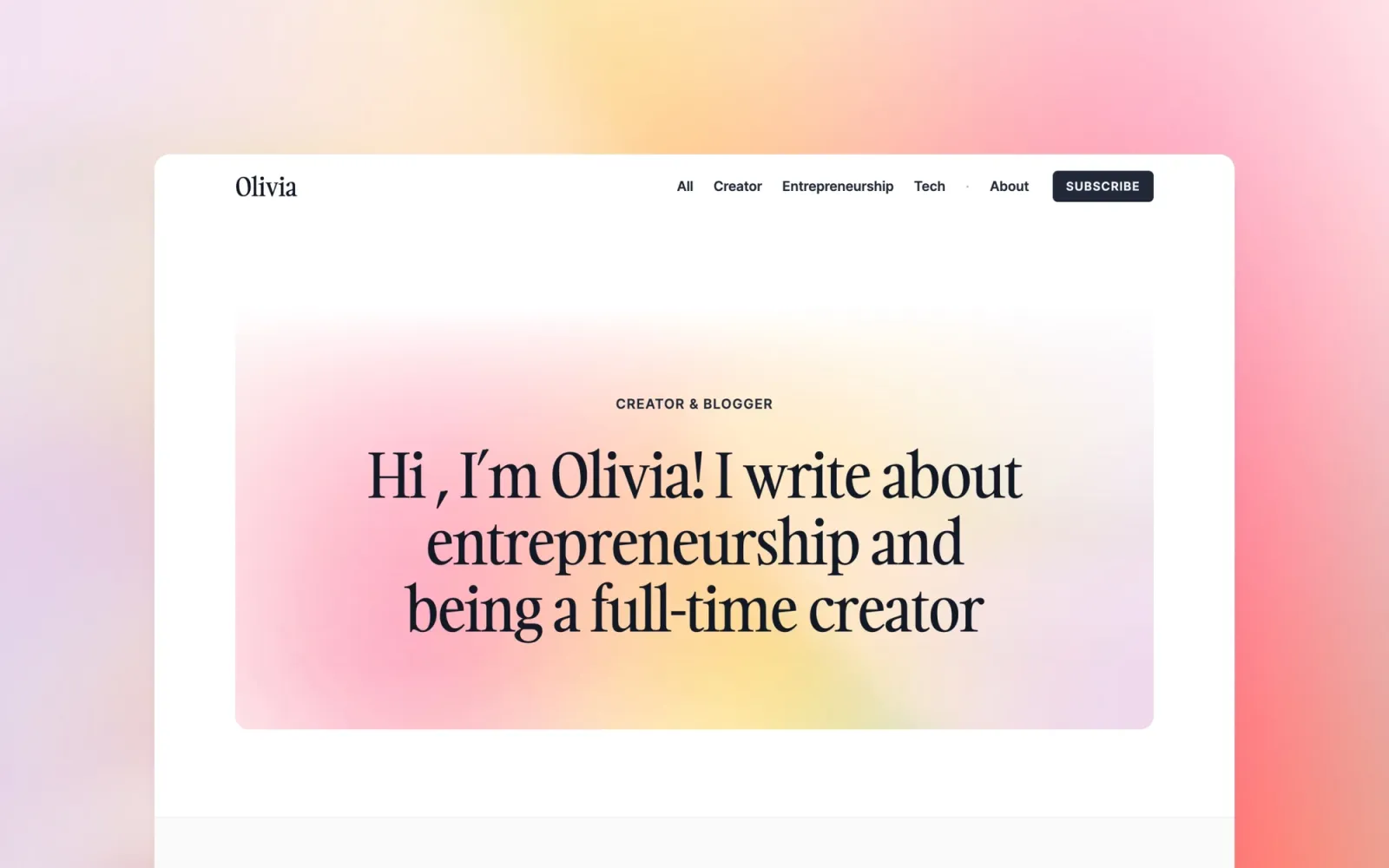
The most colourful option on this list. Compose uses a vibrant palette against a white base — expressive enough to carry brand personality, structured enough to handle any content type. Pick this over Narrative or Column if a grey editorial template would feel inert against the brand. The CMS handles categories and post archives from day one.
Key features
CMS for posts and categories
Vibrant, brand-expressive colour palette
Featured post slot
Newsletter signup
Clean section layout
Mobile-first responsive design
Perfect for
Bloggers, creators, and entrepreneurs who want a blog with visual personality. Anyone for whom a neutral editorial layout would feel like a mismatch with the brand.
Price and licence
$49 · Single site licence
Benefits
Colour palette is systematic — easy to reskin to brand colours across the whole site
Energy distinguishes it from neutral blog templates without losing the editorial structure
CMS scales to a regular publishing cadence without layout changes
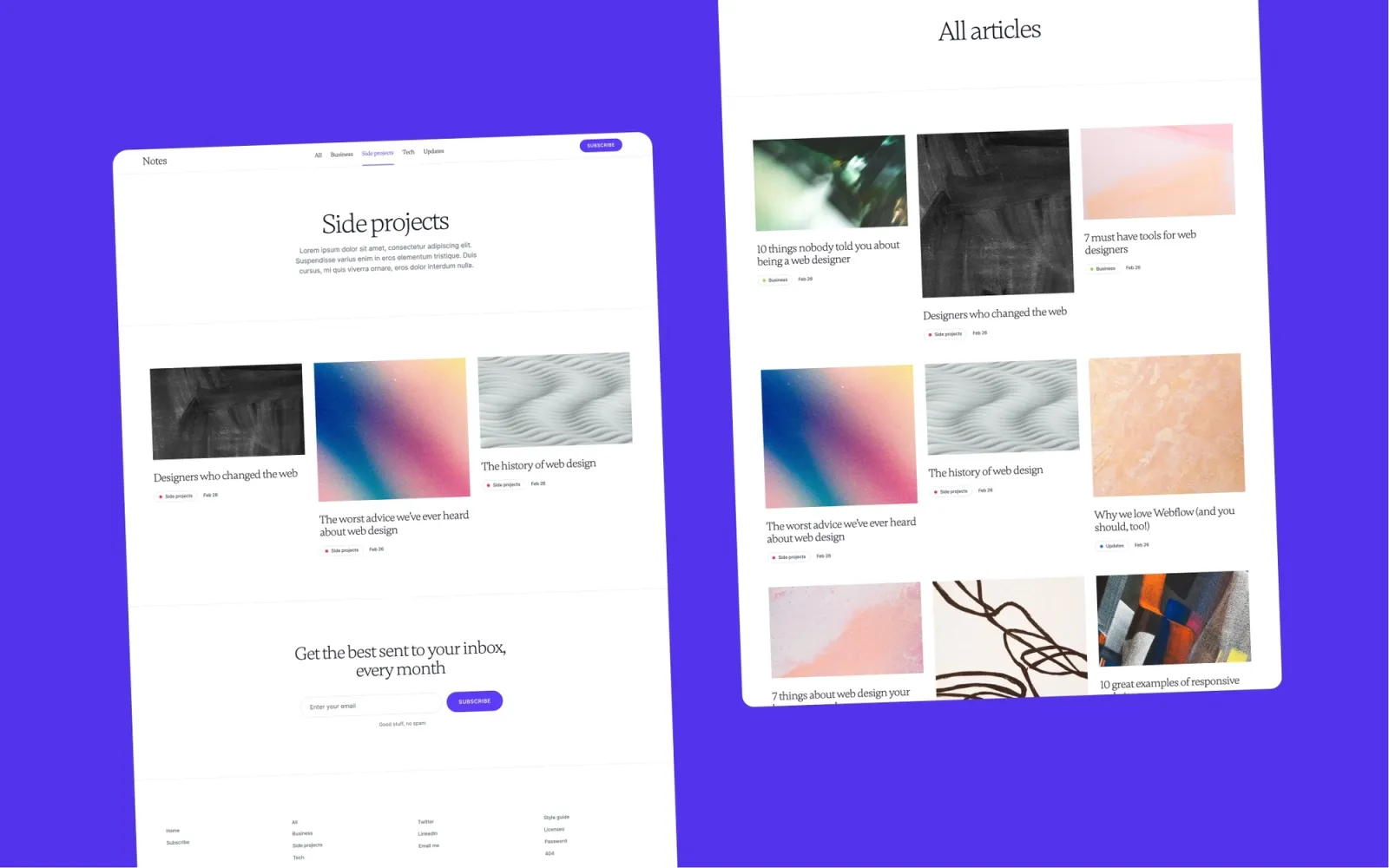
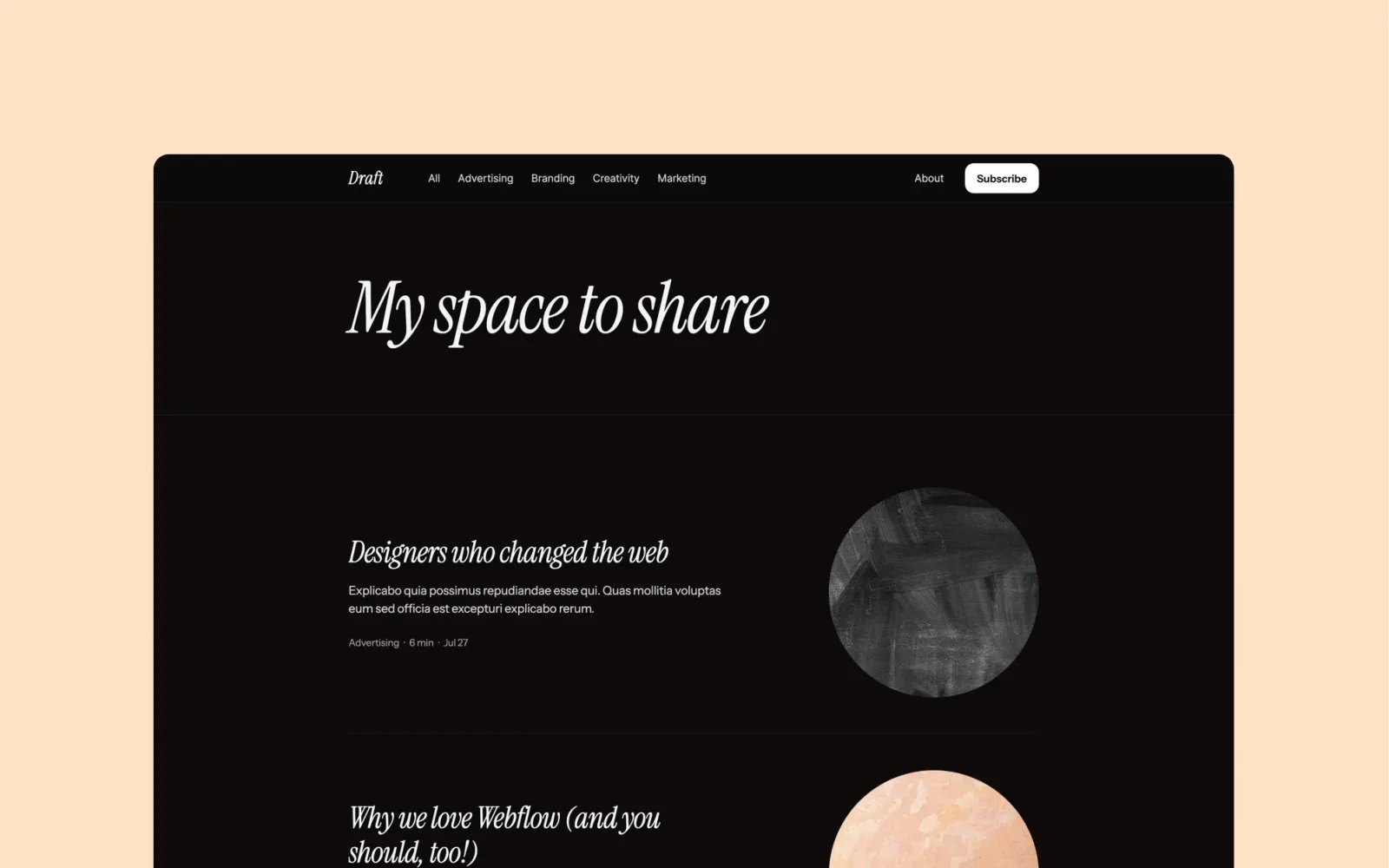
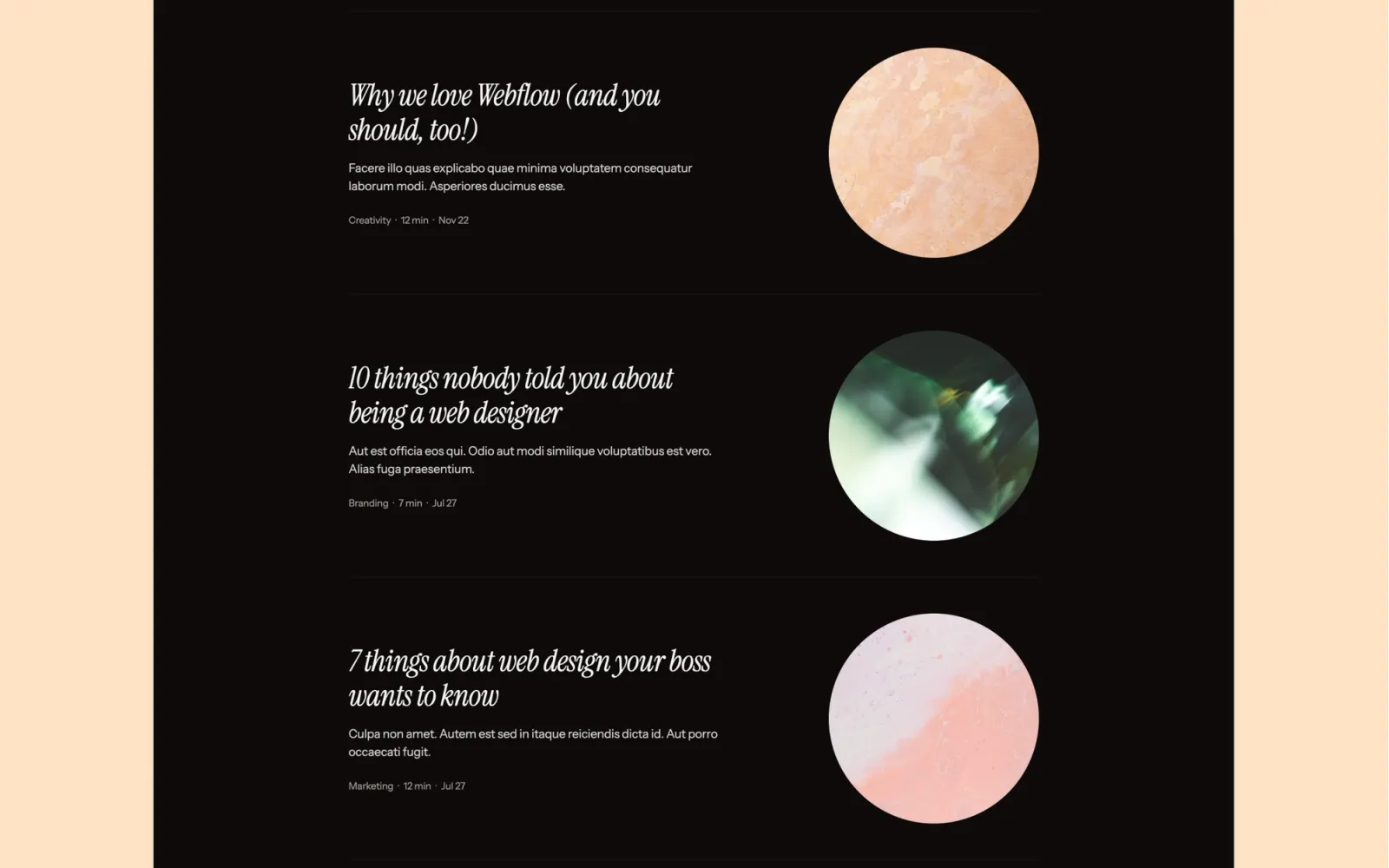
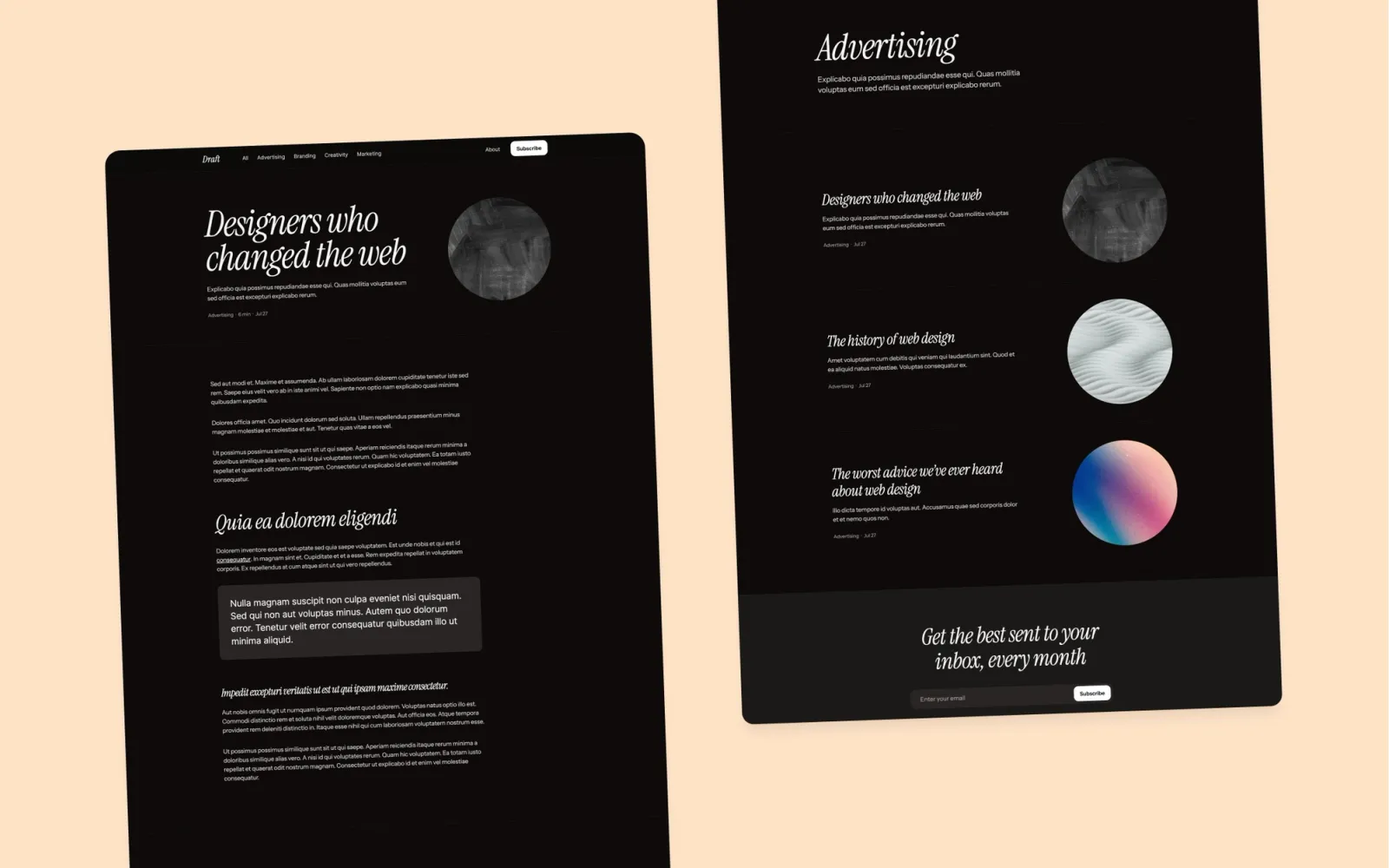
Studio feel. Deliberate typographic hierarchy, purposeful whitespace, CMS for both portfolio work and writing. Portfolio and blog share the same editor. More visual character than Narrative or Column; less editorial formalism than Scribe. The right choice if a neutral blog template would feel inert and a full editorial build feels like too much.
Key features
Studio blog layout with portfolio section
CMS for blog posts and work items
Deliberate typographic system
About and contact pages
Component library for consistent reuse
Styleguide included
Perfect for
Small design studios and creative practices who want portfolio and writing in one site, with the design carrying the same intent as the content.
Price and licence
$49 · Single site licence
Benefits
Studio aesthetic without requiring custom development
Portfolio and blog share one CMS — no switching between tools
Component library keeps the site consistent as it grows
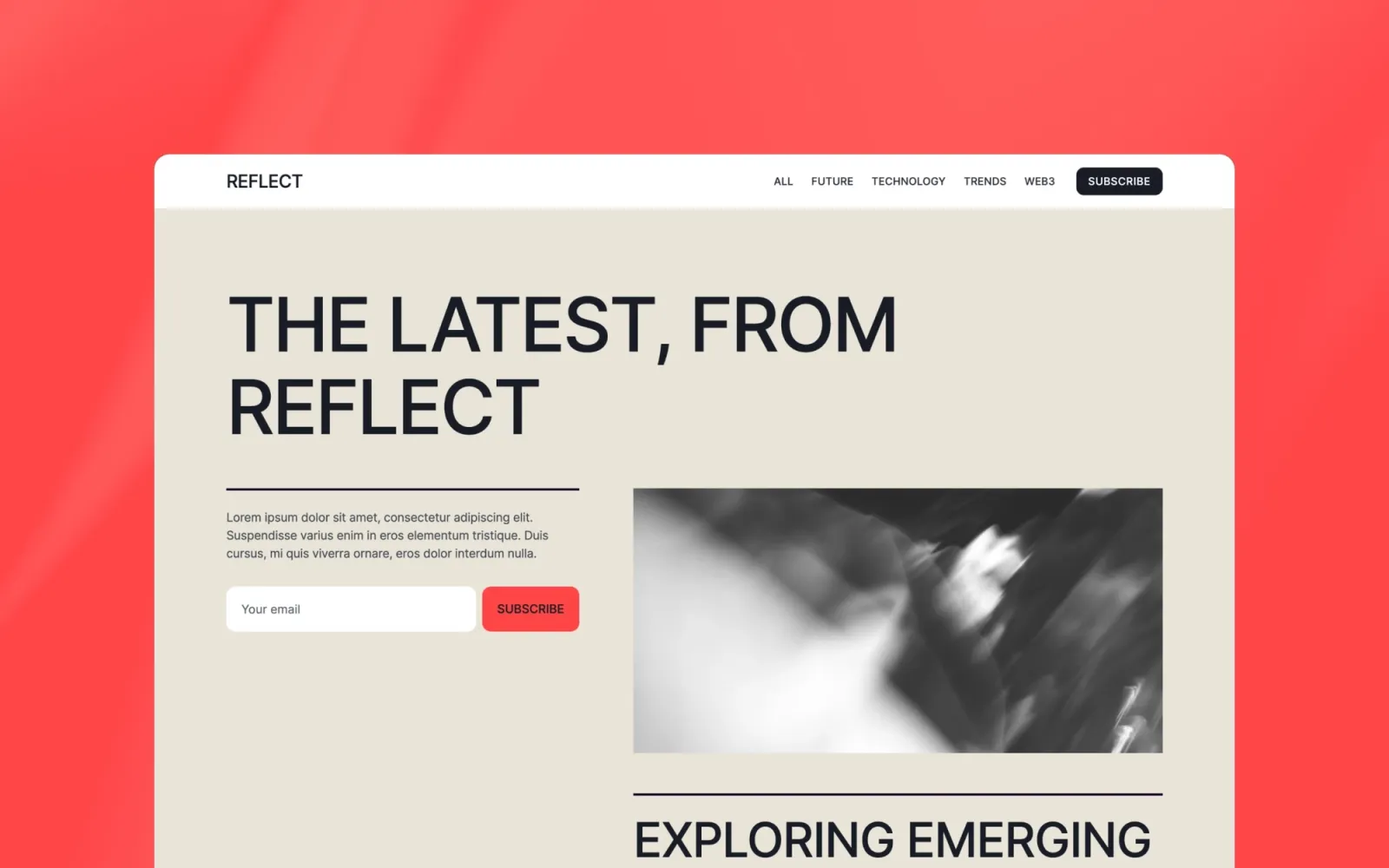
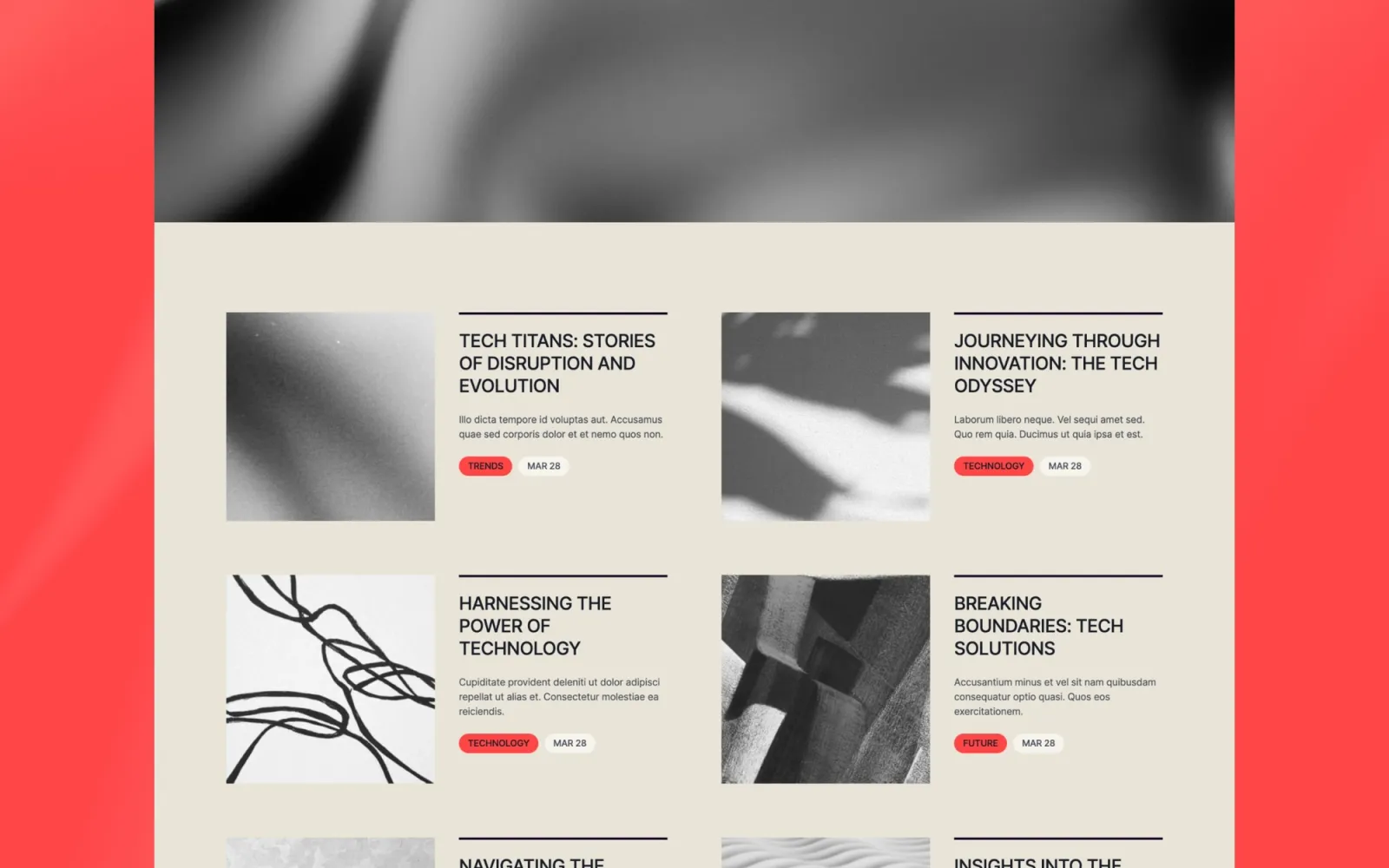
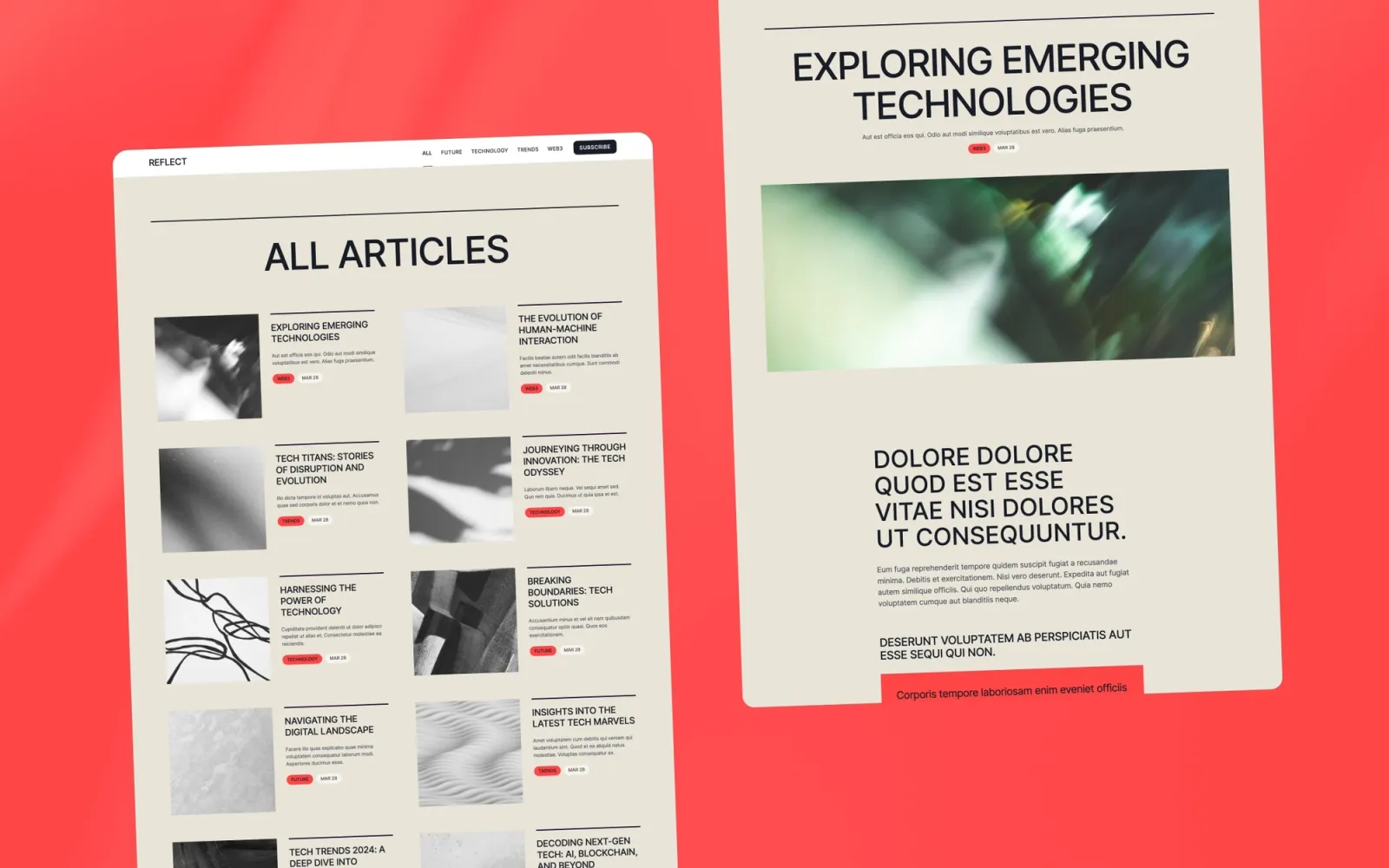
The most personal-feeling template on this list. Writing, portfolio, and about section all carry the same visual weight — which most multi-section templates fail at. Quieter than Notes. If Notes reads as ‘design studio,’ Reflect reads as ‘creative practice.’
Key features
Portfolio grid with project detail pages
CMS writing section
About and contact pages
Personal-brand layout
Minimal navigation
Light, clean aesthetic
Perfect for
Designers and creatives who publish alongside client work. Anyone who wants a site that reflects a practice rather than just a portfolio.
Price and licence
$49 · Single site licence
Benefits
Writing and portfolio sit together without either feeling like a bolt-on
Personal-brand layout positions the practice, not just the output
CMS scales to a regular writing cadence without touching the layout
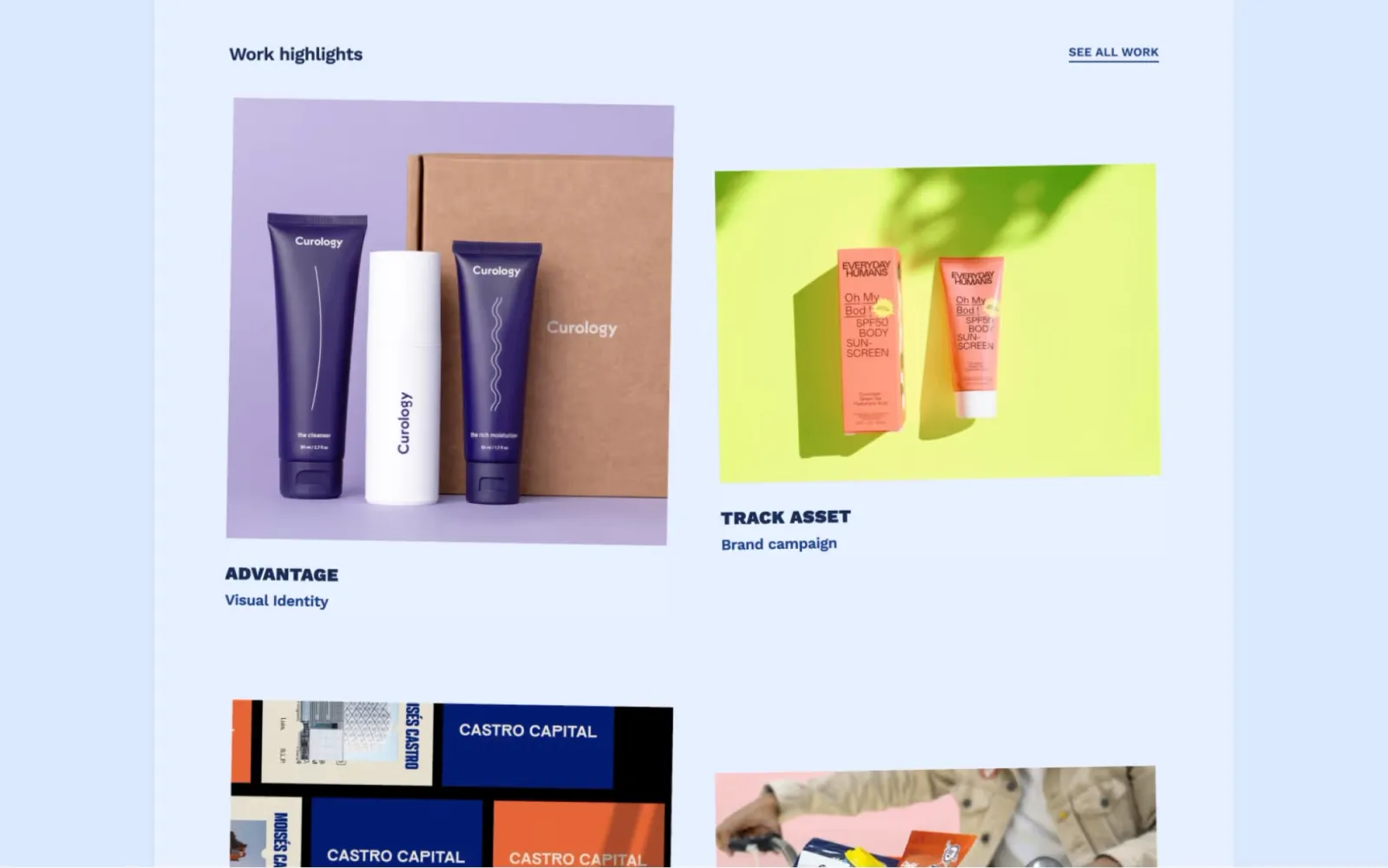
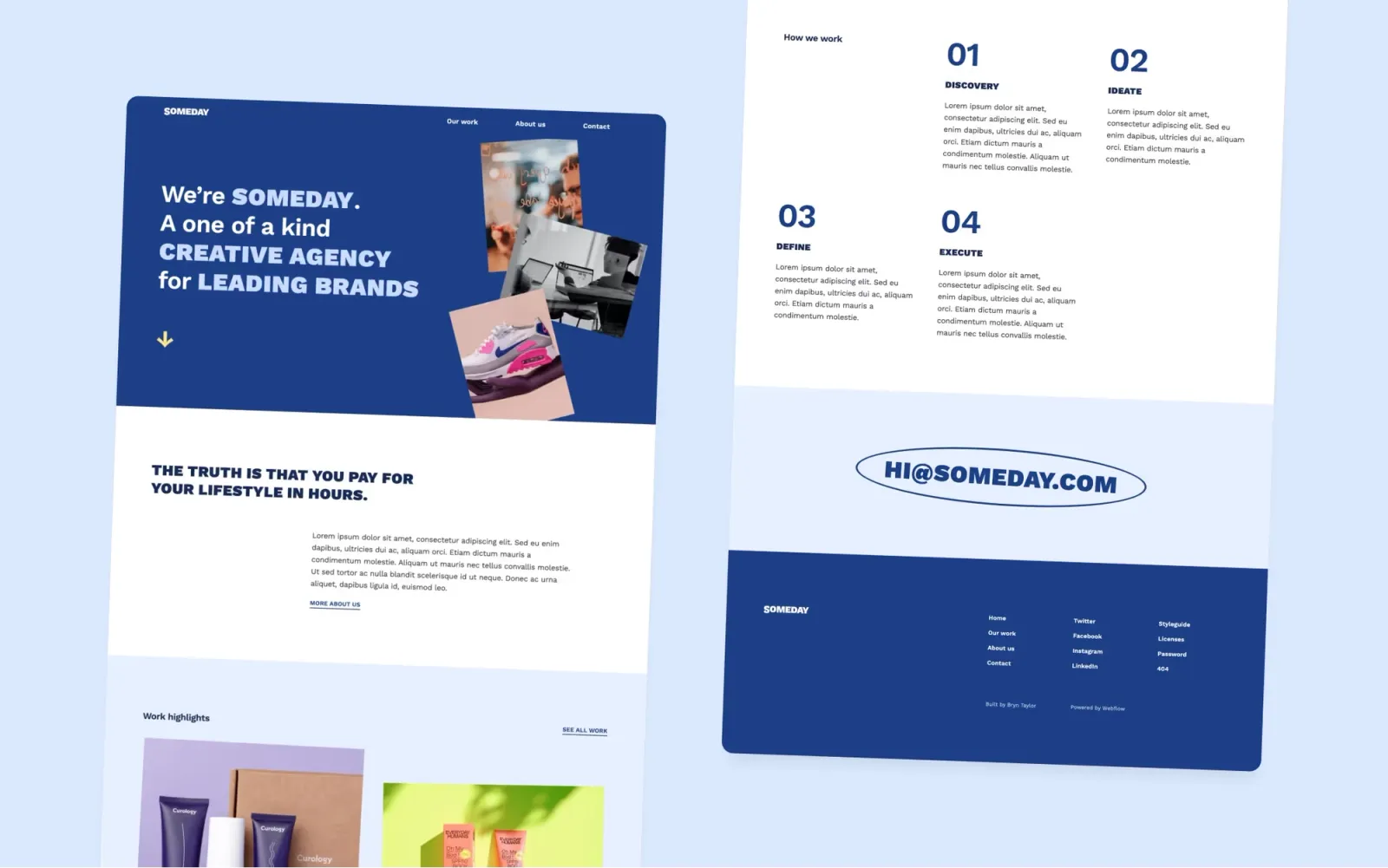
The most visually distinct template on this list. Playful editorial grid, expressive type, full agency structure — Home, Work, Project, About, Contact — powered by CMS for case studies. Where the pure blog templates handle content, Someday handles an agency pitch with a CMS archive behind it. The trade-off is setup time: the bolder layout takes a full day, not an afternoon.
Key features
Multi-page layout with CMS for project pages
Expressive editorial grid with strong typographic hierarchy
Smooth page transitions and scroll interactions
Team-sized about page
Contact form built in
Global colour and typography styles
Perfect for
Creative agencies and design studios whose work needs to be contextualised with copy and process — not just presented in a grid.
Price and licence
$49 · Single site licence
Benefits
Editorial personality makes the agency memorable before anyone reads a word
CMS handles case study archive as the work grows
Works as a portfolio or a full agency site without structural changes
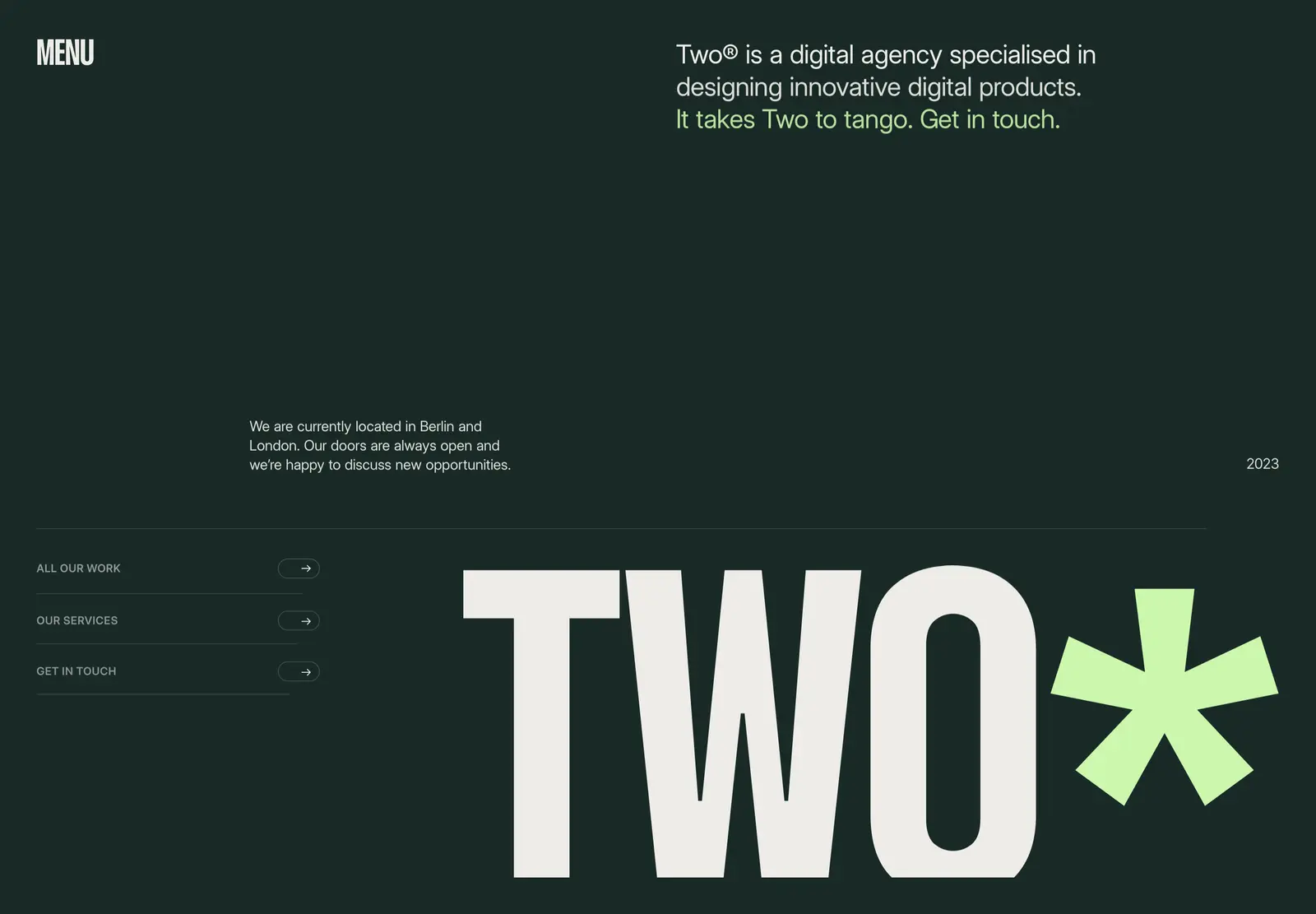
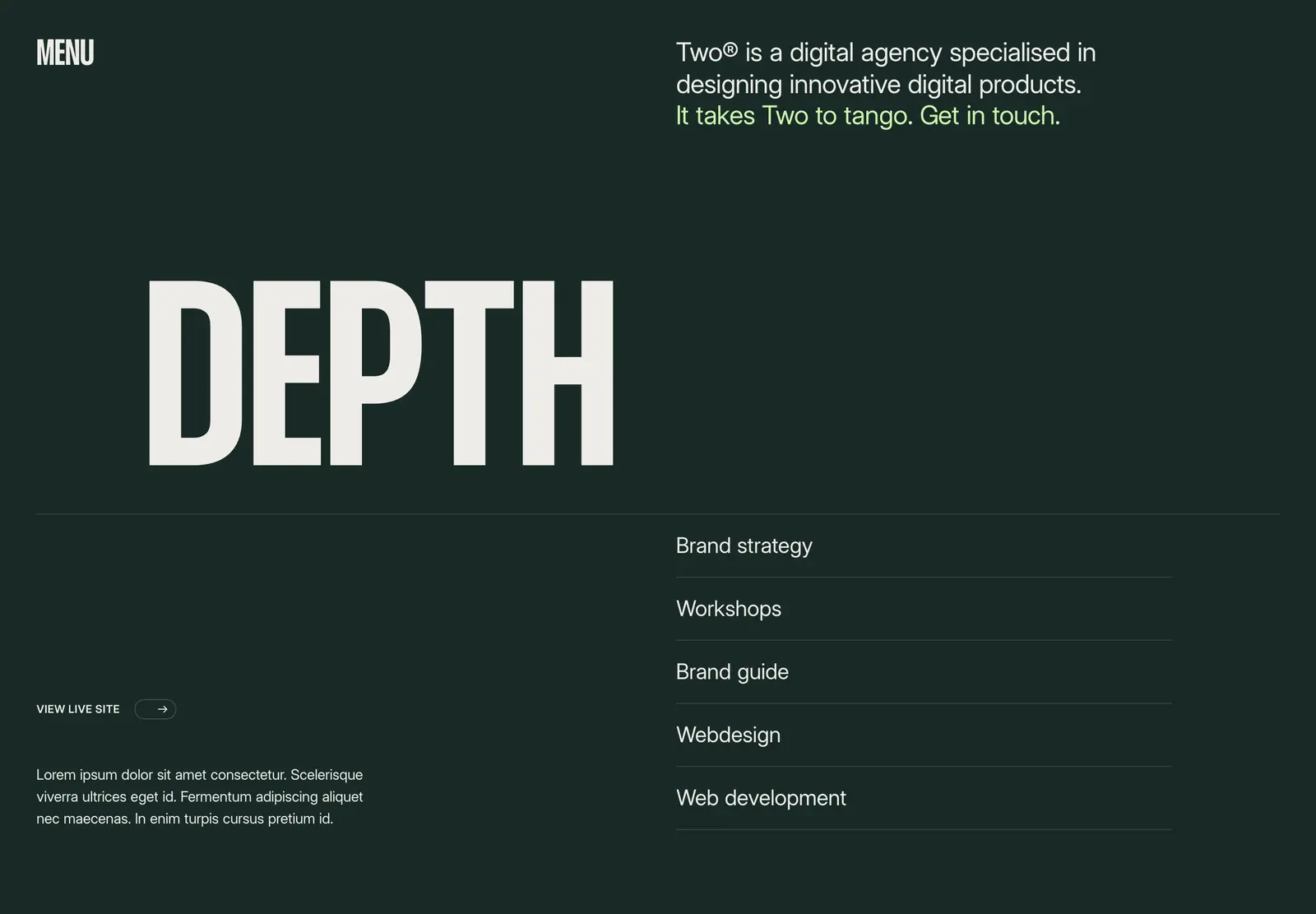
Two by Jacob Nielsen ships with Journal, Work, and Team all CMS-driven — at $49. Home, Work, Project, Services, About, Team, Journal, Post, Contact. Everything a growing agency needs from day one without building a single page from scratch. The same reusable-symbols pattern as Esme: rebrand changes propagate site-wide in minutes. If you’ve seen Esme and wanted more pages and a journal built in, this is the answer.
Key features
Full page set: Home, Work, Project, Services, About, Team, Journal, Post, Contact
CMS for Work, Team members, and Journal posts
Reusable symbols for nav, footer, and global sections
Smooth animations and page transitions
Clean, minimalistic design
No custom code required
Perfect for
Growing agencies who need services, team, and a journal built in from day one — at a price that suits a solo studio.
Price and licence
$49 · Single site licence
Benefits
Services, Team, and Journal pages ship ready — rare at $49
CMS on all three content areas handles ongoing updates without layout work
Reusable-symbols pattern makes global rebrand changes one-click
A news and publications blog. Category navigation, featured post slot, author pages, full archive — structured for sites that publish multiple times a week. The editorial layout is built for reading. Pick this over Scribe if you need a more news-focused grid and a stronger featured-article hierarchy out of the box.
Key features
CMS for posts, categories, and authors
Featured article section with strong visual hierarchy
Category navigation for post archive
Author profile pages
Newsletter section
Fast-loading editorial layout
Perfect for
Small news sites, independent publications, and content teams who publish frequently and need a structure that holds up at volume.
Price and licence
$79 · Single site licence
Benefits
Multi-author and category system ship ready without a custom build
News-grid layout distinguishes it from the portfolio-blog templates on this list
Editorial and long-form. Wide reading column, strong typographic hierarchy, minimal aesthetic. Fewer features than Blogzan — no category system, no author pages by default — but more design intent. The right pick when writing is the product and the reading experience matters as much as the volume.
Key features
CMS for posts
Wide editorial reading column
Strong typographic hierarchy
Featured post slot
Clean minimal aesthetic
Fully responsive
Perfect for
Writers and essayists whose audience comes for the writing. Anyone for whom the experience of reading a piece matters as much as finding the archive.
Price and licence
$49 · Single site licence
Benefits
Reading column is wider and more editorial than most Webflow blog templates
Strong type gives writing visual authority
Minimal aesthetic holds up well as the archive grows
Blog-first and writing is the whole product — Scribe. Blog alongside a portfolio — Notes or Reflect. Scribe if the reading experience comes first; Notes if the studio identity comes first; Reflect if it’s a personal practice.
News or publication format with multi-author support — Narrative or Blogzan. Narrative is cleaner and more minimal; Blogzan has a stronger featured-article layout and category navigation.
Startup or company blog — Column. Vibrant brand personality — Compose. Studio blog with portfolio — Draft. Agency pitch with CMS case studies and editorial character — Someday.
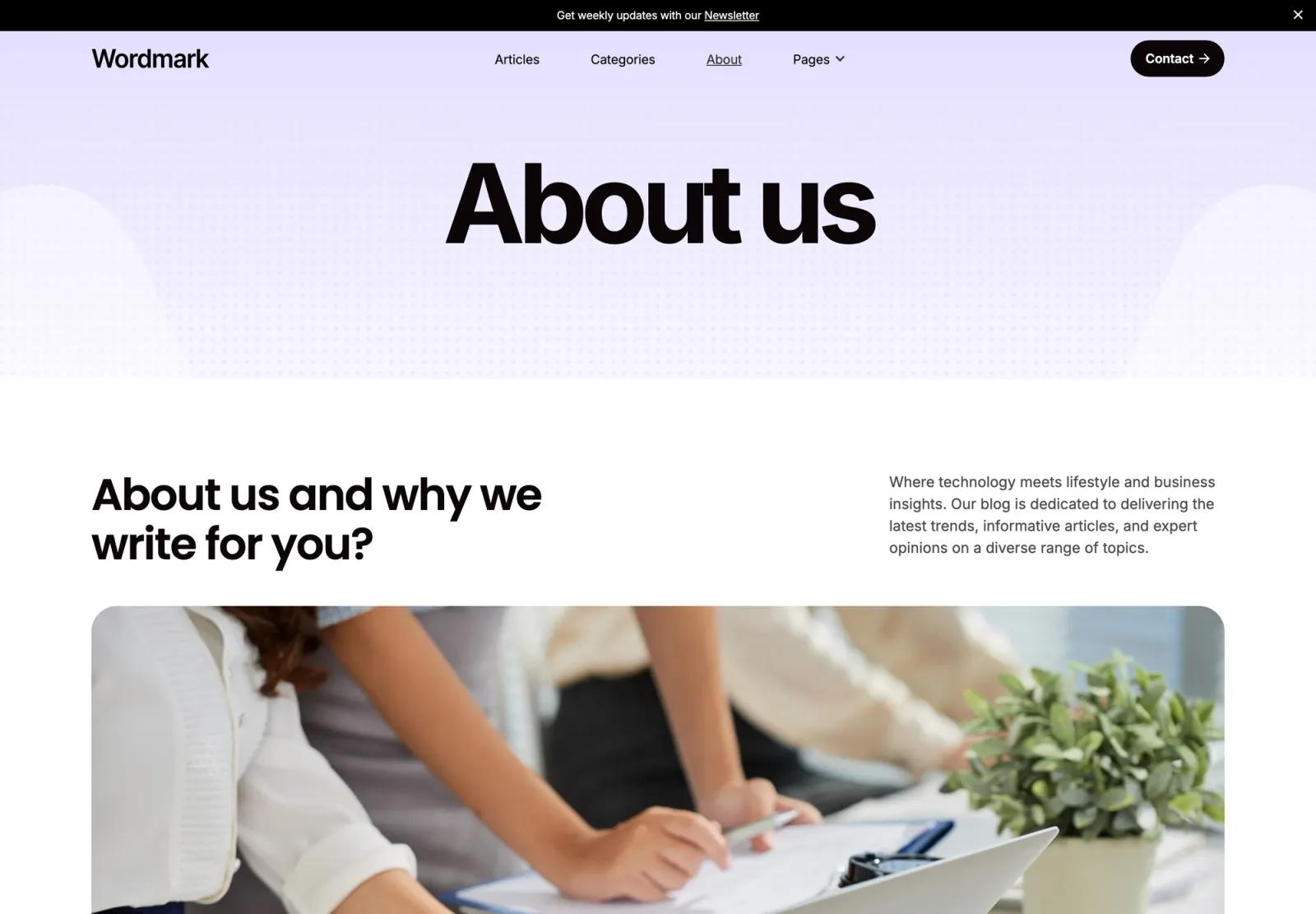
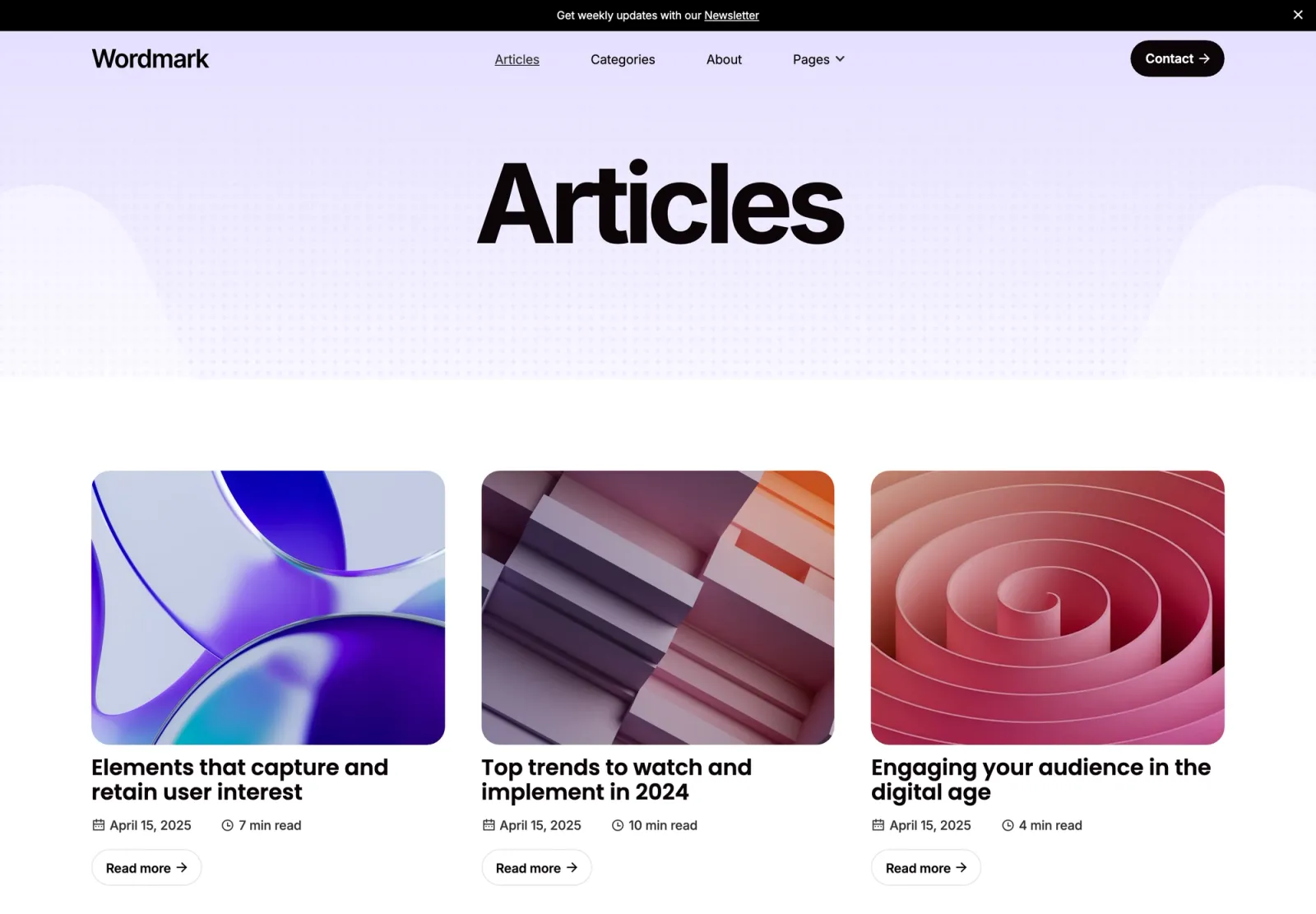
From the wider marketplace: Two if you need a full agency structure with Journal, Work, and Team CMS at $49. Wordmark for long-form essays where the reading column is the point.
Set global colours in the Webflow style guide before touching individual pages — changes propagate to every element at once
Configure your CMS collections before adding content — field names and slugs are harder to change later
Set up categories and tags early; retrofitting them to a large archive is tedious
Write two or three posts before launching — an empty blog reads as incomplete
Connect a custom domain before sharing the URL — the default .webflow.io subdomain reads as unfinished
A Webflow CMS plan (~£23/month billed annually) is required for any template with a blog or portfolio CMS
Frequently asked questions about Webflow CMS templates
What is a Webflow CMS template?
A Webflow CMS template is one where content — blog posts, case studies, team members — is managed through Webflow’s built-in CMS rather than edited directly on the page. You add new posts or projects through a structured editor, and the template layout handles the display automatically. The distinction matters because templates that support CMS aren’t the same as templates built around it — the ones on this list have the collections, archive pages, and reading layouts already configured.
Do I need a paid Webflow plan to use a CMS template?
Yes. Webflow’s CMS requires a Site plan, which starts around £23/month billed annually. The template is a one-time purchase; the plan is the ongoing hosting cost. Static templates — portfolio pages with no blog or CMS-driven project listing — can run on a cheaper plan, but everything on this list uses CMS as a core feature.
Which Webflow CMS template is best for a blog?
Scribe if the reading experience is the product — the reading column and archive are the most considered here. Narrative if you need multi-author support and a news-style layout. Column for a company or startup blog. Blogzan for a publication that publishes multiple times a week and needs category navigation and author pages out of the box.
Can I use these templates for a portfolio and a blog?
Lucide, Notes, Draft, Reflect, and Someday all handle both. Lucide and Notes have the most developed two-section structure — portfolio and blog genuinely feel like one site rather than two glued together. Draft and Reflect are quieter; Someday has an agency focus rather than a personal studio focus.
Are these templates easy to customise without a developer?
Yes. Every template here is built with Webflow global styles — colours, typography, and component tokens. A full rebrand is a handful of changes rather than a page-by-page edit session. CMS-driven templates let you add new posts or case studies without touching the design layer at all.
What’s the difference between Webflow CMS and a static site?
A static Webflow site stores content directly on the page — to add a new project or post, you duplicate a page and edit it manually. A CMS site stores content in collections and renders it dynamically. For a site with more than five or six pieces of regularly updated content, CMS is the right choice. For a portfolio with a few fixed projects and no blog, a static template is fine.
Want every current and future Webflow template for one fee? Unlimited Access includes all of the templates above.
Get design articles like this straight to your inbox