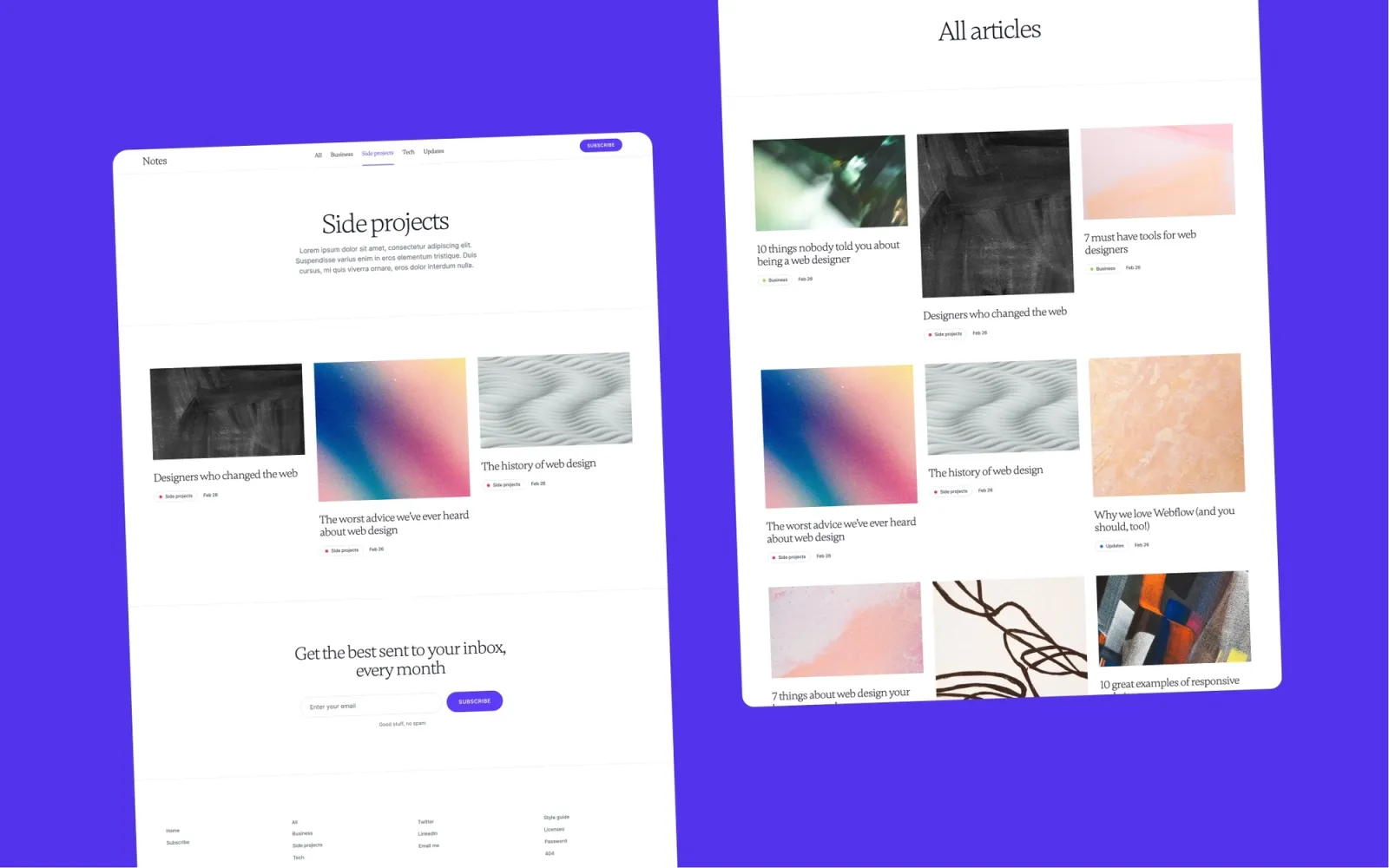
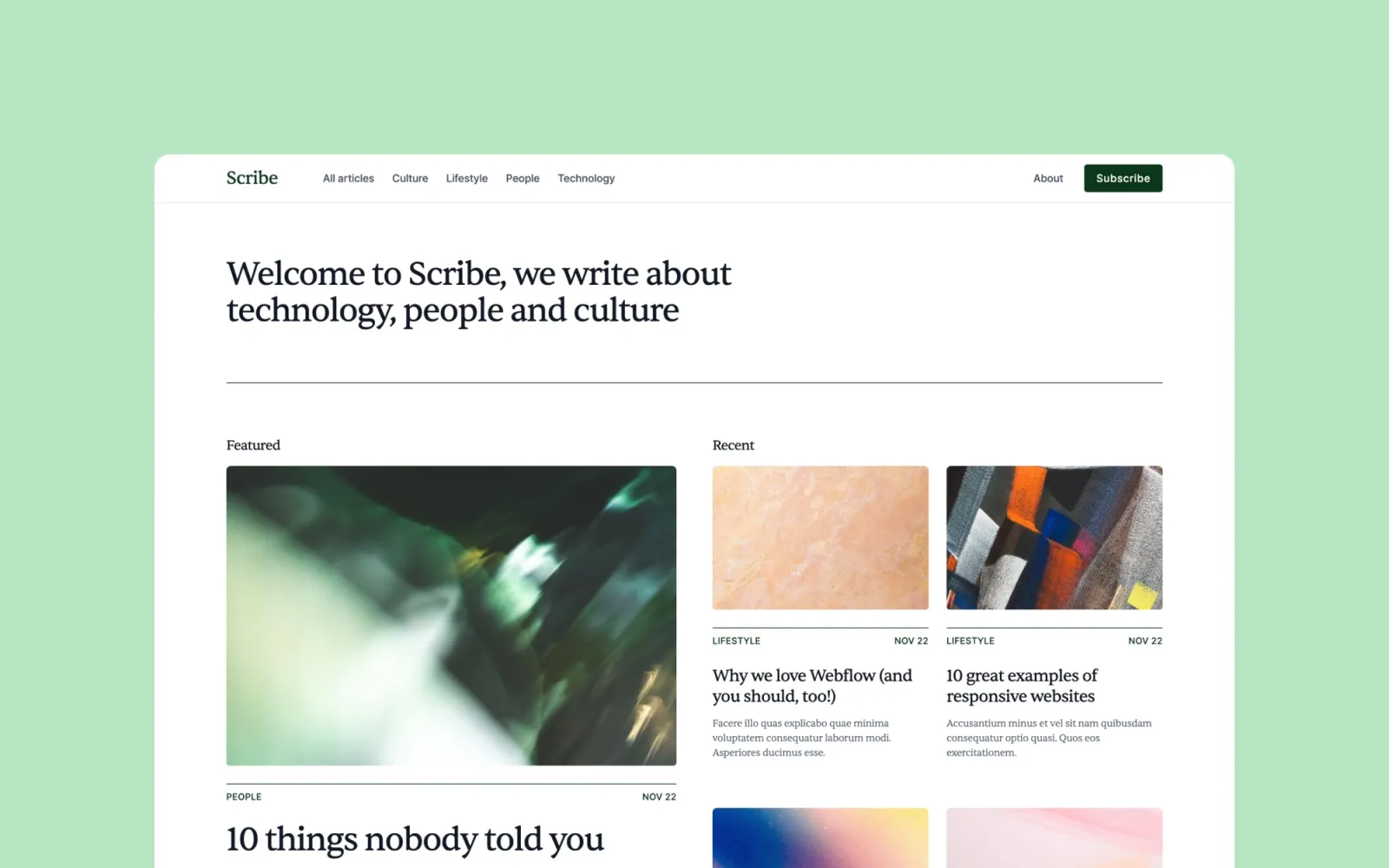
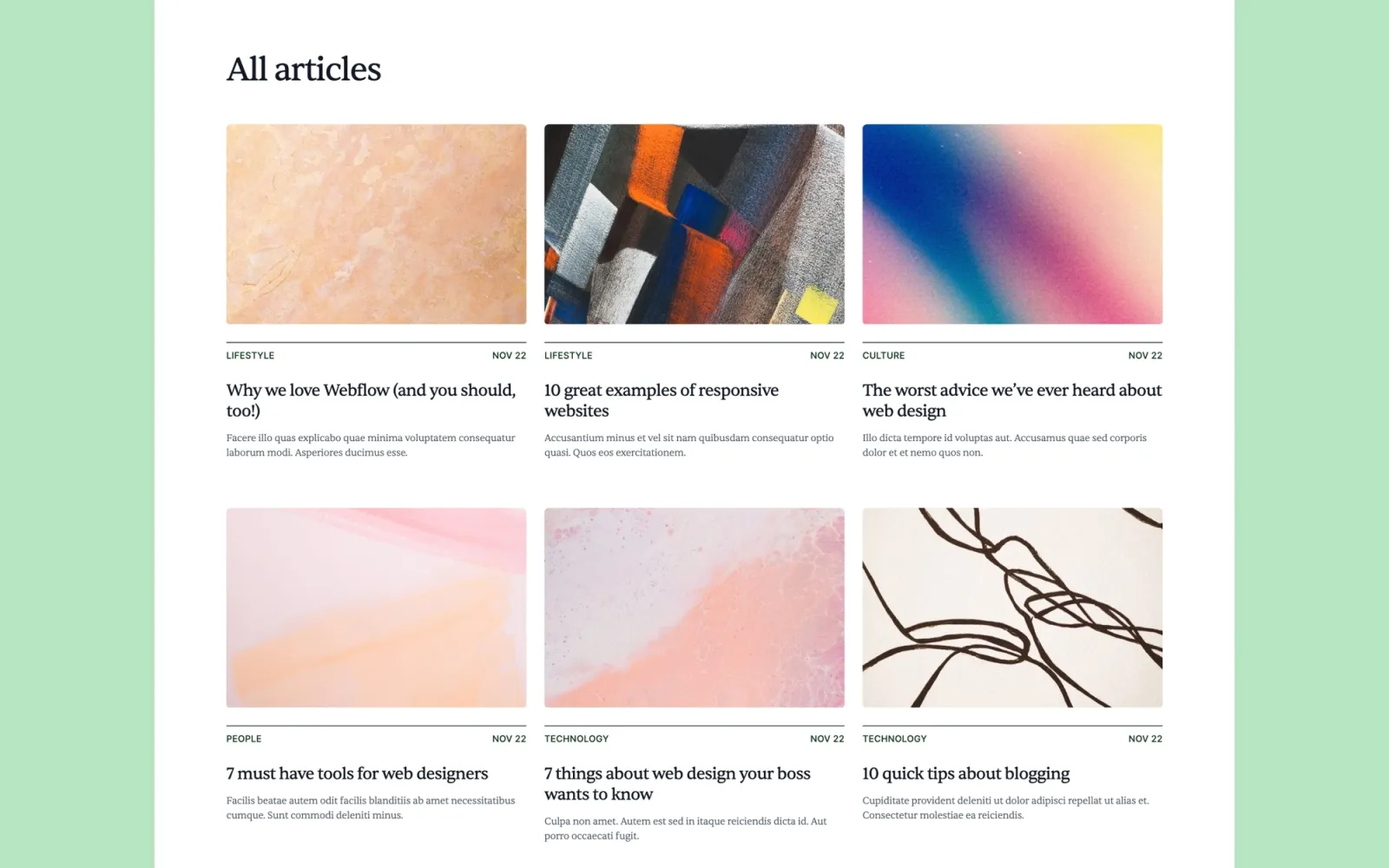
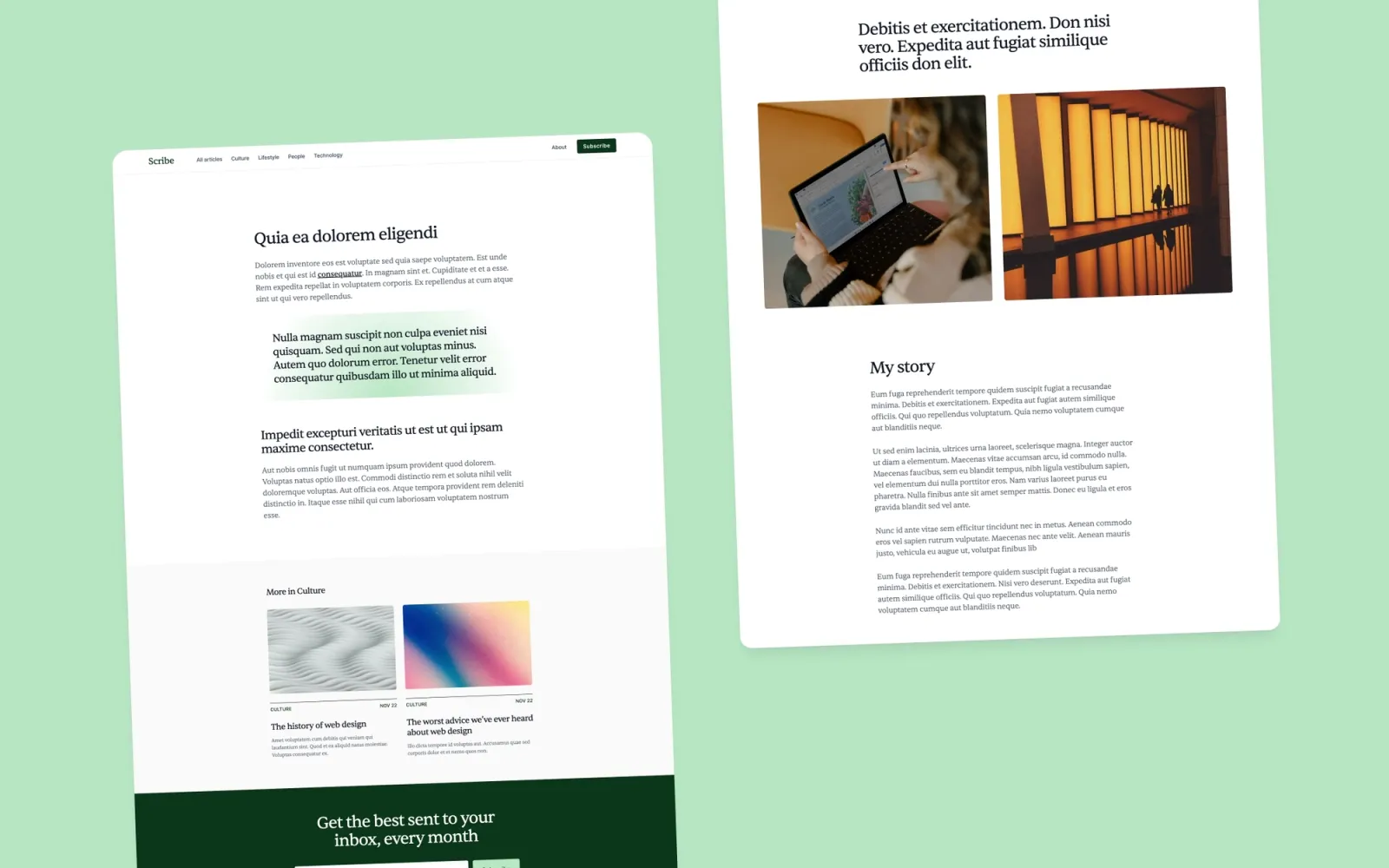
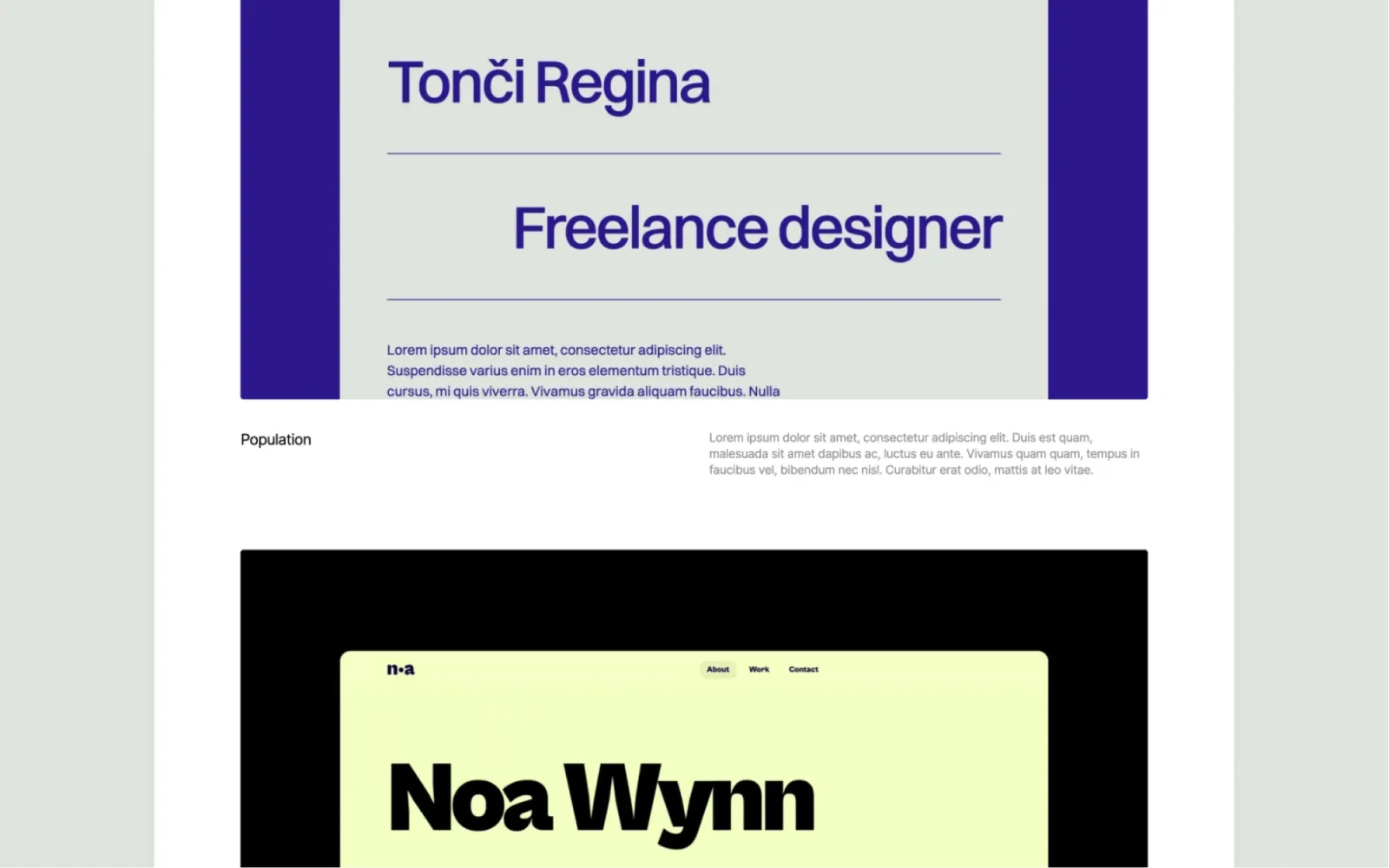
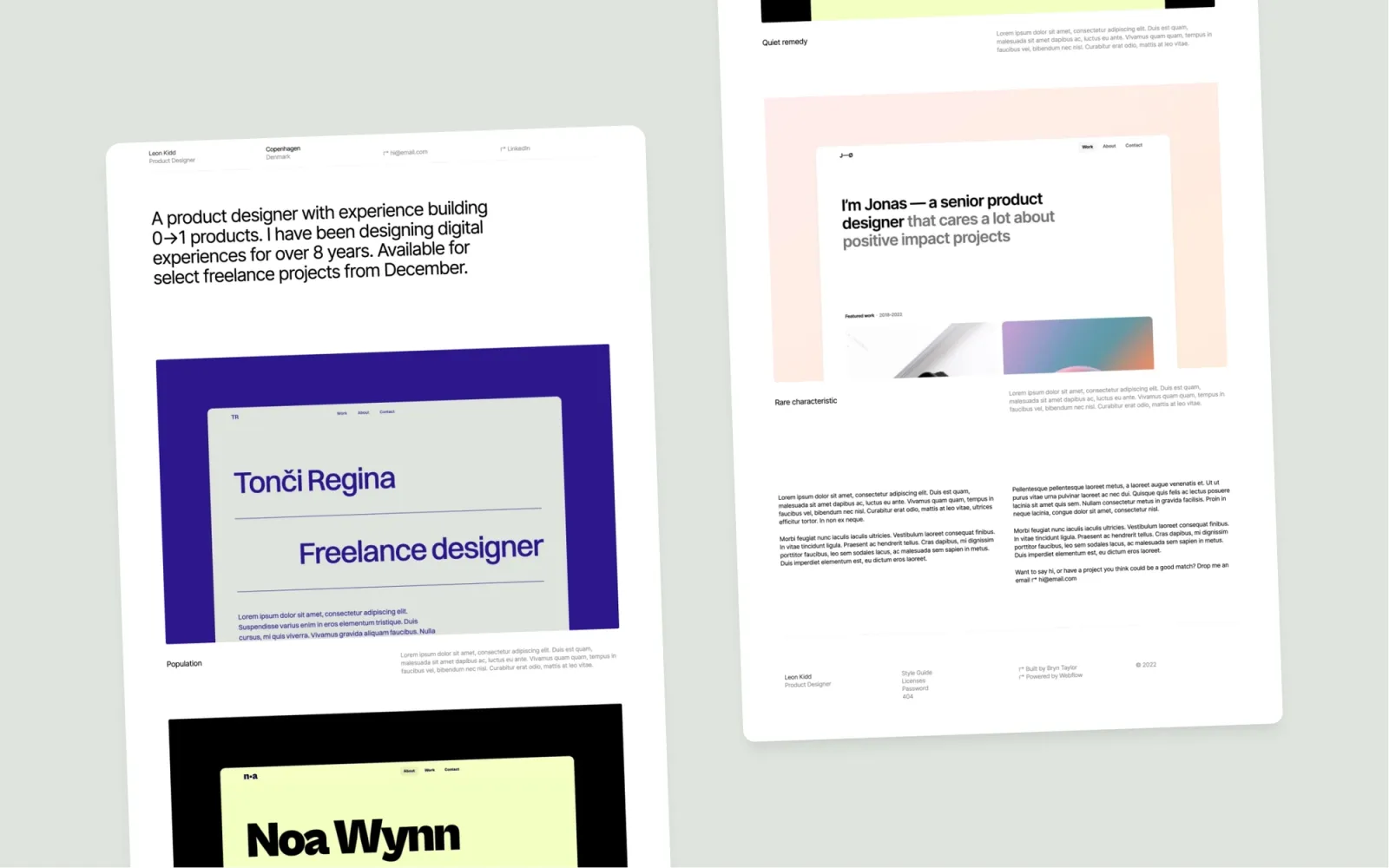
11 minimal Webflow templates compared — Landon, Format, Reflect, Draft, Accent, Jonas, Jonas Dark, Notes, Scribe, Darkfolio, and Simplefolio. Light and dark options, prices from $24 to $49. From pure neutral portfolios to studio-feel sites with writing sections.
·20 min
Introduction
Most “minimal” Webflow templates aren’t. A marble texture, a gradient hero, some floating label animations — and the description still says minimal. Minimal means the work carries the page. The eleven picks here all pass that test.
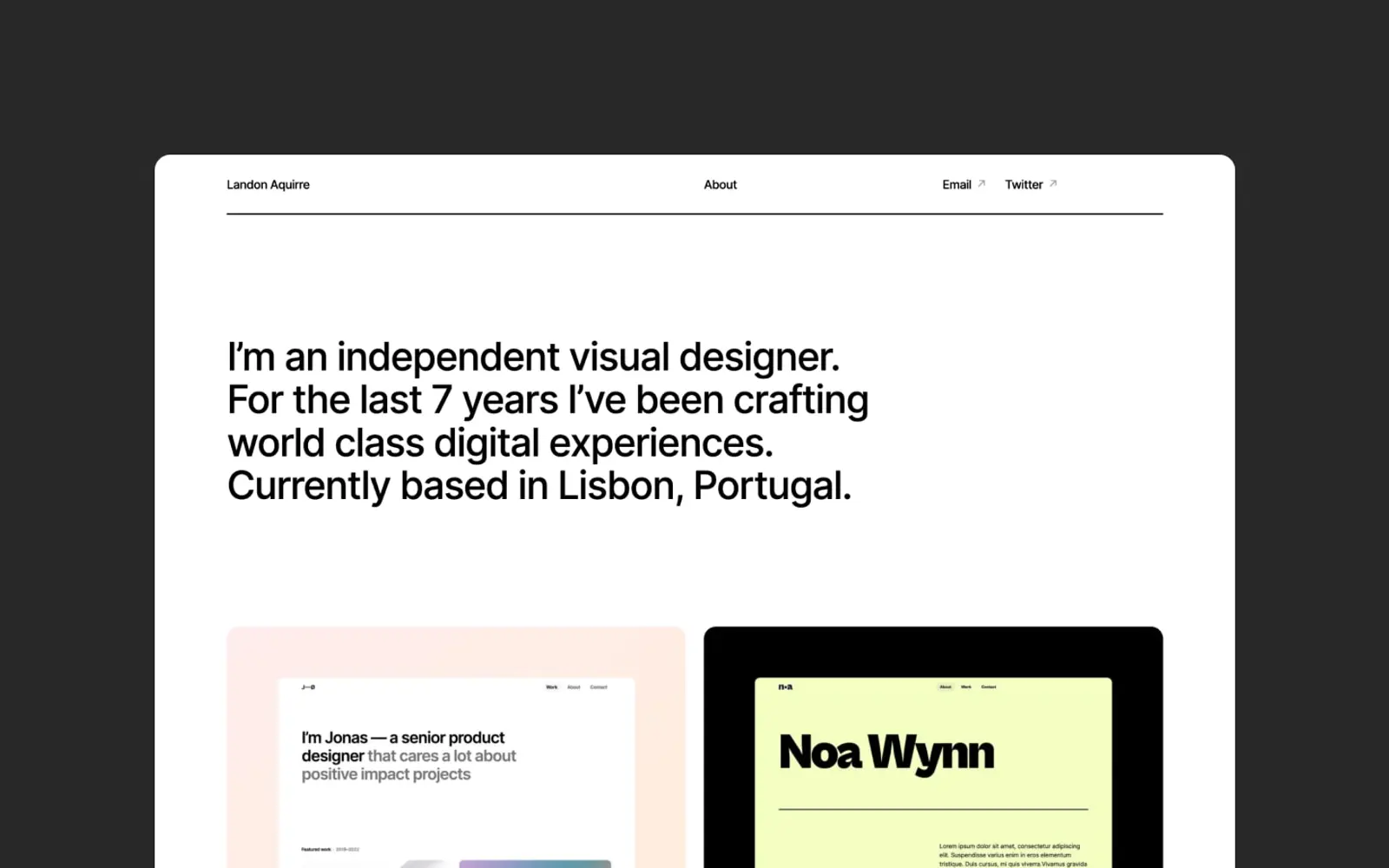
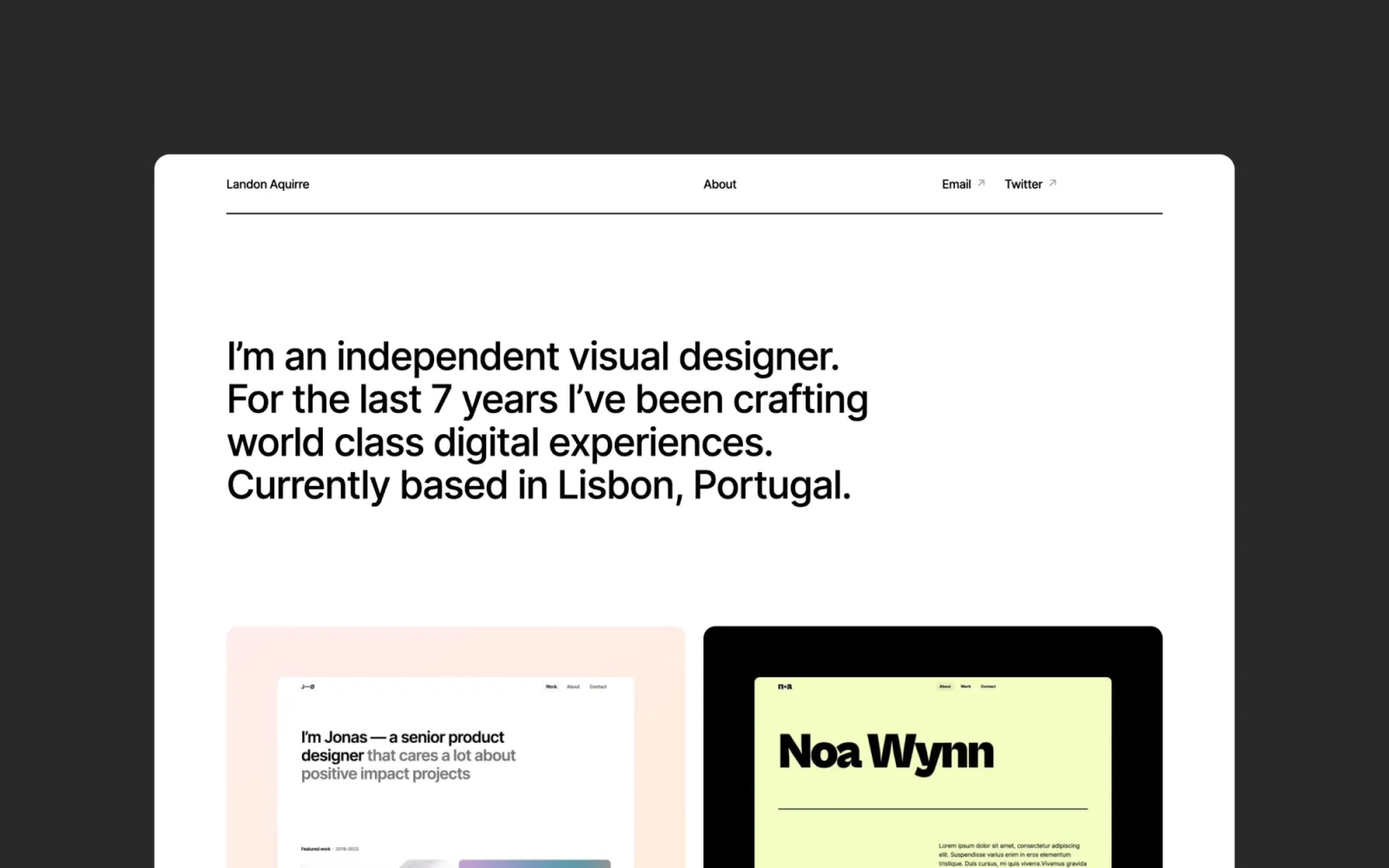
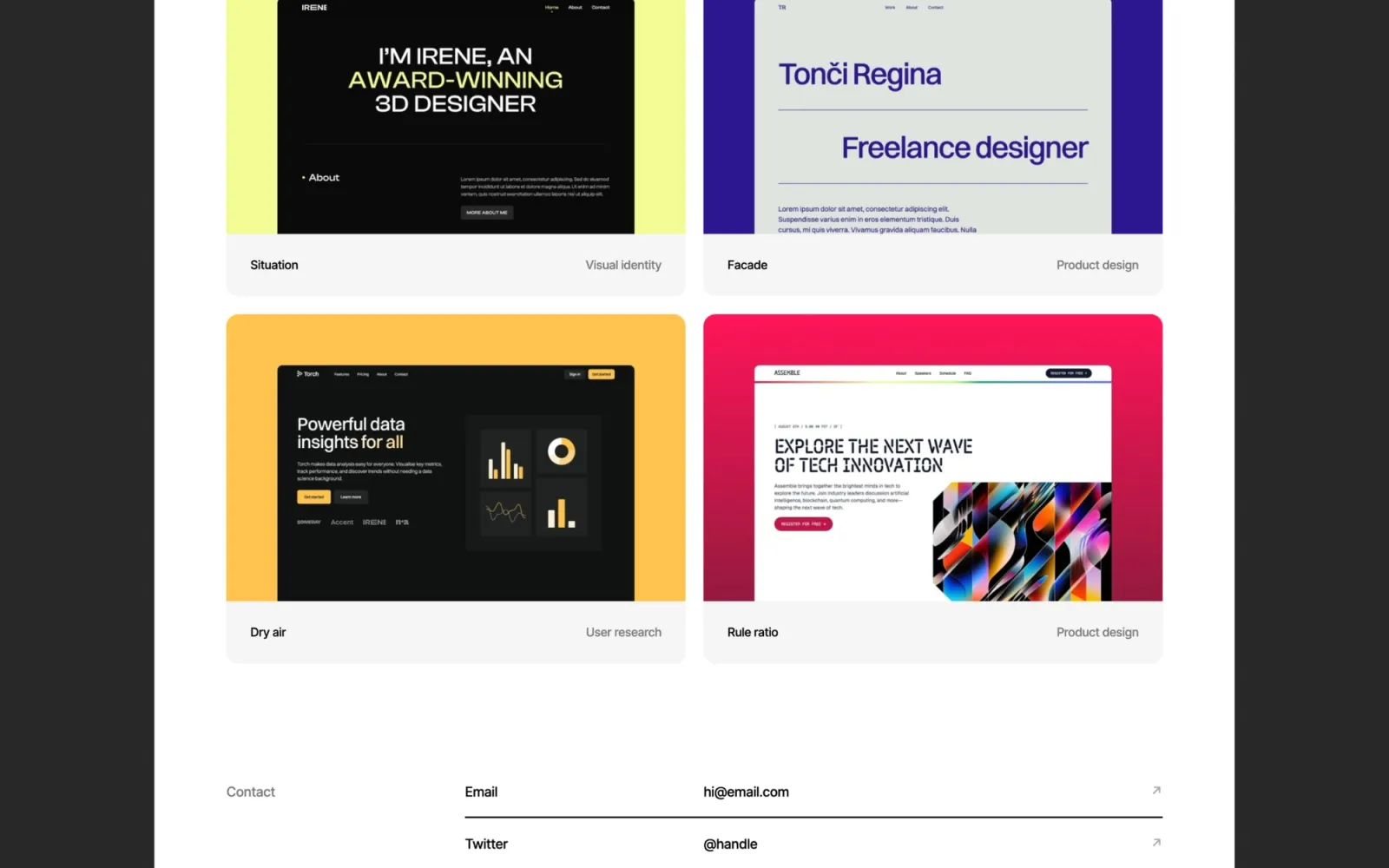
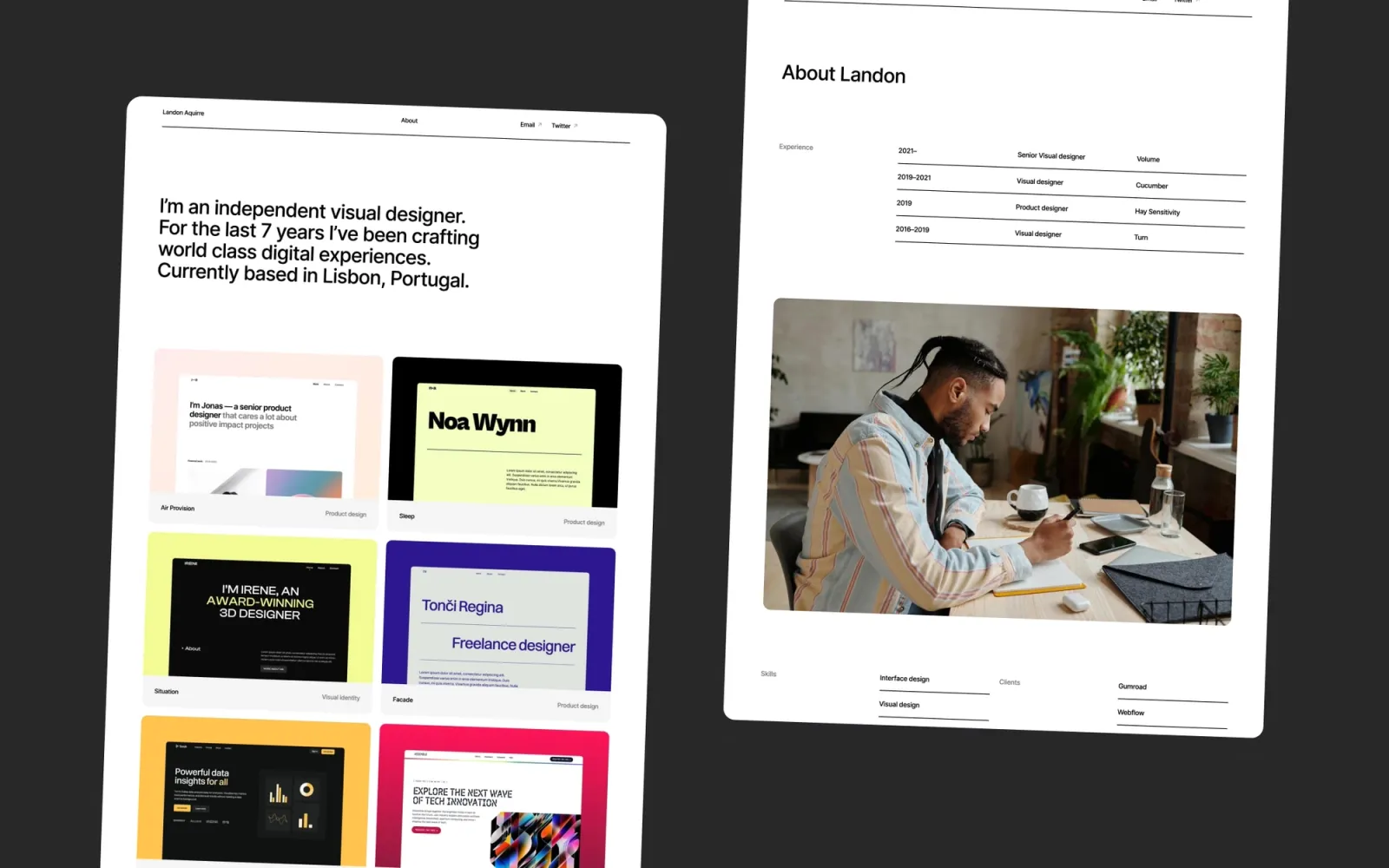
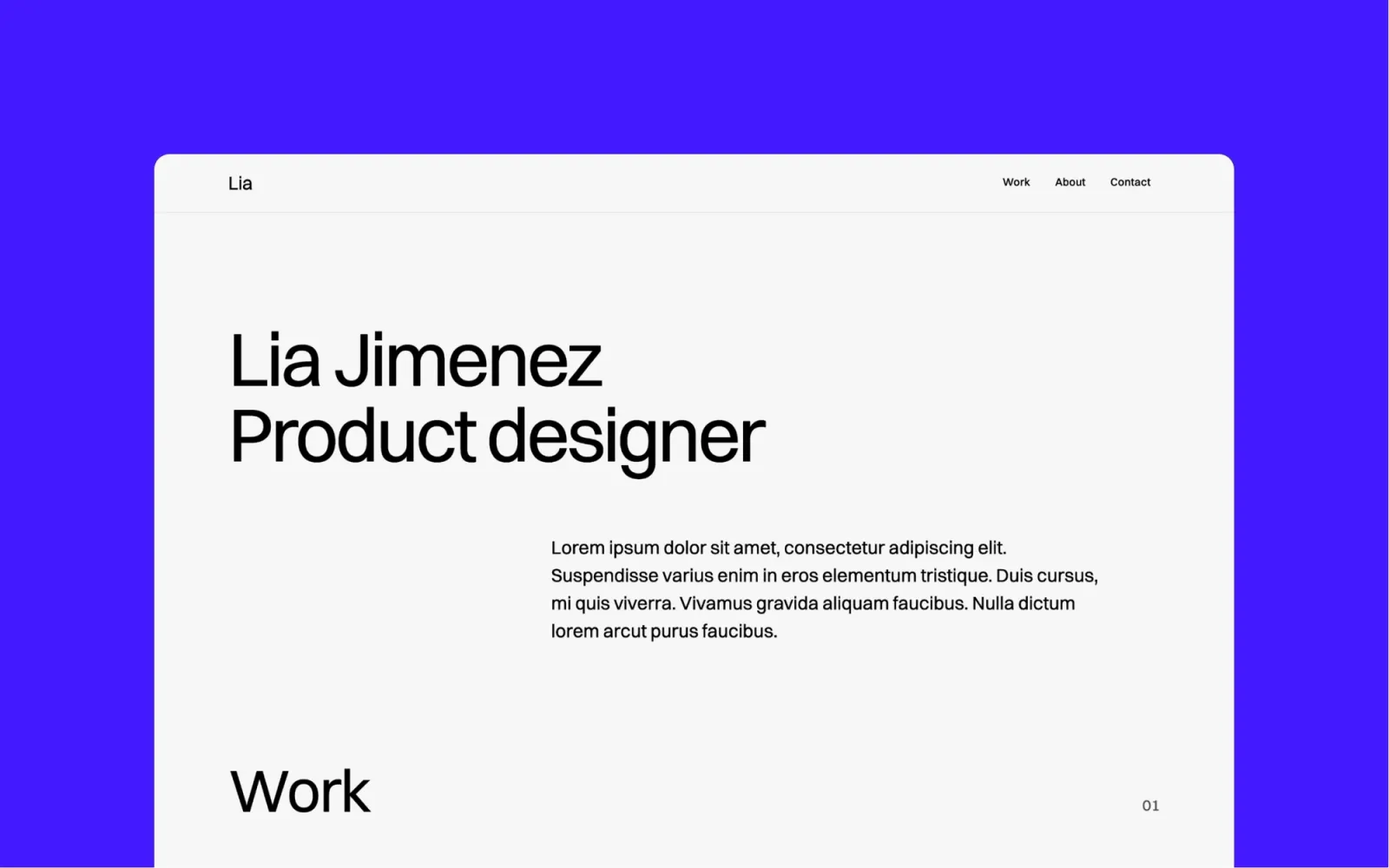
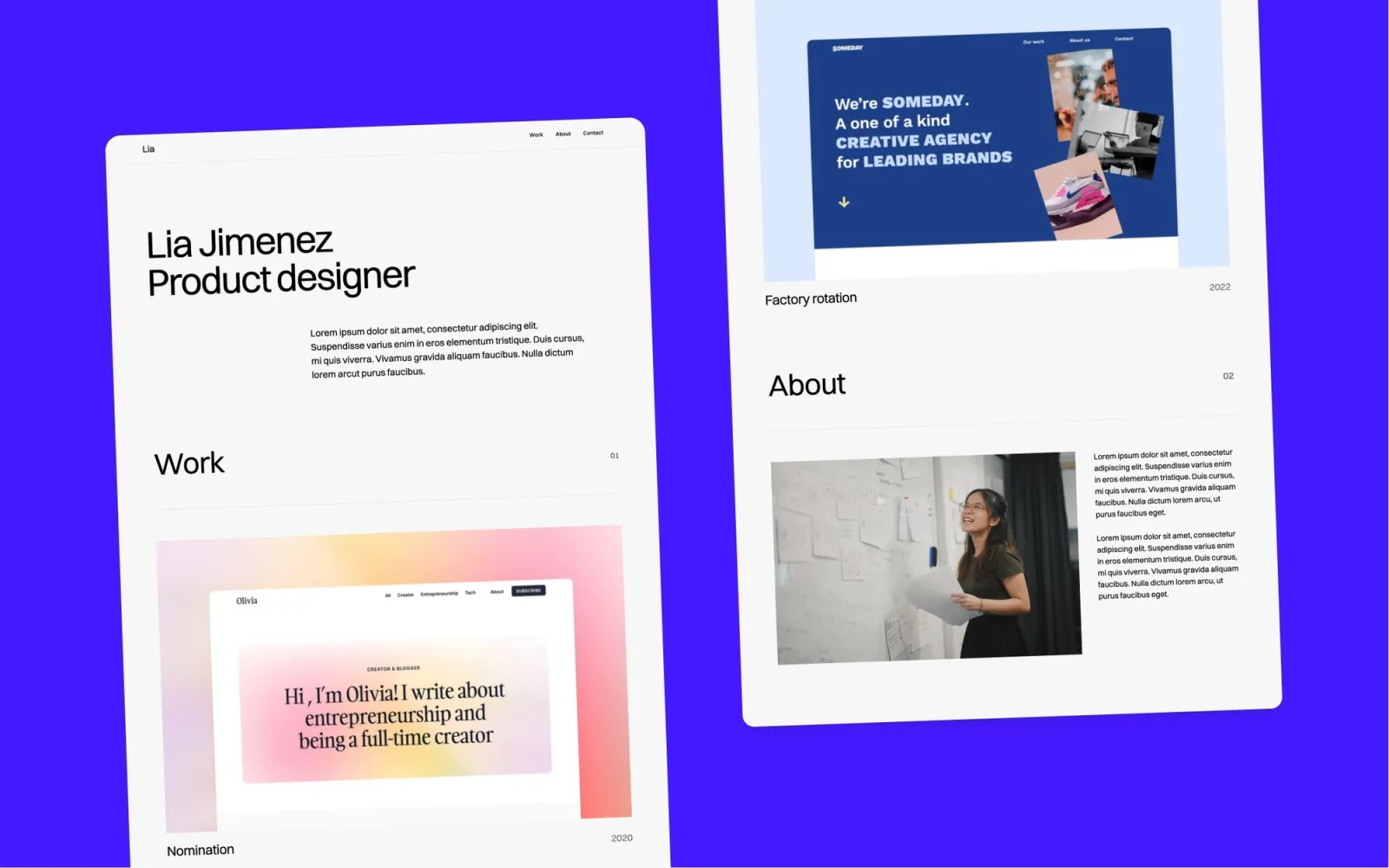
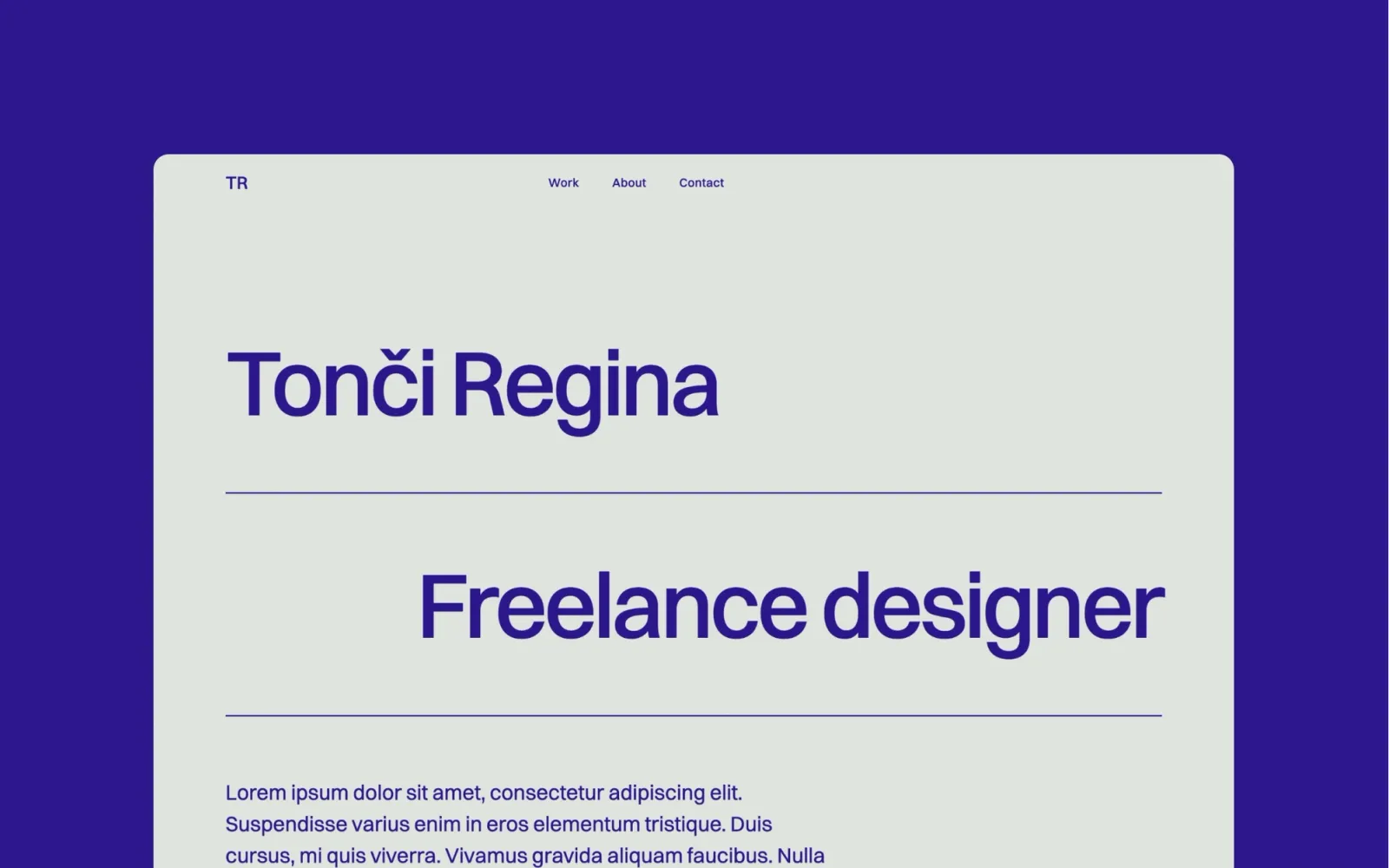
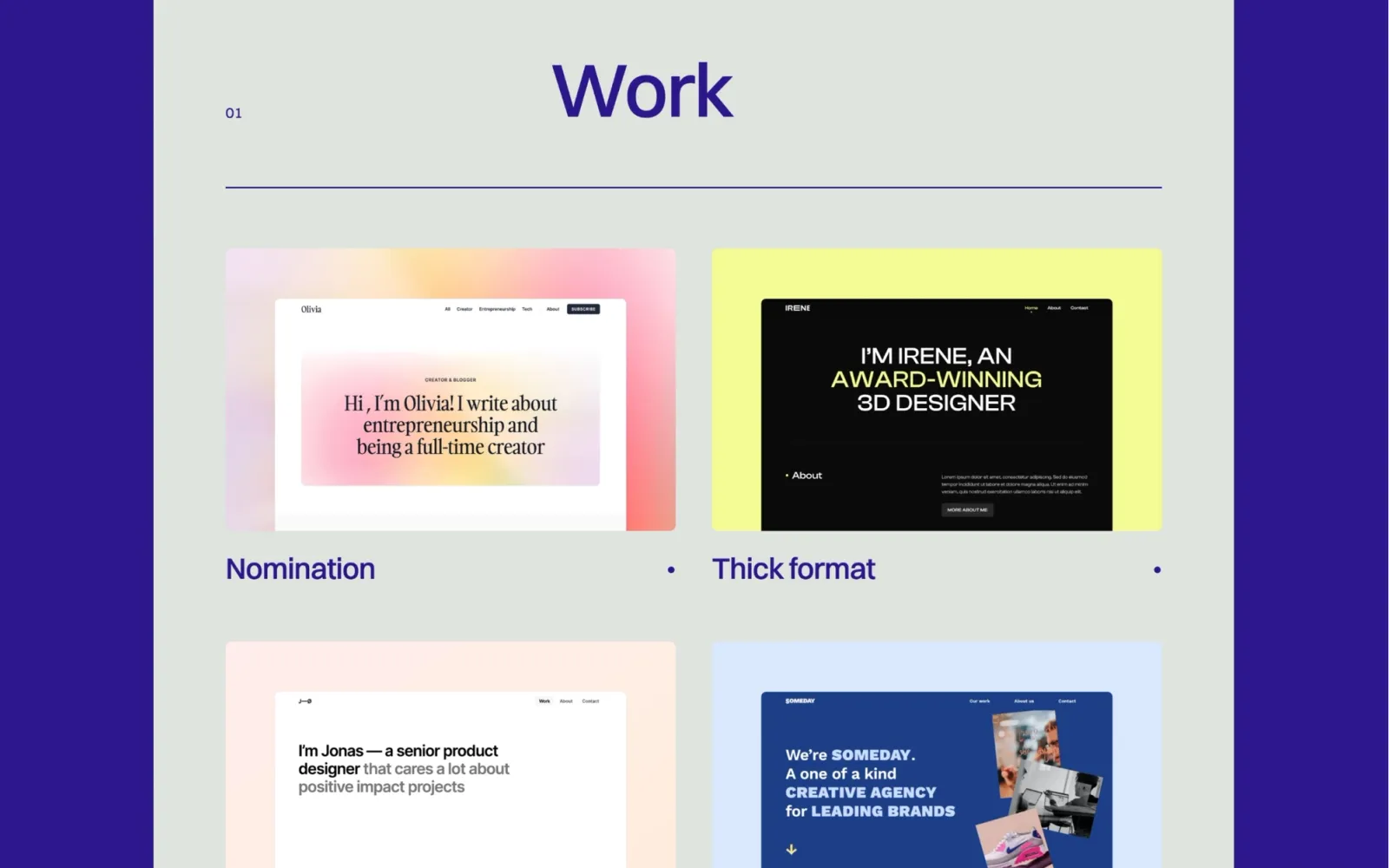
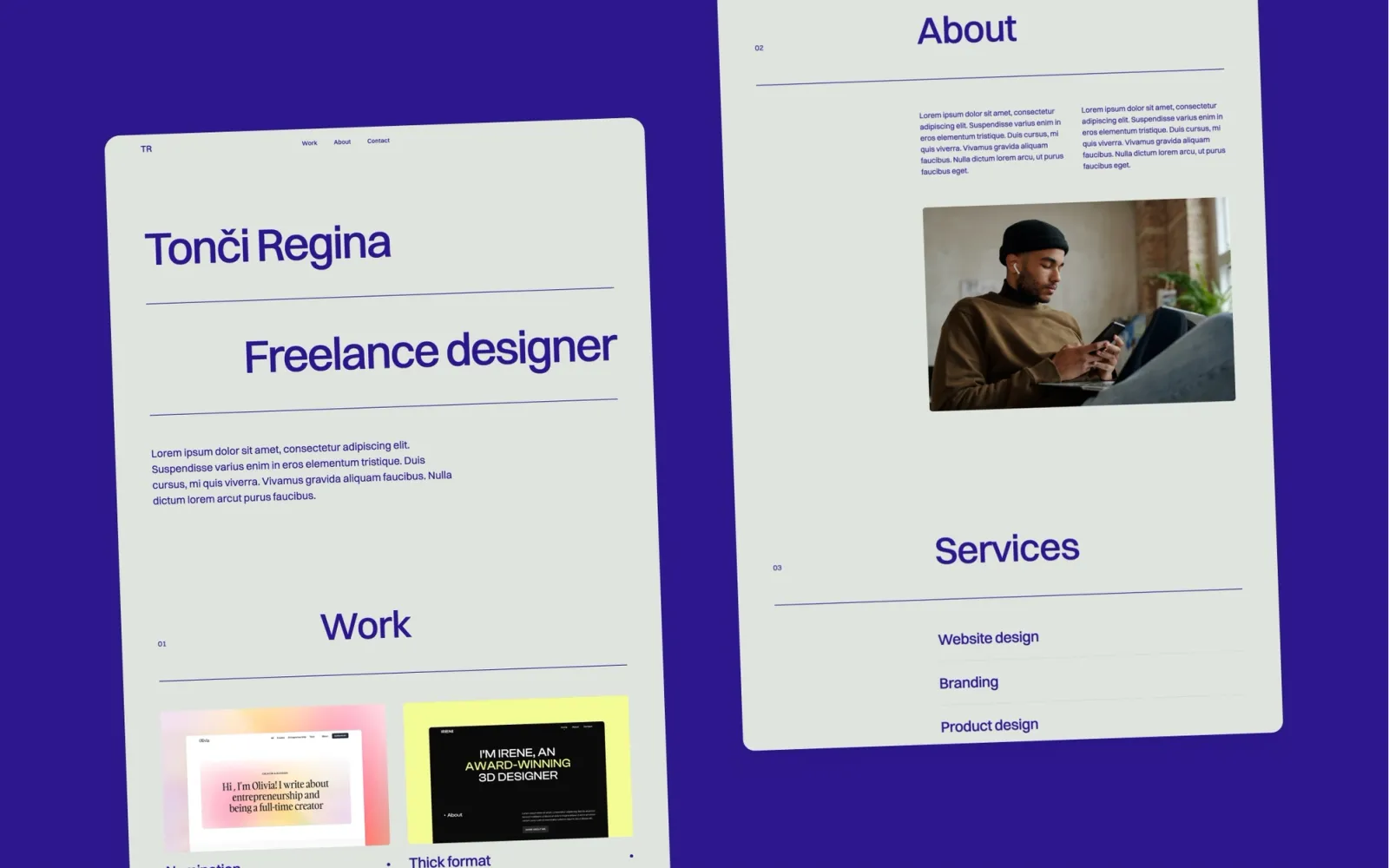
The clearest whitespace statement in my Webflow collection. The grid sits loose on the page — nothing competes with the work, and the hover transitions are smooth enough to feel considered without drawing attention to themselves.
No blog, no newsletter form, no CMS for writing. That’s deliberate. If you need those, start with Reflect or Notes instead.
Key features
Portfolio grid with smooth hover states
Single project detail pages with full-width images
Contact section
Styleguide page included
Colour and type tokens for easy restyling
Perfect for
Freelancers who want their portfolio to feel like a designed object. Anyone whose position on whitespace is a value statement, not an absence of ideas.
Price and licence
$49 · Webflow marketplace
Benefits
The grid scales from 3 projects to 30 without the layout breaking
Whitespace-first design means your work carries the page — no extra styling effort required
Styleguide page makes brand customisation a one-afternoon job
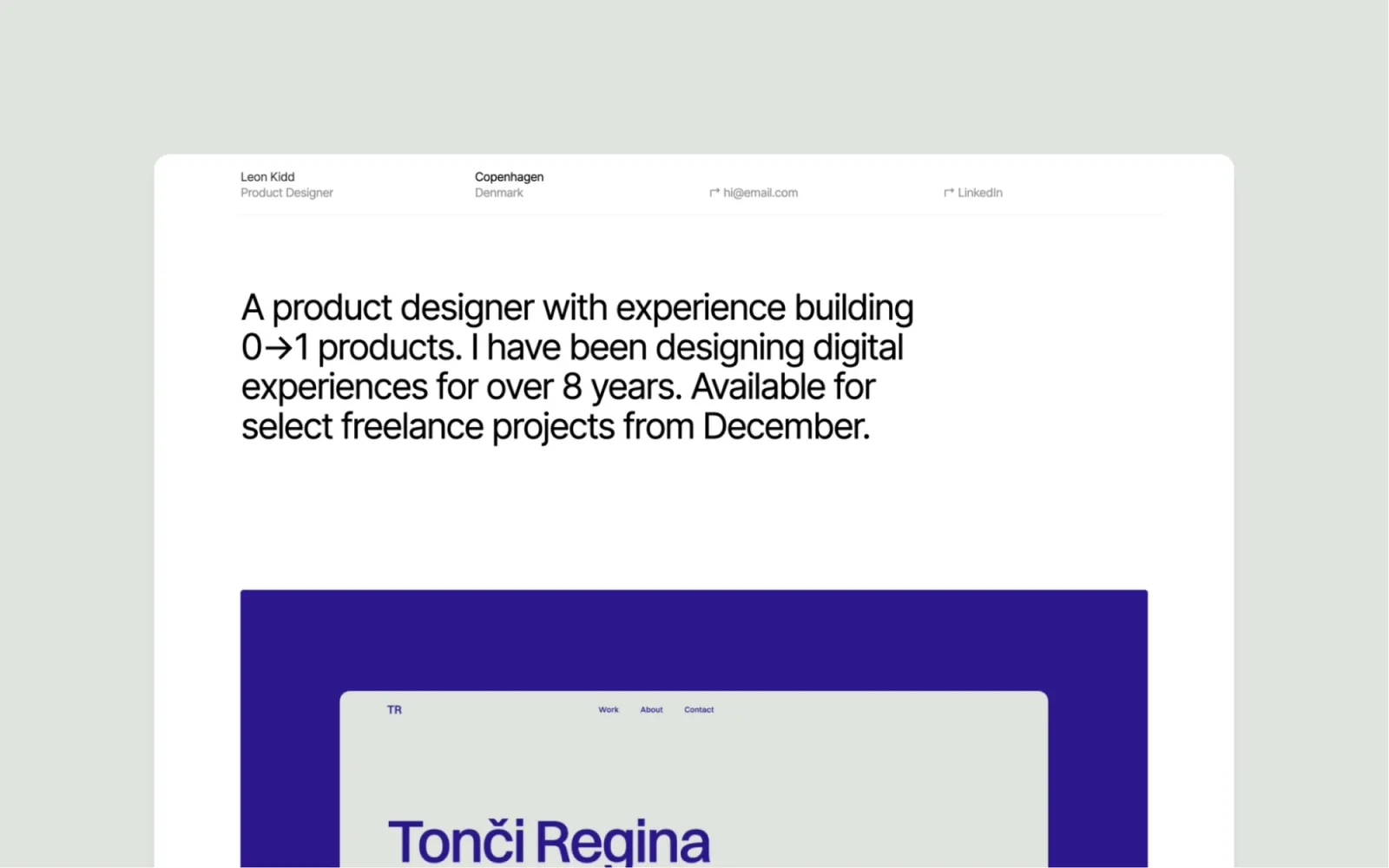
The most stripped-back option on this list. No hover reveals beyond opacity, no decorative elements — a clean project grid, solid type, a contact page. At $29 it’s the best-value entry point in the collection.
The trade-off is character. Format is a neutral container, not a designed object. If Landon still feels too styled for what you need, this is the answer.
Key features
Clean project grid
Individual project detail pages
Contact page
Minimal navigation
Straightforward typography
Perfect for
Designers who want their work to carry the entire page. Anyone for whom the template having aesthetic opinions of its own would be a problem.
Price and licence
$29 · Webflow marketplace
Benefits
Cheapest light-mode option here — a solid starting point if budget is the constraint
No decorative elements means brand restyling is faster than any other template on this list
Loads quickly — no animation scripts to initialise
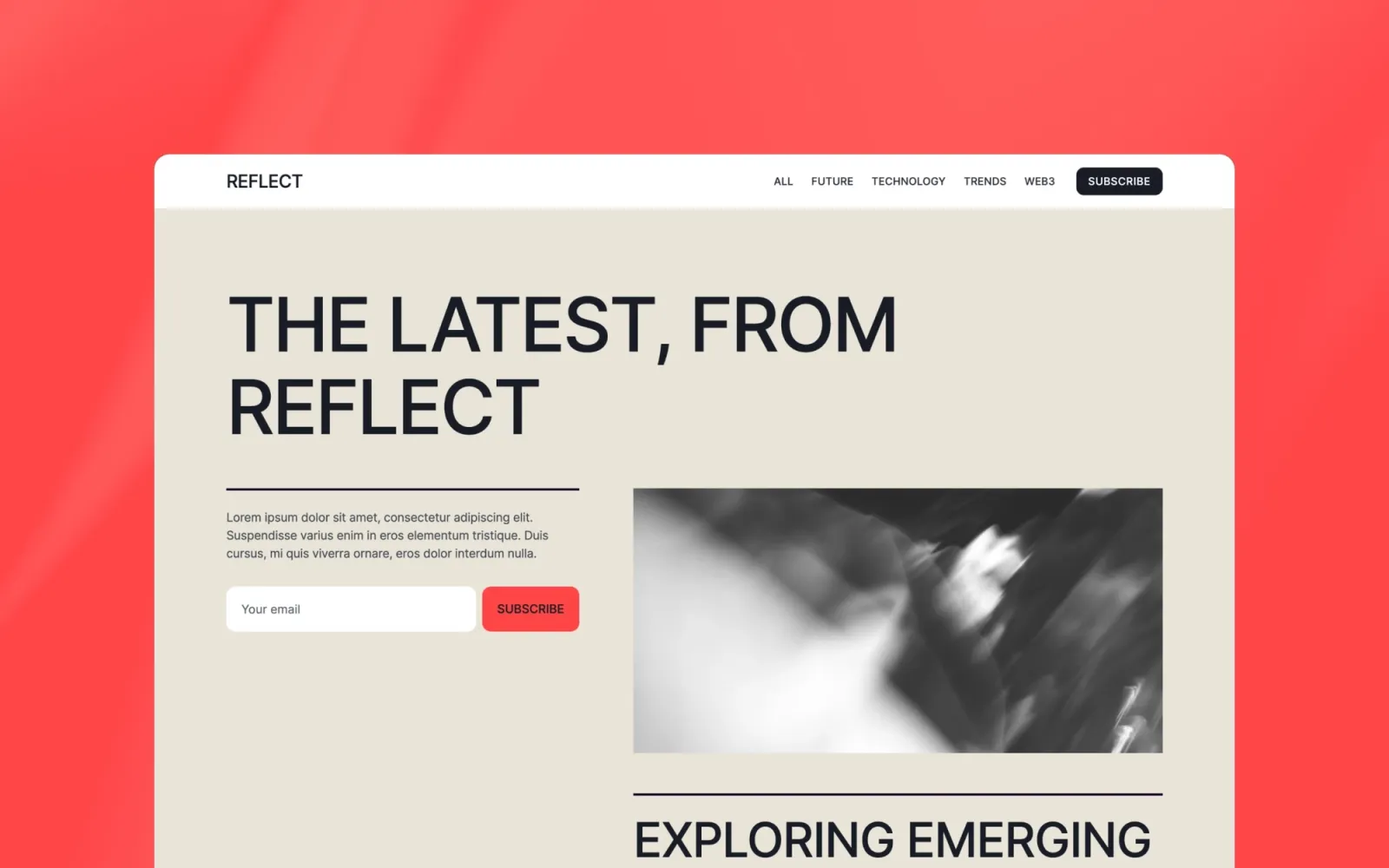
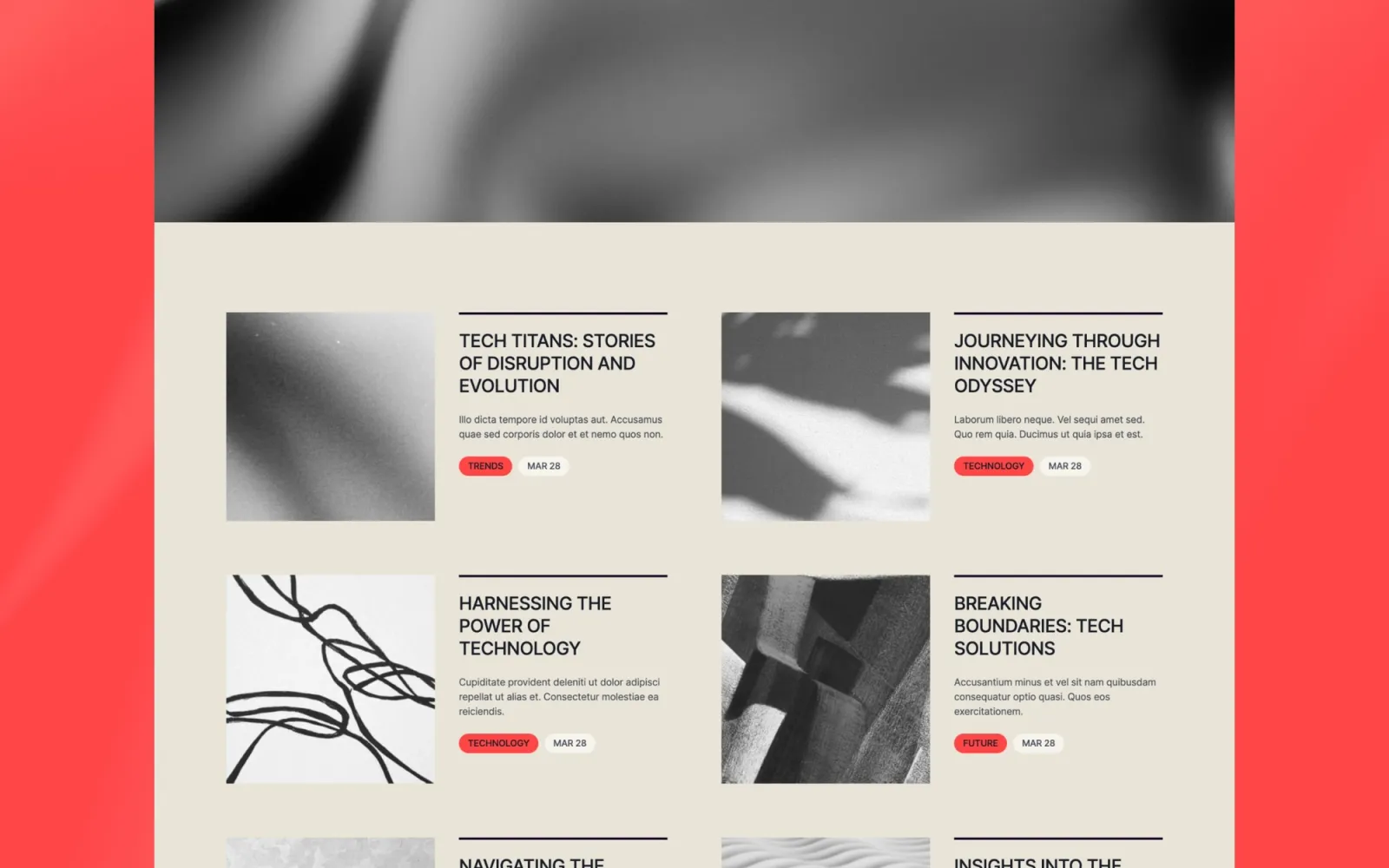
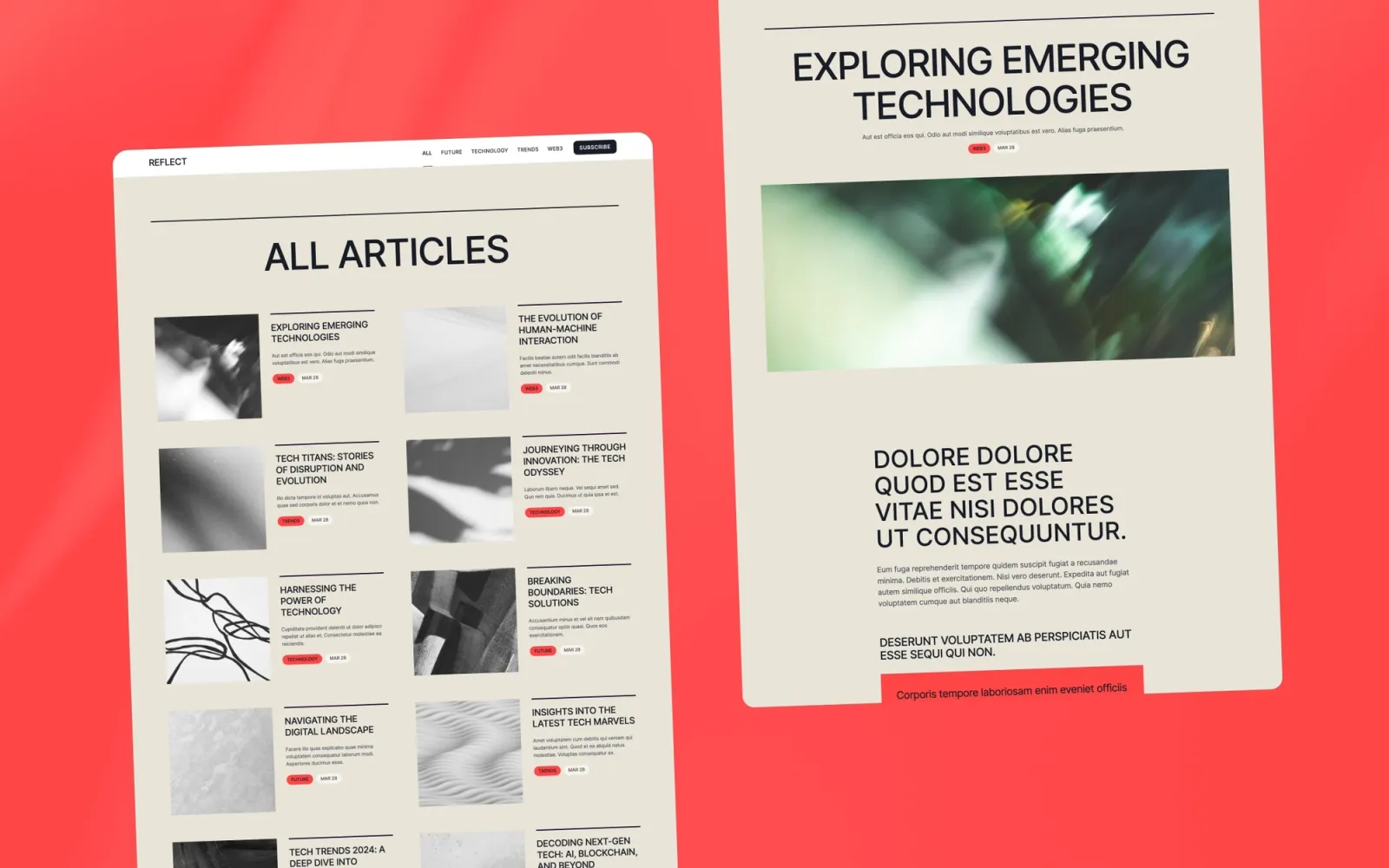
The most personal-feeling template on this list. It handles writing, project work, and an about section without any of the three feeling secondary — which most multi-section portfolio templates fail at.
Quieter than Landon. If Landon reads as “designer portfolio,” Reflect reads as “creative practice.”
Key features
Portfolio grid with project detail pages
CMS writing section
About and contact pages
Personal-brand layout
Minimal navigation
Perfect for
Designers and photographers who write alongside their practice. Anyone who wants a site that feels like a practice rather than a portfolio.
Price and licence
$49 · Webflow marketplace
Benefits
Writing and portfolio sit together without either feeling like a bolt-on
Personal-brand layout positions the practice, not just the output
CMS scales to a regular writing cadence without touching the layout
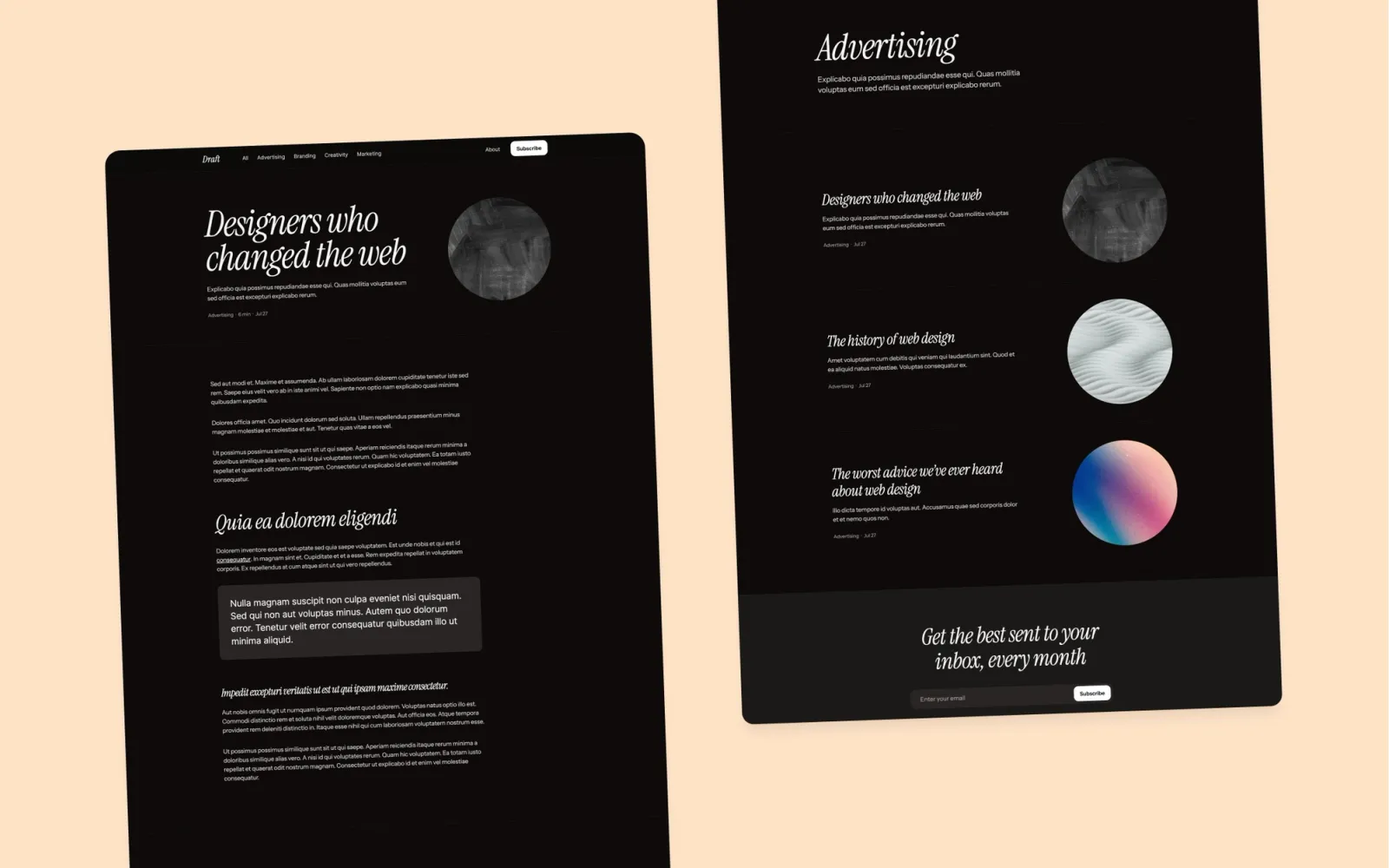
Studio feel. Deliberate negative space, a type scale that sits heavier than a standard portfolio template without tipping into editorial. The name is accurate — it reads like something designed with care but not laboured over.
More personality than Format or Landon without being decorative. The right call if a neutral container feels like a missed opportunity but a full editorial template feels too busy.
Key features
Studio-style portfolio grid
Project detail pages
About and contact pages
Deliberate typographic system
Component library included
Perfect for
Small design studios and creative practices whose site should read as a designed artefact. Anyone for whom Landon feels too spare but Notes feels too busy.
Price and licence
$49 · Webflow marketplace
Benefits
Studio aesthetic lifts it above a generic portfolio without extra customisation work
Negative space does the visual work — responds well to any colour palette
Component library keeps the site consistent as it grows
Sits between Format and Landon. More typographic detail than Format — a deliberate heading scale, some horizontal rhythm in the layout — without tipping into decorative. The accent details read as part of the system, not ornament.
At $29 it’s good value for a template with this much typographic thought behind it.
Key features
Typographic portfolio layout with editorial details
Project grid with hover states
Project detail pages
About and contact pages
Styleguide page
Perfect for
Designers who want a minimal portfolio with some typographic character. A step above the generic portfolio template without committing to a full editorial aesthetic.
Price and licence
$29 · Webflow marketplace
Benefits
More typographic detail than Format at the same price
The editorial touches are systematic — customisation doesn’t break the rhythm
Works as a designer or developer portfolio without modification
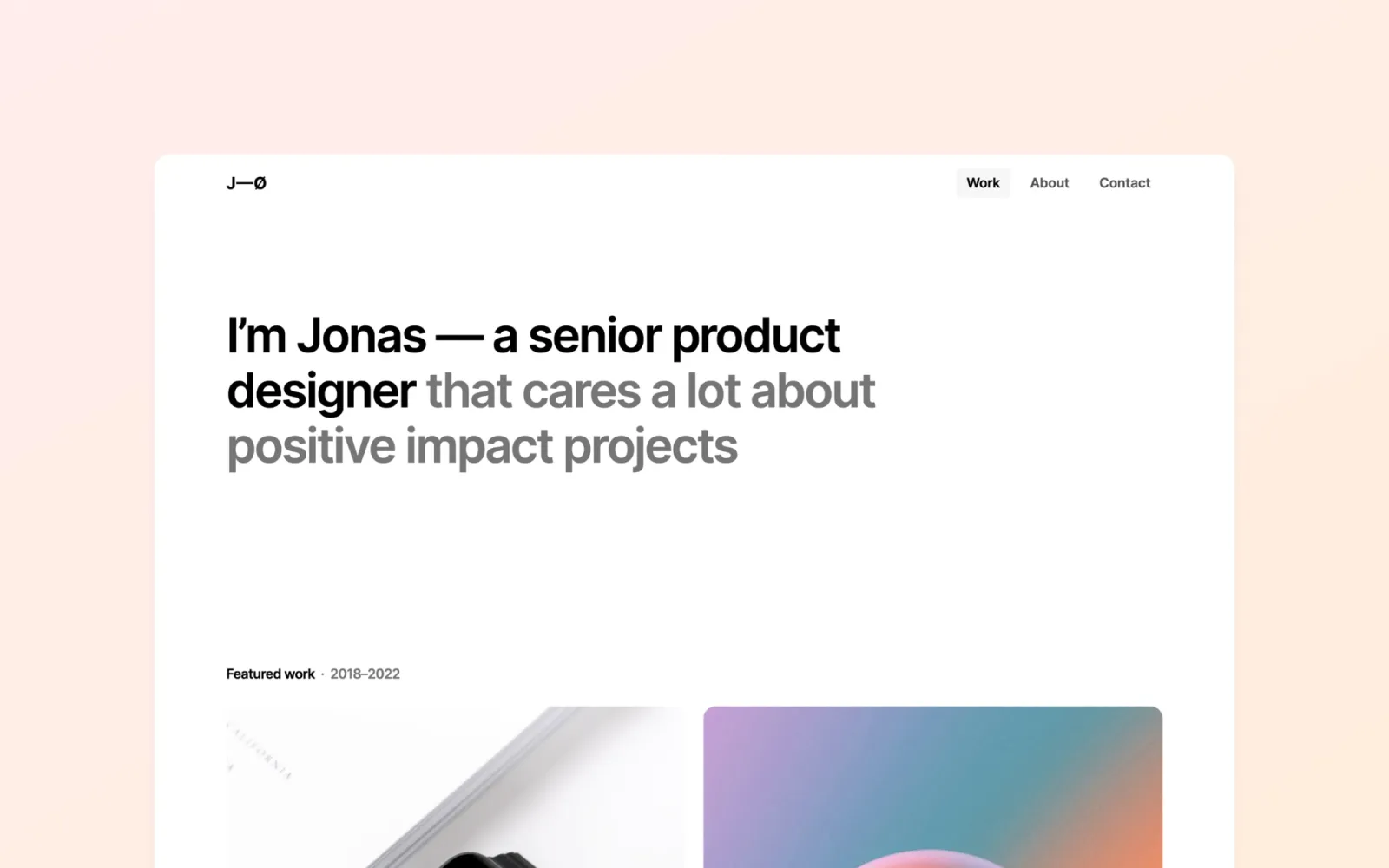
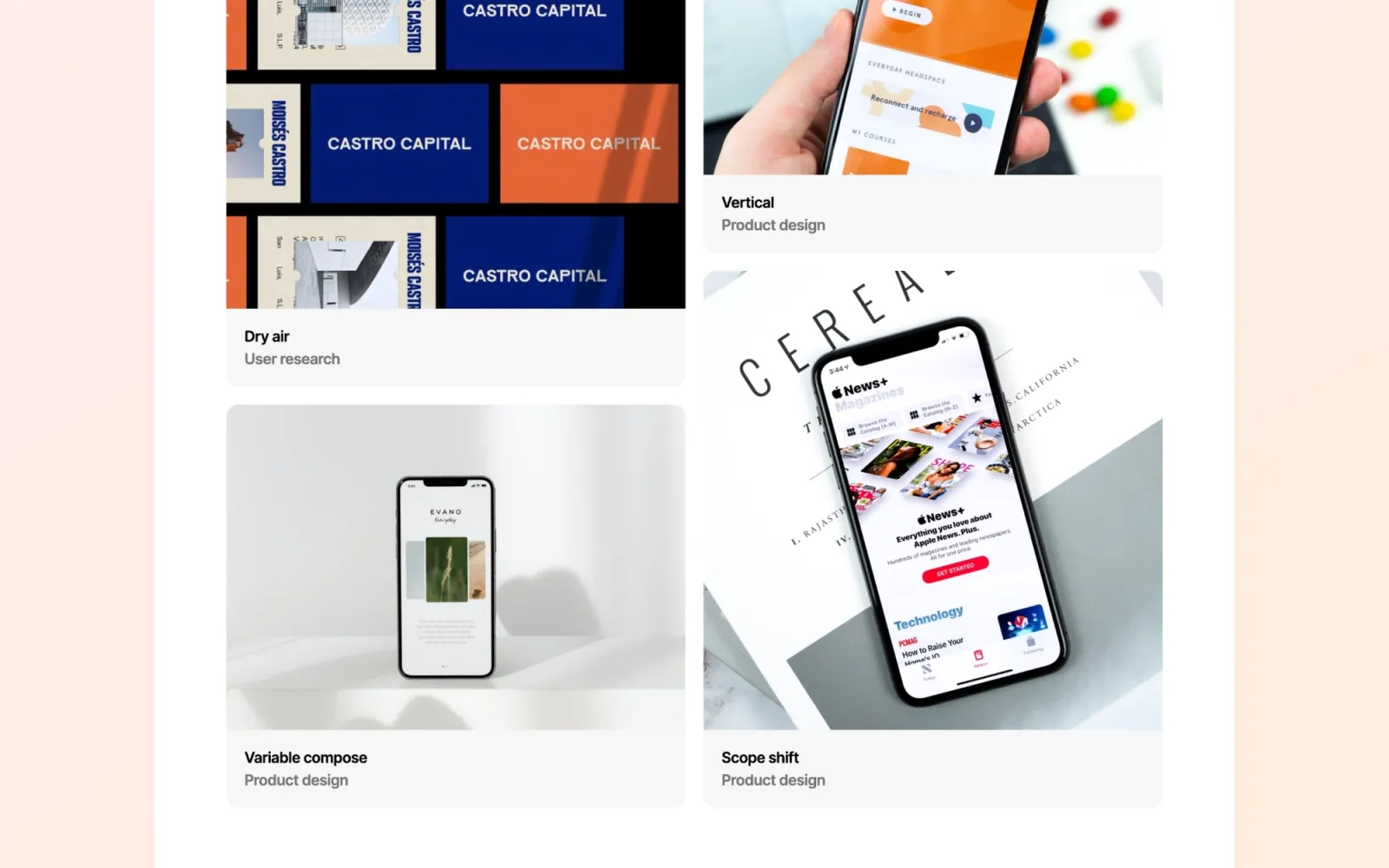
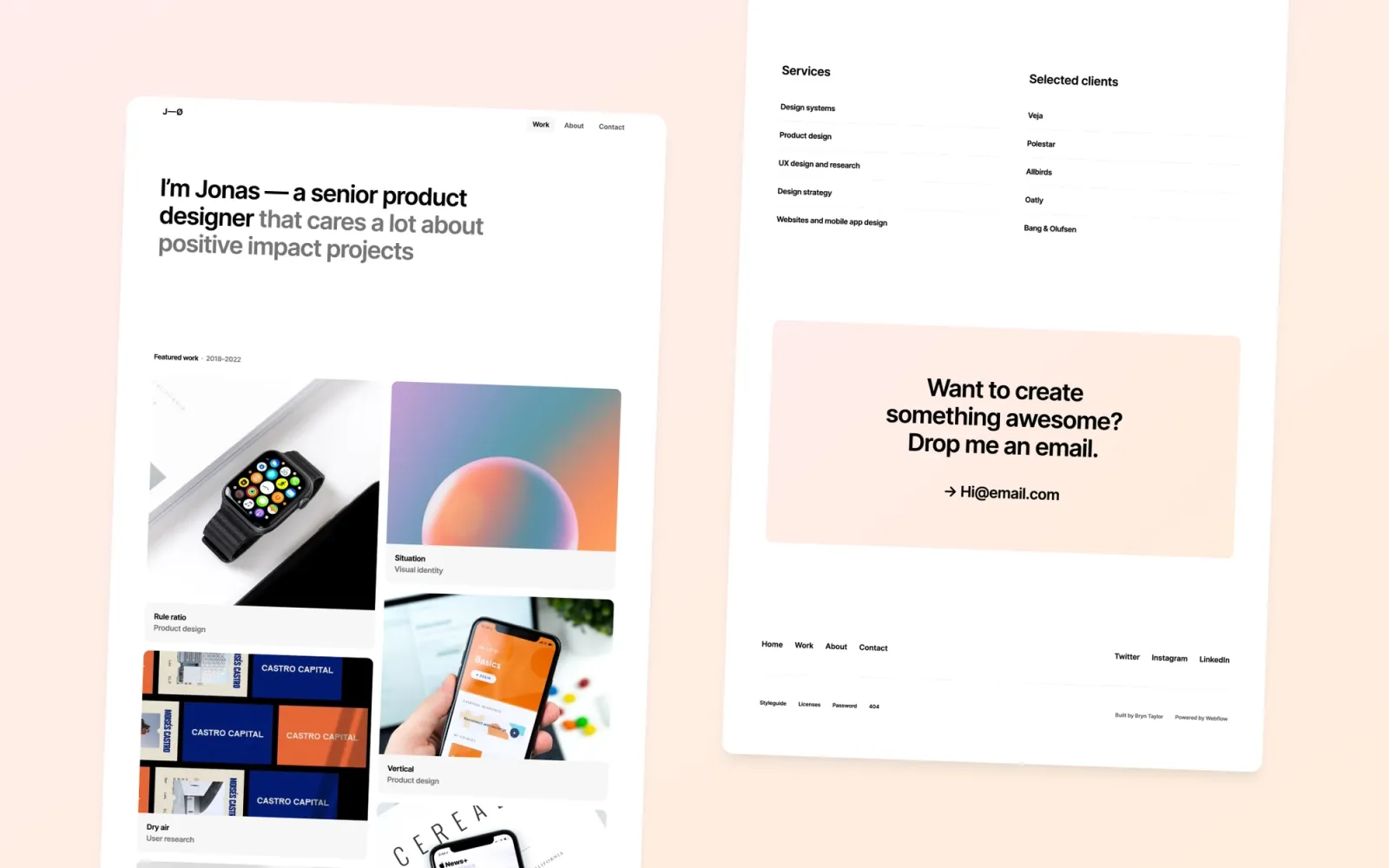
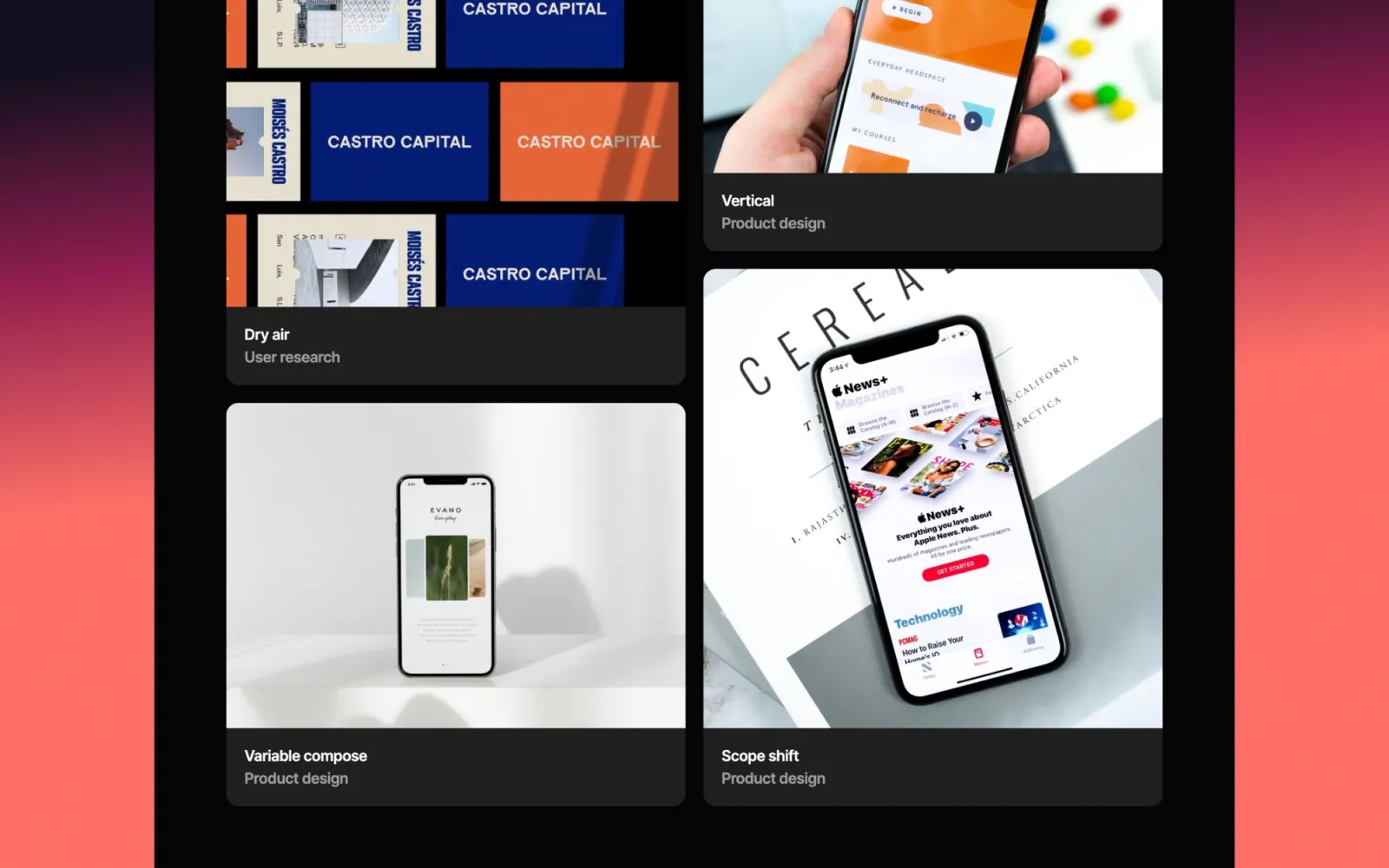
Jonas uses horizontal scroll navigation — most of the portfolio lives in a single scrolling row. It’s a distinctive structural choice that reads as confident when the work fills it. The editorial type treatment is the strongest thing about it at this price.
Honest note: horizontal scroll doesn’t work for every project type. If your case studies run long vertically or carry a lot of prose, the structure fights you. It’s built for image-led portfolios.
Key features
Horizontal scroll portfolio layout
Editorial typographic treatment
Project detail pages
About and contact sections
Light mode throughout
Perfect for
Photographers, visual designers, and art directors with primarily image-based portfolios. Anyone for whom a conventional vertical scroll feels ordinary.
Price and licence
$29 · Webflow marketplace
Benefits
Horizontal scroll is the most distinctive structure at this price on the Webflow marketplace
Editorial type hierarchy reads as intentional rather than default
The Jonas pair (Jonas and Jonas Dark) makes it easy to test light vs dark before committing
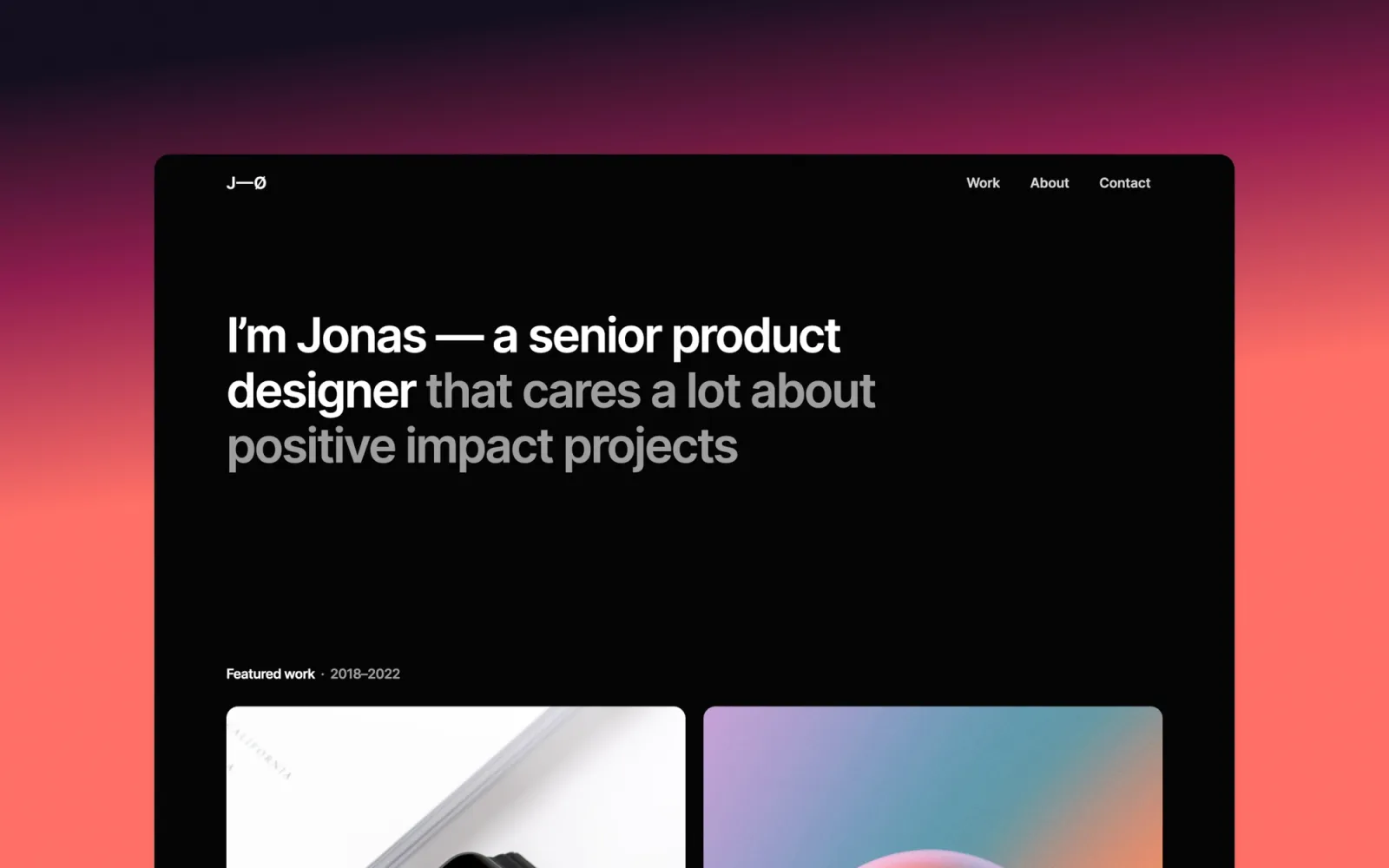
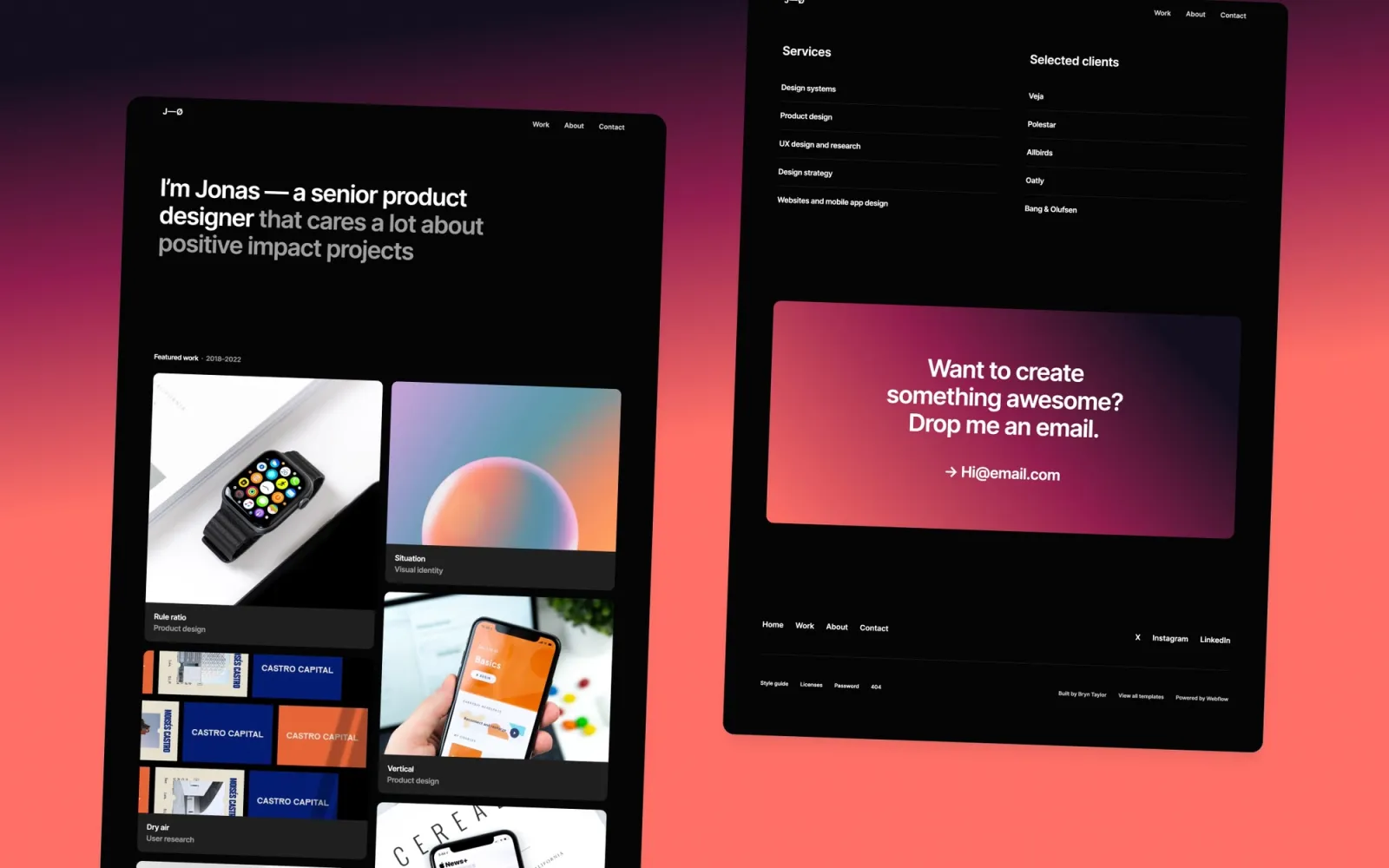
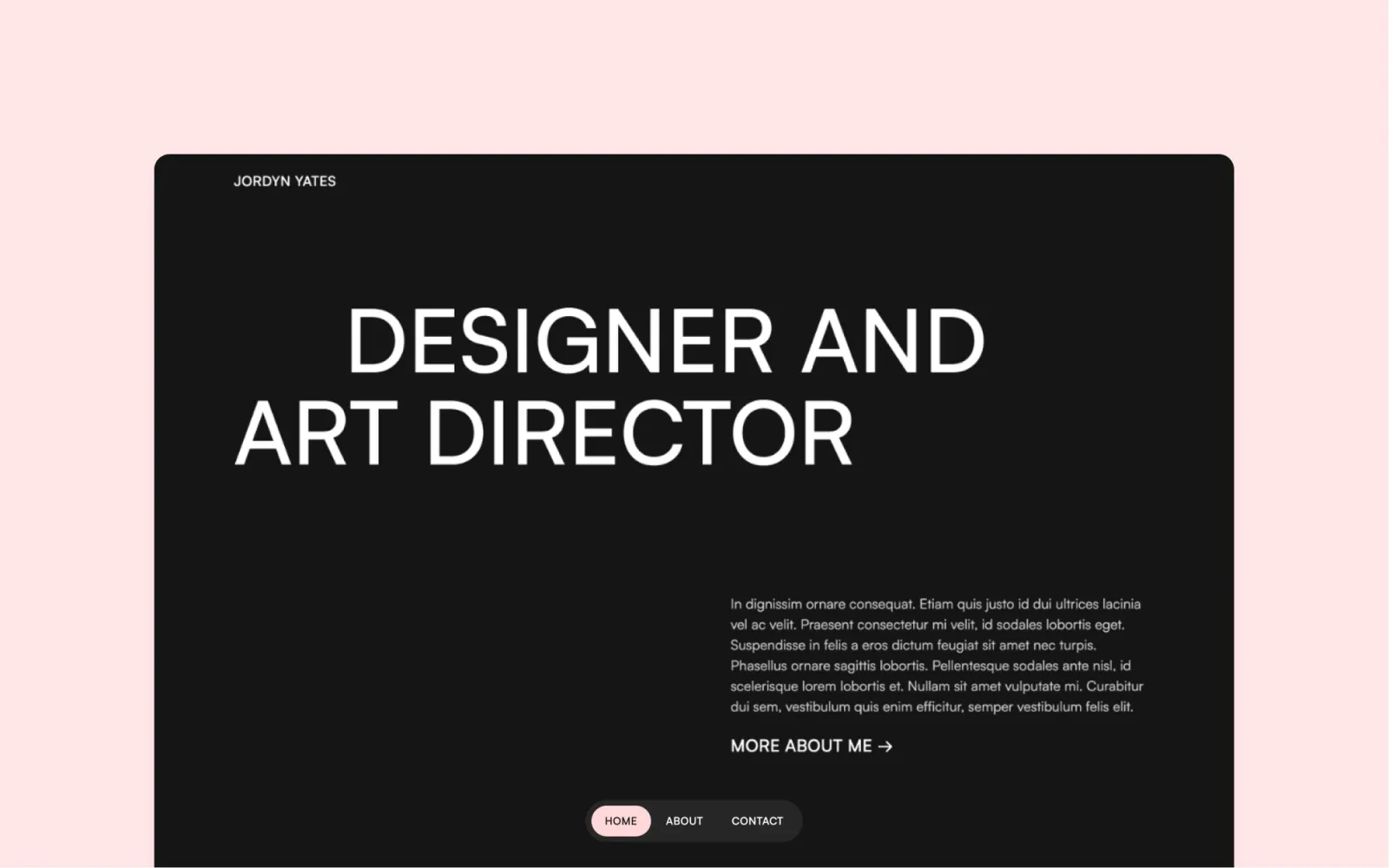
Dark counterpart to Jonas. Same horizontal scroll structure, same editorial type scale — inverted. Black background, considered light-on-dark typography, consistent throughout. At $29 it’s the most affordable dark minimal portfolio on this list.
The same limitation applies: built for image-led work. Long case studies and prose-heavy portfolios don’t sit comfortably in the horizontal format.
Key features
Horizontal scroll portfolio layout, dark mode
Editorial type on black background
Project detail pages
About and contact sections
Consistent dark palette throughout
Perfect for
Photographers and visual designers who want a dark portfolio without paying a premium for it.
Price and licence
$29 · Webflow marketplace
Benefits
Cheapest dark minimal Webflow template on this list
Dark palette is consistent throughout — no light-mode contamination anywhere
Buy alongside Jonas for $58 total and decide which direction suits your work after customising both
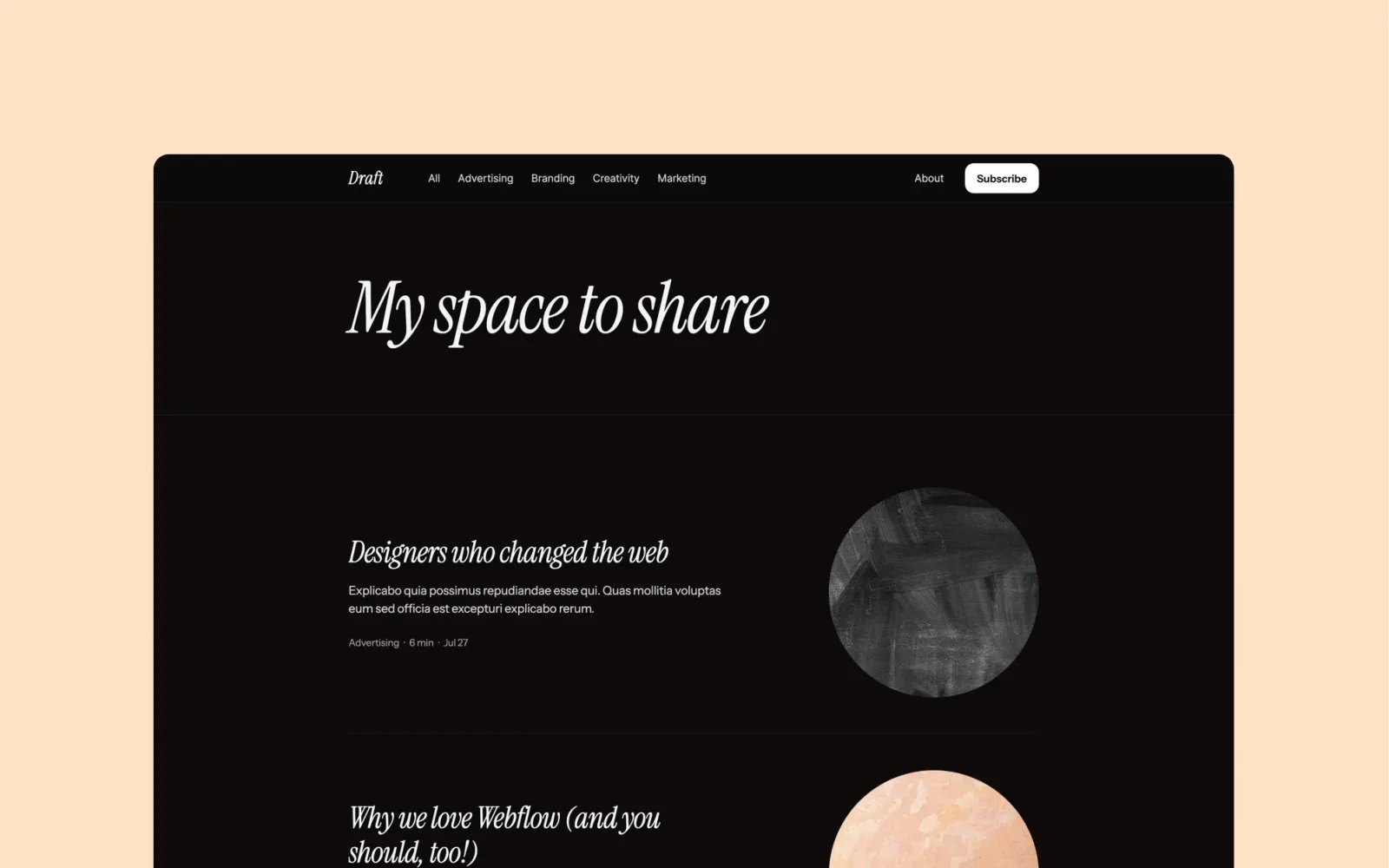
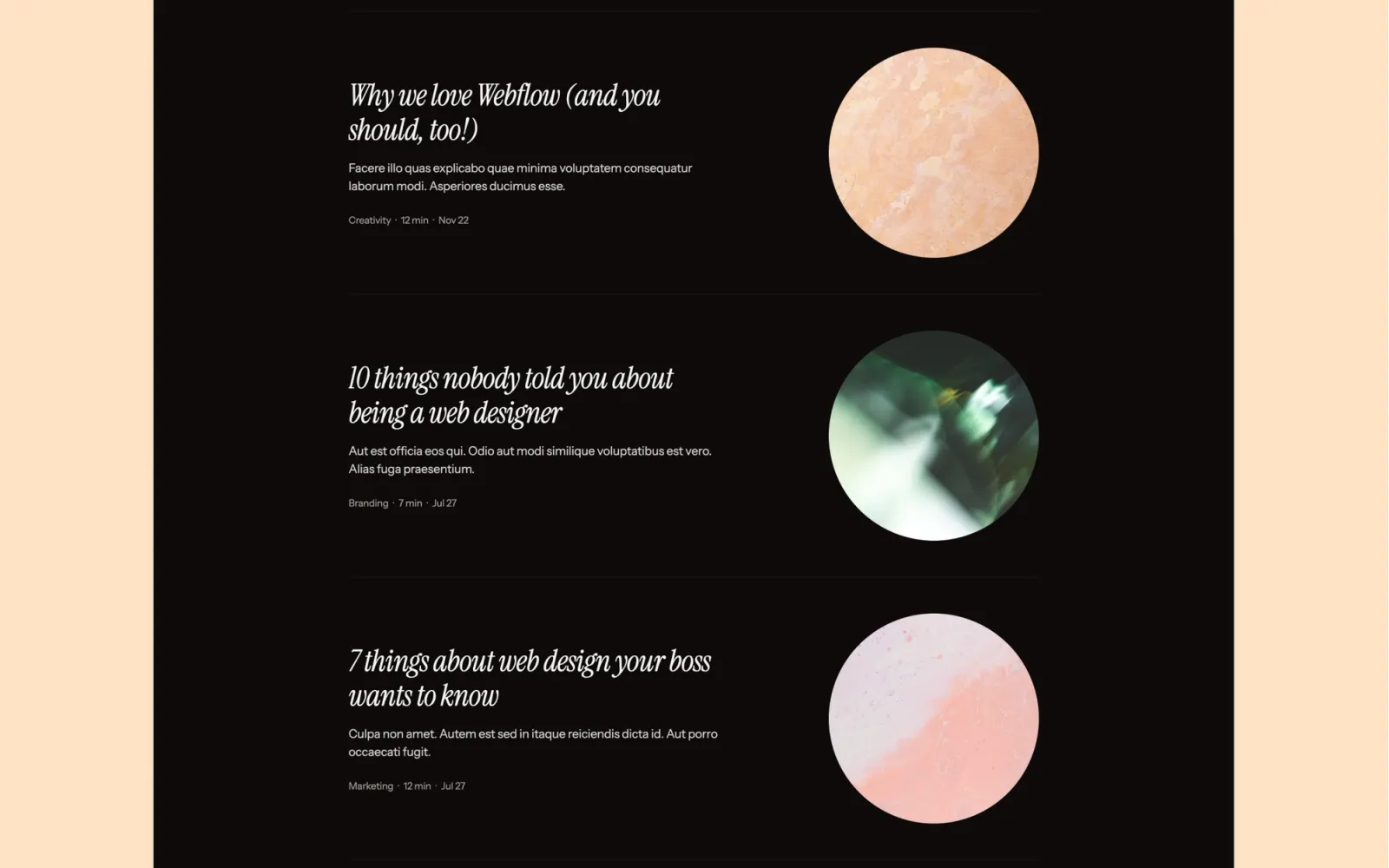
Built for studios that publish alongside their portfolio and want both sections to feel first-class. The blog and portfolio share the same grid logic. There’s no section that looks like a bolt-on.
More visually present than the pure portfolio templates here. The right fit if writing is a regular part of how you work.
Key features
Portfolio grid with project detail pages
CMS blog with category filtering
Consistent grid across portfolio and blog
Studio visual identity
Newsletter signup
Perfect for
Design studios and creative freelancers who write regularly and want the writing section to match the quality of the portfolio.
Price and licence
$49 · Webflow marketplace
Benefits
Portfolio and writing share the same grid — the two sections feel like one site, not two glued together
Category filtering on the blog is built in — useful once you hit 20+ posts
More distinctive than the neutral templates at the same $49 price
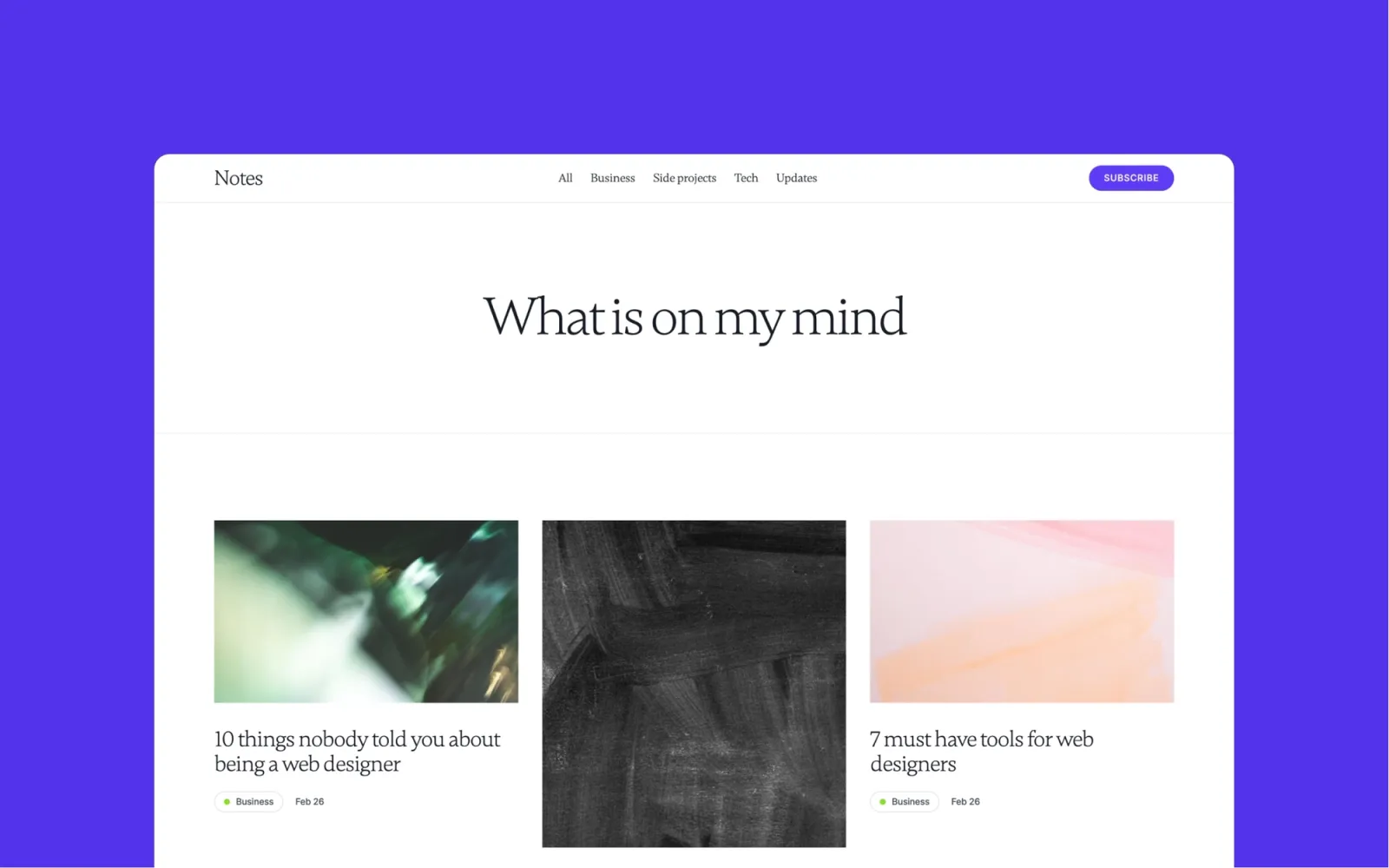
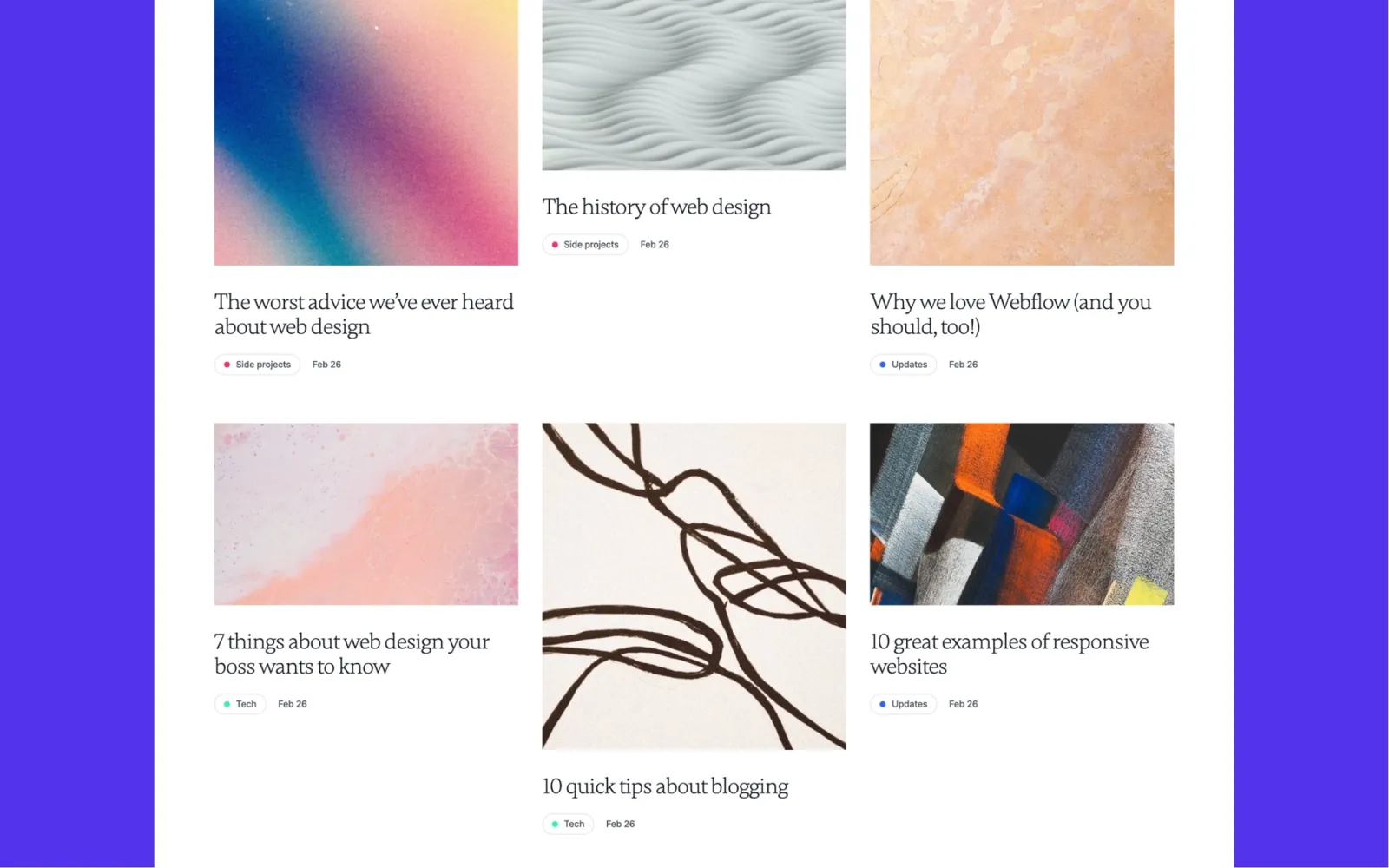
Writing-first. Comfortable reading column, neutral palette, a CMS archive that handles hundreds of posts without the homepage layout breaking. Built for writers who want the page as considered as the writing — without the template competing with the words.
No portfolio section. If you need to show project work alongside writing, Notes or Reflect are the better starting points.
Key features
CMS for posts, categories, and authors
Featured post slot on the homepage
Reading-column article layout
Newsletter signup
Styleguide page
Perfect for
Solo writers, indie publishers, and content-led teams whose site lives or dies by the reading experience.
Price and licence
$49 · Webflow marketplace
Benefits
Reading column layout is the most considered on this list for long-form content
CMS archive scales to hundreds of posts without the homepage layout breaking
Neutral palette means the writing takes visual precedence — the template stays out of the way
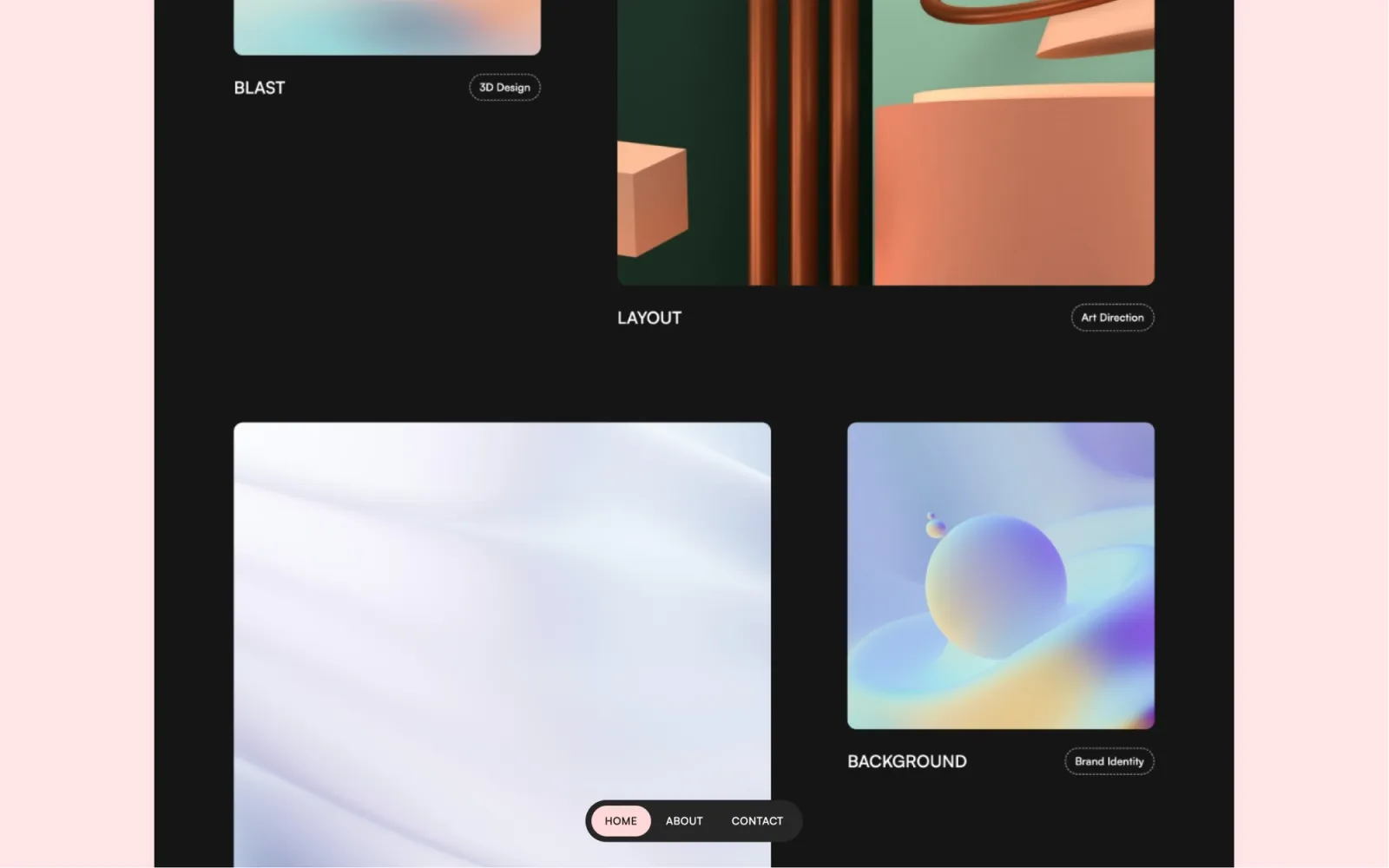
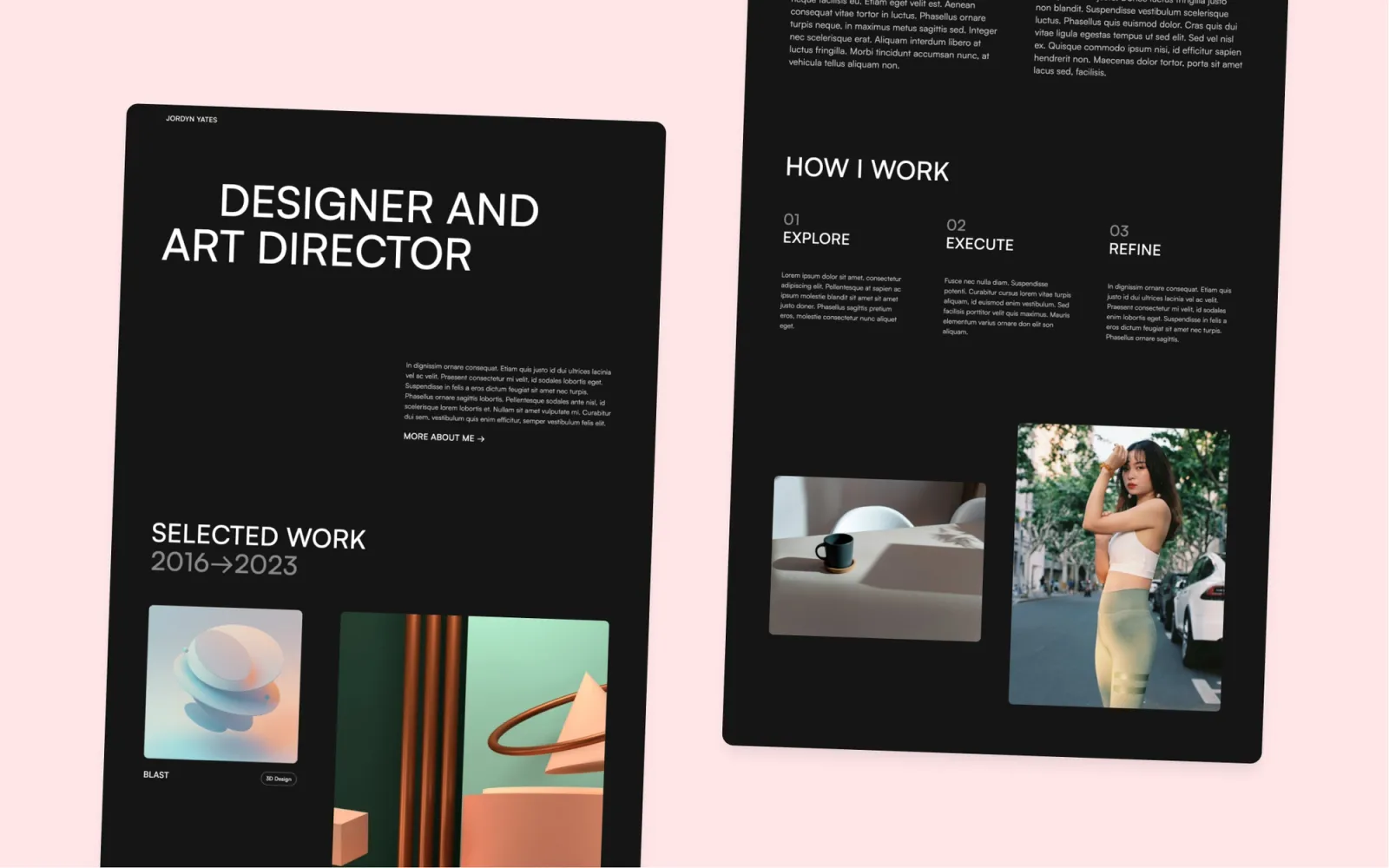
The most dramatic template on this list. Full-screen cover image on the homepage, black background throughout, grid hover reveals with strong contrast. Minimal in restraint — no gradients, no decorative elements — but present in a way most dark templates aren’t.
The full-screen cover image is a design commitment. If you don’t have a strong hero photograph, the layout loses its impact. That’s the honest trade-off.
Key features
Full-screen cover image homepage
Dark portfolio grid with hover reveals
Project detail pages with full-width images
About and contact sections
Consistent dark palette throughout
Perfect for
Photographers, motion designers, and creative directors with strong hero imagery. Anyone whose work looks better on black than on white.
Price and licence
$49 · Webflow marketplace
Benefits
Full-screen cover image is the strongest homepage statement on this list
Dark palette is consistent throughout — no light-mode contamination anywhere
Hover reveals give the portfolio grid a high-production feel without extra animation libraries
The simplest option here. Static pages, no CMS, no hover reveals — a clean project grid, individual project pages, a contact form. It’s not missing features it should have. It’s designed around not having them.
At $24 it’s the cheapest template on this list. The right call if you want to be live quickly and don’t need a CMS.
Key features
Static portfolio grid
Individual project pages
Contact form
No CMS required
Fast load — no animation scripts
Perfect for
Anyone who wants a live portfolio quickly without learning Webflow’s CMS. Junior designers, students, or anyone who updates their portfolio a few times a year.
Price and licence
$24 · Webflow marketplace
Benefits
Cheapest template on this list — a genuine option if budget is the main constraint
No CMS means no Webflow Site plan required for most hosting setups
The main split is light vs dark. Jonas, Format, Landon, Simplefolio, Accent, Reflect, Draft, Notes, and Scribe are all light-mode. Jonas Dark and Darkfolio are dark throughout — neither has a light toggle.
After that, think about what the site needs to do.
Portfolio only, no writing — Landon, Format, Accent, or Simplefolio.
Portfolio plus writing — Reflect or Notes.
Writing-first site — Scribe.
Studio feel over pure neutral — Draft.
Image-led work, unconventional layout — Jonas or Jonas Dark.
Strong hero photography, dramatic dark aesthetic — Darkfolio.
Set your brand colours in the Webflow style guide before touching anything else — it propagates to every element at once
Replace placeholder content with real work before judging the design. Templates always look better with actual projects in them
Decide whether you need a CMS before buying. Simplefolio, Jonas, and Jonas Dark are static — no blog, no portfolio CMS
A Webflow CMS plan (~$23/month billed annually) is required for any template with a blog or portfolio CMS
Add a custom domain in Webflow before sharing the URL. The default .webflow.io subdomain reads as unfinished
Frequently asked questions about minimal Webflow templates
What does “minimal” actually mean in a Webflow template?
Minimal means the design works through restraint — no gradients, no layered textures, no animations that exist for their own sake. Layout, typography, and whitespace do the work. Most templates that describe themselves as minimal aren’t. The ones here are.
Do I need a paid Webflow plan for these templates?
Scribe, Reflect, Notes, and any template with a CMS need a Webflow Site plan. The CMS plan starts around $23/month billed annually. Simplefolio is fully static and can run on a cheaper plan. The template is a one-time purchase. The hosting plan is the ongoing cost.
Can I add a blog to a portfolio-only template?
Landon, Format, Accent, Jonas, Jonas Dark, and Simplefolio don’t include a CMS blog. You can add one by creating a CMS collection in Webflow and building a blog layout, but it’s a full day of work. If writing matters from day one, start with Reflect, Notes, or Scribe.
Are dark mode templates harder to customise?
Not technically harder, but they’re less forgiving with imagery. Light templates work with most placeholder photography. Dark templates need strong, high-contrast images — low-quality photos look obviously wrong on a black background. If your photography is strong, dark templates often look better than light ones.
What’s the difference between Jonas and Jonas Dark?
Same structure, inverted palette. Jonas is light-mode with editorial type on white; Jonas Dark is the same layout on black. The best way to decide is to open both preview sites and see which direction your work looks better in. At $29 each, buying both to compare costs less than most single templates on this list.
Get design articles like this straight to your inbox