13 best minimal Framer templates
The 13 best minimal Framer templates — clean, fast, and built to let your work do the talking. Picked for typography quality, whitespace, and design restraint.

15 min
The 13 best minimal Framer templates — clean, fast, and built to let your work do the talking. Picked for typography quality, whitespace, and design restraint.
Most templates that call themselves minimal aren’t. They’re simple, which is different — simple means fewer things, minimal means better relationships between the things that remain. The thirteen templates here are genuinely minimal: tight type systems, considered white space, and nothing that doesn’t earn its place.
Live sites are the better reference for this. I collect minimal websites on A1. They show how far you can strip a layout back.
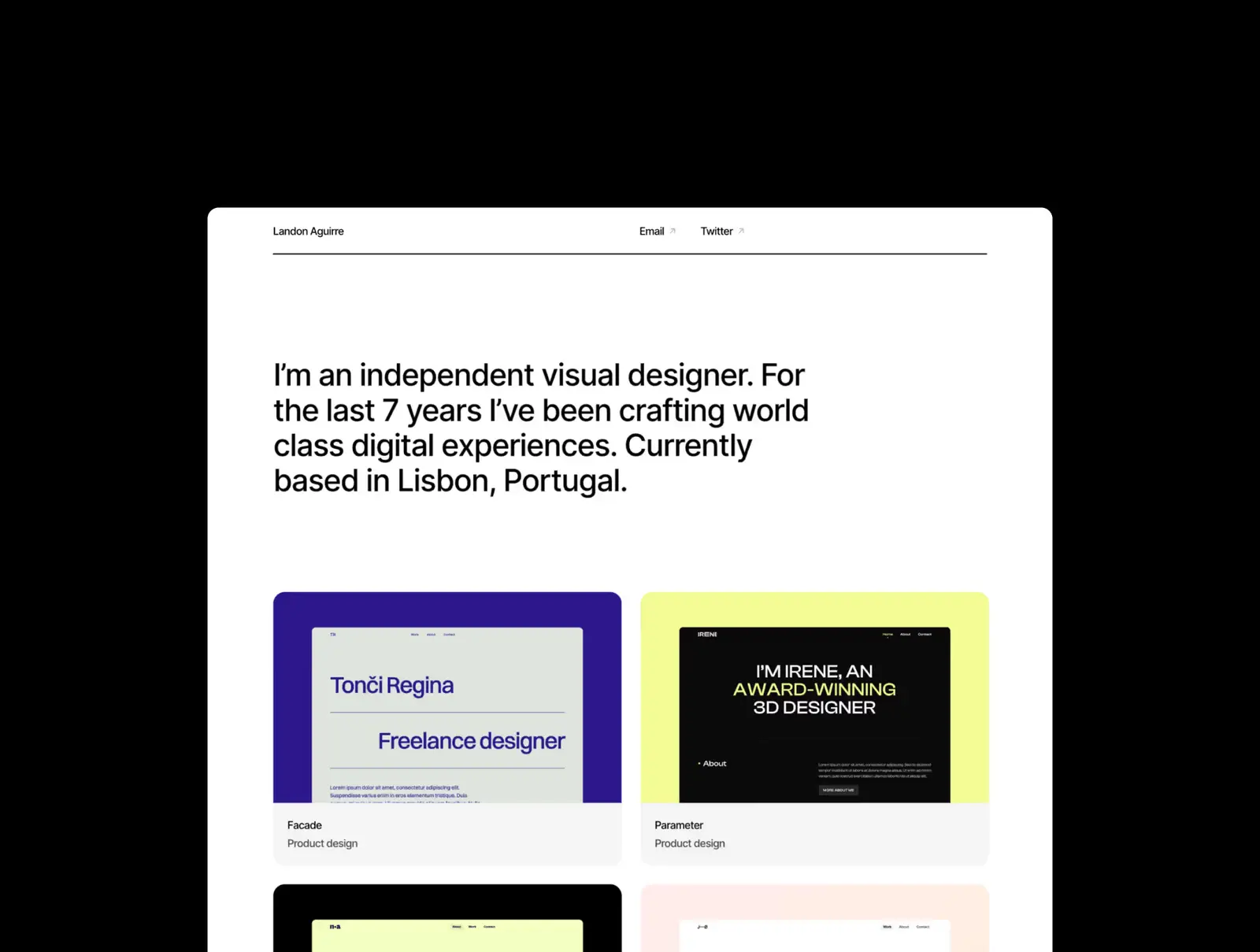
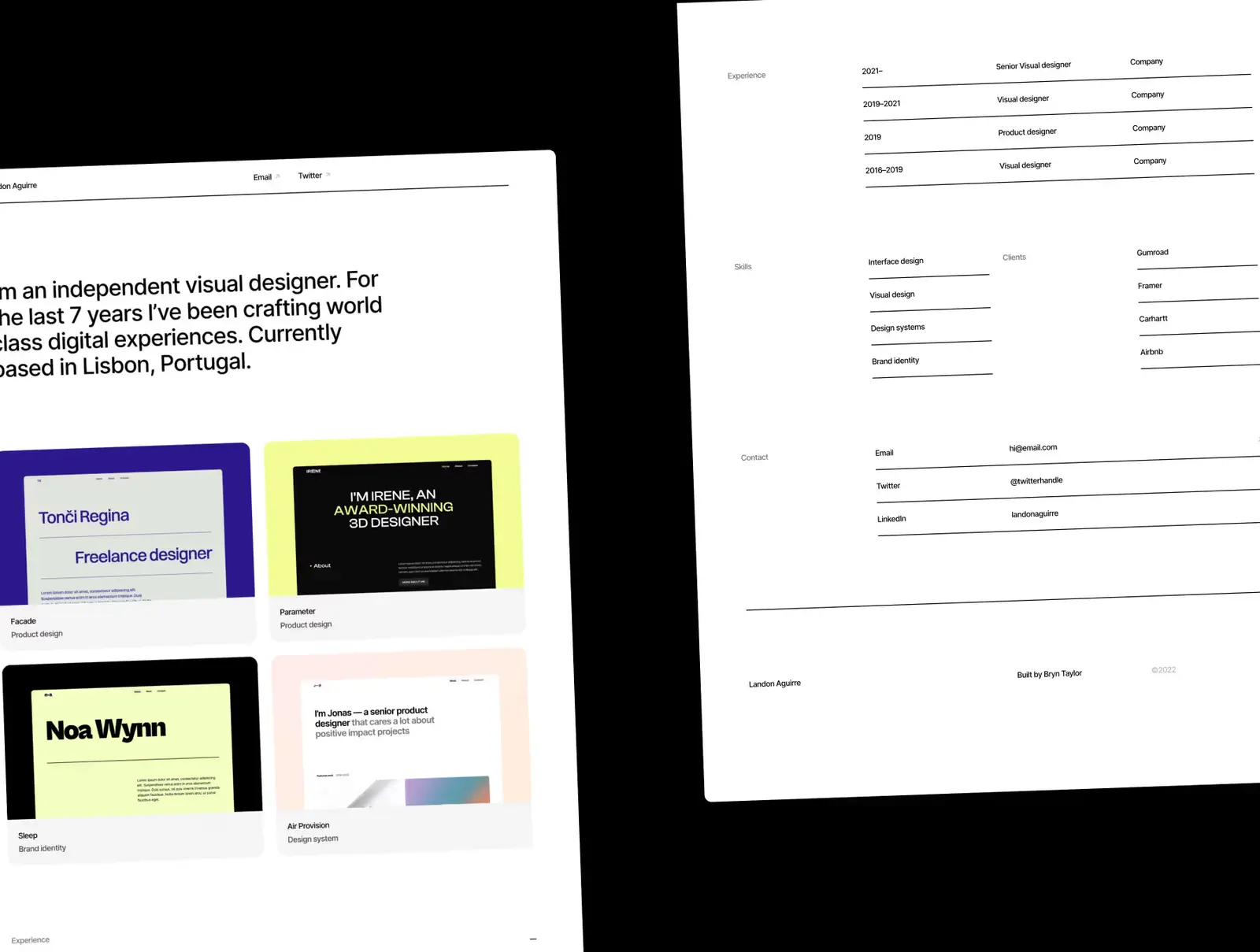
The Minimal portfolio template does exactly what the name says: a clean, type-driven portfolio with no unnecessary decoration. It supports both light and dark mode, comes with full CMS for case studies, and is built for fast setup. One thing to note: the monochrome palette is deliberately uncompromising — if clients expect warmer branding or colour accents, that customisation falls on you.
Designers, developers, and creative professionals who want a clean, no-nonsense portfolio that launches in minutes.
$149 · Single site licence
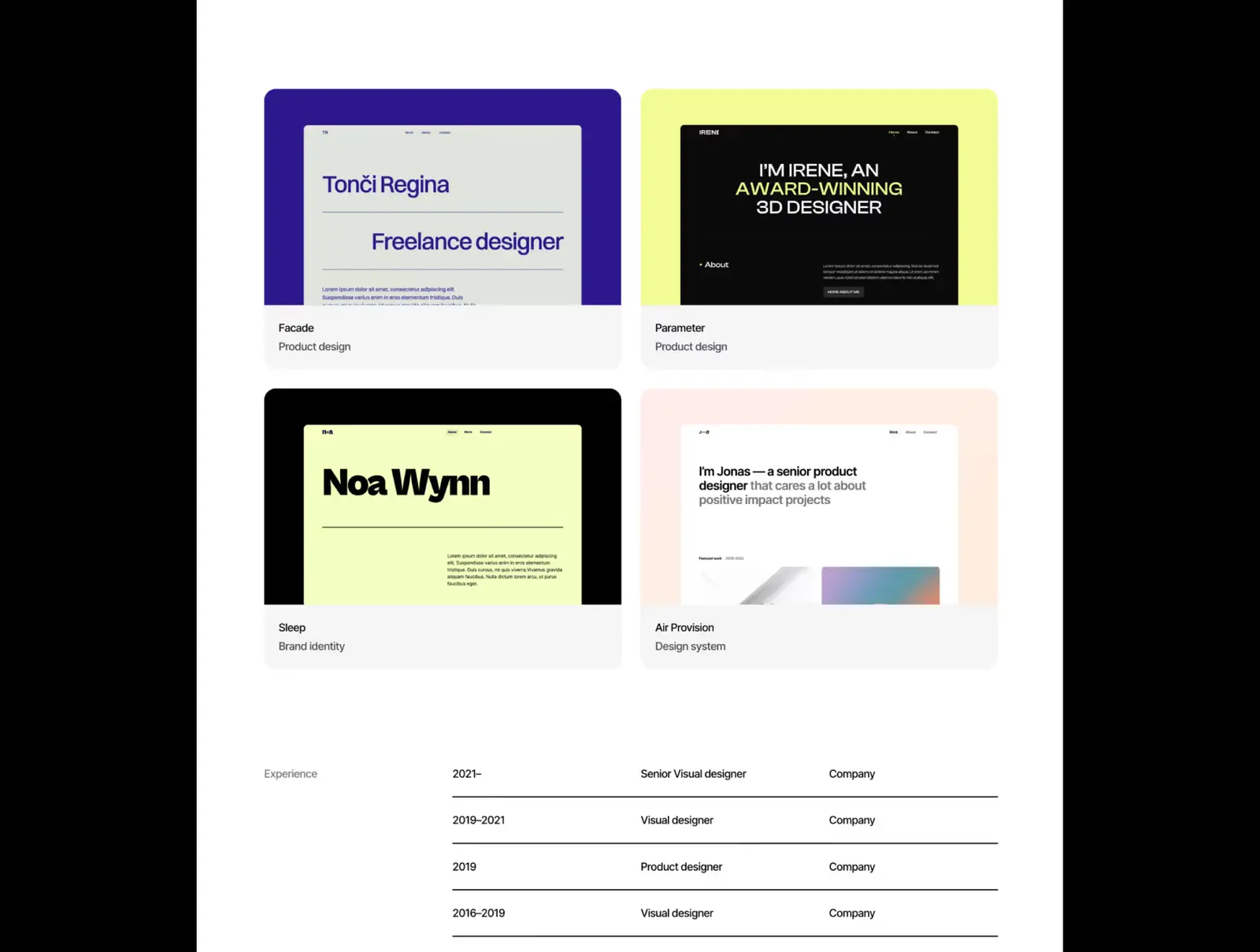
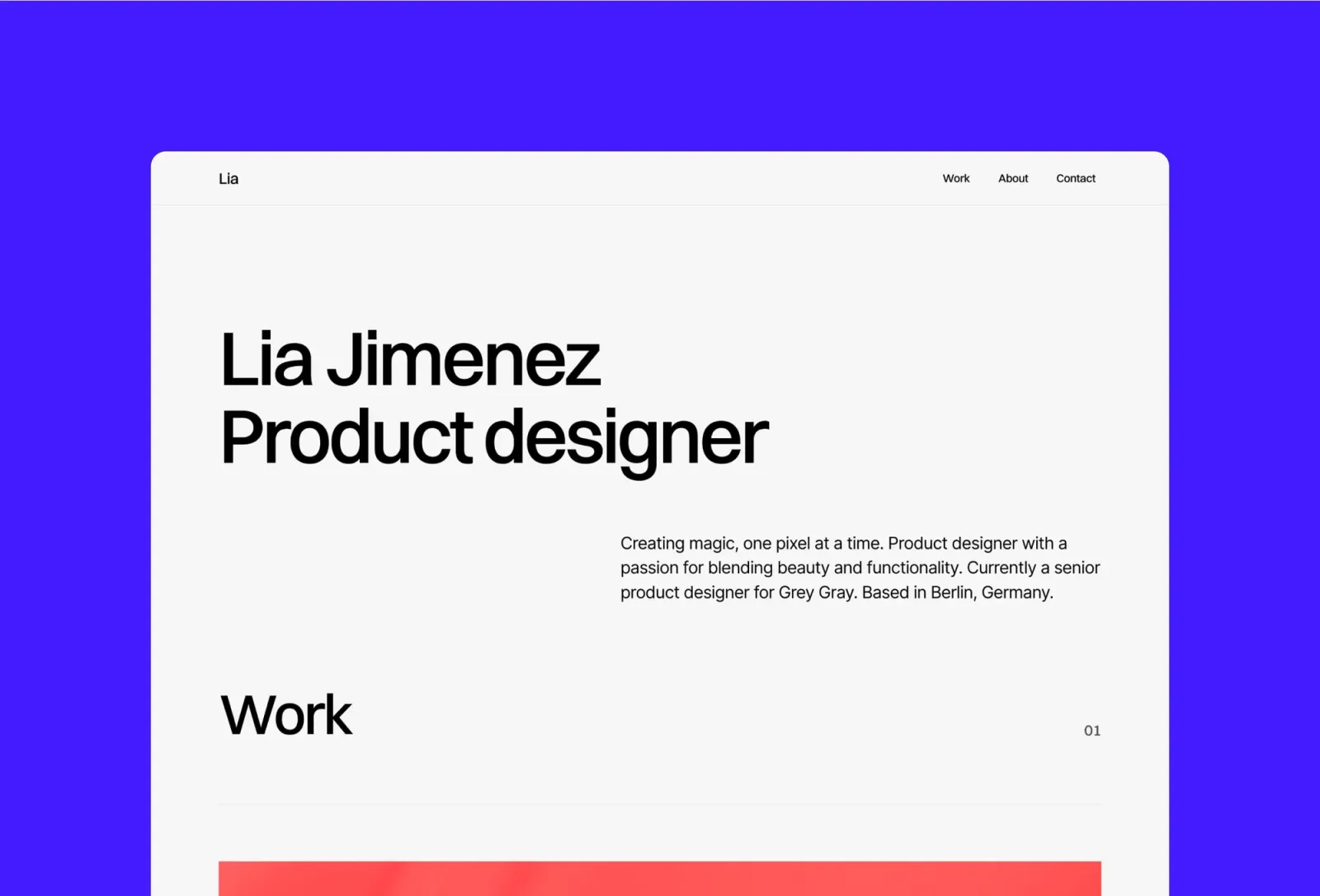
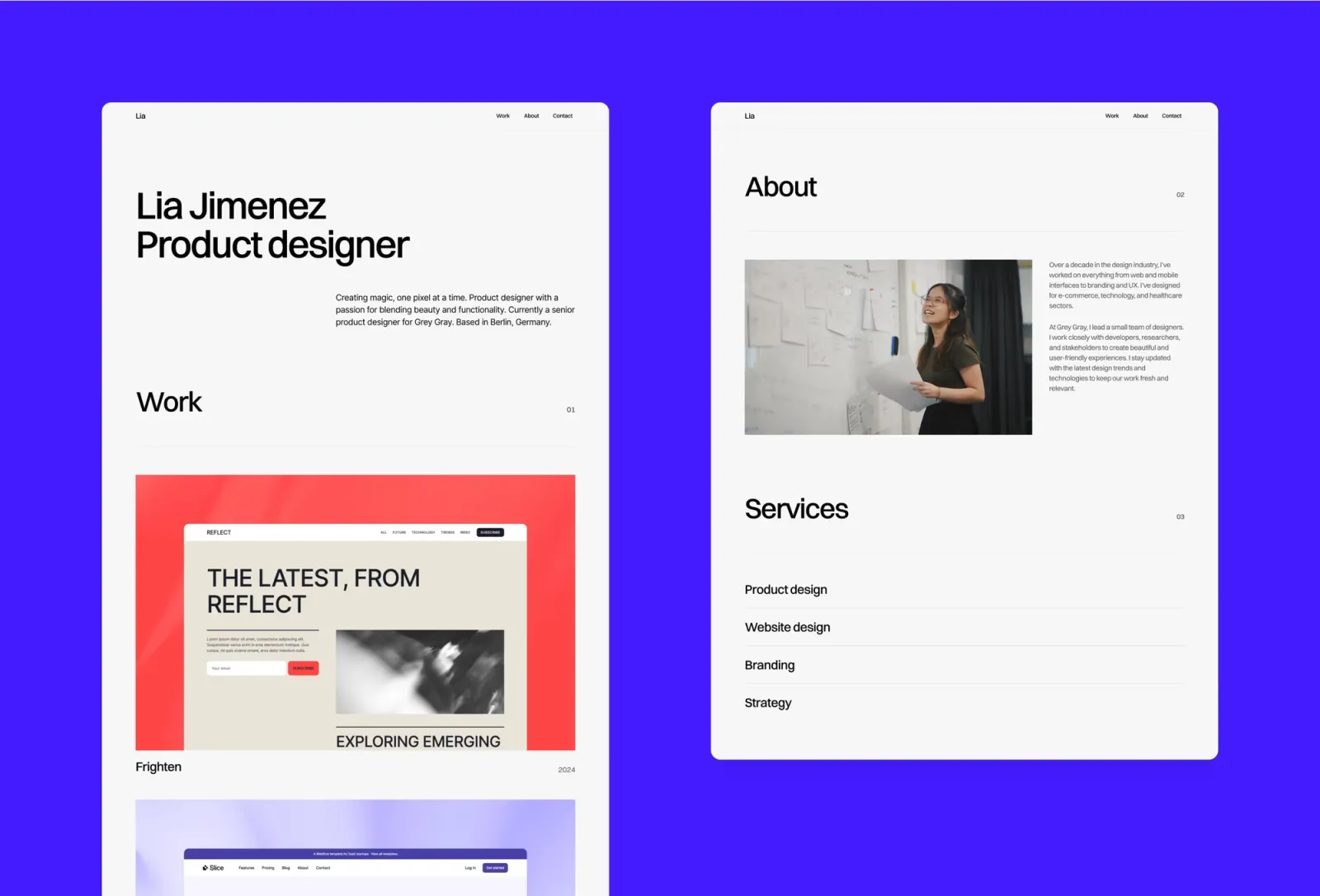
Format is a clean, minimal one-page portfolio template with a card-based layout. It compresses your most important work into a single, well-structured scroll — no buried pages, no navigation complexity. Great for designers who want to launch quickly without sacrificing quality.
Freelance designers and creatives who want a focused one-pager that makes a strong impression without complexity.
$149 · Single site licence
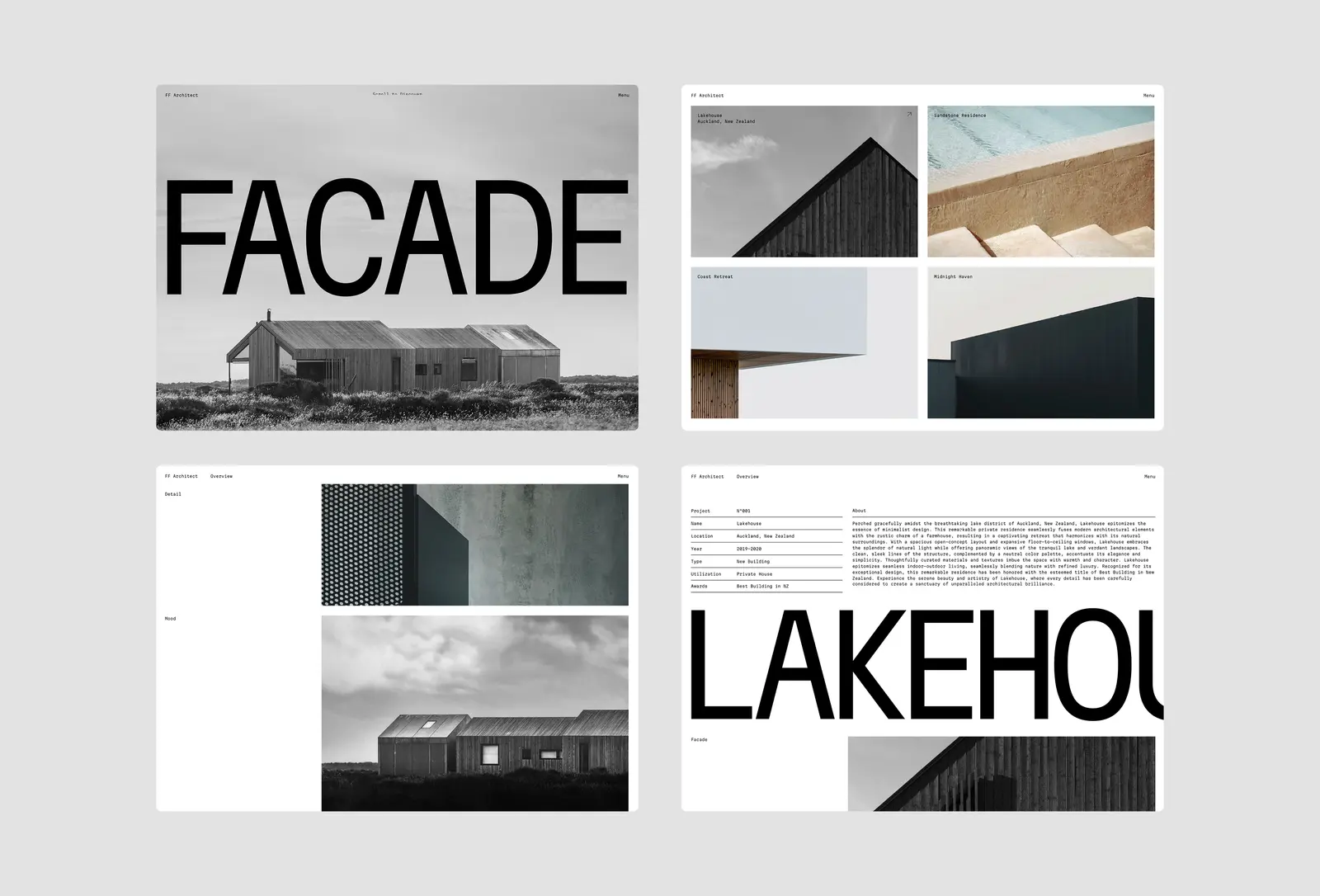
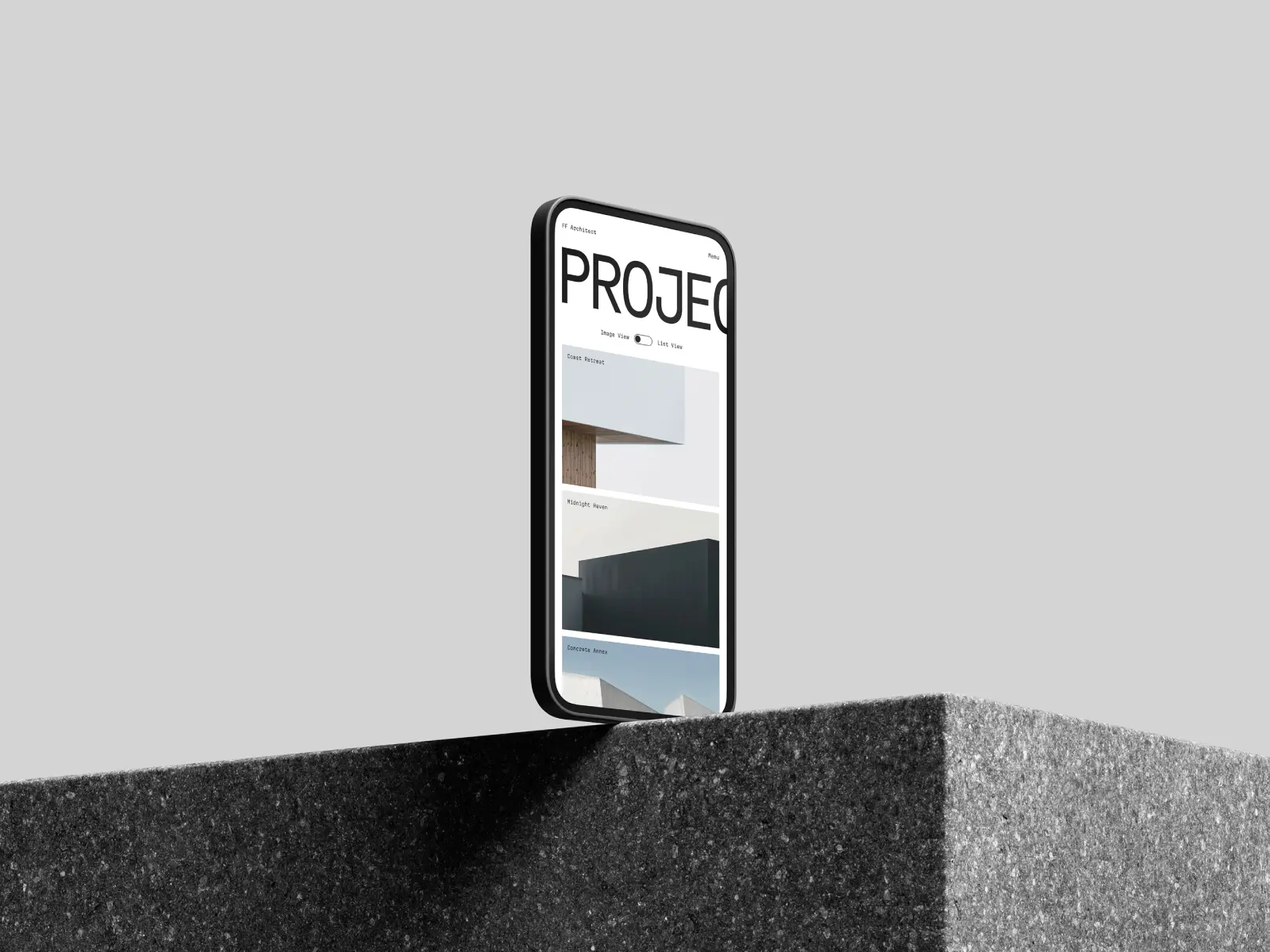
FF Architect is a minimal template purpose-built for architects, designers, and anyone whose work benefits from a stripped-back, high-contrast canvas. The creative intro effect and CMS-powered project pages are the standout features — everything else gets out of the way. Worth knowing: there’s no blog section, so if writing alongside your work is part of the plan, you’d need to add that separately.
Architects, interior designers, and minimalists who want a precise, project-focused portfolio that lets the work do the talking.
$49 · Single site licence
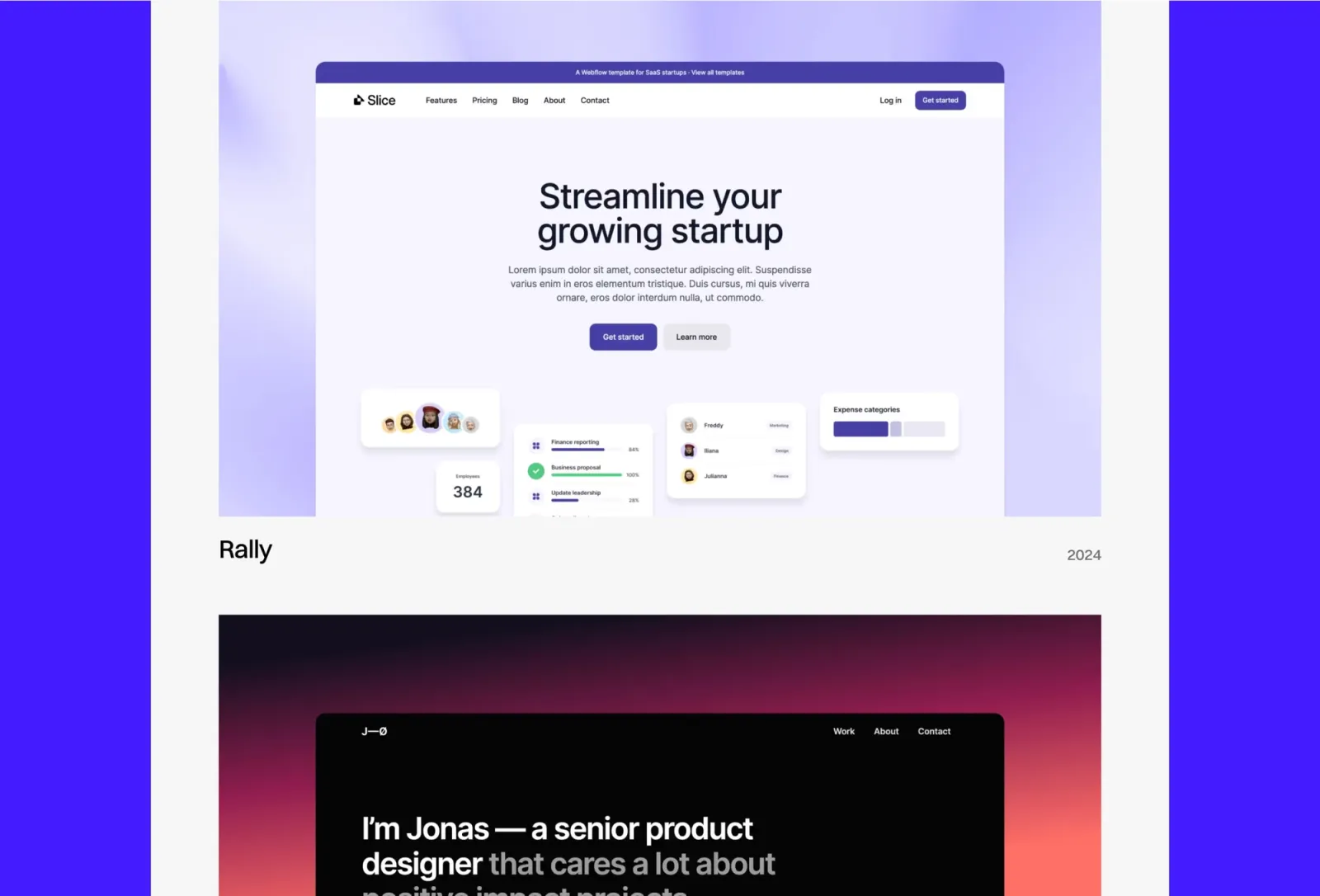
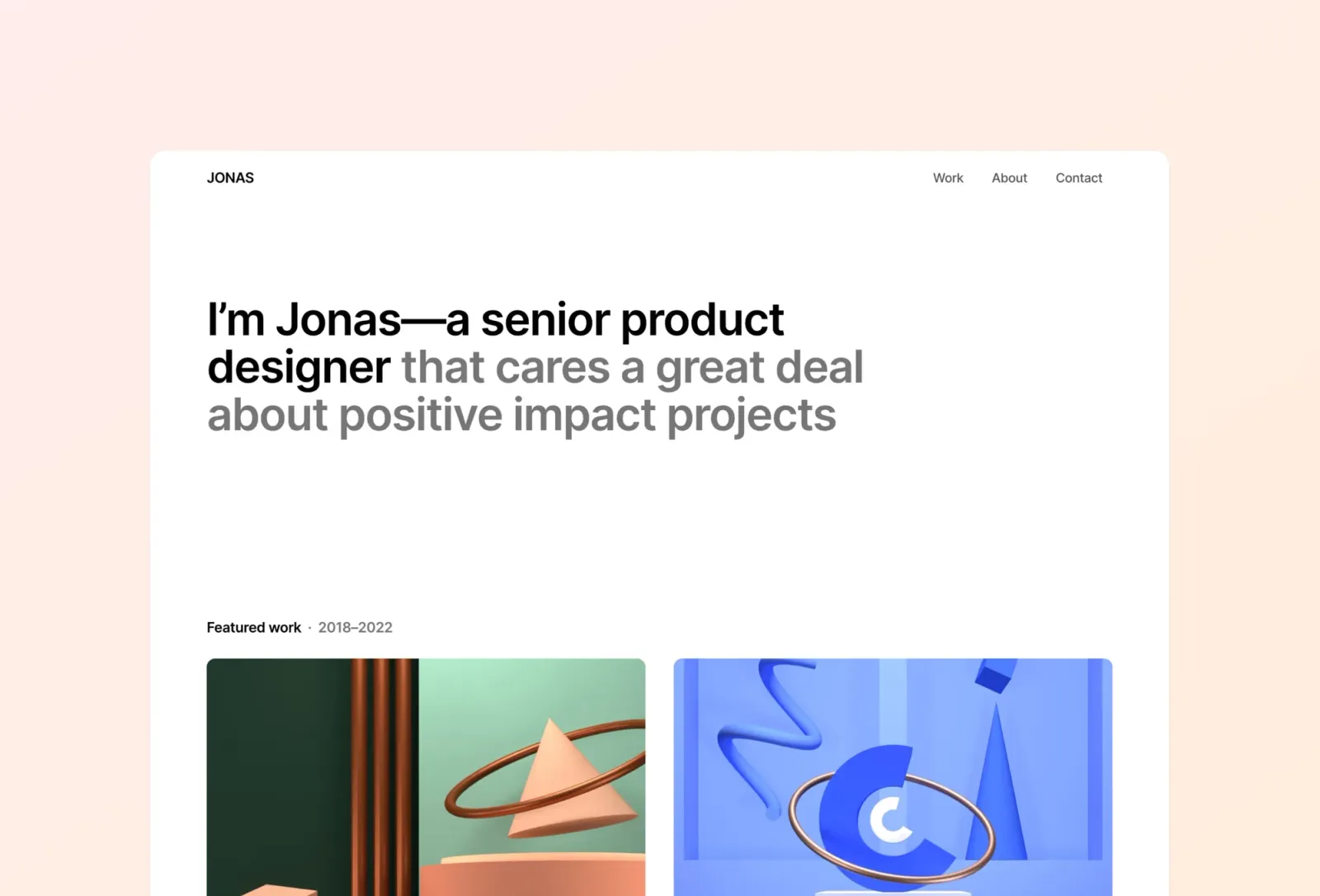
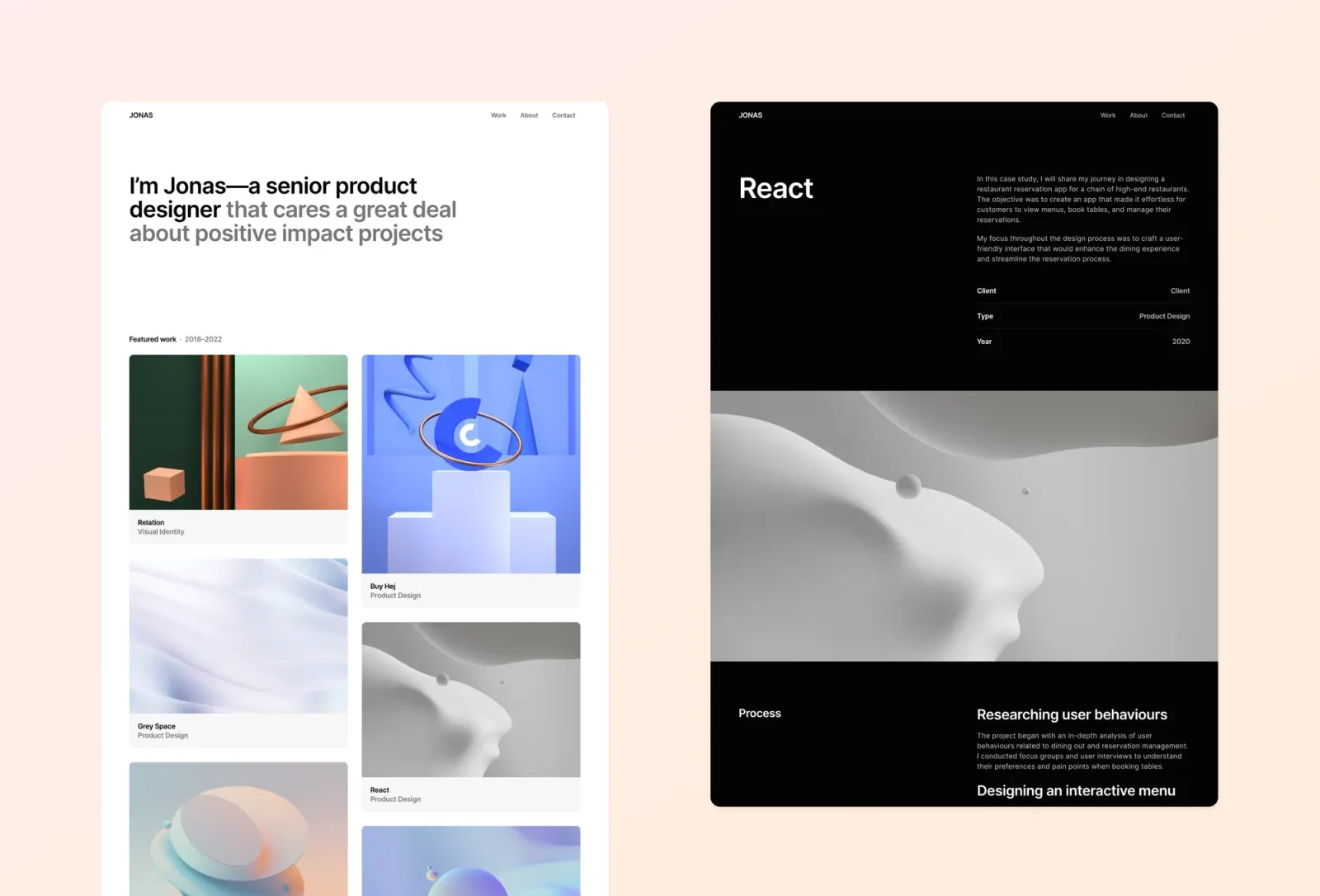
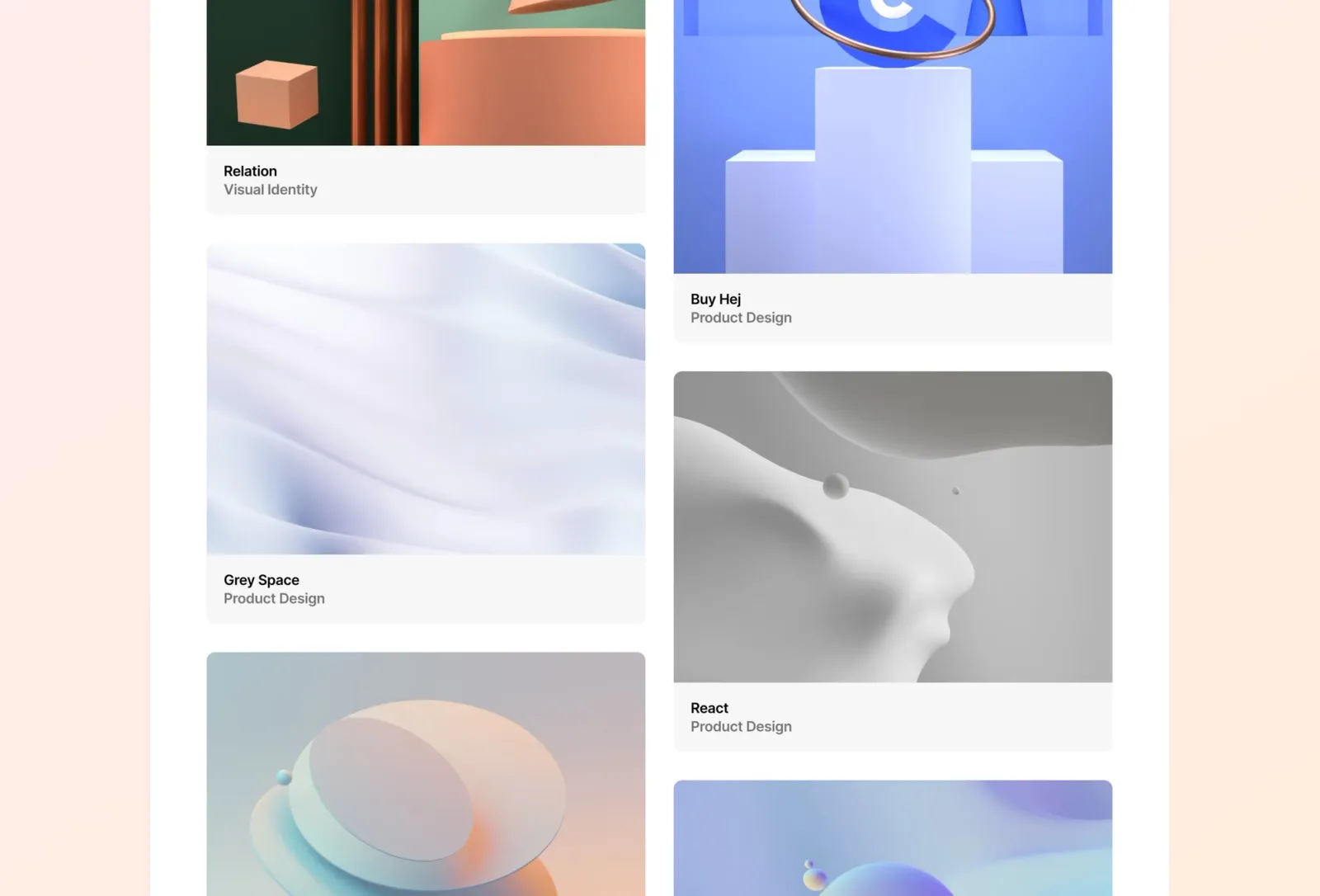
Jonas is a minimal, one-page portfolio template built for product designers. The bento grid layout organises work, bio, and contact into a single cohesive view. The gradient and pastel palette keeps it warm without detracting from the work.
Product designers and UX professionals who want a contemporary one-page portfolio with a modern grid structure.
$149 · Single site licence
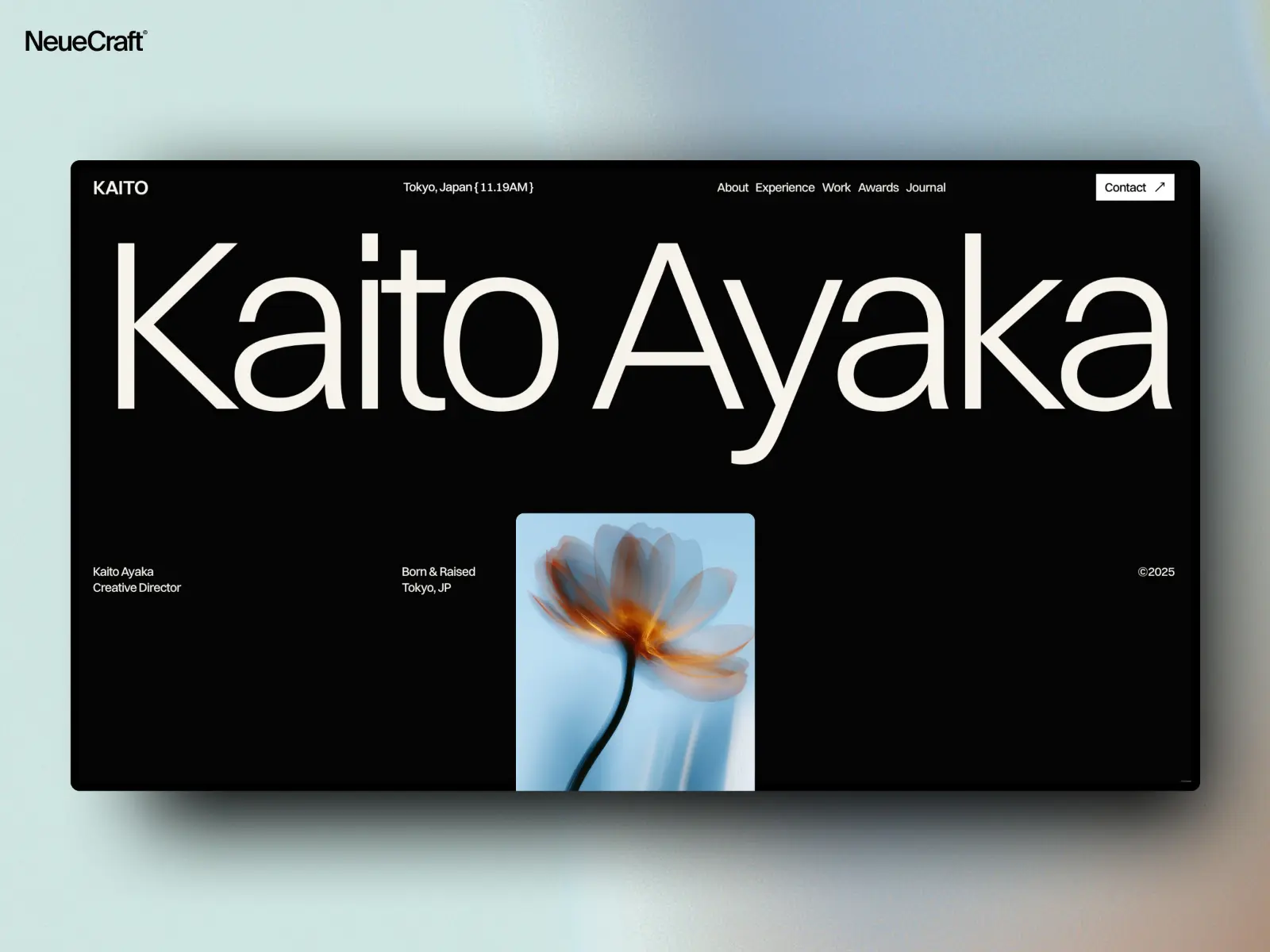
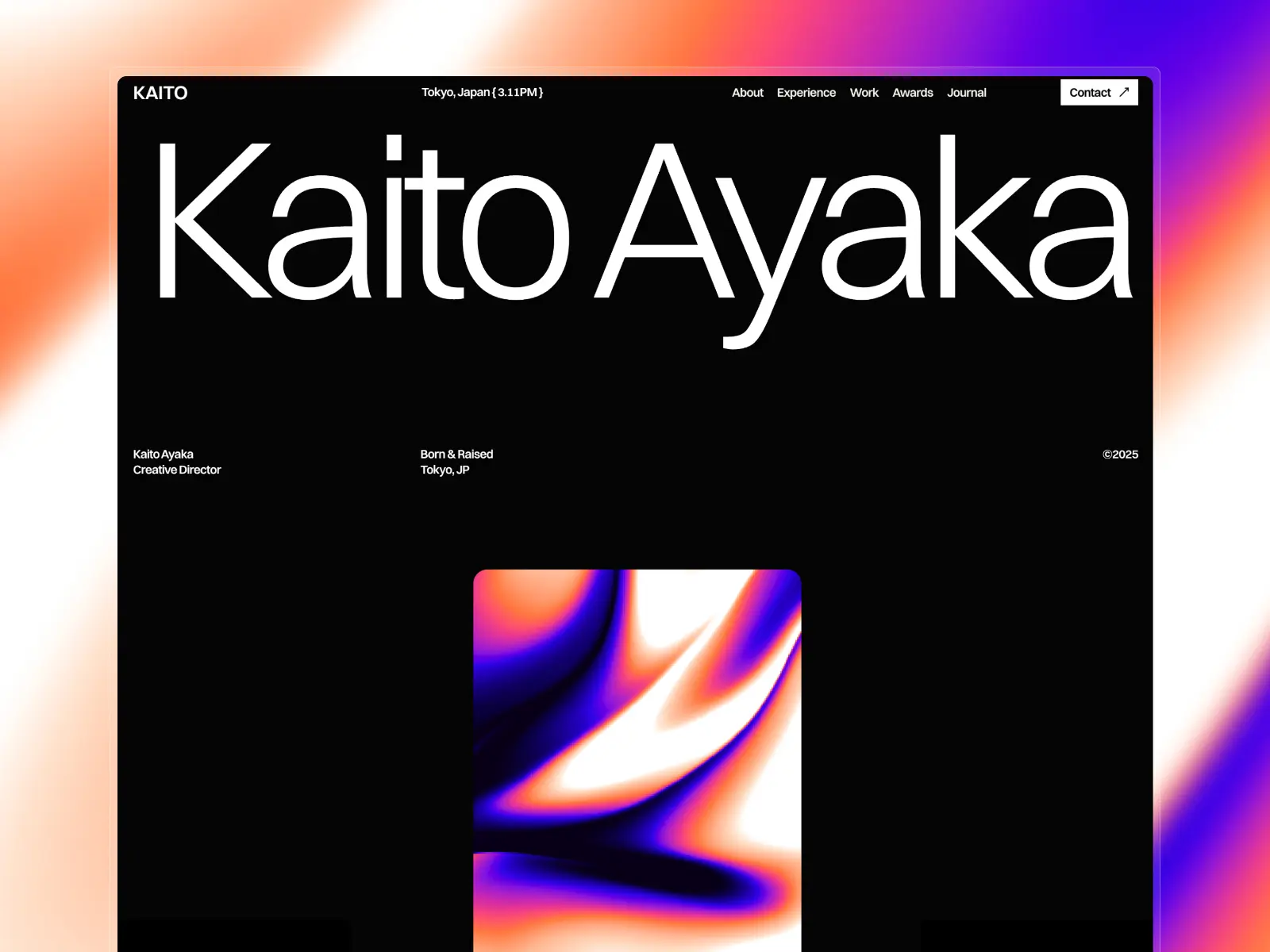
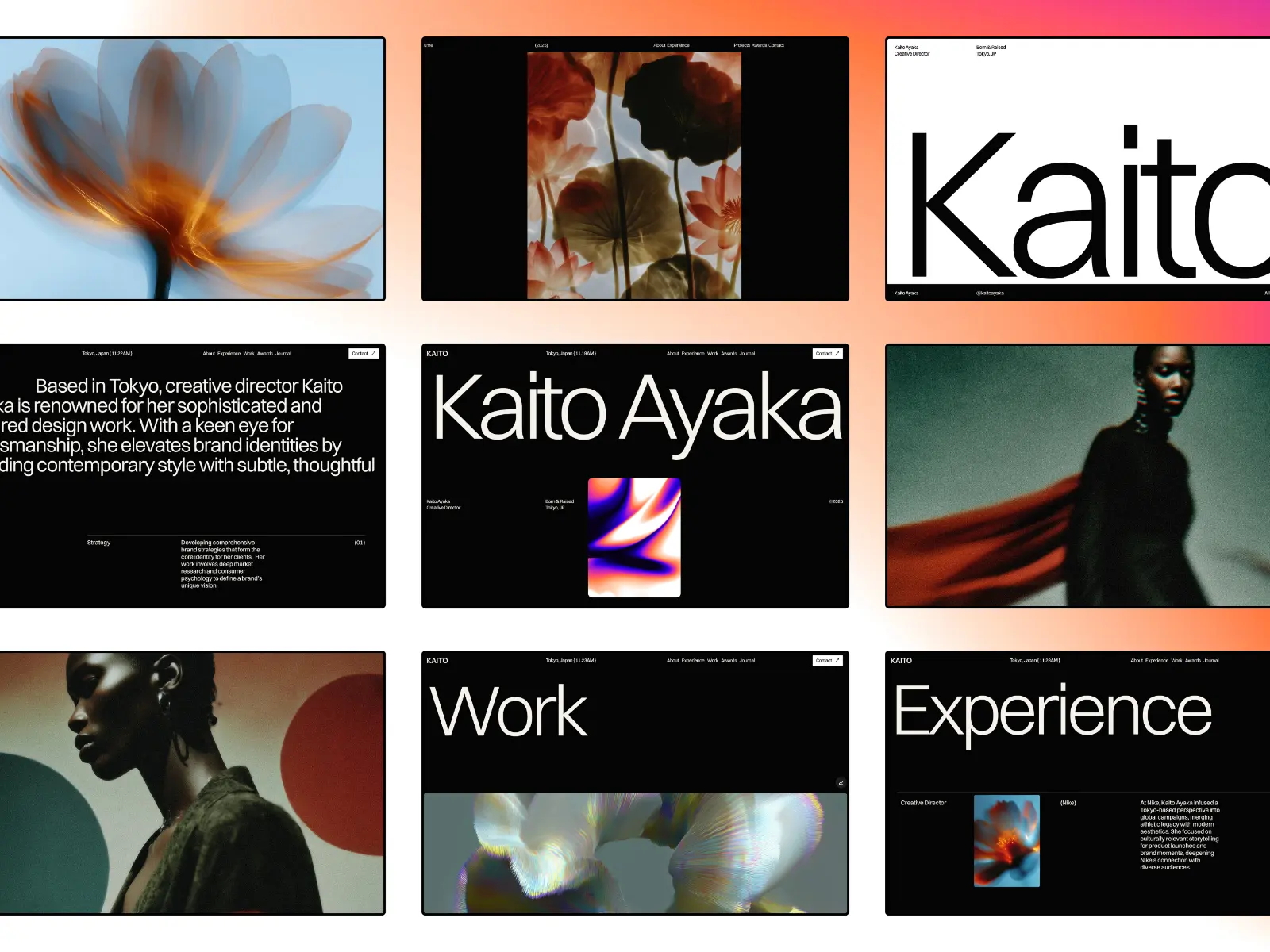
Ayaka is a premium portfolio template built on Swiss design principles — bold typography, considered whitespace, and subtle but delightful animations. The four-page structure covers portfolio and journal, keeping the site focused while giving it genuine editorial depth.
Designers and creatives who want a refined, Swiss-influenced minimal portfolio with an editorial journal section and considered micro-interactions.
$59 · Single site licence
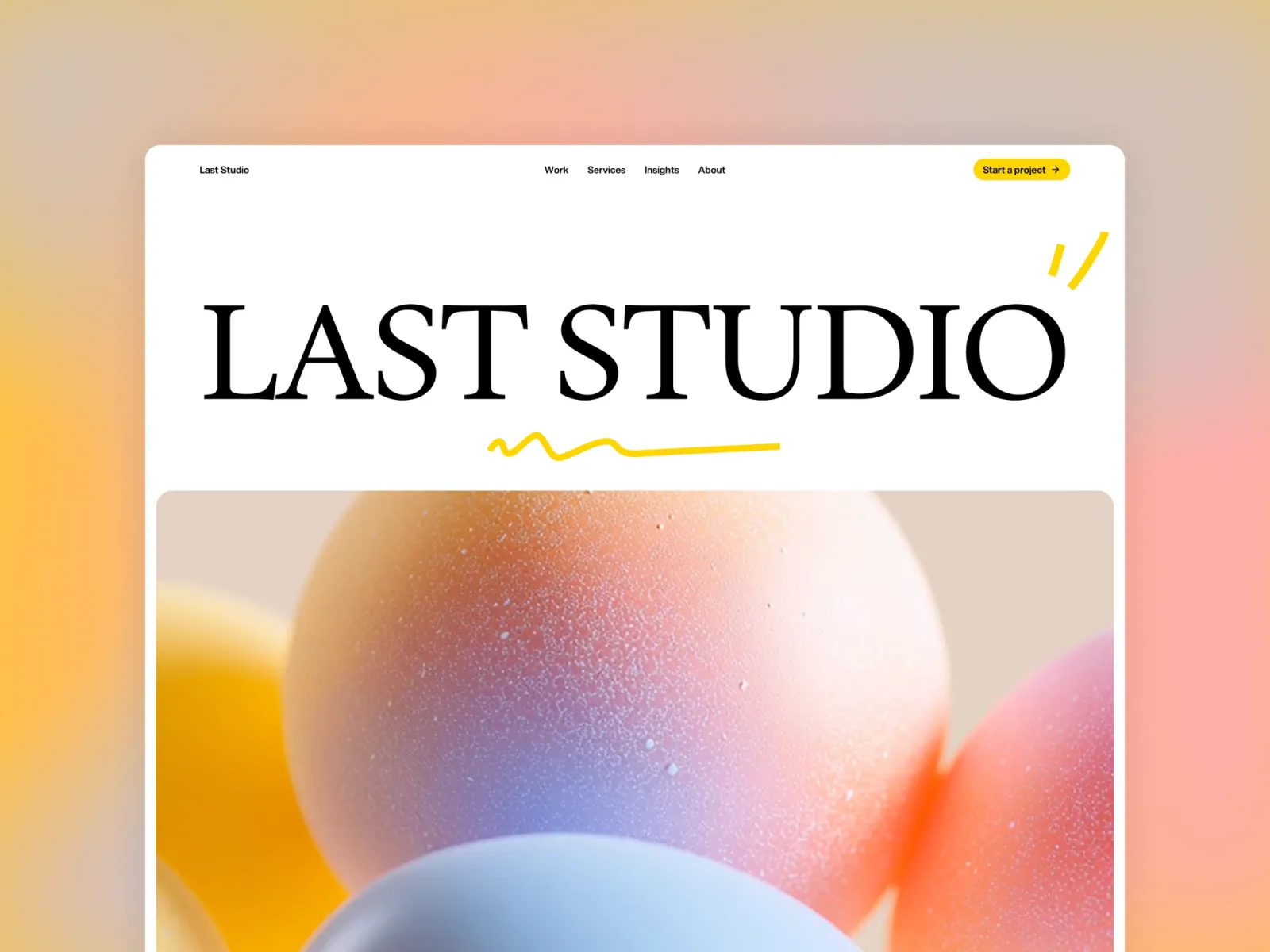
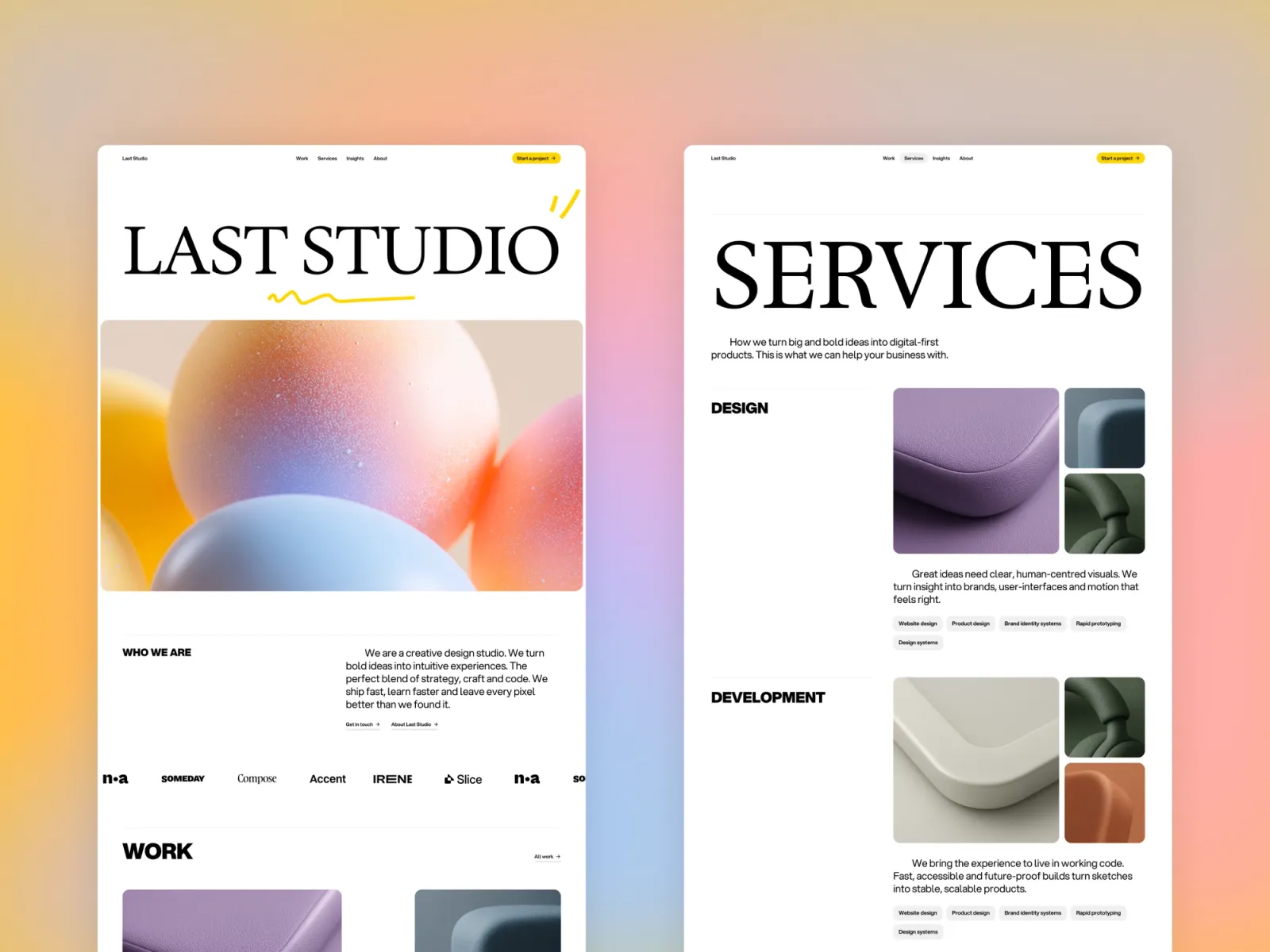
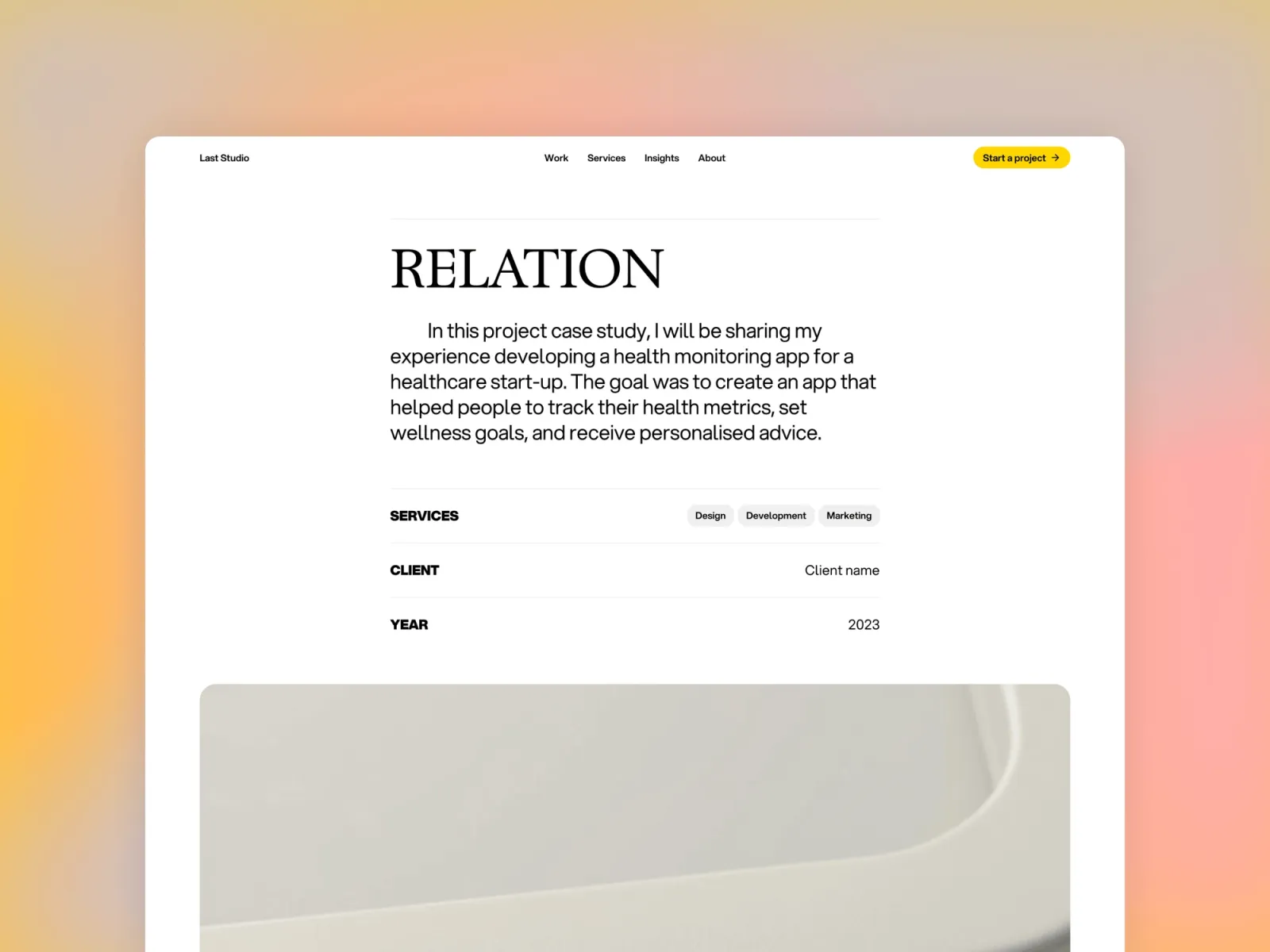
Last Studio proves that minimal and characterful aren’t mutually exclusive. White space is generous, the grid is structured — but animated interactions and well-judged gradient accents give it genuine personality. A strong pick for agencies and studios who want distinction without decoration.
Creative agencies and studios who want a minimal layout with enough visual character to be memorable.
$149 · Single site licence
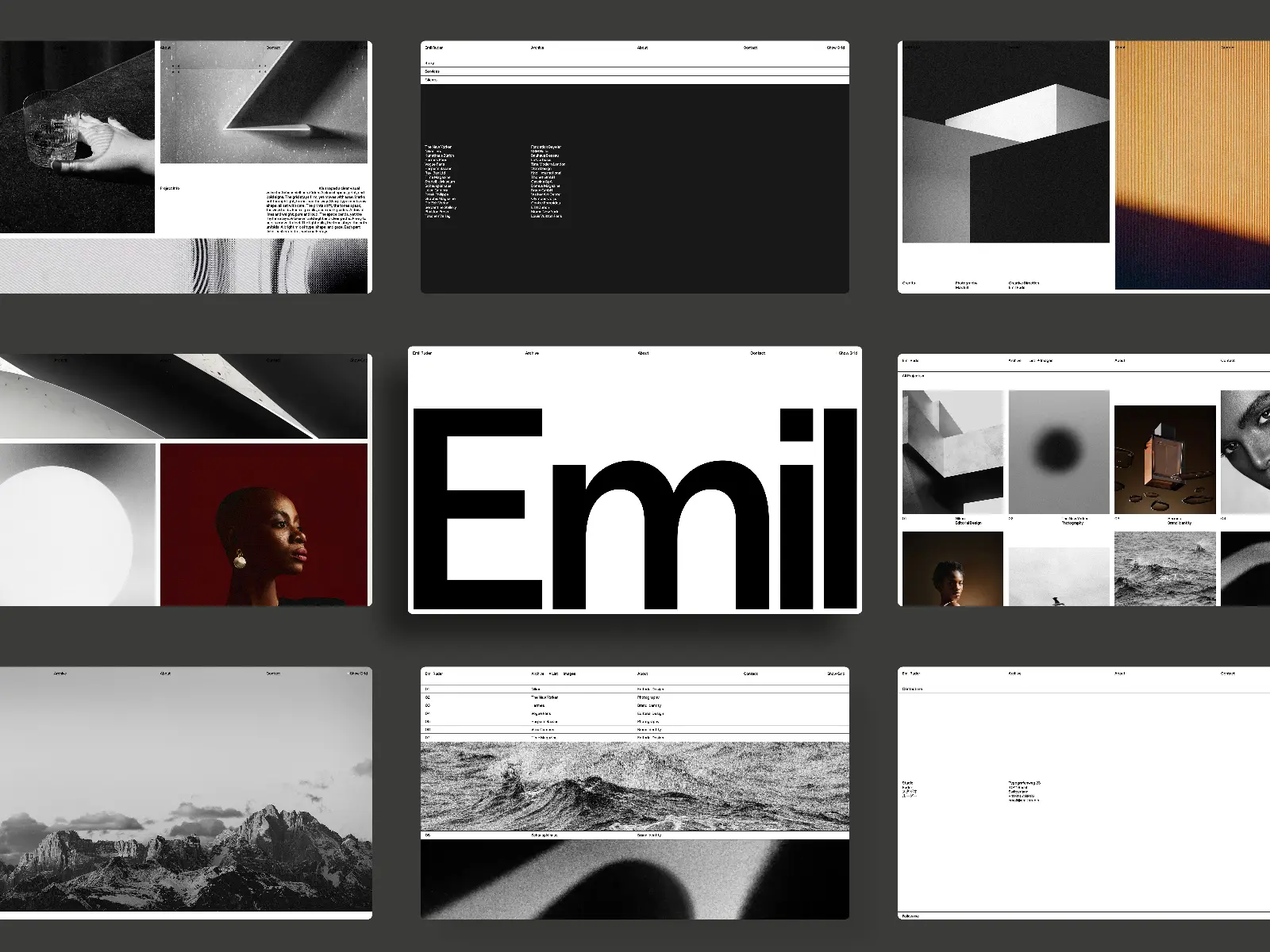
Swiss Style is a direct tribute to Swiss graphic design — clean grids, precise typography, and a rigorous visual system. The CMS supports multiple project archive views (list and image), a custom drawer effect, and parallax scroll that enhances rather than distracts. The most design-historically-grounded template on this list.
Agencies, studios, and freelancers who appreciate Swiss graphic design principles and want a disciplined, grid-driven portfolio with flexible project presentation.
$49 · Single site licence
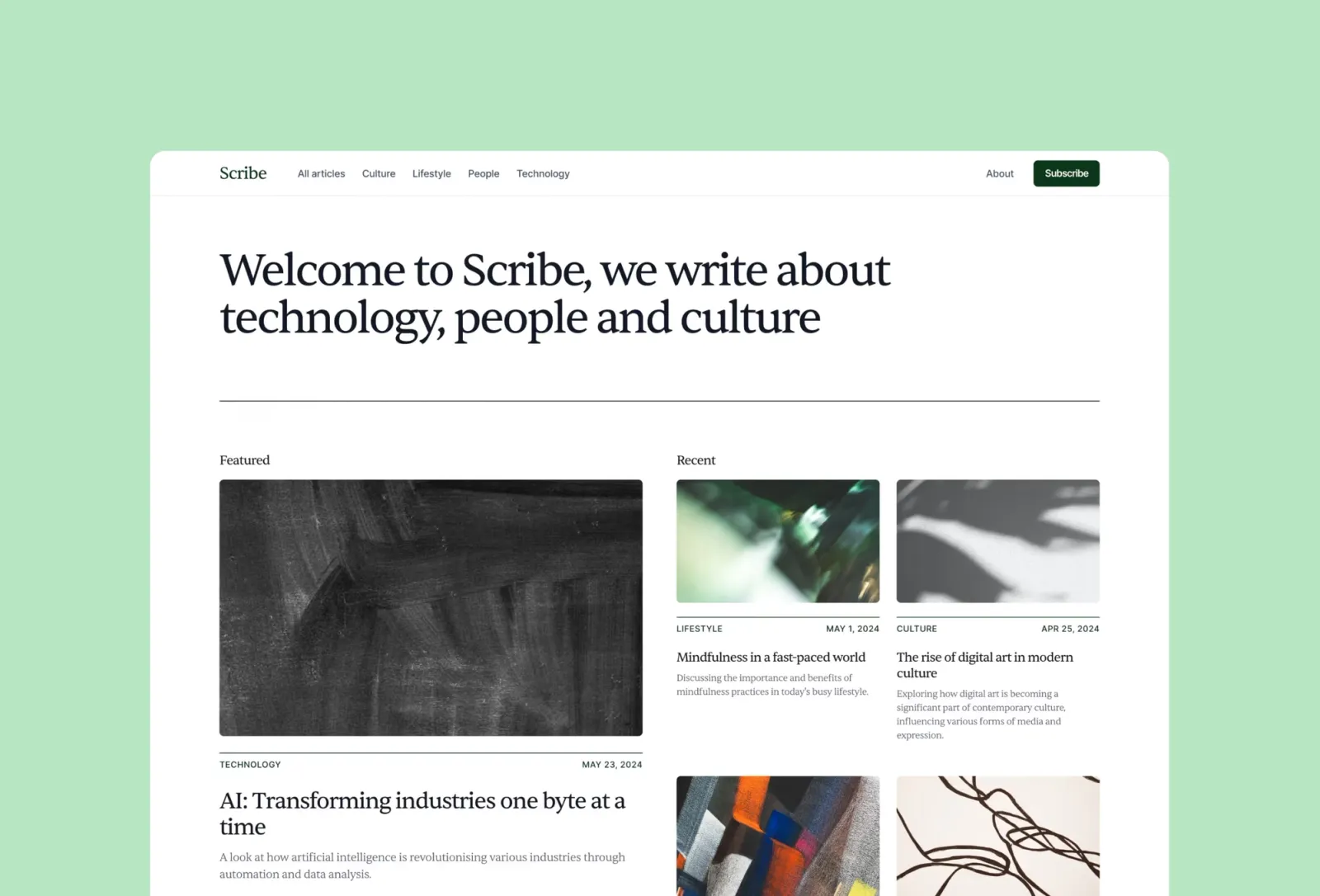
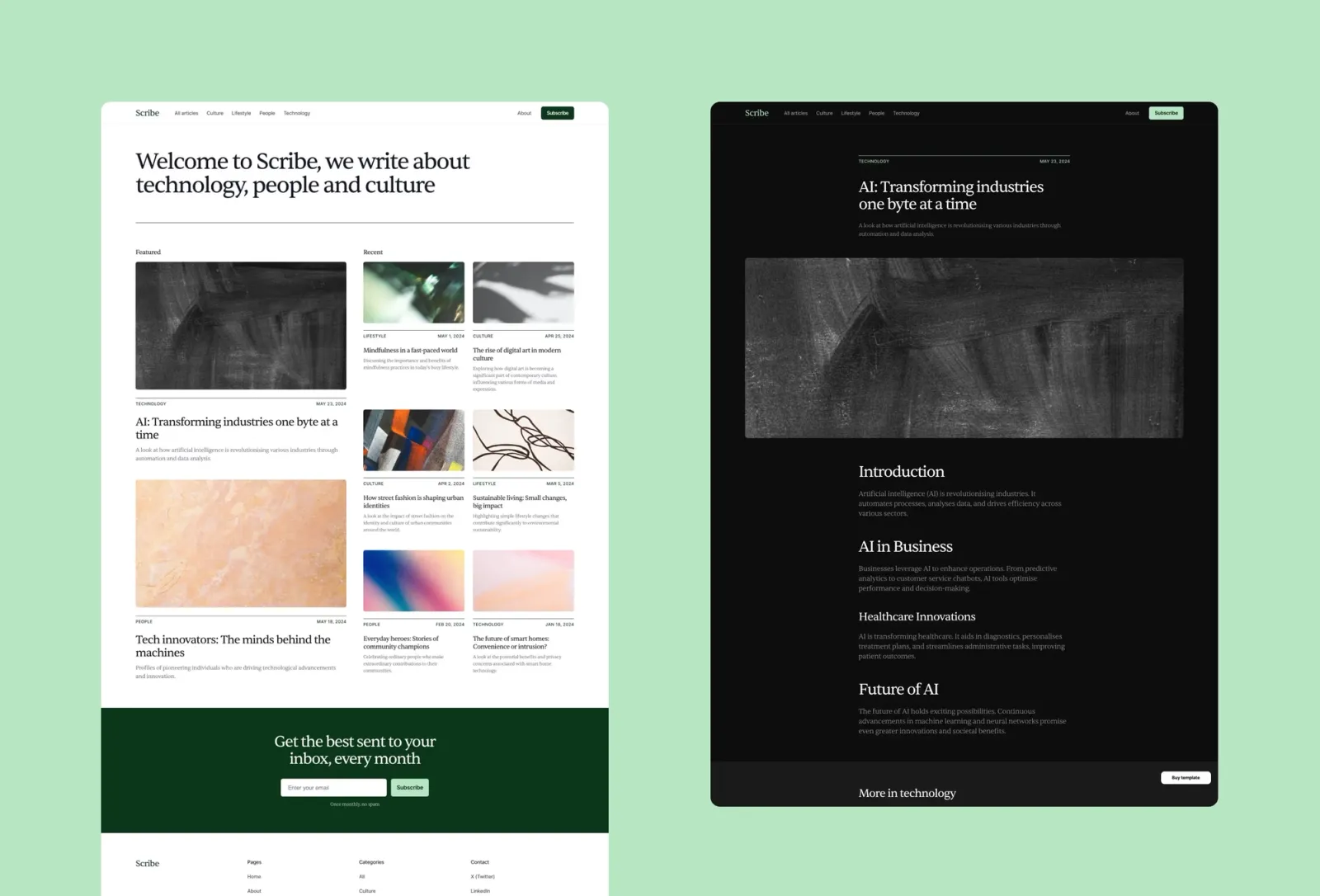
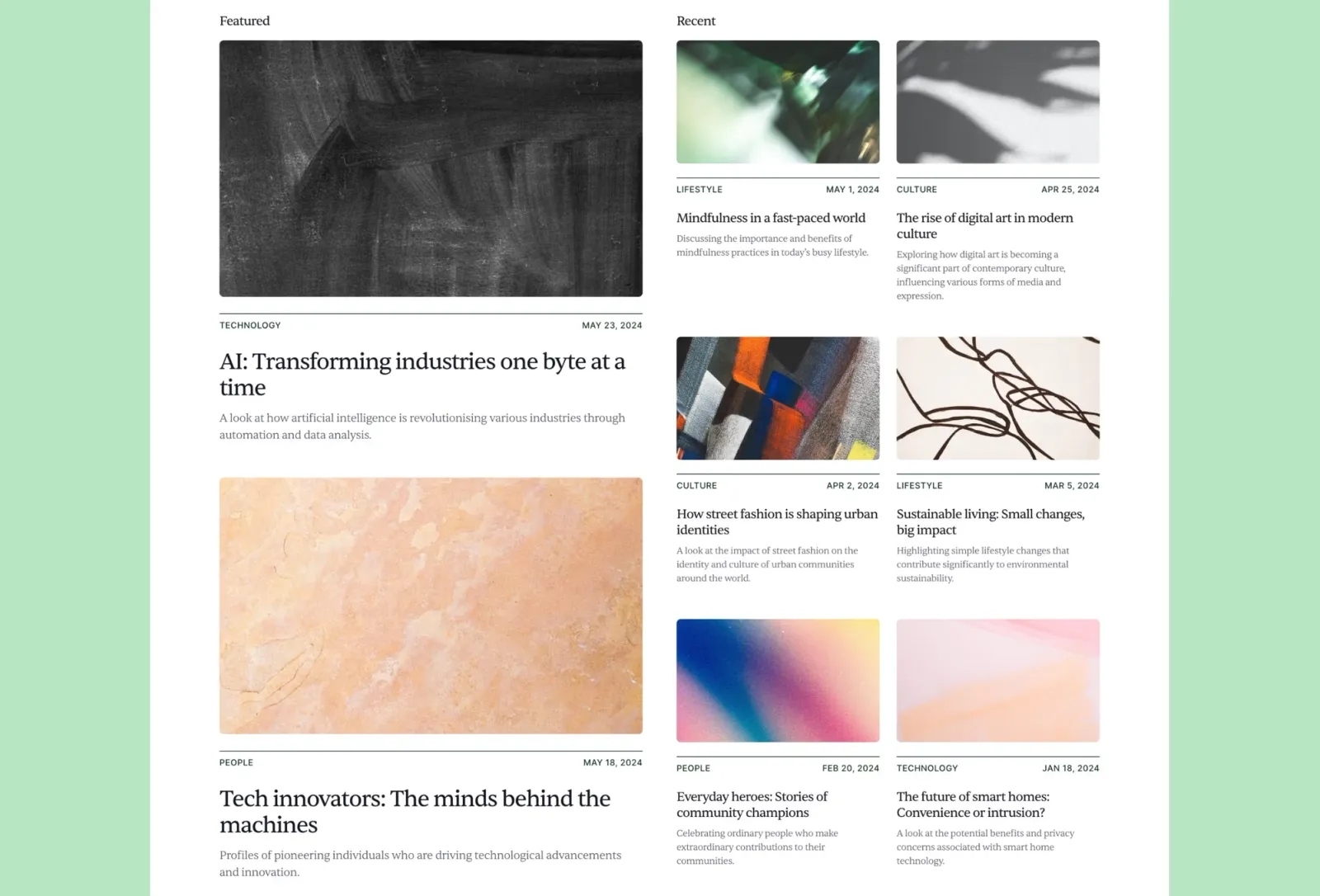
Scribe is the most neutral blog template on this list — seven pages, auto dark/light mode, CMS for posts and categories, and a completely adaptable base that doesn’t fight your brand. Where Reflect is editorial and opinionated about spacing, Scribe is neutral and quick to rebrand. The obvious choice when you need a working blog up fast and not a design statement.
$149 · Single site licence
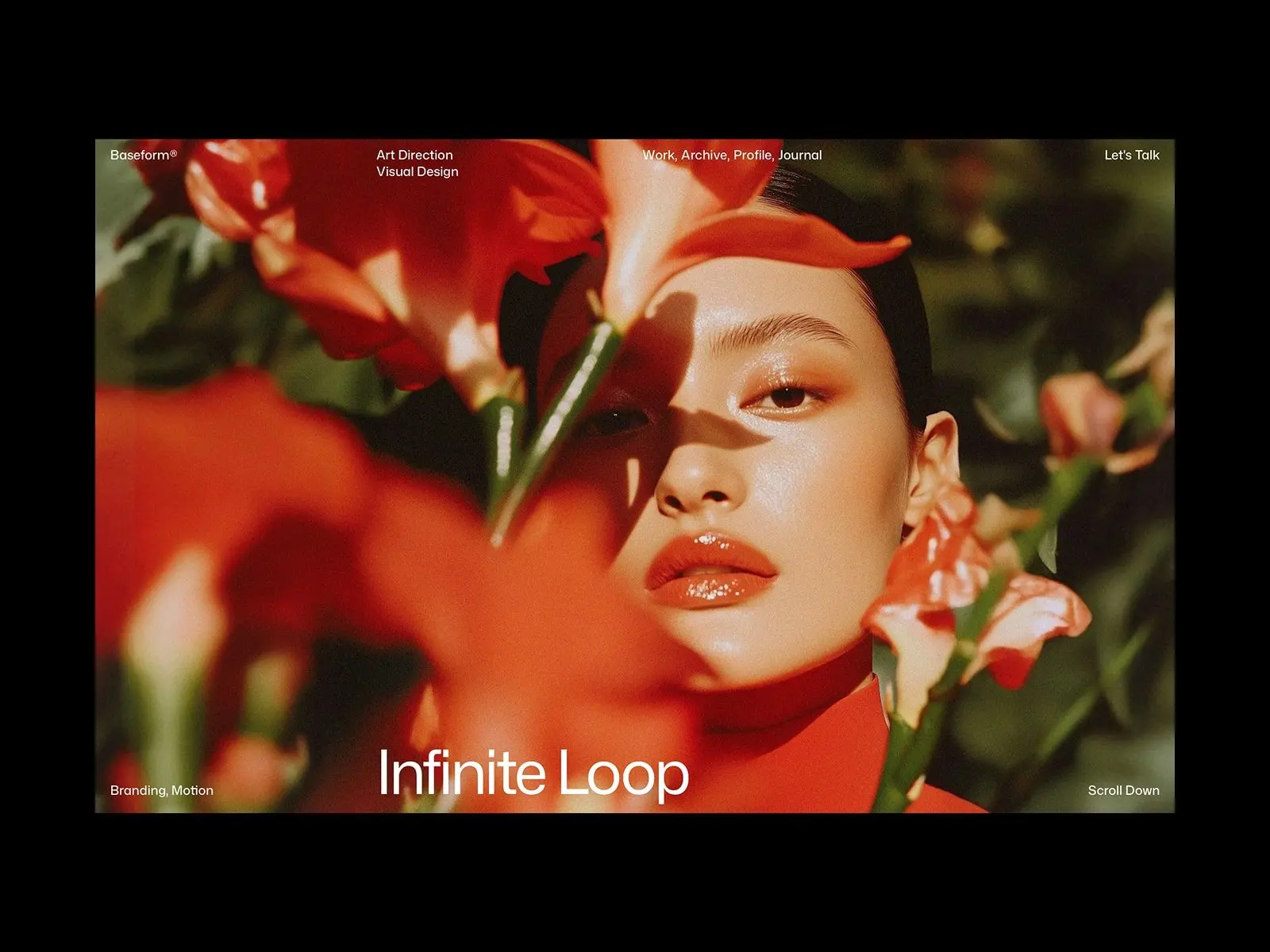
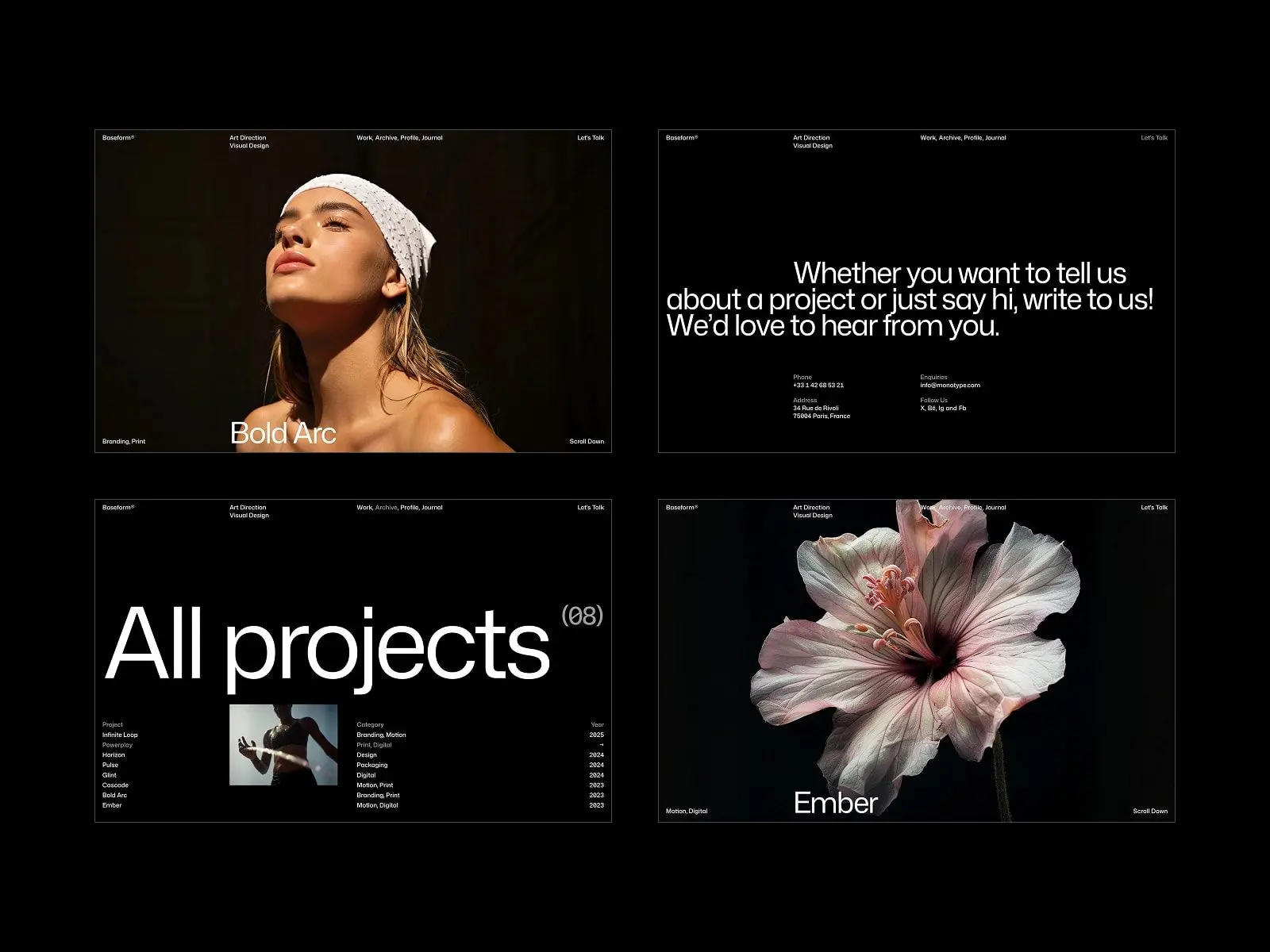
Baseform is a clean, contemporary portfolio template with nine pages, full CMS for both work and blog, and a polished minimal aesthetic. The combination of project and blog CMS in a single template makes it one of the most complete options for designers who publish as well as showcase.
Graphic designers, photographers, developers, and digital studios who want a clean multi-page portfolio with a built-in blog and strong project archive.
$49 · Single site licence
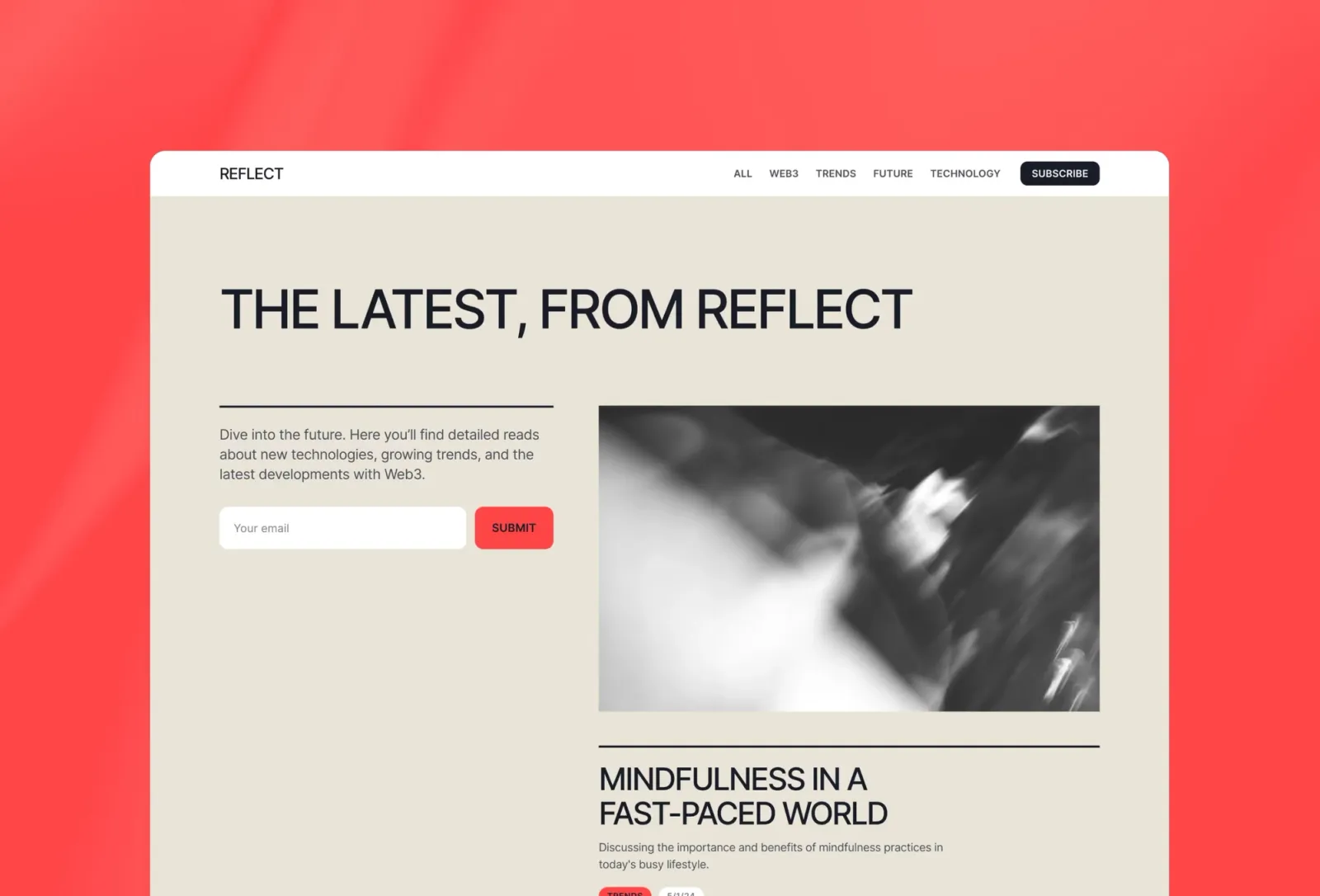
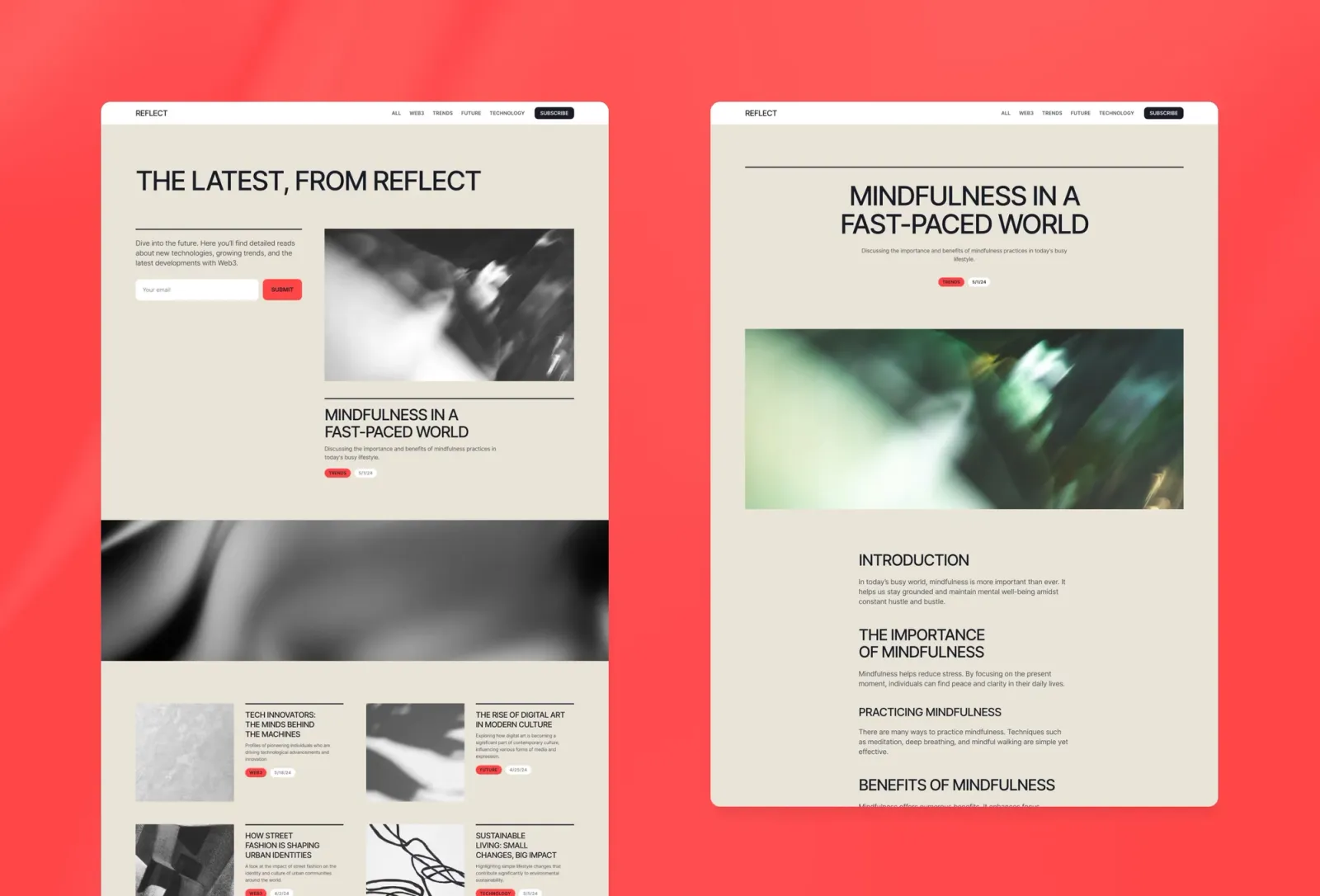
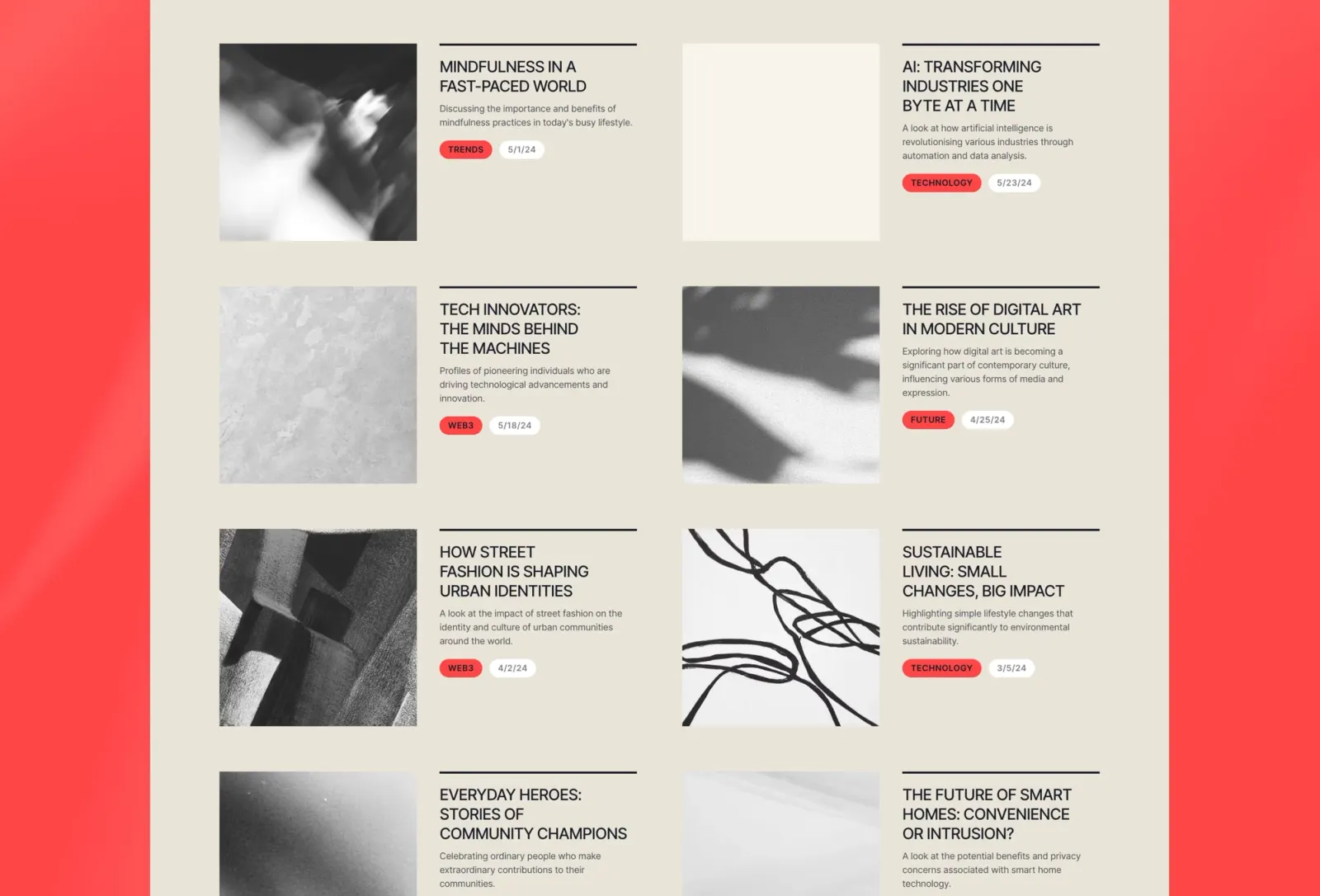
Reflect is the most editorial blog template on this list — cinematic spacing, generous type, and a layout that gives writing genuine weight. Email capture built in. If Scribe is the neutral option for quick setup, Reflect is the opinionated one for publications that care about the reading experience as much as the content itself.
$149 · Single site licence
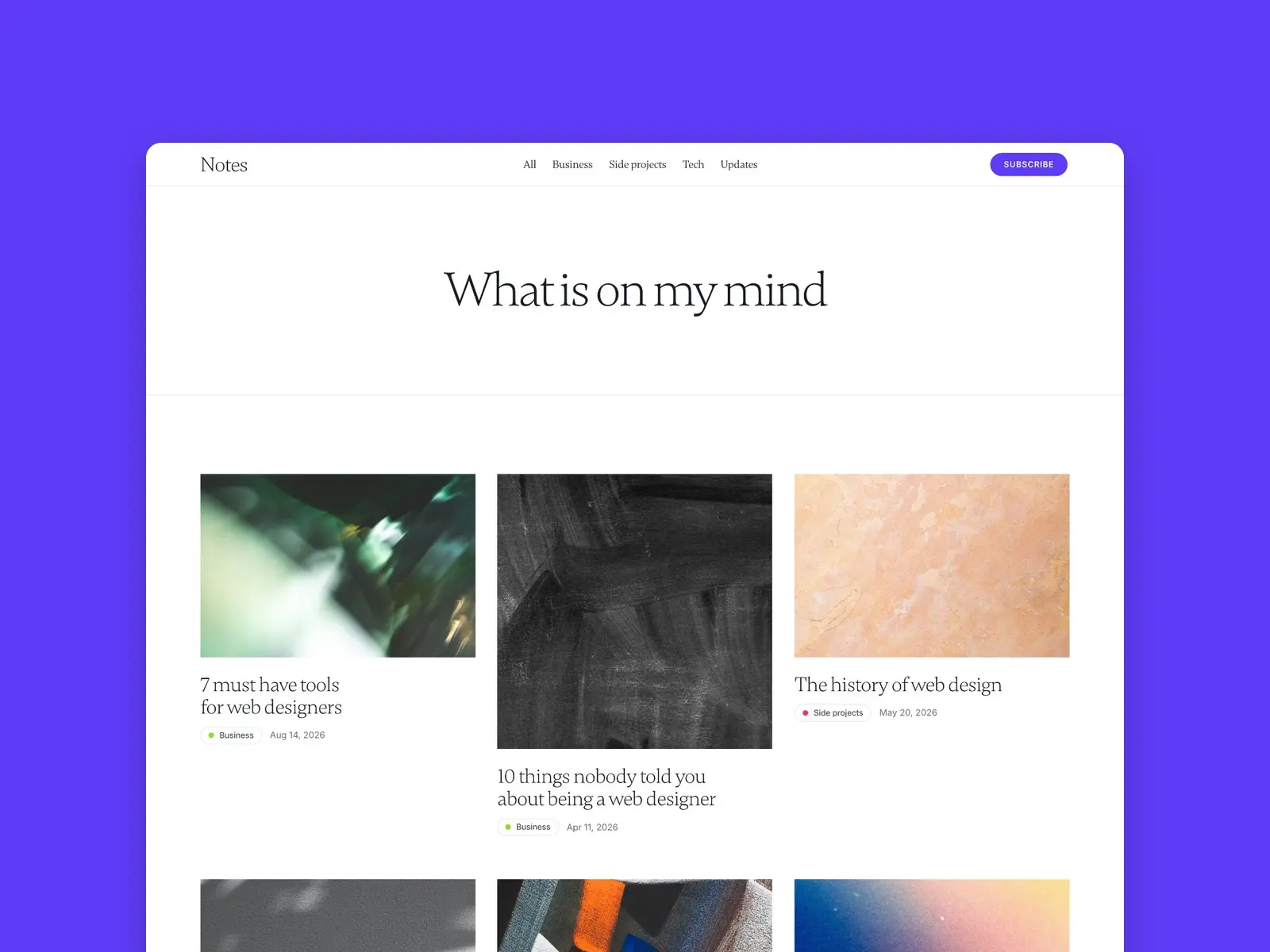
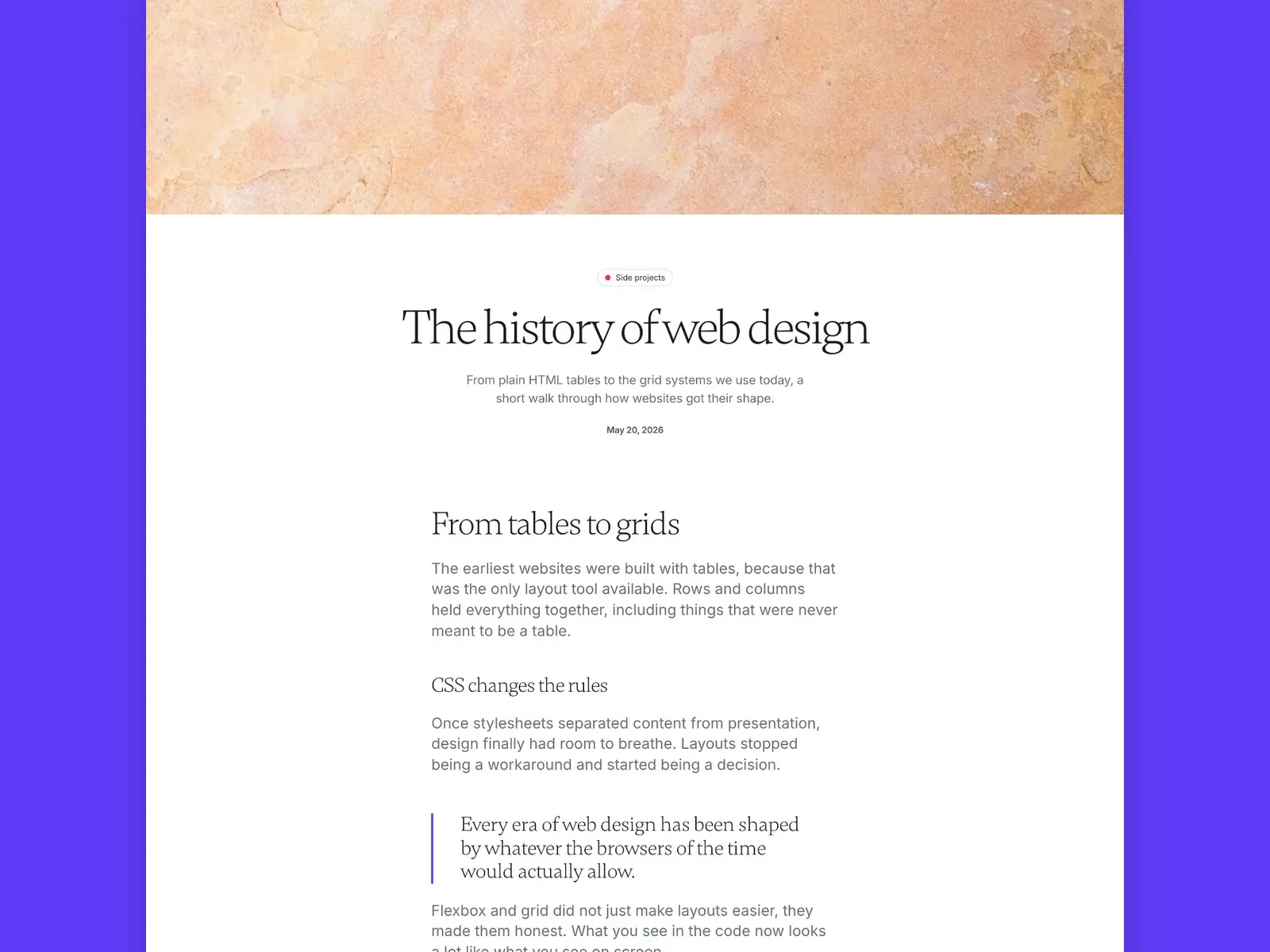
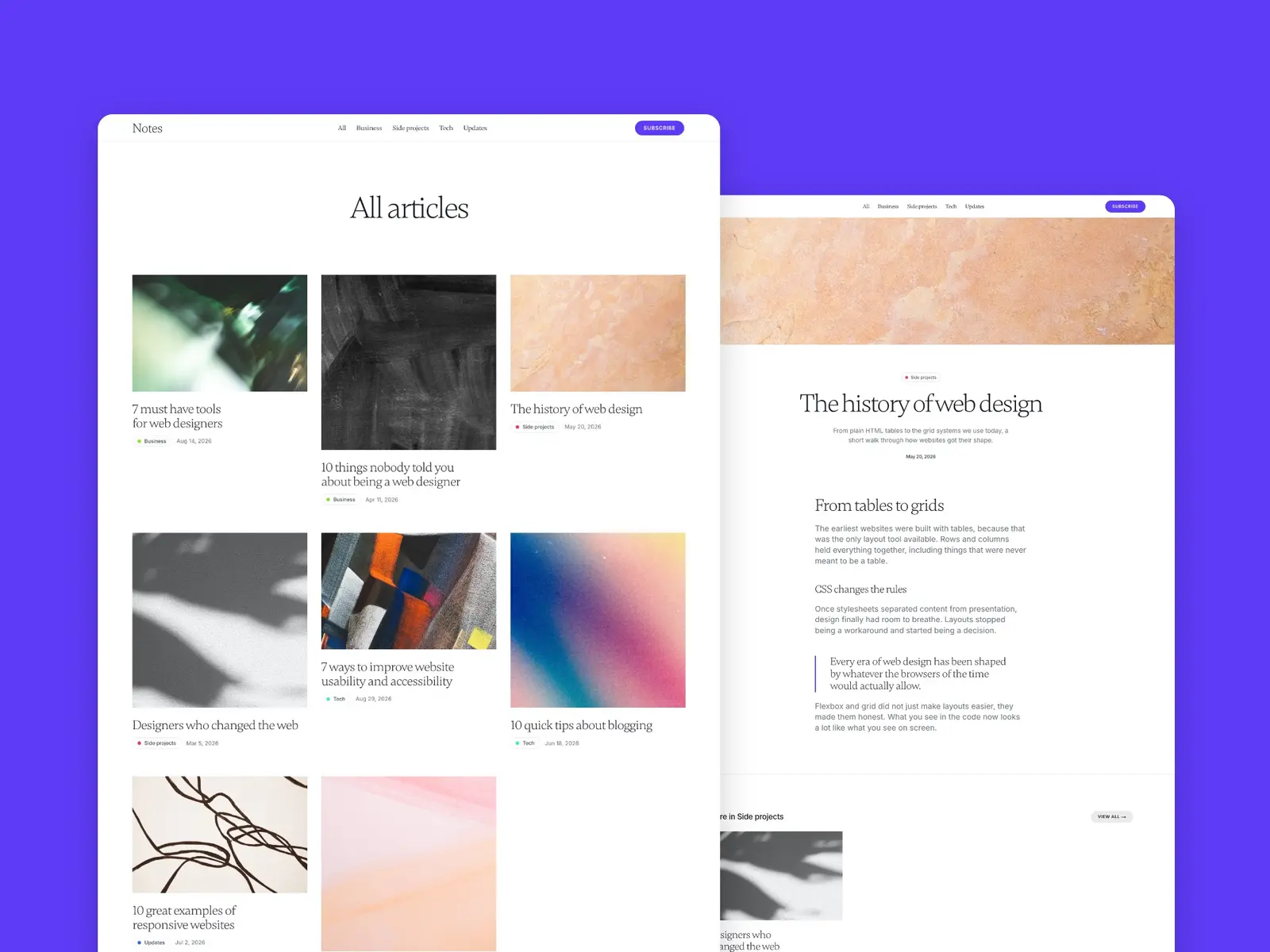
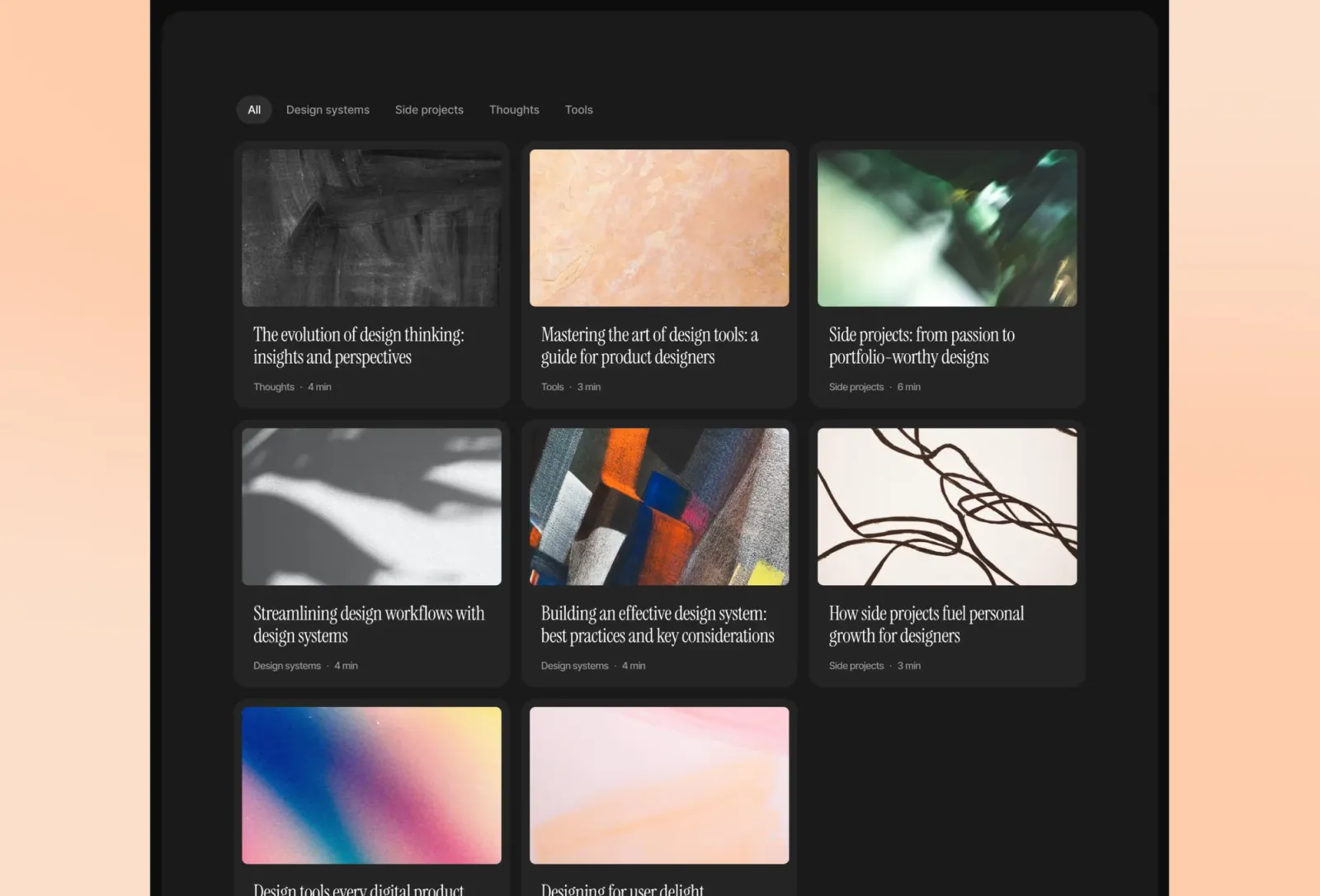
Notes Journal is the minimal blog with a bit of colour. Big serif headlines, a lot of white space and a single purple accent keep every page calm. Each category gets its own colour tag and its own page, and every post ends with related articles. Where Scribe is neutral and Reflect is editorial, Notes Journal is personal.
$149 · Single site licence
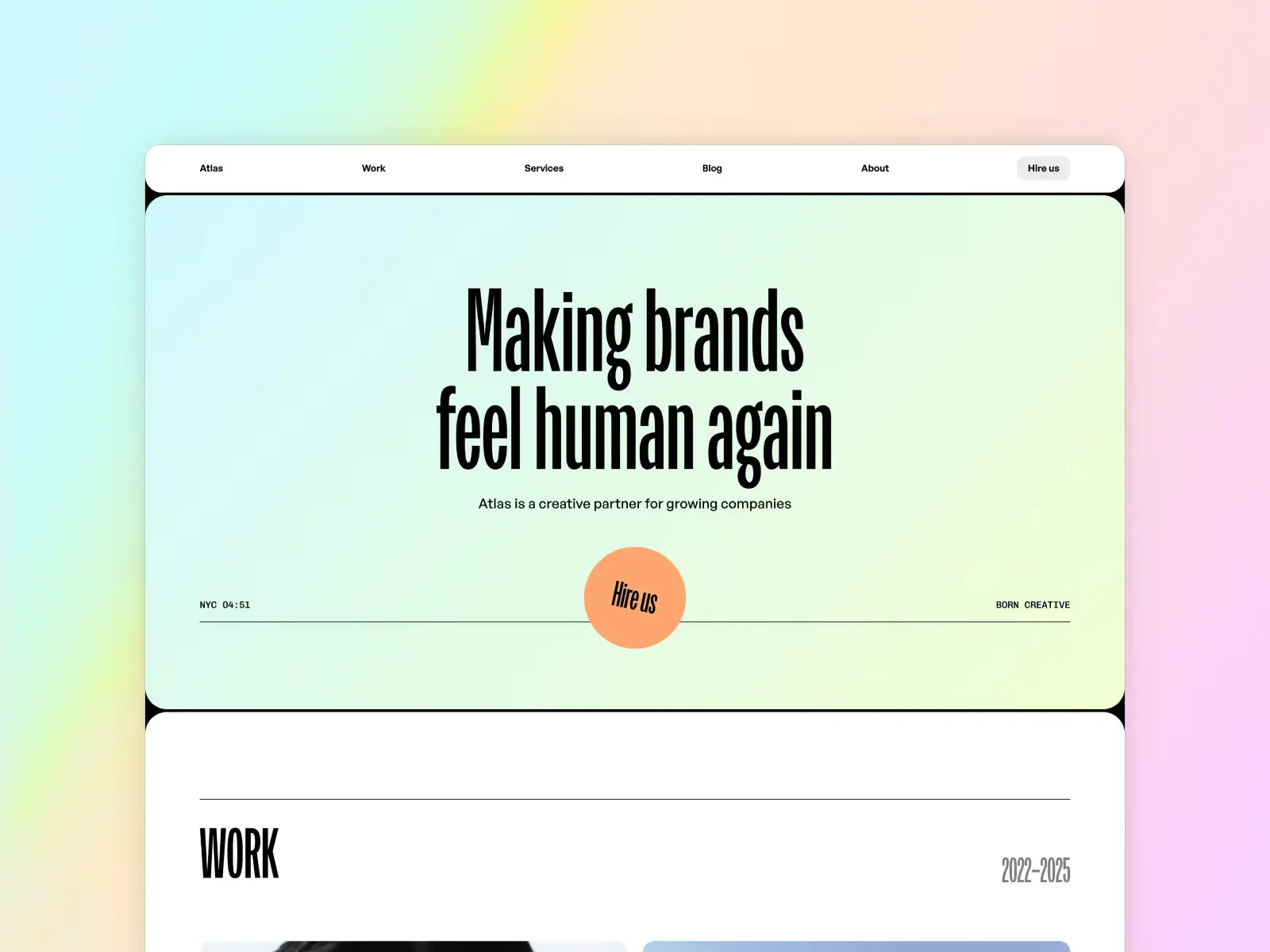
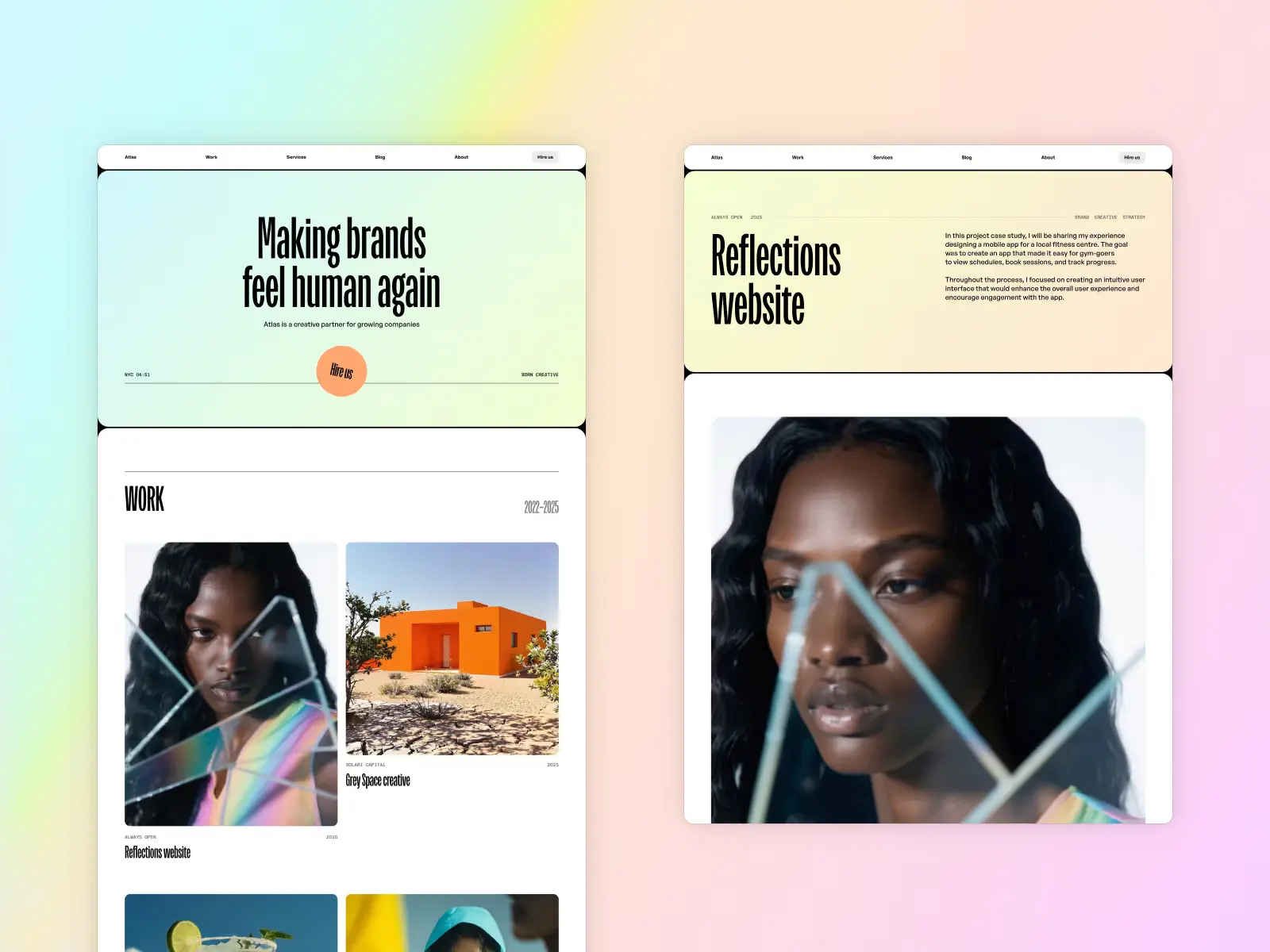
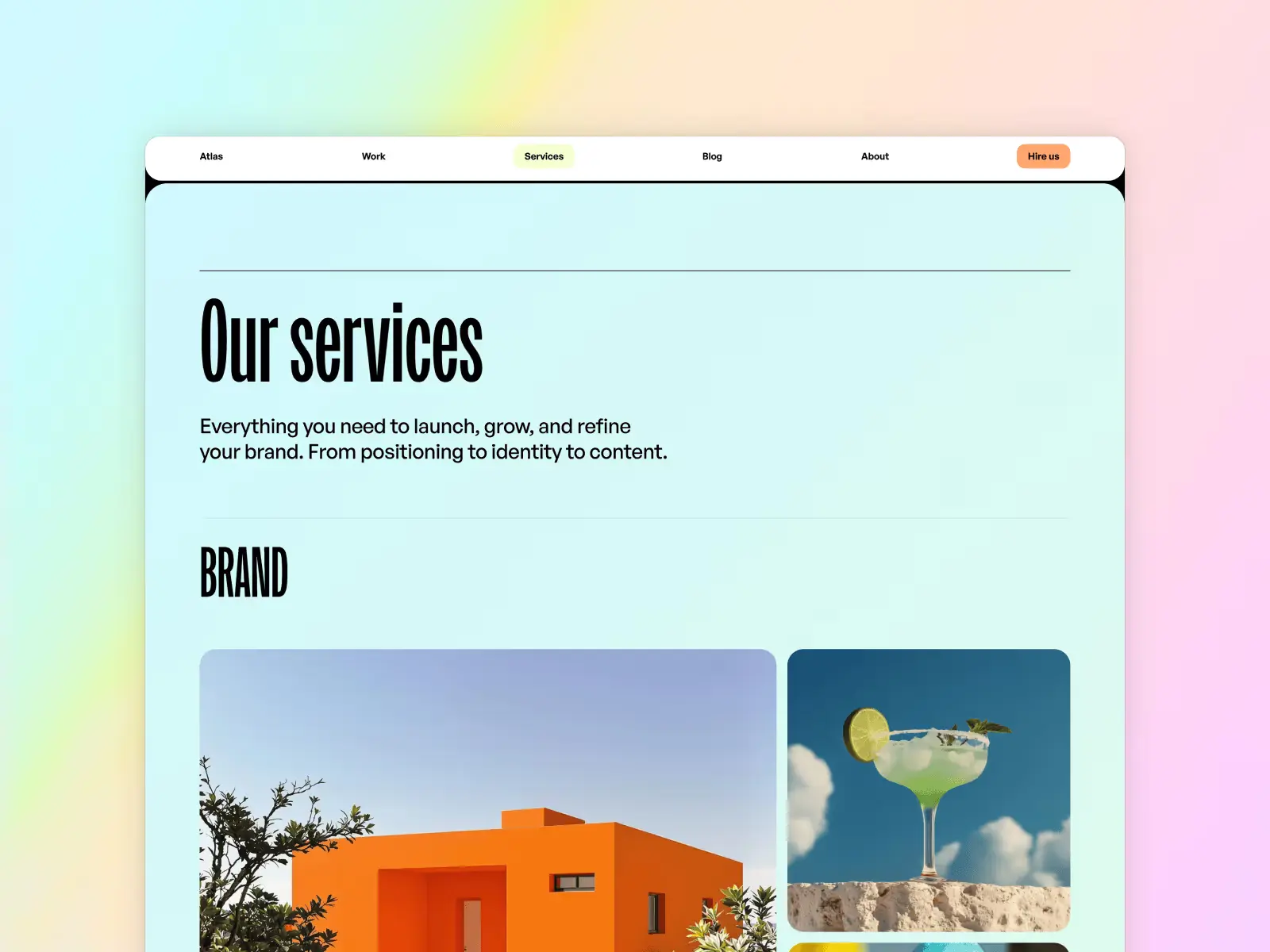
Atlas Studio shows that a full agency template can still be genuinely minimal. The grid is clean, the type is well-spaced, and the overall aesthetic leans modern without being cold. Where Last Studio on this list leans into gradient accents and animated personality, Atlas is quieter — more professional, more restrained.
Creative agencies and studios who want a minimal, multi-page site without sacrificing warmth or personality.
$149 · Single site licence
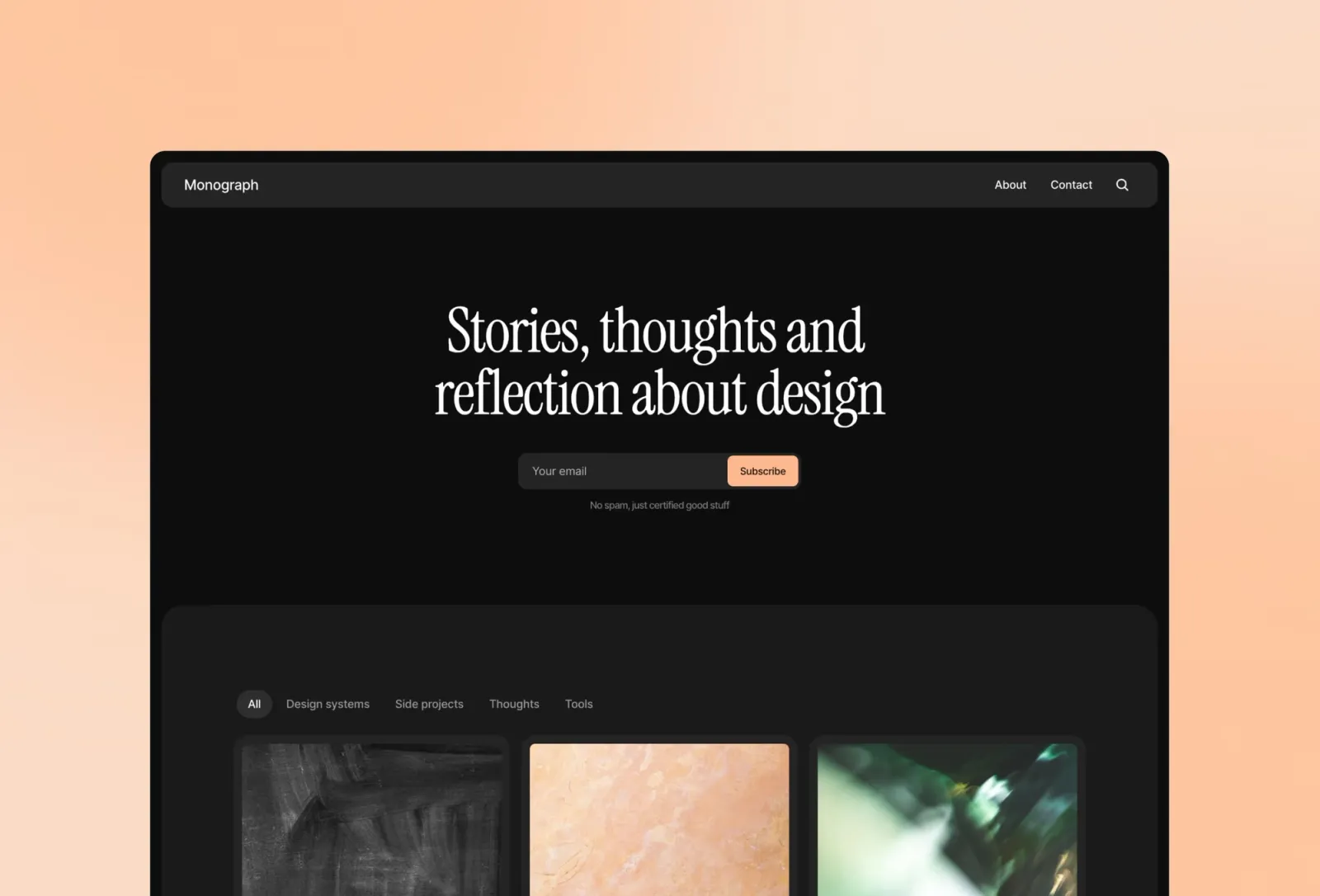
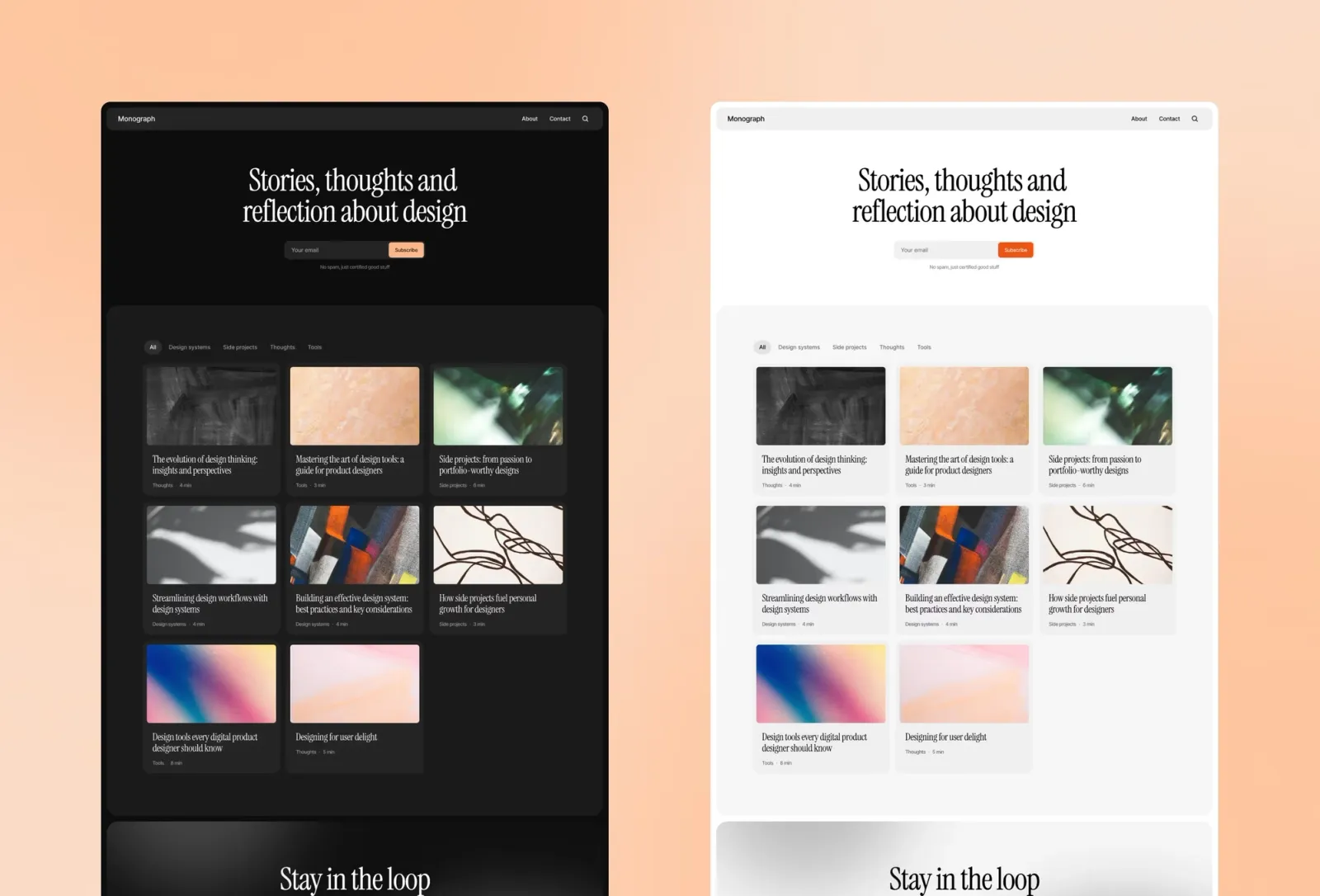
Monograph is a premium personal blog template with two features most minimal templates skip: global search and dynamic category filtering. If Scribe is the neutral option and Reflect is the editorial one, Monograph is the toolkit — minimal in aesthetic but the most feature-rich blog template on this list.
Designers, founders, and small teams who want a polished, searchable blog hub with a minimal aesthetic.
$149 · Single site licence
For a clean personal portfolio, Minimal portfolio, Format, and Jonas are the strongest starting points. For architectural or spatial design work, FF Architect is purpose-built. For a Swiss-influenced, grid-driven aesthetic, Swiss Style is the most rigorous option. Ayaka brings Swiss typographic principles to a more editorial resume-style format. For a full agency or studio site that stays genuinely minimal, Last Studio and Atlas Studio both deliver. Baseform is the pick for a multi-page portfolio with blog included at a lower price. For writing-focused sites, Scribe is the fastest to launch, Reflect is the most editorial, Notes Journal is the most personal, and Monograph is the most feature-rich.
See the full list on the minimal Framer templates category page.
Quick launch checklist for a minimal Framer site:
Restrained typography, generous white space, a limited colour palette, and no decorative elements that don’t serve a function. The best minimal templates are opinionated about spacing — they use it as a design tool rather than filling every gap.
If anything, they’re easier. Fewer variables means fewer things to update. Most minimal Framer templates use a small set of global colour and type tokens — change those and the whole site follows.
Yes — minimal design principles translate cleanly to dark mode. Several templates on this list (Minimal portfolio, Scribe, Monograph, Jonas, Ayaka) include automatic system-aware dark mode switching.
Yes. Framer lets you add pages freely. A one-page template gives you a single well-designed starting point, but nothing stops you adding a dedicated Work page, a Blog, or a Contact page as your needs grow.
Yes. Framer’s output is clean, modern HTML with automatic image optimisation. Minimal templates tend to perform well on Core Web Vitals because there’s simply less on the page.
Want all templates in one go? Unlimited Access gives you all current and future Framer templates in one purchase.
Join 2,900+ designers · Unsubscribe at any time