12 best Webflow templates for consultants
Twelve Webflow templates for independent consultants, coaches, and freelance advisors — minimal, editorial, and blog-ready structures for services and case studies. From $29.

14 min
Twelve Webflow templates for independent consultants, coaches, and freelance advisors — minimal, editorial, and blog-ready structures for services and case studies. From $29.
Most consulting sites fail in the same way. Generic headline about delivering results, three service boxes with stock icons, a contact form at the bottom. The template didn't cause this — but picking the wrong one makes it harder to show specific expertise. A structure that pushes you toward filler sections gets in the way of the work that actually builds credibility.
These twelve Webflow templates get out of the way. Multi-page structures with room for services, case studies, and writing. CMS-ready. Light mode and dark, editorial and minimal. Chosen for independent consultants, coaches, and freelance advisors who need a site that builds credibility before anyone fills in a form.
Two types of consulting site get real results. The first leads with case studies: detailed client work, specific outcomes, named evidence where possible. Landon, Awake, and Someday work here. The second leads with published content: frameworks, essays, thought leadership. Lucide, Compose, Column, and Scribe are built for that.
Most consultants need both — but one will lead. Pick the template that fits the primary channel. Price range on this list is $29 to $49 for a single site licence.
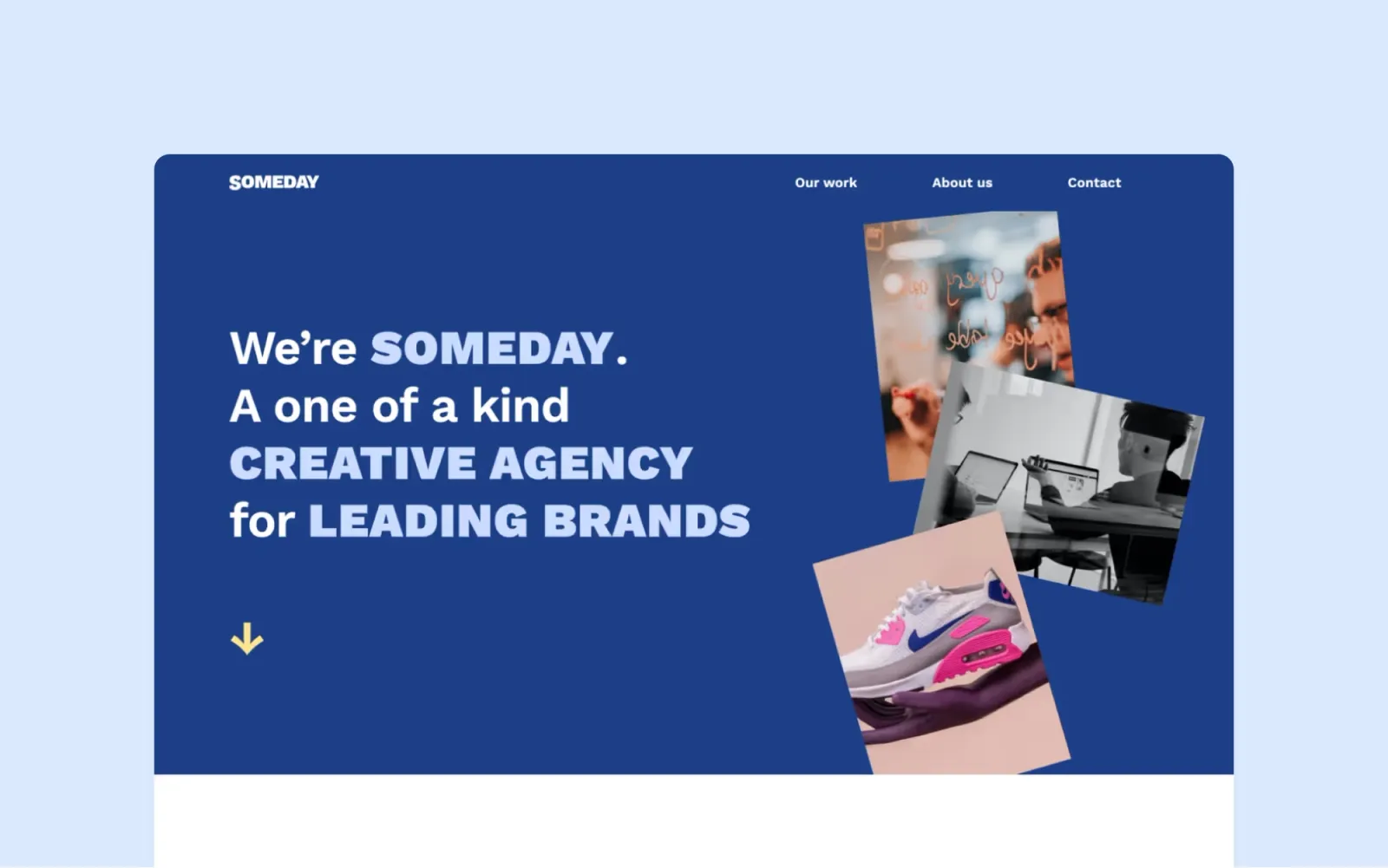
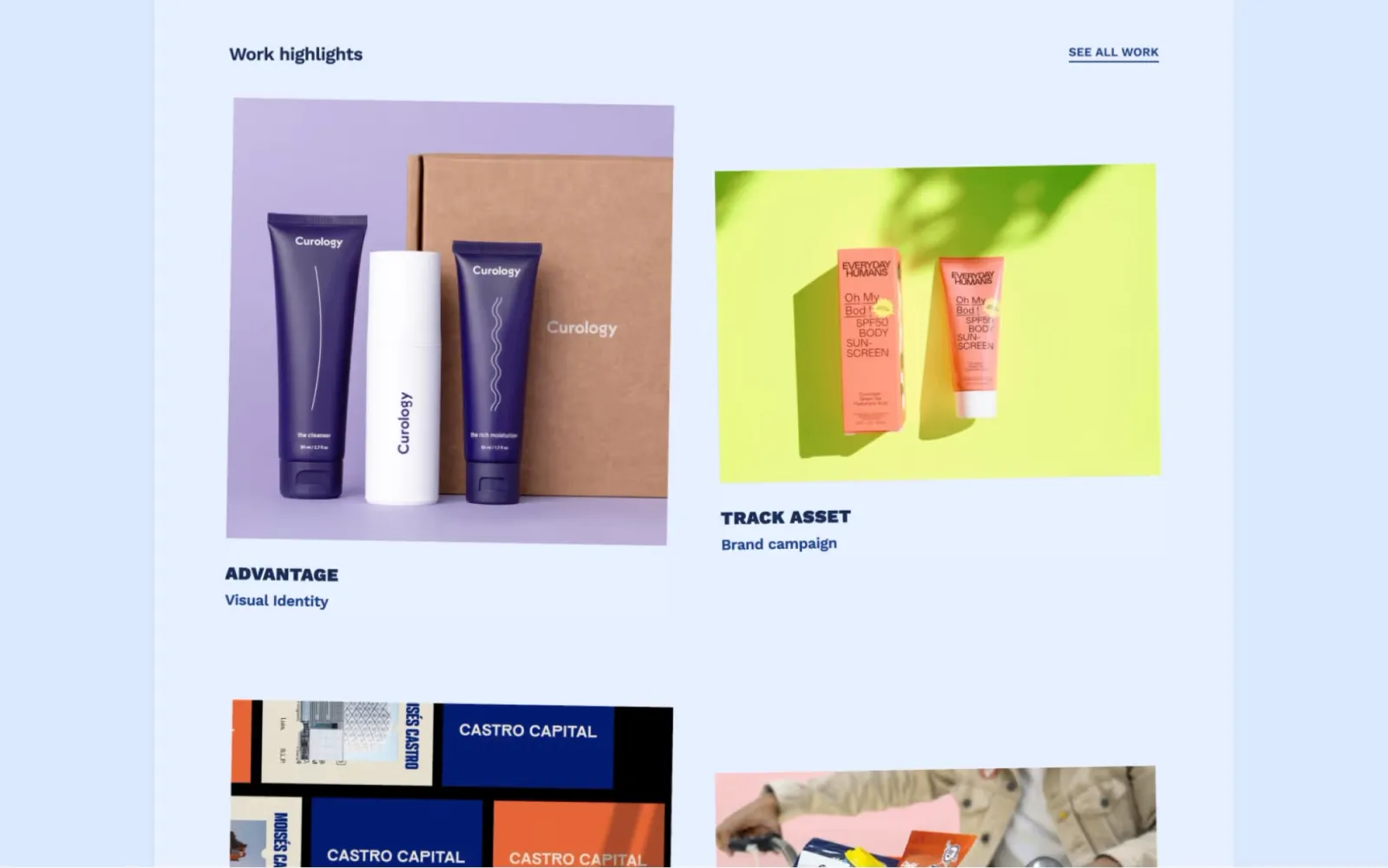
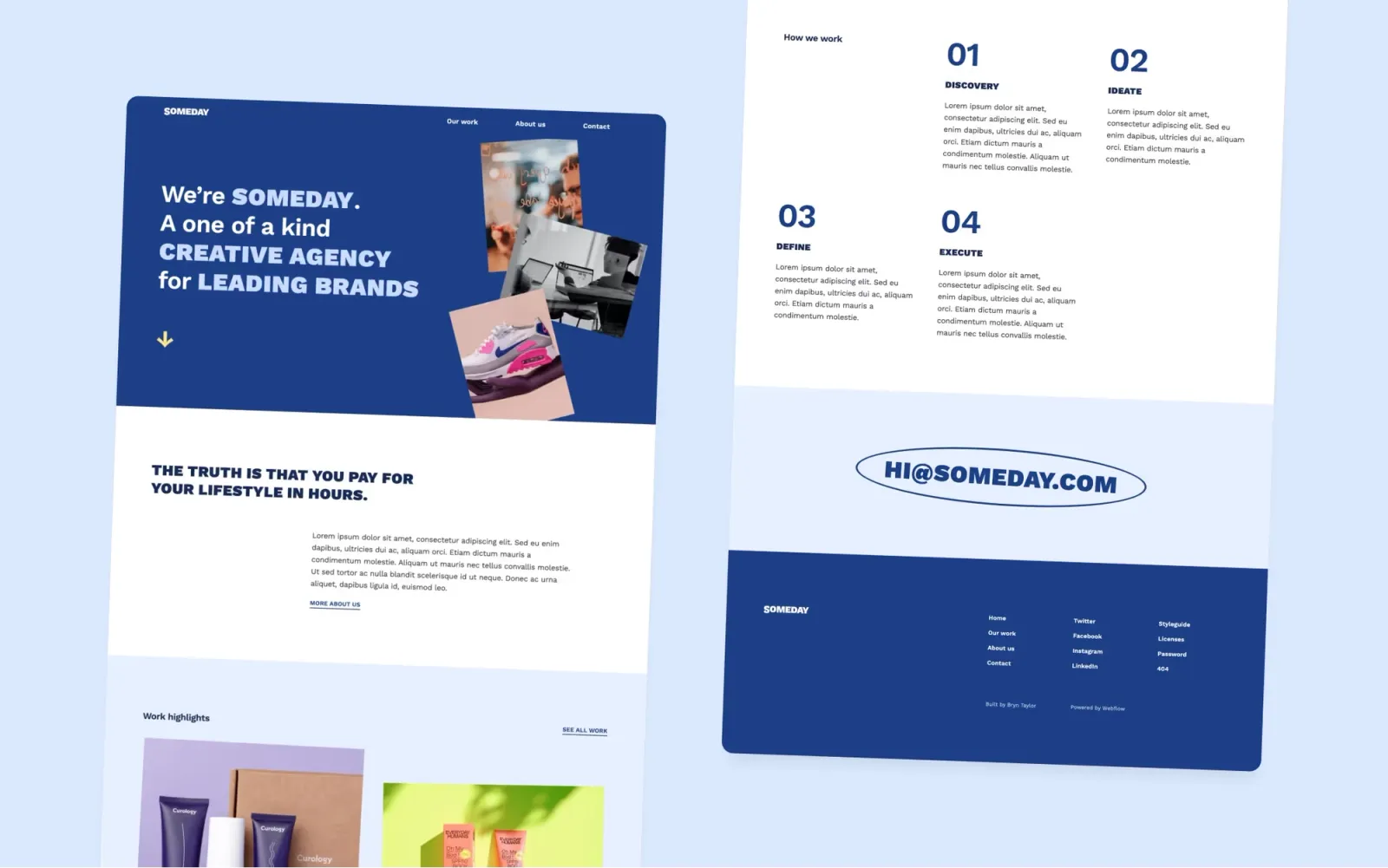
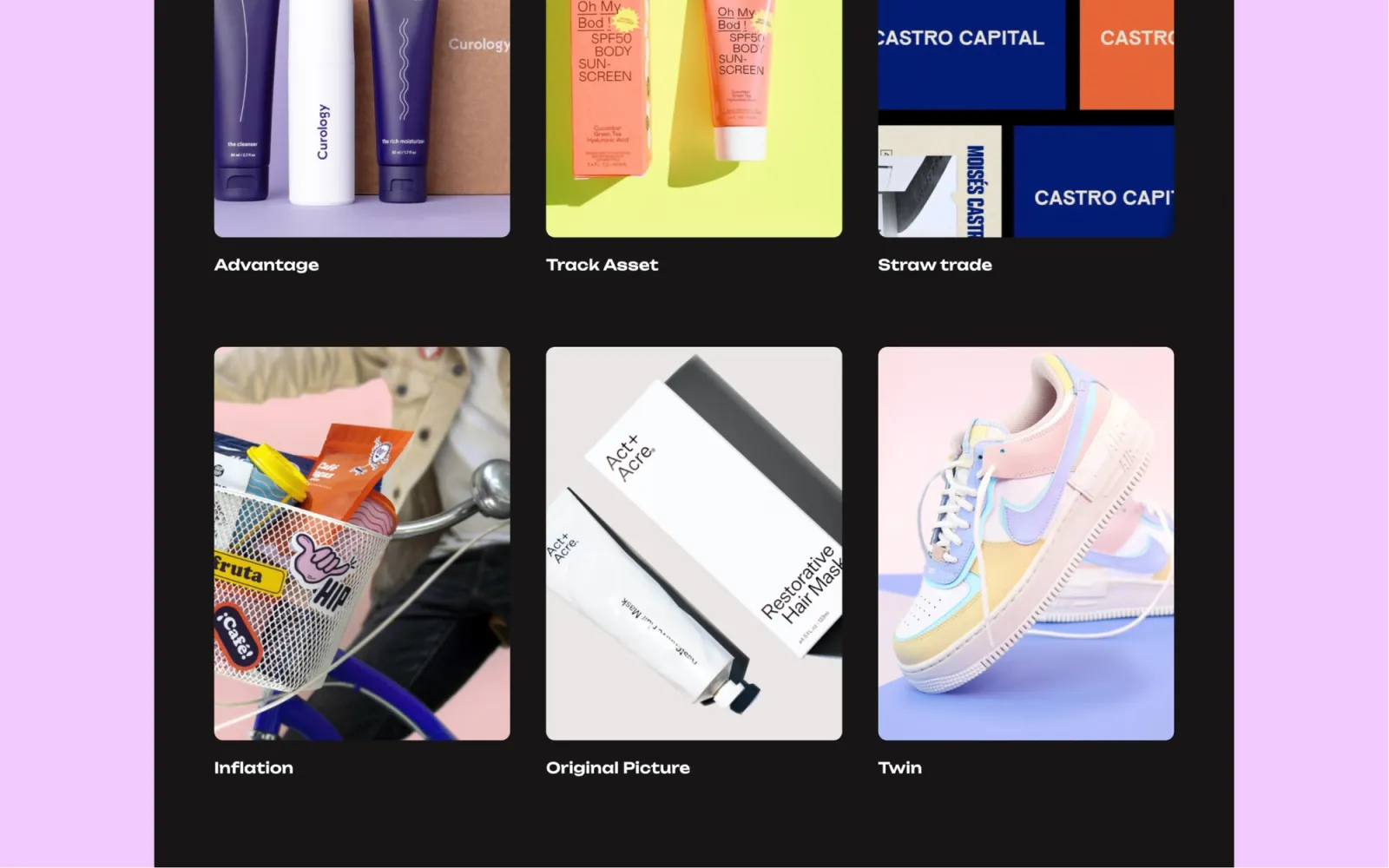
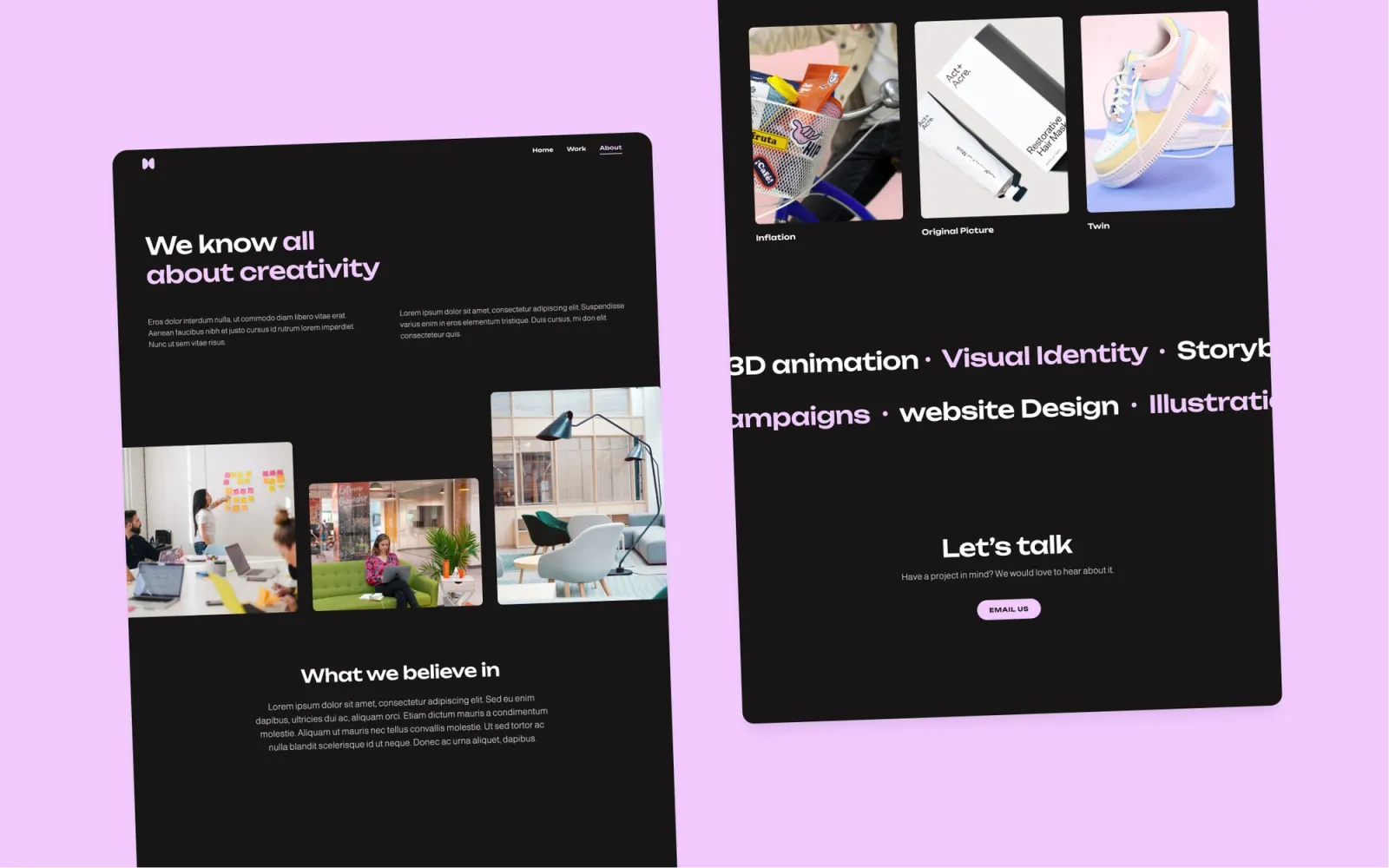
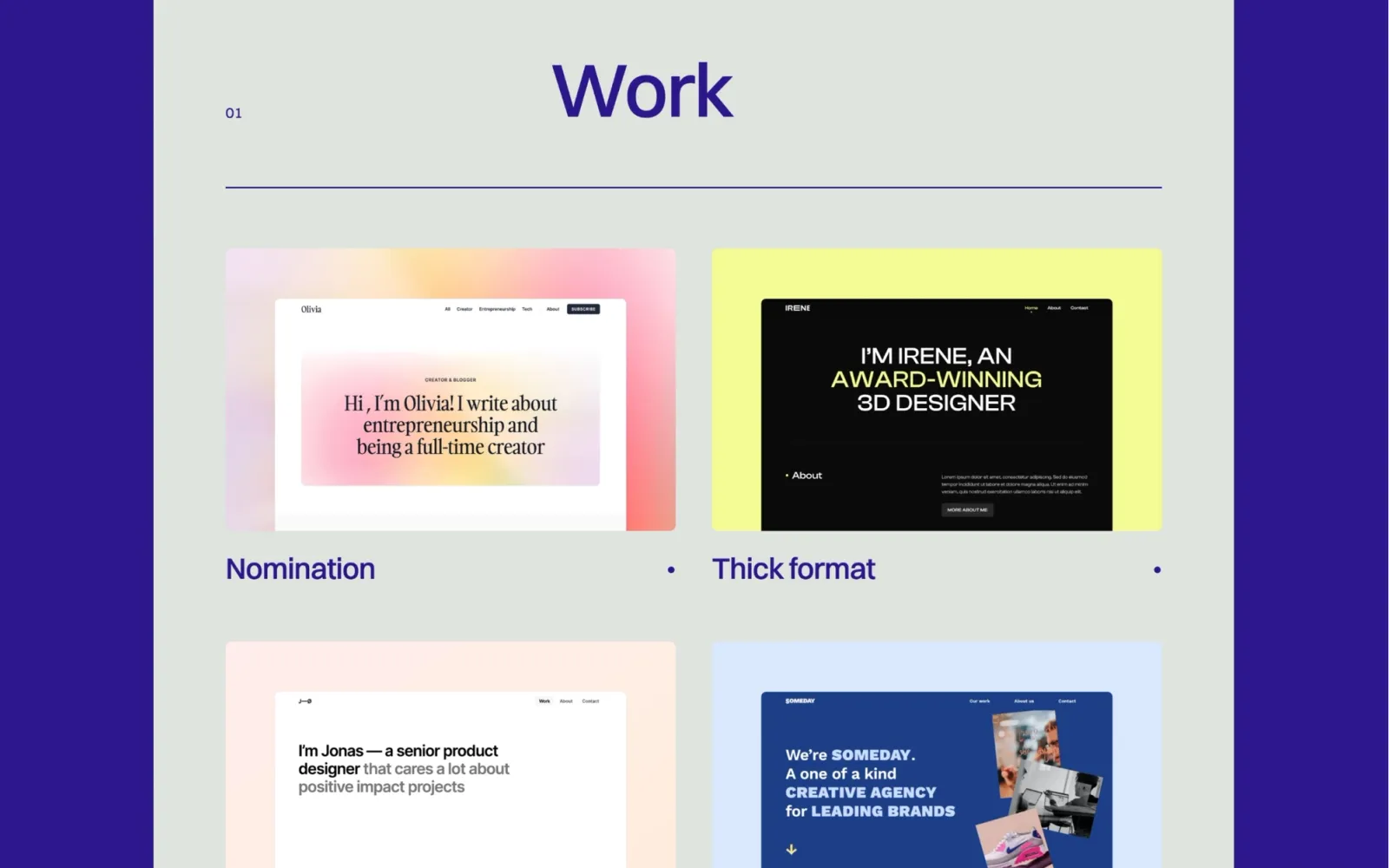
Someday is the most versatile option on this list. Editorial grid, expressive type, multi-page structure — works as a consultancy site, a solo practice home, or a small studio front door. CMS for case studies, and an About page that doesn't feel hollow with one person in it. The trade-off: the bolder layout takes a full day of setup rather than an afternoon. If corporate clients are the primary audience, the distinctive aesthetic may read as too creative. If the practice has a point of view it wants the site to communicate first, Someday does that better than anything else here.
Independent consultants and small practices who want a site that reads as a considered point of view — editorial, not another clean-white consultancy template.
$49 · Single site licence
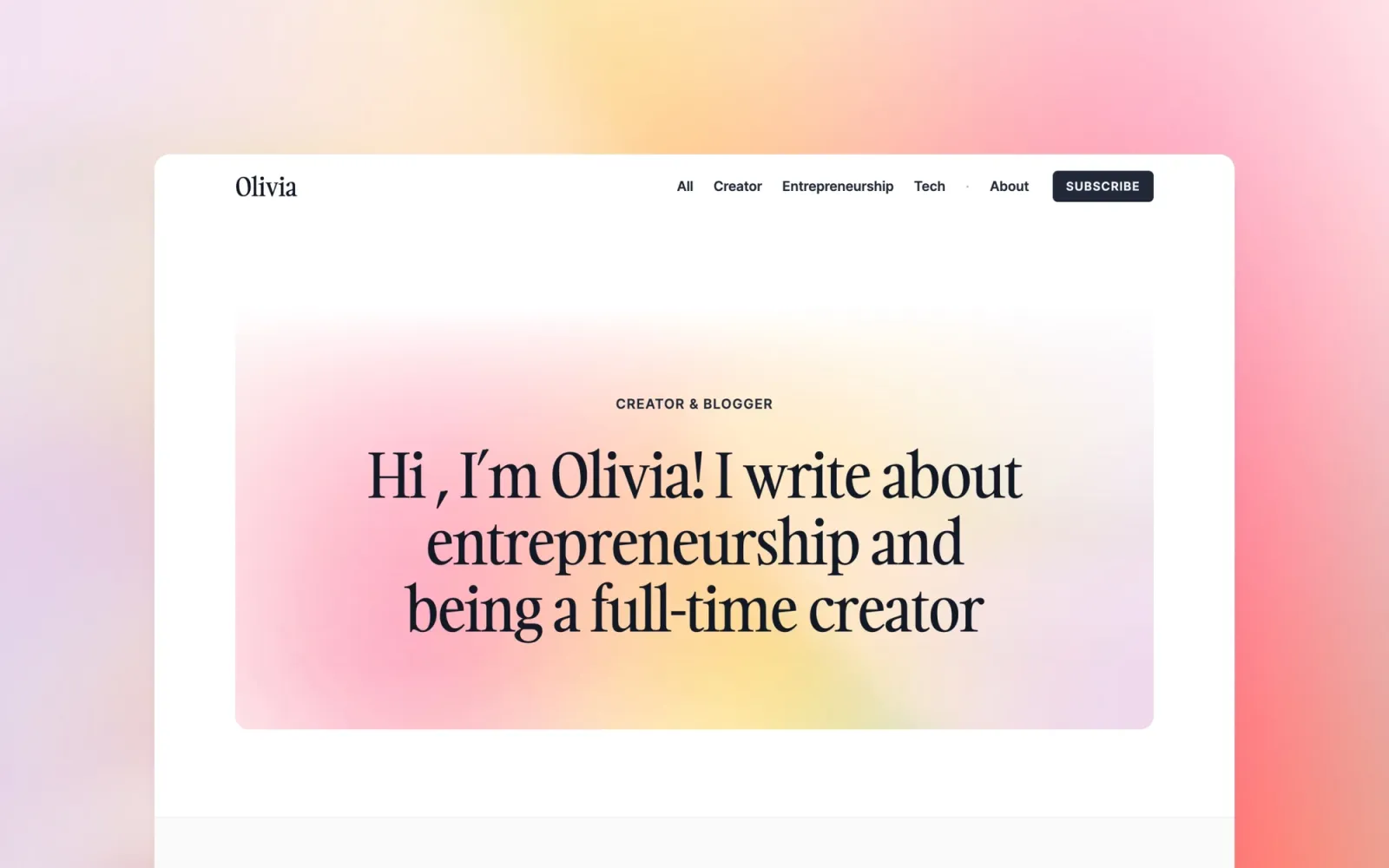
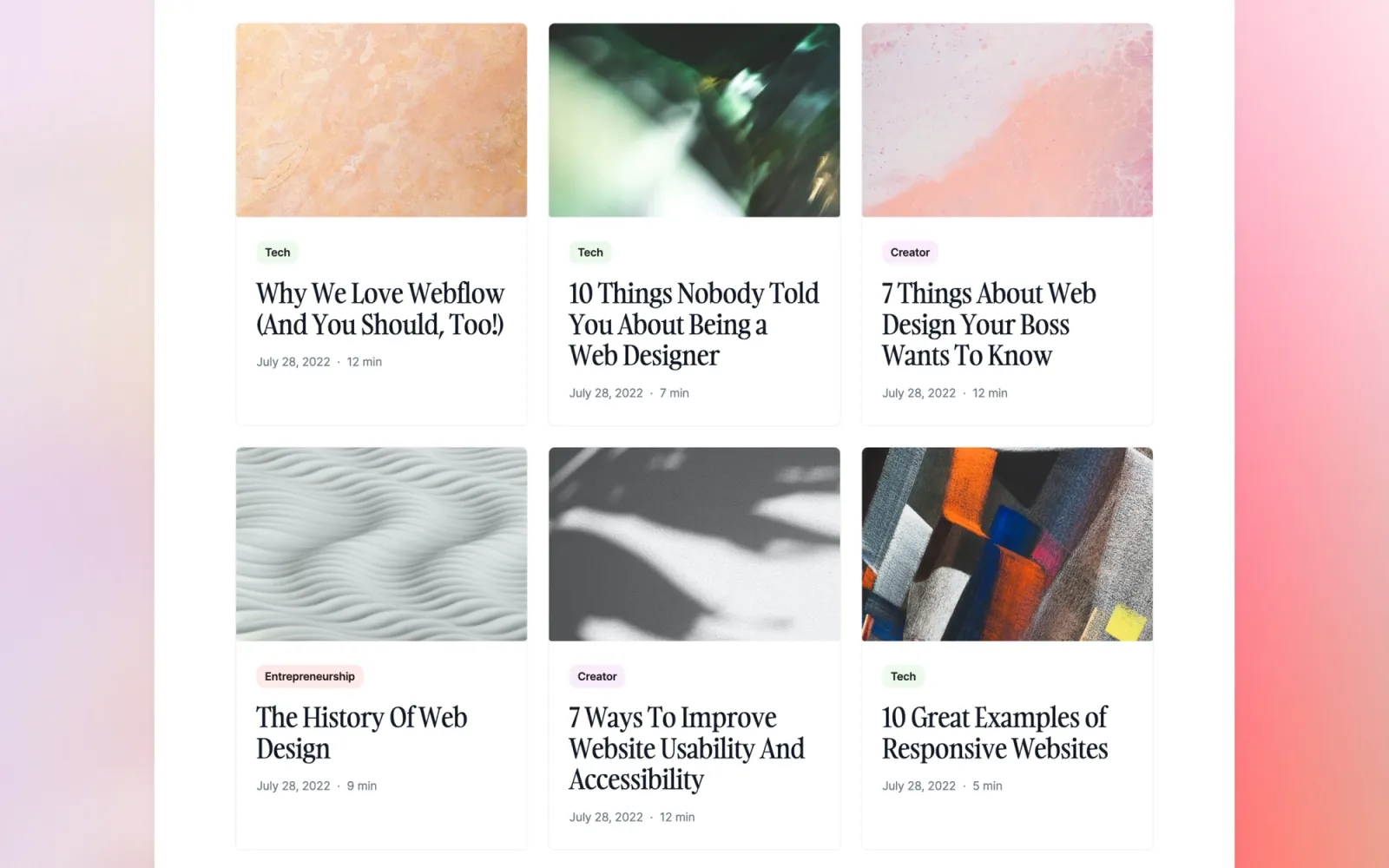
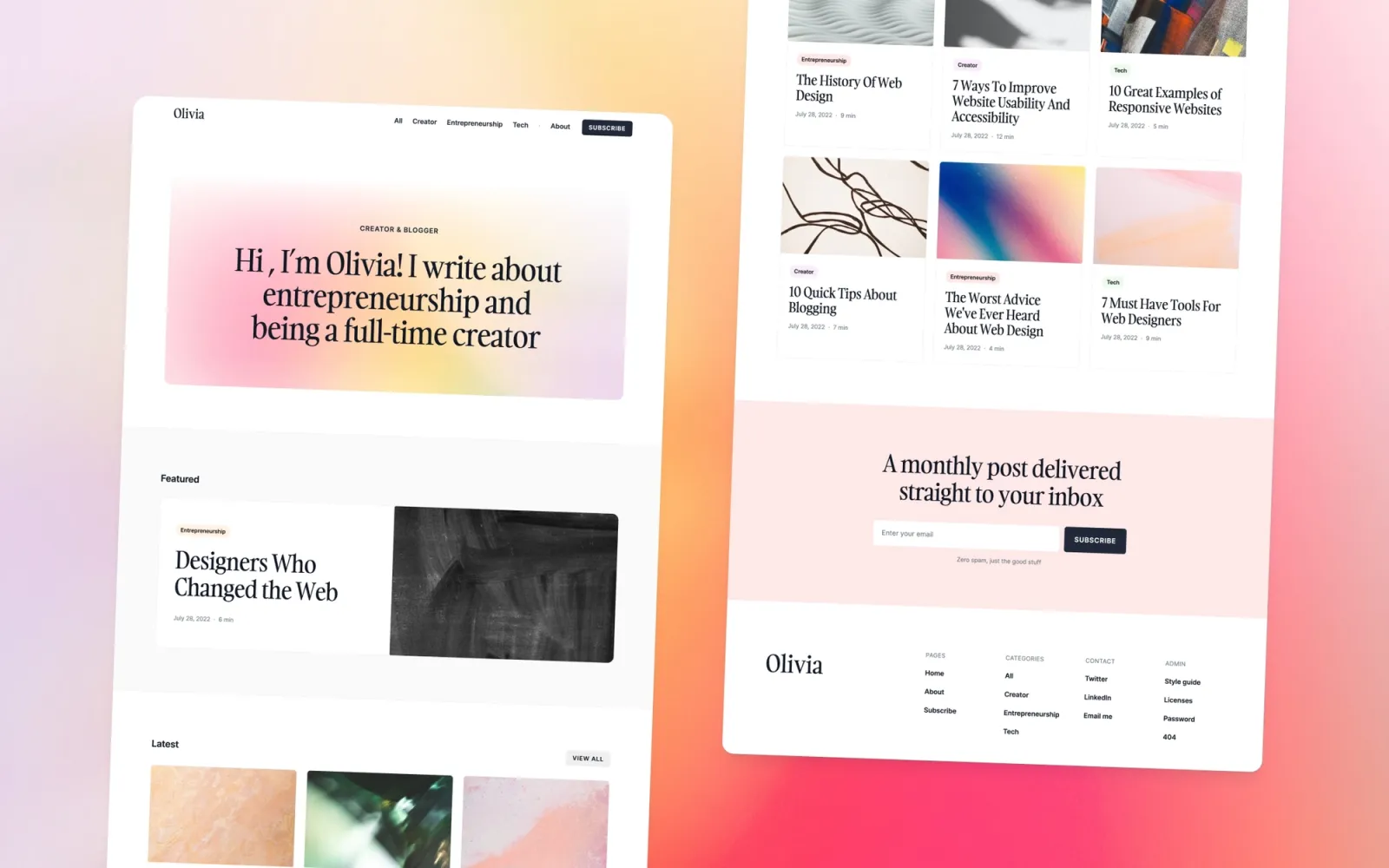
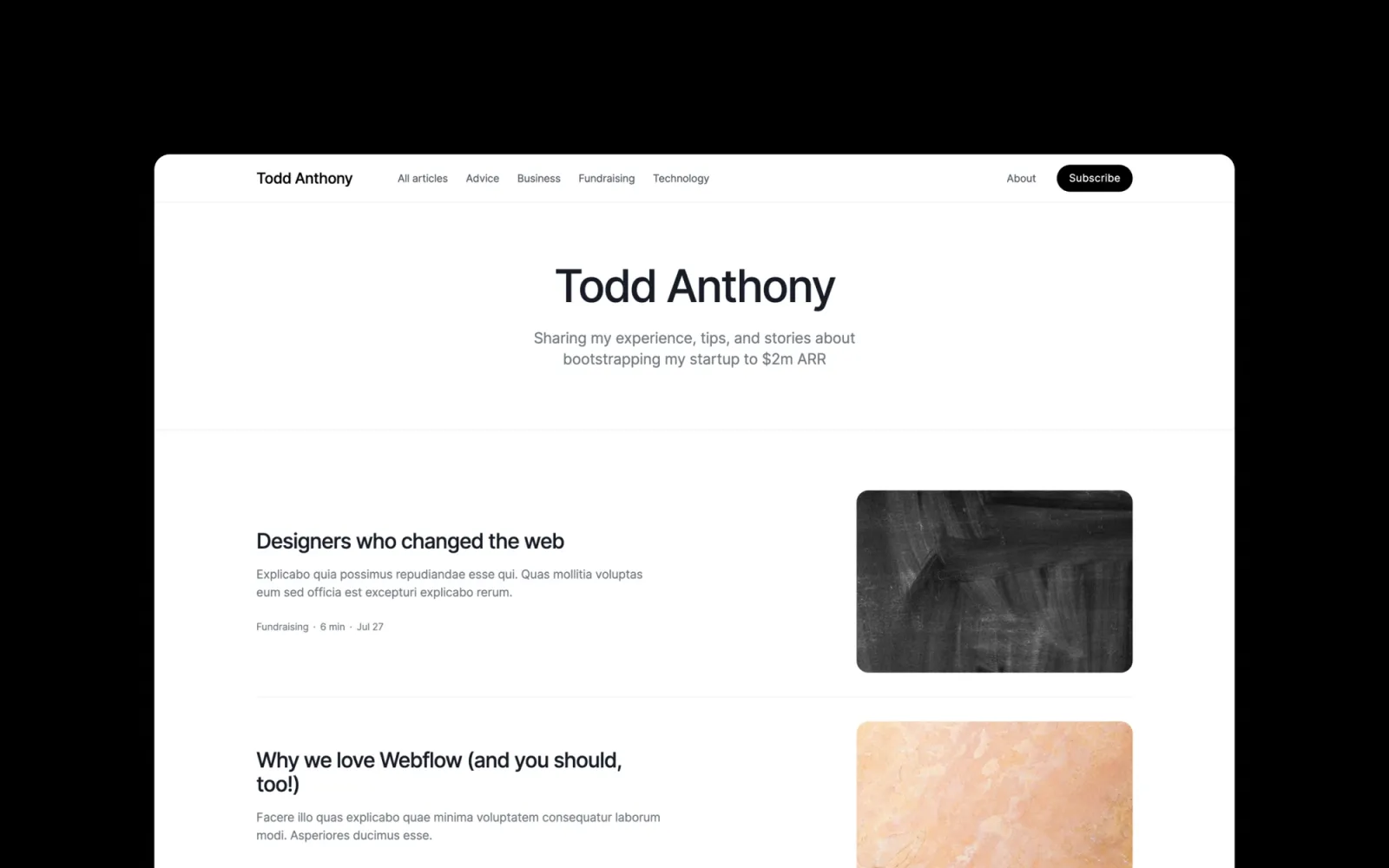
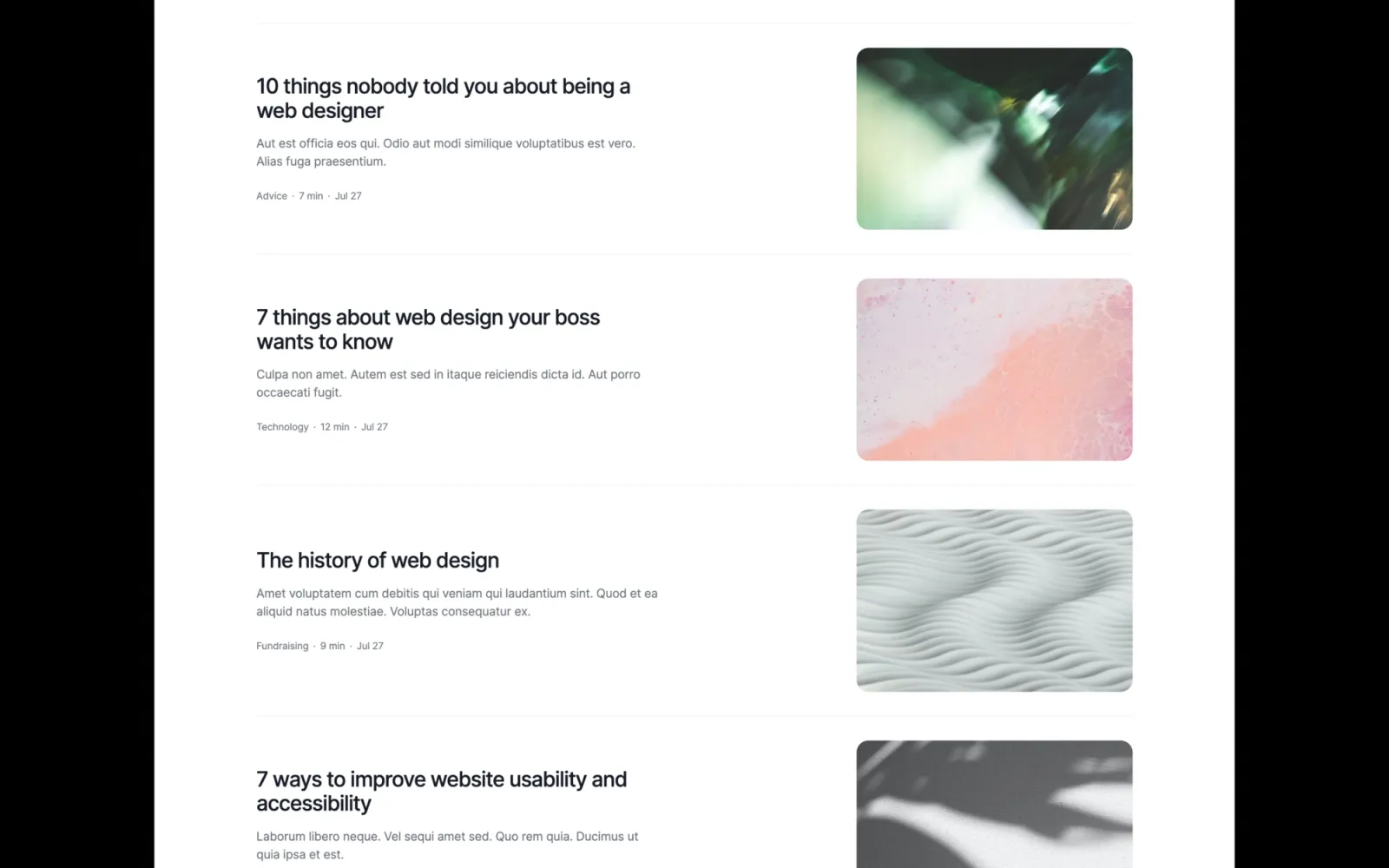
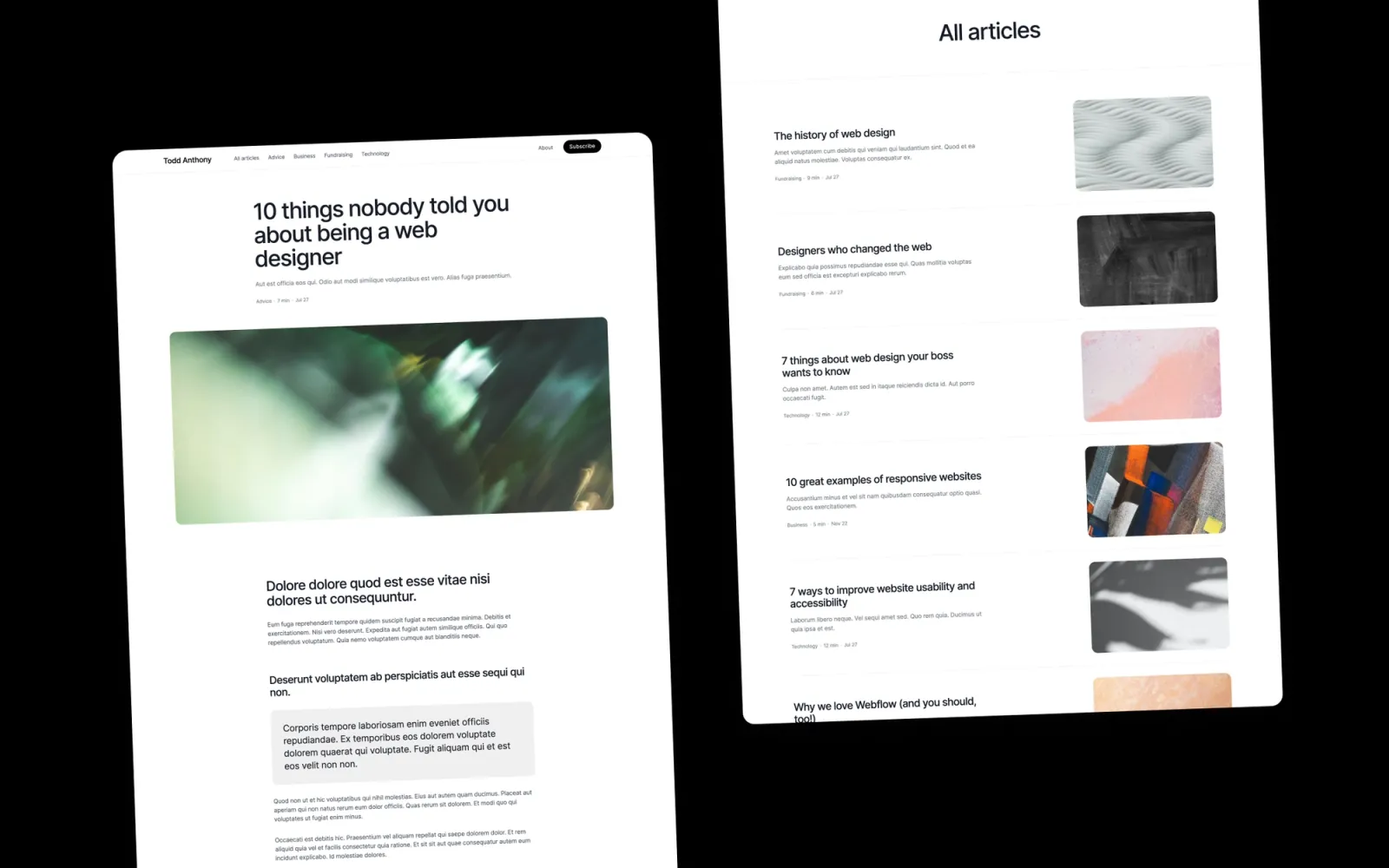
Lucide has a blog built in alongside the portfolio pages. One Webflow editor handles case studies and writing — no integrations. Useful if publishing is a lead channel: thought leadership, process breakdowns, practitioner frameworks. Light and dark mode. The setup takes longer than a portfolio-only template, but publishing consistently in the same environment as the work builds a coherent authority site over time rather than two places that never connect.
Consultants who use writing as a lead channel — newsletters, case study write-ups, published frameworks. Also works for design leads and UX consultants who think in public.
$49 · Single site licence
Compose is even more writing-forward than Lucide. The blog leads the structure — the right fit if published content drives most of the inbound. Case studies are available, but writing has as much visual prominence as the work. For consultants who lead with what they publish: frameworks, newsletters, practitioner opinion. Not the pick if client case studies are the whole story and writing is occasional — Lucide handles that balance better.
Strategy consultants, content strategists, and advisors whose reputation comes primarily from what they publish — and whose site should reflect that as the primary channel.
$49 · Single site licence
Column is the editorial pick. Structured grid, magazine-feel layout, strong content organisation. Works for consultants who want a site that reads as researched and purposeful rather than personal. Good for strategy practices, multi-service advisors, or anyone with a lot of content that needs organising without looking like a menu. Not the template for a single-service solo practitioner who wants warmth — Noa or Accent fit that better.
Strategy consultants, management advisors, and multi-service practices who want a structured, editorial site that reads as analytical and authoritative.
$49 · Single site licence
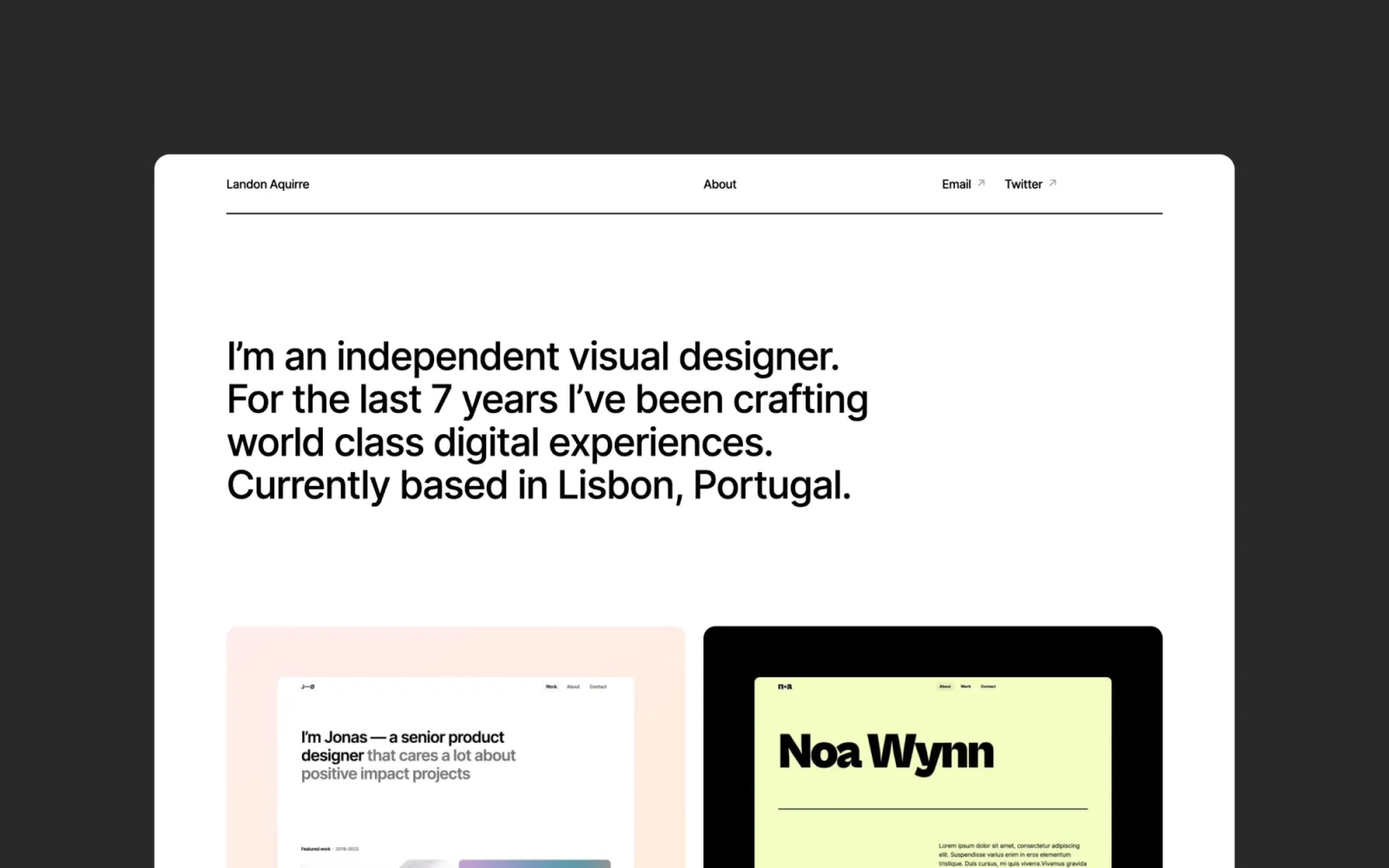
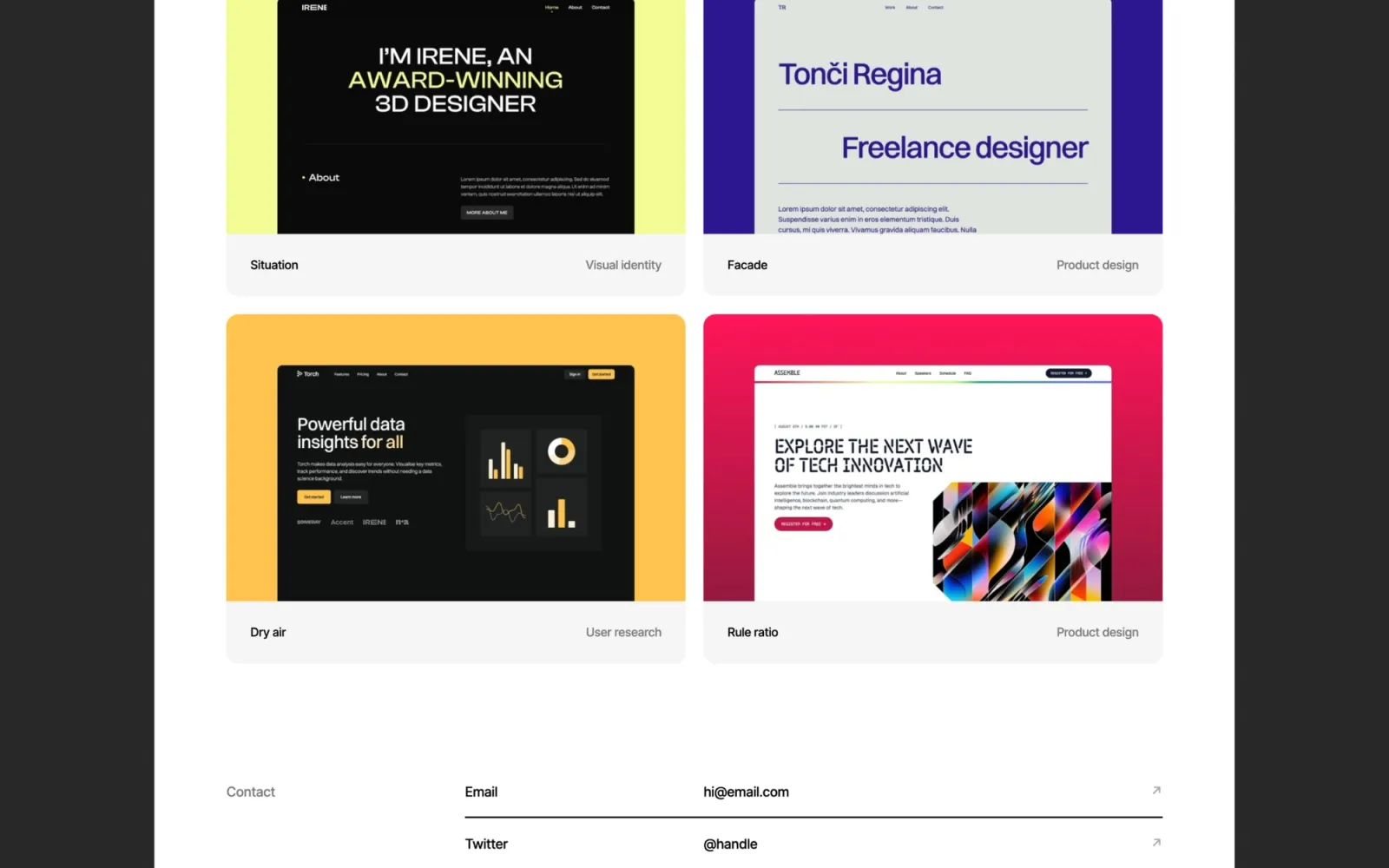
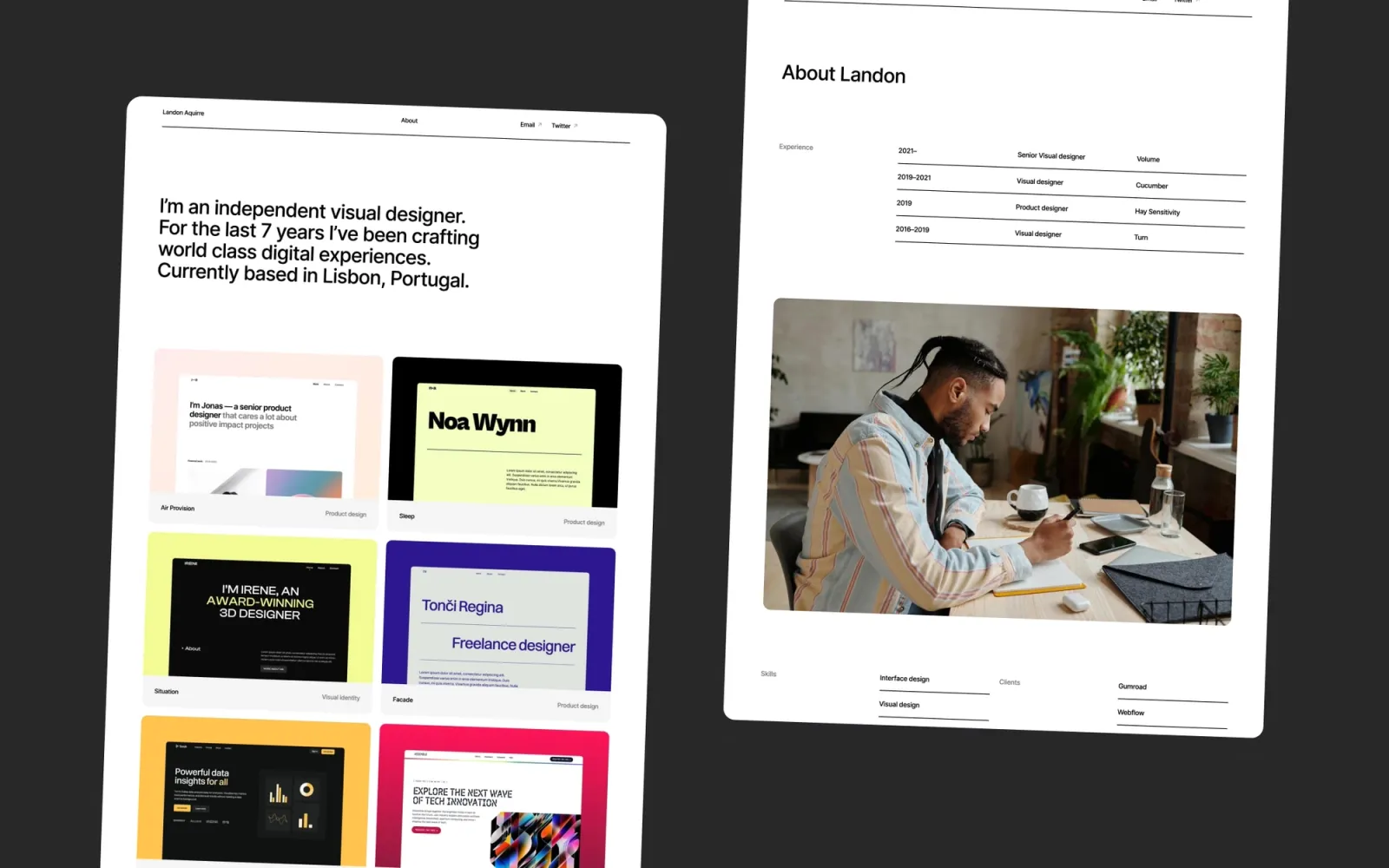
Landon is the enterprise-facing option. Minimal, light-mode, nothing competing with the content. Multi-page with CMS for case studies — the structure handles a solo consultant or small team without empty sections. The right pick if the client roster is corporate and a distinctive aesthetic would be the wrong signal. It reads professional before it reads designed.
Consultants who work with enterprise or corporate clients — where a conventional, professional aesthetic is a feature, not a constraint.
$49 · Single site licence
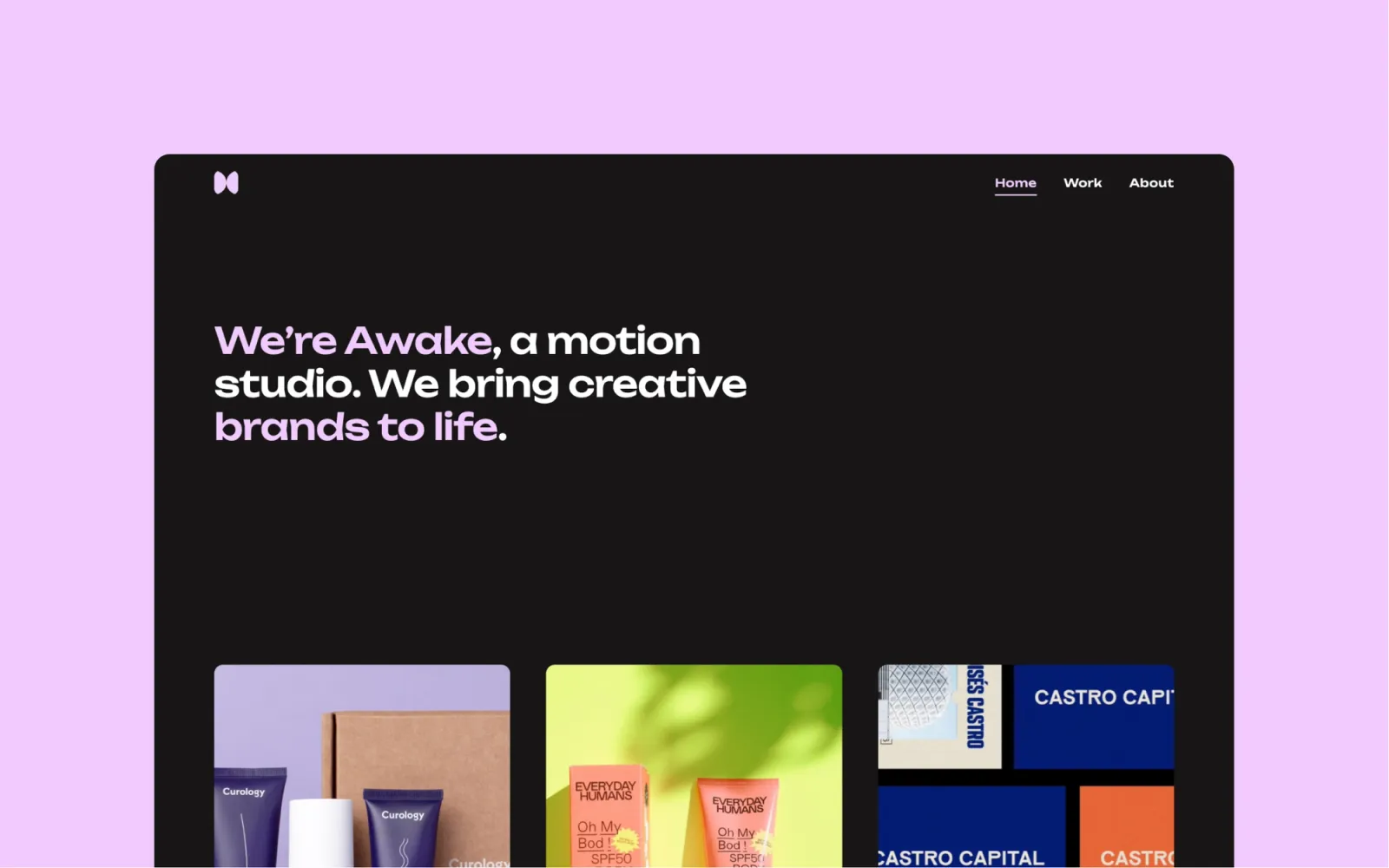
Awake is the dark consultancy pick. Full-bleed image layouts, CMS for case studies, multi-page structure. Dark canvas that reads as serious and considered — closer to a premium technology brand than a generic agency. Best for consultants in technology, design, or strategy roles where a polished dark aesthetic builds credibility. Not the pick for markets where a dark site would read as unconventional.
Consultants in technology, design strategy, and digital transformation who want a dark, premium aesthetic that signals seriousness without feeling corporate.
$49 · Single site licence
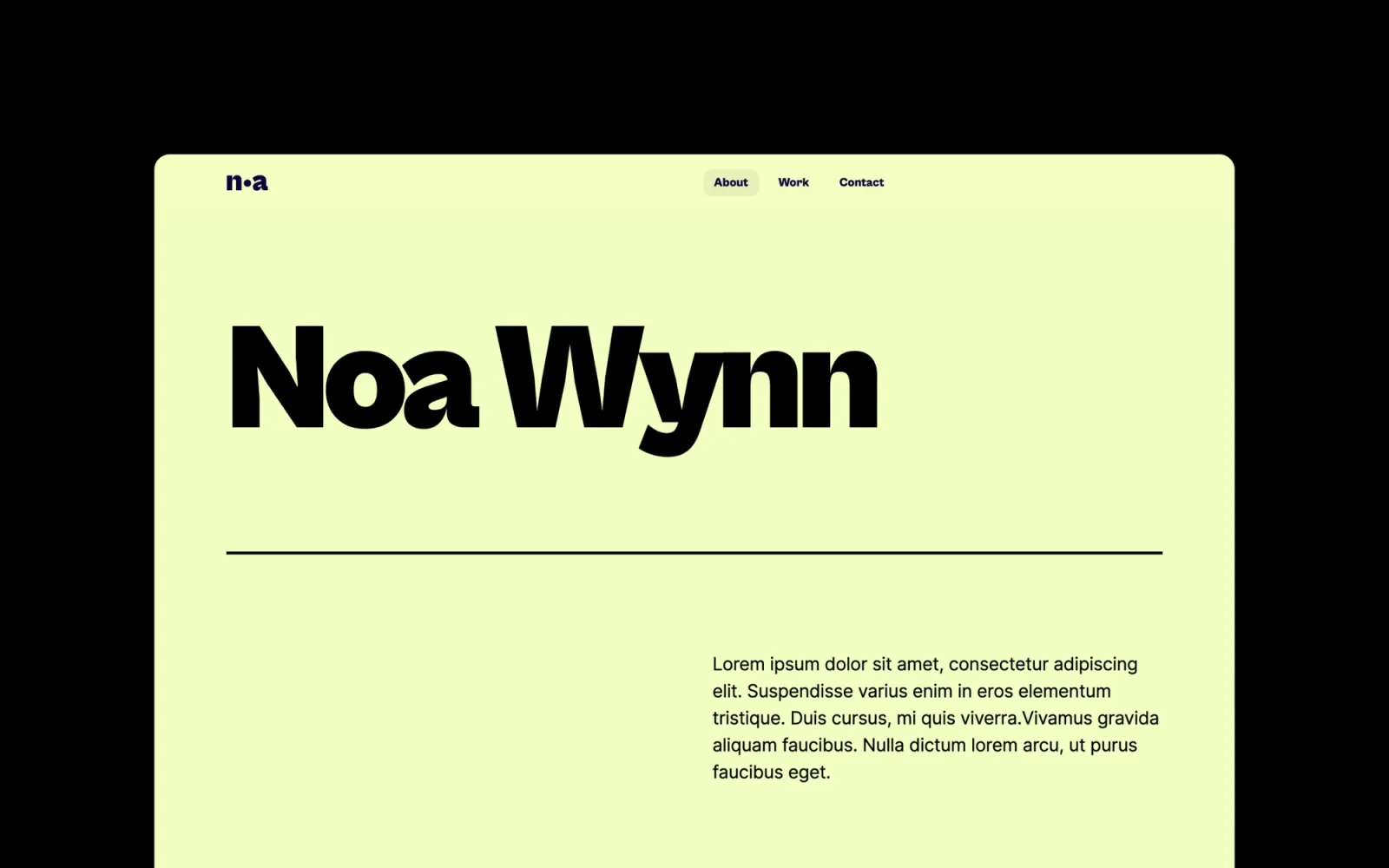
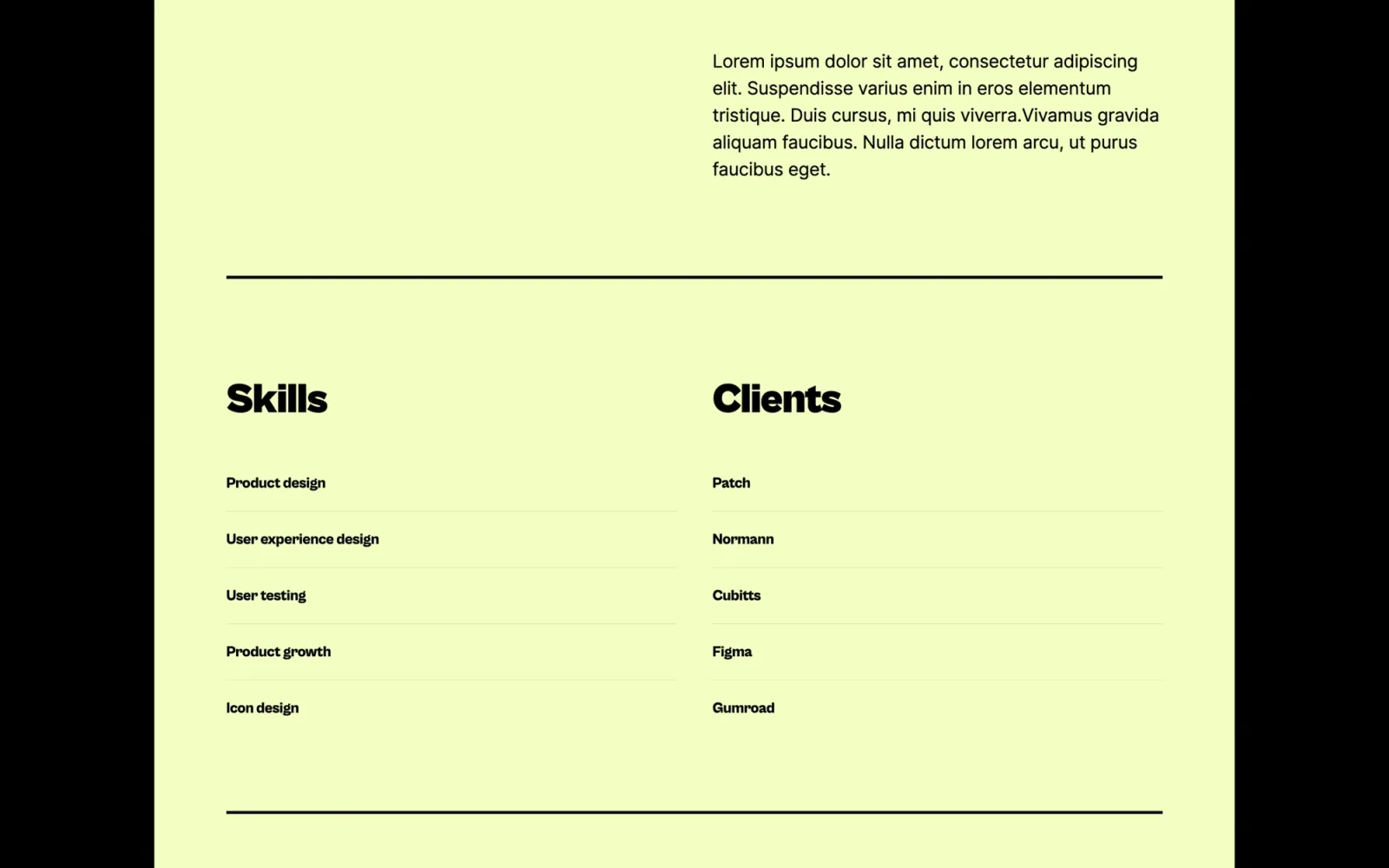
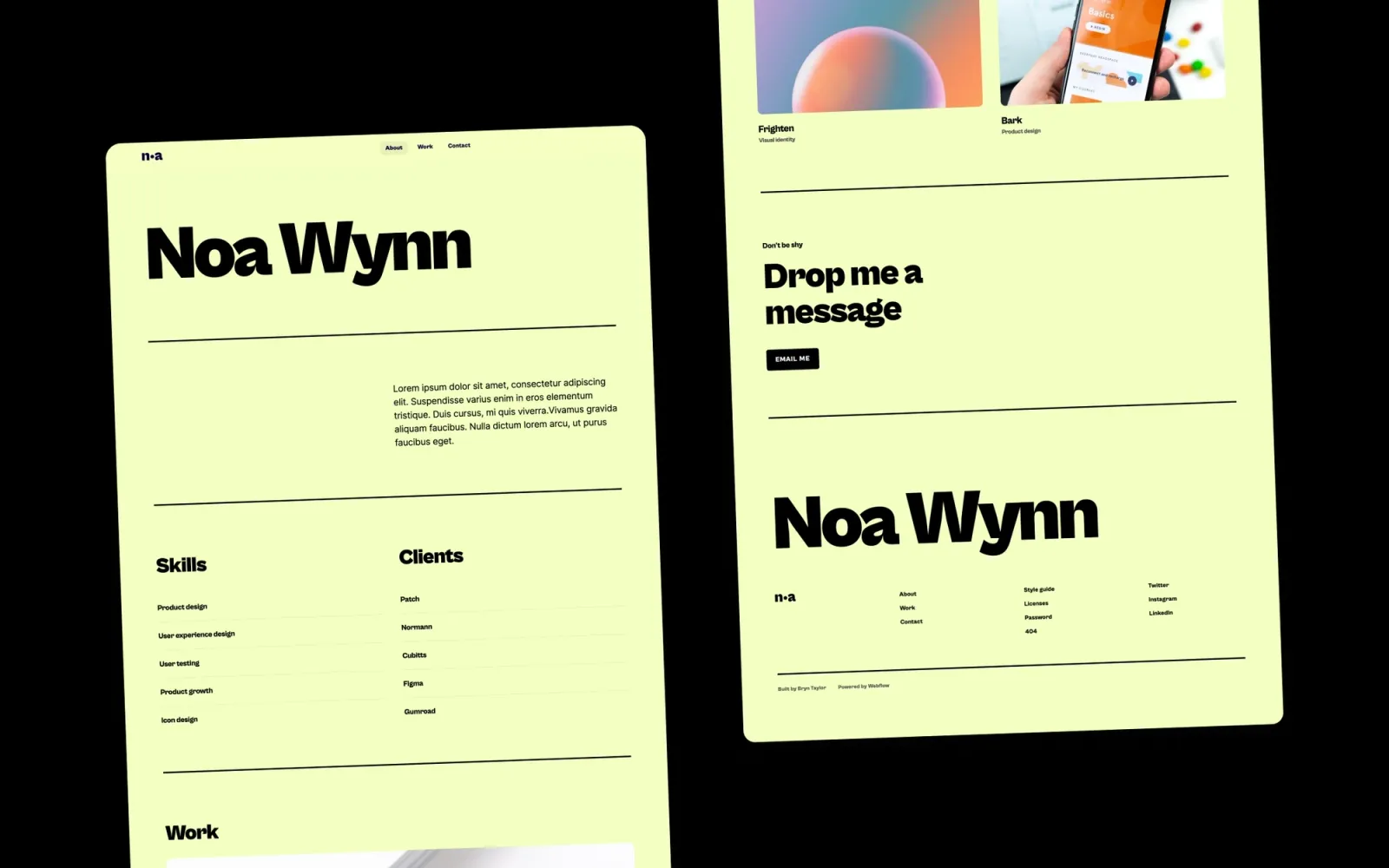
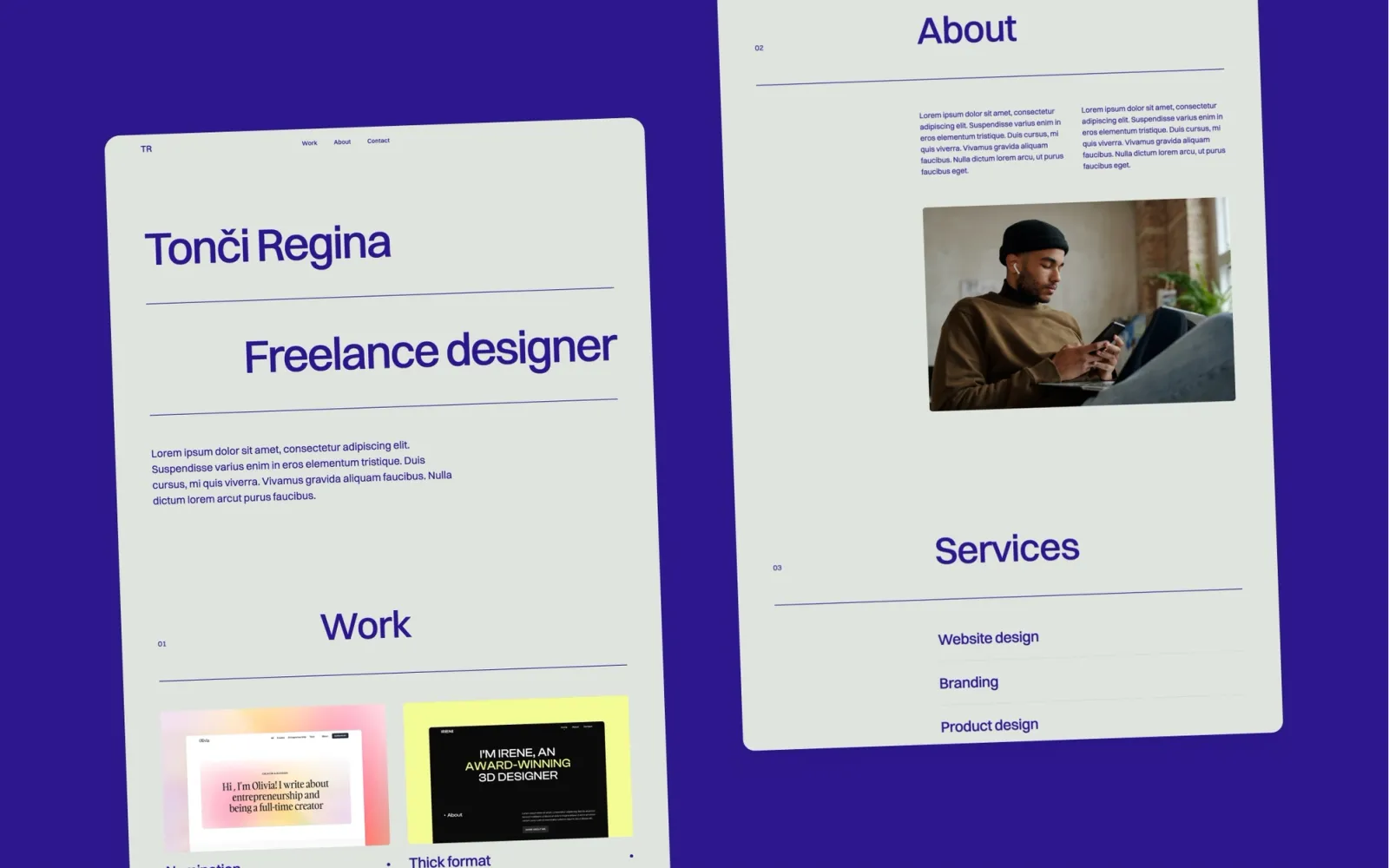
Noa is the clean, affordable solo consultant pick at $29. Card layout, restrained type, no strong aesthetic direction — adapts to whatever the consultant brings. Good for independent practitioners who want approachable over corporate and don't want to spend the week setting it up. Solid at $29 without looking like a budget template.
Solo consultants, coaches, and independent advisors who want a friendly, professional site without budget justification — and a setup process measured in hours, not days.
$29 · Single site licence
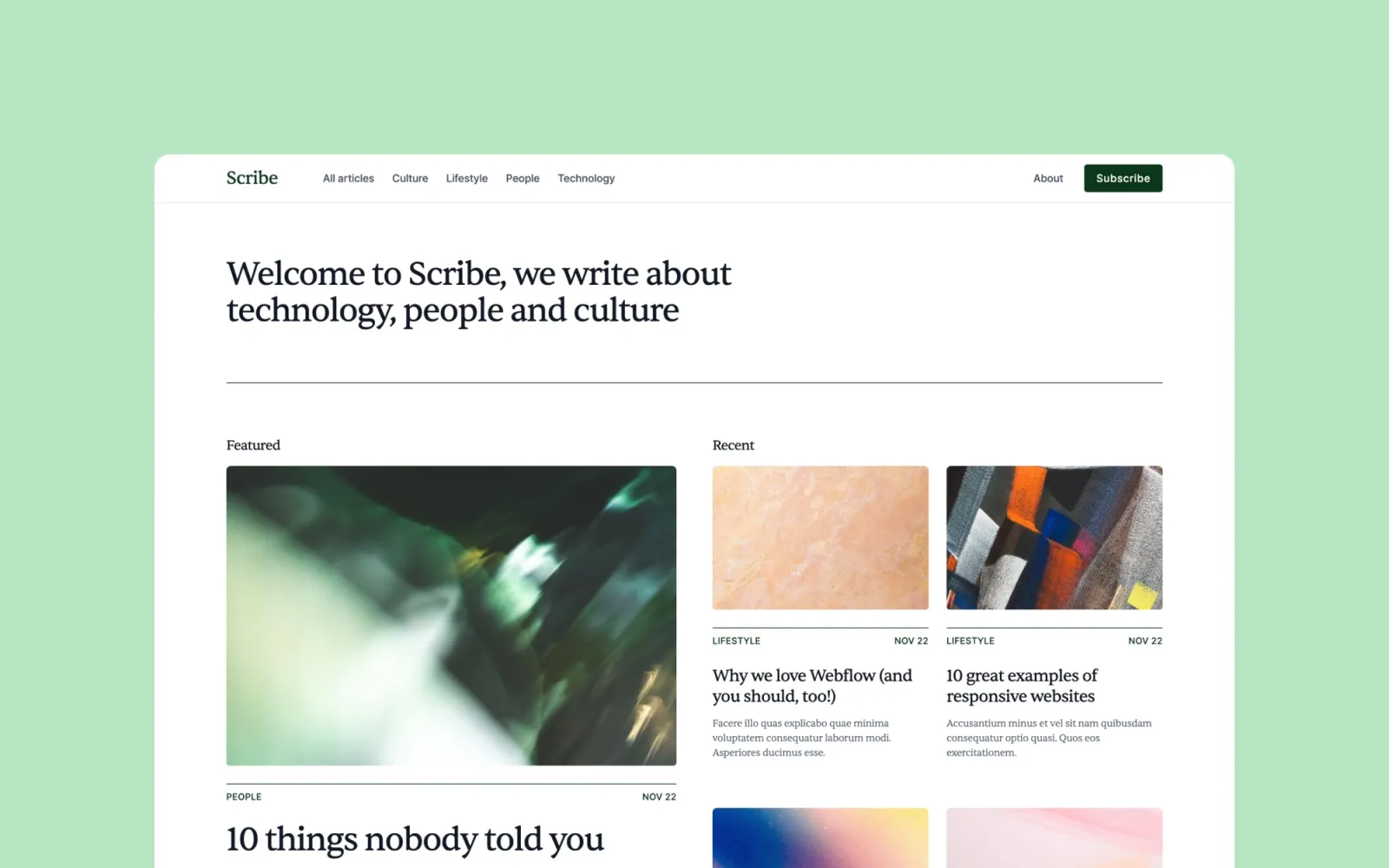
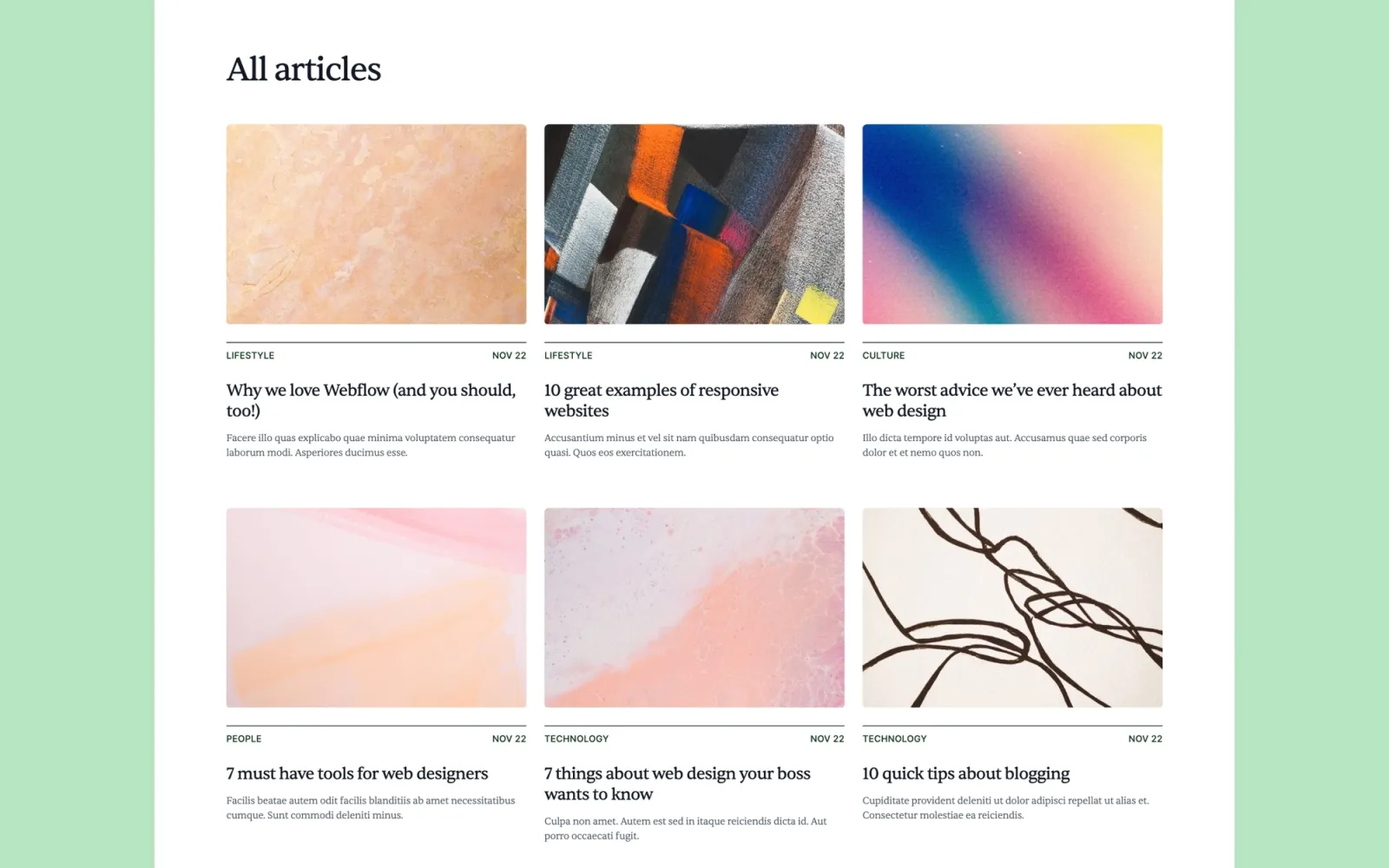
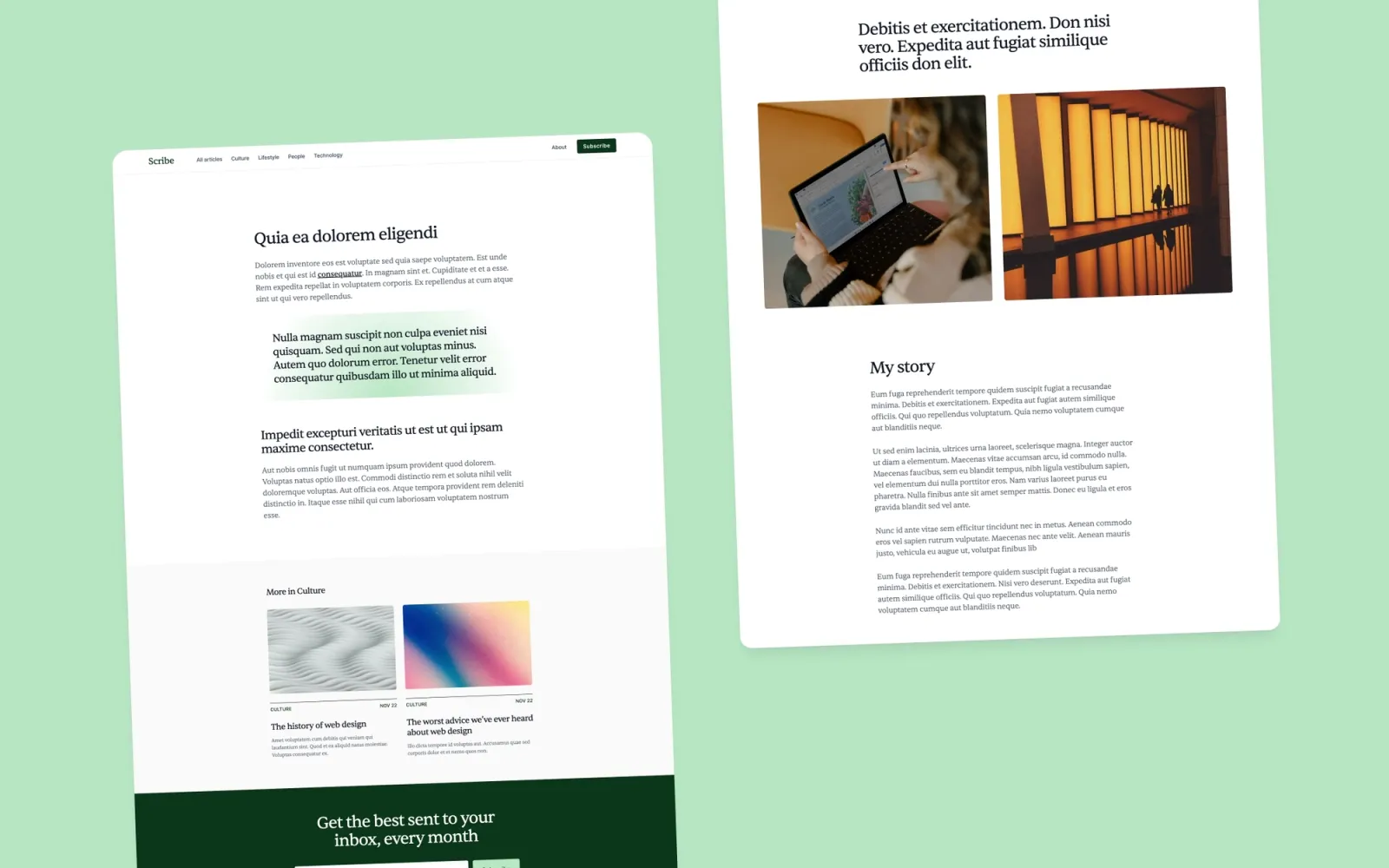
Scribe is built around publishing. Where Lucide has a blog alongside a portfolio, Scribe organises the whole site around the writing. The right structure for a consultant whose reputation comes from what they publish — long-form essays, practitioner research, frameworks. Not the pick if client work is the primary pitch and writing is secondary — Lucide or Compose handle that balance better. Scribe is for the consultant who leads with the thinking, not the roster.
Thought-leader consultants and practitioner-researchers whose primary lead channel is published writing — and whose site should reflect that.
$49 · Single site licence
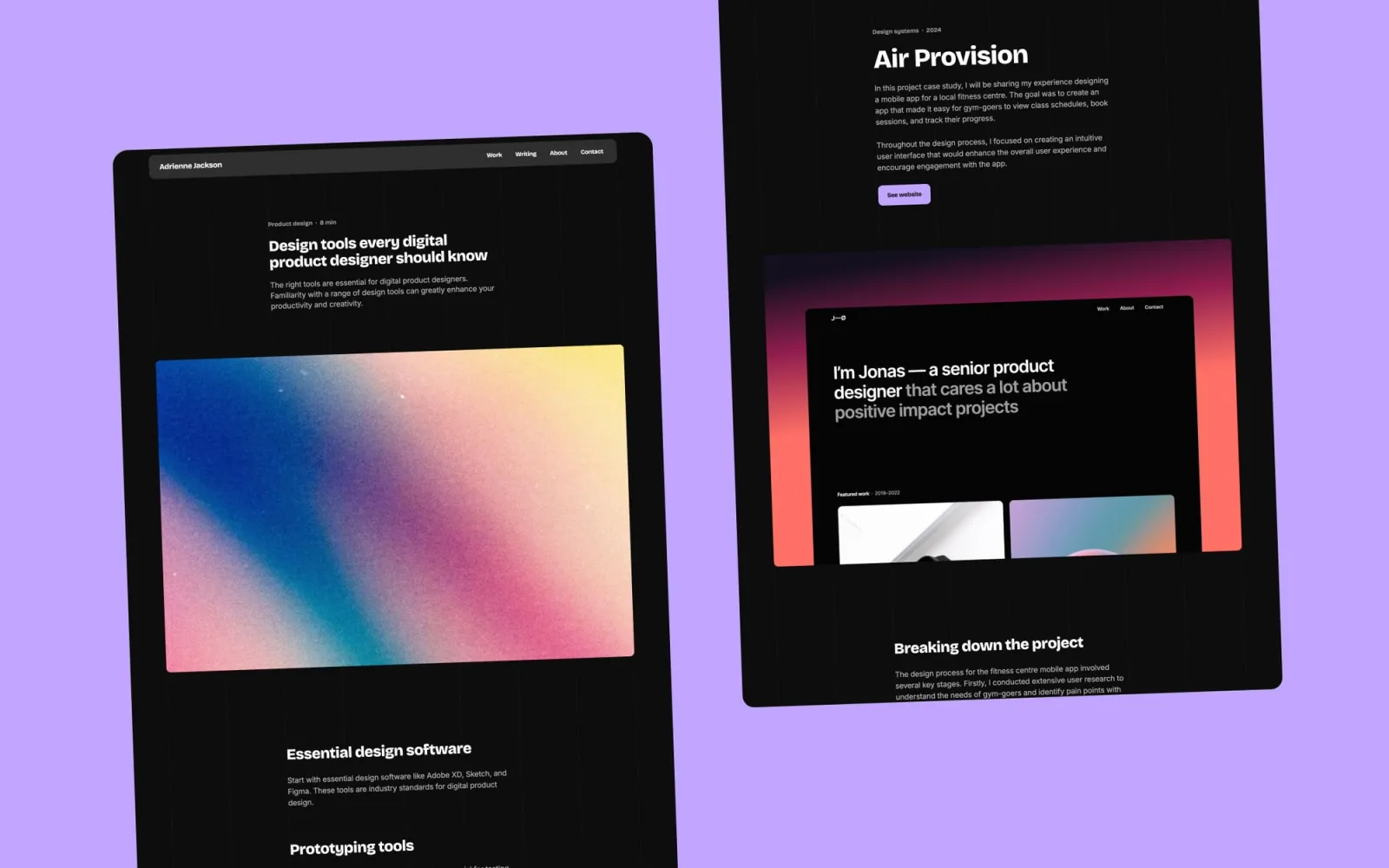
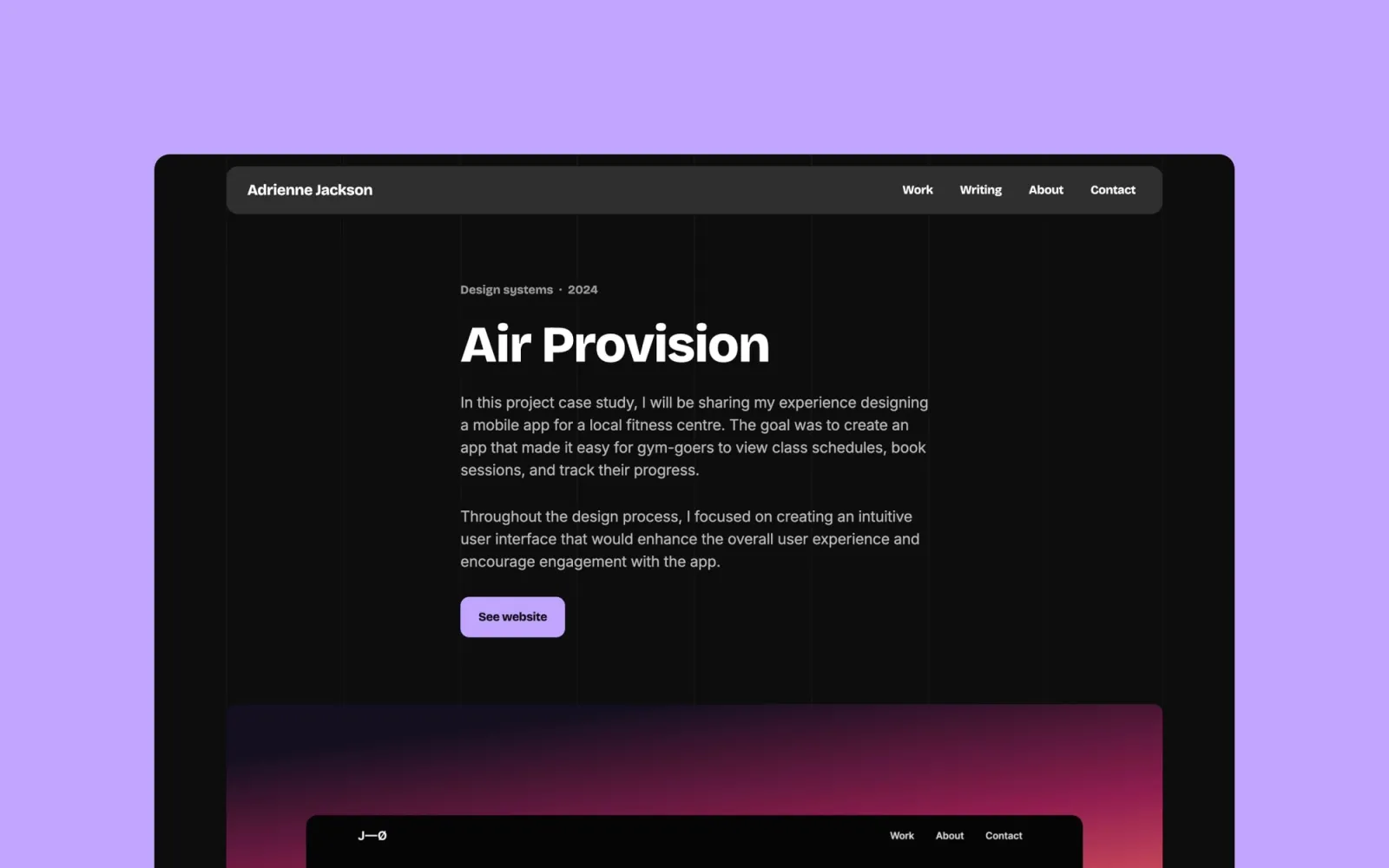
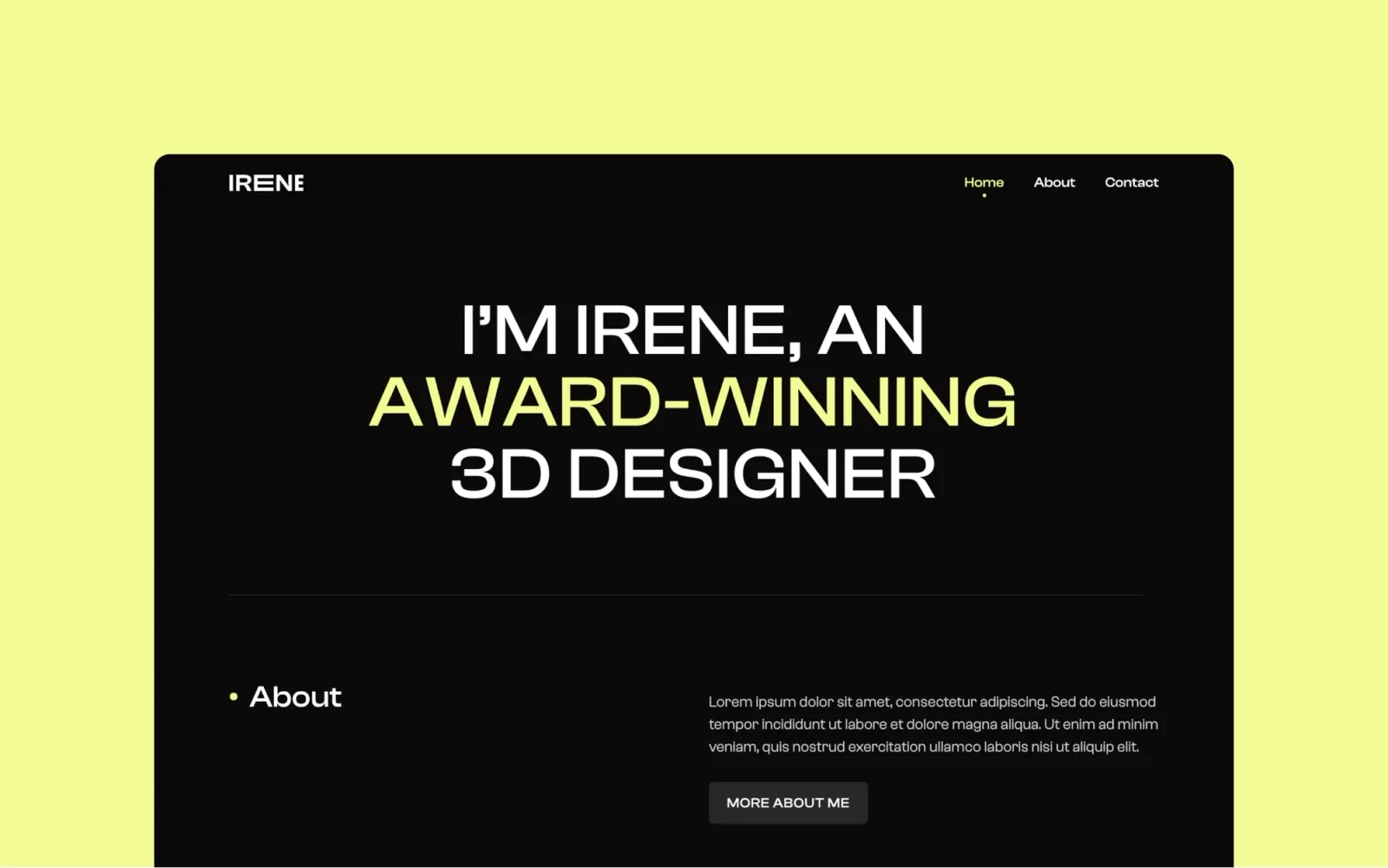
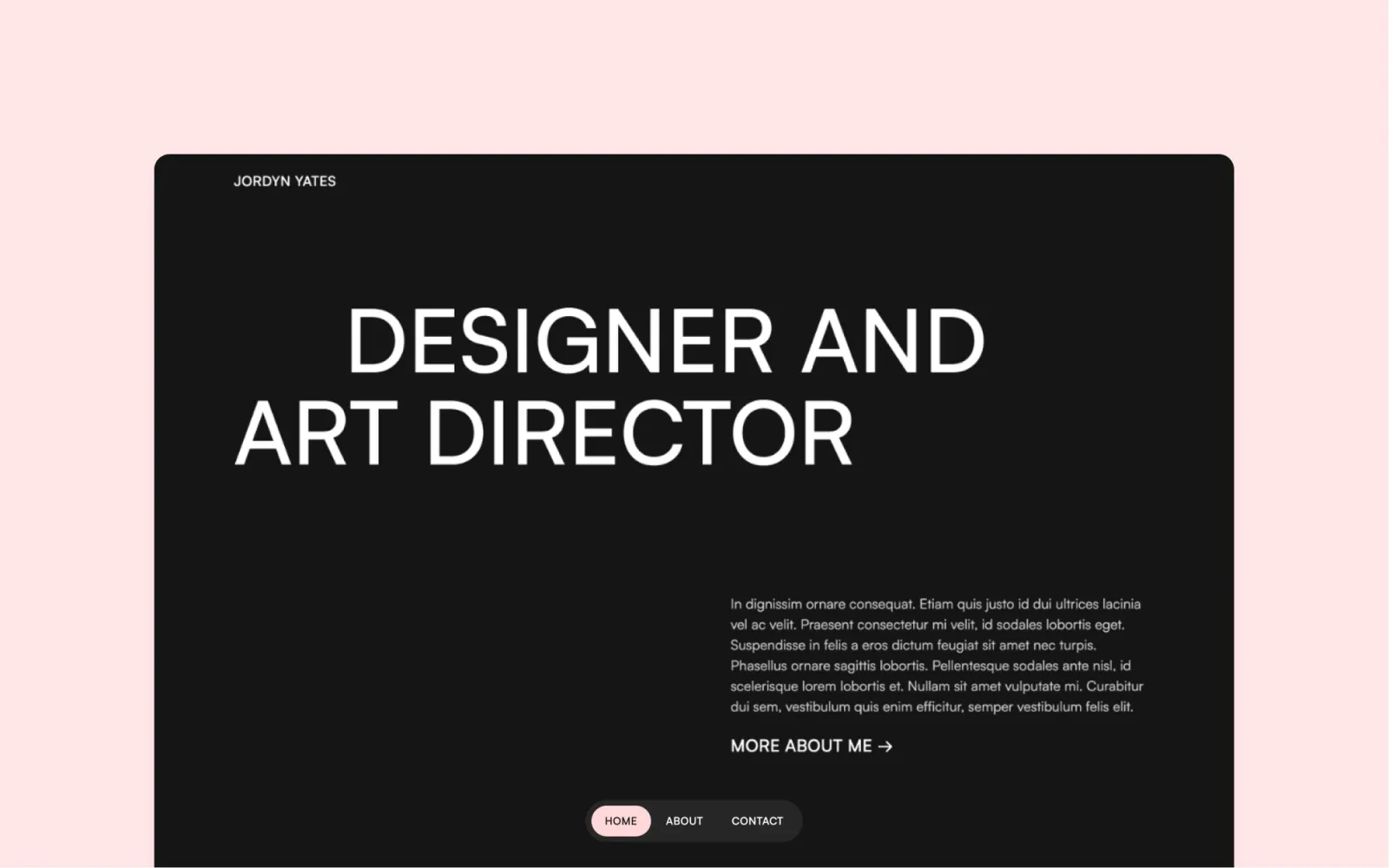
The simpler dark option — Home, Work, About, Contact, CMS for projects. Less configuration than Awake, same dark aesthetic. The pick if dark is the goal and the fuller multi-page structure isn't needed for a solo or small practice.
$49 · Single site licence
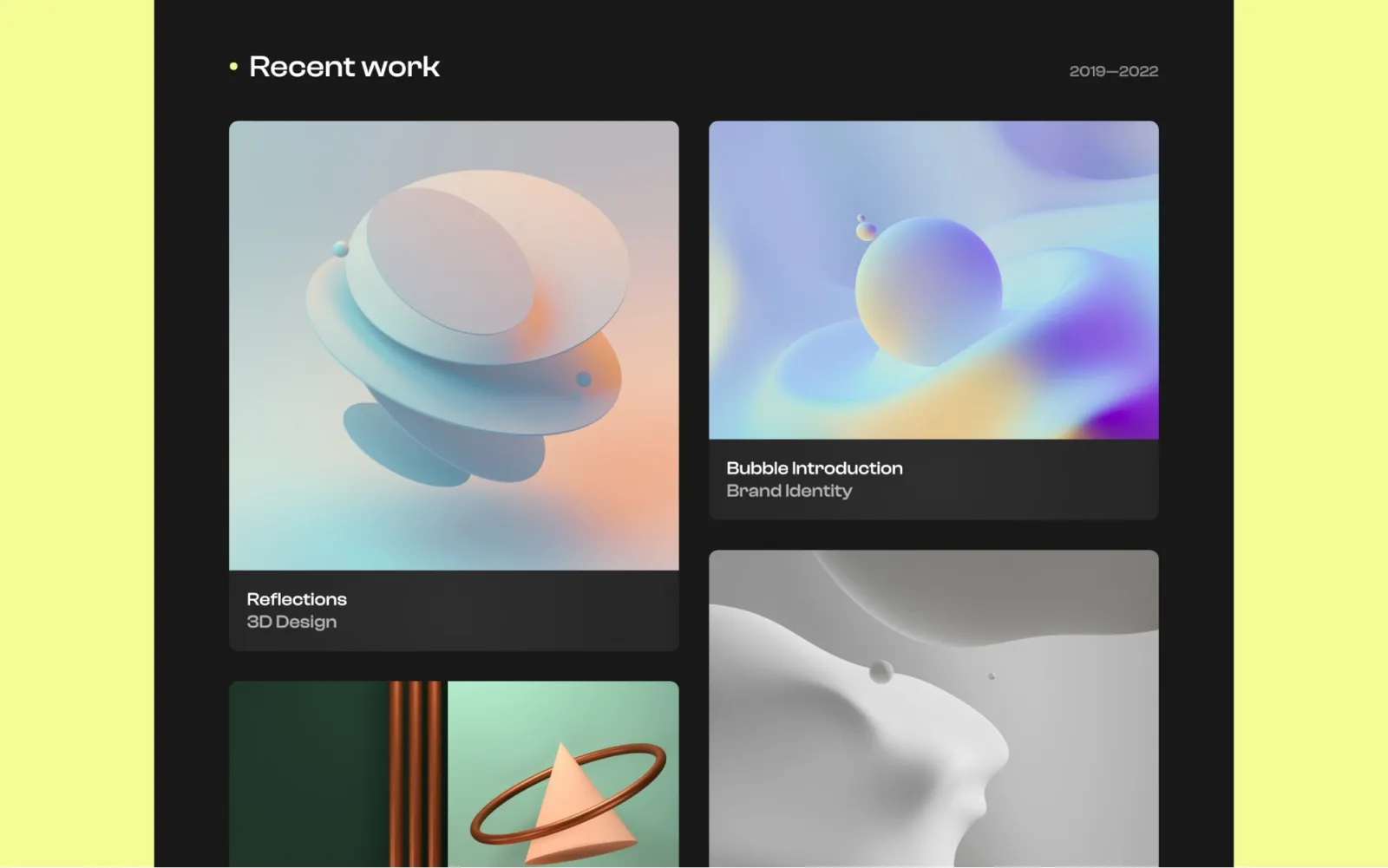
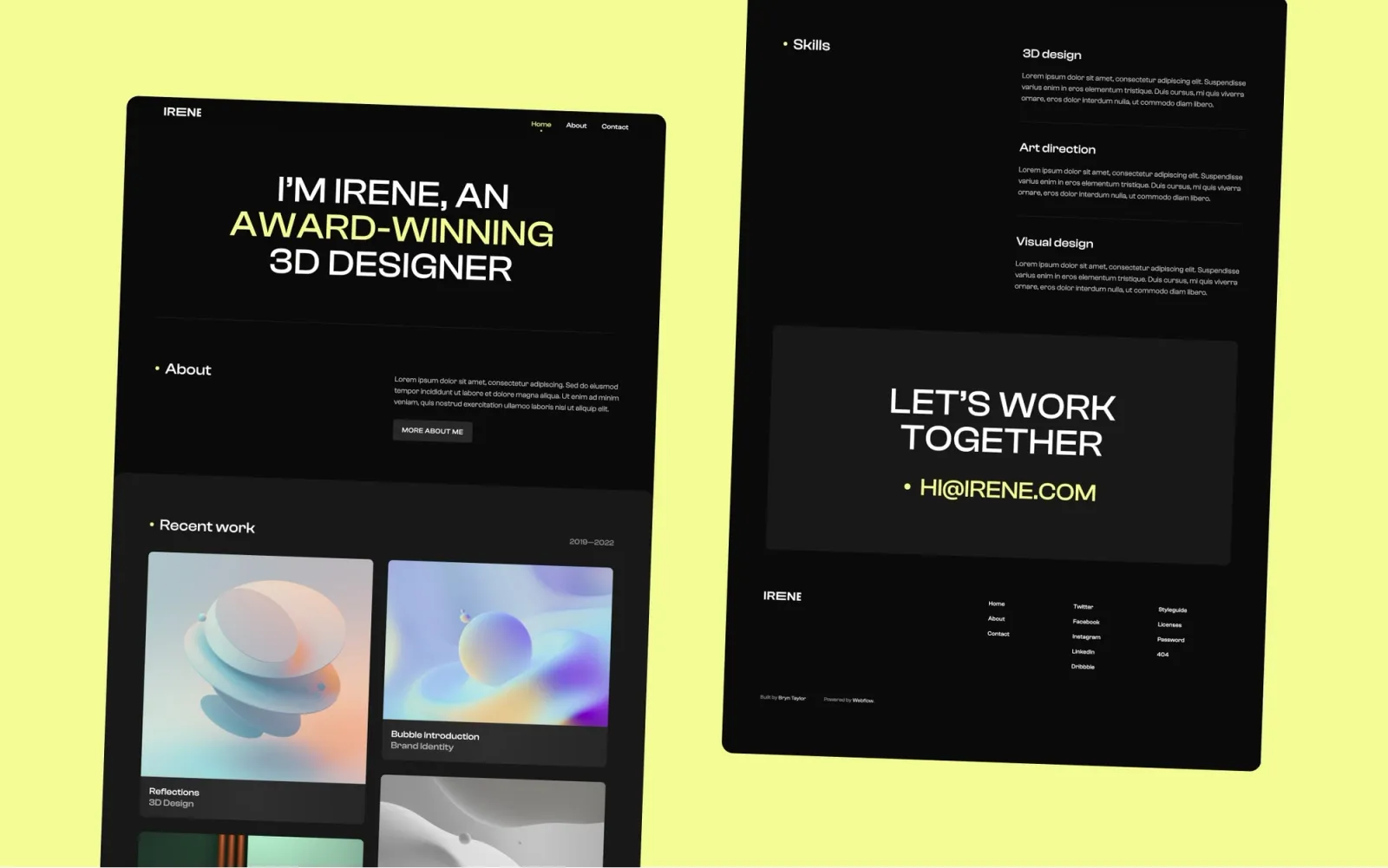
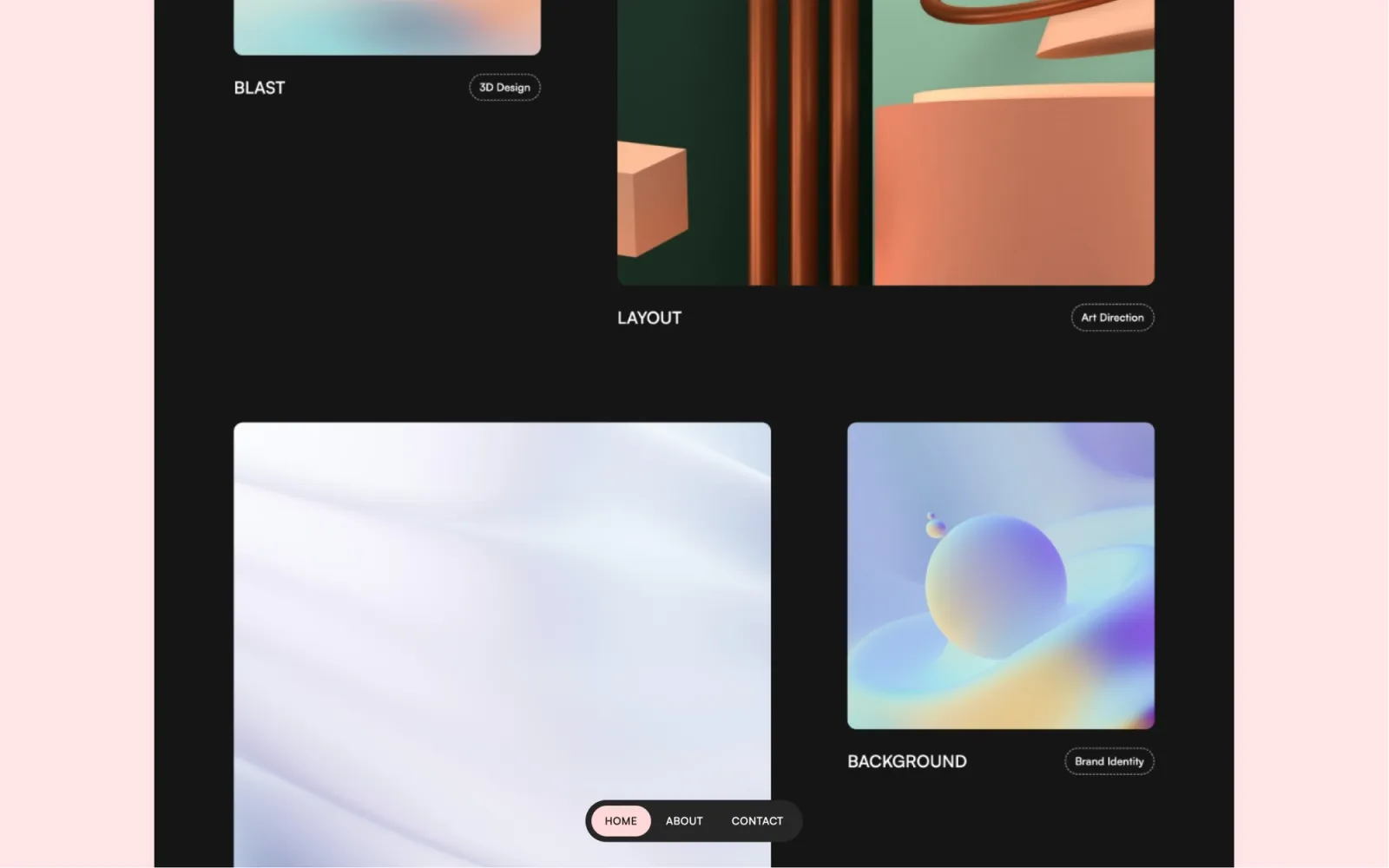
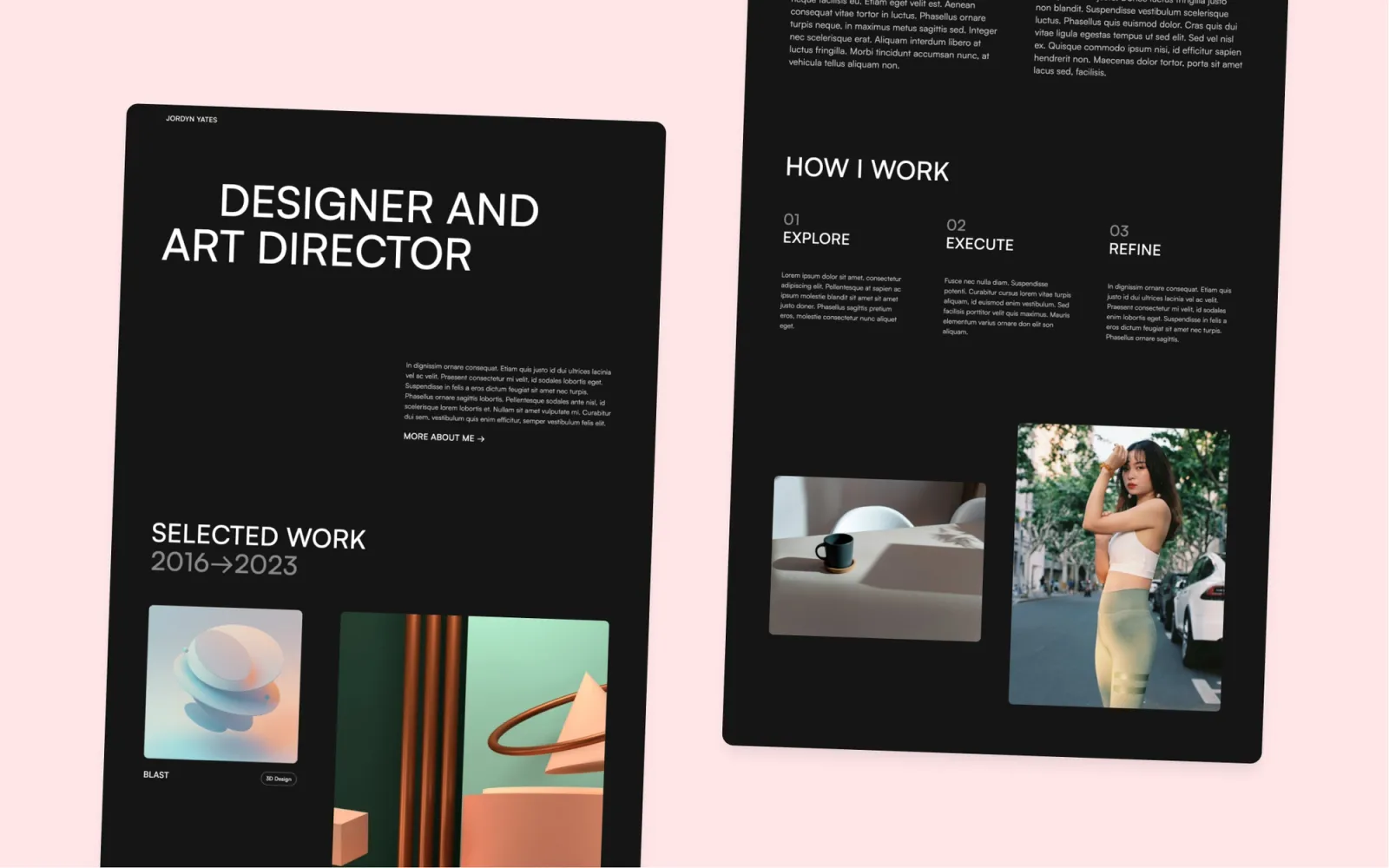
The most stripped-back dark pick. High-contrast, minimal, case study grid. Reads as serious and focused. Better for design-led consultants than strategy or business consultants — the aesthetic leans creative rather than neutral.
$49 · Single site licence
Budget pick with colour. Simple layout, pastel or vivid accent, CMS for work items. Best for solo consultants or coaches who want a site that reads as warm and approachable rather than corporate.
$29 · Single site licence
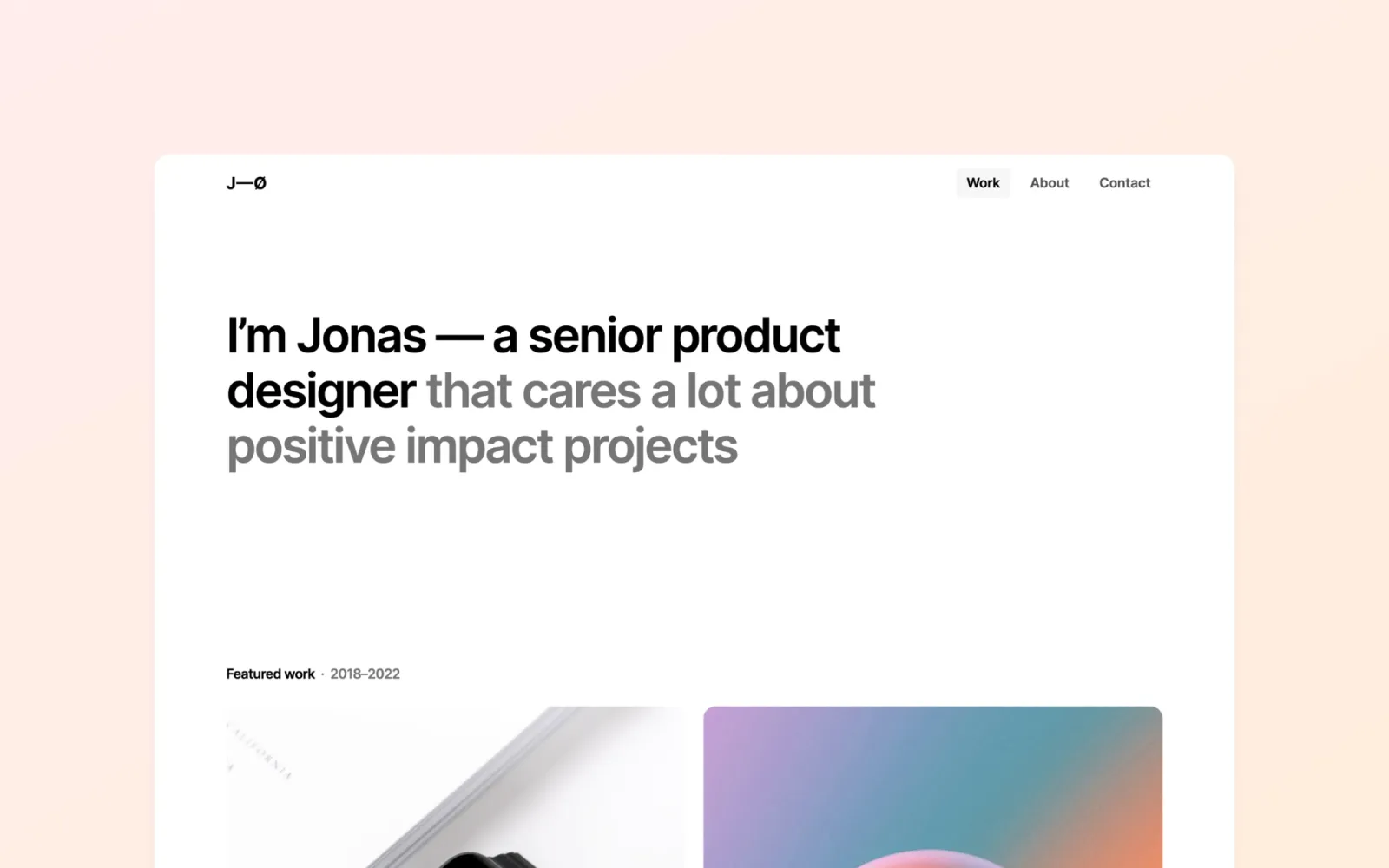
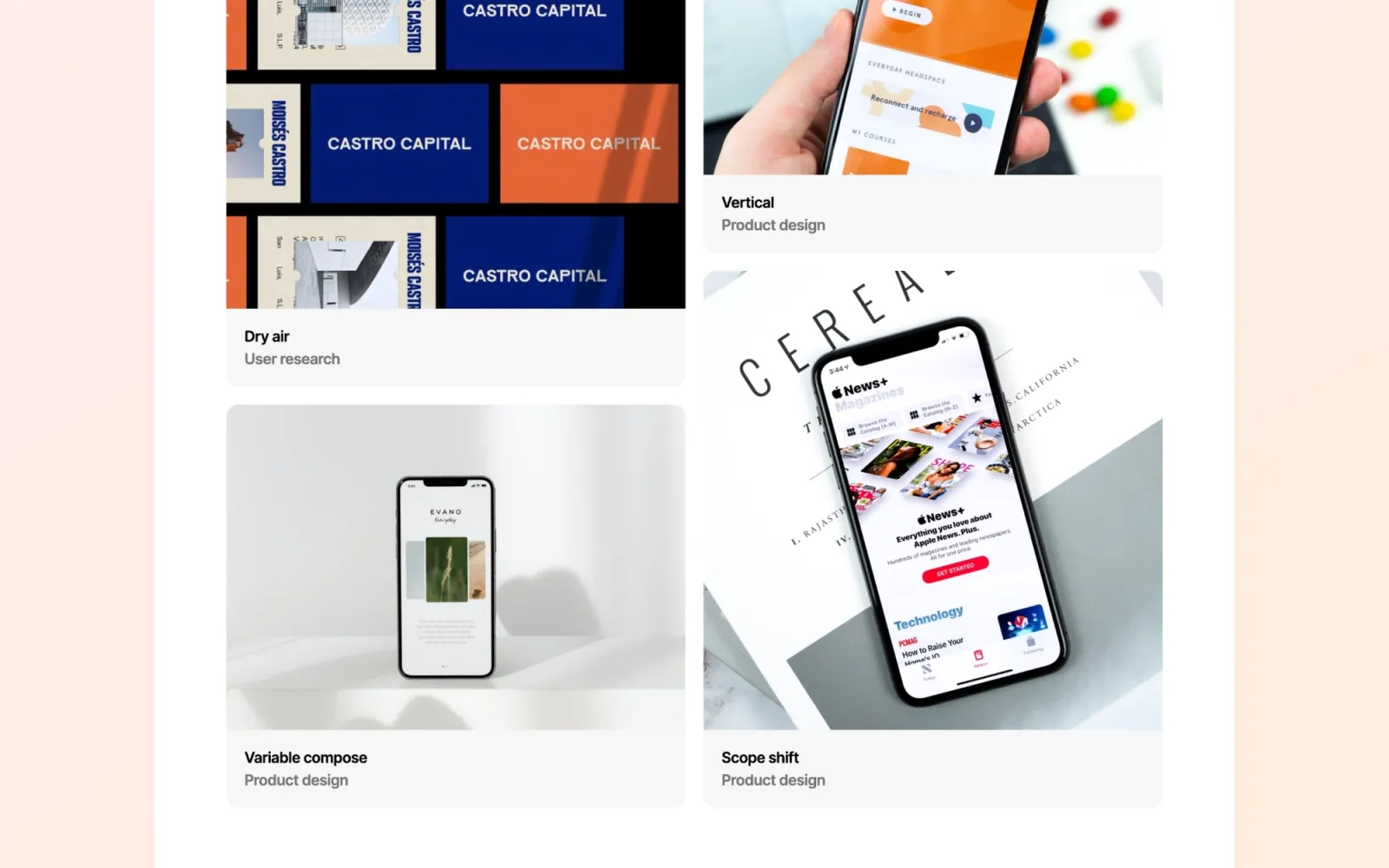
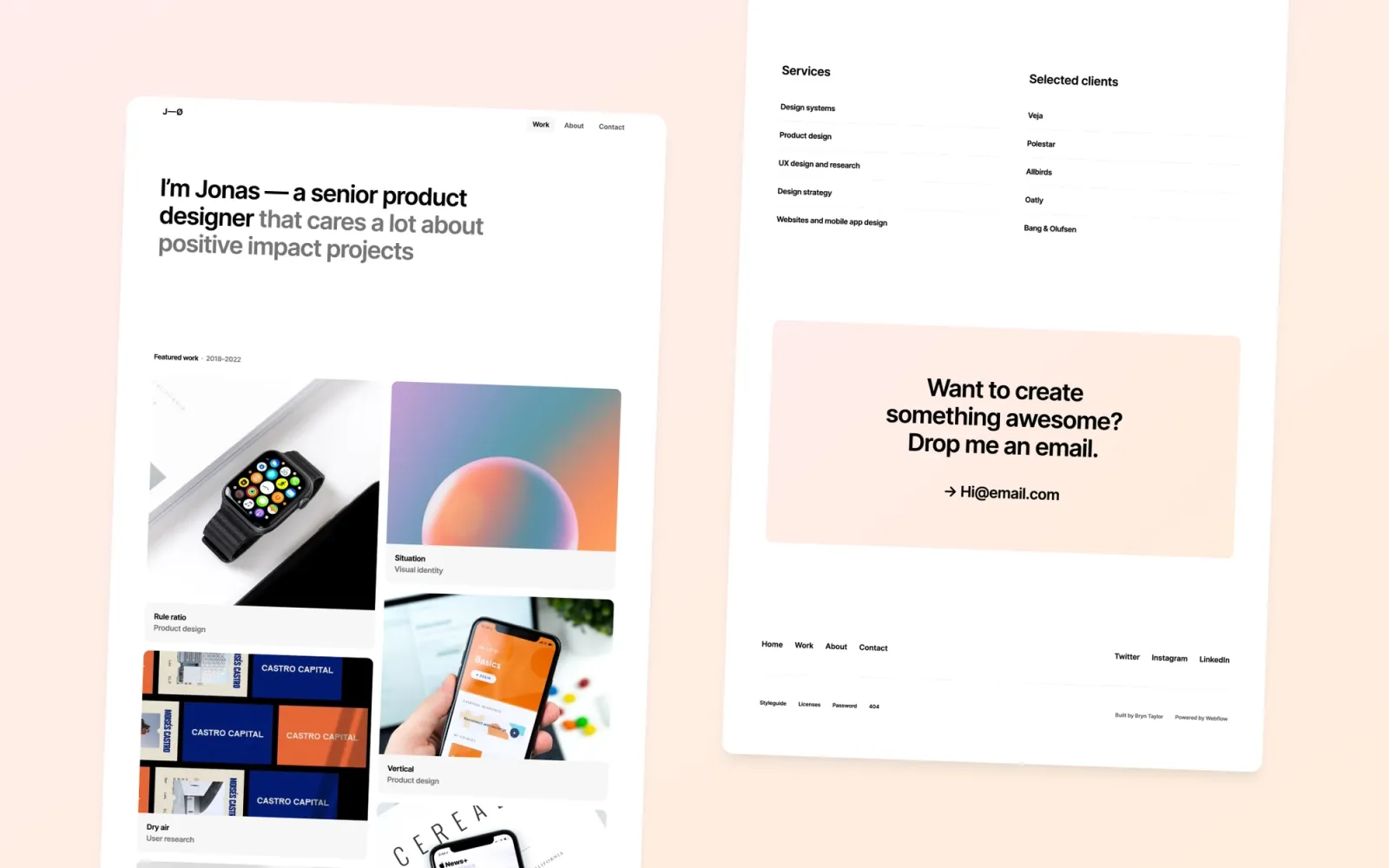
The straightforward affordable option. Clean light-mode card grid, standard structure, no frills. The template for getting a professional site live this week without spending the budget or the afternoon on template decisions.
$29 · Single site licence
Someday for editorial personality and versatility — the all-rounder at $49. Lucide if publishing is a lead channel and a blog needs to sit alongside case studies. Compose if writing leads and the portfolio is secondary. Column for strategy and multi-service practices with a lot of content to organise. Landon for enterprise-facing consultants where conventional is a feature. Awake if dark is the aesthetic and the audience is premium. Noa for the straightforward solo practice at $29. Scribe if the site should read as a published practitioner, not a portfolio.
Browse the full set on the Webflow consulting templates page.
Quick setup checklist:
Three things: room for case studies or client work with a CMS-backed structure, a clear services section, and a contact capture. The blog is optional — worth it if writing is already a lead channel, unnecessary overhead if it isn't. Beyond that, pick the aesthetic that matches how you want to be perceived by the clients you want. A minimal template doesn't rank worse in Google; it just looks different.
Lucide, Compose, Column, and Scribe all have CMS-backed blog or article sections built in. Lucide and Compose give case studies and writing equal presence. Scribe is built primarily around publishing. Column has an editorial grid suited to content-heavy sites. The remaining templates — Someday, Awake, Landon, Noa, Irene, Darkfolio, Accent, and Jonas — are portfolio and case-study-first. A blog can be added, but it isn't built into the structure from the start.
Noa and Jonas for the most affordable, low-fuss options. Landon if the client base is corporate and professional. Someday if the practice has a distinctive point of view and the setup time is available. Compose or Scribe if writing is the primary lead channel and the site should reflect that.
Noa, Accent, and Jonas are $29. Someday, Lucide, Compose, Column, Landon, Awake, Scribe, Irene, and Darkfolio are $49. All are single site licences. The difference between $29 and $49 is usually page depth, animation quality, and how well the template handles the full consulting site structure — services, case studies, writing — without custom builds.
Webflow gives more layout control and better SEO fundamentals out of the box. If the practice publishes content regularly or expects the site to pull organic traffic, Webflow's structure earns the initial setup curve. If the site is a contact card with a few service lines, Squarespace is faster to launch and cheaper to maintain. Webflow is the right choice if the site is a lead channel, not just a presence.
Looking for a freelance designer site rather than a consultancy? Webflow portfolio templates covers the portfolio-focused picks on the same platform.
Join 2,900+ designers · Unsubscribe at any time