14 best Webflow portfolio templates
Fourteen Webflow portfolio templates for designers and creatives — dark, minimal, bold and typographic, and one with a full blog built in. All built to make good work look better.

14 min
Fourteen Webflow portfolio templates for designers and creatives — dark, minimal, bold and typographic, and one with a full blog built in. All built to make good work look better.
Most portfolios are let down by the site, not the work. A weak template makes good work look average.
These fourteen Webflow portfolio templates cover the range — dark and minimal, bold and typographic, one-pagers and multi-page case study archives, one with a full blog built in. Something for every kind of creative.
I also run A1, a gallery of the best websites. The minimal portfolio sites there are worth a look before you pick.
Three things matter. CMS support for case studies, so you can update your work without touching the layout. A strong mobile design, because clients check portfolios on their phones. And enough visual personality to be memorable — not so much that the template competes with the work.
Lucide is the only template on this list with a full blog built in alongside the portfolio. One Webflow editor handles both work and writing — no third-party integrations, no CMS patching. The aesthetic is clean and editorial: generous whitespace, strong typographic rhythm. If writing is part of how you position yourself, Lucide is the straightforward choice.
Designers who publish — case study writers, thought leadership contributors, or anyone who wants writing alongside their portfolio without managing two separate sites.
$49 · Single site licence
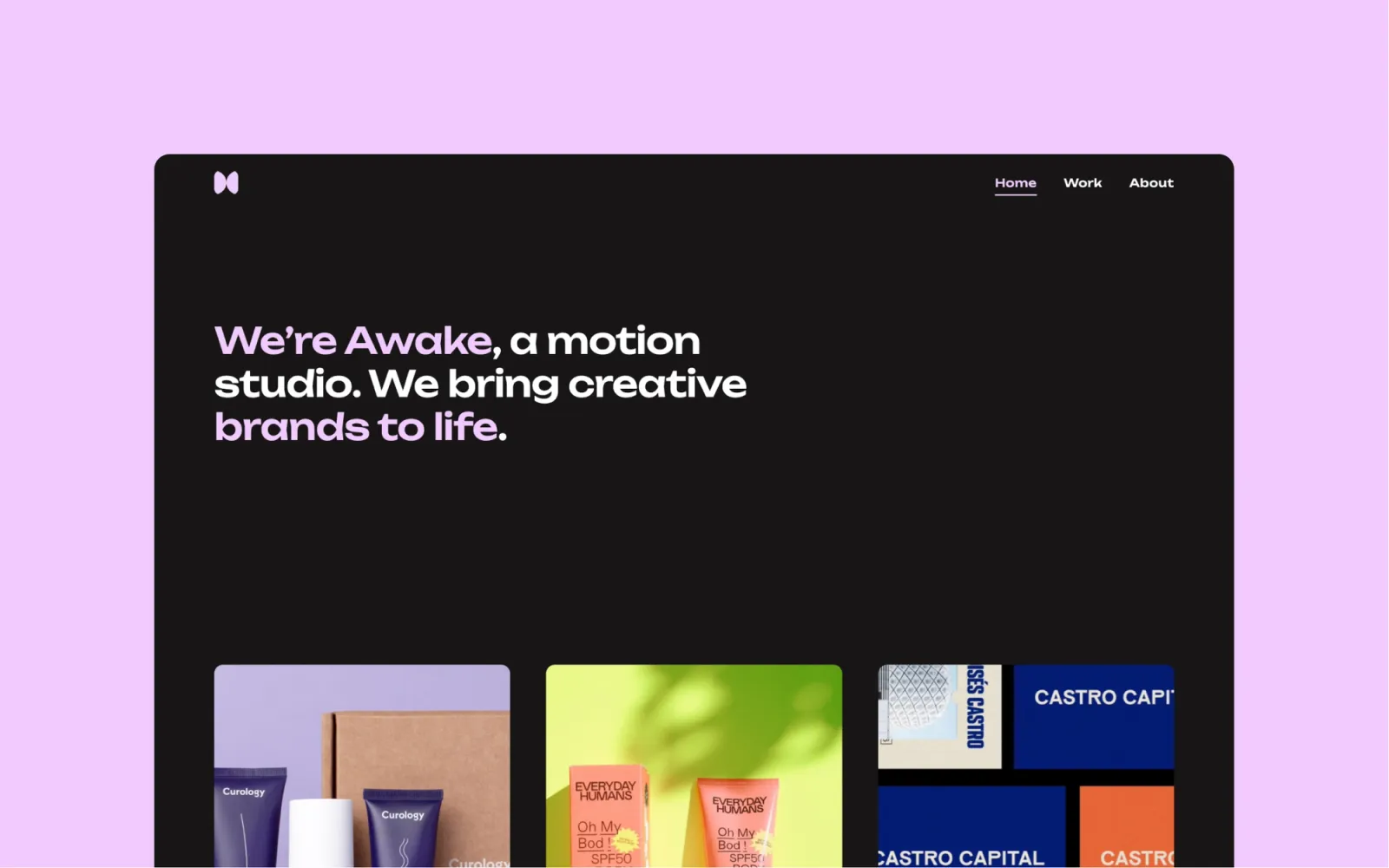
Awake is a dark, agency-focused portfolio with a clean grid and strong image presentation. The dark canvas lets project visuals lead, and the multi-page structure handles case studies and an about page without getting cluttered. More controlled than Someday, less theatrical than Debut Studio — the dark template built for agency work and detailed case studies.
Agency designers and UX leads who want a dark portfolio with room for detailed case studies.
$49 · Single site licence
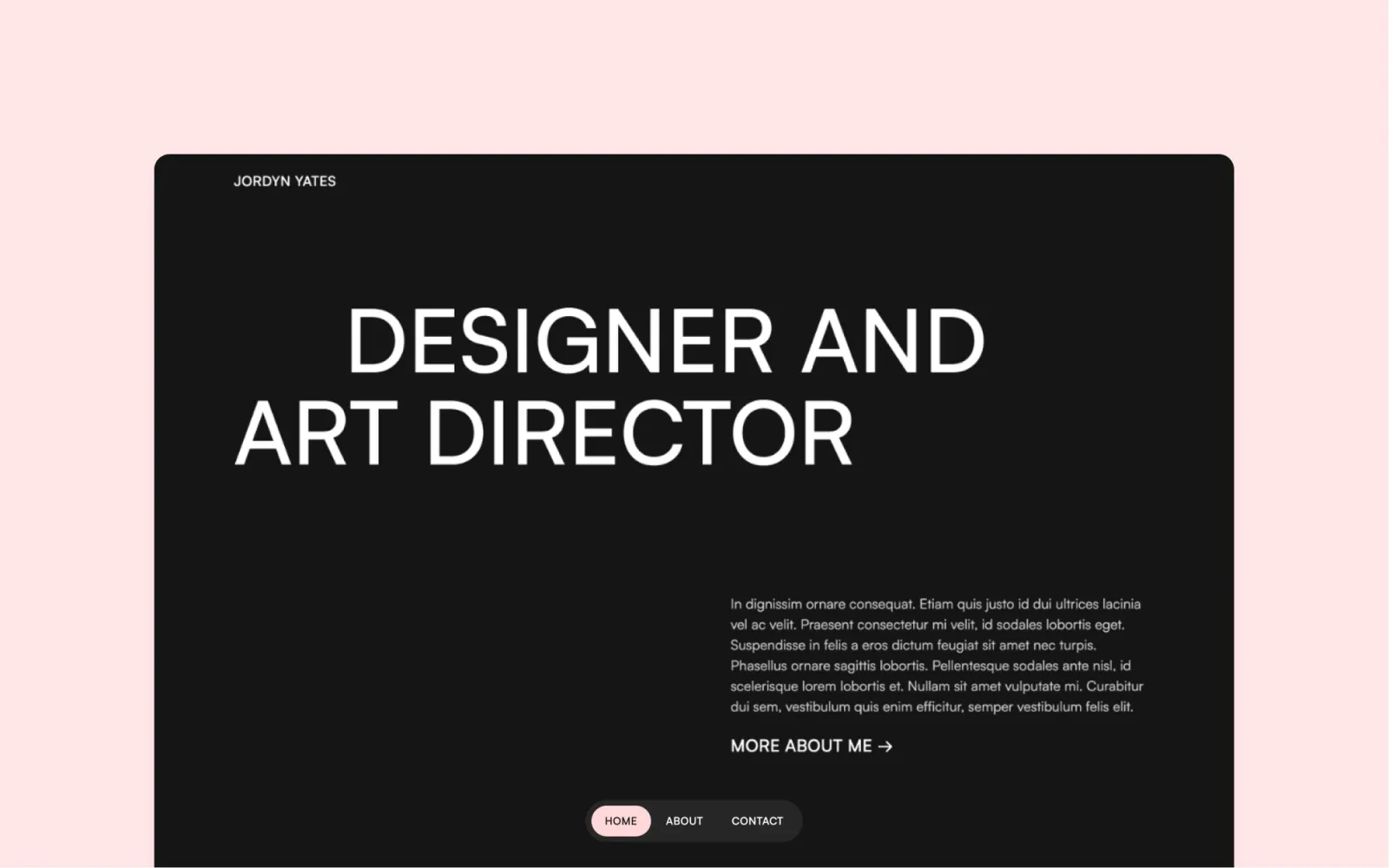
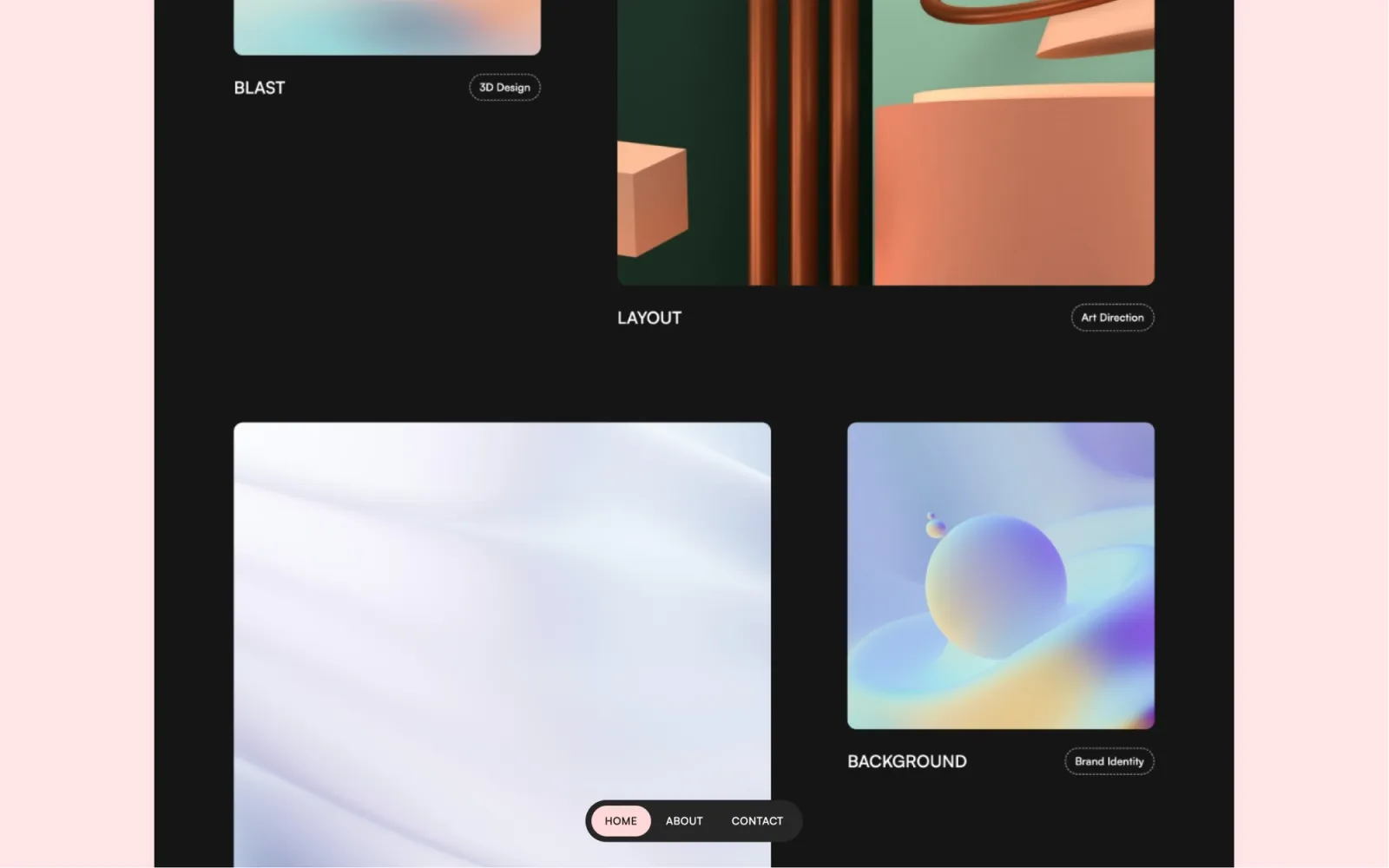
Darkfolio is the most minimal dark portfolio on this list. High-contrast, sparse layout, every element earning its space. Where Awake has warmth, Darkfolio is cooler and more restrained — the right choice if the work is the only thing that should draw the eye. No blog, no events, no extras. Just work presented well.
Brand and visual designers whose work looks best on a dark, high-contrast background. Not the right choice if you publish writing alongside the portfolio.
$49 · Single site licence
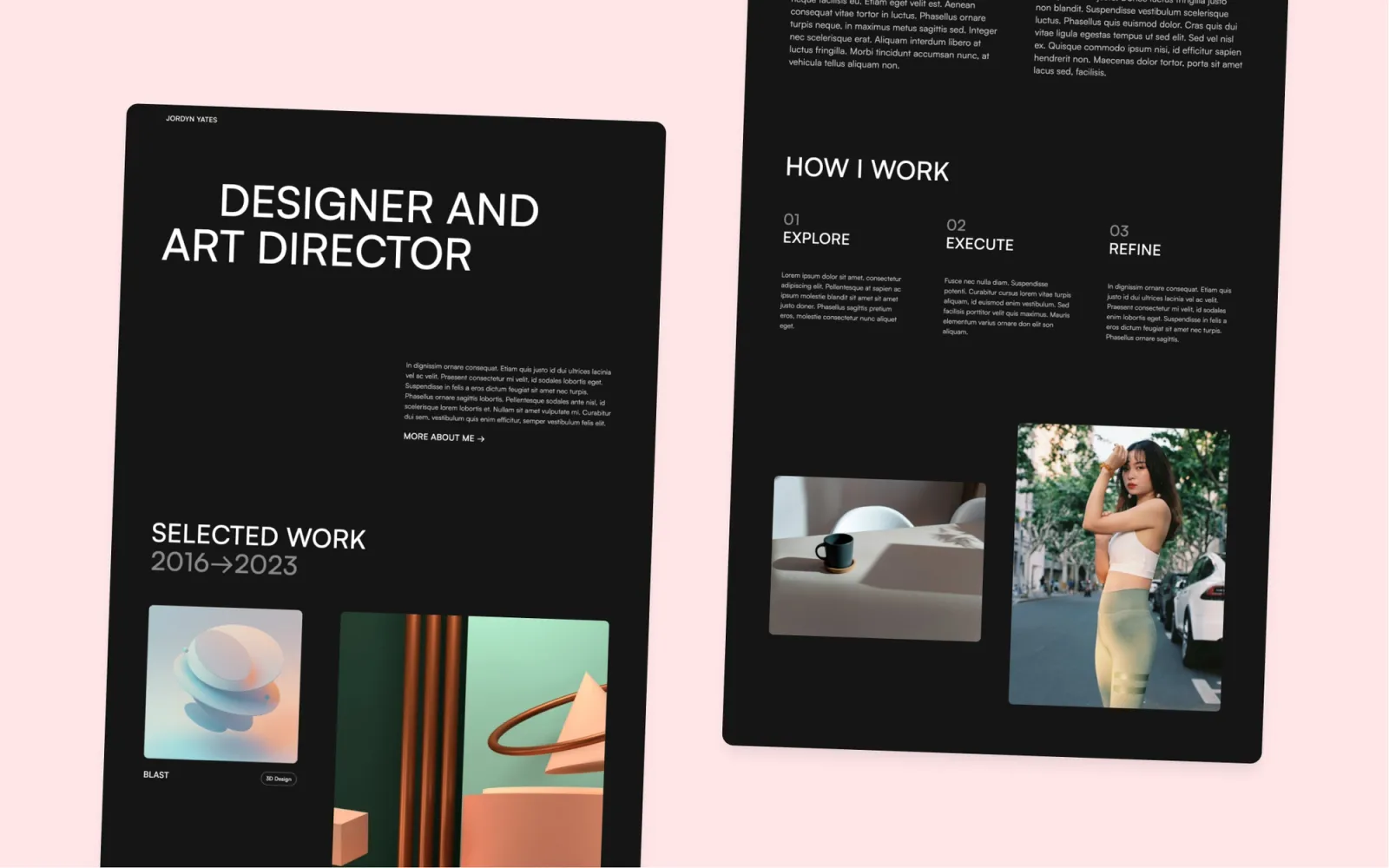
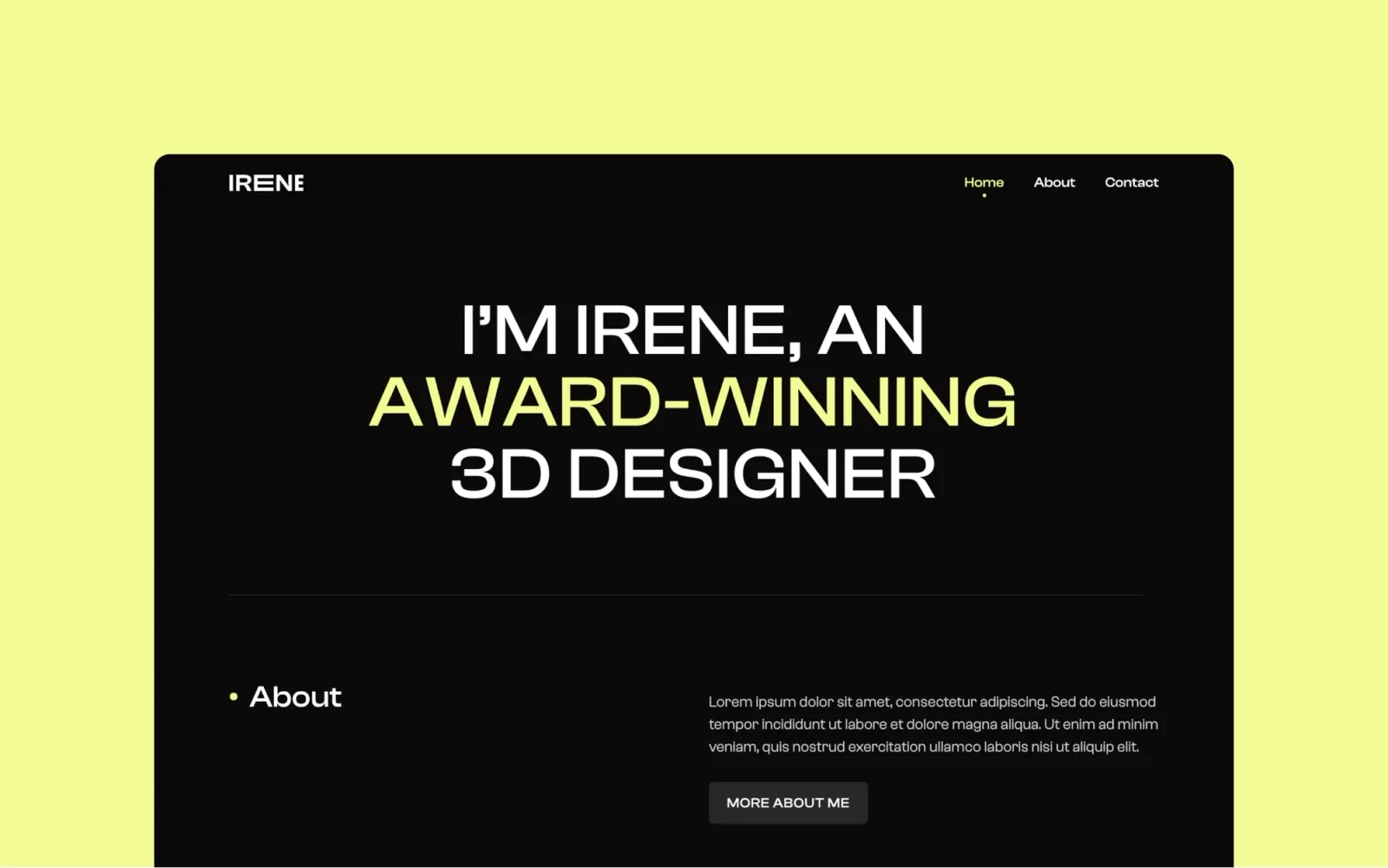
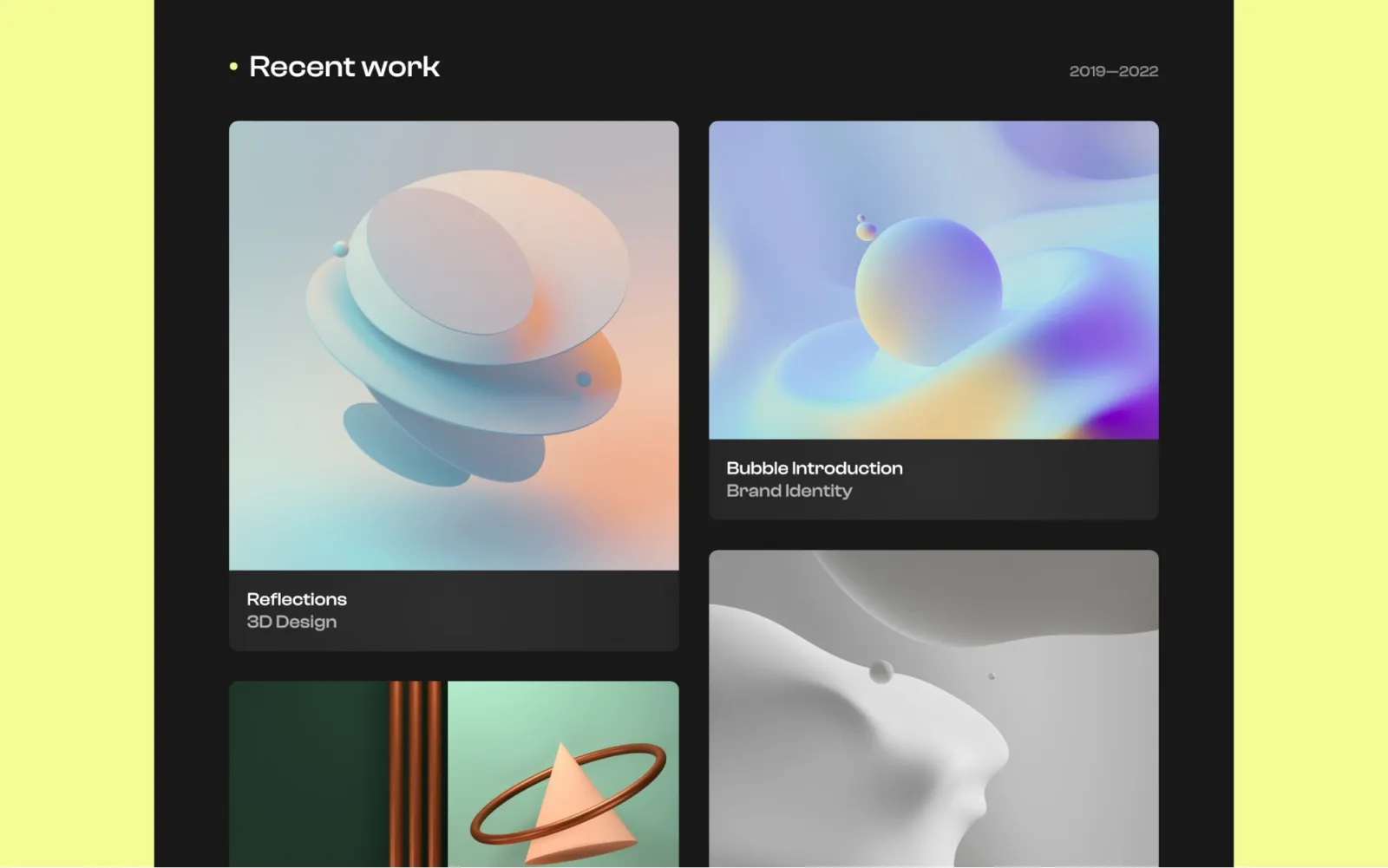
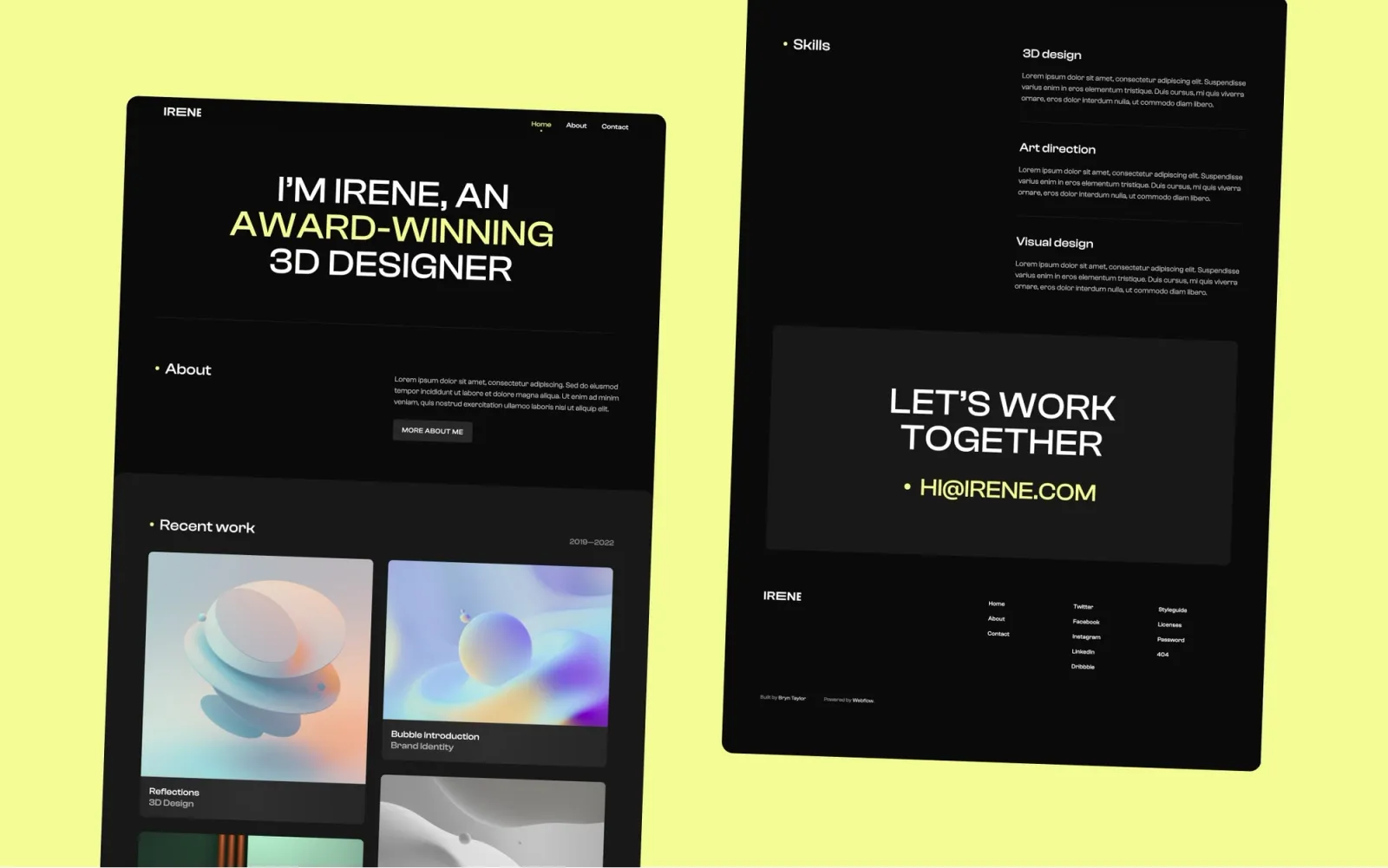
Irene is a simple dark portfolio with a lighter touch than Awake or Darkfolio. The layout is straightforward — work grid, about, contact — with no frills and no complexity. The one to pick if you want a dark site but find Darkfolio too stripped back or Awake too agency-heavy.
Independent designers who want a dark portfolio that is quick to set up and easy to maintain.
$49 · Single site licence
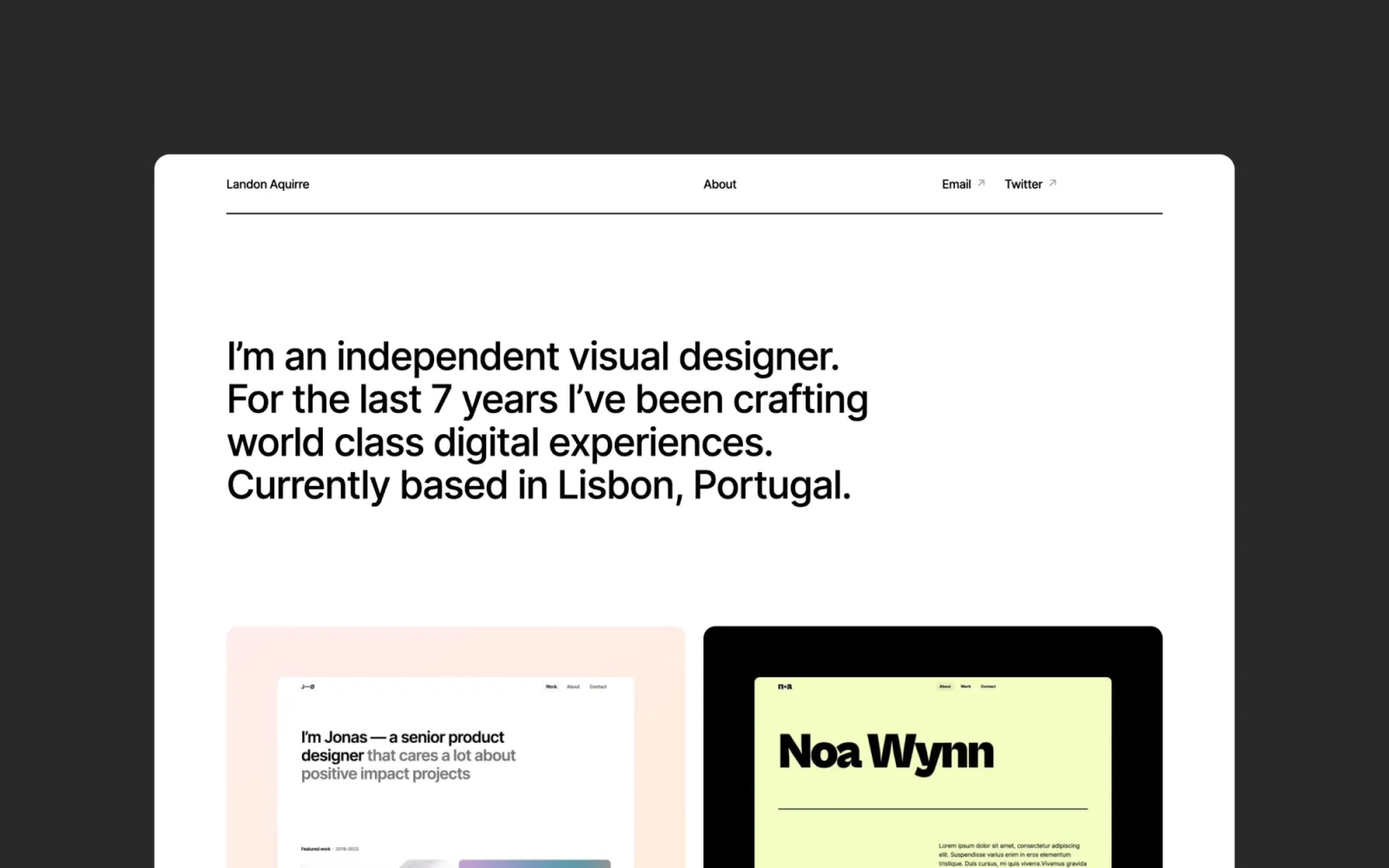
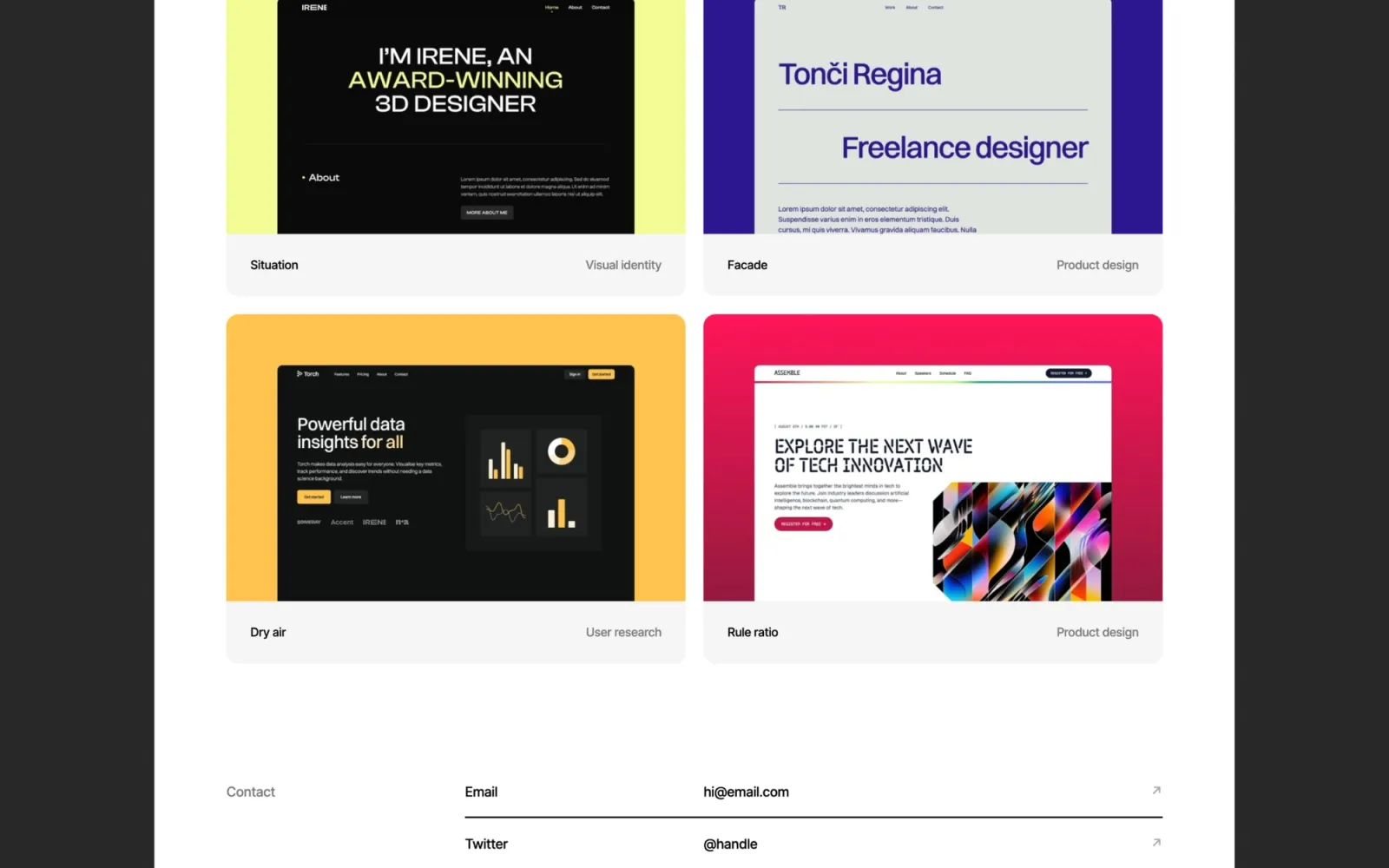
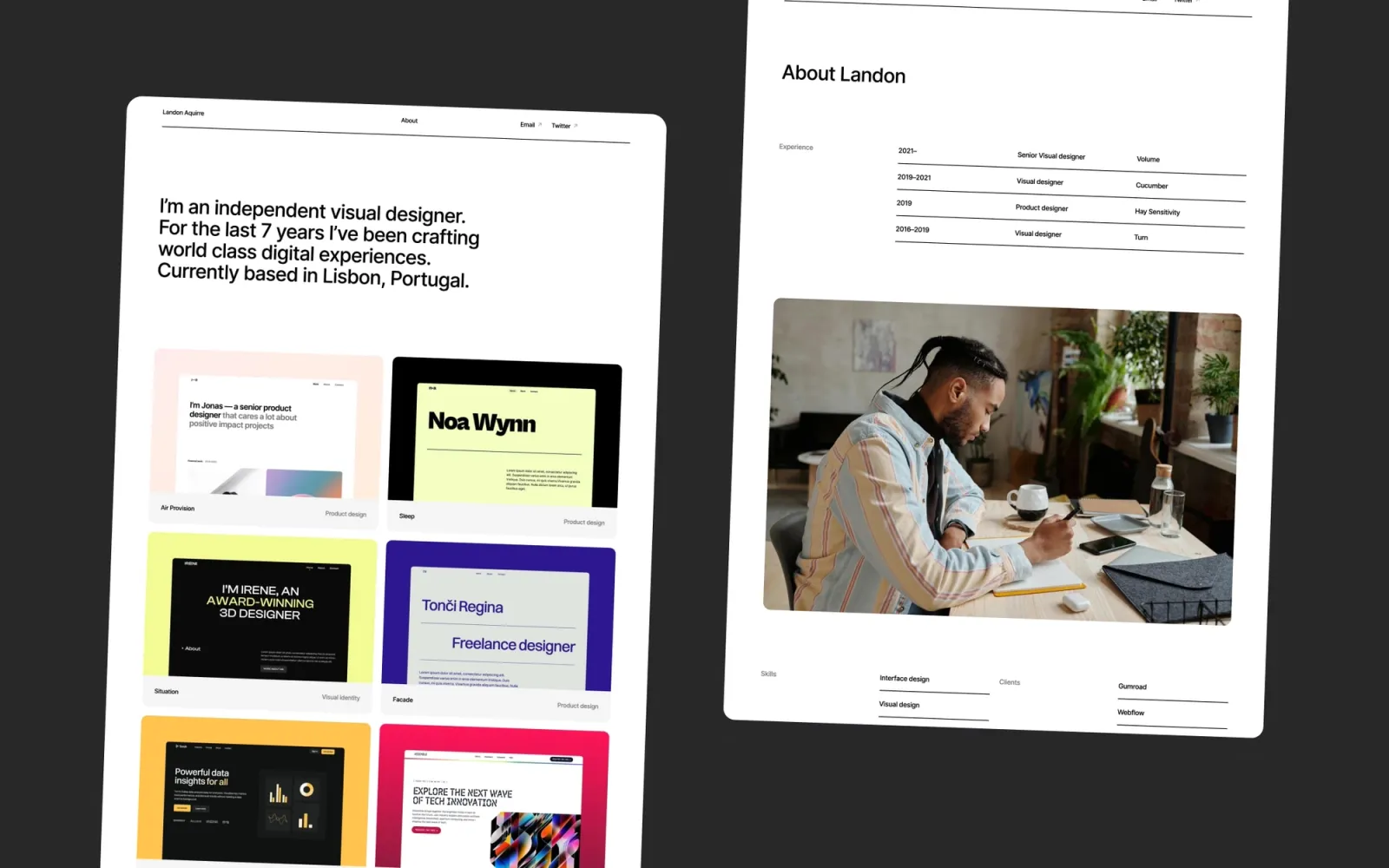
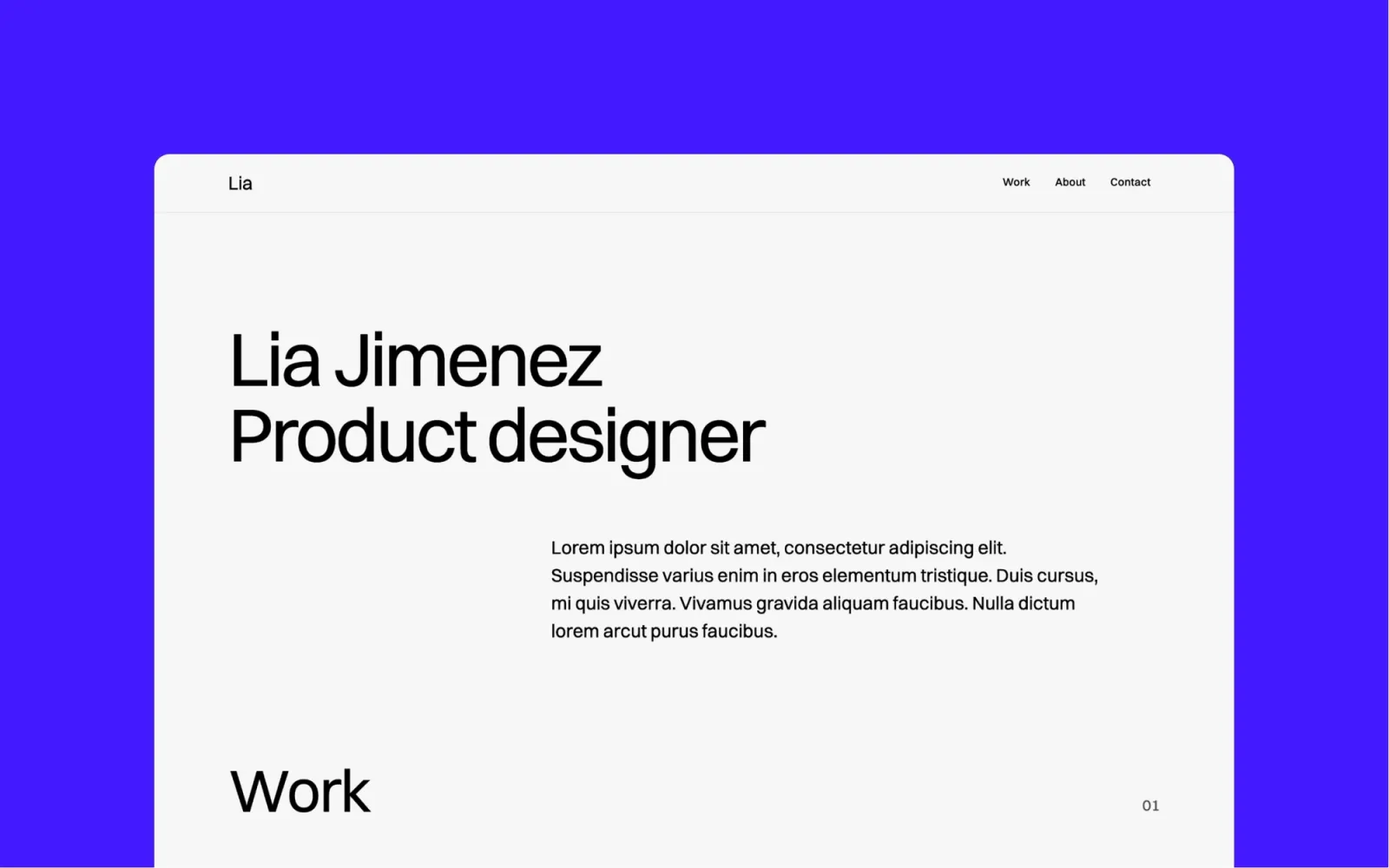
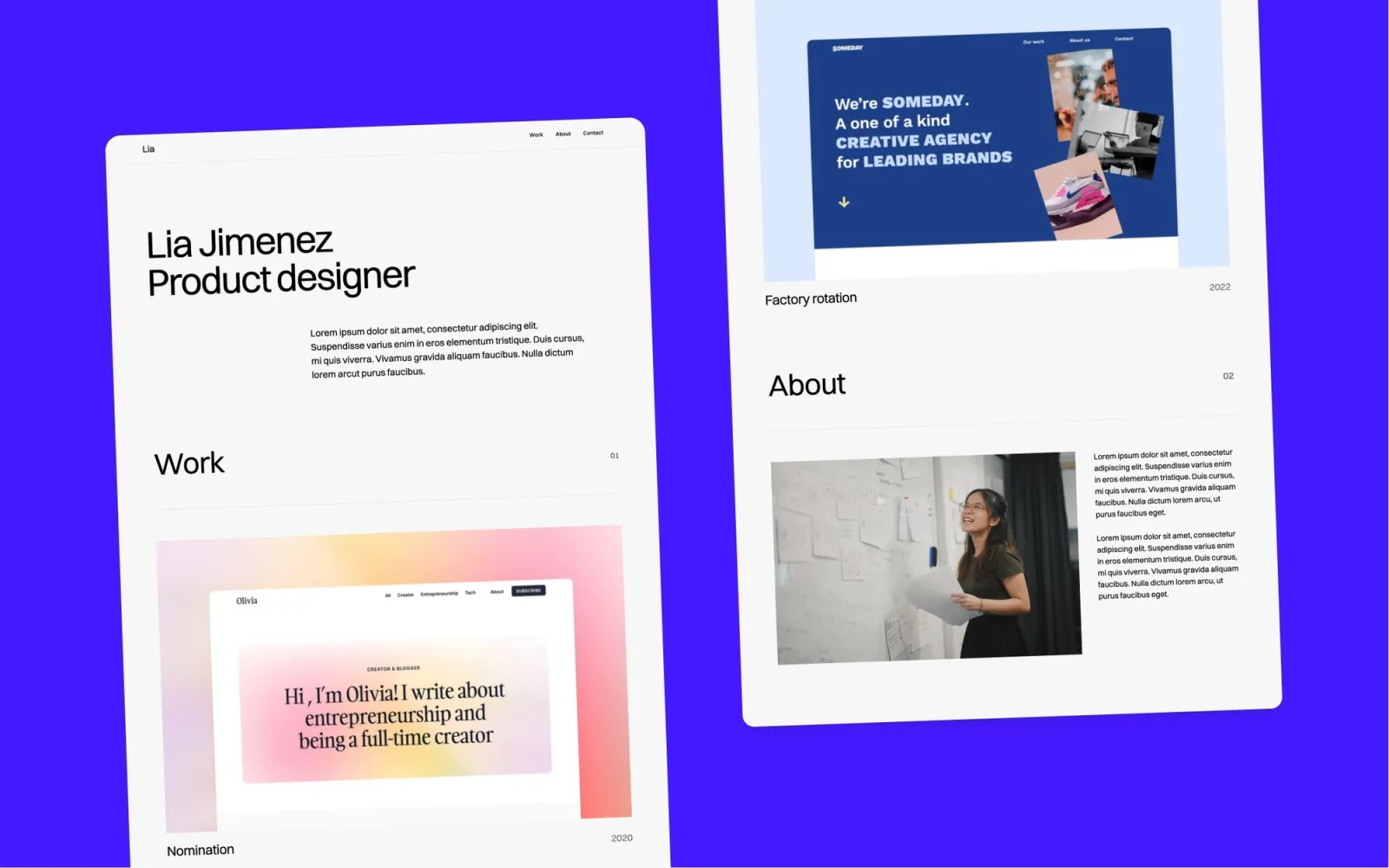
Landon is the minimal light-mode pick. Where the dark templates above lead with atmosphere, Landon leads with negative space — generous whitespace, restrained colour palette, nothing competing with the work. The most classic portfolio structure on this list. No blog, no events, just a clean case study grid and a straightforward about page.
Product designers, UX leads, and creatives who want a clean, professional portfolio that puts the work first and nothing else.
$49 · Single site licence
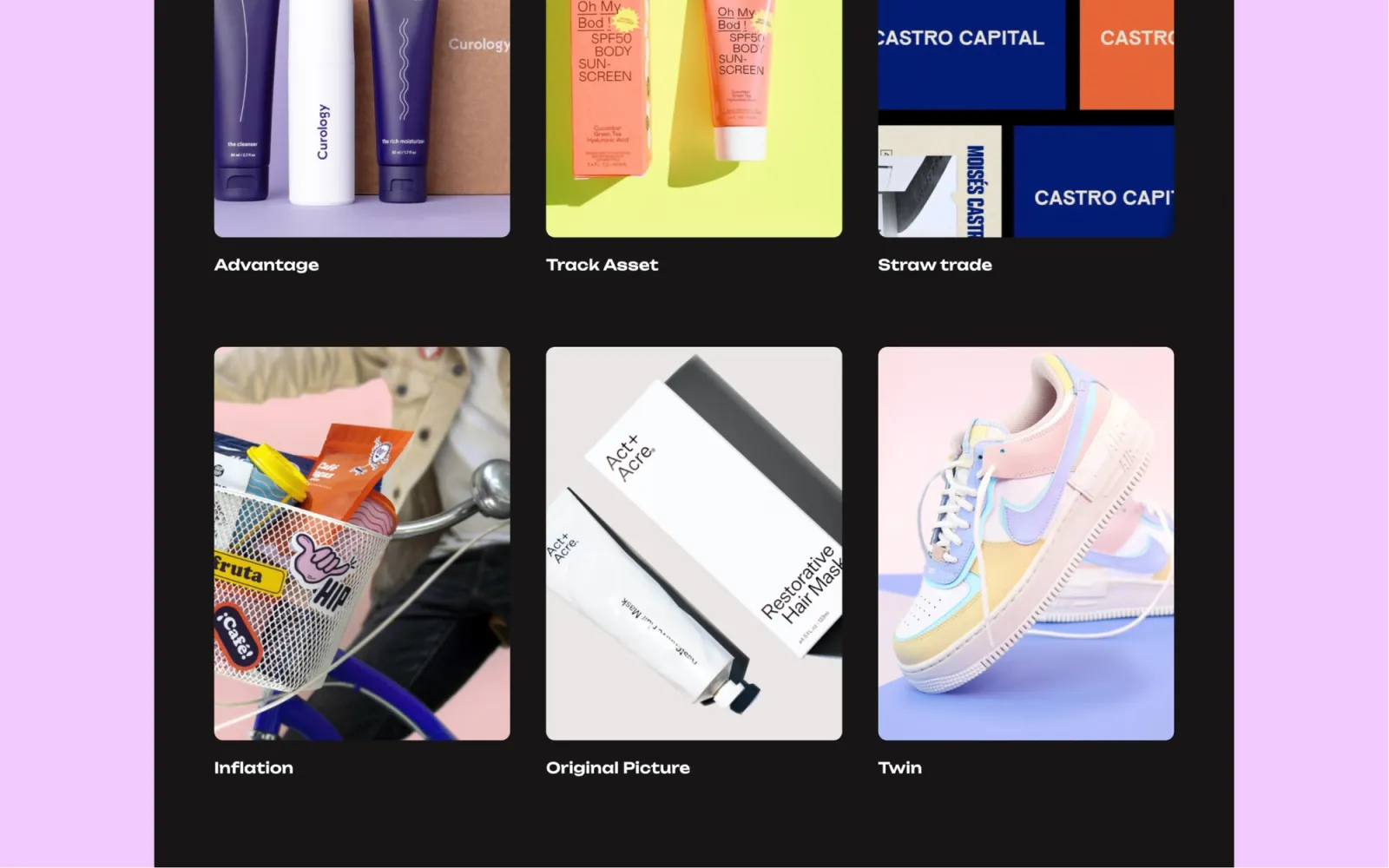
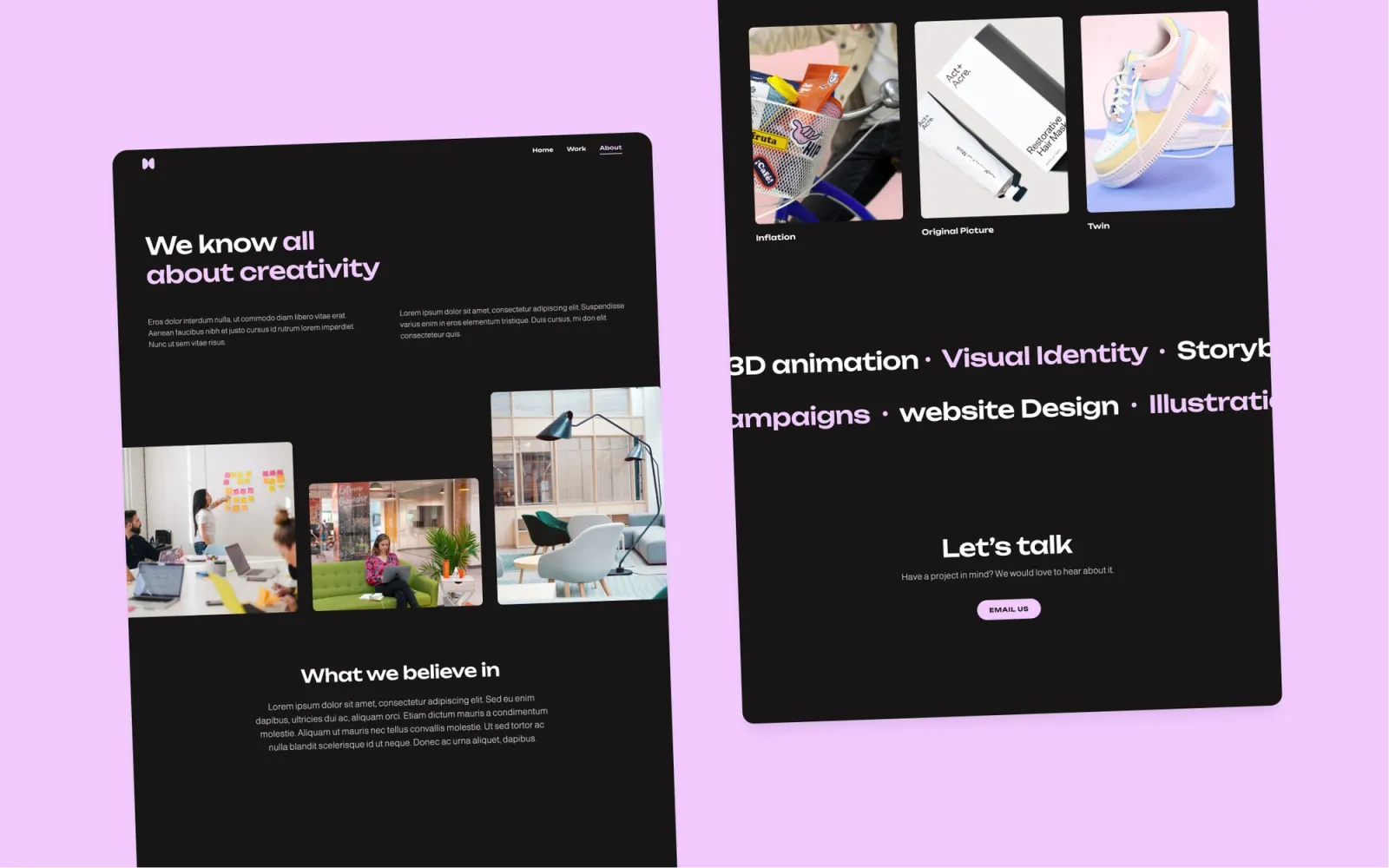
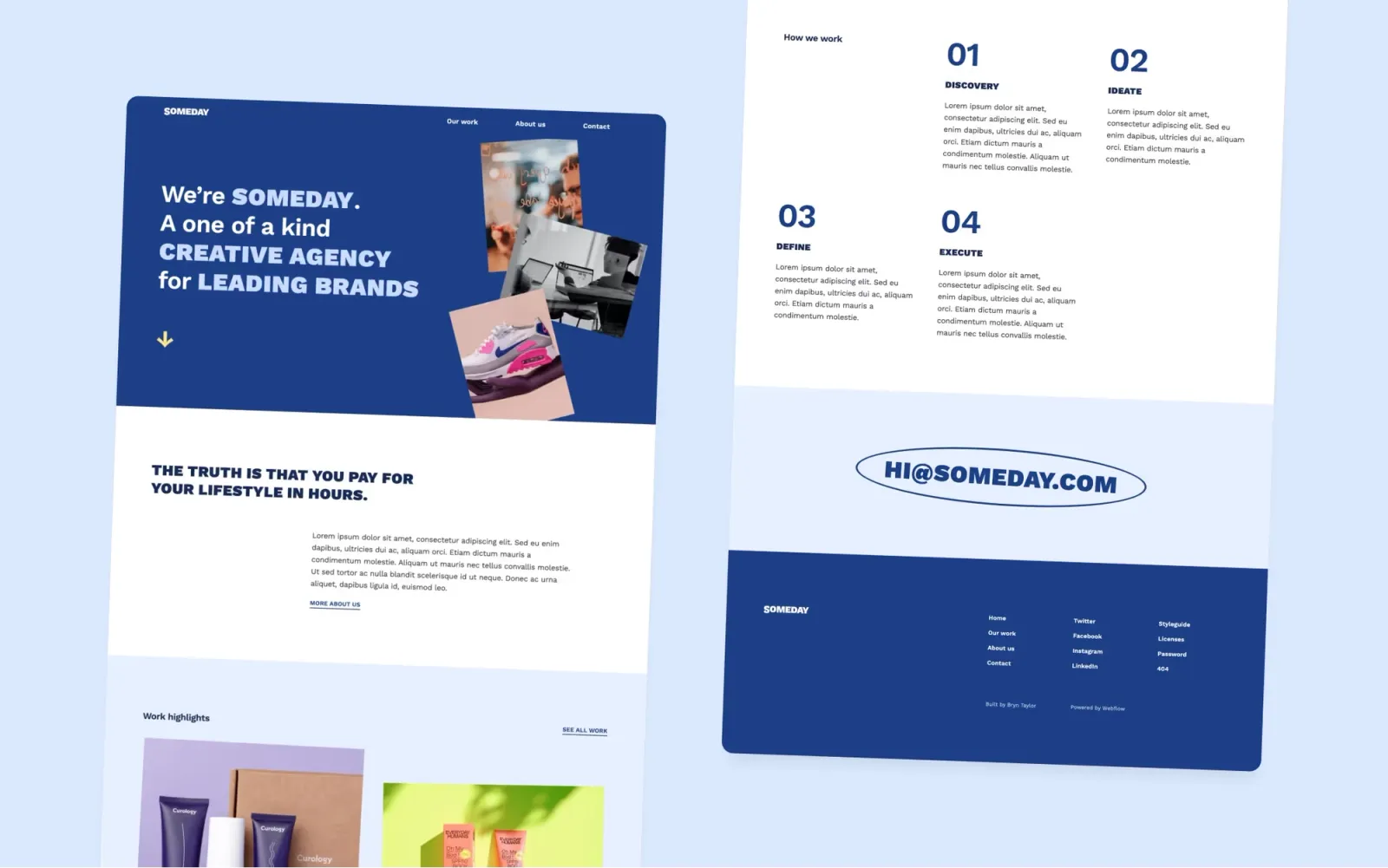
Someday is the most characterful template on this list. Playful grid layout, expressive type, and an editorial structure that makes a portfolio feel like a magazine spread rather than a directory. Works as a personal portfolio or a small creative agency site. The trade-off: the bold layout takes more customisation time than a minimal one-pager. Budget a full day of setup rather than an afternoon.
Creative directors, brand designers, and small agencies who want a portfolio that feels like a point of view, not a template.
$49 · Single site licence
Accent is the colourful option in the $29 range. A simple, minimal layout with a pastel or vivid accent colour that gives it personality without making it loud. Sits between a minimal one-pager and a fully featured multi-page portfolio. Good value at $29 — the limitation is the component depth is thinner than the $49 templates above.
Designers who want a minimal portfolio with visual personality and a fast setup time. Best for those earlier in their career with a focused selection of work to show.
$29 · Single site licence
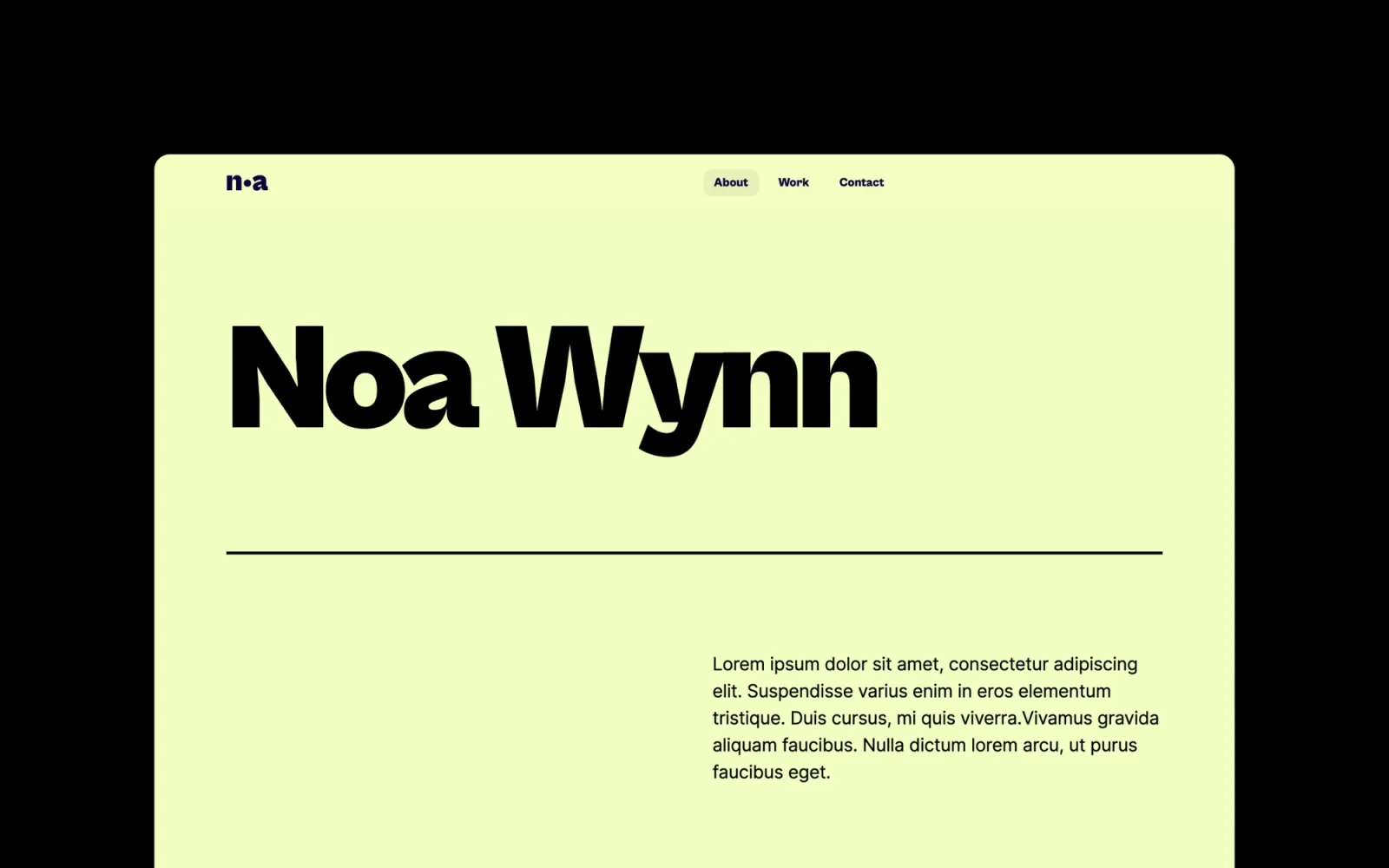
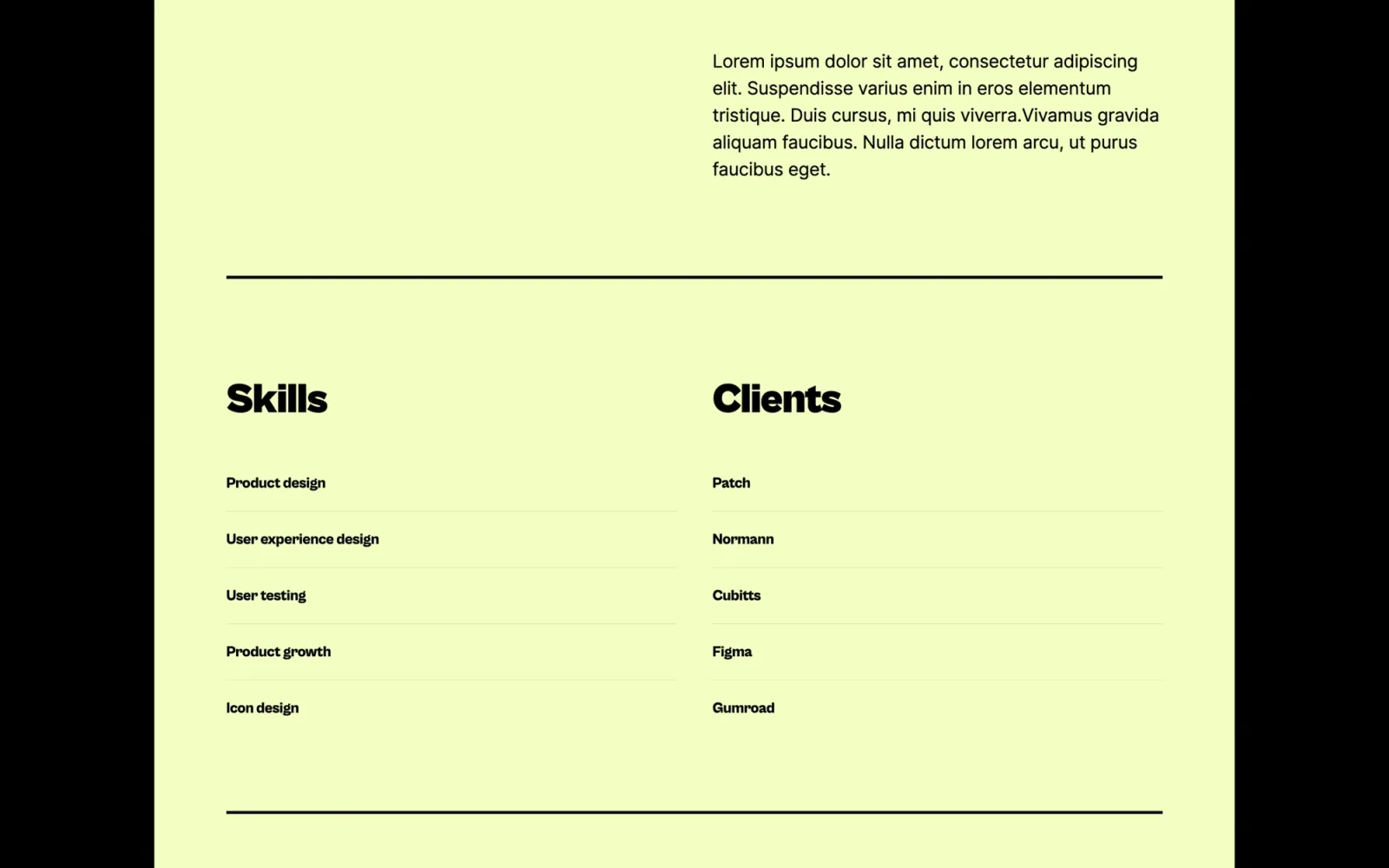
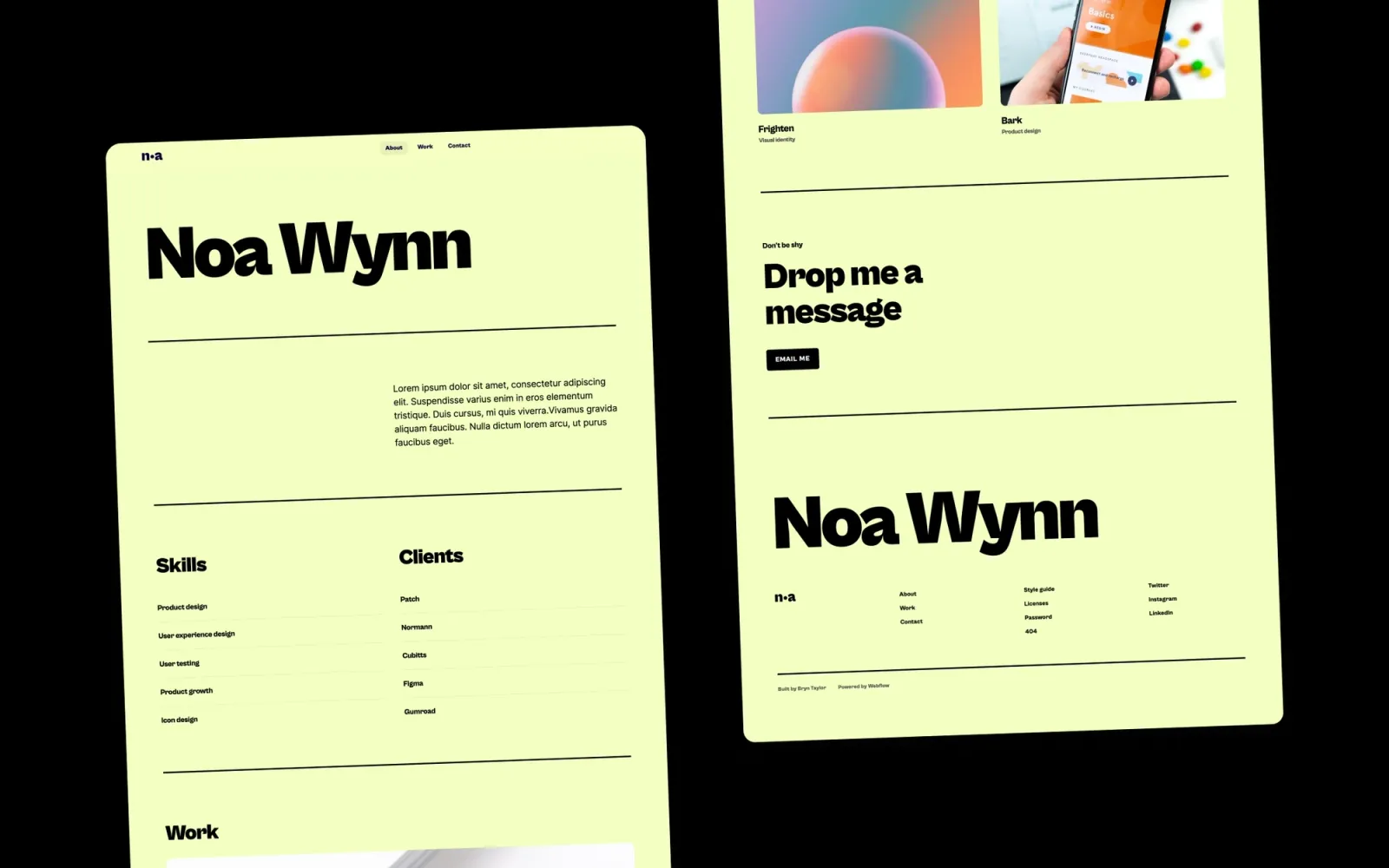
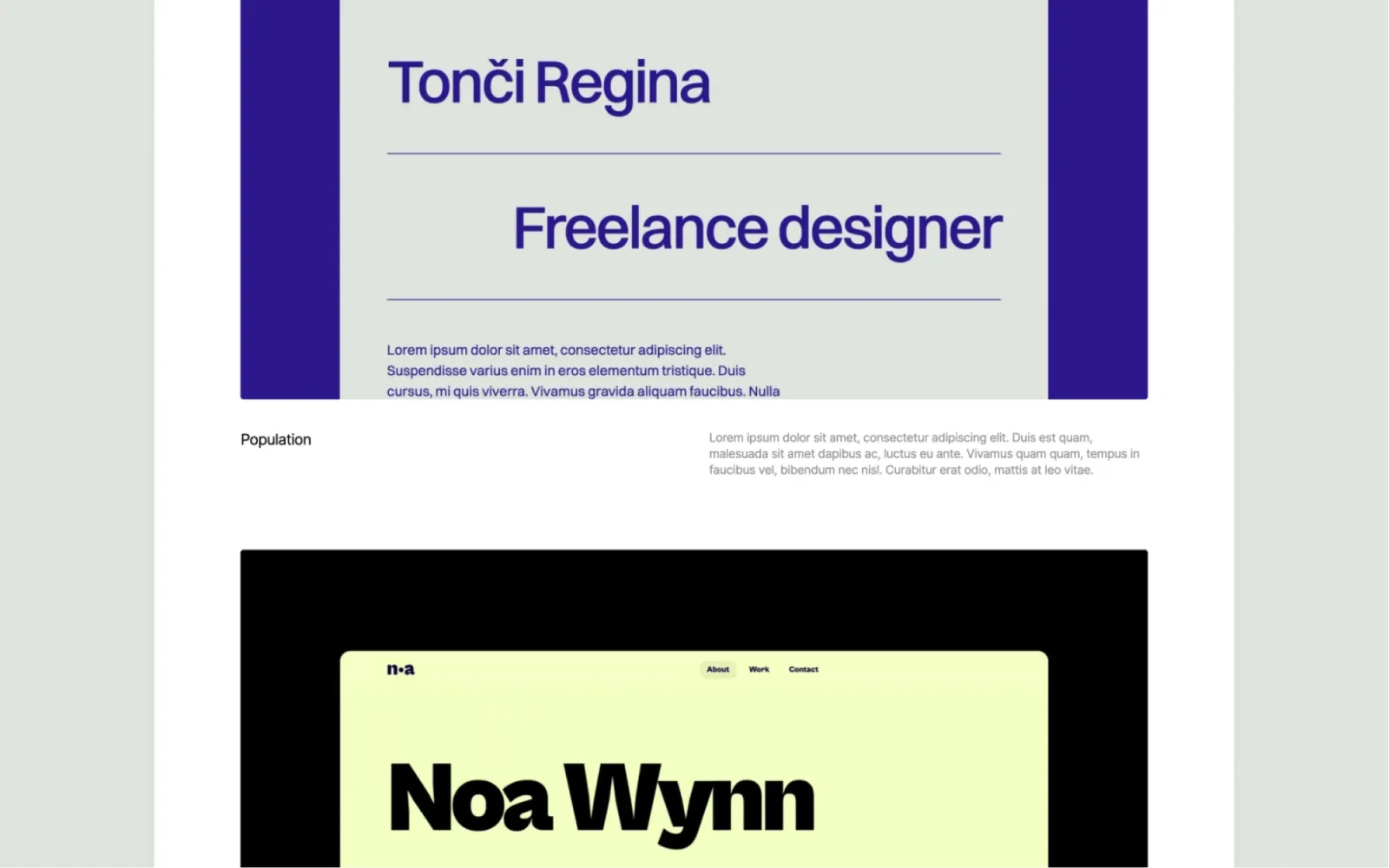
Noa is the brightest template on this list. Bold colours, a playful layout, and a one-page structure that compresses work, bio, and contact into a single scroll. Where Accent is understated, Noa is confident. The right choice for creatives, illustrators, or brand designers who want the portfolio to reflect their personality, not just their work.
Illustrators, brand designers, and visual creatives who want a portfolio with as much personality as the work inside it.
$29 · Single site licence
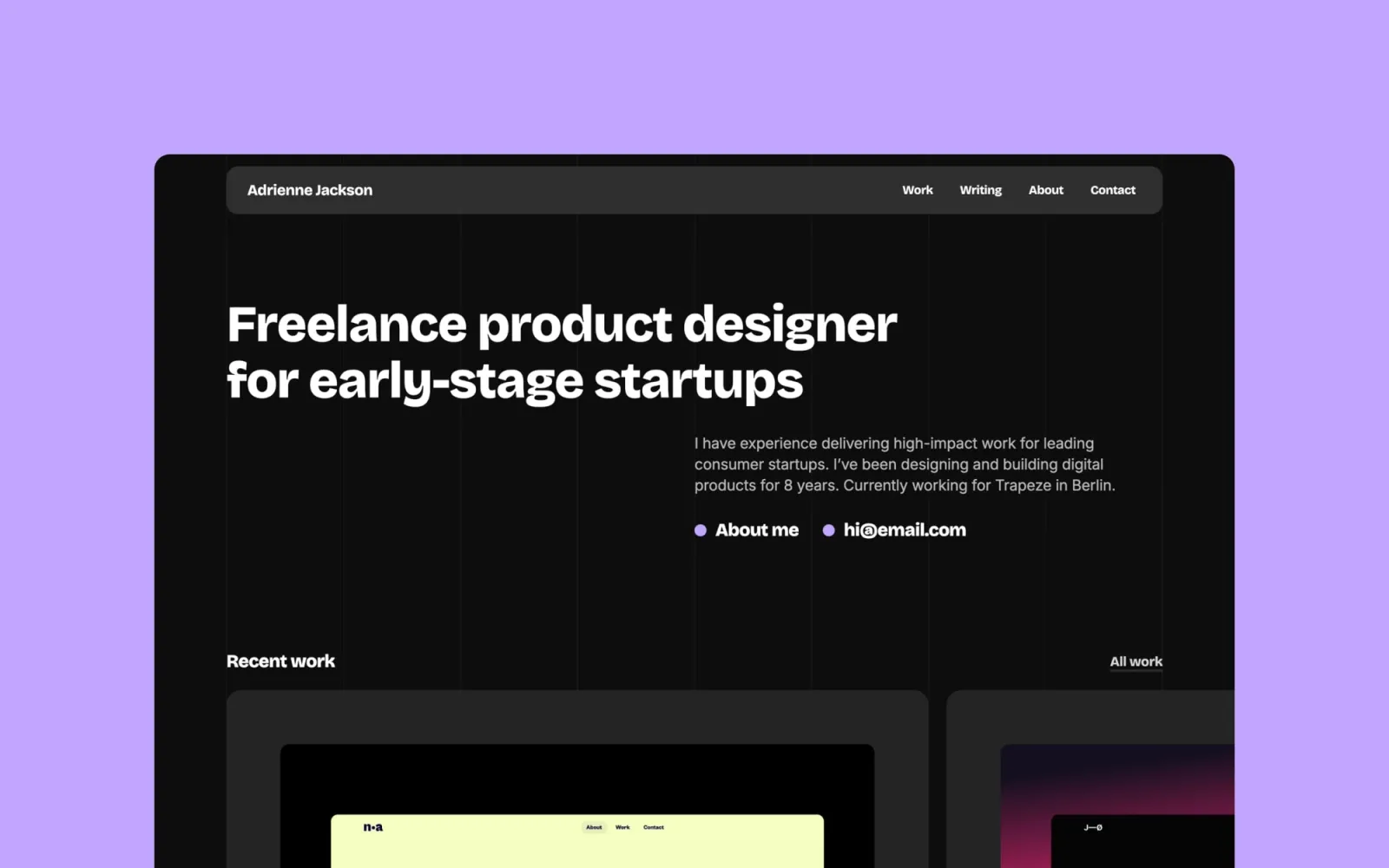
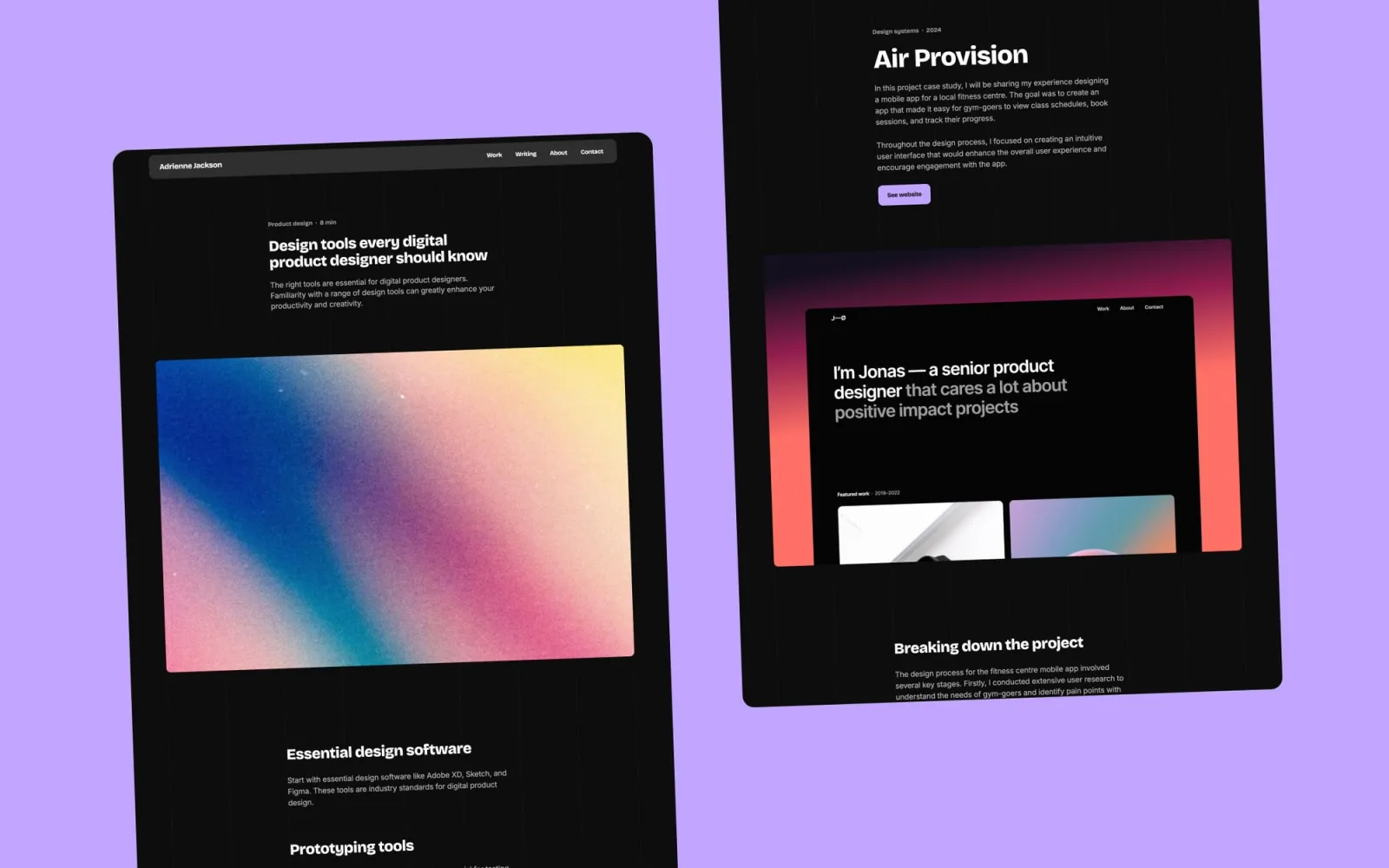
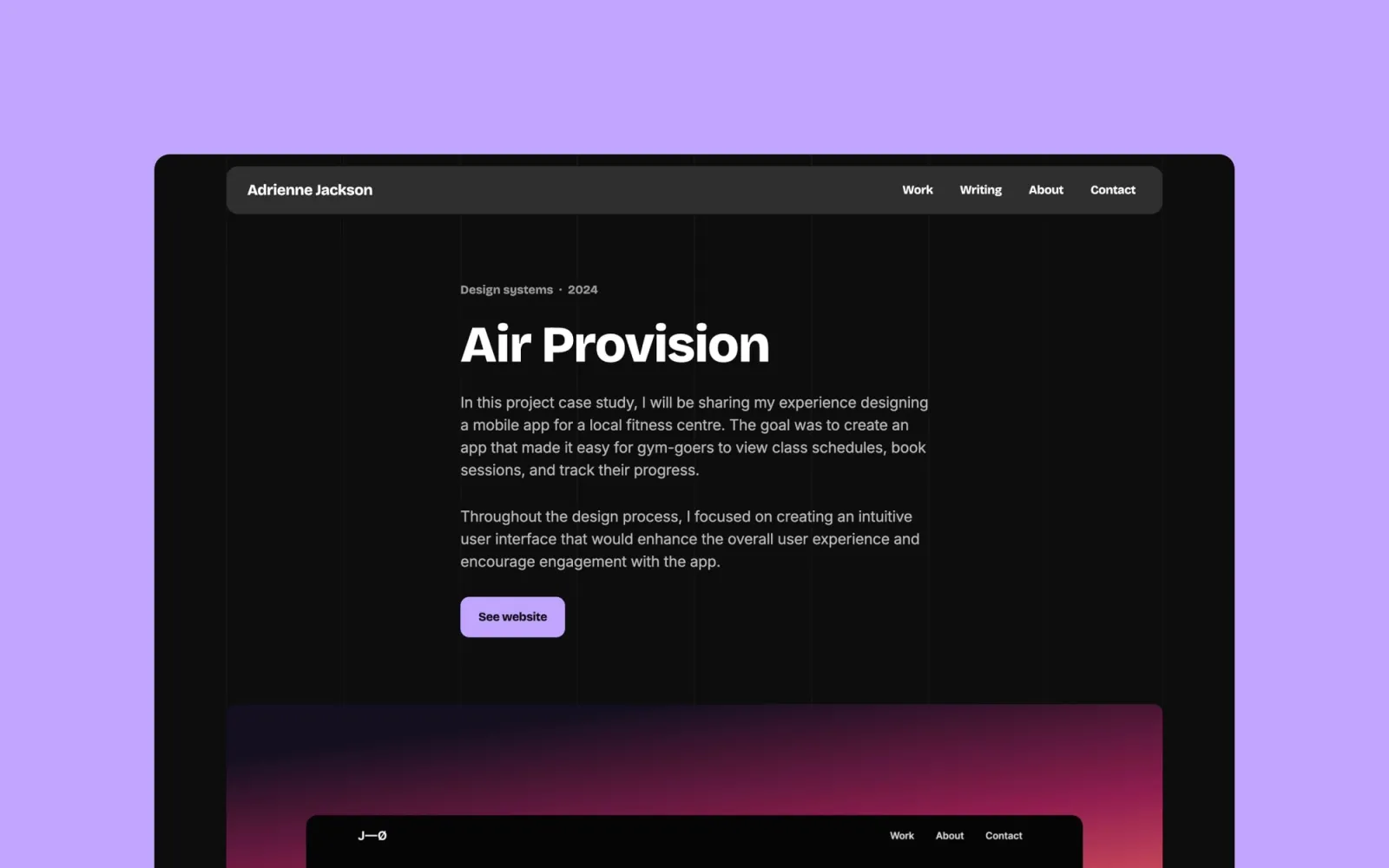
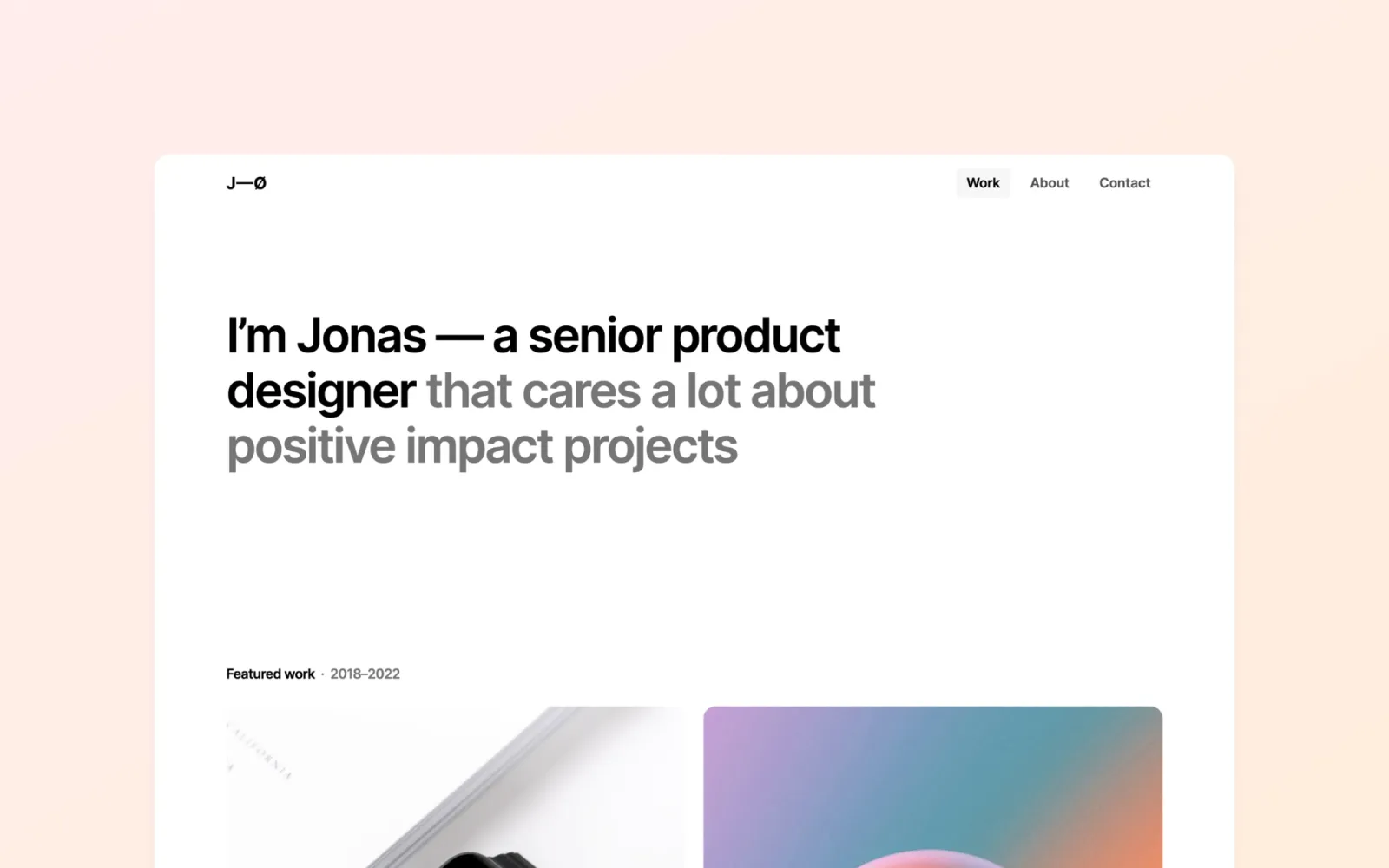
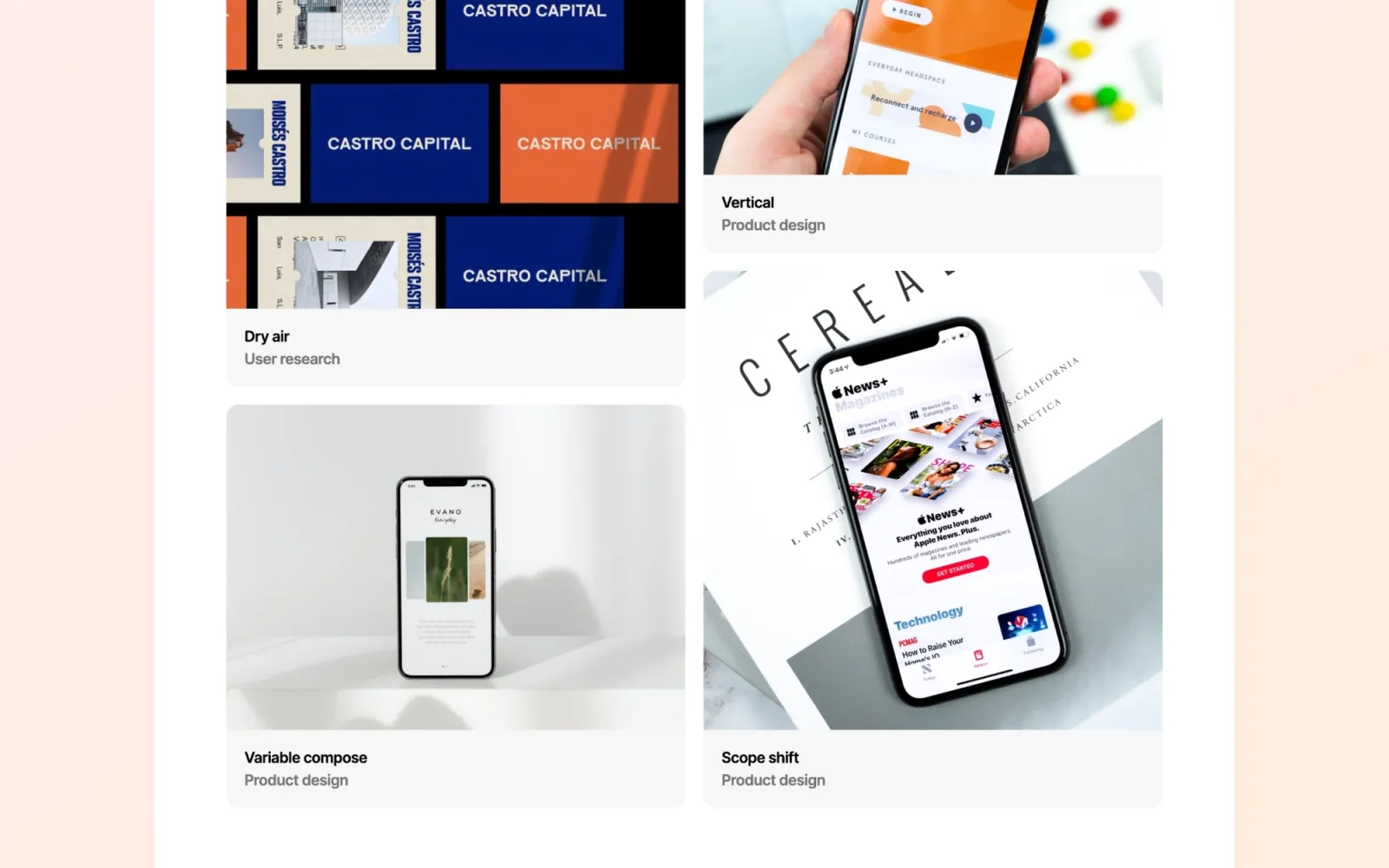
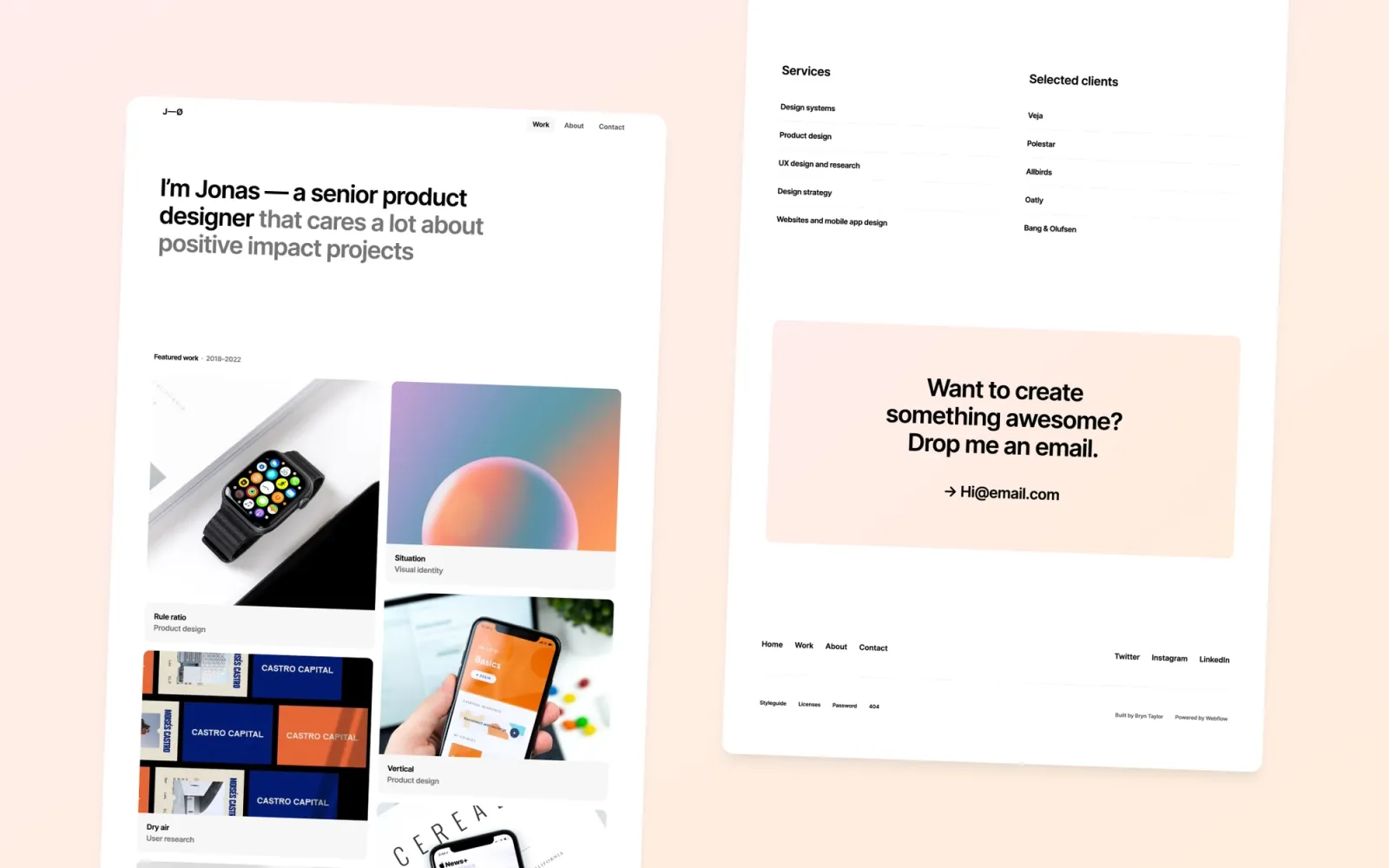
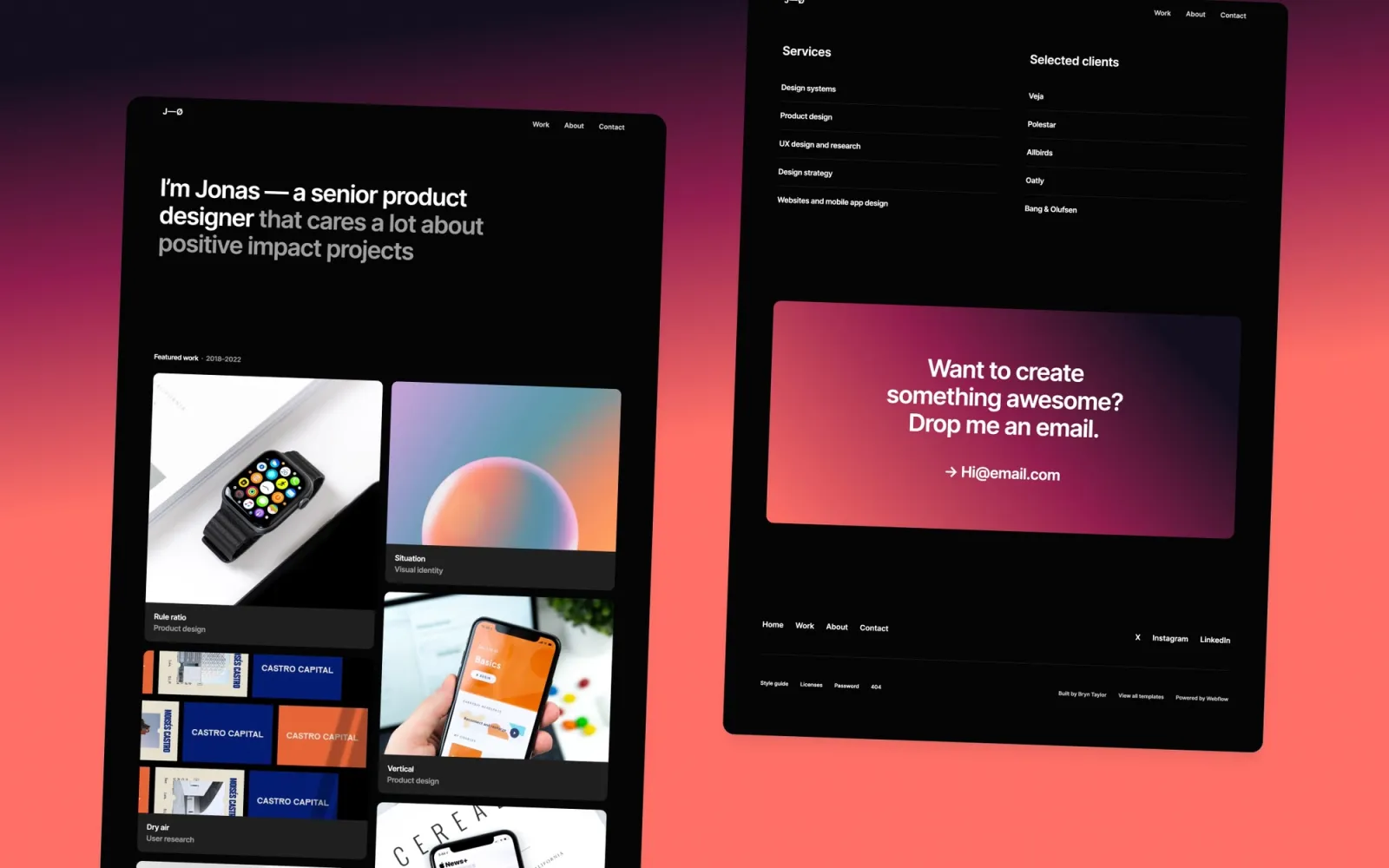
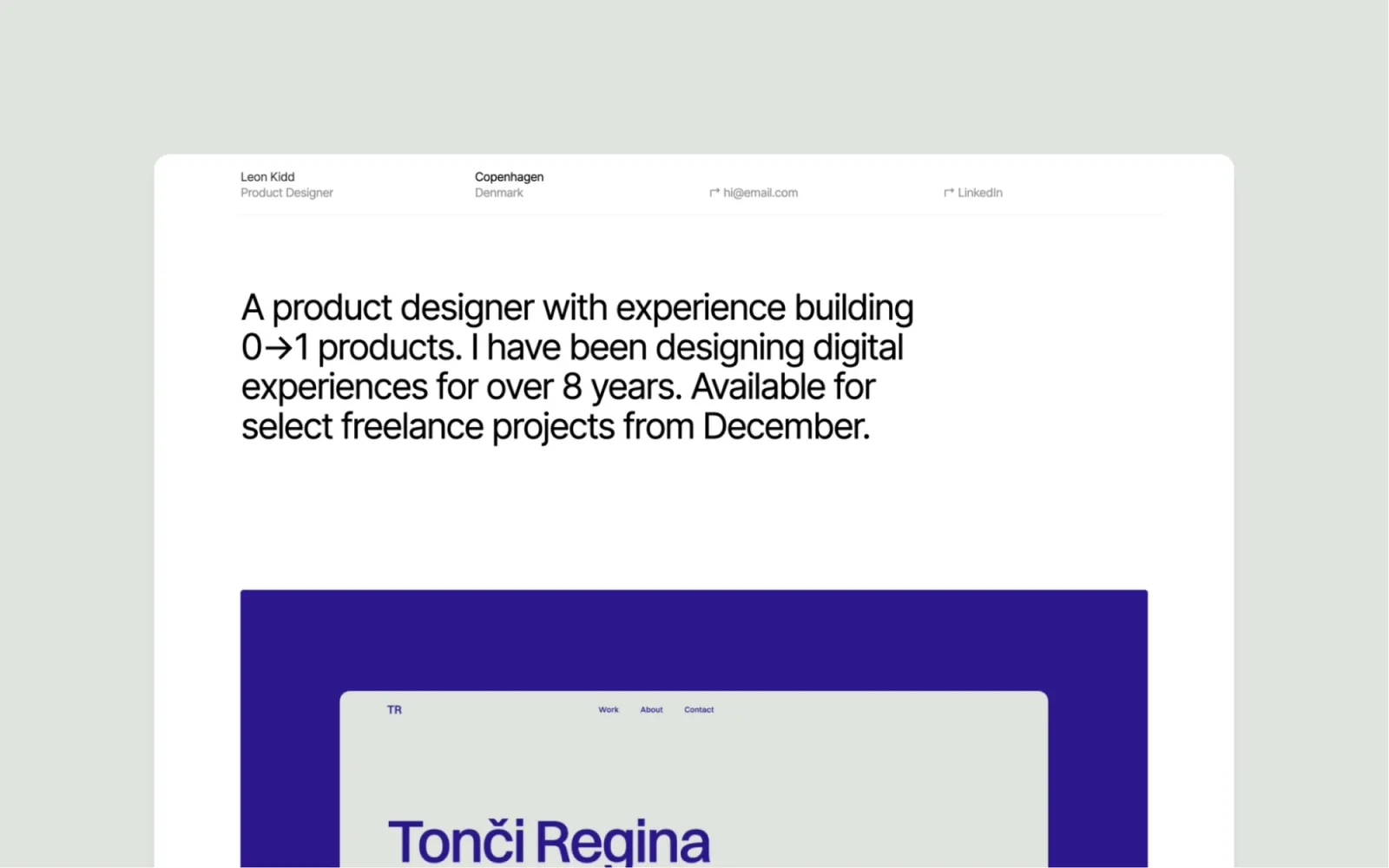
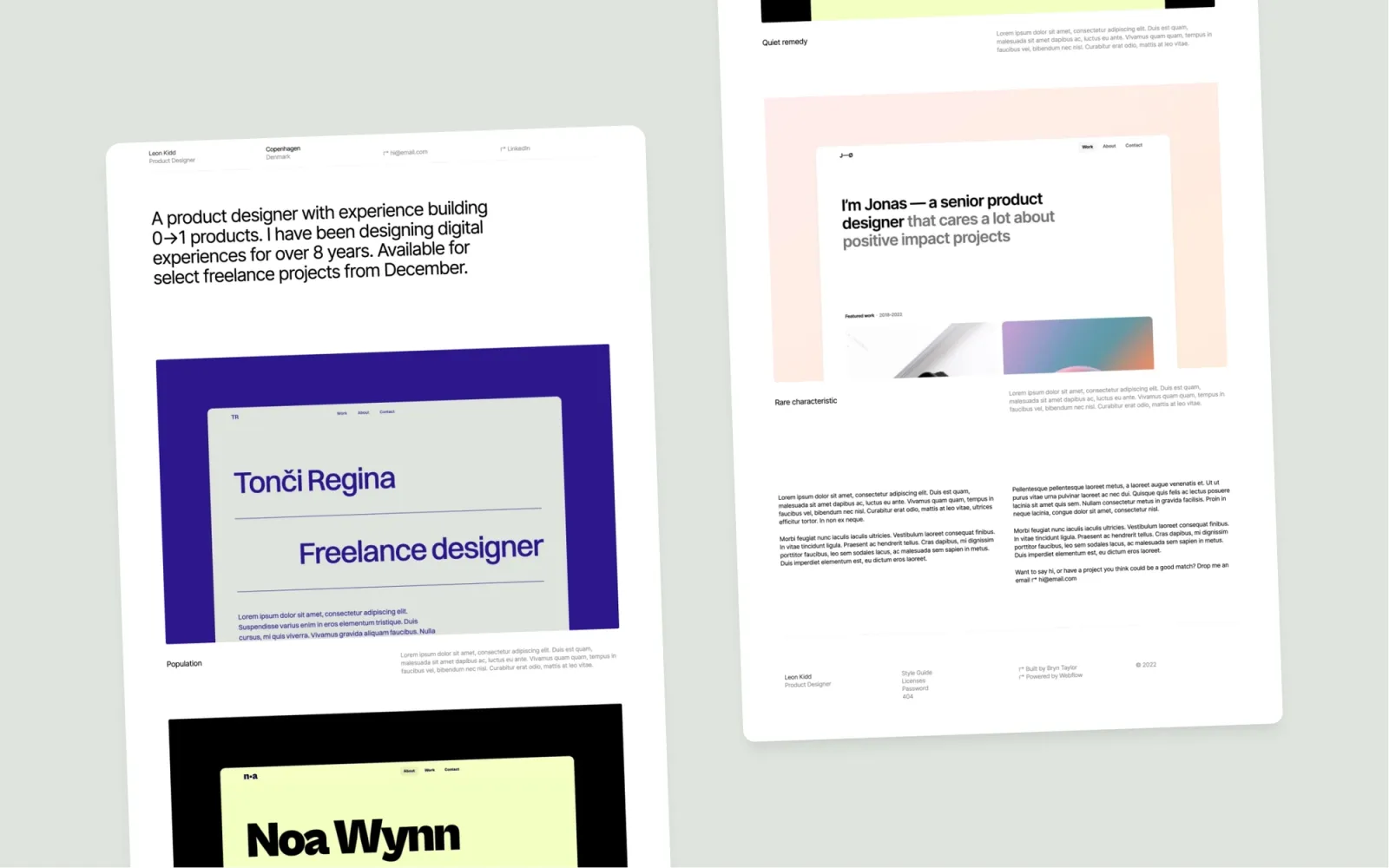
A minimal one-pager for product designers. The clean grid layout covers work, bio, and contact in a single scroll — no navigation decisions for the visitor, no extra pages to fill. The most straightforward template on this list at $29. No dark mode, no blog.
$29 · Single site licence
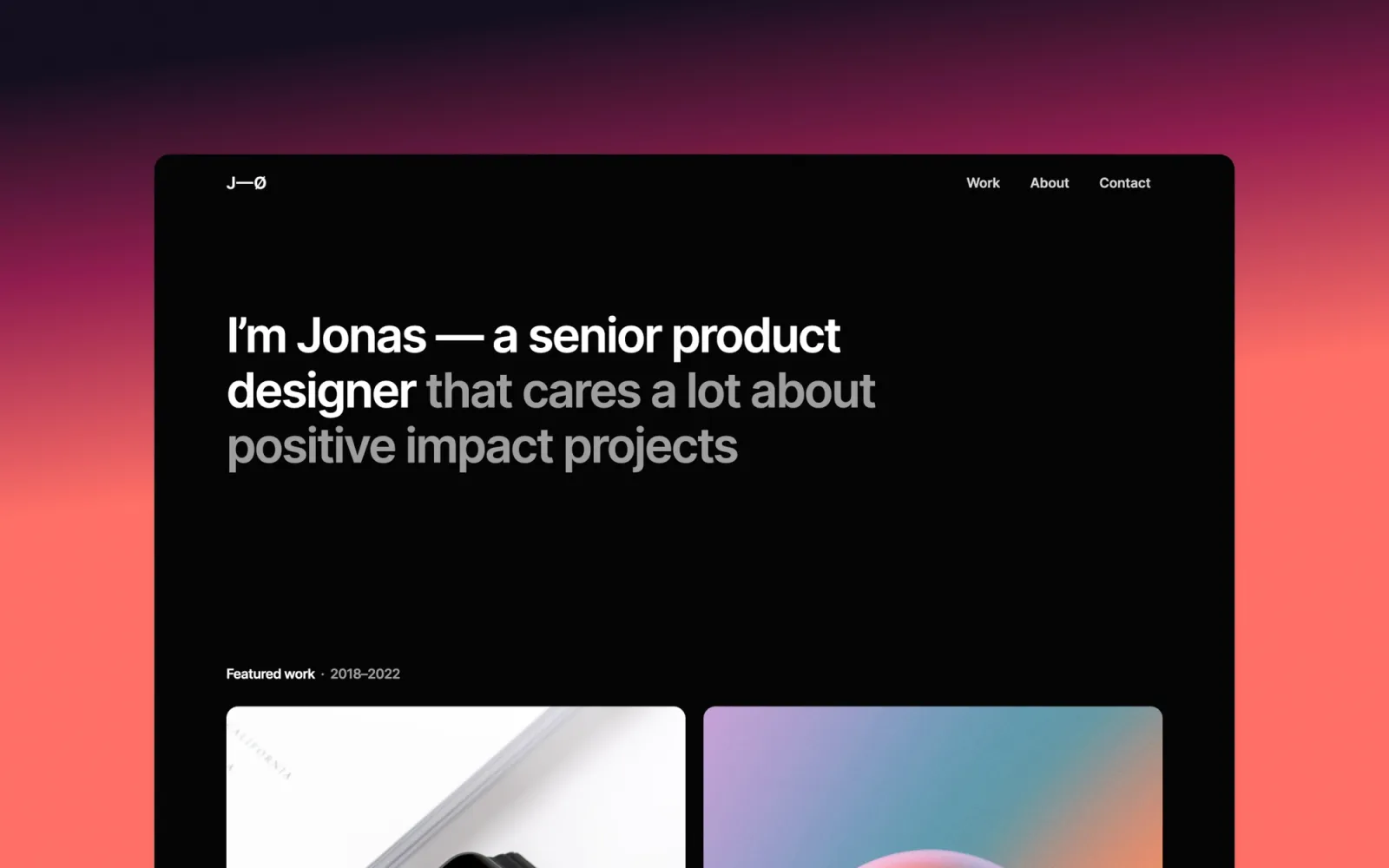
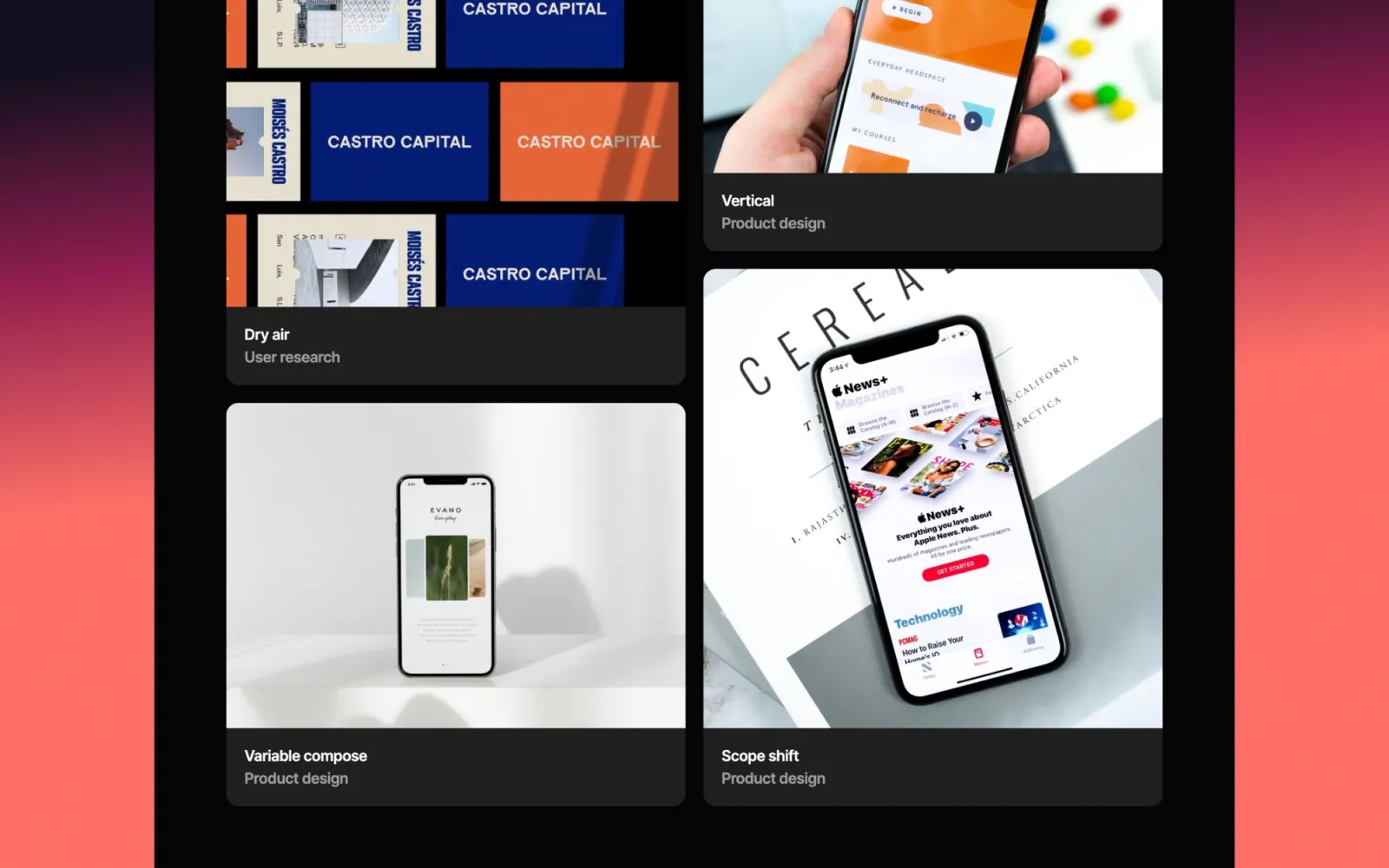
The dark version of Jonas. Same one-page structure, same minimal grid, same $29 price — with a dark background instead of light. If you want the Jonas layout but your work looks better on dark, this is the direct swap. Pick Jonas if you want light, Jonas Dark if you want dark.
$29 · Single site licence
Format is the most stripped-back light-mode one-pager on this list. Card grid layout, minimal type, nothing extra. Simpler than Jonas, cheaper than Landon. If you want to launch fast with a portfolio that looks clean without any template decisions, Format gets the job done at $29.
$29 · Single site licence
No CMS, no animations, no complexity. Simplefolio is a static one-page portfolio — the fastest template on this list to set up and the cheapest at $24. The trade-off is real: there’s no CMS, so adding new work means editing the page directly. Right for someone who wants a live portfolio today and can live without a content editor.
$24 · Single site licence
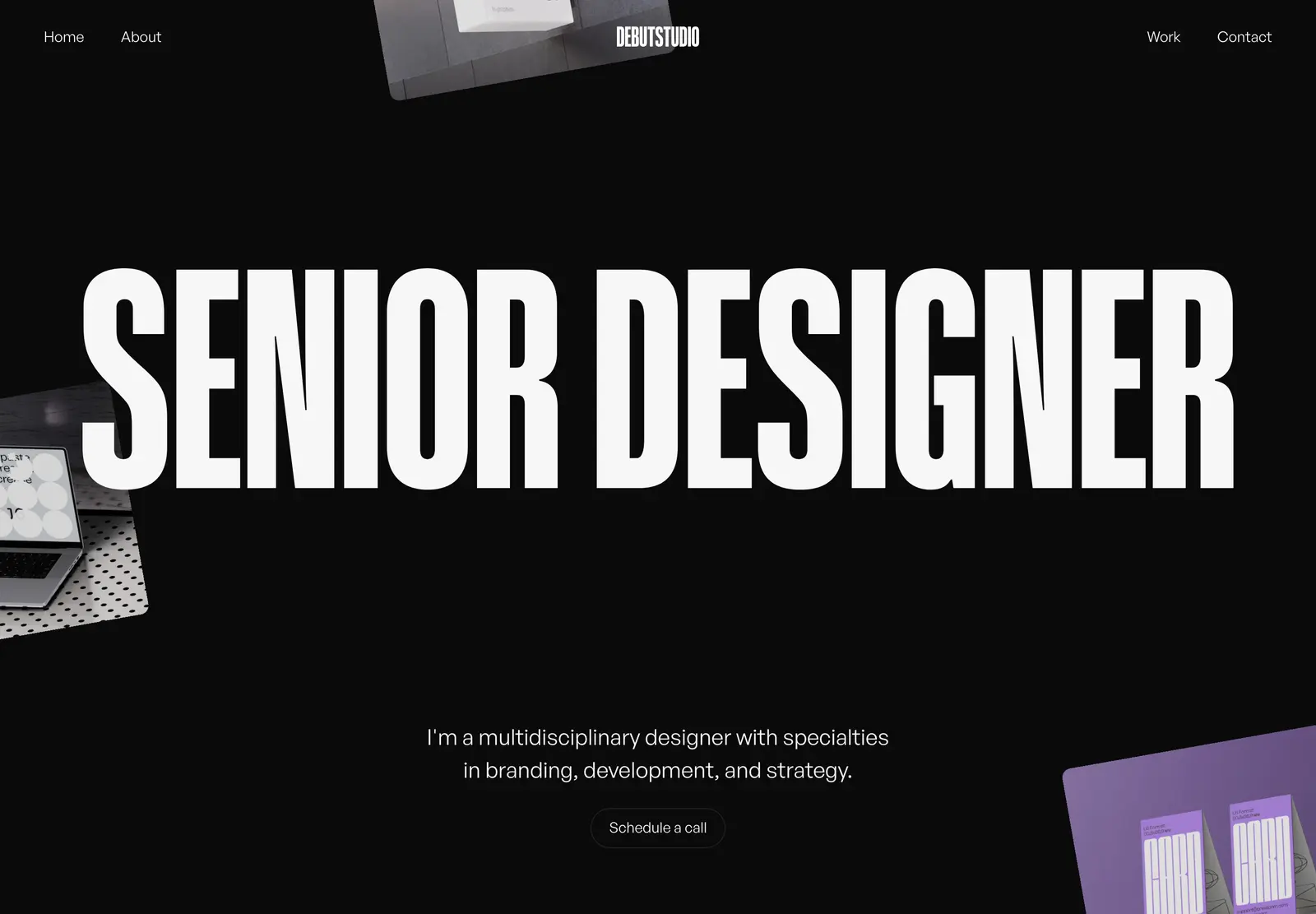
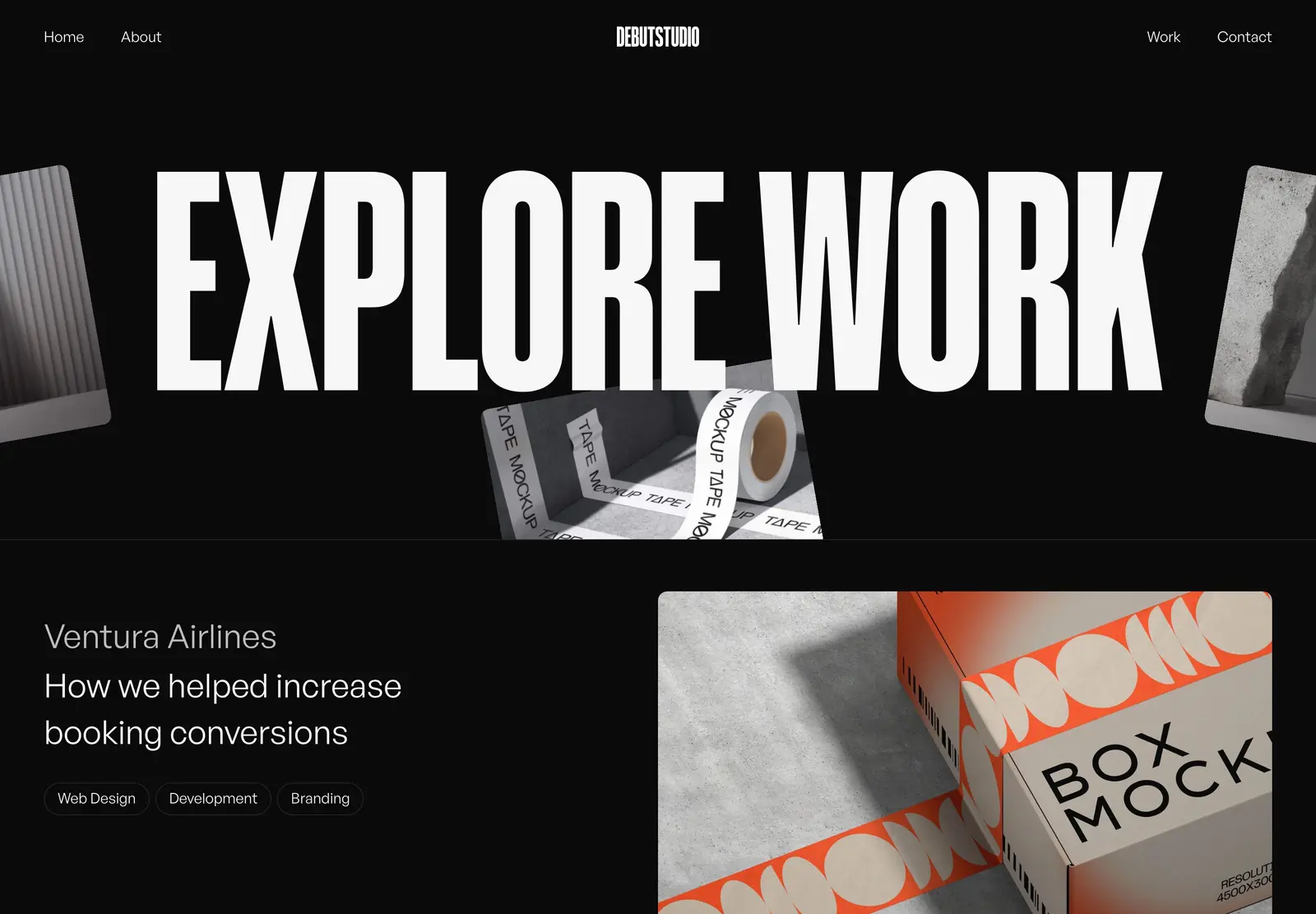
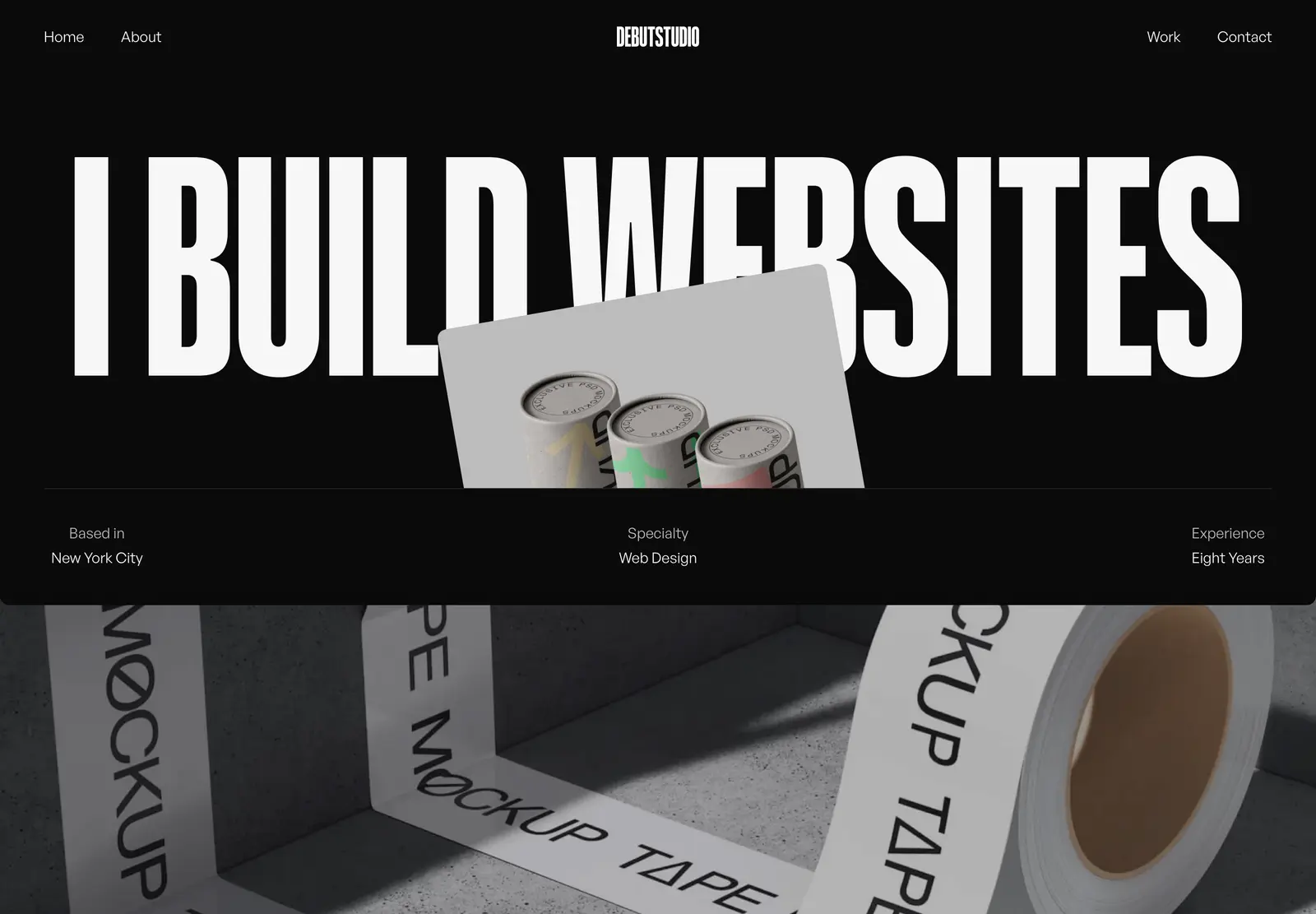
Debut Studio is a dark, animated portfolio template with big type and bold interactions. The layout is more expressive than anything else on this list — Coolvetica headlines, heavy scroll animations, a strong visual presence. It’s premium-built ($49), multi-page with CMS, and suited for creatives whose work benefits from a dramatic first impression. The bold style is the whole point, which means it’s not the one to choose if you want the template to step back.
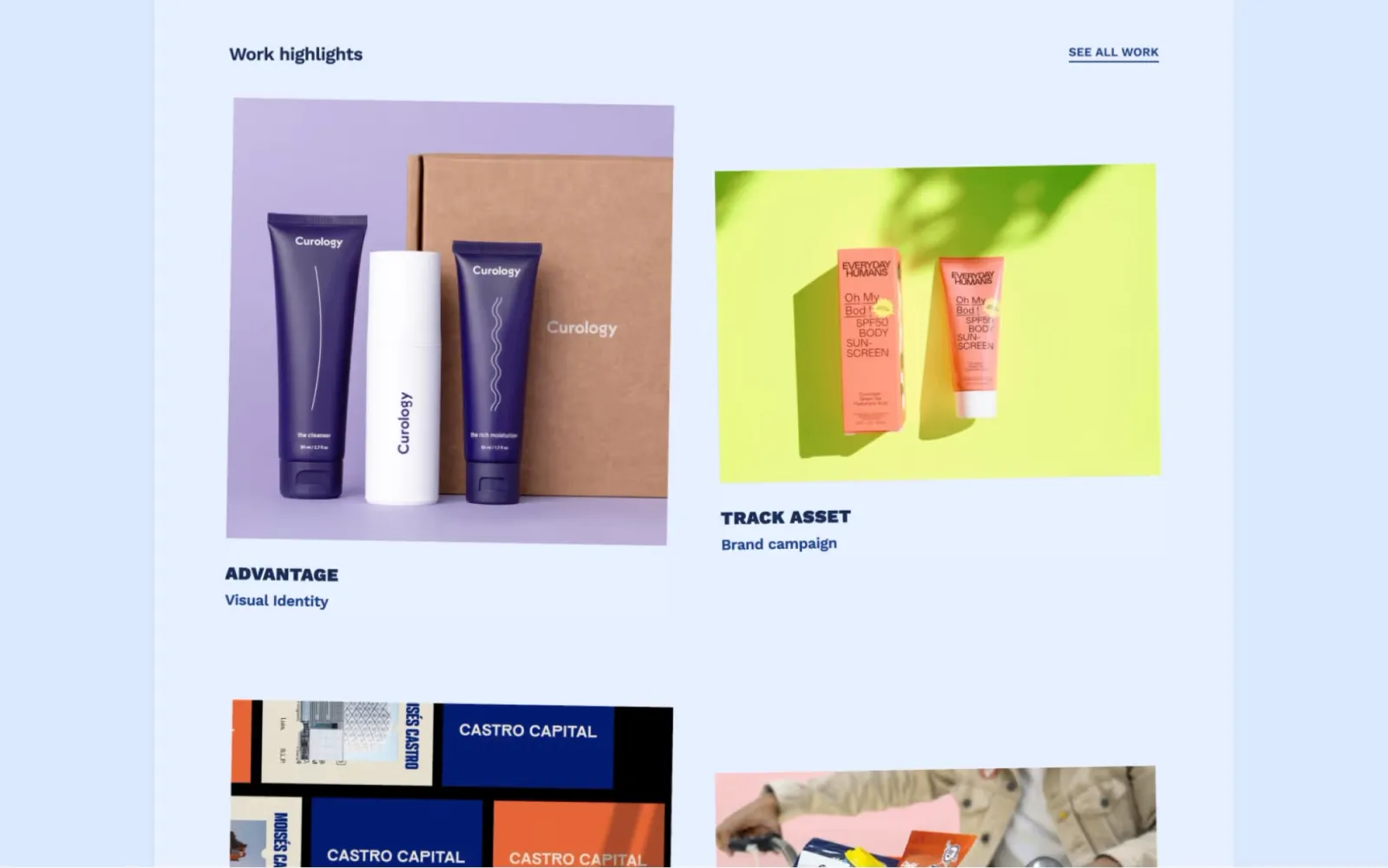
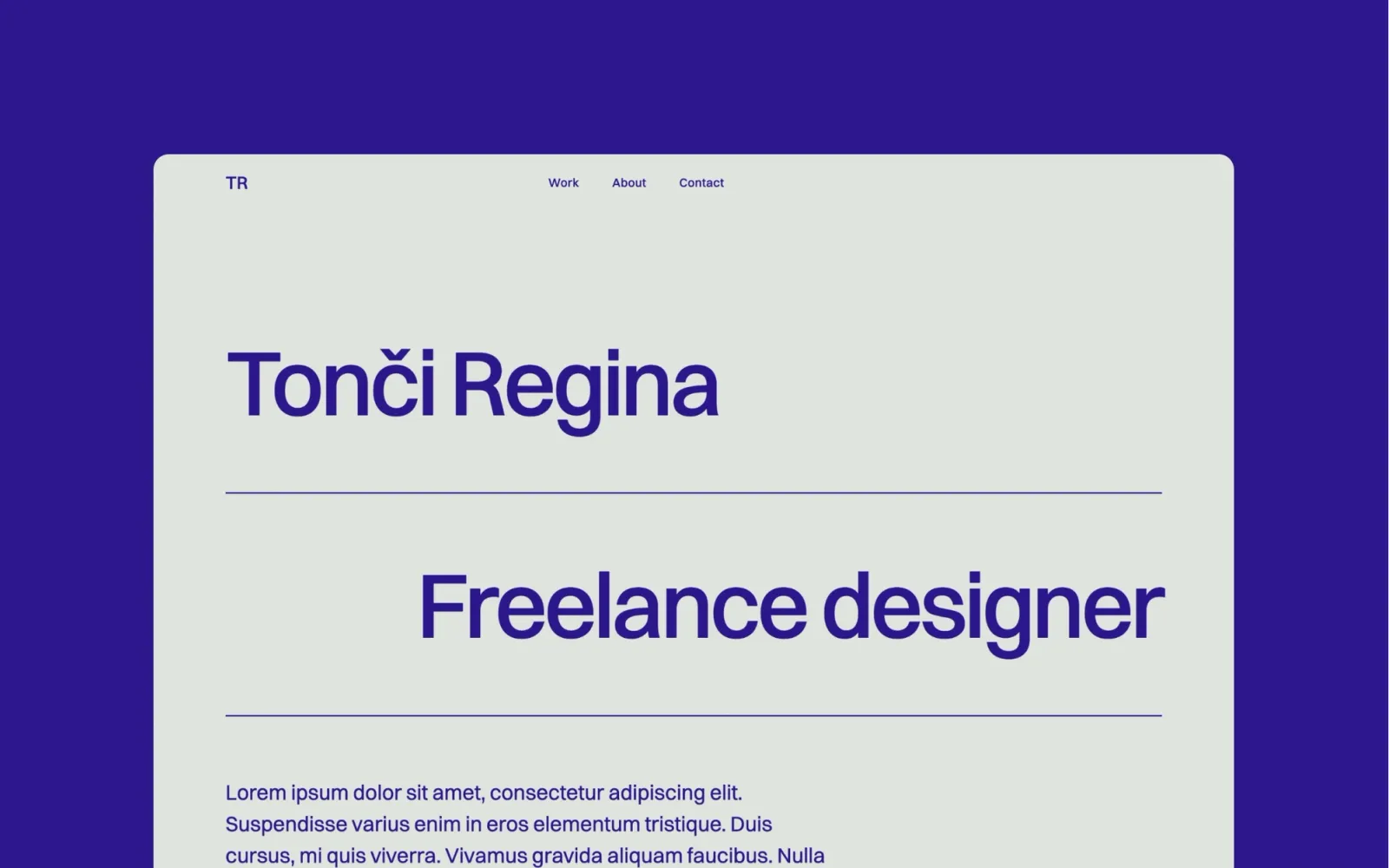
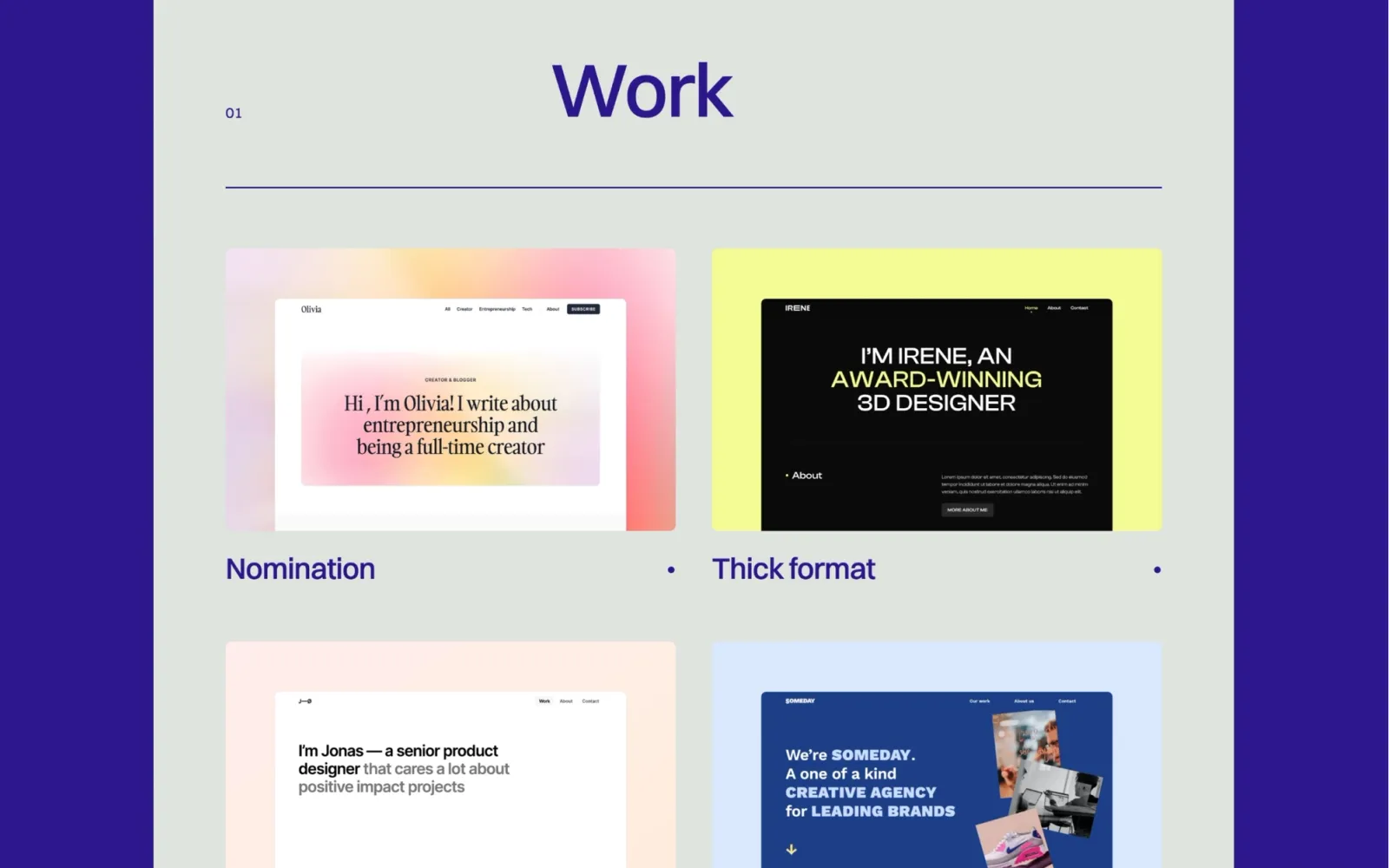
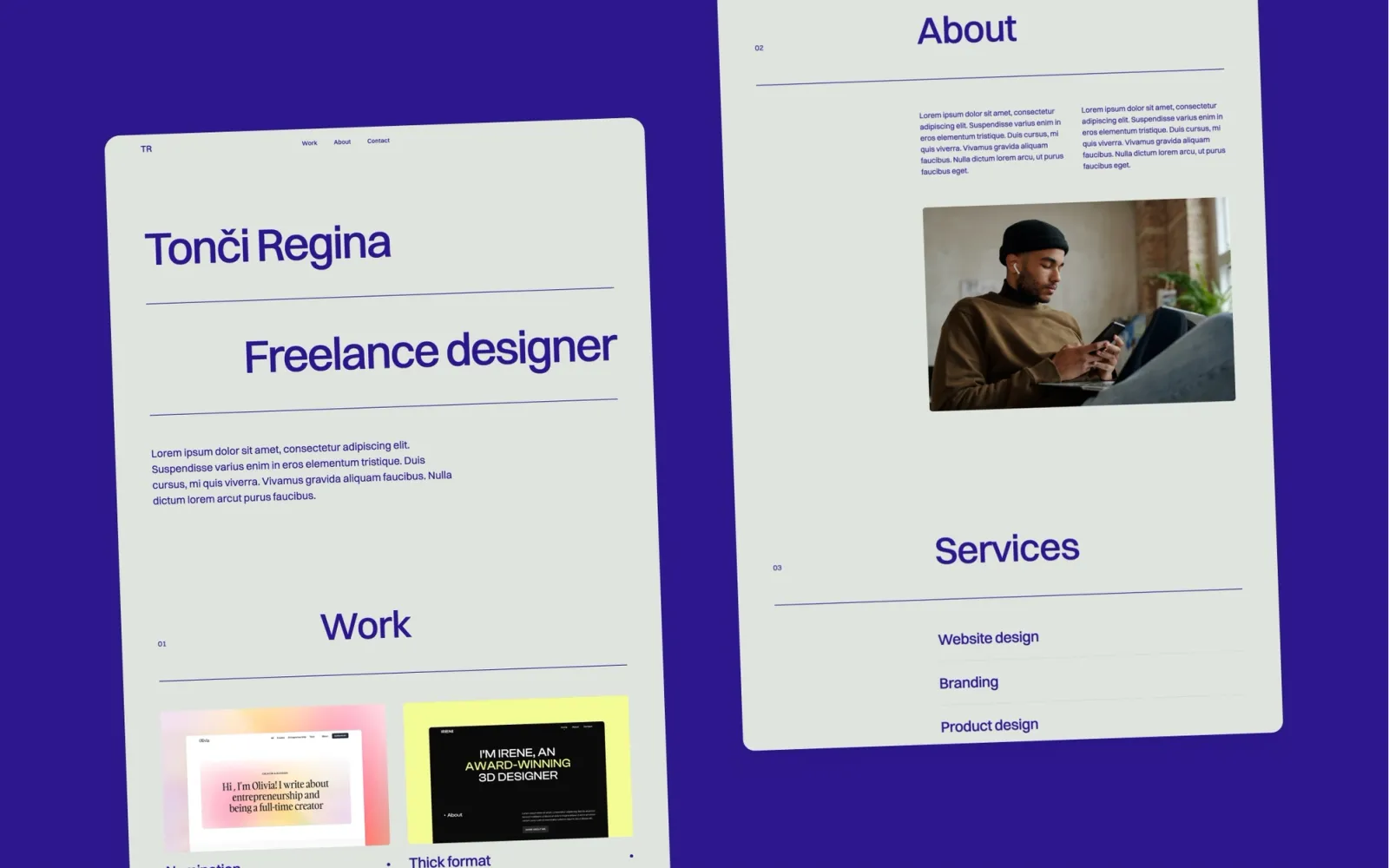
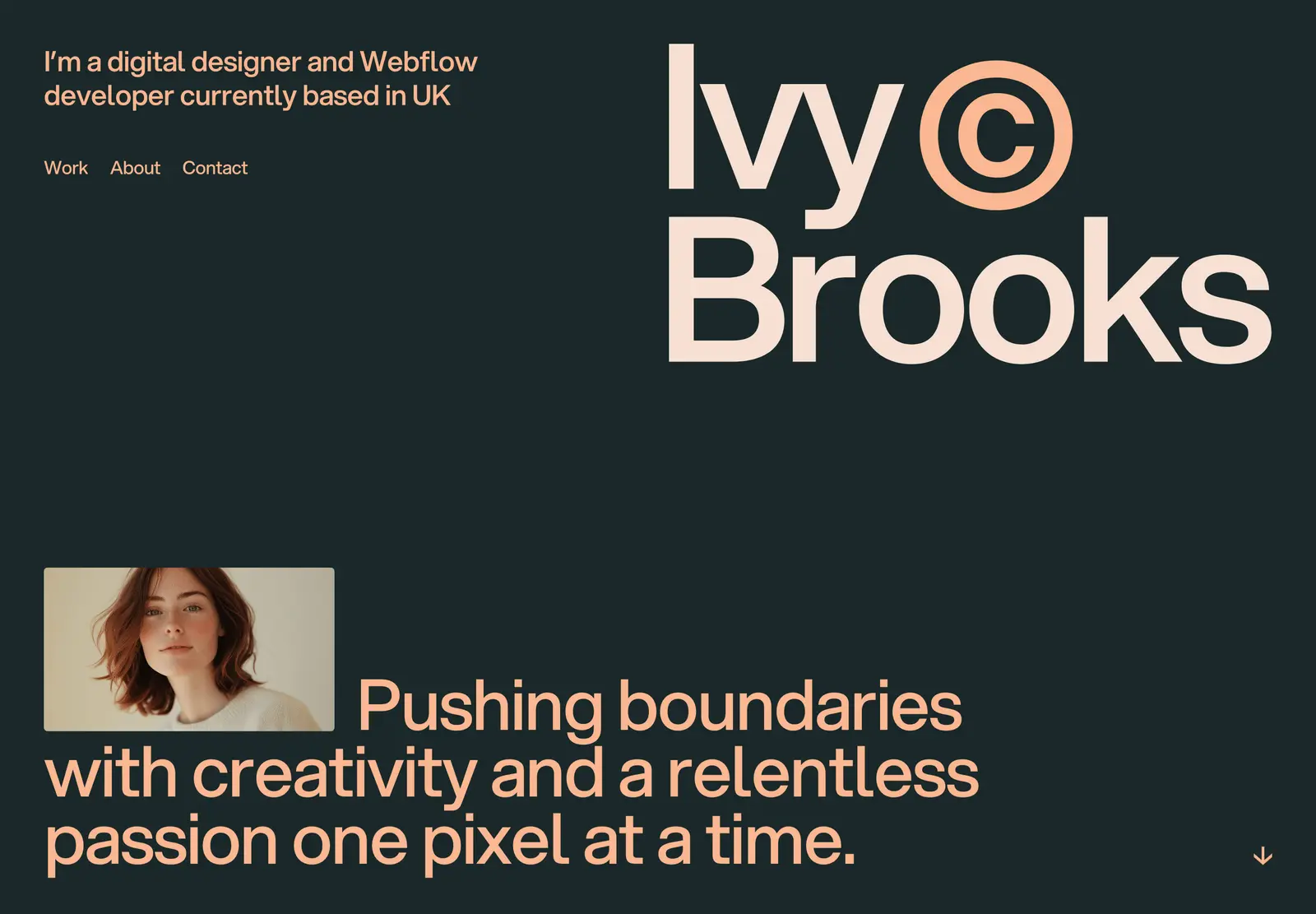
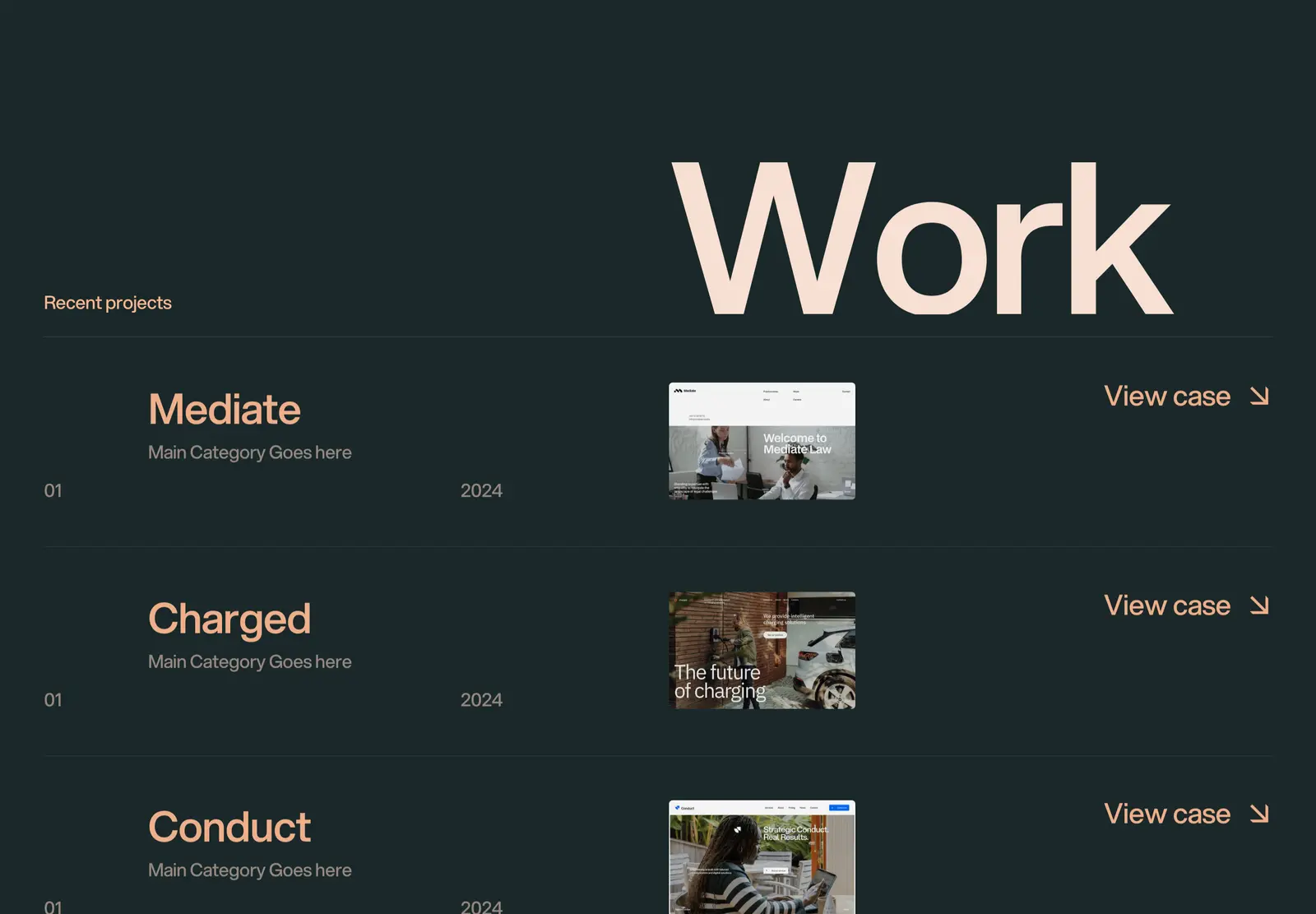
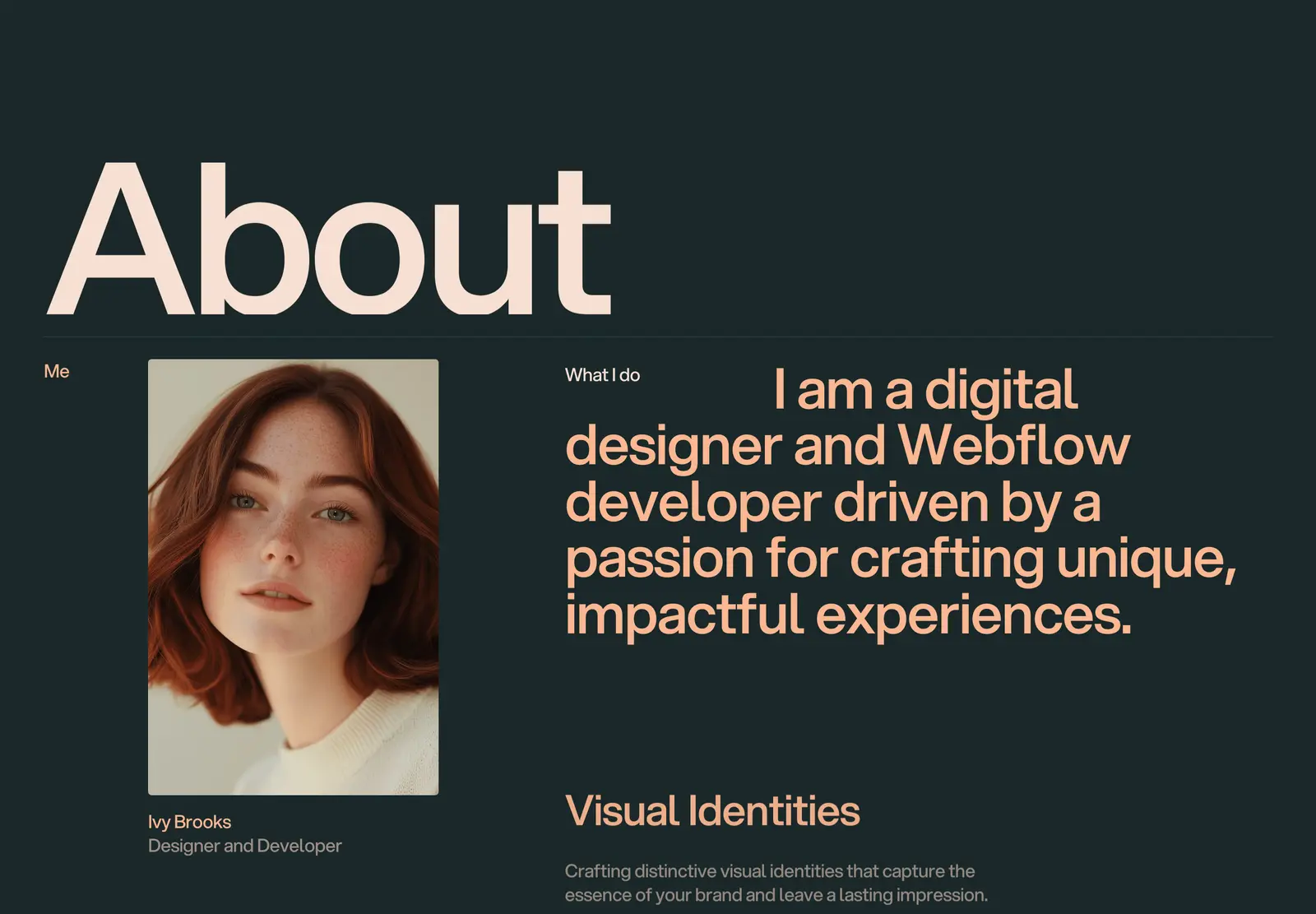
Ivy Brooks is a clean, typographic portfolio for freelancers and creatives. Simple grid, smooth animations, CMS-ready for projects, with a Styleguide page that makes global updates fast. No custom code anywhere — everything is configurable through the Webflow interface. At $29 it sits at the same price as Jonas and Accent, but with a more typographic character. Good if you want a light, clean portfolio and the others on this list feel too minimal or too bold.
Lucide is the only pick if writing sits alongside your portfolio. For dark options: Awake for agency work, Darkfolio for maximum restraint, Irene if you want dark without the complexity of either. Landon for clean and minimal on a light background. Someday for something with more character — editorial, expressive, not invisible. Debut Studio if you want bold interactions and type as the centrepiece. Accent, Noa, and Ivy Brooks cover the $29 range — Accent for understated colour, Noa for personality, Ivy Brooks for typographic clarity. Jonas, Jonas Dark, and Format are the minimal one-pagers. Simplefolio is the one if you just need something live today.
Browse the full set on the Webflow portfolio templates page.
Quick setup checklist:
Yes. All fourteen are built in Webflow with global styles for colour and typography — change the accent colour or font once and it updates across the whole template. CMS-powered templates let you add and edit projects without touching the design.
Lucide is the only template on this list with a full blog built in alongside the portfolio. The others are portfolio-only. Most Webflow templates can have a blog added using the CMS, but it requires setup work — Lucide handles it out of the box.
Awake, Darkfolio, Irene, and Jonas Dark all use dark backgrounds. Darkfolio is the most minimal, Awake has the most structure for agency use, Irene sits in the middle, and Jonas Dark is the lightest-weight dark option at $29.
One-page templates (Jonas, Jonas Dark, Accent, Noa, Format, Simplefolio) show everything in a single scroll — faster to set up, easier to maintain. Multi-page templates (Someday, Awake, Darkfolio, Lucide, Irene, Landon) give more space for detailed case studies. If you have four to six pieces of work, a one-pager is fine. If you write long case studies, go multi-page.
Someday and Awake both work as agency sites without modification. The others are portfolio-focused. For a dedicated agency site, see the Webflow agency templates.
Join 2,900+ designers · Unsubscribe at any time