7 best Framer SaaS templates
7 Framer templates for SaaS products — dark mode for developer tools, light mode for consumer apps, fintech-specific, and AI agency options. All with pricing sections, feature pages, and CMS built in.

14 min
7 Framer templates for SaaS products — dark mode for developer tools, light mode for consumer apps, fintech-specific, and AI agency options. All with pricing sections, feature pages, and CMS built in.
Most SaaS websites fail at the same point: the product is real, the team is capable, but the site doesn’t close the gap between “what is this” and “I’m signing up”. A good SaaS template solves that problem structurally. It already has the sections that earn trust — a clear hero that explains the product in one line, feature breakdowns that speak to outcomes rather than specifications, a pricing section that removes ambiguity, and social proof that shows real use. The templates on this list are built specifically for software products: B2B tools, developer platforms, AI products, and consumer apps that need a professional presence fast.
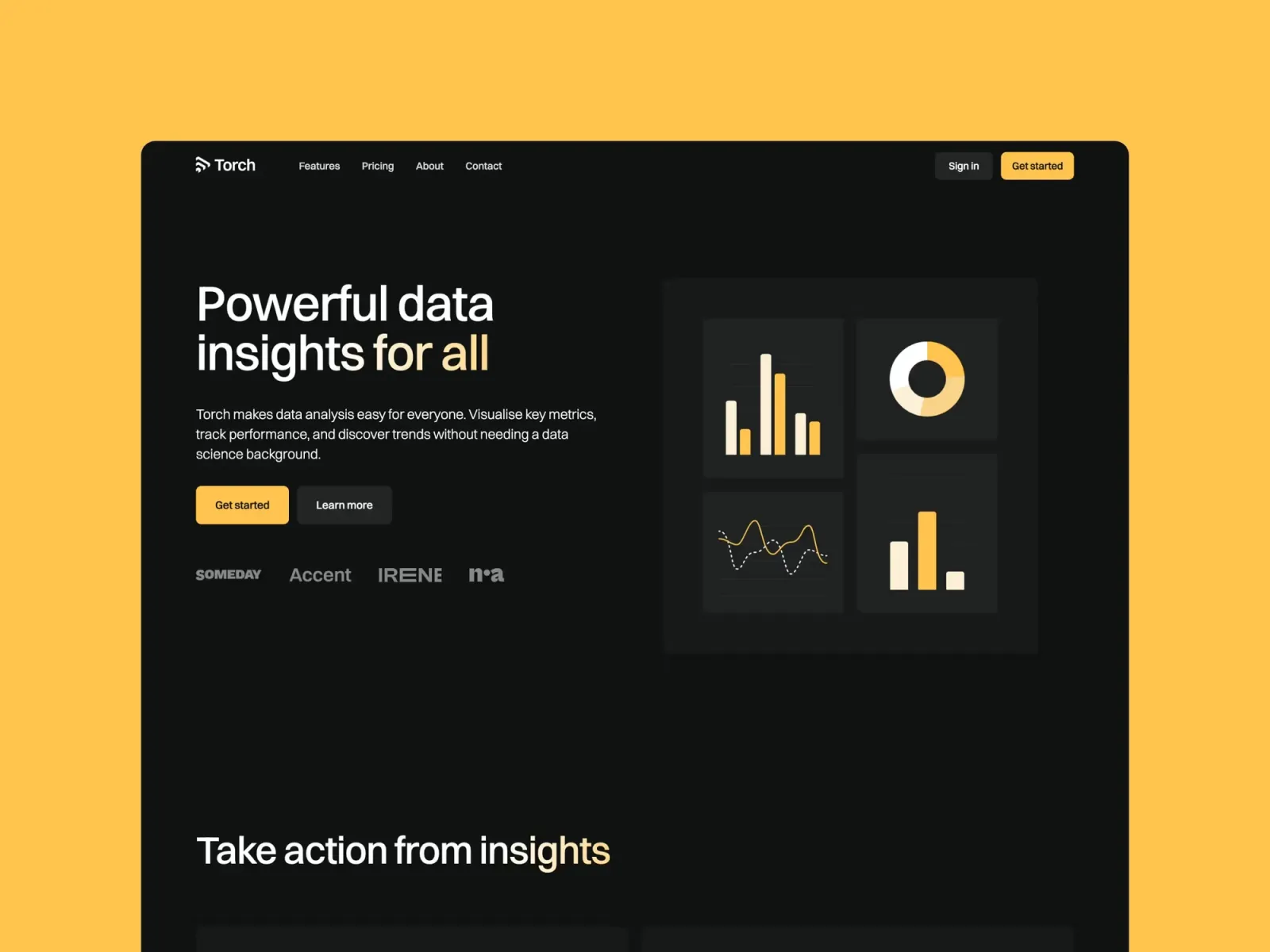
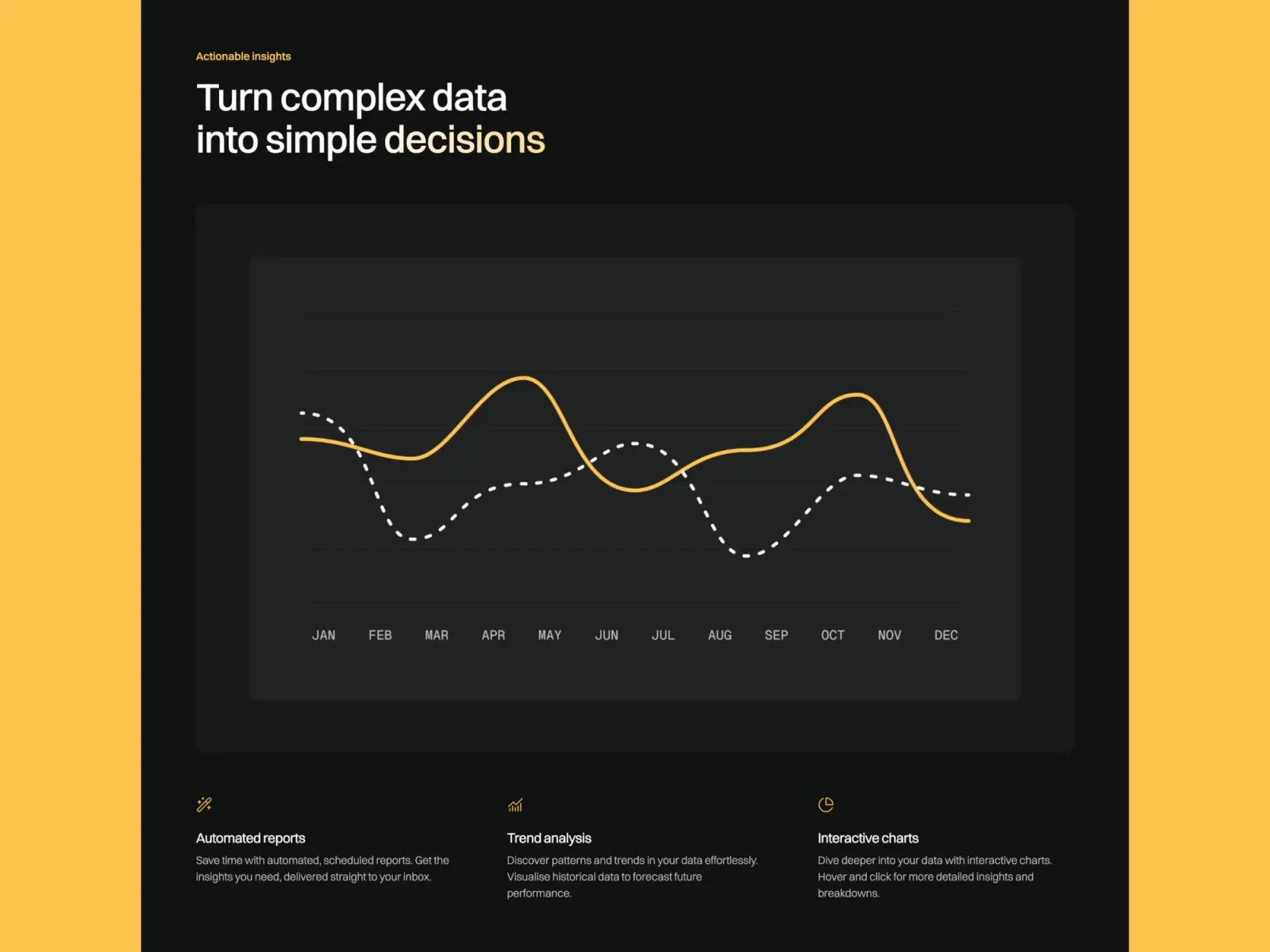
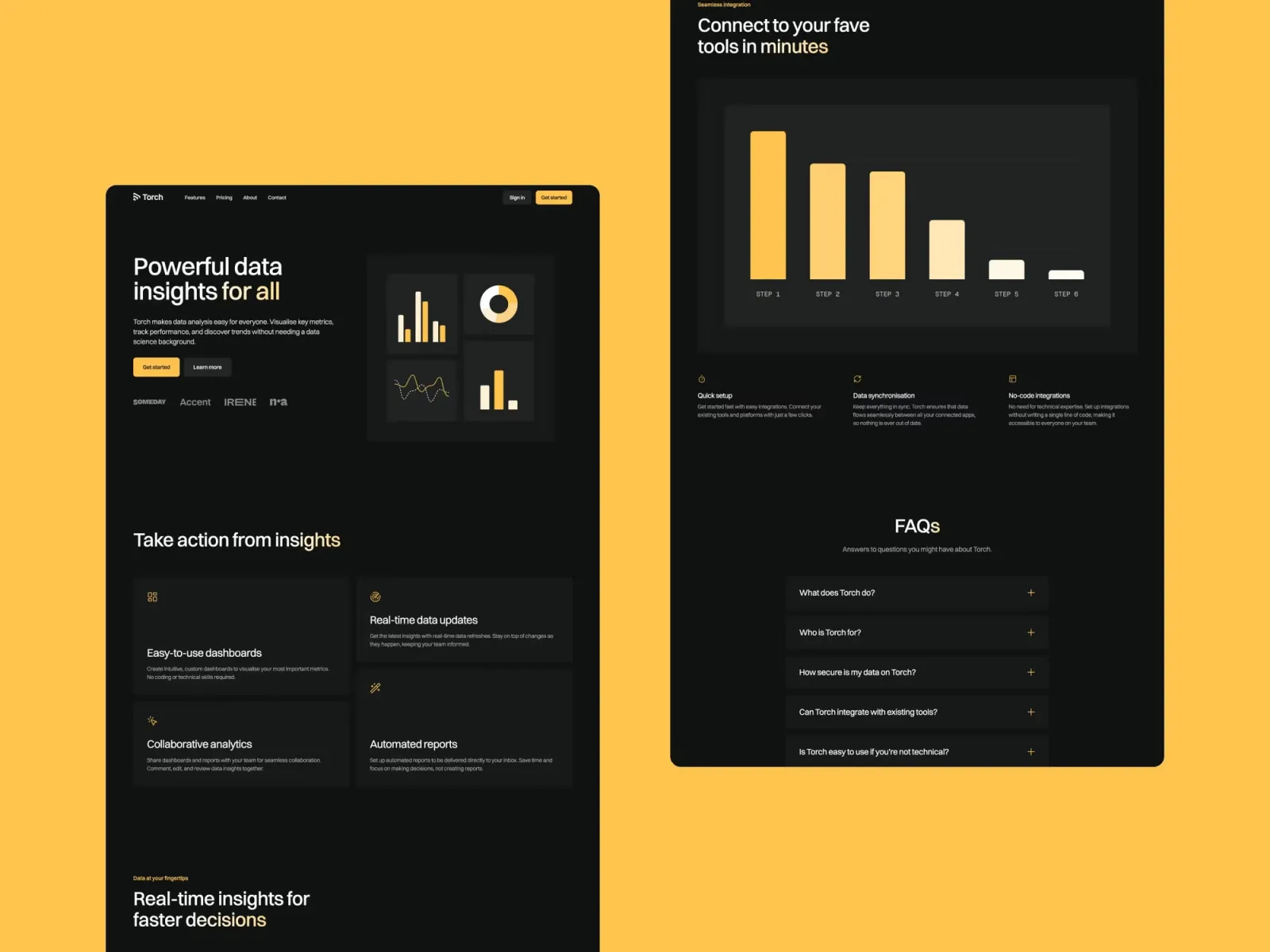
Torch is a dark SaaS template built specifically for software products. The layout follows the logic of the best B2B marketing sites: hero, social proof, feature breakdown, pricing, and a clear path to sign up. It’s a dark-mode-first design — not a light template with a colour toggle — which means the spacing, contrast, and image presentation were calibrated from the ground up for a dark canvas. One honest caveat: the dark aesthetic lands well with technical and developer audiences but can feel cold for consumer-facing products where warmth and approachability matter more.
SaaS founders, AI startups, and developer tool teams who want a credible, polished dark-mode marketing site with product communication and content marketing ready to go.
$149 · Single site licence
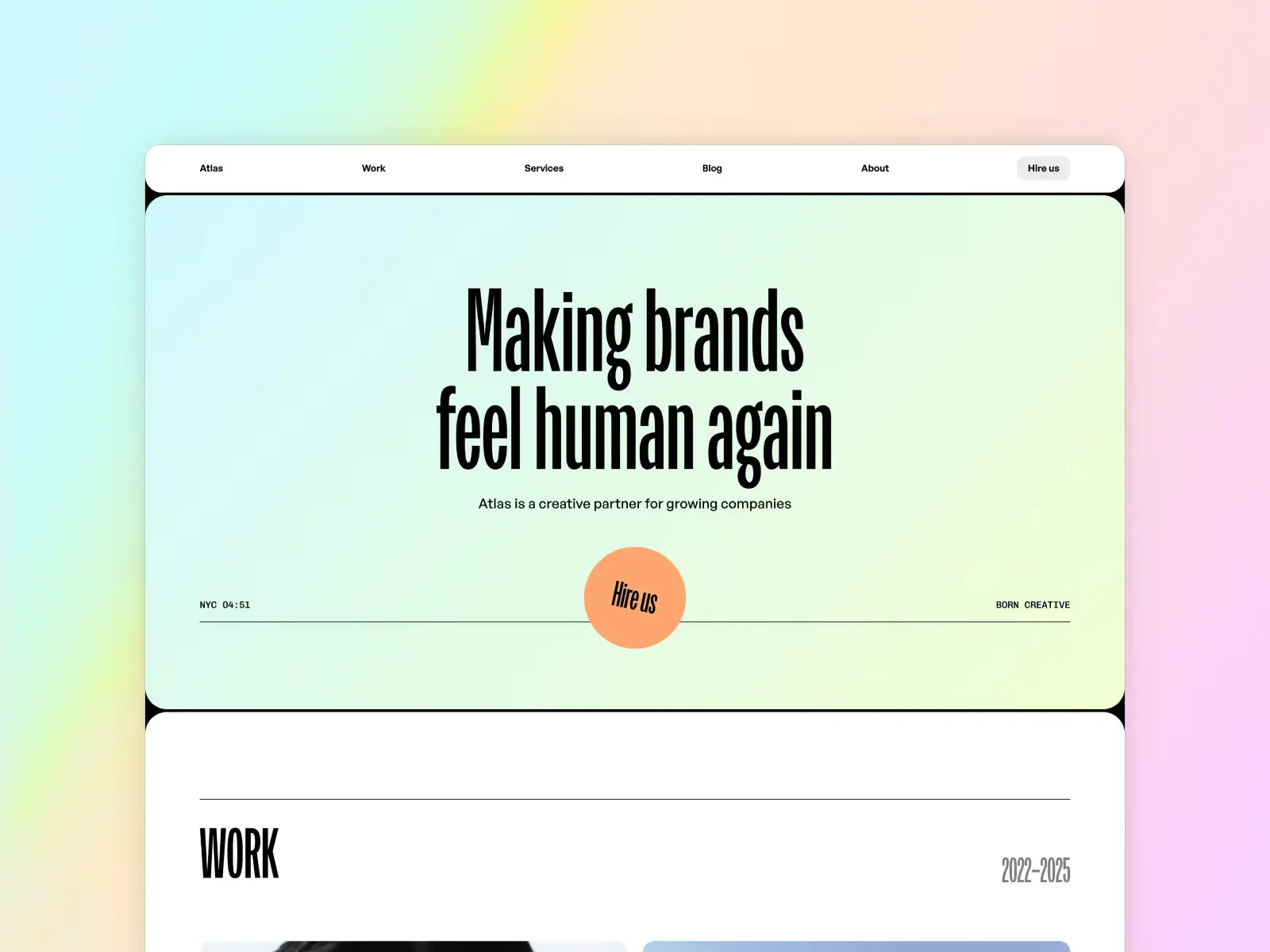
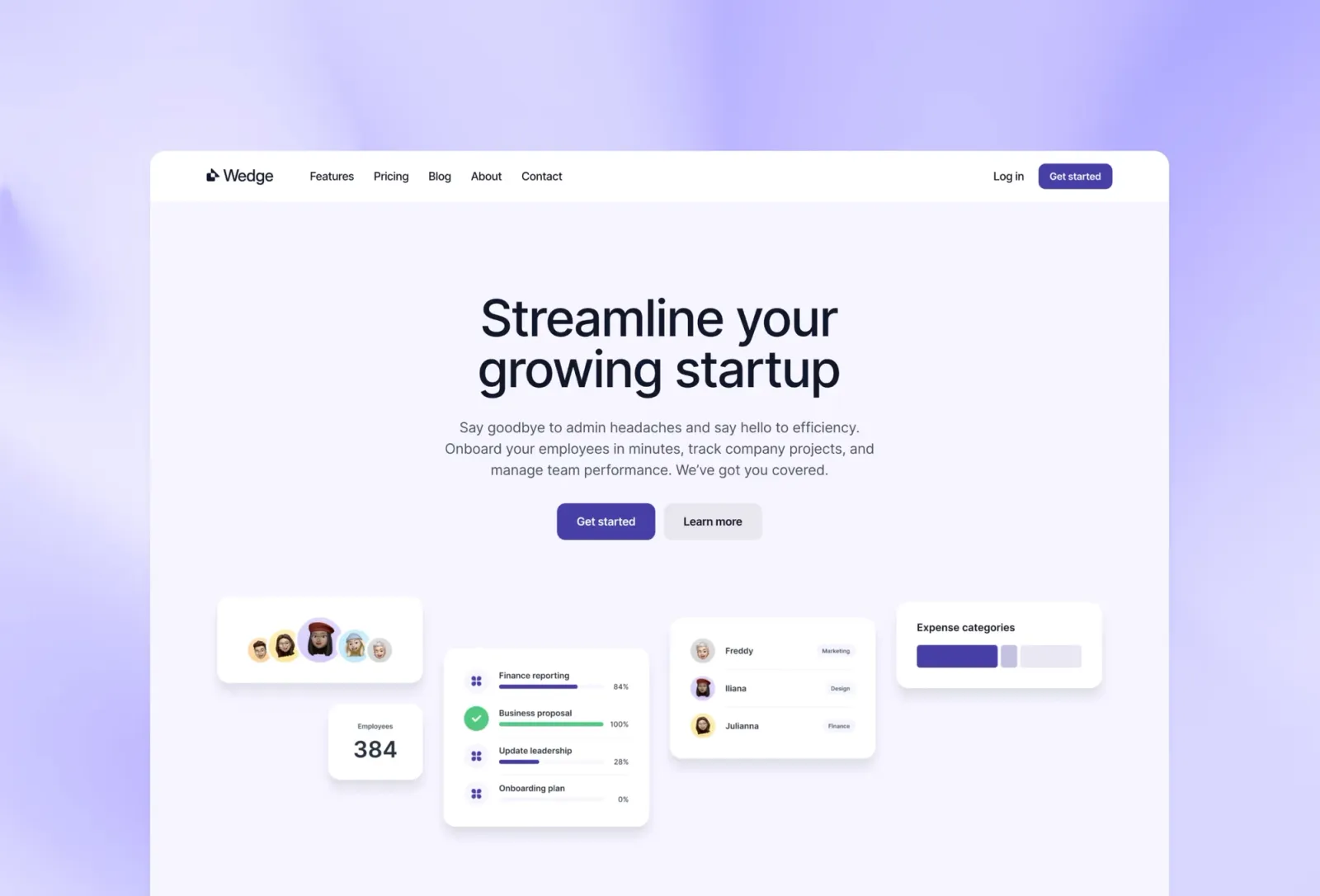
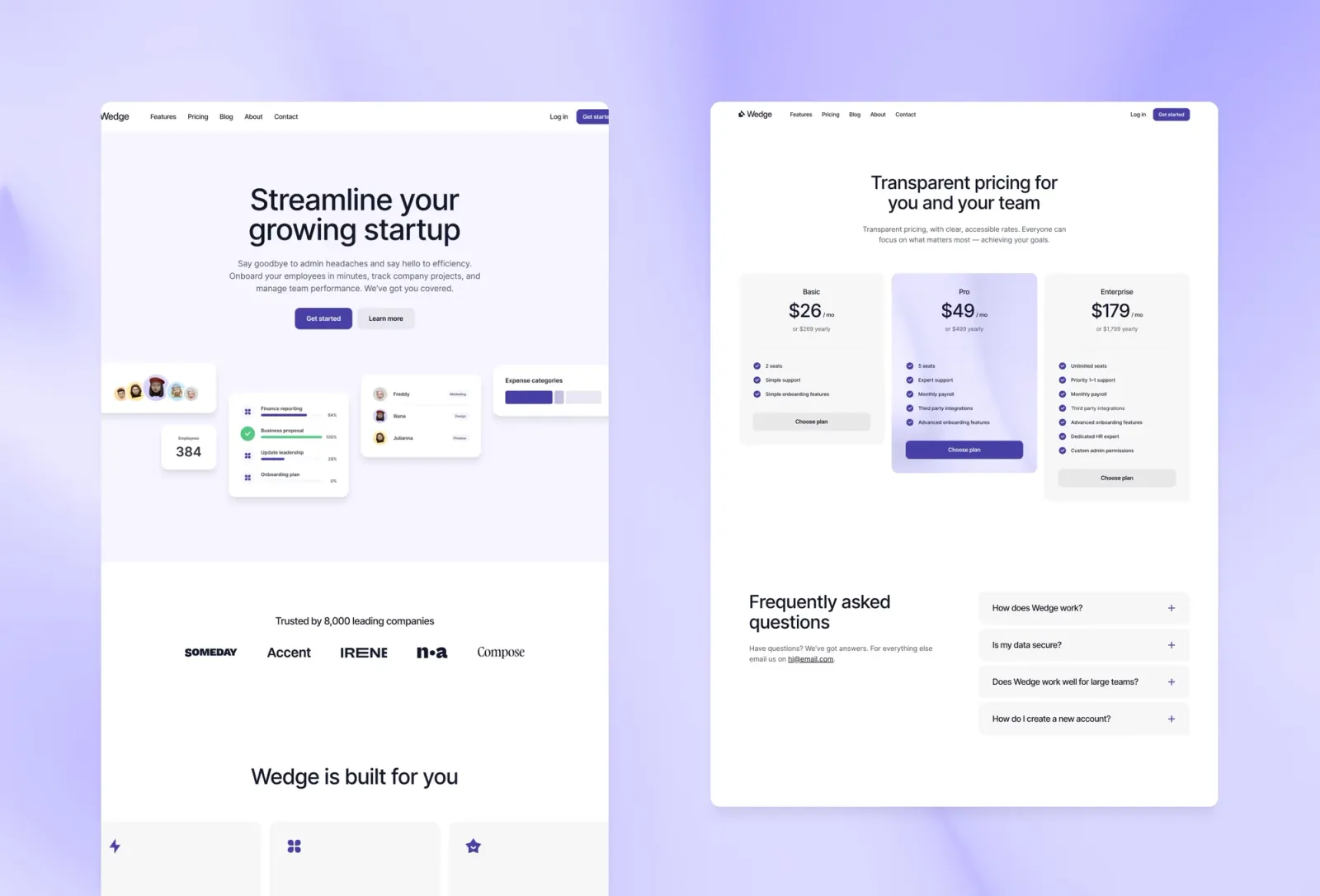
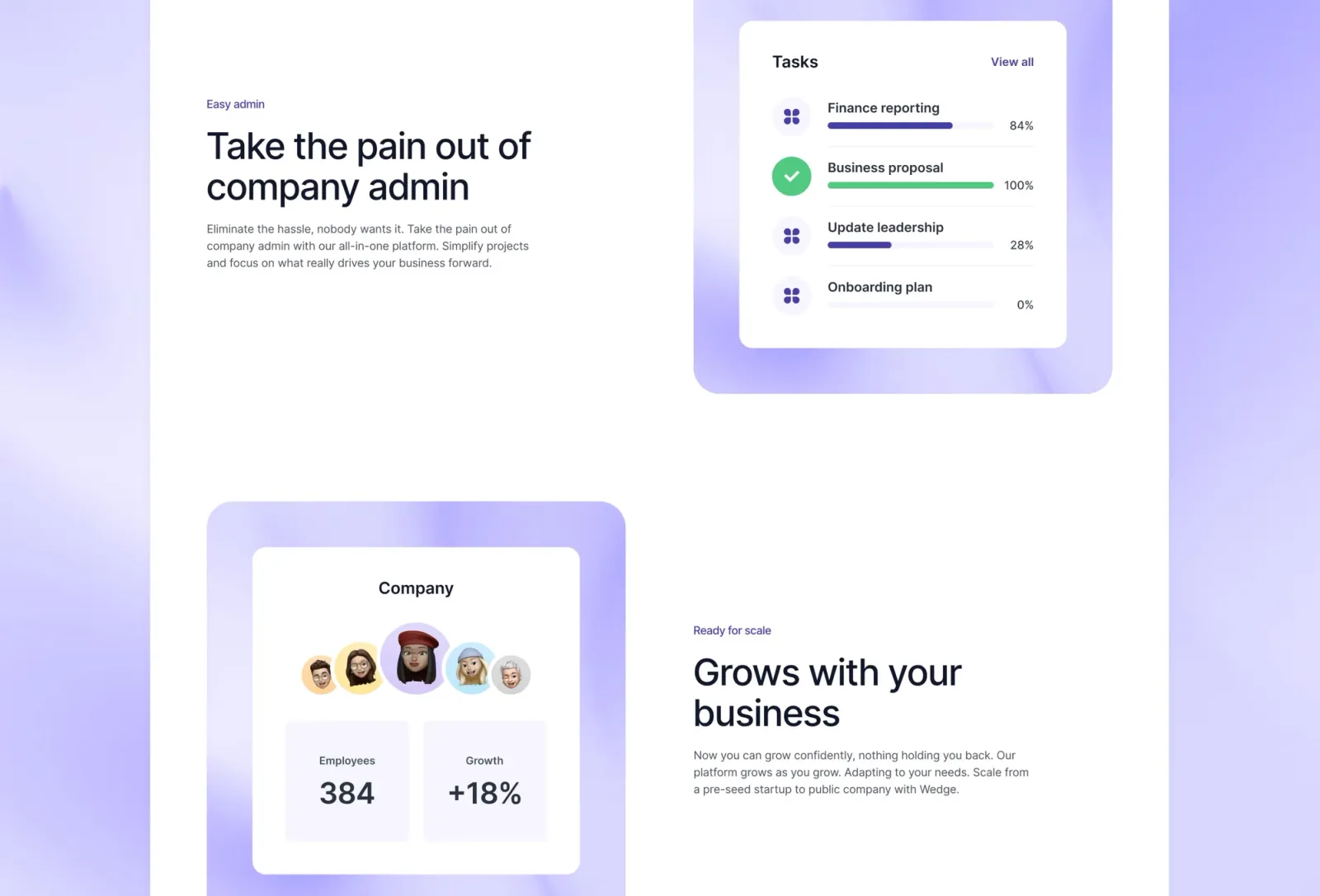
Wedge is a light-mode SaaS template with one feature most Framer templates skip: documentation pages. That’s a meaningful inclusion — if your product has an API, a developer onboarding flow, or a knowledge base, you can run it from the same Framer project as your marketing site. The pastel and gradient palette is friendlier and more approachable than Torch’s dark aesthetic, which suits consumer-facing products and tools where the buyer is a non-technical decision-maker. If you’re selling to developers specifically, Torch is probably the stronger choice; Wedge is for everything else.
SaaS products, developer tools, and consumer-facing software where the marketing site and documentation need to live in the same system.
$149 · Single site licence
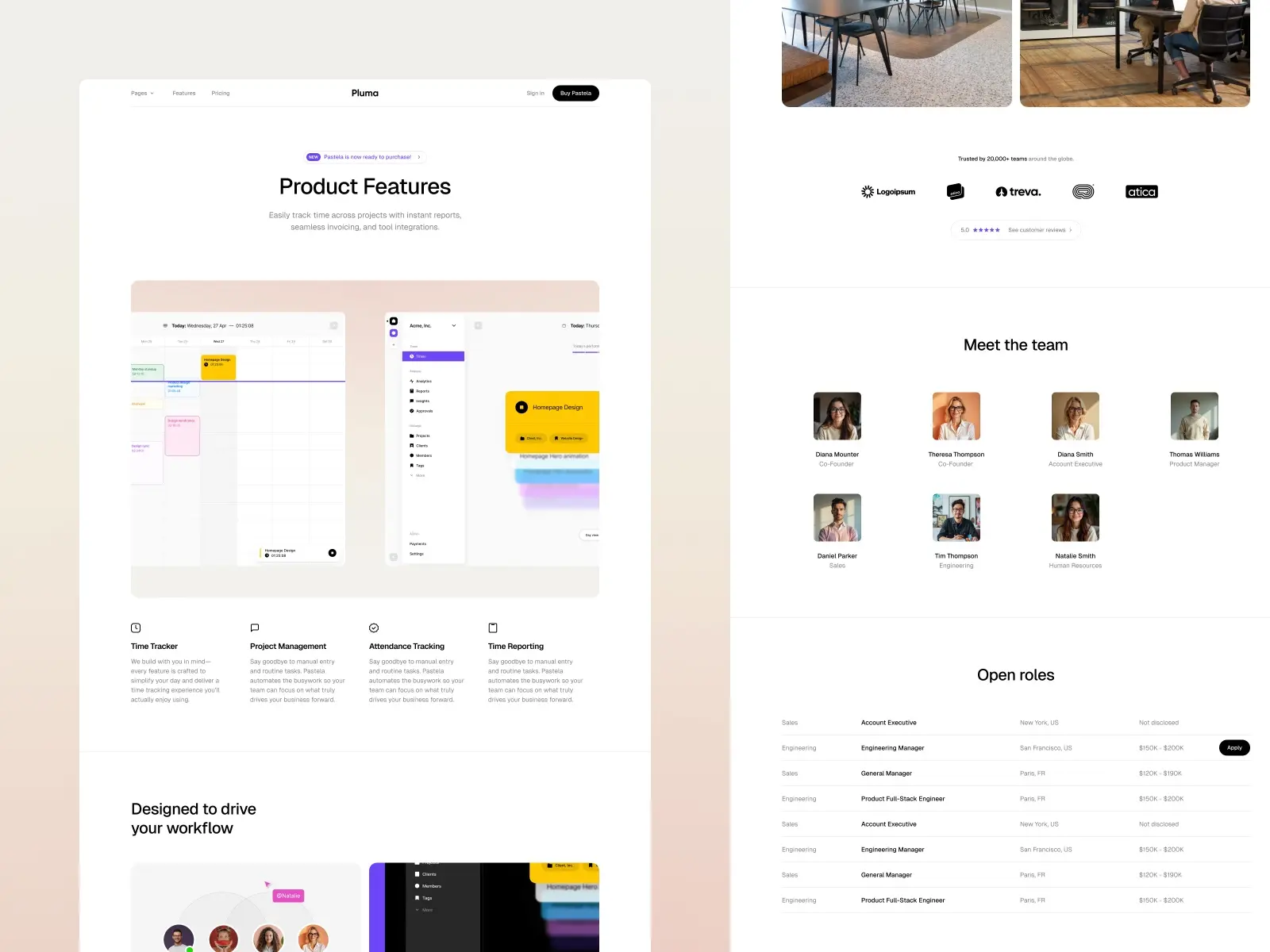
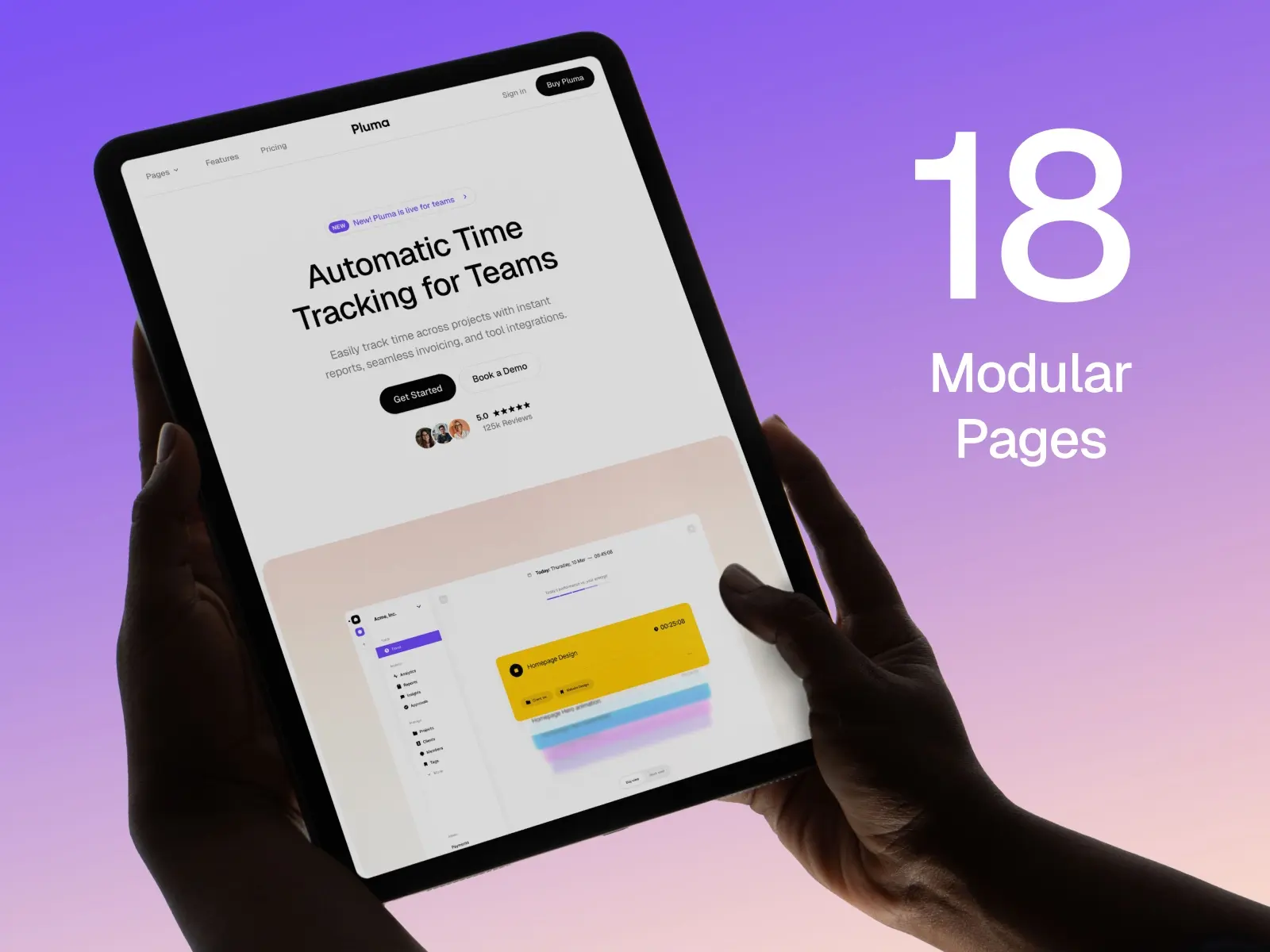
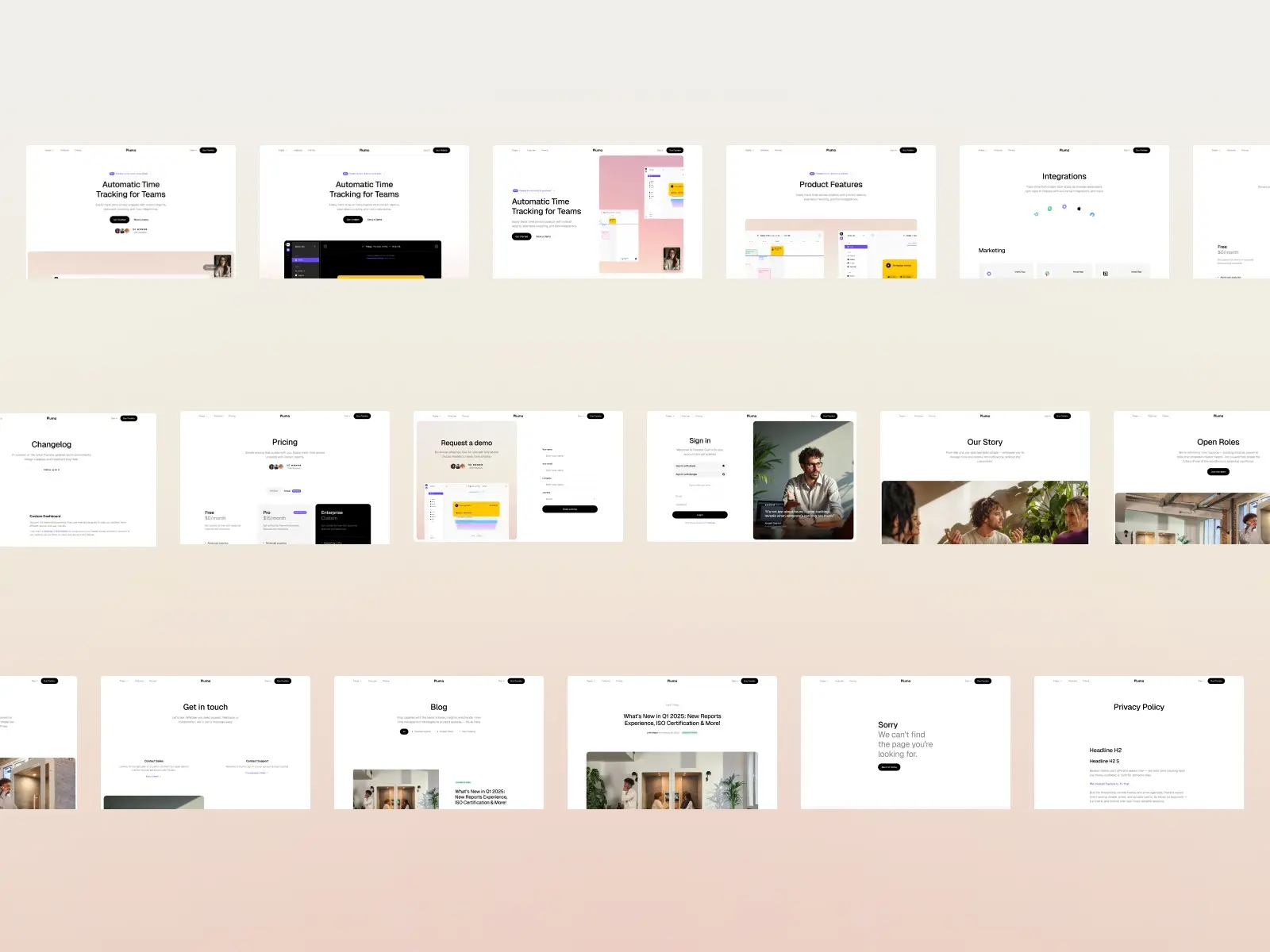
Pluma is the most page-complete SaaS template on this list. Eighteen pages across light and dark theme variants, covering everything from a changelog to a careers section — which means you can grow into it rather than outgrow it. The modular structure makes rebanding straightforward: global colour and type styles mean you change one value and the whole template updates. One honest limitation: the sheer volume of pages means there’s more to configure before launch. If you want something faster to get live, Vectura or Claura are leaner starting points. If you want a template that covers every content type a SaaS product might ever need, Pluma is the most thorough option at $99.
SaaS products that want a template they can grow into — teams who need a changelog, a careers page, or multiple hero variants without buying a second template.
$99 · Single site licence
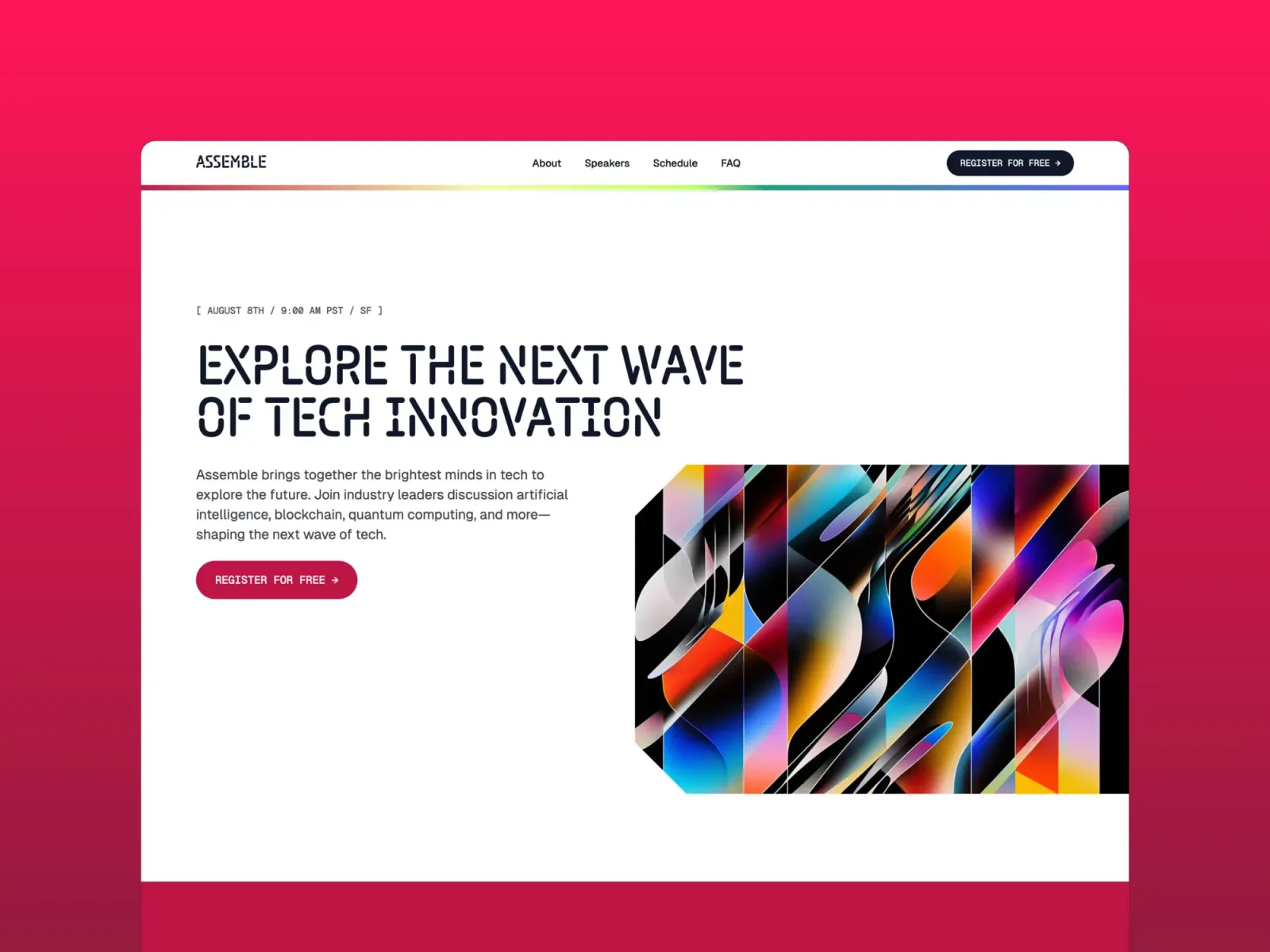
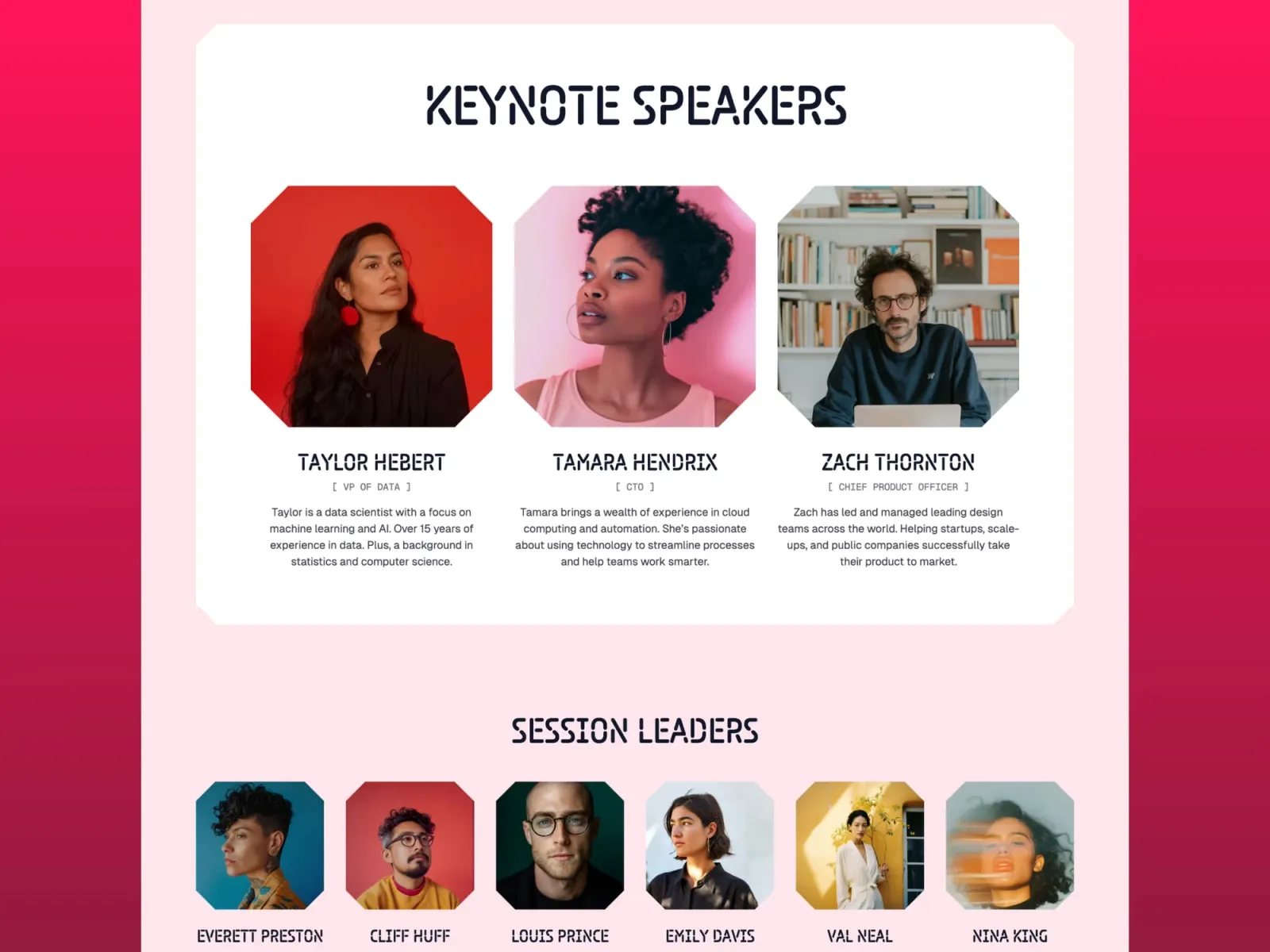
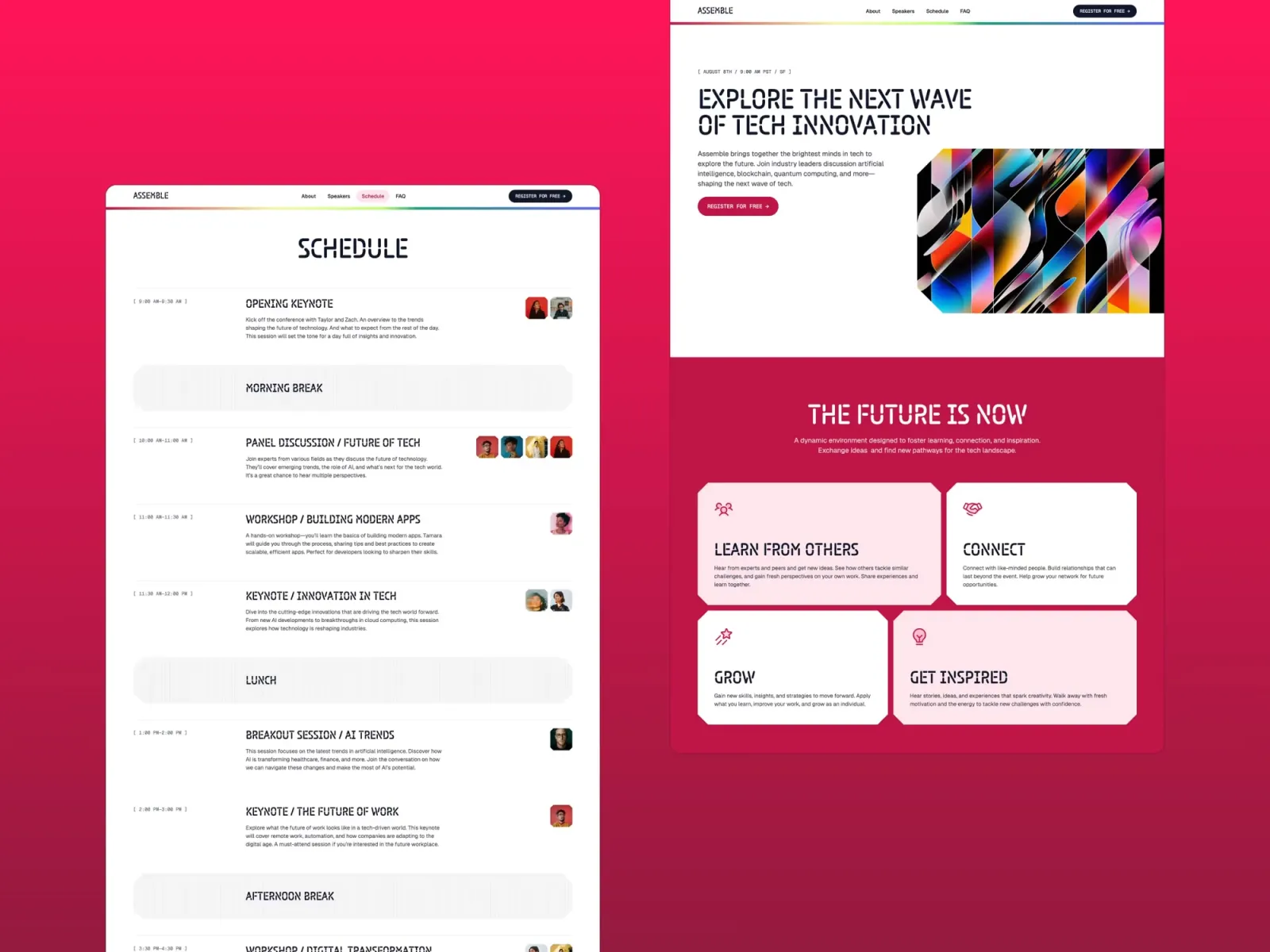
Assemble is a colourful, high-energy one-pager built for product launches and waitlists. The bento grid layout communicates a lot of information quickly — a feature that matters when you’re trying to get a pre-launch page live fast and still make it look considered. It’s worth being honest about the trade-off: the design is deliberately loud, which makes a strong first impression but means it’s less suited to established B2B products that need to project stability rather than excitement. The email capture section works exactly as it looks — drop the native Framer form component in and you have a working waitlist in minutes.
Pre-launch SaaS products, product announcements, and teams who want an energetic, visually distinctive one-pager that captures email addresses and communicates the core idea fast.
$149 · Single site licence
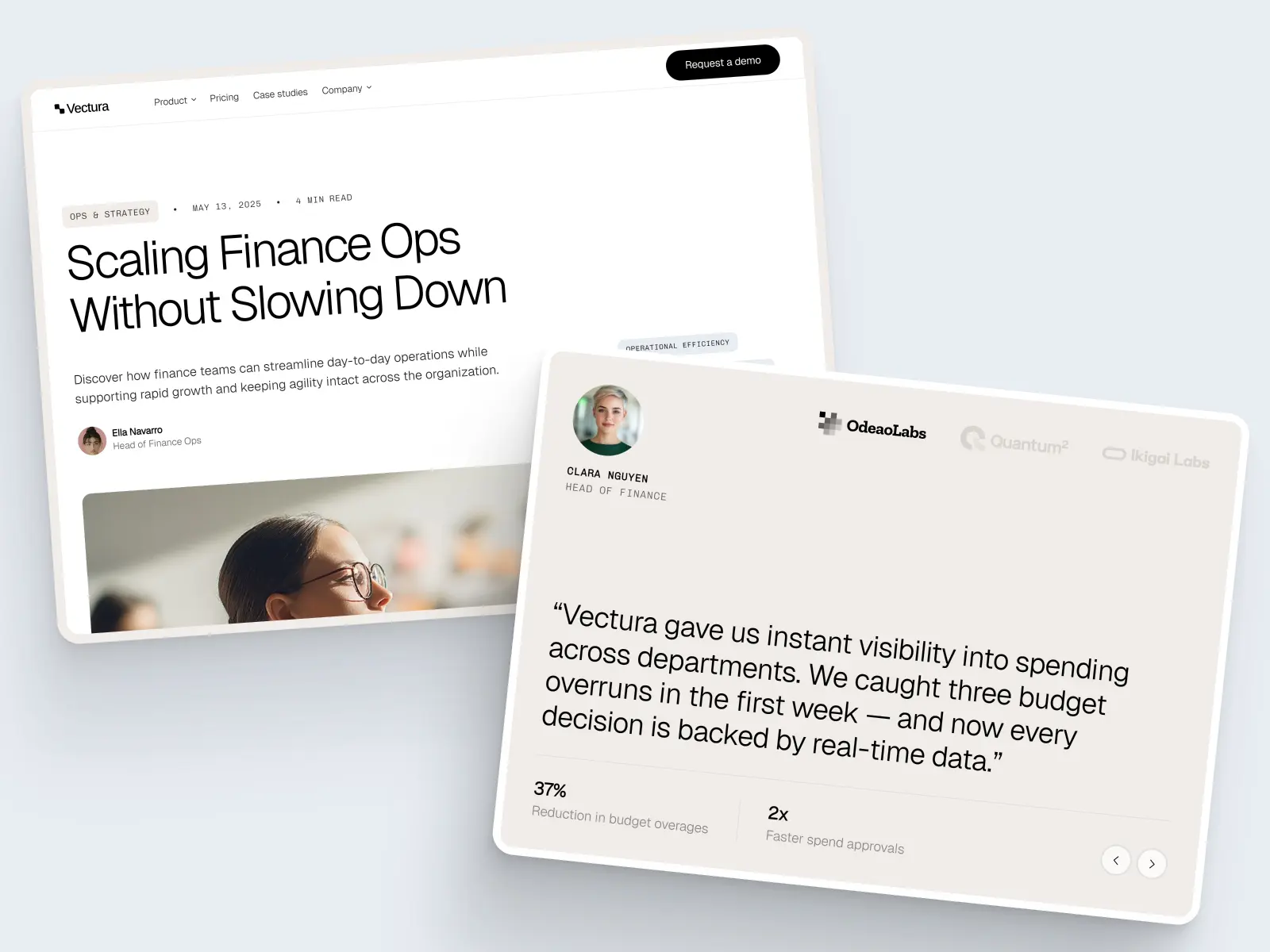
Vectura is built specifically for fintech and finance SaaS — a niche that most generic SaaS templates don’t serve well. The design is clean and trust-building by default: no bold colours or startup energy, just a professional layout that communicates stability and credibility. Fourteen pages including case studies, a blog with category filters, and a dedicated product page with use cases and testimonials. The honest caveat: if your product isn’t in the finance space, the aesthetic can feel a little conservative. For fintech, enterprise SaaS, or any software sold to risk-averse buyers, that conservatism is exactly what you want.
Fintech companies, financial SaaS platforms, and enterprise software products where trust, credibility, and a conservative visual register matter more than energy or boldness.
$129 · Single site licence
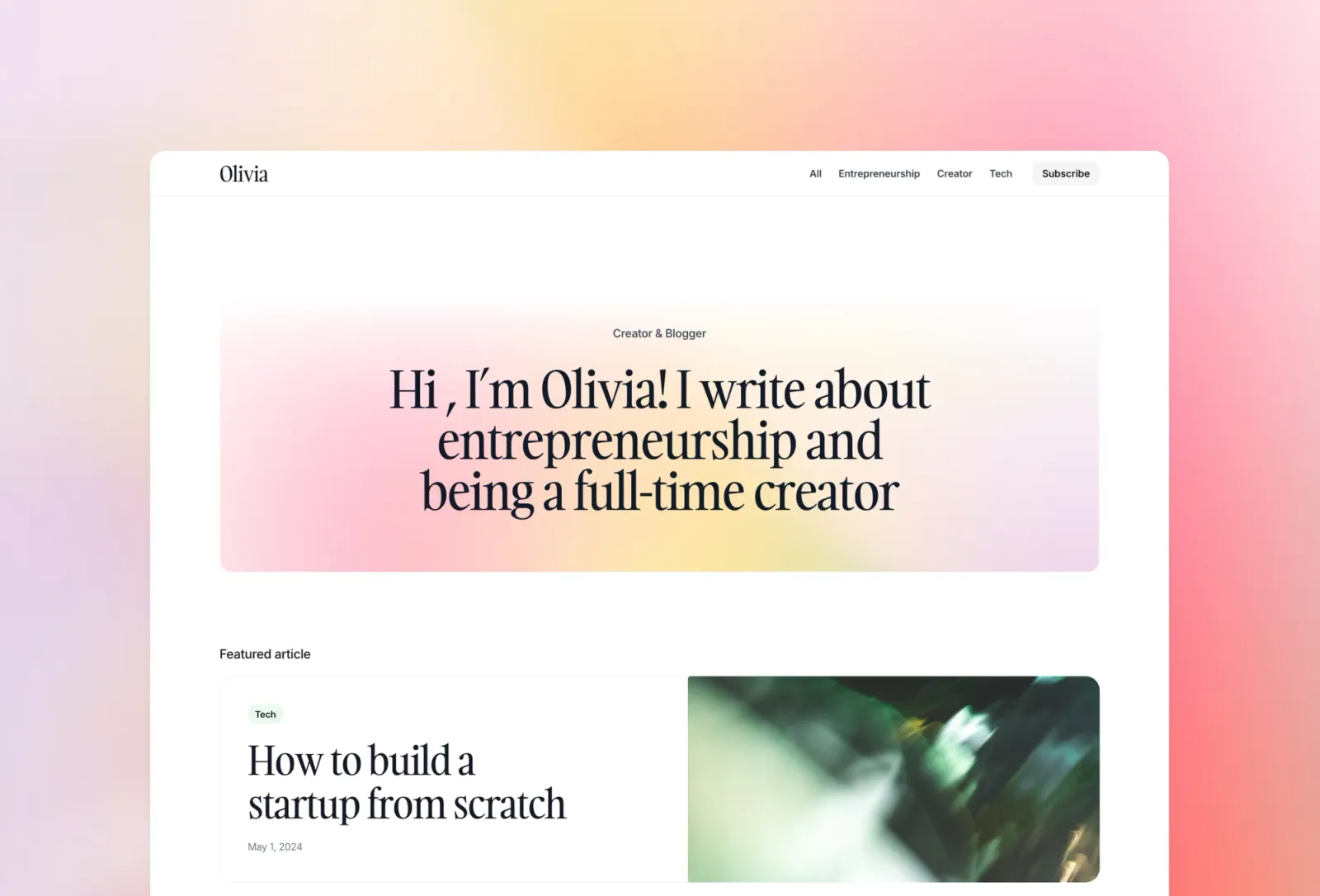
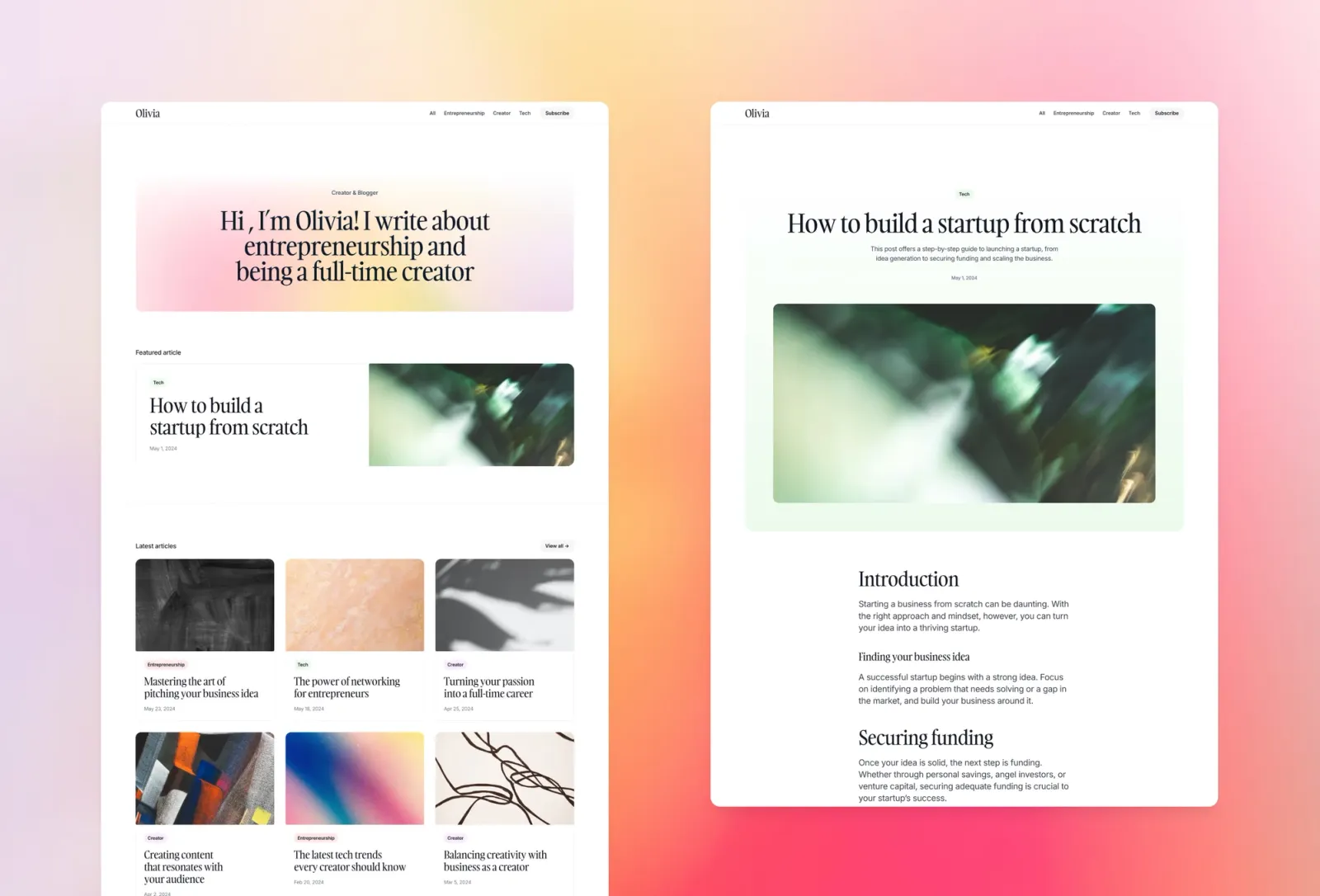
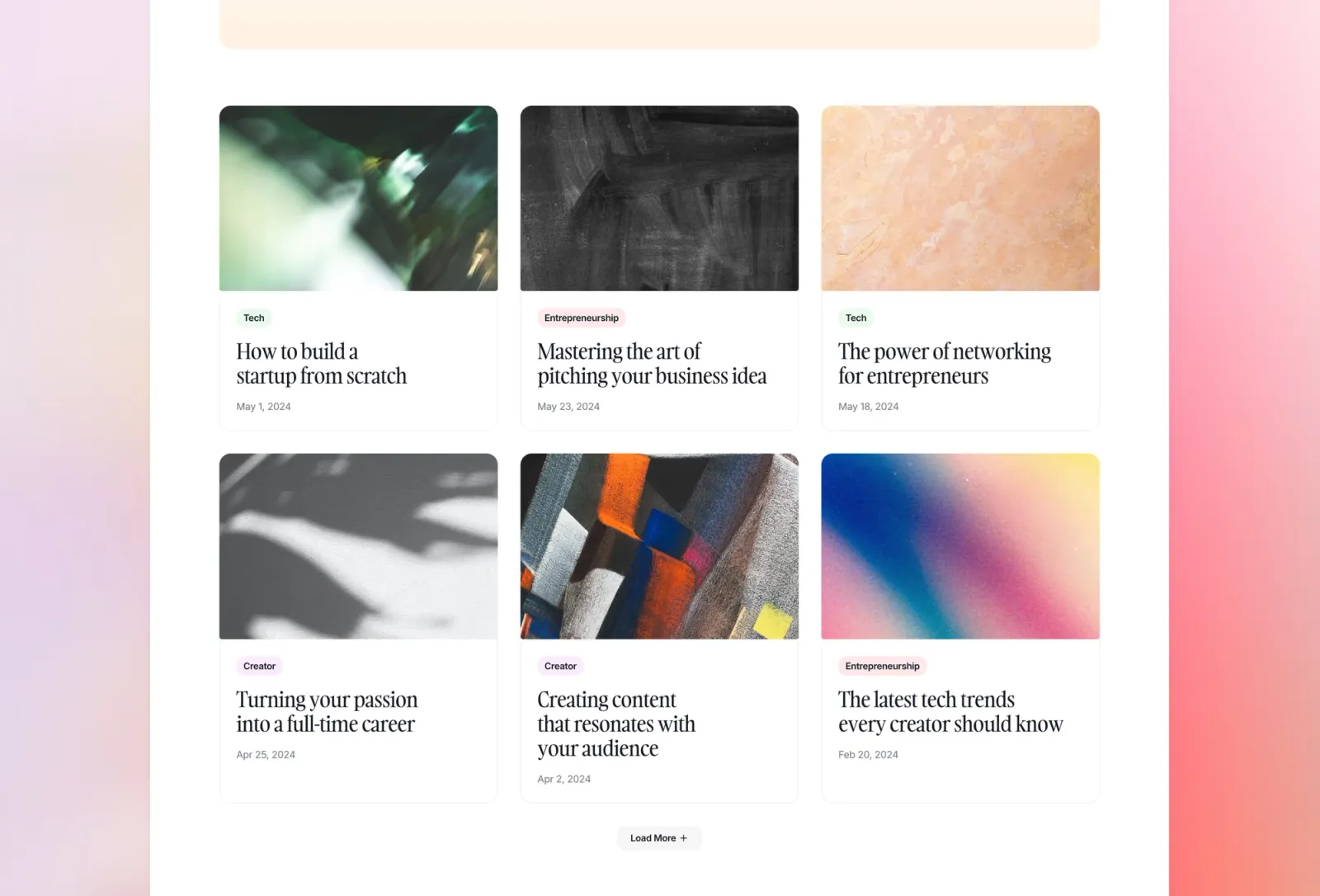
For SaaS products, content marketing is one of the highest-ROI acquisition channels that most teams delay until it feels too late to start. Compose is a standalone blog and editorial template that’s genuinely fast to get live — CMS for posts, categories, and authors, native email capture for list building, and a colourful editorial layout that feels approachable rather than corporate. The main thing to understand about this template: it’s built as a publication-first site rather than a product-first site. If you need a blog section within a full SaaS marketing site, Torch or Wedge will serve you better. If you want a standalone content hub or resource site to run alongside your product, Compose is the stronger choice.
SaaS teams building a standalone content marketing hub, resource library, or SEO blog to run alongside their main product site.
$149 · Single site licence
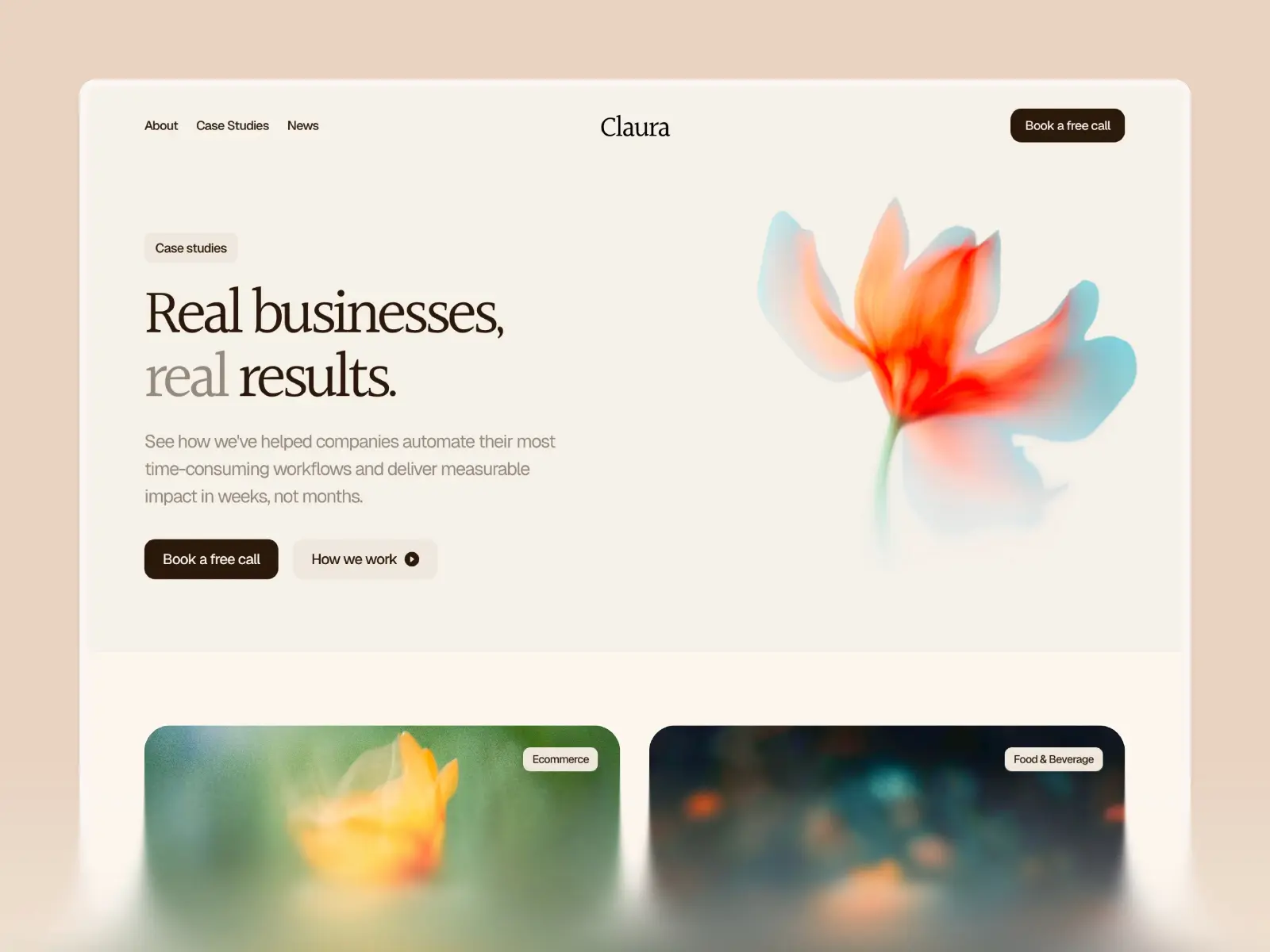
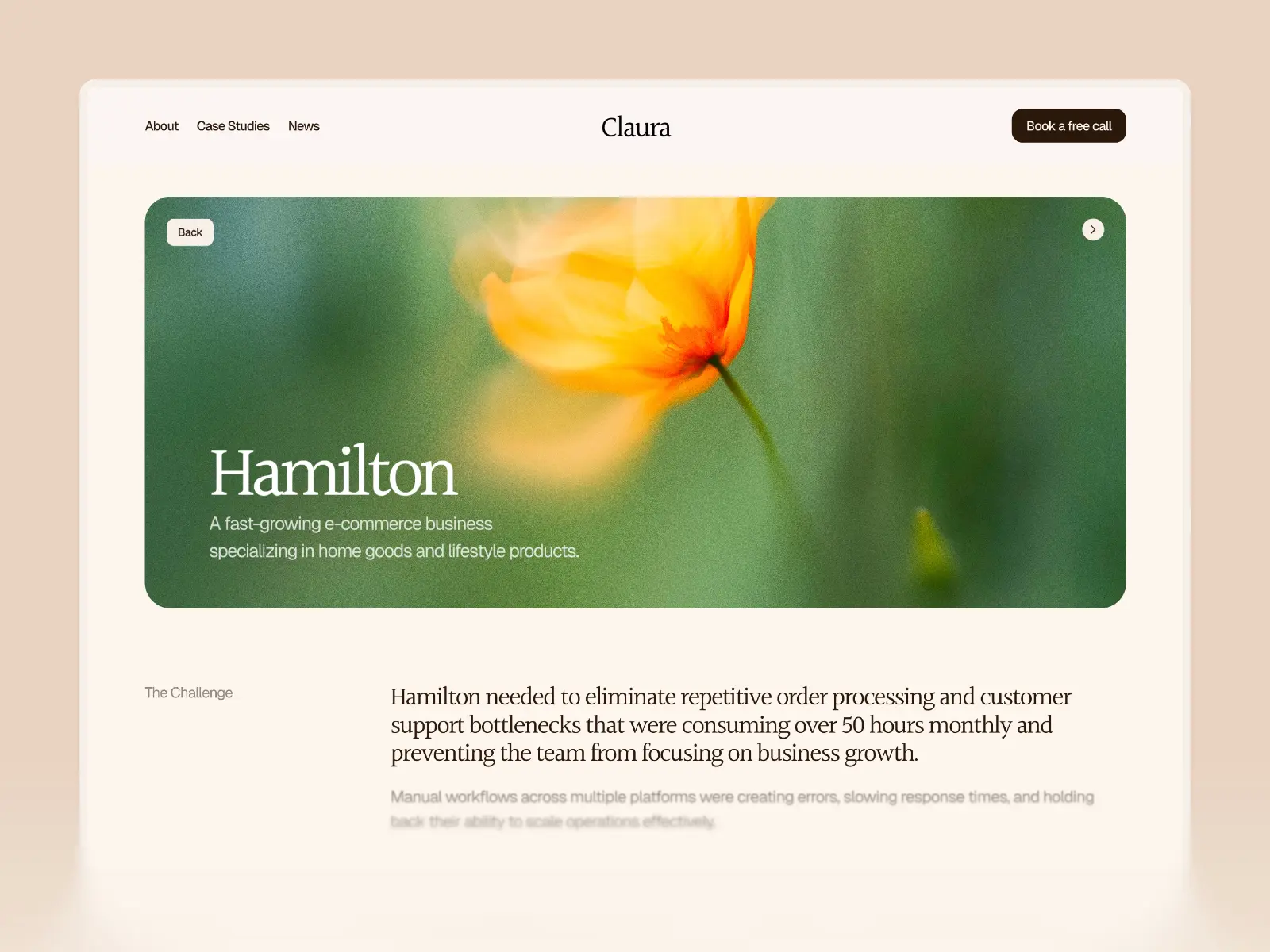
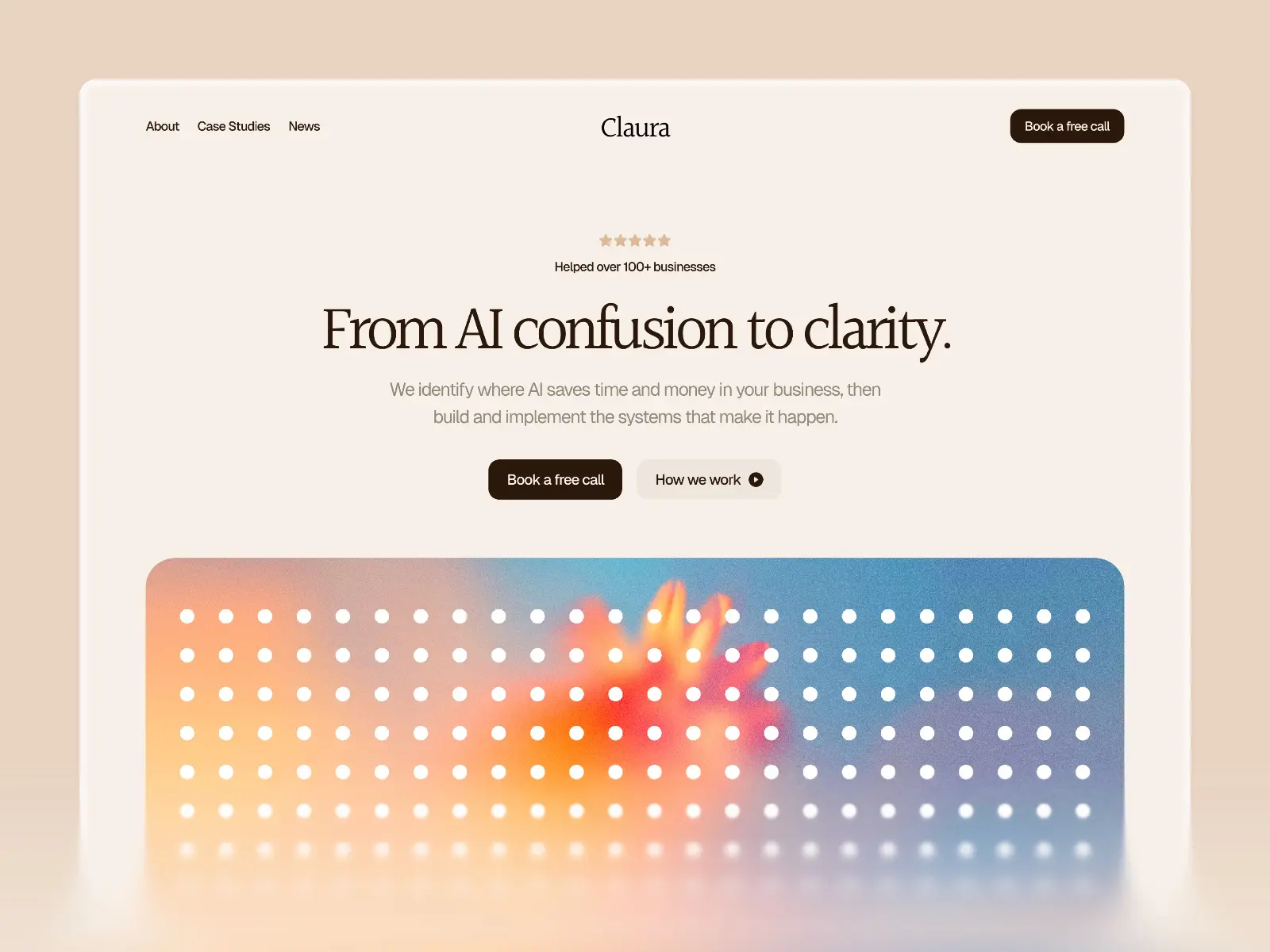
Claura is positioned as an AI agency template, which is a narrower brief than most on this list — and that specificity is both its strength and its limitation. If you’re selling AI automation services or consulting to businesses, the copy framing, case study structure, and credibility-first layout are already set up for that audience. It also bundles extras that no other template here includes: a step-by-step video course on setting up the template, three months of Framer Pro, and lifetime updates. Honest limitation: the agency framing means it doesn’t work as well for product-led SaaS where you need pricing tiers, a changelog, or a self-serve sign-up flow. It’s a service business template, not a software product template.
AI automation agencies, AI consultants, and specialists selling AI services to businesses — particularly those who want a premium-looking site fast and appreciate the bundled onboarding support.
$129 · Single site licence
For most SaaS products, the first decision is dark or light: Torch is the pick for developer tools, AI products, and B2B software where a polished dark aesthetic communicates technical credibility. Wedge is the pick for everything else — consumer-facing products, tools sold to non-technical buyers, or any product where approachability matters more than edge. If you’re pre-launch and need a waitlist page fast, Assemble is the fastest to set up and the most energetic in its presentation. For teams investing in content marketing as an acquisition channel, Compose gives you the richest standalone editorial setup. If you’re building a single site that covers both product marketing and documentation, Wedge is currently the only Framer template that handles both natively.
Browse the full list of SaaS Framer templates, or see everything on the
Quick checklist before launching your SaaS site on Framer:
Yes, for most SaaS products. Framer handles the marketing site layer well — fast performance, clean SEO output, built-in CMS for blog content, and a visual editor that doesn’t require a developer to make changes. The realistic limitation is the backend: Framer doesn’t replace your app, your auth system, or your payment logic. It’s the front door, not the product itself. For teams who want to move fast and still have a professional-looking site, Framer is one of the best options available.
Torch and Wedge both include pricing sections with comparison layouts — they’re designed for SaaS products with multiple tiers. Assemble and Compose don’t ship with pricing sections, but adding one in Framer is straightforward: the grid component handles tiered pricing layouts without custom code. Framer’s component library also includes pricing table patterns you can copy directly into any template.
Not natively. Framer doesn’t handle payments or subscriptions — you’ll need to link out to your payment provider (Stripe, Polar, Lemon Squeezy, or similar). The standard pattern is a “Start trial” or “Get started” button that links to your app’s signup or checkout flow. If you want an inline purchase experience, tools like Polar support an embed modal that can be triggered from a standard link — no custom dev needed.
Wedge is the only template on this list with documentation pages built in. Most SaaS templates on the Framer marketplace are marketing-site-only. If documentation is a priority, Wedge is worth looking at closely — it handles both the marketing site and a basic knowledge base in one Framer project. For a more elaborate docs setup, teams often run a separate tool (GitBook, Mintlify, Readme) for documentation and use Framer for the marketing site only.
Yes. Framer includes a native Form component that sends submissions to email, a webhook (for Slack, HubSpot, or any CRM), or Google Sheets. All templates here support it — add the form component to any page and configure the destination in the editor. For CRM integration, the webhook option connects to most tools via Zapier or Make without any custom code.
The categories overlap significantly, but the intent is different. Startup templates are often designed around the energy of an early-stage launch — bold, attention-grabbing, optimised for getting people to sign up or join a waitlist. SaaS templates tend to be more structured around the full product marketing journey: feature breakdowns, pricing comparison, social proof, and a longer consideration cycle. If you’re pre-launch and still validating, a startup template is probably faster. If you’re post-PMF and trying to convert informed buyers, a SaaS template with a pricing section and feature pages will serve you better.
Want every current and future template in one purchase? Unlimited Access includes all Framer templates — including every template on this list.
Join 2,900+ designers · Unsubscribe at any time