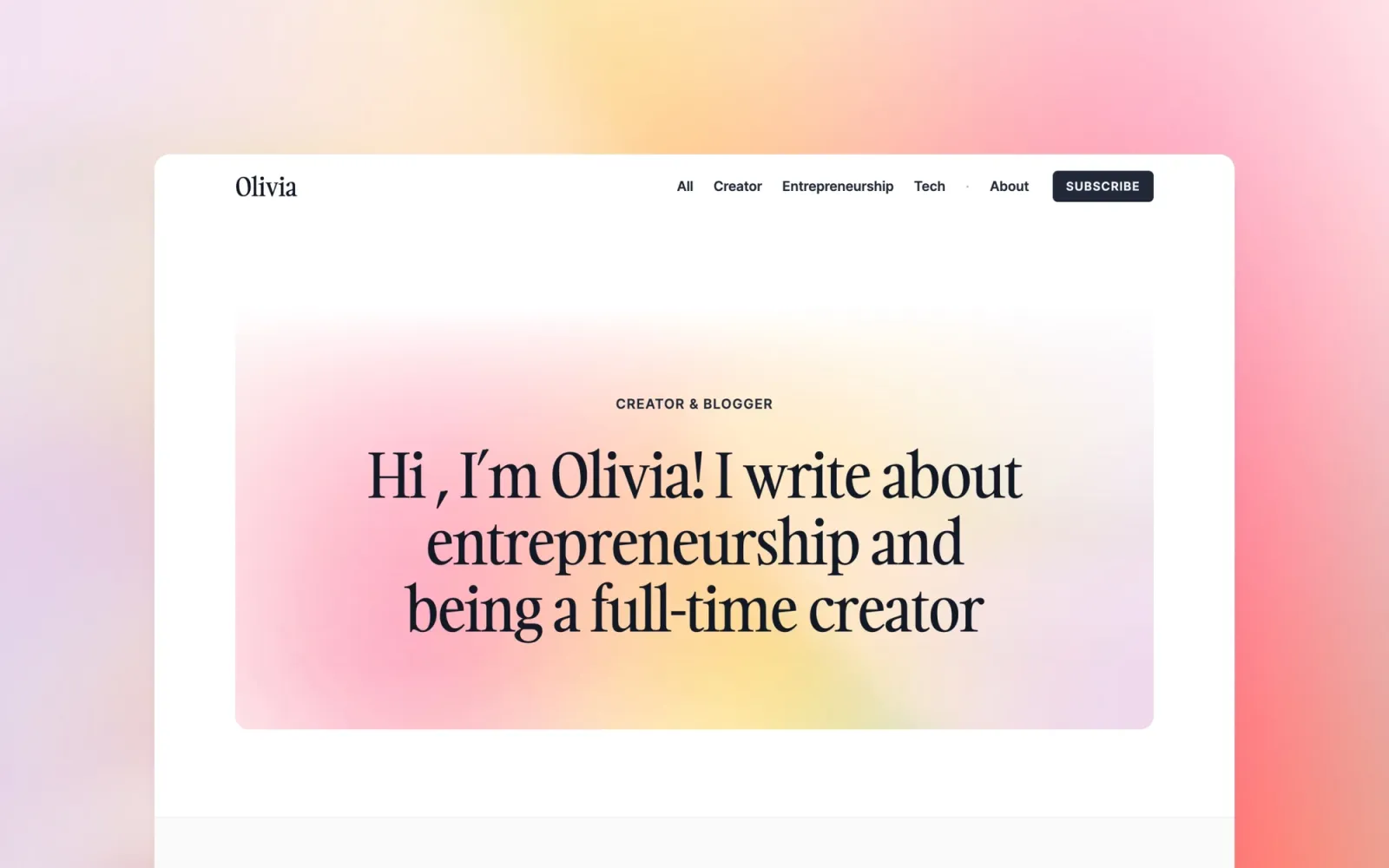
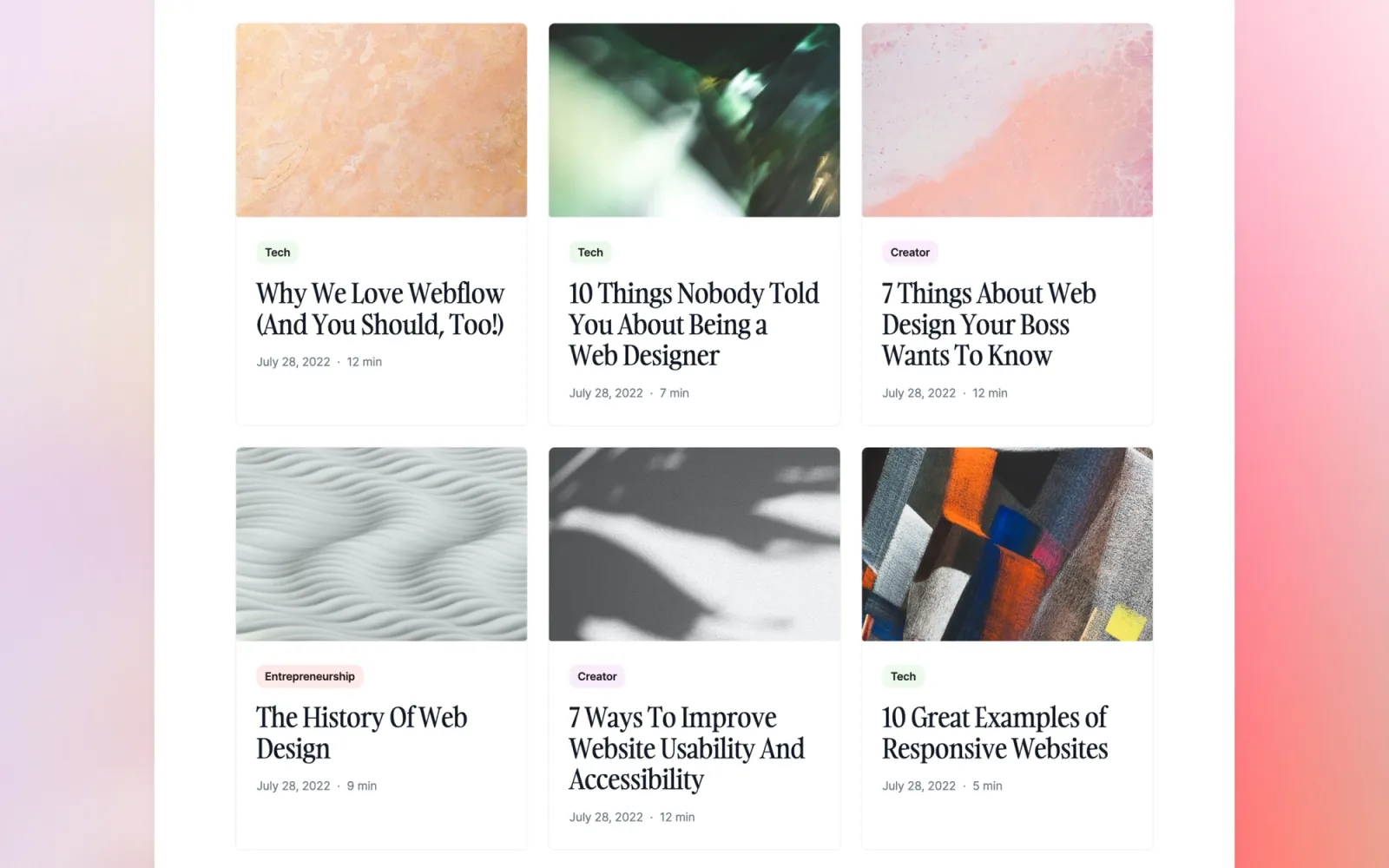
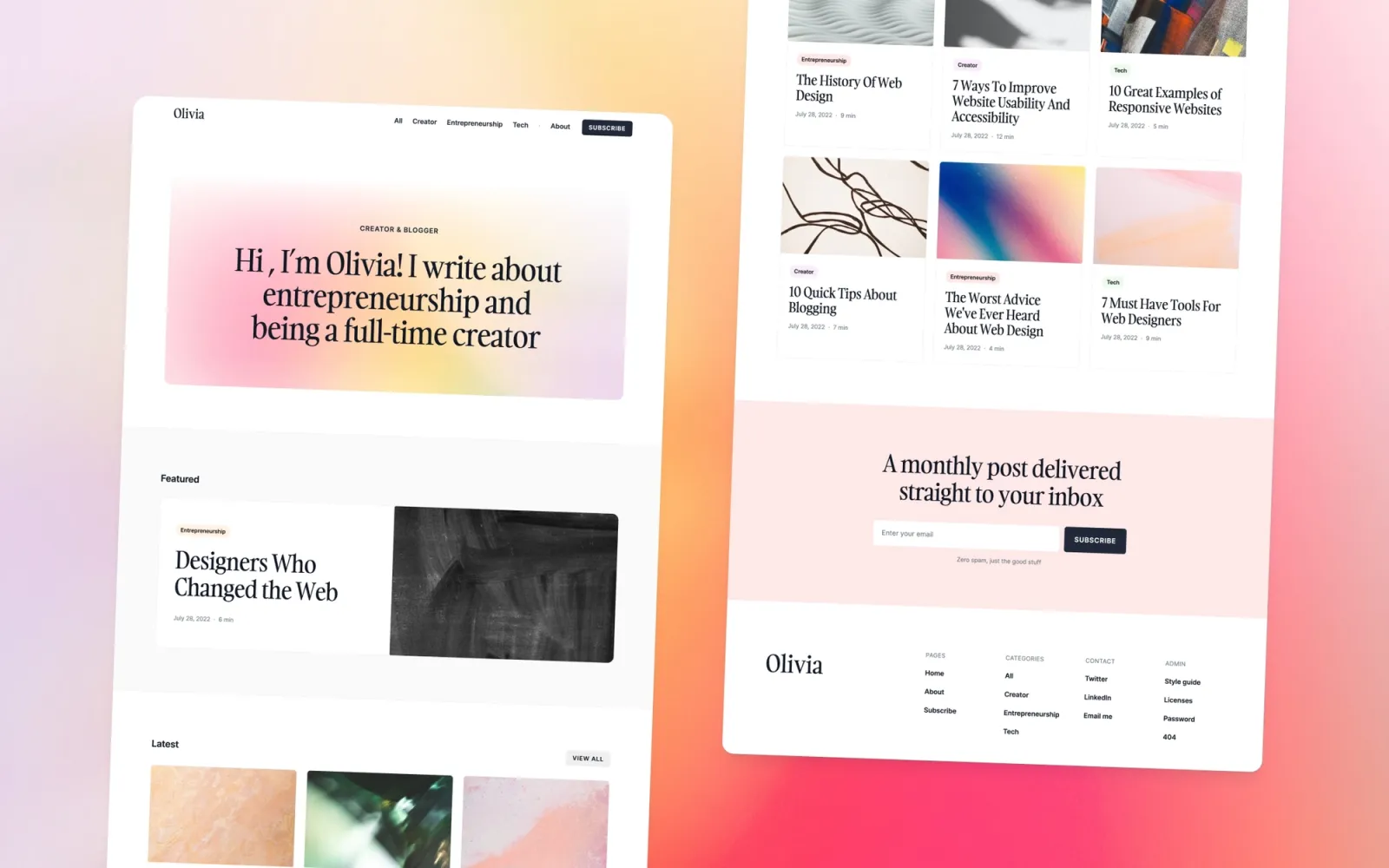
7 Webflow blog templates compared — Scribe, Compose, Blogzan, Notes, Narrative, Wordmark, and Monograph. From neutral defaults to print-inspired magazines and newsroom card grids. CMS, categories, and reading layouts that hold up at length.
·14 min
Introduction
A blog template needs to do three boring things well. Make writing feel first-class, scale to hundreds of posts without breaking, and stay out of the way of the content. Most templates miss at least one — usually the third.
Five of the seven templates here are Webflow blogs I designed and sell myself. The other two are picks from the Webflow marketplace I’d genuinely recommend — Blogzan (Press.hub) for a magazine-style news feel, and Wordmark for ultra-minimal personal blogs. Mine are $49 each; the third-party picks run from $49 to $79.
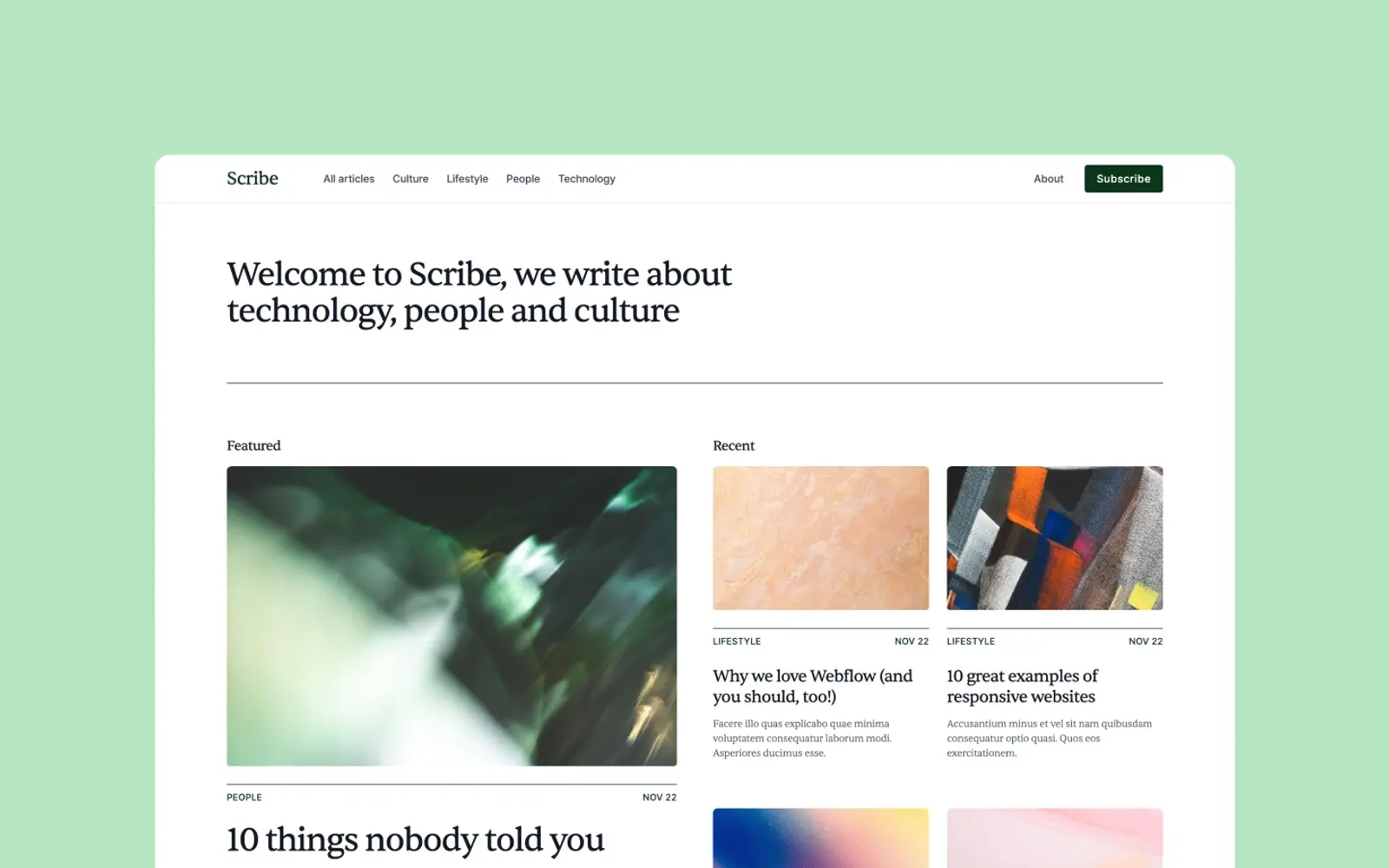
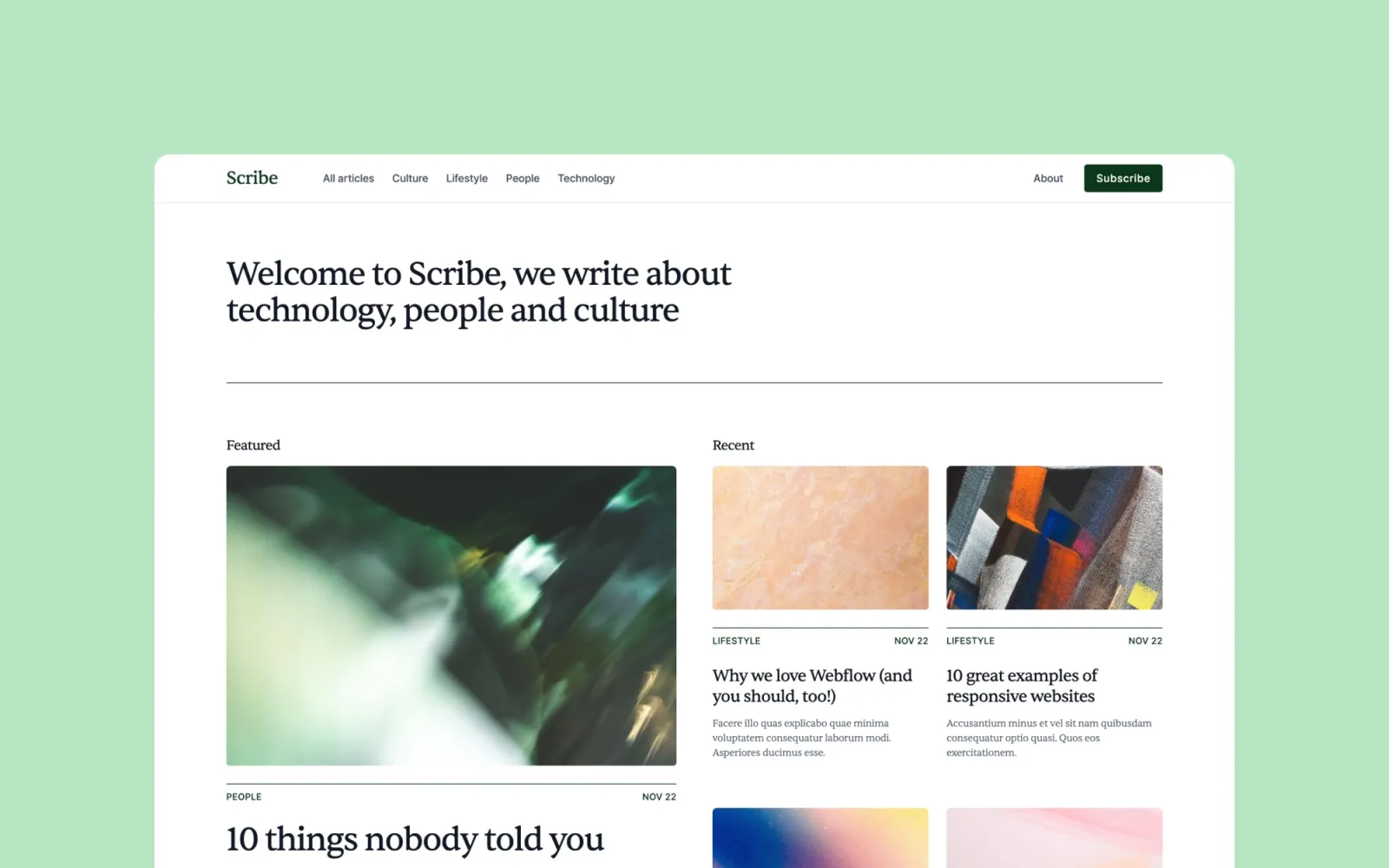
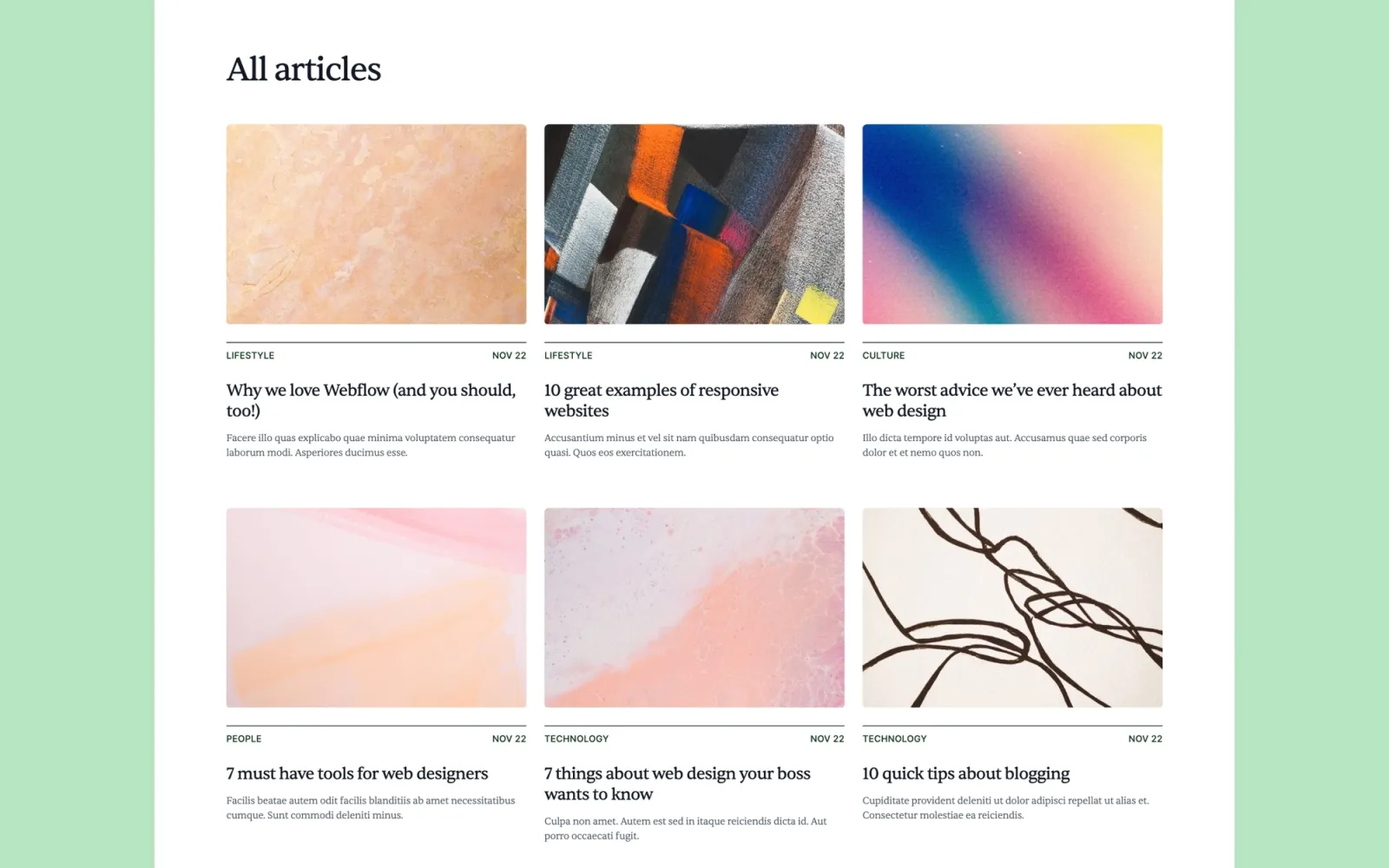
Scribe is the quiet, neutral default. Comfortable reading column, clean type, a CMS-driven archive that scales. Built for the writer who wants the words to carry the site without the template fighting for attention.
The homepage opens on the most recent post and a featured article. Works for both single-writer blogs and small editorial teams.
Key features
CMS for posts, categories, and authors
Featured post slot on the homepage
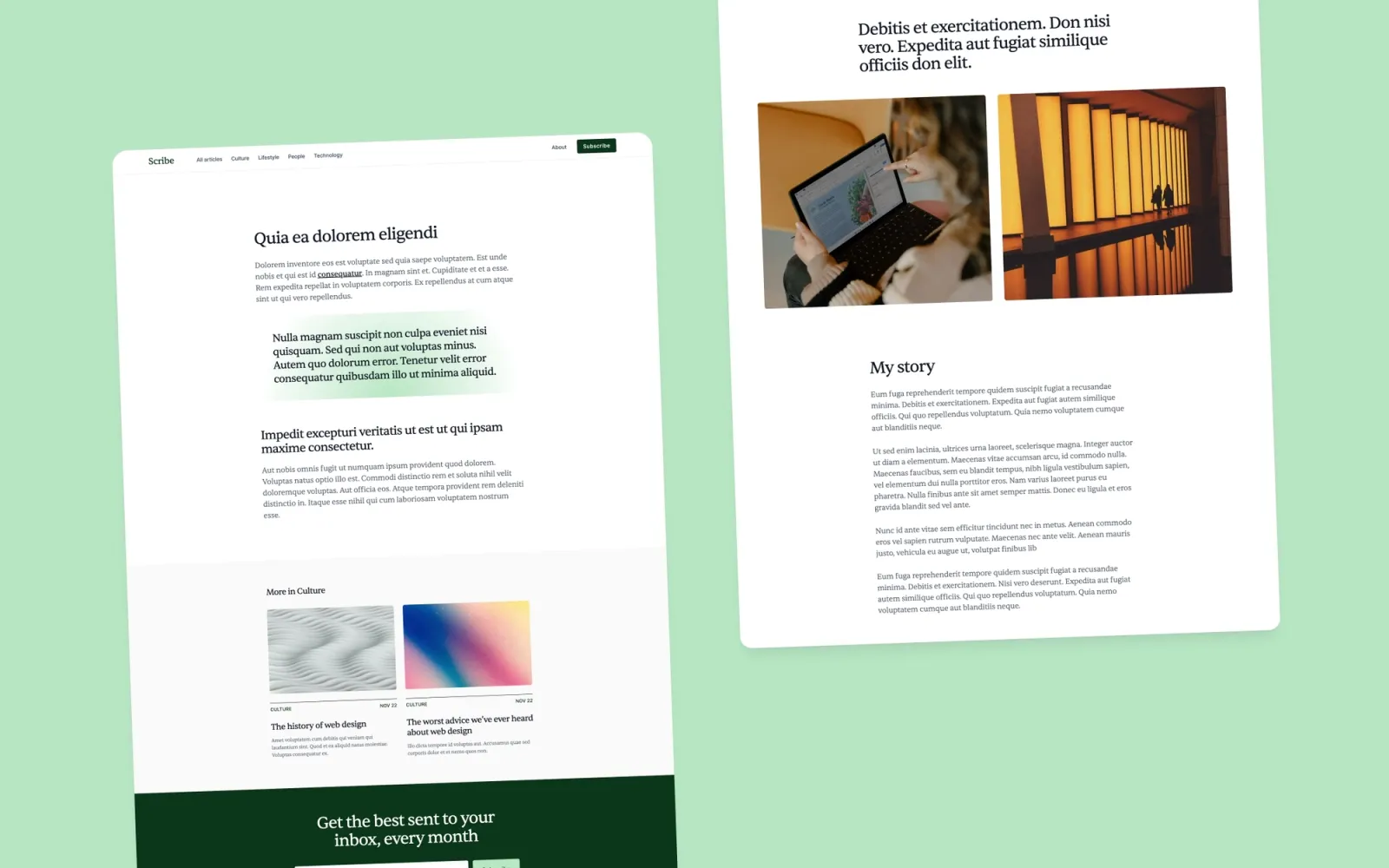
Comfortable reading-column article layout
Newsletter signup integration
Styleguide page for restyling
Perfect for
Solo writers and indie publications where the priority is the reading experience. Anyone who’d be embarrassed by a blog that looks more interesting than the writing.
Price and licence
$49 · Webflow marketplace
Benefits
The neutral aesthetic lets the writing carry the site
The CMS scales to hundreds of posts without the homepage breaking
The styleguide page makes brand restyling a one-afternoon job
Compose is the colourful one. More personality than Scribe, with a homepage built like a magazine cover rather than a reverse-chronological list. I added proper author profile pages because once you have more than one contributor, a generic “by Bob” byline starts to feel cheap.
Key features
Magazine-style homepage layout
CMS for posts, categories, and authors
Author profile pages
Tag-based filtering
Newsletter capture
Perfect for
Small editorial teams, company blogs with multiple writers, content-led startups whose blog should feel like a publication.
Price and licence
$49 · Webflow marketplace
Benefits
Author pages are built in — no workaround for multi-contributor blogs
The magazine layout reads as a publication, not a feed
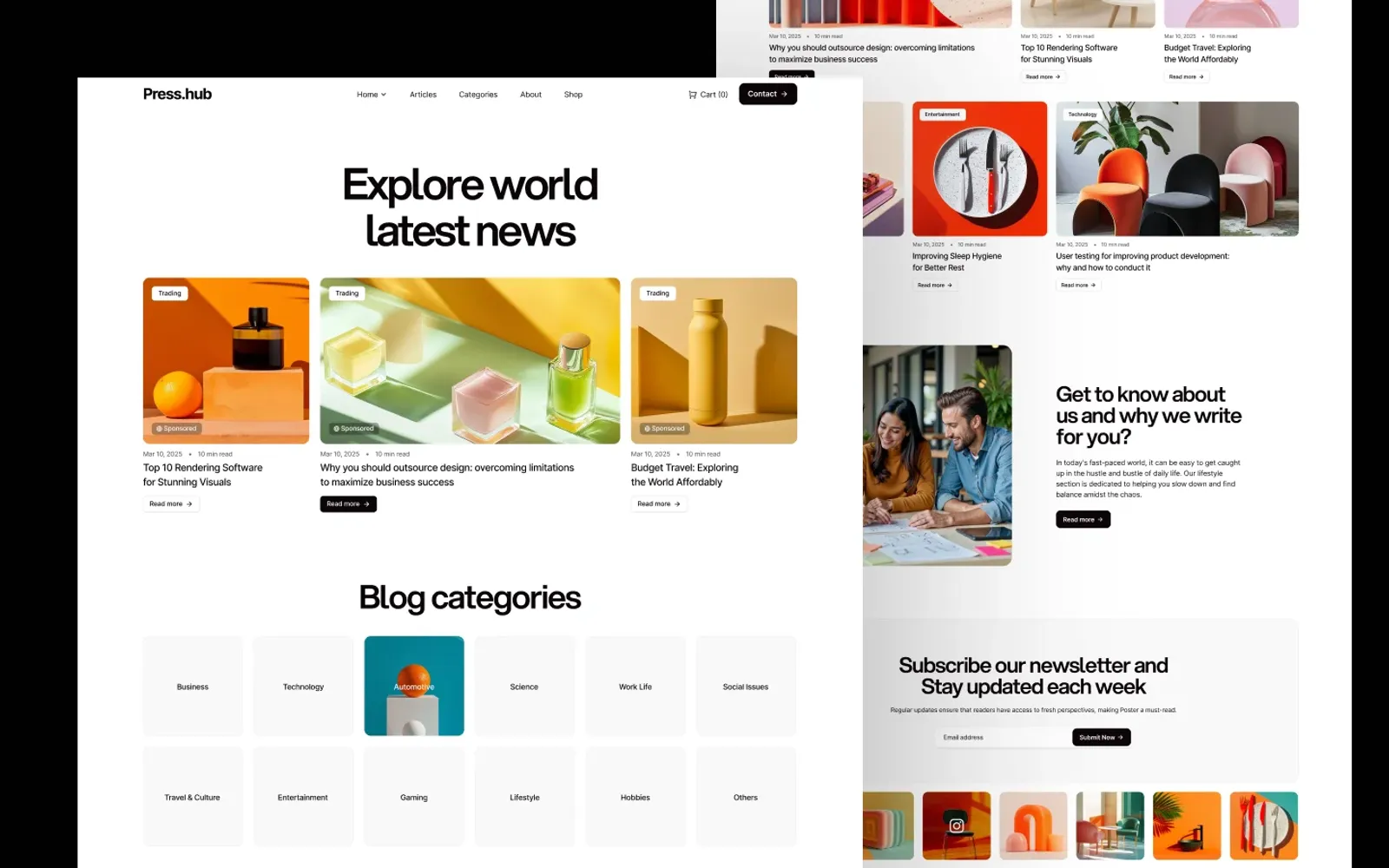
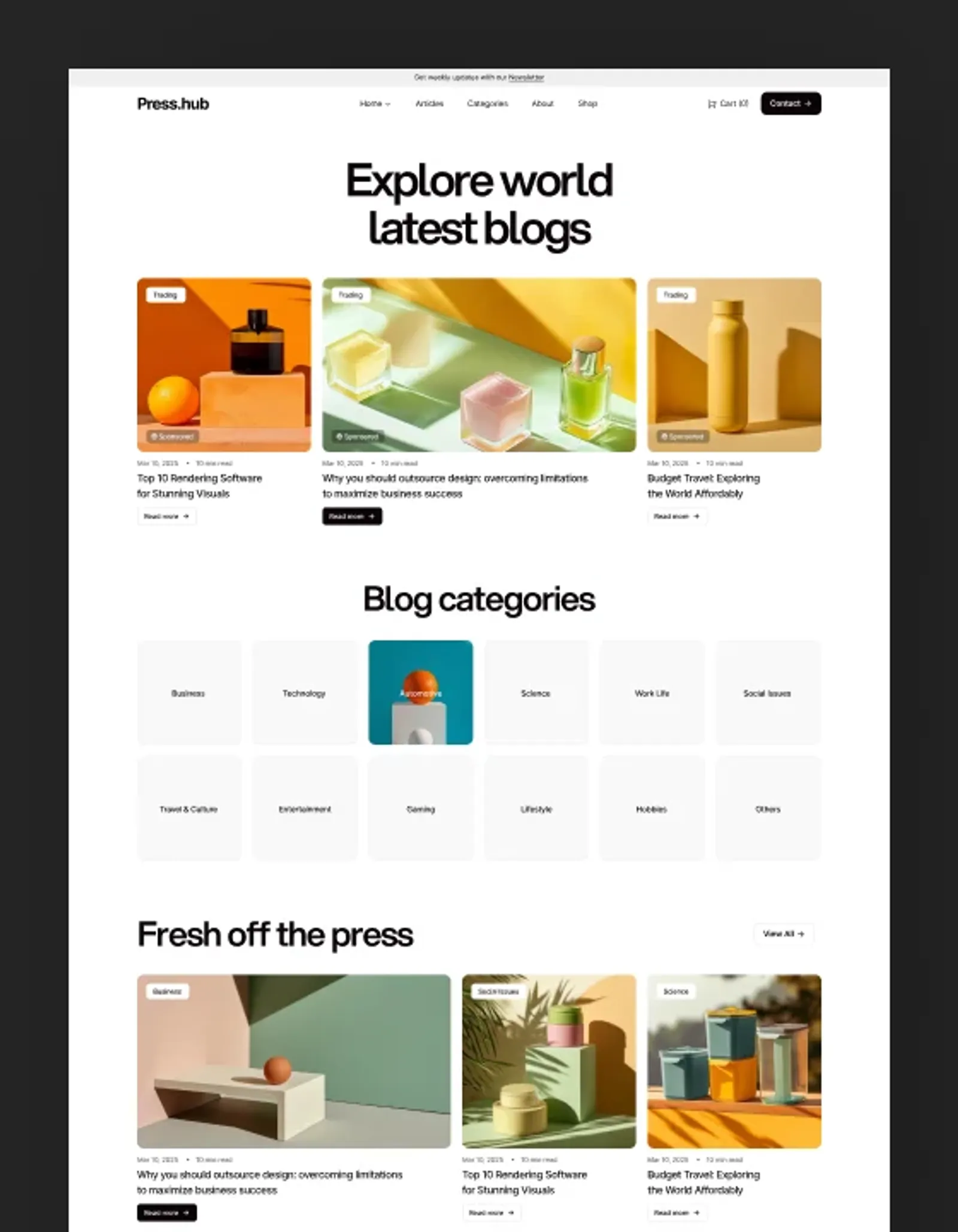
Blogzan — sold as Press.hub on the marketplace — is the closest thing to a newsroom layout in this list. Card-grid homepage, category-led navigation, room for press releases and longer features in the same CMS. I’d pick it over my own templates if you’re building something closer to a news site than a personal blog.
Honest note: at $79 it’s the most expensive template here, and the design is more opinionated than mine. If you want neutral and adaptable, Scribe is still the better starting point.
Key features
Newsroom-style card grid homepage
Category-led navigation
CMS for posts and categories
Author bylines
Newsletter signup integration
Perfect for
Independent news sites, press hubs, and content-led startups whose homepage should feel like a publication rather than a personal blog.
Price and licence
$79 · Webflow marketplace
Benefits
The card-grid homepage reads as news, not blog
Category nav handles a wider topic range than most blog templates
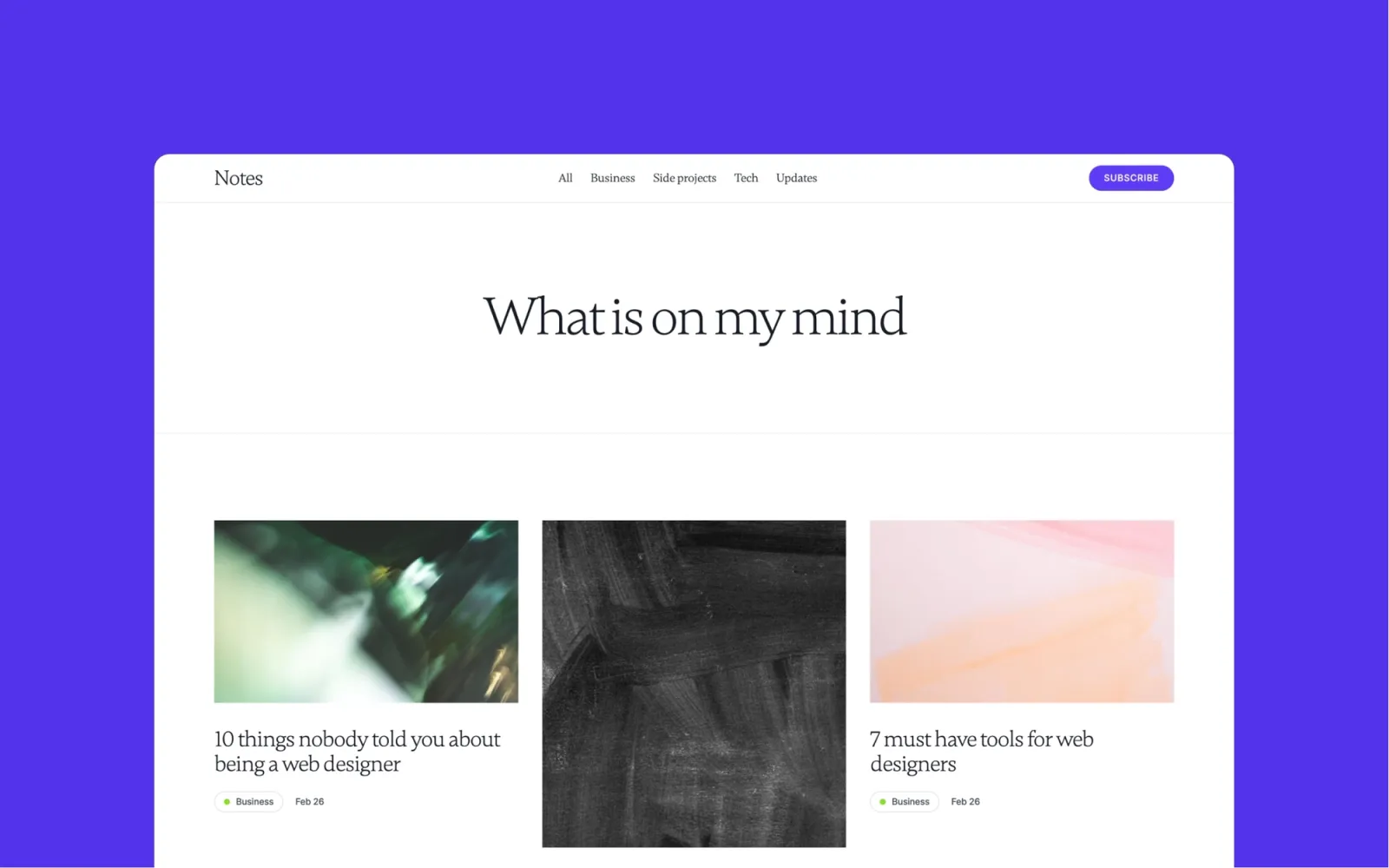
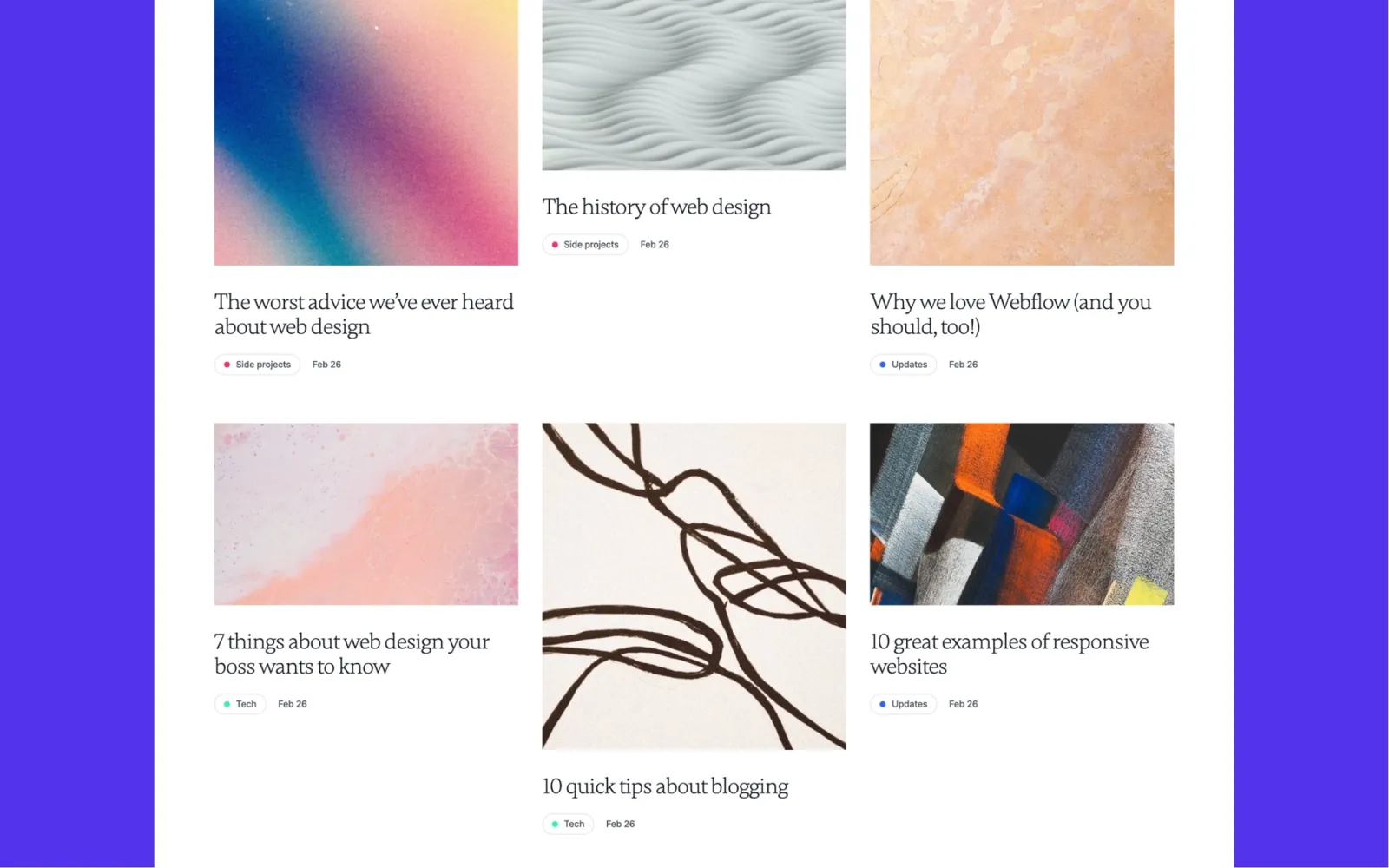
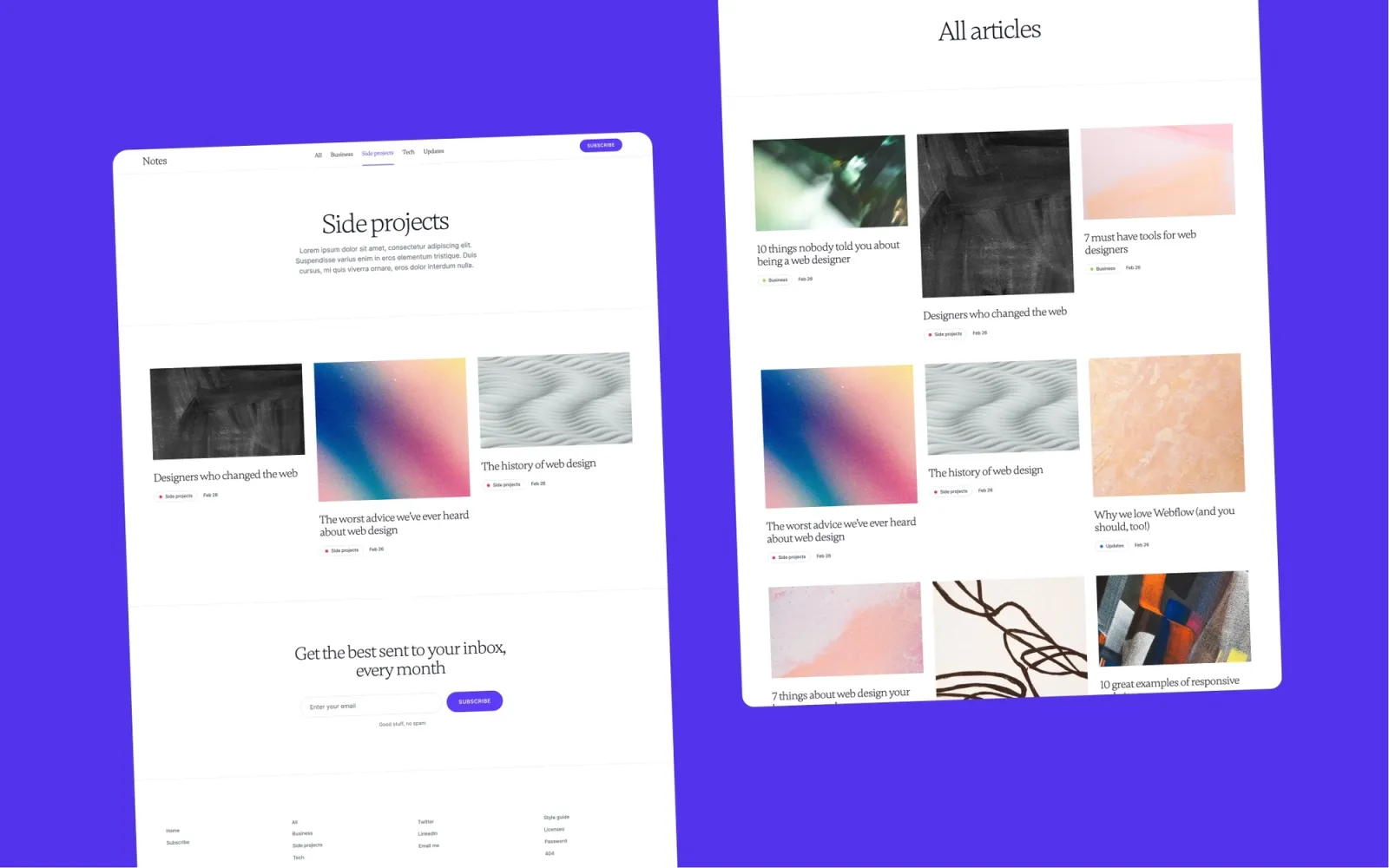
Notes leans toward design studios and creative practices who want a blog attached to their main site. Slightly more decorative than Scribe, with richer hover states and a tighter type scale.
Honest note: it works less well as a standalone publication. Use it as the writing section of a larger studio site, not as the main thing.
Key features
Blog CMS with category filtering
Post detail pages with rich text styling
Design-studio visual identity
Newsletter signup
Easy to merge into a larger site
Perfect for
Design studios and creative freelancers who want a blog matching the polish of their main site.
Price and licence
$49 · Webflow marketplace
Benefits
The studio aesthetic sits naturally alongside portfolio work
Easy to drop in as a writing section of a bigger site
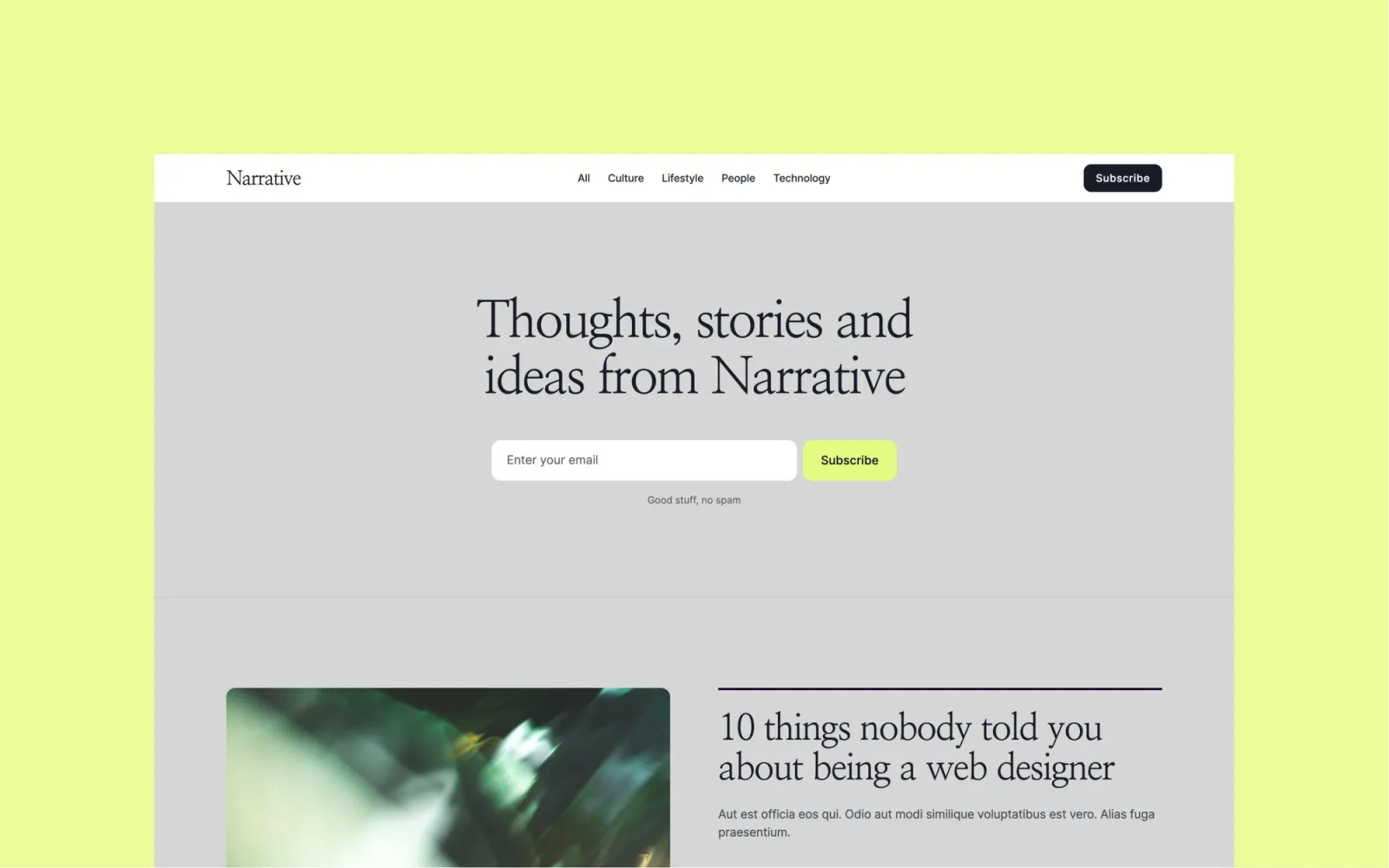
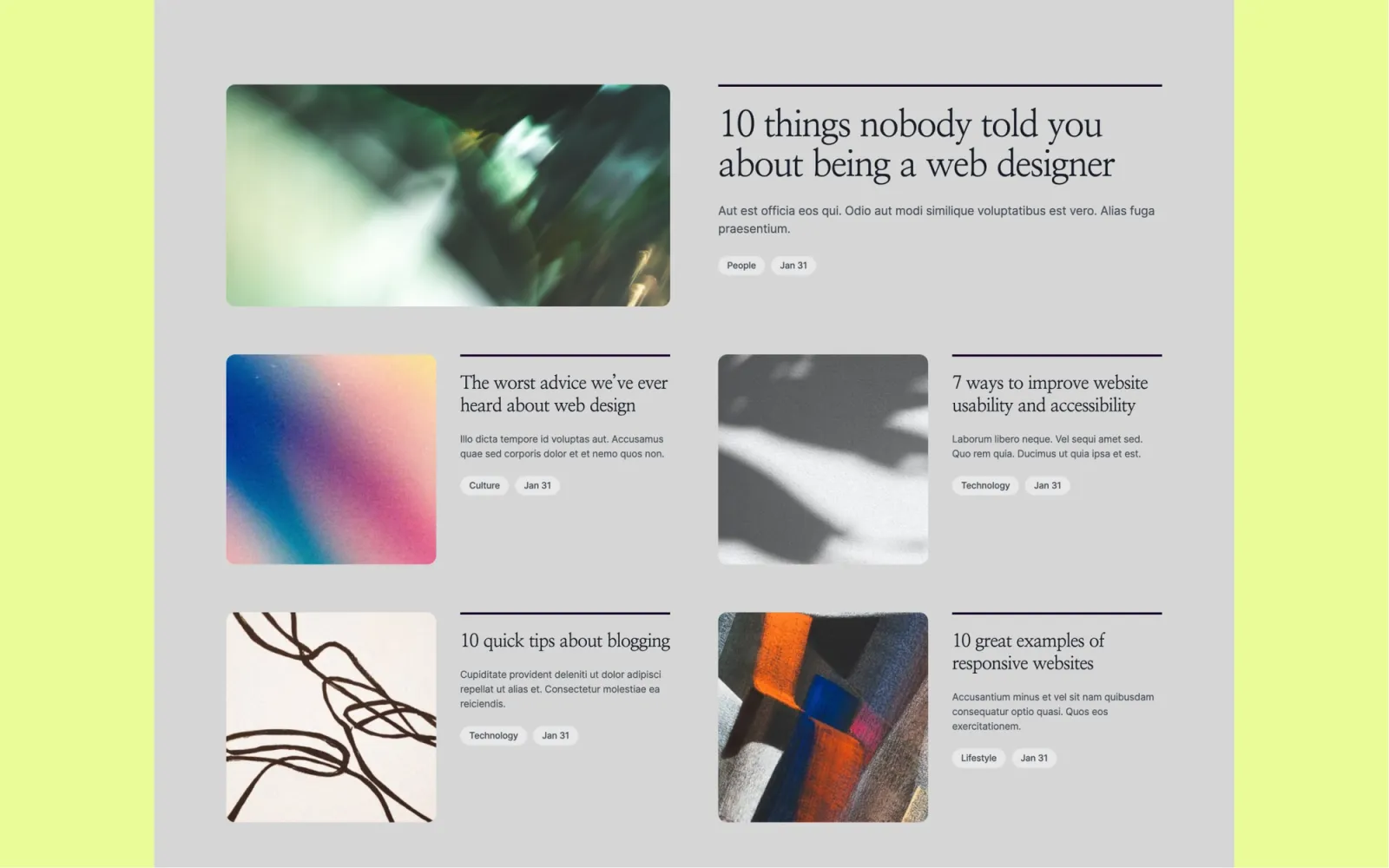
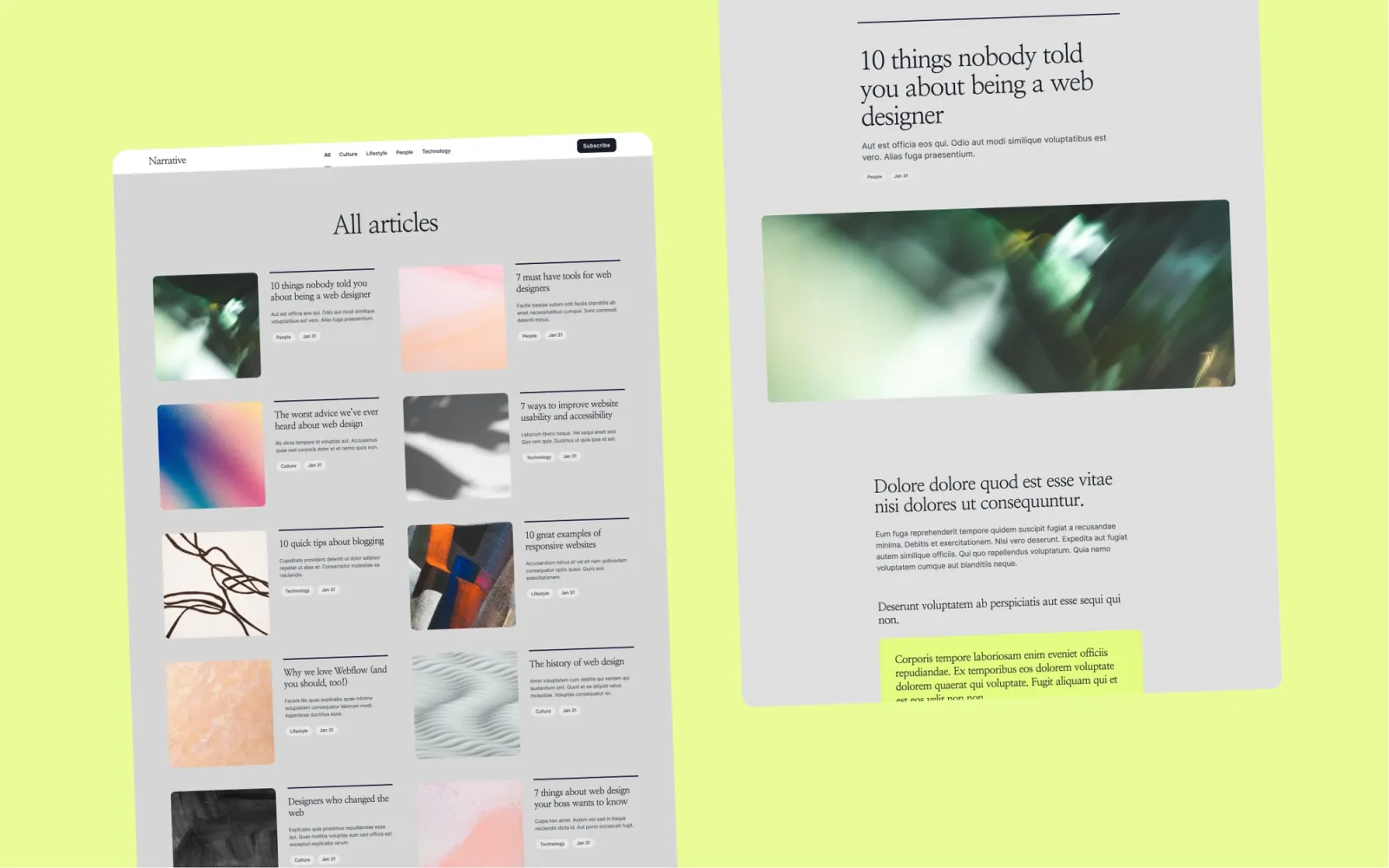
Narrative is built for long-form. Wider reading column, generous line-height, a layout that rewards scrolling instead of skimming. If your posts are 2,000 to 5,000 words and the reading experience is the product, this is the strongest pick on the list.
The homepage is deliberately understated. The article pages are where the visual weight should sit.
Key features
Long-form reading layout
CMS blog with categories
Featured article section
Newsletter capture
Type hierarchy optimised for long posts
Perfect for
Long-form writers, research blogs, anyone whose article averages 3,000 words. Substack refugees who want to own the layout.
Price and licence
$49 · Webflow marketplace
Benefits
Reading 3,000-word posts on this template actually feels good
The understated homepage keeps the focus on individual articles
Wordmark is the most stripped-back template on this list. Single-column layout, generous whitespace, wordmark-style typographic hero. It’s built for personal blogs and thought-piece writers who want the page to feel closer to a piece of stationery than a CMS.
Honest note: I could only get one preview image from the marketplace — check the live demo before buying. It’s also the most minimal template here, which means the least structure if you need category archives or multi-author support.
Key features
Minimal single-column layout
Wordmark-style typographic hero
CMS blog with simple post pages
Optimised for readability and pace
Personal-blog feel
Perfect for
Personal blogs, thought-piece writers, and anyone whose writing works best on a page with nothing else competing for attention.
Price and licence
$49 · Webflow marketplace
Benefits
More minimal than any of my own templates — useful if Scribe still feels too busy
Typographic hero lends a distinctive personal-brand feel
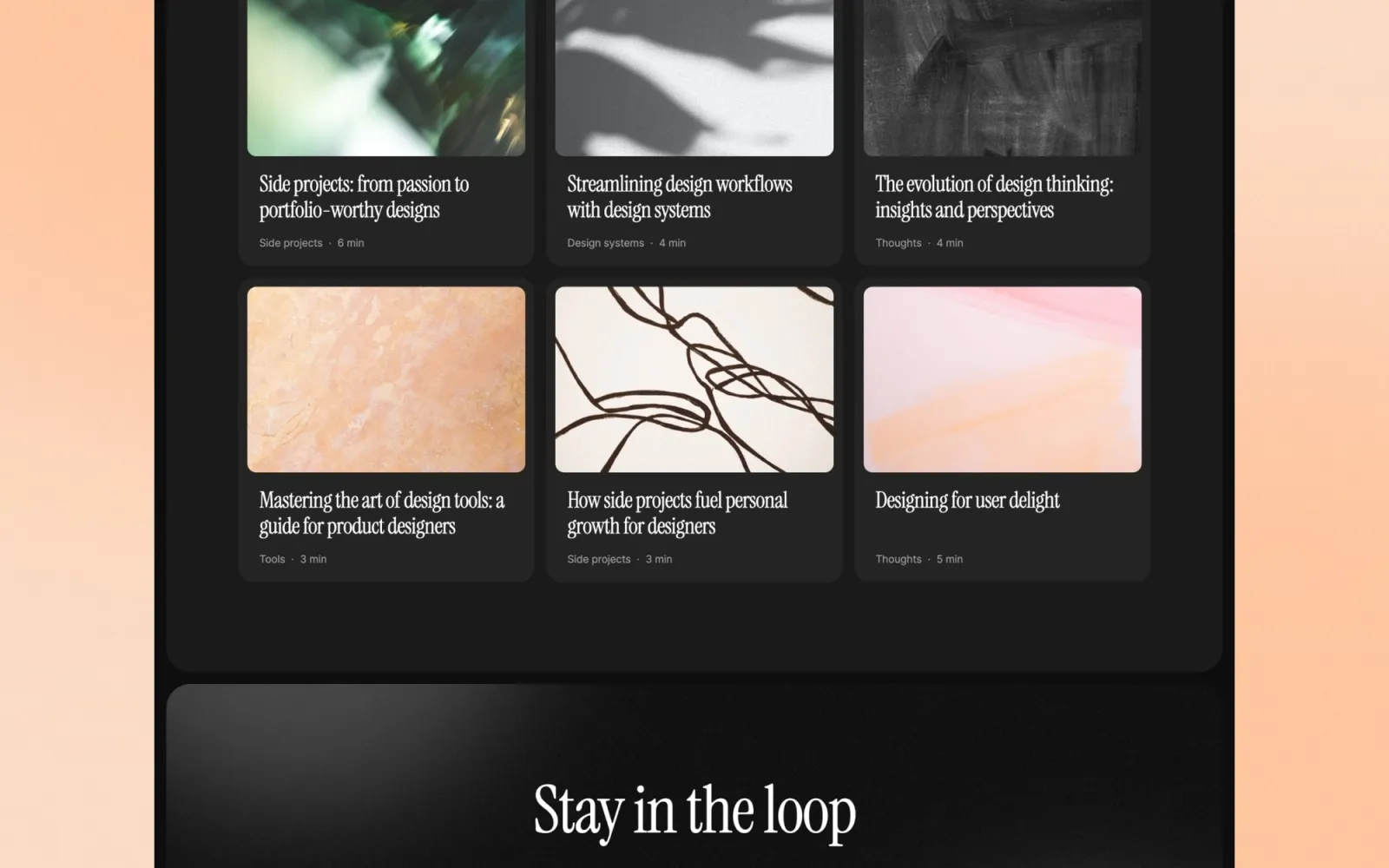
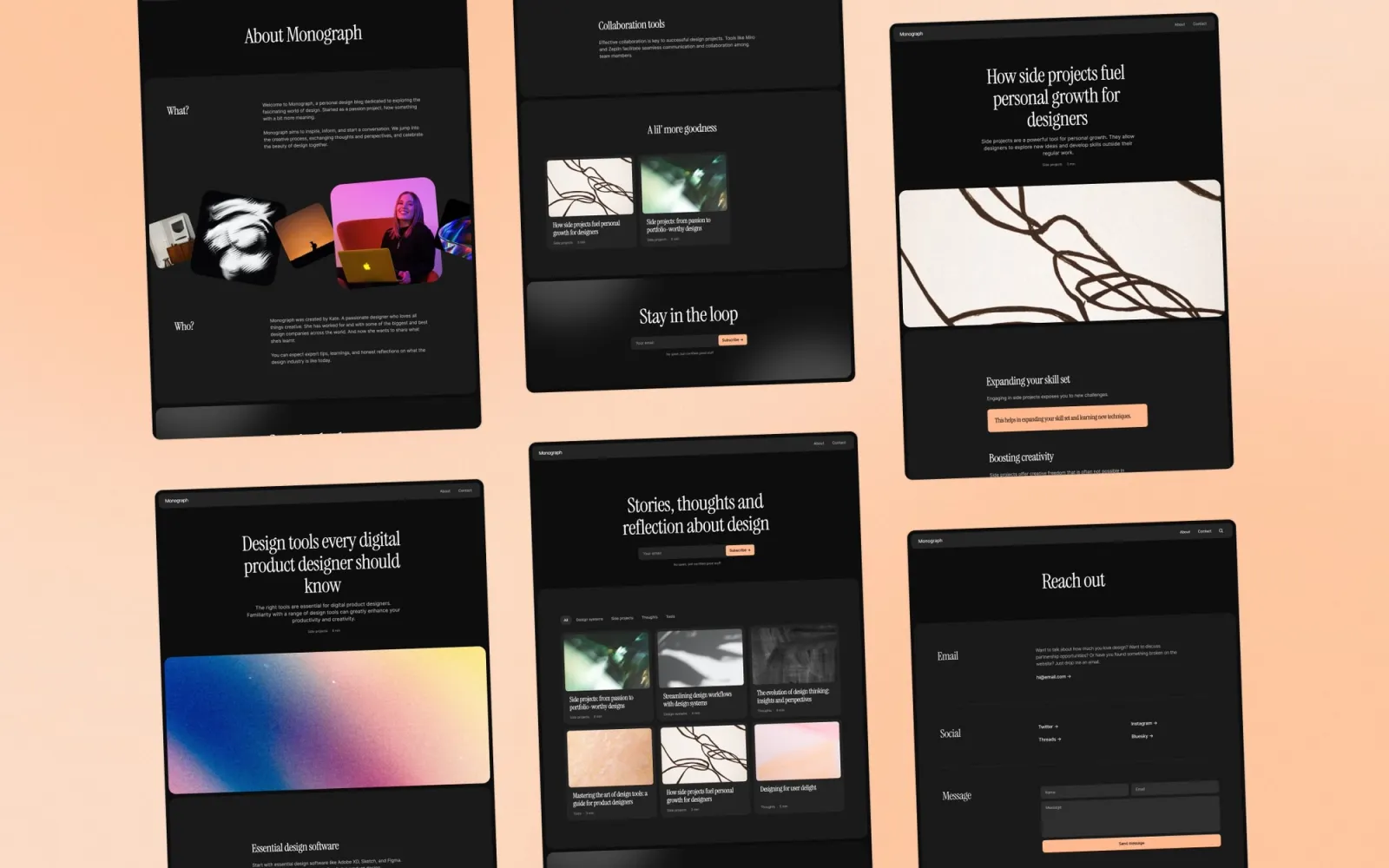
Monograph is the systematic, print-inspired option. Grid-heavy homepage, deliberate type scale, the closest thing to a magazine layout I’ve put on the Webflow marketplace. I made it for publications that think in terms of issues or collections rather than a stream of posts.
More effort to customise than Scribe. The payoff is a site that reads like a publication rather than a blog.
Key features
Grid-based magazine homepage
CMS for posts and categories
Print-inspired typographic hierarchy
Featured article and category blocks
Component library
Perfect for
Publications that ship in issues, editorial teams who want a print-magazine feel on the web, blogs with a curated rather than continuous publishing rhythm.
Price and licence
$49 · Webflow marketplace
Benefits
The grid reads as a publication from the first glance
The component library keeps long archives visually consistent
Quick checklist before launching your Webflow blog:
Plan your first two or three categories before importing content. Renaming a category after launch breaks URLs and any inbound links to them
Write three to five posts before going live. An empty homepage looks worse than no blog
Pick one article hero image ratio and stick to it. Mixing 16:9 and 4:3 across a grid homepage looks broken
Set up the newsletter form end to end before launch. Email capture is the main conversion event
Configure 301 redirects from any old URLs if you’re migrating. Losing inbound links to 404s is the most common migration mistake
Connect a custom domain in Webflow before sharing the site
Frequently asked questions about Webflow blog templates
Do I need a paid Webflow plan to run a blog?
Yes. Webflow’s CMS needs a paid Site plan — the CMS plan starts around $23/month billed annually. All five templates use the CMS for posts and categories. The template is a one-time $49 purchase; the Site plan is a separate ongoing cost.
Can I migrate an existing blog to these templates?
Yes. Webflow’s CMS has a CSV importer for posts. The catch is that rich text formatting usually needs cleanup after import, and inline images need re-uploading. I’d budget a few hours per hundred posts. Set up 301 redirects from your old URLs at the same time.
Which template is best for SEO?
All five use Webflow’s native SEO fields — every page and post gets its own title, description, and OG image. The bigger SEO factors are consistent publishing and good internal linking, not the template. Scribe and Narrative are the lightest and load fastest. Compose and Monograph are heavier but still well within Core Web Vitals.
Can I add an author page to a template that doesn’t have one?
Compose is the only one on this list with multi-author support built in. For the others you can add an author CMS collection in Webflow and link it to posts, but it’s a day or two of work. If multi-author matters from day one, start with Compose.
Are these good for a company or product blog?
Compose is the strongest fit because of the author pages and magazine homepage. Notes works if the blog is part of a larger product or studio site. Scribe and Narrative are better for solo or small-team publications where the writing itself is the product.
Looking for darker or more minimal options? See the dark blog Webflow templates for night-mode editorial sites.
Get design articles like this straight to your inbox