8 best Framer magazine templates in 2026
5 Framer magazine and editorial templates compared — from bold colour-block publications with author pages to minimal long-form reading experiences. Narrate, Compose, Reflect, Monograph, and Scribe.

15 min
5 Framer magazine and editorial templates compared — from bold colour-block publications with author pages to minimal long-form reading experiences. Narrate, Compose, Reflect, Monograph, and Scribe.
Most publication sites fall into one of two traps. Either they’re too generic to feel like a real magazine, or they’re so heavily styled they read as a design project rather than a content platform.
Every template on this list is built specifically for editorial publishing. That means CMS-driven article archives, category pages, subscriber forms, and in several cases, author profiles. Eight picks in total — including a newsroom-scale option with a built-in podcast CMS (Newsplate), a budget cover-style pick (Fuselle), and a lean landing-page option for publications that don’t need a full archive yet (FeaturedTime). Prices run from $29 to $129.
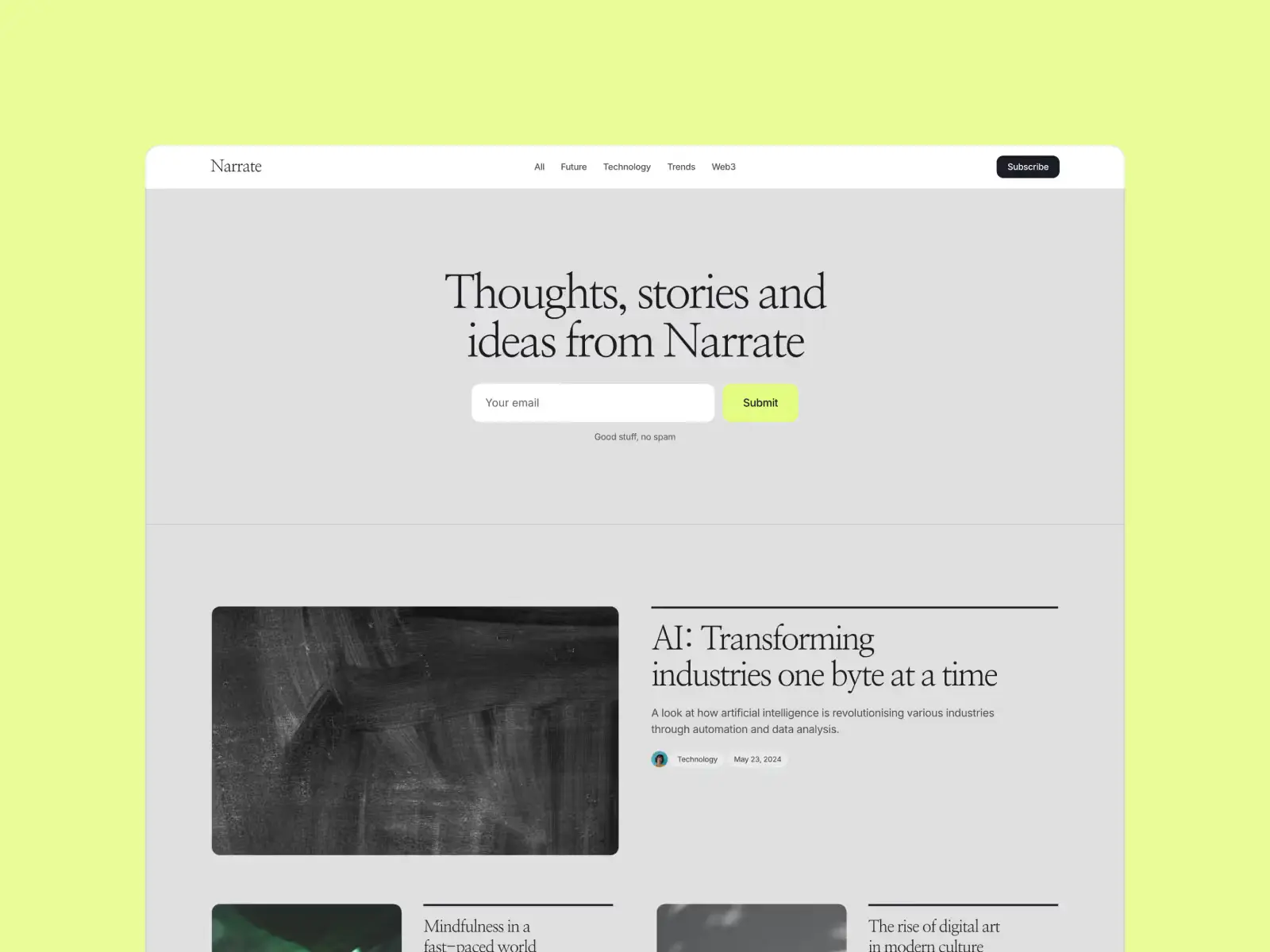
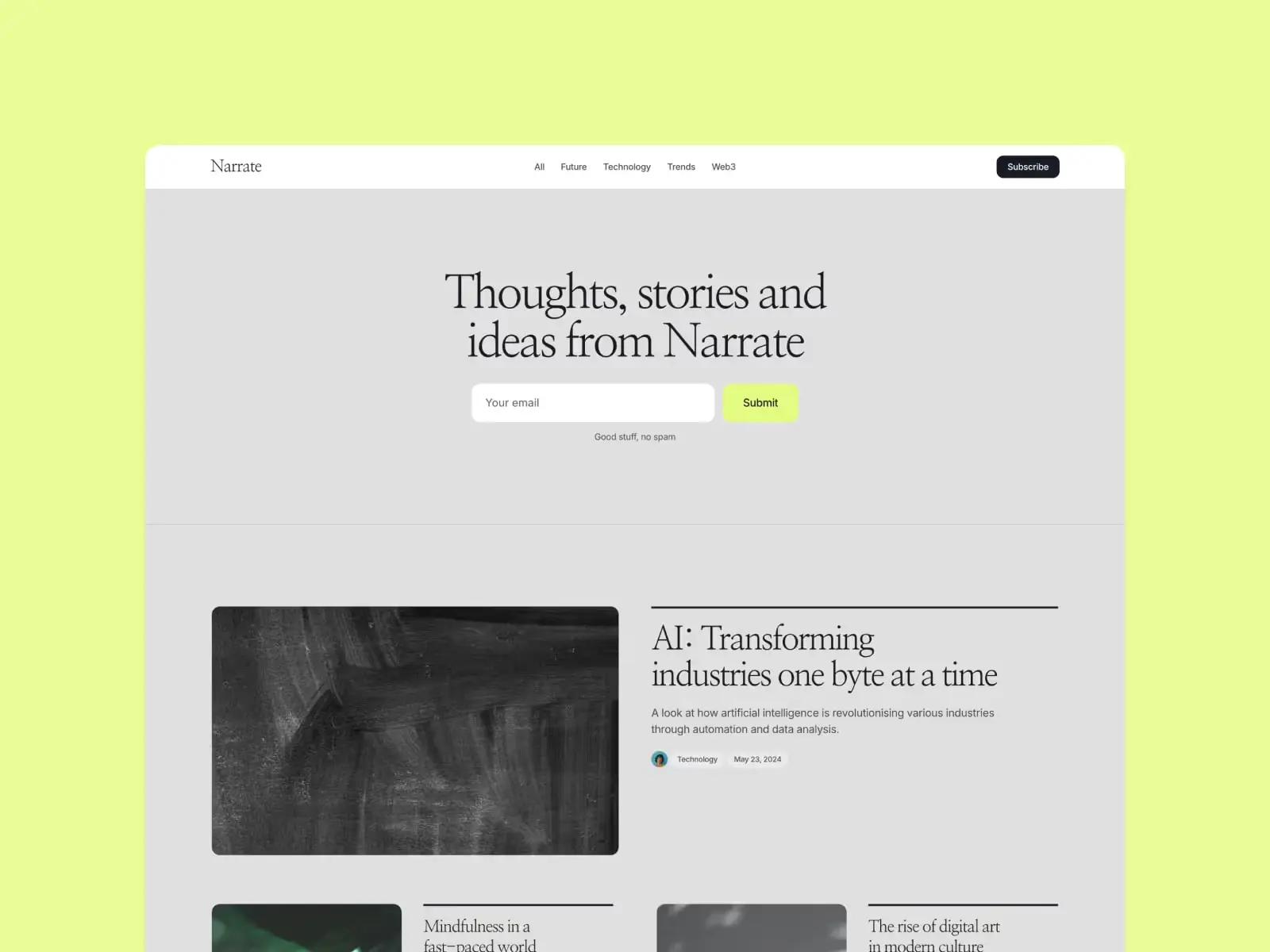
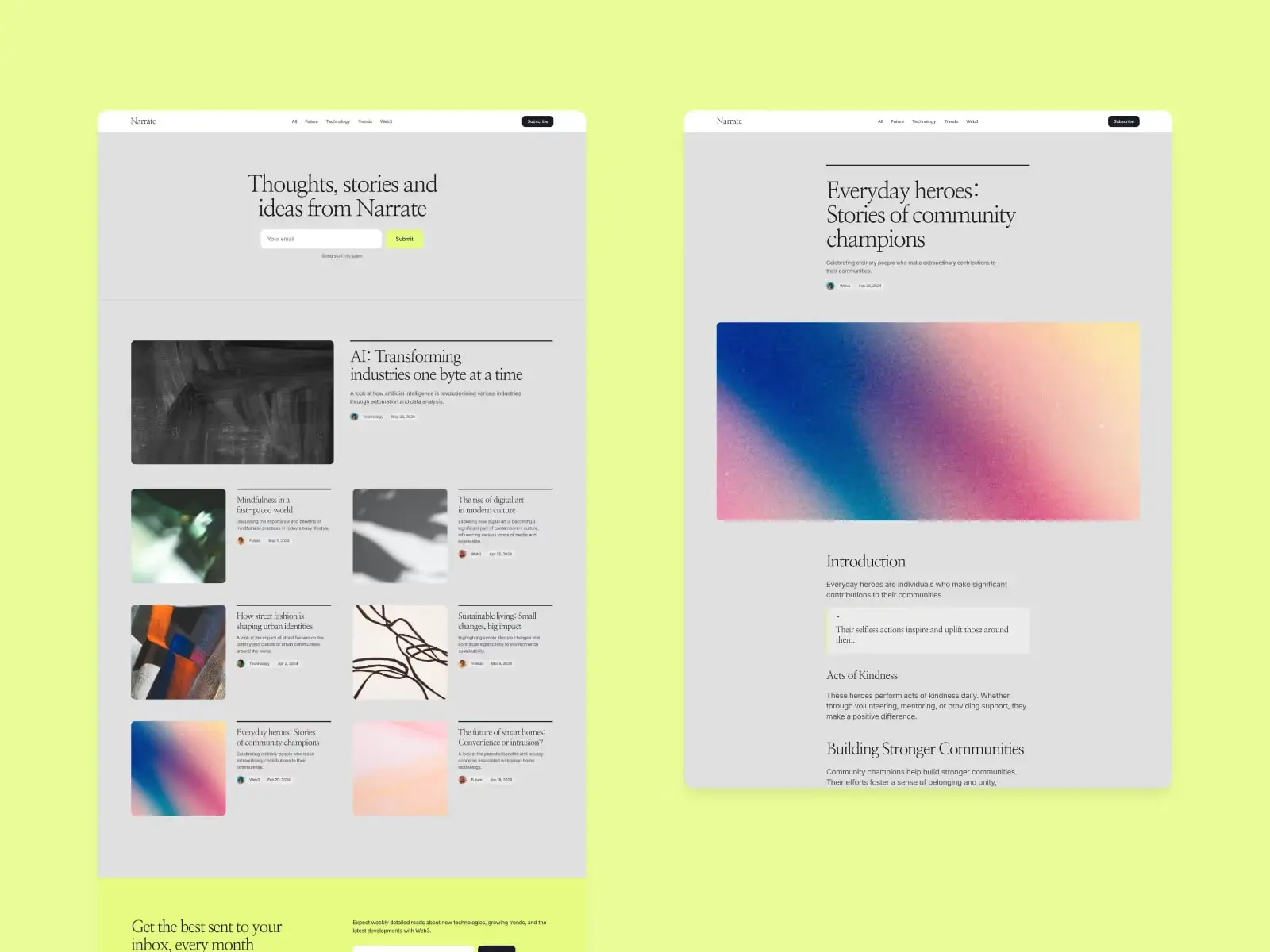
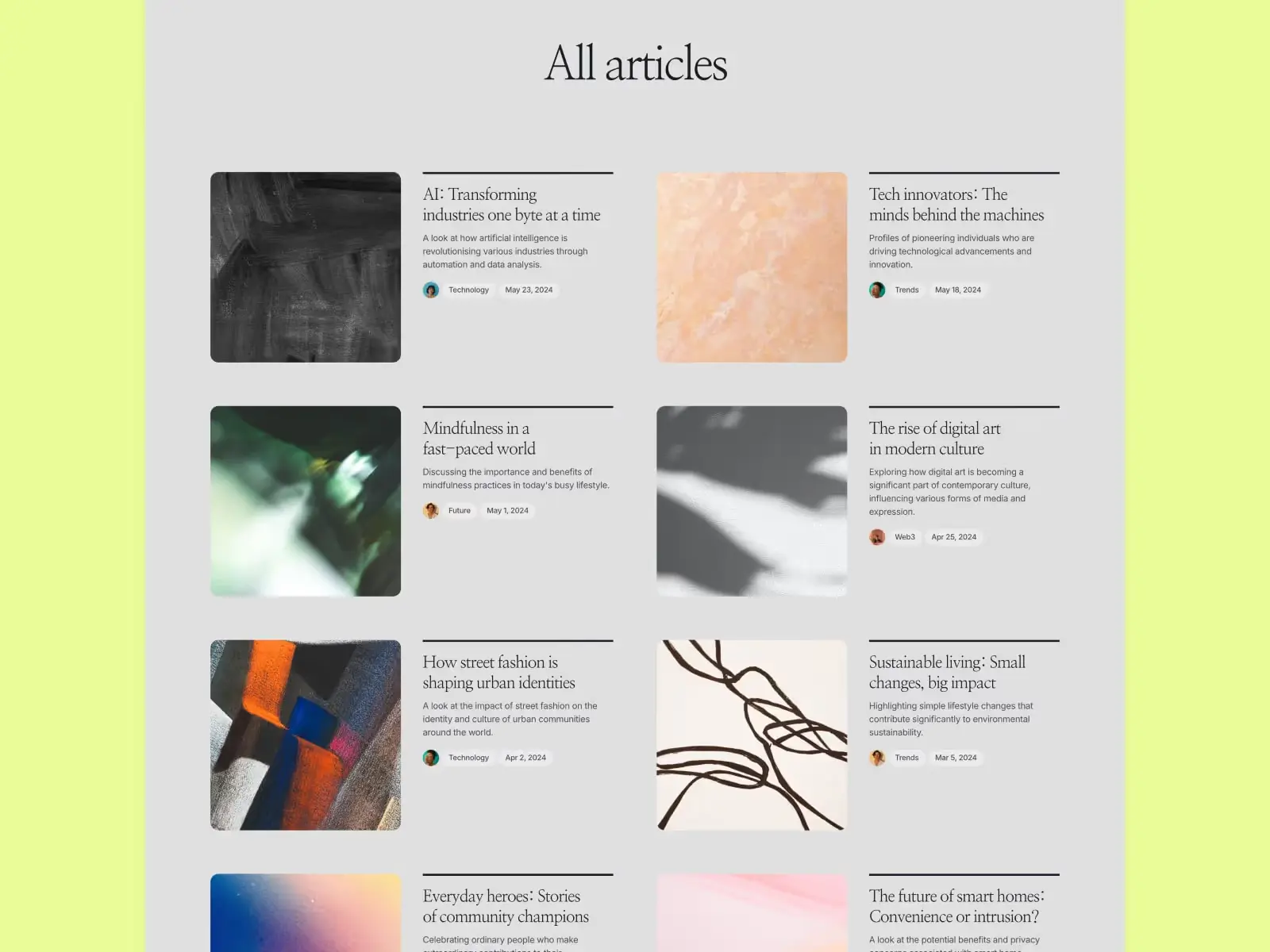
Narrate is the most magazine-like template in this set. Colour-blocked sections, a strong typographic hierarchy, and dedicated author and category pages built in from the start — the features that separate a publication from a blog. The CMS handles posts, categories, and author profiles as distinct content types, which matters once you have multiple contributors and want each one to have a proper byline page. The page-load animations are distinctive without slowing the reading experience. One honest note: the colour-blocking is opinionated. It works best with a brand that has a defined palette. If you need something neutral enough to drop your own colours onto without fighting the template, Scribe is the cleaner starting point.
Independent magazines, news publications, and editorial blogs with multiple contributors who need author profiles and category sections from day one — not added later as workarounds.
$149 · Single site licence
Compose sits between Narrate and Reflect. Narrate is the boldest option; Reflect is the quietest. Compose is the middle ground: colourful enough to have personality, structured enough to work as a company magazine or a content-led startup blog. The About and Author pages are what make it the right pick when there’s a team behind the publication rather than a single writer. Worth calling out: CMS pagination handles long post archives cleanly, which matters because most templates start to break down visually once you push past 20 articles.
Content-led startups and brands building a company magazine — particularly those with a small team of contributors who want their personalities visible on the site, not buried in a generic byline.
$149 · Single site licence
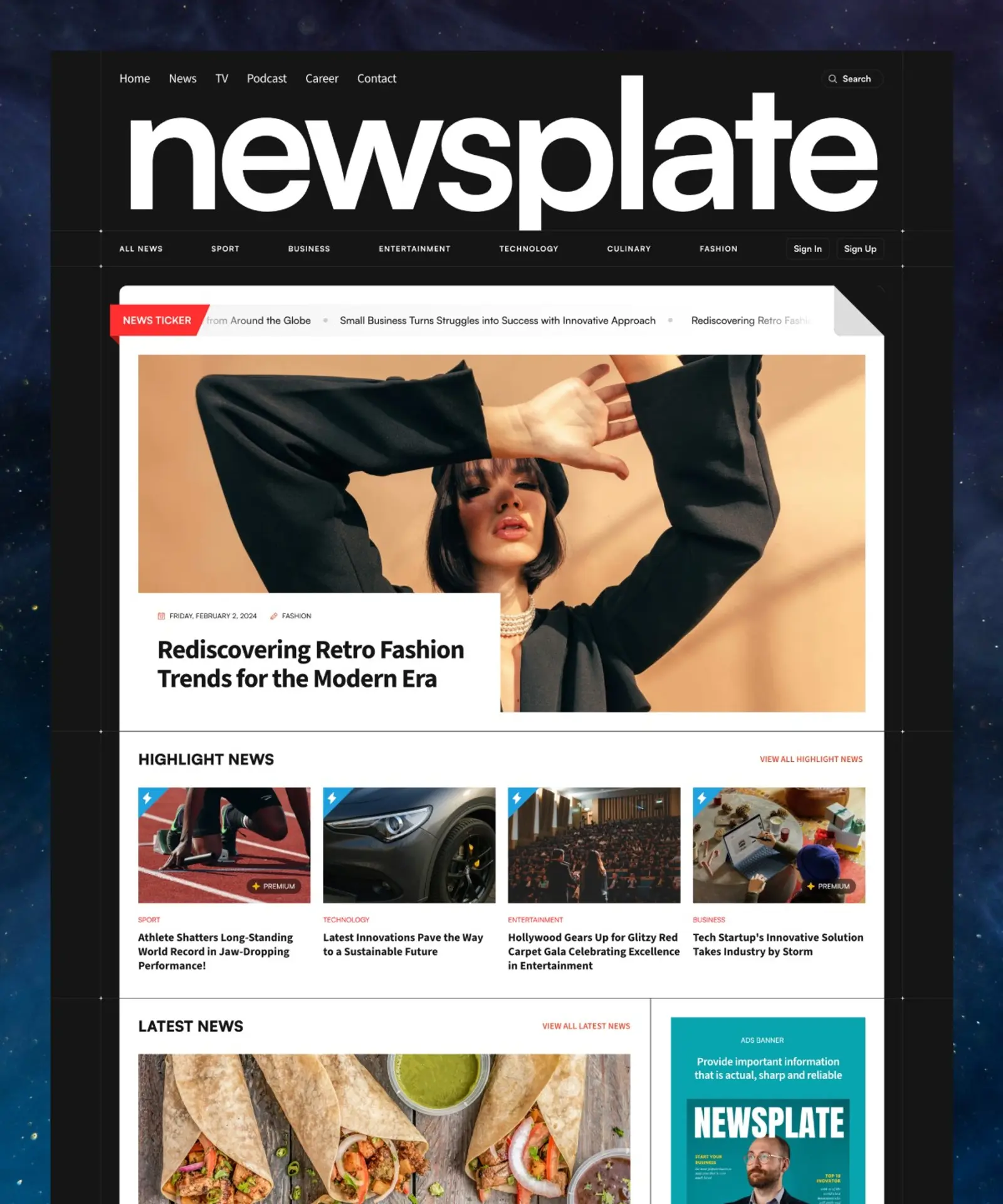
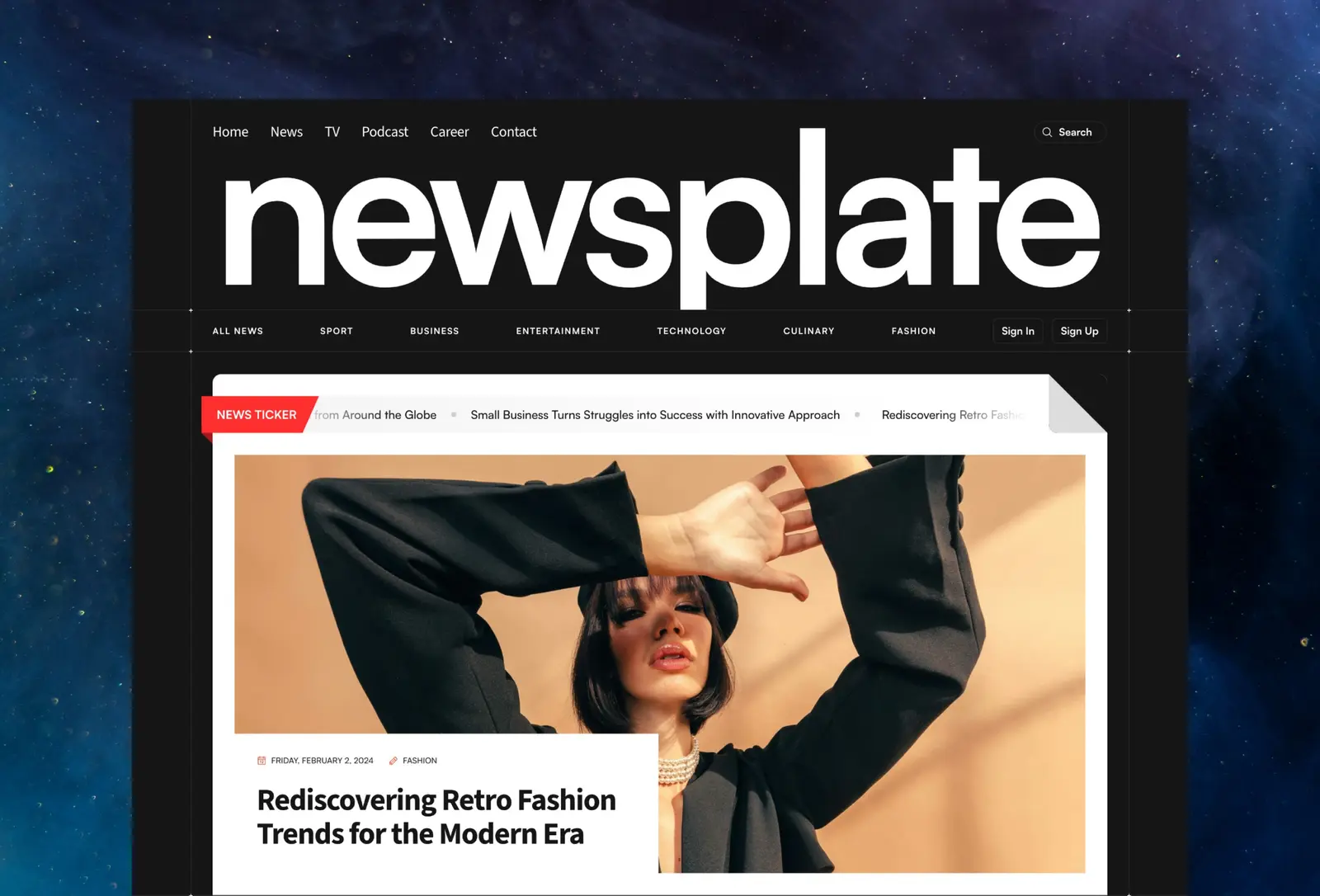
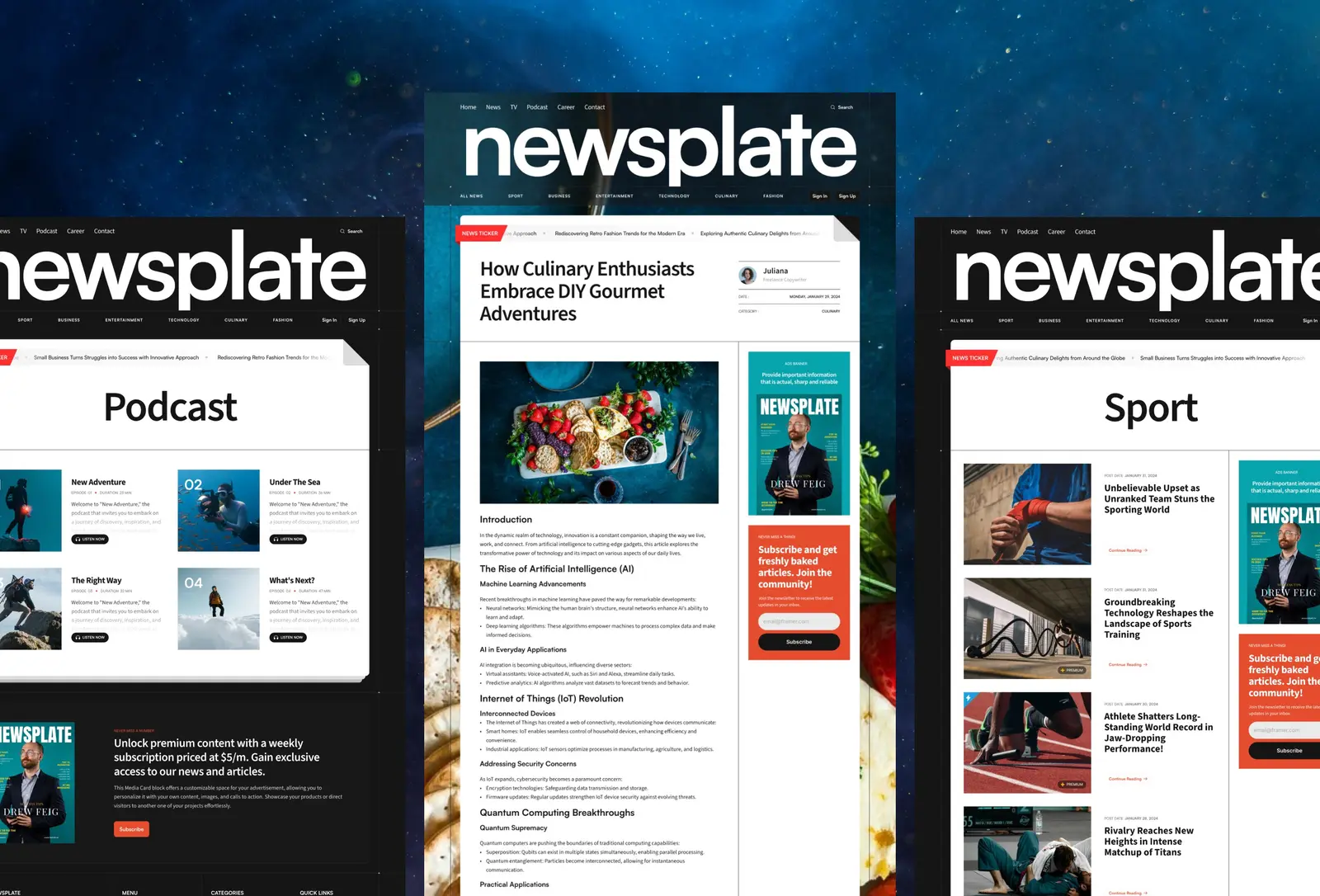
Newsplate is the heaviest template in this roundup by feature set. Seventeen pages, including a podcast CMS alongside the standard news and author collections. That makes it the right pick for publications planning to run both written and audio content from the same site. The layout leans classic news-site: dense homepage, category filters, single-article pages with author attribution, and a proper archive structure. Think newsroom rather than editorial. The honest caveat is that seventeen pages is more structure than most small publications need, and you’ll spend real time deleting or hiding sections on day one. If you’re launching a two-person culture blog, this is overkill. If you’re building something closer to a staffed publication, nothing else on this list comes close.
Multi-format publications running both written and audio content — news sites, culture magazines, and editorial brands that want a dense, feature-rich platform rather than a stripped-back reading experience.
$124 · Single site licence
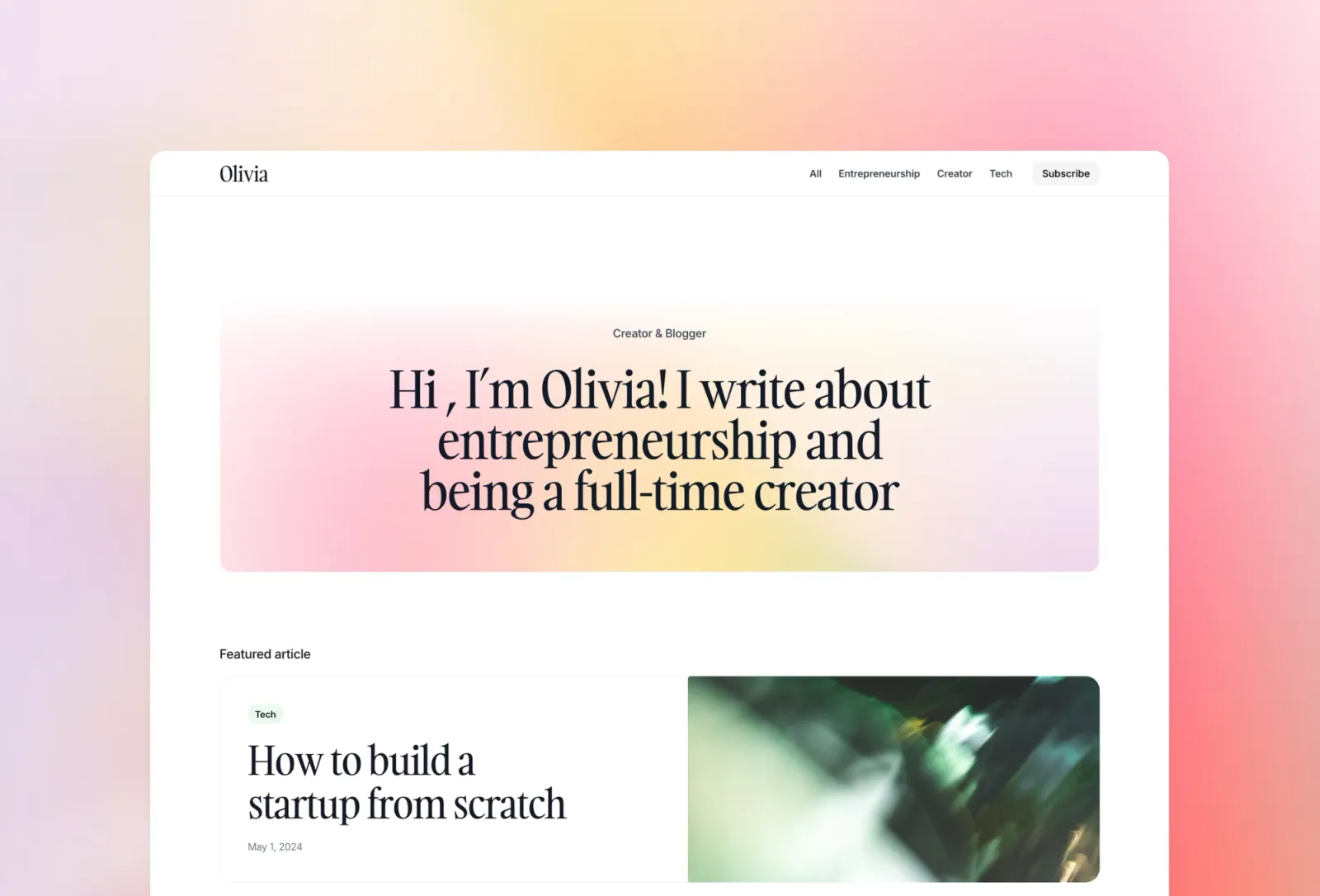
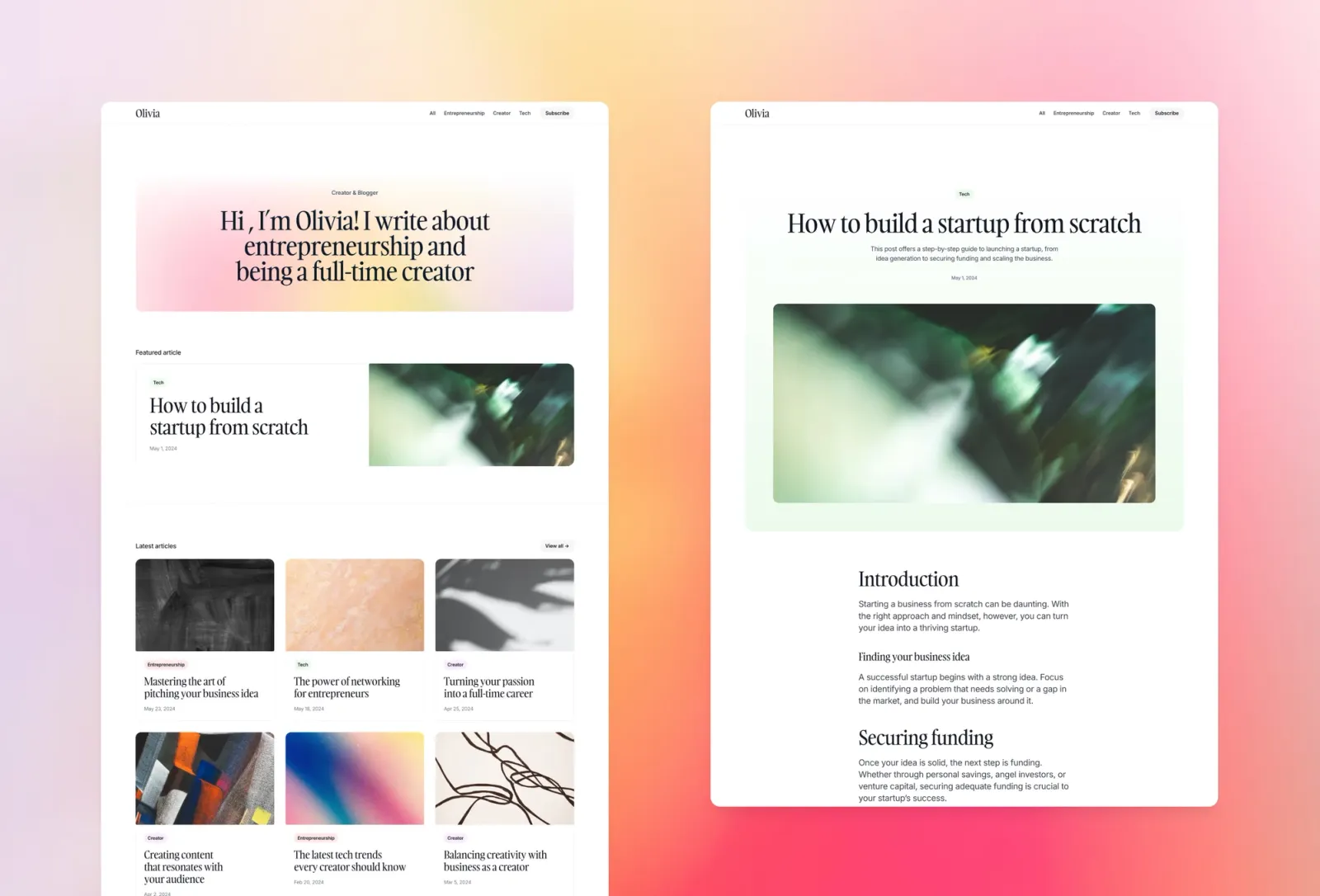
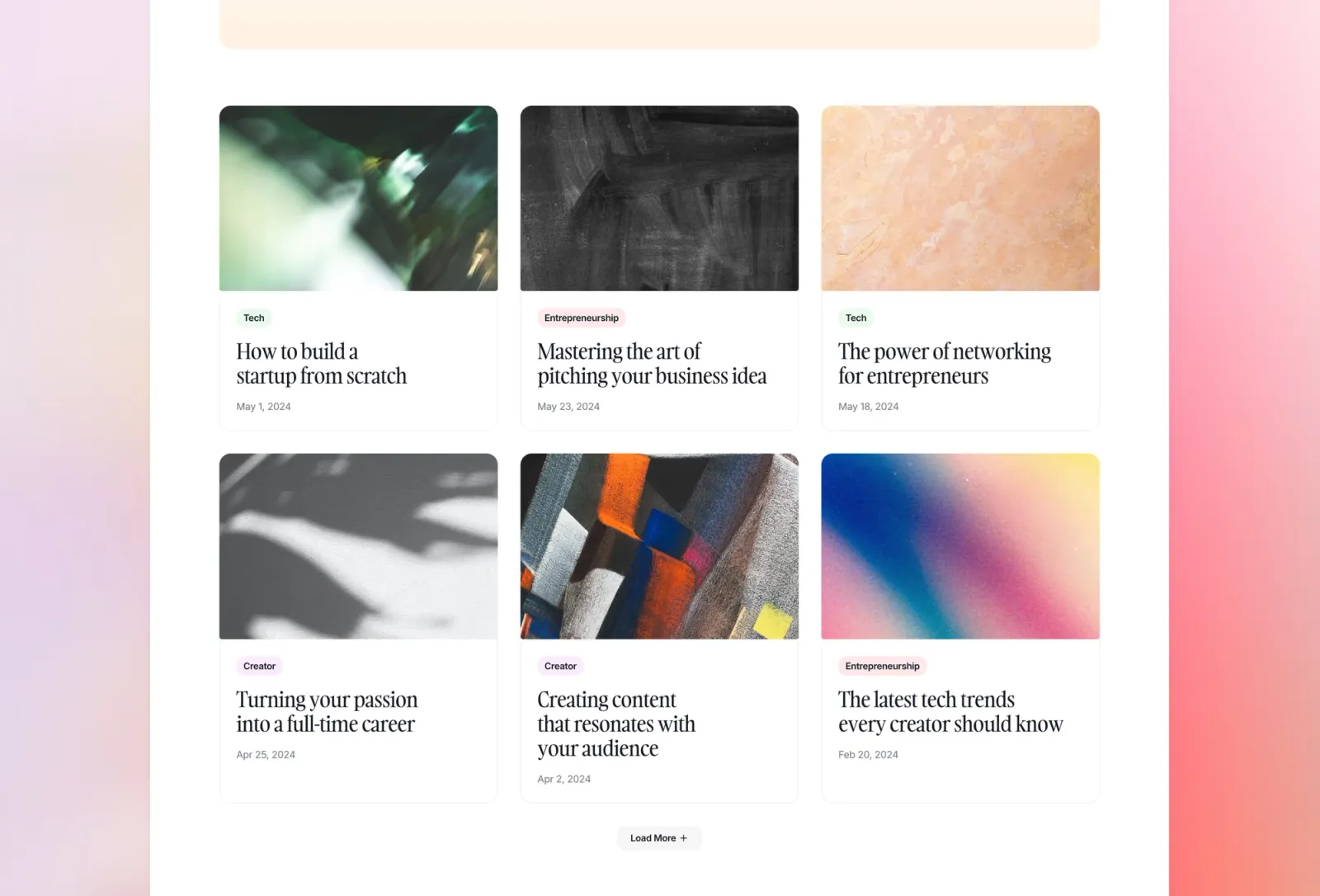
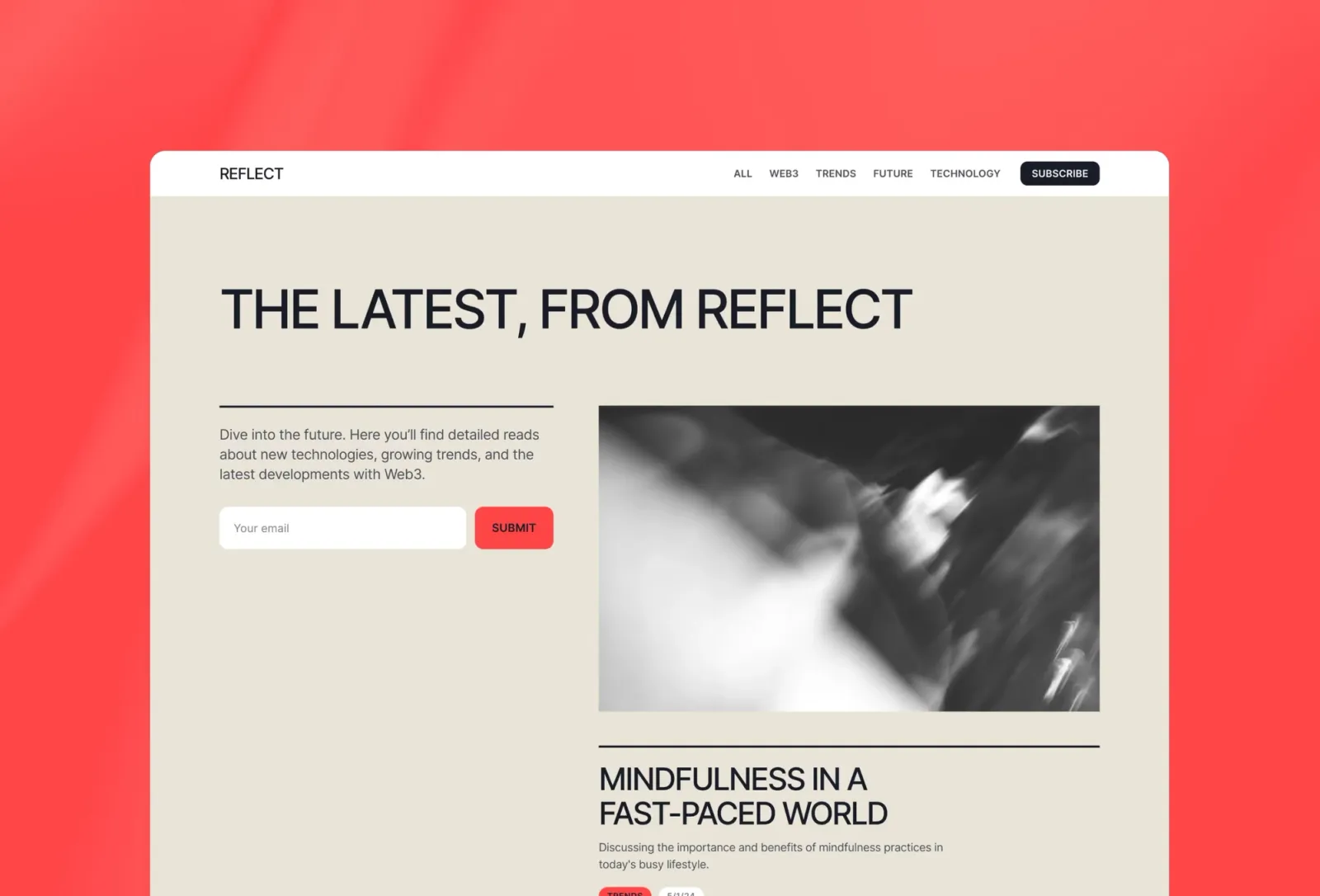
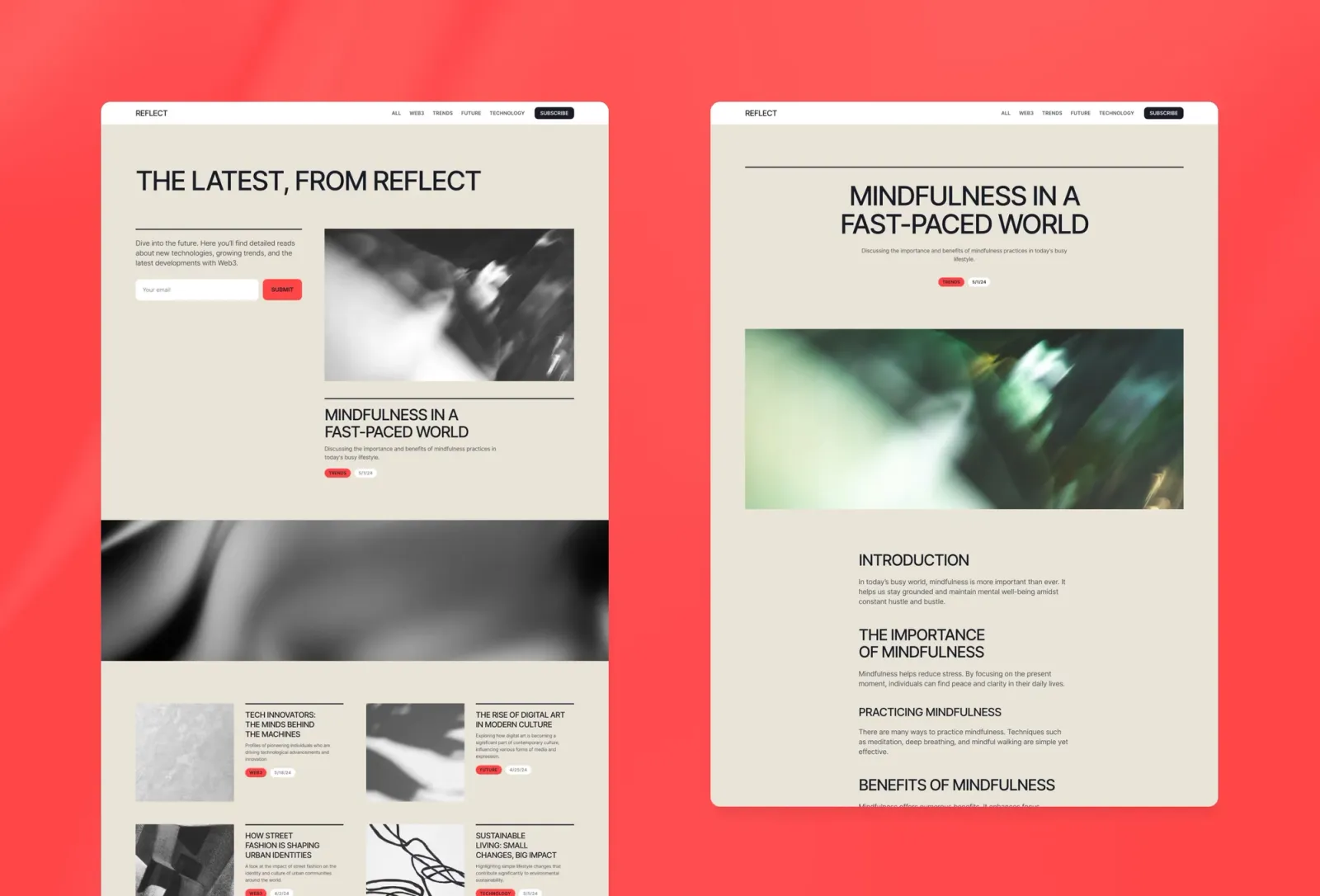
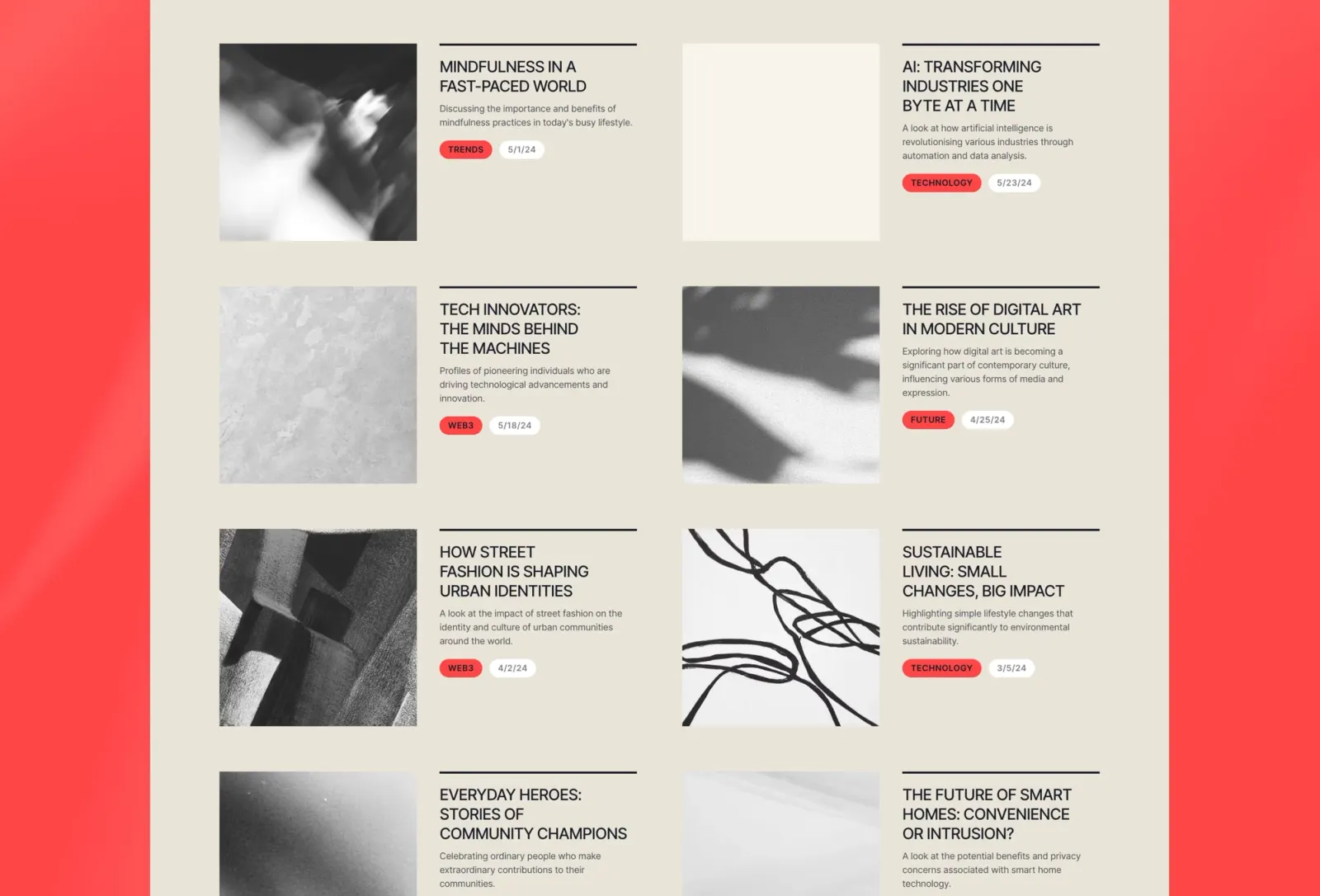
Reflect is the most reading-focused template on this list. The layout gives articles room — generous leading, careful spacing, and a homepage that leads with the writing rather than the visual furniture around it. No author pages, no About section. Just the posts, a category browser, and a subscribe form. The right choice when the content quality is the product and you want nothing competing with it for the reader’s attention. Compared to Narrate, Reflect is quieter by design. If you’re launching a newsletter-style publication or a research blog, it’s the natural fit. The one limitation: the simple page set means no team or About presence — if that matters to your readers, Compose gives you both.
Premium newsletters, research publications, and long-form editorial content where the writing needs to carry the site — and where the visual design should stay out of the way.
$149 · Single site licence
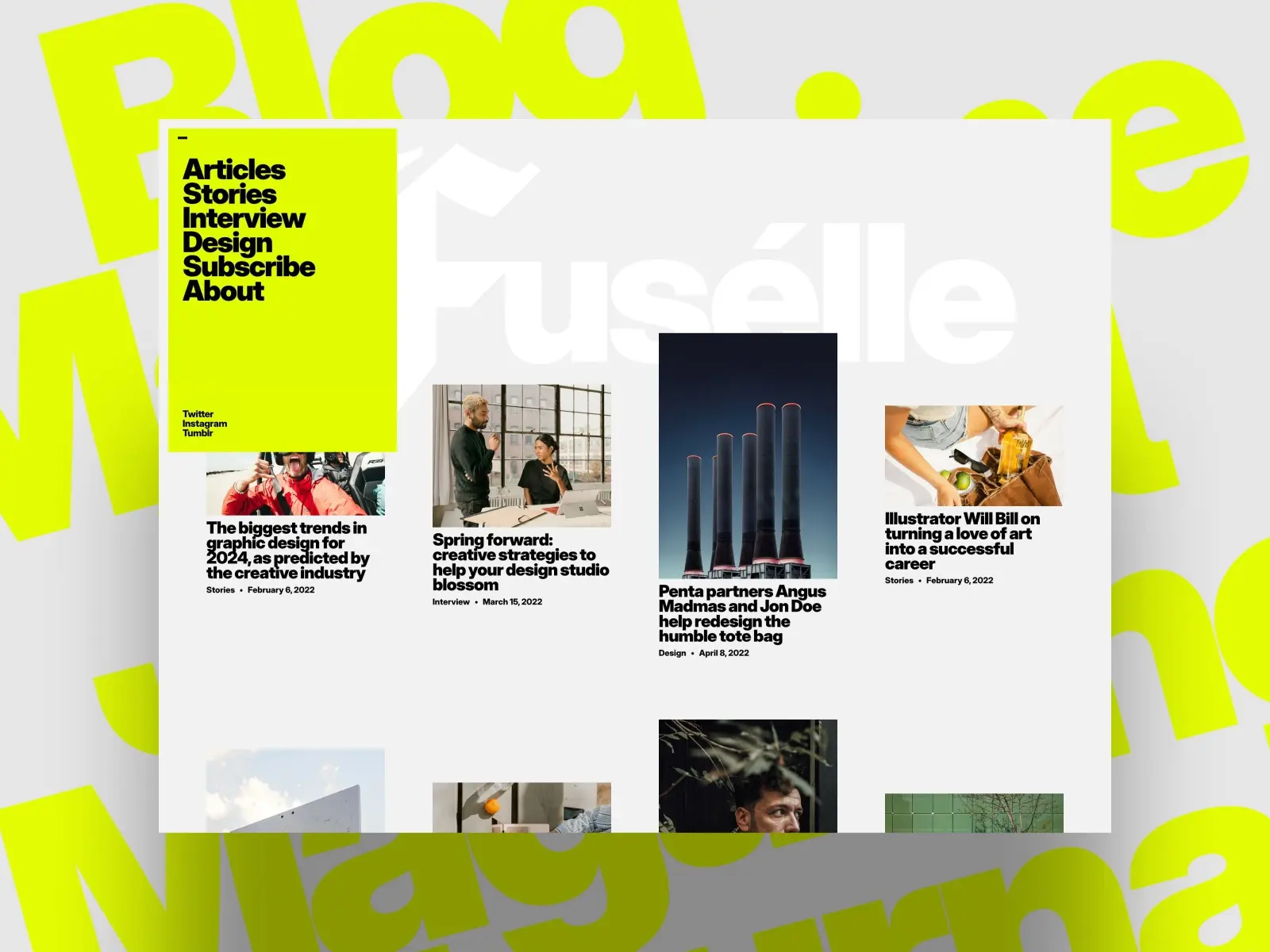
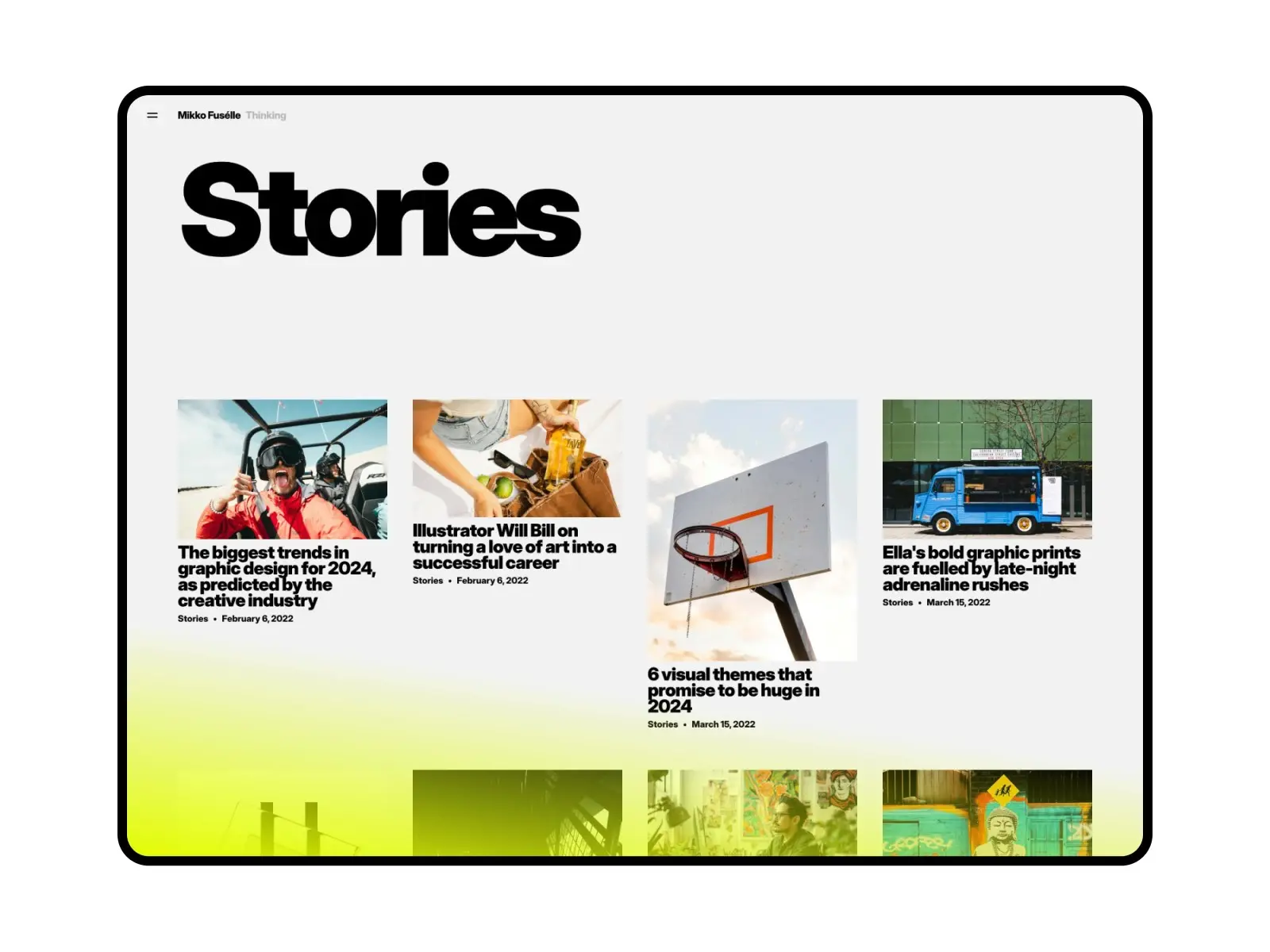
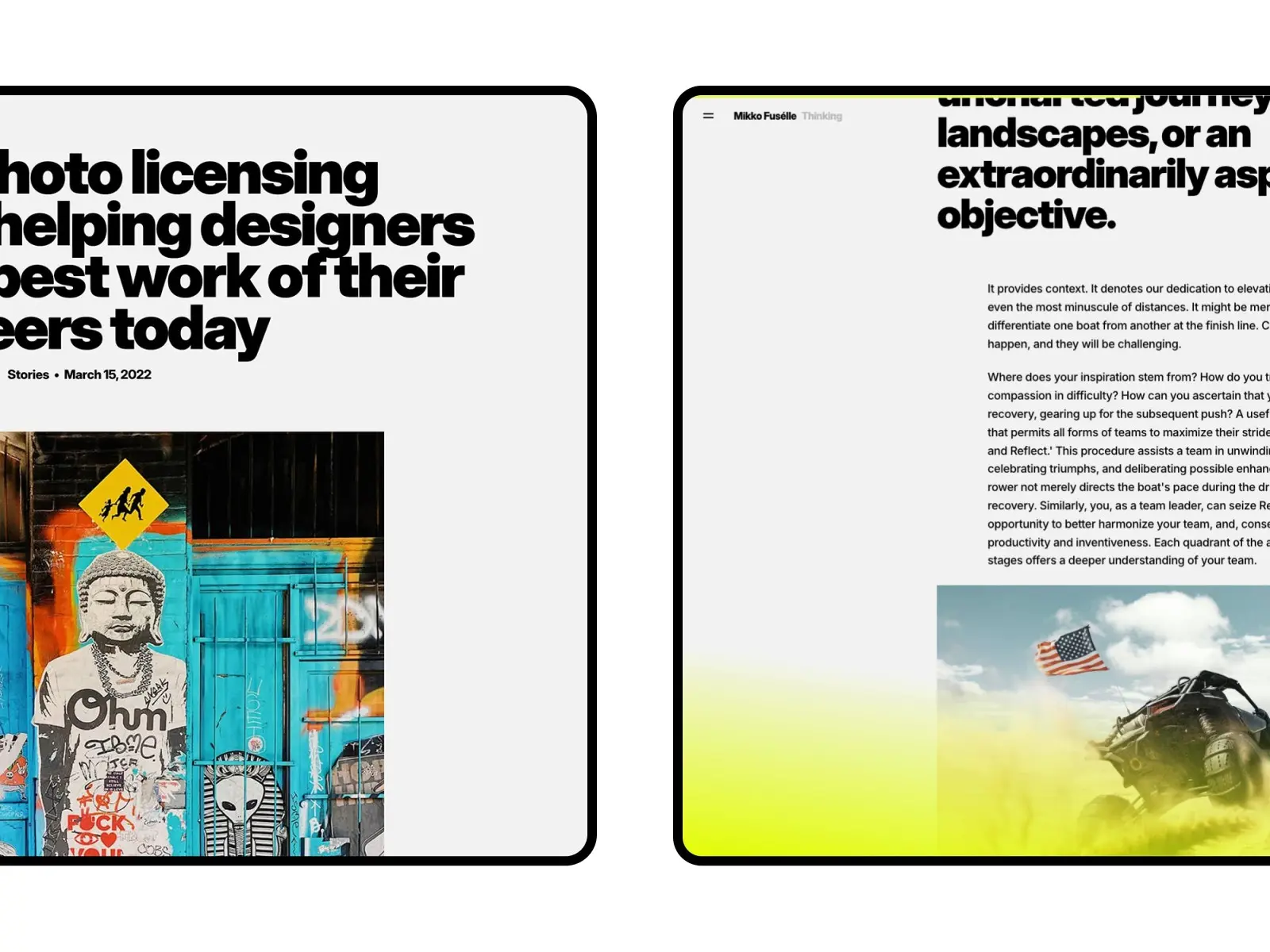
Fuselle is a curated, stories-first layout built for content creators and independent bloggers who want visual impact without crossing into design-project territory. The two alternative homepages are genuinely useful. You can A/B the opening feel, or run seasonal variations without rebuilding a page. In spirit it’s closer to Narrate than to Reflect: opinionated, colour-forward, built around the idea that the homepage should feel like a cover. Two things to know before you buy. First, three homepages means three layouts to maintain if you customise heavily, so pick one as your canonical version early. Second, at $49 it’s the best value third-party option on this list, but the page count is leaner than Narrate or Compose, so you may need to add an Author collection yourself if that matters to your publication.
Independent content creators, bloggers, and curated magazines where the visual identity of the homepage matters as much as the writing behind it — especially publications with a strong point of view.
$49 · Single site licence
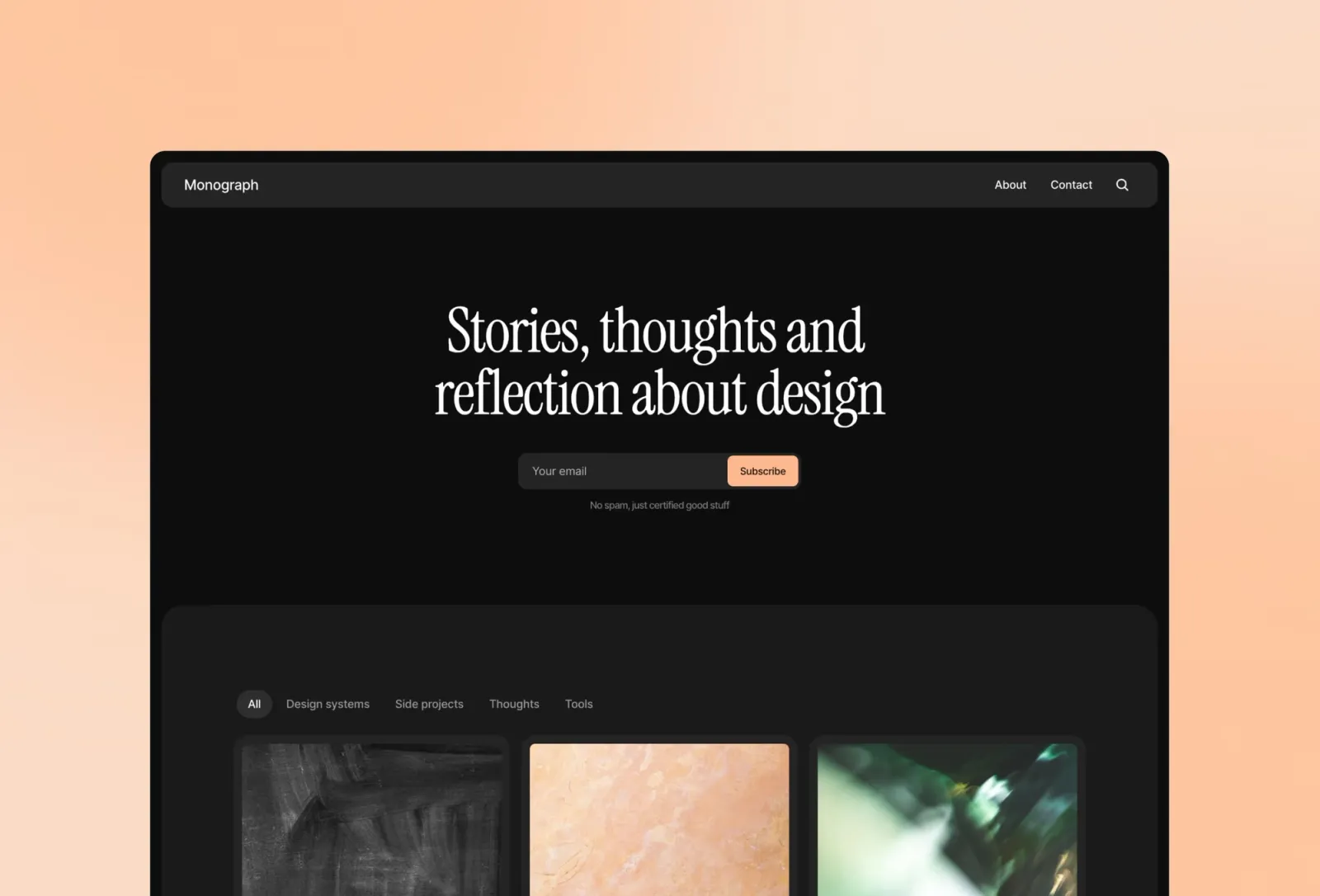
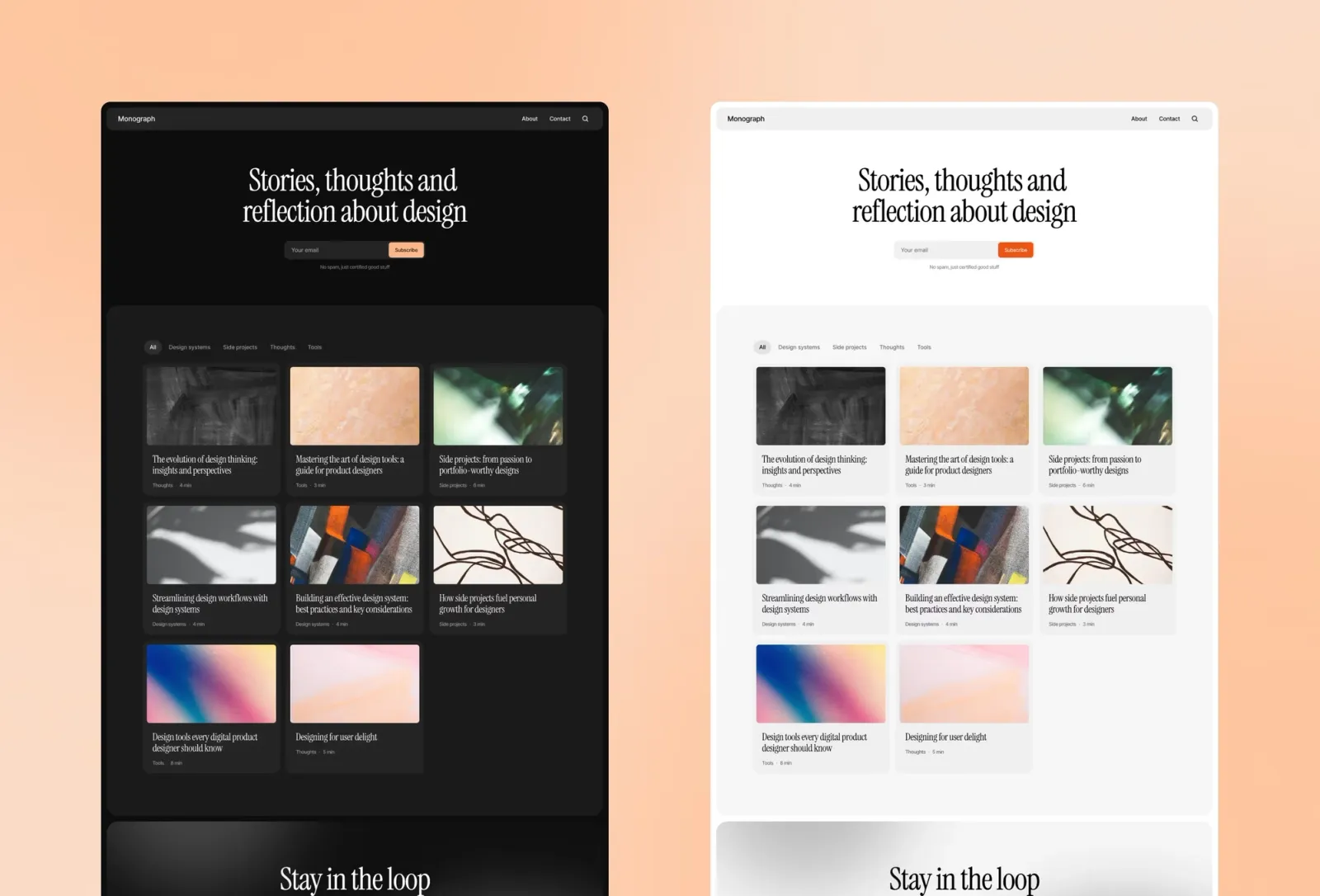
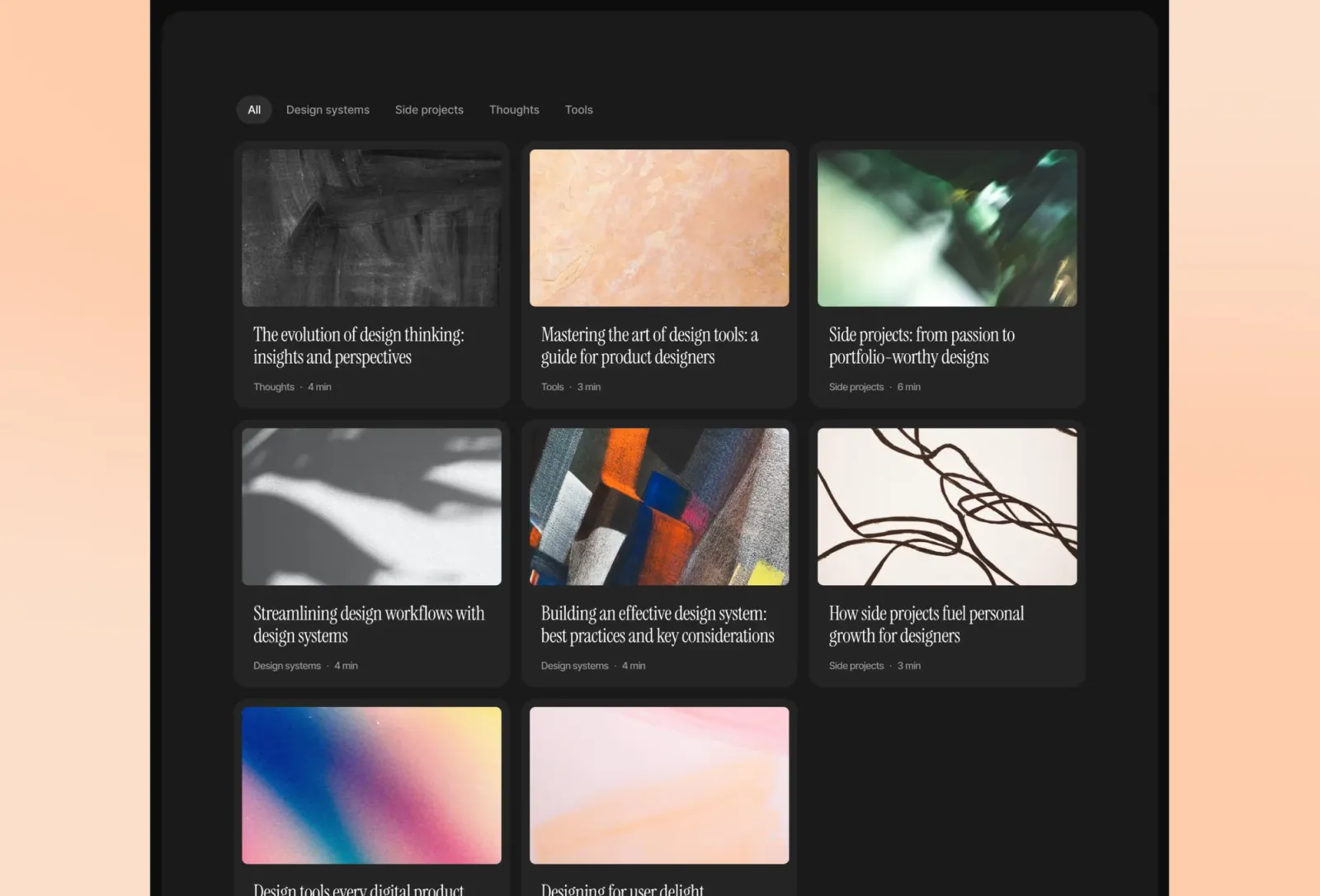
Monograph has a more systematic quality than the other templates on this list. Where Narrate and Compose lead with personality, Monograph leads with structure — a clean grid, a consistent type scale, and a layout that handles both short posts and long-form pieces equally well. It’s the closest thing to a print-design sensibility in this set. No author pages, but the CMS is solid and the overall aesthetic is restrained without being cold. One note: the grid-forward layout works best for content that’s written and structured before launch. Sites that grow haphazardly over time tend to expose the structure rather than work with it.
Writers and small publications that want the feel of a considered print magazine translated to the web — structured, systematic, and serious about the content rather than the chrome around it.
$149 · Single site licence
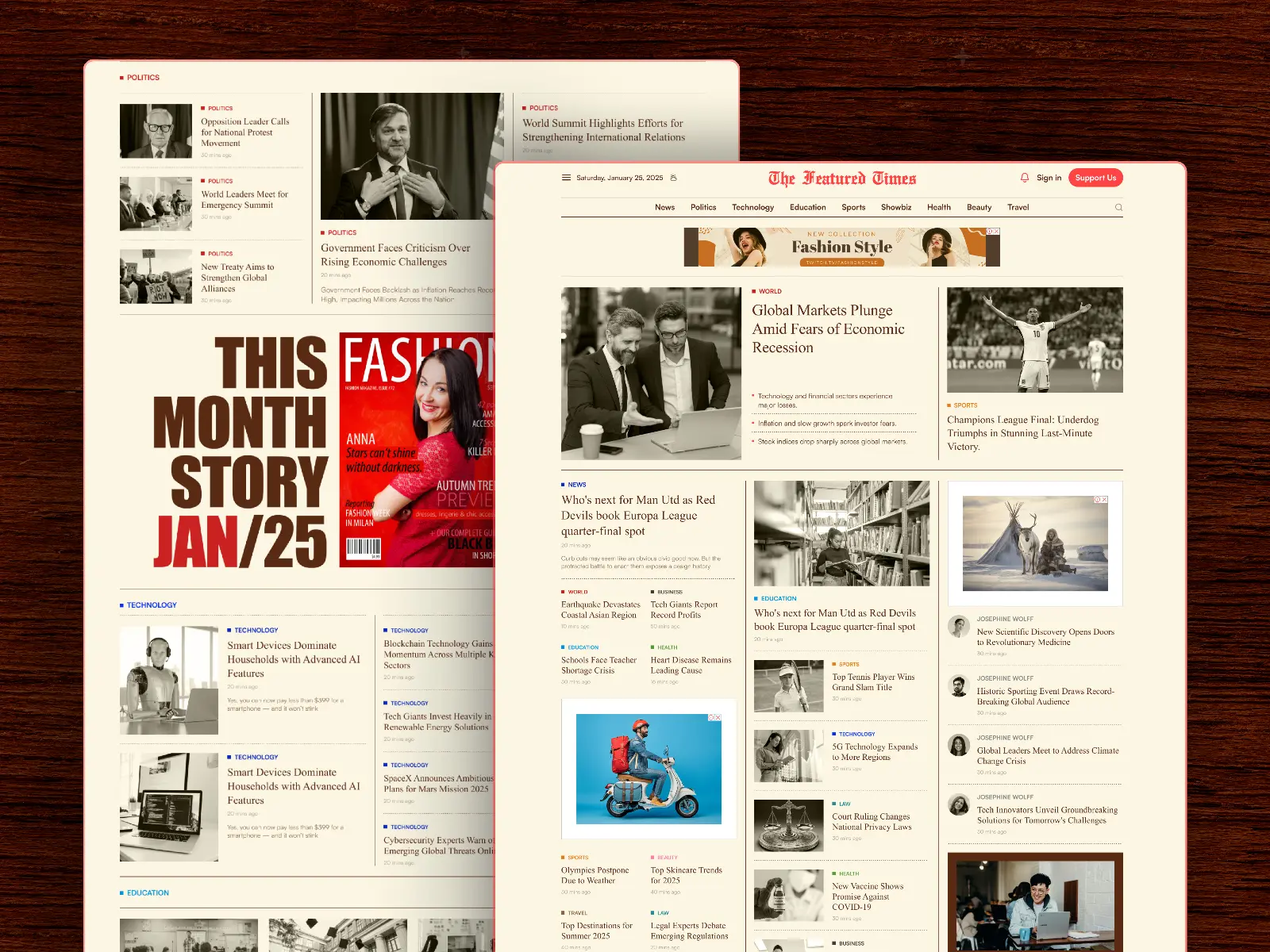
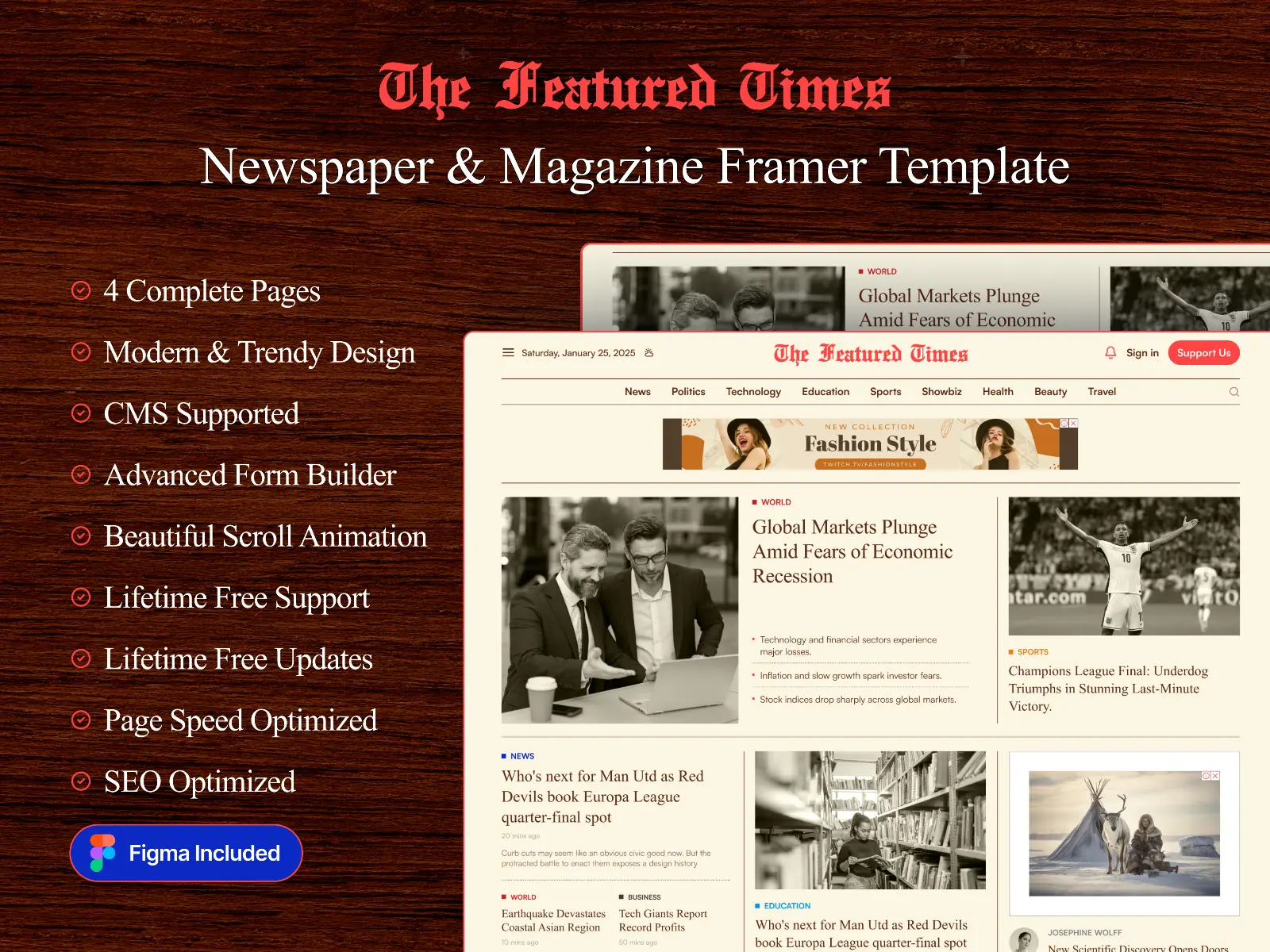
FeaturedTime is the simplest and cheapest template in this roundup. Five pages, a single news CMS, and a landing-page-style homepage built for magazines and newspapers that want a lean presence rather than a full archive structure. It’s the right fit for a publication that runs a handful of flagship pieces rather than a constant stream of articles — or a print magazine that needs a marketing site pointing to its issues. Don’t pick this one if you’re planning to publish weekly; the page count will run out of room.
Print magazines needing a marketing site, low-volume publications, and lean editorial brands that run a handful of featured pieces rather than a continuous stream of articles.
$29 · Single site licence
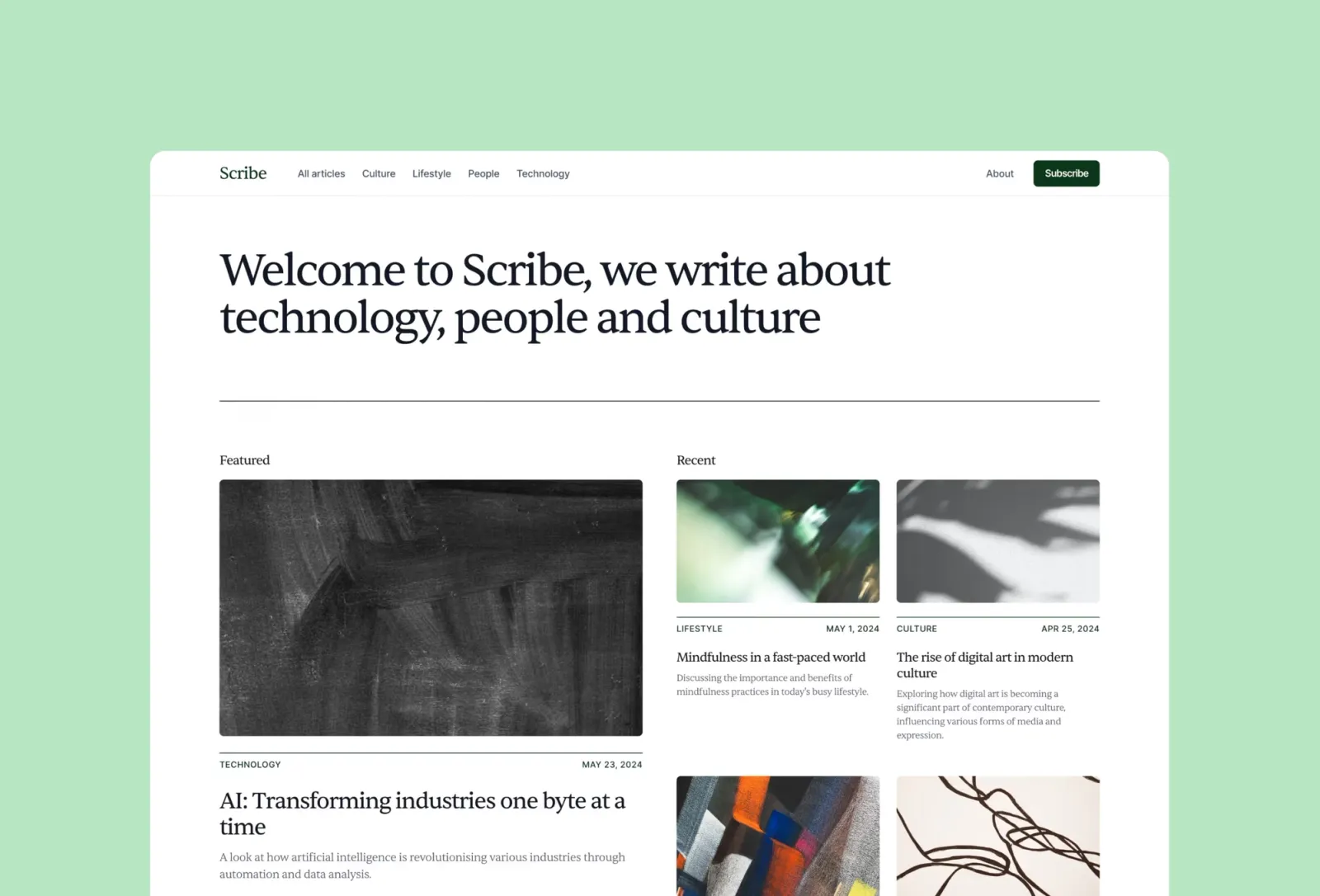
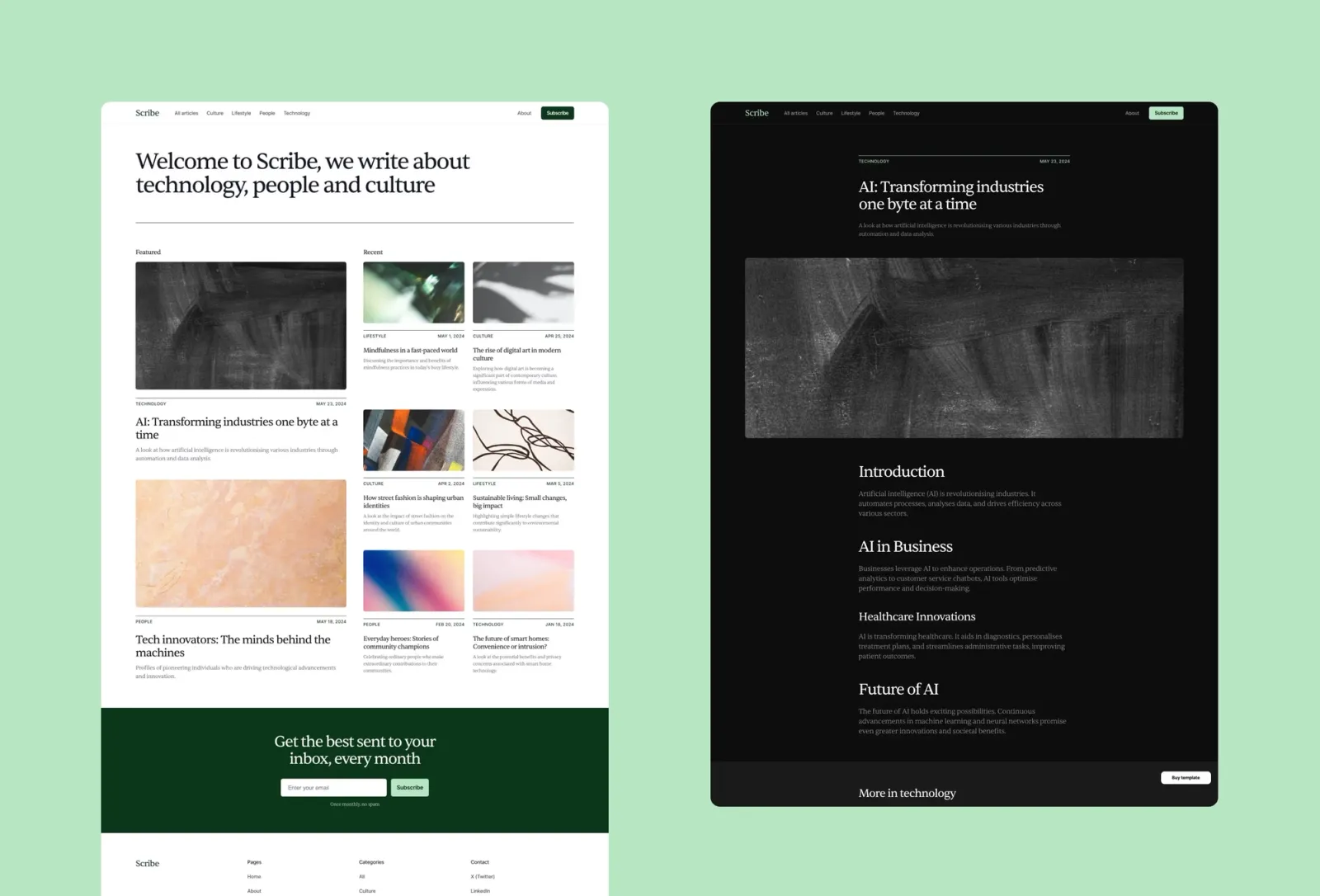
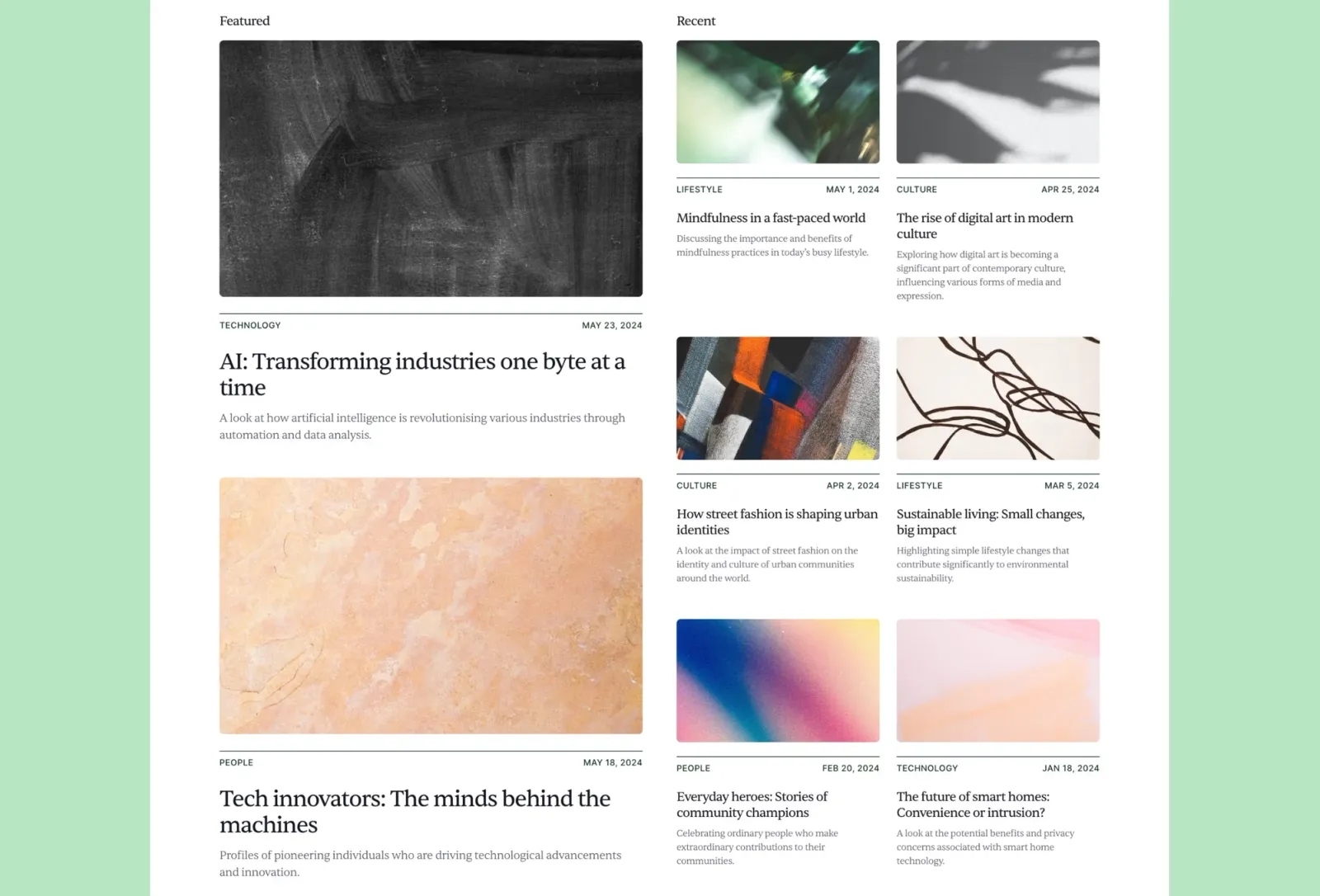
Scribe is the fastest to get live. Auto dark/light mode, seven pages, CMS for posts and categories, and a neutral aesthetic that doesn’t compete with your brand. The trade-off is that it’s the least distinctive option on this list — which is exactly the point if you want the writing to carry the site. No author pages, no About section. Just a solid editorial platform that adapts to whoever’s reading it. If you’re launching a publication and want two hours of setup rather than two days, this is the answer.
Writers and publications that want a clean, functional editorial site without the design overhead — particularly those who want the auto dark/light mode handled without configuration.
$149 · Single site licence
Start with the contributor question. If the publication has multiple writers who need their own author pages with bios, article archives, and headshots, Narrate, Compose, or Newsplate are the options here that handle it properly. Narrate is bolder; Compose is friendlier and adds an About section for the team; Newsplate is the heaviest and adds podcast support alongside written content.
If it’s a solo publication and the reading experience matters more than the visual identity, Reflect is the right call. Long-form newsletters, research blogs, anything where the writing is the product rather than the brand around it.
Monograph suits publications with a more considered, systematic approach to layout. It’s the closest to a print-magazine aesthetic in this set. Scribe is the default when you want to launch fast and style it yourself.
On the third-party side: pick Newsplate if you’re running both written and audio content from one site. Pick Fuselle if you want a bold, cover-style homepage on a budget and don’t mind a lighter page count. Pick FeaturedTime if the website is secondary to a print magazine or newsletter and you only need a lean five-page presence to point readers at your flagship pieces.
Browse the full list on the Framer magazine templates page, or see the editorial options on the
Framer editorial templates page →
Quick checklist before launching your Framer magazine:
The main differences are structure and scale. Magazine templates are built for multi-contributor publishing. They include author pages, category archives, and pagination for large article counts. Blog templates are usually built around a single writer with a simpler archive. Both use a CMS, but magazine templates tend to have more content types (posts, categories, authors) and layouts designed for browsing rather than reading in sequence. Narrate, Compose, and Newsplate have the full magazine feature set. Newsplate is the most newsroom-like of the three and adds podcast support. Reflect and Scribe are closer to editorial blogs.
Yes. Framer’s CMS requires a paid hosting plan — the Mini plan starts at $10/month and includes CMS functionality. All eight templates on this list use the CMS for article archives, so you’ll need at least a Mini plan to publish live. The template itself is a one-time purchase; the Framer hosting plan is a separate ongoing cost.
You can build author pages manually in Framer, but it’s non-trivial. You’d need to create a new CMS collection for authors, link it to the posts collection, and build the author page layout from scratch. If author pages matter to your publication, start with Narrate or Compose rather than retrofitting them onto Reflect or Scribe.
All eight are built with Framer’s native SEO fields — each page gets its own title, description, and OG image, and CMS posts are no exception. The more important SEO factor for publications is consistent publishing and good internal linking between articles and category pages. The templates give you the structure; the content strategy determines whether it ranks.
Three to five is enough to make the homepage look like a real publication rather than a placeholder. The exact number depends on your layout — grid-heavy designs like Monograph look better with more content; single-column layouts like Reflect can launch with two or three strong pieces. What matters more than count is quality: one thorough article beats five thin ones for both readers and search.
Want every current and future template in one purchase? Unlimited Access includes all Framer templates — including every template on this list.
Join 2,900+ designers · Unsubscribe at any time