5 Framer templates for designers who need proper case study pages — multi-page CMS structure, space for long-form process documentation, and typography that holds up through extended writing. Sharp, Format, Darkfolio, Last Studio, and Lucid.
·10 min
Introduction
A portfolio shows what you made. A case study portfolio explains how and why. That’s a different brief for a template — you need proper project pages, a CMS that handles rich content, space for multiple images, and typography that holds up through long-form writing. These five Framer templates are built for work that needs to be read, not just scanned.
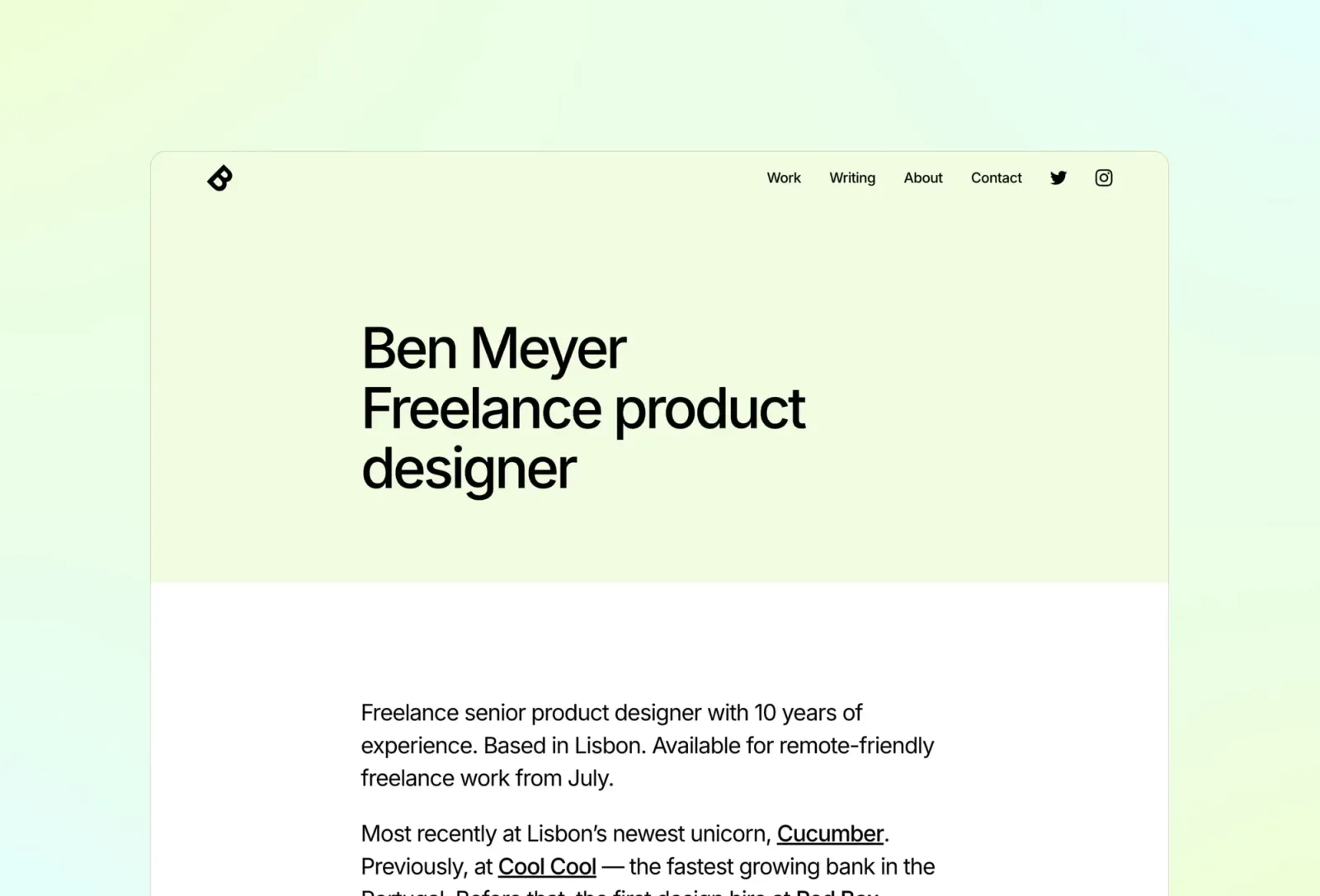
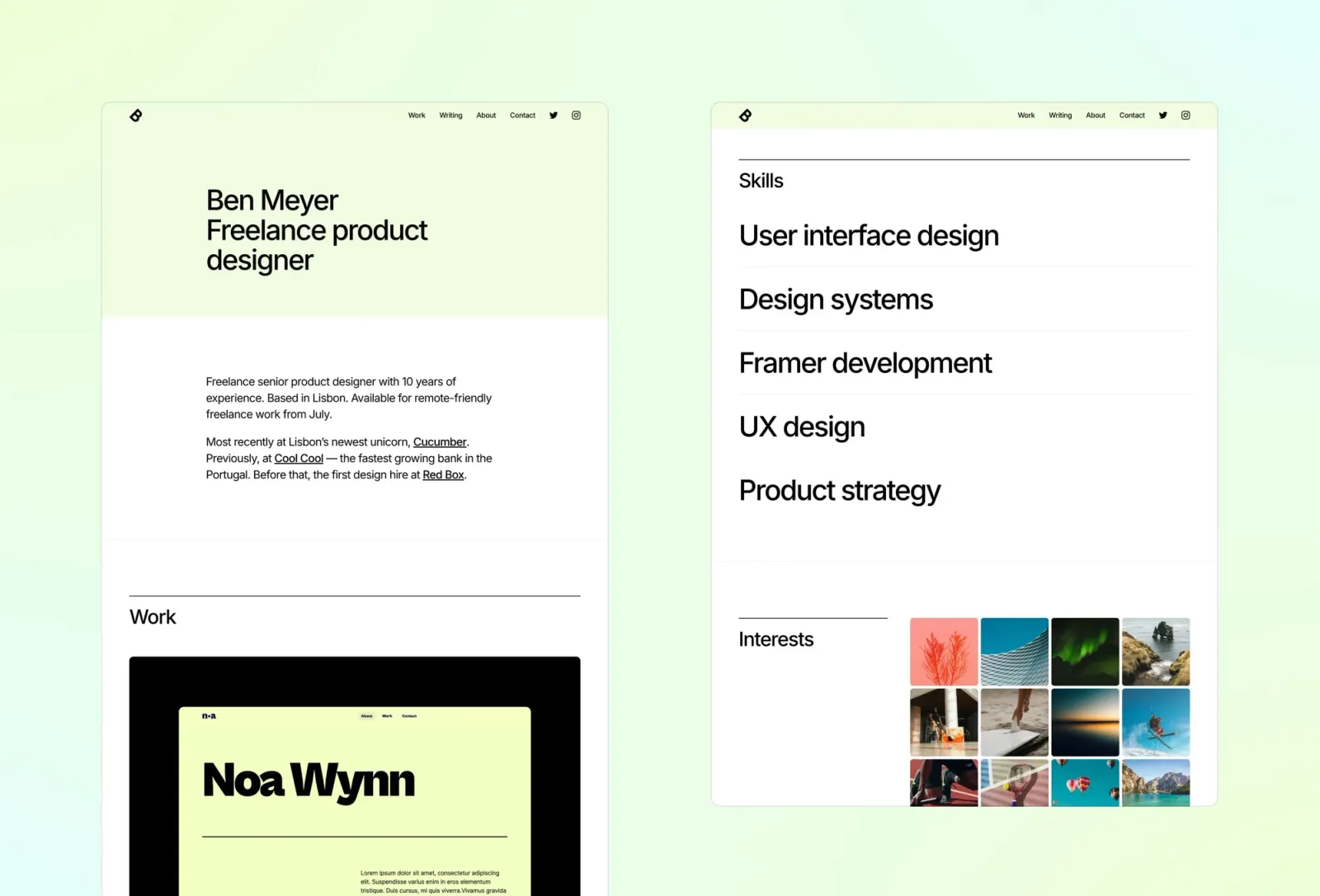
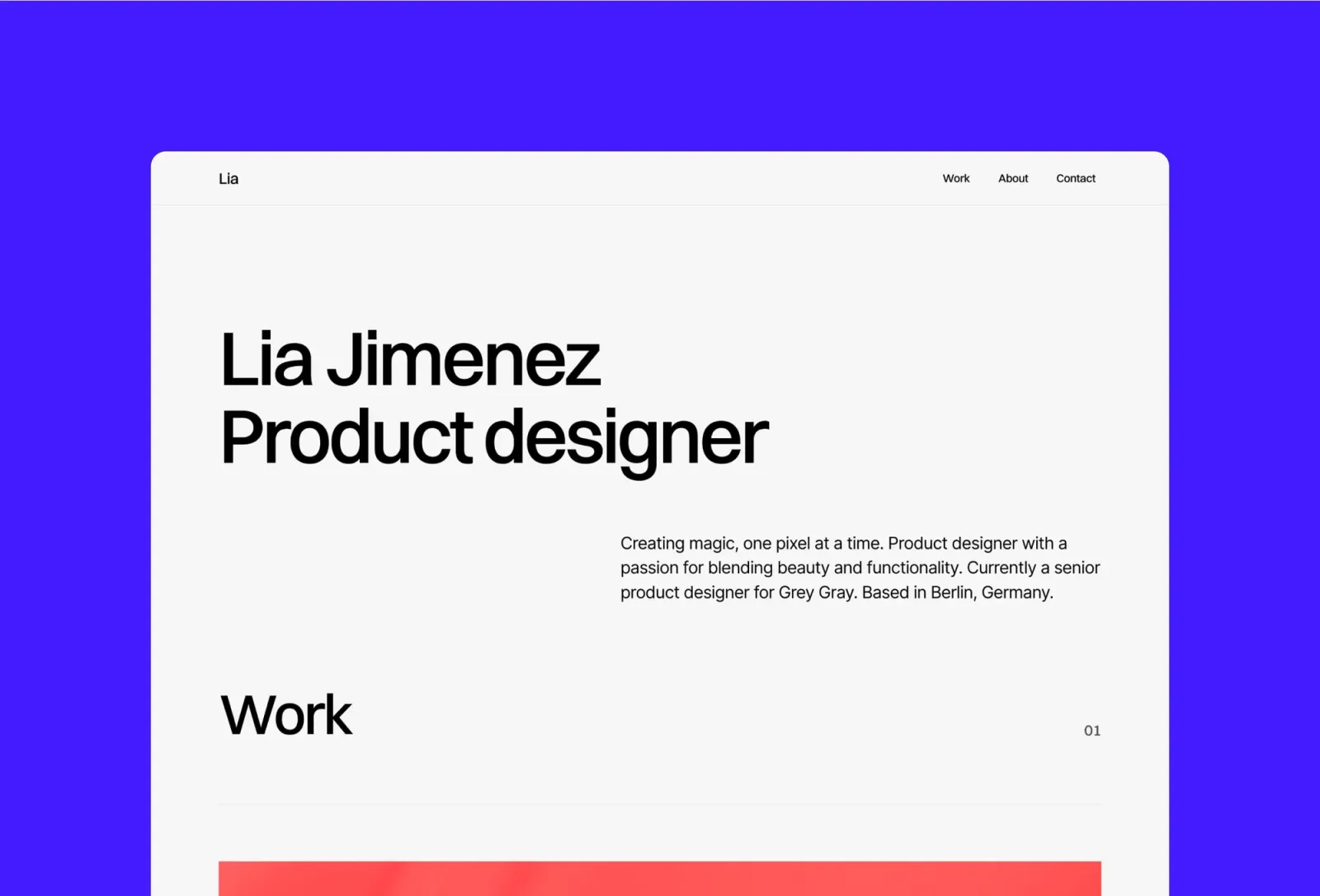
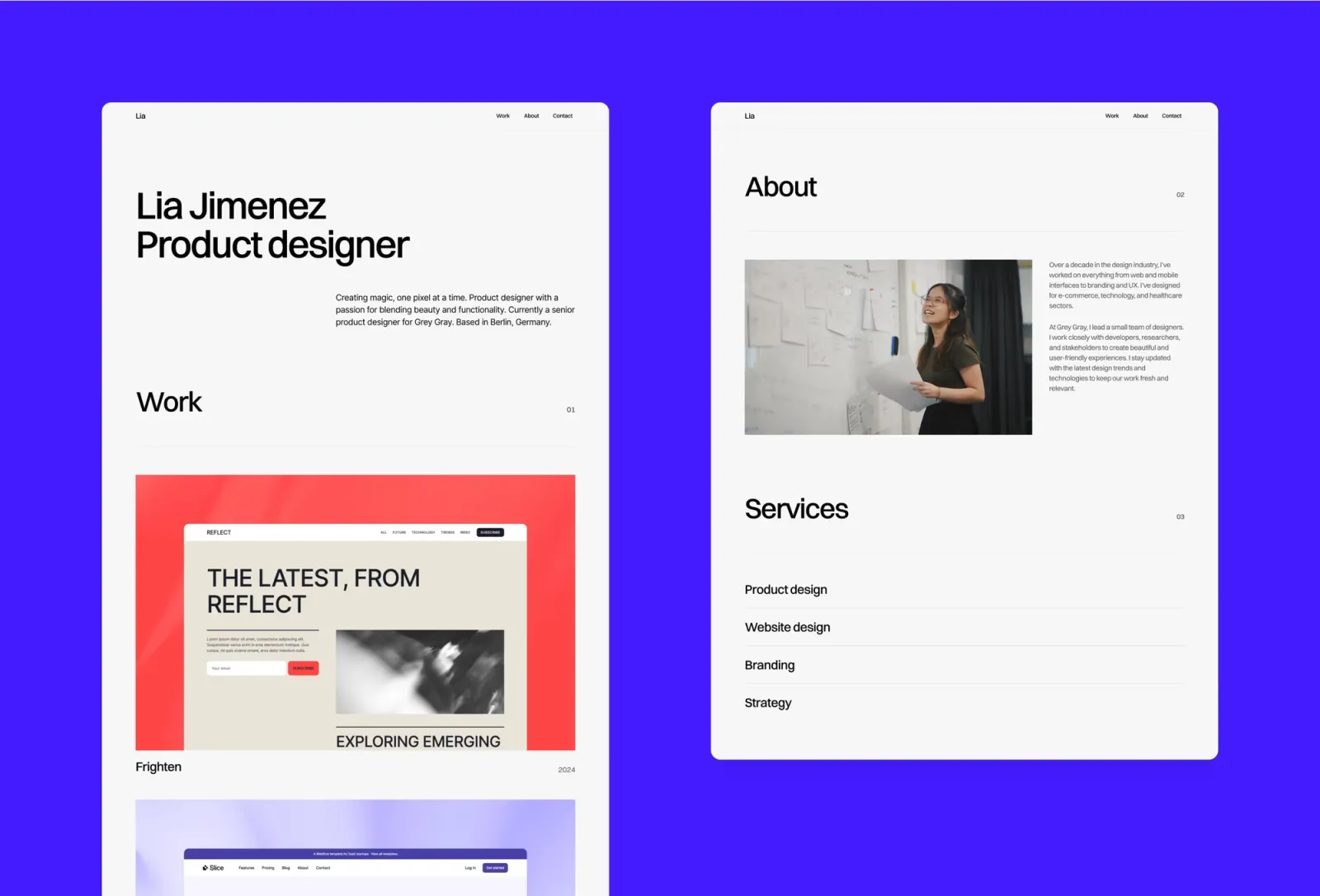
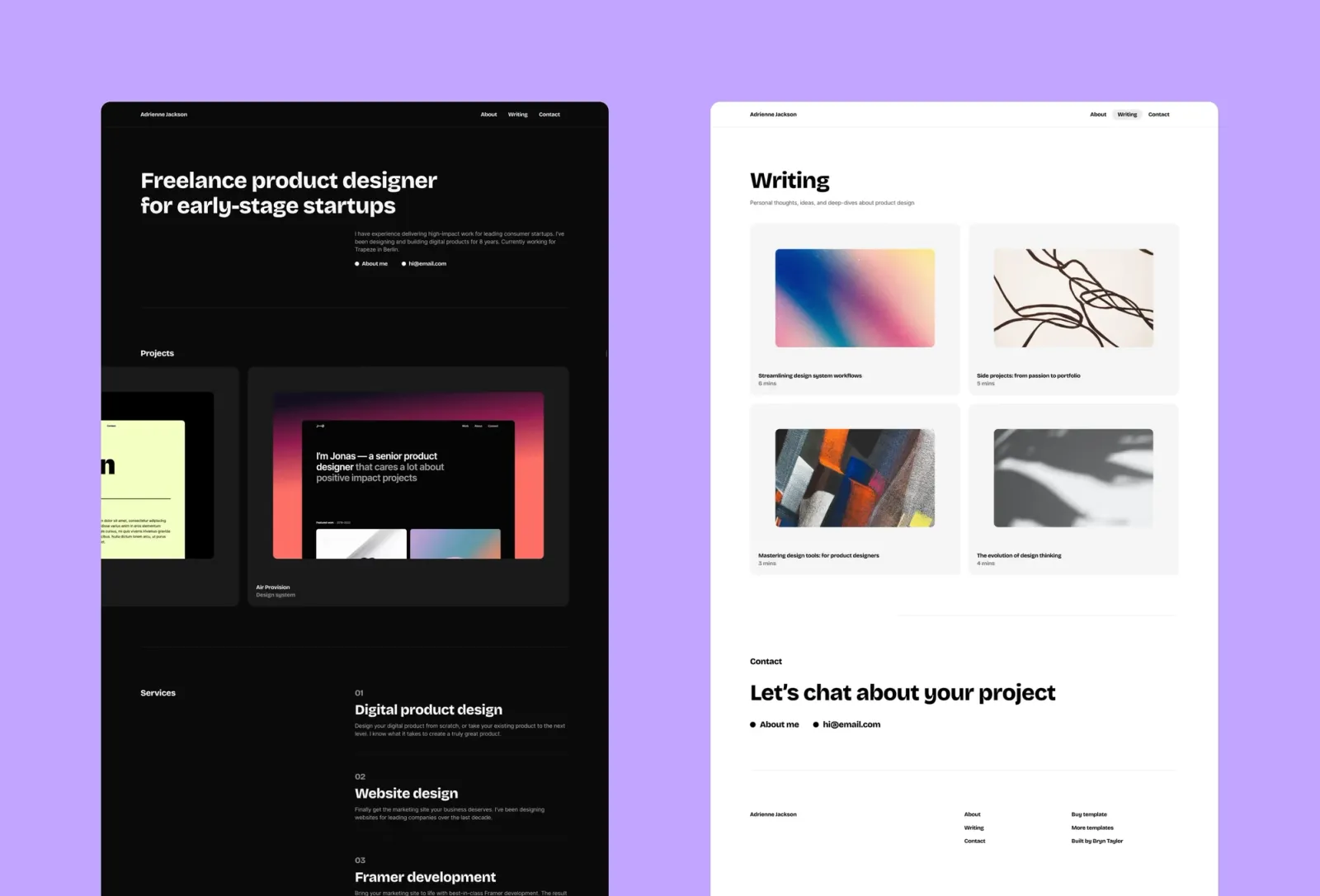
Sharp is the most editorial portfolio template on this list. The multi-page structure gives case studies proper room: a full project page CMS, space for process documentation and multiple images, and a blog section that works as a writing portfolio or a place for long-form case study writeups alongside the work. The pastel palette and strong typographic hierarchy are distinctive without distracting from the content. Honest trade-off: the colourful editorial aesthetic is a deliberate personality. If your clients expect a neutral, corporate-facing presence, it’ll read as more personal than professional.
Key features
Multi-page layout: Home, Work, Work post, Blog, Blog post, About, Contact, 404
CMS for work and blog content from a single editor
Strong typographic hierarchy built for long-form case study writing
Colourful editorial style — pastel palette, bold type accents
Animated page transitions and scroll interactions
Component library and global colour and type styles
SEO-ready metadata
Perfect for
Designers and art directors who want a portfolio that holds proper case study writing alongside a blog or thought leadership section — and whose site’s personality should come through as clearly as the work.
Price and licence
$149 · Single site licence
Benefits
Project CMS supports deep case study writing — not just image uploads
Built-in blog means case study writing and thought leadership live in the same site
Distinctive editorial aesthetic makes a strong first impression on visitors who see dozens of minimal portfolios
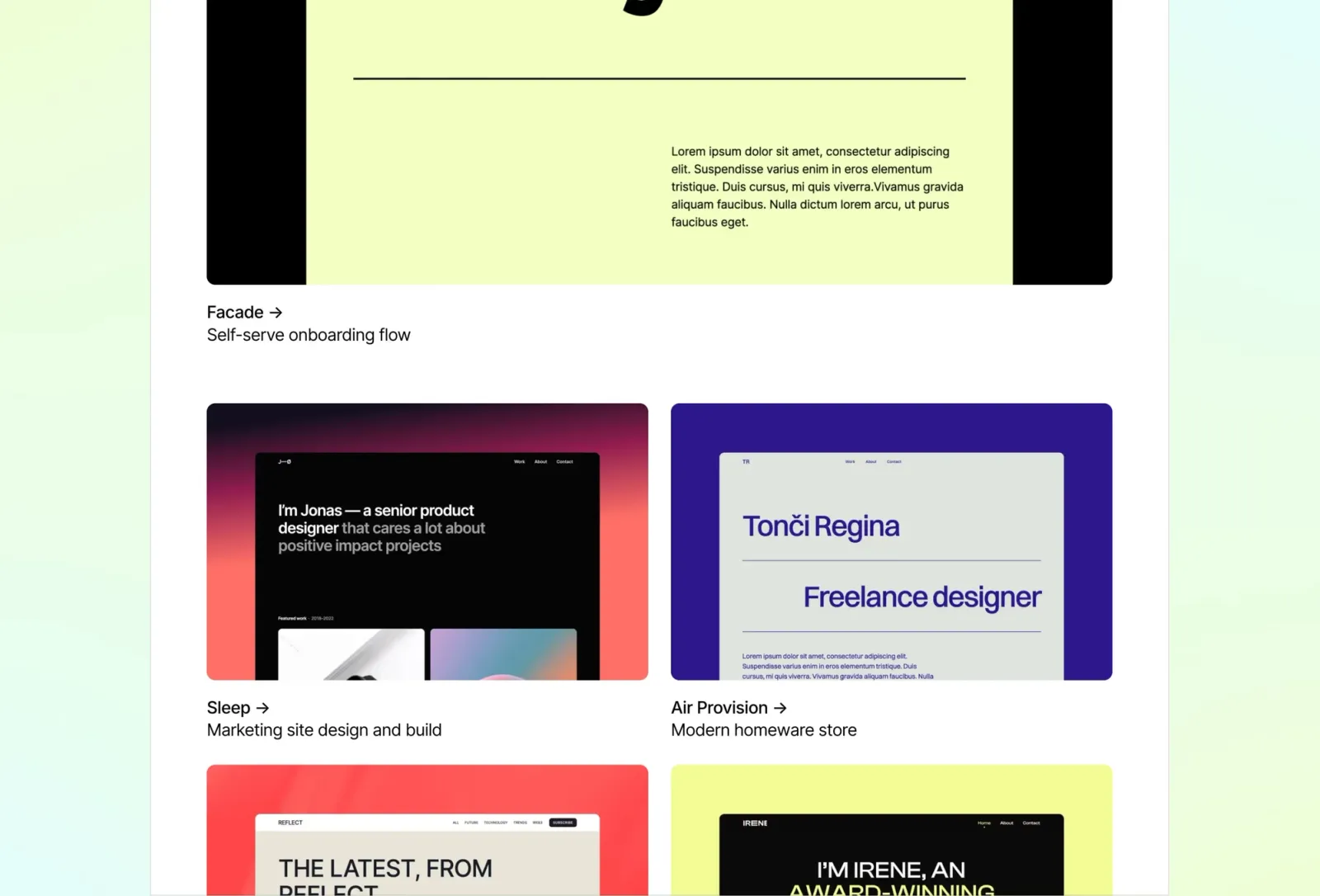
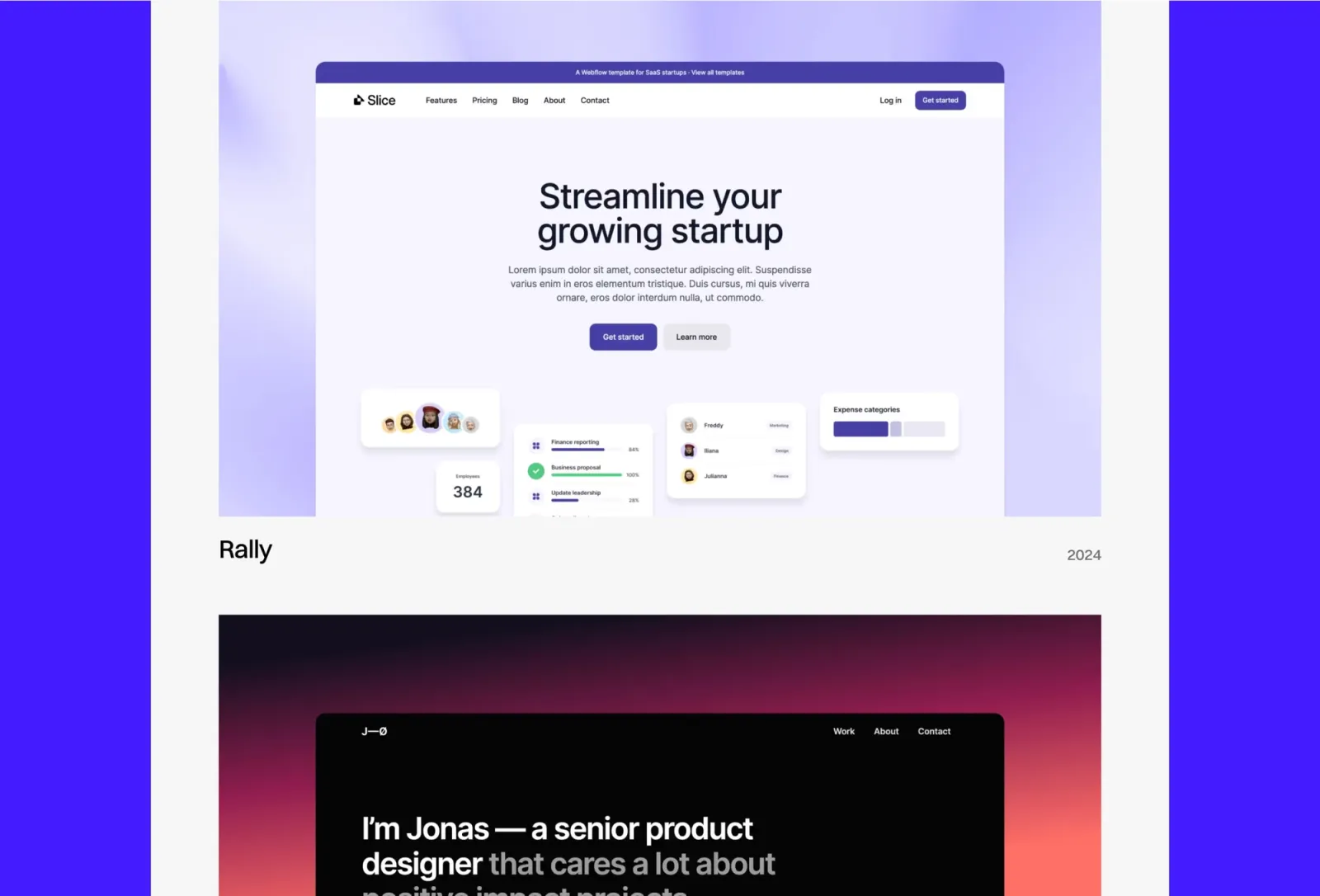
Format is the cleanest option on this list for presenting work at a glance. The card-based grid on the homepage compresses your best projects into an immediately scannable layout, and the CMS handles project entries with space for images, descriptions, and client context. It’s a one-page design — visitors see everything in a single scroll before deciding where to look closer. The trade-off is structural: one-page means less room for extended process documentation per project. If your case studies run to 1,000+ words with multiple image sections, Sharp or Darkfolio give more depth. If your presentations are concise and visual-led, Format is the fastest to set up and the easiest to navigate.
Key features
One-page layout with card grid structure
CMS for projects and work items
Bold typographic hierarchy with large type accents
Light mode with generous whitespace
Component library and global styles
SEO-ready metadata
Perfect for
Freelancers and designers who want a focused, fast-to-scan presentation of their best work — and whose case studies are concise and visual rather than long-form process documentation.
Price and licence
$149 · Single site licence
Benefits
Card grid makes it easy for clients to find the most relevant project for their brief at a glance
One-page structure removes all navigation friction — clients see the full picture in a single scroll
Clean, neutral aesthetic works across client types without signalling a strong visual personality
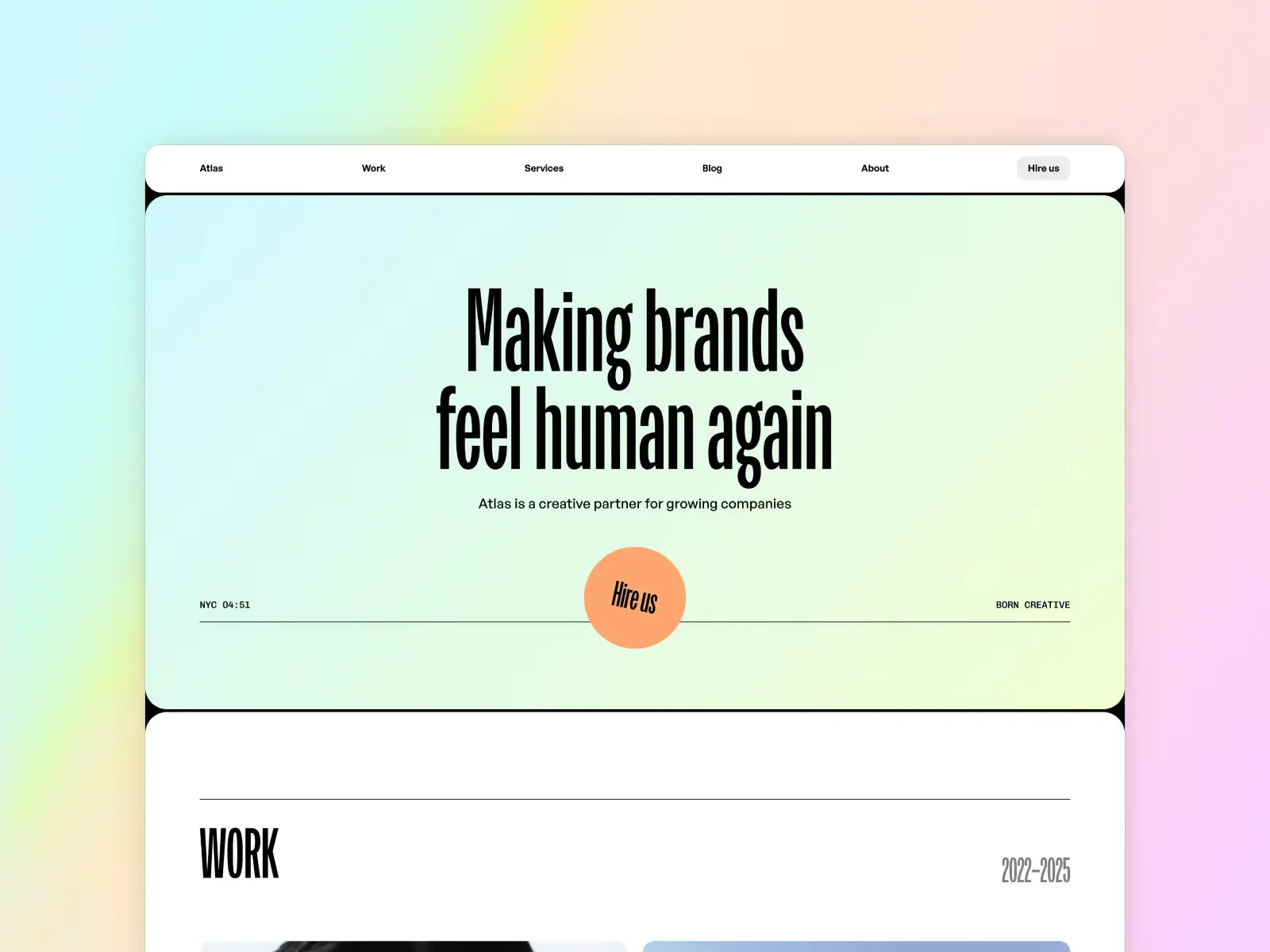
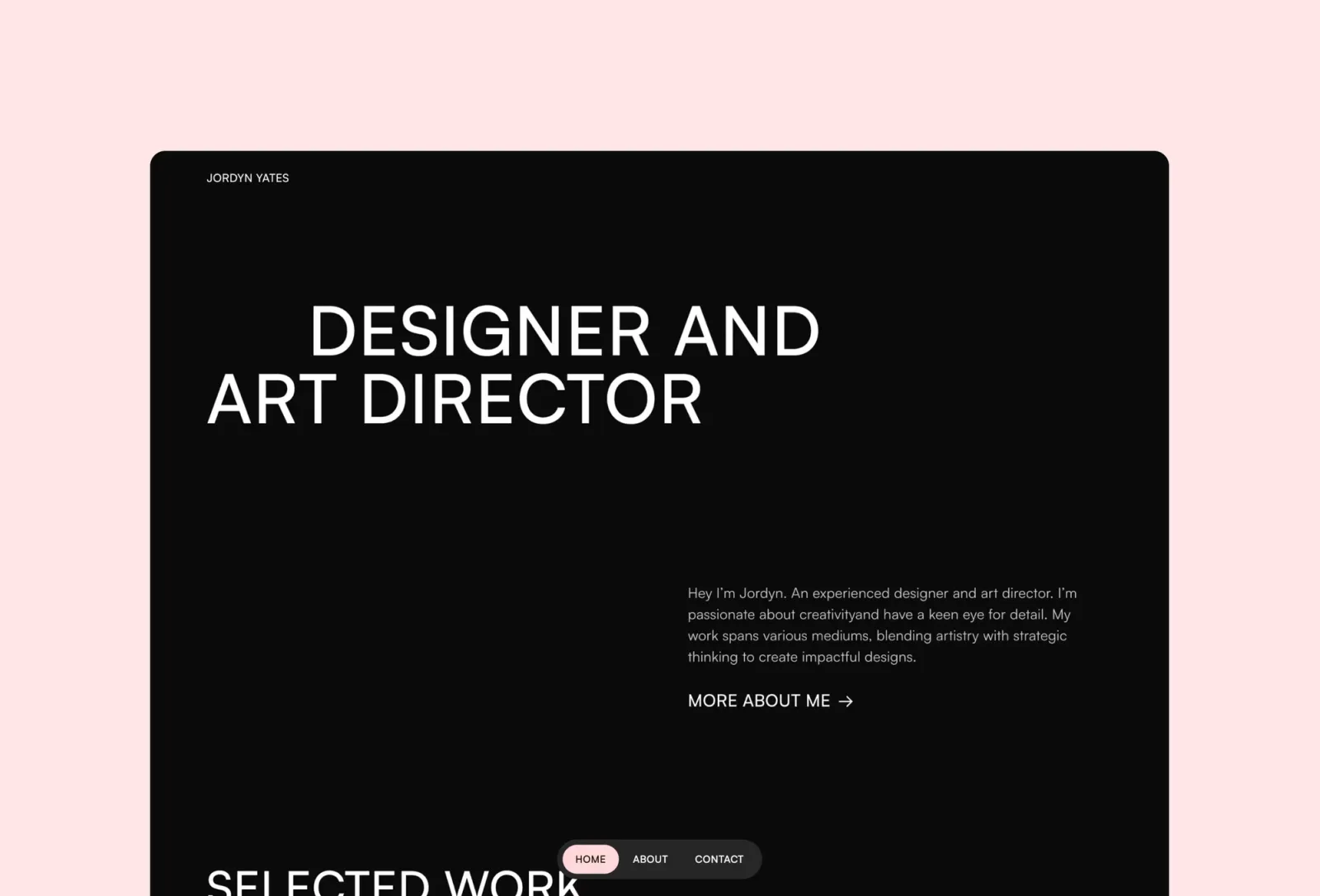
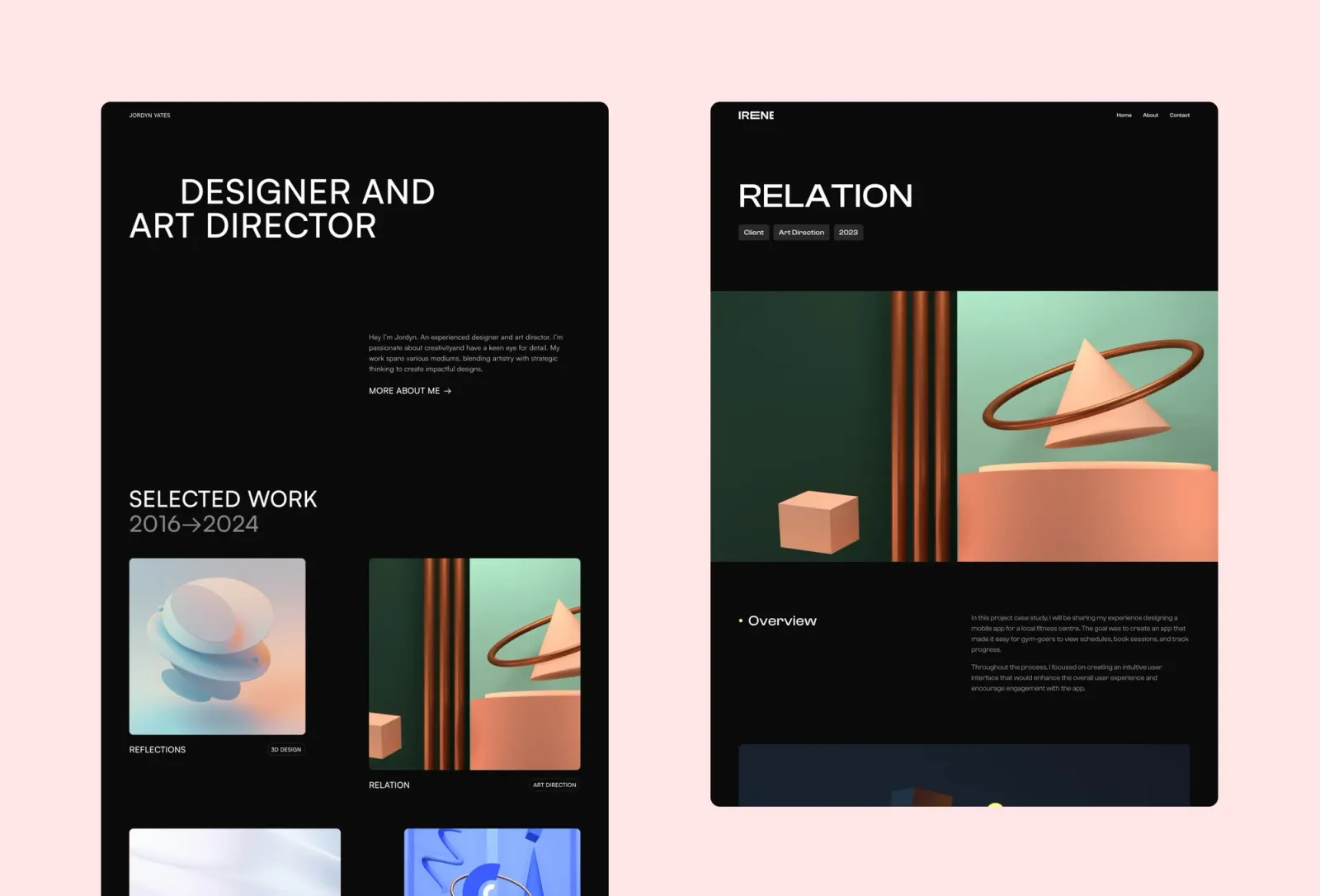
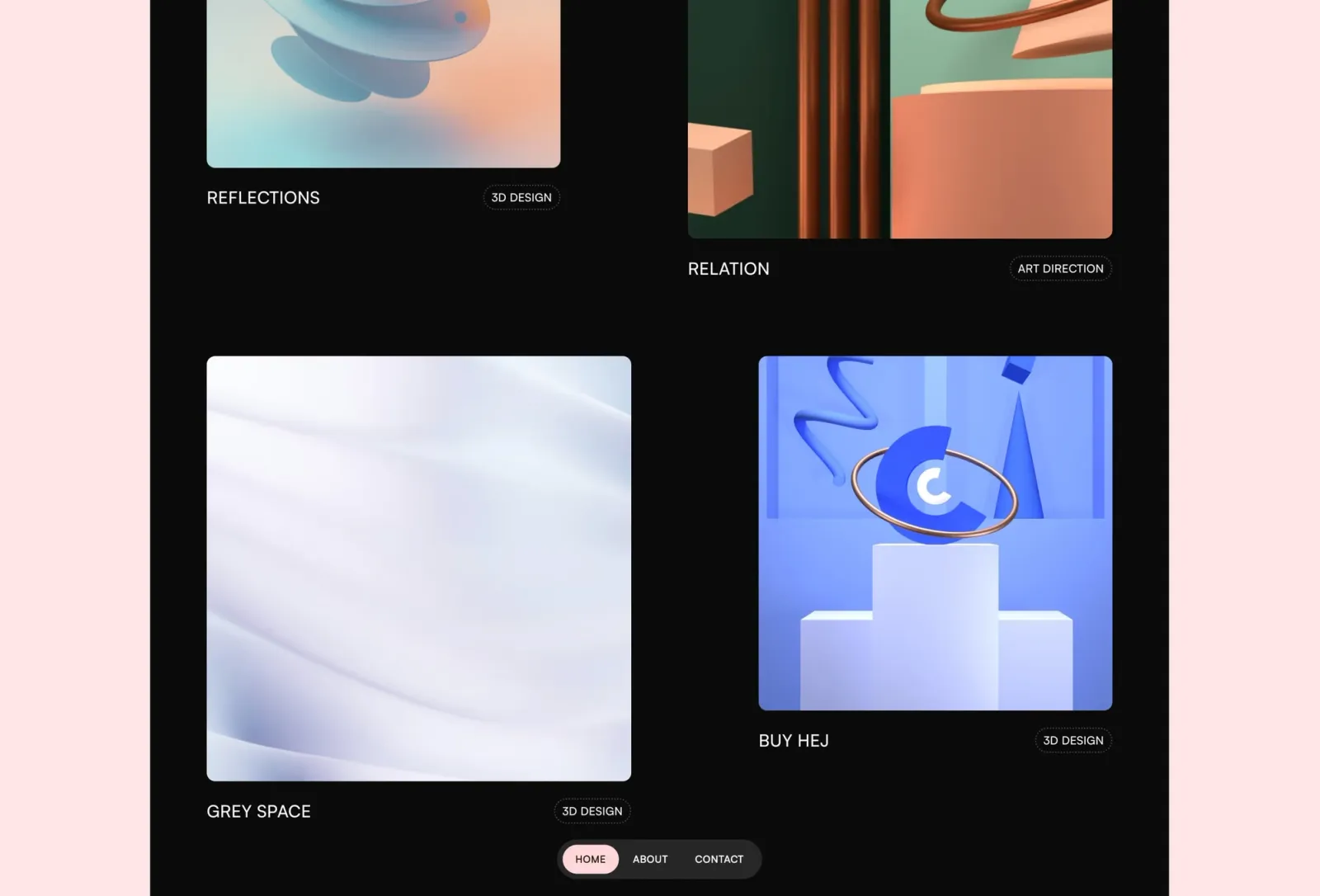
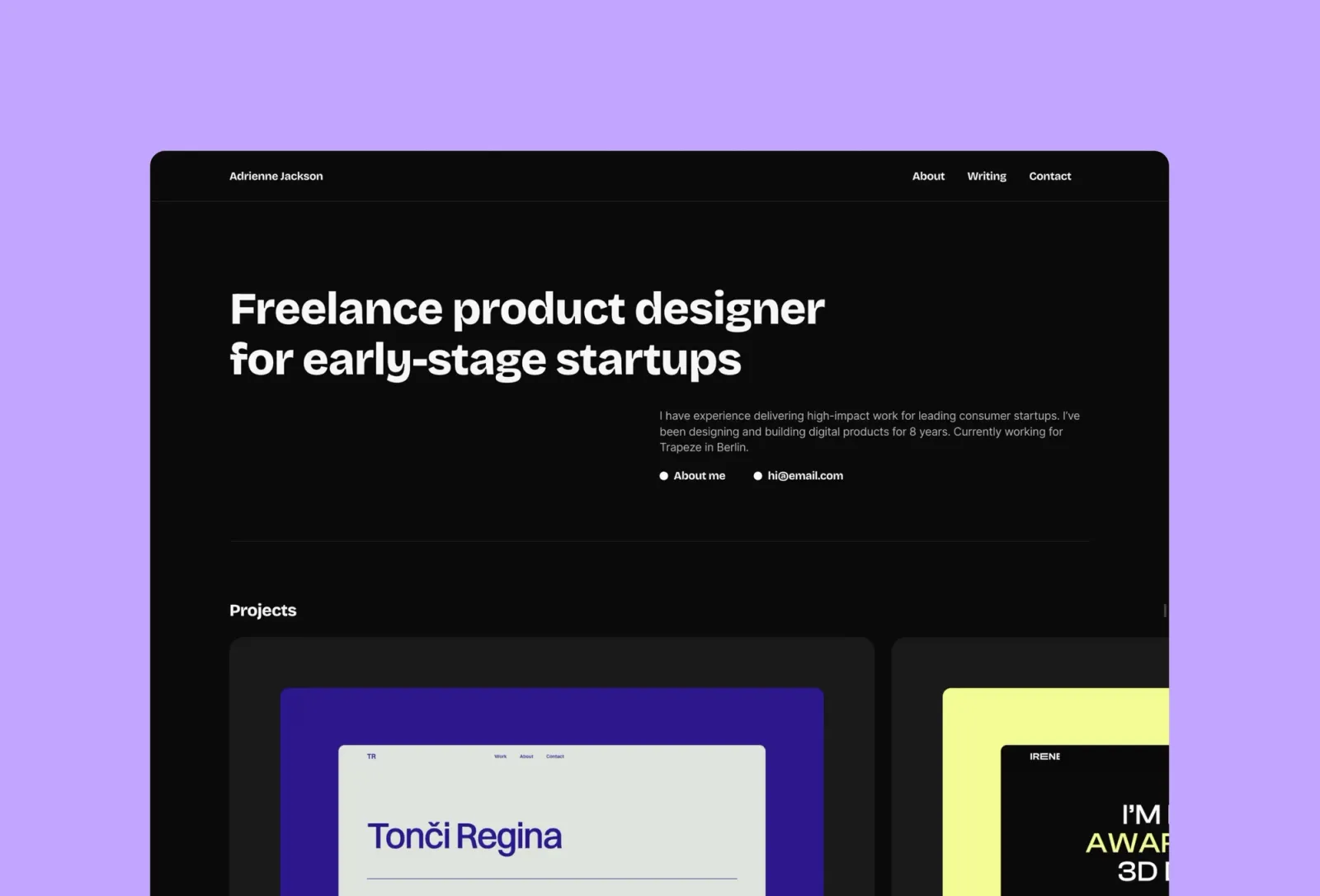
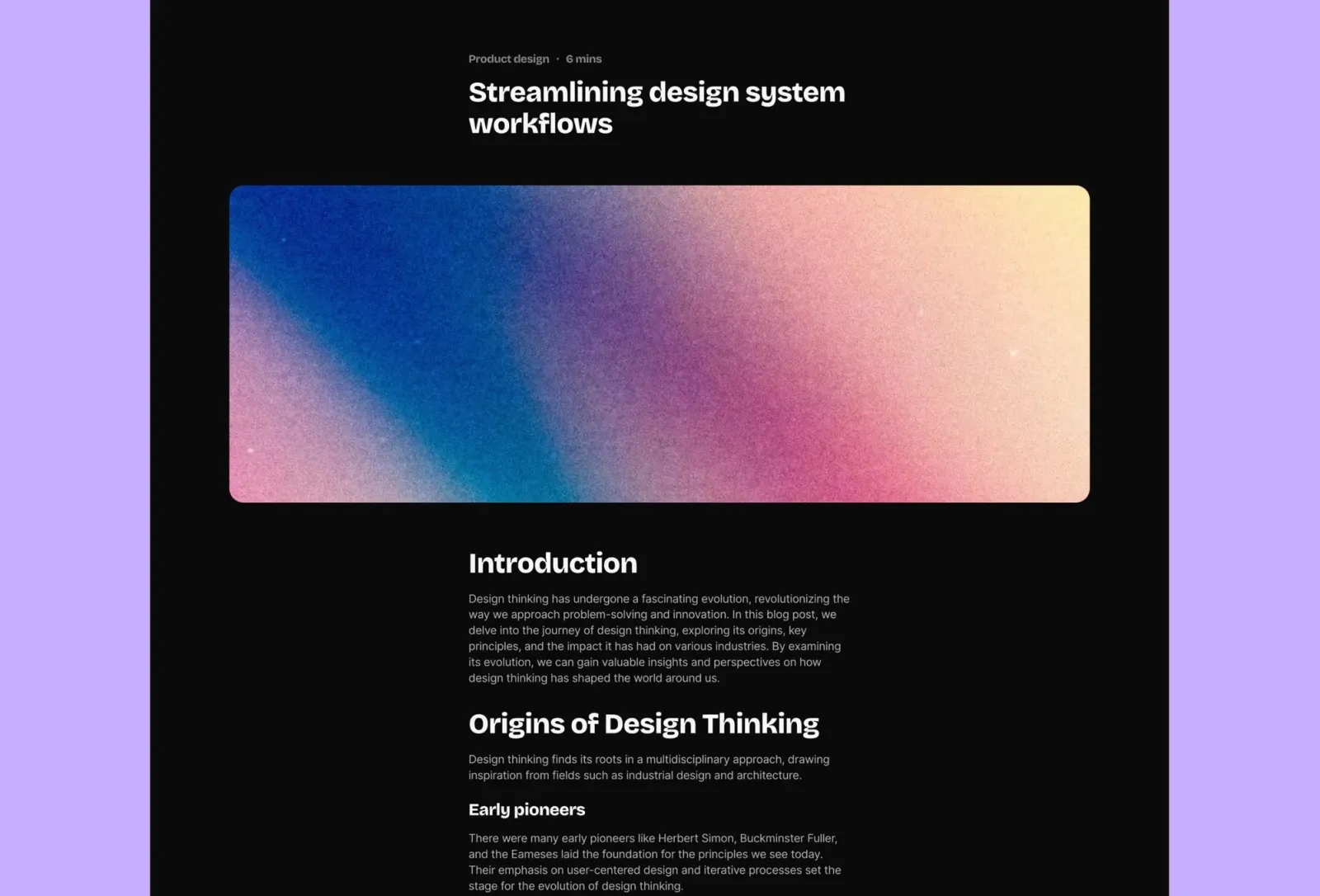
Darkfolio is a dark, multi-page portfolio where the high-contrast layout makes project imagery land harder than it would on a light template. The CMS handles case studies natively: dedicated project detail pages with space for multiple images, written breakdowns, and outcome context. It’s a close structural comparison to Sharp — both are multi-page with a full project CMS — but where Sharp is colourful and editorial, Darkfolio is stripped back and cinematic. Choose it if your work looks its best on dark, or if you want a site that reads as considered and technical rather than expressive.
Key features
Multi-page layout: Home, Work, Work post, About, Contact, 404
Full CMS for case studies and projects
Dark mode aesthetic with high-contrast image presentation
Bold typography system with variable font support
Component library with global styles
SEO-ready structure
Perfect for
Brand designers, motion designers, and digital product teams whose work looks best against a dark, high-contrast background — and who want case study pages that feel considered rather than corporate.
Price and licence
$149 · Single site licence
Benefits
Dark canvas makes project imagery and process screens pop without post-processing
Variable font ensures crisp, professional typography at every size
Multi-page structure gives each case study proper real estate for process and outcome documentation
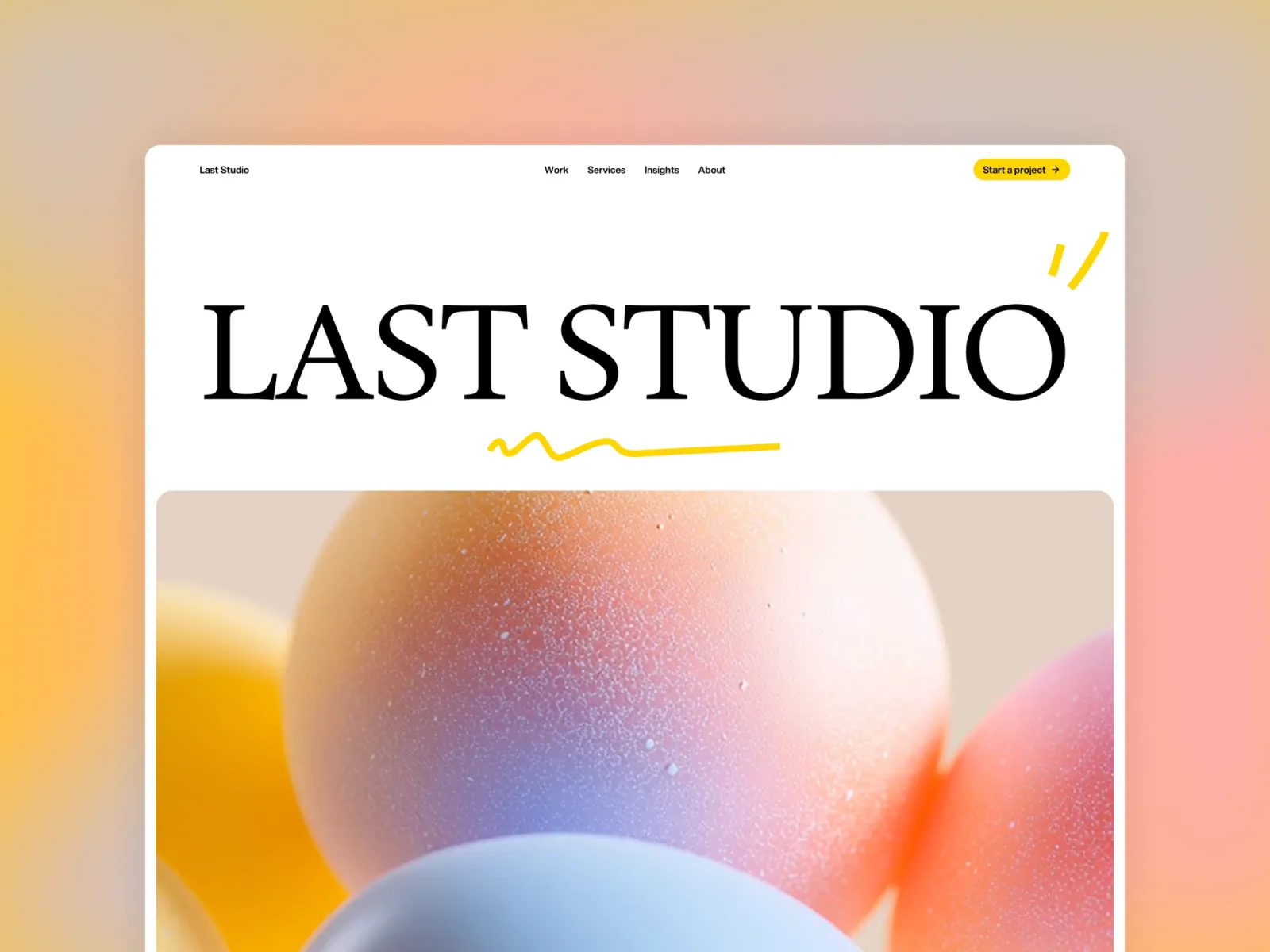
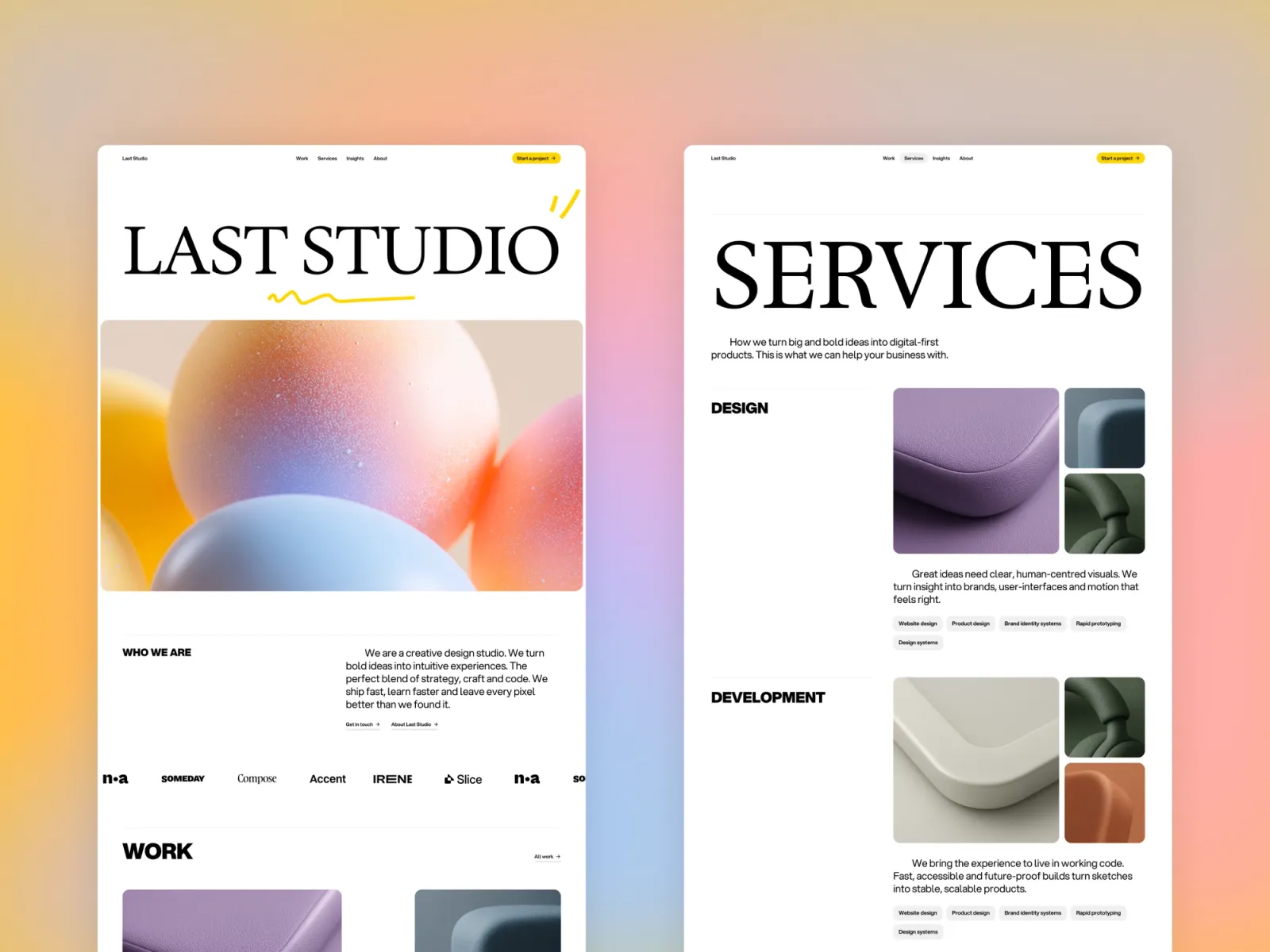
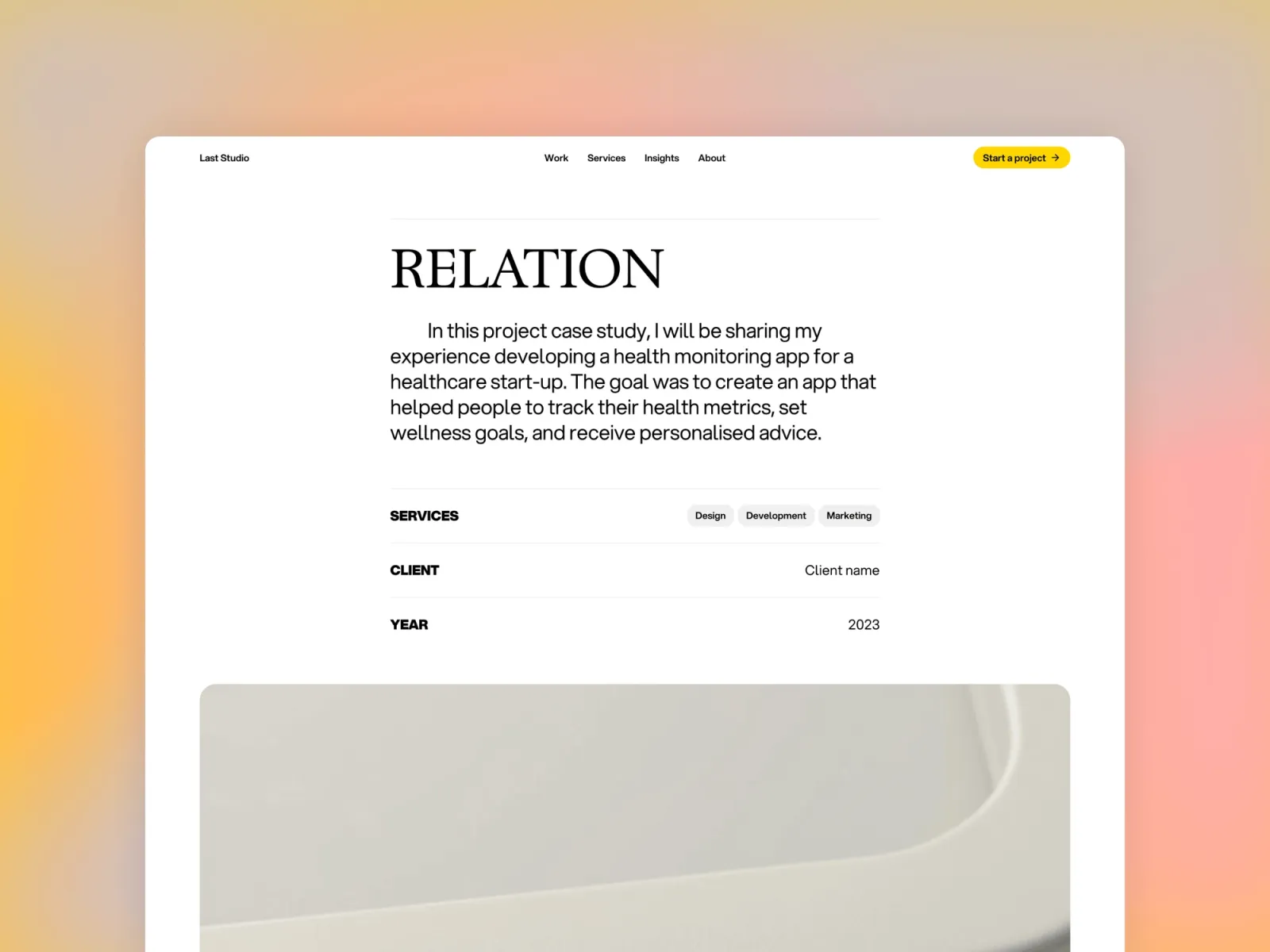
Last Studio is a multi-page creative studio template built for designers who want their portfolio to carry the gravitas of a studio rather than a personal site. The layout is structured and type-led, with strong section hierarchy that holds up across longer case study pages. It’s the most architectural of the templates on this list — each page feels like it was planned, which suits designers who work on systematic, process-heavy projects. The lighter palette and grid-driven layout read as professional and broadly appealing across client types.
Key features
Multi-page layout with dedicated case study and project pages
CMS for work and project content
Type-led layout with strong grid structure
Light, neutral aesthetic with broad client appeal
Component library and global styles
SEO-ready metadata
Perfect for
Designers presenting themselves as a studio, or individual designers who want their portfolio to carry a more structured, professional register — particularly those working on brand, product, or systems-level projects.
Price and licence
$149 · Single site licence
Benefits
Studio-level presentation adds credibility when pitching to larger clients or agencies
Grid-driven layout holds up well across long case study pages without losing structure
Neutral aesthetic travels well — works equally for brand, product, and digital design portfolios
Lucid is a clean, multi-page portfolio template with a strong editorial grid and project CMS that supports detailed case study pages. The layout balances visual impact and text legibility — useful when your case studies include both full-bleed imagery and extended written explanation. If Sharp is the personality-led pick and Darkfolio is the cinematic pick, Lucid is the professional-neutral option: nothing loud, nothing distracting, everything weighted toward presenting the work clearly. A good choice for UX and product designers where the depth of thinking needs to come through without the template getting in the way.
Key features
Multi-page layout with full case study and project pages
CMS for work content
Clean editorial grid with strong image presentation
Professional, neutral aesthetic
Component library and global styles
SEO-ready structure
Perfect for
UX designers, product designers, and creative technologists who want a professional, neutral portfolio that lets the work and thinking speak for themselves — without the template asserting its own personality.
Price and licence
$149 · Single site licence
Benefits
Professional-neutral aesthetic works across every type of client without adjustment
Editorial grid keeps long case study pages visually structured
CMS handles multi-project portfolios cleanly as your archive grows
Start with dark or light. If your work looks better on a dark canvas — screens, motion work, visual design with strong colour — Darkfolio is the pick. For everything else, Sharp, Format, Last Studio, and Lucid are all light-mode options with different personalities.
Then think about depth. Short, visual case studies suit Format: fast to scan, card-based, no navigation overhead. Longer, text-heavy case studies suit Sharp, Darkfolio, Last Studio, or Lucid — all of which have dedicated multi-page project CMS structures with room to write properly.
Finally, personality. Sharp has the most distinctive voice — colourful, editorial, unmistakably a designer’s site. Last Studio and Lucid are the professional-neutral choices. Darkfolio reads as technical and considered. If you want the site to stay invisible and let the work lead, Lucid or Last Studio. If you want the site itself to be part of the impression, Sharp.
Quick checklist before launching your case study portfolio on Framer:
Write your case study copy before setting up the template — the copy shapes how you configure the CMS fields
Use three to five images per case study: hero, one or two process shots, and a final outcome image
Write the problem and outcome in the first paragraph — clients read the first 50 words and then decide whether to keep going
Set up a custom domain in Framer’s site settings before sharing any links
Add Open Graph metadata to each project page so links preview correctly when shared in Slack or email
Test mobile — clients will open your portfolio on their phone after a call, not just at their desk
Frequently asked questions about Framer case study templates
What makes a Framer template good for case studies?
CMS-powered project detail pages with space for multiple images and long-form writing. A typographic hierarchy that handles headings, body text, and captions without visual noise. Strong mobile layout — case studies get read on phones after calls. And enough page structure to show process, not just output: a template that only does a full-bleed hero image and a grid of thumbnails isn’t a case study template, it’s a portfolio thumbnail template.
Do I need a CMS for a case study portfolio?
Yes, if you add or update work more than twice a year. A CMS means you update a project entry and the page rebuilds — you don’t touch the layout. All five templates on this list include Framer’s native CMS. The alternative — hardcoding each project into the design — works for a small archive but gets painful as soon as you need to make a structural change across ten project pages.
How many images should a case study page have?
Three to six, used deliberately. A hero image at the top. One or two mid-page images showing process, wireframes, or iterations. A final outcome image at the end. More than six images per case study usually means they’re being used as padding rather than evidence. Clients who commission case study work understand what a process shot is — you don’t need to show every iteration, just the most informative ones.
What’s the difference between a portfolio and a case study template in Framer?
A portfolio template shows what you’ve made. A case study template shows what you made, how you made it, and why the decisions worked. Structurally: portfolio templates lead with image grids and thumbnails; case study templates have dedicated project pages with CMS fields for process writing, multiple image sections, client context, and outcome notes. Sharp, Darkfolio, Last Studio, and Lucid are case study templates. Format sits in between — it’s a one-page portfolio with a project CMS, suited to concise presentations rather than long process documentation.
Can I add a blog to a Framer case study template?
Sharp includes a blog CMS natively. For the others, adding a blog in Framer means creating a CMS collection for posts and a list page to display them — it’s a common addition with good support in Framer’s documentation and community. If writing is a significant part of how you market yourself, Sharp is the only template here that ships with the blog already built.
Want every current and future template in one purchase? Unlimited Access includes all Framer templates — including every template on this list.
Get design articles like this straight to your inbox