5 Framer one-page templates — bento grid, bold colour-block, clean card grid, and launch-page designs. All built to work as a complete professional presence on a single page, with a multi-page option for when you outgrow it.
·10 min
Introduction
One-page portfolios suit most freelancers better than they admit. No navigation decisions for the visitor, everything visible in a single scroll, fast to build, and fast to update. The templates on this list run from bento grid layouts to bold colour-block designs — all built to work as a complete professional presence on a single page. The fifth is a multi-page option for when one page isn’t quite enough.
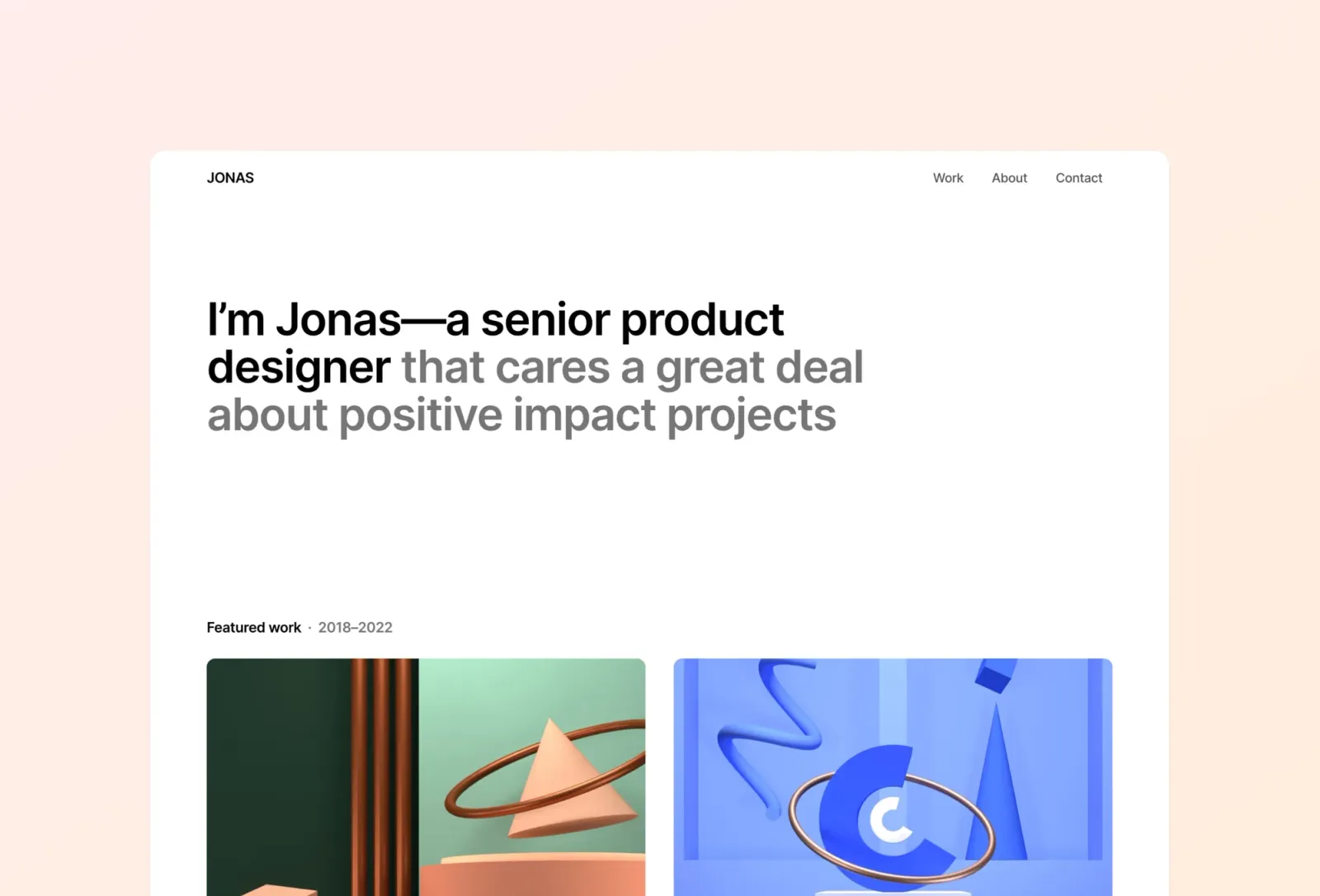
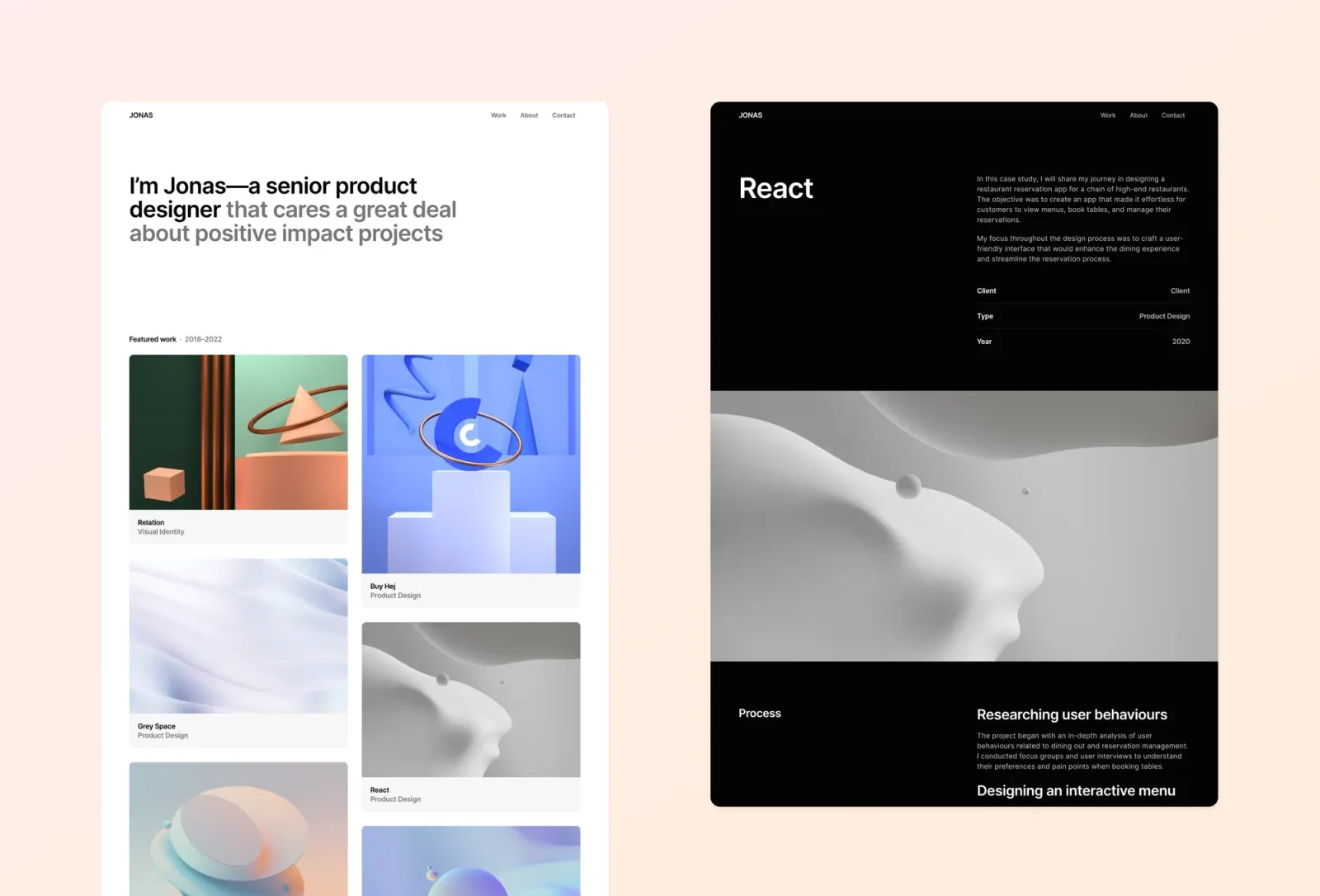
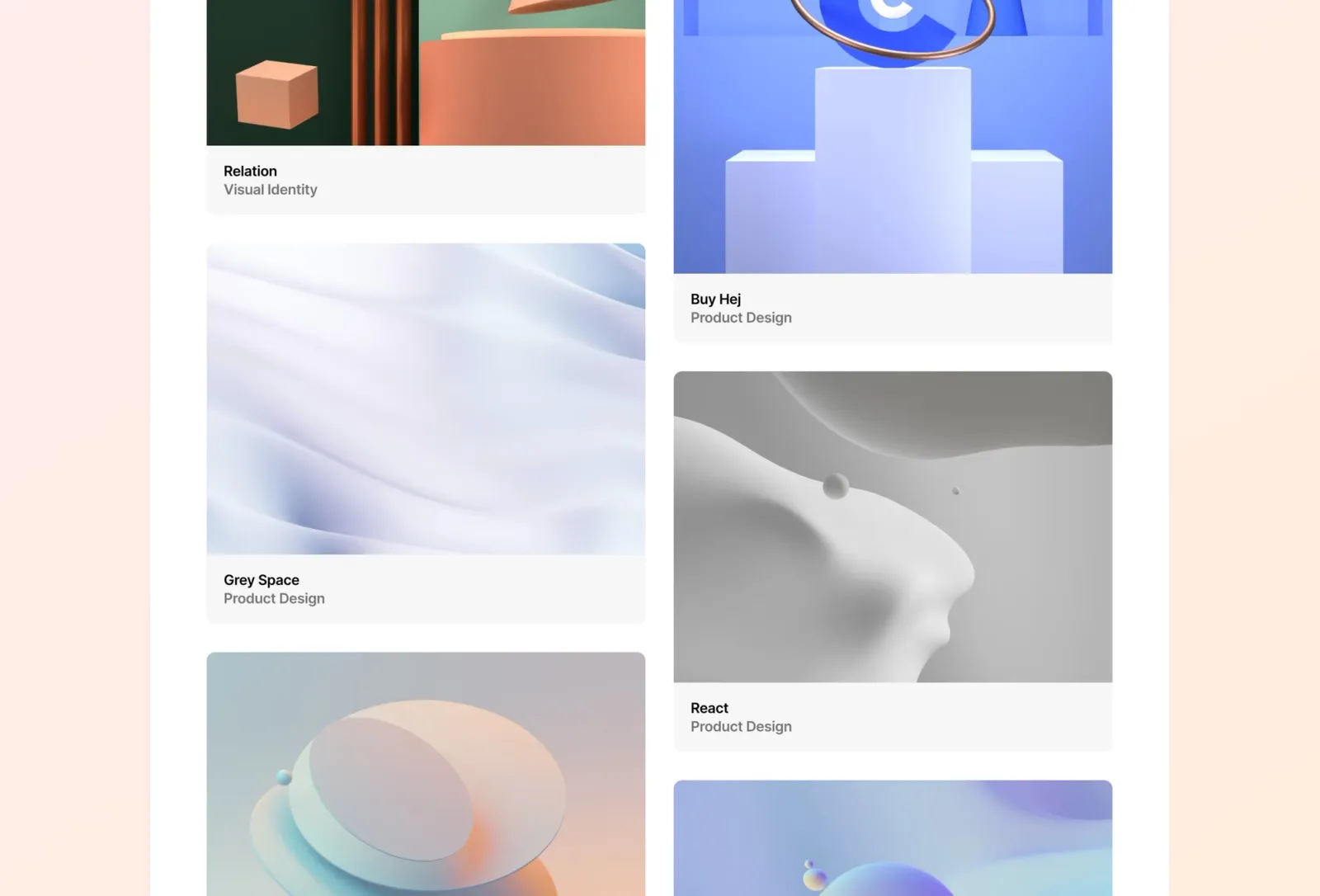
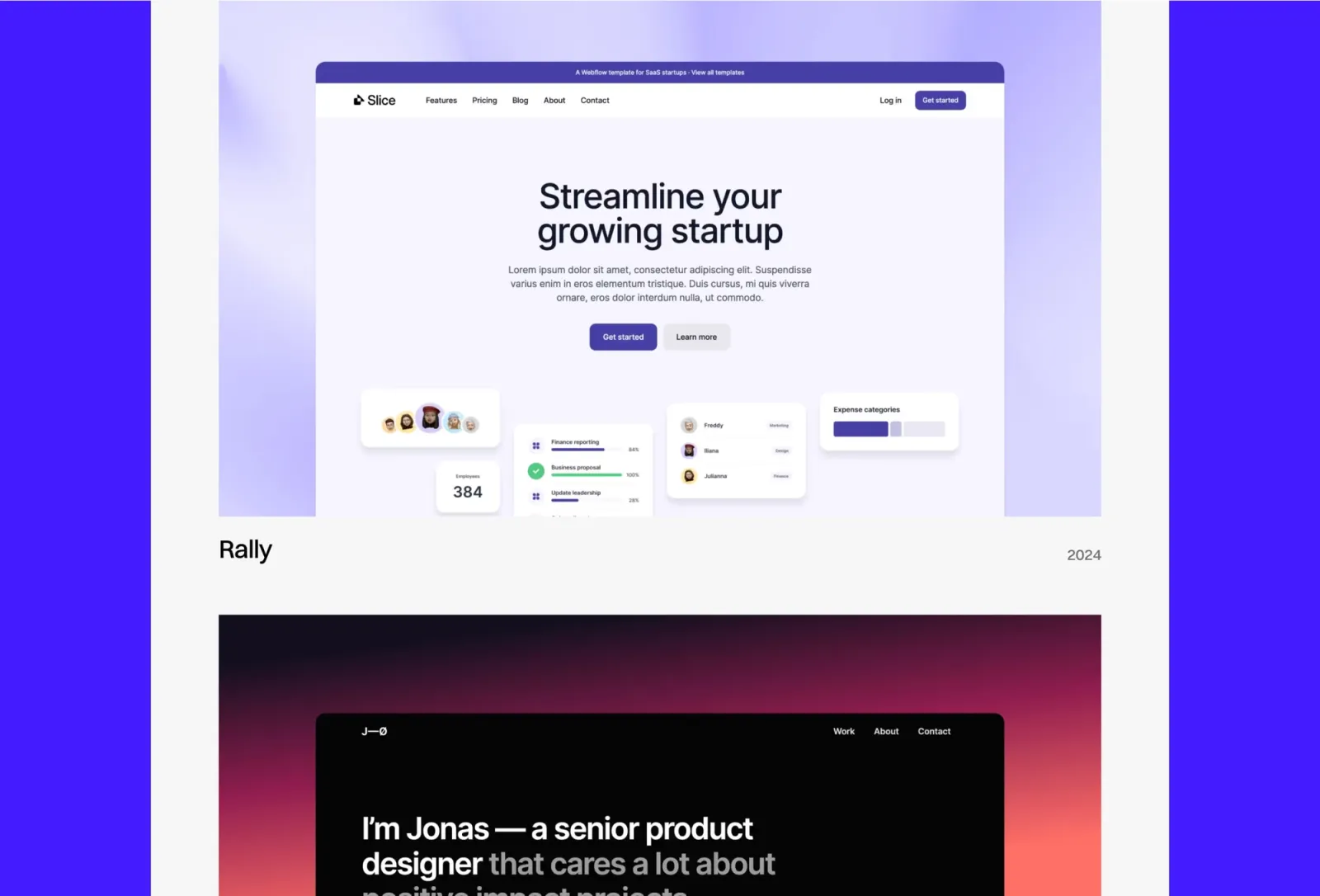
Jonas is a bento grid one-pager built for product designers and UX professionals. The layout organises work, bio, and contact into a single cohesive view — no buried pages, no navigation complexity. Built-in light and dark mode with system switching means the site adapts to the visitor’s preference without you touching the settings. The gradient and pastel accents keep it feeling current without being loud. The CMS handles project entries cleanly as your work grows. One honest note: the bento grid aesthetic is strong but recognisably of this moment — if you want something that reads as more timeless, Format is the more neutral pick.
Key features
One-page bento grid layout
Built-in light and dark mode with system switching
CMS for projects and work items
Gradient and pastel accent palette
Animated entrance and scroll interactions
Component library with global styles
Perfect for
Product designers and UX professionals who want a contemporary one-page portfolio that covers work, bio, and contact without navigational friction — and who want dark mode without having to build it themselves.
Price and licence
$149 · Single site licence
Benefits
Bento grid feels current without being a trend-chaser
Auto dark/light mode means one less decision — the site adapts to whoever’s viewing it
CMS handles project growth without layout adjustments
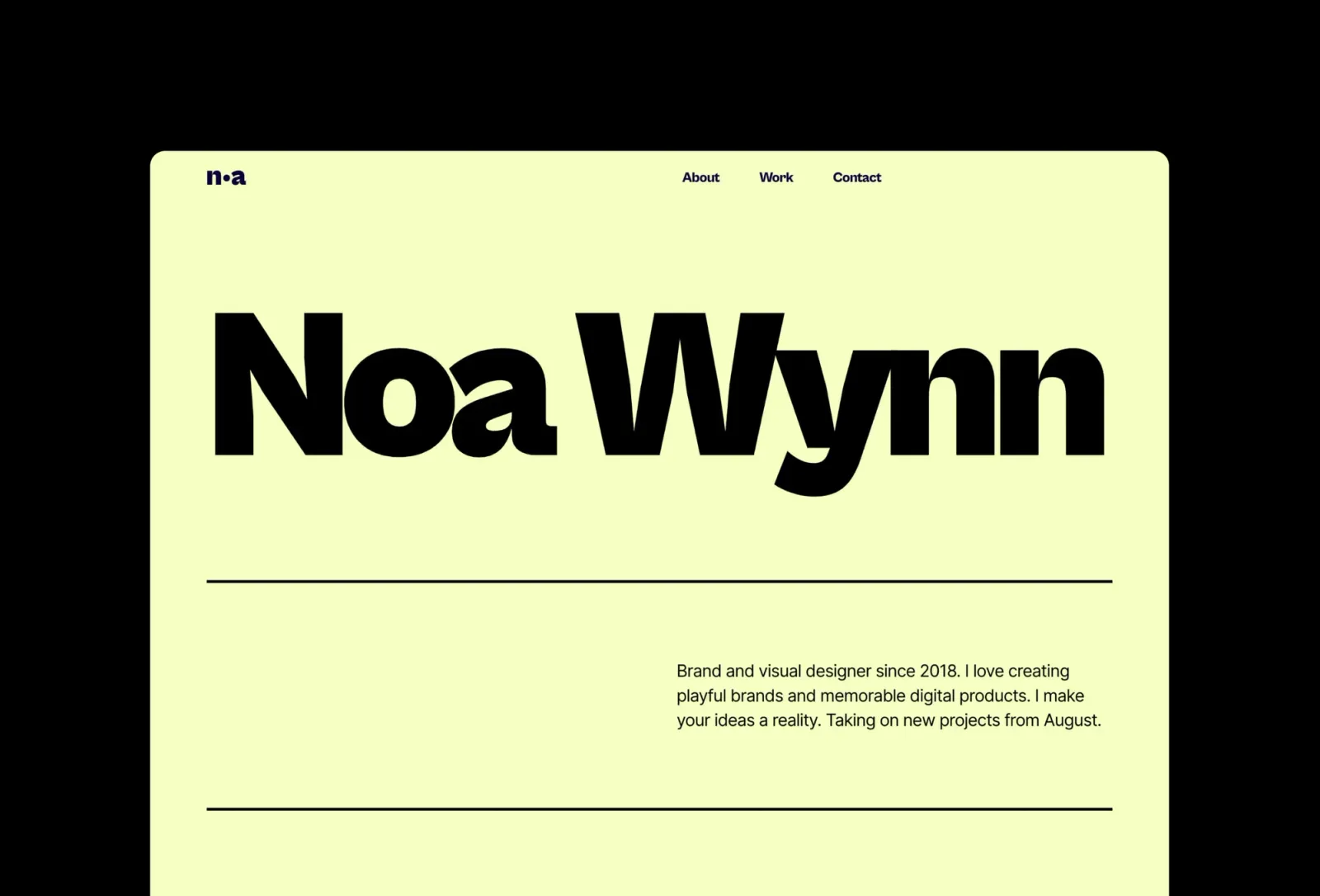
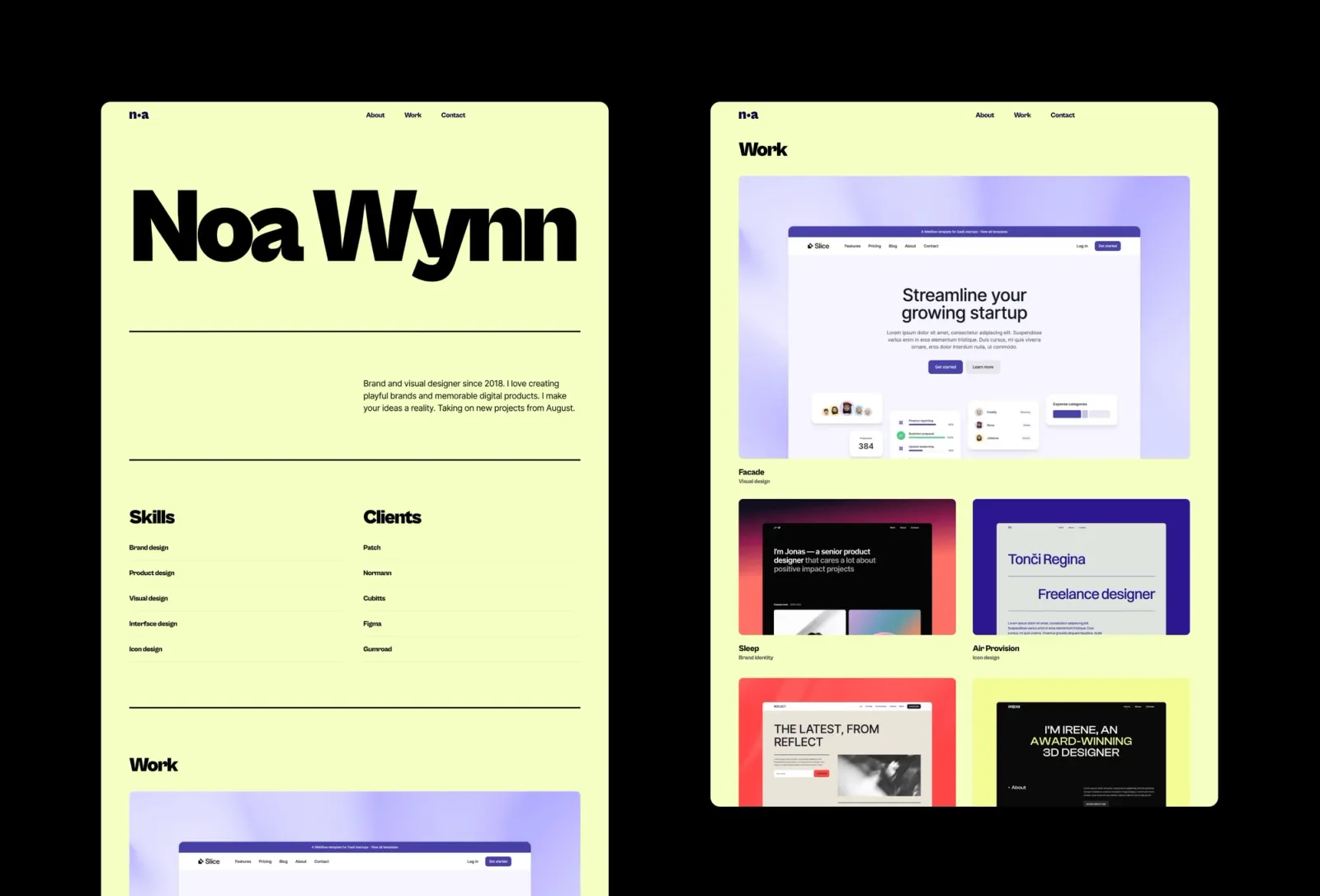
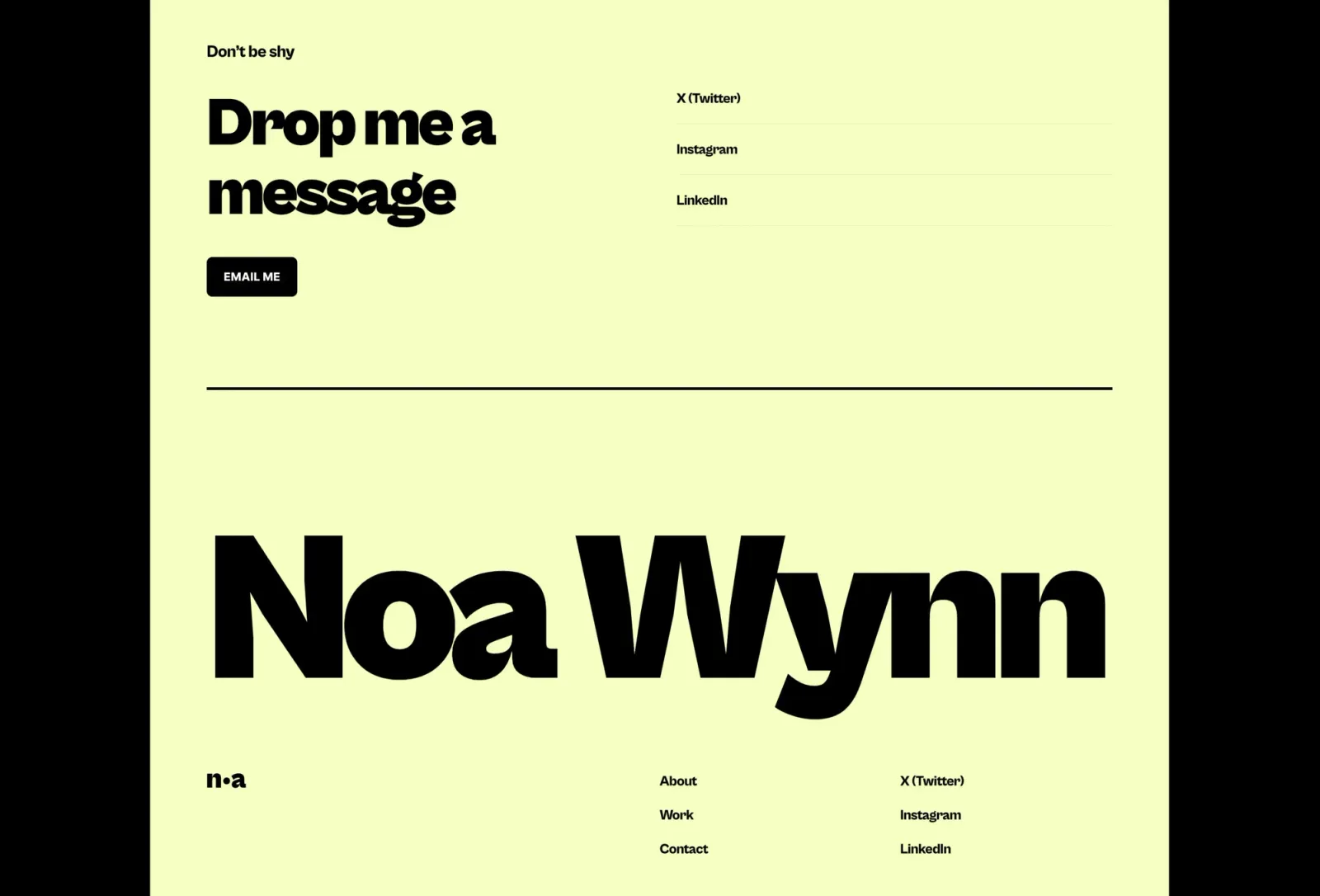
Wynn is a bold, colour-blocked one-pager that makes a strong first impression. Large type, vibrant accent palette, and a CMS-powered work grid compress everything into a single well-structured scroll. The design commands attention in a way that most minimal portfolios don’t — which is exactly the point if you want clients to remember the site after they’ve closed the tab. The honest limitation: the bold aesthetic is specific. It suits designers who want their personality to lead. If you’re pitching to conservative clients who value neutrality, Jonas or Format will travel better.
Key features
One-page layout with CMS-powered work grid
Bold colour-block design with large typographic accents
CMS for projects and case studies
Animated scroll interactions
Component library with global colour and type tokens
Light mode with vibrant accent palette
Perfect for
Freelancers and independent designers who want a bold, characterful one-pager that stands out from the sea of identical minimal portfolios — and who aren’t pitching to clients who expect a conservative register.
Price and licence
$149 · Single site licence
Benefits
Bold colour-block personality without sacrificing clarity
Large type and strong visual hierarchy keep the layout readable despite the energy
CMS work grid stays organised as your project archive grows
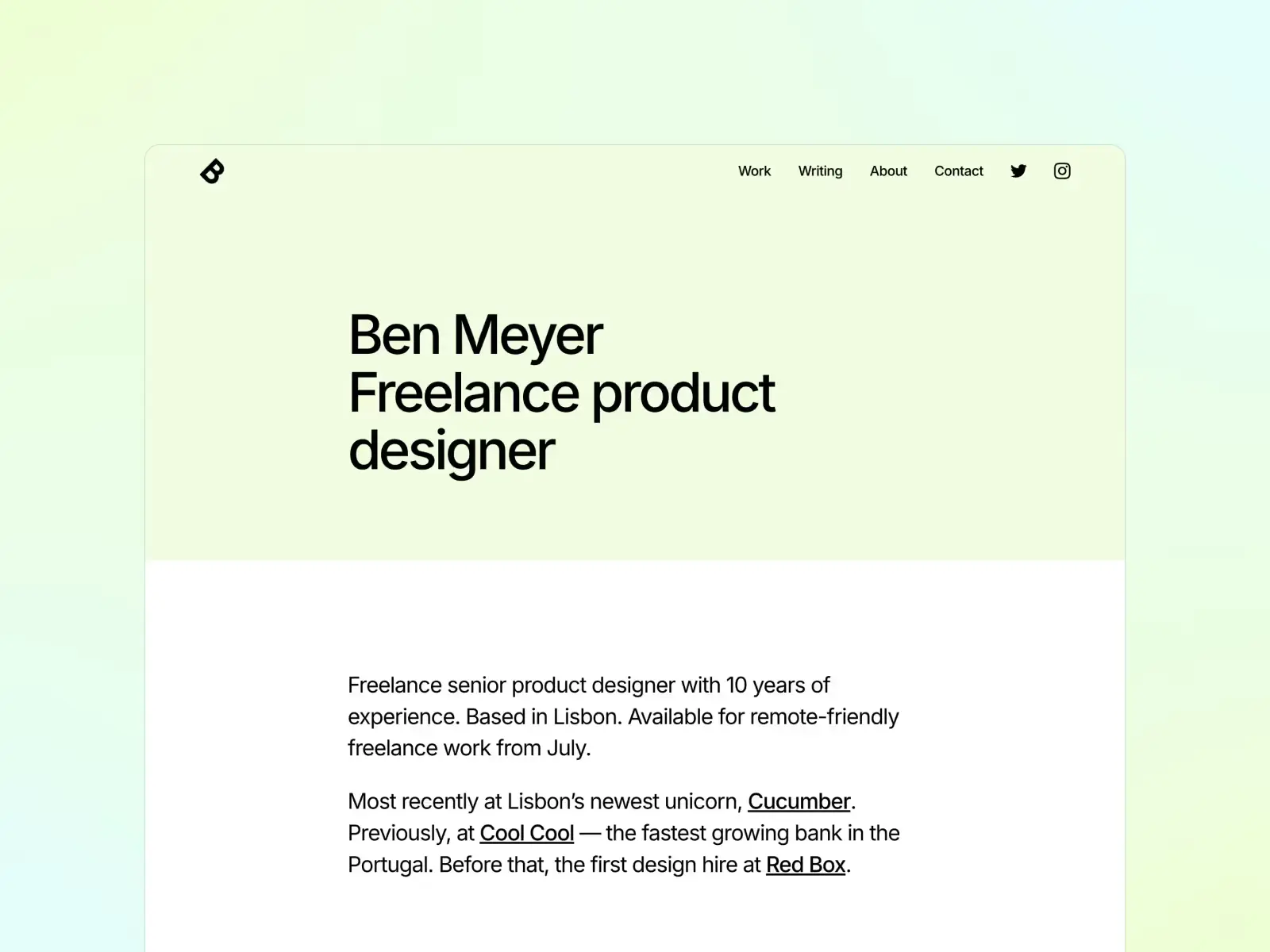
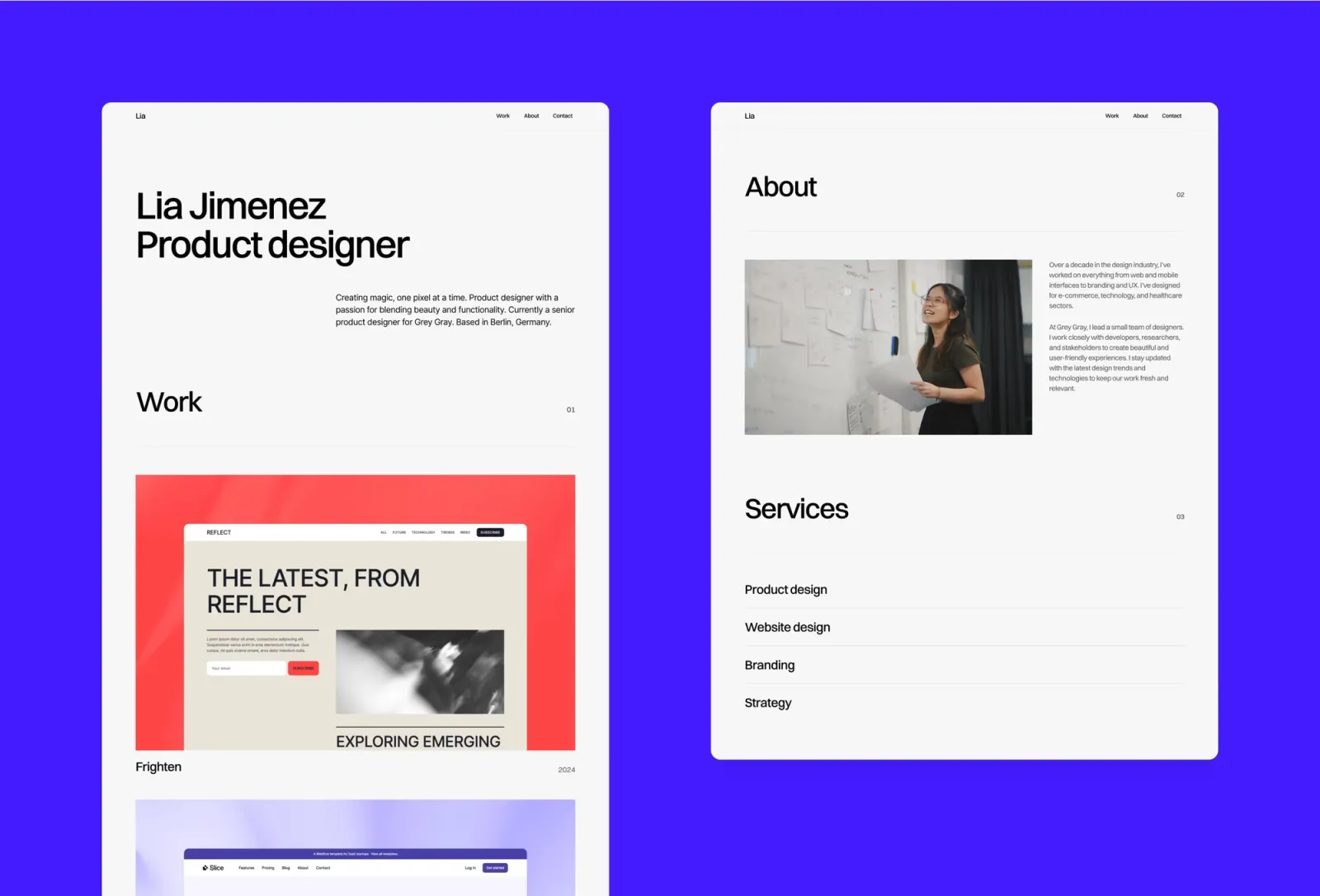
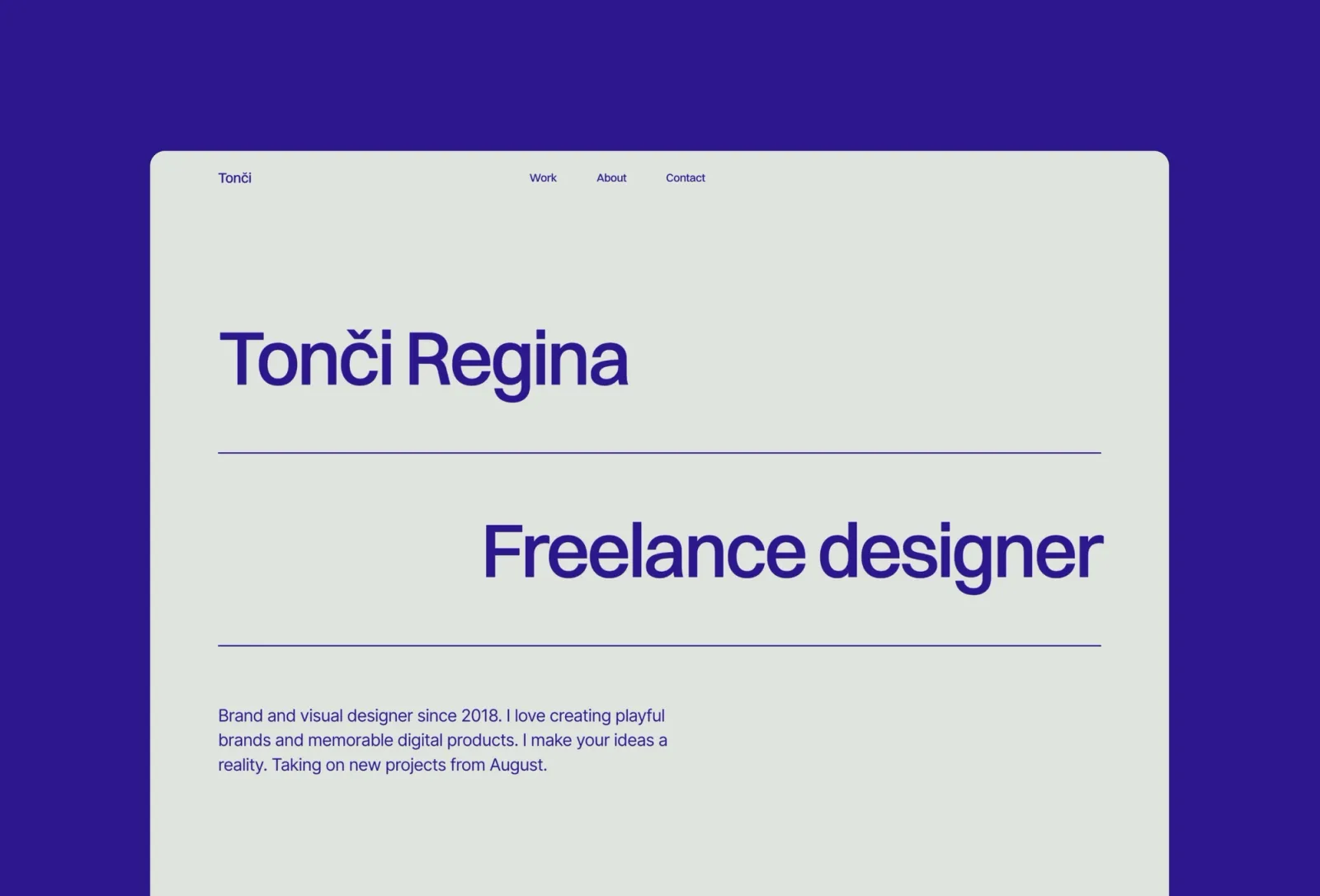
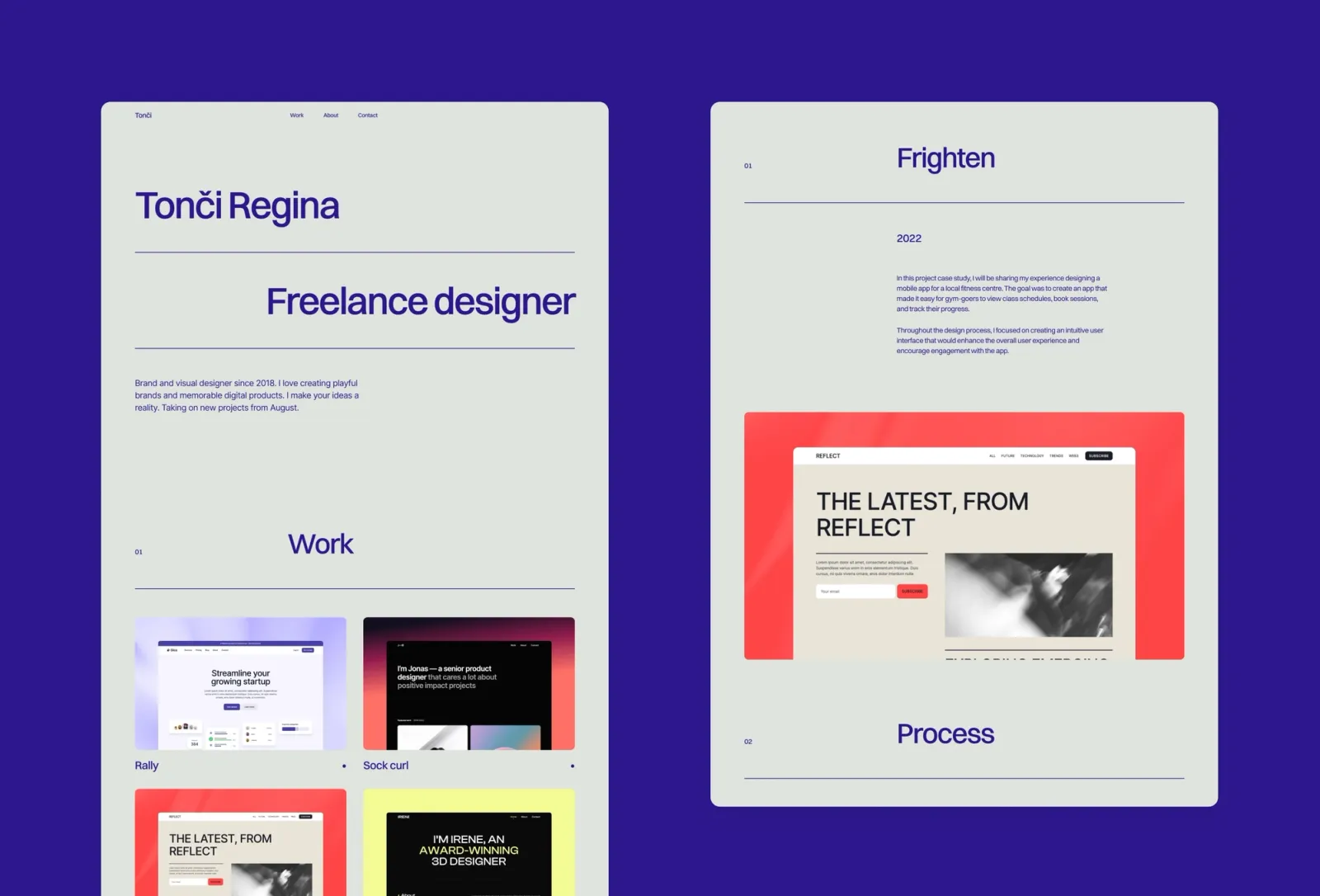
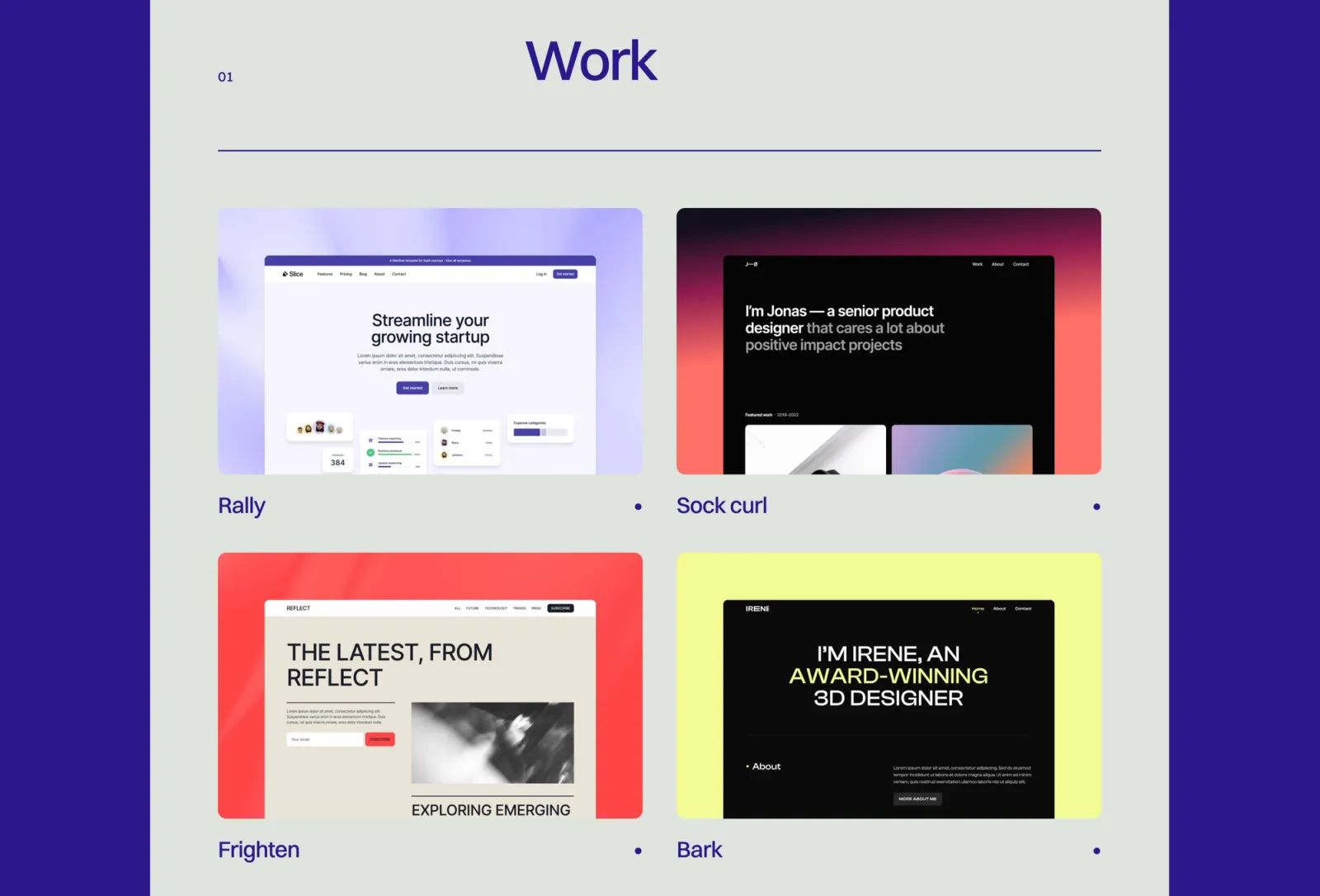
Format is the most neutral option on this list. The card-based grid presents your work clearly without asserting a strong visual personality — the template stays out of the way and lets the projects speak. One-page, CMS-powered, and genuinely fast to get live. The generous whitespace and clean type hierarchy read as considered without being loud. It’s the one to choose when you’re working across different client types and don’t want the portfolio itself to filter who clicks the enquire button.
Key features
One-page layout with card grid structure
CMS for projects and work items
Bold typographic hierarchy with large type accents
Light mode with generous whitespace
Component library and global styles
SEO-ready metadata
Perfect for
Freelancers and designers who work across multiple client types and want a clean, neutral portfolio that doesn’t read as belonging to a specific aesthetic camp.
Price and licence
$149 · Single site licence
Benefits
Neutral aesthetic works across every type of client without adjustment
Card grid makes it easy to identify the most relevant project for a specific brief
Generous whitespace gives it a premium feel at low visual effort
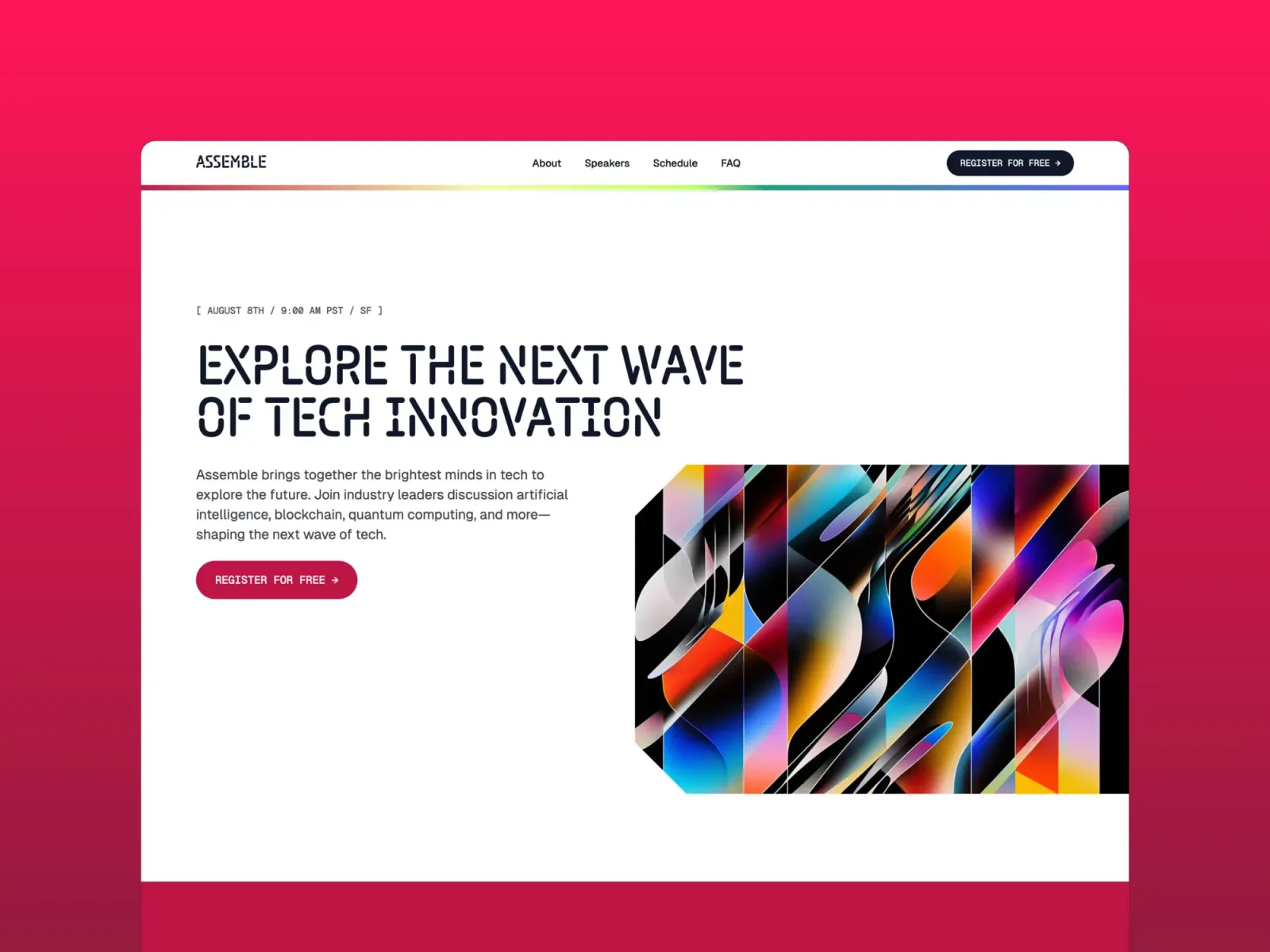
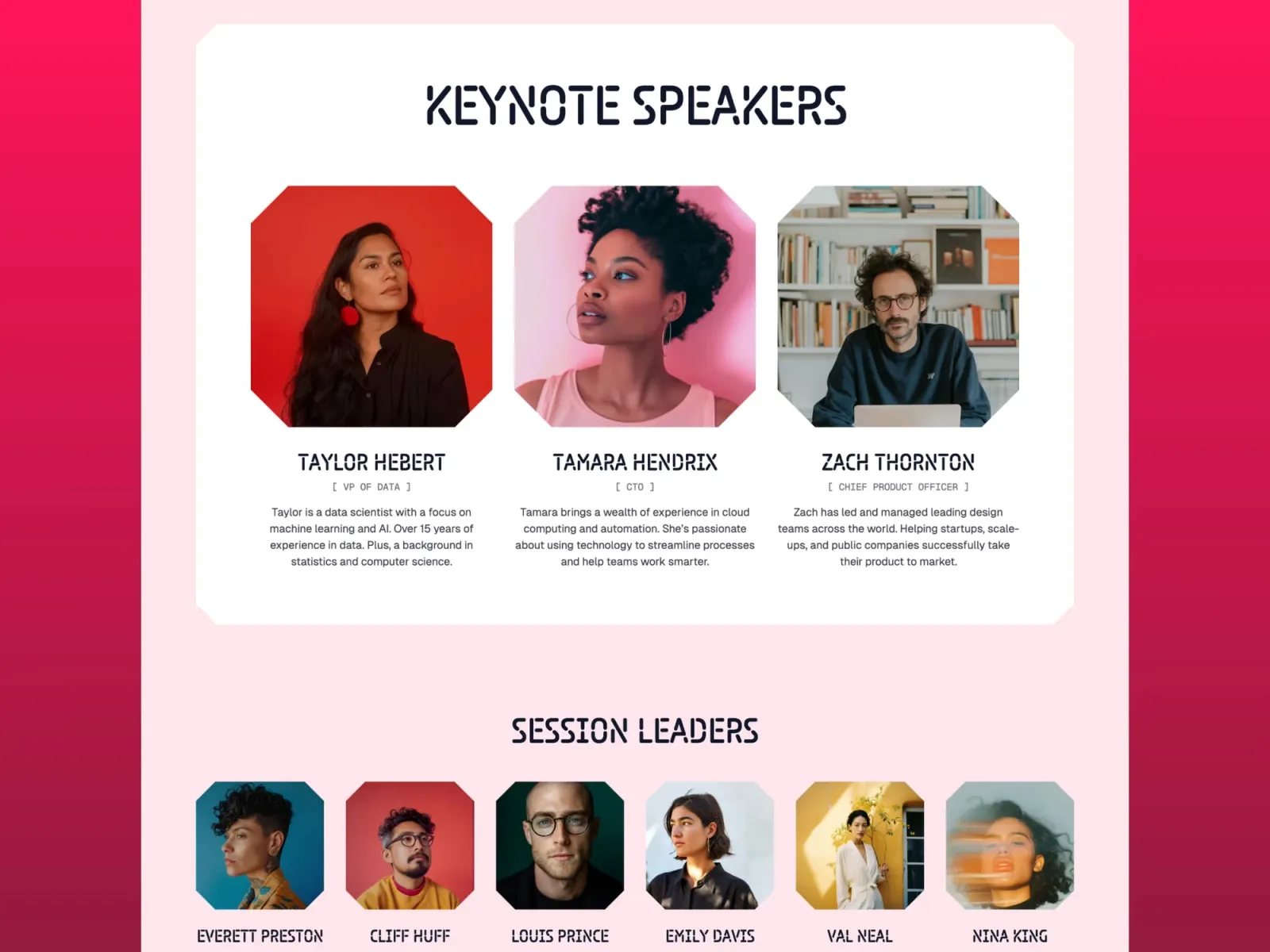
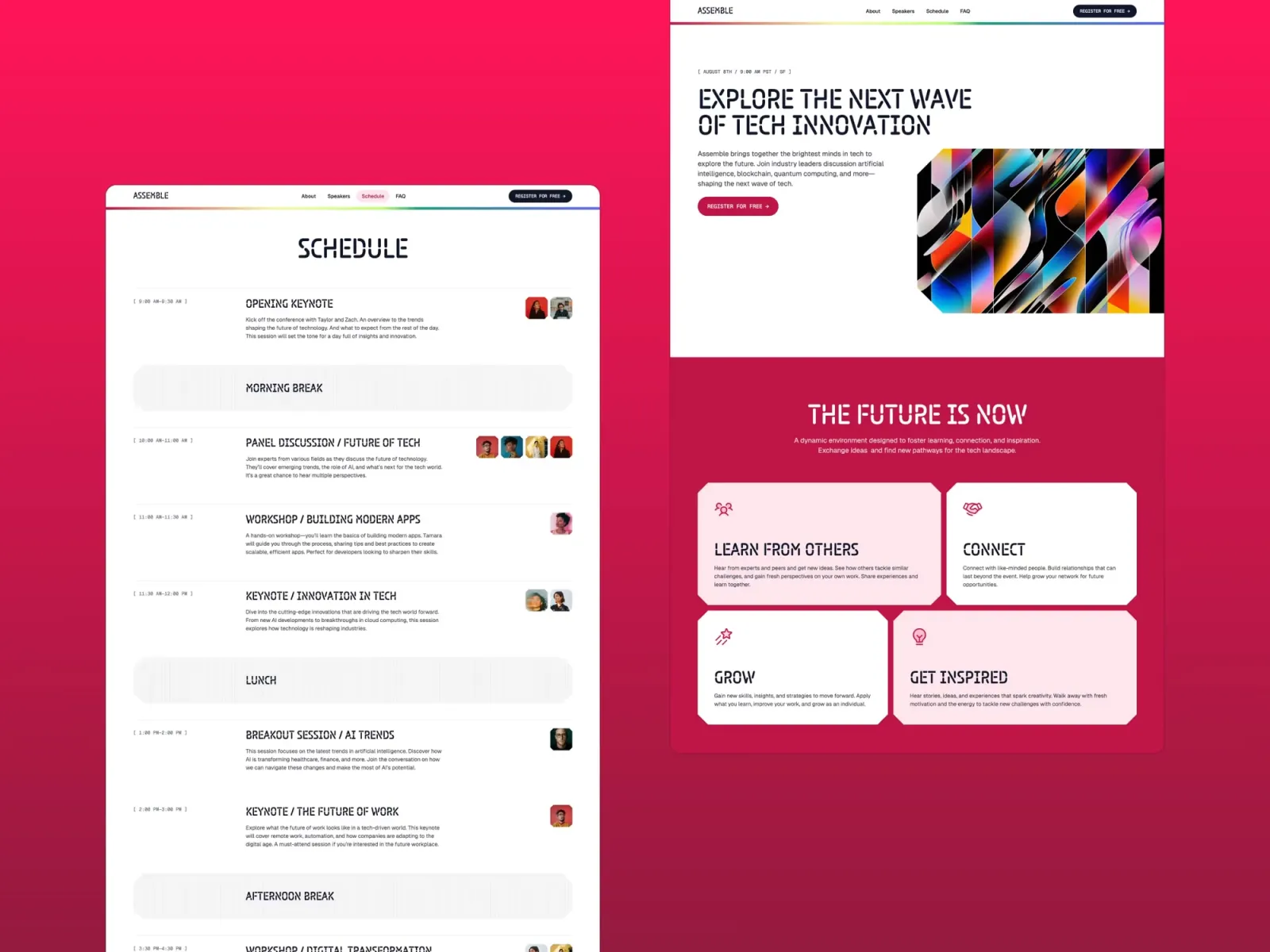
Assemble is a colourful, high-energy one-pager originally designed for product launches and waitlists — but it works just as well for a freelancer announcing a new service, rebranding, or putting up a placeholder site while a full portfolio is in progress. The bento grid layout communicates a lot quickly, and the email capture section works as a newsletter signup, a waitlist form, or a simple contact point. The design is deliberately loud, which makes a strong first impression but means it’s less suited to presentations that need to project stability rather than excitement.
Key features
One-page bento grid layout
Email capture section for waitlist, newsletter, or contact
Colourful, high-energy design with geometric shapes and gradient accents
CMS support for dynamic content sections
Bold typography with strong visual hierarchy
SEO-ready
Perfect for
Freelancers launching a rebrand, announcing a new service, or needing a high-energy one-pager fast — and anyone building a pre-launch site that needs to capture email addresses from day one.
Price and licence
$149 · Single site licence
Benefits
Email capture built in — a working list-building page in minutes, not hours
Bento grid makes a complex offering easy to scan without overwhelming the visitor
Stands out sharply against the sea of identical minimal portfolios
Accent is the odd one out on this list: it’s multi-page. It’s here because the most common question after choosing a one-page portfolio is “what do I switch to when I outgrow it?” Accent is the answer. It carries the same bold colour-blocked energy as Wynn but extends it across multiple pages — a proper work archive, project detail pages, an about section with room to breathe. If you’re on Wynn and have started cramming too much into a single scroll, Accent is the natural next template. The bold aesthetic is consistent across both, so the rebrand feels like an evolution rather than a reset.
Key features
Multi-page layout: Home, Work, Work post, About, Contact
CMS for projects and case studies
Bold colour-block design with large typographic accents
Component library with global colour and type tokens
Animated interactions and page transitions
SEO-ready metadata
Perfect for
Designers who have outgrown a one-page portfolio and want to step up to a multi-page site without losing the bold, personality-led aesthetic — particularly those already using Wynn or a similar colour-block template.
Price and licence
$149 · Single site licence
Benefits
Bold multi-page layout keeps the energy of a one-pager while adding room for detailed case studies
Natural upgrade from Wynn — same visual language, more structural depth
Project CMS scales as your archive grows without touching the layout
Start with the question of personality. Wynn and Assemble have strong visual identities — they’re the right choice when you want clients to remember the site itself. Jonas and Format are more measured: Jonas has the bento grid modernness, Format is the most neutral option on the list. If you’re unsure, Format is the safest default — it suits the widest range of client types without adjustment.
If you’re launching something new — a rebrand, a new service, a pre-launch product — Assemble is worth looking at specifically for the email capture. It’s designed to collect email addresses, which one-page portfolios often don’t.
And if you’re already on a one-pager and feel like you’re cramming too much into a single scroll, Accent is the multi-page step up worth considering before you start a full site rebuild.
Quick checklist before launching your one-page Framer portfolio:
Write your bio and work descriptions before setting up the template — copy shapes the layout decisions
Choose 4–6 of your best pieces for the initial launch — quality of work shown beats quantity every time
Set up a custom domain in Framer before sharing any links — the framer.website subdomain reads as a placeholder
Add a contact email or form above the fold — one-pagers work best when the enquiry path is obvious
Connect your analytics before launch so you have a baseline from day one
Test on a real phone, not just browser dev tools — mobile behaviour is meaningfully different for one-page scroll layouts
Frequently asked questions about Framer one-page templates
Is one page enough for a portfolio?
For most freelancers, yes. One-page portfolios convert at least as well as multi-page sites because there’s no navigation friction — clients see your work, bio, and contact in a single scroll. The honest limitation is depth: if your case studies are long and process-heavy, a one-page site compresses them into thumbnails rather than giving each one proper room. If your work is visual and the project thumbnails speak for themselves, one page is fine. If you write long case studies, consider a multi-page template with dedicated project pages.
Can I add pages to a one-page Framer template later?
Yes. Framer is a full site builder — you can add pages to any template at any point. The one-page templates on this list give you a complete starting point, not a cage. The main consideration is design consistency: the component library and global styles in the template apply to new pages you add, so the visual language carries through. The practical answer: start one-page, add pages when you genuinely need them.
Which one-page Framer templates include a CMS?
All five templates on this list include Framer’s CMS for project entries. Jonas and Wynn use it for a work grid; Format uses it for the card layout; Assemble uses it for dynamic content sections; Accent’s project CMS is the main reason to step up to it from a one-pager. The CMS means you add a project via a content editor rather than touching the layout — which matters as your archive grows.
What’s the difference between a one-page and a multi-page Framer portfolio?
Structure and depth. One-page portfolios are faster to build, easier for clients to navigate (everything in one scroll), and usually convert just as well for freelancers with a small body of strong work. Multi-page sites give more room per project: full-bleed imagery, extended writing, process documentation, outcome sections. If you have 4–6 tight projects, one-page is fine. If you have case studies you want clients to actually read, multi-page gives them the space to land.
How long should a one-page portfolio be?
Long enough to answer the three questions every client has: what do you do, what have you done, and how do I get in touch. For most freelancers that’s a hero section, 4–6 project cards, a short bio, and a contact section. Resist the urge to include every project you’ve ever done. Clients don’t scroll to the bottom of a 40-item work grid — they stop at the first thing that doesn’t interest them.
Want every current and future template in one purchase? Unlimited Access includes all Framer templates — including every template on this list.
Get design articles like this straight to your inbox