11 best landing page templates for Framer
The 11 best Framer landing page templates — for SaaS products, startups, and personal brands. Reviewed for conversion design, CMS flexibility, and ease of customisation.

13 min
The 11 best Framer landing page templates — for SaaS products, startups, and personal brands. Reviewed for conversion design, CMS flexibility, and ease of customisation.
A landing page with multiple CTAs converts worse than one with a single, well-placed one. Most of the templates here already know that — they’re pre-structured for conversion rather than visual novelty. Here are eleven, picked for structure as much as aesthetics.
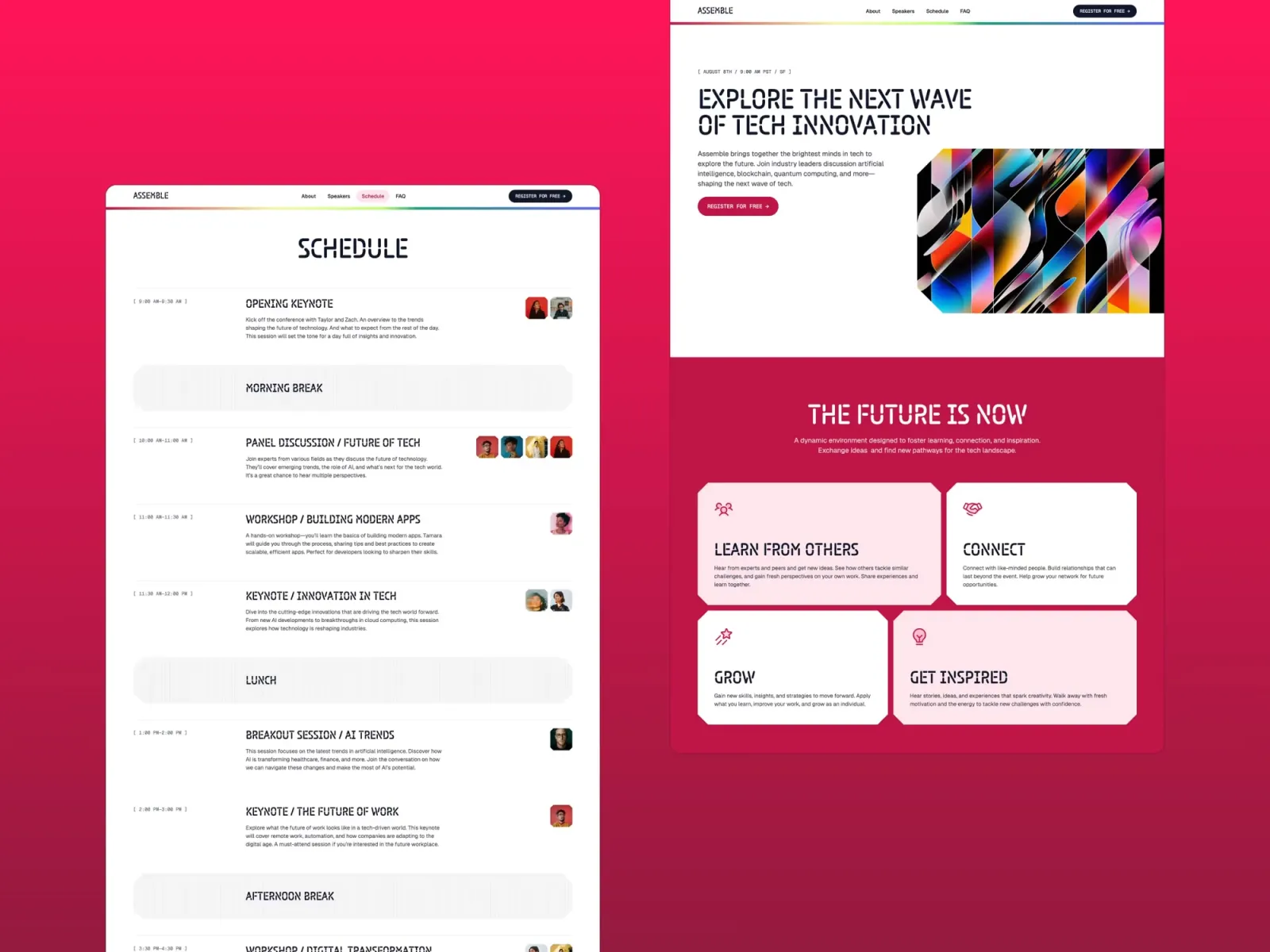
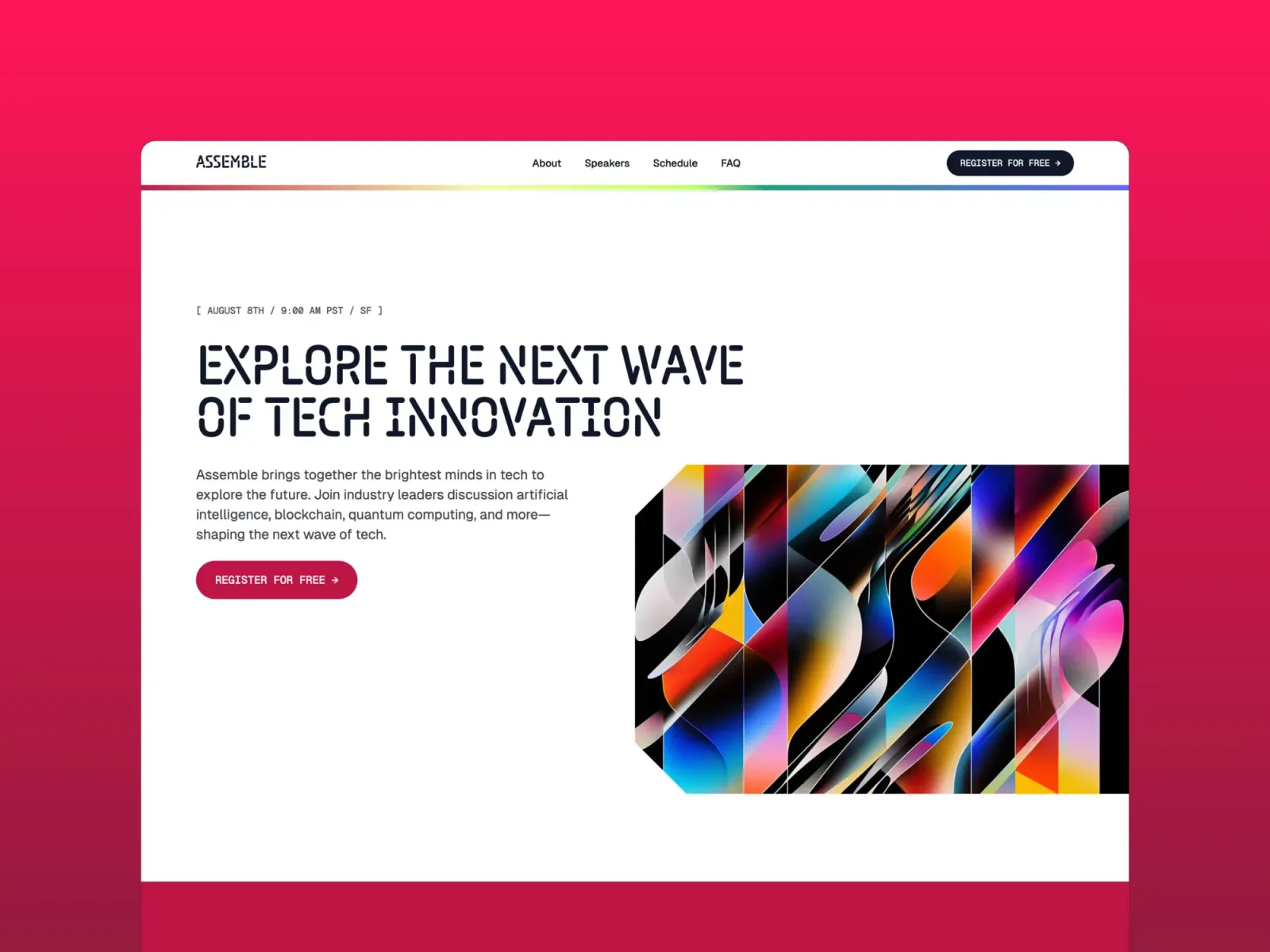
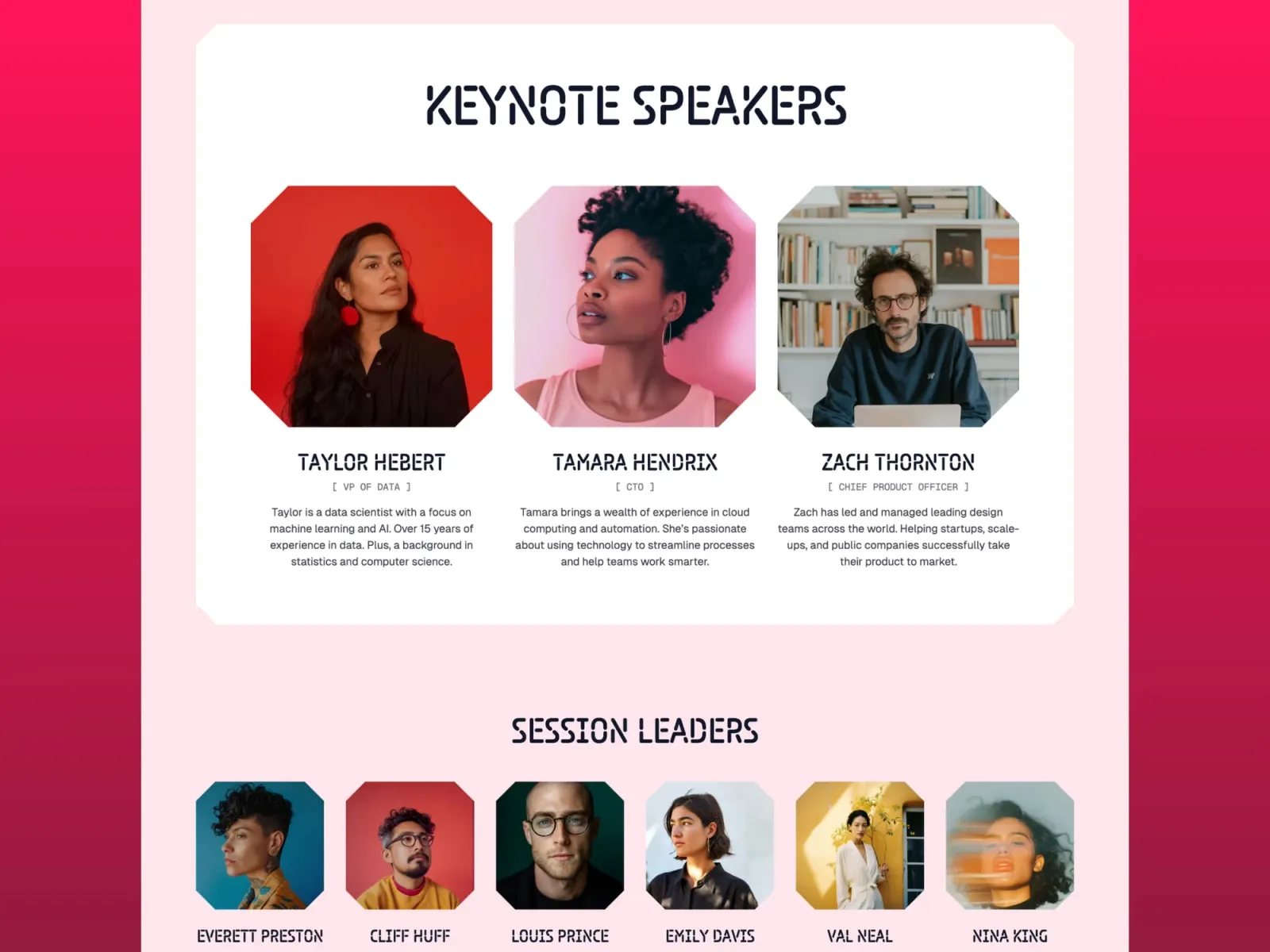
Assemble is the most purpose-built landing page on this list. Originally designed for events and conferences, its one-page bento grid layout and email capture section make it just as effective for product launches and waitlists.
Product launches, waitlists, events, and campaigns that need a visually striking one-pager up and running fast.
$149 · Single site licence
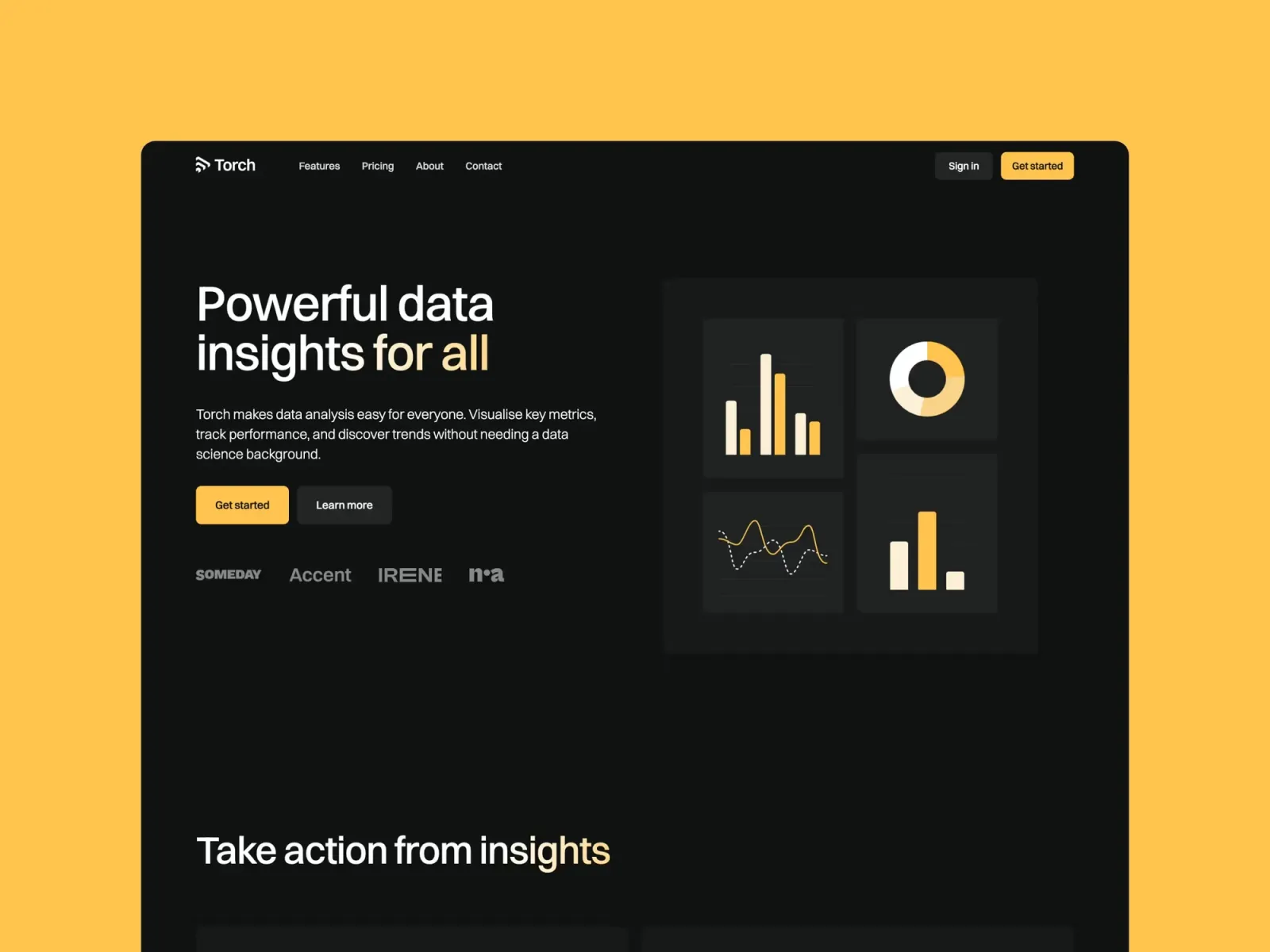
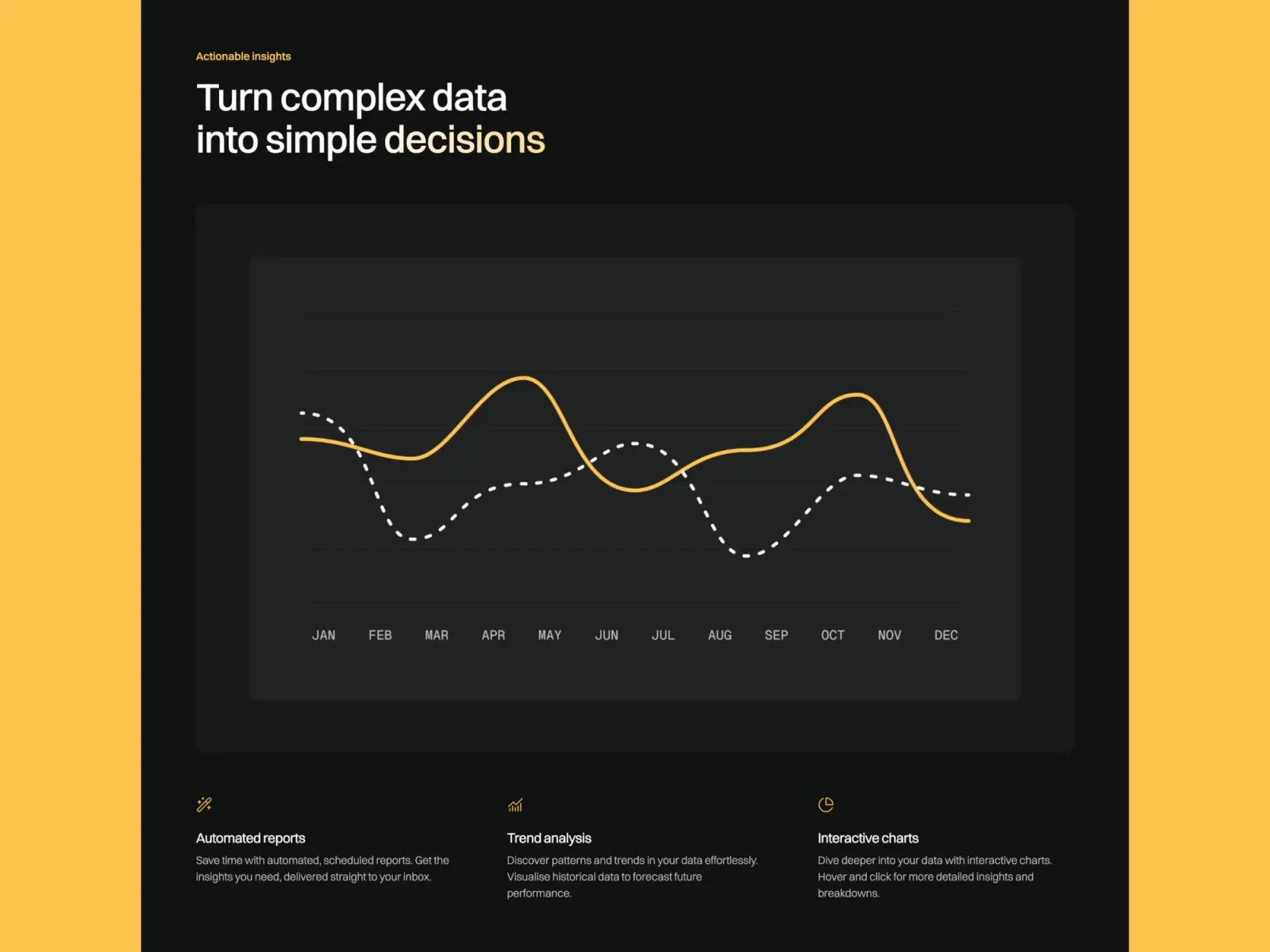
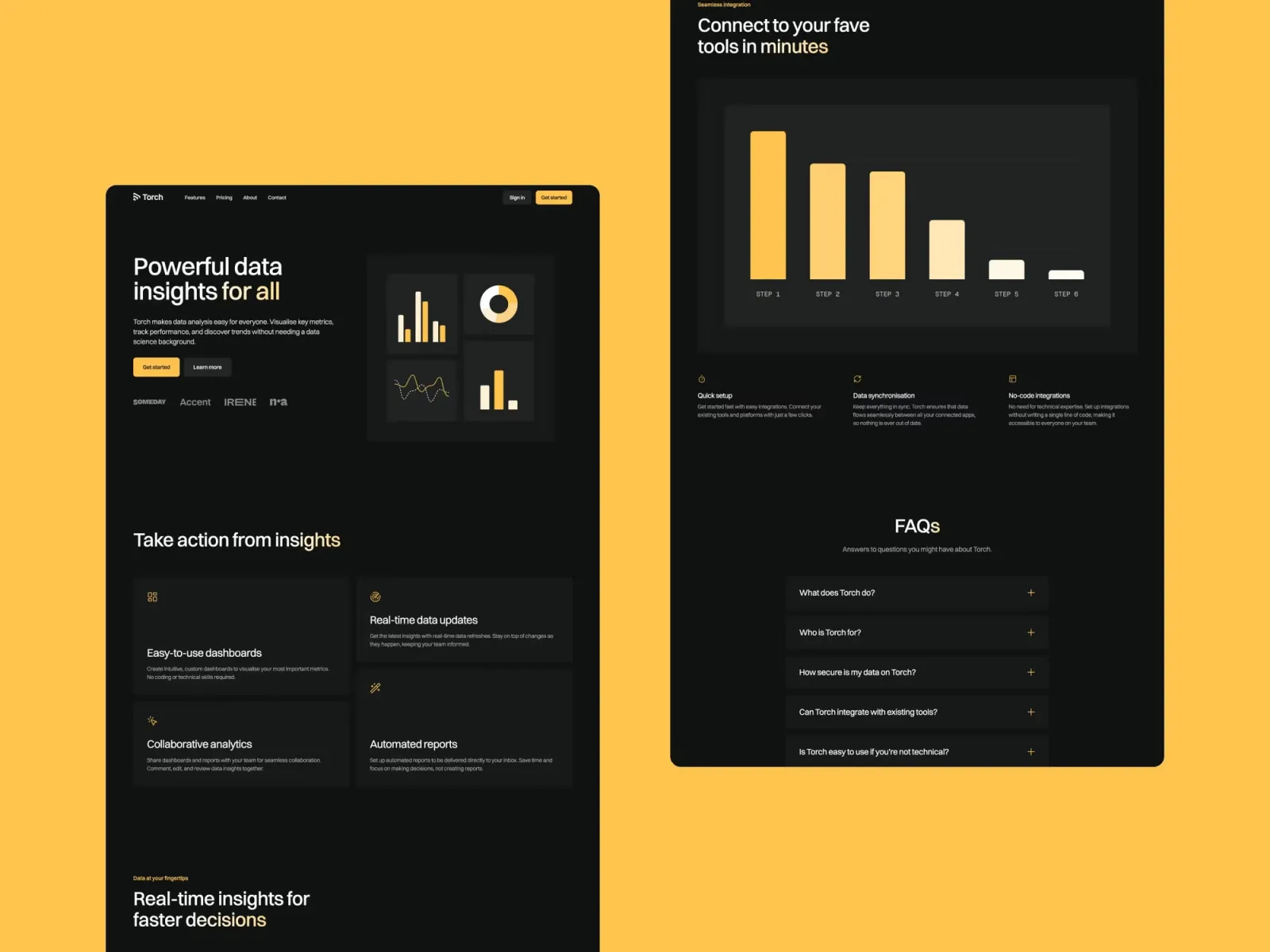
Torch is a dark-mode SaaS template with all the sections a product landing page needs: hero with CTA, feature grid, pricing comparison, and a blog powered by CMS. Worth noting: the multi-page structure means it’s more of a full product site than a standalone landing page — if you need a single high-conversion URL, you’d use the homepage in isolation.
SaaS products, developer tools, and AI startups that want a polished dark-mode landing page with product marketing depth.
$149 · Single site licence
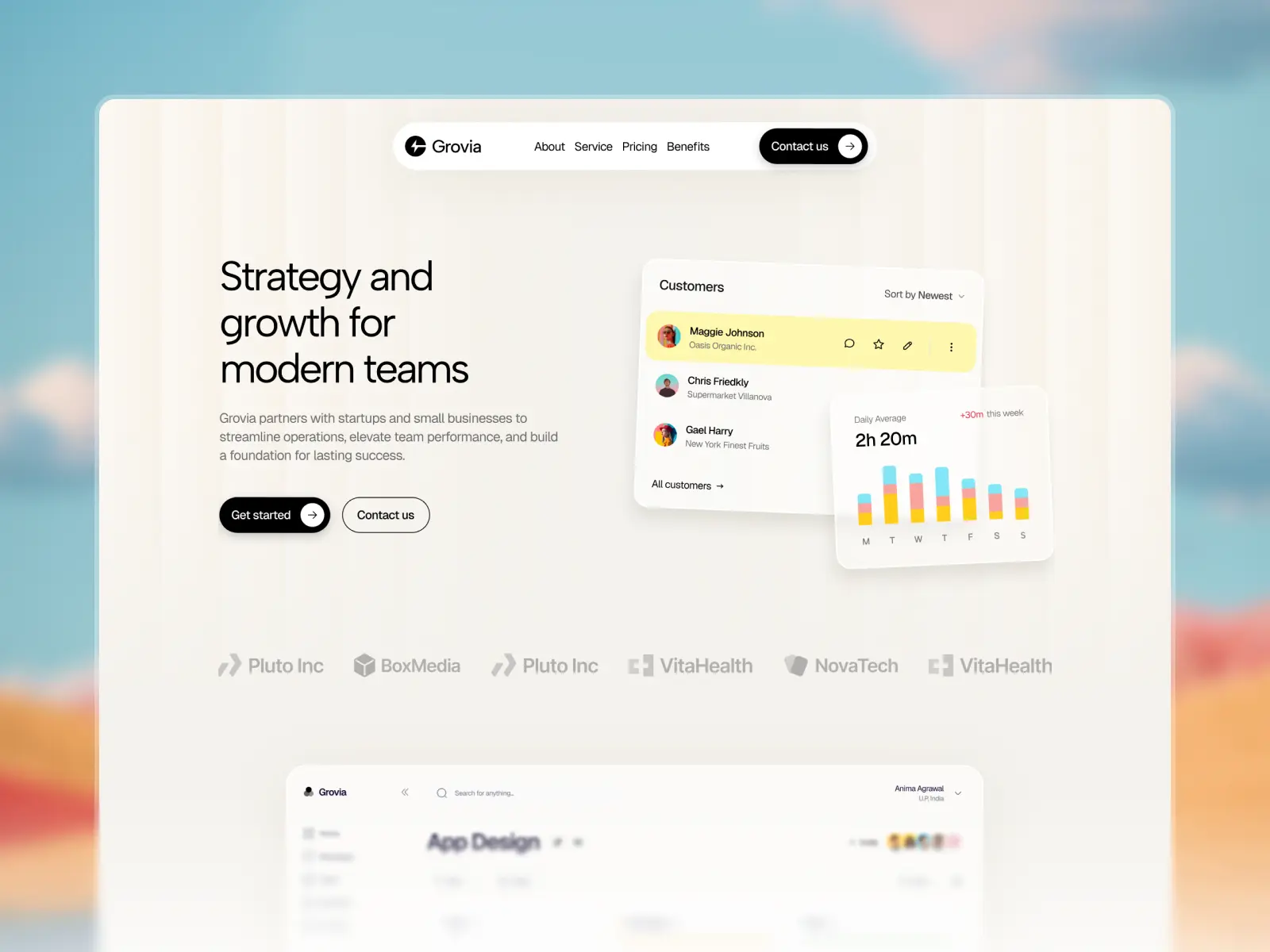
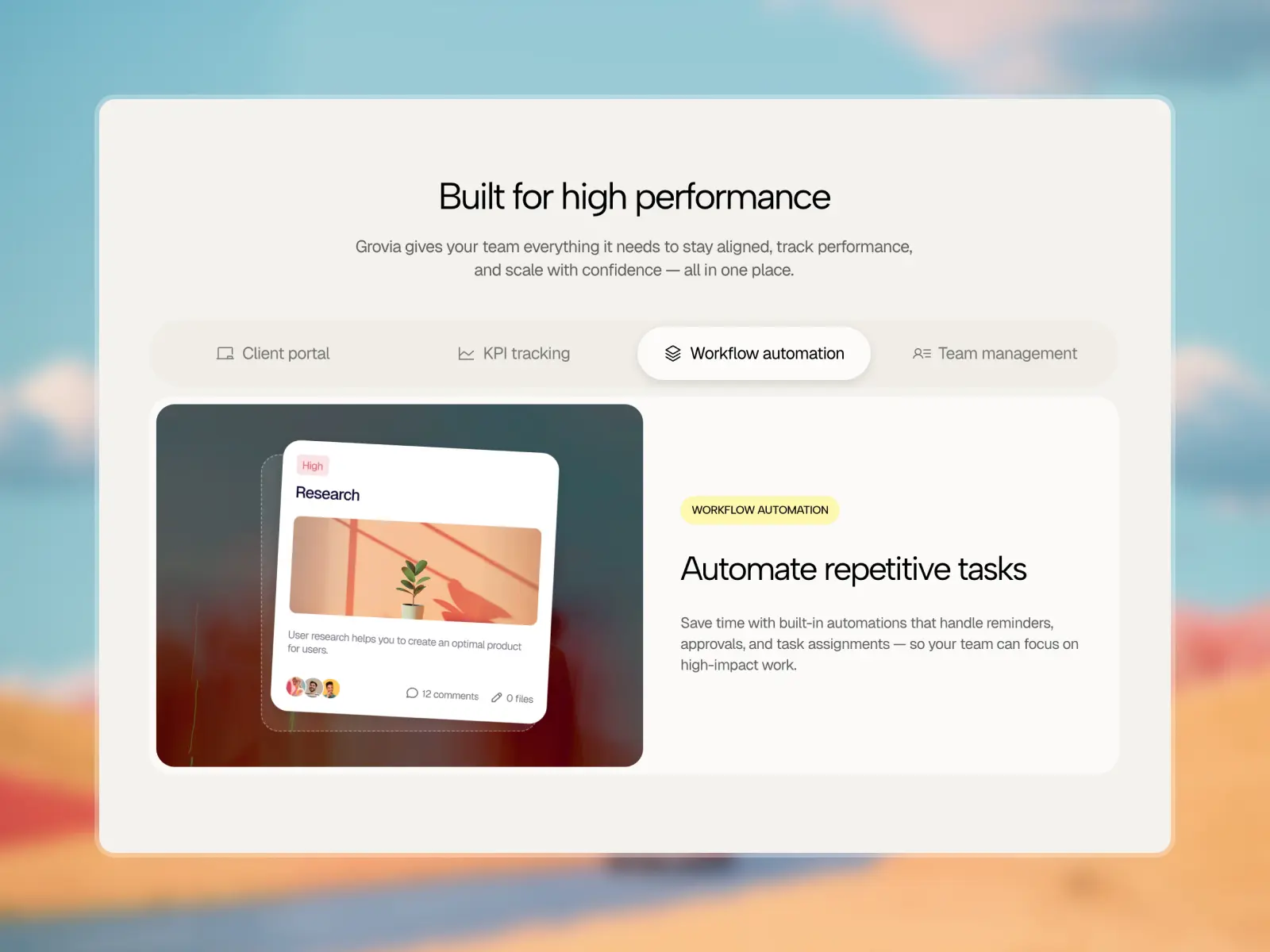
Grovia is a modern SaaS and business website template built for startups, tech companies, and growth-focused enterprises. With a conversion-first layout, it includes all the essential sections to showcase your product, build trust, and drive action.
Tech startups, B2B SaaS companies, and consulting firms that need a full marketing site with case studies and a professional conversion-focused layout.
$99
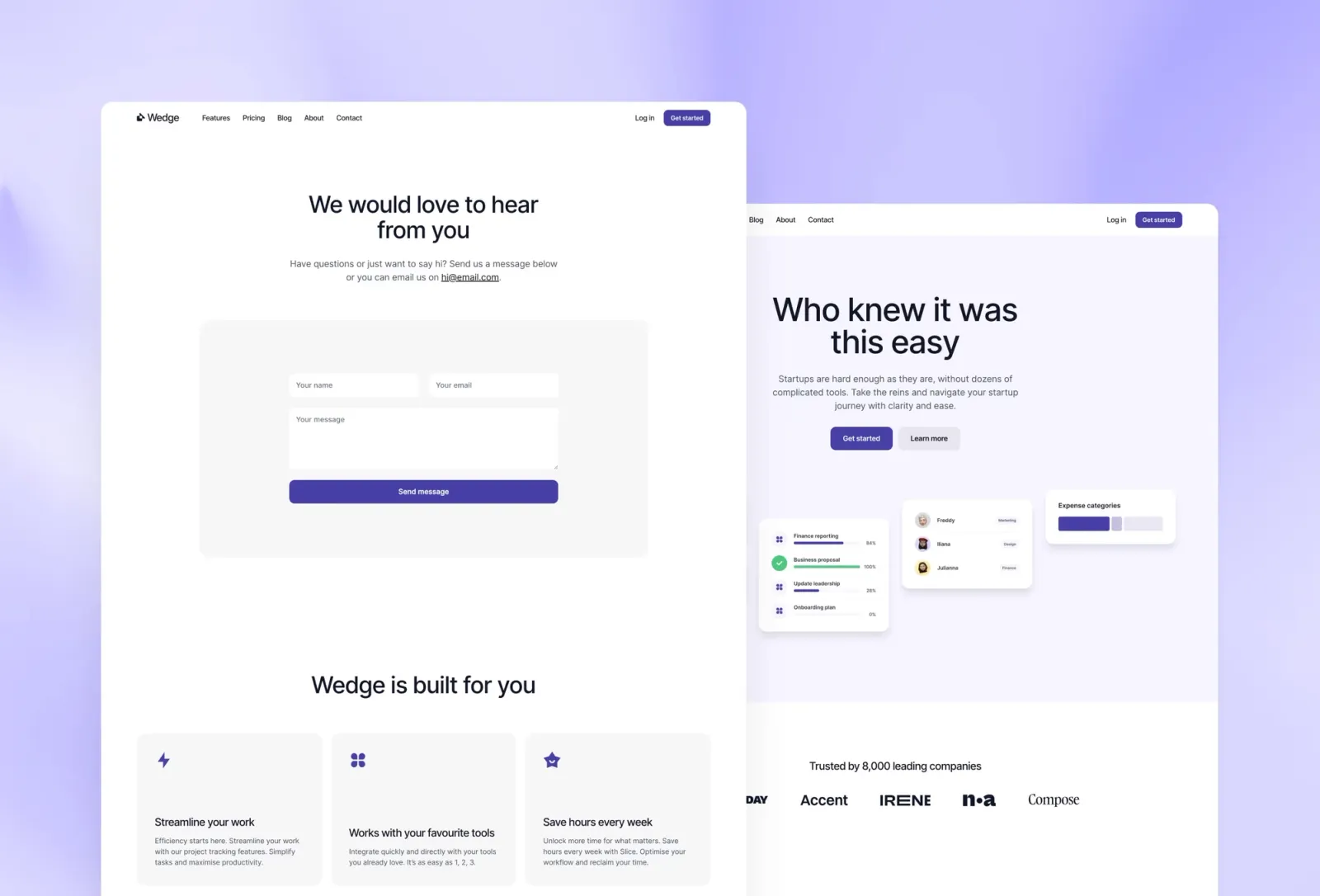
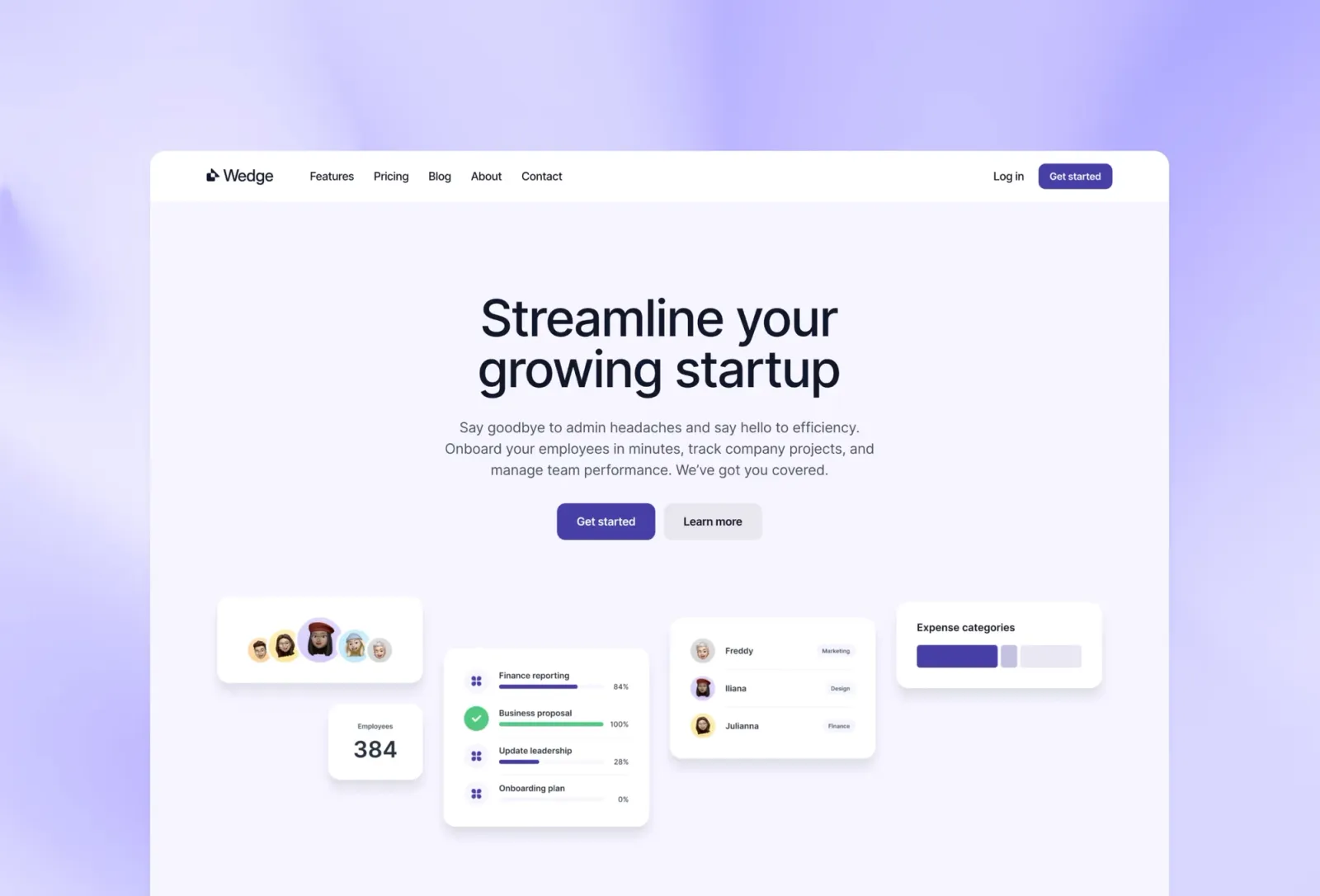
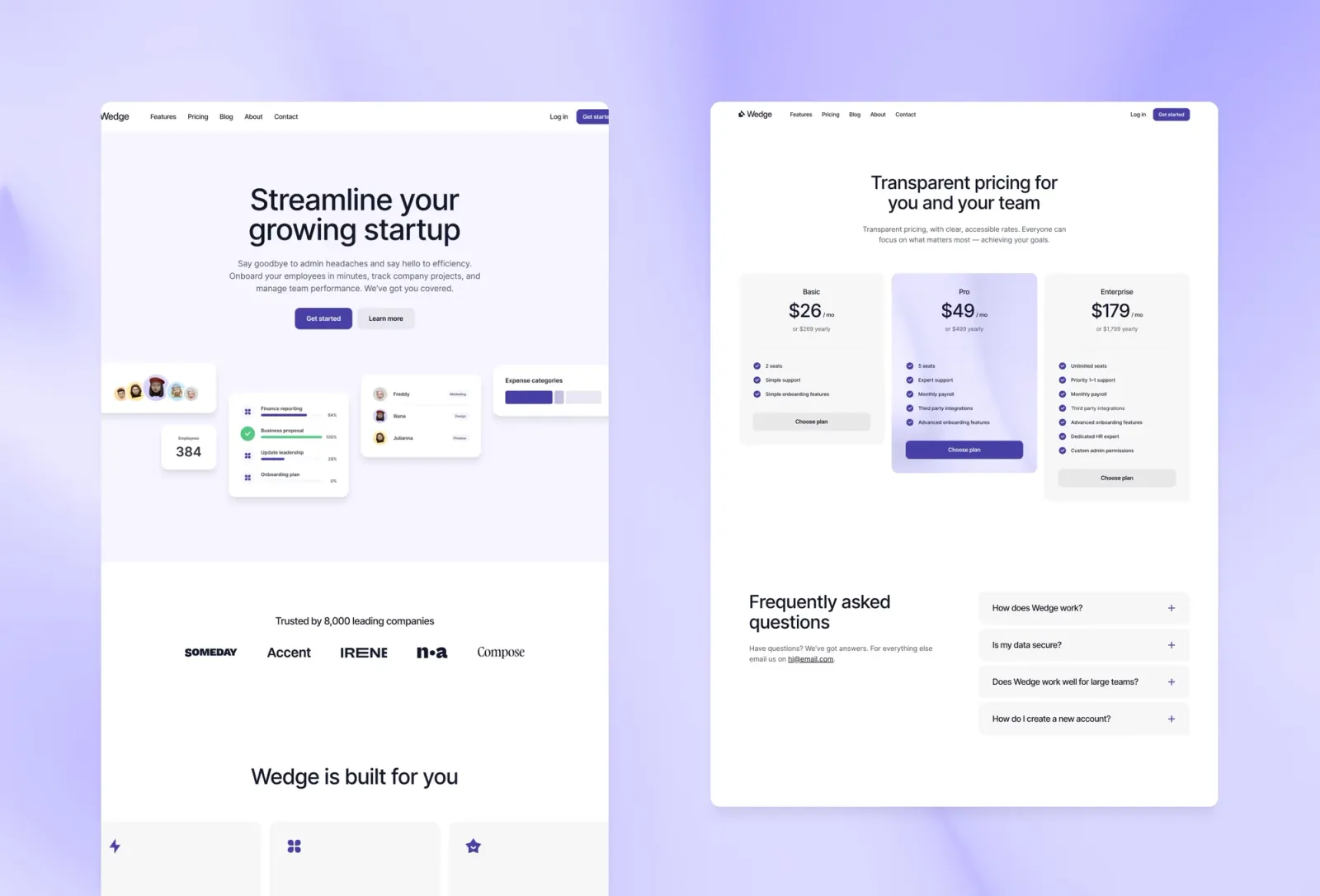
Wedge is a light-mode SaaS template with a friendly, approachable aesthetic. Where Torch is dark and technical-feeling, Wedge makes the same product marketing structure feel warmer — better suited to consumer-facing products or anything where approachability matters more than premium signals. The documentation pages are an unusual and useful addition for developer tools.
SaaS products and developer tools that want a light, friendly landing page with documentation support.
$149 · Single site licence
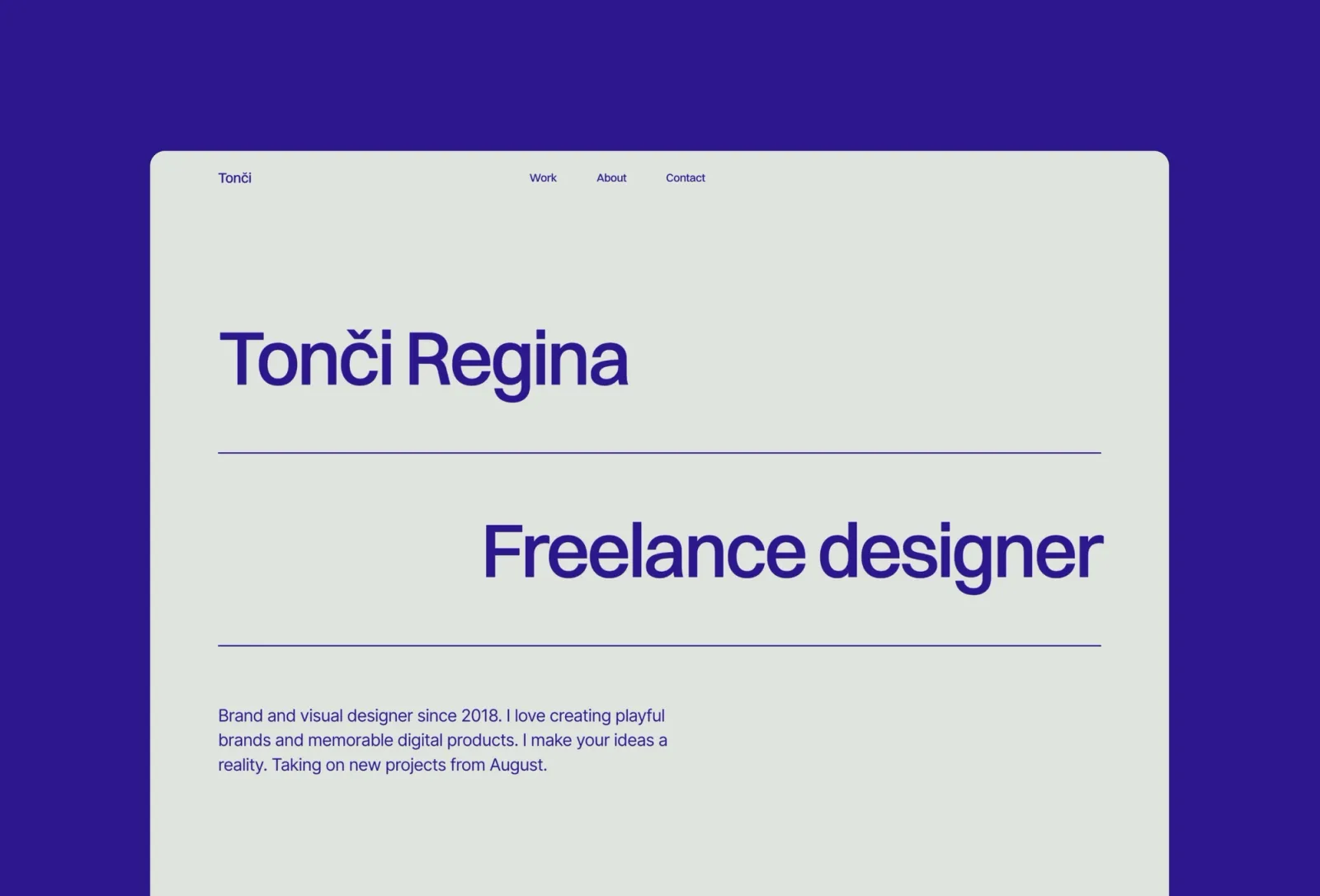
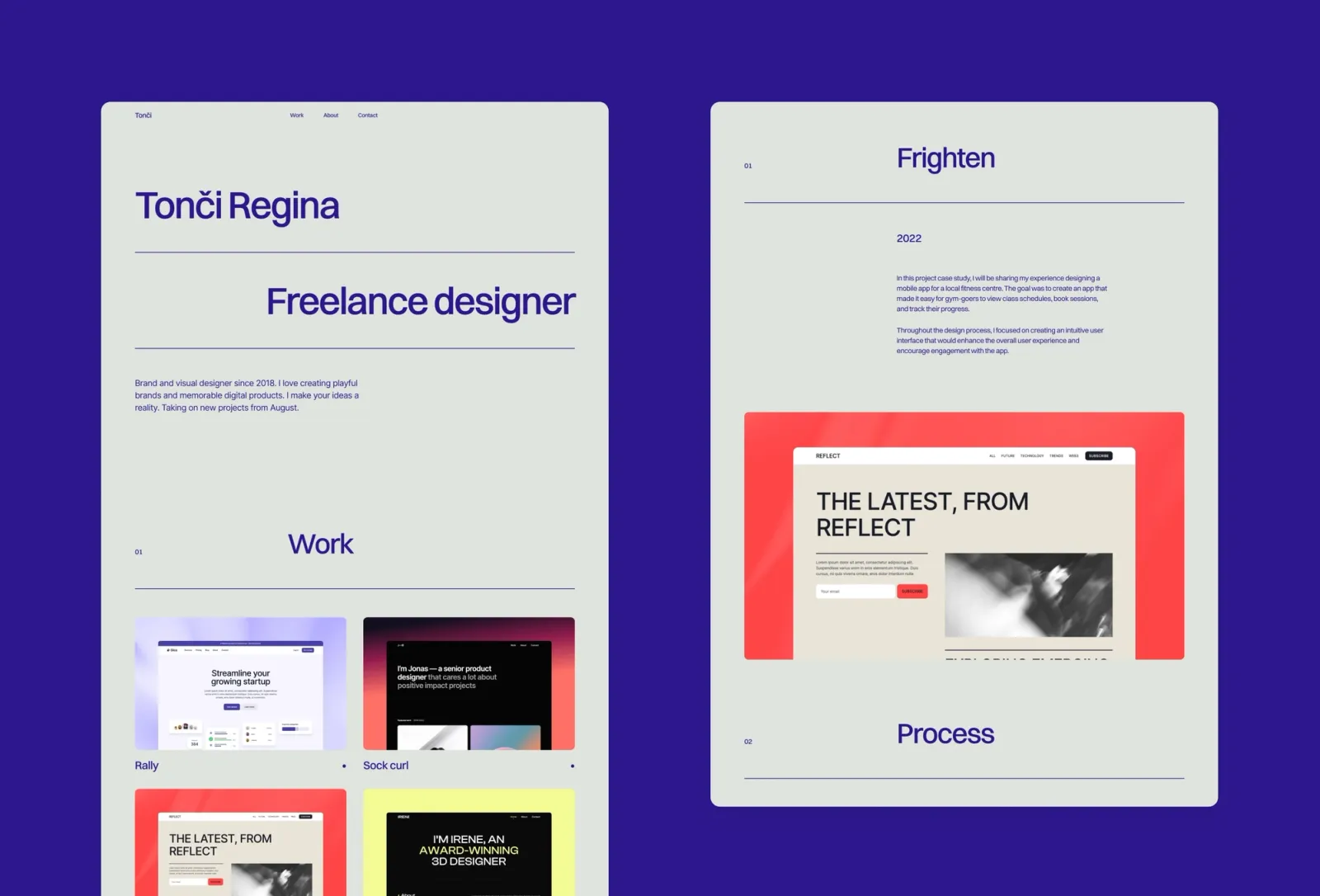
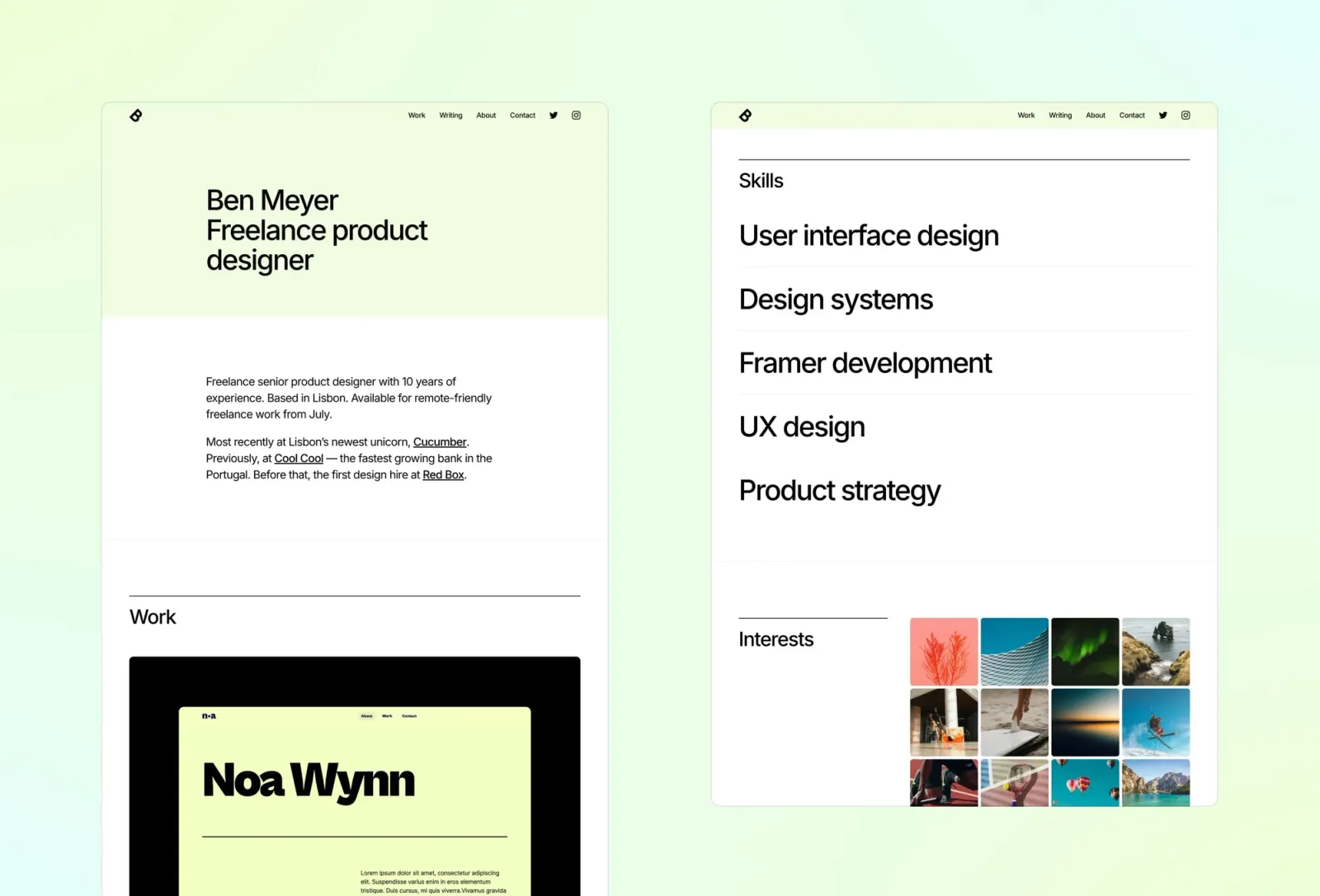
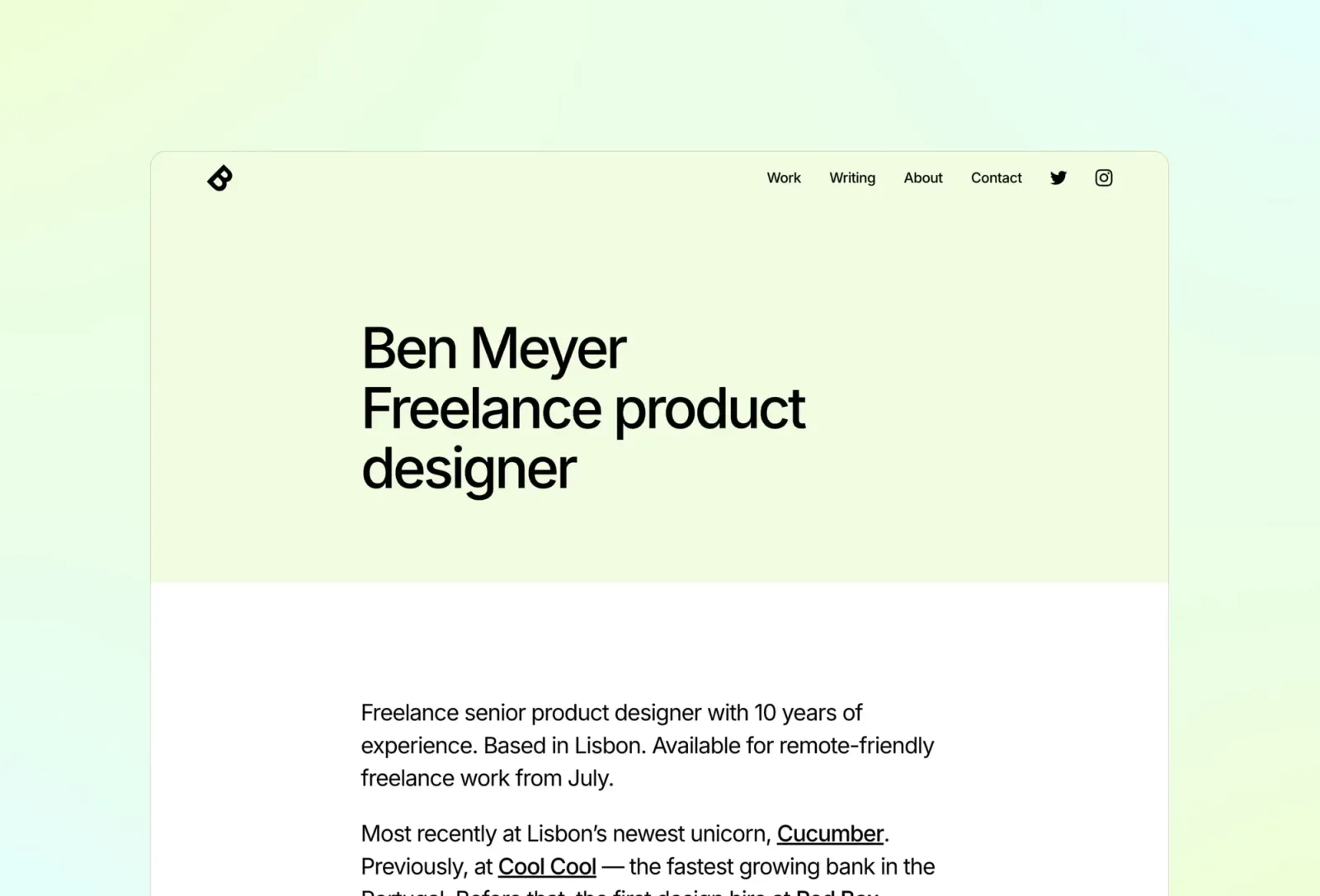
Format is a clean one-page card grid — everything a personal or freelance landing page needs in a single scroll. Worth knowing: there’s no email capture section built in, so if lead generation is the priority, you’d add a form component manually (easy in Framer, but it’s not pre-designed).
$149 · Single site licence
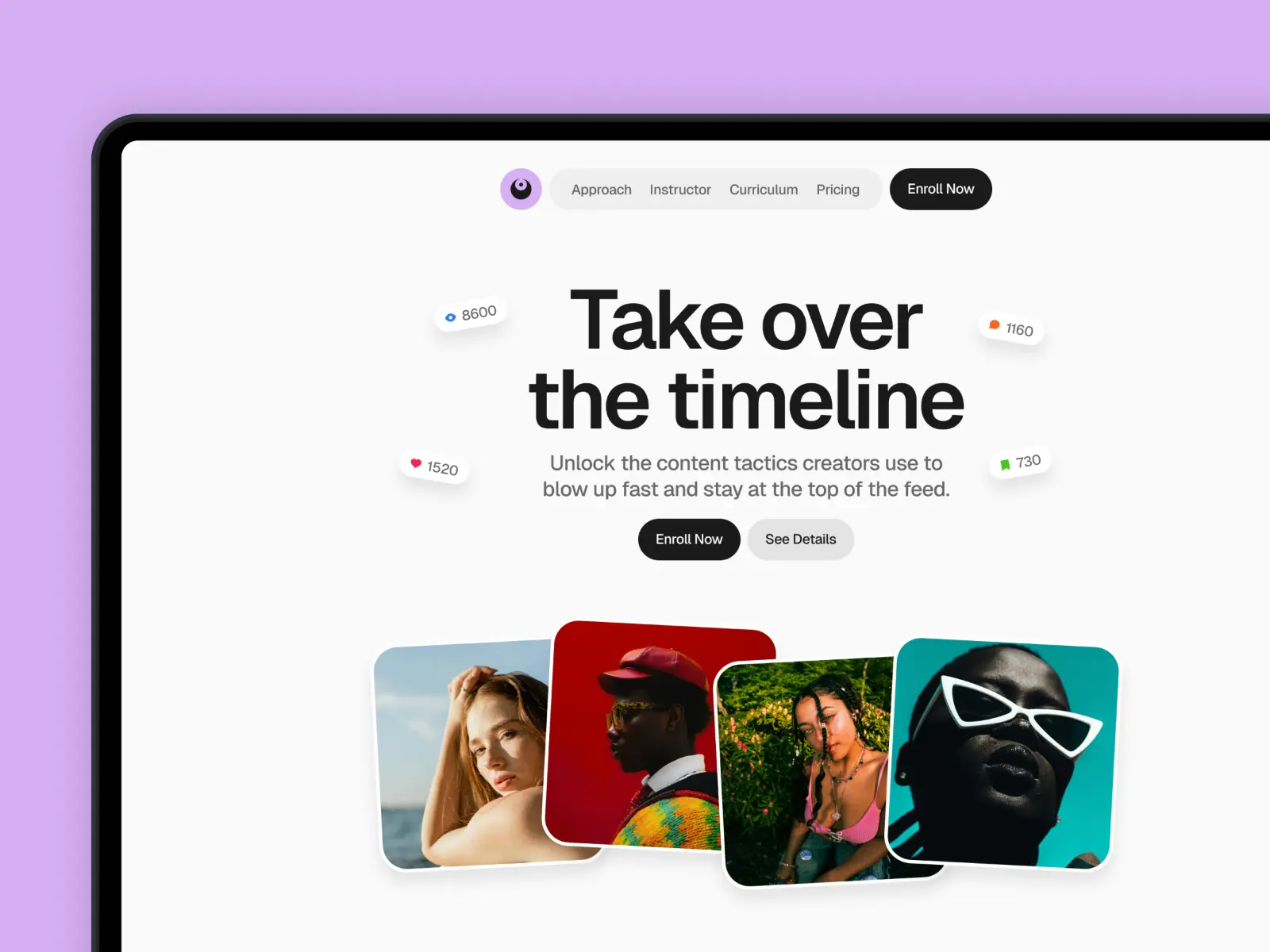
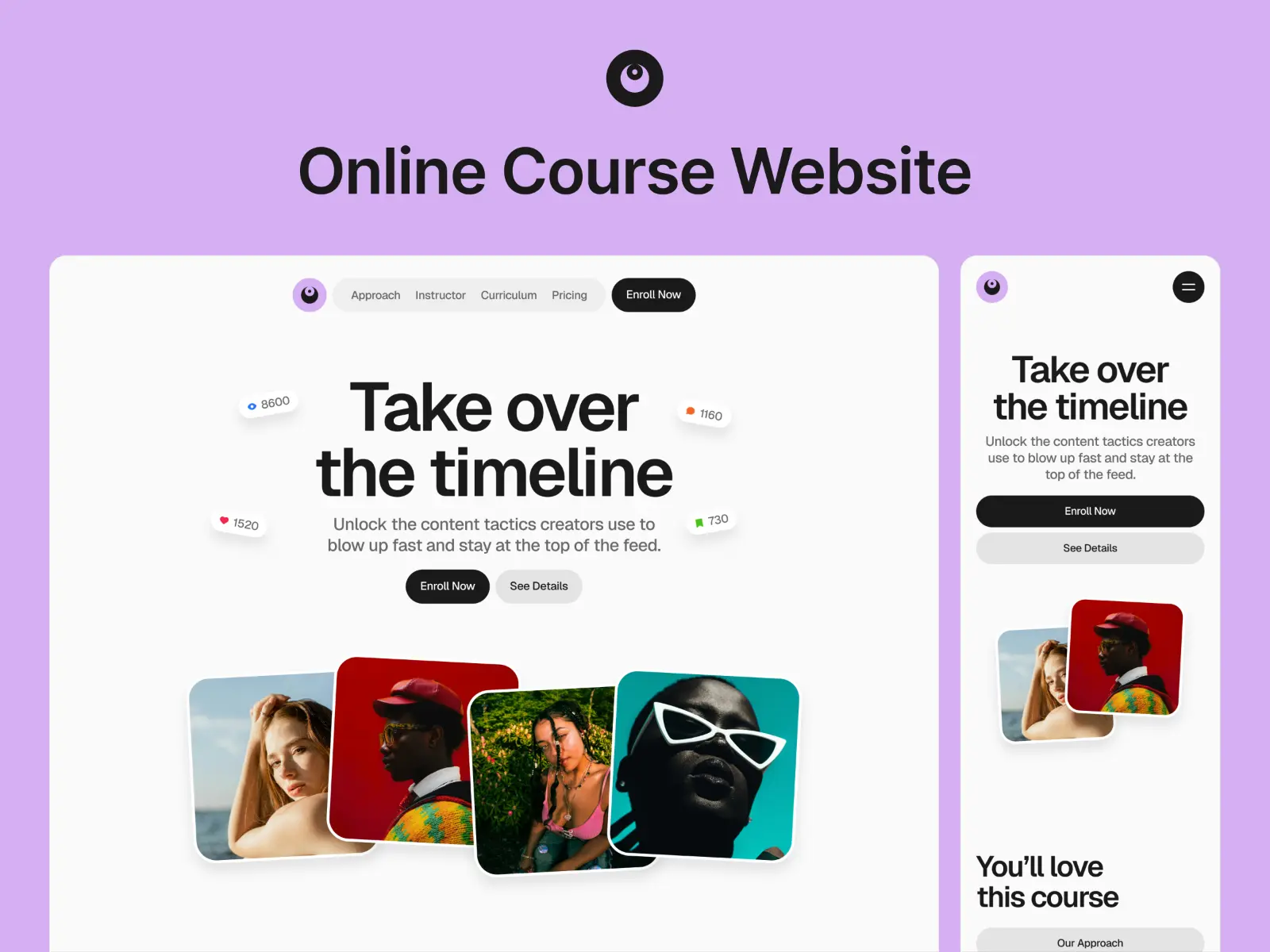
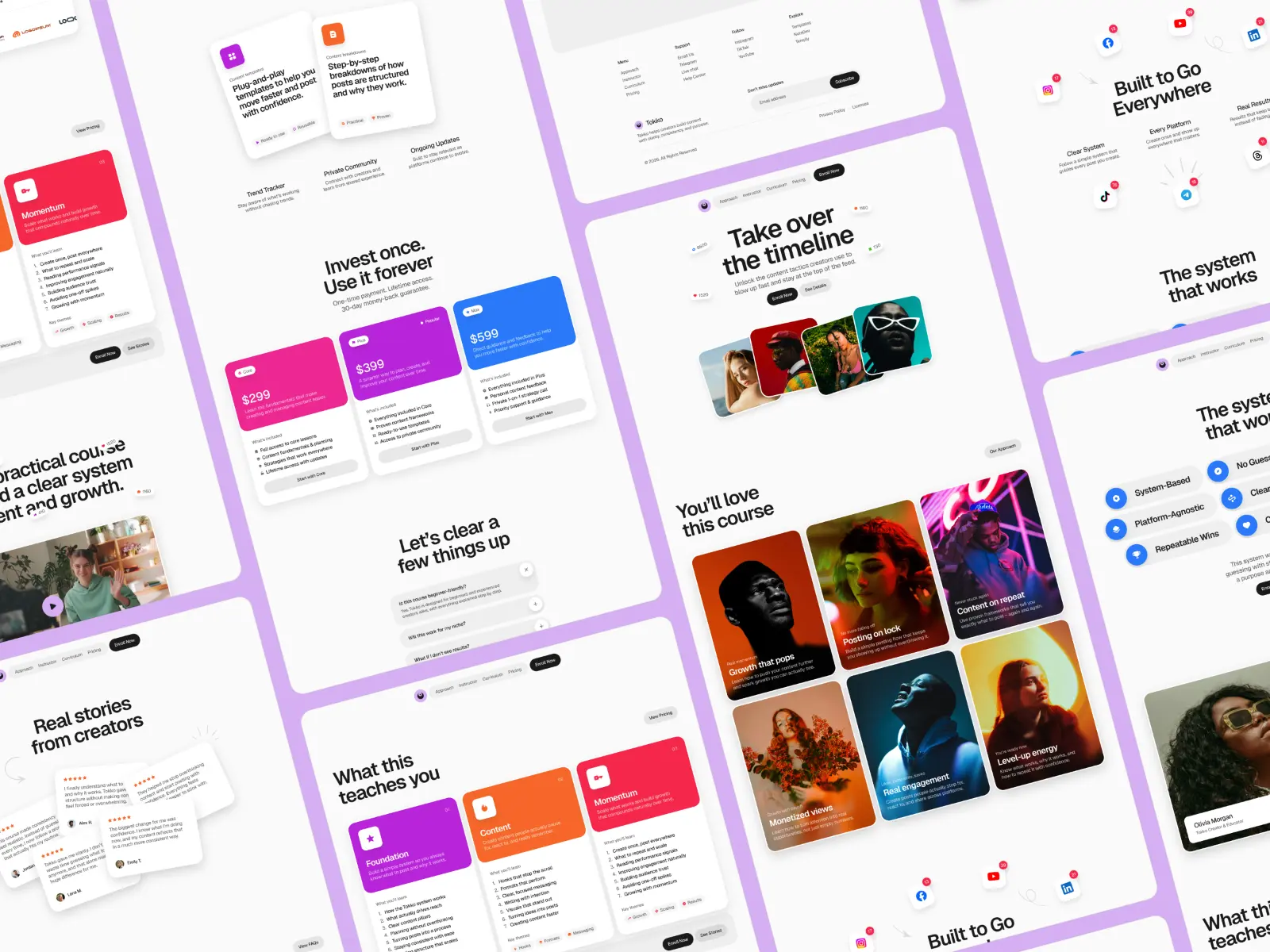
Tokko is a bold, conversion-driven website template for online courses. Sleek design, smart layouts, and persuasive sections help you hype your course, build trust, and turn visitors into enrolled students.
Online course creators, coaches, and education businesses looking to launch or scale a course with a conversion-optimised site.
$49
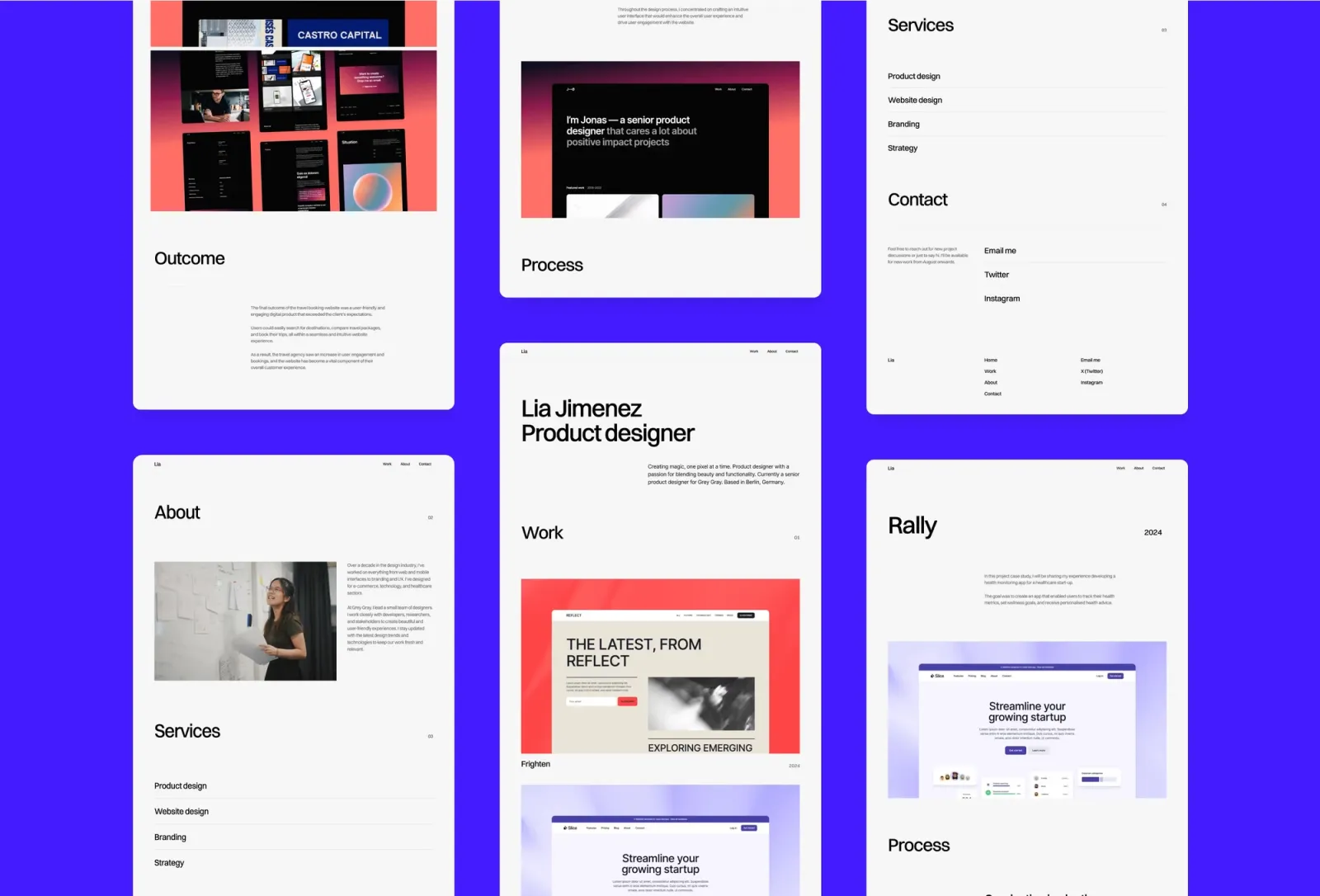
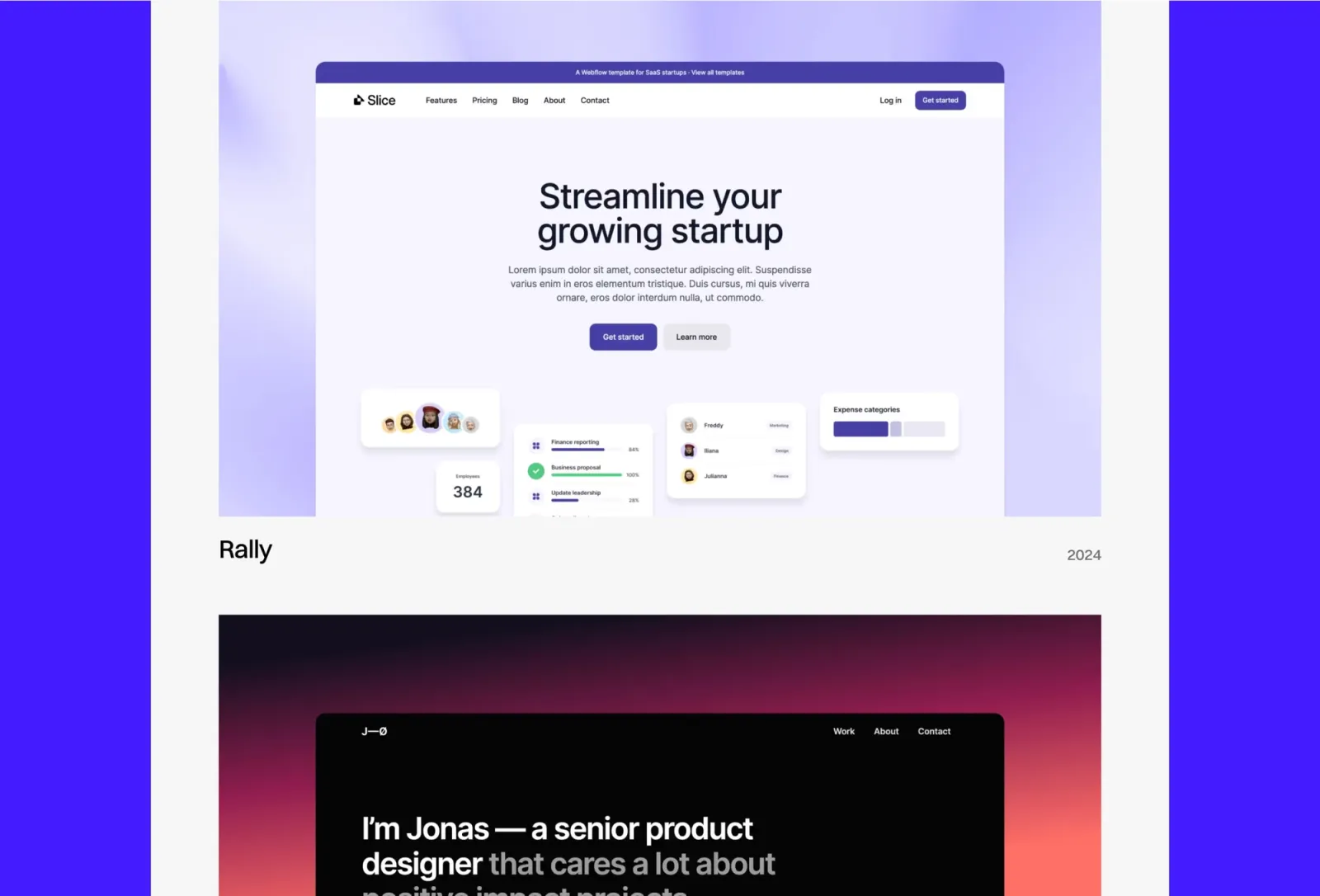
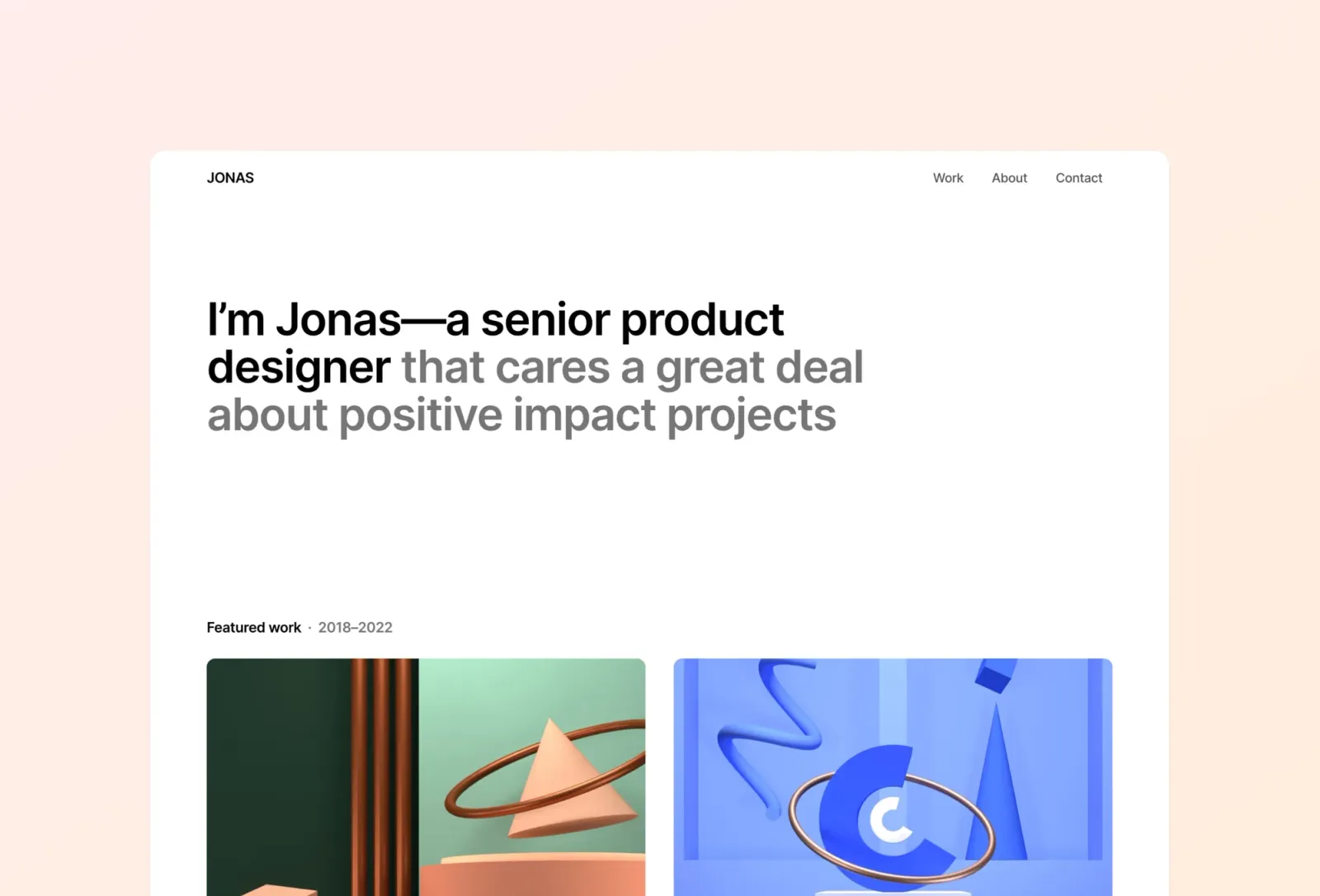
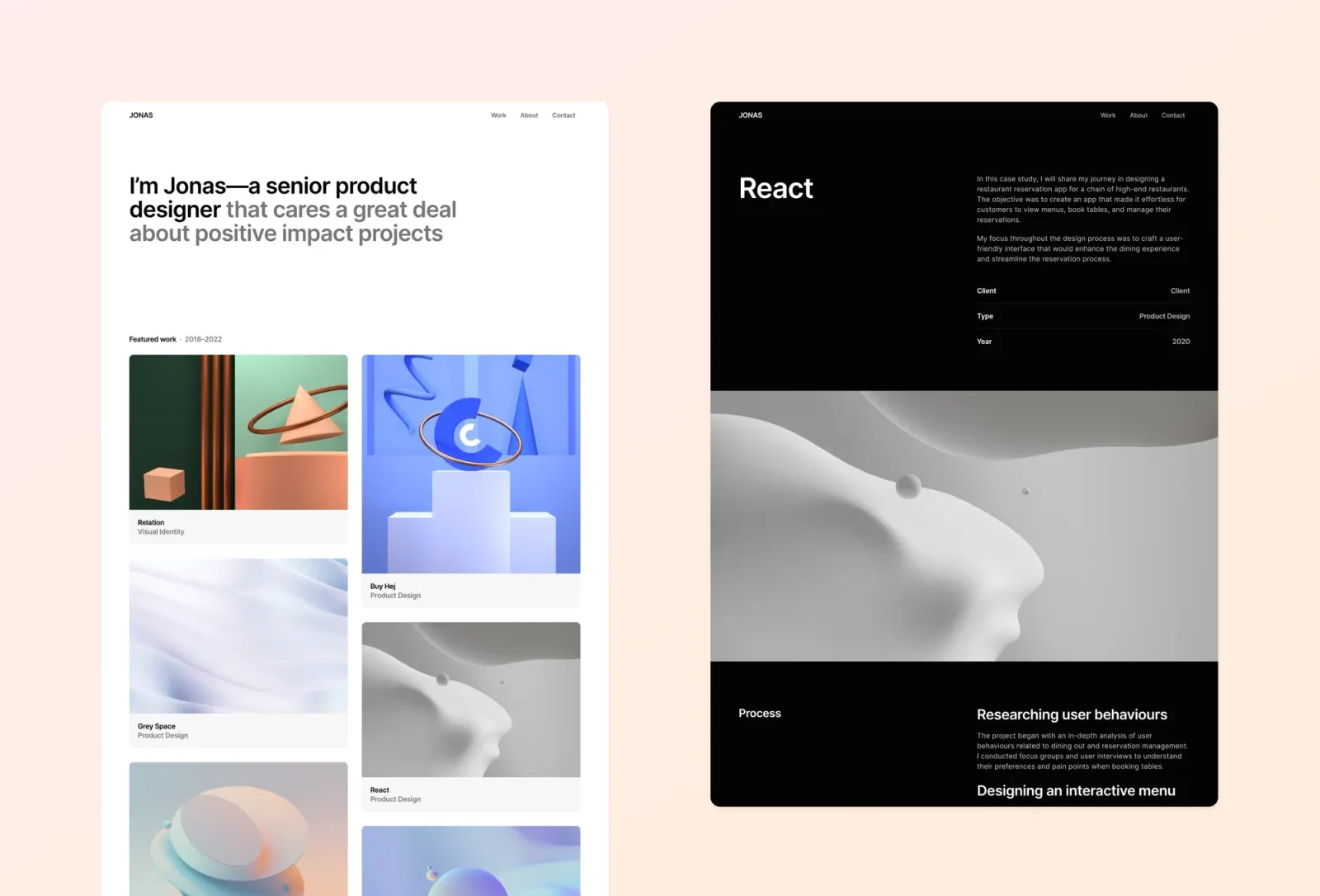
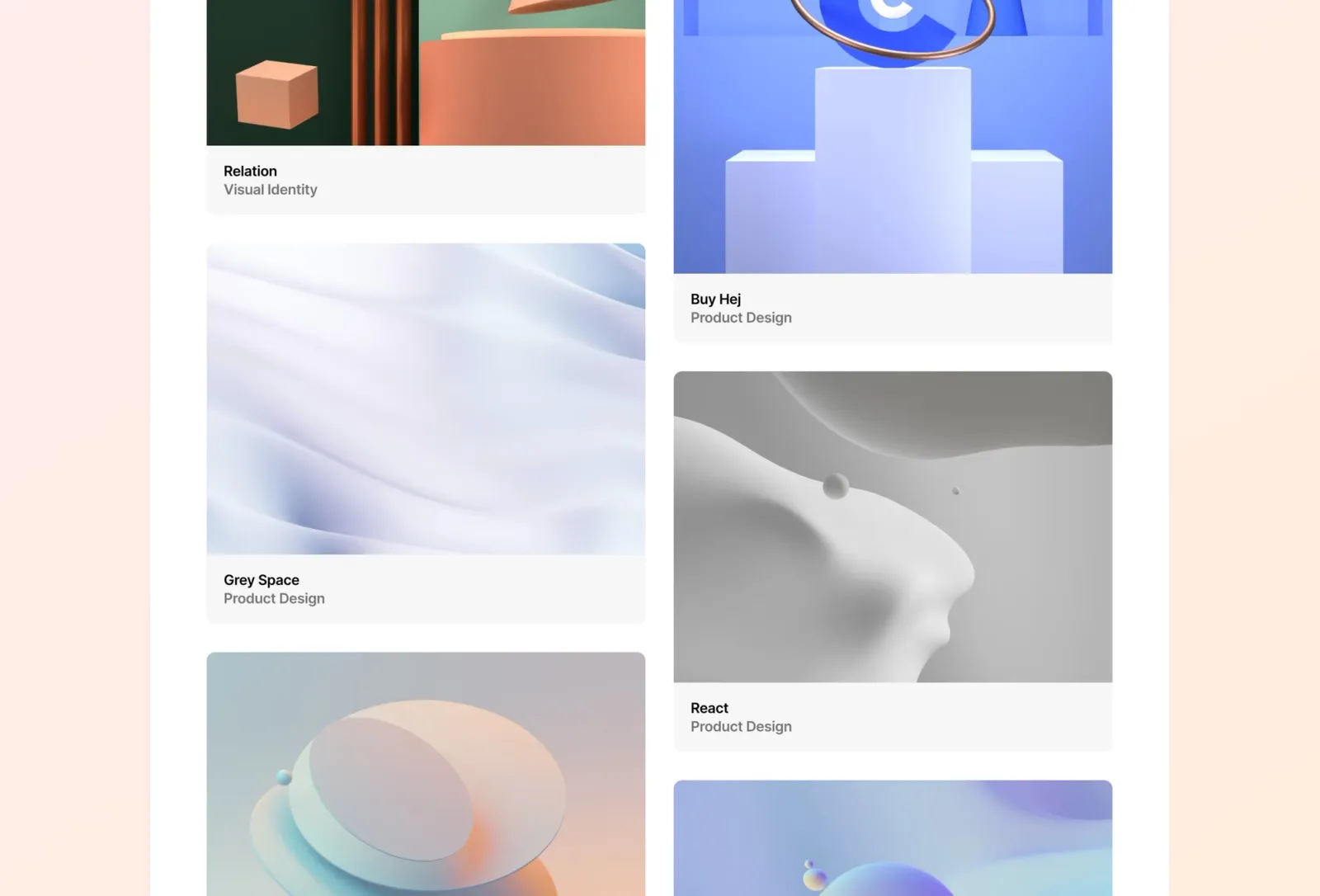
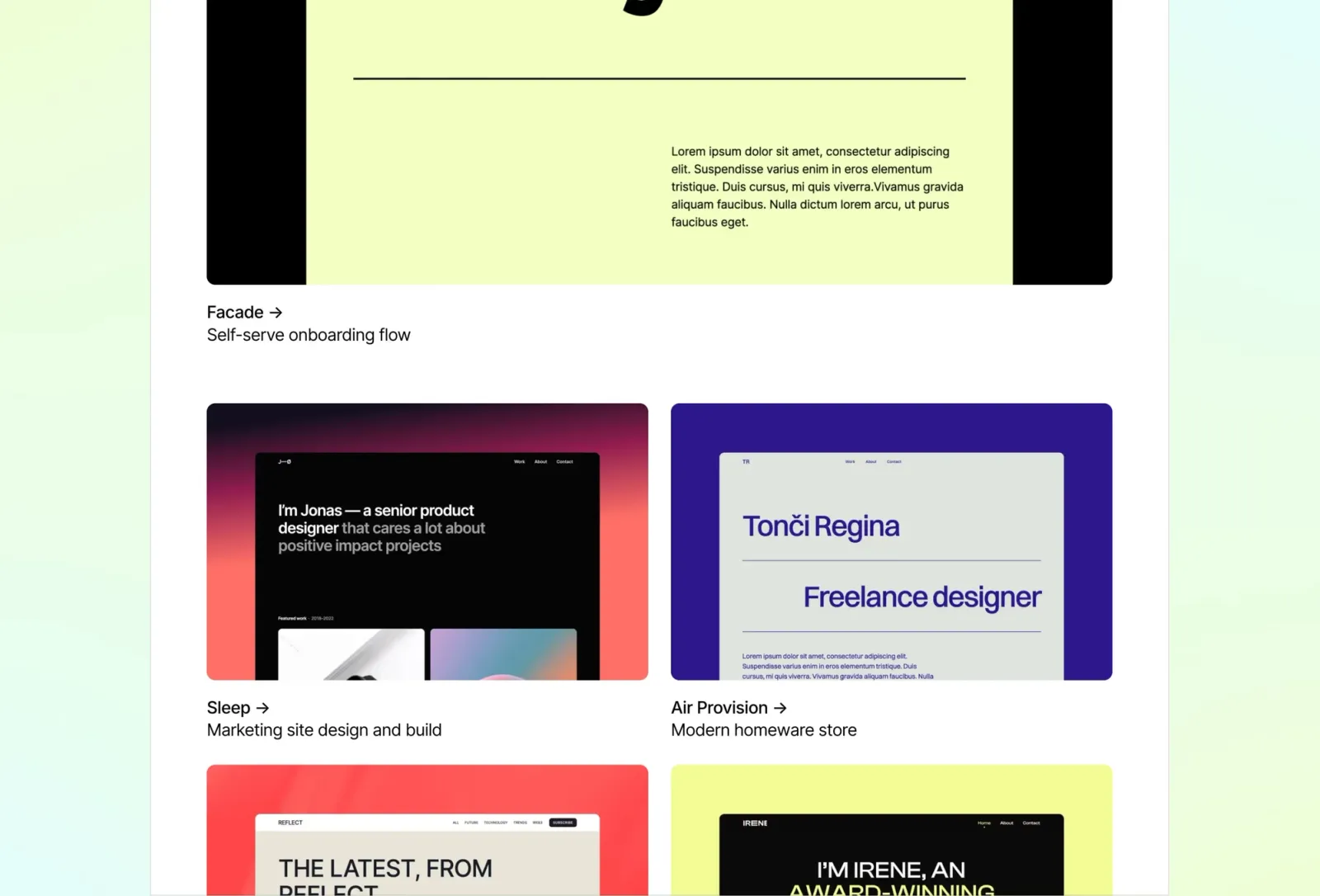
Jonas is a minimal one-pager with a bento grid layout. The modern structure organises your work, bio, and contact details into a clean, scannable page that works equally well as a personal landing page or a lightweight portfolio.
Product designers, developers, and founders who want a contemporary one-page personal landing page with a modern bento aesthetic.
$149 · Single site licence
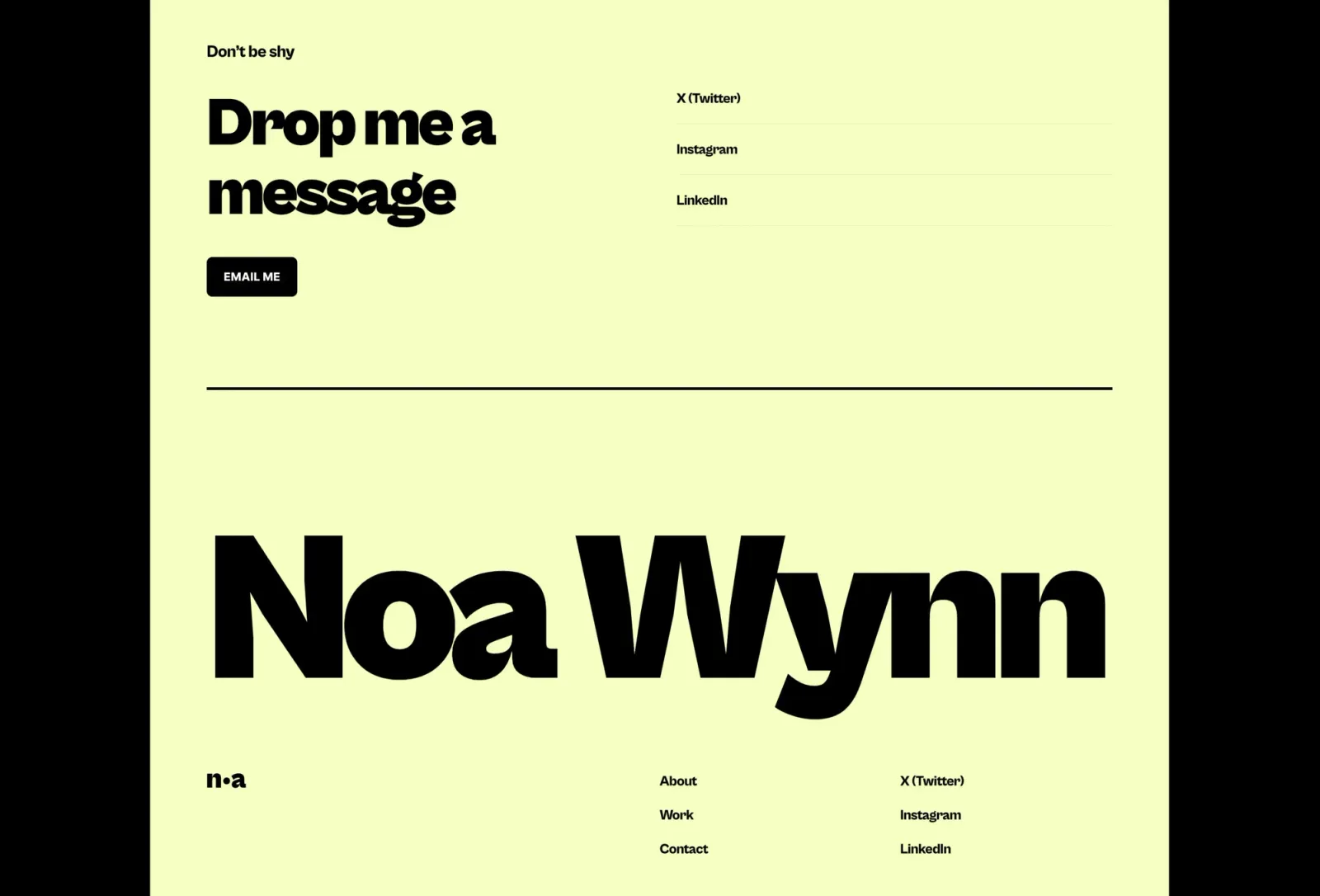
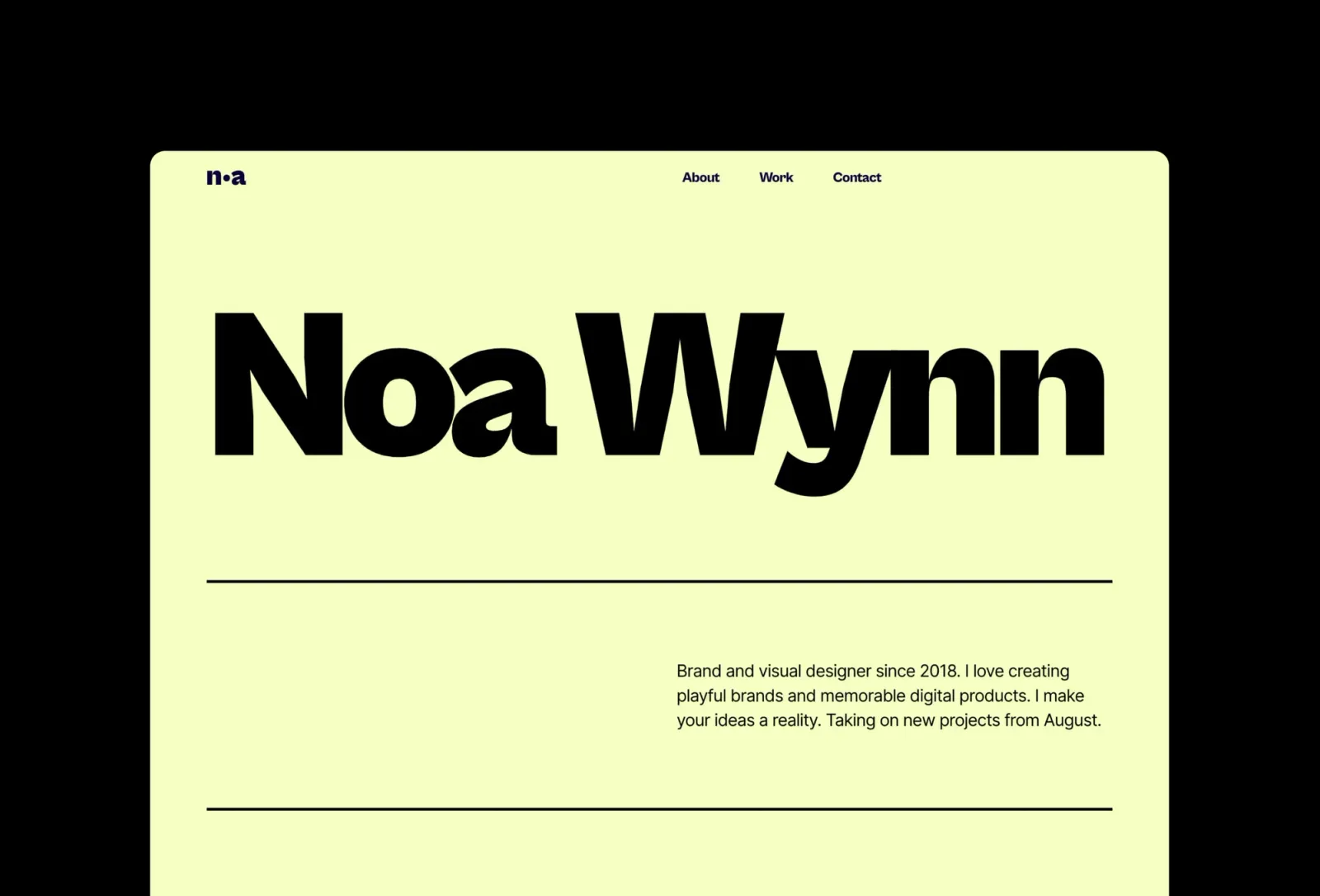
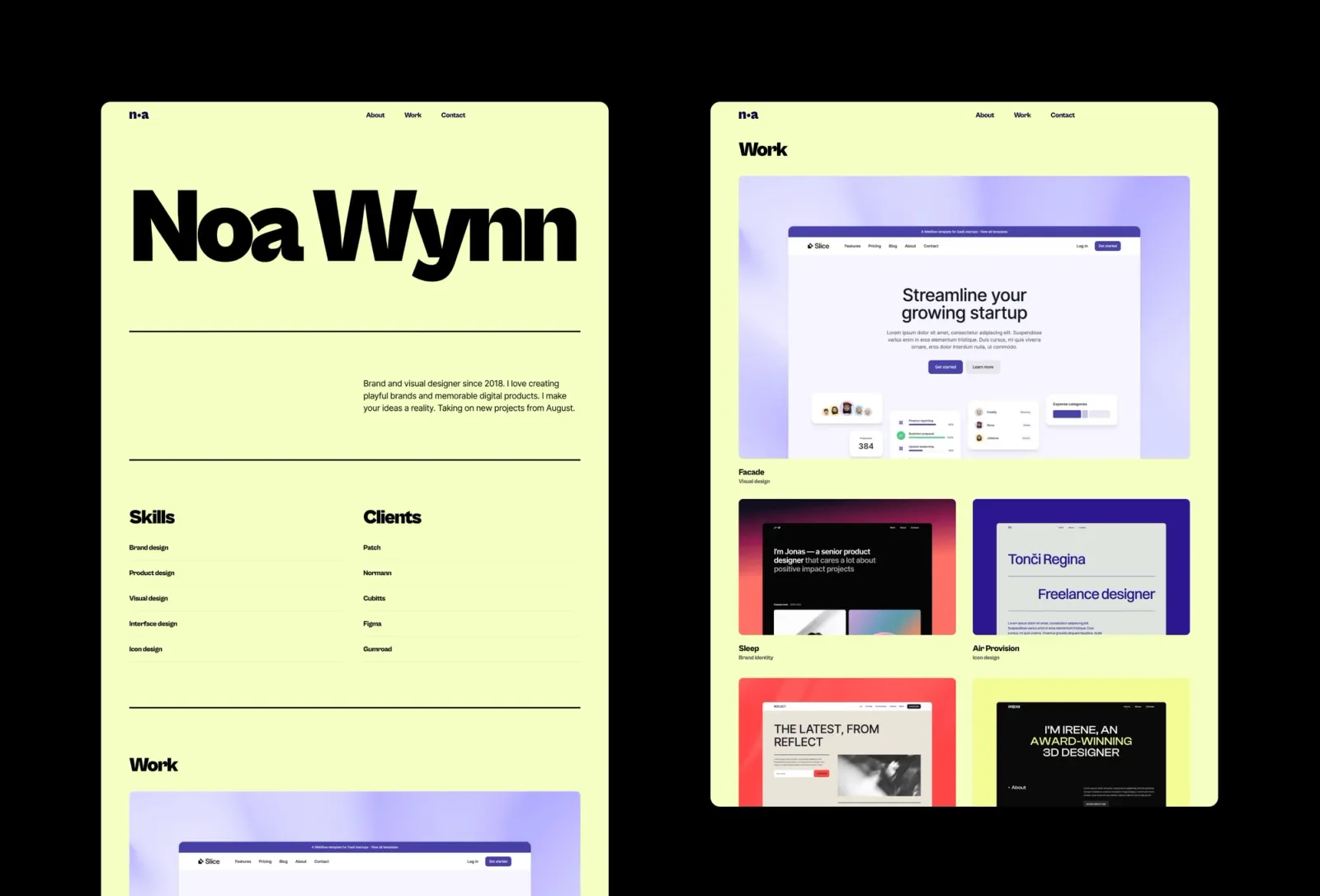
Wynn is a bright, colourful one-pager that stands out immediately. The bold type, colour blocks, and animated scroll interactions give it energy minimal templates can’t match. Worth knowing: the bold colour palette is both the template’s biggest strength and its main constraint — it’s hard to tone down without losing what makes it distinctive.
Creatives, designers, and personal brands who want a colourful, high-energy one-page landing site that makes a lasting impression.
$149 · Single site licence
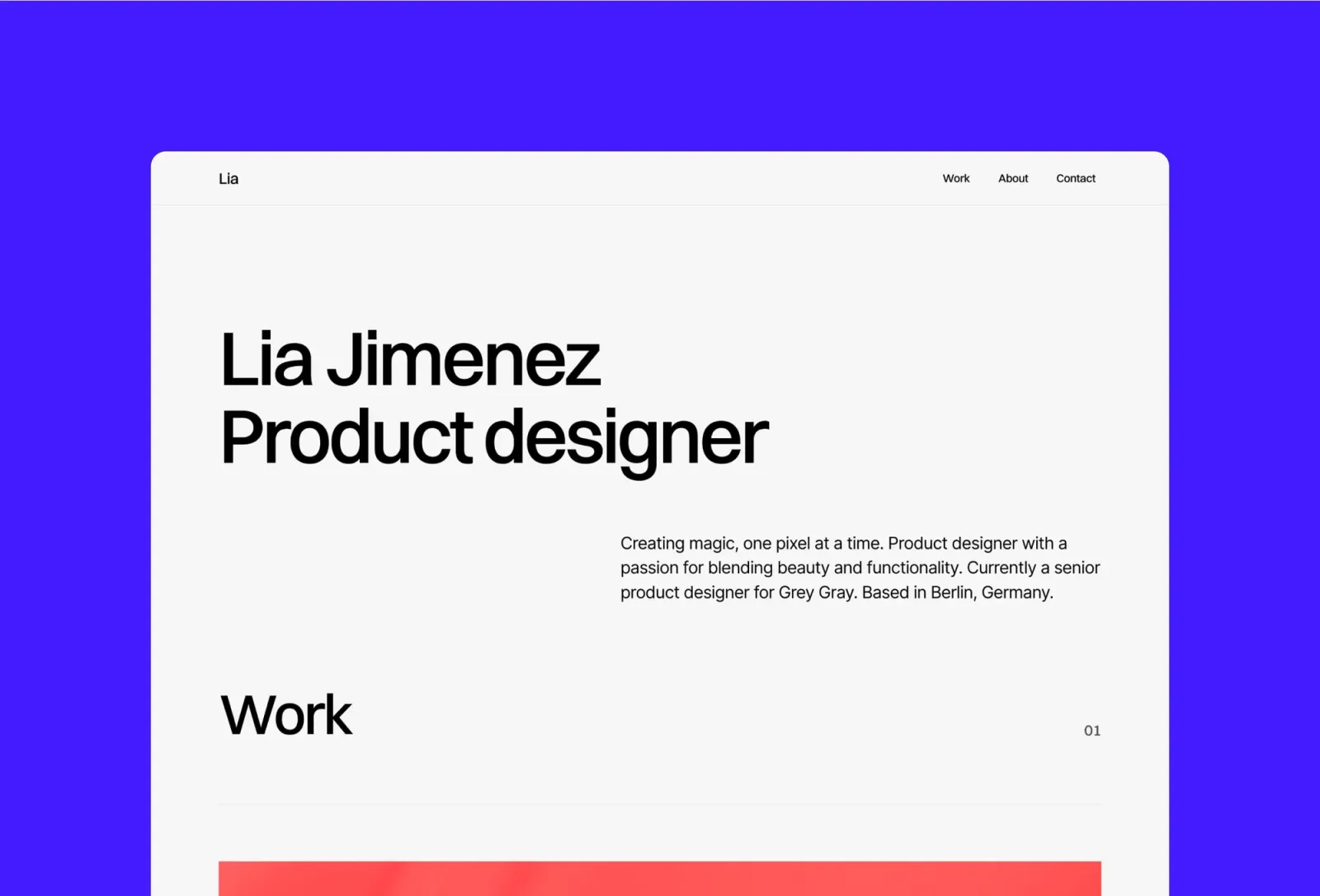
Accent is a colourful, minimal one-page portfolio template with full CMS support. The bold, grid-driven single page doubles as a strong personal landing page — distinctive enough to remember, structured enough to convert.
Freelance designers and creatives who want to use their portfolio as a personal landing page with strong visual identity.
$149 · Single site licence
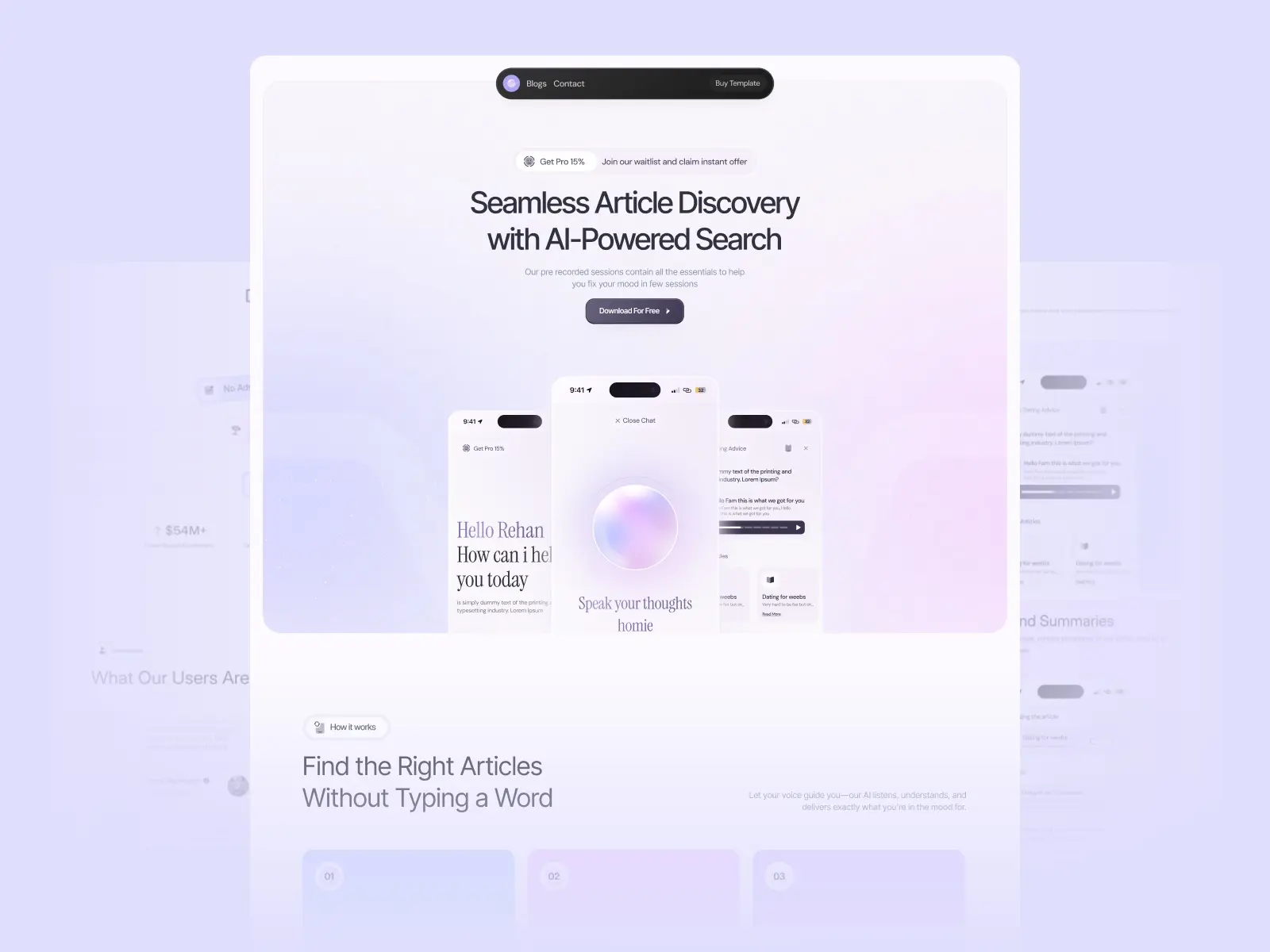
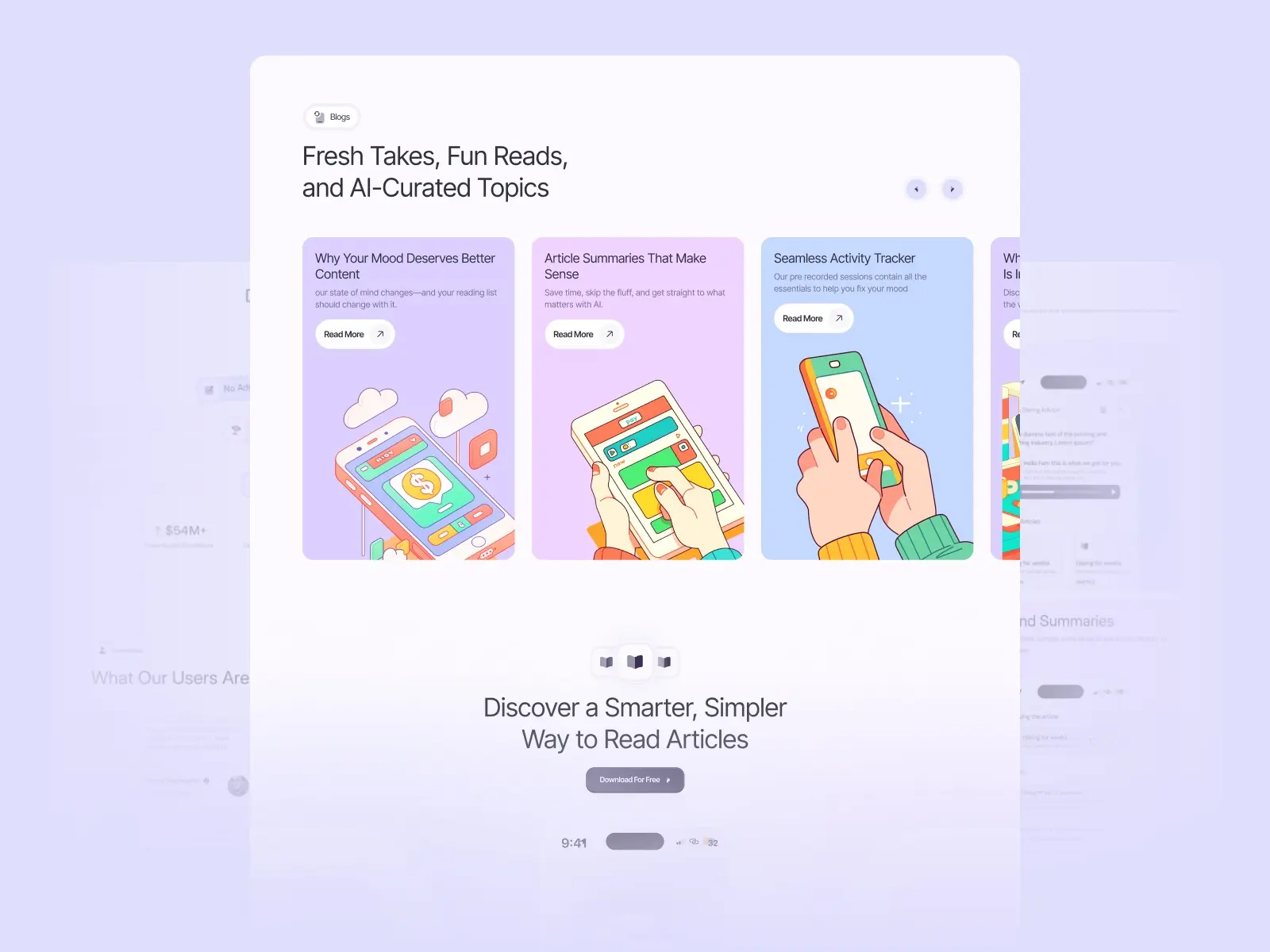
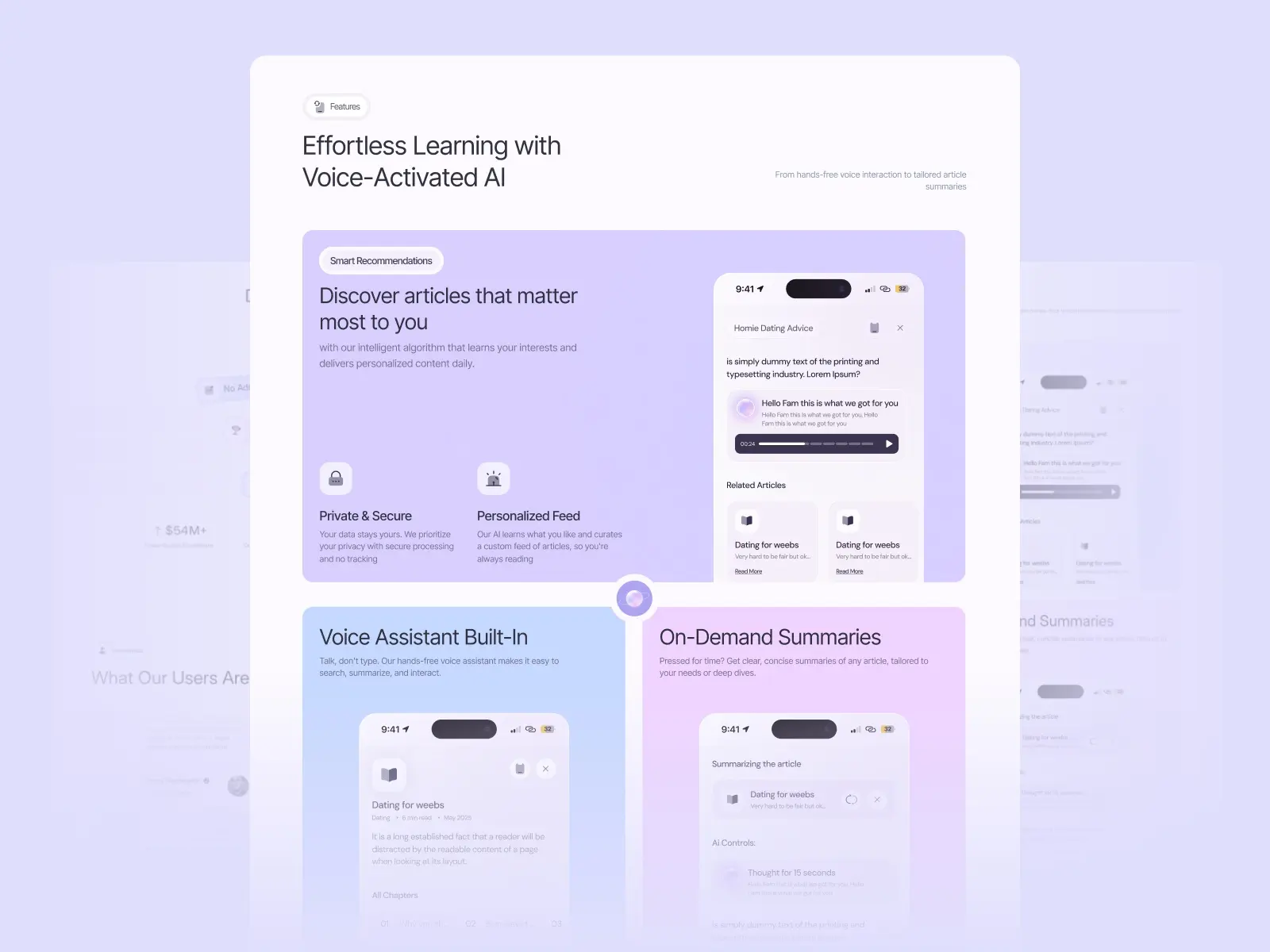
Readable is a clean, modern Framer template designed for apps that deliver content in an accessible, content-first way. Worth noting: four pages including a 404 is a lean structure — if you need more than a homepage and a basic blog, you’re building from scratch rather than customising.
Startups and indie developers promoting a reading app, content discovery tool, or any content-driven SaaS product.
$99
Sharp is a colourful, editorial portfolio template with a homepage that functions as a compelling personal landing page. If you need a site that converts visitors and showcases depth — work, blog, about, contact — Sharp covers it all.
Designers and creatives who want a personal landing page that doubles as a full portfolio and blog, with a distinctive editorial voice.
$149 · Single site licence
For product launches and waitlists, Assemble is the most direct option. For SaaS products and businesses, Torch, Wedge, and Grovia cover the full marketing stack. For course creators and education platforms, Tokko is built to convert. For personal brand landing pages, Jonas and Format keep things minimal and fast. For content-driven apps, Readable delivers a polished first impression. For creatives who want a distinctive page, Wynn, Accent, and Sharp are the strongest visual picks.
Browse landing page Framer templates or see the full range on the Framer platform page →
Quick launch checklist:
Framer combines fast visual editing with clean, performant output. You can design and launch a landing page in hours, no developer required, and the templates on this list are pre-structured for conversion rather than just aesthetics.
Not natively, but you can use third-party tools. VWO or Optimizely can be added via the custom code section in Framer’s project settings. For simple headline tests, duplicating a page and tracking with UTMs is often enough.
Use Framer’s native Form component. Set the action to send submissions to your email, a webhook (for tools like Loops, Mailchimp, or Airtable), or a third-party form service. Assemble includes a pre-built email capture section.
Yes. Framer lets you add pages freely at any time. Start with a one-pager for launch speed, then add a blog, a case study section, or a pricing page as your product grows.
Yes. All templates on this list are built with clean heading structures, descriptive metadata fields, and fast load times. Framer’s output is static HTML — search engines can crawl it without JavaScript rendering.
Want all templates in one go? Unlimited Access includes every Framer template and component in one purchase.
Join 2,900+ designers · Unsubscribe at any time