10 best Framer templates for startups
The 10 best Framer templates for startups — from SaaS product pages to content marketing blogs. Reviewed for speed of launch, conversion design, and scalability.

12 min
The 10 best Framer templates for startups — from SaaS product pages to content marketing blogs. Reviewed for speed of launch, conversion design, and scalability.
Most startup sites fail in the same way: too much copy explaining how the product works, not enough proof that it does. The Framer templates on this list are built around the opposite instinct — lead with the outcome, earn the detail. All ten have the sections that matter: waitlist capture, pricing tables, feature showcases, and a clear path to sign up.
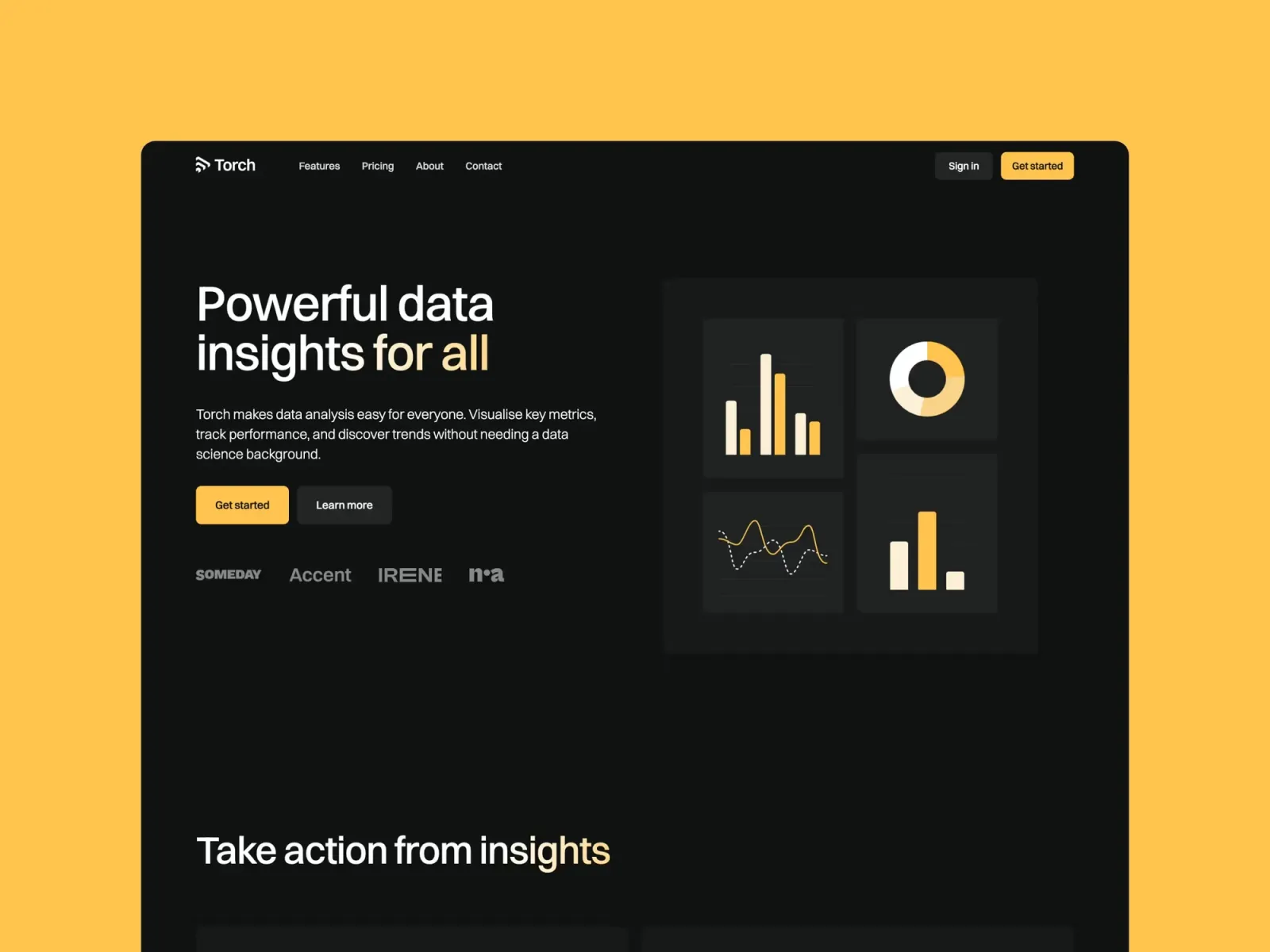
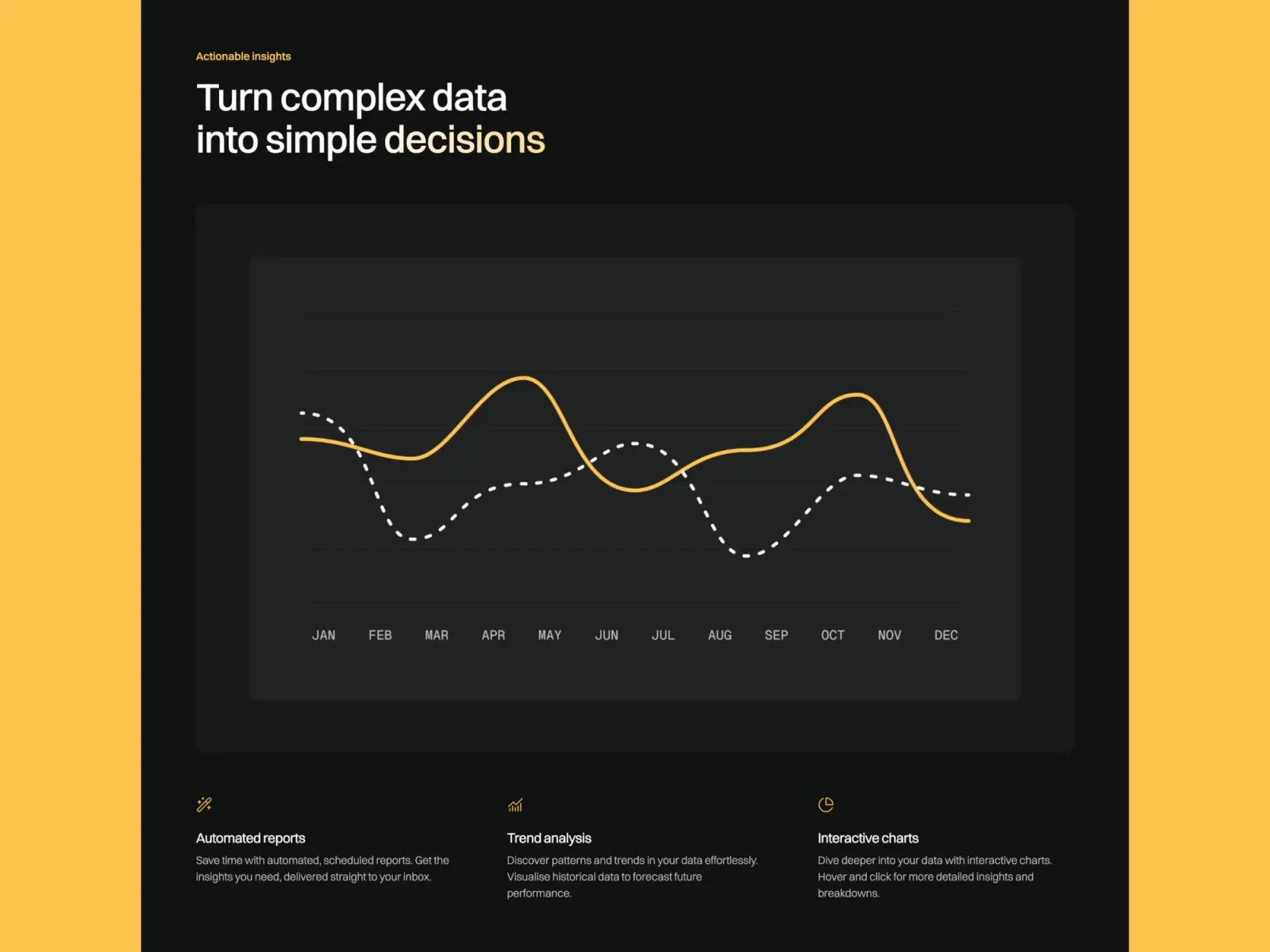
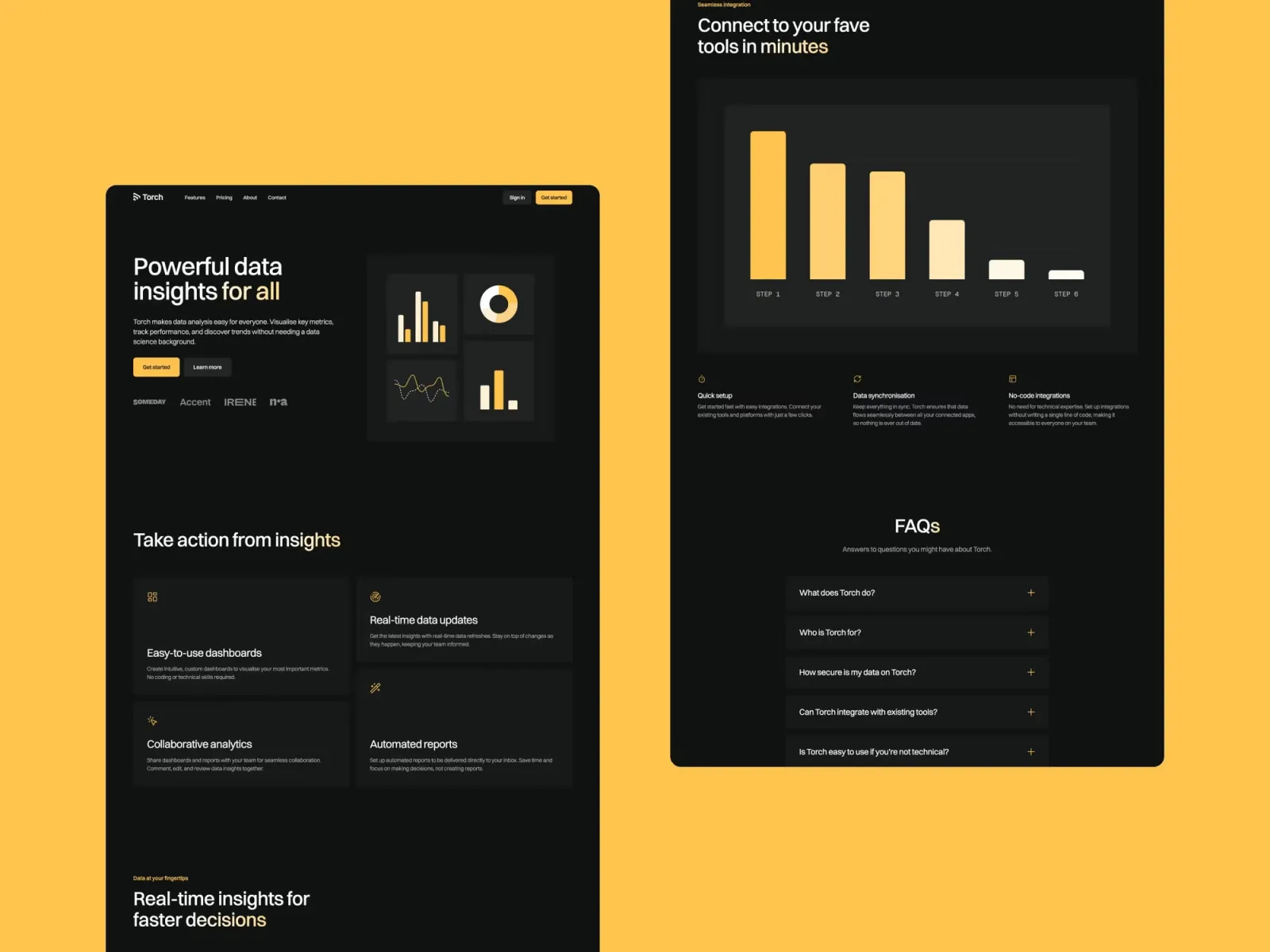
Torch is a high-quality dark Framer template built for SaaS startups. The layout is structured around product communication: hero, features, social proof, pricing, and CTA. One thing to consider: the dark aesthetic reads as premium to B2B and developer audiences, but if you’re targeting a consumer or lifestyle market, it can feel too technical.
SaaS startups and technology products that want a polished dark-mode website with strong product communication and a built-in blog.
$149 · Single site licence
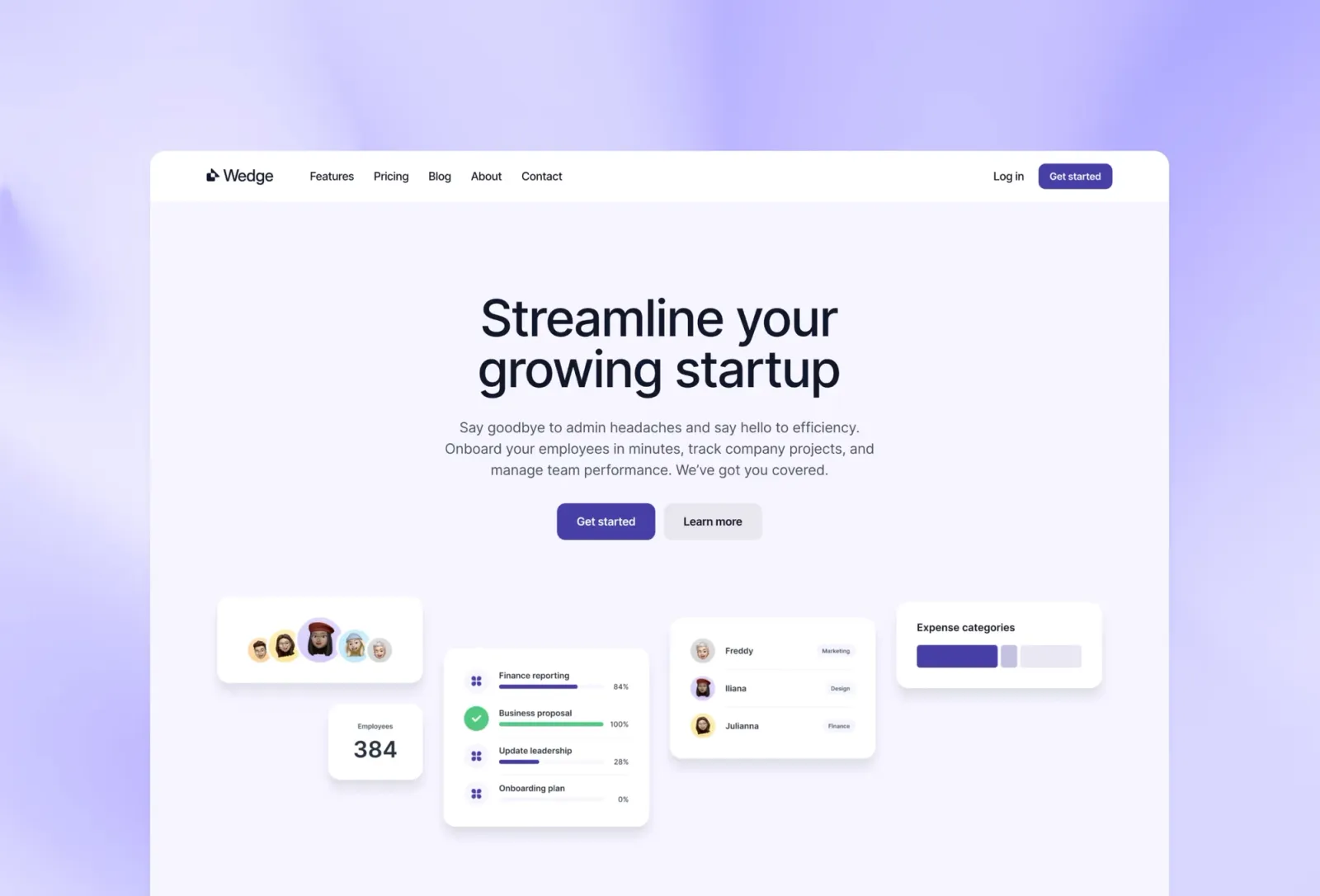
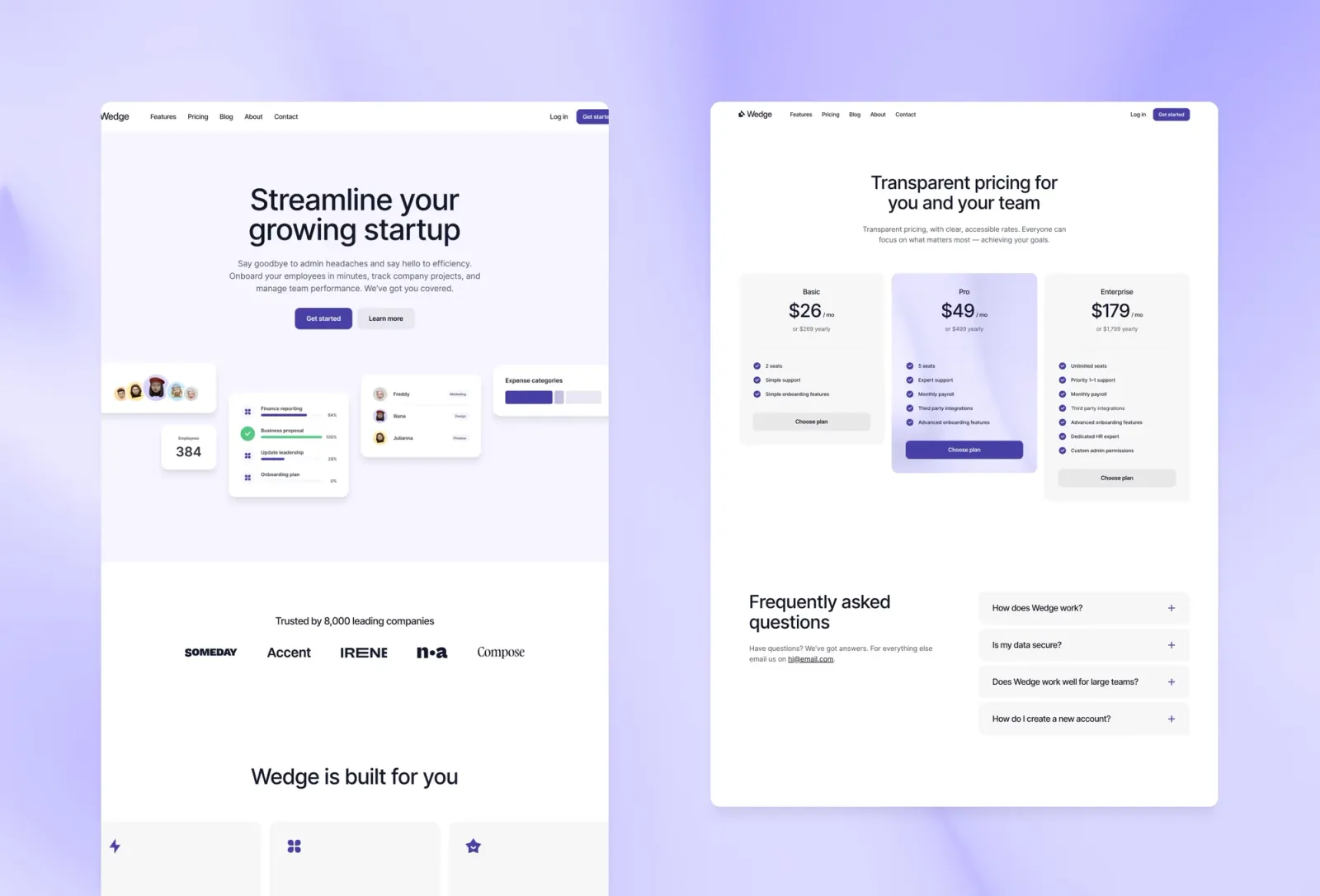
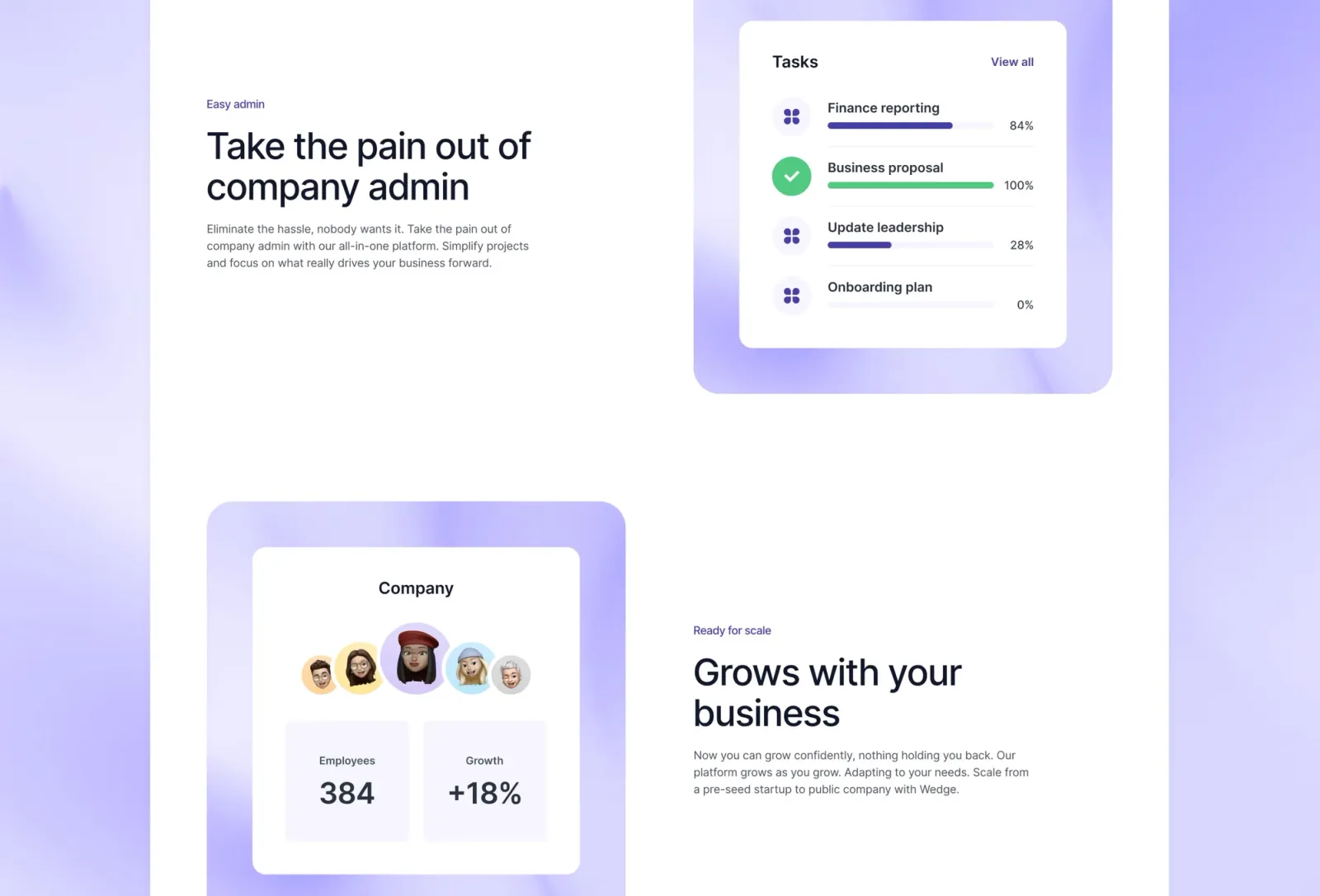
Wedge is a premium light-mode SaaS template with a blog built in. Where Torch goes dark and bold, Wedge takes the opposite approach — light, friendly, and approachable. The pastel and gradient palette suits consumer-facing products. The documentation-style pages are an unusual inclusion at this price point and useful for developer tools.
SaaS and developer tool startups who want a friendly, light-mode website with content marketing and documentation support.
$149 · Single site licence
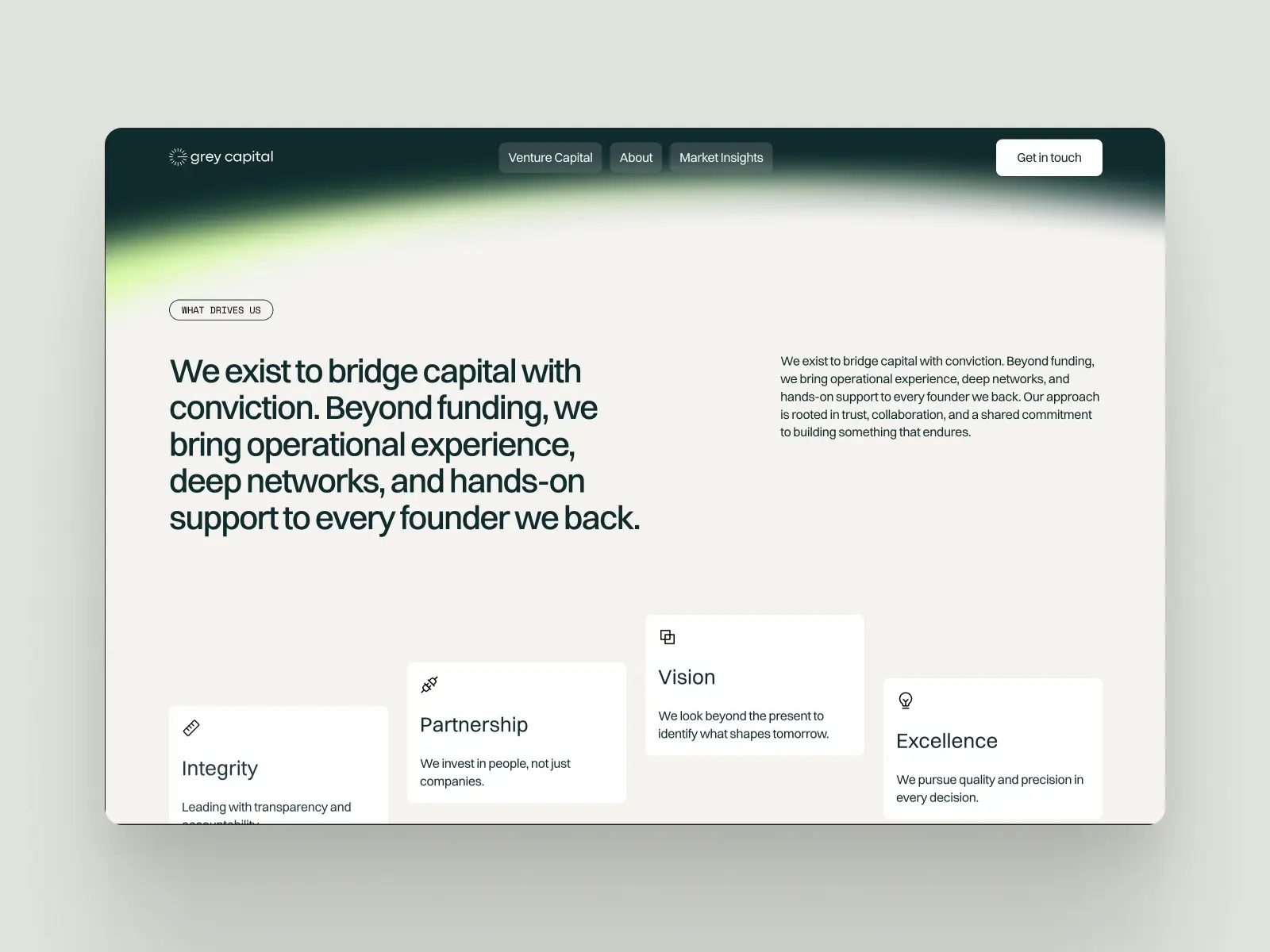
Grey Capital is a minimal, professional Framer template built for investment firms and venture capital studios. The clean layout puts credibility front and centre with a dedicated Venture Capital page, a CMS-powered Market Insights section for publishing research, and a polished contact page.
VC firms, angel investors, family offices, and startup studios who need a professional online presence that communicates credibility to founders and co-investors.
$29 · Single site licence
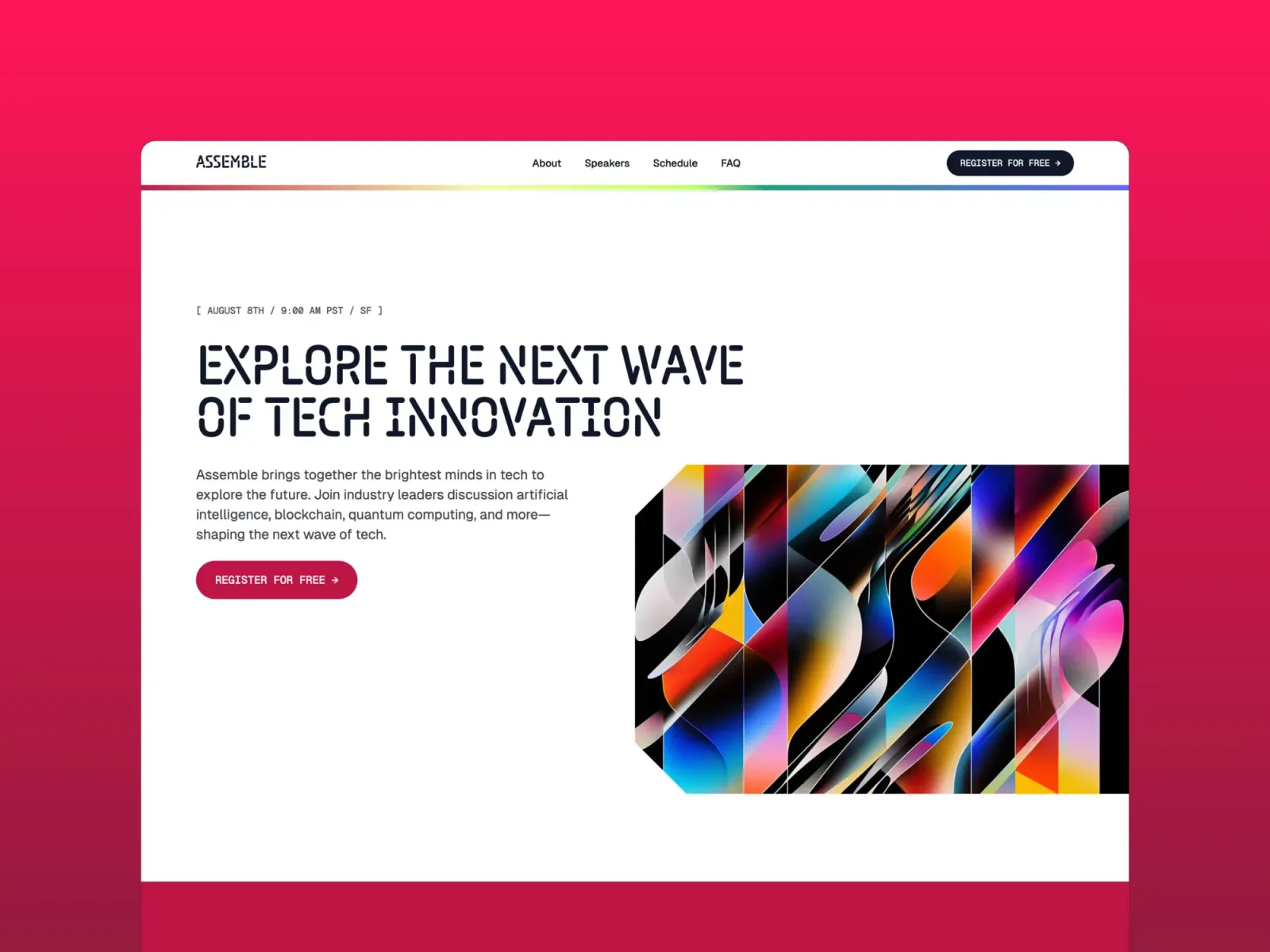
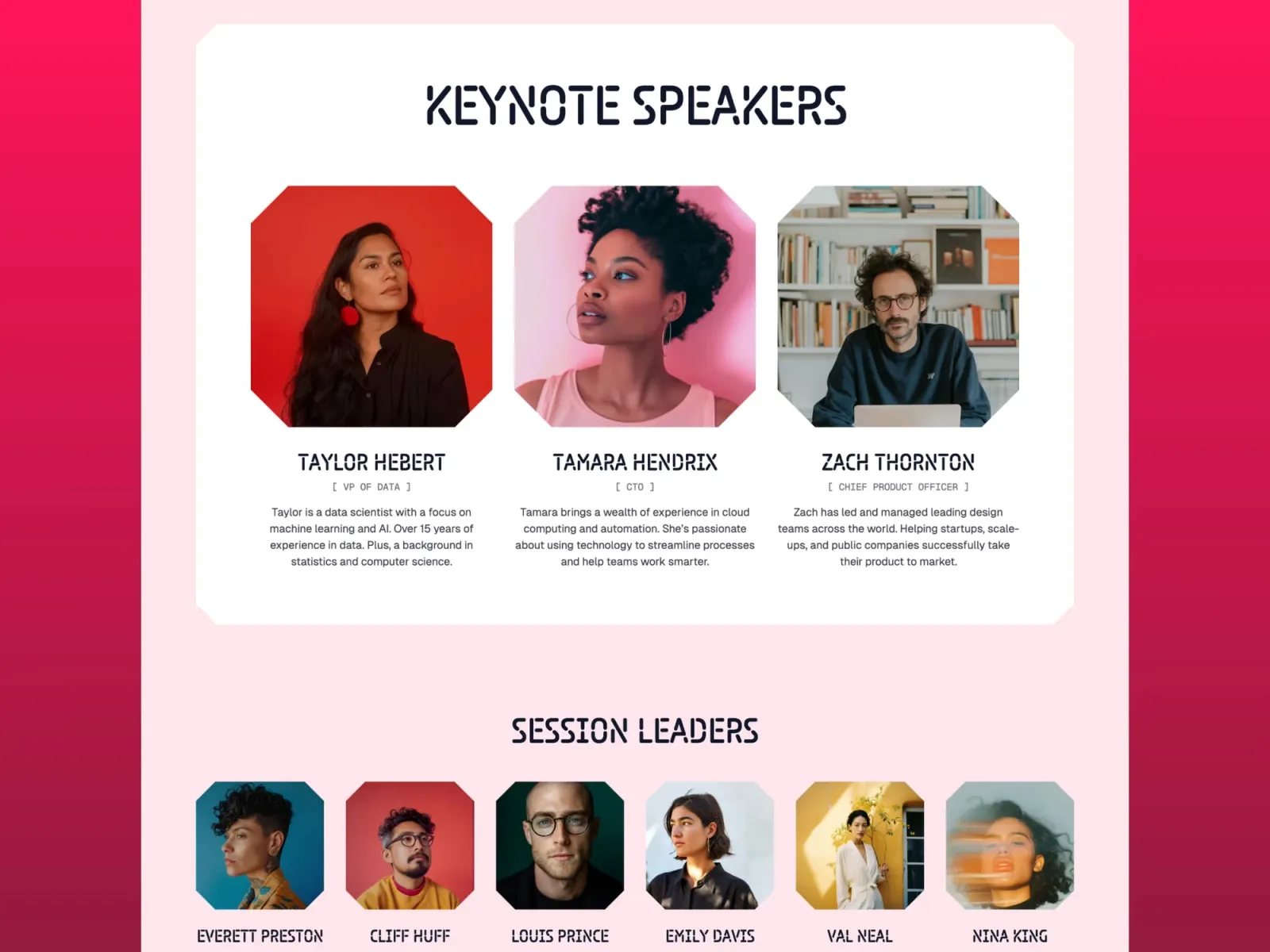
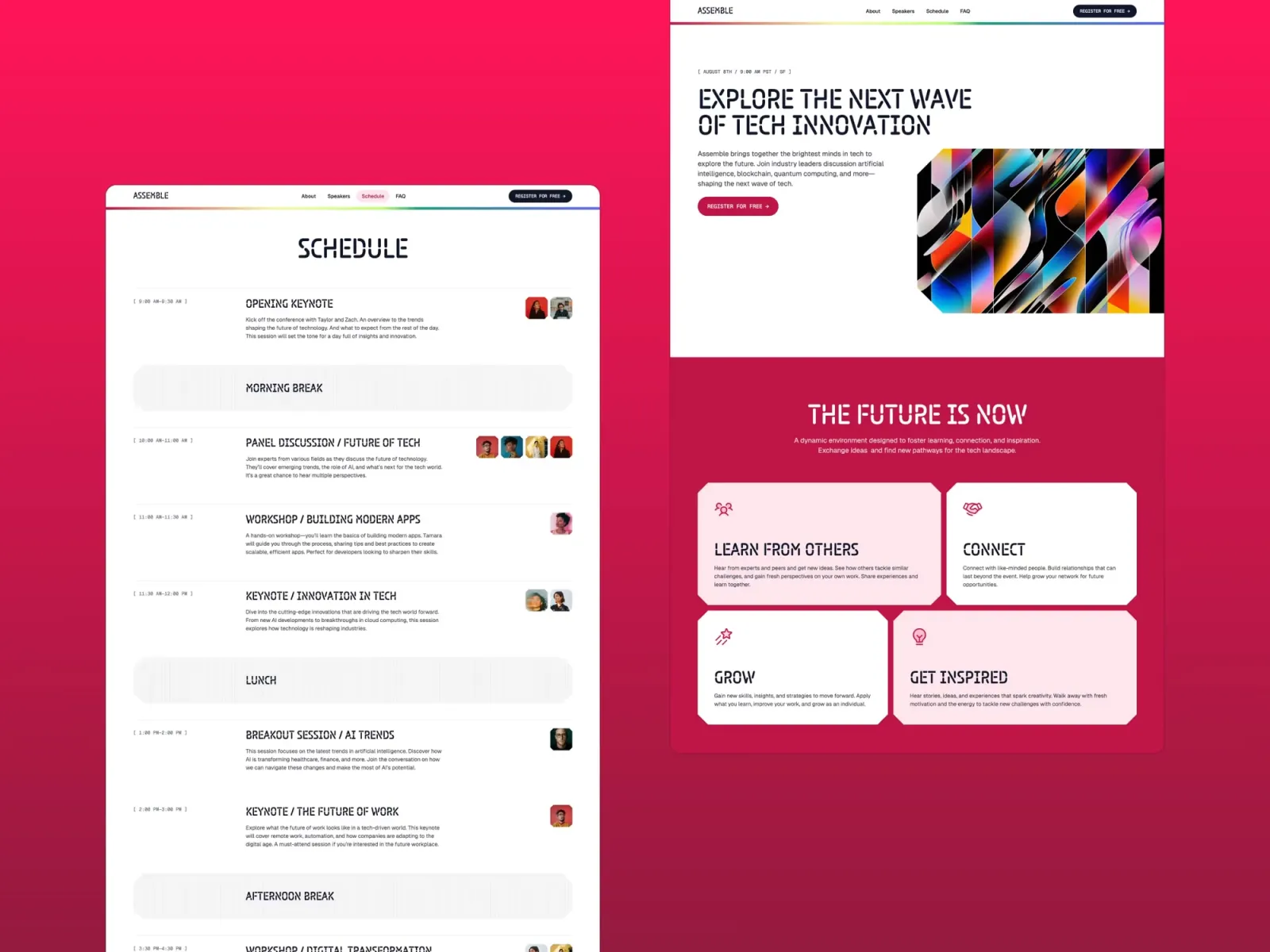
Assemble is a fun, colourful one-pager originally designed for events and conferences — but its launch-page structure maps well to product releases and waitlists. Worth being aware of: the section structure is weighted towards announcements rather than product detail. If you need a comprehensive feature breakdown or pricing table, you’ll be adapting rather than launching.
Startups launching a product, event, or community who want an energetic, visually distinctive one-pager that captures attention immediately.
$149 · Single site licence
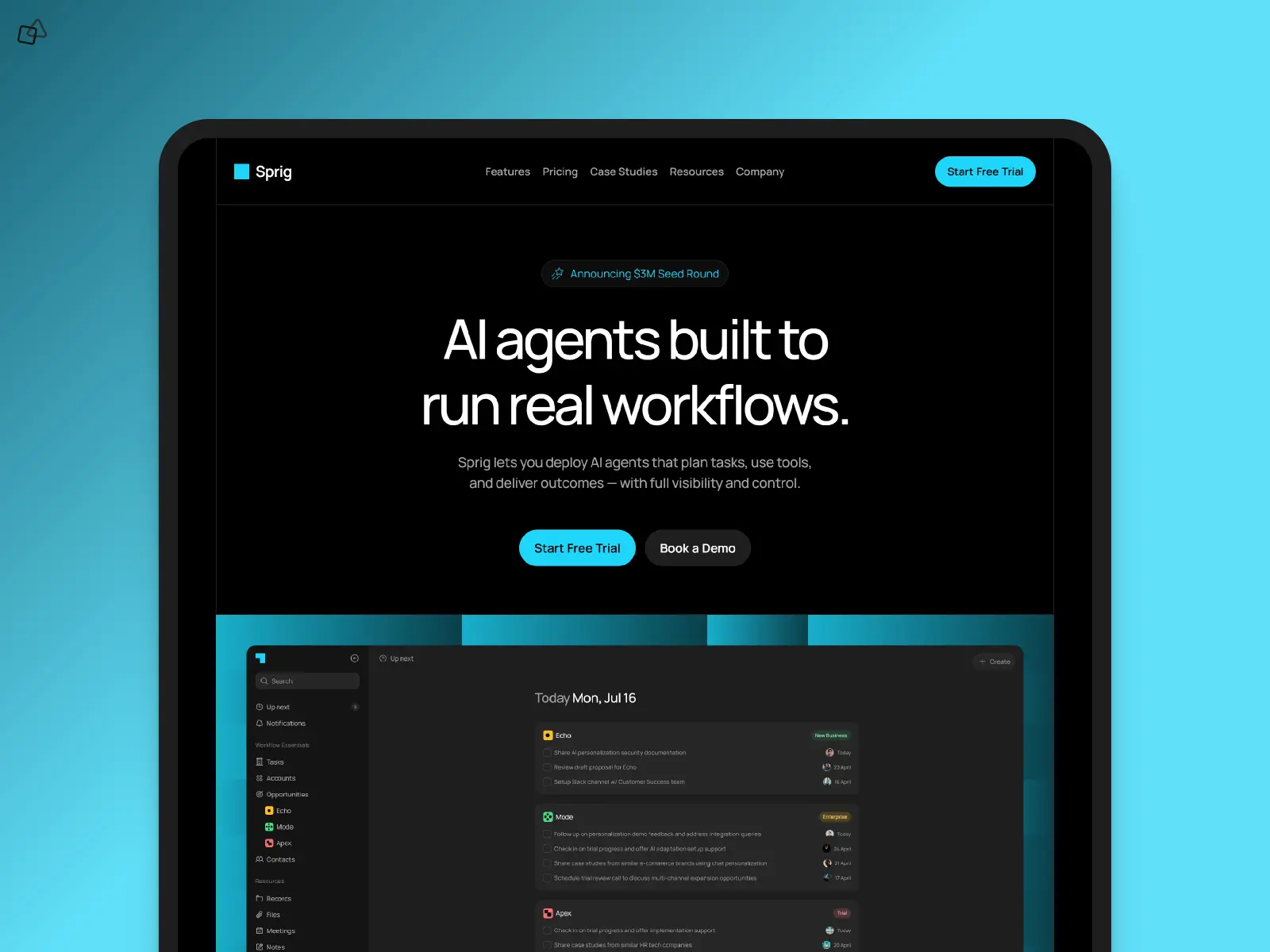
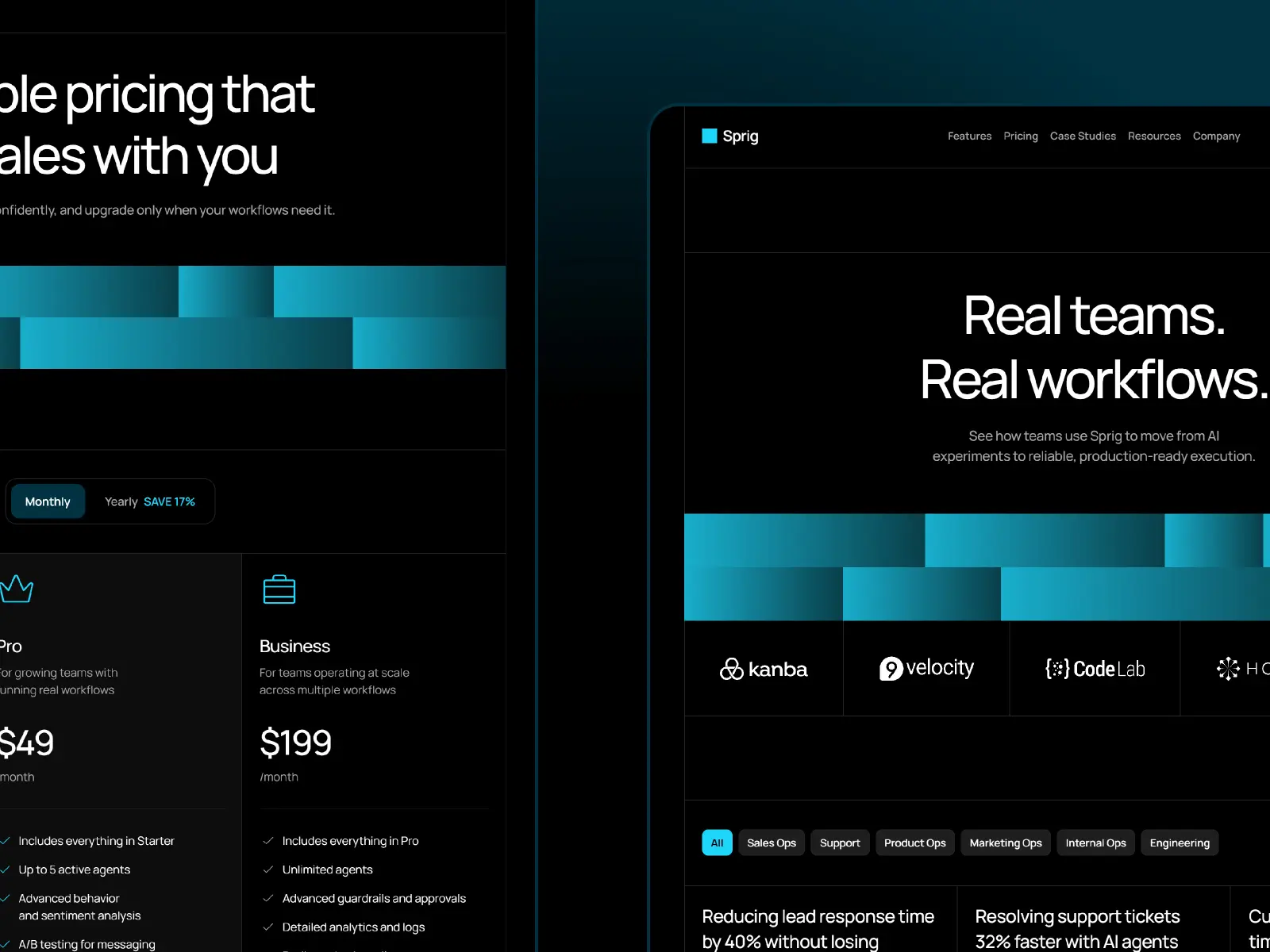
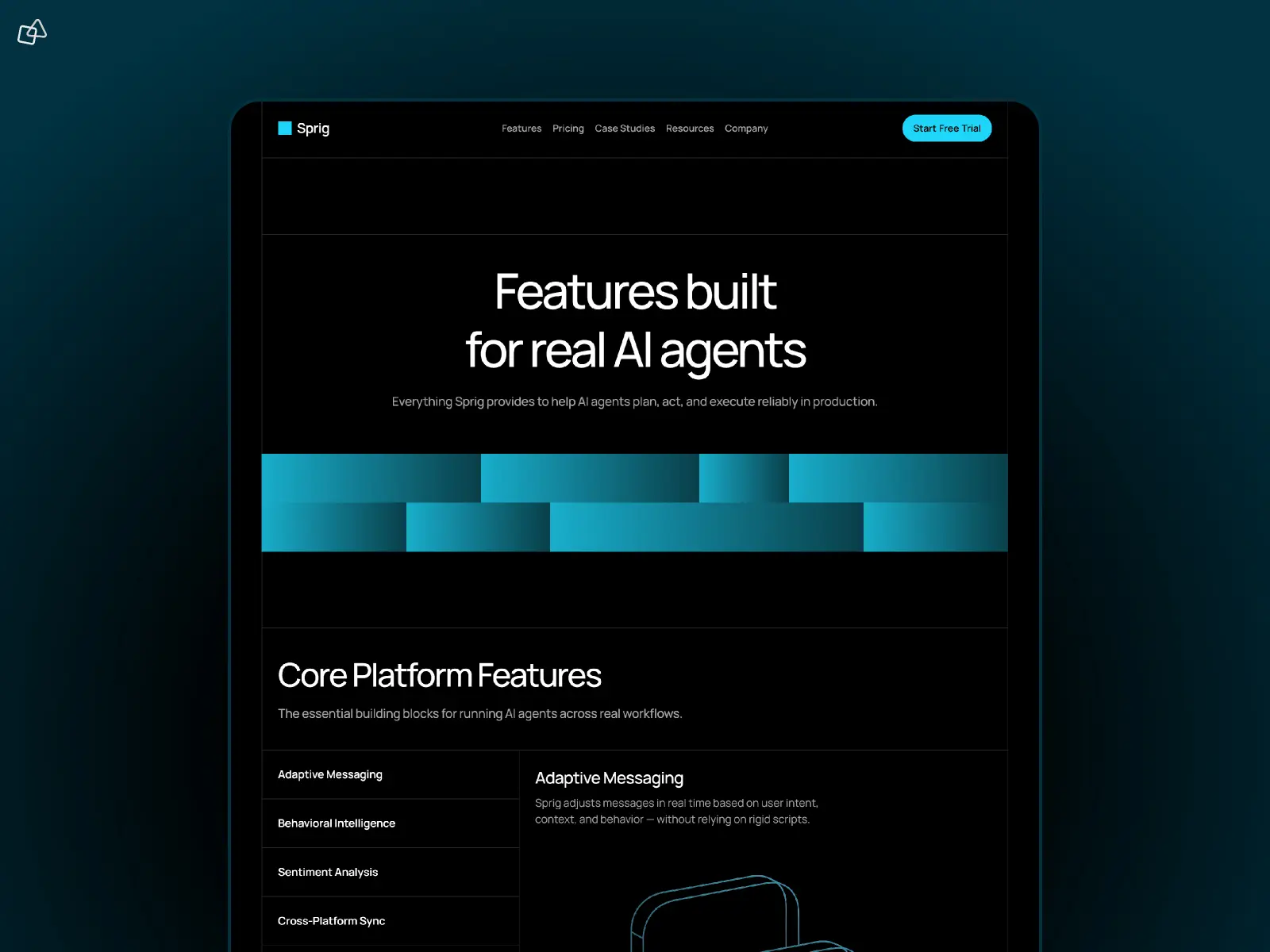
Sprig is a premium dark-mode SaaS landing page template with animated gradient visuals and four distinct hero layout options. At $199 it’s the most expensive template on this list — the hero layout variety and animated gradients are the main differentiators. The rest of the template is solid but not dramatically richer than cheaper alternatives. Worth it if the animated dark aesthetic is specifically what you’re after.
AI startups, SaaS founders, and developer tools that want a premium dark-mode landing page with a distinctive animated visual identity.
$199 · Lifetime updates included
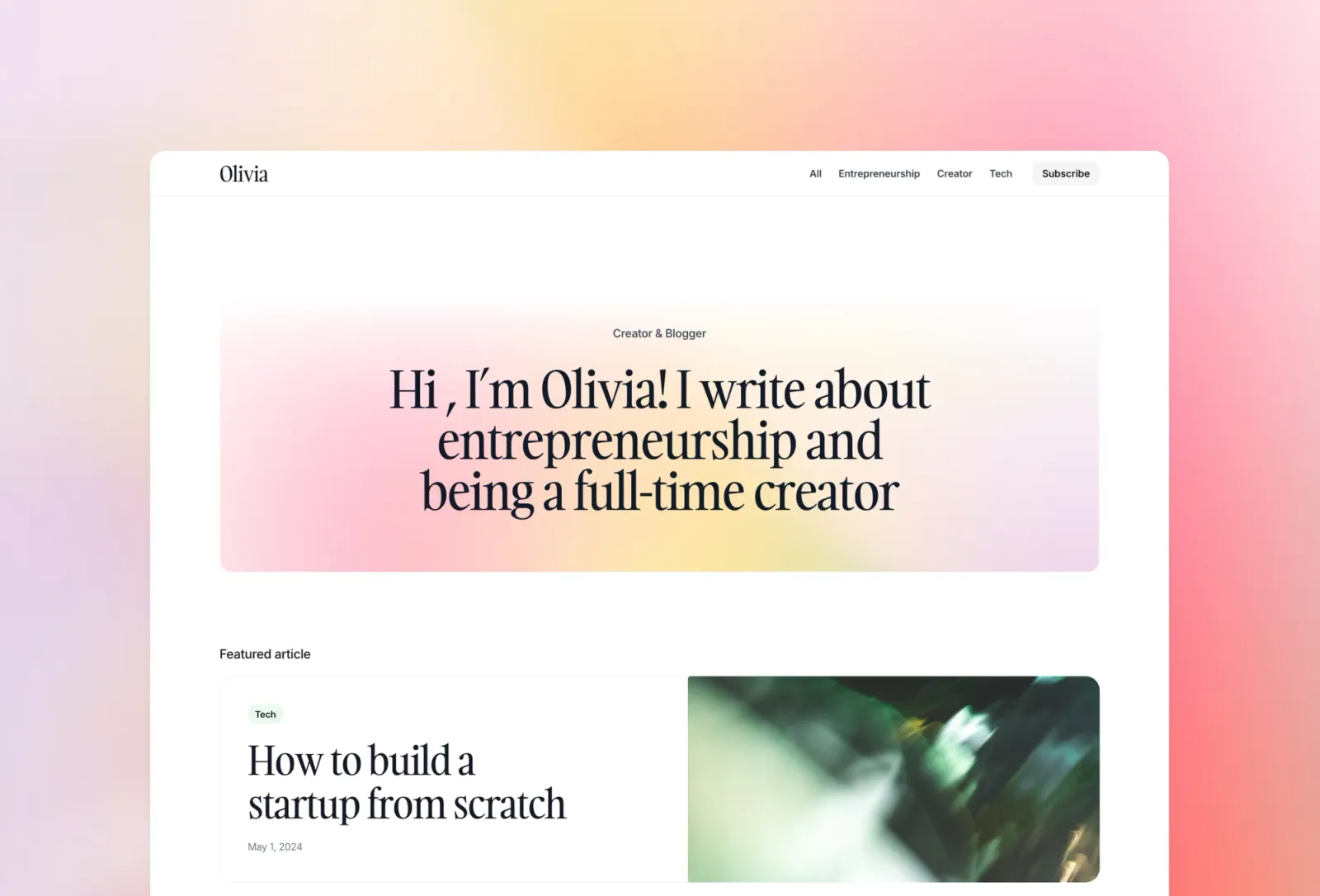
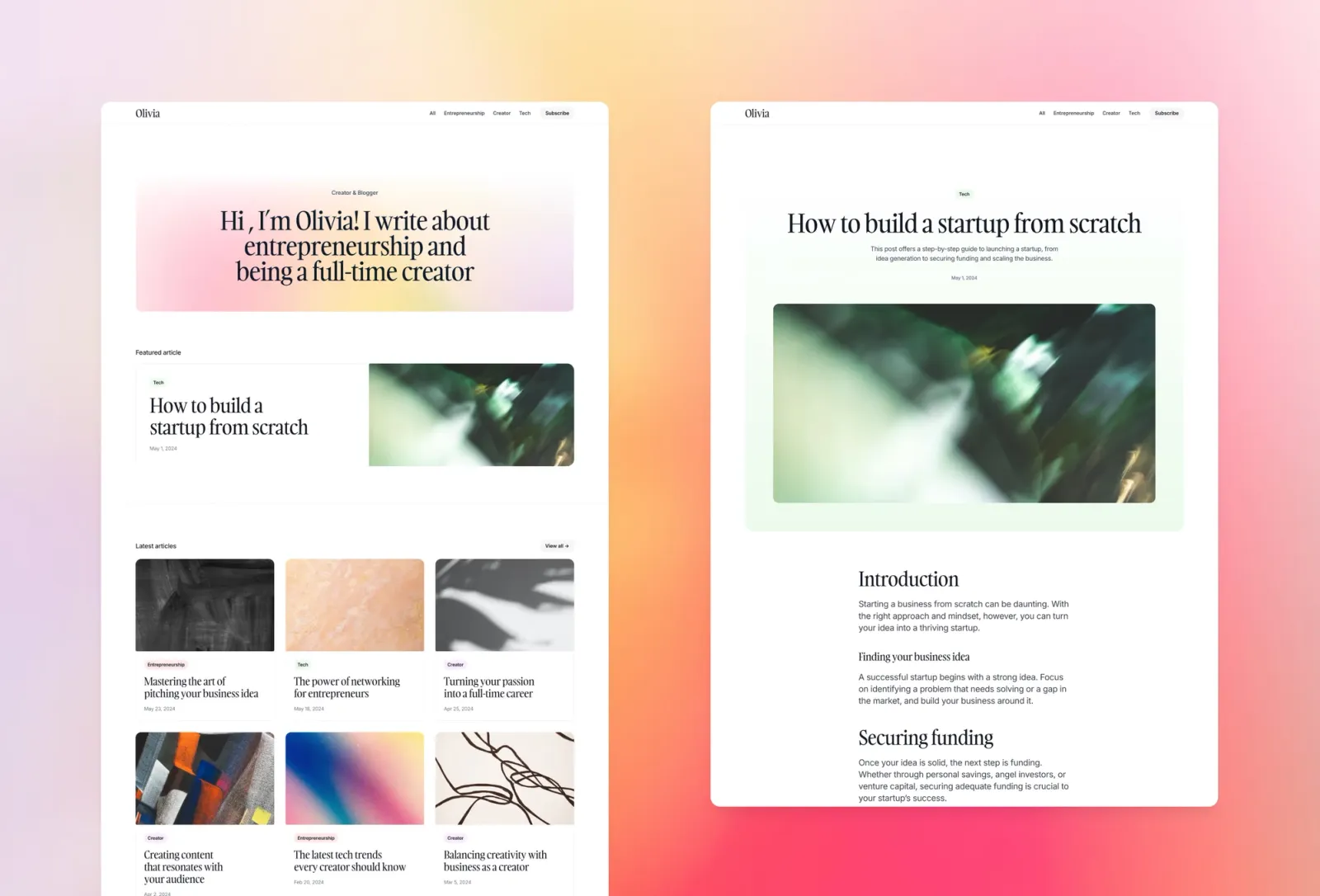
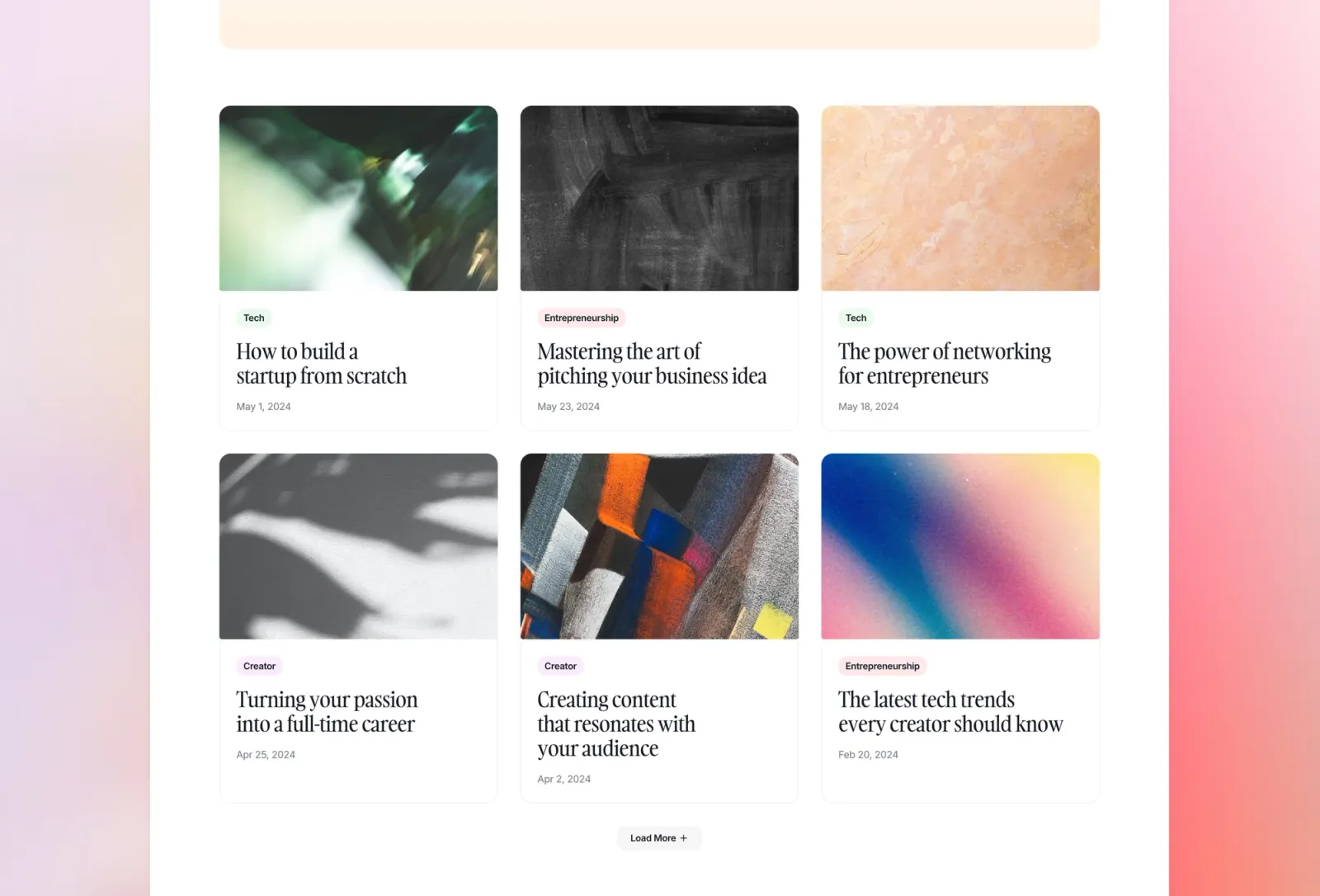
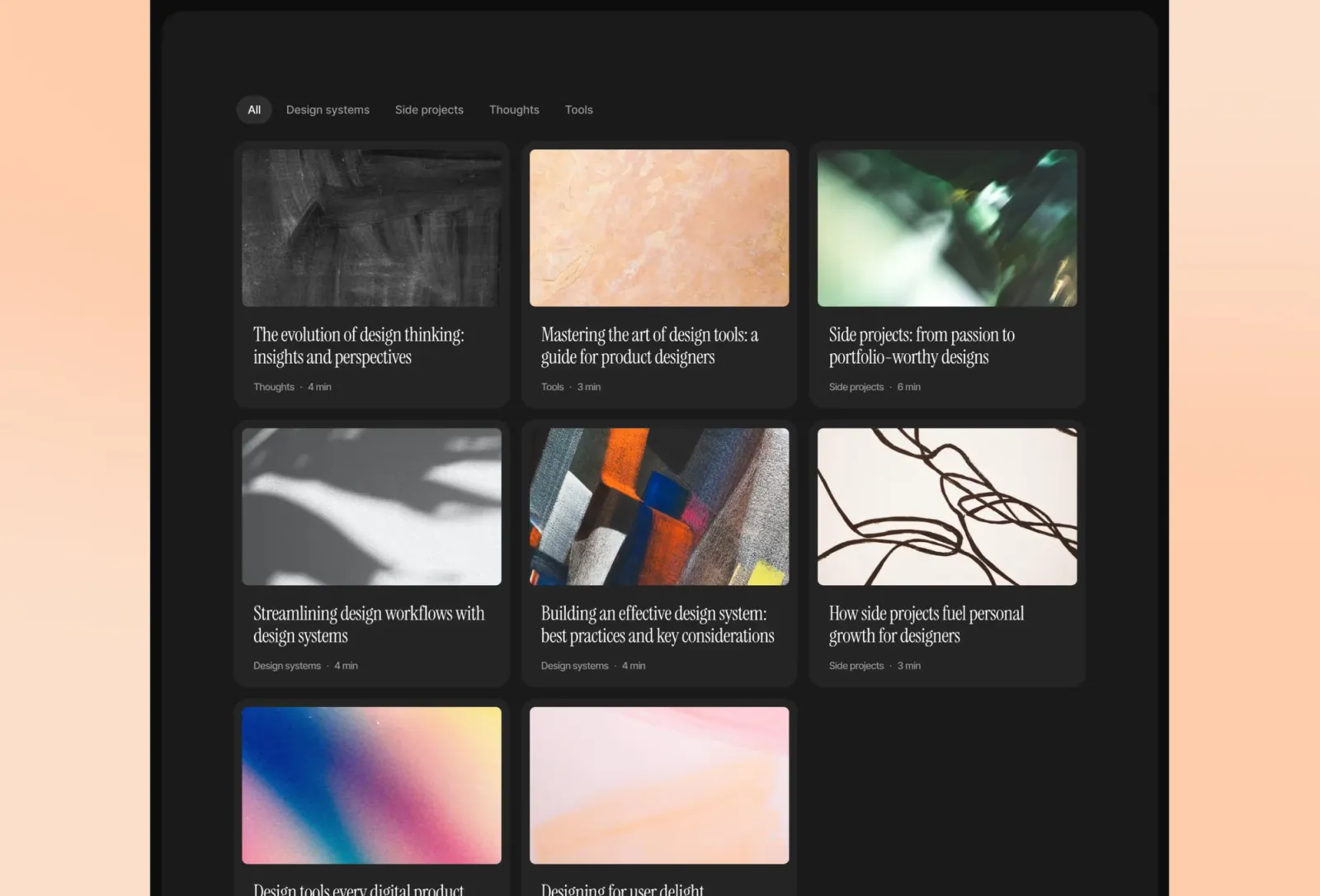
Content marketing is one of the highest-ROI channels for early-stage startups. Compose gives you a clean, modern blog from day one. The colourful, editorial layout is friendly and approachable, and the full CMS support means you can start publishing immediately after setup.
Startups and founders building a content marketing strategy from scratch who want a clean, fully-featured blog.
$149 · Single site licence
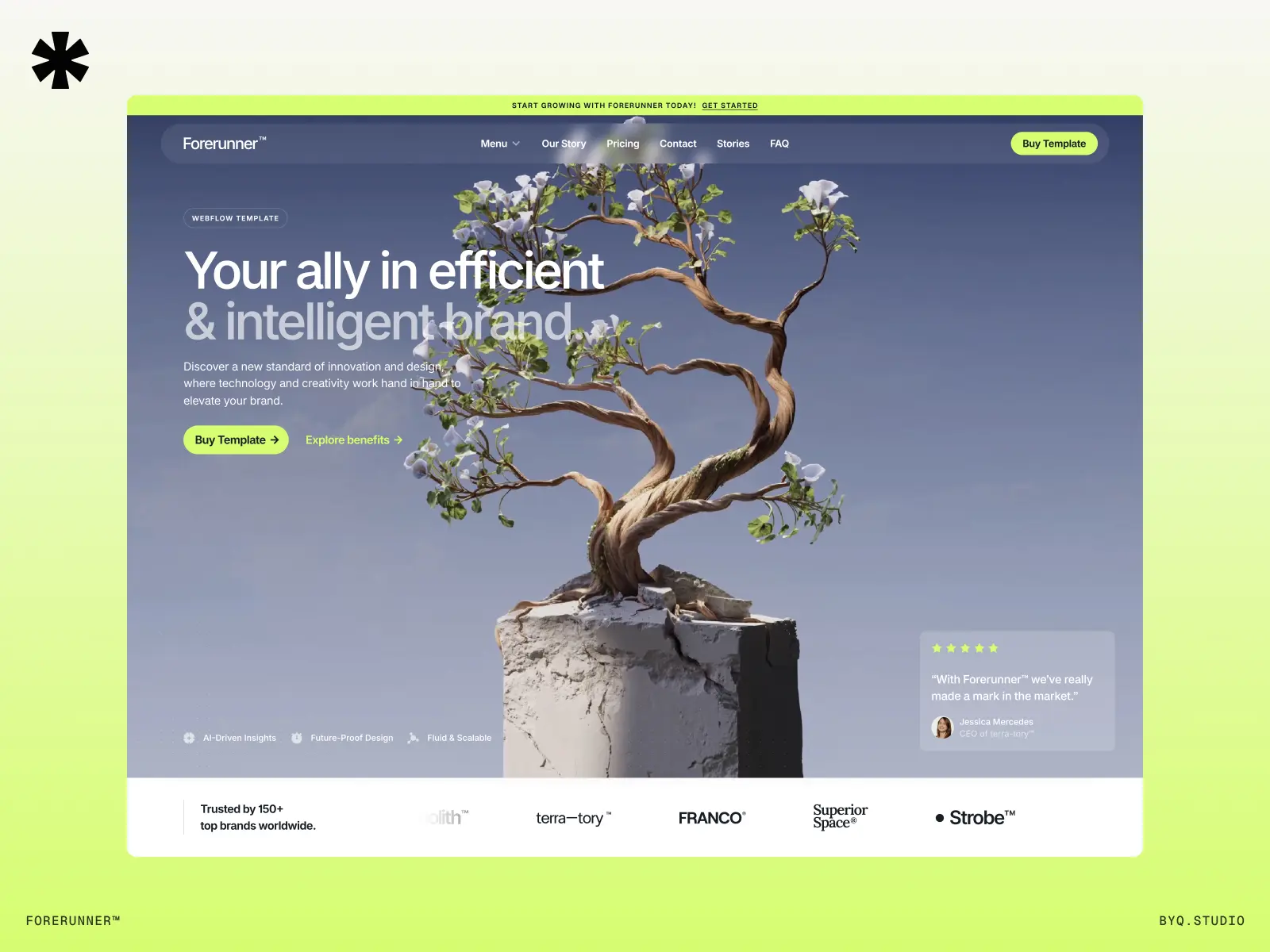
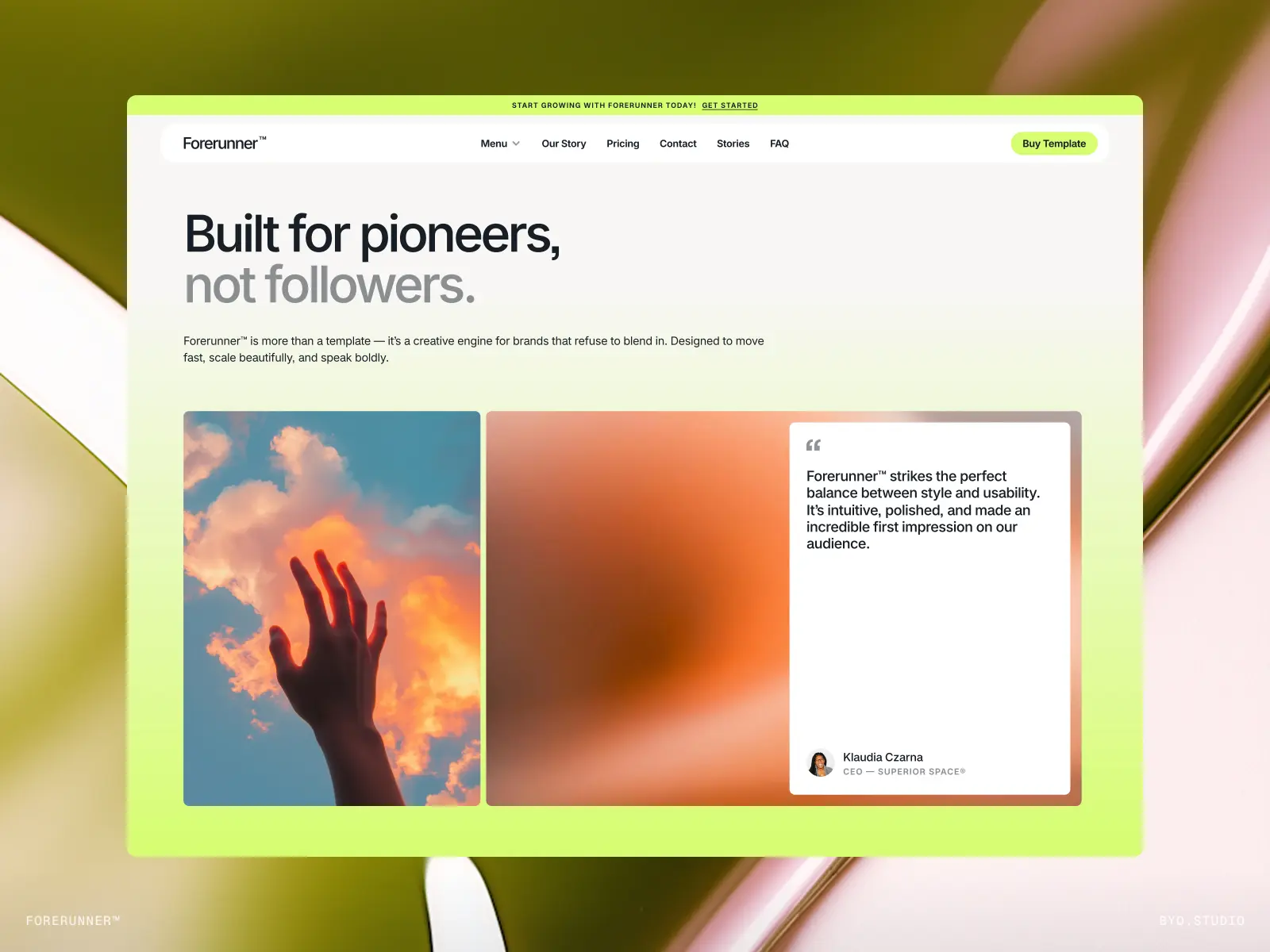
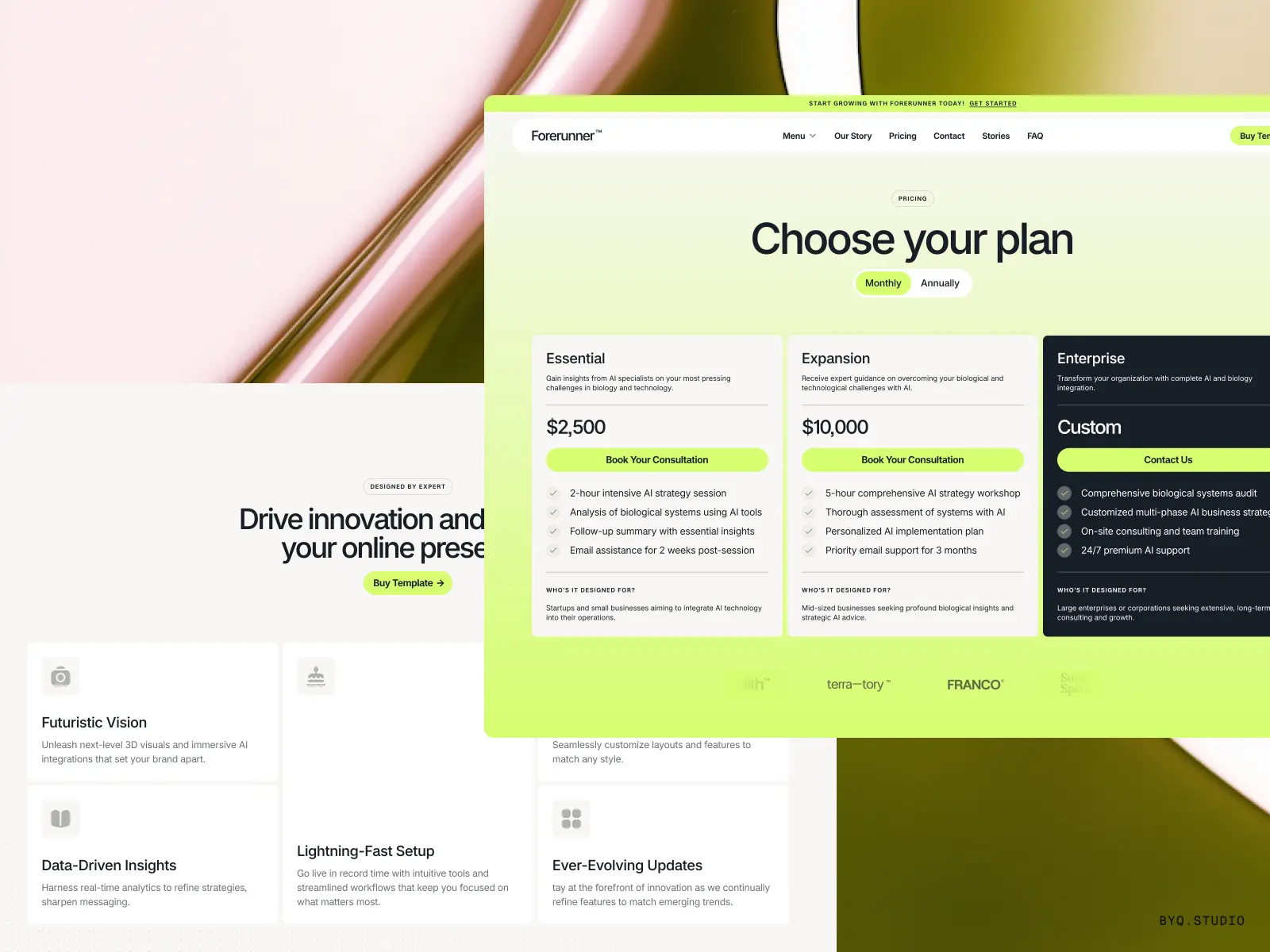
Forerunner is a full-featured, multi-page SaaS template with 11 pages, built-in CMS, and a Figma source file included in the purchase. It covers the full stack of what a growing startup needs: product marketing, blog, pricing, and a professional contact section.
Startups, SaaS products, and agencies who want a comprehensive multi-page website with both Framer and Figma source files included.
$79 · Figma source file included
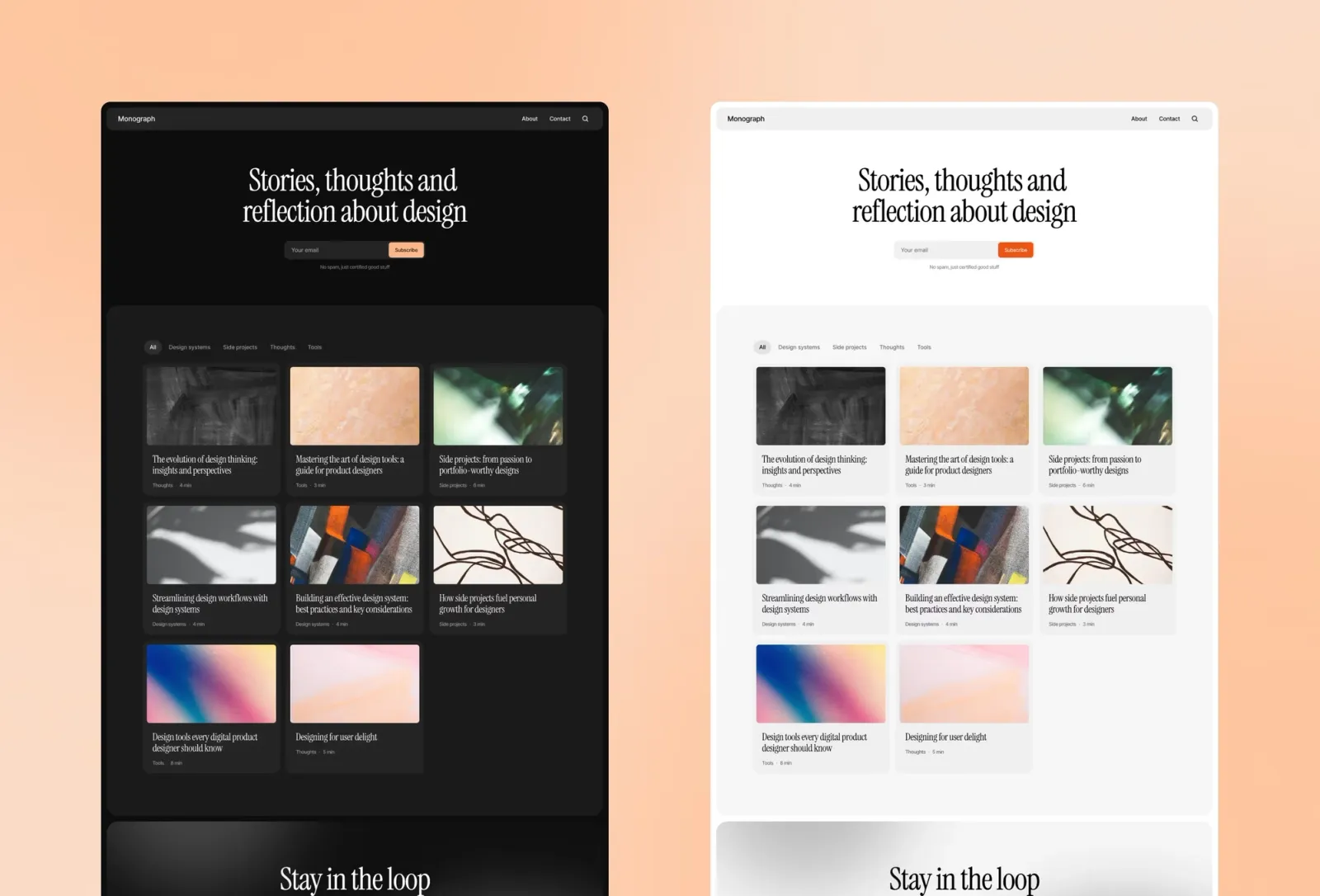
Monograph is a premium blog template with two features most startup blogs eventually need but have to bolt on later: built-in global search and dynamic category filtering. If you’re building a knowledge base or resource centre alongside a standard blog, Monograph handles it natively.
Startups building a content hub, resource library, or knowledge base alongside their main product marketing site.
$149 · Single site licence
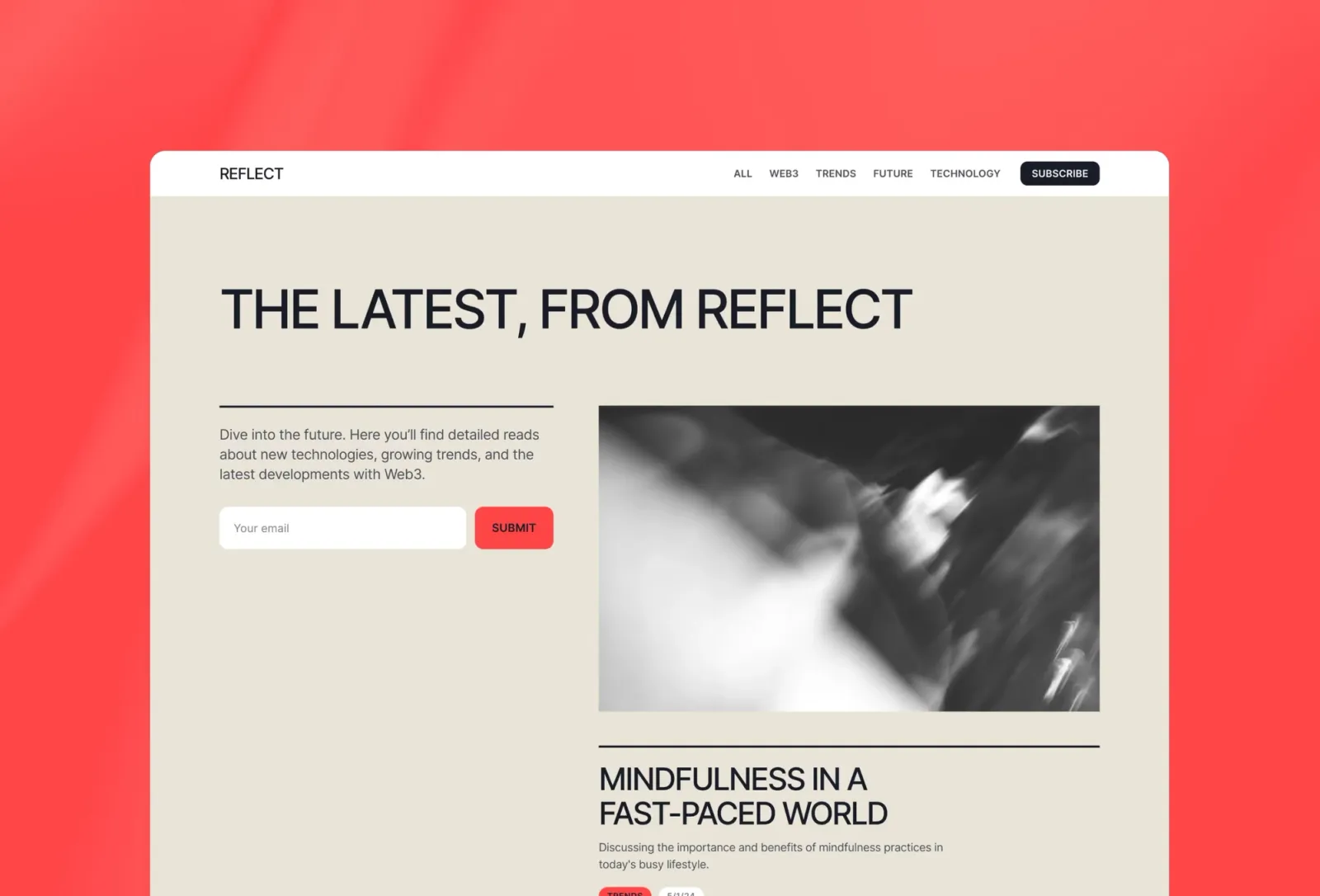
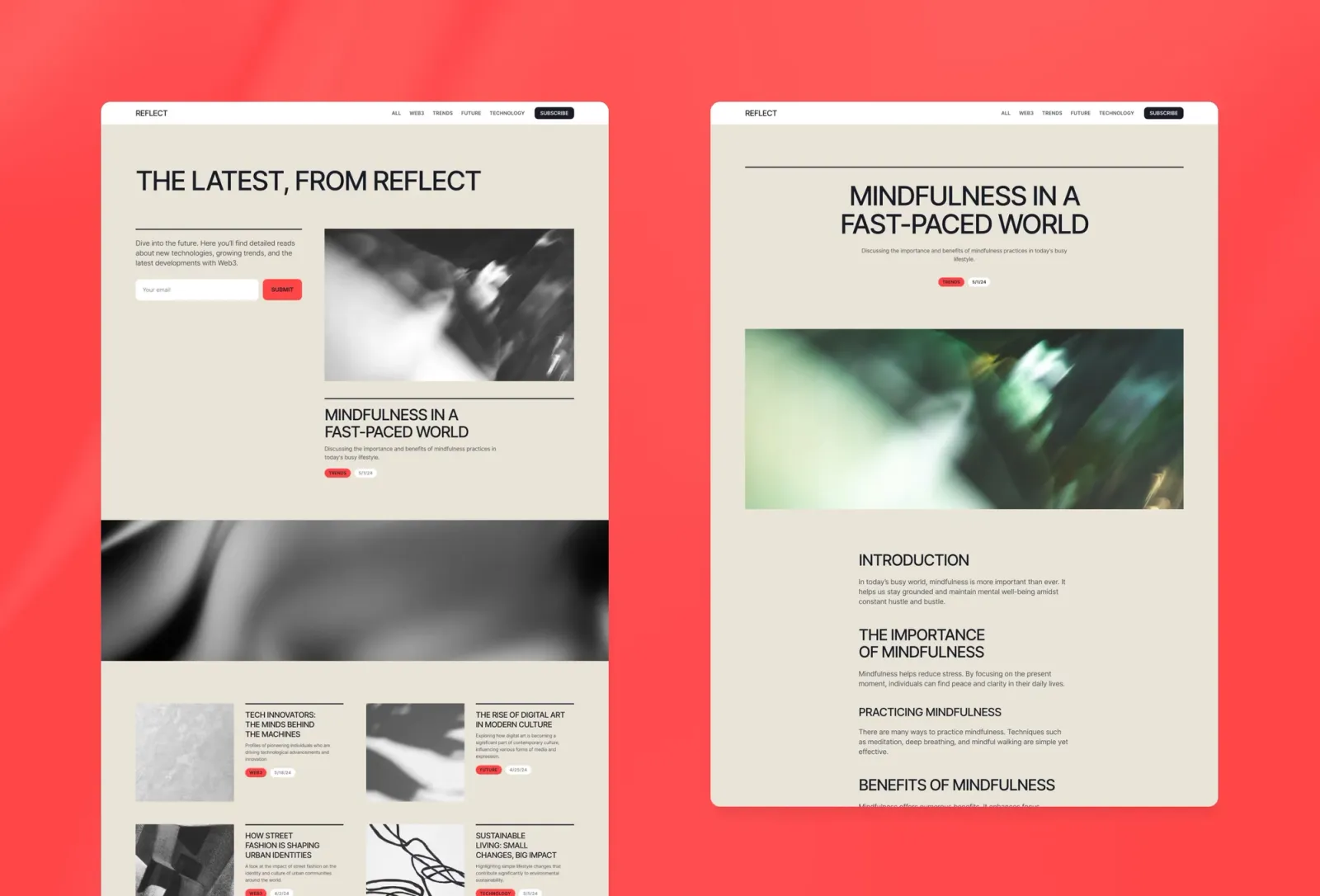
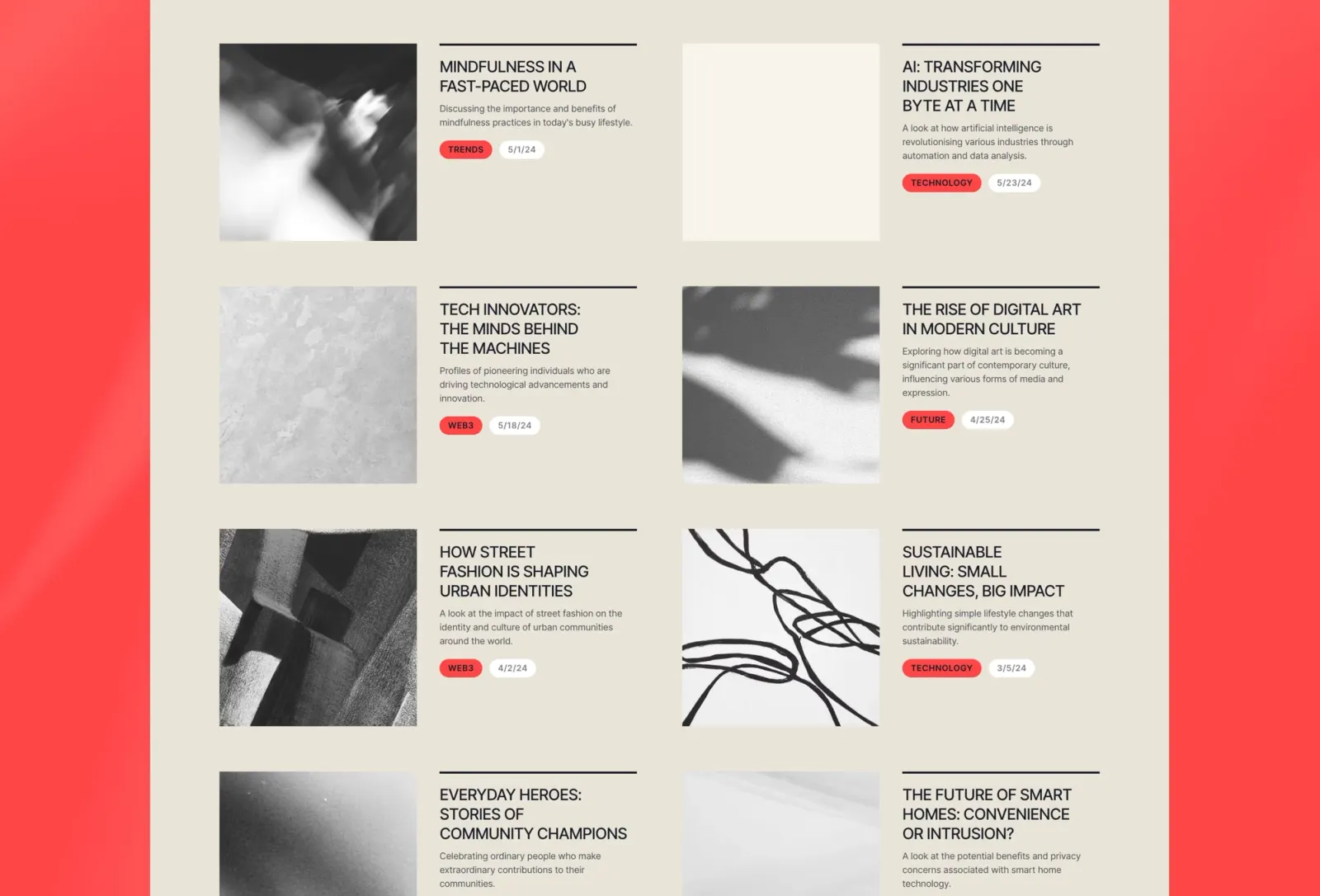
Reflect is the most minimal blog on this list — clean, cinematic, and elegantly spaced. Compared to Compose, which is colourful and editorial with author and category CMS, Reflect is quieter and more focused on the reading experience itself. It suits startups where the writing quality is the product: newsletters, research publications, and deep-dive content that needs room to breathe.
Startups building a premium newsletter or long-form publication who want an uncluttered reading experience.
$149 · Single site licence
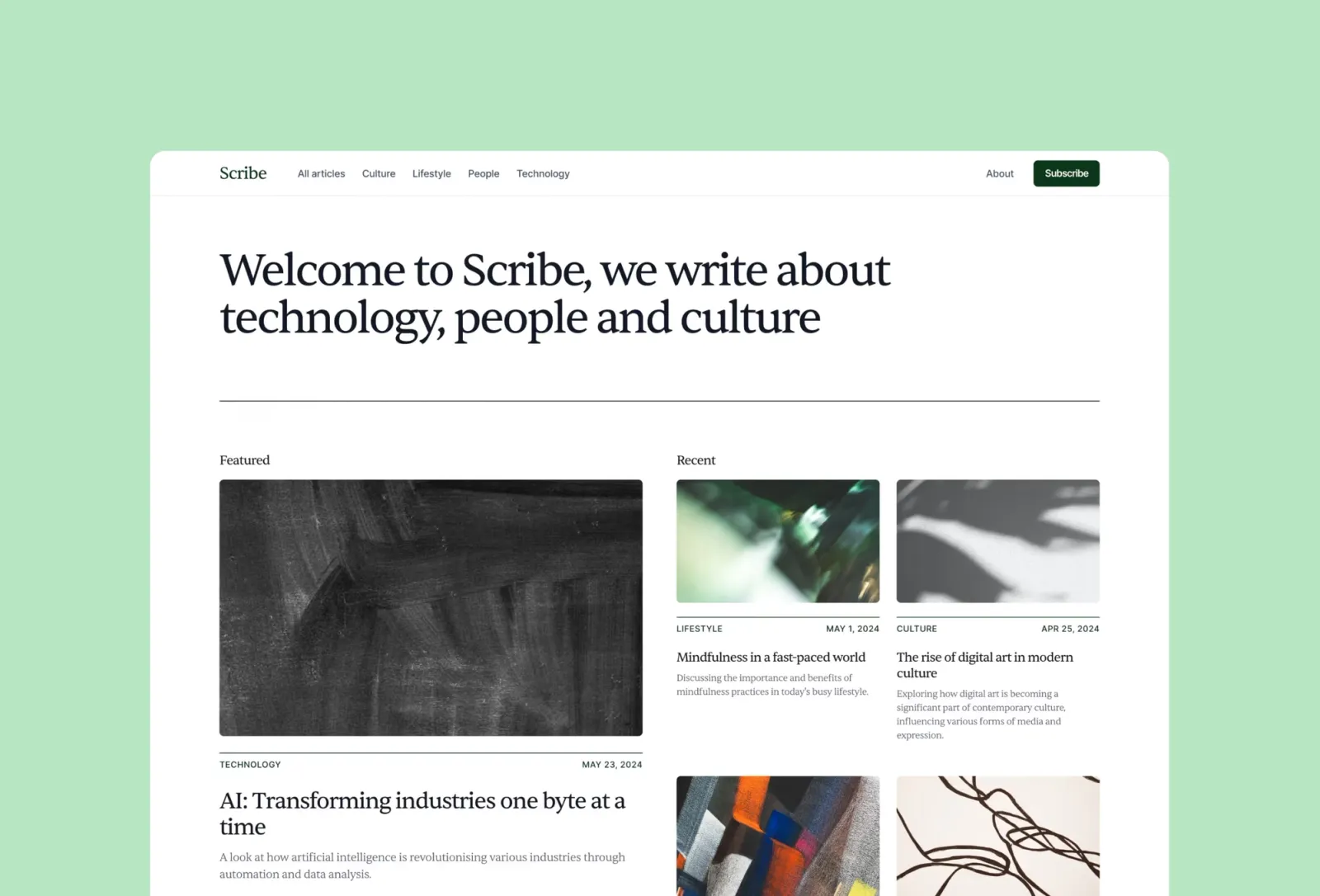
Scribe is the quickest blog to get live on this list. Auto dark/light mode, seven pages, CMS for posts and categories, and a completely neutral aesthetic that doesn’t fight your brand. Not the most distinctive template — but that’s the point. The right choice when you need a working blog and not a design project.
$149 · Single site licence
For SaaS products, Torch (dark mode) and Wedge (light mode) are the strongest starting points — both purpose-built with pricing, features, and CTA sections ready to go. Sprig is the premium option for AI and developer tools where an animated dark aesthetic matters. For a comprehensive multi-page site with Figma files included, Forerunner covers everything from launch to growth. Grey Capital is a niche but well-made pick for VC firms and investment studios. If you’re launching and need a high-energy one-pager fast, Assemble is the most energetic option. For content marketing, Compose offers the richest editorial features. Monograph is the pick if search and filtering matter. Reflect and Scribe are the fastest to brand and the cleanest to read.
Browse startup Framer templates or see the full range on the
Quick setup checklist:
Framer combines the speed of a template with the flexibility of a custom design tool. You can launch in days and still change the design completely later without rebuilding from scratch. The built-in CMS handles blog content natively, and Framer’s performance output is solid for SEO.
Yes. Framer includes a native Form component that can send submissions to email, a webhook (for tools like Mailchimp or Loops), or Google Sheets. All templates on this list support it — drop the form component onto any page and configure the action in the editor.
Torch, Wedge, and Forerunner all include pricing sections. For templates that don’t, pricing tables are easy to add in Framer using the grid component with a few columns.
Go to Site Settings → Analytics in the Framer editor. You can add Google Analytics, Fathom, Plausible, or any analytics tag that uses a script snippet.
Absolutely. Assemble is purpose-built for it — it’s fast to set up, captures email addresses, and communicates your idea clearly. For SaaS products still in development, a simple coming-soon page with email capture is often more effective than a full multi-page site.
Want all templates in one purchase? Unlimited Access includes every current and future Framer template.
Join 2,900+ designers · Unsubscribe at any time