9 best Framer templates for consultants
The 9 best Framer templates for consultants in 2026. Turn a referral into a booked call — compare services, blog and portfolio layouts and launch this week.

13 min
The 9 best Framer templates for consultants in 2026. Turn a referral into a booked call — compare services, blog and portfolio layouts and launch this week.
Most consulting work comes through referral. Someone passes on your name, and the first thing they do is open your site to check you’re the real thing.
So the site has one job — turn that visit into a reply. Not a wall of screenshots, but a clear answer to what you do, who you do it for, and how to start. These nine Framer templates are built around that, from a single services-and-pricing page to a full practice site with a blog.
A designer gets hired on the work. A consultant gets hired on the thinking behind it — the problem you solve, what an engagement looks like, and enough proof you’ve done it before.
So the page that closes the deal isn’t a gallery. It’s the one where a stranger decides you understand their problem.
Pick the template whose structure matches how you actually win work. The rest is decoration.
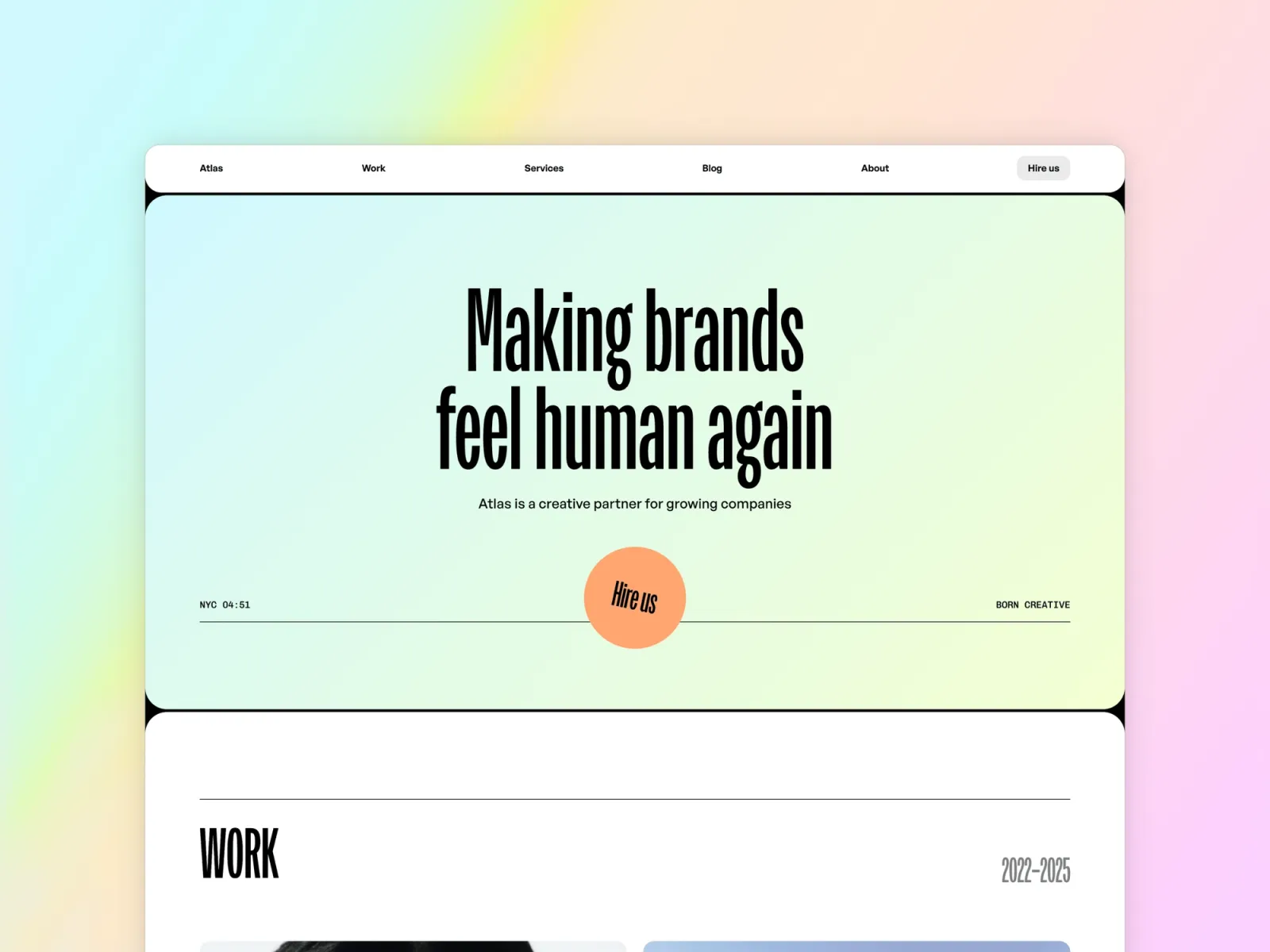
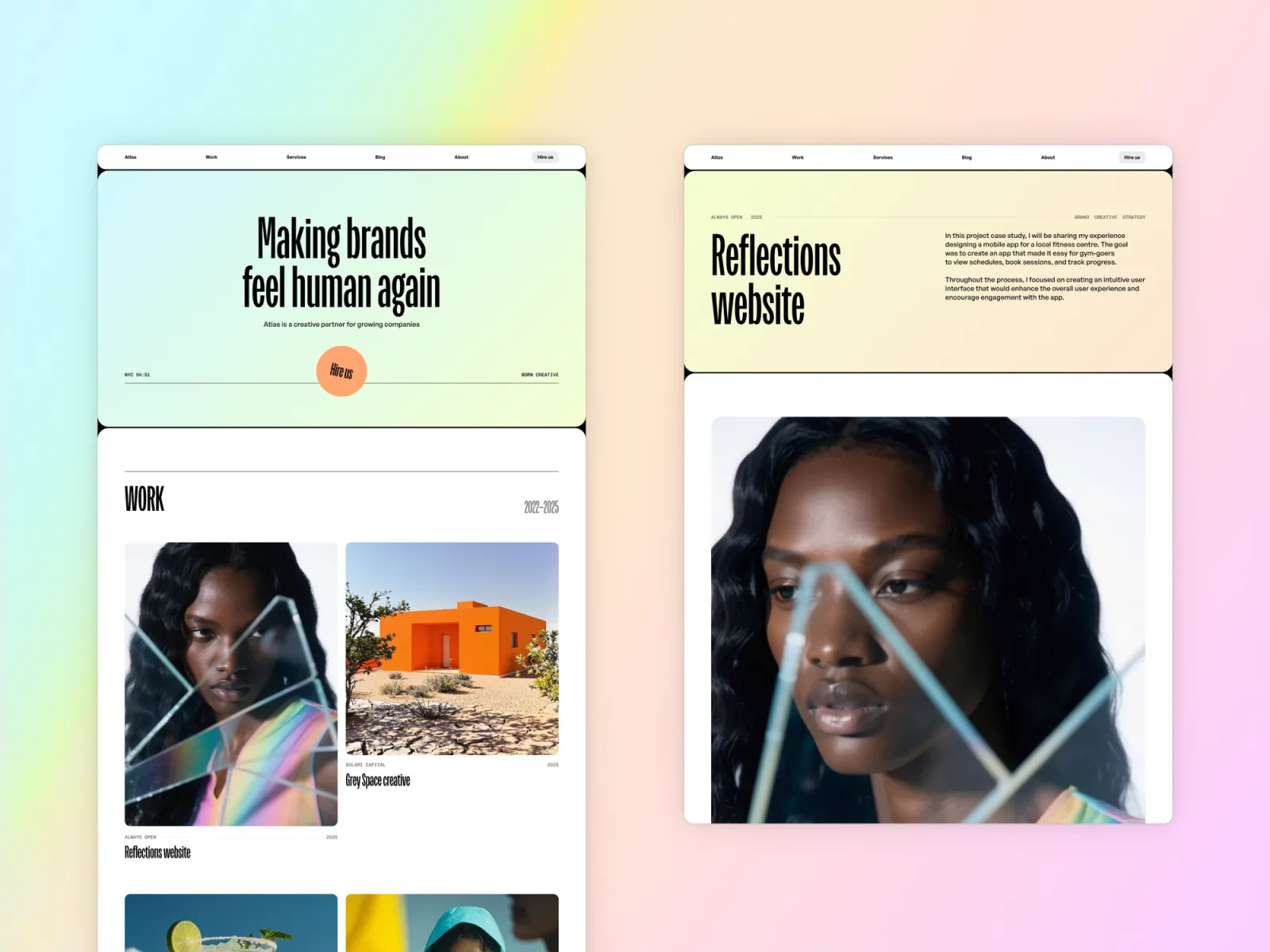
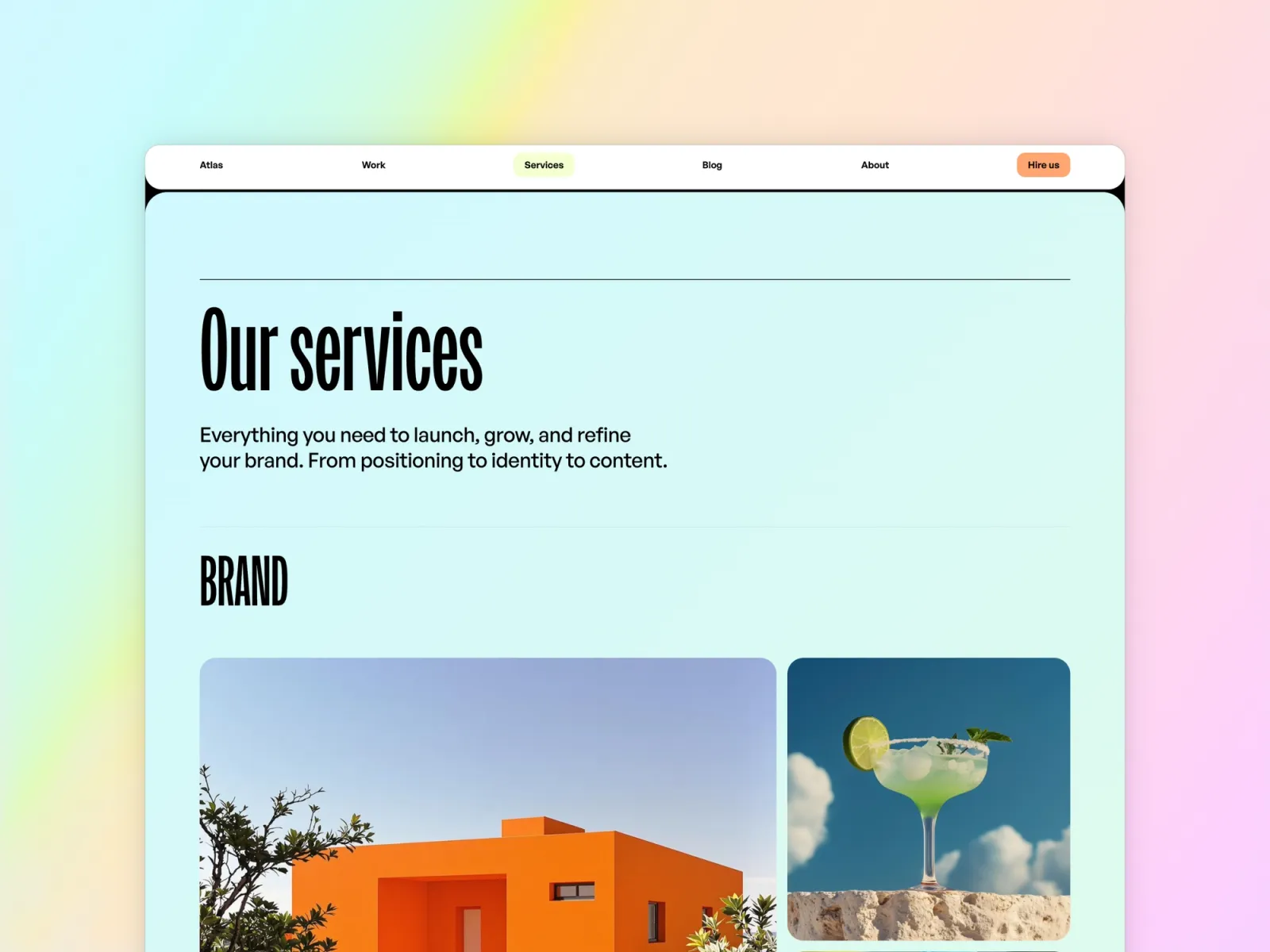
Atlas Studio is a ten-page practice site rather than a personal profile. It has a services section, a blog, native enquiry forms, and legal pages already built for client contracts. More to fill than anything else here — the trade for reading as an established firm rather than a freelancer.
Established independent consultants billing real clients, who need the site to read as a practice — services, proof, and an enquiry form that routes where you’ll see it.
$149 · Single site licence
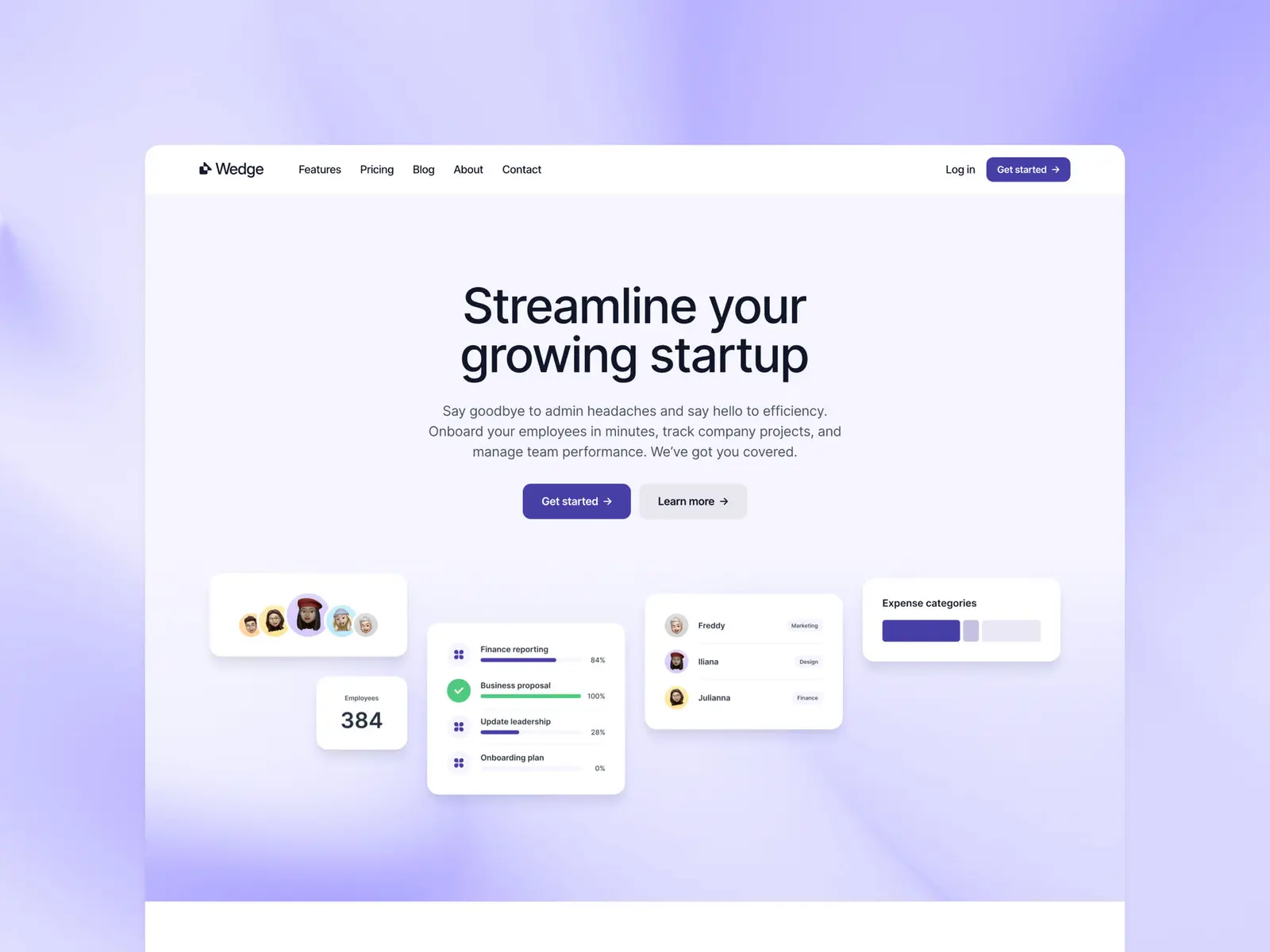
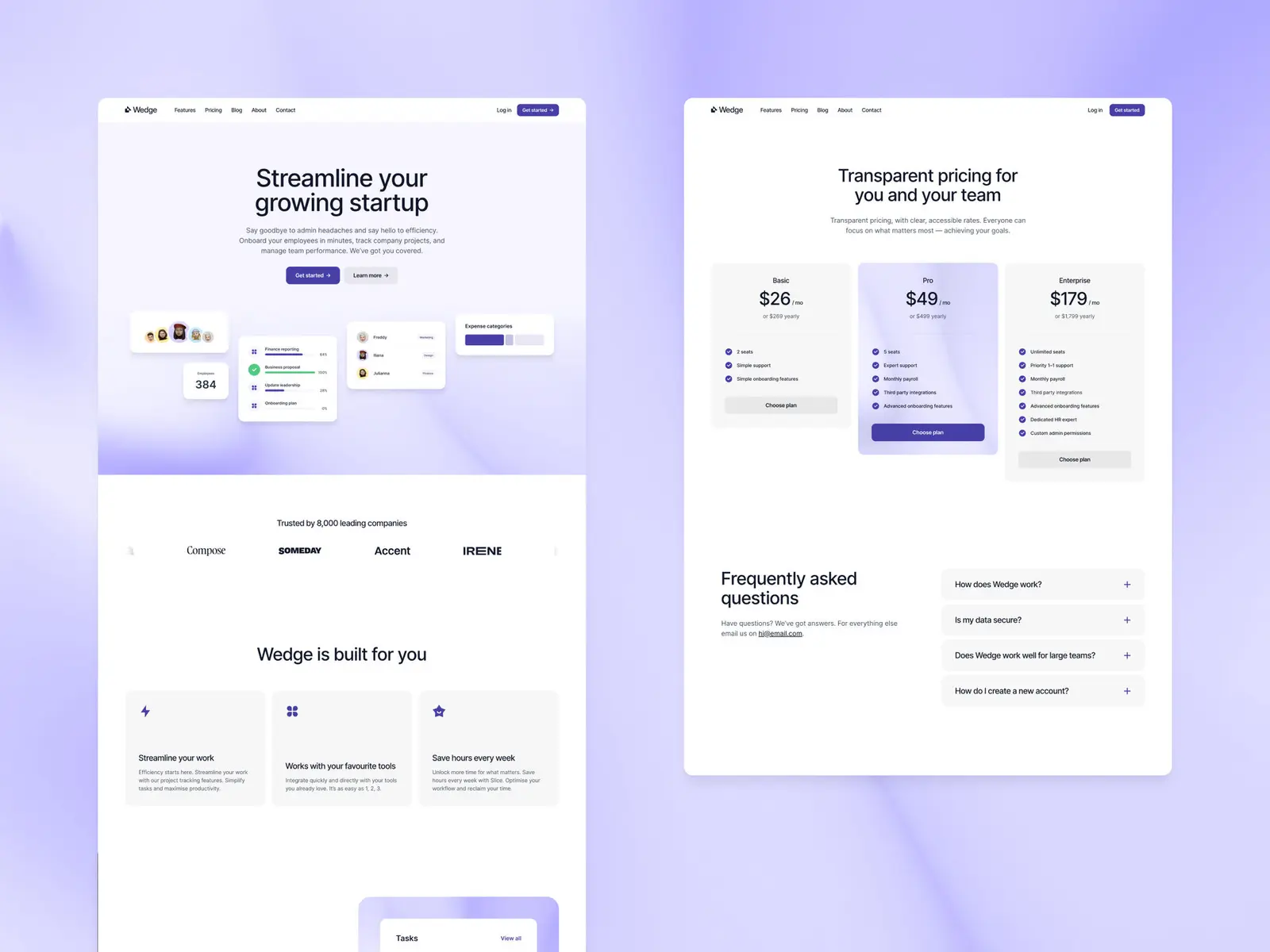
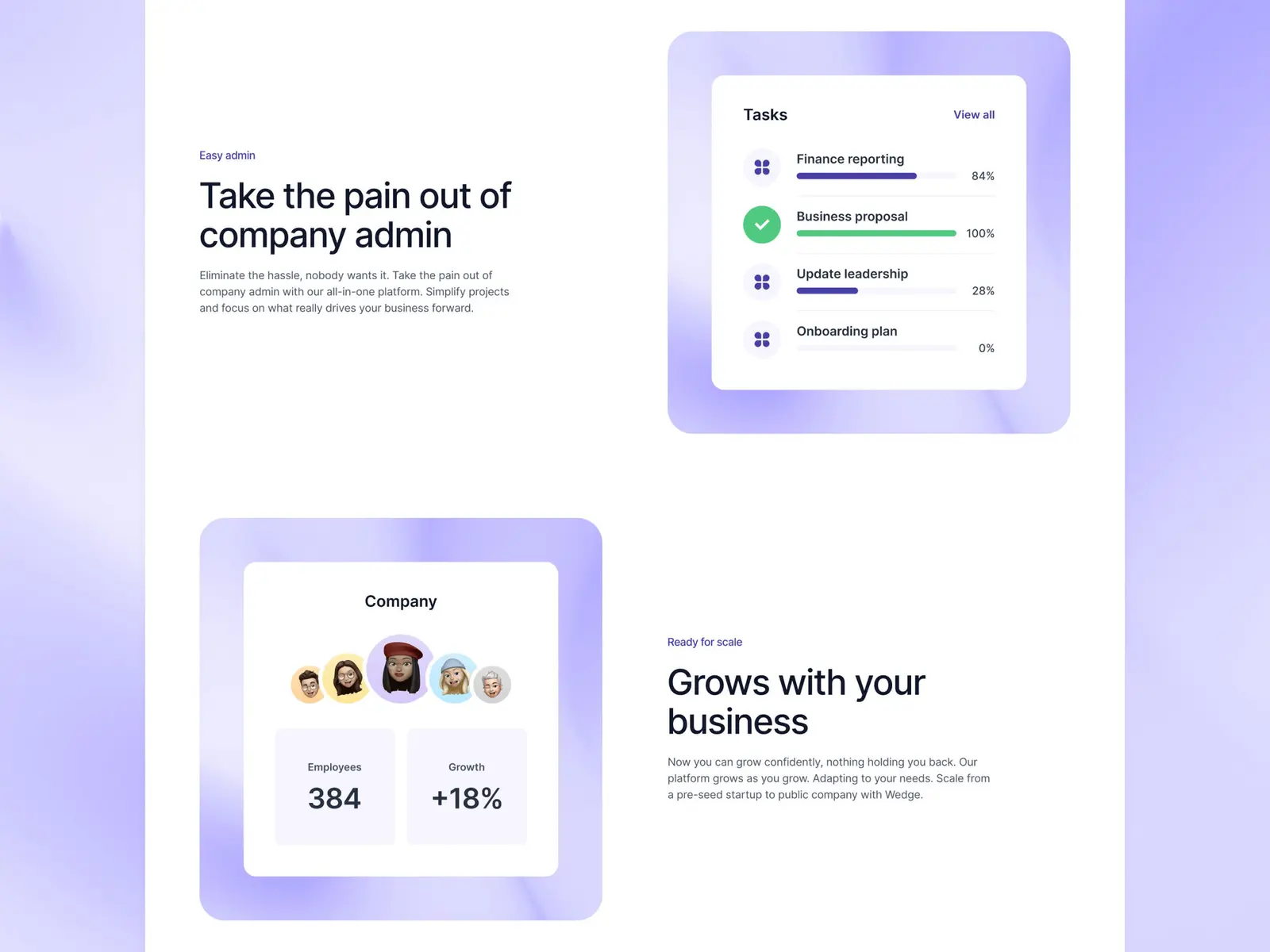
Wedge is the only template here built around services and pricing instead of a portfolio. It’s a SaaS layout — a features page, a pricing page, and a blog — which maps cleanly onto a productised consulting offer. It reads as a software product out of the box, so the copy needs pointing back at a person.
Consultants who’ve packaged their work into fixed offers — a strategy sprint, a monthly retainer, a fractional day rate — and want a page that names the price.
$149 · Single site licence
Sharp runs case studies and writing on separate CMS collections, so a client result and a written argument sit side by side. Big type, and Framer’s 3D transforms on the interactions. Four pages, and it’s light only.
Consultants who win on how they think — strategists, researchers, technical advisors — where a written point of view carries as much weight as the client list.
$149 · Single site licence
Lucid is the complete one — home, about, writing and contact, with work and writing on separate CMS collections. Seven pages and automatic dark mode. Take it if you don’t want to choose between a portfolio, a blog and an about page.
Consultants who want proof, a point of view and an about page in one site, without any of the three feeling bolted on.
$149 · Single site licence
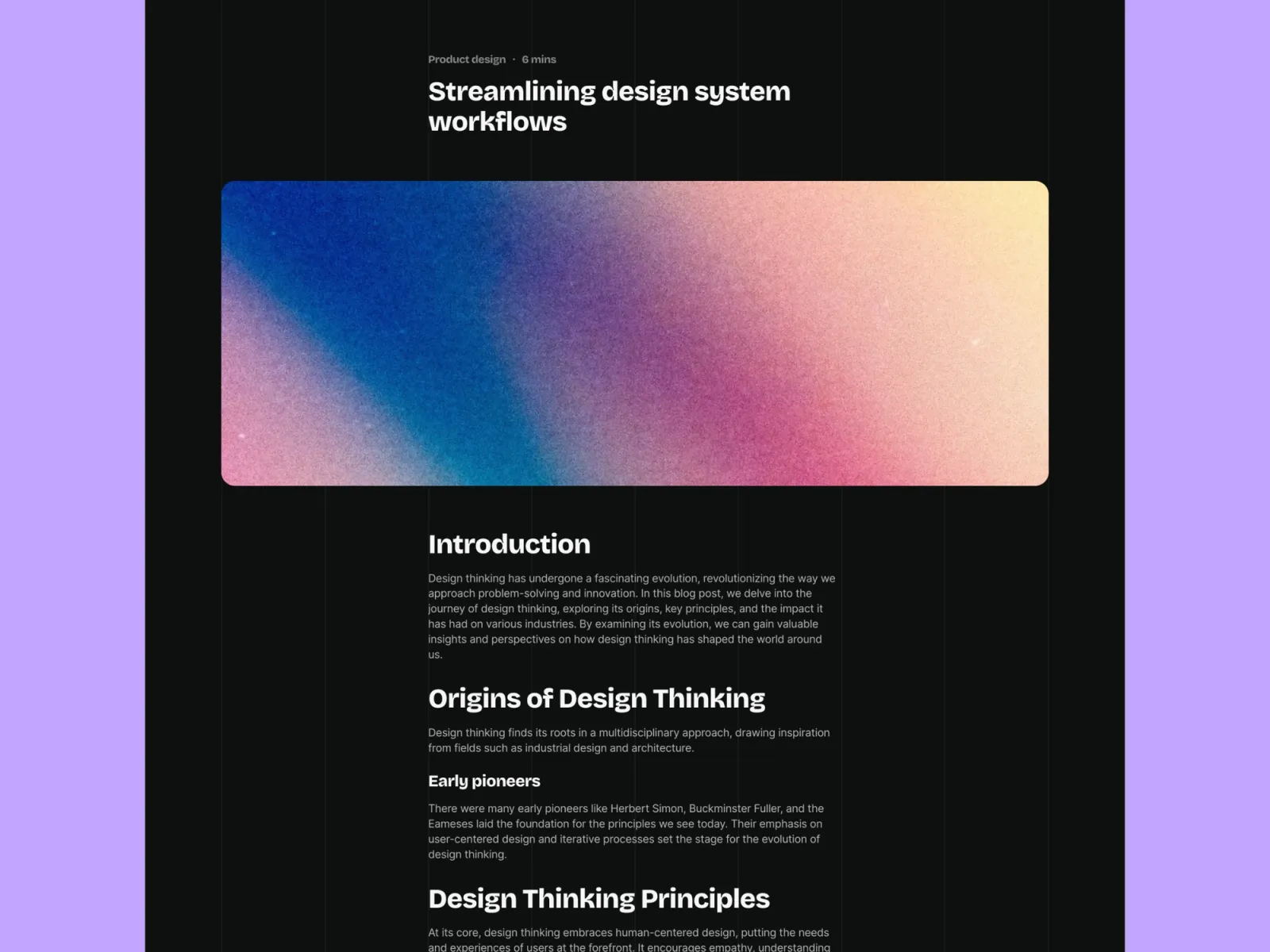
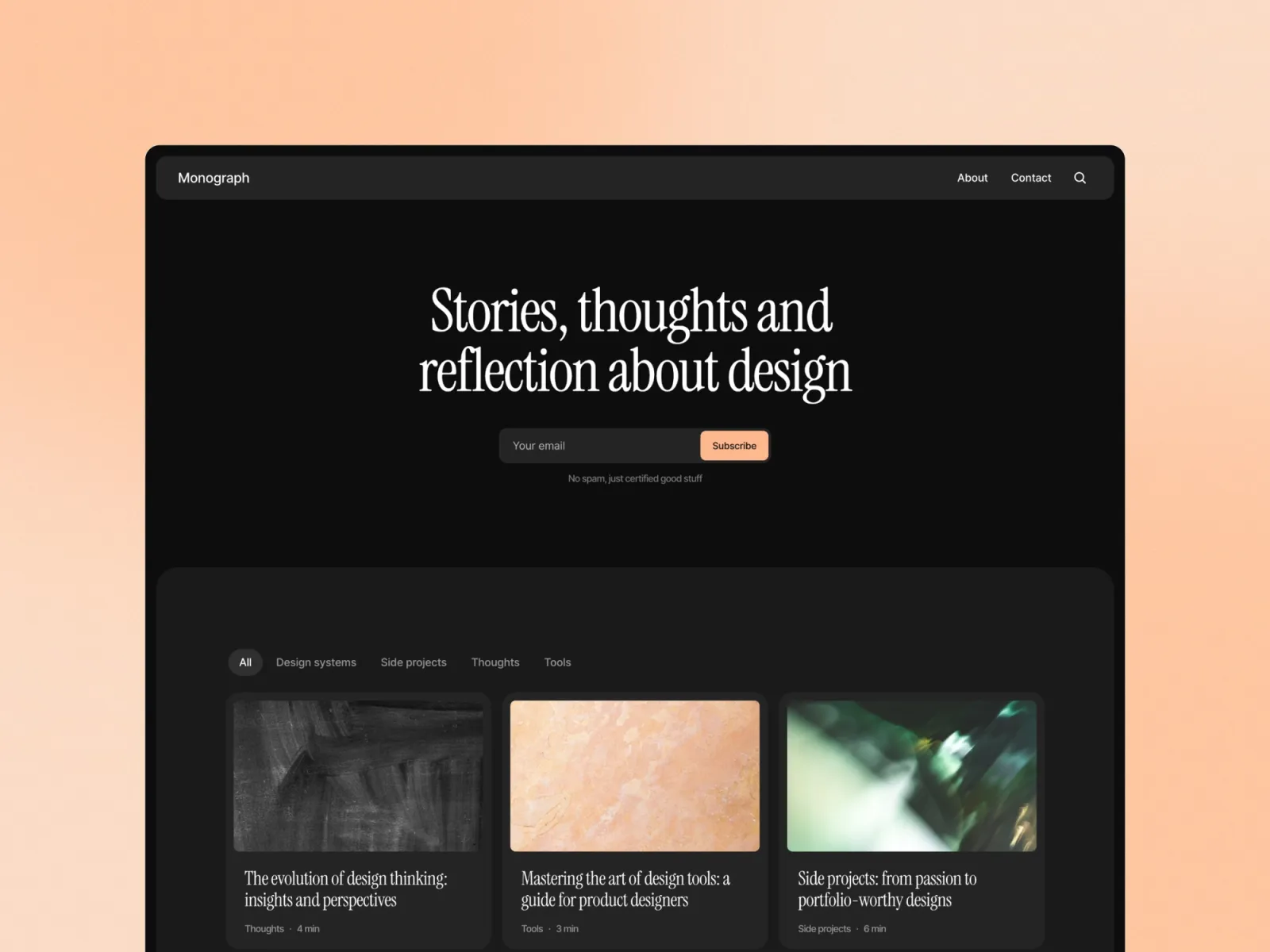
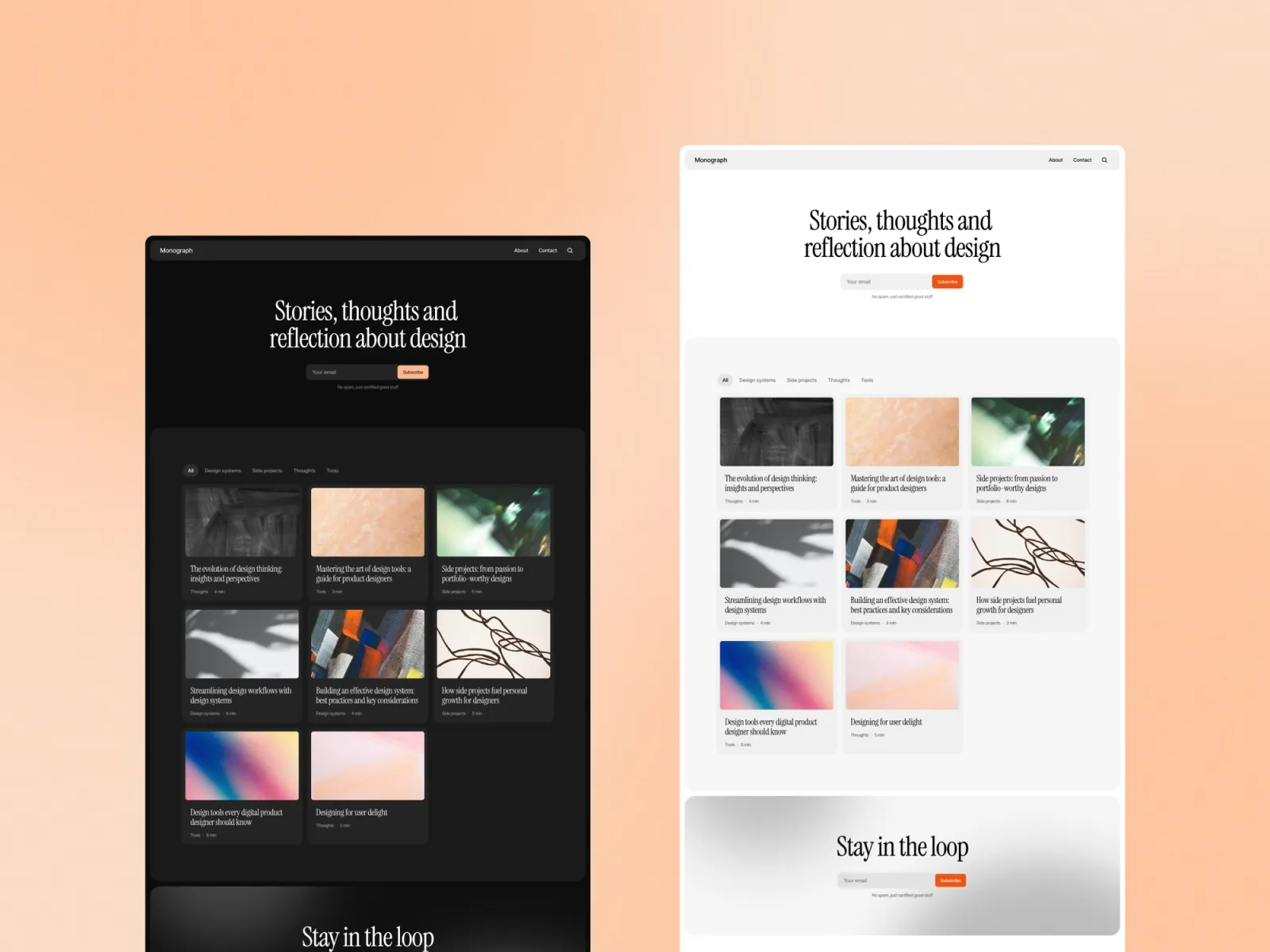
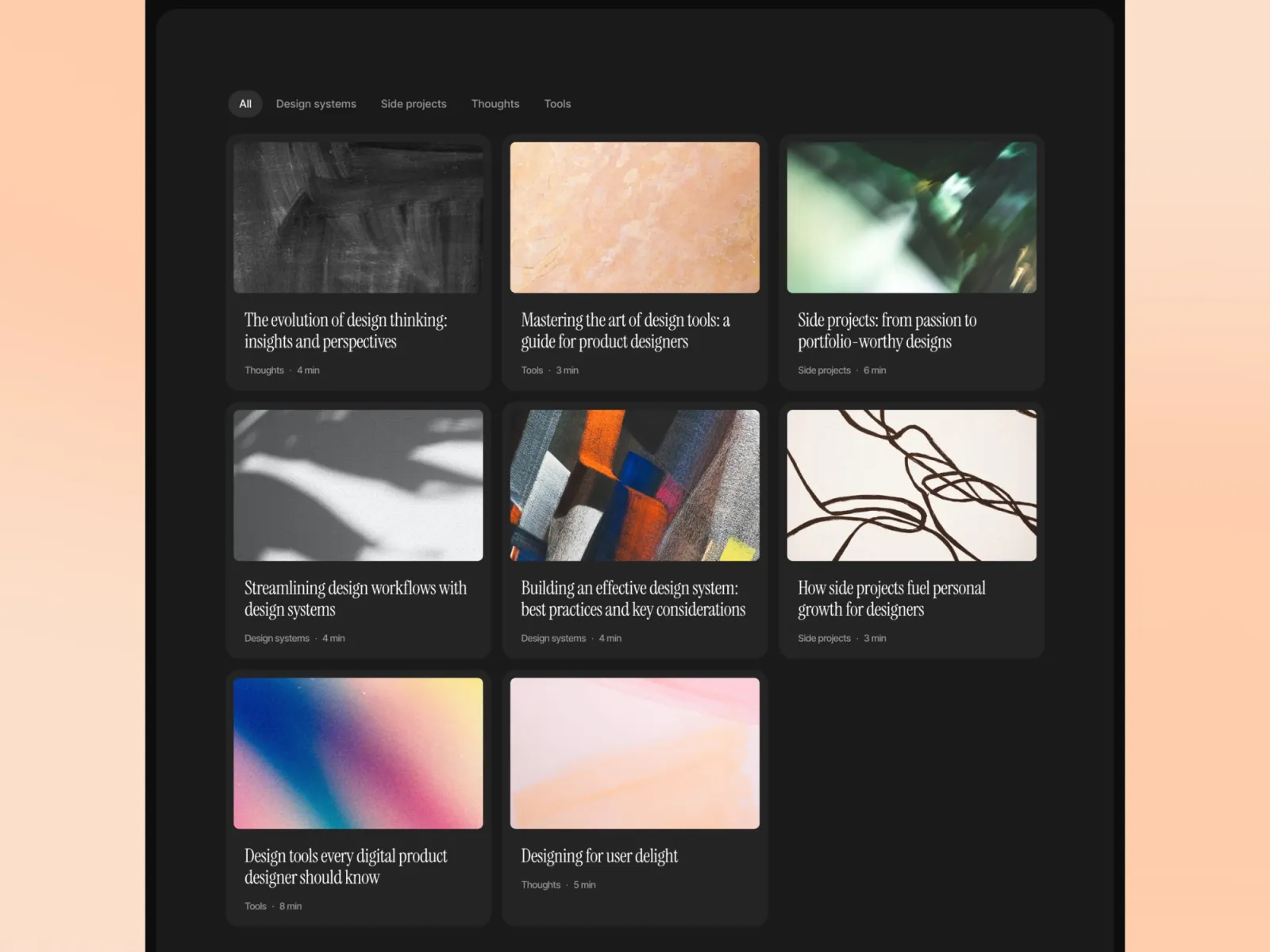
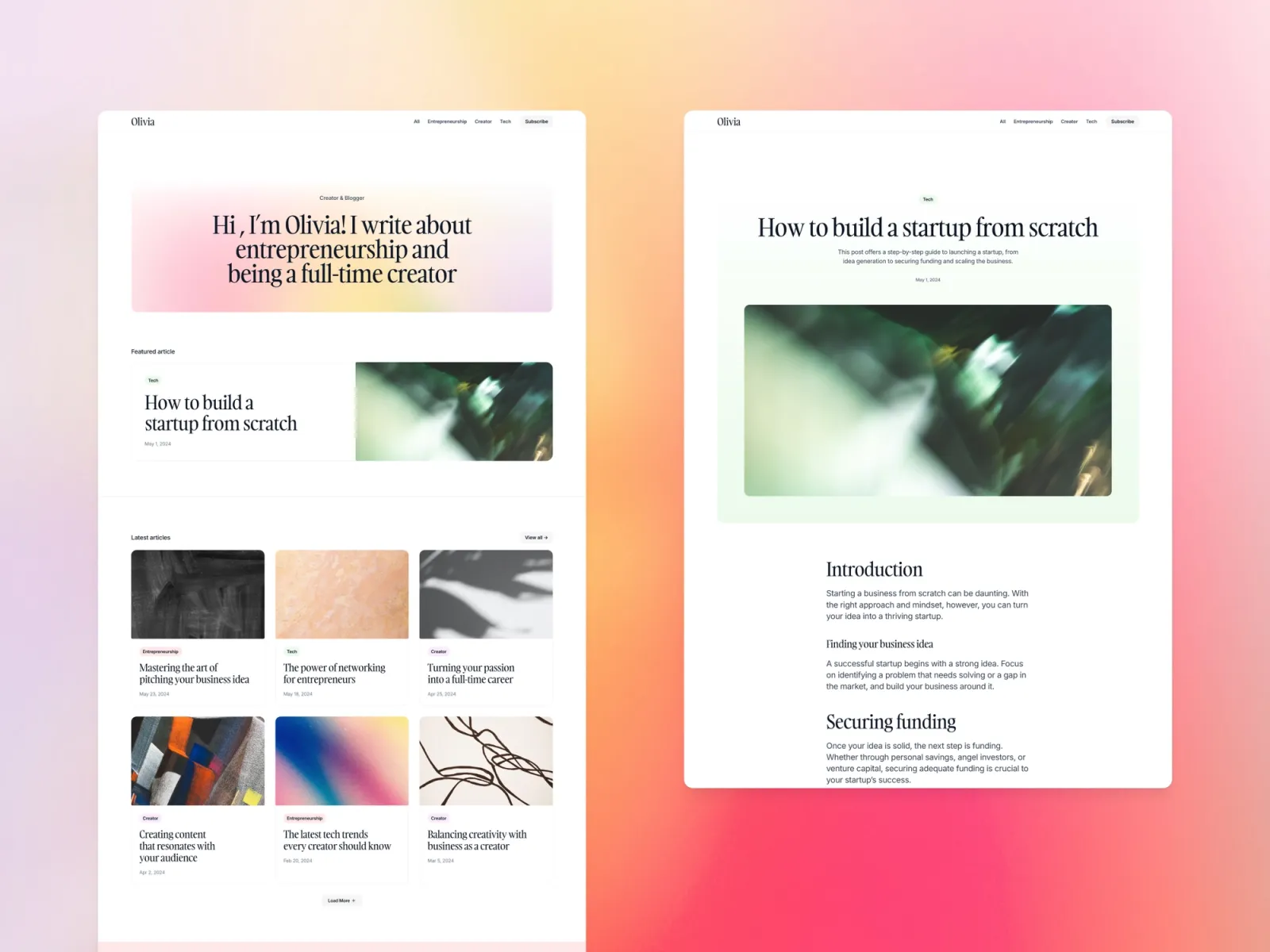
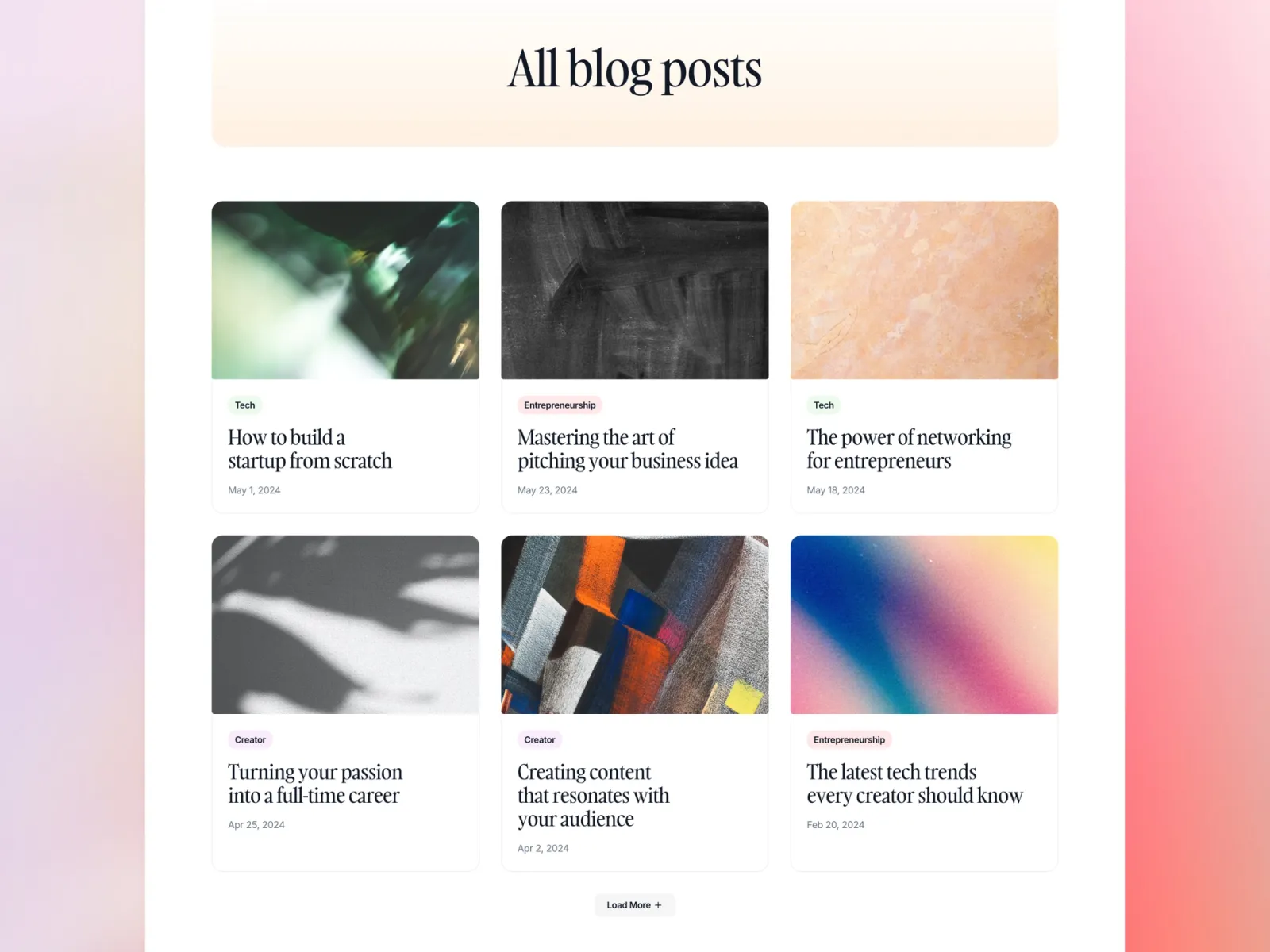
Monograph is a writing-first site with category filtering and a built-in search. It suits a consultant whose lead engine is a body of writing — essays that rank, a newsletter, a back catalogue people dig through. About and contact pages are built in, and it switches to dark automatically.
Consultants who market with writing — a regular essay or newsletter — and want the archive searchable rather than a reverse-chronological wall.
$149 · Single site licence
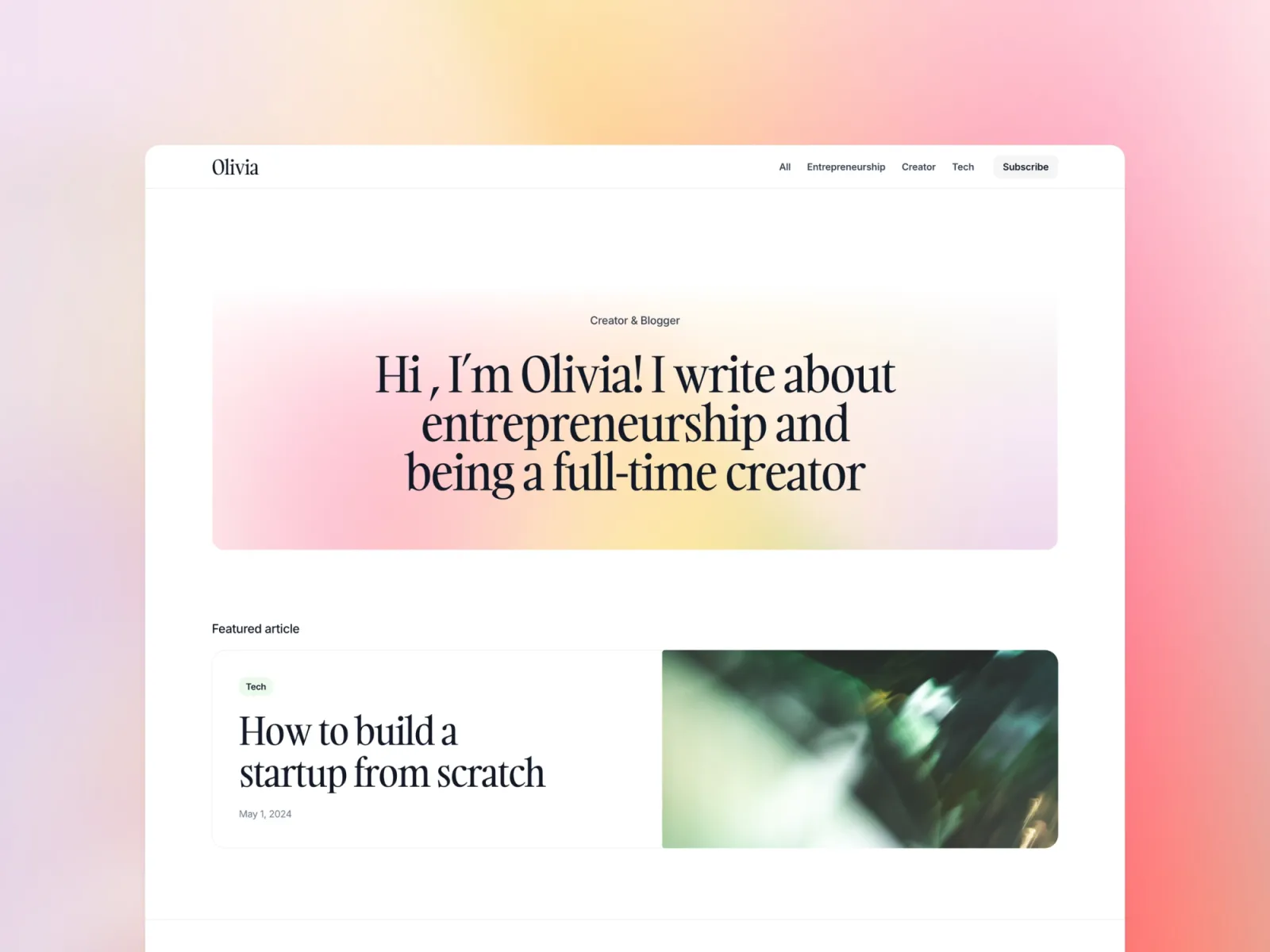
Compose is a blog built for growing a list — a subscribe page, native forms wired to your email tool, categories and pagination. Where Monograph is for reading, Compose is for capturing the reader. It’s light only.
Consultants building a newsletter as a pipeline, who want subscribers going straight into their email tool without a third-party embed.
$149 · Single site licence
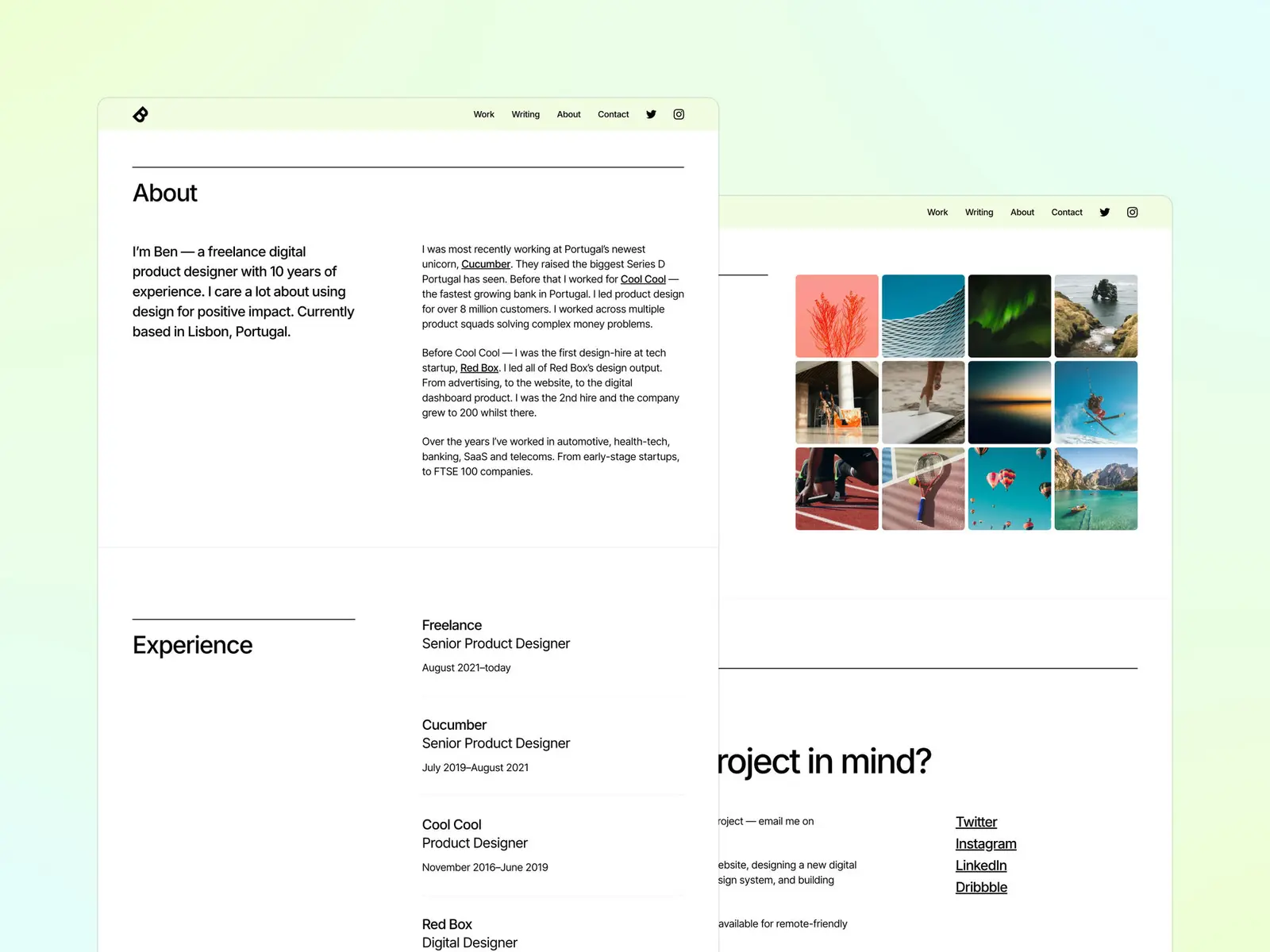
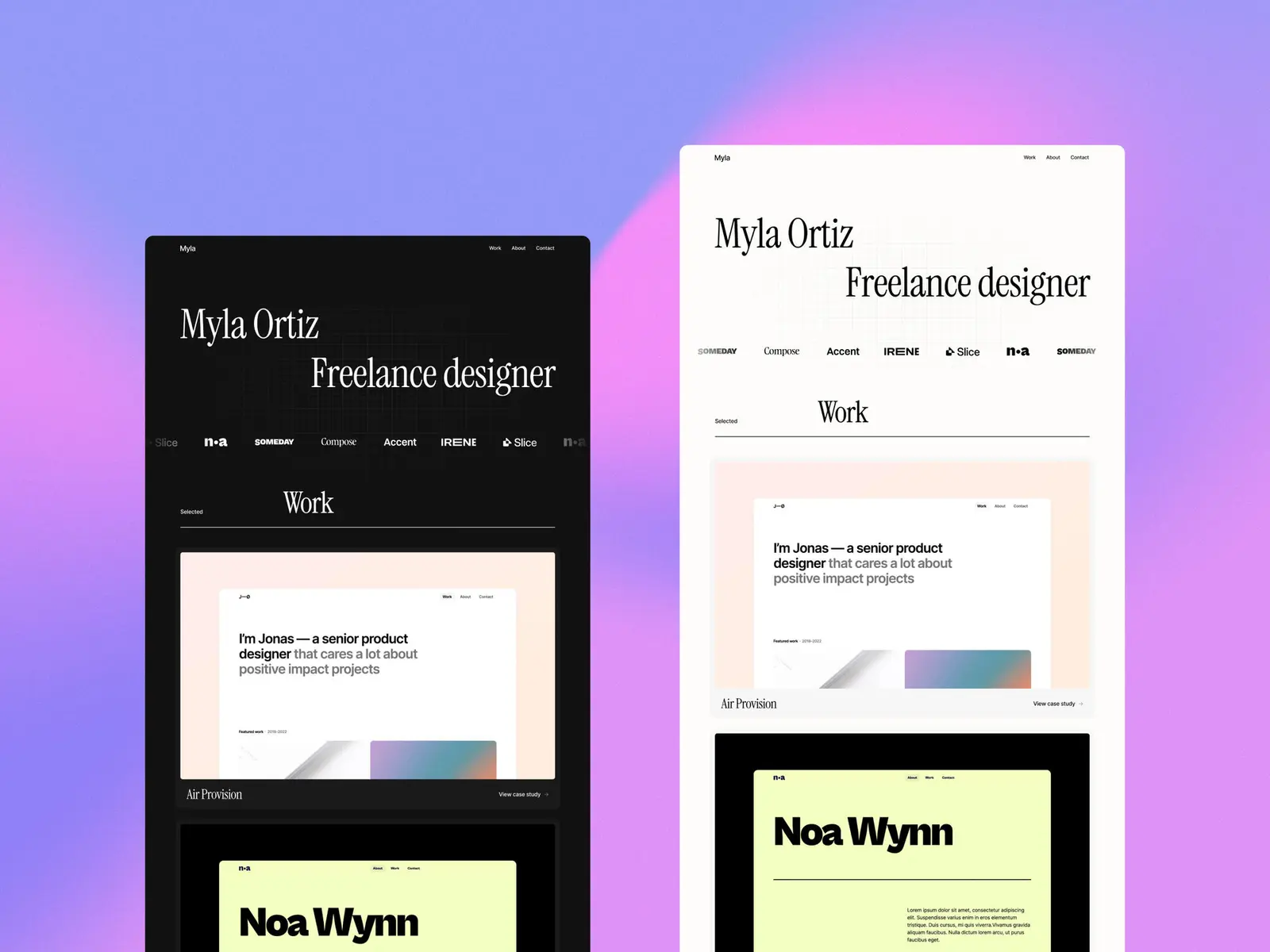
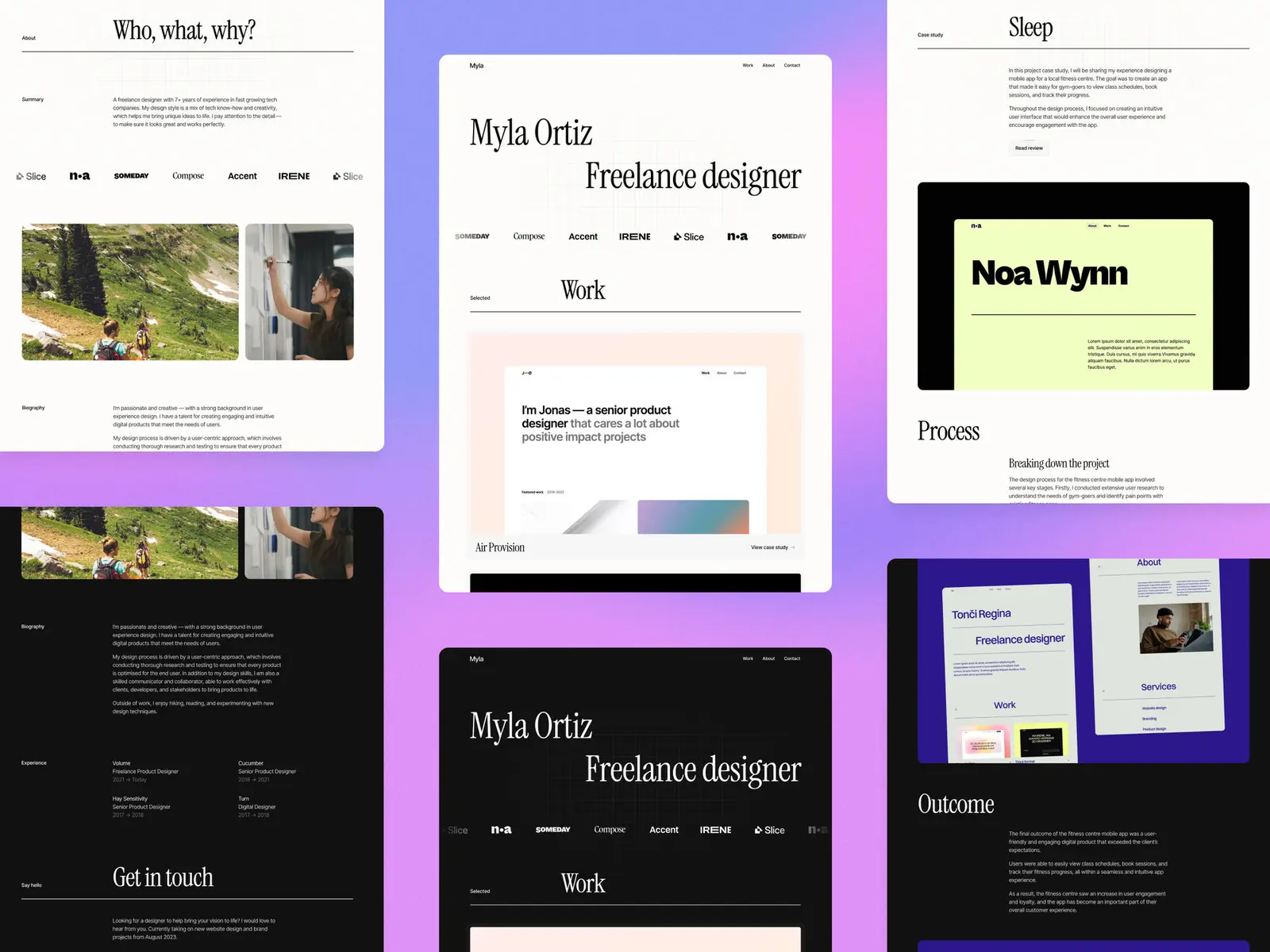
Offset gives work, about and contact each their own page across six, so a long track record doesn’t compress into one scroll. Light and dark follow the visitor’s system setting. There’s no blog, which suits a consultant whose proof is the client list, not a content calendar.
Established consultants whose track record does the selling, and who want a clean, roomy site with nothing to keep updated after launch.
$149 · Single site licence
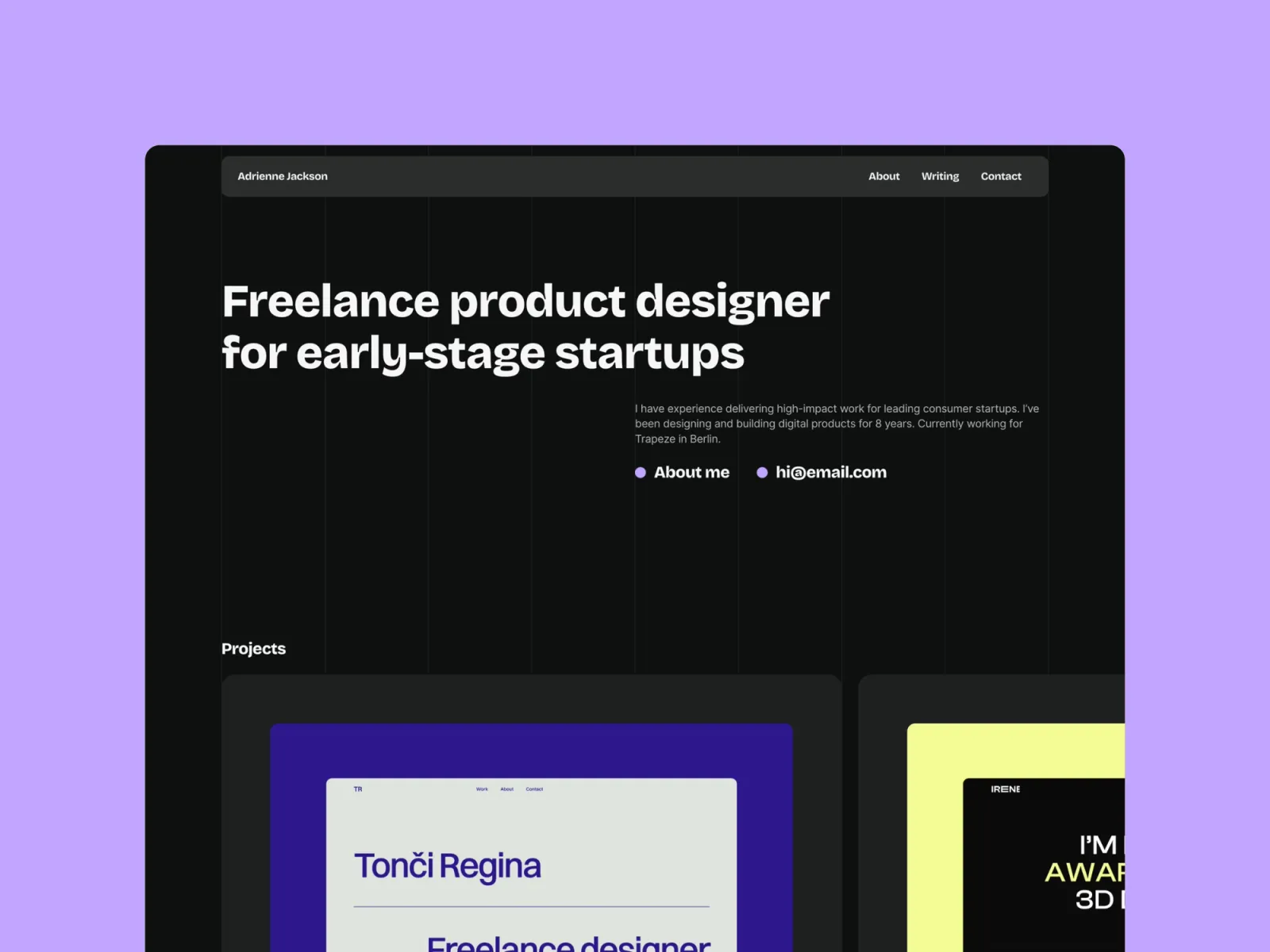
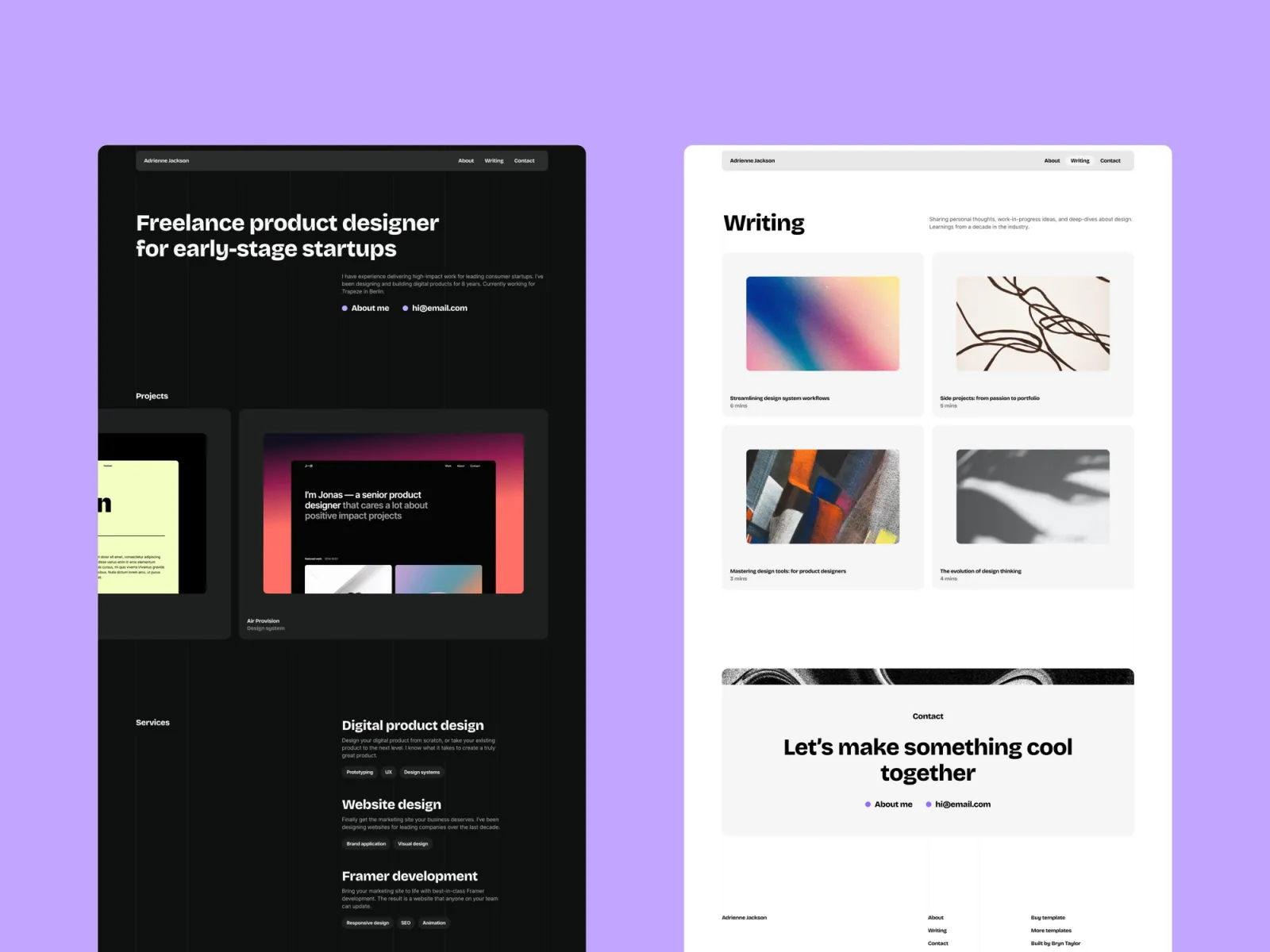
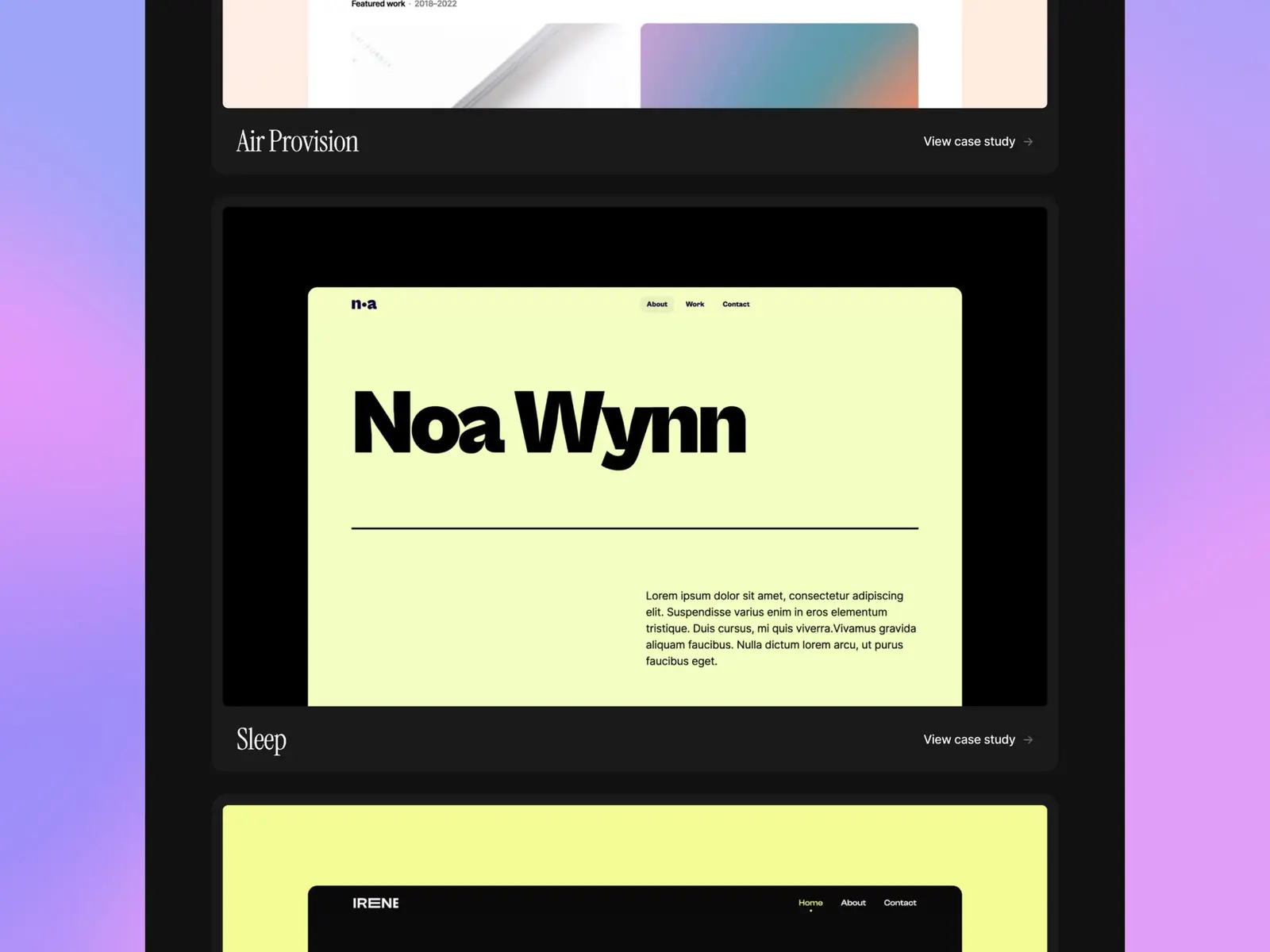
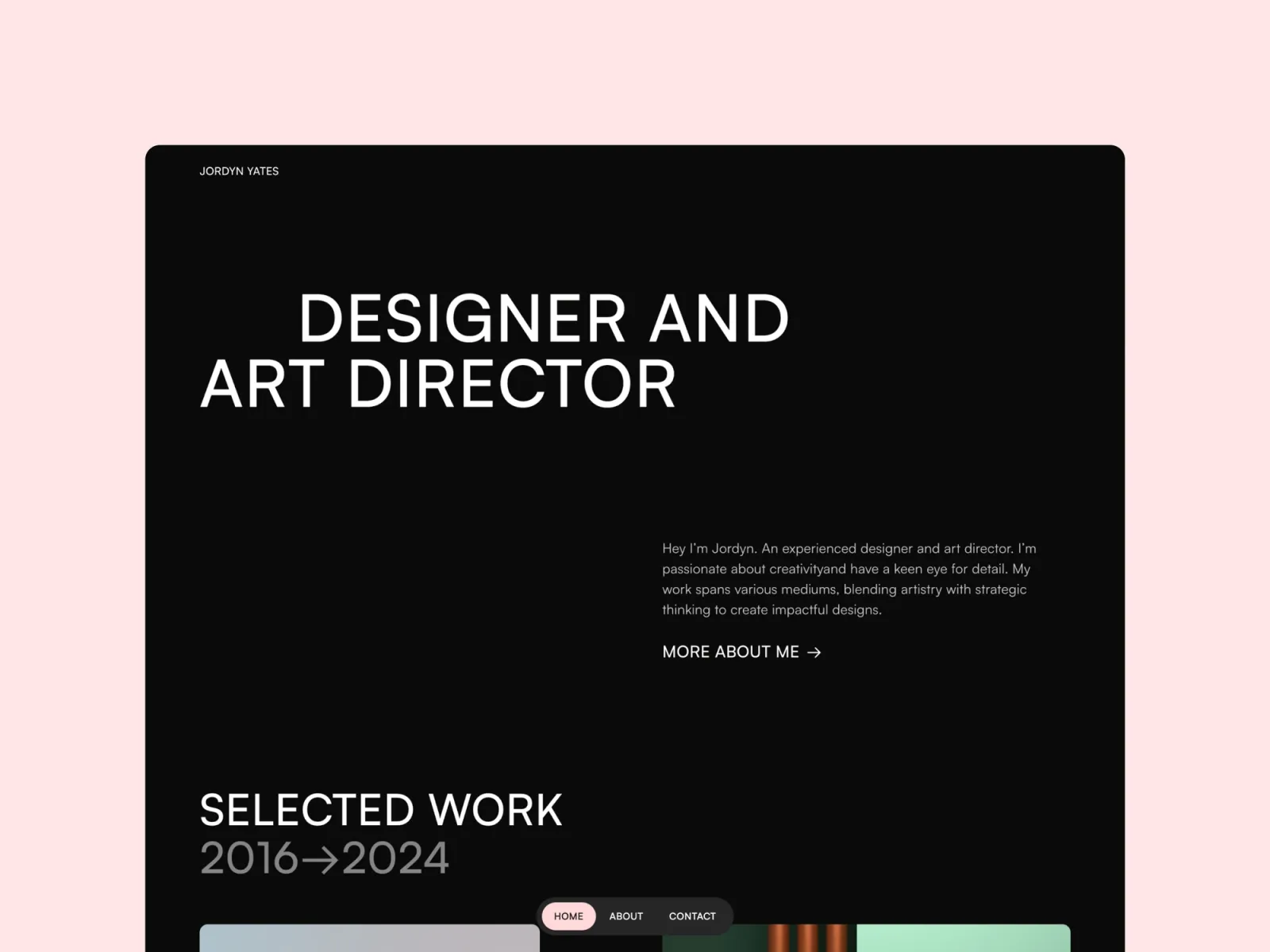
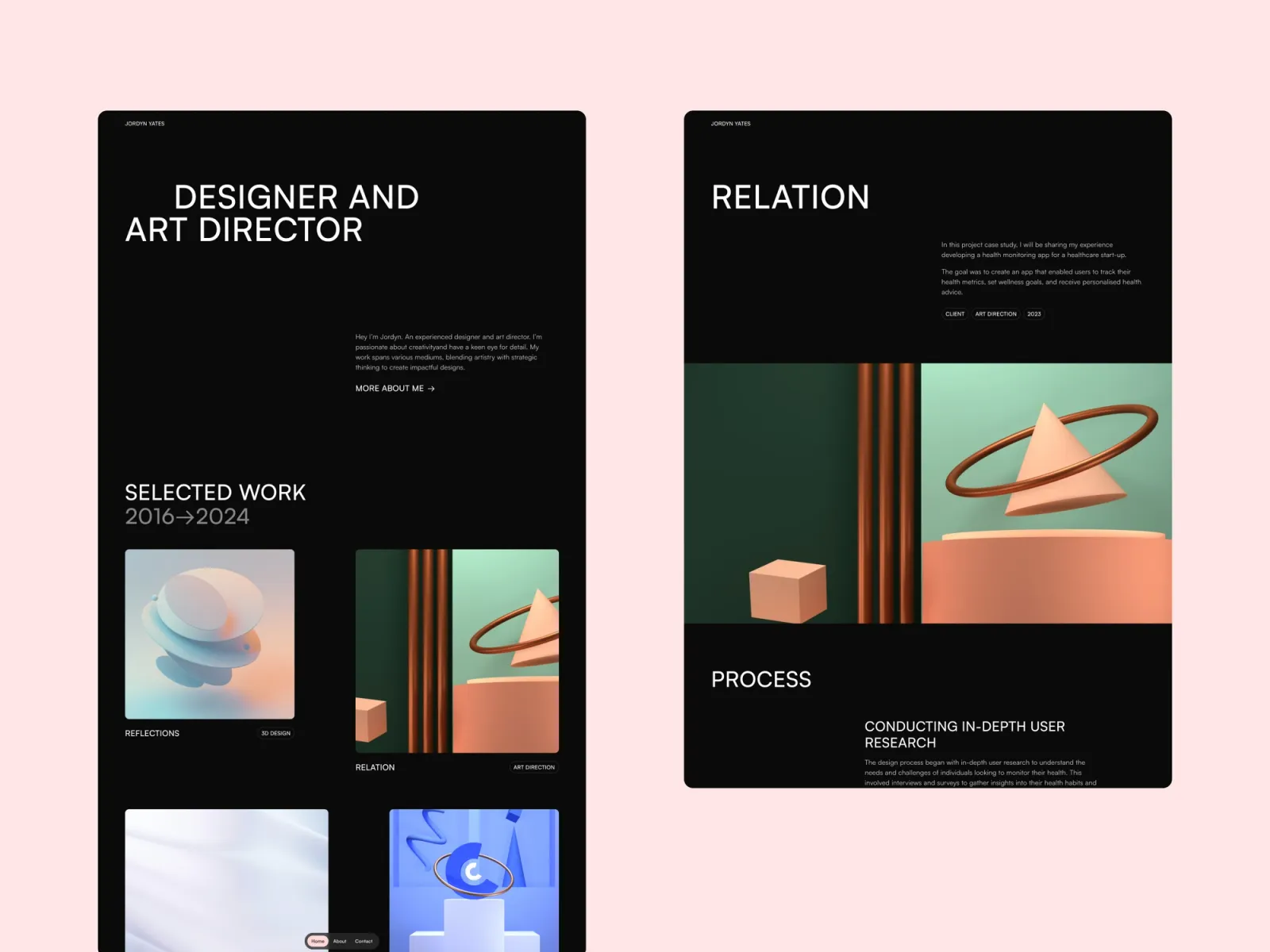
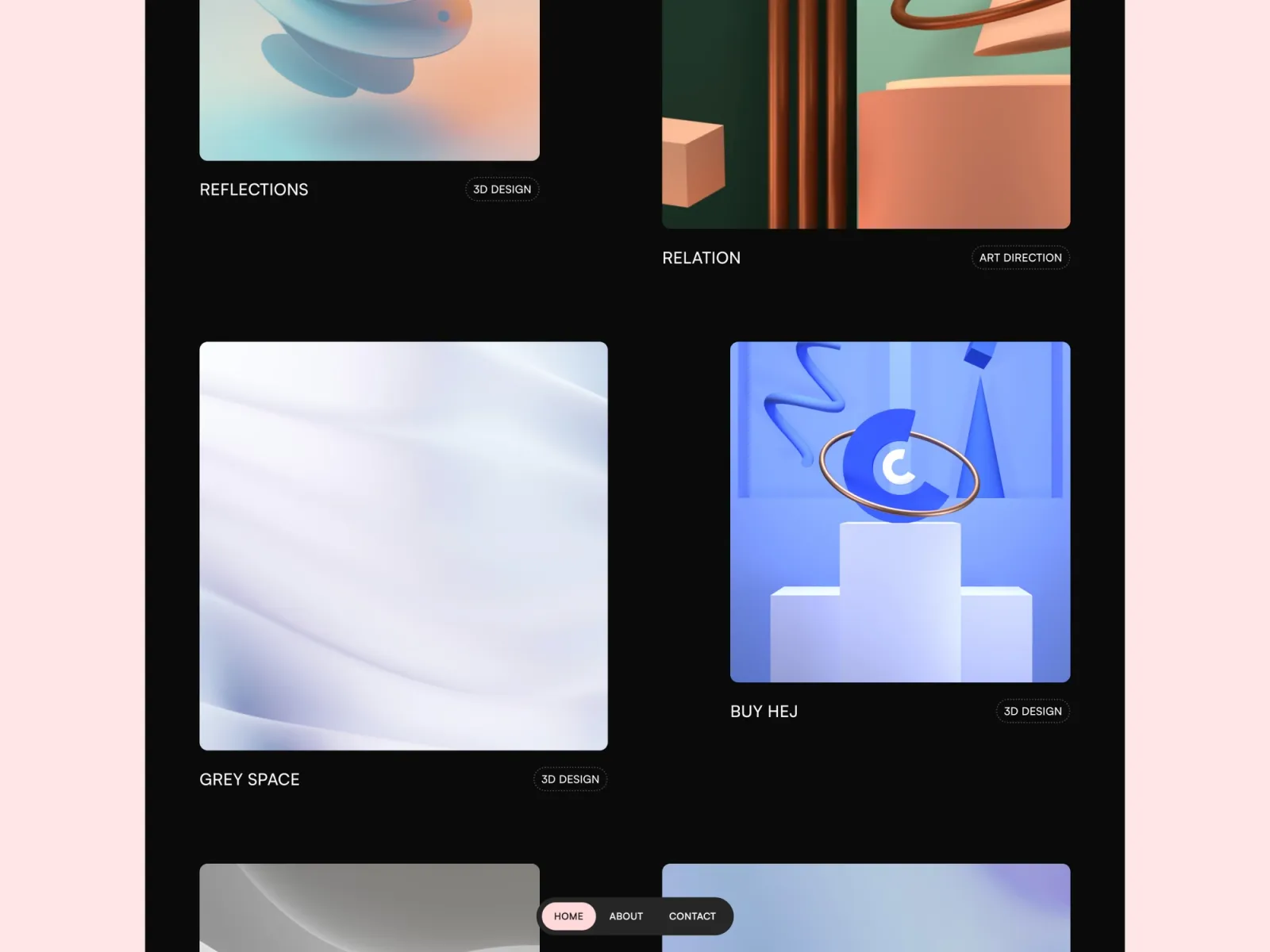
Darkfolio is a dark site done properly — the contrast holds up, which most dark templates get wrong. Five pages including about and contact. It stands out against the wall of white consultant sites, though it suits confident work more than conservative fields.
Consultants in creative, tech or brand-adjacent fields who’d rather be remembered than blend into a shortlist of identical white sites.
$149 · Single site licence
Format is the shortest route to a live URL here. Three pages, a clean editorial layout, and one project page for depth when a piece needs it. There’s no about or contact page, so everything has to live on the home page — fast to launch, but it limits how much you can say.
Consultants who need a credible URL by the end of the week — a referral has your name and you want something real for them to open.
$149 · Single site licence
Choose on what actually wins you work. If it’s a productised offer with a price, Wedge is the only one built for it. If it’s a track record of client results, Offset or Atlas Studio. If it’s a point of view — writing, talks, a strong opinion — Sharp, Lucid or Monograph give it a proper home.
Then be honest about upkeep. Atlas Studio has ten pages and a blog — if you won’t write, half of it sits empty, and an empty section reads worse than no section. Format has three pages and nothing to keep current. Pick the one you can genuinely fill and keep filled.
One thing worth saying — the site rarely makes the first sale. It confirms a decision a referral already half-made. So write the hero for the person who’s just been handed your name, and the rest follows.
Browse the full range of Framer templates for consultants, or see every option on the Framer templates page.
No. Every template here is edited by clicking text and swapping images. You need a free Framer account, and a paid plan only when you publish to your own domain. No code at any point.
What you do, who you do it for, and the outcome someone gets from hiring you. Then proof — a result, a named client, a testimonial. Most consultant sites open with a biography; open with the problem you solve instead.
Only if you’ll write. Writing is one of the few ways a consultant gets found by strangers, so it’s worth it if you’ll keep it up. If you won’t, take Offset or Format — neither has a blog to leave dated.
Most consulting work is. You don’t need screenshots — a short results line (“cut onboarding time 40% for a fintech scale-up”), an anonymised case study, or a client testimonial does more than a gallery would. Every template here has room for it.
An evening for the three to five-page templates if your copy is ready — the build is a few hours. The real work is deciding what you do and writing it plainly, and that’s the part worth the time.
Lucid, Offset and Monograph switch automatically with the visitor’s system setting. Darkfolio is dark by design. Wedge, Atlas Studio, Sharp, Compose and Format are light only.
Buying more than one? Unlimited Access bundles every Framer template and component for less than the price of two.
Join 2,900+ designers · Unsubscribe at any time