Step by step: A new homepage design and build in one day
Last week I set myself a challenge. To design and build a new homepage for my side project, Good Garms, in one day. Then I live-tweeted every step. Here’s the process I went through.

8 min
Last week I set myself a challenge. To design and build a new homepage for my side project, Good Garms, in one day. Then I live-tweeted every step. Here’s the process I went through.
10:18 AM
The deadline I've set is… today.
So I should probably get started. It’s 10.18am in Copenhagen. The clock's ticking…
10:20 AM
10:23 AM
When we designed Good Garms initially we were weighing up two different approaches:
10:29 AM
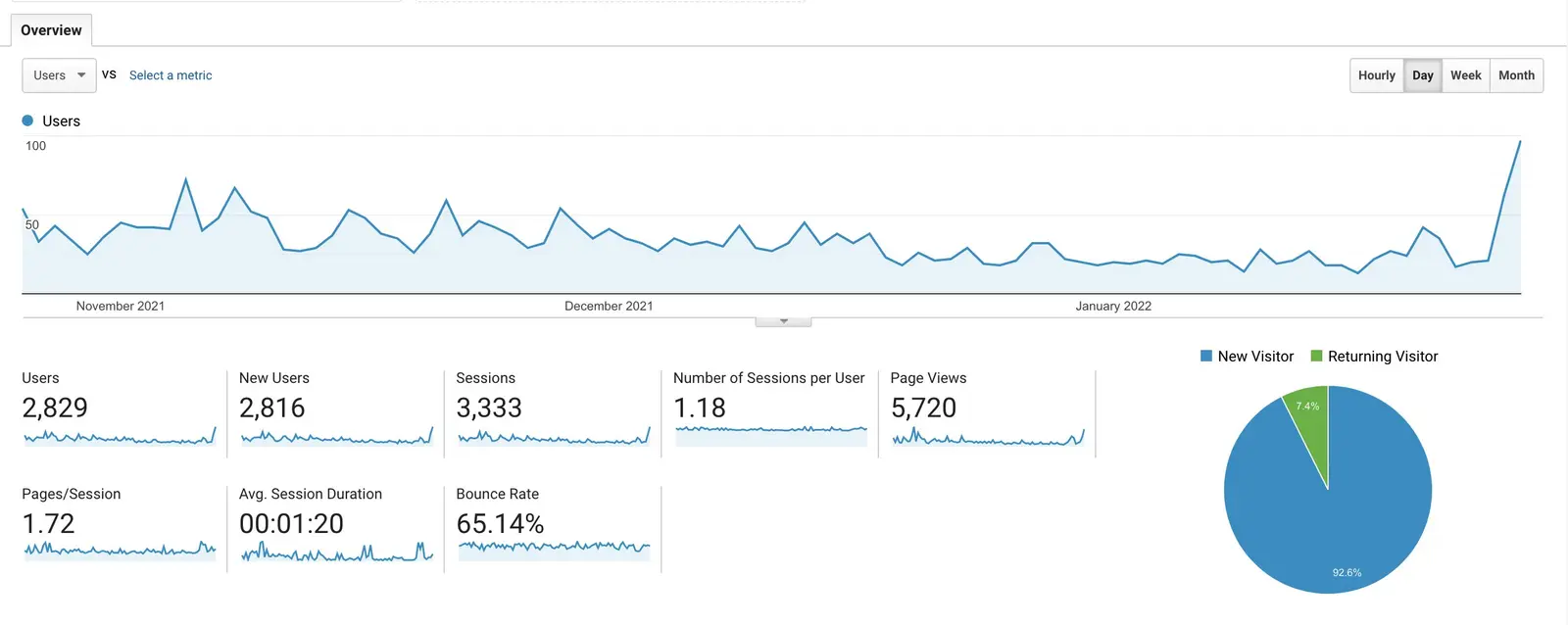
We wrongly optimised for return-use over first-time use. Which meant people don't really grasp what the site is about, so there's no strong reason to use or come back.
10:31 AM
Fitting important information *around* the product browsing experience was far from ideal.
Plus it meant the existing homepage wasn't doing a great job for learning about Good Garms or browsing products.
10:36 AM
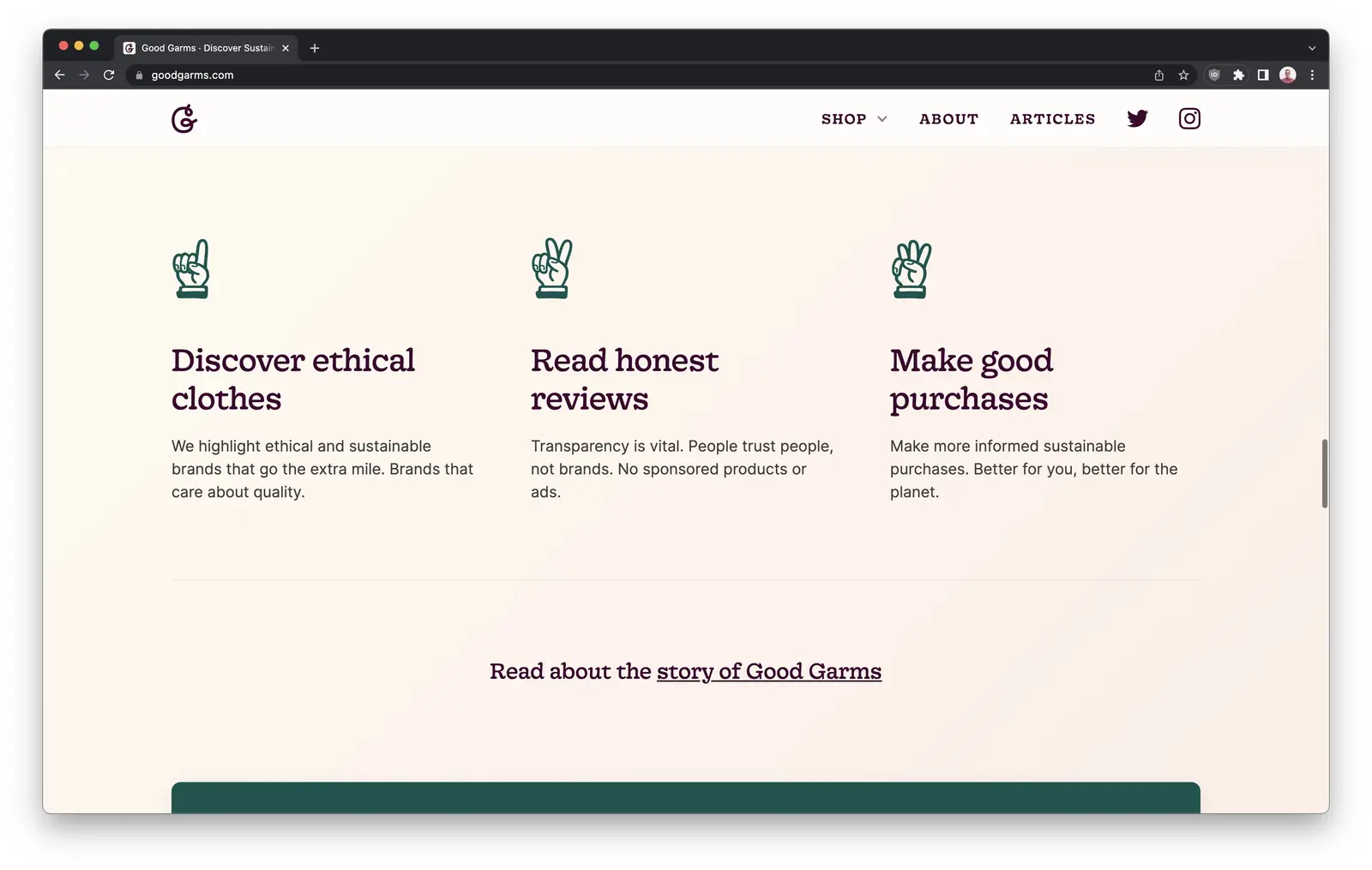
→ Provide more answers than questions so people understnad what it's about
→ Help people understand if it’s for them
10:39 AM
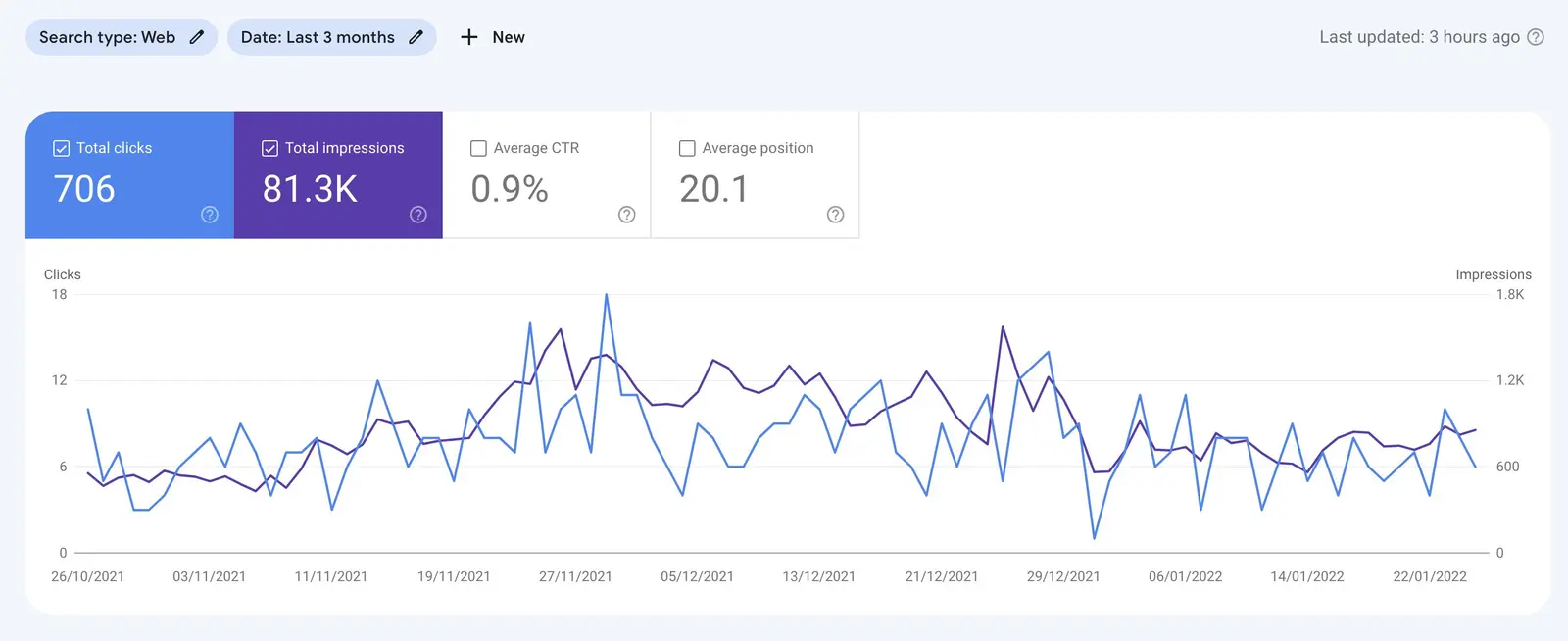
→ More content to rank higher on Google and give better signposting to the rest of the site
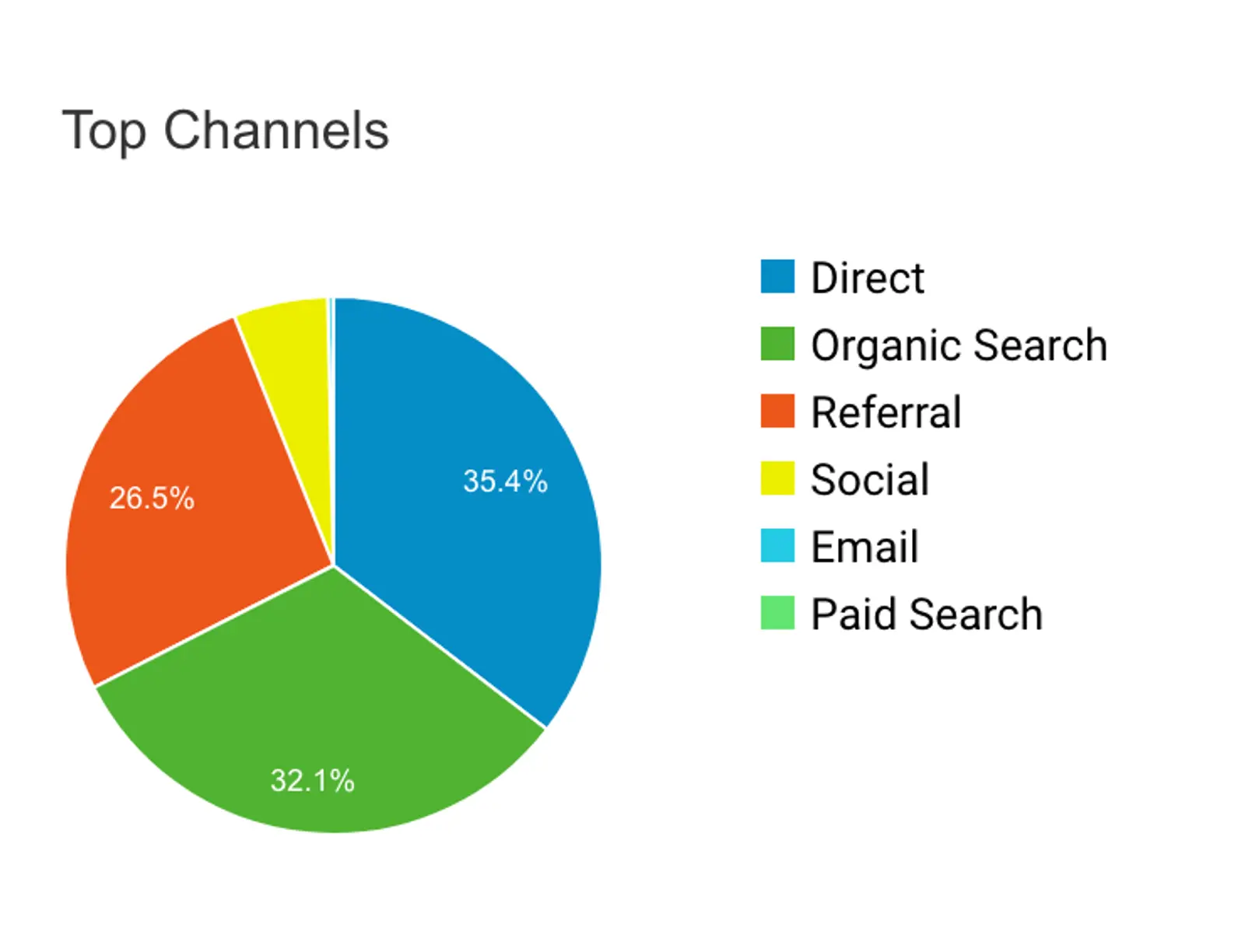
→ Being featured on design blogs has been a good source of traffic and backlinks so far
10:45 AM
10:53 AM
11:14 AM
We already have the navigation and footer so that means I'm like 15% of the way there right?
11:18 AM
@mrsharma’s landing page guide and this thread about landing pages
@GoodMarketingHQ’s Marketing examples
11:21 AM
For once I actually want to take a content-first approach.
11:30 AM
11:33 AM
What do you think?
11:38 AM
Both of them ran a similar challenge to release new product ideas.
12:12 AM
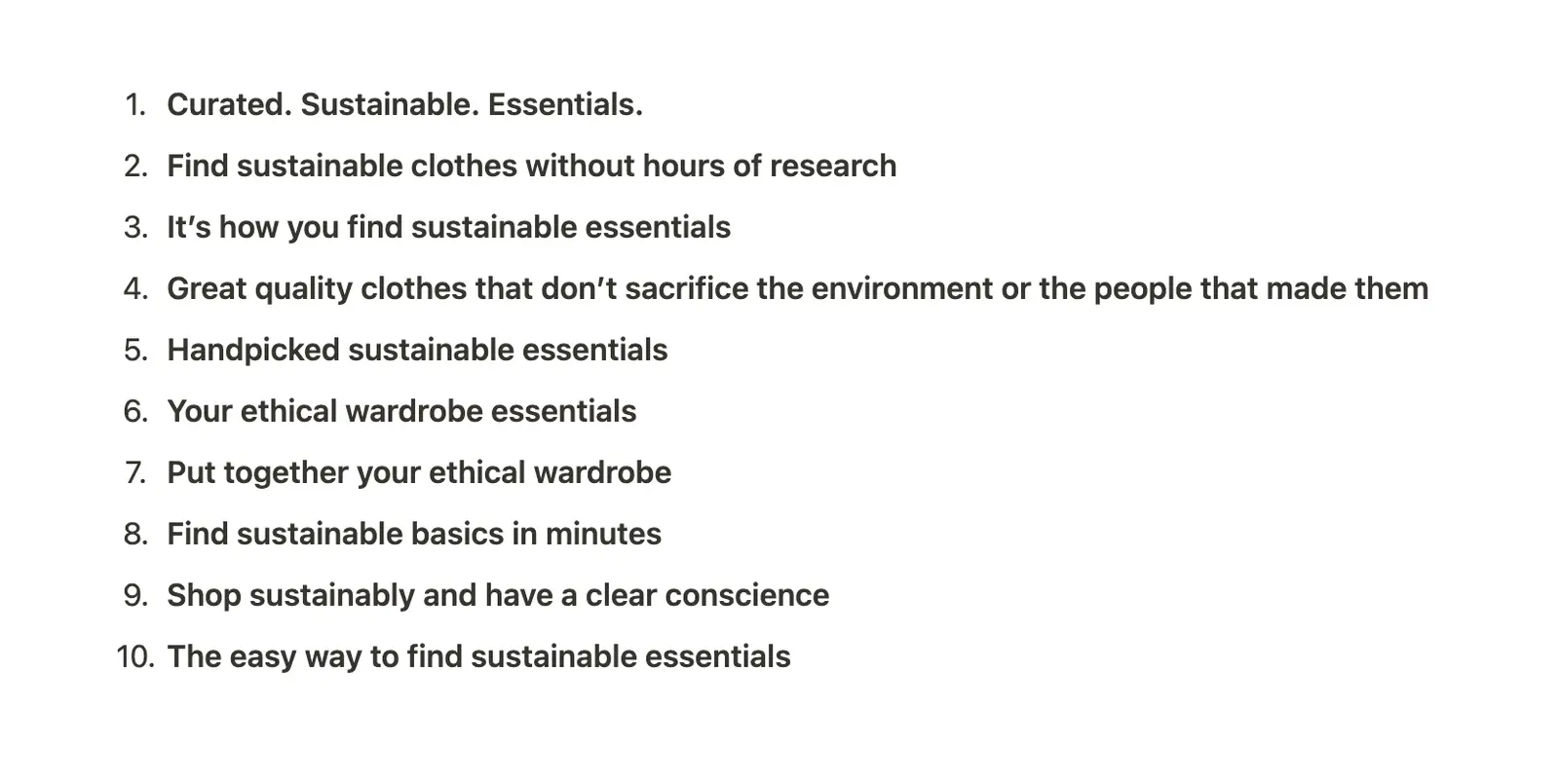
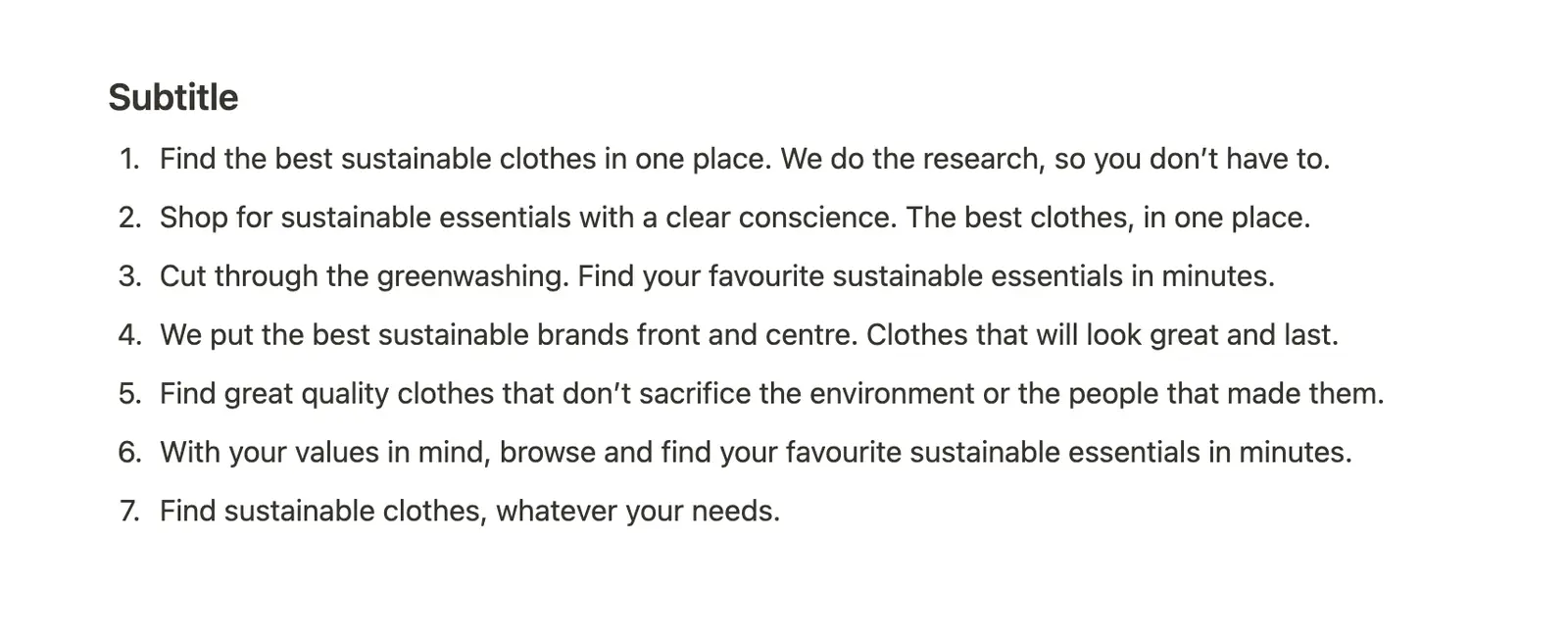
Using Notion for these — Which option are you feeling?
12:37 AM
1:13 PM
Have a first pass at most of the content — not quite all yet.
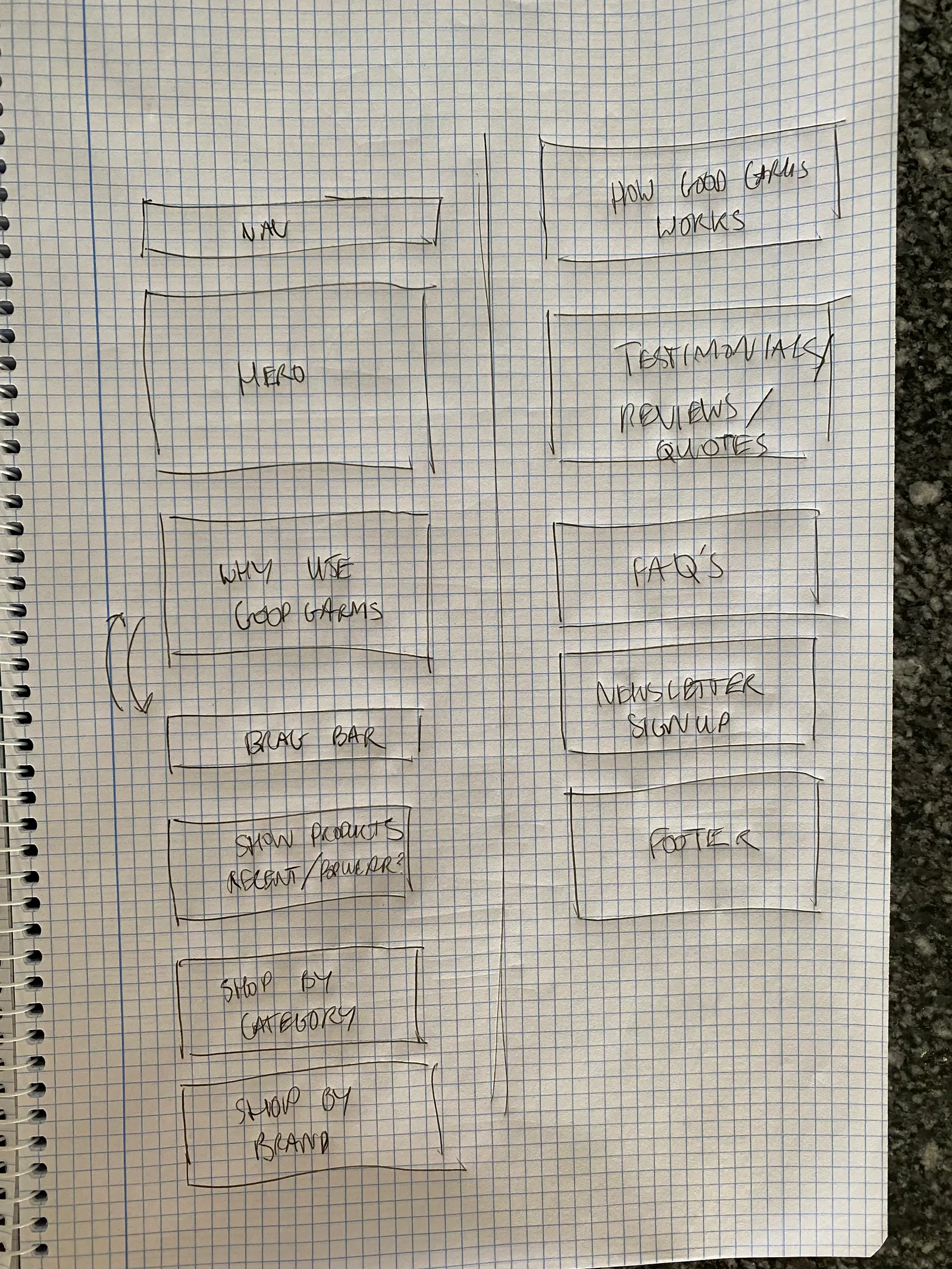
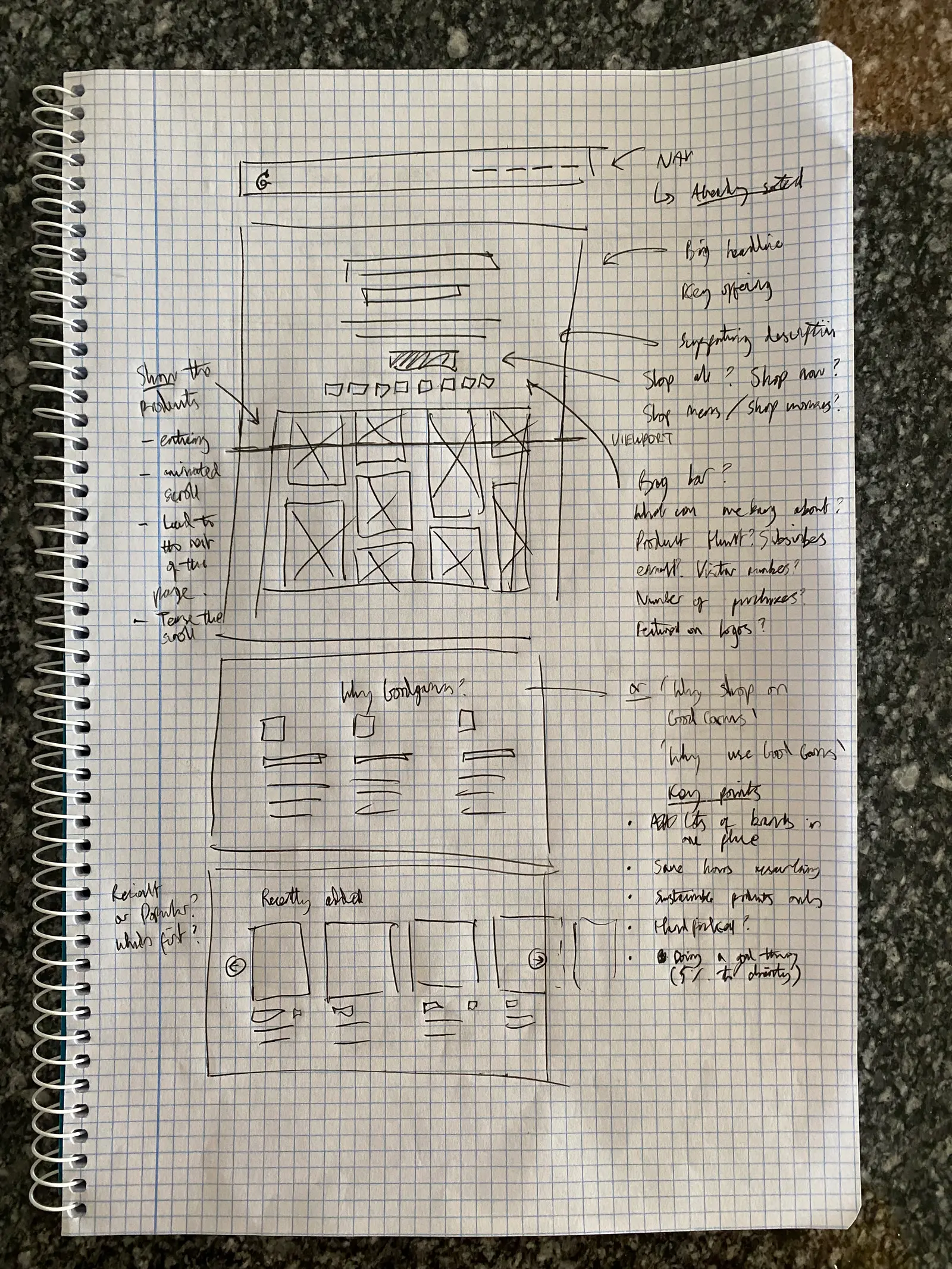
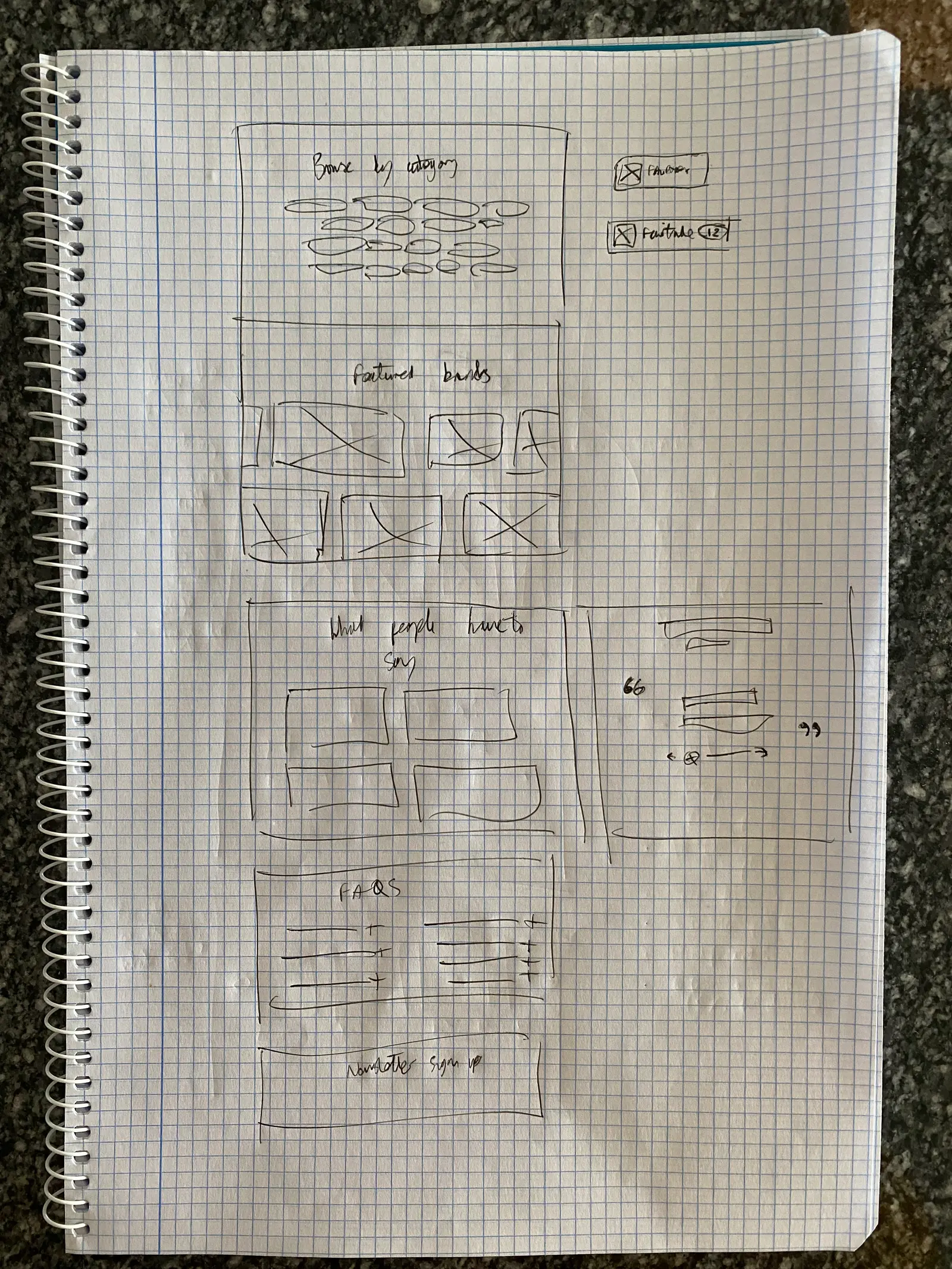
Quickly drawing out some more rough layouts, the detail gradually fades the further I go…
1:41 PM
Visually, I’m happy with the brand — and I already have a lot of the base styles set up in Webflow (my tool of choice, obvs)
2:05 PM
3:11 PM
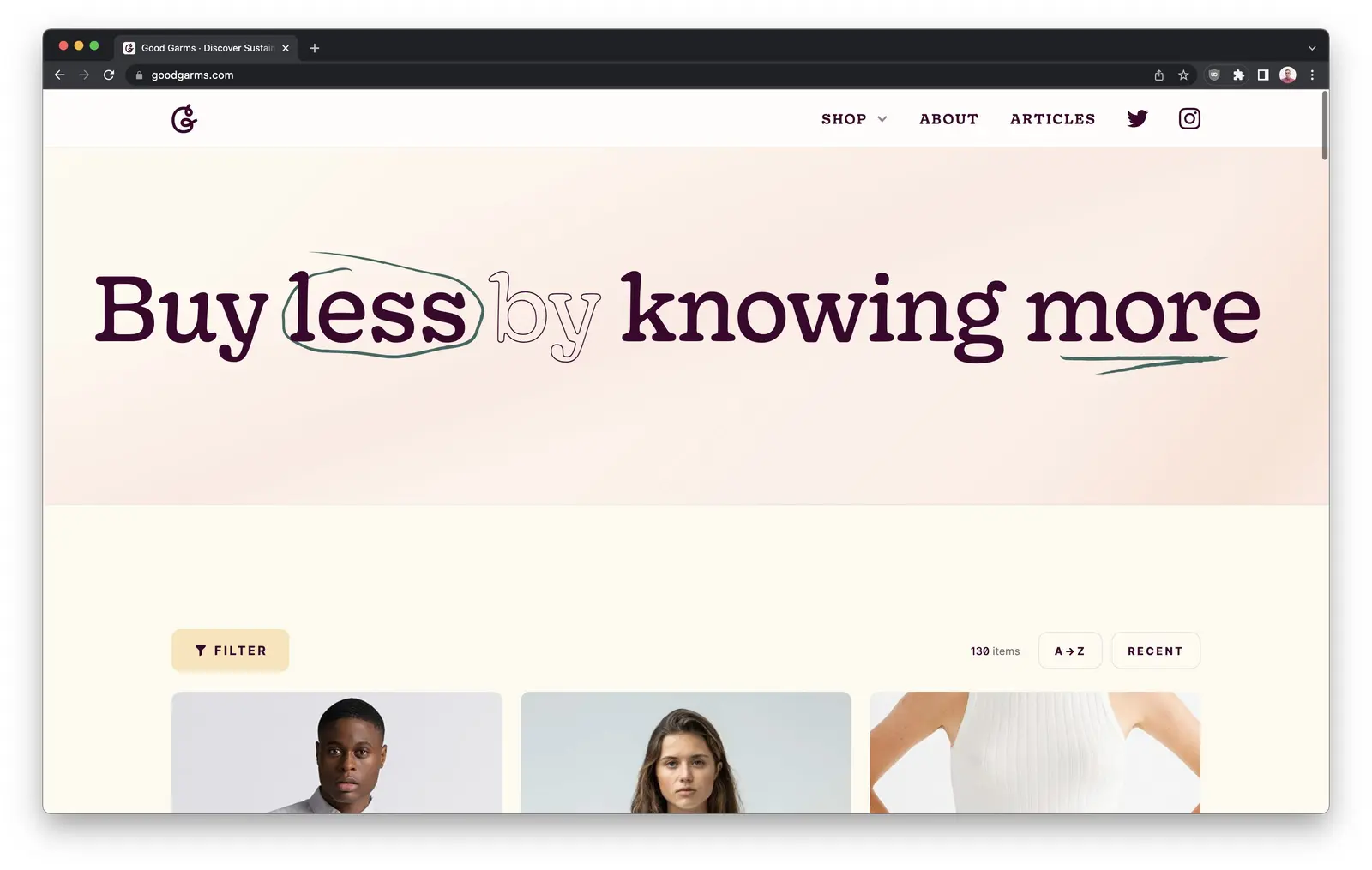
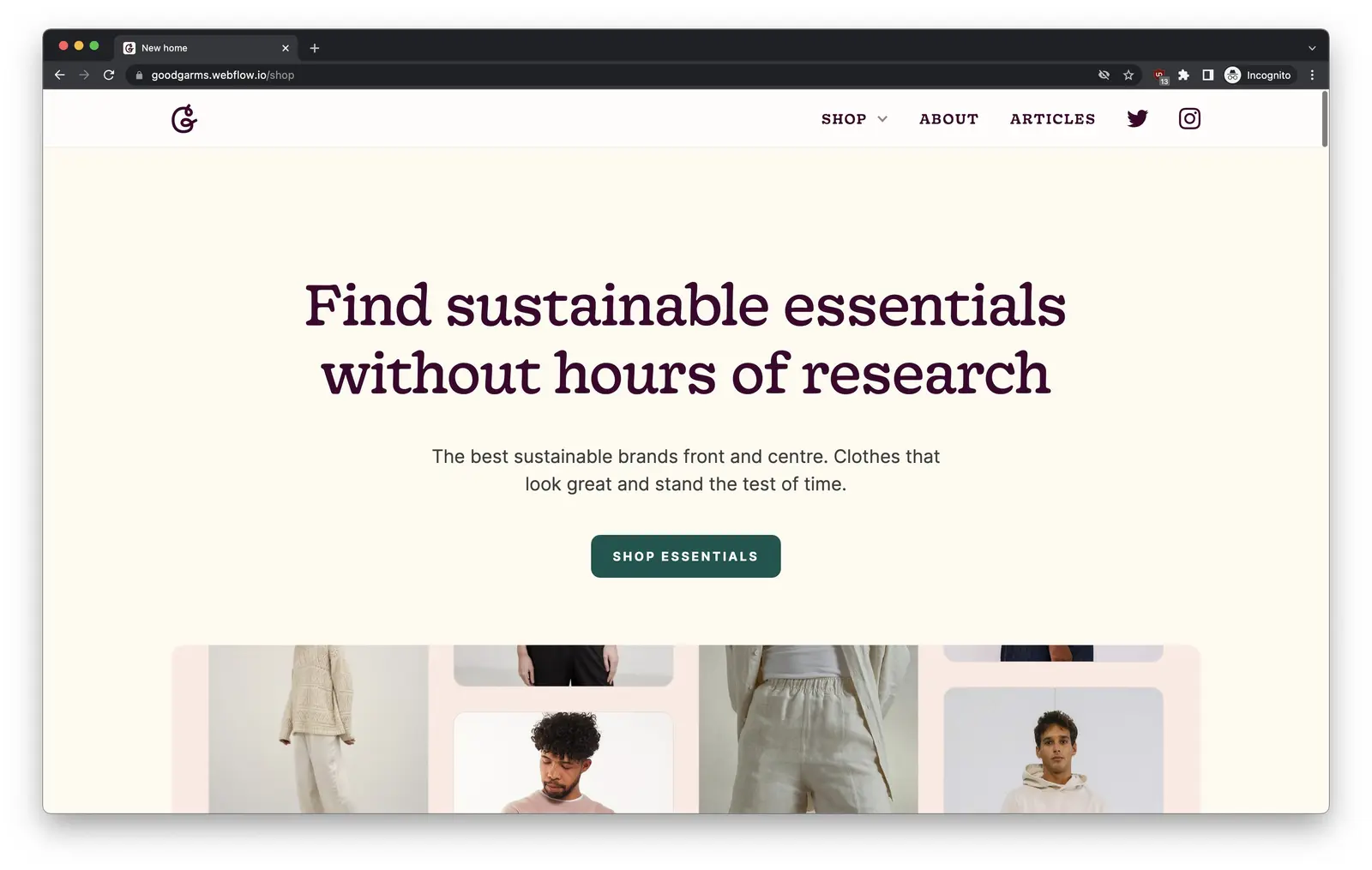
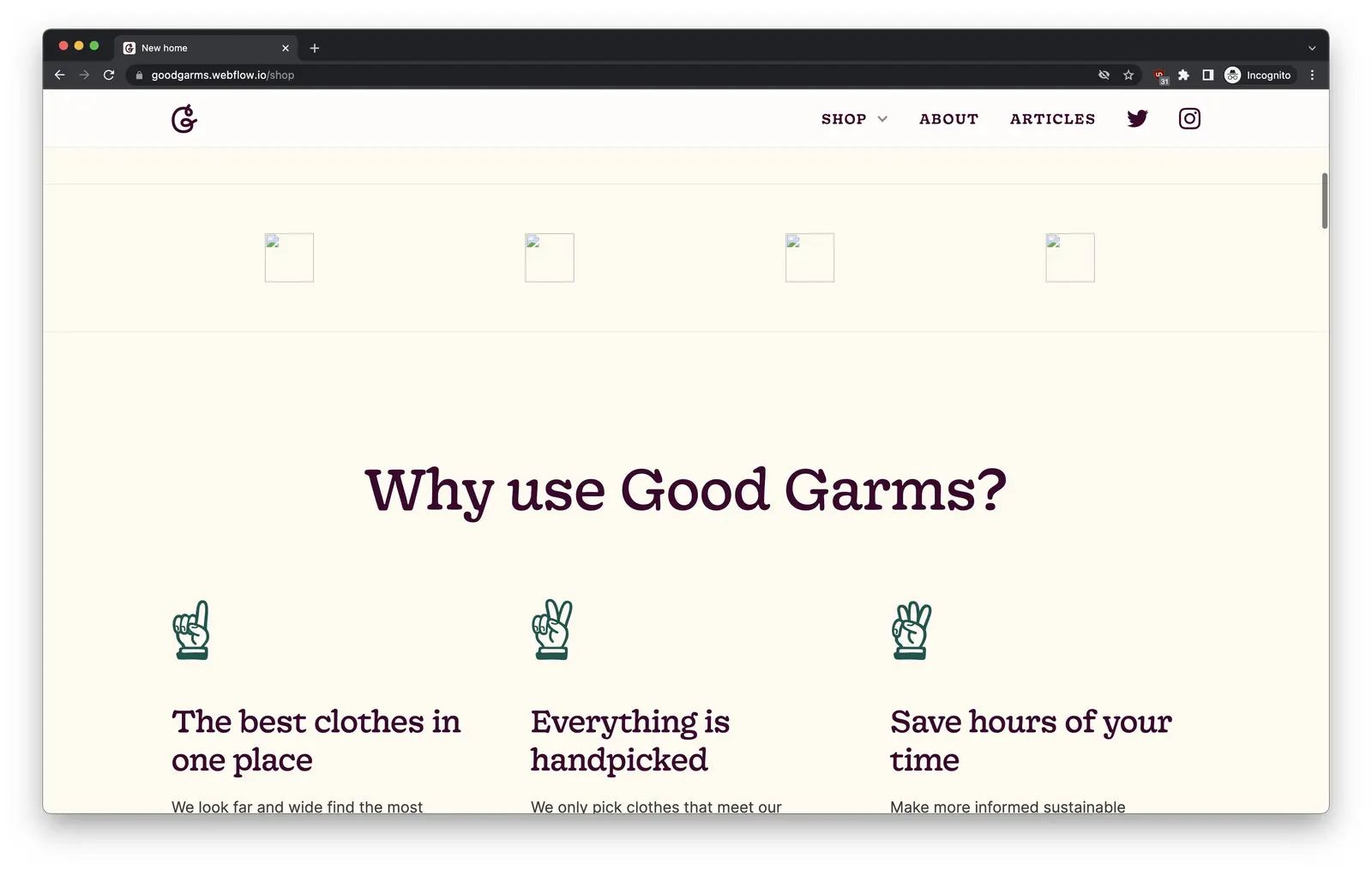
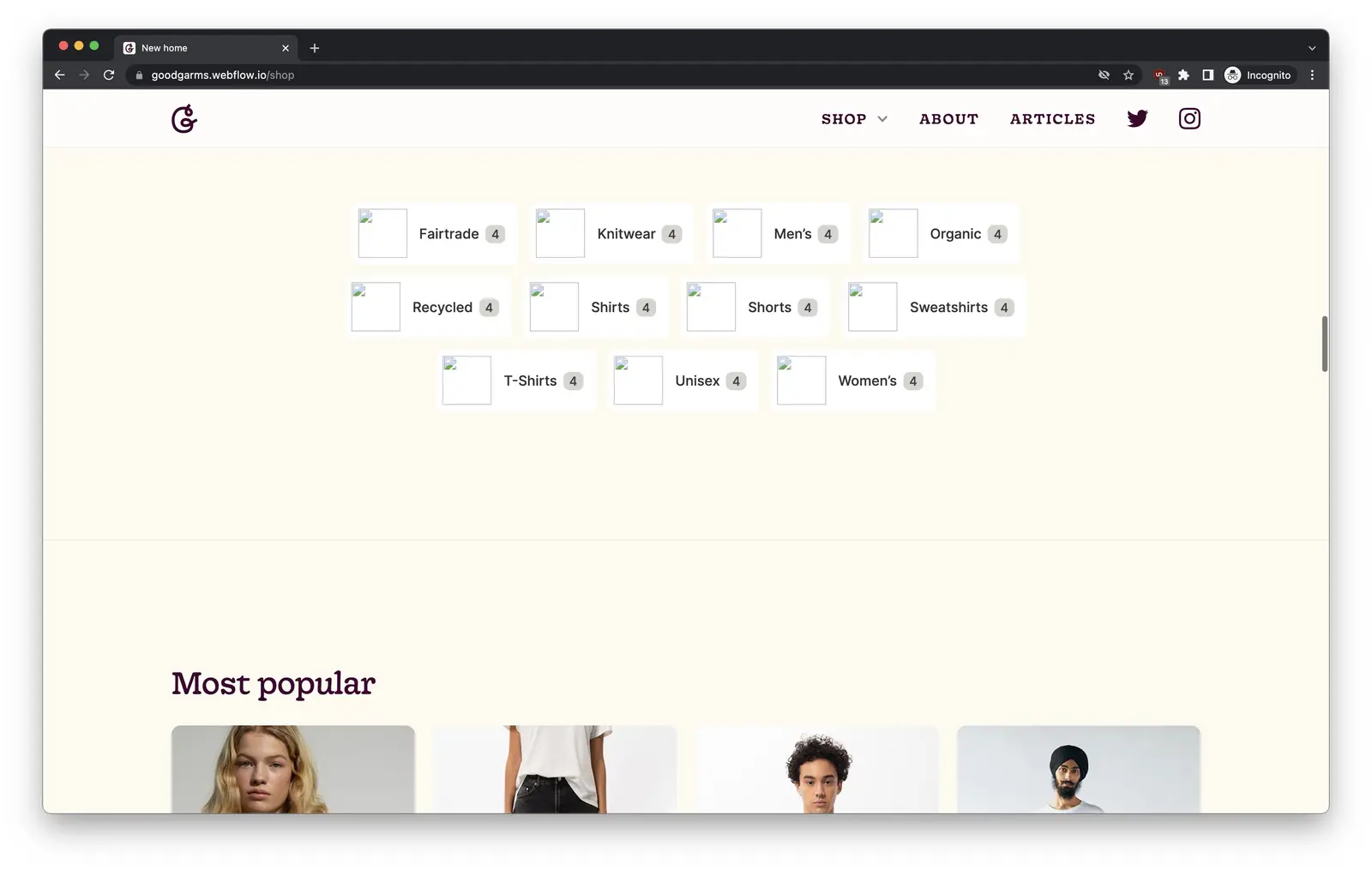
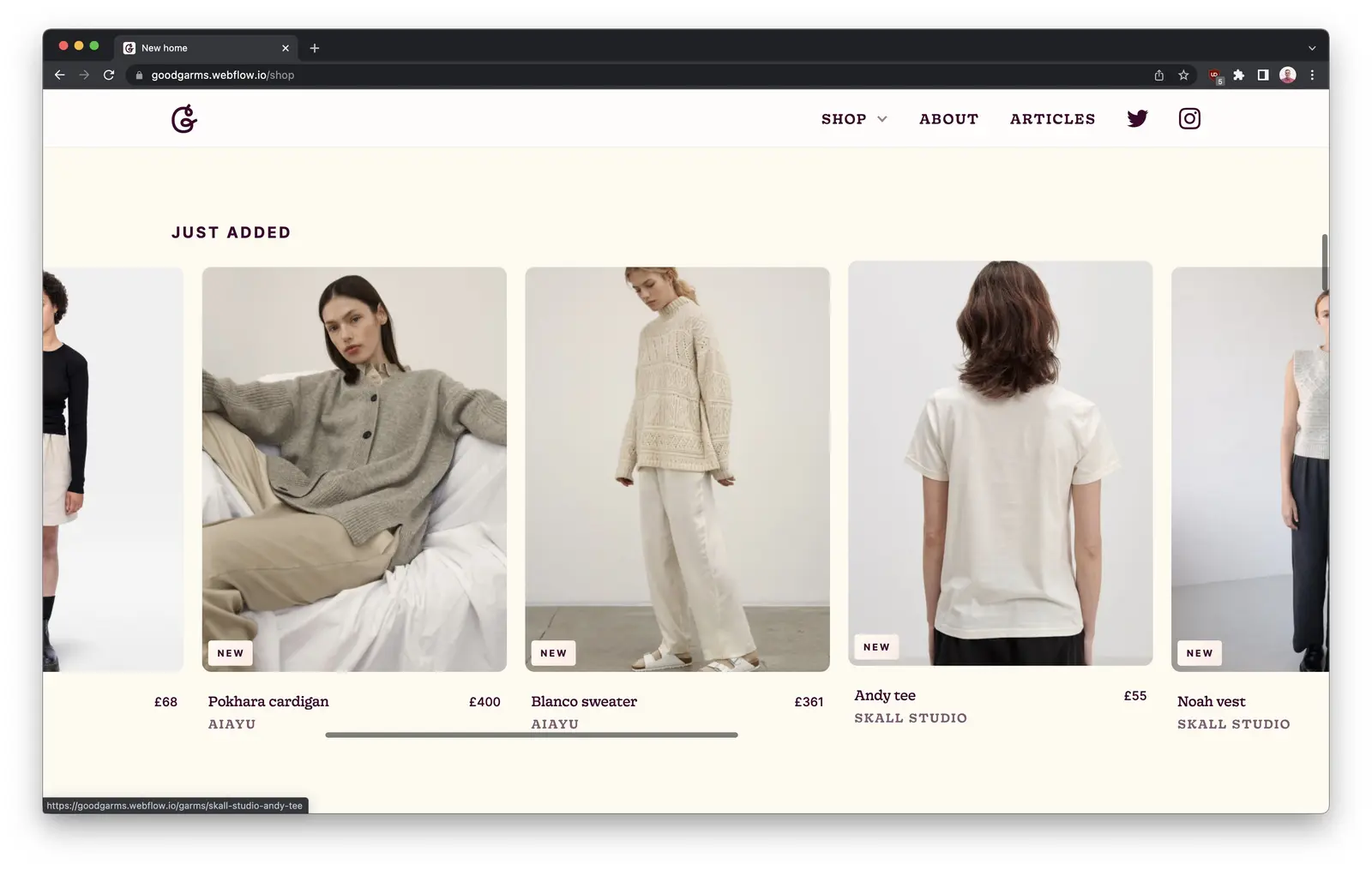
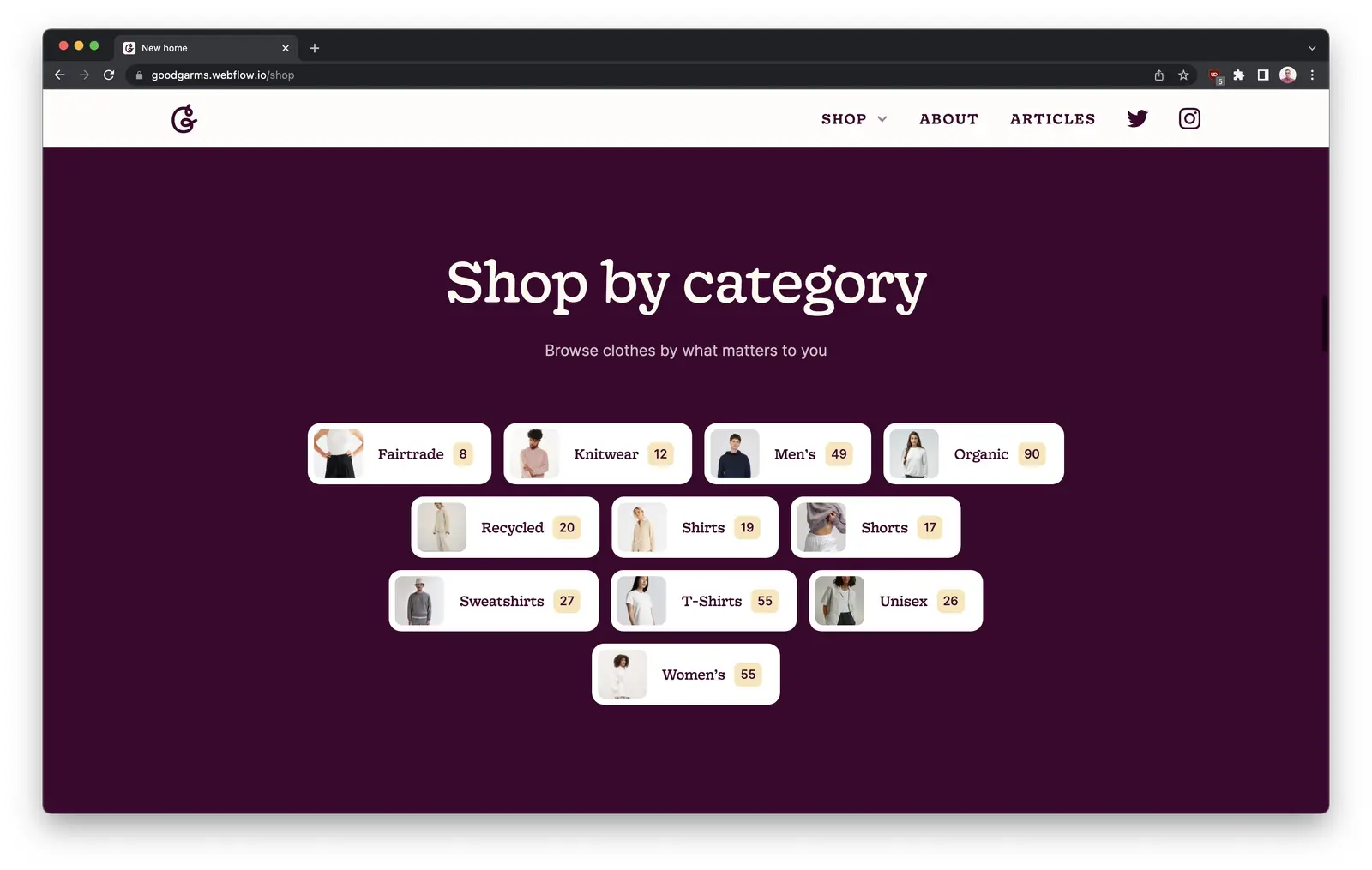
I've published a rough, upadted version to staging.
Lots of work-in-progress and placeholder content, and lots to tidy up. But the main building blocks are in place.
3:13 PM
They're doing some really cool stuff in the Webflow space. And have publisehd a load of great cloneables.
That's how the animation in the header section is possible 💯
3:37 PM
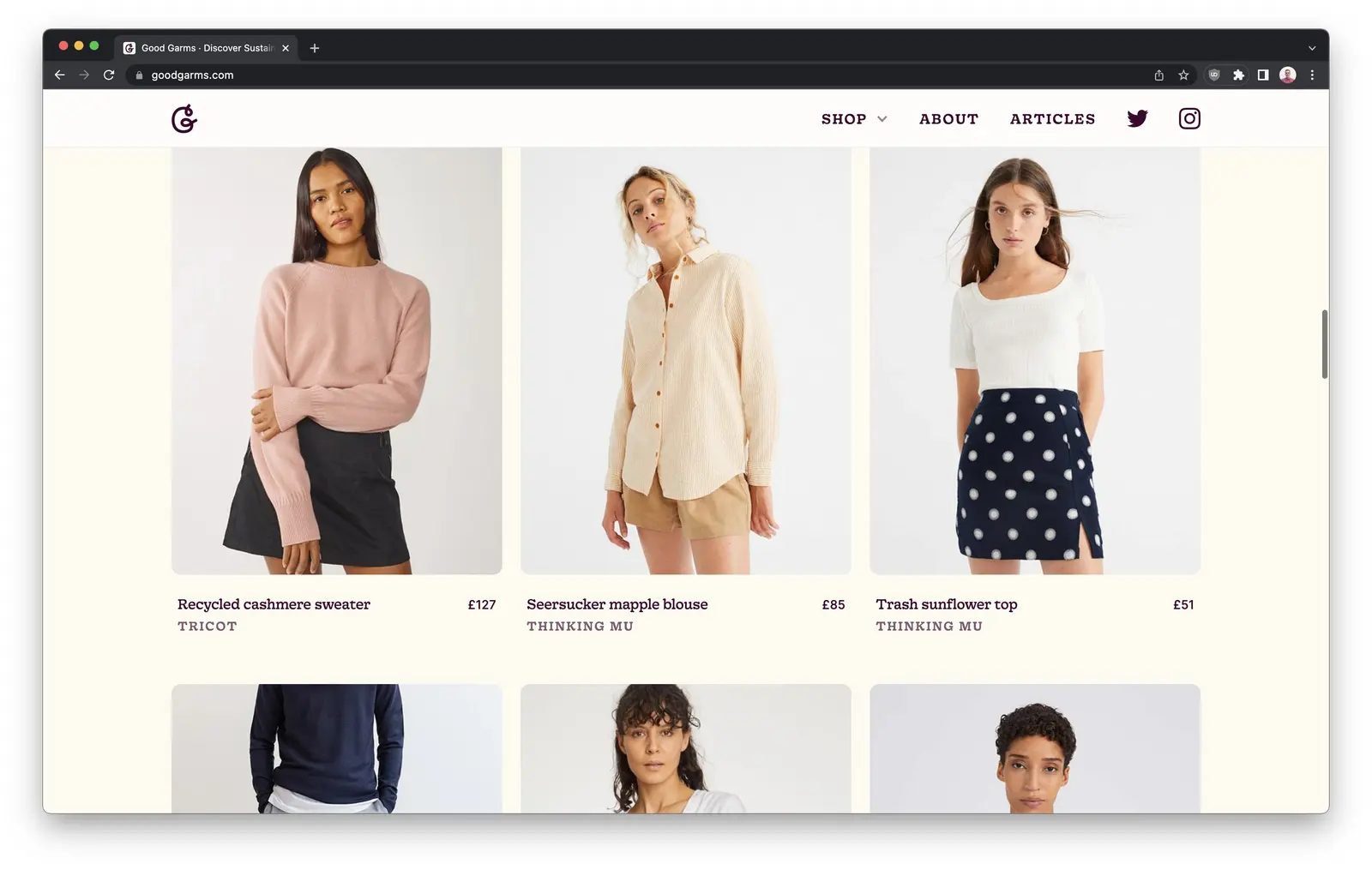
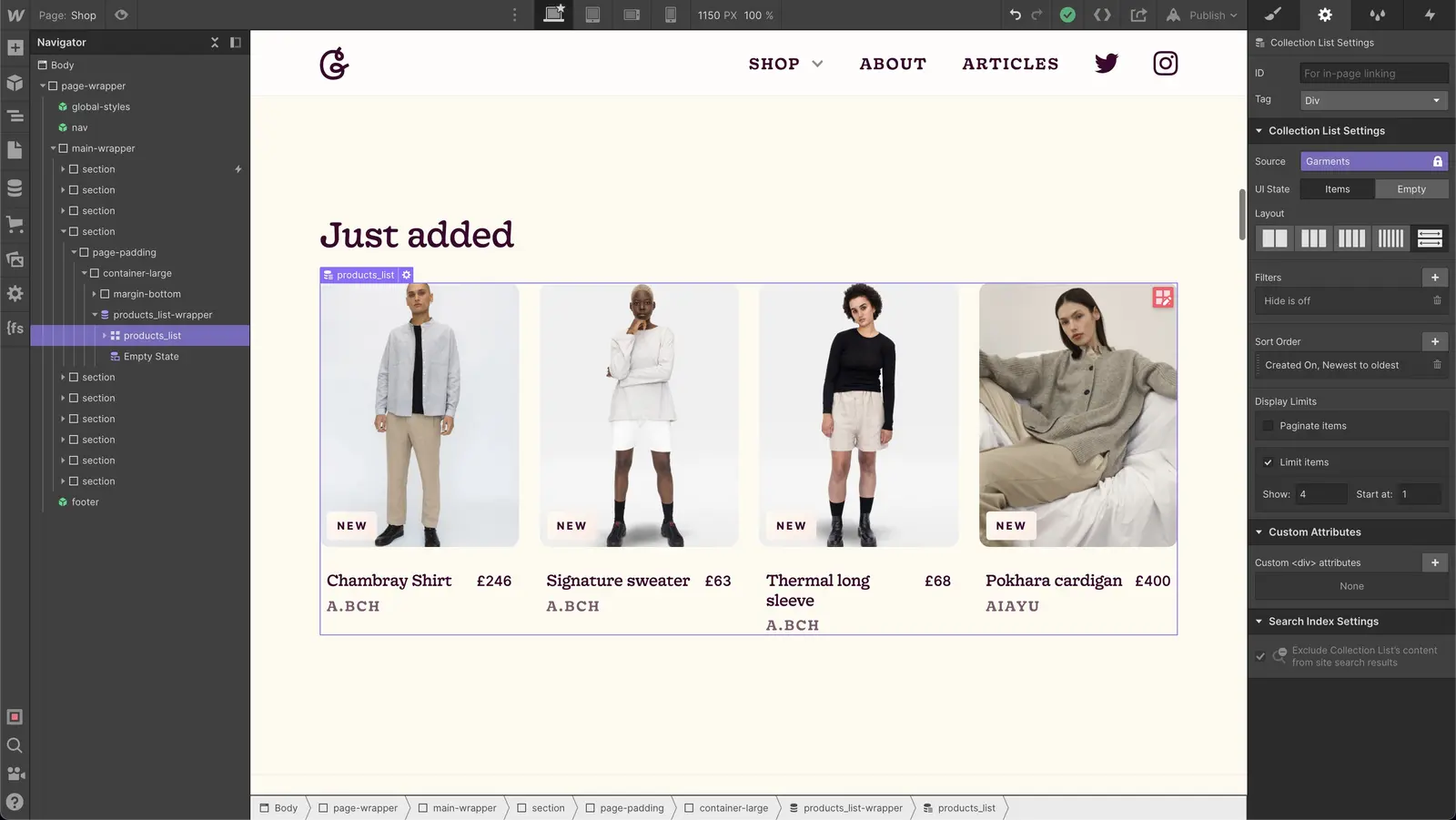
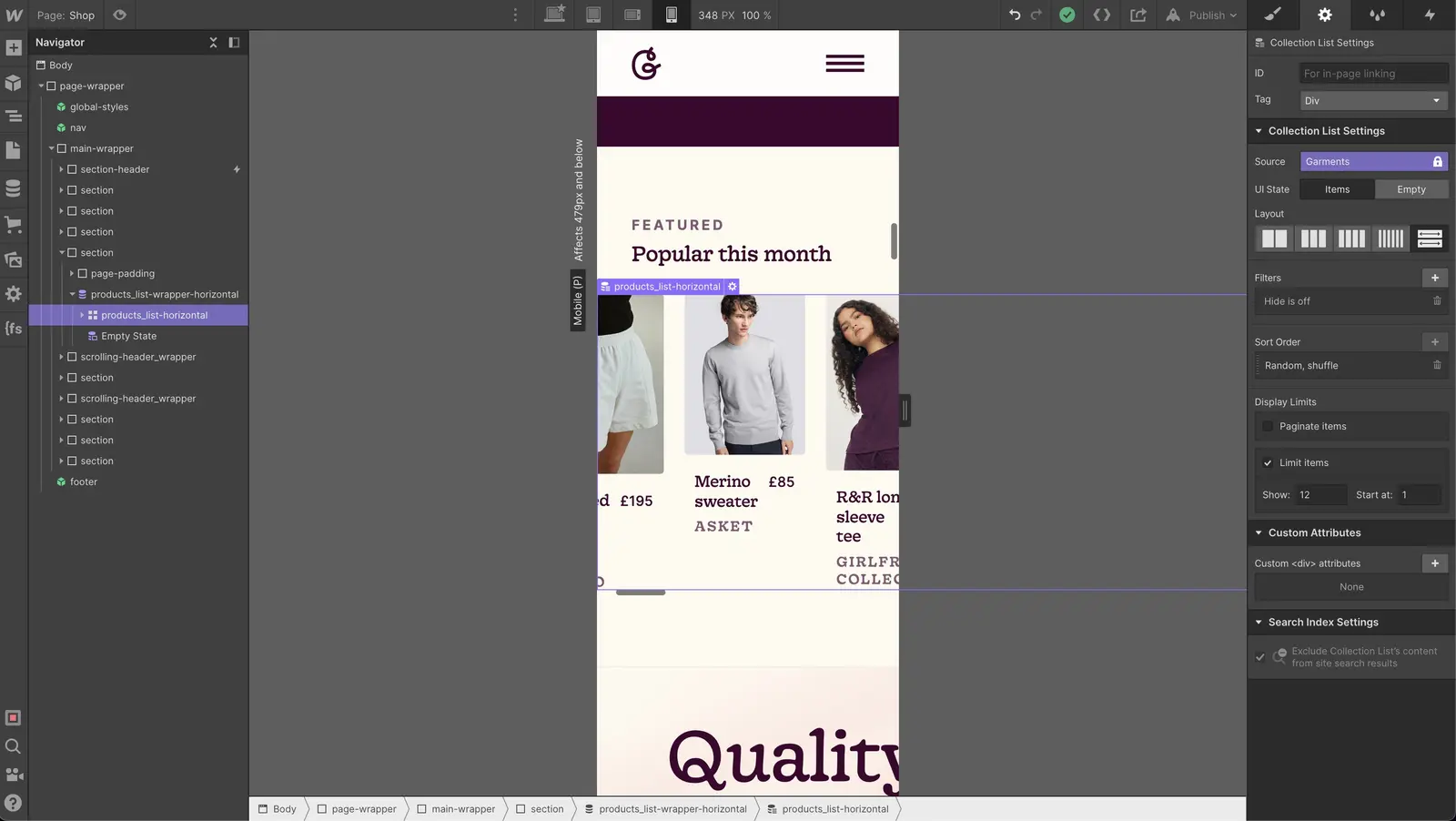
→ Then limit items to 4→ And sort created on date by new to old
I want to make this horizontally scrollable. And show 10–12 items across. This can be a nice to have if I have time.
7:32 PM
Now we’re back on track and making progress — but there is a lot still to do.
Have a look and let me know if you have any feedback ✌️
7:38 PM
9:40 PM
Didn’t get it live just yet, but we’re getting close.
I'll finish off the last things tomorrow and keep this thread updated. Make sure to follow along.
10:57 AM
Following on from where we left off — let’s get it live!
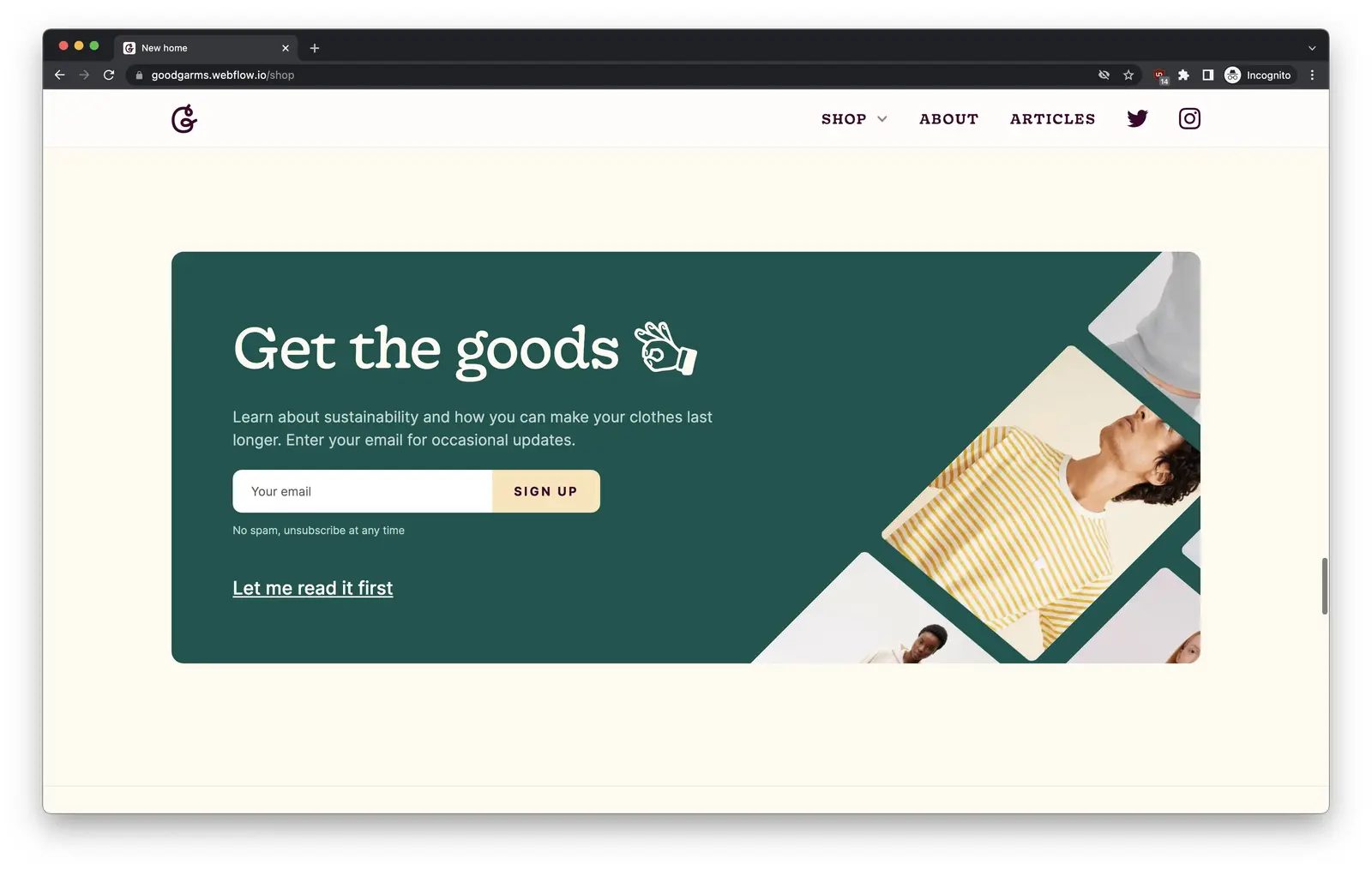
I want to look at the frequently asked questions— do any questions come into your head as you look through the website?
Whatever it might me. Then I'll plan to write some short answers and add them to the site.
12:45 PM
12:58 PM
→ https://www.goodgarms.com/shop
1:01 PM
Don't know how to fix it really — guess it’s something to do with flexbox?
1:03 PM
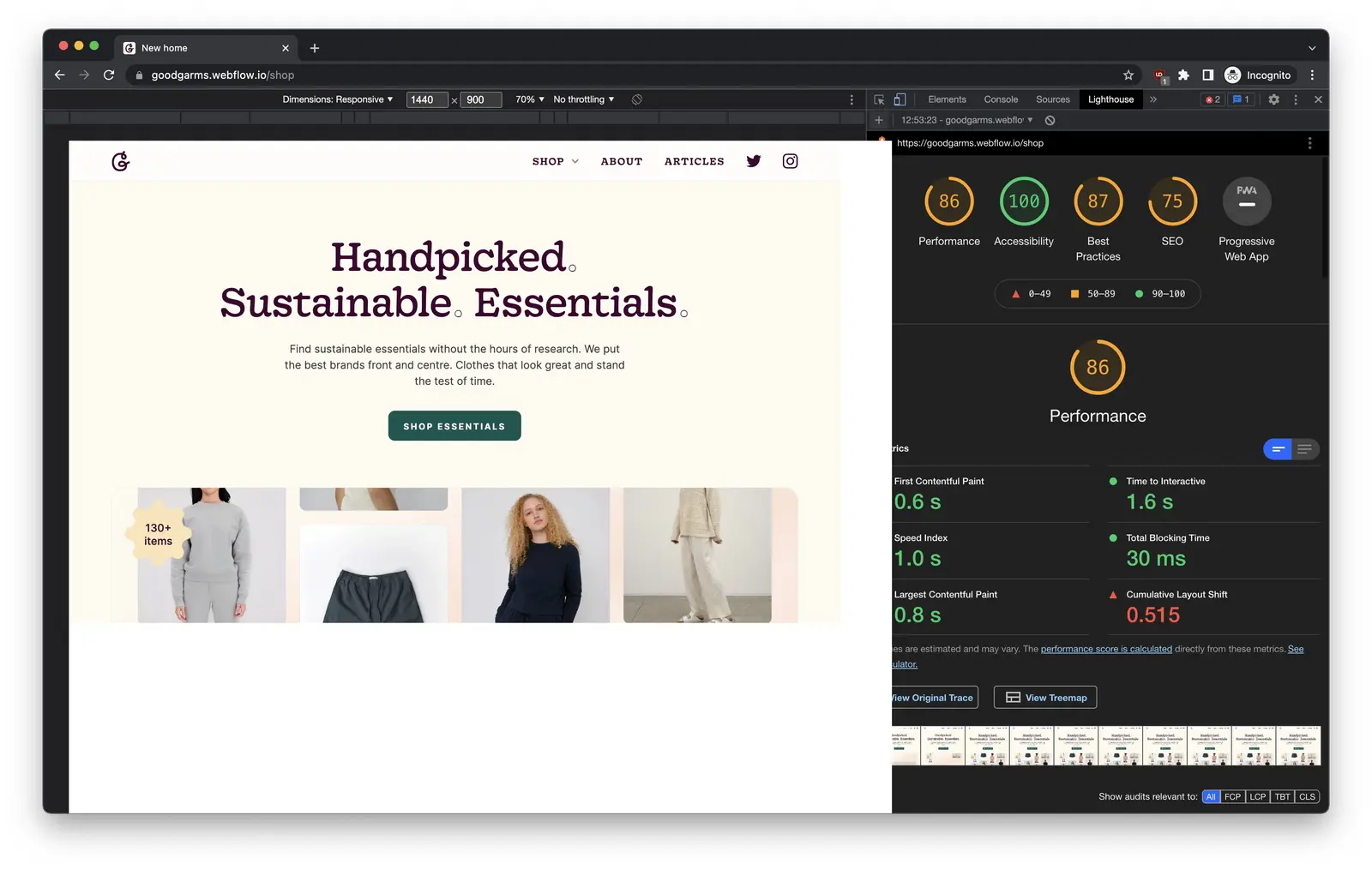
Many animated elements and I've not spent long optimising images. Try to make these scores at least green.
3:33 PM
Added in the meta tag, meta description and open graph image.
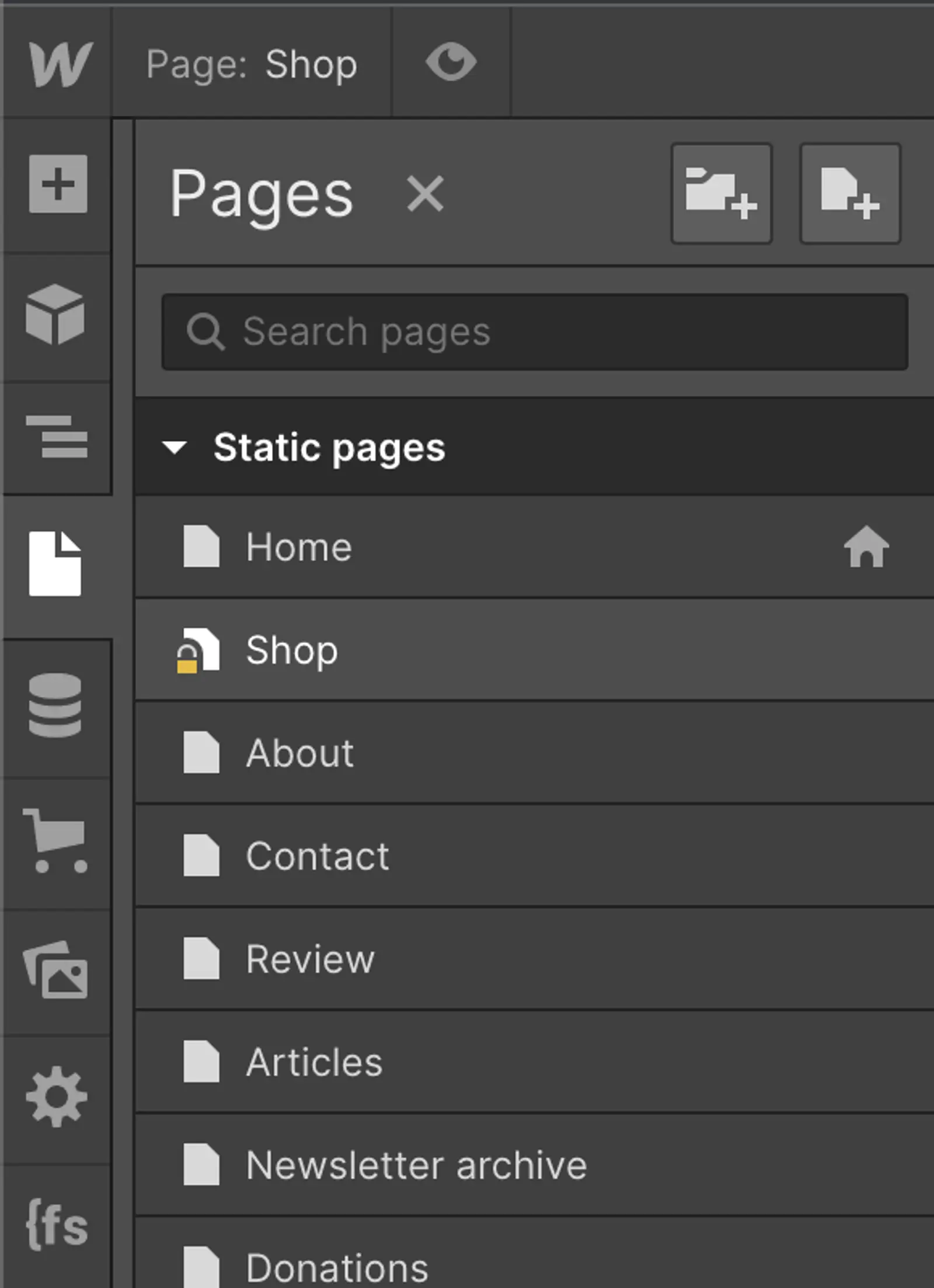
Now swapping the page content of home and /shop and making sure all links go to the right place.
4:02 PM
Thanks for joining me — and for all your input and feedback along the way.
That was super fun.
Have a look → Good Garms
Join 2,900+ designers · Unsubscribe at any time