12 best card layout Webflow templates
Card layout Webflow templates use card-based components to organise and present content in a clear, scannable format. Cards work particularly well for portfolios, blog archives, product listings, team members, and feature breakdowns — any content that benefits from a grid of distinct, clearly bounded items. These templates use Webflow's CMS to power the card grids, making it easy to add, update, and manage content without adjusting the layout. Styles range from minimal, clean cards to richer formats with images, tags, metadata, and hover interactions. An effective card layout makes a large volume of content feel organised and easy to navigate.
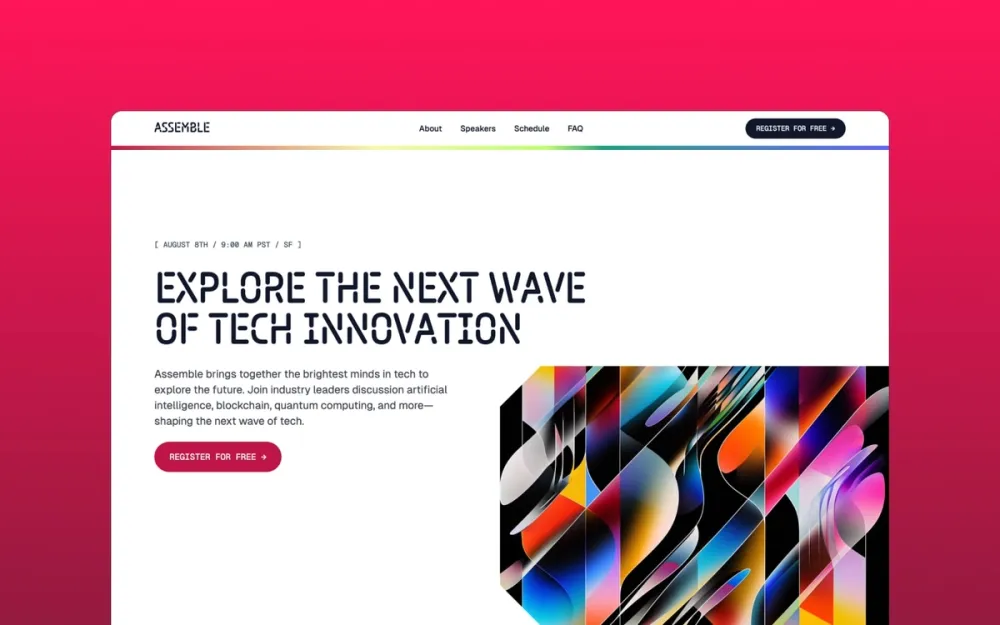
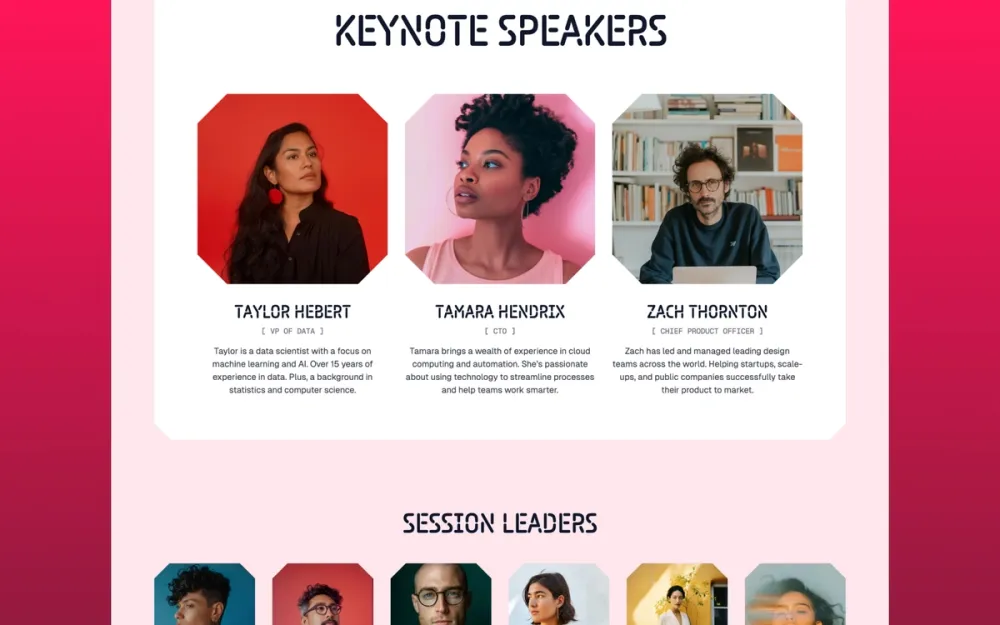
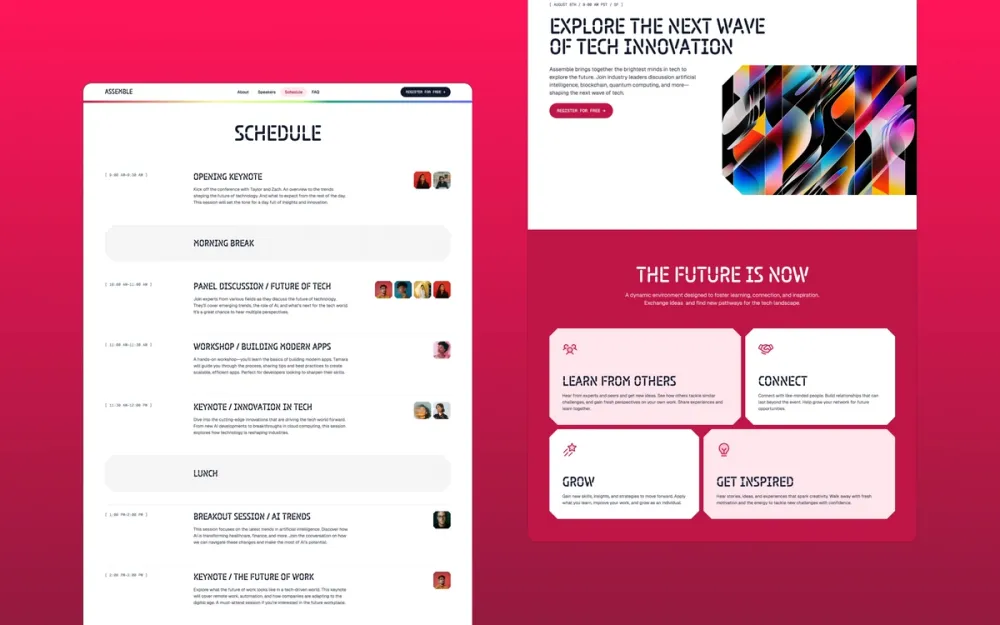
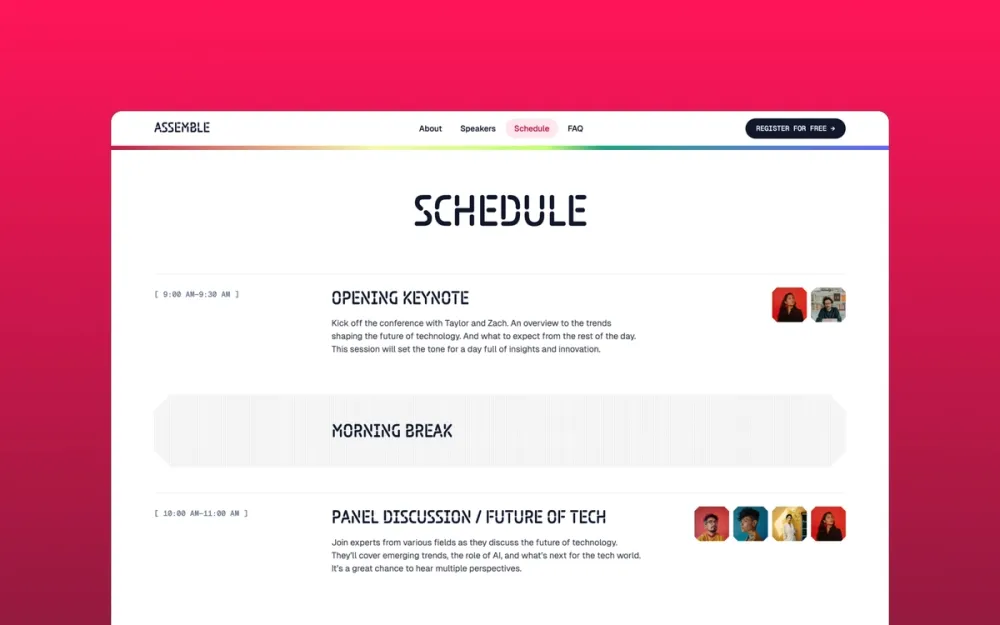
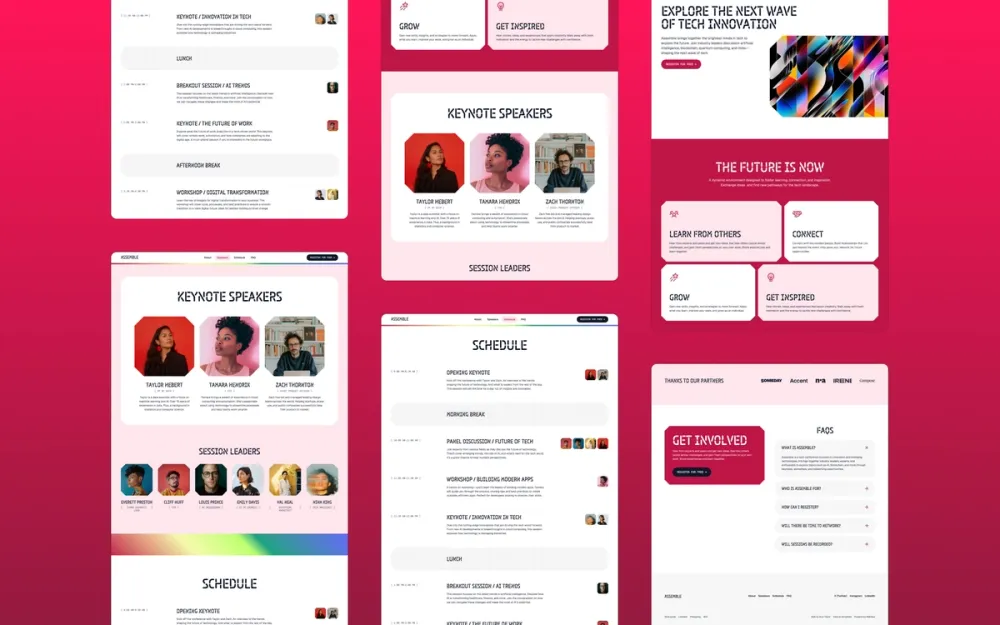
Assemble
A fun and modern template for conferences and events
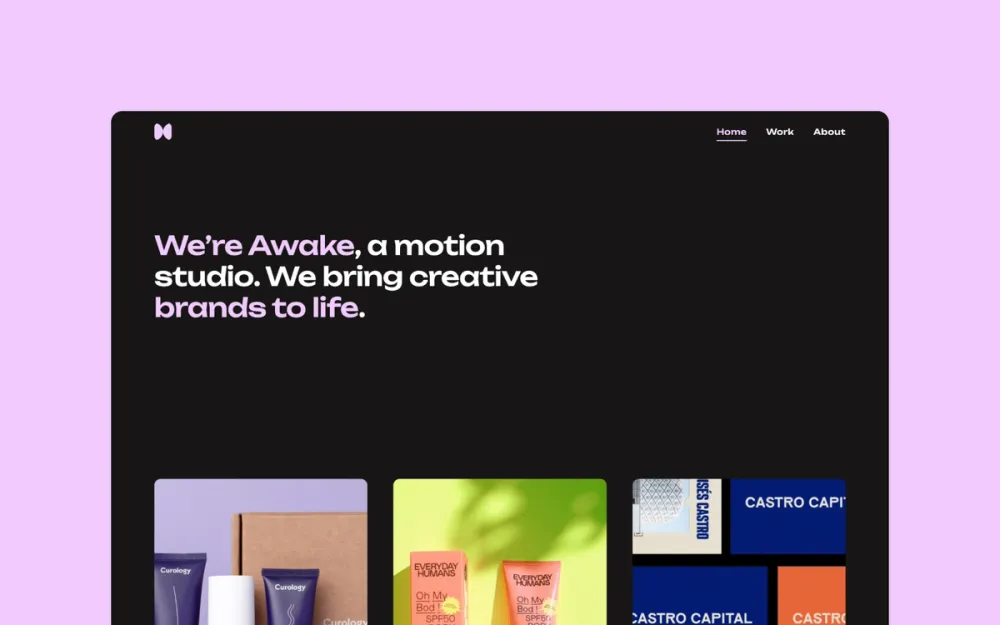
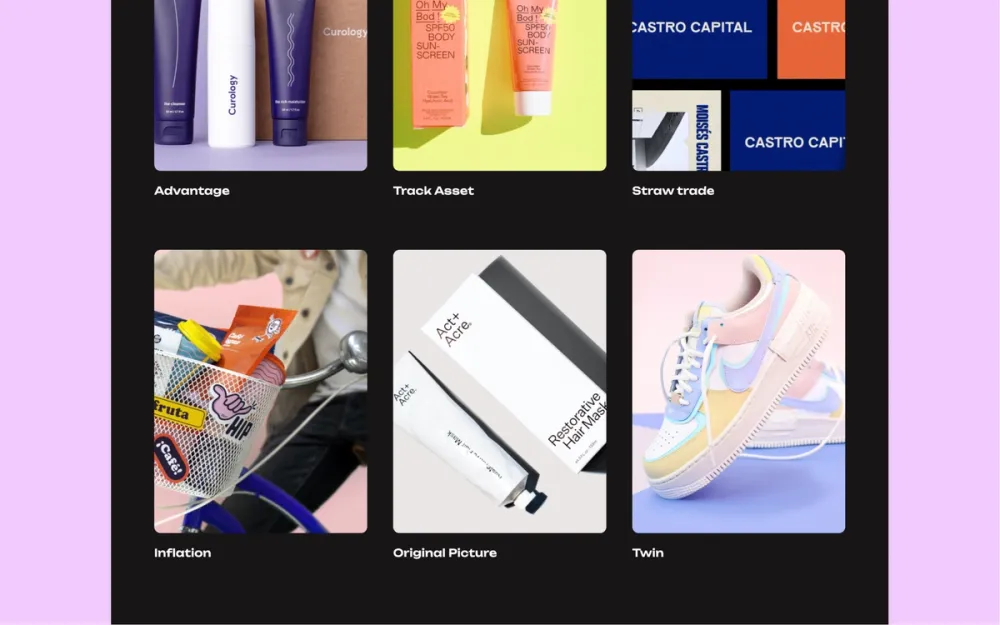
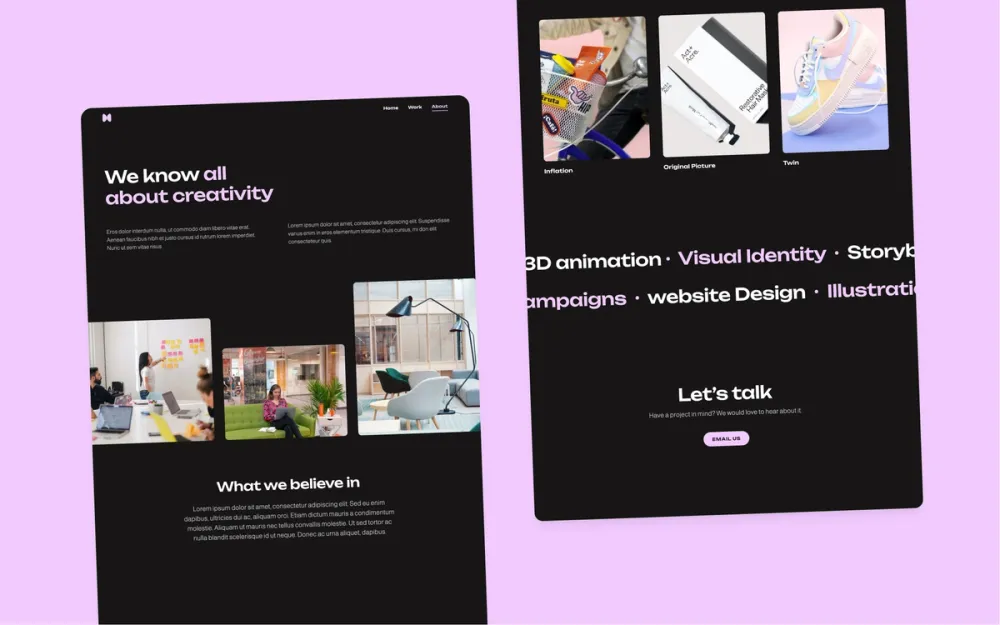

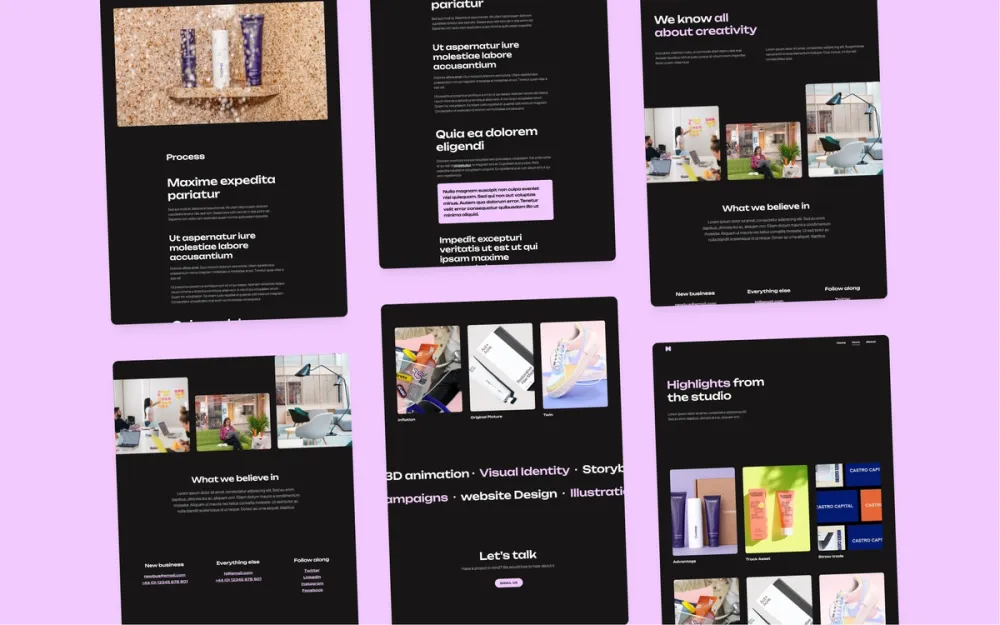
Awake
A clean, dark-themed portfolio template for agencies
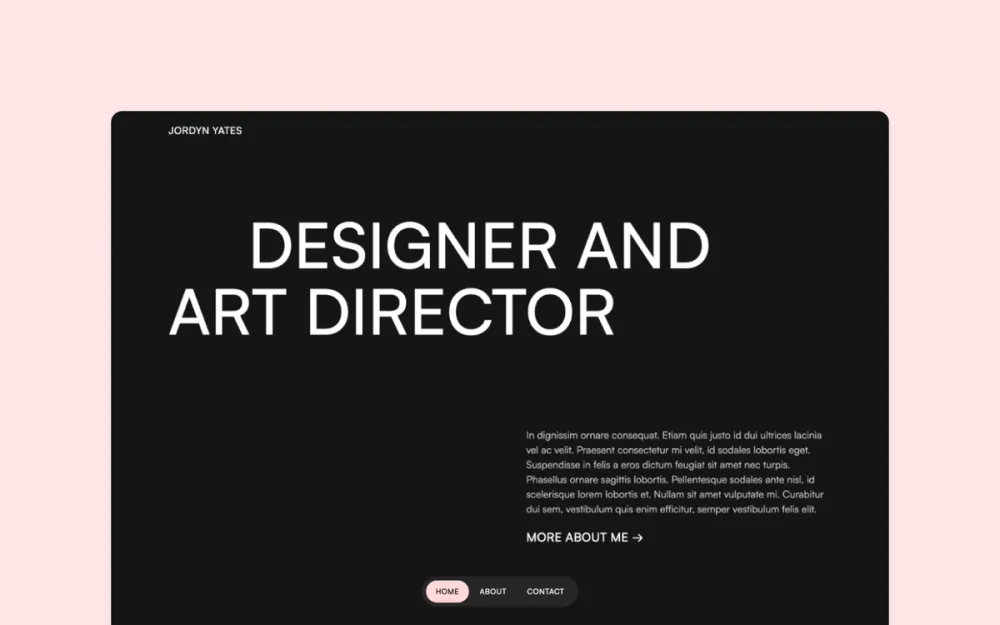
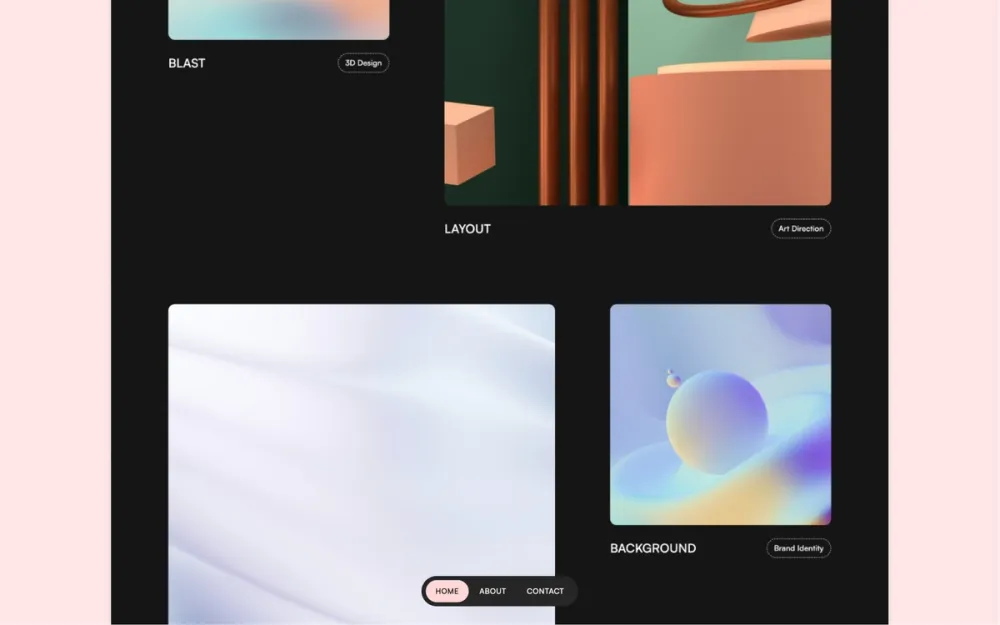
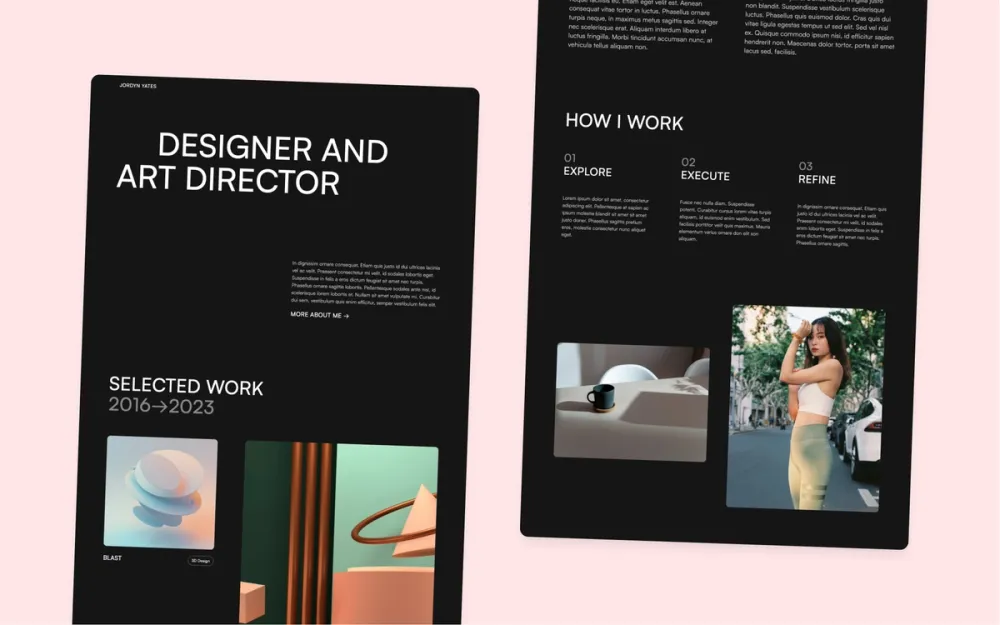
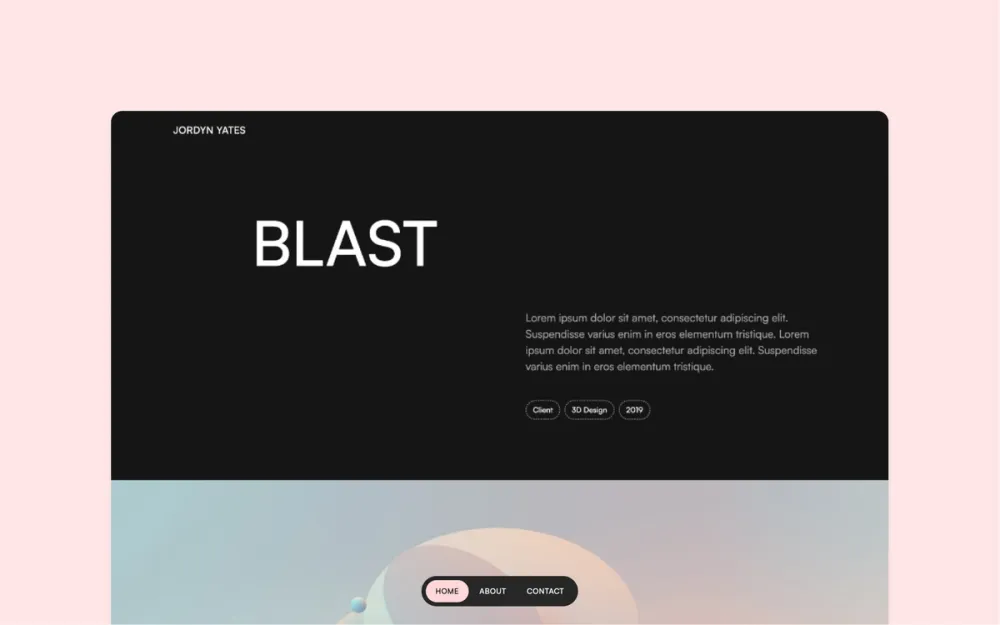
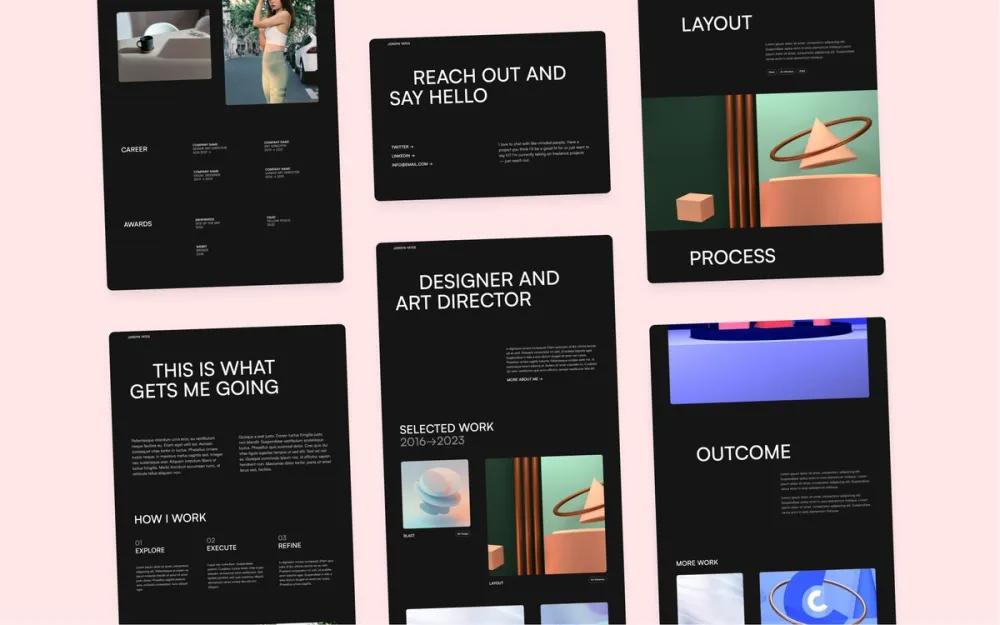
Darkfolio
A dark, clean and minimal portfolio template for designers
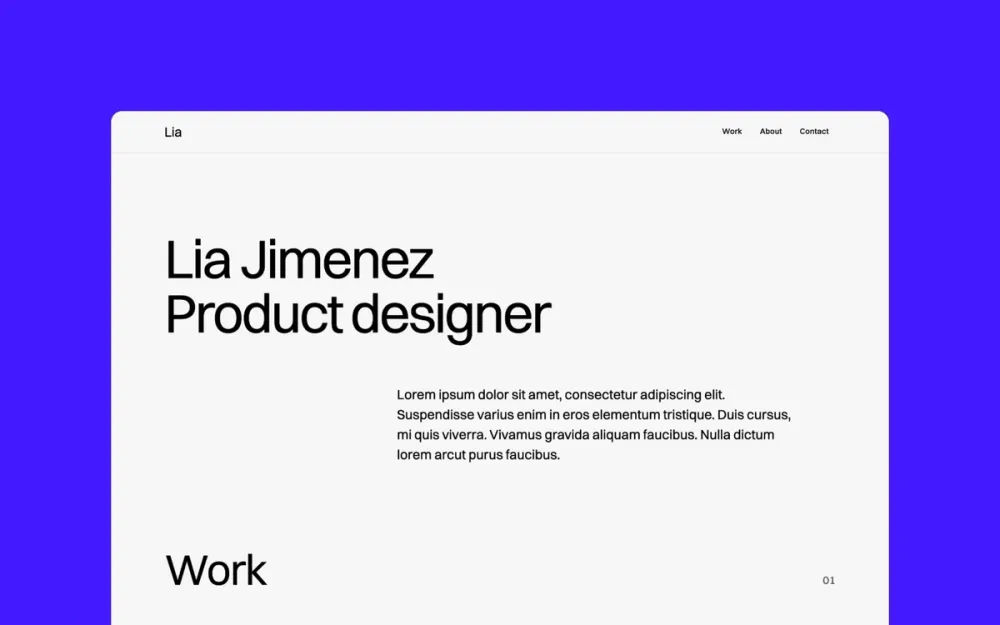
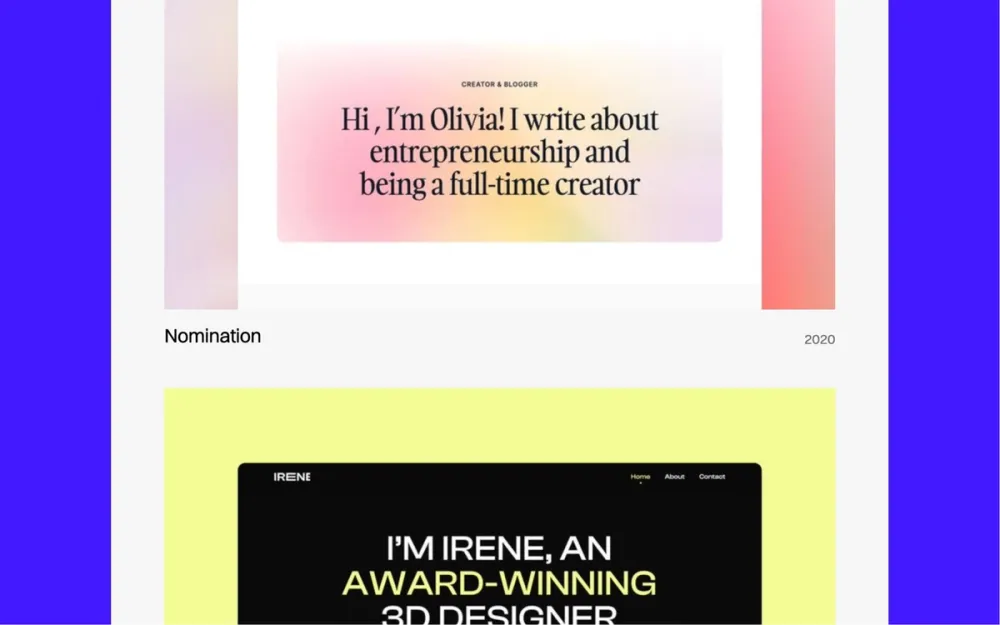
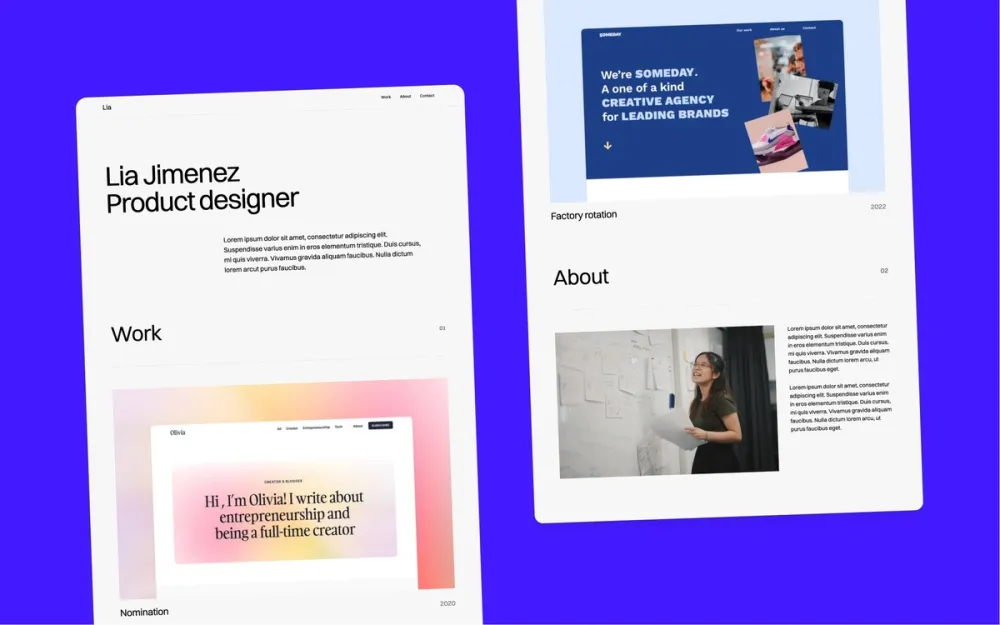
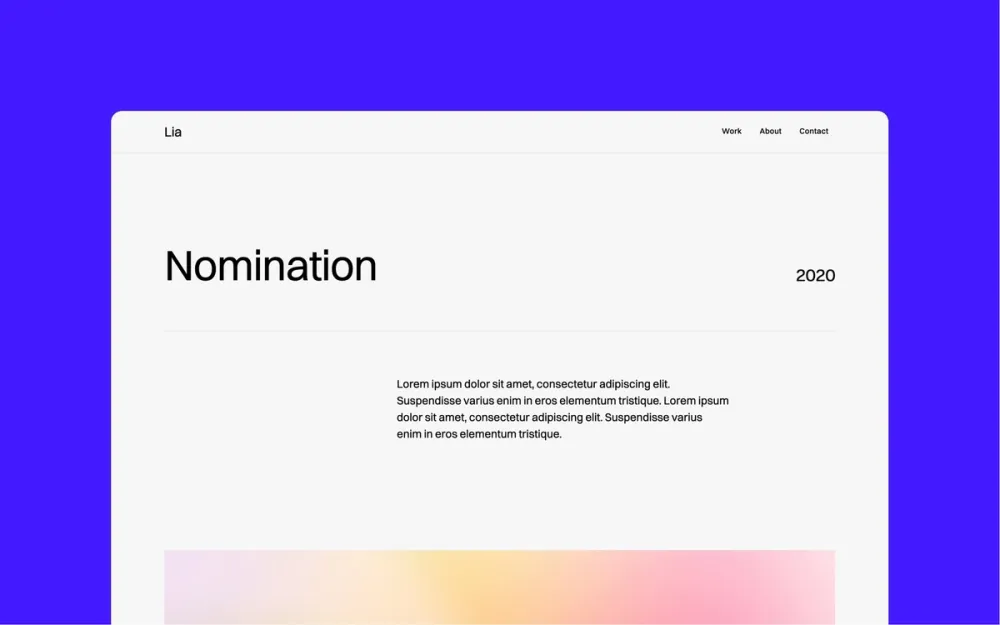
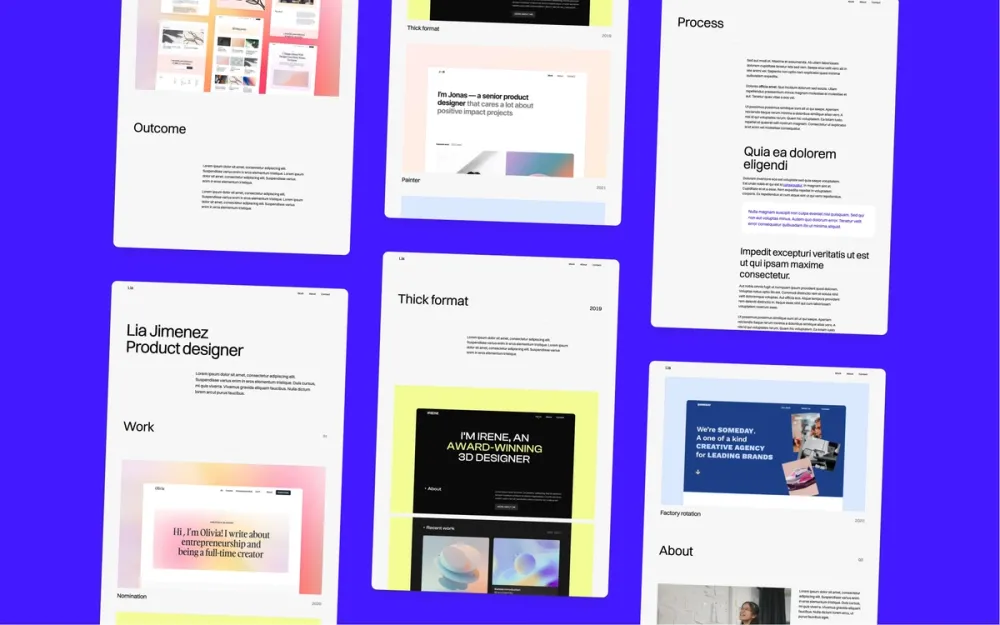
Format
A minimal one-pager design portfolio template
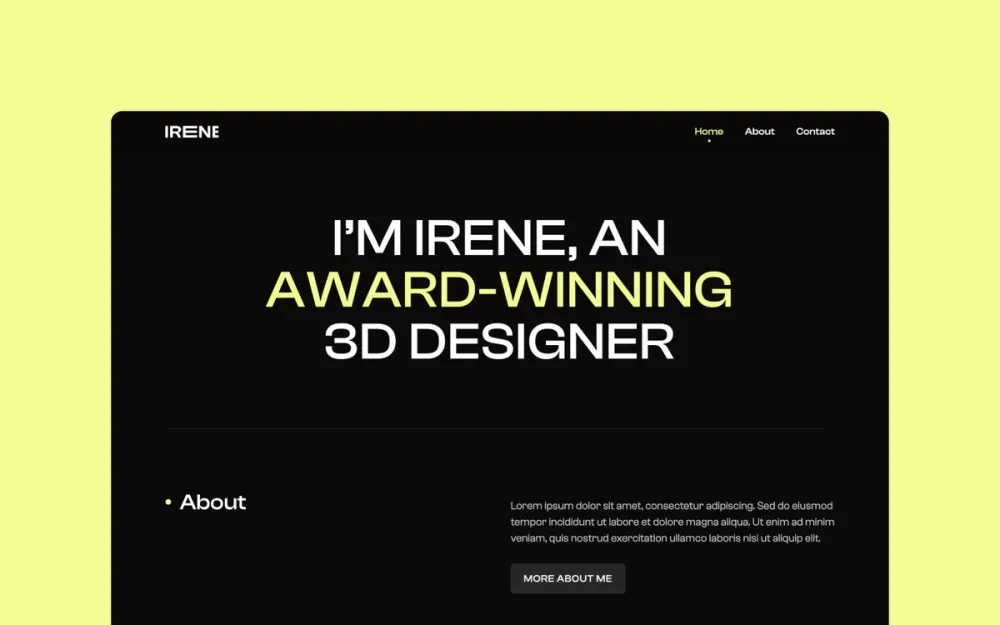
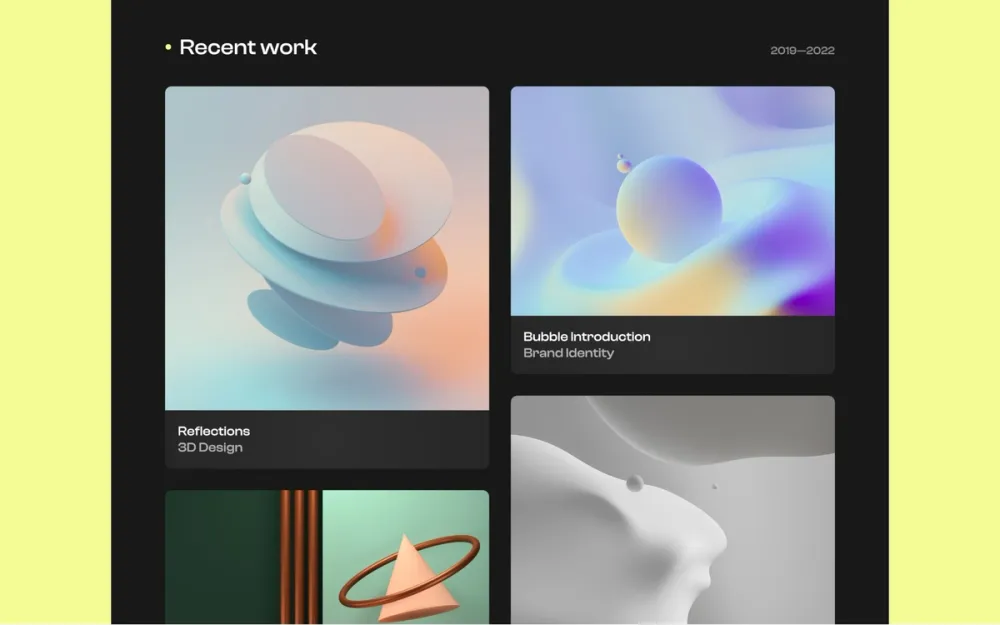
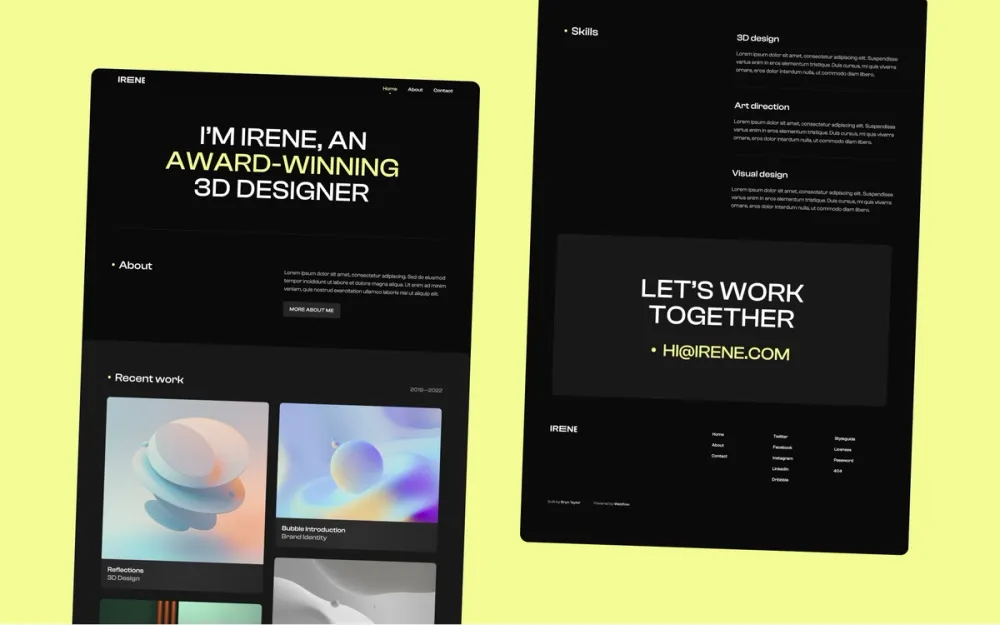
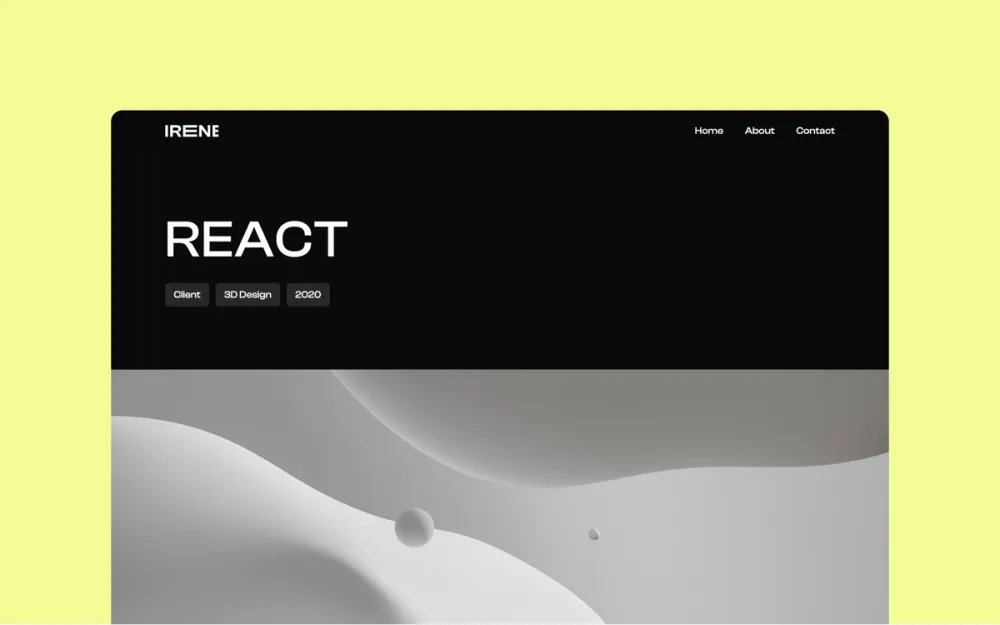
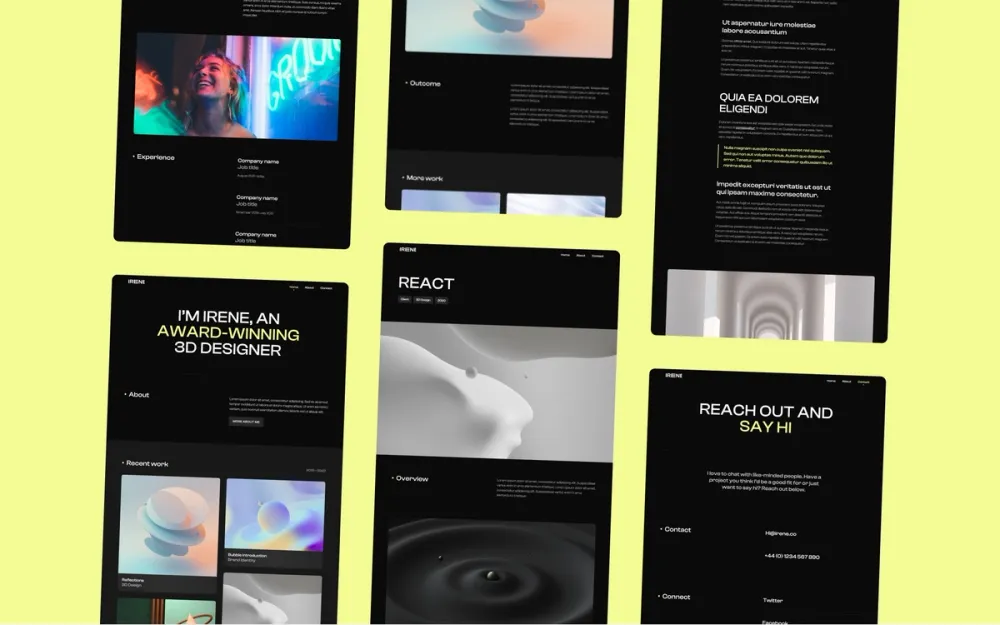
Irene
A simple dark theme portfolio template for designers and creatives
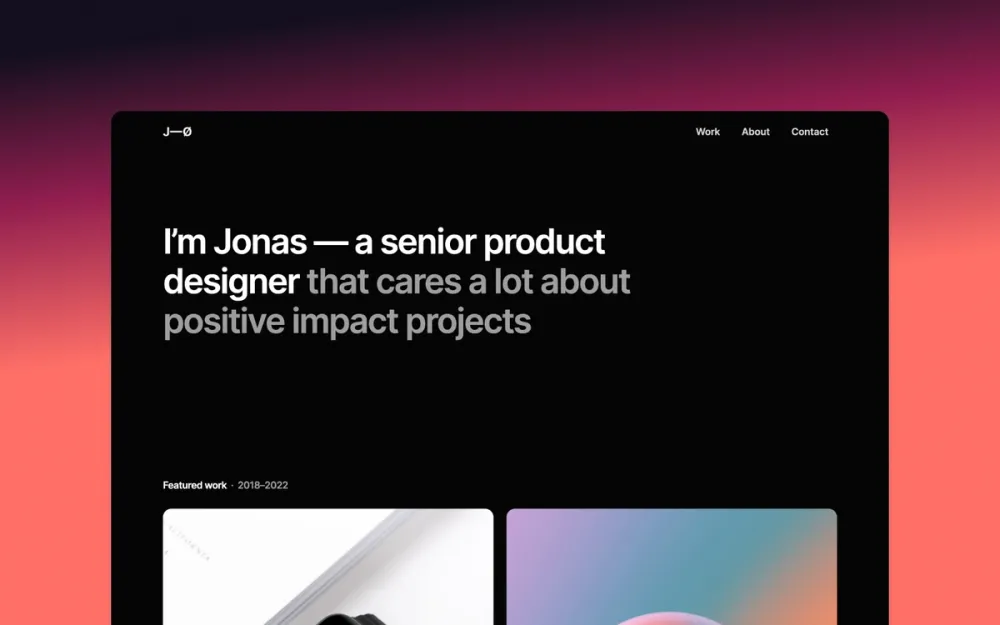
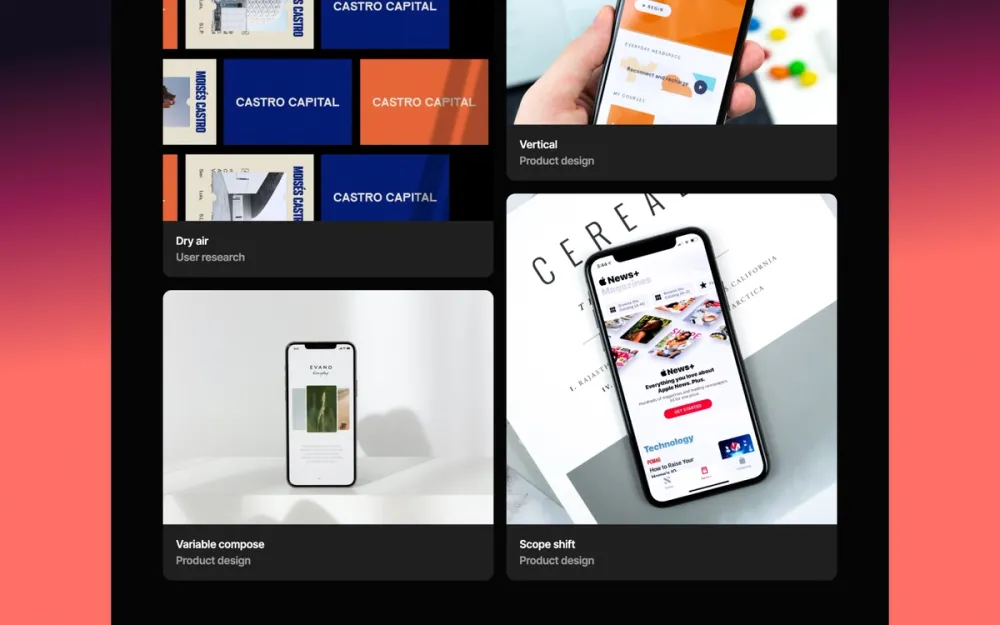
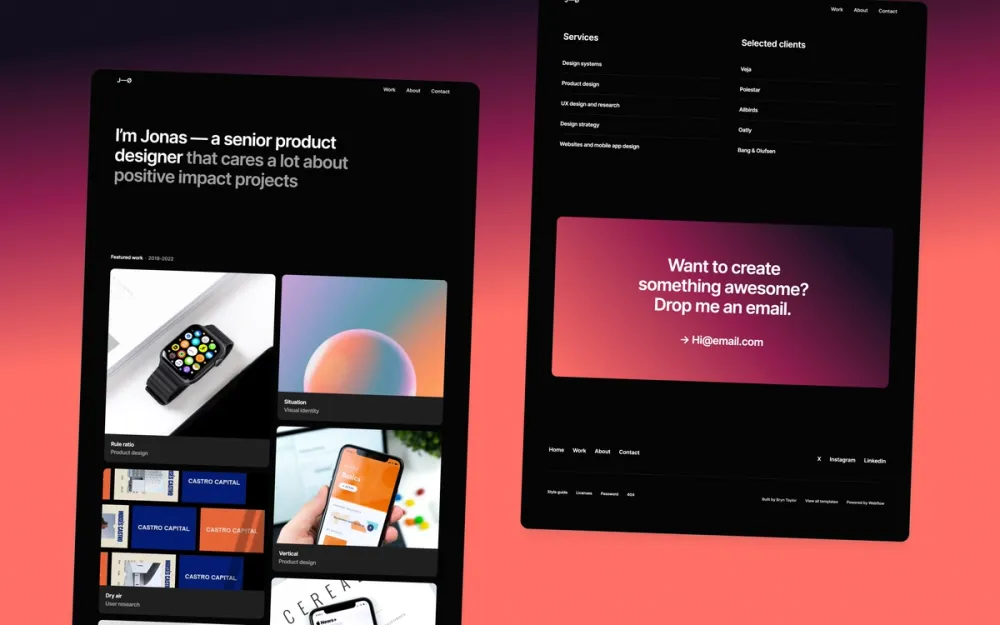
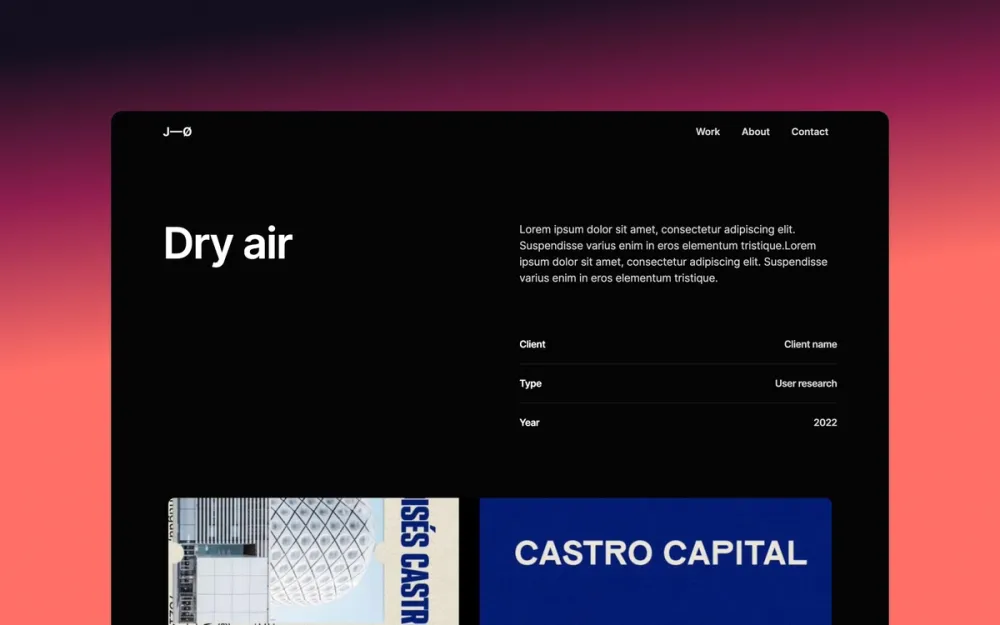
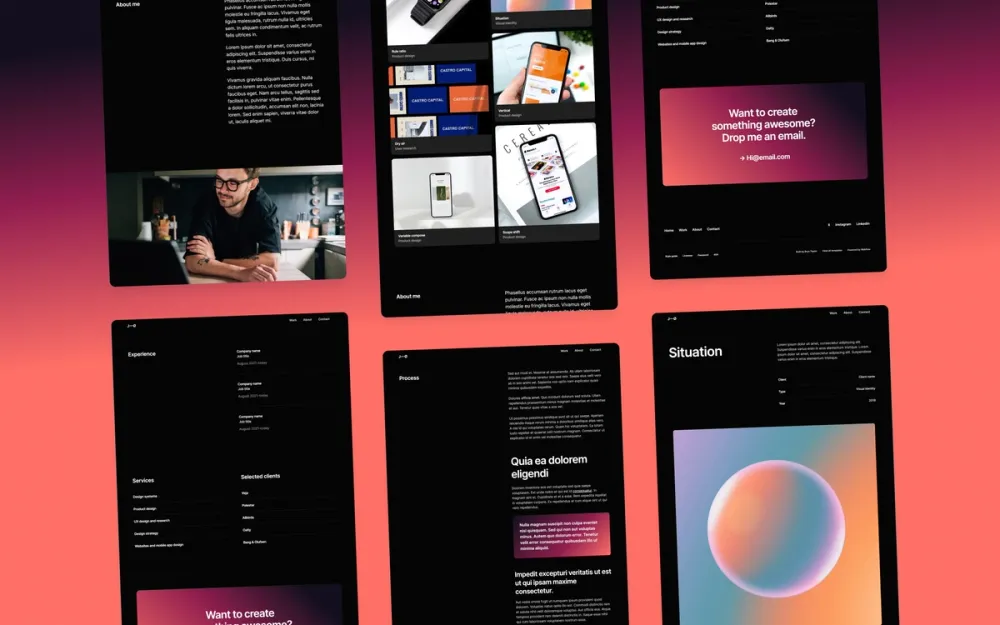
Jonas Dark
A modern, dark-mode, one-pager portfolio template for designers
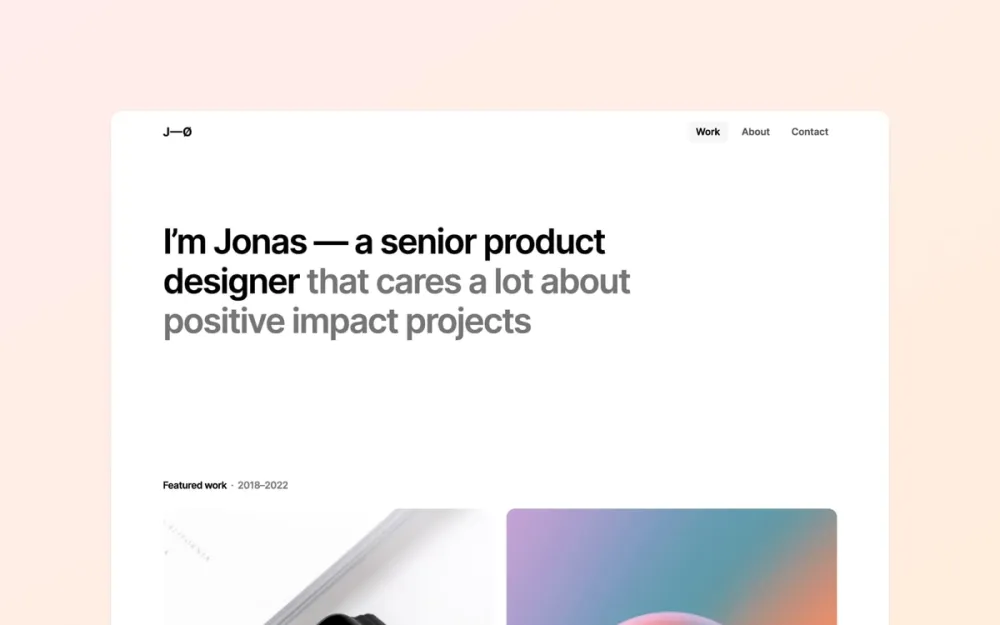
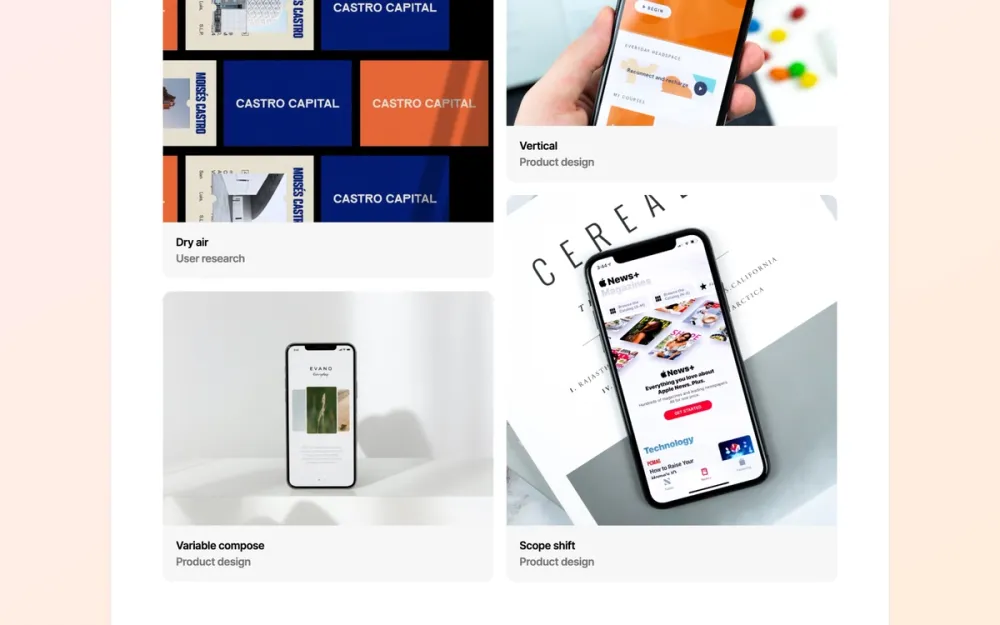
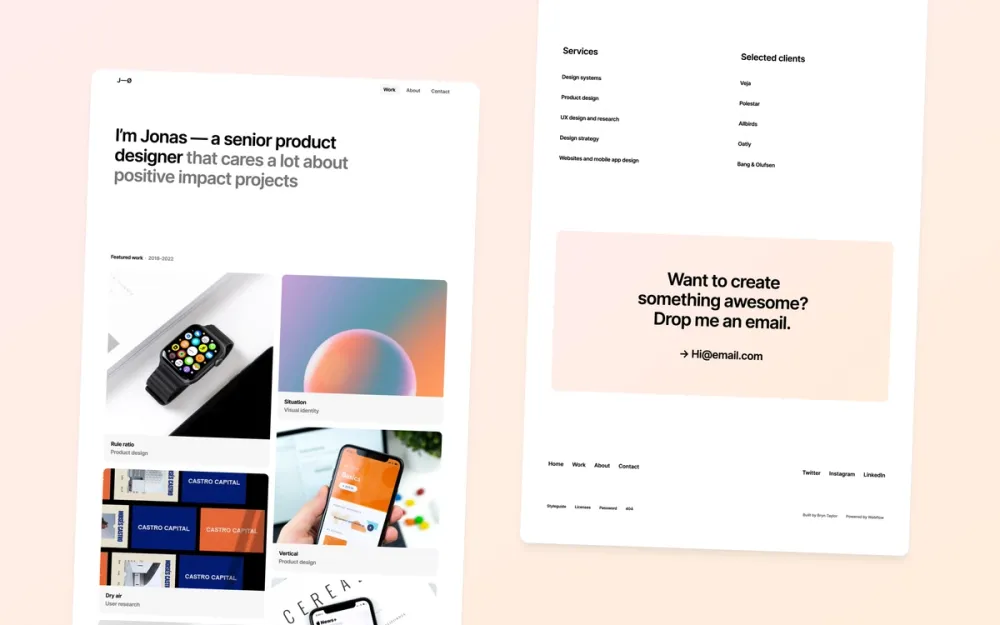
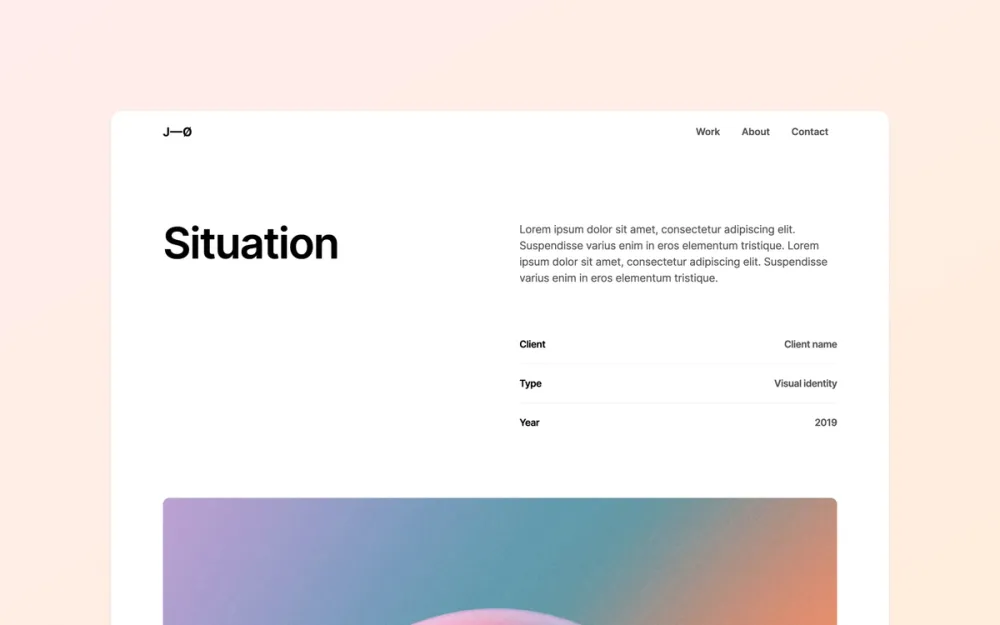
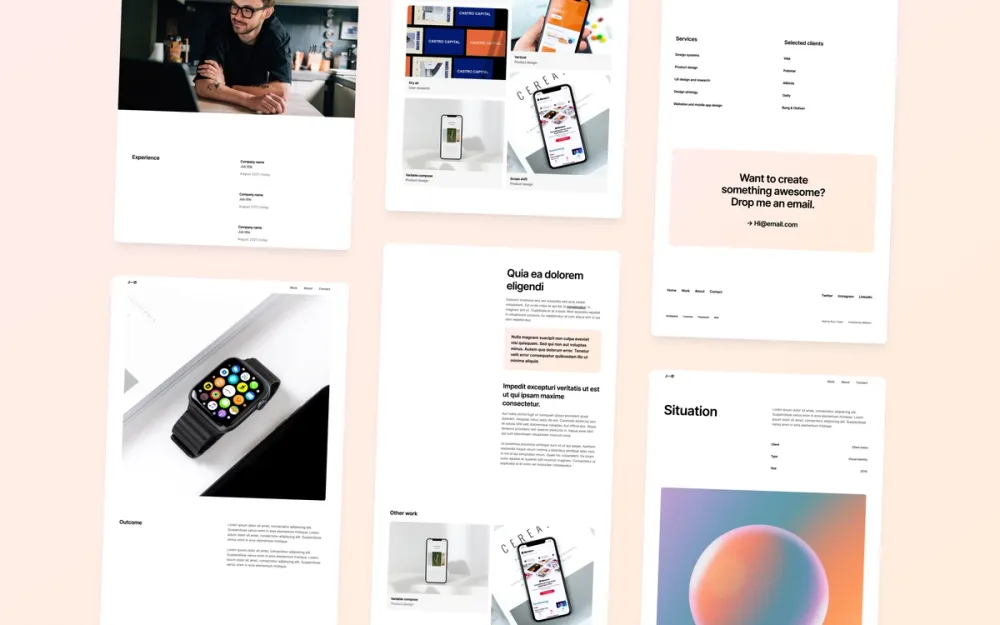
Jonas
A minimal, one-pager portfolio template — great for product designers
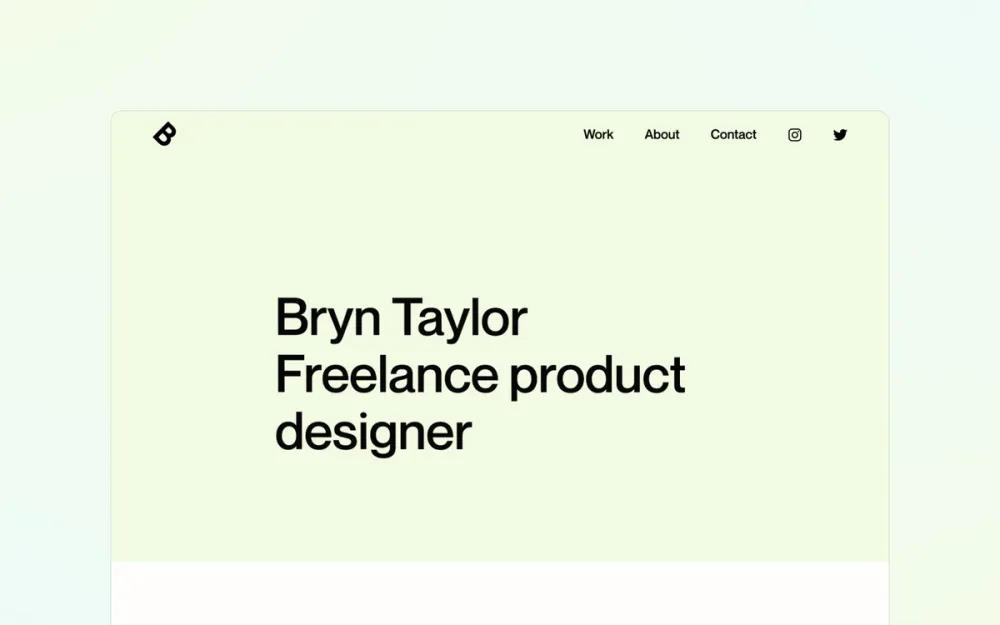
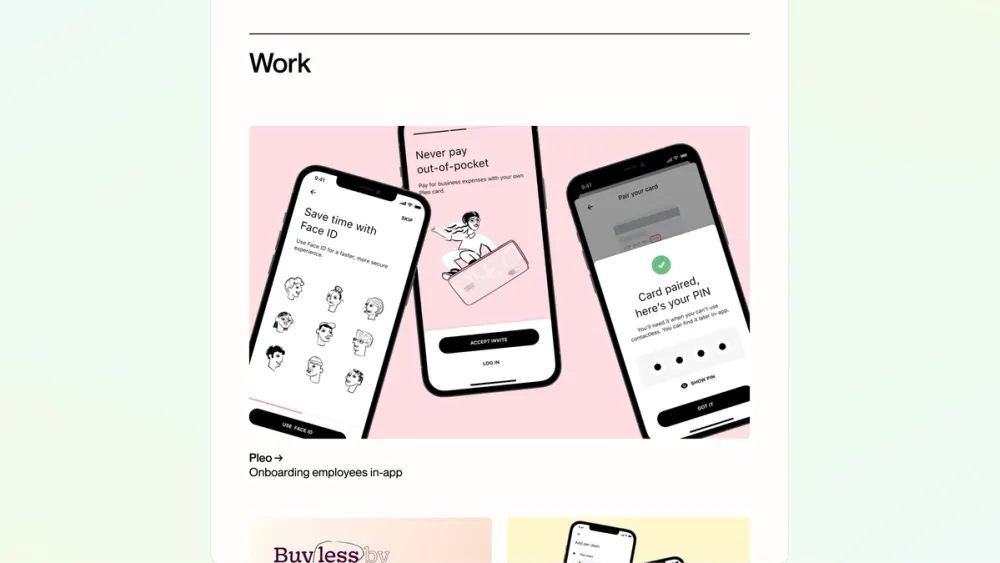
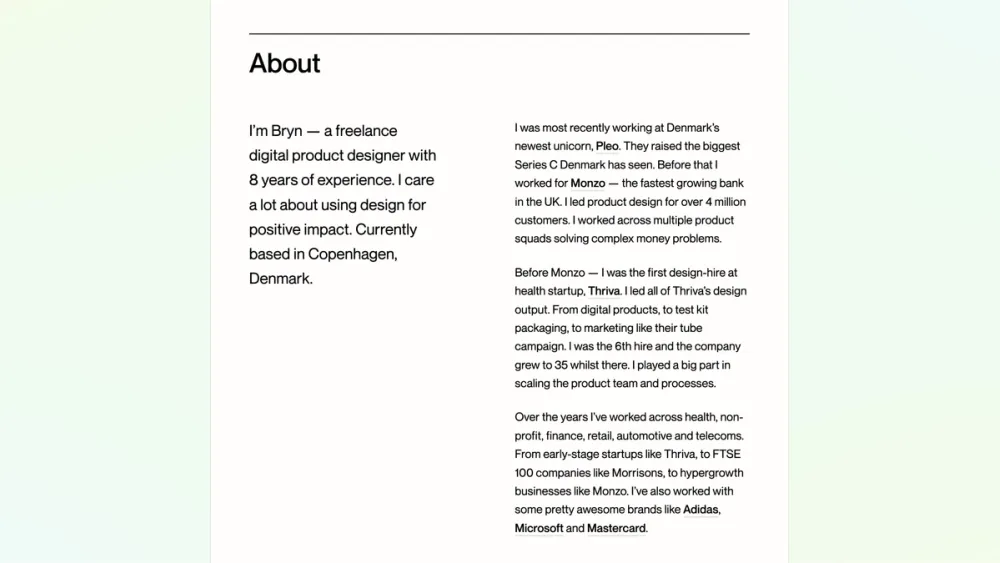
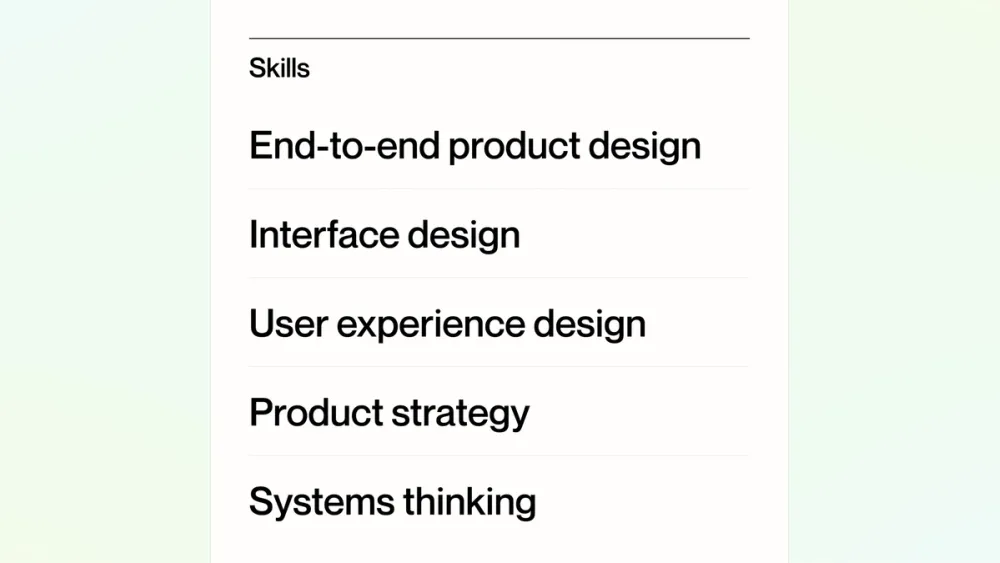
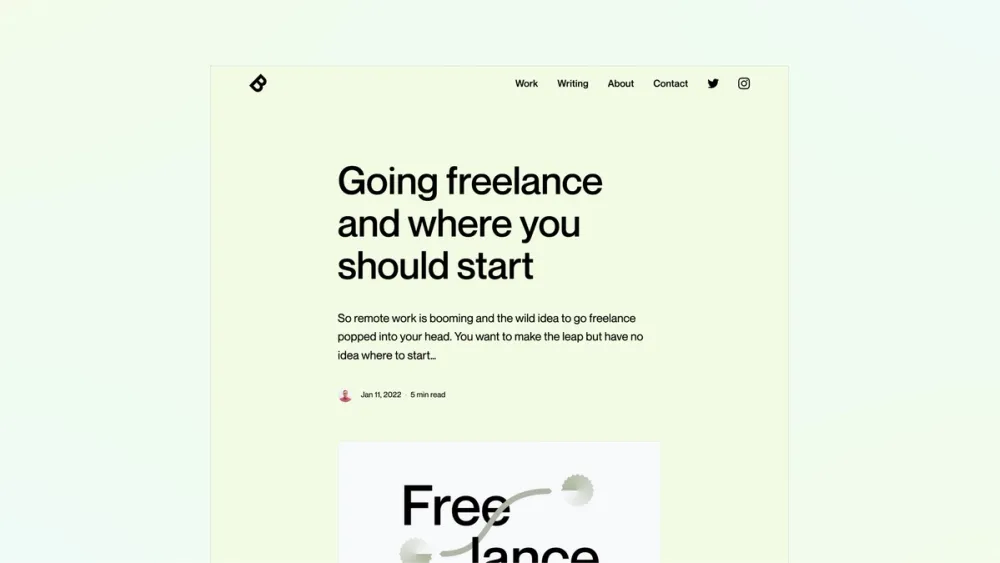
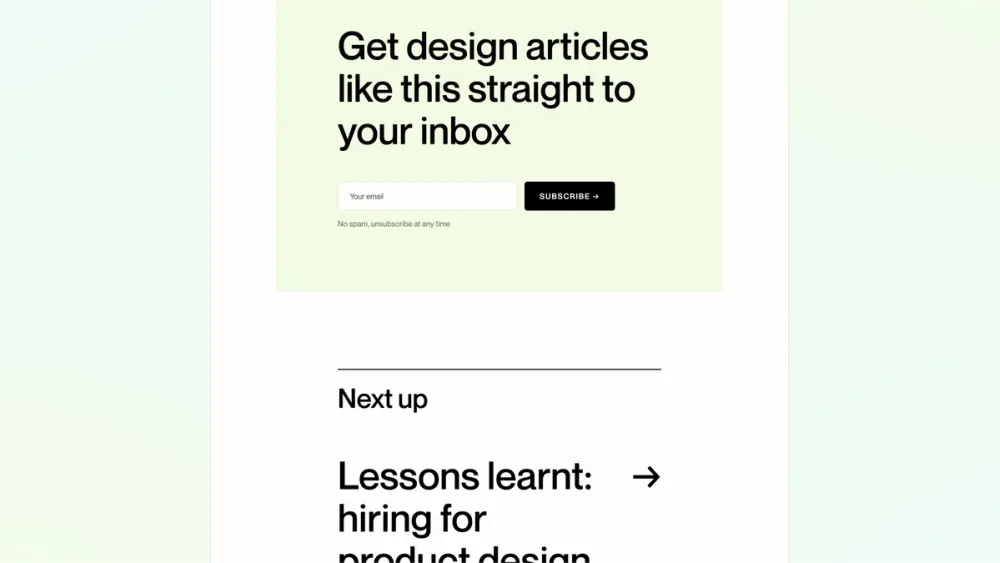
My Webflow portfolio
A free, clean and minimal portfolio template for product designers. Launch your portfolio fast.
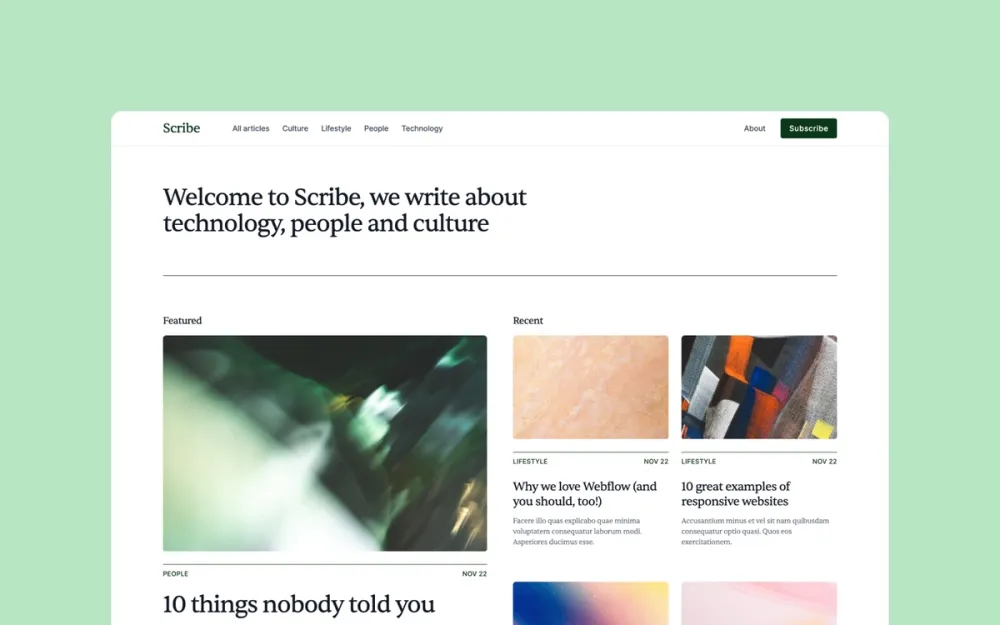
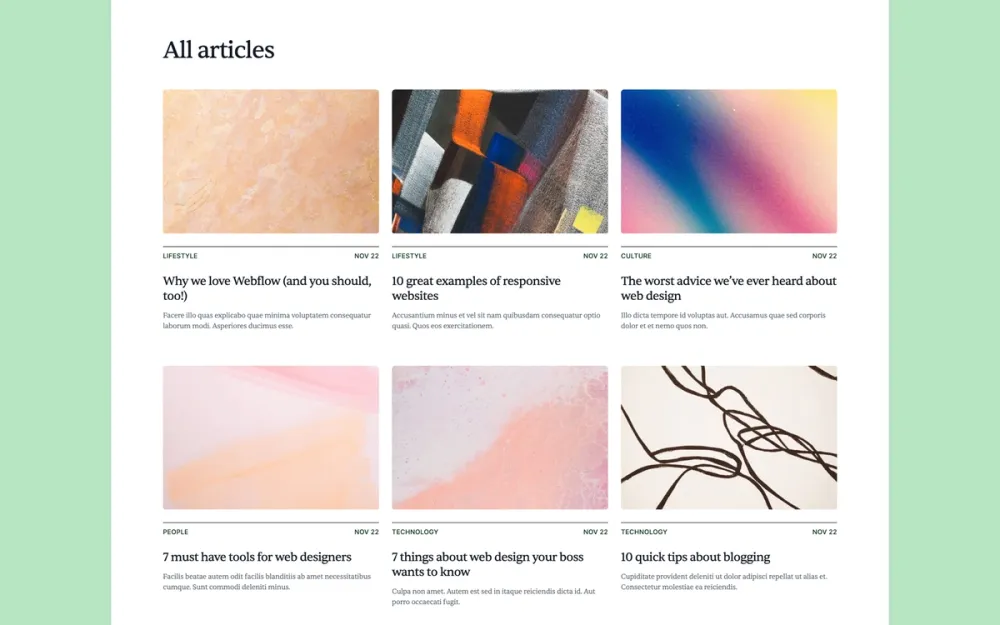
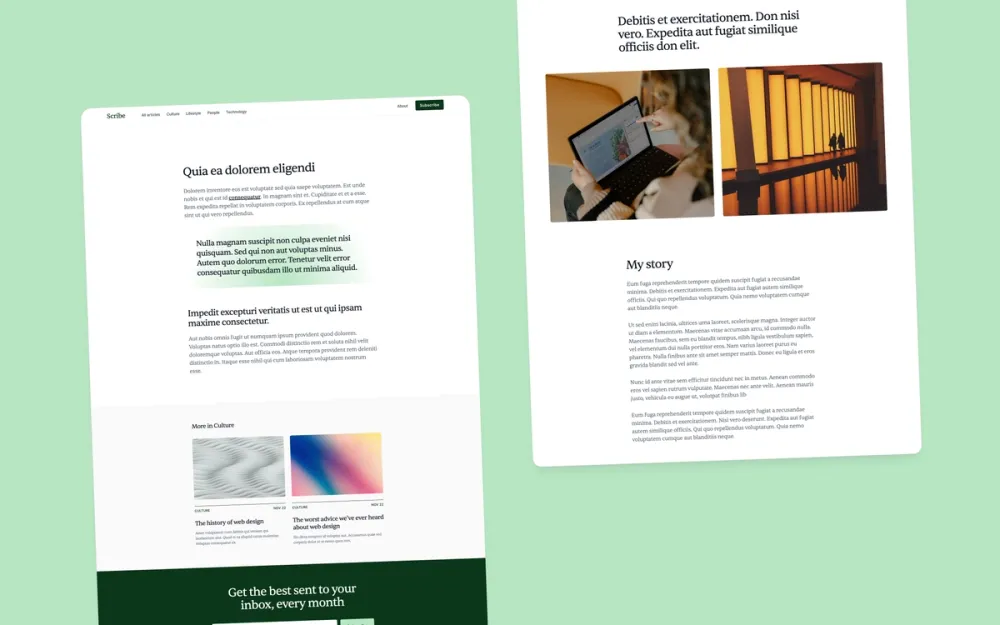
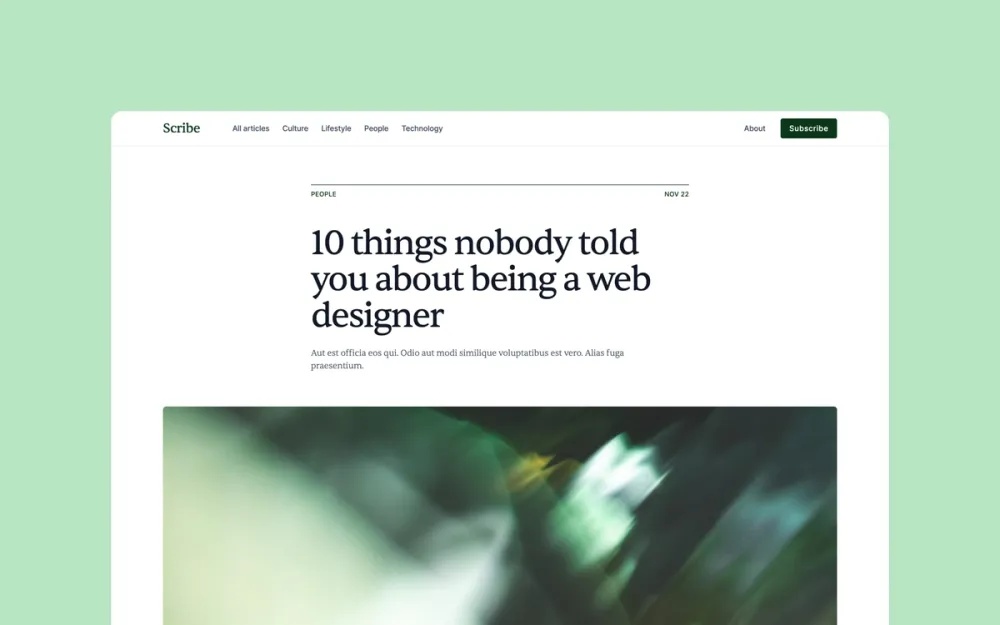
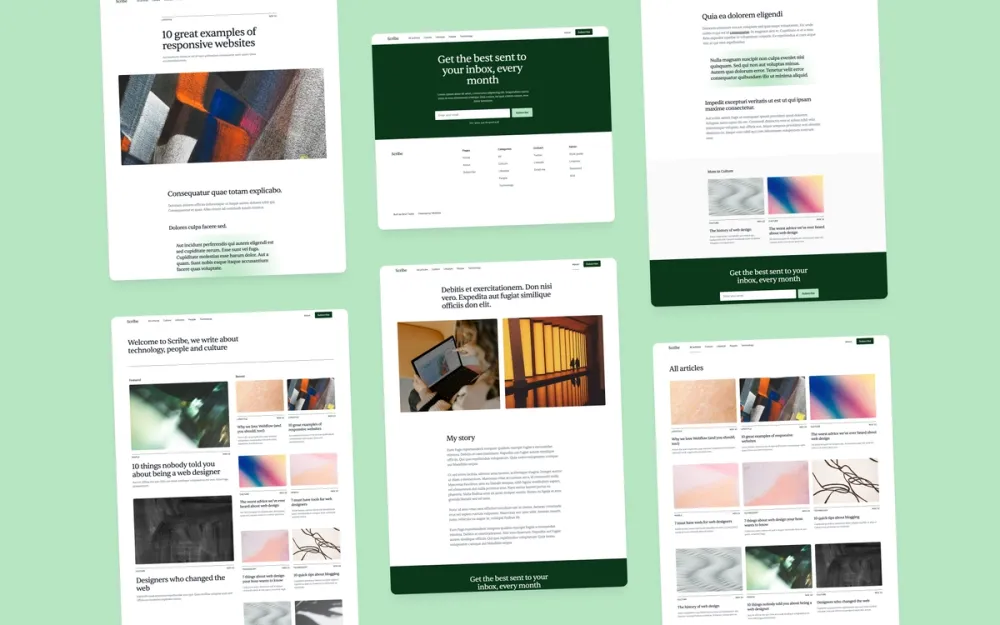
Scribe
A simple blog template for writers, bloggers, and news teams

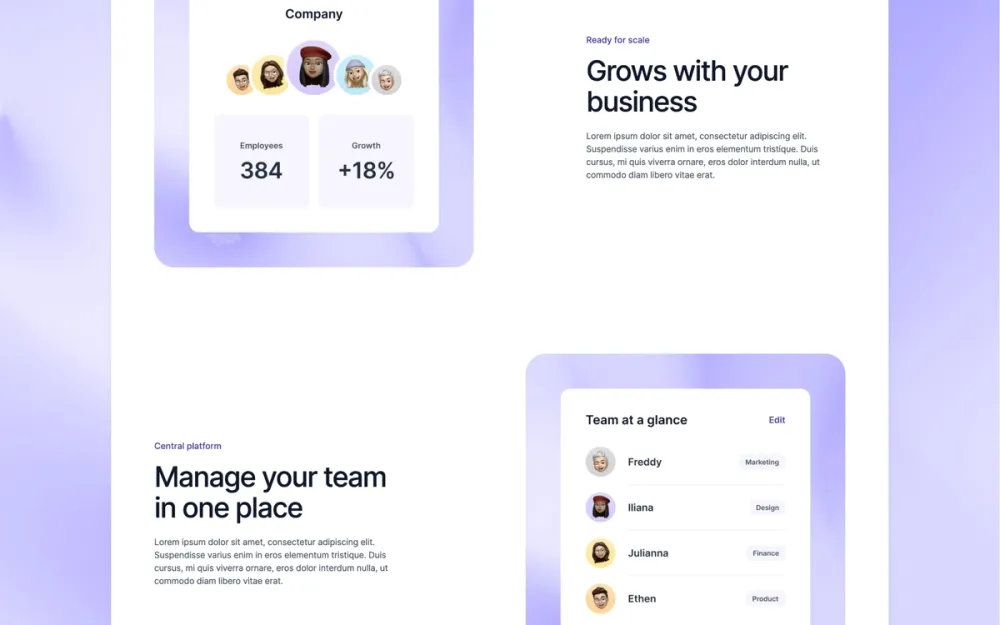
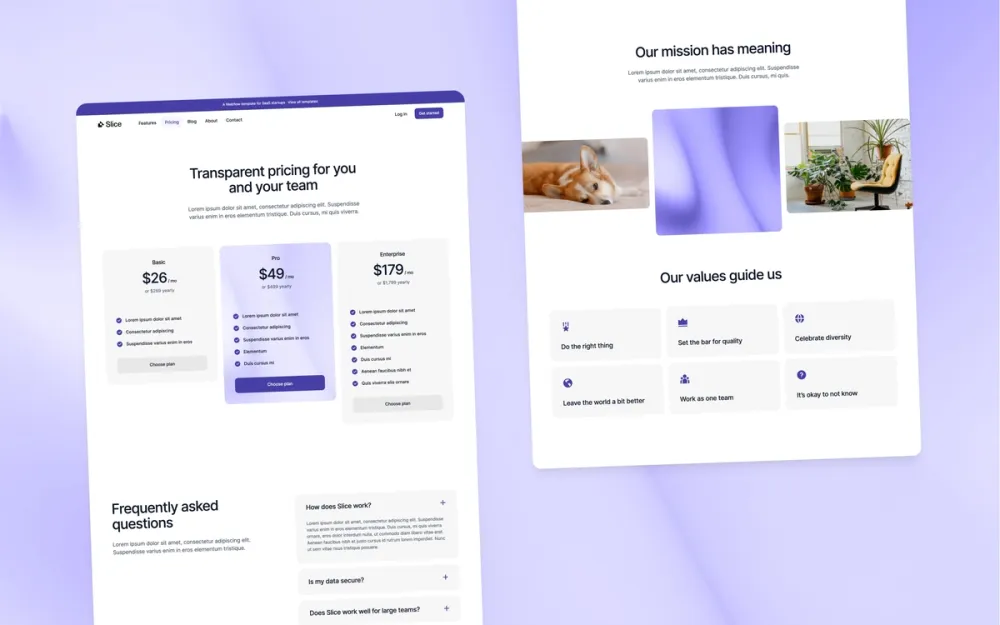
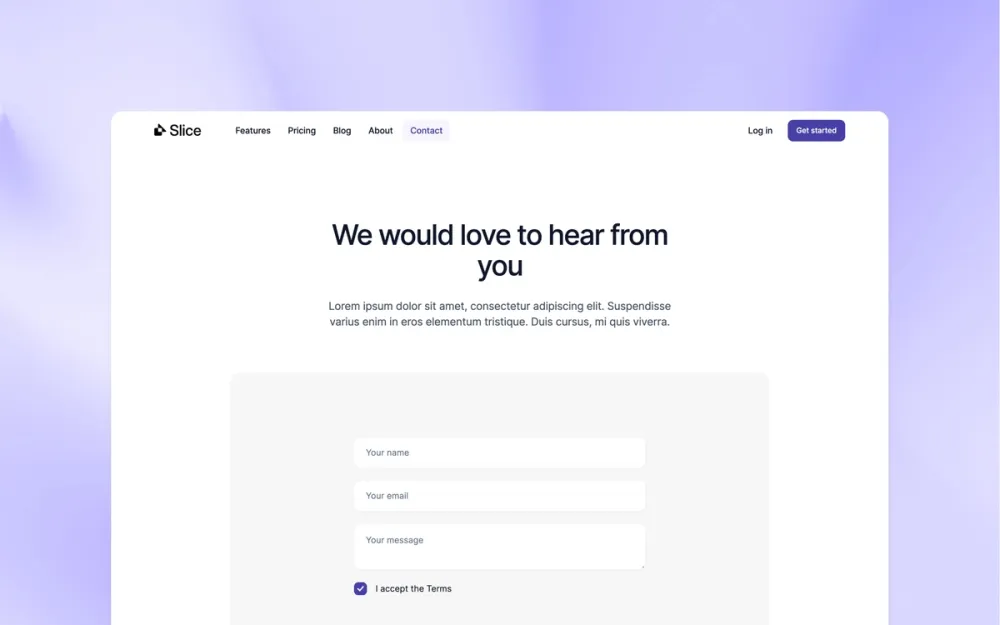
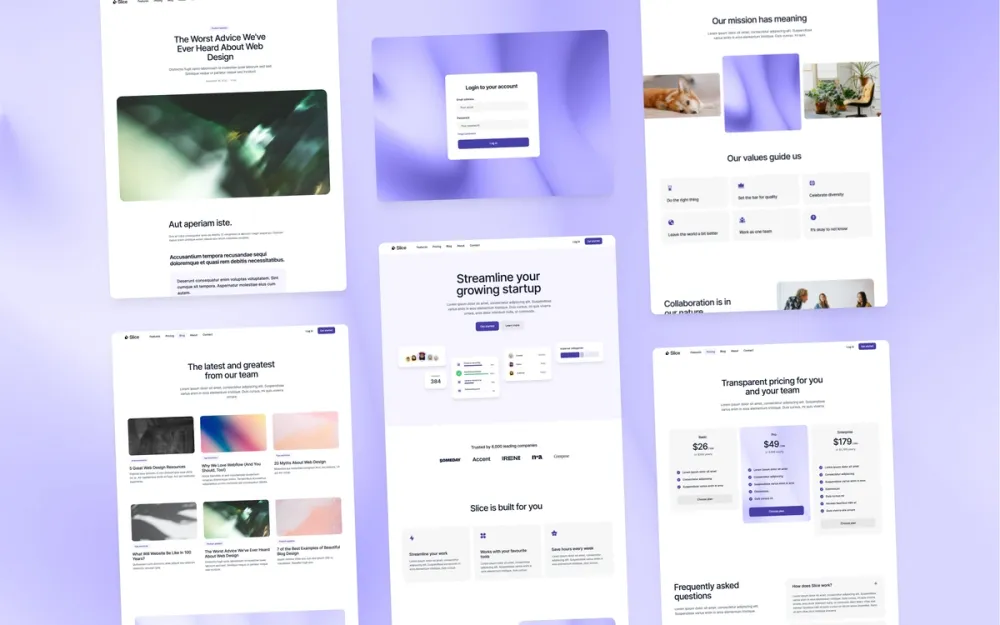
Slice
A high-quality template for growing SaaS companies
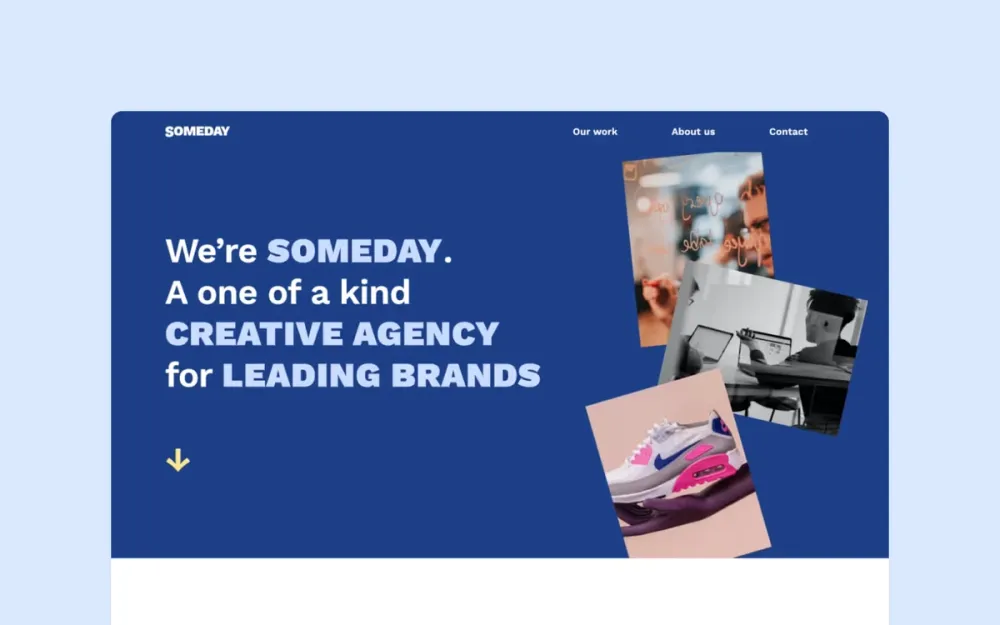
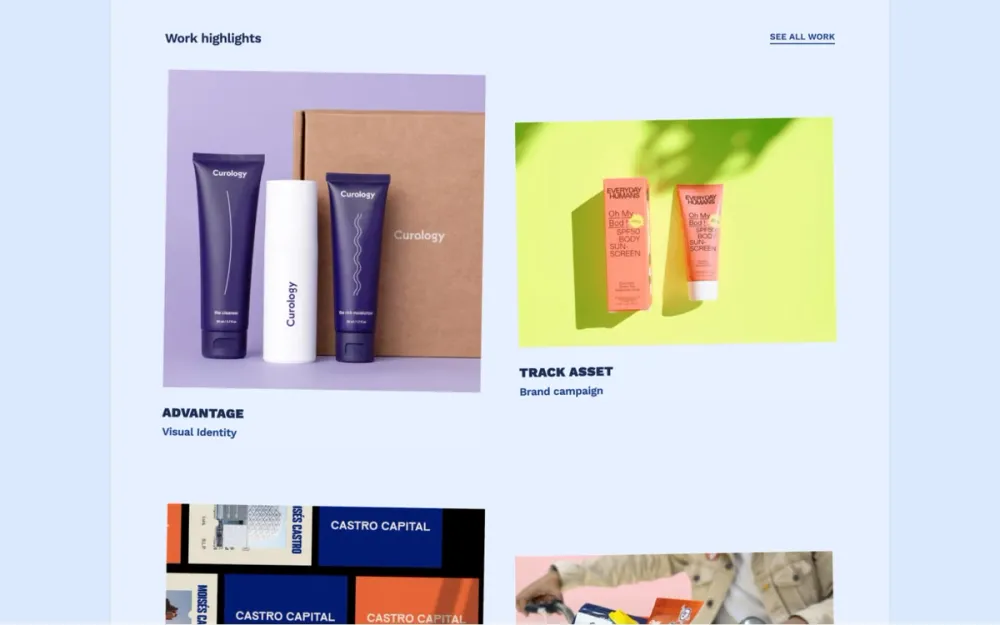
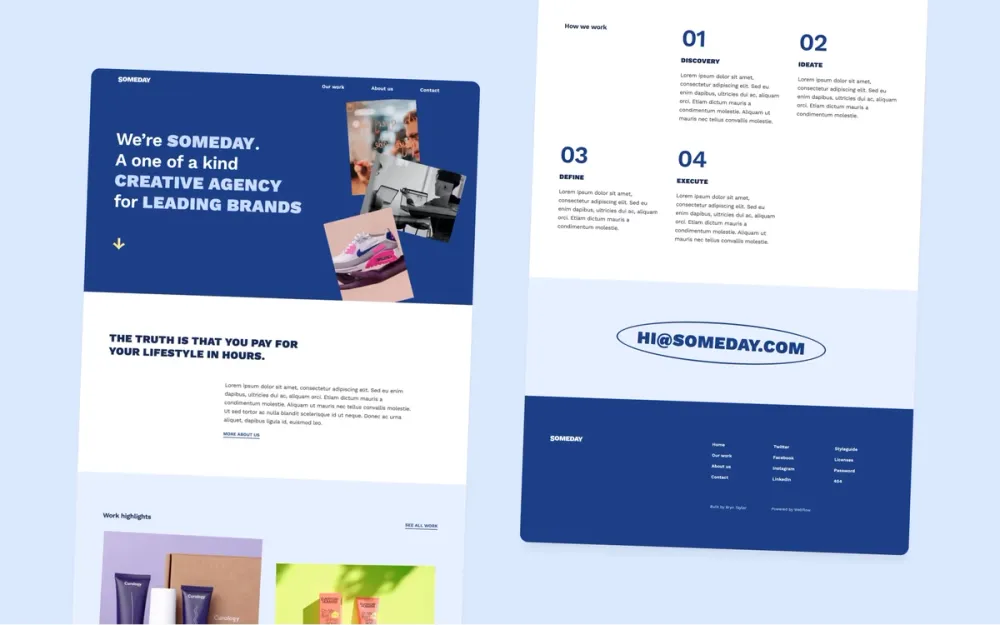
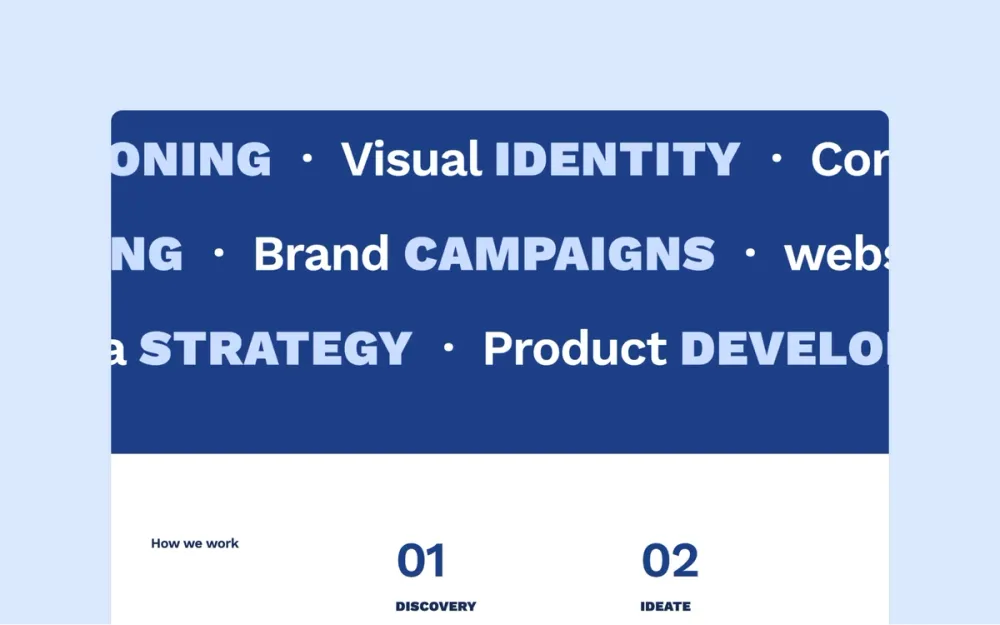
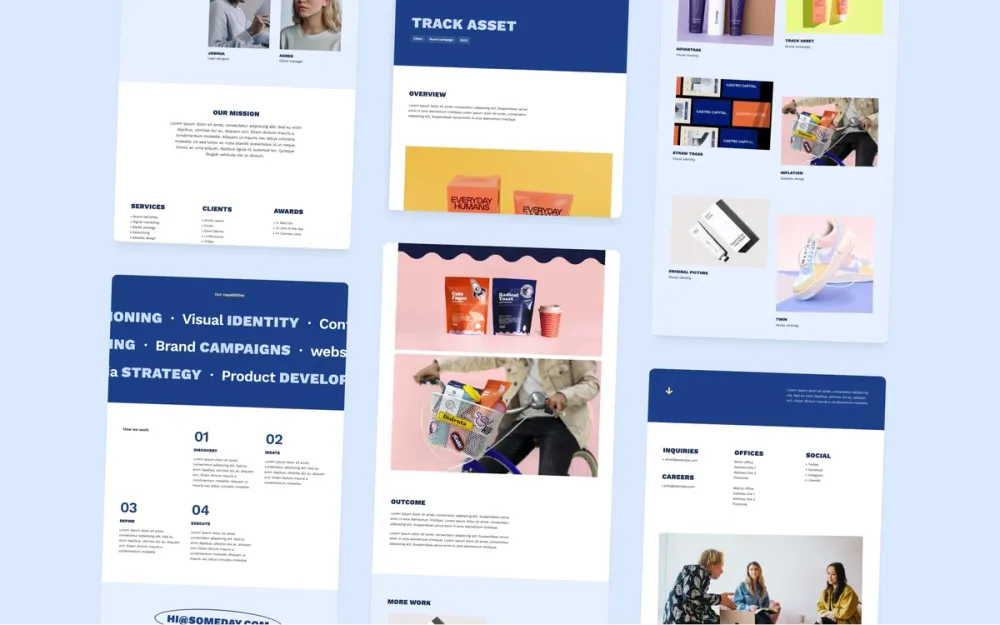
Someday
A creative and playful portfolio template for agencies or creative teams
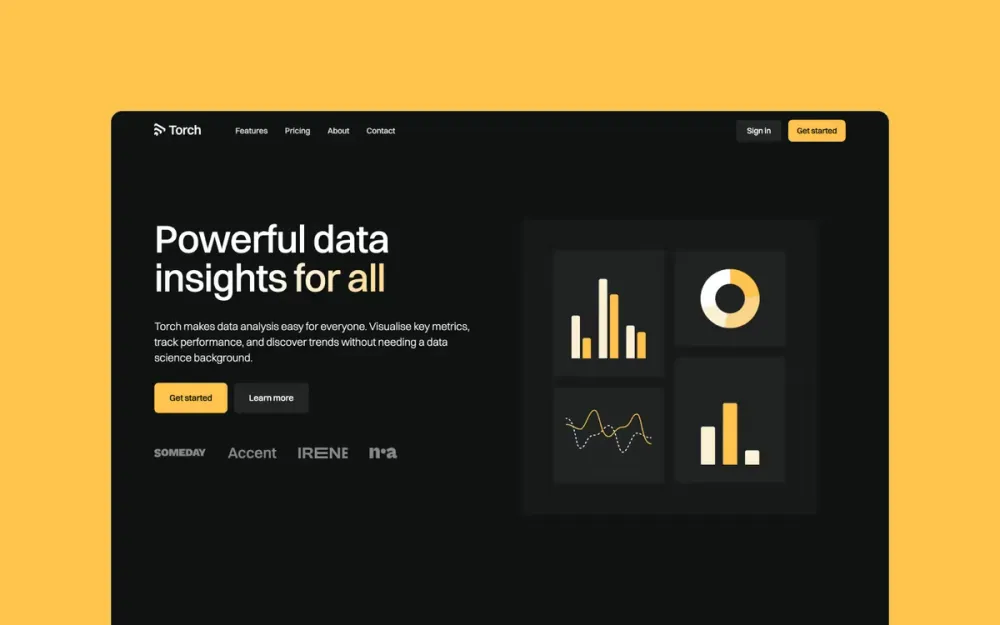
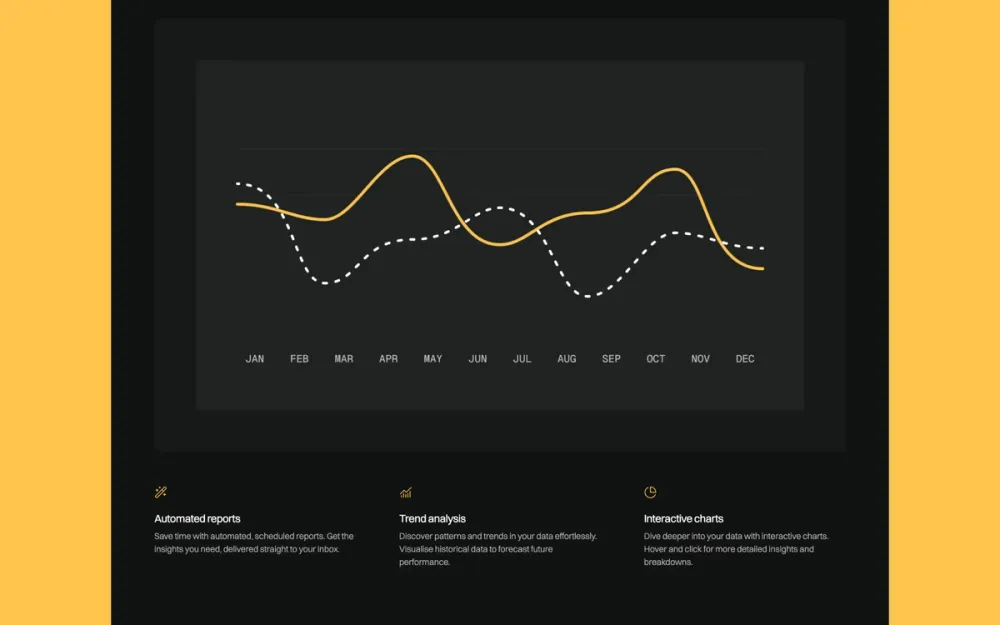
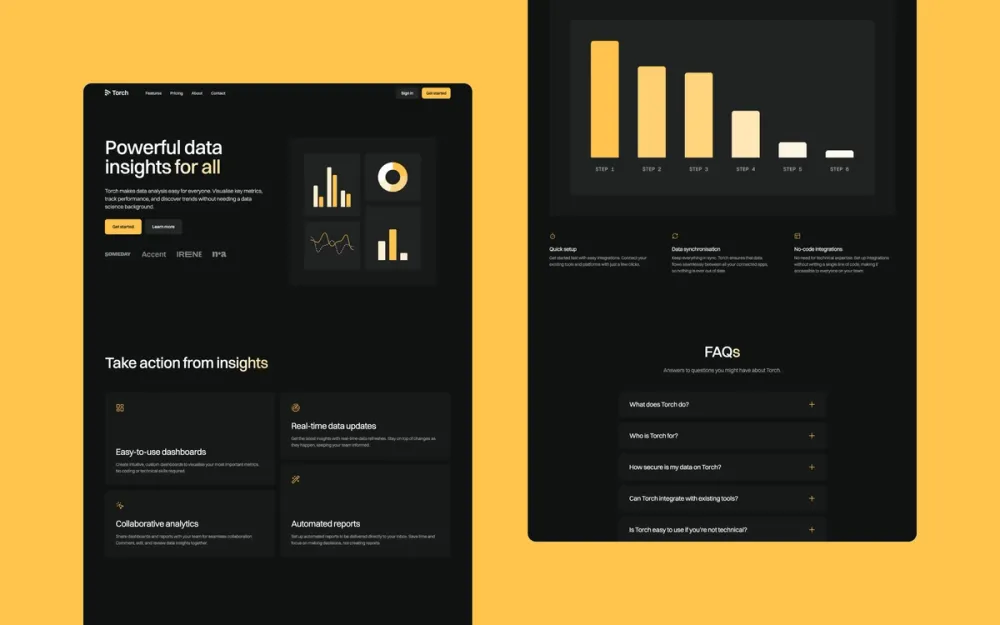
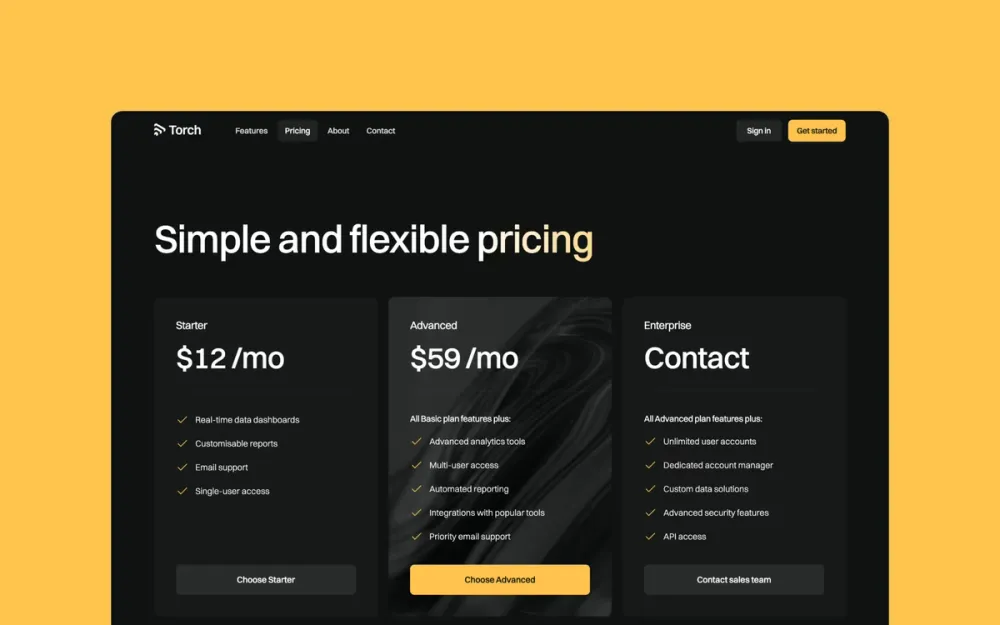
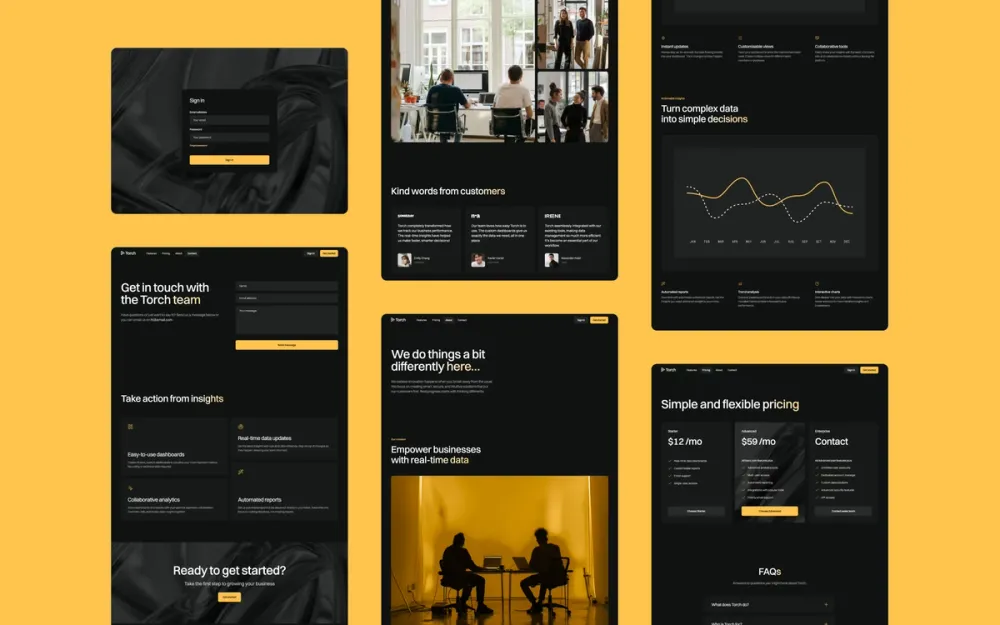
Torch
A dark-mode template for SaaS companies and startups
Top quality Webflow templates
Clean, simple, and modern design
20k+ happy customers
Designed and built by me
Uses the latest Webflow features
Ready to use assets
100% mobile responsive
Easy to customise
SEO optimised
Fast performance
Dedicated 1:1 support
Related Webflow templates
Templates featured on





What do other people say?
Made the mistake of trying to create a website from Scratch in Framer. Didn't work. Bought a template from Bryn and that worked like a treat.
Saved time, looks 10x better and it set up the website to scale in the future. Highly recommended!
Super easy to use and looks fantastic straight out of the box. Bryn’s Jonas template helped me get my portfolio online in just a week.

Good blog website template. Truly worth the price of $99.
Excellent ✨ Last time I made a website was over 15 years ago 😄 — and still, I was able to get planet2x.com up and running in just a few days using Framer and the Irene template.
With some help from ChatGPT and Irene’s clean design and structure, everything came together…

Bryn’s designs are some of the best I’ve seen. They are beautiful, clean layouts with subtle animation and interactivity that strike the perfect balance between creating a special experience without being over done. You will find plenty of unique design elements along with…
The Scribe template has been a seamless fit for my Framer projects. Out of the box it delivers crisp typography, thoughtful page hierarchy, and lightning-fast load times, so I could focus on content instead of layout tweaks.
Customizing colors and components took minutes, not…

I was super relieved to find Jonas. It is minimal sophistication. My portfolio looks really modern and clean, and I was able to implement a lot of case studies in very little time. Just what I needed.
Really well designed. All the design variables are in place. It’s well laid out and documented and Bryn is very responsive. This has really sped up our time to launch!

I've been trying to make my portfolio website forever, even with the available framer templates it was turning out to be really intimidating. I was able to finish it in under four days after I came across Bryn's template: Sharp! It's set up to be super easy to edit and I love…

The Jonas Webflow template was generally straightforward and easy to use and I was able to adapt it to how I wanted to show my portfolio. I chose it because it’s clean, clear and has a strong presence. Bryn answered my query promptly; Webflow support helped me iron out a few of…

I just wanted to reach out and express my sincere appreciation for your Webflow templates. After trying numerous options, including paid ones, I found that your designs stand out exceptionally. The ease of use and aesthetic appeal of your templates allowed me to get my portfolio…

I spent a lot of time looking for a good portfolio, and was really impressed after cloning the template over to Webflow. Not only was it well layout, but incredibly easy to tweak to suit my needs.
The way the CMS is set up allows for easy expansion and a real quick turn around…
Very close to what I needed for my blogging site - articles, categories, and a clean, simple responsive design. Nothing more, nothing less. Author of the template was also friendly and helpful in customizing the template.

Jonas is a super intuitive and easy to use template that's helped me get my website up in less than a day. Highly recommended!!

This template is easy to use, very intuitive, bold and minimalistic, yet modern.

Beautiful, bold, and minimal – that's exactly the style I like.

This template was awesome! It's so simple yet so beautiful; and being a beginner with no clue how to use Framer, I founded it very easy to customize. I also loved how easy it was to get in touch and get my questions answered.
Love the little note explaining how to update the footer, was so easy to edit. Dig how simple this template is, gets you right to the work. Peace & thanks!

As a first time Webflow user, this template couldn't have been easier to get a handle on. Not only is it sleek, it shows off my work beautifully.

I used this Framer template and created a complete landing page within hours, even without prior Framer knowledge. The design is beautiful and incredibly easy to use. Plus, the support from Bryn was top-notch. Highly recommended!

This weekend, I tried to get a business idea out of my head and into a proof of concept site, and Bryn's template made it possible to do it in one day! I hadn’t used Framer before, but the way the template was set up allowed me to understand Framer better and also tweak all…

Template was easy to use, the structure and layout is clean and easy to use, I like that all of the information is primarily in one page and that the nav bar easily anchors to each section rather than multiple pages making it feel more condensed and concise. I think the…

The site is simple but beautiful, rich in detail. And it's free! Thank you very much.

First I was so confused as it is my first portfolio, then I come across your template. It’s easy to customise, and I launched my portfolio so fast. Thank you for the template.

Thank you for this awesome template. I will be able to work on my portfolio by tweaking it in my own style.

I recently had the opportunity to use Bryn's portfolio template for creating my design portfolio. The template was easy to use, allowing me to build my portfolio efficiently. The user-friendly interface and clear instructions made the process smooth and straightforward, saving…

The scribe template was so easy to use and looks incredibly sleek. It was really easy to adapt and customize with the brand colors and typography that I was using. Would definitely recommend!

I’m a product marketer with no design background whatsoever, but I just built my portfolio using Bryn’s Irene Template! The template is super user-friendly and easy to adapt to your specific design style, even if you're a total newbie like me. Plus, Bryn himself was incredibly…

I love the template! It’s actually very easy to use and I love the minimalist style and theme that you implement in your themes in general. I love how simple and sleek the designs are!
It’s a beautiful template! Customizing it to my needs was super easy. Highly recommend.
A polished and sleek design was something I sought after for a blog focused on sustainability. Everything is top notch and usable out of the box.

The templates are very easy to use. Bryn is very helpful and easy to reach when I had questions about the template pre and post purchase and during build.

The template was really well-made and was super easy to use! I was faced with a problem while building out from the template and when I reached out to Bryn for help, he was super kind with the instructions on how to solve the issue and even recorded a how-to video for me. I…

This portfolio site is beautiful, professional and easy to use. It really has a wow-factor. I wanted to have a robust portfolio launched quickly and that is exactly what I got! I highly recommend using this template with Framer created by Bryn. The Framer community page helped…

Made the mistake of trying to create a website from Scratch in Framer. Didn't work. Bought a template from Bryn and that worked like a treat.
Saved time, looks 10x better and it set up the website to scale in the future. Highly recommended!
Super easy to use and looks fantastic straight out of the box. Bryn’s Jonas template helped me get my portfolio online in just a week.
Good blog website template. Truly worth the price of $99.
Excellent ✨ Last time I made a website was over 15 years ago 😄 — and still, I was able to get planet2x.com up and running in just a few days using Framer and the Irene template.
With some help from ChatGPT and Irene’s clean design and structure, everything came together…
Bryn’s designs are some of the best I’ve seen. They are beautiful, clean layouts with subtle animation and interactivity that strike the perfect balance between creating a special experience without being over done. You will find plenty of unique design elements along with…
The Scribe template has been a seamless fit for my Framer projects. Out of the box it delivers crisp typography, thoughtful page hierarchy, and lightning-fast load times, so I could focus on content instead of layout tweaks.
Customizing colors and components took minutes, not…
I was super relieved to find Jonas. It is minimal sophistication. My portfolio looks really modern and clean, and I was able to implement a lot of case studies in very little time. Just what I needed.
Really well designed. All the design variables are in place. It’s well laid out and documented and Bryn is very responsive. This has really sped up our time to launch!
I've been trying to make my portfolio website forever, even with the available framer templates it was turning out to be really intimidating. I was able to finish it in under four days after I came across Bryn's template: Sharp! It's set up to be super easy to edit and I love…
The Jonas Webflow template was generally straightforward and easy to use and I was able to adapt it to how I wanted to show my portfolio. I chose it because it’s clean, clear and has a strong presence. Bryn answered my query promptly; Webflow support helped me iron out a few of…
I just wanted to reach out and express my sincere appreciation for your Webflow templates. After trying numerous options, including paid ones, I found that your designs stand out exceptionally. The ease of use and aesthetic appeal of your templates allowed me to get my portfolio…
I spent a lot of time looking for a good portfolio, and was really impressed after cloning the template over to Webflow. Not only was it well layout, but incredibly easy to tweak to suit my needs.
The way the CMS is set up allows for easy expansion and a real quick turn around…
Very close to what I needed for my blogging site - articles, categories, and a clean, simple responsive design. Nothing more, nothing less. Author of the template was also friendly and helpful in customizing the template.
Jonas is a super intuitive and easy to use template that's helped me get my website up in less than a day. Highly recommended!!
This template is easy to use, very intuitive, bold and minimalistic, yet modern.
Beautiful, bold, and minimal – that's exactly the style I like.
This template was awesome! It's so simple yet so beautiful; and being a beginner with no clue how to use Framer, I founded it very easy to customize. I also loved how easy it was to get in touch and get my questions answered.
Love the little note explaining how to update the footer, was so easy to edit. Dig how simple this template is, gets you right to the work. Peace & thanks!
As a first time Webflow user, this template couldn't have been easier to get a handle on. Not only is it sleek, it shows off my work beautifully.
I used this Framer template and created a complete landing page within hours, even without prior Framer knowledge. The design is beautiful and incredibly easy to use. Plus, the support from Bryn was top-notch. Highly recommended!
This weekend, I tried to get a business idea out of my head and into a proof of concept site, and Bryn's template made it possible to do it in one day! I hadn’t used Framer before, but the way the template was set up allowed me to understand Framer better and also tweak all…
Template was easy to use, the structure and layout is clean and easy to use, I like that all of the information is primarily in one page and that the nav bar easily anchors to each section rather than multiple pages making it feel more condensed and concise. I think the…
The site is simple but beautiful, rich in detail. And it's free! Thank you very much.
First I was so confused as it is my first portfolio, then I come across your template. It’s easy to customise, and I launched my portfolio so fast. Thank you for the template.
Thank you for this awesome template. I will be able to work on my portfolio by tweaking it in my own style.
I recently had the opportunity to use Bryn's portfolio template for creating my design portfolio. The template was easy to use, allowing me to build my portfolio efficiently. The user-friendly interface and clear instructions made the process smooth and straightforward, saving…
The scribe template was so easy to use and looks incredibly sleek. It was really easy to adapt and customize with the brand colors and typography that I was using. Would definitely recommend!
I’m a product marketer with no design background whatsoever, but I just built my portfolio using Bryn’s Irene Template! The template is super user-friendly and easy to adapt to your specific design style, even if you're a total newbie like me. Plus, Bryn himself was incredibly…
I love the template! It’s actually very easy to use and I love the minimalist style and theme that you implement in your themes in general. I love how simple and sleek the designs are!
It’s a beautiful template! Customizing it to my needs was super easy. Highly recommend.
A polished and sleek design was something I sought after for a blog focused on sustainability. Everything is top notch and usable out of the box.
The templates are very easy to use. Bryn is very helpful and easy to reach when I had questions about the template pre and post purchase and during build.
The template was really well-made and was super easy to use! I was faced with a problem while building out from the template and when I reached out to Bryn for help, he was super kind with the instructions on how to solve the issue and even recorded a how-to video for me. I…
This portfolio site is beautiful, professional and easy to use. It really has a wow-factor. I wanted to have a robust portfolio launched quickly and that is exactly what I got! I highly recommend using this template with Framer created by Bryn. The Framer community page helped…
Made the mistake of trying to create a website from Scratch in Framer. Didn't work. Bought a template from Bryn and that worked like a treat.
Saved time, looks 10x better and it set up the website to scale in the future. Highly recommended!
Super easy to use and looks fantastic straight out of the box. Bryn’s Jonas template helped me get my portfolio online in just a week.
Good blog website template. Truly worth the price of $99.
Excellent ✨ Last time I made a website was over 15 years ago 😄 — and still, I was able to get planet2x.com up and running in just a few days using Framer and the Irene template.
With some help from ChatGPT and Irene’s clean design and structure, everything came together…
Bryn’s designs are some of the best I’ve seen. They are beautiful, clean layouts with subtle animation and interactivity that strike the perfect balance between creating a special experience without being over done. You will find plenty of unique design elements along with…
The Scribe template has been a seamless fit for my Framer projects. Out of the box it delivers crisp typography, thoughtful page hierarchy, and lightning-fast load times, so I could focus on content instead of layout tweaks.
Customizing colors and components took minutes, not…
I was super relieved to find Jonas. It is minimal sophistication. My portfolio looks really modern and clean, and I was able to implement a lot of case studies in very little time. Just what I needed.
Really well designed. All the design variables are in place. It’s well laid out and documented and Bryn is very responsive. This has really sped up our time to launch!
I've been trying to make my portfolio website forever, even with the available framer templates it was turning out to be really intimidating. I was able to finish it in under four days after I came across Bryn's template: Sharp! It's set up to be super easy to edit and I love…
The Jonas Webflow template was generally straightforward and easy to use and I was able to adapt it to how I wanted to show my portfolio. I chose it because it’s clean, clear and has a strong presence. Bryn answered my query promptly; Webflow support helped me iron out a few of…
I just wanted to reach out and express my sincere appreciation for your Webflow templates. After trying numerous options, including paid ones, I found that your designs stand out exceptionally. The ease of use and aesthetic appeal of your templates allowed me to get my portfolio…
I spent a lot of time looking for a good portfolio, and was really impressed after cloning the template over to Webflow. Not only was it well layout, but incredibly easy to tweak to suit my needs.
The way the CMS is set up allows for easy expansion and a real quick turn around…
Very close to what I needed for my blogging site - articles, categories, and a clean, simple responsive design. Nothing more, nothing less. Author of the template was also friendly and helpful in customizing the template.
Jonas is a super intuitive and easy to use template that's helped me get my website up in less than a day. Highly recommended!!
This template is easy to use, very intuitive, bold and minimalistic, yet modern.
Beautiful, bold, and minimal – that's exactly the style I like.
This template was awesome! It's so simple yet so beautiful; and being a beginner with no clue how to use Framer, I founded it very easy to customize. I also loved how easy it was to get in touch and get my questions answered.
Love the little note explaining how to update the footer, was so easy to edit. Dig how simple this template is, gets you right to the work. Peace & thanks!
As a first time Webflow user, this template couldn't have been easier to get a handle on. Not only is it sleek, it shows off my work beautifully.
I used this Framer template and created a complete landing page within hours, even without prior Framer knowledge. The design is beautiful and incredibly easy to use. Plus, the support from Bryn was top-notch. Highly recommended!
This weekend, I tried to get a business idea out of my head and into a proof of concept site, and Bryn's template made it possible to do it in one day! I hadn’t used Framer before, but the way the template was set up allowed me to understand Framer better and also tweak all…
Template was easy to use, the structure and layout is clean and easy to use, I like that all of the information is primarily in one page and that the nav bar easily anchors to each section rather than multiple pages making it feel more condensed and concise. I think the…
The site is simple but beautiful, rich in detail. And it's free! Thank you very much.
First I was so confused as it is my first portfolio, then I come across your template. It’s easy to customise, and I launched my portfolio so fast. Thank you for the template.
Thank you for this awesome template. I will be able to work on my portfolio by tweaking it in my own style.
I recently had the opportunity to use Bryn's portfolio template for creating my design portfolio. The template was easy to use, allowing me to build my portfolio efficiently. The user-friendly interface and clear instructions made the process smooth and straightforward, saving…
The scribe template was so easy to use and looks incredibly sleek. It was really easy to adapt and customize with the brand colors and typography that I was using. Would definitely recommend!
I’m a product marketer with no design background whatsoever, but I just built my portfolio using Bryn’s Irene Template! The template is super user-friendly and easy to adapt to your specific design style, even if you're a total newbie like me. Plus, Bryn himself was incredibly…
I love the template! It’s actually very easy to use and I love the minimalist style and theme that you implement in your themes in general. I love how simple and sleek the designs are!
It’s a beautiful template! Customizing it to my needs was super easy. Highly recommend.
A polished and sleek design was something I sought after for a blog focused on sustainability. Everything is top notch and usable out of the box.
The templates are very easy to use. Bryn is very helpful and easy to reach when I had questions about the template pre and post purchase and during build.
The template was really well-made and was super easy to use! I was faced with a problem while building out from the template and when I reached out to Bryn for help, he was super kind with the instructions on how to solve the issue and even recorded a how-to video for me. I…
This portfolio site is beautiful, professional and easy to use. It really has a wow-factor. I wanted to have a robust portfolio launched quickly and that is exactly what I got! I highly recommend using this template with Framer created by Bryn. The Framer community page helped…
FAQs
Card layout templates use visually boxed content units — cards — to present collections of items. This might be a portfolio project grid, a blog article index, a team directory, or a feature showcase. The card pattern is flexible, scannable, and one of the most broadly applicable layout structures in web design.
Webflow's CMS powers card grids naturally — you define a card template, and each CMS entry generates a card automatically. Adding a new blog post, project, or team member creates a new card in the grid without rebuilding the layout. It's one of the most efficient patterns for growing content collections.
Yes. Webflow's visual editor gives you full control over card appearance: background, border, border radius, box shadow, and hover state effects. The card component is a styled div that you can update globally to change the appearance of every card on the site at once.
Yes. Team member cards — with photo, name, role, and a brief bio — are a classic application of the card layout pattern. With Webflow's CMS, the team directory updates automatically when you add or change entries, keeping the page current without manual layout editing.
Yes — that's one of the main advantages of the card pattern. The grid reflows to accommodate new cards automatically. As long as the CMS collection is used, adding new content simply means adding a new entry. The layout handles the rest.
Special discount
Enter your email to get 10% off your first Framer order
Join 2,600+ designers · Unsubscribe at any time